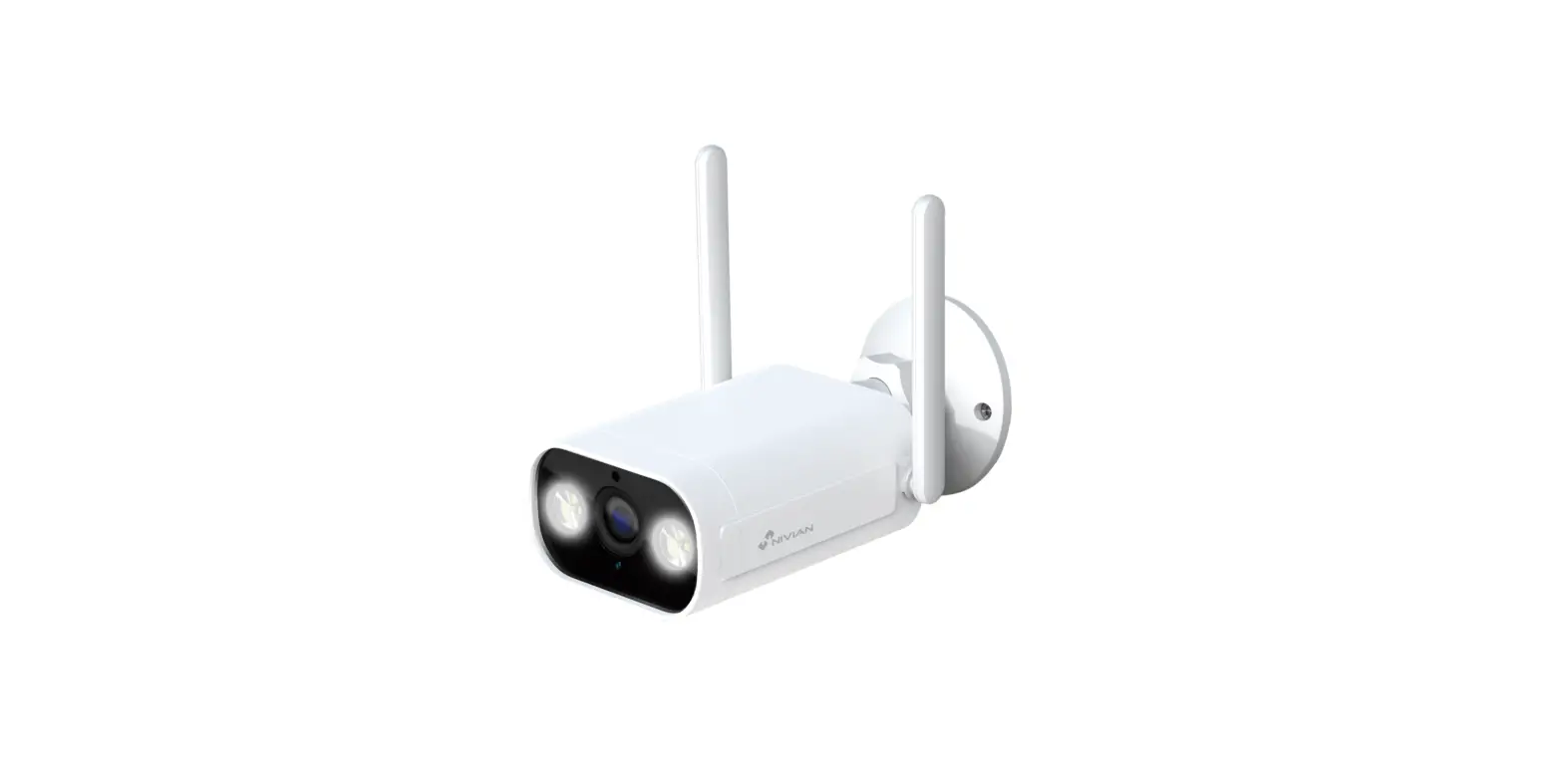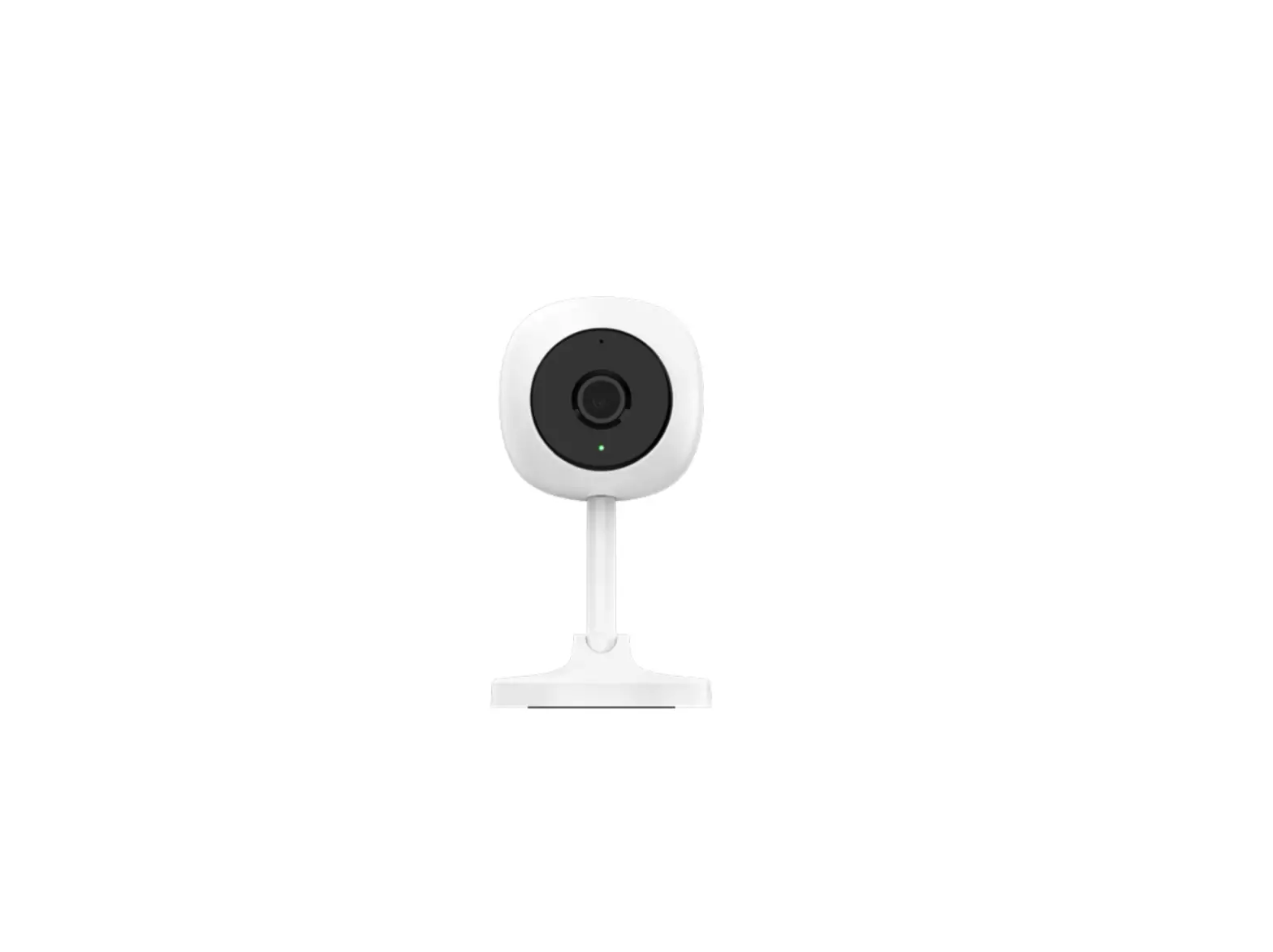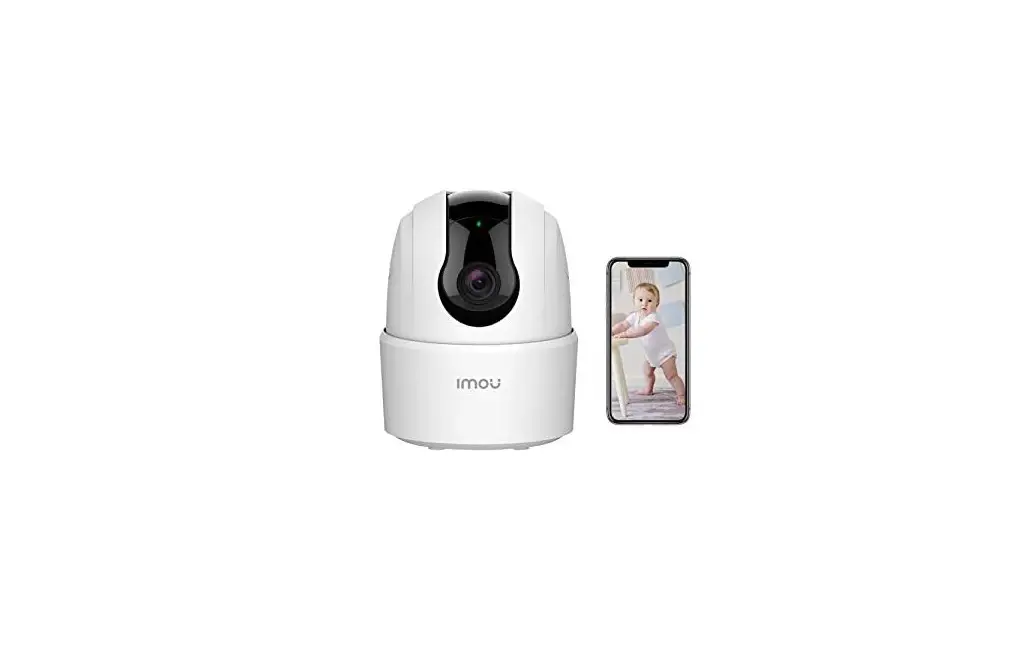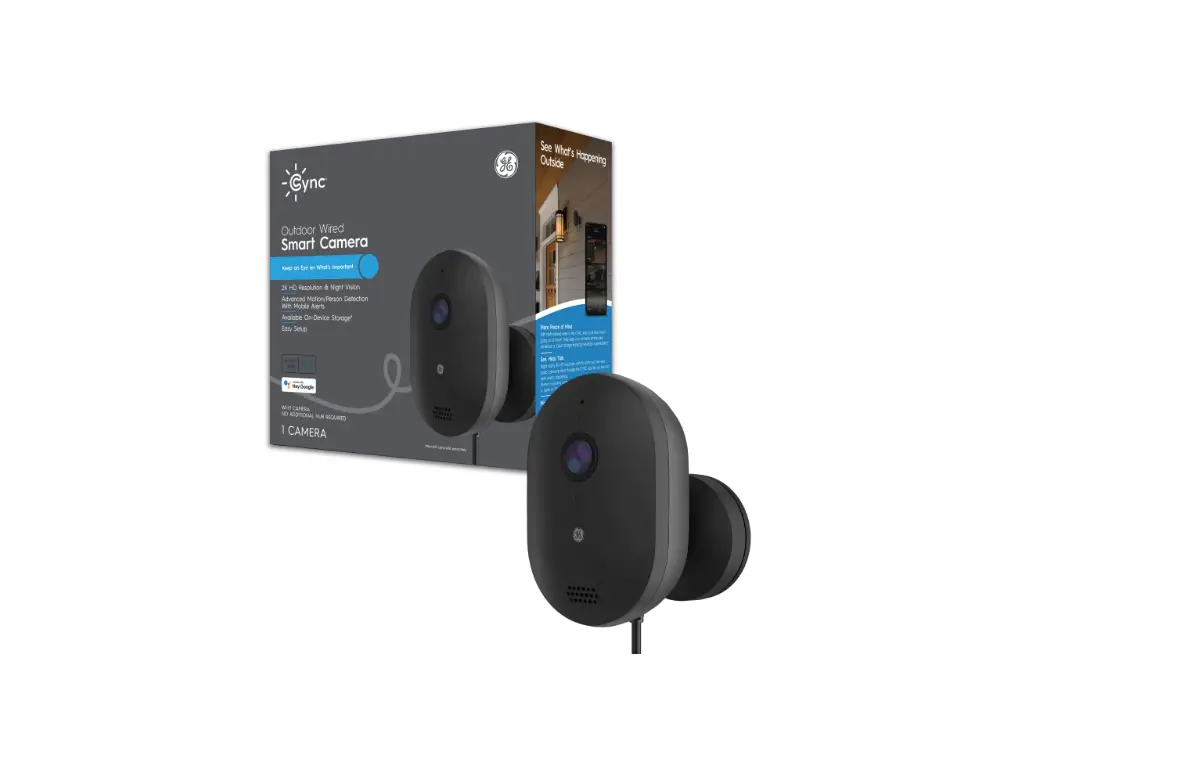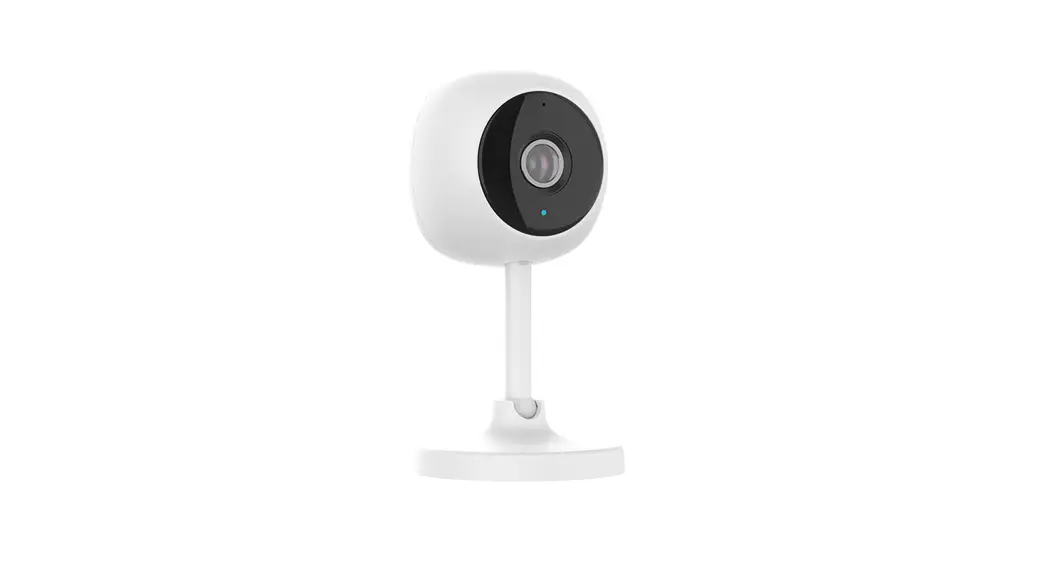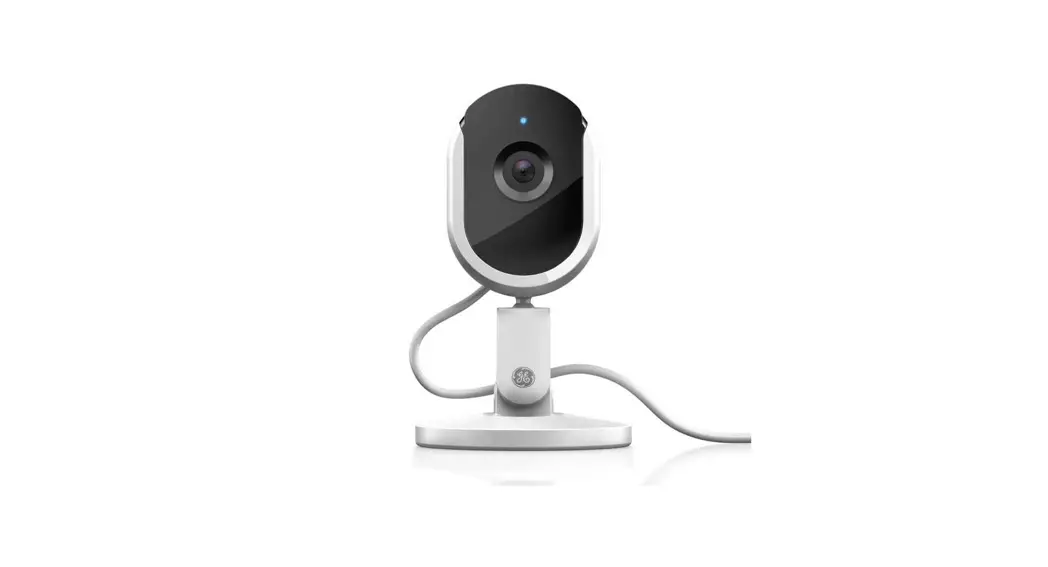

 Indoor Smart Camera
Quick Start Guide
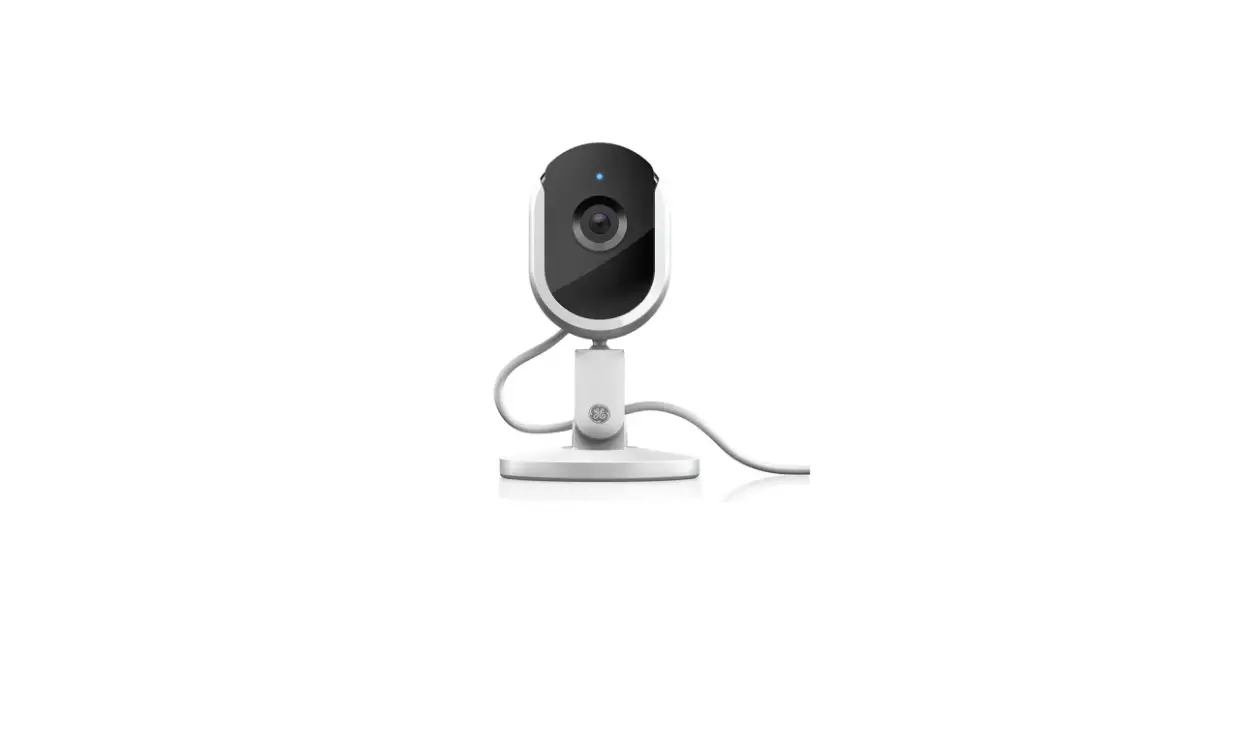
Controls & Connections
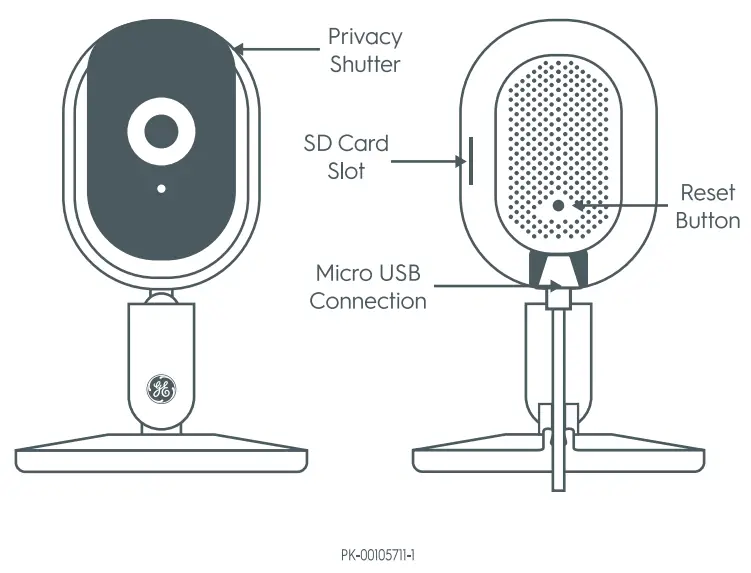
Let’s see what your Smart Camera can do:
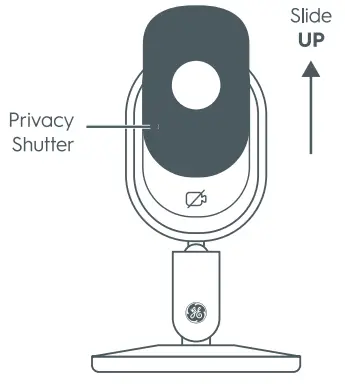
- Enable Privacy Mode.
To enable privacy mode, manually slide privacy shutter up. This disables audio and video functionality.
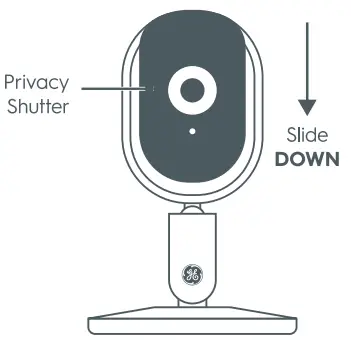
- Disable Privacy Mode.
To disable privacy mode, manually slide privacy shutter down. This restores audio and video functionality.
Video Storage & Resetting
Choose Your Storage Option:
Cloud Storage
Your camera comes with a free trial of our premium Cloud video storage solution. Your video will be stored in our secure Cloud accessed by two-factor authentication.
SD Drive
Store all of your content locally on an SD card (sold separately) using the camera’s built-in SD drive.
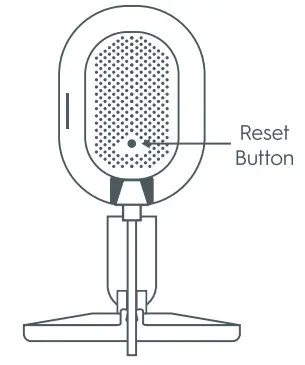
How to Factory Reset Your Camera:
- Locate the pin hole on your camera.
- Press and hold the button for 3
- seconds.
- You can let go when the LED light turns red.
| SKU Listing Info: | 93128850 NPI C by GE WiFi Camera 6083627 Q2 | |
| Version# (date) PA: | 5 (09-21-20) CN | |
| Bar Code Spec: | ❑ 100% No BWR ❑ 80% No BWR | ■ N/A |
| Insert (if shared): | None | |
| Supplier Project#: | N/A | |
| Print Method: | ❑ Offset/Litho ❑ Flexo (direct) | |
| GE DIE#: | NOT CONTROLLED | |
| PK#: | PK-00105711-1 | |
Lighting Graphics Approval
Approvals designate all items on the checklist that have been reviewed & are correct in addition to other organizational responsibilities.
| REVIEWED DATE | SIGNATURE | PACKAGING GRAPHICS |
❑ Proof Reading – Spelling
❑ Proof against TDS request
❑ Website
❑ Graphics Printability
PC93128850 QSG
This art is supplied at 100% size. Do not resize, reshape or alter in any way.