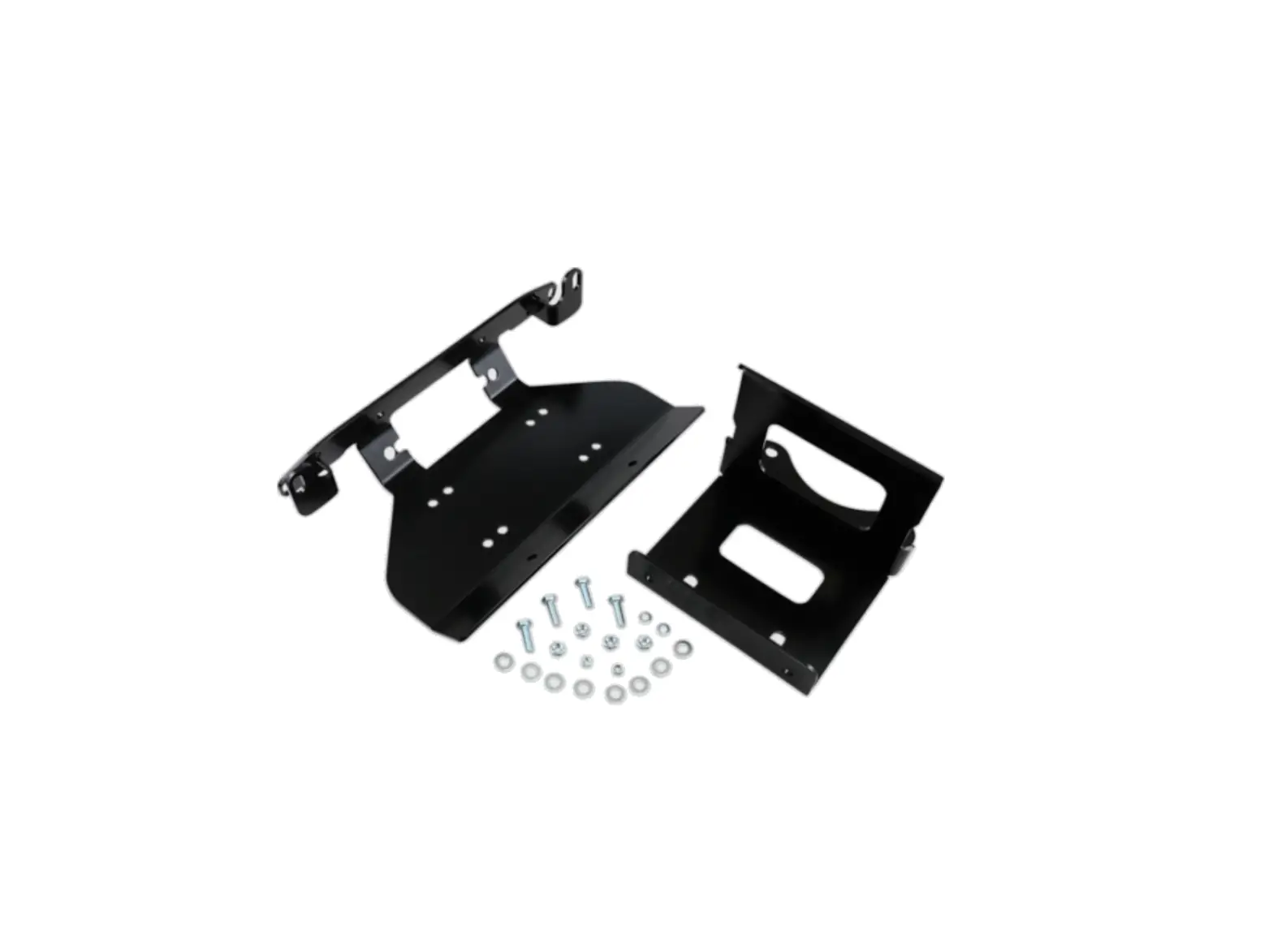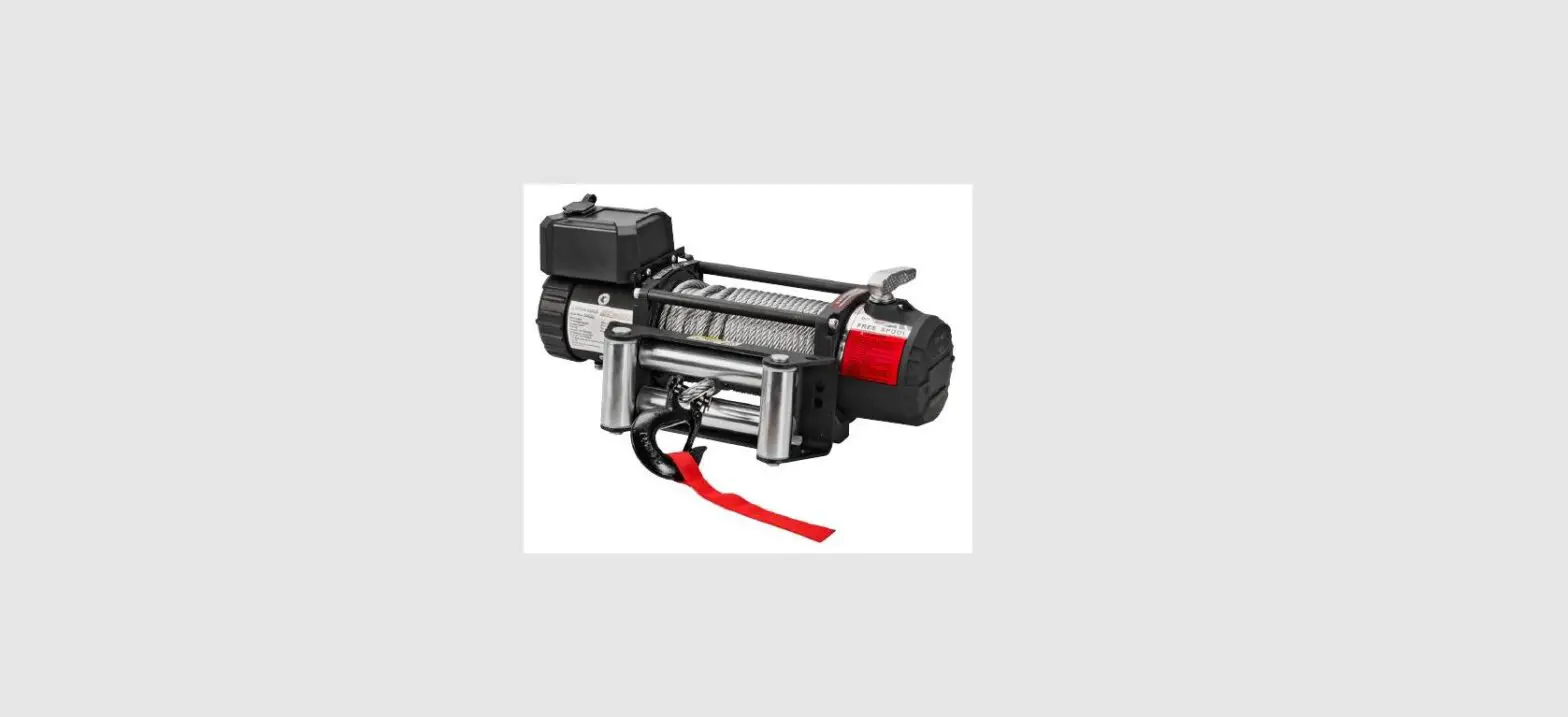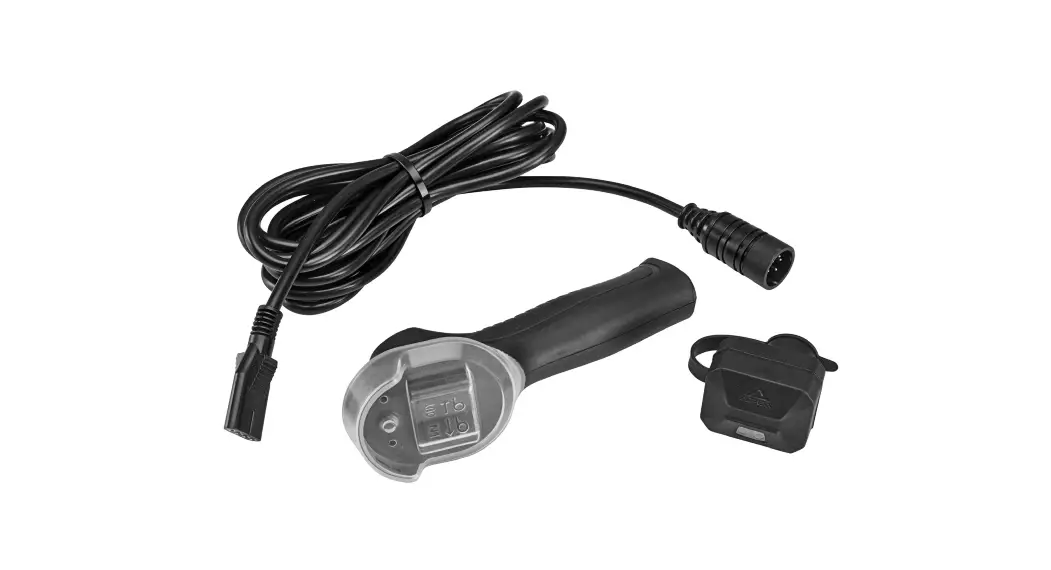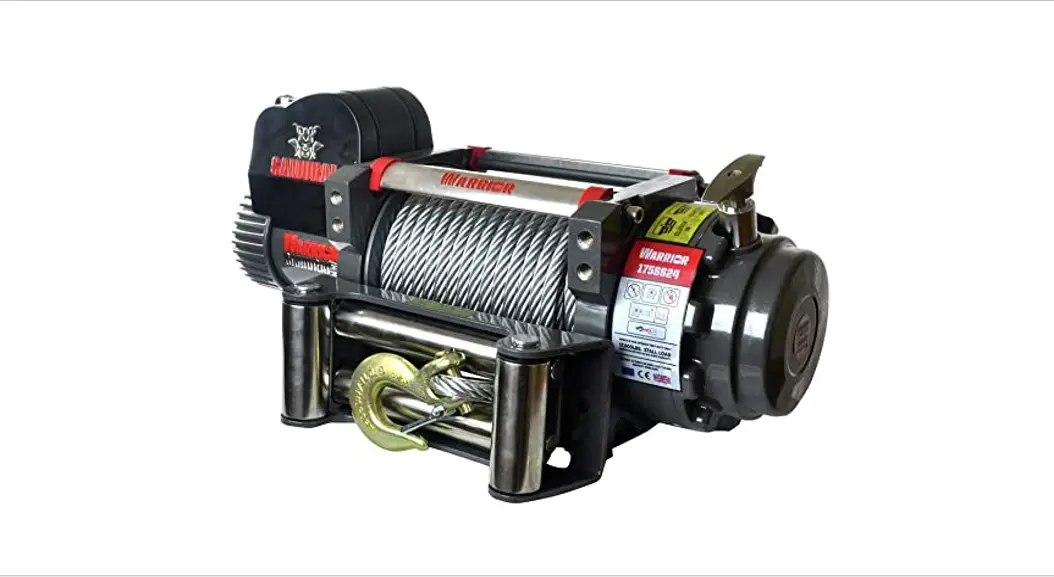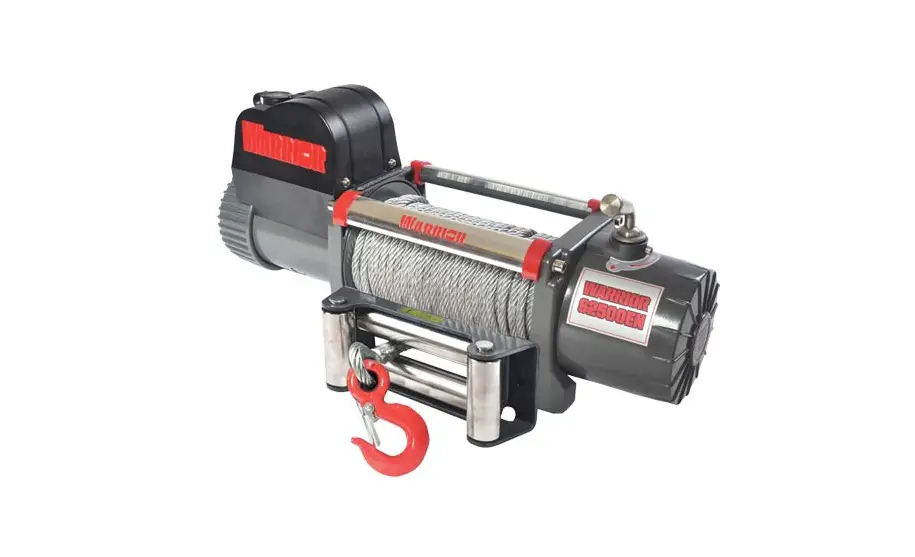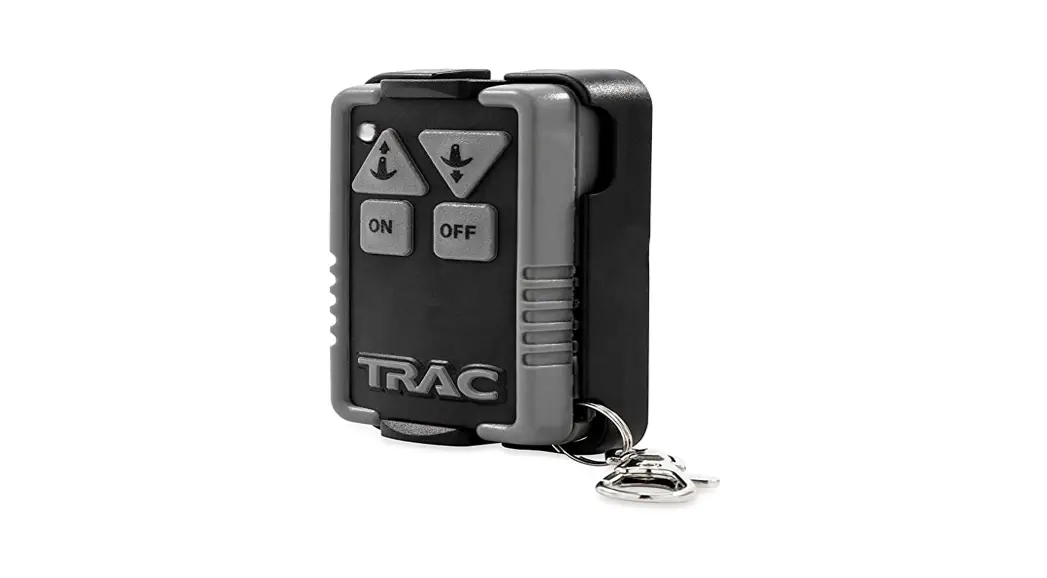
Z-E0130 Wireless Warn Winch
Wireless Warn Winch Instruction Manual
Step 1.
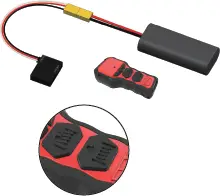
Plug the battery into the power connection wire.
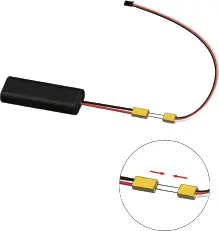
Step 2.
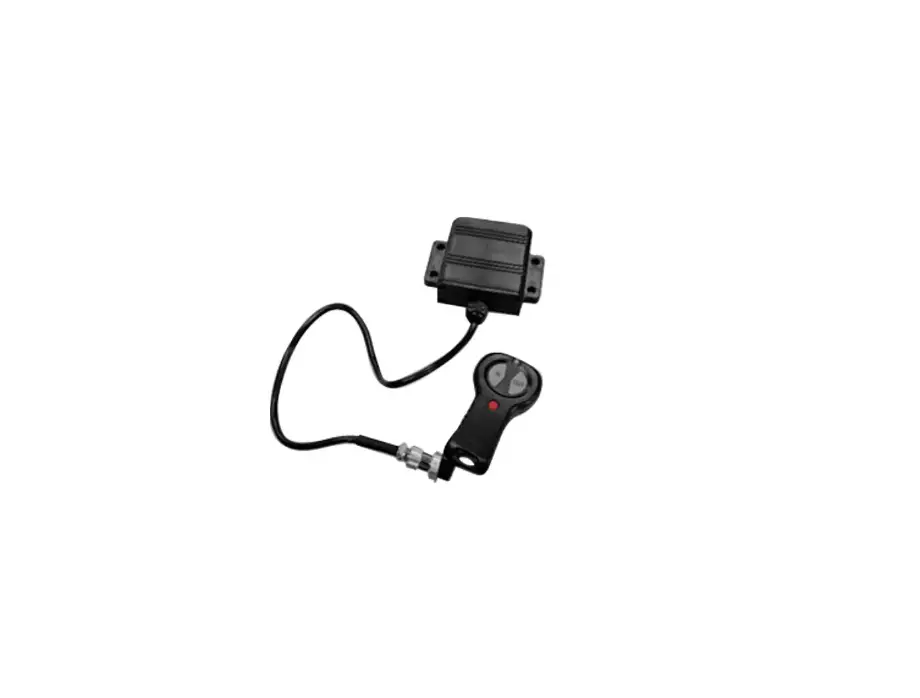
Push and hold the bind button on the wireless control box while plugging in the battery connection.
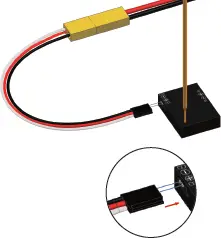
Step 3.
Flip the switch on the back to turn it on.
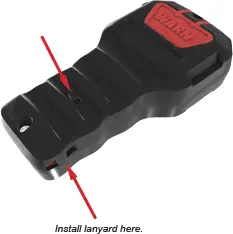
Step 4.
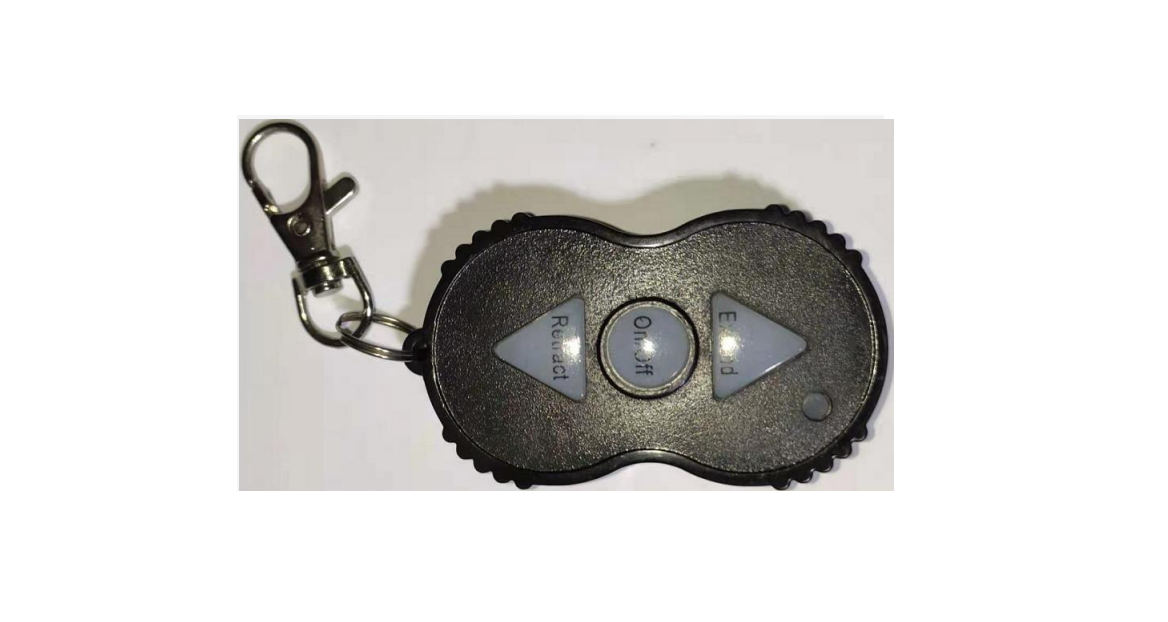
Push and hold both buttons on the TX to allow binding to take place.
Step 5.
Connect the winch plug into the winch/control box plug.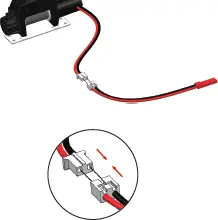
Step 6.
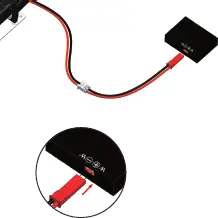
Plug the winch control box plugs into the control box marked W+/W-. Check for proper insertion, with the red plug going to (+) and the black plug to (-).
Step 7.
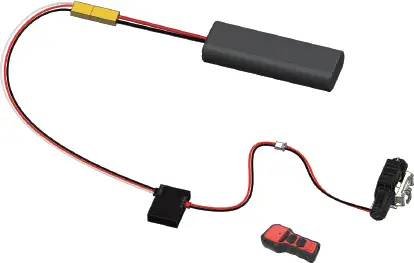
Check operation of the winch.
Wireless Warn Winch Instruction Manual
Step 1.
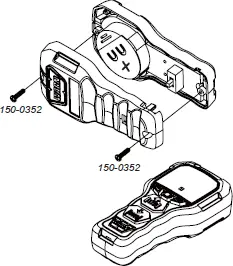
Use Phillips screwdriver to remove the screws. 150-0352
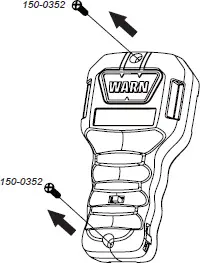
Step 2.
Remove the case back.
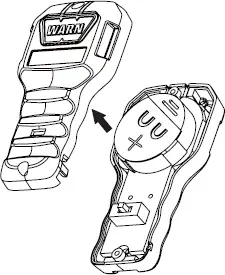
Step 3.
Wiggle the circuit board back and forth making sure to keep it flat/horizontal with the case front. This process is very important to raise the electronic board just enough to remove the battery. You do not need to fully remove the circuit board.
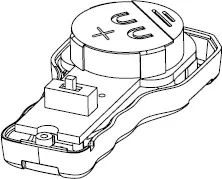
Step 4.
Use some small force to remove the battery box.
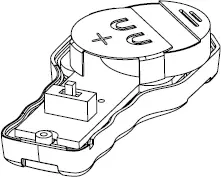
Step 5.
To install a new battery, pull the currently installed battery out.
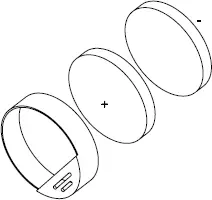
Step 6.
When installing the new batteries, make sure they are in the proper configuration. Positive facing up, and negative facing down.
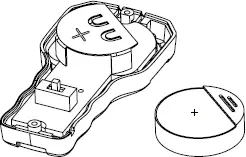
*Note: CR2025 3V Lithium Battery.
Step 7.
Install the battery by pushing it into the circuit board, making sure to not use too much force.
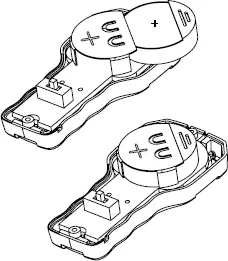
Step 8.
Reinstall the rear case and install the two screws with the Phillips screw driver.