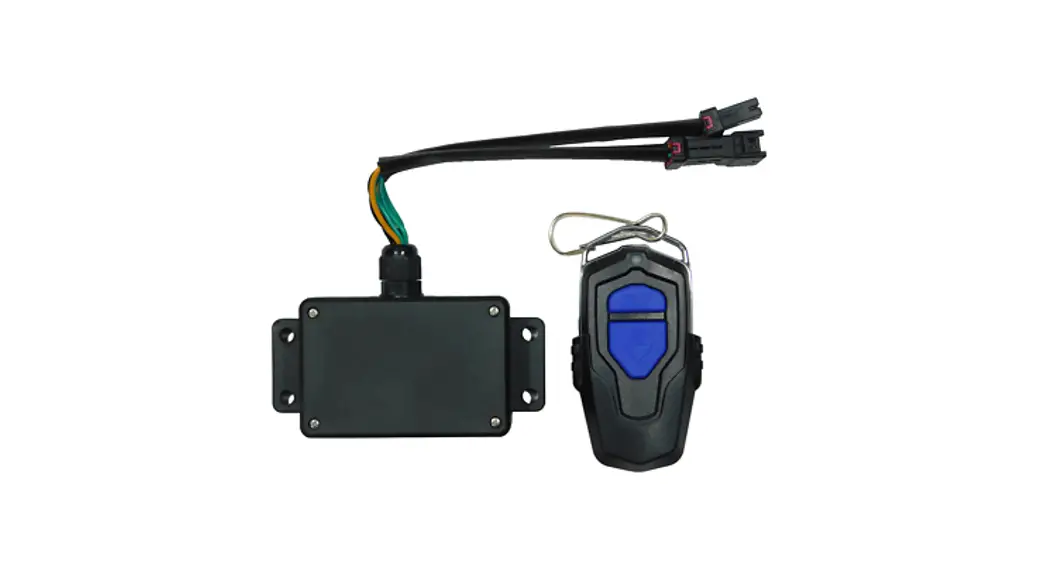
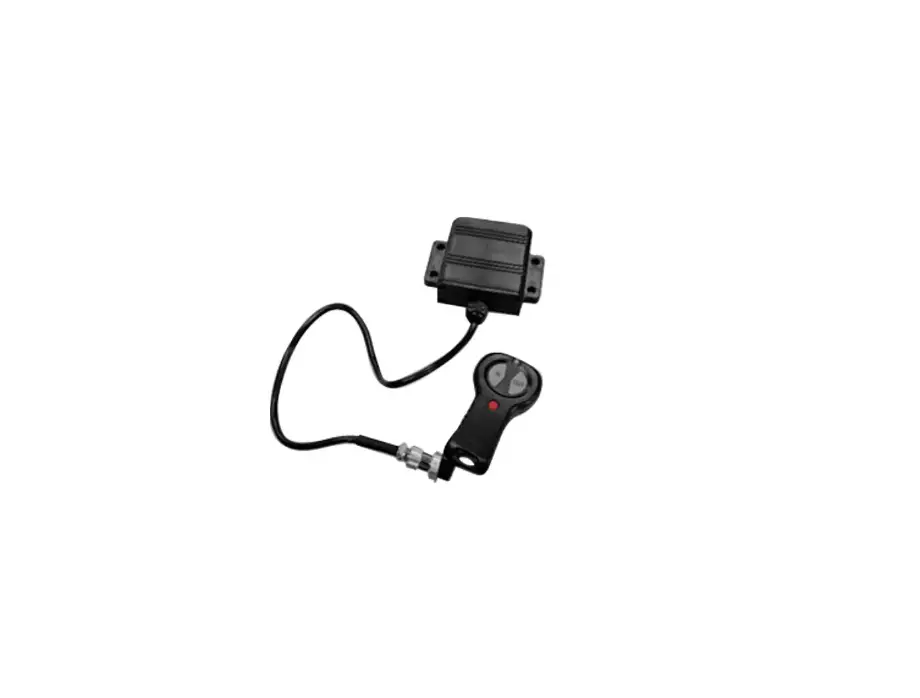
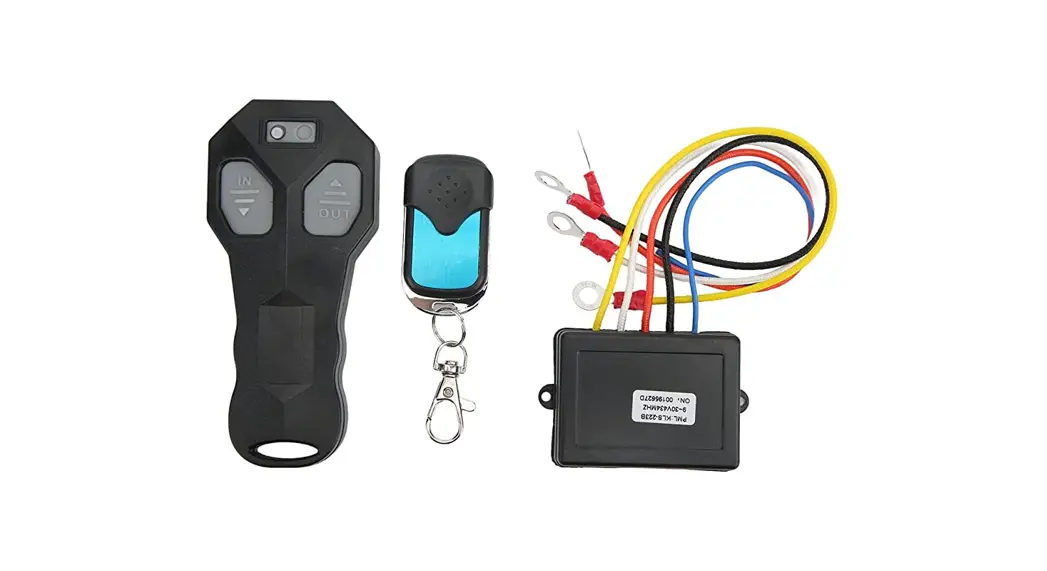
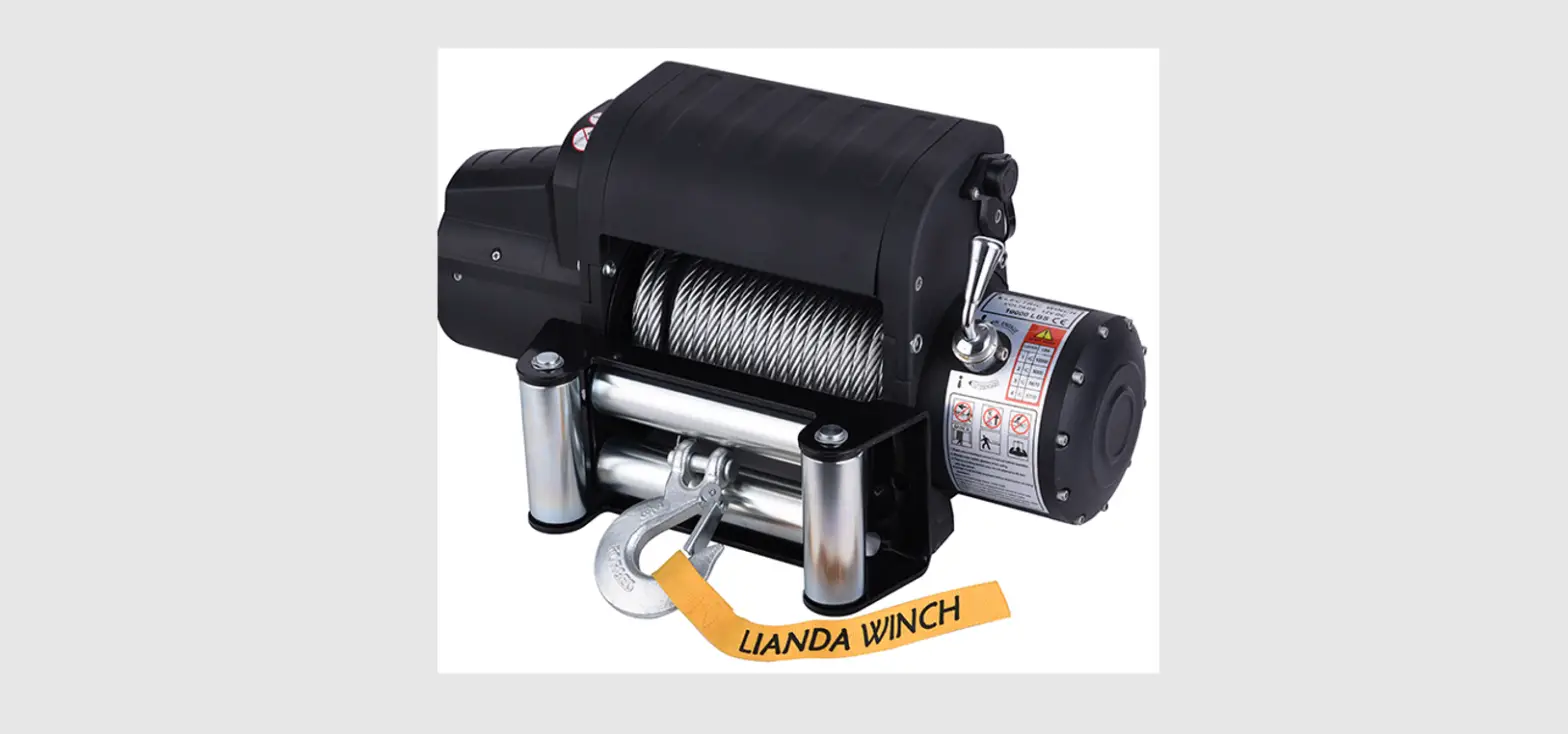
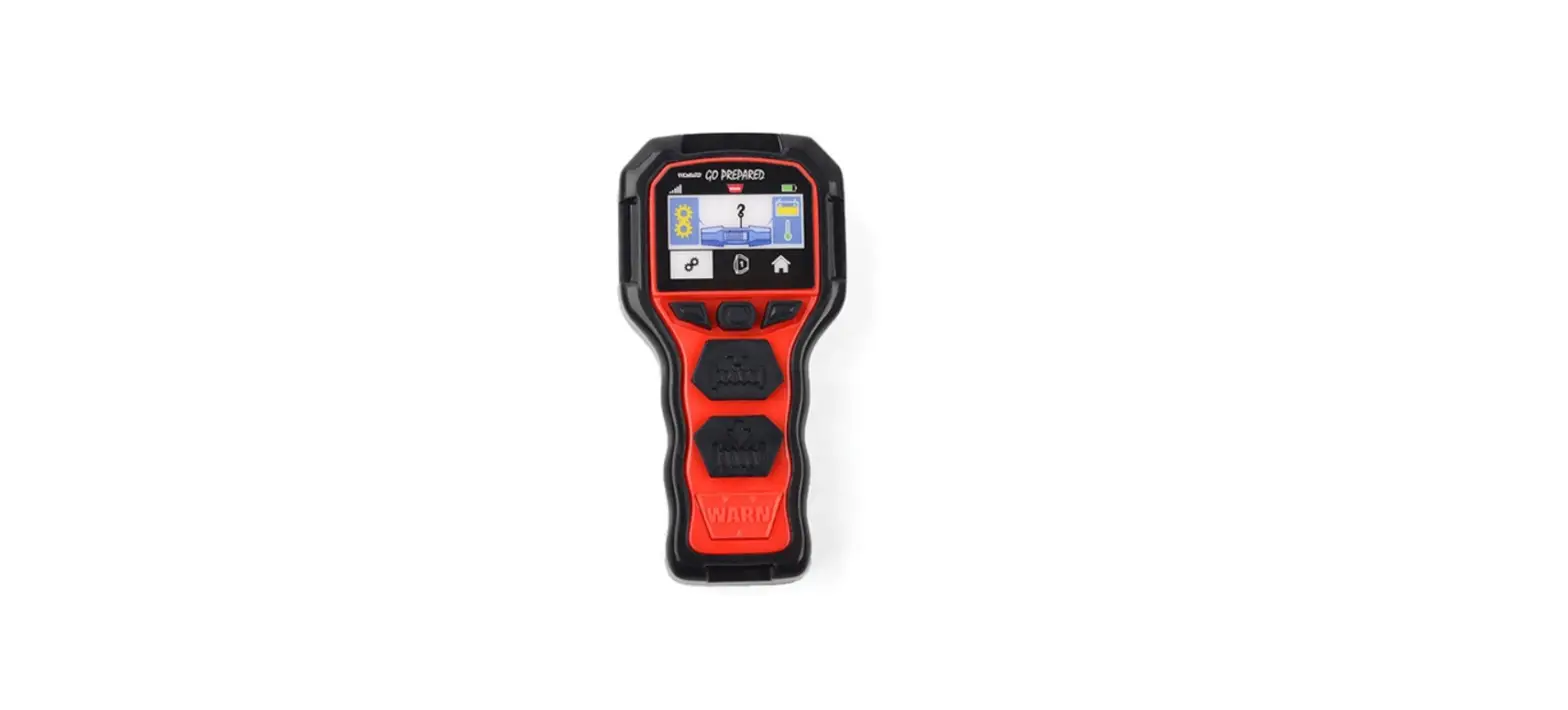
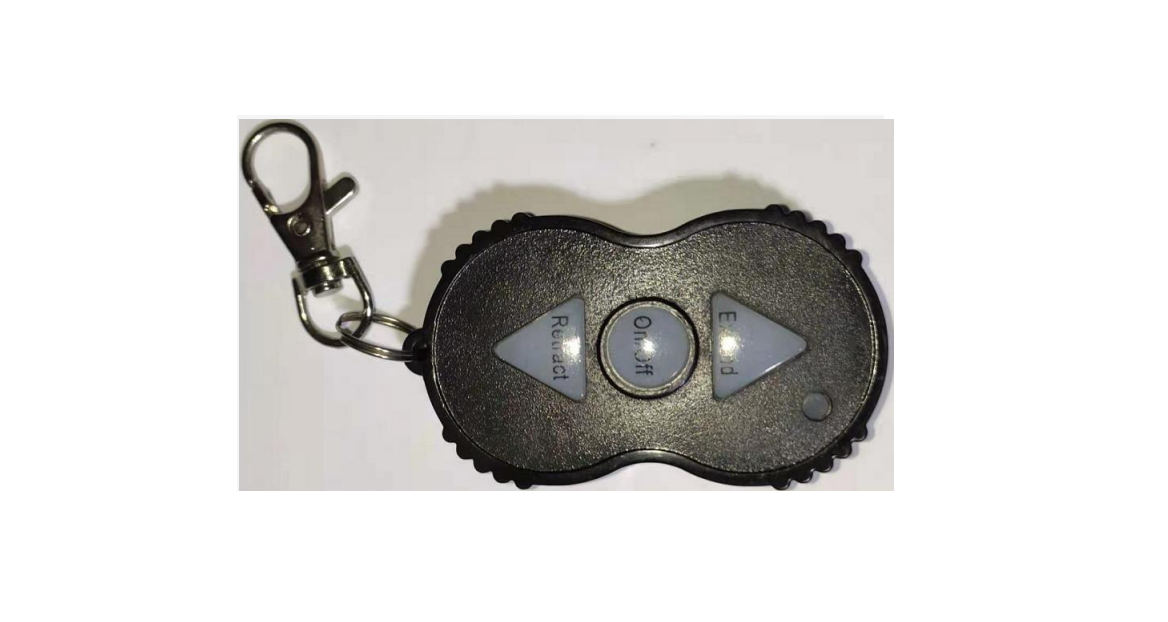
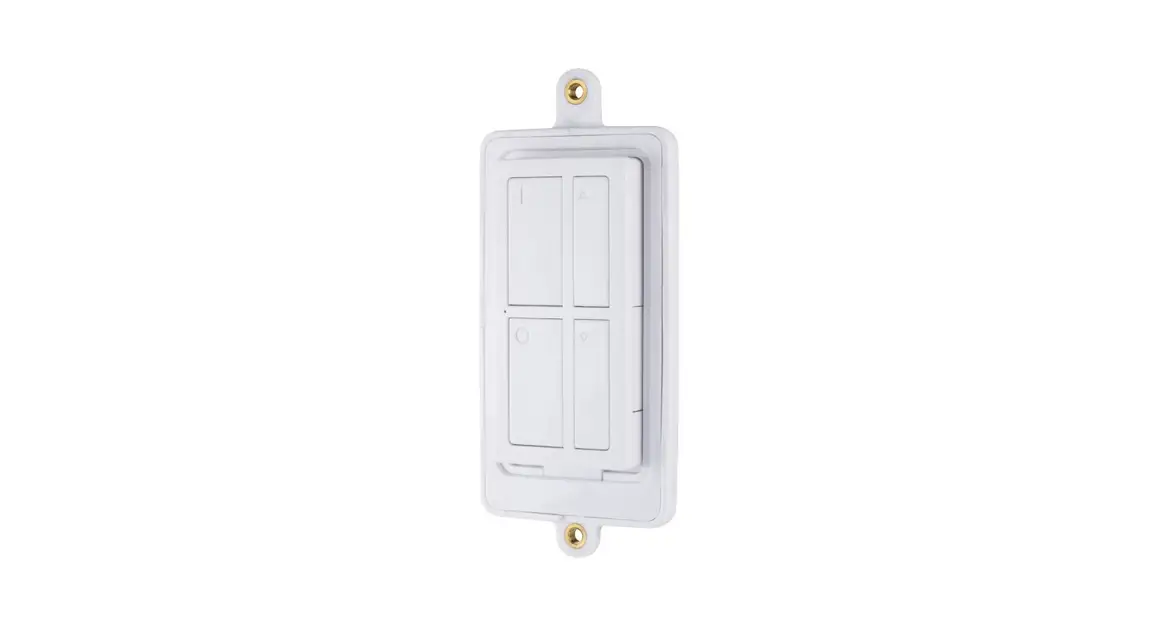
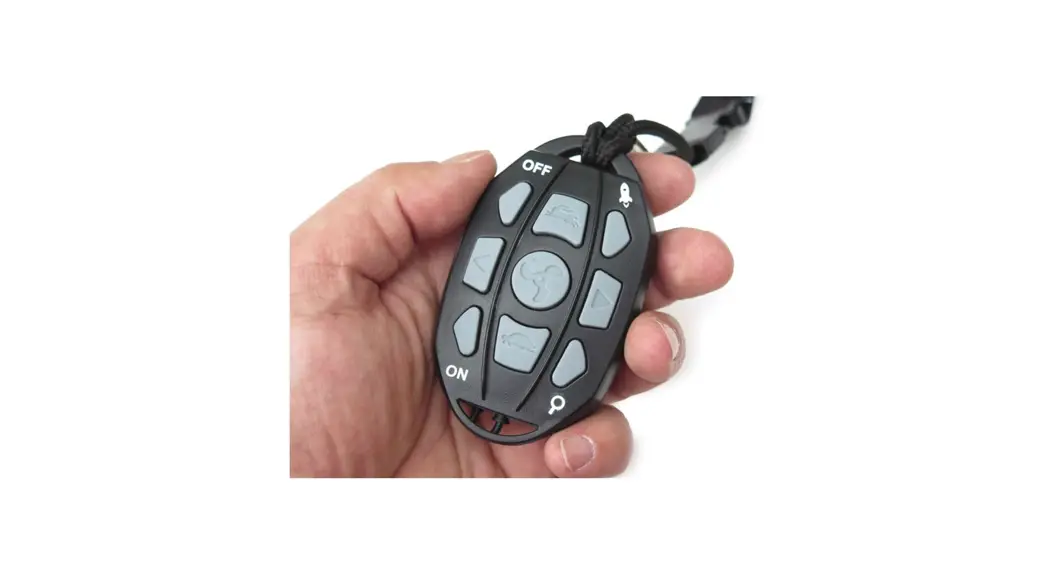
4082137 Wireless Winch Remote
Product Information
This product is a wireless remote control for controlling a
winch operation. It is designed to provide convenience and
flexibility in operating the winch remotely. The wireless remote
control utilizes radio frequency energy to communicate with the
winch, allowing the user to control the winch operation from a
distance.
The device has been evaluated to meet general RF exposure
requirements, ensuring that it can be used in portable exposure
conditions without any restrictions. However, it is important to
follow the instructions provided to minimize the risk of harmful
interference to radio communications.
Product Usage Instructions
Warning: Before using the wireless remote
control, it is crucial to ensure that it is installed and used in
accordance with the instructions to prevent harmful interference to
radio communications.
Wireless Start Indicator: When the wireless
mode is activated, the indicator light on the remote control will
turn on.
Winch Out Operation:
- Ensure that the wireless mode is activated (indicated by the
lit indicator light). - Press and hold the “Winch Out” button on the remote control to
initiate the winch out operation.
Winch In Operation:
- Ensure that the wireless mode is activated (indicated by the
lit indicator light). - Press and hold the “Winch In” button on the remote control to
initiate the winch in operation.
Remember to release the buttons once the desired winch operation
is achieved.
It is recommended to refer to the complete user manual for
detailed instructions and safety precautions related to the
installation and usage of the wireless remote control.
Wireless remote instruction
Warning
· If the winch is under load, the winch rope is under tension or the drum is in motion, do not engage or release the clutch · Never place the winch remote control where it can be activated when the natural coil, drive, or capstan is not in use · Never place a wireless winch remote in a place where it can be activated during installation, natural winding, driving, or servicing of a winch, or when the winch is not in use · The wireless function is automatically turned off after 2 minutes without any operation · Remote control (4082137) operating voltage 3V, receiver operating voltage 12V. Frequency range 433-434MHz. Operating temperature: -40 to 65 · FCC StatementThis equipment has been tested and found to comply with the limits for a Class B digital device, pursuant to part 15 of the FCC Rules. These limits are designed to
provide reasonable protection against harmful interference in a residential installation. This equipment generates, uses and can radiate radio frequency energy and, if not installed and
used in accordance with the instructions, may cause harmful interference to radio communications. However, there is no guarantee that interference will not occur in a particular
installation. If this equipment does cause harmful interference to radio or television reception, which can be determined by turning the equipment off and on, the user is encouraged to try to correct the interference by one or more of the following measures:·Reorient or relocate the receiving antenna.·Increase the separation between the equipment and receiver.·Connect the equipment into an outlet on a circuit different from that to which the receiver is connected.·Consult the dealer or an experienced radio/TV technician for help.Caution: Any changes or modifications to this device not explicitly approved by manufacturer could void your authority to operate this equipment.This device complies with part 15 of the FCC Rules. Operation is subject to the following two conditions: (1) This device may not cause harmful interference, and (2) this device must accept any interference received, including interference that may
cause undesired operation.RF Exposure InformationThe device has been evaluated to meet general RF exposure requirement. The device can be used in portable exposure condition
without restriction.
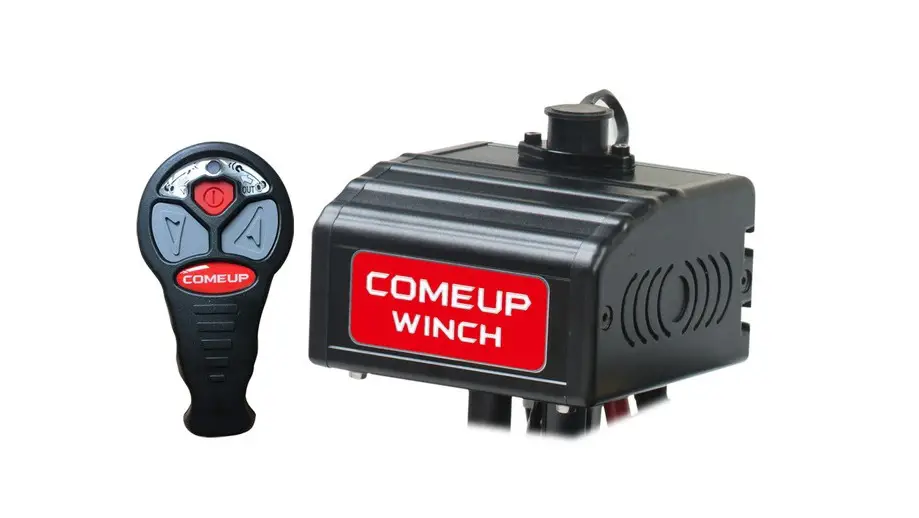
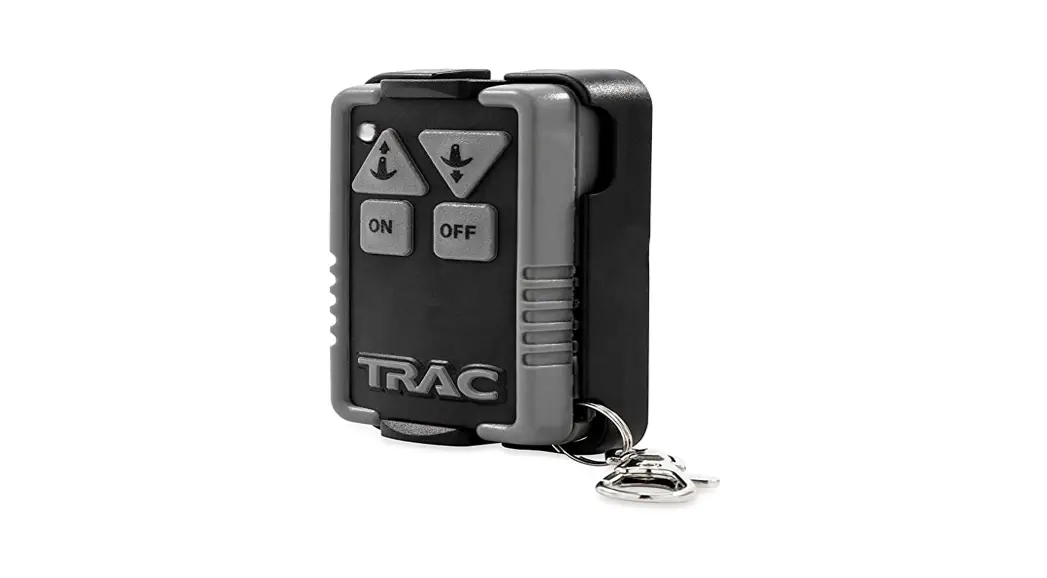
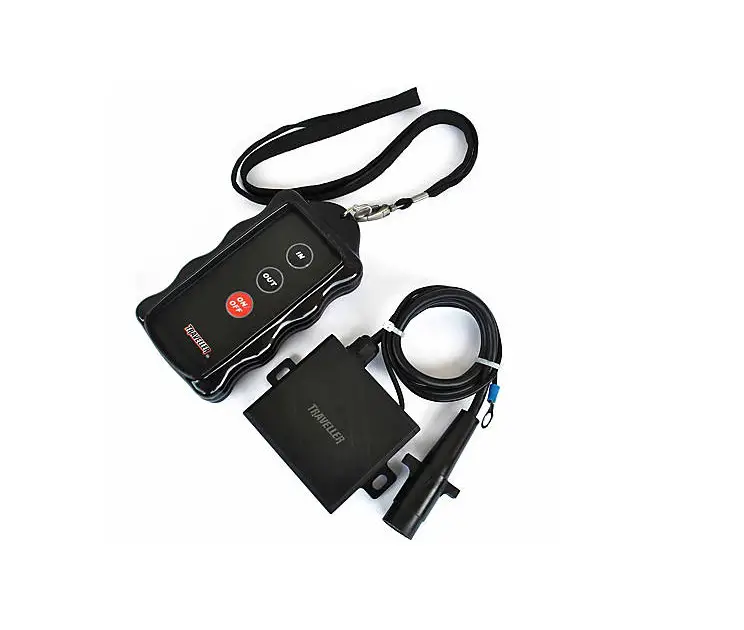
Wireless start indicator
WINCH OUT
When the wireless mode is started, the indicator light is on; When the indicator light is
on, the indicator light will blink when you press
the control button of the remote control
Winch out button Press down to control the winch out
operation
WINCH IN
Winch in button Press down to control the winch in
operation
Wireless start/close button ·Press and hold for 3 seconds to enable or disable wireless mode