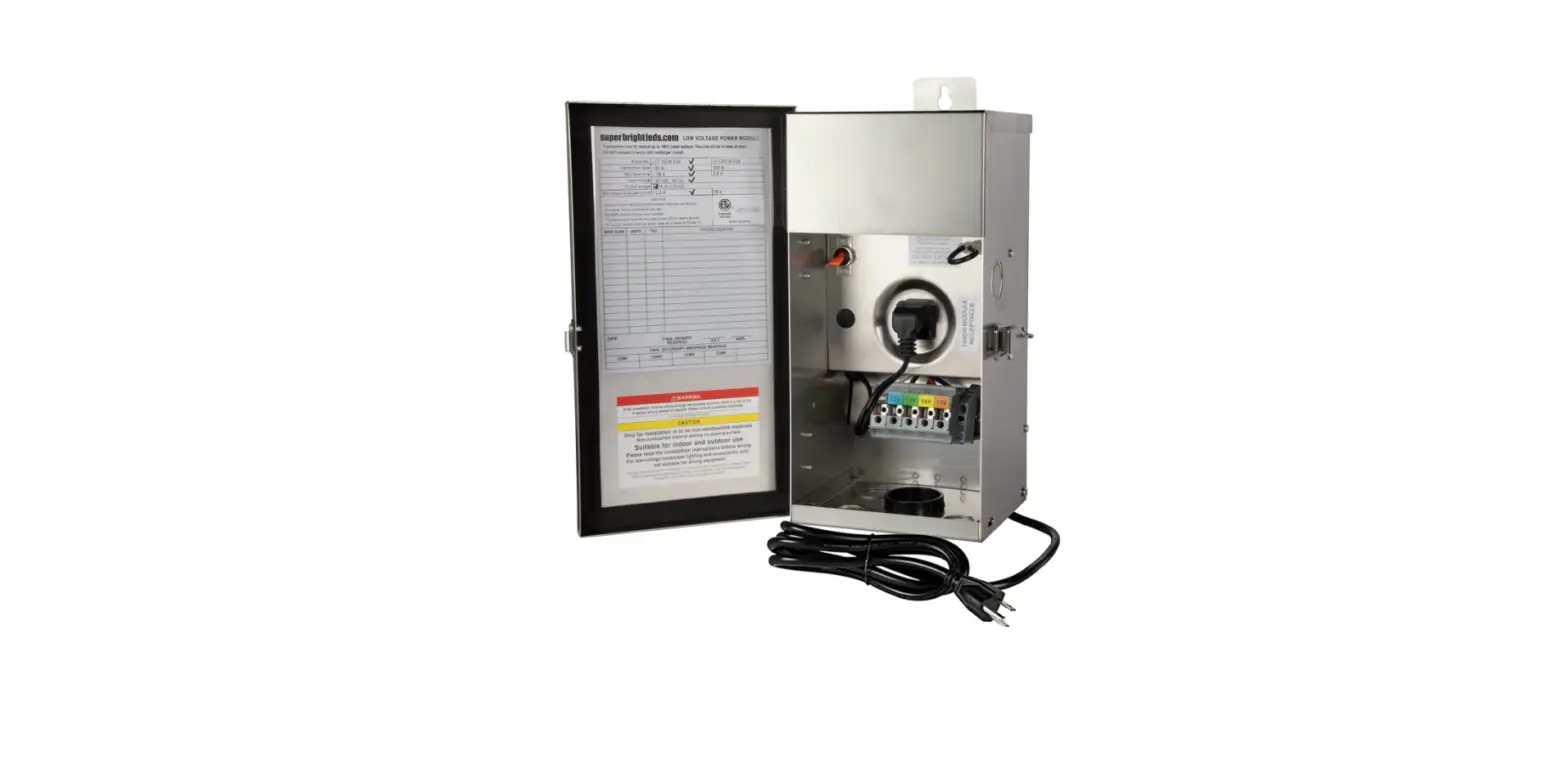
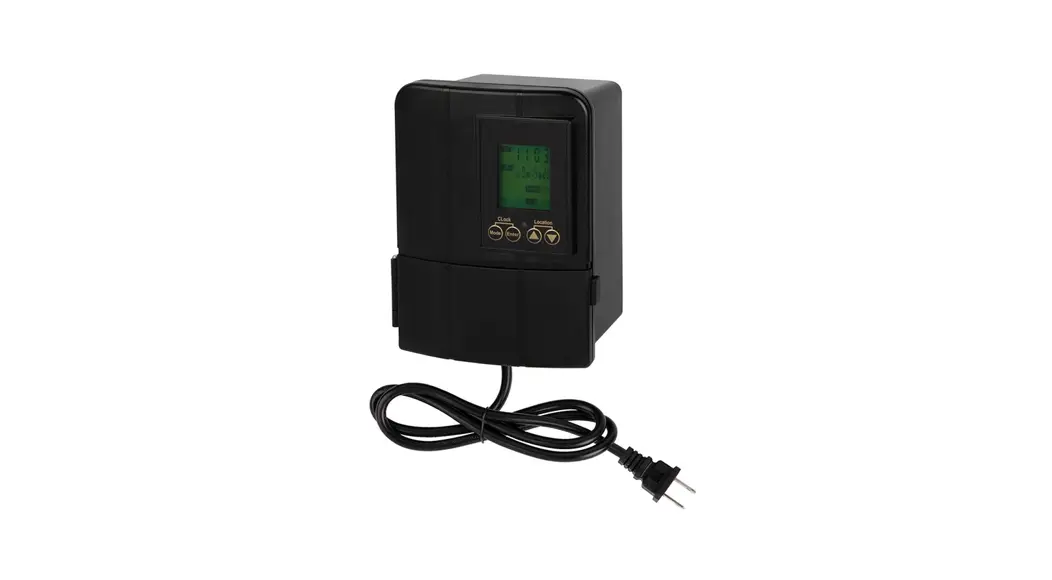
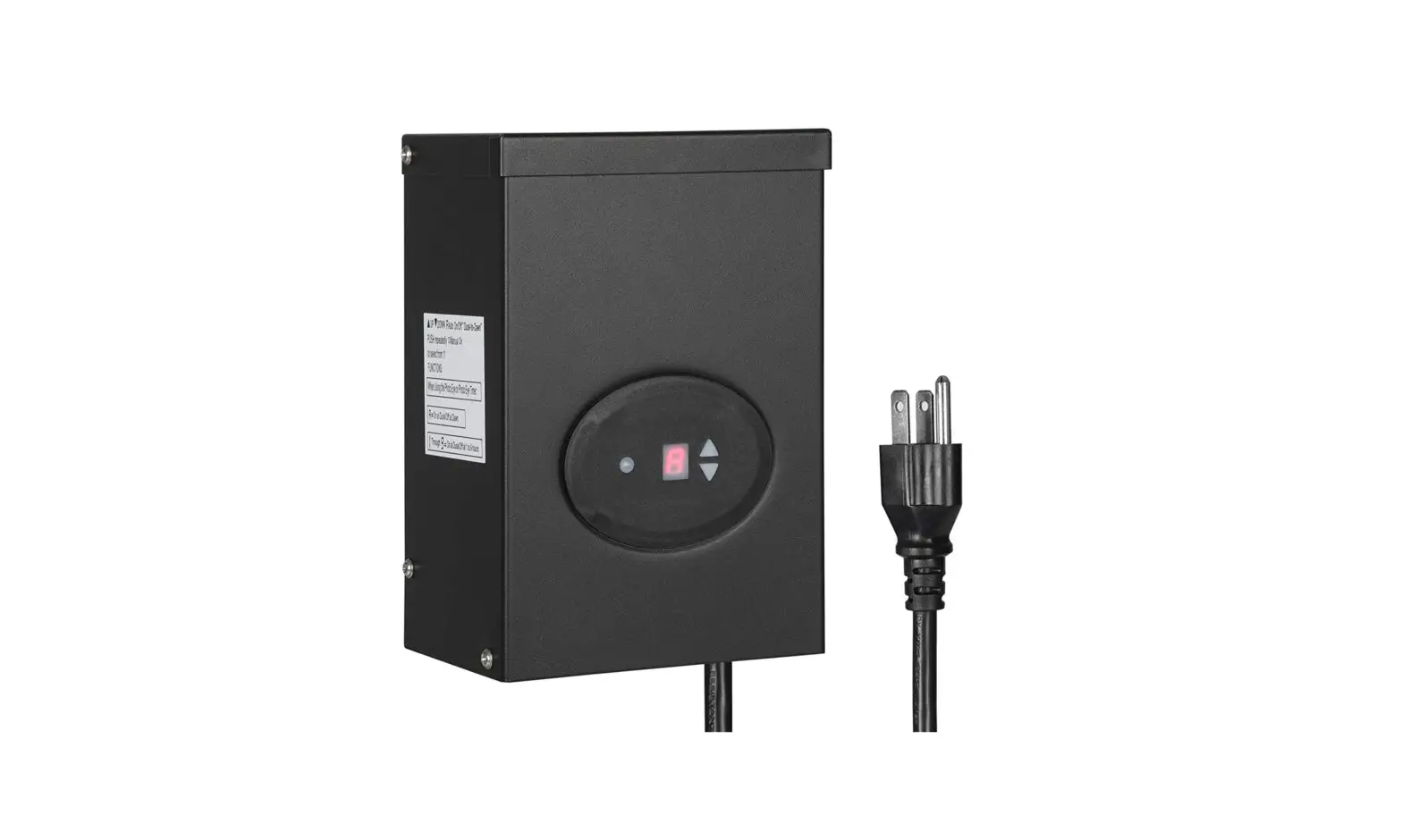
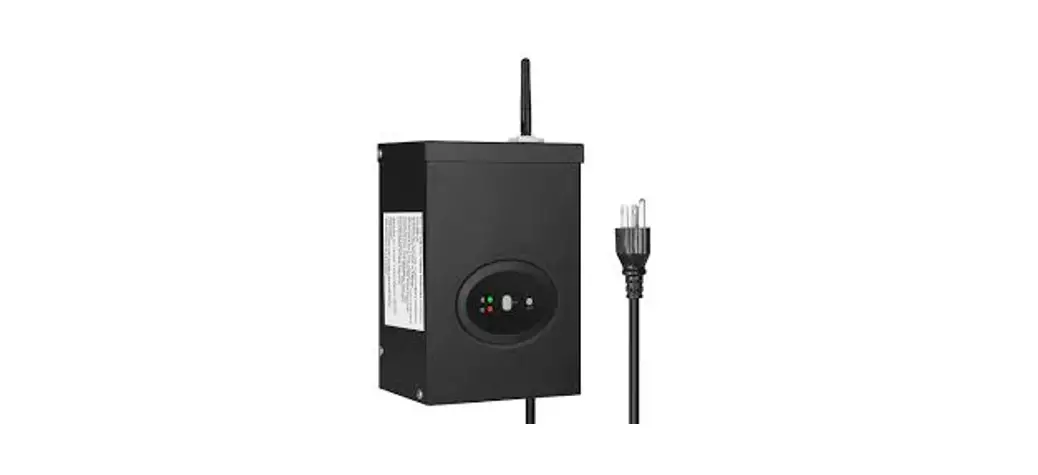
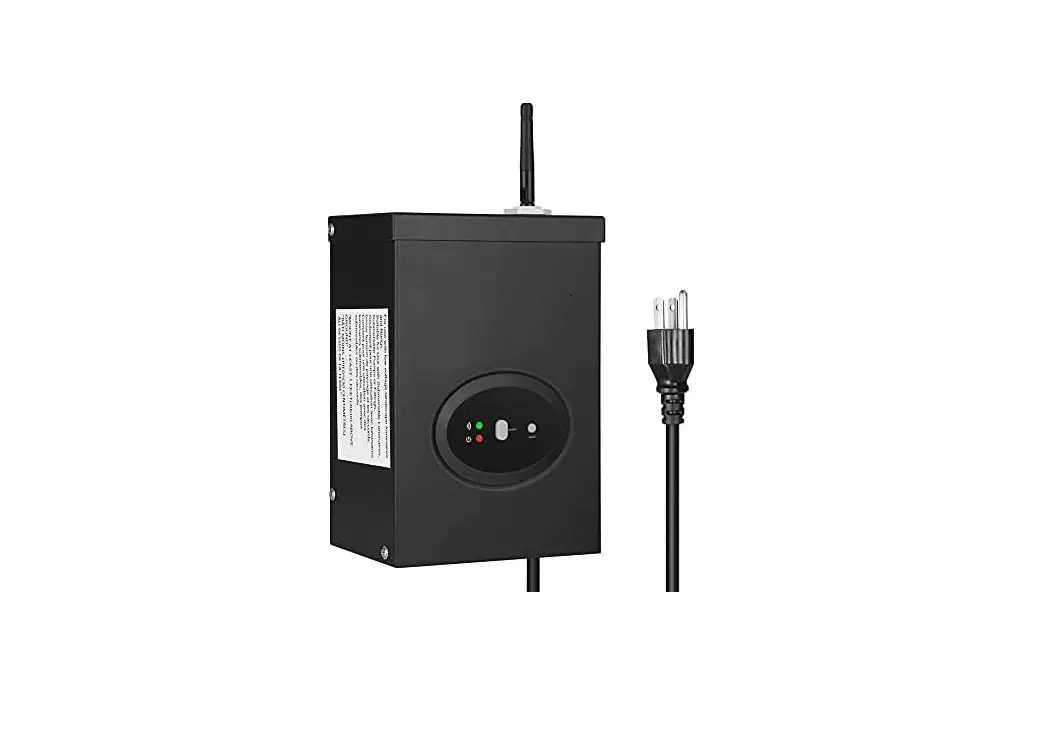
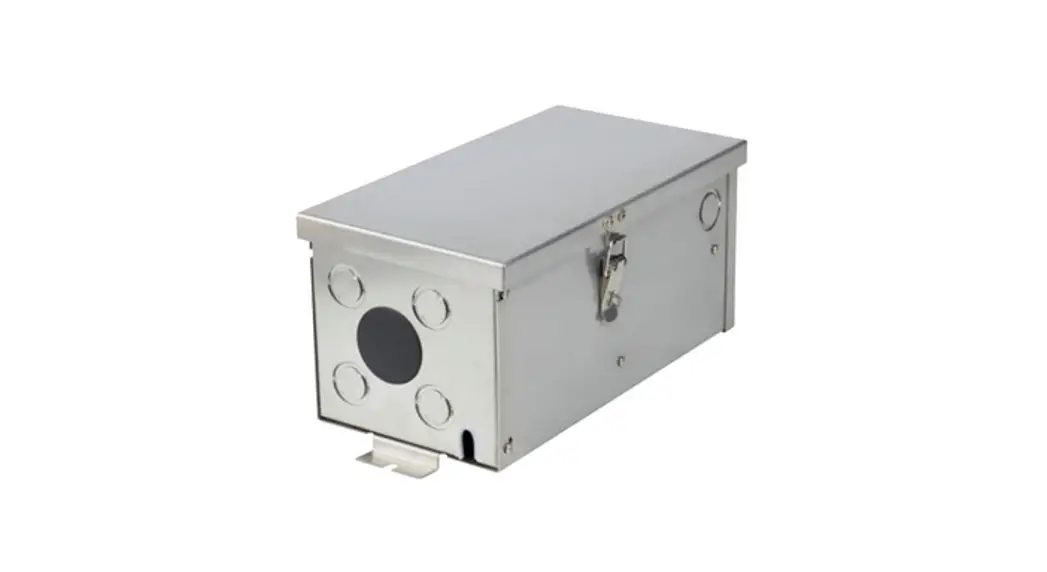
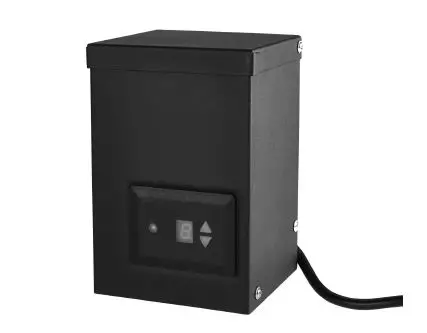
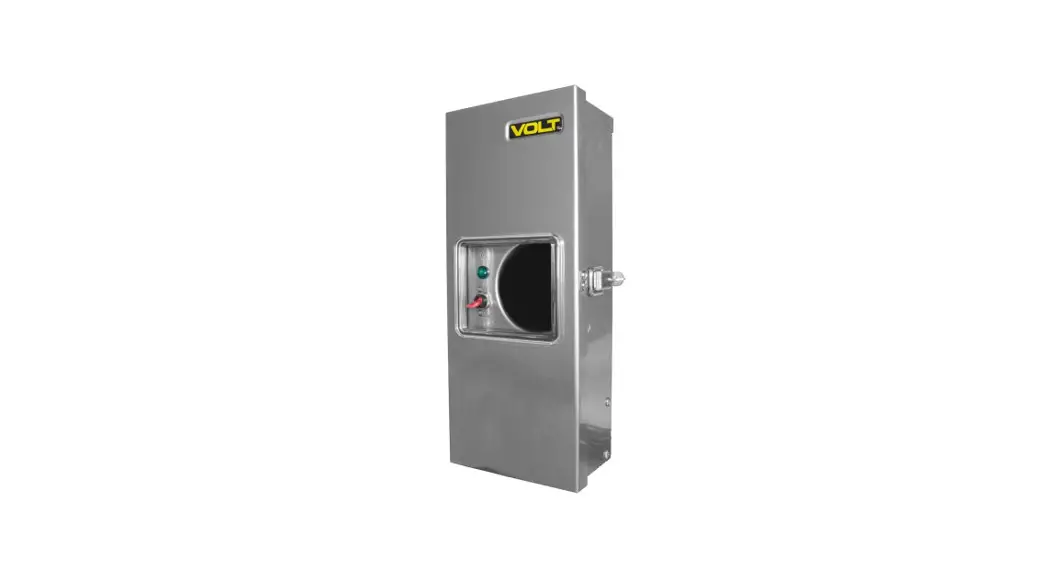
LVT-75W-SS2T Low Voltage Landscape Transformers
Product Information
- Product Name: Low Voltage Landscape
Transformers - Models: LVT-75W-SS2T, LVT-150W-SS4,
LVT-300W-SS4 - Output Voltage: 12 or 15 VAC (depending on the
model) - Operating Temperature: Not specified
- IP Rating: IP65
- Weight:
- LVT-75W-SS2T: 7.9 lb (3.6 kg)
- LVT-150W-SS4: 12.9 lb (5.9 kg)
- LVT-300W-SS4: 15.5 lb (7 kg)
Product Usage Instructions
Safety and Notes
The Low Voltage Landscape Transformers are designed for outdoor
landscape applications. They should only be used on a branch
circuit protected by a Class A type ground fault circuit
interrupter.
Transformer Sizing
Select the appropriate transformer model based on your power
requirements. Refer to the product label for specific electrical
specifications related to installation.
Transformer Mounting
- Mount the transformer to a solid surface using stainless
hardware capable of supporting its weight. Hardware is not
included. - Screw the transformer onto the mounted screws, ensuring it is
level. - Tighten the screws to lock the transformer in place.
System Check
- After installing the entire system, apply supply power.
- After five minutes of operation, remove the supply power.
- Check all low voltage electrical connections. They should be
cool to the touch. - If any connection is warm to the touch, check and re-tighten
it. Repeat the process until all connection problems are
resolved.
Wire and Voltage Selection
For optimal results, use 12 AWG landscape wire. Distribute
lights evenly along the cable run, with higher power lights being
closest to the transformer. Higher voltage terminals can be used
with longer runs to compensate for slight voltage drops. Refer to
the provided equation and table for selecting the appropriate wire
gauge for your application.
Built-in Timer Operation (75 W only)
- With all gray tabs set at the inner position, the timer will
not affect function and the connected lights will stay on unless
power is switched off. - To set up the timer, rotate the timer dial until the arrow on
the right points to the current time (24-hour clock). - Slide dark gray tabs outward at times when the system should be
powered off.Note: The system can also be manually turned off using the main
power switch.
Optional Mechanical Timer Operation (150 W / 300 W)
Not specified in the provided text.
Optional Digital Timer Operation (150 W / 300 W)
Not specified in the provided text.
Optional Photocell Installation
Not specified in the provided text.
Digital Timer (LVT-TD)
- Before adjusting settings, plug the timer in and press the
reset (`R’) button with a paper clip to ensure it is at factory
default settings. - To set the date and time:
- With the supply power on, press and hold the `CLOCK’
button. - While holding `CLOCK’, use the `HOUR’ button to select the
hour, the `MIN’ button to set minutes, and the `DAY’ button to
select the day of the week. - Release the `CLOCK’ button to save the settings.
- With the supply power on, press and hold the `CLOCK’
Low Voltage Landscape Transformers
LVT-75W-SS2T
LVT-150W-SS4, LVT-300W-SS4
1
Safety and Notes
· Product should be installed and serviced in accordance with applicable national, state, and local building and electrical codes.
· Risk of fire or electrical shock. Install transformer at least 10 ft (3.05 m) from pools, spas, or fountains.
· Outdoor, above ground installation only. For use with low voltage landscape lighting only.
· Transformer has a built-in circuit breaker which can be reset by removing and then restoring power.
· Transformer must be connected to GFCI-protected receptacle marked suitable for wet locations. Receptacle must be protected by a weatherproof cover.
· Do not submerge the transformer or use it to power submersible lights or lights mounted in or near pools, spas, or fountains.
· If cleaning is necessary, use a damp cloth to wipe down case. Do not spray transformer with pressurized water or steam.
· Do not use with dimmer or extension cord or wire in parallel with other transformers.
· Do not exceed 70% of the maximum wattage of the transformer when connecting lights.
· Transformer must be mounted in a vertical orientation, with the bottom at least 1 ft from the ground.
· Ensure all mounts are securely attached and will support the transformer’s weight. Failure to properly support transformer may result in damage or injury, for which the manufacturer does not assume responsibility.
· Do not attempt to disassemble or modify transformer. · Ensure wiring to lights is correct gauge for the run and total
power of the intended circuit and is intended for use with outdoor landscape applications.
CAUTION: FOR USE ONLY ON A BRANCH CIRCUIT PROTECTED BY A CLASS A TYPE GROUND FAULT CIRCUIT INTERRUPTER
2
Specifications
Model
Output Voltage
Operating Temperature
IP Rating Weight
LVT-75W-SS2T
LVT-150W-SS4
LVT-300W-SS4
12 or 15 VAC 12, 13, 14, or 15 VAC 12, 13, 14, or 15 VAC
-49°113° F (-45°45° C)
7.9 lb (3.6 kg)
IP65 12.9 lb (5.9 kg)
15.5 lb (7 kg)
Check product label for specific electrical specifications related to installation. Improper installation will void warranty.
Transformer Sizing
Total load (watts or volt-amperes) of all fixtures connected to one transformer must not exceed 70% of the W or VA capacity of the transformer. Use the below equation to calculate the most suitable transformer. total fixture load (W or VA) ÷ 0.7 = minimum transformer capacity
Transformer Mounting
Mount transformer to solid surface using stainless hardware capable of supporting the weight of the transformer. Hardware is not included. Once screw(s) are properly mounted, slide transformer over screw heads and tighten screw(s) to lock in place once the transformer is level.
System Check
After installing entire system, apply supply power. After five minutes of operation, remove supply power. Check all low voltage electrical connections, which should be cool to the touch. If any connection is warm to the touch, check and re-tighten the connection and repeat the process until all connection problems are resolved.
Wire and Voltage Selection
12 AWG landscape wire is generally recommended. For optimal results,
lights should be distributed evenly along the cable run, with higher
power lights being closest to the transformer. Higher voltage terminals
can be used with longer runs to make up for
slight voltage drops. The below equation and table can be used to
select the appropriate wire gauge for an application.
Note: When connecting wiring to transformer, do not loosen top
terminals on 75 W models as they are for internal wiring only.
Voltage Loss Calculation
(
x
x 2) /
=
distance (ft) load (W)
cable constant voltage loss
Wire Gauge #18/2 #16/2 #14/2 #12/2 #10/2
Cable Constant 1,380 2,200 3,500 7,500 11,920
Built-in Timer Operation (75 W only)
With all gray tabs set at the inner position, the timer will not affect function and the connected lights will stay on unless power is switched off. 1. To set up the timer, begin by rotating the timer dial until
the arrow on the right points to the current time (this system uses a 24-hour clock). 2. Next, slide dark gray tabs outward at times when system should be powered off. Note: The system can be manually turned off using the main power switch as well.
3
4
Optional Mechanical Timer Operation (150 W / 300 W)
Optional Digital Timer Operation (150 W / 300 W)
Optional Digital Timer Operation (continued)
Optional Photocell Installation
Mechanical Timer (LVT-TM) `OUTLET ON’ setting on the side of the timer can be used to manually bypass the timer and allow the connected lights/ transformer to stay on at all times. To set up the timer, begin by making sure the timer is set to `TIMER ON’ and rotate the timer dial until the arrow points to the current time. Next, pull gray tabs outward at times when the light system should be powered off. Times where the gray tabs are pushed in will be the only times the system will be switched on.
5
Digital Timer (LVT-TD) Before beginning to adjust settings, plug the timer in and press the reset (`R’) button with a paper clip to ensure the timer is at factory default settings before use.
Setting Date/Time 1. With supply power on, press and hold the `CLOCK’ button. 2. With `CLOCK’ held down, press the `HOUR’ button to select
the hour, `MIN’ button to set minutes, and `DAY’ button to select day of week. 3. Release `CLOCK’ button to save settings.
Setting Switch Times/Days Timer can store information for up to 20 programs, with independent ON and OFF settings for each program. 1. With supply power on, press the `SET’ button until you
reach the desired ON or OFF setting. Each pair of ON and OFF settings will need to be set to work together for proper operation. 2. Use the `HOUR’ and `MIN’ buttons to set the ON time, then press `DAY’ button to select day or combination of days of the week. 3. Press the `SET’ button to move to the OFF settings and adjust using the same process.
6
Operating Modes Press the `MANUAL’ button to cycle between operating modes. OFF – Lights will remain off and set programs will not be activated. ON – Lights will remain on constantly and set programs will not be activated. AUTO/ON – Lights are currently on and set programs are active. AUTO/OFF – Lights are currently off and set programs are active.
Randomize Setting This allows lights to come on ±30 minutes from the set time to give the appearance of an occupant manually switching the lights on or off. This can be activated by holding the `HOUR’ button for 3 seconds until `RND’ appears on the screen. Holding the `HOUR’ button again for 3 seconds will deactivate this feature.
Daylight Savings Setting Hold the `CLOCK’ button for 3 seconds until the `+1h’ icon appears and the time will advance one hour. Holding the `CLOCK’ button again for 3 seconds will deactivate this and return the time to normal.
Photocell (JL-104A)
1. Remove supply power. 2. Remove knockout from transformer box. 3. Remove inner nut, feed wire through, and attach photocell to
housing by reinstalling and tightening inner nut until locked in
place.
4. Connect photocell to the photocell plug on the transformer. 5. Close the transformer and reapply supply power.
7
8