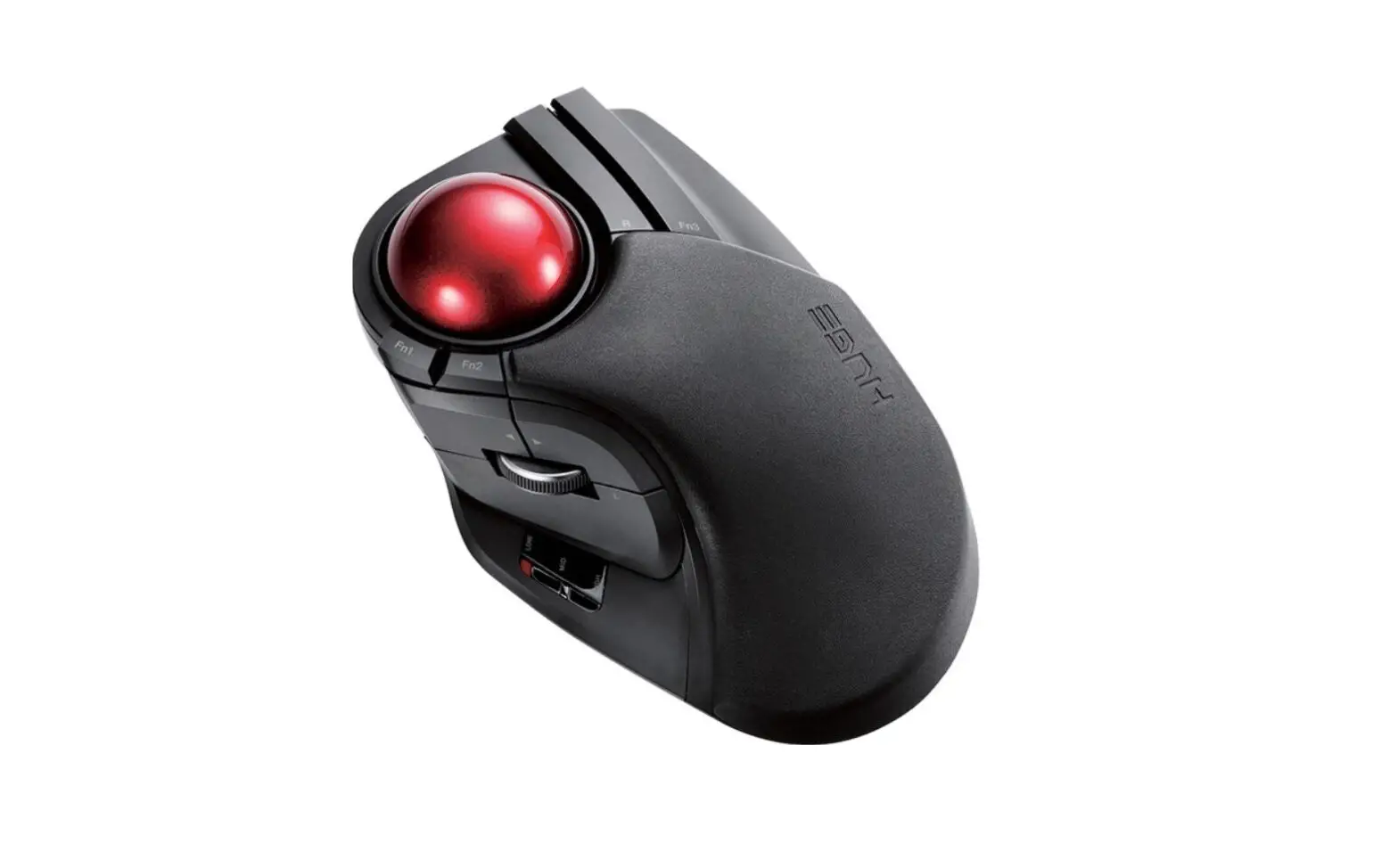
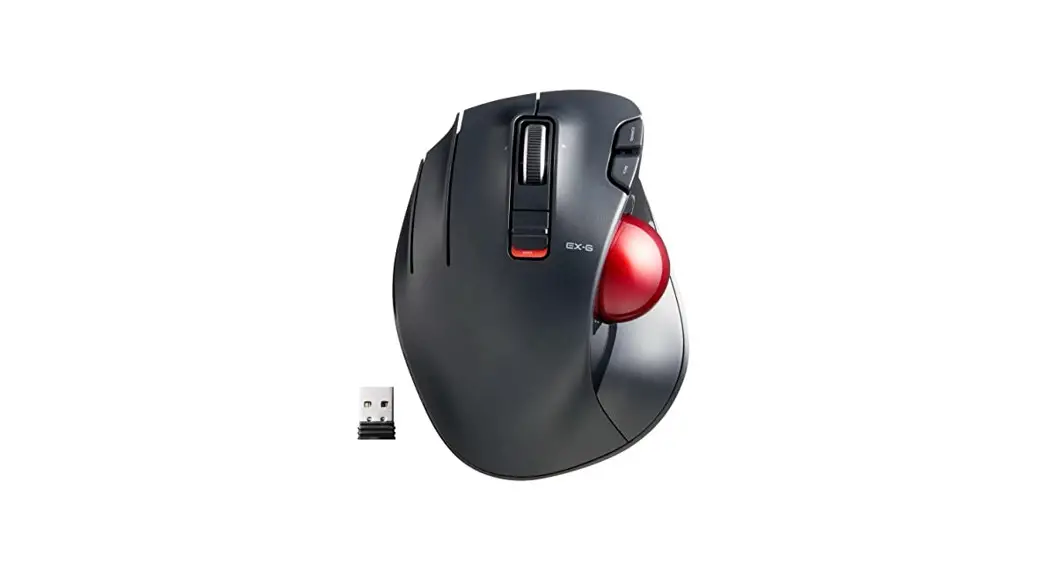
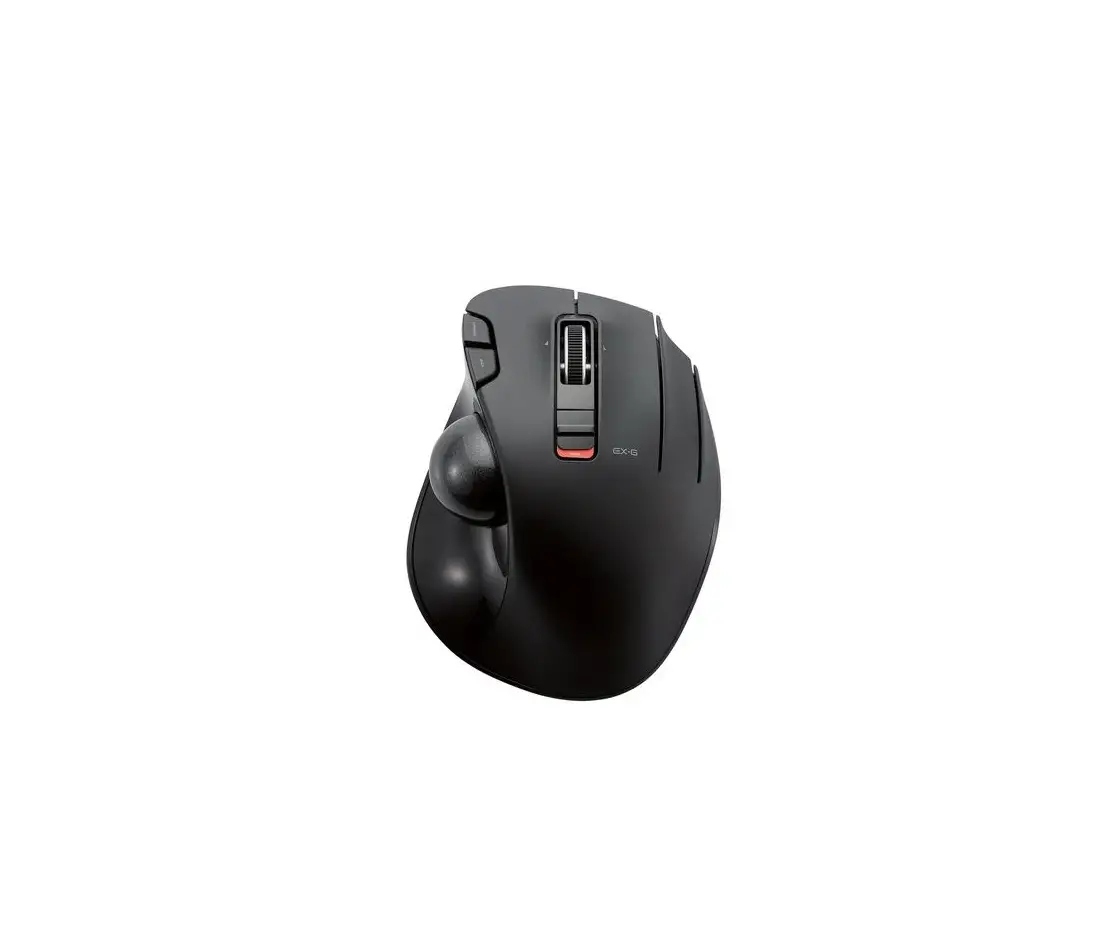
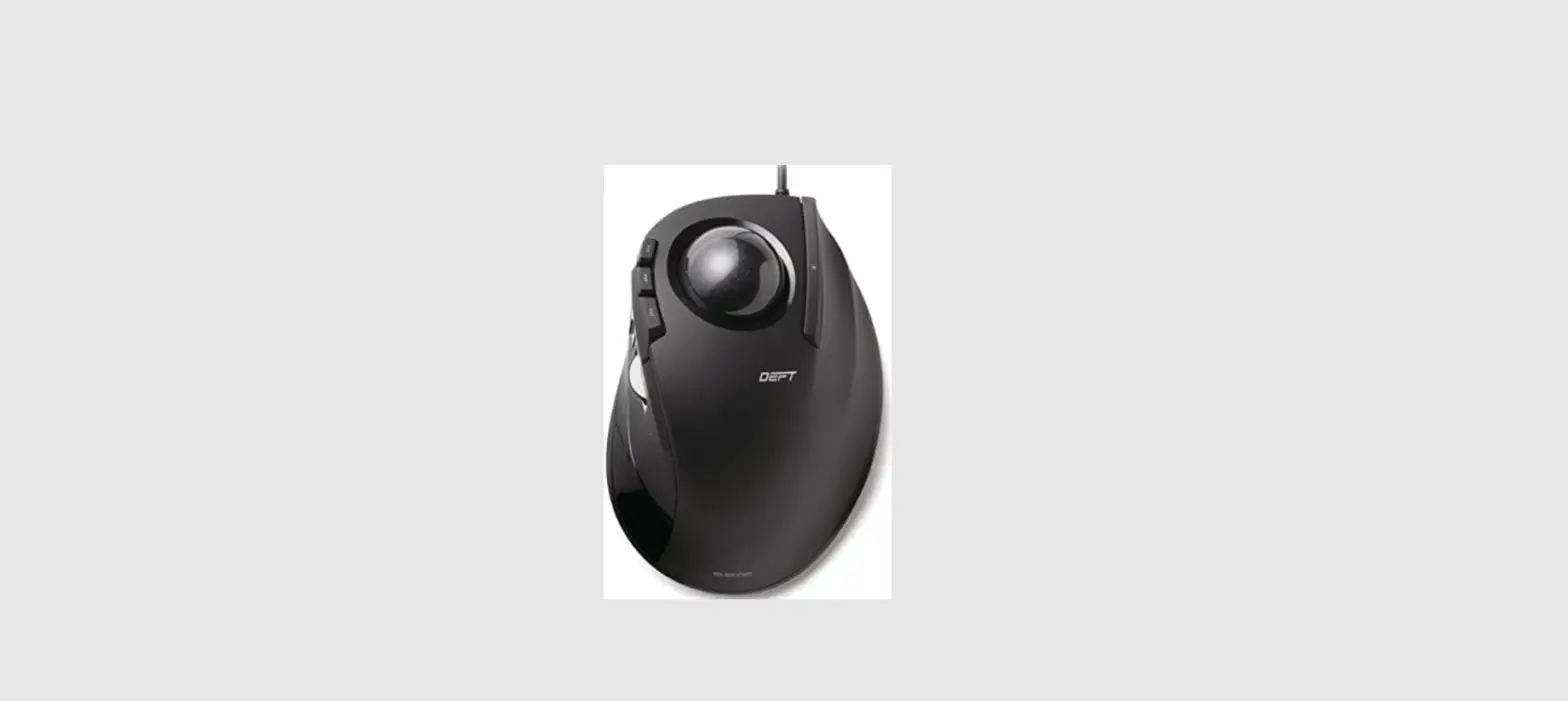
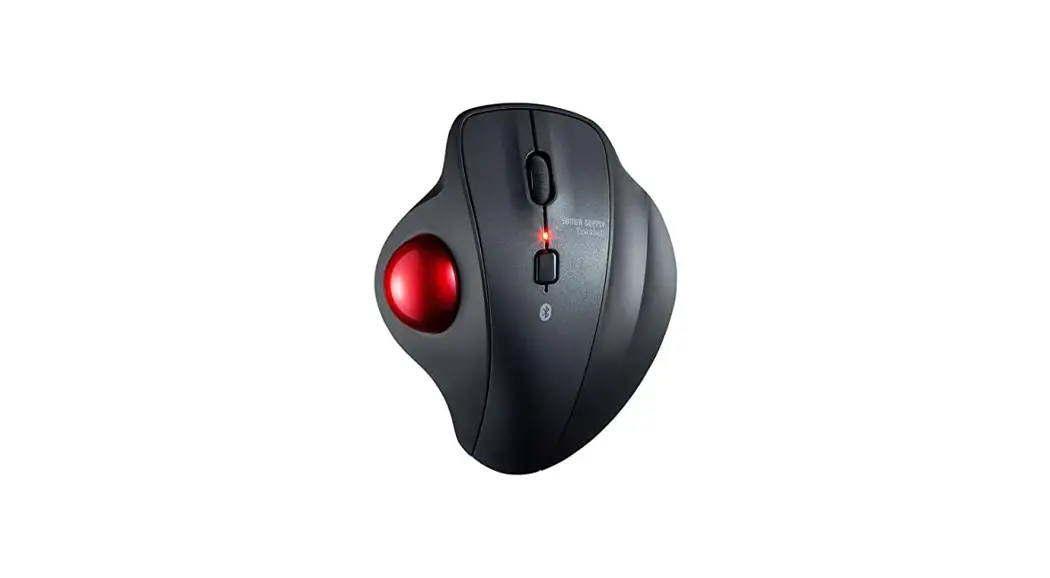
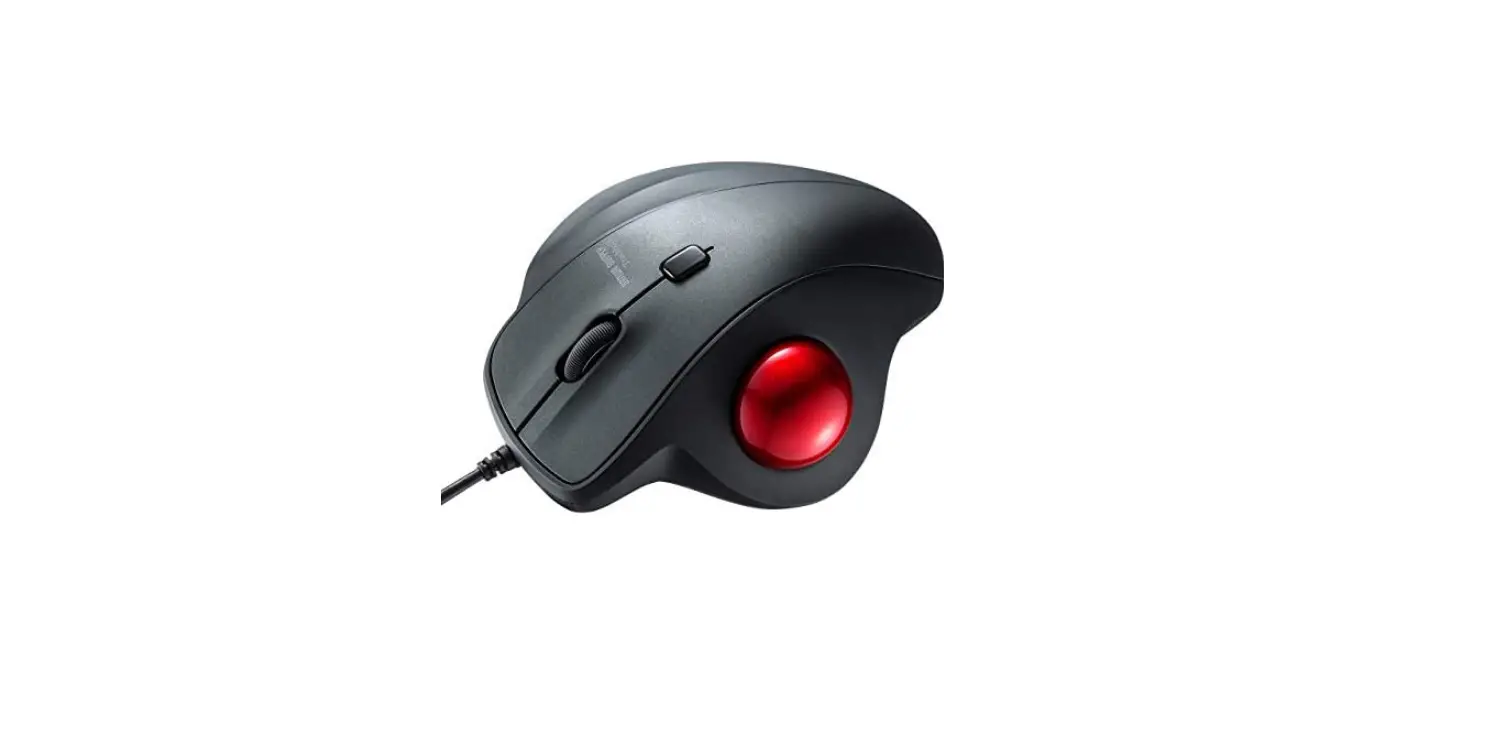
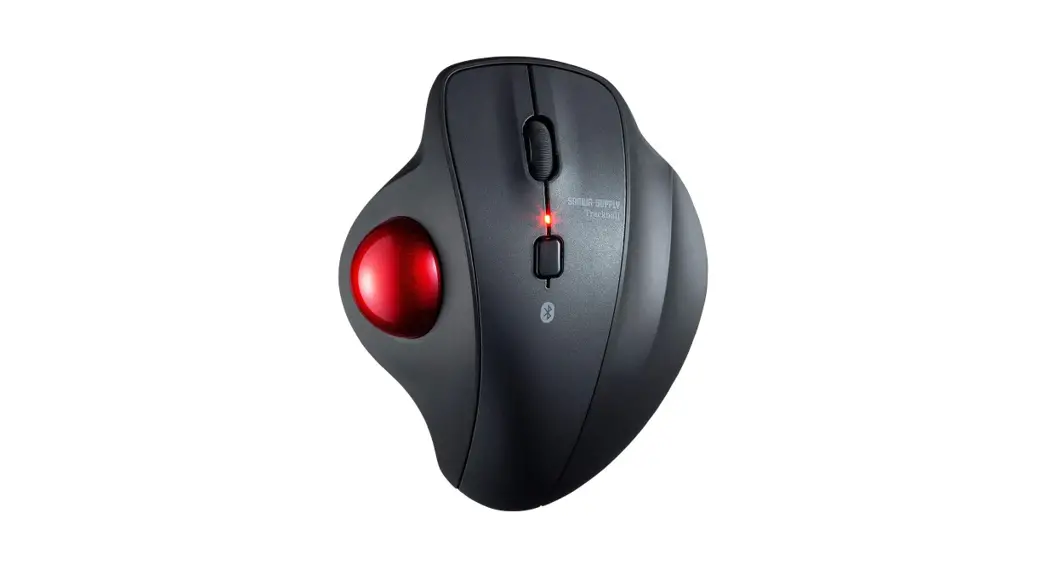
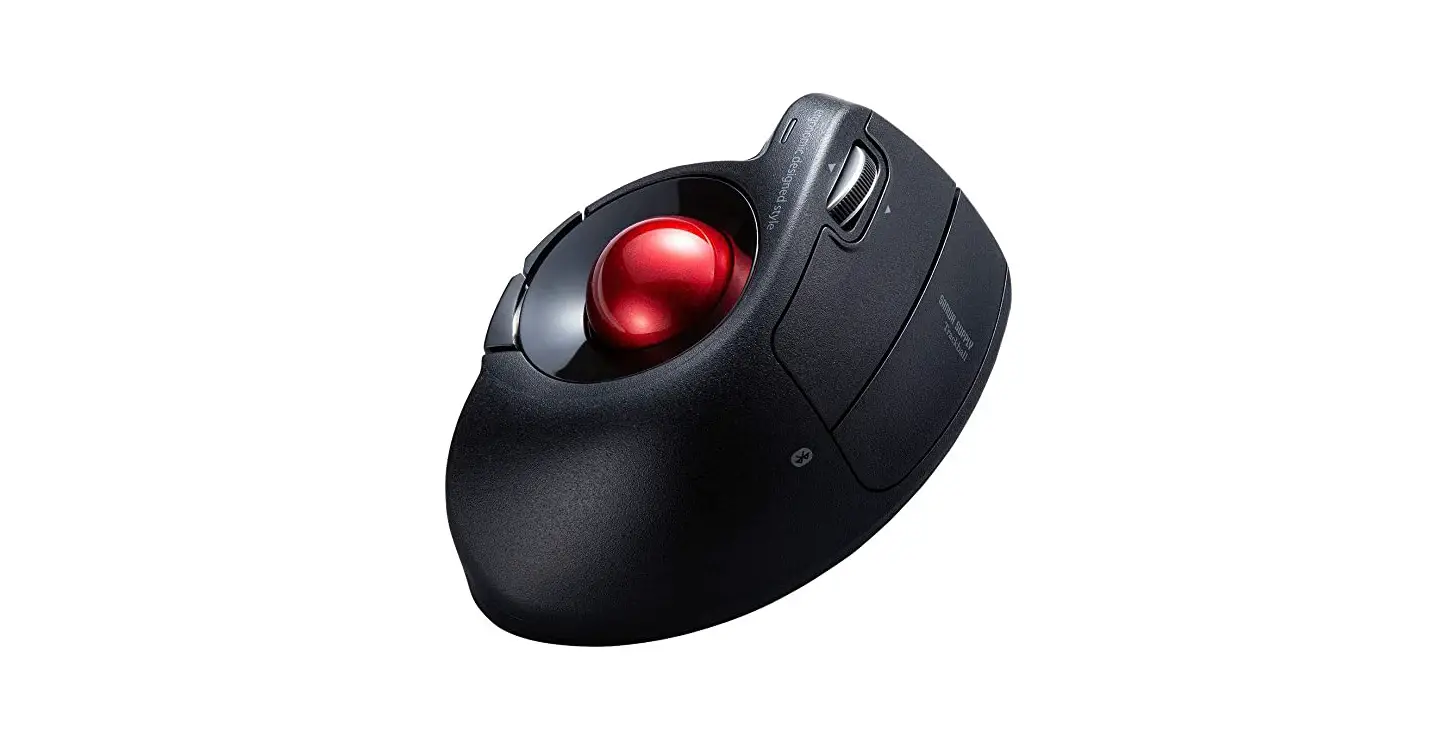
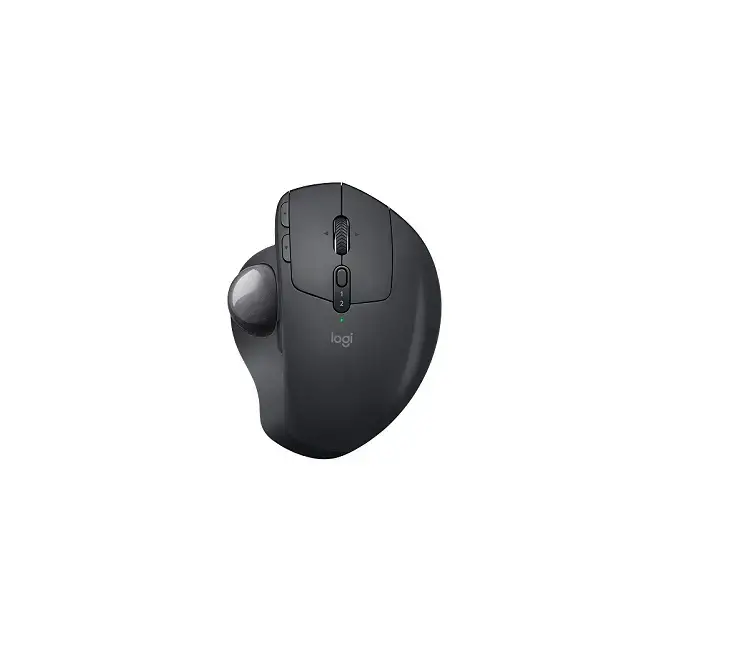
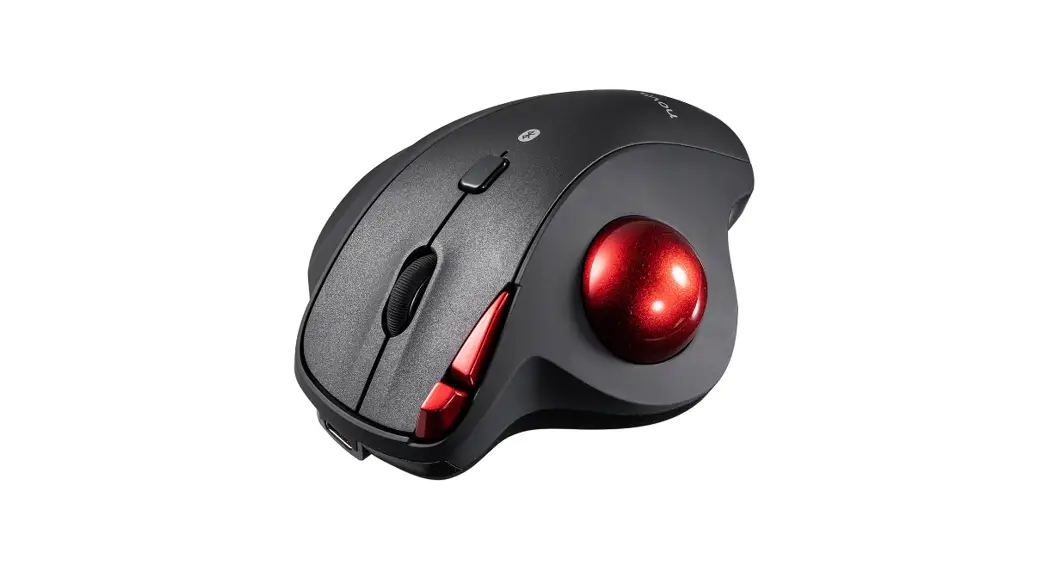
M-XPT1MR Trackball Mouse
Product Information
| Model | M-XPT1MR |
|---|---|
| Names of Parts | Trackball main unit, Receiver unit |
Product Usage Instructions
- Left button: Use the left button for regular
click functions. - Right button: Use the right button for regular
click functions. - Tilt wheel: The tilt wheel can be used for
scrolling horizontally. - Back button: Operates the Back button on the
Web browser. - Forward button: Operates the Forward button on
the Web browser. - Function buttons 1 to 3: Functions can be
assigned to these buttons using the Elecom Mouse Assistant
software. No functions are pre-assigned at the time of
purchase. - Trackball: Use the trackball for cursor
movement. - LED lamp: The LED lamp indicates the power
status and battery level of the device. - Power mode selection switch: Slide the switch
to select between power off, low energy mode, and high-speed
mode. - Optical sensor: The optical sensor is located
on the reverse side of the trackball. - Ball removal hole: Use the ball removal hole
to remove the trackball for maintenance purposes. - USB [A] connector: Connect the USB cable to
this connector for wired connection to a PC. - Connection mode selection switch: Switch
between 2.4 GHz wireless connection and Bluetooth connection. Only
one connection mode can be used at a time. - Pointer speed change switch: Use this switch
to change the movement speed of the pointer. There are three
stages: 500/1000/1500. - Receiver unit storage section: This section is
used to store the receiver unit when not in use. - Battery cover: Remove the battery cover to
insert or replace batteries. - Battery storage section: This section is used
to store the batteries. - USB connector (male): Connect this USB
connector to a PC for wired connection.
Product Usage Instructions (Continued)
- Insert battery:
- Only when connecting via 2.4 GHz wireless or Bluetooth, insert
the battery according to the instructions displayed on the bottom
surface of the device. - Ensure the correct battery orientation (plus and minus) when
inserting. - Re-attach the battery cover to its original state.
- Only when connecting via 2.4 GHz wireless or Bluetooth, slide
the power mode selection switch to either the H (High-speed mode)
or L (Low energy mode) position. - In High-speed mode, tracking performance is improved when
moving the trackball quickly, but battery life is shortened. - The LED lamp will light up red for a fixed time. If the
remaining battery is low, the LED will blink red for a fixed
time.
- For wired connection, connect the attached USB cable to the USB
microB port on the device. - Start up the PC.
- Insert the USB connector of the device into the USB port of the
PC. - When connecting via cord, 2.4 GHz wireless connection and
Bluetooth connection cannot be used simultaneously. - Ensure the correct orientation and insertion location of the
connector. Do not forcibly insert the connector if there is strong
resistance, as it may damage the connector and pose a risk of
injury. - The driver will be automatically installed and the trackball
can be used.
Model: M-XPT1MR
ENGLISH
Names of Parts
Trackball main unit
3 10 7
13 15 16
2
12
17
6
11 1
14 8 49 5 20
19 18
Receiver unit 21
Manual
Trackball Mouse
1 Left button
2 Right button
3 Tilt wheel
4 “Back” button Operates the “Back” button on the Web browser.
5 “Forward” button Operates the “Forward” button on the Web browser.
6, Function buttons 1 to 3 7, Functions can be assigned to this 8 button.At the time of purchase, no
functions have been assigned. In order to assign functions, acquire and install the Elecom Mouse Assistant. 9 Trackball
10 LED lamp
13 Power mode selection
15 Pairing button
During pairing standby state, the LED blinks red. When power is ON, the LED is lit red for a fixed time. When remaining battery becomes
switch
(Power OFF) (Low energy mode) (High speed mode)
16 Optical sensor (reverse side of ball)
17 Ball removal hole Remove ball during maintenance
low during use, the LED blinks red. 14 Pointer speed change switch
11 USB [A] connector
Each time the button is pressed, the count
12 Connection mode selection switch
Switches between 2.4 GHz wireless connection and Bluetooth connection. * Cannot connect to two units at the
same time, such as to a PC and tablet.
number (movement speed of the pointer)
switches between three stages of
500/1000/1500.
When the count number is changed, the
current count number is shown by the
number of times the LED lamp blinks.
one blink
500 counts
two blinks 1000 counts
18 Receiver unit storage section
19 Battery cover 20 Battery storage section
Bluetooth 2.4 GHz wireless
three blinks 1500 counts
21 USB connector (male)
Blue indicator Red indicator
1 Insert battery
Only when connecting 2.4 GHz wireless, Bluetooth Can be used without batteries when connected by cord.
Remove the battery cover. Insert battery according to instructions displayed on the bottom surface. In sert with the correct battery plus and minus orientation.
Re-attach the battery cover to its original state.
2 Turn the power ON Only when connecting 2.4 GHz wireless, Bluetooth
Operates with both the power ON/OFF when connected by cord. There is no difference between High speed mode and Low energy mode.
Slide the power mode selection switch to either the H (High speed mode) or L (Low energy mode) position.
In High speed mode, tracking performance becomes greater when moving the ball quickly, but battery life is shortened.
The LED lamp is lit red for a fixed time. * When remaining battery is low, the LED blinks red for a fixed time.
3 Connecting to a PC
For wired connection
Connect the attached USB cable to the USB microB port on this product.
Start up the PC.
Insert the USB connector of this product into the USB port of the PC.
When connecting by cord, 2.4 GHz wireless connection and Bluetooth connection cannot be used. Ensure the correct orientation and insertion location of the connector. If strong resistance is felt when inserting, check the shape and orientation of the connector. Forcibly inserting the connector may damage the connector, and there is a risk of injury. Do not directly touch the terminal area of the USB connector.
The driver is automatically installed and the trackball can be used.
When connecting by 2.4 GHz wireless Start up the PC. Change the connection mode selection switch to “2.4 GHz wireless”. Insert the receiver unit into a USB port on the PC.
Red indicator
Ensure the correct orientation and insertion location of the connector. If strong resistance is felt when inserting, check the shape and orientation of the connector. Forcibly inserting the connector may damage the connector, and there is a risk of injury. Do not directly touch the terminal area of the USB connector.
The driver is automatically installed and the trackball can be used.
Energy saving mode In order to reduce battery wear, when the power mode selection switch is on H or L and is not operated for a set period of time, the trackball automatically enters energy saving mode. Moving the ball restores it from energy saving mode. * For two to three seconds after restoring from energy saving mode, trackball operation may be unstable.
How to clean the trackball Use a finger (or a pen) to push the ball out from the reverse side.
When connecting my Bluetooth connection
The pairing method may differ depending on the PC you are using. In that case, please read the instruction manual for your PC.
For Windows® 10
If your computer does not support Bluetooth 4.0 or you upgraded from Windows 8.1 or Windows 7 Please use a Bluetooth® adapter compatible with Bluetooth 4.0.
Change the connection mode selection switch to “Bluetooth”.
Blue indicator
Click on the “Start” button on the lower left of the screen, and click on the “Settings” icon.
For Windows® 7
Please purchase an adapter compatible with Bluetooth 4.0 compatible with Windows 7 that you can purchase in your region. For the pairing method, please refer to the instruction manual for the Bluetooth® adapter compatible with Bluetooth 4.0. (* We cannot take responsibility for its operation)
Hint for when pairing Change the connection mode selection switch to “Bluetooth”. Select “EX-G ProTrackball” from the list of devices.
Blue indicator
For macOS High Sierra (10.13)
Can only be used for Macintosh compatible with Bluetooth 4.0.
Click on “Devices” on the “Windows Settings” screen.
Change the connection mode selection switch to “Bluetooth”.
Blue indicator
From the Apple menu, click “System Preferences…” to display the system environment settings screen.
Click on “Bluetooth & other devices”, and click on “Add Bluetooth or other device”.
Click “Bluetooth”.
Click “Bluetooth” to display the “Bluetooth” environment settings screen.
Use a cotton bud or similar to remove the dust accumulated on the three contact surfaces of the red ball.
When cleaning around the optical sensor, take care not to damage the sensor.
Contact surface
Specifications
Count number Interface Connector shape Compatible OS
Communication method Radio frequency Radio wave range
Read method Emitted light type Number of buttons External dimensions
500/1000/1500 dpi (switchable)
USB * For wired/wireless 2.4 GHz connection mode
USB (A) male * For wired/wireless 2.4 GHz connection mode
Windows® Windows®
R10T8.W1indWoiwndso®w8s.1®7
macOS High Sierra(10.13) *
* Support only for models with
Bluetooth4.0 or later installed as standard
(You may need to update to the latest
version of each OS or install service packs.)
GFSK method
2.4 GHz band Non-magnetic materials (such as wooden desks): approximately 10 m Magnetic materials (such as iron desks): approximately3 m * These are test values in company
environment and are not guaranteed. Optical sensor method Non-visible wavelength range 8 * including wheel button Trackball main unit:
approx. W108 mm × D135 mm × H48 mm Receiver unit:
approx. W14 mm × D19 mm × H5 mm
Weight
Trackball main unit: Approximately 260 g (not including batteries)
Receiver unit: Approximately 2 g
Operational
5°C to 40°C/up to 90%RH (without
temperature/humidity condensation however)
Storage temperature/ -10°C to 60°C/up to 90%RH (without
humidity
condensation however)
Supported batteries Any 1 of AA alkaline battery, AA manganese battery, AA type nickel-metal hydride battery
Operational time
Estimate when using alkaline battery <Low energy mode>
Continuous operation time: (2.4 GHz) approx. 134 hours (Bluetooth) approx. 167 hours
Continuous standby time: (2.4 GHz) approx. 925 days (Bluetooth) approx. 925 days
Estimated usage time: (2.4 GHz) approx. 301 days (Bluetooth) approx. 366 days
<High speed mode> Continuous operation time: (2.4 GHz) approx. 91 hours (Bluetooth) approx. 104 hours Continuous standby time: (2.4 GHz) approx. 925 days (Bluetooth) approx. 925 days Estimated usage time: (2.4 GHz) approx. 211 days (Bluetooth) approx. 240 days
(The above is assuming the computer is used for eight hours a day with 5% of that time spent operating the trackball.)
When the add device screen is displayed, hold Pairing button down the pairing button on the bottom for two to three seconds, and then release.
Pairing mode is activated, and the LED lamp blinks red.
Click on “EX-G Pro Trackball” to start pairing.
When it changes to “Connected”, click on “Done”.
This product is added to “Mouse, keyboard, & pen”, displays “Connected ” and pairing is complete.
During the device search, hold down the Pairing button pairing button on the bottom surface for two to three seconds, and then release.
Pairing mode is activated, and the LED lamp blinks red.
Select “EX-G Pro Trackball”, and click “Connect” to start pairing.
When it changes to “Connected”, pairing is completed.
Win https://www.elecom.co.jp/r/132.html Mac https://www.elecom.co.jp/r/133.html
Download “ELECOM Mouse Assistant” from the ELECOM website to use its button assignment and high-speed scrolling functions.
Modèle: M-XPT1MR
FRANÇAIS
Manuel
Souris Trackball
Noms des pièces
Module principal du Trackball
3 10 7
13 15 16
2
12
17
6
11 1
14 8 49 5 20
19 18
Appareil récepteur 21
1 Bouton gauche
2 Bouton droit
3 Boule directionnelle
4 Bouton `’Retour” Actionne le bouton « Retour » du navigateur Web.
5 Bouton `’Avancer” Actionne le bouton « Avancer » du navigateur Web.
6, Boutons de fonction 1 – 3 7, Les fonctions peuvent être attribuées 8 à ce bouton. Au moment de l’achat,
aucune fonction n’a été attribuée. Pour attribuer des fonctions, veuillez acquérir et installer l’Aide pour la souris Elecom. 9 Trackball
10 Lampe à LED
13 Commutateur de sélection
Au cours de l’état de veille de
de mode d’alimentation
l’appariement, le voyant LED clignote rouge.
(Arrêt)
Lorsque l’appareil est sous tension, le voyant LED est rouge pendant un temps fixe.
(En Mode Veille) (En Mode Haute Vitesse)
Lorsque la batterie restante baisse pendant l’utilisation, le voyant LED clignote rouge. 11 Connecteur USB [A] 12 Commutateur de sélection de mode de connexion
14 Commutateur de changement de vitesse du pointeur Chaque fois que le bouton est appuyé, le nombre de compte (vitesse de déplacement du pointeur) bascule entre trois étapes de 500/1000/1500.
Permet de basculer entre la
Lorsque le nombre de compte est
connexion sans fil 2,4 GHz et la
modifié, le nombre de compte courant
connexion Bluetooth.
est indiqué par le nombre de fois que le
* Impossible de se connecter à deux
voyant LED clignote.
unités en même temps, comme à un PC et une tablette.
un clignotement 500 comptes deux clignotements 1000 comptes
Bluetooth 2,4 GHz sans fil
trois clignotements 1500 comptes
Voyant bleu Voyant rouge
15 Bouton d’appariement 16 Capteur optique
(verso de la boule) 17 Trou de retrait de la boule
Retirez la boule pendant l’entretien
18 Section de stockage de l’appareil récepteur
19 Couvercle de la batterie 20 Section de la batterie
de stockage 21 Connecteur USB (mâle)
1 Insérez la batterie
Uniquement lors de la connexion 2,4 GHz sans fil, Bluetooth Peut être utilisé sans les piles lorsqu’il est connecté par câble.
Enlevez le couvercle de la batterie. Insérez la batterie selon les instructions affichées sur la surface inférieure. Insérez avec la bonne orientation de la batterie indiquée par les signes plus et moins.
Remettez le couvercle de la batterie en place.
2 Mettez l’appareil sous tension Uniquement lors de la connexion 2,4 GHz sans fil, Bluetooth
Fonctionne avec l’alimentation ON/OFF lorsqu’il est connecté par câble. Il n’y a pas de différence entre les modes de vitesse Hi (élevée) et Low (mode faible énergie).
Faites glisser le commutateur de sélection de mode à la position H (mode de vitesse élevée) ou L (mode faible énergie).
En mode de vitesse Hi, le suivi des performances augmente lorsque vous déplacez rapidement la boule, mais l’autonomie des piles est réduite.
La lampe LED est rouge pendant un temps fixe. * Lorsque la batterie restante est faible, le voyant LED clignote rouge pendant un
temps fixe.
3 Connexion à un PC
Pour une connexion filaire
Connectez le câble USB relié au port USB microB sur ce produit.
Démarrez le PC.
Insérez le connecteur USB de ce produit dans le port USB du PC.
Lors de la connexion par câble, la connexion sans fil de 2,4 GHz et la connexion Bluetooth sont inutilisables. Assurez-vous d’avoir la bonne orientation et l’emplacement d’insertion du connecteur. Si une forte résistance est perçue lors de l’insertion, vérifiez la forme et l’orientation du connecteur. L’insertion par la force du connecteur peut l’endommager, et il y a un risque de lésions. N’entrez pas en contact direct avec la surface du terminal du connecteur USB.
Le pilote est installé automatiquement et le trackball peut être utilisé.
Lors de la connexion par 2,4 GHz sans fil Démarrez le PC. Changez le commutateur de sélection de mode de connexion à « 2,4GHz sans fil ». Connectez l’appareil récepteur à un port USB du PC.
Voyant rouge
Assurez-vous d’avoir la bonne orientation et l’emplacement d’insertion du connecteur. Si une forte résistance est perçue lors de l’insertion, vérifiez la forme et l’orientation du connecteur. L’insertion par la force du connecteur peut l’endommager, et il y a un risque de lésions. N’entrez pas en contact direct avec la surface du terminal du connecteur USB.
Le pilote est installé automatiquement et le trackball peut être utilisé.
Mode économie d’énergie Afin de réduire l’usure de la batterie, lorsque le commutateur de sélection de mode d’alimentation est sur H ou L et ne fonctionne pas pendant une période de temps déterminée, le trackball entre automatiquement en mode économie d’énergie. Déplacer la boule permet sa restauration en mode économie d’énergie. * Pendant deux ou trois secondes après la restauration du mode économie d’énergie, le fonctionnement du trackball peut être instable.
Lors de l’activation de ma connexion Bluetooth
La méthode d’appariement peut différer selon le PC que vous utilisez. Dans ce cas, veuillez lire le manuel d’instructions pour votre PC.
Pour Windows® 10
Si votre ordinateur ne supporte pas le Bluetooth 4.0 ou a été mis à niveau depuis Windows 8.1 ou Windows 7, veuillez utiliser un adaptateur Bluetooth® compatible avec le Bluetooth 4.0.
Changez le mode de connexion
depuis le commutateur de
sélection sur « Bluetooth ».
Voyant bleu
Cliquez sur le bouton « Démarrer » en bas à gauche de l’écran et cliquez sur l’icône « Paramètres » .
Pour Windows® 7
Veuillez acheter un adaptateur compatible avec Bluetooth 4.0 compatible avec Windows 7, que vous pouvez acheter dans votre région. Pour la méthode d’appariement, veuillez vous référer au manuel d’instructions pour l’adaptateur Bluetooth® compatible avec le Bluetooth 4.0. (* Nous ne pouvons pas assumer la responsabilité de son fonctionnement)
Astuces pour l’appariement Passez le commutateur de sélection de mode de connexion à ”Bluetooth”. Sélectionnez « EX-G Pro Trackball » dans la liste des périphériques ou appareils.
Voyant bleu
Pour macOS High Sierra (10.13)
Utilisable uniquement sur Macintosh compatible avec Bluetooth 4.0.
Cliquez sur « Appareils » sur l’écran « Paramètres Windows ».
Cliquez sur « Bluetooth & autres appareils » et cliquez sur « Ajouter Bluetooth ou un autre périphérique ».
Passez le commutateur de sélection de mode de connexion à ”Bluetooth”.
Voyant bleu
A partir du menu de Apple, cliquez sur ”Préférences du système…” pour afficher l’écran des paramètres de l’environnement système.
Nettoyage du trackball Poussez la boule vers l’extérieur depuis l’arrière avec votre doigt ou un stylo. Ôtez la poussière des surfaces où les trois roulements rouges entrent en contact avec le trackball en utilisant un tampon de coton.
Veillez à ne pas endommager le capteur optique lorsque vous nettoyez la surface.
Cliquez sur ”Bluetooth”.
Cliquez sur « Bluetooth » pour afficher l’écran des paramètres de l’environnement « Bluetooth ».
Spécifications
Nombre de compte 500/1000/1500 ppp (commutables)
Interface
USB * Pour le mode de connexion filaire/sans
fil de 2,4 GHz
Forme du connecteur Systèmes d’exploitation compatibles
USB (A) mâle * Pour le mode de connexion filaire/sans
fil de 2,4 GHz Windows® 10, Windows® 8.1, Windows® RT 8.1, Windows® 7, macOS High Sierra(10.13) *, * Prise en charge uniquement pour les
modèles avec Bluetooth4.0 ou une version ultérieure installée en standard (vous devrez peut-être le mettre à jour vers la toute dernière version de chaque système d’exploitation ou installer des packs de service.)
Méthode de communication
Méthode GFSK
Fréquence radio Bande 2,4 GHz
Méthode par onde radio
Matériaux non magnétiques (tels que des pupitres en bois) : environ 10 m Matériaux magnétiques (tels que des pupitres en fer) : environ 3 m * Ce sont des valeurs d’essai en environnement
de l’entreprise et elles ne sont pas garanties.
Lire la méthode
Méthode de capteur optique
Type de lumière émis Gamme de longueurs d’onde non visibles
Nombre de boutons 8 * y compris le bouton de la boule
Dimensions externes
Module principal du Trackball: Environ L108 mm × P135 mm × H48 mm
Appareil récepteur: Environ L14 mm × P19 mm × H5 mm
Surface de contact
Poids
Module principal du Trackball: Environ 260g (batteries non incluses)
Appareil récepteur: Environ 2g
Température de fonc- 5°C à 40°C / jusqu’à 90% de RH tionnement/humidité (cependant sans condensation)
Température de -10°C à 60°C / jusqu’à 90% de RH stockage/humidité (cependant sans condensation)
Batteries prises en N’importe quelle batterie alcaline AA,
charge
batterie au manganèse AA, batterie de
nickel-métal hydrure de type AA
Temps d’exploitation
Estimez quand vous utiliserez des batteries ou piles alcalines <Mode Veille ou mode faible énergie>
Temps de fonctionnement continu: (2,4 GHz)Environ 134 heures (Bluetooth)Environ 167 heures
Temps de veille continu: (2,4 GHz)Environ 925 jours (Bluetooth)Environ 925 jours
Temps d’usage estimé: (2,4 GHz)Environ 301 jours (Bluetooth)Environ 366 jours
<Mode Haute Vitesse> Temps de fonctionnement continu: (2,4 GHz)Environ 91 heures (Bluetooth)Environ 104 heures Temps de veille continu: (2,4 GHz)Environ 925 jours (Bluetooth)Environ 925 jours Temps d’usage estimé: (2,4 GHz)Environ 211 jours (Bluetooth)Environ 240 jours
(Les points sus cités partent de l’hypothèse que l’ordinateur est utilisé pendant 8 heures par jour, avec 5% de temps passé à utiliser le trackball.)
Lorsque l’écran d’ajout Bouton d’un périphérique est d’appariement affiché, maintenez le bouton d’appariement en bas pendant deux ou trois secondes, et puis relâchez.
Le mode d’appariement est activé et la lampe LED clignote en rouge.
Cliquez sur « EX-G Pro Trackball » pour démarrer l’appariement.
Au cours de la recherche d’un appareil, maintenez
Bouton d’appariement
le bouton d’appariement
sur la surface inférieure
pendant deux ou trois
secondes, puis relâchez.
Le mode d’appariement est activé et la lampe LED clignote en rouge.
Sélectionnez « EX-G Pro Trackball » et cliquez
sur « Connecter » pour démarrer l’appariement.
Quand il passe en « Connecté », cliquez sur « Terminé ».
Ce produit est ajouté à la « Souris, au clavier, & au stylo », il affiche « Connecté » et l’appariement est complet.
Lorsqu’il passe en « Connecté », l’appariement est terminé.
Win https://www.elecom.co.jp/r/132.html Mac https://www.elecom.co.jp/r/133.html
Téléchargez `’ELECOM Mouse Assistant” depuis le site web de ELECOM afin d’utiliser ses fonctions d’attribution et de défilement à haute vitesse.
Modell: M-XPT1MR
DEUTSCH
Bedienungsanleitung
Trackball-Maus
Bezeichnung der Teile
Trackball Hauptgerät
3 10 7
13 15 16
2
12
17
6
11 1
14 8 49 5 20
19 18
Empfängereinheit 21
1 Linke Taste
2 Rechte Taste
3 Tilt-Wheel
4 Schaltfläche ,,Zurück” Betätigt die Schaltfläche ,,Zurück” im Web-Browser.
5 Schaltfläche ,,Vorwärts” Betätigt die Schaltfläche ,,Weiter” im Web-Browser.
6, Funktionstasten 1 bis 3 7, Dieser Schaltfläche können 8 Funktionen zugewiesen werden. Zum
Zeitpunkt des Kaufs wurden keine Funktionen zugewiesen. Um Funktionen zuzuweisen, erwerben und installieren Sie den Elecom Maus-Assistenten. 9 Trackball
10 LED-Leuchte
13 Power-Modus-Wahlschalter
15 Paarungstaste
Während der Paarung im
(AUS-geschaltet)
16 Optischer Sensor
Ruhezustand blinkt die LED rot.
(Niedrigenergie-Modus)
(Rückseite der Kugel)
Wenn das Gerät EIN-geschaltet ist, leuchtet die LED eine bestimmte Zeit lang rot. Wenn die verbleibende Batterie während des Gebrauchs schwach wird, blinkt die LED rot. 11 [A] USB-Anschluss
12 Wahlschalter Verbindungsmodus Wechselt zwischen 2,4 GHz WLANund Bluetooth-Verbindung. * Es kann nicht gleichzeitig mit zwei Geräten verbunden werden, z. B. mit einem PC und einem Tablet.
Bluetooth 2,4 GHz kabellos
(Modus mit hoher
17 Loch zur Entfernung des Balls
Geschwindigkeit)
Kugel während der Wartung
14 Schalter zum Ändern der Zeigergeschwindigkeit entfernen
Immer wenn die Taste gedrückt wird,
wechselt die Zählnummer (Bewegungsge-
schwindigkeit des Zeigers) zwischen drei
Stufen 500/1000/1500.
Wird die Zählnummer geändert, so wird die
aktuelle Zählnummer durch die Anzahl der
Male angezeigt, wenn die LED-Lampe blinkt. 18 Speicherbereich für
einmal blinken 500 Zählungen
Empfängereinheit
zweimal blinken 1000 Zählungen dreimal blinken 1500 Zählungen
19 Batterieabdeckung 20 Batteriespeicherbereich
21 USB-Verbindung (Stecker)
Blaue Anzeige Rote Anzeige
1 Batterie einlegen
Nur beim kabellosen Anschluss von 2,4 GHz, Bluetooth Kann bei angeschlossenem Kabel ohne Batterien verwendet werden.
Entfernen Sie die Batterieabdeckung. Legen Sie die Batterie gemäß den Anweisungen auf der Unterseite ein. M it der richtigen Batterie Plus-und Minus-Ausrichtung einlegen.
Se tzen Sie die Batterieabdeckung wieder in ihrem ursprünglichen Zustand auf.
2 Schalten Sie das Gerät EIN Nur beim kabellosen Anschluss von 2,4 GHz, Bluetooth
Arbeitet sowohl mit EIN/AUS, wenn mit Kabel verbunden. Es gibt keinen Unterschied zwischen Hochgeschwindigkeitsmodus und Niedrigenergie-Modus.
Schieben Sie den Wahlschalter für den Leistungsmodus in die Position ,,H” (Hi-Speed/Hochgeschwindigkeitsmodus) oder ,,L” (Low-Energy-Modus/Niedrigenergie-Modus).
Im Hi-Speed-Modus steigt die Tracking-Leistung, wenn die Kugel schnell bewegt wird, die Akkulaufzeit wird jedoch verkürzt.
Die LED-Lampe leuchtet eine bestimmte Zeit lang rot. * Wenn die Restkapazität des Akkus niedrig ist, blinkt die LED eine bestimmte Zeit lang rot.
3 Verbindung mit dem PC
Für Kabelverbindung
Schließen Sie das beigefügte USB-Kabel an den USB-MicroB-Anschluss dieses Produkts an. Starten Sie den PC.
Stecken Sie den USB-Anschluss dieses Produkts in den USB-Port des PCs. Falls Sie die Verbindung über ein Kabel herstellen, können die 2,4-GHz-Drahtlosverbindung und die Bluetooth-Verbindung nicht verwendet werden. Achten Sie auf die richtige Ausrichtung und den richtigen Einsteckort des Steckers. Ist beim Einsetzen starker Widerstand spürbar, überprüfen Sie die Form und Ausrichtung des Steckers. Ein gewaltsames Einführen des Steckers kann den Stecker beschädigen, zudem besteht Verletzungsgefahr. Berühren Sie den USB-Stecker nicht direkt.
Der Treiber wird automatisch installiert, und der Trackball kann verwendet werden.
Bei Anschluss mit 2,4 GHz kabellos
Starten Sie den PC.
Ändern Sie die Anschluss-Modus-Wahlschalter auf ,,2,4 GHz kabellos”.
Stecken Sie die Empfängereinheit in eine USB-Büchse des Computers.
Rote Anzeige
Achten Sie auf die richtige Ausrichtung und den richtigen Einsteckort des Steckers. Ist beim Einsetzen starker Widerstand spürbar, überprüfen Sie die Form und Ausrichtung des Steckers. Ein gewaltsames Einführen des Steckers kann den Stecker beschädigen, zudem besteht Verletzungsgefahr. Berühren Sie den USB-Stecker nicht direkt.
Der Treiber wird automatisch installiert, und der Trackball kann verwendet werden.
Energiesparmodus Um den Batterieverschleiß zu reduzieren, schaltet der Trackball automatisch in den Energiesparmodus, wenn der Wahlschalter für den Leistungsmodus auf H oder L steht und eine bestimmte Zeit lang nicht betätigt wird. Ein Bewegen der Kugel stellt sie aus dem Energiesparmodus wieder zurück. * Zwei bis drei Sekunden nach dem Zurückstellen aus dem Energiesparmodus kann der Trackball-Betrieb instabil sein.
Reinigung des Trackballs Drücken Sie den Ball hinten mit Ihrem Finger oder einem Kulli heraus.
Beim Verbinden meiner Bluetooth-Verbindung
Die Kopplungsmethode kann je nach eingesetztem PC unterschiedlich sein. Bitte lesen Sie in diesem Fall die Bedienungsanleitung Ihres PCs.
Für Windows® 10
Falls Ihr Computer Bluetooth 4.0 nicht unterstützt oder Sie ein Upgrade von Windows 8.1 oder Windows 7 durchgeführt haben, verwenden Sie bitte einen Bluetooth®-Adapter, der mit Bluetooth 4.0 kompatibel ist.
Verbindungsmodus ändern Wahlschalter auf ,,Bluetooth”.
Blaue Anzeige
Klicken Sie auf die Schaltfläche ,,Start” am linken unteren Rand des Bildschirms und dann auf das Symbol ,,Einstellungen” .
Für Windows® 7
Bitte kaufen Sie einen Adapter, der mit Bluetooth 4.0, kompatibel mit Windows 7, kompatibel ist und in Ihrer Gegend erhältlich ist. Informationen zur Kopplungsmethode finden Sie in der Bedienungsanleitung des Bluetooth®-Adapters, der mit Bluetooth 4.0 kompatibel ist. (* Wir können keine Gewähr für den Betrieb übernehmen)
Tipp zur Kopplung Ändern Sie die Verbindungsmodus-Wahlschalter auf ,,Bluetooth”. Wählen Sie ,,EX-G Pro Trackball” aus der Liste der Geräte.
Blaue Anzeige
Für macOS High Sierra (10.13)
Kann nur für Macintosh-Computer verwendet werden, die mit Bluetooth 4.0 kompatibel sind.
Klicken Sie auf ,,Geräte” auf dem Bildschirm ,,Windows-Einstellungen”.
Ändern Sie die Verbindungsmodus-Wahlschalter auf ,,Bluetooth”.
Blaue Anzeige
Klicken Sie im Apple-Menü auf ,,Systemeinstellungen …”, um den Bildschirm mit den Systemumgebungseinstellungen anzuzeigen.
Klicken Sie auf ,,Bluetooth & andere Geräte”, und klicken Sie auf ,,Bluetooth oder ein anderes Gerät hinzufügen”.
Klicken Sie auf ,,Bluetooth”, um den Bildschirm mit den Einstellungen für die Bluetooth-Umgebung anzuzeigen.
Entfernen Sie den Staub auf den drei Orten, wo die roten Supportballs den Trackball berühren, mit einem Wattetampon.
Klicken Sie auf ,,Bluetooth”.
Stellen Sie sicher, dass Sie den optischen Sensor beim Reinigen der Oberfläche nicht beschädigen.
Kontaktfläche
Technische Daten
Zählnummer
500/1000/1500 dpi (einstellbar)
Interface
USB * Für kabelgebundenen/kabellosen
2,4-GHz-Verbindungsmodus
Steckerform Kompatibel OS
USB (A) Stecker * Für kabelgebundenen/kabellosen
2,4-GHz-Verbindungsmodus Windows® 10, Windows® 8.1, Windows® RT 8.1, Windows® 7, macOS High Sierra(10.13) * * Unterstützung nur für Modelle mit Bluetooth 4.0
oder höher, die standardmäßig installiert sind (Sie müssen möglicherweise auf die neueste Version des jeweiligen Betriebssystems aktualisieren oder Service Packs installieren.)
Kommunikationsverfahren GFSK Methode
Funkfrequenz
2,4 GHz Band
Radiowellenbereich Nicht magnetische Materialien (wie Holzschreibtische): etwa 10 m Magnetische Materialien (wie Schreibtische aus Eisen): etwa 3 m * Es handelt sich um Testwerte in der Unternehmensumgebung, die nicht garantiert sind.
Lesemethode
Optisches Sensorverfahren
Typ emittiertes Licht Bereich nicht sichtbarer Wellenlängen
Anzahl der Tasten 8 * darunter Radtaste
Außenmaße
Trackball Hauptgerät: Ungefähr B 108 mm × T135 mm × H 48 mm
Empfängereinheit: Ungefähr B 14 mm × T 19 mm × H 5 mm
Gewicht
Trackball Hauptgerät: Ca. 260 g (ohne Batterien) Empfängereinheit: Ca. 2 g
Betriebstemperatur/ 5° bis 40° C/bis zu 90 % relative Betriebsfeuchtigkeit Luftfeuchtigkeit (doch ohne Kondensation)
Lagertemperatur/ -10° bis 60° C/biss zu 90 % relative Lagerfeuchtigkeit Luftfeuchtigkeit (doch ohne Kondensation)
Unterstützten Batterien
Jede 1 AA Alkali-Batterie, AA ManganBatterie, AA Nickel-Metallhydrid-Batterie
Betriebszeit
Schätzung bei der Verwendung einer Alkali-Batterie <Niedrigenergie-Modus>
Dauerbetriebszeit: (2,4 GHz)Ungefähr 134 Stunden (Bluetooth)Ungefähr 167 Stunden
Dauer der Standby-Zeit: (2,4 GHz)Ungefähr 925 Tage (Bluetooth)Ungefähr 925 Tage
Geschätzte Nutzungsdauer: (2,4 GHz)Ungefähr 301 Tage (Bluetooth)Ungefähr 366 Tage
<High-Speed-Modus> Dauerbetriebszeit: (2,4 GHz)Ungefähr 91 Stunden (Bluetooth)Ungefähr 104 Stunden Dauer der Standby-Zeit: (2,4 GHz)Ungefähr 925 Tage (Bluetooth)Ungefähr 925 Tage Geschätzte Nutzungsdauer: (2,4 GHz)Ungefähr 211 Tage (Bluetooth)Ungefähr 240 Tage
(Obige Berechnung geht davon aus, dass der Computer acht Stunden am Tag benutzt wird, wobei 5 % der Zeit mit dem Betrieb des Trackballs verbracht werden.)
Wenn der Bildschirm
,,Gerät hinzufügen”
Paarungstaste
angezeigt wird, halten Sie
die Kopplungstaste zwei bis
drei Sekunden lang gedrückt
und lassen sie dann los.
Der Kopplungsmodus ist aktiviert, und die LED-Lampe blinkt rot.
Klicken Sie auf ,,EX-G Pro Trackball”, um das die Kopplung zu starten.
Halten Sie die Paarungstaste während Paarungstaste der Gerätesuche zwei bis drei Sekunden lang gedrückt und lassen Sie diese dann los.
Der Kopplungsmodus ist aktiviert, und die LED-Lampe blinkt rot.
Wählen Sie ,,EX-G Pro Trackball”, und klicken Sie auf ,,Verbinden”, um die Kopplung zu starten.
Wenn es zu ,,Verbunden” wechselt, klicken Sie auf ,,Fertig”.
Dieses Produkt wird zu ,,Maus, Tastatur & Stift” hinzugefügt, zeigt ,,Verbunden” an und die Kopplung ist abgeschlossen.
Wenn es zu ,,Verbunden” wechselt, ist die Kopplung abgeschlossen.
Win https://www.elecom.co.jp/r/132.html Mac https://www.elecom.co.jp/r/133.html
Laden Sie ,,ELECOM Mouse Assistant” von der ELECOM-Webseite herunter, um die Funktionen für Tastenzuordnung und Hochgeschwindigkeits-Scrolling zu nutzen.
Modelo: M-XPT1MR
ESPAÑOL
Nombres de las partes
Unidad principal de trackball
3 10 7
13 15 16
2
12
17
6
11 1
14 8 49 5 20
19 18
Receptor 21
Manual
Ratón Trackball
1 Botón izquierdo
10 Lámpara LED
13 Interruptor de selección
2 Botón derecho
Durante la sincronización del estado de de modo de alimentación
3 Rueda de inclinación
4 Botón “Retroceso” Funciona el botón “Retroceso” en el navegador Web.
suspensión, el LED parpadea en rojo. Cuando está encendido, el LED se ilumina en color rojo por un tiempo fijo. Cuando queda poca batería durante el
(Apagado) (Modo de ahorro de energía) (Modo de alta velocidad)
uso, el LED parpadea en rojo.
14 Interruptor de cambio de velocidad
5 Botón “Avance” Funciona el botón “Avance” en el navegador Web.
6, Botones de función 1 a 3 7, Se pueden asignar funciones a este 8 botón. No hay asignada ninguna
función en el momento de la compra. Para poder asignar funciones, adquirir e instalar el Asistente de Elecom Mouse.
11 Conector USB [A] 12 Interruptor de selección de modo de conexión Cambia entre la conexión inalámbrica de 2,4 GHz y la conexión Bluetooth. * No se puede conectar a dos unidades al mismo tiempo, como a un PC y un tablet.
9 Trackball
Bluetooth 2.4 GHz wireless
de puntero
Cada vez que se presiona el botón, el cuenta números (velocidad de movimiento del puntero) cambia entre tres etapas de 500/1000/1500. Cuando se cambia el cuenta números, el cuenta números actual aparece a través del número de veces que parpadea la lámpara LED.
un parpadeo
500 recuentos
dos parpadeos 1000 recuentos
tres parpadeos 1500 recuentos
Indicador azul Indicador rojo
15 Botón de sincronización 16 Sensor óptico
(parte de atrás de la bola) 17 Orifico de extracción de la bola
Extraiga la bola durante el mantenimiento
18 Sección de almacenamiento del receptor
19 Tapa de la pila 20 Sección de almacenamiento
de la pila 21 Conector USB (macho)
1 Introduzca la pila
Sólo cuando se realiza la conexión inalámbrica de 2,4 GHz, Bluetooth Puede utilizarse sin pila cuando se conecta por cable.
Extraiga la tapa de la pila. Introduzca la pila según las instrucciones que aparecen en la superficie inferior. Introduzca con la orientación más y menos de la pila correcta.
Vu elva a colocar la tapa de la pila a su estado original.
2 Encienda la corriente eléctrica Sólo cuando se realiza la conexión inalámbrica de 2,4 GHz, Bluetooth
Funciona con la corriente Encendida/Apagada cuando se conecta por cable. No hay diferencia entre el modo de alta velocidad y el modo de ahorro de energía.
Deslice el interruptor de selección de modo a la posición L (modo de ahorro de energía) o H (modo de alta velocidad).
En el modo de alta velocidad, aumenta el rendimiento de seguimiento cuando se mueve la bola rápidamente, pero se acorta la duración de la batería.
La lámpara LED se ilumina en color rojo por un tiempo fijo. * Cuando queda poca batería, el LED parpadea en rojo por un tiempo fijo.
3 Conexión a un PC
Para la conexión por cable
Conecte el cable USB al puerto USB microB en este producto.
Encienda el PC.
Introduzca el conector USB de este producto en el puerto USB del PC.
Cuando se conecta por cable, no se pueden utilizar la conexión inalámbrica de 2,4 GHz y la conexión Bluetooth. Garantice la ubicación correcta de la orientación y la inserción del conector. Si no se puede introducir fácilmente, compruebe la forma y la orientación del conector. Introducir por la fuerza el conector puede dañar el conector y corre el riesgo de lesionarse. No toque directamente la zona del terminal del conector USB.
El controlador se instala automáticamente y se puede utilizar el trackball.
Cuando se conecta a través de la conexión inalámbrica de 2,4 GHz Encienda el PC. Cambie el interruptor de selección del modo de conexión “inalámbrica de 2,4 GHz”. Introduzca el receptor en un Puerto USB en el PC.
Indicador rojo
Garantice la ubicación correcta de la orientación y la inserción del conector. Si no se puede introducir fácilmente, compruebe la forma y la orientación del conector. Introducir por la fuerza el conector puede dañar el conector y corre el riesgo de lesionarse. No toque directamente la zona del terminal del conector USB.
El controlador se instala automáticamente y se puede utilizar el trackball.
Modo de ahorro de energía Con el fin de reducir el desgaste de la pila, cuando el interruptor de selección de modo de alimentación está en H o L y no se haya utilizado durante un periodo de tiempo, el trackball entra automáticamente en modo de ahorro de energía. El mover la bola lo restaura desde el modo de ahorro de energía. * Durante dos o tres segundos después de restaurar desde el modo ahorro de energía, el funcionamiento de trackball puede ser
inestable.
Limpieza del trackball
Saque la bola de la parte posterior con la ayuda de su dedo o un bolígrafo.
Limpie el polvo de las zonas donde las tres bolas de soporte rojo hacen contacto con el trackball con un bastoncillo de algodón.
Al conectar mi conexión Bluetooth
El método de sincronización puede variar en función del PC que se está utilizando. En ese caso, lea el manual de instrucciones para su PC.
Para Windows® 10
Si su ordenador no es compatible con Bluetooth 4.0 o actualizó desde Windows 8.1 o Windows 7 por favor, use un adaptador de Bluetooth® compatible con Bluetooth 4.0.
Cambie el interruptor de selección del modo de conexión a “Bluetooth”.
Indicador azul
Haga clic en el botón “Inicio” en la parte inferior izquierda de la pantalla y haga clic en el icono “Configuración” .
Para Windows® 7
Compre un adaptador compatible con Bluetooth 4.0 compatible con Windows 7 que puede adquirir en su país o región. Para el método de sincronización, consulte el manual de instrucciones del adaptador Bluetooth® compatible con Bluetooth 4.0. (* No podemos asumir la responsabilidad de su funcionamiento)
Sugerencia para cuando se están sincronizando
Cambie el interruptor de selección del
modo de conexión a “Bluetooth”.
Seleccione “EX-G Pro Trackball” en la lista de dispositivos.
Indicador azul
Para macOS High Sierra (10.13)
Solo se puede utilizar para Macintosh compatible con Bluetooth 4.0.
Haga clic en “Dispositivos” en la pantalla de “Configuración de Windows”.
Cambie el interruptor de selección del modo de conexión a “Bluetooth”.
Indicador azul
En el menú Apple, haga clic en “Preferencias del sistema…” para que aparezca la pantalla de configuración de entorno del sistema.
Haga clic en “Bluetooth y otros dispositivos” y haga clic en “Agregar Bluetooth u otro dispositivo”.
Haga clic en “Bluetooth”.
Haga clic en “Bluetooth” para que aparezca la pantalla de configuración del entorno de “Bluetooth”.
Tenga cuidado de no dañar el sensor óptico cuando limpie la zona.
Zona de contacto
Especificaciones
Número de recuento 500/1000/1500 dpi (conmutable)
Interfaz
USB * Para el modo de conexión por cable e
inalámbrico de 2,4 GHz
Forma de conector USB (A) male * Para el modo de conexión por cable e inalámbrico de 2,4 GHz
Sistema operativo compatible
Windows® 10, Windows® 8.1, Windows® RT 8.1, Windows® 7, macOS High Sierra(10.13) * * Soporte sólo para los modelos con Bluetooth4.0
o una versión posterior instalada de serie (puede que necesite actualizar a la última versión de cada sistema operativo o instalar el service pack.)
Método de comunicación
Método GFSK
Frecuencia de radio Banda de 2,4 GHz
Alcance de las ondas de radio
Materiales no-magnéticos (tales como escritorios de madera): aproximadamente 10 m Materiales magnéticos (tales como escritorios de hierro): aproximadamente 3 m * Estos son valores de prueba en el entorno
de la empresa y no están garantizados.
Método de lectura Método de sensor óptico
Tipo de luz emitida Alcance de longitud de onda no visible
Número de botones 8 * incluido el botón de rueda
Dimensiones exteriores
Unidad principal de trackball: Aprox. An 108 mm × Pr 135 mm × Al 48 mm
Receptor: Aprox. An 14 mm × Pr 19 mm × Al 5 mm
Peso
Unidad principal de trackball: Aprox. 260 g (pilas no incluidas)
Receptor: Aproximadamente 2 g
Humedad/temperatura 5°C a 40°C/ hasta 90%RH de funcionamiento (sin condensación)
Humedad/temperatura -10°Ca 60°C/ hasta 90%RH de almacenamiento (sin condensación)
Pilas compatibles
Cualquier pila alcalina AA, pila de manganeso AA, batería recargable de níquel hidruro metálico de tipo AA
Tiempo de funcionamiento
Estimación al usar pilas alcalinas <Modo de ahorro de energía>
Tiempo de funcionamiento continuo: (2,4 GHz)Aproximadamente 134 horas (Bluetooth)Aproximadamente 167 horas
Tiempo en espera continuo: (2,4 GHz)Aproximadamente 925 días (Bluetooth)Aproximadamente 925 días
Tiempo de uso estimado: (2,4 GHz)Aproximadamente 301 días (Bluetooth)Aproximadamente 366 días
<Modo de alta velocidad> Tiempo de funcionamiento continuo: (2,4 GHz)Aproximadamente 91 horas (Bluetooth)Aproximadamente 104 horas Tiempo en espera continuo: (2,4 GHz)Aproximadamente 925 días (Bluetooth)Aproximadamente 925 días Tiempo de uso estimado: (2,4 GHz)Aproximadamente 211 días (Bluetooth)Aproximadamente 240 días
(Lo anterior es suponiendo que se utiliza el ordenador durante ocho horas al día con un 5% del tiempo usando el trackball.)
Cuando aparezca la pantalla de agregar
Botón de sincronización
dispositivo, mantenga
presionado el botón de
sincronización en la parte inferior
durante dos o tres segundos y después suéltelo.
Se activa el modo de sincronización, y la lámpara LED parpadea en rojo.
Haga clic en “EX-G Pro Trackball” para iniciar la sincronización.
Durante la búsqueda de dispositivos, mantenga pulsado el
Botón de sincronización
botón de sincronización
en la superficie inferior
durante dos o tres segundos y luego suelte.
Se activa el modo de sincronización, y la lámpara LED parpadea en rojo.
Seleccione “EX-G Pro Trackball” y haga clic
en “Conectar” para iniciar la sincronización.
Cuando cambia a “Conectado”, haga clic en “Hecho”.
Este producto se agrega a “Ratón, teclado y lápiz”, muestra “Conectado” y se ha completado la sincronización.
La sincronización se ha completado cuando cambia a “Conectado”.
Win https://www.elecom.co.jp/r/132.html Mac https://www.elecom.co.jp/r/133.html
Descargue `’ELECOM Mouse Assistant” desde la página web para usar las funciones de desplazamiento de alta velocidad y la asignación de botón.
Model/Equipment Type: M-XPT1MR
ENGLISH
Manual
Trackball Mouse
Names of Parts
Trackball main unit
3 10 7
13 15 16
2
12
17
6
11 1
14 8 49 5 20
19 18
Receiver unit 21
1 Left button
2 Right button
3 Tilt wheel
4 “Back” button Operates the “Back” button on the Web browser.
5 “Forward” button Operates the “Forward” button on the Web browser.
6, Function buttons 1 to 3 7, Functions can be assigned to this 8 button.At the time of purchase, no
functions have been assigned. In order to assign functions, acquire and install the Elecom Mouse Assistant. 9 Trackball
10 LED lamp
13 Power mode selection
15 Pairing button
During pairing standby state, the LED blinks red. When power is ON, the LED is lit
red for a fixed time.
When remaining battery becomes
switch
(Power OFF) (Low energy mode) (High speed mode)
16 Optical sensor (reverse side of ball)
17 Ball removal hole Remove ball during maintenance
low during use, the LED blinks red. 14 Pointer speed change switch
11 USB [A] connector
Each time the button is pressed, the count
12 Connection mode selection switch
Switches between 2.4 GHz wireless connection and Bluetooth connection. * Cannot connect to two units at the
same time, such as to a PC and tablet.
number (movement speed of the pointer)
switches between three stages of
500/1000/1500.
When the count number is changed, the
current count number is shown by the
number of times the LED lamp blinks.
one blink
500 counts
two blinks 1000 counts
18 Receiver unit storage section
19 Battery cover 20 Battery storage section
Bluetooth 2.4 GHz wireless
three blinks 1500 counts
21 USB connector (male)
Blue indicator Red indicator
1 Insert battery
Only when connecting 2.4 GHz wireless, Bluetooth Can be used without batteries when connected by cord.
Remove the battery cover. Insert battery according to instructions displayed on the bottom surface. In sert with the correct battery plus and minus orientation.
Re-attach the battery cover to its original state.
2 Turn the power ON Only when connecting 2.4 GHz wireless, Bluetooth
Operates with both the power ON/OFF when connected by cord. There is no difference between High speed mode and Low energy mode.
Slide the power mode selection switch to either the H (High speed mode) or L (Low energy mode) position.
In High speed mode, tracking performance becomes greater when moving the ball quickly, but battery life is shortened.
The LED lamp is lit red for a fixed time. * When remaining battery is low, the LED blinks red for a fixed time.
: M-XPT1MR
3 10 7
2 6
13 15 16
12
17
11 1
14 8 49 5 20
19 18
21
1
2
3
4 “” “” .
5 “” “” .
6, 1~3 7, . 8 .
Elecom Mouse Assistant .
9
10 LED
13
15
LED . LED .
( ) ( ) ( )
16 ( ) 17
LED 14
.
(
11 USB [A] 12
2.4 GHz Bluetooth . * PC
.
Bluetooth 2.4 GHz
) 500/1000/1500 . LED .
500 1000 1500
18 19 20
21 USB ()
1
2.4 GHz , Bluetooth .
. . .
.
2
2.4 GHz , Bluetooth
/ . .
H ( ) L( ) .
.
LED . * LED .
3 Connecting to a PC
For wired connection
Connect the attached USB cable to the USB microB port on this product.
Start up the PC.
Insert the USB connector of this product into the USB port of the PC.
When connecting by cord, 2.4 GHz wireless connection and Bluetooth connection cannot be used. Ensure the correct orientation and insertion location of the connector. If strong resistance is felt when inserting, check the shape and orientation of the connector. Forcibly inserting the connector may damage the connector, and there is a risk of injury. Do not directly touch the terminal area of the USB connector.
The driver is automatically installed and the trackball can be used.
When connecting by 2.4 GHz wireless Start up the PC. Change the connection mode selection switch to “2.4 GHz wireless”. Insert the receiver unit into a USB port on the PC.
Red indicator
Ensure the correct orientation and insertion location of the connector. If strong resistance is felt when inserting, check the shape and orientation of the connector. Forcibly inserting the connector may damage the connector, and there is a risk of injury. Do not directly touch the terminal area of the USB connector.
The driver is automatically installed and the trackball can be used.
Energy saving mode In order to reduce battery wear, when the power mode selection switch is on H or L and is not operated for a set period of time, the trackball automatically enters energy saving mode. Moving the ball restores it from energy saving mode. * For two to three seconds after restoring from energy saving mode, trackball operation may be unstable.
How to clean the trackball Use a finger (or a pen) to push the ball out from the reverse side.
When connecting my Bluetooth connection
The pairing method may differ depending on the PC you are using. In that case, please read the instruction manual for your PC.
For Windows® 10
If your computer does not support Bluetooth 4.0 or you upgraded from Windows 8.1 or Windows 7 Please use a Bluetooth® adapter compatible with Bluetooth 4.0.
Change the connection mode selection switch to “Bluetooth”.
Blue indicator
Click on the “Start” button on the lower left of the screen, and click on the “Settings” icon.
For Windows® 7
Please purchase an adapter compatible with Bluetooth 4.0 compatible with Windows 7 that you can purchase in your region. For the pairing method, please refer to the instruction manual for the Bluetooth® adapter compatible with Bluetooth 4.0. (* We cannot take responsibility for its operation)
Hint for when pairing Change the connection mode selection switch to “Bluetooth”. Select “EX-G ProTrackball” from the list of devices.
Blue indicator
For macOS High Sierra (10.13)
Can only be used for Macintosh compatible with Bluetooth 4.0.
Click on “Devices” on the “Windows Settings” screen.
Change the connection mode selection switch to “Bluetooth”.
Blue indicator
From the Apple menu, click “System Preferences…” to display the system environment settings screen.
Click on “Bluetooth & other devices”, and click on “Add Bluetooth or other device”.
Click “Bluetooth”.
Click “Bluetooth” to display the “Bluetooth” environment settings screen.
Use a cotton bud or similar to remove the dust accumulated on the three contact surfaces of the red ball.
When cleaning around the optical sensor, take care not to damage the sensor.
Contact surface
Specifications
Count number Interface Connector shape Compatible OS
Communication method Radio frequency Radio wave range
Read method Emitted light type Number of buttons External dimensions
500/1000/1500 dpi (switchable)
USB * For wired/wireless 2.4 GHz connection mode
USB (A) male * For wired/wireless 2.4 GHz connection mode
Windows® Windows®
R10T8.W1indWoiwndso®w8s.1®7
macOS High Sierra(10.13) *
* Support only for models with
Bluetooth4.0 or later installed as standard
(You may need to update to the latest
version of each OS or install service packs.)
GFSK method
2.4 GHz band Non-magnetic materials (such as wooden desks): approximately 10 m Magnetic materials (such as iron desks): approximately3 m * These are test values in company
environment and are not guaranteed. Optical sensor method Non-visible wavelength range 8 * including wheel button Trackball main unit:
approx. W108 mm × D135 mm × H48 mm Receiver unit:
approx. W14 mm × D19 mm × H5 mm
Weight
Trackball main unit: Approximately 260 g (not including batteries)
Receiver unit: Approximately 2 g
Operational
5°C to 40°C/up to 90%RH (without
temperature/humidity condensation however)
Storage temperature/ -10°C to 60°C/up to 90%RH (without
humidity
condensation however)
Supported batteries Any 1 of AA alkaline battery, AA manganese battery, AA type nickel-metal hydride battery
Operational time
Estimate when using alkaline battery <Low energy mode>
Continuous operation time: (2.4 GHz) approx. 134 hours (Bluetooth) approx. 167 hours
Continuous standby time: (2.4 GHz) approx. 925 days (Bluetooth) approx. 925 days
Estimated usage time: (2.4 GHz) approx. 301 days (Bluetooth) approx. 366 days
<High speed mode> Continuous operation time: (2.4 GHz) approx. 91 hours (Bluetooth) approx. 104 hours Continuous standby time: (2.4 GHz) approx. 925 days (Bluetooth) approx. 925 days Estimated usage time: (2.4 GHz) approx. 211 days (Bluetooth) approx. 240 days
(The above is assuming the computer is used for eight hours a day with 5% of that time spent operating the trackball.)
When the add device screen is displayed, hold Pairing button down the pairing button on the bottom for two to three seconds, and then release.
Pairing mode is activated, and the LED lamp blinks red.
Click on “EX-G Pro Trackball” to start pairing.
When it changes to “Connected”, click on “Done”.
This product is added to “Mouse, keyboard, & pen”, displays “Connected ” and pairing is complete.
During the device search, hold down the Pairing button pairing button on the bottom surface for two to three seconds, and then release.
Pairing mode is activated, and the LED lamp blinks red.
Select “EX-G Pro Trackball”, and click “Connect” to start pairing.
When it changes to “Connected”, pairing is completed.
Win https://www.elecom.co.jp/r/132.html Mac https://www.elecom.co.jp/r/133.html
Download “ELECOM Mouse Assistant” from the ELECOM website to use its button assignment and high-speed scrolling functions.
3 PC
USB USB microB .
PC .
USB PC USB .
, 2.4 GHz Bluetooth . . . . USB .
.
2.4 GHz PC . “2.4 GHz ” .
PC USB .
. . . USB .
.
H L . . * 2, 3 .
Bluetooth
PC . , PC .
Windows® 1 0
Bluetooth 4.0 Windows 8.1 Windows 7 Bluetooth 4.0 Bluetooth® .
“Bluetooth” .
“” “” .
Windows® 7
Windows 7 Bluetooth 4.0 . Bluetooth 4.0 Bluetooth® . (* .)
“Bluetooth” . “EX-G ProTrackball” .
macOS High Sierra(10.13) Bluetooth 4.0 Macintosh .
“Windows ” “” .
“Bluetooth” .
Apple ” …” .
“Bluetooth ” “Bluetooth ” .
“Bluetooth” “Bluetooth” .
( ) .
“Bluetooth” .
.
OS
500/1000/1500 dpi ( )
USB * / 2.4 GHz
USB (A) * / 2.4 GHz
Windows® 10Windows® 8.1Windows® RT 8.1Windows® 7macOS High Sierra(10.13) * * Bluetooth4.0
( OS )
GFSK
2.4GHz
( ): 10m ( ): 3m *
.
8 *
/ /
: 108mm× 135mm× 48mm
: 14mm× 19mm× 5mm
: 147 g ( ) : 2g 5° C ~ 40° C/ 90%RH ( ) -10° C ~ 60° C/ 90%RH ( ) AA , AA , AA < >
: (2.4GHz) 134 (Bluetooth) 167
: (2.4GHz) 925 (Bluetooth) 925
: (2.4GHz) 301 (Bluetooth) 366
< > : (2.4GHz) 91 (Bluetooth) 104 : (2.4GHz) 925 (Bluetooth) 925 : (2.4GHz) 211 (Bluetooth) 240
(1 8 5% )
2, 3 .
LED .
“EX-G Pro Trackball” .
“” “” .
“, ” “” .
2 3 .
LED .
“EX-G Pro Trackball” “” .
“” .
Win https://www.elecom.co.jp/r/132.html Mac https://www.elecom.co.jp/r/133.html
Elecom Mouse Assistant .
: M-XPT1MR
3 10 7
2 6
13 15 16
12
17
11 1
14 8 49 5 20
19 18
21
1
10 LED
2
LED
3
LED
4″”
“”
LED
5″”
“”
11 USB [A]
6,
7, 8
1 3 “Elecom Mouse Assistant”
12
2.4 GHz *
9
2.4 GHz
13
14 500/1000/1500 LED 500 1000 1500
15 16 17
18 19 20 21 USB
/: M-XPT1MR
3 10 7
2 6
13 15 16
12
17
11 1
14 8 49 5 20
19 18
21
1
10 LED
13
2
LED
3
4 [ ]
LED LED
5
[ ] 11 USB [A]
6, 1 3 7, 8
Elecom
9
12
2.4 GHz * ,
() () ()
14
, (
) 500/1000/1500
LED
500
1000
1500
2.4 GHz
15 16 () 17
18 19 20 21 USB ()
1
2.4 GHz
2
2.4 GHz /
H L
LED * LED
3
USB USB microB
USB USB
2.4 GHz USB
2.4 GHz
“2.4 GHz ”
USB
USB
H L *
Windows® 1 0
4.0 Windows 8.1 Windows 7 4.0. ®
“”
“” ” ”
Windows® 7 Windows 7 4.0 4.0 ® (* )
“” “EX-G Pro ”
macOS High Sierra (10.13) 4.0
“Windows “””
“”
” …”
“”” ”
“”””
1
2.4 GHz
2
2.4 GHz
H () L ()
,
LED * , LED
3
USB USB microB
USB USB
, 2.4 GHz USB
2.4 GHz
2.4 GHz
USB
USB
Windows® 1 0
4.0 Windows 8.1 Windows 7 4.0 Bluetooth®
[] []
[Windows ] []
H L *
[] [ ]
Windows® 7
Windows 7 4.0 4.0 Bluetooth® (* )
EX-G ProTrackball
macOS High Sierra (10.13) 4.0 Macintosh
“”
3
500/1000/1500 dpi
USB * / 2.4 GHz
USBA * / 2.4 GHz
Windows® 10Windows® 8.1 Windows® RT 8.1Windows® 7 macOS High Sierra10.13* * 4.0
GFSK
2.4GHz
10m 3m *
8 *
: 108mm× 135mm× 48mm
: 14mm× 19mm× 5mm
/ /
147g 2g
5° C 40° C/ 90%
-10° C 60° C / 90%
AA AA AA
< >
: (2.4GHz) 134 (Bluetooth) 164
: (2.4GHz) 925 (Bluetooth) 925
: (2.4GHz) 301 (Bluetooth) 366
< > : (2.4GHz) 91 (Bluetooth) 104 : (2.4GHz) 925 (Bluetooth) 925 : (2.4GHz) 211 (Bluetooth) 240
1 8 5%
“”
LED
“EX-G Pro Trackball”
“” “”
” “” ”
LED
“EX-G Pro Trackball”””
“”
Win https://www.elecom.co.jp/r/132.html Mac https://www.elecom.co.jp/r/133.html
“Elecom Mouse Assistant”
[]
( x x )
500/1000/1500 dpi ( )
USB * / 2.4 GHz
USB (A) * / 2.4 GHz
Windows® 10Windows® 8.1 Windows® RT 8.1Windows® 7 macOS High Sierra(10.13) * * 4.0
( )
GFSK
2.4 GHz
( ) 10 ( ) 3 *
8 *
108mm × 135mm × 48mm
: 14mm × 19mm × 5mm
/ /
147g ( ) 2g 5° C 40° C/ 90%RH ( ) -10° C 60° C/ 90%RH ( ) AA AA AA < >
: (2.4 GHz) 134 (Bluetooth) 167
: (2.4 GHz) 925 (Bluetooth) 925
: (2.4 GHz) 301 (Bluetooth) 366
< > : (2.4 GHz) 91 (Bluetooth) 104 : (2.4 GHz) 925 (Bluetooth) 925 : (2.4 GHz) 211 (Bluetooth) 240
( 8 5% )
LED
[EX-G Pro Trackball]
[]
LED
EX-G Pro Trackball
Win https://www.elecom.co.jp/r/132.html Mac https://www.elecom.co.jp/r/133.html
Elecom Mouse Assistant
Modello: M-XPT1MR
ITALIANO
Manuale
Mouse con Trackball
Nomi delle Componenti
Unità Principale del Trackball
3 10 7
13 15 16
2
12
17
6
11 1
14 8 49 5 20
19 18
Unità ricevente 21
1 Tasto Sinistro
10 Lampada a LED
13 Interruttore di selezione della
15 Tasto di abbinamento
2 Tasto Destro 3 Scroller inclinabile 4 Tasto “Indietro”
Mentre l’unità è in standby durante l’abbinamento, il LED lampeggia rosso. Quando l’unità è accesa, il LED resta acceso rosso per un tempo fisso.
modalità di alimentazione
(Spegnimento) (Modalità Basso Consumo)
16 Sensore ottico (retro della sfera)
17 Foro di rimozione della sfera
Utilizzare il tasto “Indietro” in una
Quando la batteria rimanente è poca
(Modalità Alta Velocità)
Togliere la sfera durante la
pagina del browser.
5 Tasto “Avanti” Utilizzare il tasto “Avanti” in una pagina del browser.
6, Tasti funzione 1 a 3 7, Le funzioni possono essere assegnate
durante l’utilizzo, il LED lampeggia di rosso. 11 Connettore USB [A] 12 Interruttore di selezione della modalità di connessione Commuta tra connessione wireless
14 Interruttore di cambiamento di velocità del puntatore Ogni volta che il tasto viene premuto, il conteggio (velocità di movimento del puntatore) cambia tra le tre fasi di 500/1000/1500.
manutenzione
8 a questo pulsante. Al momento dell’acquisto, non sono state assegnate funzioni. Al fine di assegnare
da 2,4 GHz e connessione Bluetooth. * Impossibile connettersi a due unità
allo stesso tempo, come un PC e
Quando viene modificato il numero di conteggio, il numero di conteggio corrente
18
Sezione di stoccaggio
è indicato dal numero di volte che la spia
unità di ricezione
funzioni, è necessario acquisire e installare l’Assistente di Mouse Elecom.
9 Trackball
tablet. Bluetooth
2,4 GHz wireless
Indicatore blu Indicatore rosso
LED lampeggia. un lampeggio 500 conteggi due lampeggi 1000 conteggi tre lampeggi 1500 conteggi
19 Coperchio del vano batteria 20 Sezione di stoccaggio
batteria 21 Connettore USB (maschio)
1 Inserire la batteria
Solo durante la connessione wireless a 2.4 GHz, Bluetooth Può essere utilizzato senza batterie quando collegato tramite cavo.
Rimuovere il coperchio del vano batteria. Inserire la batteria seguendo le istruzioni visualizzate sulla superficie inferiore. Inserire rispettando il corretto orientamento più e meno della batteria.
Riposizionare il coperchio della batteria al suo stato originale.
3 Collegamento al PC
Per la connessione cablata
Collegare il cavo USB alla porta Micro USB sul prodotto.
Avviare il PC.
Inserire il connettore USB di questo prodotto nella porta USB del PC.
Quando il prodotto è collegato tramite cavo, non possono essere usate la connessione wireless da 2.4 GHz e la connessione Bluetooth. Assicurarsi del corretto orientamento e della posizione di inserimento del connettore. Se durante l’inserimento, si avverte una forte resistenza, controllare la forma e l’orientamento del connettore. Inserire con forza il connettore potrebbe danneggiare il connettore, e c’è il rischio di lesioni per l’utente. Non toccare direttamente l’area del terminale del connettore USB.
Il driver viene installato automaticamente e la trackball può essere utilizzata.
Quando ci si connette tramite 2.4 GHz wireless Avviare il PC. Cambiare il selettore di modalità di connessione a “2.4 GHz wireless”.
Inserire il ricevitore in una porta USB del PC.
Indicatore rosso
Assicurarsi del corretto orientamento e della posizione di inserimento del connettore. Se durante l’inserimento, si avverte una forte resistenza, controllare la forma e l’orientamento del connettore. Inserire con forza il connettore potrebbe danneggiare il connettore, e c’è il rischio di lesioni per l’utente. Non toccare direttamente l’area del terminale del connettore USB.
Il driver viene installato automaticamente e la trackball può essere utilizzata.
Modalità risparmio energetico Al fine di ridurre l’usura della batteria, quando l’interruttore di selezione della modalità di alimentazione è posizionato su H o L e il prodotto non è in funzione per un periodo di tempo prestabilito, la trackball entra automaticamente in modalità risparmio energetico. Muovendo la sfera si ripristina dalla modalità di risparmio energetico. * Per due o tre secondi dopo il ripristino dalla modalità di risparmio energetico, il funzionamento della trackball potrebbe essere instabile.
Pulire il Trackball Mouse Tirar fuori la sfera da dietro utilizzando le dita o una penna.
Rimuovere con un cotton fioc la polvere dalle zone in cui le tre sfere rosse di supporto entrano in contatto con il trackball mouse.
2 Accendere l’unità
Solo durante la connessione wireless a 2.4 GHz, Bluetooth
Funziona sia quando è acceso o spento, quando è collegato tramite cavo. Non c’è alcuna differenza tra modalità ad Alta velocità e modalità a basso consumo energetico.
Spostare l’interruttore di selezione della modalità di alimentazione sulla posizione H (modalità alta velocità) o sulla posizione L (modalità basso consumo energetico).
In modalità alta velocità, il rilevamento del movimento diventa maggiore spostando la sfera velocemente, ma la durata della batteria si accorcia.
La lampada a LED si illumina di rosso per un tempo fisso. * Quando la batteria rimanente è poca, la luce a LED lampeggia di rosso per un
tempo fisso.
Quando si collega alla mia connessione Bluetooth
Il metodo di accoppiamento può differire a seconda del PC che si sta utilizzando. In tal caso, si prega di leggere il manuale di istruzioni del vostro PC.
Per Windows® 10
Se il computer non supporta la versione Bluetooth 4.0 o è stato aggiornato alla versione Windows 8.1 o Windows 7, si prega di utilizzare un adattatore Bluetooth® compatibile con la versione Bluetooth 4.0.
Modificare la modalità di connessione interruttore di selezione su “Bluetooth”.
Indicatore blu
Fare clic sul pulsante “Start” in basso a sinistra dello schermo e fare clic sull’icona “Impostazioni” .
Per Windows® 7 Si prega di acquistare un adattatore compatibile con la versione Bluetooth 4.0 compatibile con Windows 7 che è possibile acquistare nella vostra regione. Per il metodo di abbinamento, far riferimento al manuale di istruzioni dell’adattatore Bluetooth® compatibile con la versione Bluetooth 4.0. (* Non ci assumiamo la responsabilità per il suo funzionamento)
Consigli per l’abbinamento Cambiare il selettore di modalità di connessione su “Bluetooth”. Selezionare “EX-G Pro Trackball” dall’elenco dei dispositivi.
Indicatore blu
Per macOS High Sierra (10.13)
Può essere utilizzato solo per Macintosh compatibili con Bluetooth 4.0.
Fare clic su “Dispositivi” nella schermata “Impostazioni di Windows”.
Cambiare il selettore di
modalità di connessione su
“Bluetooth”.
Indicatore blu
Dal menu Apple, fare clic su “Preferenze di
sistema…” per visualizzare la schermata delle
impostazioni dell’ambiente di sistema.
Fare clic su “Bluetooth & altri dispositivi”, poi fare clic su “Aggiungere Bluetooth o altro dispositivo”.
Fare clic su “Bluetooth” per visualizzare la schermata di impostazioni di ambiente “Bluetooth”.
Fare clic su “Bluetooth”.
Attenzione a non danneggiare il sensore ottico quando si pulisce l’area di contatto. Area di contatto
Specifiche
Conteggio
Conteggio 500/1000/1500 dpi (regolabile)
Interfaccia
USB * Per la modalità di connessione cablata/
wireless 2.4 GHz
Forma del connettore
USB (A) maschio * Per la modalità di connessione cablata/
wireless 2.4 GHz
OS compatibile
Windows® 10, Windows® 8.1, Windows® RT 8.1, Windows® 7, macOS High Sierra(10.13) *, * Supporto solo per modelli con versione Bluetooth
4.0 o successiva installato come standard (potrebbe essere necessario aggiornare all’ultima versione di ciascun sistema operativo o installare i service pack).
Metodo di comunicazione
Metodo GFSK
Frequenza Radio Banda 2.4 GHz
Intervallo onde radio
Materiali non magnetici (ad esempio una scrivania in legno): circa 10 m Materiali magnetici (ad esempio una scrivania ferro): circa 3 m * Questi sono valori di test in ambiente
aziendale e non sono garantiti.
Metodo di lettura Metodo di sensore ottico
Tipo di luce emessa Gamma di lunghezza d’onda non visibile
Numero di pulsanti 8 * tra cui pulsante rotellina
Dimensioni esterne Unità principale trackball: Circa L108 mm x P135 mm x H48 mm
Unità ricevente: Circa L14 mm x P19 mm x H5 mm
Peso
Unità principale trackball: Circa 260g (batterie non incluse)
Unità ricevente: Circa 2g
Temperatura/livello umidità 5°C a 40°C/fino a 90% RH
per il funzionamento
(senza condensa tuttavia)
Temperatura/livello umidità -10°C a 60°C/fino a 90% RH
per la conservazione
(senza condensa tuttavia)
Batterie supportate Qualsiasi tipo tra batteria alcalina AA, batteria al manganese AA, batteria Ni-MH AA
Tempo operativo
Stima quando si utilizza la batteria alcalina <Modalità basso consumo energetico>
Tempo di funzionamento continuo: (2.4 GHz)Circa 134 ore (Bluetooth)Circa 167 ore
Tempo di standby continuo: (2.4 GHz)Circa 925 giorni (Bluetooth)Circa 925 giorni
Tempo di utilizzo stimato: (2.4 GHz)Circa 301 giorni (Bluetooth)Circa 366 giorni
<Modalità alta velocità> Tempo di funzionamento continuo: (2.4 GHz)Circa 91 ore (Bluetooth)Circa 104 ore Tempo di standby continuo: (2.4 GHz)Circa 925 giorni (Bluetooth)Circa 925 giorni Tempo di utilizzo stimato: (2.4 GHz)Circa 211 giorni (Bluetooth)Circa 240 giorni
(Quanto sopra è da intendersi supponendo che il computer venga utilizzato per otto ore al giorno usando la trackball per il 5% di questo tempo.)
Quando viene visualizzata Tasto di la schermata “Aggiungi abbinamento dispositivo”, tenere premuto il tasto di abbinamento per due o tre secondi e poi rilasciare.
La modalità di abbinamento è attivata e la lampada a LED lampeggia di rosso.
Fare clic su “EX-G Pro Trackball” per avviare l’abbinamento.
Durante la ricerca del dispositivo, tenere
Tasto di abbinamento
premuto il tasto
d’abbinamento sulla
superficie inferiore per due o
tre secondi e poi rilasciare.
La modalità di abbinamento è attivata e la lampada a LED lampeggia di rosso.
Selezionare “EX-G ProTrackball” e fare clic su “Connetti” per iniziare l’abbinamento.
Quando cambia in “Connesso”, fare clic su “Fatto”.
Questo prodotto viene aggiunto alla lista di “Mouse, tastiera & penna”, quando compare “Connesso” l’abbinamento è completato.
Quando cambia in “Connesso”, l’abbinamento è completato.
Win https://www.elecom.co.jp/r/132.html Mac https://www.elecom.co.jp/r/133.html
Scaricare il software “ELECOM Mouse Assistant” dal sito ELECOM per utilizzare le funzioni di assegnamento dei tasti e di scorrimento rapido.
Safety Precautions
Prohibited action
Mandatory action
Situation that needs attention
WARNING
If a foreign object (water, metal chips) enters the product, immediately stop using the product, remove the receiver unit from the PC, and remove the batteries from the trackball. If used as is, it may cause a fire or electric shock. If the product is behaving abnormally, such as by generating heat, smoke, or giving off a strange smell, immediately stop using the product, shut down the PC, and then after sufficiently checking for whether the product is generating heat without being burned, remove the receiver unit from the PC, and remove the batteries from the trackball. After that, please contact your dealer. If used as is, it may cause a fire or electric shock. Please do not drop or bump this product. In the unlikely event that this product is damaged, immediately stop using the product, remove the receiver unit from the PC, and remove the batteries from the trackball. After that, please contact your dealer. If used while still damaged, it may cause a fire or electric shock. Do not attempt to disassemble, modify or repair this product. Doing so may cause a fire, an electric shock, or malfunction. Please do not throw this product into a fire. Rupturing may cause fire or injury. Please do not insert or pull out the receiver unit with wet hands. In addition, do not modify or forcibly bend the product. It will cause a fire or electric shock. The receiver unit presents a swallowing hazard for children, so be sure to store it in a place out of the reach of children. It will cause a fire or electric shock.
CAUTION
Do not place this product in any of the following environments. In a car exposed to sunlight, a place exposed to direct sunlight In a place that becomes hot, such as around a heater In a moist place or a place where condensation may occur In a place where it is not flat or there is vibration In a place where a magnetic field is generated, such as near a magnet In a dusty place
This product does not have a waterproof structure. Use or store in a place not exposed to liquids such as water. Rain, water spray, juice, coffee, steam, sweat can also be the cause of malfunctions. Only use this product with PCs and video game systems.
Do not use this product with any device that may significantly be affected in the case of this product malfunctioning. If the trackball is not used for one month or more, remove the receiver unit from the PC. When disposing of this product and the batteries, follow your local regulations and laws.
Batteries
For this product, use AA alkaline batteries, AA manganese batteries, or AA type nickel-metal hydride rechargeable batteries. When not using this product for long periods of time, remove the batteries. This may cause fluid leak or malfunction. Do not use batteries of different types or use a mixture of old batteries and new batteries. The batteries may leak fluid, causing a malfunction.
Cleaning the Product
If the product body becomes dirty, wipe it with a soft, dry cloth. Use of a volatile liquid (paint thinner, benzene, alcohol) may affect the material quality and color of the product.
Precautions on wireless
This product is a wireless device that can use the entire 2.4 GHz band, and is able to avoid the mobile entity identification device range.The GFSK method is adopted as the radio wave method, and the interference distance is 10 m.
Before using this product, check whether “other wireless stations*” are not operating nearby. In the unlikely event that radio interference occurs between this product and “other wireless stations *”, change the location of use or stop using this product. * “Other wireless stations” refer to industrial, scientific, medical instruments which use the same 2.4 GHz as this product, as well as other wireless stations of the same type, such as in-house mobile entity identification wireless stations requiring a license, specific low power wireless stations and amateur wireless stations not requiring a license, used in plant production lines.
WARNING
Do not use in equipment which may cause serious effects due to it malfunctioning. In rare cases, it may be affected by radio waves of the same frequency or radio waves of mobile phones from outside, causing a malfunction, deterioration in operation, or stop working. Do not use this product in places where radio wave usage is prohibited, such as hospitals. Radio waves of this product may affect electronic devices and medical devices (for example pacemakers). Due to the possibility of hindering safe navigation of aircraft, use of wireless mice in aircraft is prohibited by the Civil Aeronautics Act. Turn off the power of the wireless mice before boarding and do not ever use after boarding. * Please note that we can not assume any responsibility, even if events such as an accident or social damage occur due to a failure of this product.
Limitation of Liability
In no event will ELECOM Co., Ltd be liable for any lost profits or special, consequential, indirect, punitive damages arising out of the use of this product. ELECOM Co., Ltd will have no liability for any loss of data, damages, or any other problems that may occur to any devices connected to this product.
Precauzioni per la Sicurezza
Batterie
Per questo prodotto, utilizzare batterie alcaline AA,
Azione proibita
Italiano (IT)
batterie al manganese AA o batterie ricaricabili al nichel-metallo idruro di tipo AA.
Azione Obbligatoria
Quando non si utilizza questo prodotto per lunghi periodi di tempo, rimuovere le batterie. Ciò potrebbe
Situazione che necessita di particolare attenzione
causare perdite di fluido o malfunzionamento. Non utilizzare batterie di tipo diverso e non utilizzare un
misto di batterie vecchie e nuove. Le batterie possono
AVVISO
perdere liquido, causando un malfunzionamento.
Se un corpo estraneo (acqua, trucioli di metallo) entra nel prodotto, interrompere immediatamente l’utilizzo del
Pulizia del prodotto
Se il prodotto si sporca, pulirlo con un panno morbido e asciutto.
prodotto, rimuovere l’unità di ricezione dal PC e rimuovere le batterie dalla trackball. Se usato come è, può causare un incendio o scosse elettriche.
L’utilizzo di un liquido infiammabile (diluenti, benzene, alcool) può pregiudicare la qualità del materiale e il colore del prodotto.
Se il prodotto si comporta in modo anomalo, ad esempio genera calore, fumo, o emette uno strano odore, interrompere immediatamente l’utilizzo del prodotto,
Precauzioni per l’utilizzo wireless
spegnere il PC e poi dopo aver sufficientemente controllato se il prodotto sta generando calore senza essere bruciato, rimuovere l’unità di ricezione dal PC e rimuovere le batterie dalla trackball. Dopo di che, siete pregati di contattare il vostro rivenditore. Se usato come è, può causare un incendio o scosse elettriche. Si prega di non far cadere o urtare questo prodotto. Nella remota possibilità che questo prodotto venga
Questo prodotto è un dispositivo wireless che può utilizzare l’intera banda 2.4 GHz ed è in grado di evitare la gamma di dispositivo di identificazione dell’unità mobile. Il metodo GFSK è adottato come metodo di onde radio e la distanza di interferenza è di 10m.
Prima di utilizzare questo prodotto, verificare che nelle vicinanze non siano presenti “altre stazioni wireless*” in funzione.
danneggiato, interrompere immediatamente l’utilizzo del
Nella remota possibilità che si verifichi un’interferenza radio tra
prodotto, rimuovere l’unità di ricezione dal PC e rimuovere le batterie dalla trackball. Dopo di che, siete pregati di contattare il vostro rivenditore. Se utilizzato mentre ancora danneggiato, può causare un incendio o scosse elettriche. Non tentare di smontare, modificare o riparare questo prodotto. Farlo può causare incendio, scossa elettrica o malfunzionamento. Si prega di non gettare questo prodotto nel fuoco. La rottura può causare incendi o lesioni.
questo prodotto e “altre stazioni wireless*”, cambiare luogo di utilizzo o interrompere l’uso di questo prodotto. * Con altre “stazioni radio wireless” si fa riferimento a dispositivi industriali, scientifici e medici che utilizzano la banda 2.4 GHz, come questo prodotto e altre stazioni radio di questo tipo, come sedi di stazioni radio autorizzate per il sistema di identificazione di cellulari che richiedono una licenza, specifiche stazioni wireless a basso consumo e stazioni wireless amatoriali che non richiedono una licenza, utilizzate nelle linee di produzione delle fabbriche.
Si prega di non inserire o estrarre l’unità di ricezione con le mani bagnate. Inoltre, non modificare o piegare forzatamente il prodotto. Ciò causerà incendio o scossa elettrica. L’unità di ricezione presenta un rischio di soffocamento per i bambini, per tanto assicurarsi di conservarla in un luogo lontano dalla portata dei bambini. Ciò causerà incendio o scossa elettrica.
ATTENZIONE
AVVISO
Non utilizzare nelle apparecchiature che possono causare gravi effetti a causa di un malfunzionamento. In rari casi, il funzionamento può essere pregiudicato da onde radio della stessa frequenza o da onde radio di cellulari esterni, causando un malfunzionamento, deterioramento nel funzionamento o interruzione del funzionamento. Non utilizzare questo prodotto in luoghi dove è vietato
Non posizionare il prodotto in uno qualsiasi dei seguenti ambienti. In un’automobile esposta al sole, un luogo esposto alla luce diretta del sole In un luogo che diventa caldo, come intorno a un calorifero In un luogo umido o dove si forma della condensa In un luogo non stabile o che presenta vibrazioni In un luogo dove viene generato un campo magnetico, ad esempio vicino a un magnete
l’utilizzo di onde radio, come gli ospedali. Le onde radio di questo prodotto possono pregiudicare il funzionamento di dispositivi elettronici e medici (come i pacemaker). Poiché c’è la possibilità che il prodotto ostacoli la navigazione sicura di aeromobili, l’utilizzo di mouse senza fili negli aeromobili è proibito dalle Leggi dell’Aeronautica Civile. Spegnere l’alimentazione dei mouse senza fili prima dell’imbarco e non utilizzarli mai dopo l’imbarco.
In un luogo polveroso
* Non ci assumiamo alcuna responsabilità, anche se si
Questo prodotto non è dotato di struttura impermeabile.
verificano eventi come incidenti o danni sociali dovuti
Utilizzare o conservare in un luogo non esposto a liquidi
a un guasto del prodotto.
come l’acqua. Pioggia, spruzzi d’acqua, succo di frutta,
caffè, vapore, sudore possono anche essere la causa di malfunzionamenti.
Limitazione di Responsabilità
Utilizzare questo prodotto solo con PC e console per videogiochi. Non utilizzare questo prodotto con qualsiasi dispositivo che potrebbe venire danneggiato in modo significativo in caso di malfunzionamento del prodotto.
In nessun caso, ELECOM Co., Ltd verrà ritenuta responsabile per la perdita di profitti o danni speciali, conseguenti, indiretti o indennizzi derivanti dall’uso di questo prodotto.
ELECOM Co., Ltd non si assume alcuna responsabilità per la
Se la trackball non viene utilizzata per un mese o più, rimuovere l’unità di ricezione dal PC.
perdita di dati, danni o altri problemi che possono verificarsi a qualsiasi dispositivo collegato a questo prodotto.
Per lo smaltimento di questo prodotto e delle batterie, seguire le leggi e normative locali.
Sicherheitsvorkehrungen
Untersagte Handlung Unbedingte Handlung Geben Sie hierbei Acht
Deutsch (DE)
ACHTUNG
Falls ein außenstehendes Objekt (Wasser, Metallstück) in das Produkt eindringt, dann hören Sie sofort auf, das Produkt zu nutzen, entfernen Sie den Empfänger aus dem PC und entfernen Sie die Batterie aus dem Trackball. Wenn Sie das Produkt unter solchen Bedingungen weiterhin nutzen, kann es zu einem Brand oder Stromschlag kommen. Falls sich das Produkt unnormal verhält, z. B. durch Hitzeentwicklung, Rauchentwicklung oder das Ausströmen eines ungewöhnlichen Geruchs, schalten Sie das Produkt sofort aus und fahren Sie den PC herunter. Nachdem ausreichend geprüft wurde, ob das Produkt Wärme erzeugt, ohne verbrannt zu werden, entfernen Sie die Empfängereinheit vom PC. Entfernen Sie zudem die Batterien aus dem Trackball. Danach kontaktieren Sie bitte Ihren Händler. Wenn Sie das Produkt unter solchen Bedingungen weiterhin nutzen, kann es zu einem Brand oder Stromschlag kommen. Bitte lassen Sie dieses Produkt nicht fallen und stoßen Sie es nicht an. In dem unwahrscheinlichen Fall, dass das Produkt beschädigt ist, sofort aufhören, das Produkt zu verwenden, das Empfangsgerät vom PC entfernen und die Batterien aus den Trackball entfernen. Danach kontaktieren Sie bitte Ihren Händler. Wird das Gerät bei Beschädigung dennoch verwendet, kann es zu einem Brand oder Stromschlag kommen. Versuchen Sie nicht, dieses Produkt zu zerlegen, umzubauen oder zu reparieren. Dies kann zu Feuer, Stromschlag oder Fehlfunktionen führen. Bitte werfen Sie dieses Produkt nicht ins Feuer. Bersten kann Brand oder Verletzungen verursachen. Die Empfängereinheit nicht mit nassen Händen einführen oder herausziehen. Außerdem darf das Produkt nicht umgebaut oder gewaltsam gebogen werden. Dies kann zu einem Brand oder Stromschlag führen. Die Empfängereinheit stellt eine Schluckgefahr für Kinder dar, stellen Sie daher sicher, dass sich diese außerhalb der Reichweite von Kindern befindet. Dies kann zu einem Brand oder Stromschlag führen.
ACHTUNG
Platzieren Sie dieses Produkt nicht an folgenden Orten. In einem Auto, das dem Sonnenlicht ausgesetzt ist, an einem Ort, der direktem Sonnenlicht ausgesetzt ist An einem Ort, der warm wird, etwa um eine Heizung herum An einem feuchten Ort oder an einem Ort, an dem es zu Kondensation kommt. An einem Ort, wo es nicht flach ist oder es Vibrationen gibt An einem Ort, wo ein Magnetfeld erzeugt wird, wie etwa neben einem Magneten An einem staubigen Ort
Dieses Produkt hat keine wasserdichte Struktur. Verwenden oder lagern Sie es an einem Ort, der keinen Flüssigkeiten wie Wasser ausgesetzt ist. Regen, Spritzwasser, Saft, Kaffee, Dampf, Schweiß kann auch Ursache für Störungen sein. Nutzen Sie dieses Produkt nur mit PCs und Videospielkonsolen.
Verwenden Sie dieses Produkt nicht bei Geräten, die bei einer Fehlfunktion des Produkts erheblich beeinträchtigt werden könnten. Falls der Trackball einen Monat oder länger nicht benutzt wird, entfernen Sie die Empfängereinheit vom PC.
Bitte beachten Sie bei der Entsorgung dieses Produkts und der Batterien die örtlichen Vorschriften und Gesetze.
Batterien
Verwenden Sie für dieses Produkt AA-Alkali-Batterien, AA-Mangan-Batterien oder AA-Nickel-Metallhydrid-Akkus. Wenn Sie dieses Produkt längere Zeit nicht benutzen, die Batterien entfernen. Dies kann zu einem Flüssigkeitsleck oder einer Fehlfunktion führen. Verwenden Sie keine Batterien verschiedener Typen oder eine Kombination aus alten und neuen Batterien. Die Batterien können Flüssigkeit verlieren und eine Fehlfunktion verursachen.
Reinigung des Produkts
Falls der Produktkörper schmutzig wird, wischen Sie es mit einem weichen und trockenen Tuch ab.
Die Nutzung von flüchtigen Flüssigkeiten (Farbverdünner, Benzol, Alkohol) kann die Materialqualität und die Farbe des Produkts verändern.
Vorsichtsmaßnahmen bei kabellos
Dieses Produkt ist ein drahtloses Gerät, welches das gesamte 2,4-GHz-Band nutzen kann und in der Lage ist, den Bereich der mobilen Entitätsidentifikationsgeräte zu vermeiden. Die GFSK-Methode wird als Radiowellenmethode übernommen, und der Interferenzabstand beträgt 10 m.
Bevor Sie dieses Produkt verwenden, überprüfen Sie, ob ,,andere drahtlose Stationen*” nicht in der Nähe arbeiten. In dem unwahrscheinlichen Fall, dass Funkstörungen zwischen diesem Produkt und ,,anderen drahtlosen Stationen* ” auftreten, ändern Sie den Verwendungsort oder stellen Sie die Verwendung dieses Produkts ein. * ,,Andere drahtlose Stationen ” sin industrielle, wissenschaftliche, medizinische Instrumente, welche die gleichen 2,4 GHz wie dieses Produkt verwenden, sowie auf andere drahtlose Stationen des gleichen Typs, wie z Power-Wireless-Stationen und Amateurfunk-Stationen, die keine Lizenz benötigen und in Produktionslinien für Anlagen verwendet werden.
WARNHINWEIS
Verwenden Sie das Produkt nicht in Geräten, die aufgrund einer Fehlfunktion schwerwiegende Auswirkungen haben können. In seltenen Fällen kann es durch Funkwellen der gleichen Frequenz oder Funkwellen von Mobiltelefonen von außen beeinträchtigt werden, was zu Fehlfunktionen, Funktionsbeeinträchtigungen oder Betriebsunterbrechungen führt. Verwenden Sie dieses Produkt nicht an Orten, an denen die Nutzung von Radiowellen verboten ist, wie etwa in Krankenhäusern. Die Funkwellen dieses Produkts können elektronische Geräte und medizinische Geräte (z. B. Herzschrittmacher) beeinträchtigen. Aufgrund der Möglichkeit, die sichere Navigation von Flugzeugen zu behindern, ist die Verwendung von Funkmäusen in Flugzeugen nach dem Civil Aeronautics Act verboten. Schalten Sie die Funkmäuse vor dem Einsteigen aus und verwenden Sie diese niemals nach dem Einsteigen. * Bitte beachten Sie, dass wir keine Haftung übernehmen können, auch wenn Ereignisse wie ein Unfall oder soziale Schäden aufgrund eines Fehlers dieses Produkts auftreten.
Haftungsbegrenzung
ELECOM Co. Ltd haftet unter keinen Umständen für Verluste oder spezielle, konsequente, indirekte oder strafliche Schäden, die durch die Nutzung des Produkts entstehen. ELECOM Co. haftet nicht für eventuelle Verluste von Daten, Schäden oder andere Probleme mit Geräten, die mit diesem Produkt verbunden sind.
Consignes de sécurité
Action interdite Action obligatoire
Français (FR)
Batteries
Utilisez des batteries alcalines AA, des batteries au manganèse AA, ou des batteries rechargeables AA au nickel-hydrure avec ce produit. Lorsque vous n’utilisez pas ce produit pendant une longue période de temps, retirez les batteries. Ceci peut provoquer la fuite de liquide ou un dysfonctionnement.
Situation nécessitant une attention
AVERTISSEMENT
Ne pas utiliser des batteries de types différents ou un mélange de vieilles batteries et batteries neuves. Les batteries peuvent couler, provoquant un dysfonctionnement.
Si un corps étranger (de l’eau, un copeau de métal, etc.) entre dans le produit, arrêtez immédiatement d’utiliser le produit, déconnectez l’appareil récepteur du PC, et retirez les batteries du trackball. Continuer d’utiliser le produit sous ces conditions peut provoquer un incendie ou une électrocution. Si le produit présente un dysfonctionnement tel que la production de chaleur, de fumée, ou une odeur suspecte, arrêtez immédiatement d’utiliser le produit, débranchez le PC, puis après avoir suffisamment vérifié s’il produit de la chaleur sans risque de brûlure, déconnectez l’appareil récepteur du PC, puis retirez les batteries du trackball. Après cela, veuillez contacter votre revendeur. Continuer d’utiliser le produit sous ces conditions peut provoquer un incendie ou une électrocution. Veuillez ne pas faire tomber le produit ou le soumettre aux impacts. Dans le cas peu probable que ce produit soit endommagé, arrêtez immédiatement de l’utiliser, déconnectez l’appareil récepteur du PC, puis retirez les batteries du trackball. Après cela, veuillez contacter votre revendeur. Si le produit est utilisé lorsqu’il est endommagé, il peut provoquer un incendie ou une électrocution. N’essayez pas de démonter, modifier ou réparer ce produit. Ceci peut provoquer un incendie, un choc électrique ou un dysfonctionnement. Veuillez ne pas jeter ce produit dans le feu. Une rupture peut provoquer un incendie ou des blessures.
Veuillez ne pas insérer ou retirer l’appareil récepteur avec des mains humides. En outre, ne changez ni ne pliez le produit par force. Il peut provoquer un incendie ou une électrocution. L’appareil récepteur présente un risque d’ingestion et d’étouffement pour les enfants, rassurez-vous donc de ne pas le laisser dans un endroit à leur portée. Il peut provoquer un incendie ou une électrocution.
ATTENTION
Nettoyage du produit
Si le corps du produit est sale, nettoyez-le avec un chiffon doux et sec.
L’usage d’un liquide volatile (diluant à peinture, benzène, alcool, etc.) peut affecter la qualité du matériau et la couleur du produit.
Précautions pour l’équipement sans fil
Ce produit est un appareil sans fil qui peut utiliser la bande complète de 2,4 GHz et est en mesure d’éviter la gamme de dispositif d’identification d’objets mobiles. La méthode GFSK est adoptée comme méthode par onde radio, et la distance d’interférence est de 10m.
Avant d’utiliser ce produit, vérifiez si « d’autres stations sans fil* » ne sont pas présentes dans le voisinage. Dans le cas peu probable où l’interférence radio se produit entre ce produit et « d’autres stations sans fil * », modifiez l’emplacement d’utilisation ou cessez d’utiliser ce produit. * Par « autres stations sans fil », on entend les instruments industriels, scientifiques, médicaux, qui utilisent la même fréquence de 2,4 GHz que ce produit, mais aussi d’autres stations sans fil de même type, comme les stations sans fil d’identification d’objets mobiles internes et nécessitant une licence, les stations sans fil de faible puissance spécifique et les stations amateurs sans fil ne nécessitant pas une licence, utilisées dans les usines de production.
AVERTISSEMENT
Ne pas l’utiliser dans un équipement qui pourrait causer de graves dommages en raison de son mauvais fonctionnement. Dans de rares cas, il peut être affecté par des ondes radio de la même fréquence ou les ondes radio des téléphones portables depuis l’extérieur, provoquant un dysfonctionnement, une détérioration pendant l’exploitation, ou tout simplement cesser de fonctionner.
Ne pas placer ce produit dans l’un des environnements suivants :
Ne pas utiliser ce produit dans des endroits où l’ usage
Dans une voiture exposée au soleil, un endroit exposé
d’ ondes radio est interdit, comme les hôpitaux. Les
aux rayons du soleil
ondes radio de ce produit peuvent affecter les
Dans un endroit qui deviendrait chaud, comme autour
équipements électroniques et médicaux (par exemple
d’un appareil de chauffage
les stimulateurs cardiaques).
Dans un endroit humide ou un lieu où la condensation
En raison de la possibilité d’interférence avec les plans
pourrait se produire
de navigation d’un avion, l’utilisation des souris sans fil
Sur une surface inégale ou un endroit exposé aux
dans les avions est interdite par la Loi sur l’aéronautique
vibrations
civile. Coupez l’alimentation des souris sans fil avant
Dans un endroit où un champ magnétique est généré,
l’embarquement et ne les utilisez pas dans l’avion.
comme près d’un aimant Dans un endroit poussiéreux
* Veuillez noter que nous ne pouvons assumer aucune responsabilité, même si des événements tels qu’un
Ce produit n’a pas une structure imperméable à l’eau.
accident ou des dommages sociaux se produisent en
Utilisez-le ou stockez-le dans un endroit non exposé
raison d’une défaillance de ce produit.
aux liquides tels que de l’eau. La pluie, les jets d’eau, du
jus, du café, la vapeur, la sueur peuvent également être la cause des dysfonctionnements.
Limitations de responsabilité
N’utilisez ce trackball qu’avec des systèmes pour PC et jeu vidéo.
Ne pas utiliser ce produit avec n’importe quel appareil qui pourrait sérieusement affecter un autre équipement, au cas où il présenterait des dysfonctionnements. Si ce trackball ne doit pas être utilisé pendant un mois ou plus, déconnectez l’appareil récepteur du PC.
En aucun cas ELECOM Co., Ltd ne sera tenu pour responsable des bénéfices perdus ou spéciaux, consécutifs, indirects, des dommages-intérêts punitifs découlant de l’utilisation de ce produit.
ELECOM Co., Ltd n’assumera aucune responsabilité pour toute perte de données, dommages, ou tout autre problème qui pourrait survenir sur les appareils connectés à ce produit.
Lorsque vous vous débarrassez de ce produit et des batteries,
veuillez suivre la législation en vigueur dans votre localité.
Precauciones de seguridad
Acción prohibida
Español (ES)
Pilas
Para este producto, utilice pilas alcalinas AA, pilas de manganeso AA o baterías recargables de níquel hidruro metálico tipo AA.
Acción obligatoria
Cuando no utilice este producto durante largos periodos de tiempo, saque las pilas. Esto puede causar
Situación que necesita atención
fugas de líquidos o mal funcionamiento. No use pilas de diferentes tipos o una mezcla de pilas
usadas y nuevas. Las pilas pueden derramar líquido,
ADVERTENCIA
causando un mal funcionamiento.
Si se introduce un objeto extraño en el producto (agua, astilla de metal, etc.) deje de utilizar el producto inmediatamente, extraiga el receptor del PC, y saque la
Limpieza del producto
Si se ensucia la carcasa del producto, límpiela con un paño seco y suave, etc.
pila del trackball. Si se usa en esas condiciones, puede
El uso de un líquido volátil (disolvente, benceno,
causar un incendio o una descarga eléctrica.
alcohol) puede afectar a la calidad del material y el color
Si ocurre algo anormal en el producto, como calentarse,
del producto.
salir humo, o un olor extraño, deje de utilizar el producto
inmediatamente, apague el PC y, a continuación, compruebe si el producto se calienta con cuidado de
Precauciones en dispositivos inalámbricos
no quemarse. Después, extraiga el receptor del PC y extraiga la pila del trackball. Después de eso, contacte con su distribuidor. Si se usa en esas condiciones, puede causar un incendio o una descarga eléctrica.
Este producto es un dispositivo inalámbrico que puede usar toda la banda de 2,4 GHz y puede evitar el rango de dispositivo de identificación de entidad móvil. El método GFSK es adoptado como el método de ondas de radio, y la distancia
No deje caer ni golpee este producto. En el improbable
de interferencia es 10 m.
caso de que este producto se encuentre dañado, deje
Antes de usar este producto, compruebe que no haya “otras
de usar el producto inmediatamente, extraiga el
estaciones inalámbricas’ funcionando alrededor’.
receptor del PC y saque la pila del trackball. Después
En el caso improbable de que se produzcan interferencias de
de eso, contacte con su distribuidor. Si se utiliza
radio entre este producto y “otras estaciones inalámbricas*,
cuando todavía está dañado, puede causar un incendio
cambie la ubicación de uso o deje de usar este producto.
o una descarga eléctrica.
* “Otras estaciones inalámbricas” se refiere a instrumentos
No intente desmontar, modificar o reparar este
médicos, científicos, industriales que utilizan la misma 2,4 GHz
producto. Hacerlo puede provocar un incendio, una
que este producto, además de otras estaciones inalámbricas
descarga eléctrica o mal funcionamiento.
del mismo tipo, como las estaciones inalámbricas del
No arroje este producto al fuego. Si se rompe puede
identificación de entidad móvil internas que requieren una
causar incendio o lesiones.
licencia, las estaciones inalámbricas de baja potencia específica
No introduzca o extraiga el receptor con las manos húmedas. Además, no modifique ni doble forzosamente el
y estaciones inalámbricas de aficionado que no requieren una licencia, que se utilizan en cadenas de producción de la planta.
producto. Provocará un incendio o una descarga eléctrica. El receptor representa un peligro si se lo tragan lo niños,
ADVERTENCIA
asegúrese de almacenar el receptor en un lugar fuera
No utilizar en equipos que puede causar graves efectos
del alcance de los niños. Provocará un incendio o una
debido a su mal funcionamiento. En casos raros,
descarga eléctrica.
pueden verse afectados por ondas de radio de la
PRECAUCIÓN
misma frecuencia u ondas de radio de los teléfonos móviles del exterior, que causen un mal funcionamiento,
No coloque este producto en ninguno de los siguientes entornos.
En un automóvil expuesto a la luz del sol, en un lugar expuesto a la luz directa del sol En un lugar que se caliente, como por ejemplo cerca de una estufa o radiador En un lugar húmedo o en un lugar donde se pueda formar condensación. En un lugar que no sea plano o haya vibraciones En un lugar donde se genera un campo magnético, como por ejemplo cerca de un imán En un lugar con mucho polvo.
Este producto no dispone de estructura impermeable. Utilice o guarde en un lugar no expuesto a líquidos como el agua. La lluvia, el rocío de agua, zumo, café, vapor, sudor también puede ser la causa de mal funcionamiento.
deterioro del funcionamiento, o deje de funcionar. No utilice este producto en lugares donde esté prohibido el uso de ondas de radio, como por ejemplo en hospitales. Las ondas de radio de este producto pueden afectar a aparatos electrónicos y dispositivos médicos (por ejemplo marcapasos). Debido a la posibilidad de obstaculizar la navegación segura de los aviones, el uso de ratones inalámbricos en aviones está prohibido por la Ley de Aeronáutica Civil. Desconecte la corriente eléctrica de los ratones inalámbricos antes de embarcar y no la utilice después del embarque. * Tenga en cuenta que no podemos asumir ninguna responsabilidad, incluso en casos de accidente o daño social debido a un fallo de este producto.
Sólo use este producto con ordenadores y sistemas de videojuegos.
Limitación de responsabilidad
No use este producto con cualquier dispositivo que pueda verse afectado significativamente en caso de mal funcionamiento de este producto. Si no se usa el trackball durante un mes o más, extraiga el receptor del PC.
Al desechar este producto y las pilas, siga sus leyes y normativas locales.
En ningún caso ELECOM Co., Ltd se responsabilizará de ninguna pérdida de beneficios, o daño especial, resultante, indirecto, o punitivo derivado del uso de este producto.
ELECOM Co., Ltd no se responsabilizará de ninguna pérdida de datos, daños, o cualquier otro problema que pueda ocurrir a cualquier dispositivo conectado a este producto.
FCC ID: YWO-M-XPT1MR YWO-ELECOM10
This device complies with Part 15 of the FCC Rules. Operation is subject to the following two conditions: (1) this device may not cause harmful interference, and (2) this device must accept any interference received, including interference that may cause undesired operation.
NOTE; This equipment has been tested and found to comply with the limits for a Class B Digital Device, pursuant to part 15 of the FCC Rules. These limits are designed to provide reasonable protection against harmful interference in a residential installation. This equipment generates, uses and can radiated radio frequency energy and, if not installed and used in accordance with the instruction, may cause harmful interference to radio communication. However, there is no grantee that interference will not occur in a particular installation. If this equipment does cause harmful interference to radio or television reception, which can be determined by tuning the equipment off and on, the user is encouraged to try to correct the interference by one or more of the following measures: -Reorient or relocate the receiving antenna. -Increase the separation between the equipment and receiver. -Connect the equipment into an outlet on a circuit different from that to which the receiver is connected. -Consult the dealer or an experienced radio/TV technician for help.
NOTICE: Changes or modifications not expressly approved by the party responsible for compliance could void the user’s authority to operate the equipment. In order to make improvements to this product, the design and specifications are subject to change without prior notice.
Responsible party ELECOM USA, Inc. 18575 Jamboree Road Suite 600, Irvine CA 92612 USA elecomus.com
B052R1329-22001 R-C-ELJ-M-XPT1MR R-C-ELJ-elecom10
.
Trademark and name of the manufacturer:
ELECOM CO., LTD.
www.elecom.co.jp/global/
ELECOM Korea Co., Ltd. Dome-Bldg 5F, 60, Nambusunhwan-ro 347-gil, Seocho-gu, Seoul, 06730, South Korea TEL : +82 (0) 2 – 1588 – 9514 FAX : +82 (0) 2 – 3472 – 5533 www.elecom.co.kr
ELECOM (SHANGHAI) TRADING Co.,Ltd Room 208-A21, 2nd floor, 1602 Zhongshanxi Road, Xuhui District, Shanghai, China, 200235 TEL : +86 021-33680011 FAX : +86 755 83698064
M-XPT1MR
Equipment name
Type designation (Type)
Restricted substances and its chemical symbols
Unit
Lead
Mercury
Cadmium
Hexavalent chromium
Polybrominated
biphenyls
Polybrominated diphenyl ethers
(Pb)
(Hg)
(Cd)
(Cr+6)
(PBB)
(PBDE)
USB
1. 0.1 wt % 0.01 wt % Note 1 : “Exceeding 0.1 wt %” and “exceeding 0.01 wt %” indicate that the percentage content of the restricted substance exceeds the reference percentage value of presence condition.
2. Note 2 “: “indicates that the percentage content of the restricted substance does not exceed the percentage of reference value of presence. 3. Note 3 : The “-” indicates that the restricted substance corresponds to the exemption.
Please see the current state of RoHS compliant: 3P)4j Xin tham kho theo hin trng tuân th RoHS: www.elecom.co.jp/global/certification/
Complies with IMDA standards
DA106058.
CCAJ18LP1EE0T5
CCAJ18LP1150T2
dde ef iddf df ef
Importer EU Contact (For CE matters only) Around the World Trading, Ltd. 5th floor, Koenigsallee 2b, Dusseldorf, Nordrhein-Westfalen, 40212, Germany
WEEE Disposal and Recycling Information This symbol means that waste of electrical and electronic equipment (WEEE) should not be disposed as general household waste. WEEE should be treated separately to prevent possible harm to the environment or human health. Consult your retailer or local municipal oce for collection, return, recycle or reuse of WEEE.
ELECOM USA, Inc. 18575 Jamboree Road Suite 600, Irvine CA 92612 US elecomus.com
ELECOM Sales Hong Kong Ltd. 2/F, Block A, 2-8 Watson Road, Causeway Bay, Hong Kong TEL : +852 2806 – 3600 FAX : +852 2806 – 3300 email : [email protected]
ELECOM Singapore Pte. Ltd Blk 10, Kaki Bukit Avenue 1, #02-04 Kaki Bukit Industrial Estate, Singapore 417942 TEL : +65 6347 – 7747 FAX : +65 6753 – 1791
· Unauthorised copying and/or reproducing of all or part of this manual is prohibited. · The specifications and appearance of this product may be changed without prior notice for product improvement purposes. · When exporting this product, check the export regulations for the country of origin. · The Bluetooth® word mark and logos are registered trademarks owned by Bluetooth SIG, Inc. and any use of such marks by
ELECOM CO., LTD. is under license. · Windows and the Windows logo are trademarks of the Microsoft group of companies. · macOS and Macintosh are trademarks of Apple Inc., registered in the U.S. and other countries. · Company names, product names, and other names in this manual are either trademarks or registered trademarks.
A customer who purchases outside Japan should contact the local retailer in the country of purchase for enquiries. In “ELECOM CO., LTD. (Japan)”, no customer support is available for enquiries about purchases or usage in/from any countries other than Japan. Also, no foreign language other than Japanese is available. Replacements will be made under stipulation of the Elecom warranty, but are not available from outside of Japan.
Trackball mouse Manual, Safety precautions, and Compliance with regulations 2nd edition, December 1, 2022
©2022 ELECOM Co., Ltd. All Rights Reserved.
MSC-M-XPT1MR(EU) ver.212
Model: M-XPT1MR
Bahasa Indonesia
Nama Komponen
Unit utama trackball
3 10 7
13 15 16
2
12
17
6
11 1
14 8 49 5 20
19 18
Unit penerima 21
Manual
Mouse Trackball
1 Tombol kiri
2 Tombol kanan 3 Roda miring 4 Tombol “kembali”
Mengoperasikan tombol “Back” pada web browser
5 Tombol “maju” Mengoperasikan tombol “Forward” pada web browser
6, Tombol fungsi 1 sampai 3 7, Fungsi-fungsi dapat ditetapkan pada 8 tombol ini. Pada saat dibeli, fungsi belum
ditetapkan. Untuk menetapkan fungsi, silakan instal Elecom Mouse Assistant 9 Trackball
10 Lampu LED
13 Tombol seleksi moda daya
Saat proses penyandingan berlangsung, lampu LED akan berkedip warna merah. Saat daya dalam posisi ON, lampu LED
(Mematikan daya) (Moda energi rendah)
akan menyala warna merah untuk
(Moda kecepatan tinggi)
beberapa saat.
14 Tombol pengubah kecepatan pointer
Saat baterai dalam keadaan lemah, lampu LED akan berkedip warna merah. 11 Konektor USB [A]
Jika tombol ditekan, tingkat laju (kecepatan pergerakan pointer) akan berubah antara tiga fase yaitu 500/1000/1500.
12 Tombol seleksi moda koneksi
Jika tingkat laju berubah, lampu LED akan
Memungkinkan untuk berganti dari
berkedip sebanyak tingkat laju saat ini.
koneksi nirkabel 2.4 GHZ ke koneksi
satu kedip 500 hitungan
Bluetooth atau sebaliknya.
dua kedip 1000 hitungan
* Tidak dapat tersambung pada dua
tiga kedip 1500 hitungan
unit pada saat bersamaan, contohnya
pada PC dan tablet.
Bluetooth
Nirkabel 2.4 GHz
Indikator Biru Indikator Merah
15 Tombol menyandingkan 16 Sensor optik
(pada bagian bawah bola) 17 Lubang pelepas bola
Lepaskan bola saat melakukan tindakan perawatan
18 Bagian penyimpanan unit penerima
19 Tutup baterai 20 Bagian penyimpanan baterai 21 Konektor USB (jantan)
1 Masukkan baterai
Hanya dengan koneksi nirkabel 2.4 Ghz, Bluetooth Dapat digunakan dapat baterai jika menggunakan kabel
Lepas tutup baterai. Masukkan baterai sesuai dengan petunjuk pada bagian bawah Masukkan baterai dengan orientasi plus dan minus yang benar.
Pa sang kembali tutup baterai pada tempat semula.
2 Nyalakan daya ON
Hanya dengan koneksi nirkabel 2.4 Ghz, Bluetooth
Beroperasi dengan daya ON/OFF jika tersambung dengan kabel. Tidak ada perbedaan antara moda kecepatan Tinggi dan moda hemat energi.
Geser moda daya pada posisi H (kecepatan tinggi ata Hi speed) atau L (energi rendah atau Low energy).
Pada moda kecepatan tinggi, performa tracking menjadi lebih tinggi saat bola digerakkan dengan cepat, tetapi usia baterai menjadi lebih singkat.
Lampu LED menyala merah untuk beberapa saat. * Saat baterai dalam keadaan lemah, lampu LED akan berkedip warna merah selama
beberapa saat.
3 Menyambungkan ke PC
Untuk koneksi dengan kabel
Sambungkan kabel USB pada port microB USB produk ini.
Nyalakan komputer PC.
Masukkan konektor USB produk pada port USB komputer PC.
Saat tersambung dengan kabel, koneksi nirkabel 2.4 GHz dan Bluetooth tidak dapat digunakan. Pastikan arah dan tempat colokan konektor sudah benar. Jika mengalami kesulitan saat memasukkan, harap periksa bentuk dan orientasi konektor. Memasukkan konektor dengan paksa dapat menyebabkan kerusakan pada konektor dan Anda dapat terluka. Jangan sentuh area terminal konektor USB secara langsung.
Driver akan terpasang secara otomatis dan trackball kemudian dapat digunakan.
Saat terhubung dengan moda nirkabel 2.4 GHz
Nyalakan komputer PC. Ganti moda koneksi ke “nirkabel 2.4 GHz”.
Sisipkan unit penerima ke dalam port USB PC.
Indikator Merah
Pastikan arah dan tempat colokan konektor sudah benar. Jika mengalami kesulitan saat memasukkan, harap periksa bentuk dan orientasi konektor. Memasukkan konektor dengan paksa dapat menyebabkan kerusakan pada konektor dan Anda dapat terluka. Jangan sentuh area terminal konektor USB secara langsung.
Driver akan terpasang secara otomatis dan trackball kemudian dapat digunakan.
Moda hemat energi Untuk menghemat baterai, saat moda daya berada pada posisi H atau L dan trackball tidak digunakan selama beberapa saat, trackball akan secara otomatis beralih ke moda hemat energi. Trackball akan kembali ke moda sebelumnya dengan menggerakkan bola. * Selama dua atau tiga detik setelah kembali ke moda sebelumnya, pengoperasian trackball mungkin belum stabil.
Saat menggunakan koneksi Bluetooth
Metode penyandingan dapat berbeda, tergantung pada komputer PC yang digunakan. Dalam hal ini, silakan baca panduan penggunaan komputer PC Anda.
Untuk Windows® 10 Jika komputer Anda tidak mendukung Bluetooth 4.0 atau Anda upgrade dari Windows 8.1 atau Windows 7 Silakan gunakan adapter Bluetooth® untuk Bluetooth 4.0.
Ubah moda koneksi ke “Bluetooth”.
Indikator Biru Klik tombol “Start” pada sisi kiri bawah layar dan klik pada ikon “Pengaturan” .
Untuk Windows® 7 Silakan beli adapter untuk Bluetooth 4.0 pada Windows 7 di kawasan Anda. Untuk metode penyandingan, silakan baca panduan penggunaan adapter Bluetooth® untuk Bluetooth 4.0. (* Kami tidak bertanggung jawab atas pengoperasian ini.
Petunjuk saat menyandingkan Ubah moda seleksi pada posisi “Bluetooth”. Pilih “EX-G Pro Trackball” dari daftar gawai.
Indikator Biru
Untuk macOS High Sierra (10.13)
Hanya dapat digunakan untuk alat yang mendukung Macintosh dengan Bluetooth 4.0.
Klik “Perangkat” pada layar “Pengaturan Windows”.
Ubah moda seleksi pada posisi “Bluetooth”.
Indikator Biru
Dari menu Apple, klik “Preferensi Sistem…” untuk menampilkan layar pengaturan sistem.
Klik “Bluetooth & perangkat lainnya”, dan klik “Tambahkan Bluetooth atua perangkat lainnya”.
Klik “Bluetooth” untuk menampilkan layar pengaturan “Bluetooth”.
Membersihkan trackball Dorong keluar bola dari belakang dengan jari atau pena.
Klik “Bluetooth”
Hilangkan debu dari area tempat tiga bola penopang merah bersentuhan dengan trackball menggunakan korek kapas.
Jangan sampai merusak sensor optik saat membersihkan area tersebut.
Spesifikasi
Tingkat laju
500/1000/1500 dpi (dapat diubah)
Antar muka
USB * Untuk moda koneksi kabel/nirkabel 2.4 GHz
Bentuk konektor
USB (A) jantan * Untuk moda koneksi kabel/nirkabel 2.4 GHz
Sistem Operasi yang kompatibel
Windows® 10, Windows® 8.1, Windows® RT 8.1, Windows® 7, macOS High Sierra(10.13)* * Hanya mendukung model dengan
Bluetooth4.0 atau yang lebih tinggi dan terpasang sebagai standar (Anda mungkin perlu untuk update ke versi terbaru dari masing-masing Sistem Operasi atau service pack.)
Metode komunikasi Metode GFSK
Frekuensi radio
Pita 2,4 GHz
Rentang gelombang radio
Materi-materi non magnetik (seperti meja kayu): sekitar 10m Materi-materi magnetik (seperti meja besi): sekitar 3m * Berikut adalah hasil pengujian dalam
lingkungan perusahaan dan tidak dijamin.
Metode pembacaan Metode sensor optik
Jenis cahaya yang Rentang panjang gelombang kasat mata dipancarkan
Jumlah tombol
8 * termasuk tombol roda
Dimensi eksternal
Unit utama trackball: sekitar L108mm x P135mm x T48mm
Unit penerima: sekitar L132mm x P19mm x T5mm
Berat
Suhu/kelembaban pengoperasian Suhu/kelembaban penyimpanan Baterai Durasi pengoperasian
Area kontak
Unit utama trackball: sekitar 147g (tidak termasuk baterai)
Unit penerima: sekitar 16 g
5°C hingga 40°C/hingga 90%RH (tanpa kondensasi)
-10°C hingga 60°C/hingga 90%RH (tanpa kondensasi
Baterai kering alkaline AA, baterai kering mangan AA, atau baterai nikel logam hidrida isi ulang AA
Perkiraan saat menggunakan baterai alkaline <Moda energi rendah>
Masa pemakaian berkelanjutan: (2,4 GHz)sekitar 134 jam (Bluetooth)sekitar 925 jam
Masa siaga berkelanjutan: (2,4 GHz)sekitar 925 hari (Bluetooth)sekitar 925 hari
Perkiraan usia penggunaan baterai: (2,4 GHz)sekitar 301 hari (Bluetooth)sekitar 366 hari
<Moda kecepatan tinggi> Masa pemakaian berkelanjutan: (2,4 GHz)sekitar 91 jam (Bluetooth)sekitar 104 jam Masa siaga berkelanjutan: (2,4 GHz)sekitar 925 hari (Bluetooth)sekitar 925 hari Perkiraan usia penggunaan baterai: (2,4 GHz)sekitar 211 hari (Bluetooth)sekitar 240 hari
(Perkiraan di atas adalah dengan asumsi komputer digunakan selama 8 jam sehari, dengan 5% waktu tersebut dihabiskan untuk mengoperasikan trackball.)
Saat layar add device Tombol tampil, tekan dan tahan menyandingkan tombol penyandingan di bagian bawah selama dua atau tiga detik, kemudian lepaskan.
Moda penyandingan aktif dan lampu LED berkedip merah.
Klik “EX-G Pro Trackball” untuk memulai proses penyandingan.
Saat pencarian gawai, Tombol tekan dan tahan tombol menyandingkan pada permukaan bawah selama dua atau tiga detik, kemudian lepaskan.
Moda penyandingan aktif dan lampu LED berkedip merah.
Klik “EX-G Pro Trackball” untuk memulai proses penyandingan.
Saat berubah menjadi “Terhubung”, klik “Selesai”.
Produk ini akan ditambahkan pada “Mouse, keyboard & pena”, “Terhubung” akan tampil dan proses penyandingan selesai.
Saat berubah menjadi “Terhubung”, proses penyandingan telah selesai.
Win https://www.elecom.co.jp/r/132.html Mac https://www.elecom.co.jp/r/133.html
Unduh “ELECOM Mouse Assistant” dari situs web ELECOM untuk menggunakan fungsi penugasan tombol dan gulir kecepatan tinggi.
Safety Precautions
Prohibited action
Mandatory action
Situation that needs attention
WARNING
If a foreign object (water, metal chips) enters the product, immediately stop using the product, remove the receiver unit from the PC, and remove the batteries from the trackball. If used as is, it may cause a fire or electric shock. If the product is behaving abnormally, such as by generating heat, smoke, or giving off a strange smell, immediately stop using the product, shut down the PC, and then after sufficiently checking for whether the product is generating heat without being burned, remove the receiver unit from the PC, and remove the batteries from the trackball. After that, please contact your dealer. If used as is, it may cause a fire or electric shock.
Please do not drop or bump this product. In the unlikely event that this product is damaged, immediately stop using the product, remove the receiver unit from the PC, and remove the batteries from the trackball. After that, please contact your dealer. If used while still damaged, it may cause a fire or electric shock. Do not attempt to disassemble, modify or repair this product. Doing so may cause a fire, an electric shock, or malfunction. Please do not throw this product into a fire. Rupturing may cause fire or injury.
Please do not insert or pull out the receiver unit with wet hands. In addition, do not modify or forcibly bend the product. It will cause a fire or electric shock. The receiver unit presents a swallowing hazard for children, so be sure to store it in a place out of the reach of children. It will cause a fire or electric shock.
CAUTION
Do not place this product in any of the following environments.
In a car exposed to sunlight, a place exposed to direct sunlight In a place that becomes hot, such as around a heater In a moist place or a place where condensation may occur In a place where it is not flat or there is vibration In a place where a magnetic field is generated, such as near a magnet In a dusty place This product does not have a waterproof structure. Use or store in a place not exposed to liquids such as water. Rain, water spray, juice, coffee, steam, sweat can also be the cause of malfunctions.
Only use this product with PCs and video game systems.
Do not use this product with any device that may significantly be affected in the case of this product malfunctioning. If the trackball is not used for one month or more, remove the receiver unit from the PC.
When disposing of this product and the batteries, follow your local regulations and laws.
Batteries
For this product, use AA alkaline batteries, AA manganese batteries, or AA type nickel-metal hydride rechargeable batteries. When not using this product for long periods of time, remove the batteries. This may cause fluid leak or malfunction. Do not use batteries of different types or use a mixture of old batteries and new batteries. The batteries may leak fluid, causing a malfunction.
Cleaning the Product
If the product body becomes dirty, wipe it with a soft, dry cloth. Use of a volatile liquid (paint thinner, benzene, alcohol) may affect the material quality and color of the product.
Precautions on wireless
This product is a wireless device that can use the entire 2.4 GHz band, and is able to avoid the mobile entity identification device range.The GFSK method is adopted as the radio wave method, and the interference distance is 10 m.
Before using this product, check whether “other wireless stations*” are not operating nearby. In the unlikely event that radio interference occurs between this product and “other wireless stations *”, change the location of use or stop using this product. * “Other wireless stations” refer to industrial, scientific, medical instruments which use the same 2.4 GHz as this product, as well as other wireless stations of the same type, such as in-house mobile entity identification wireless stations requiring a license, specific low power wireless stations and amateur wireless stations not requiring a license, used in plant production lines.
WARNING
Do not use in equipment which may cause serious effects due to it malfunctioning. In rare cases, it may be affected by radio waves of the same frequency or radio waves of mobile phones from outside, causing a malfunction, deterioration in operation, or stop working. Do not use this product in places where radio wave usage is prohibited, such as hospitals. Radio waves of this product may affect electronic devices and medical devices (for example pacemakers).
Due to the possibility of hindering safe navigation of aircraft, use of wireless mice in aircraft is prohibited by the Civil Aeronautics Act. Turn off the power of the wireless mice before boarding and do not ever use after boarding. * Please note that we can not assume any responsibility, even if events such as an accident or social damage occur due to a failure of this product.
Limitation of Liability
In no event will ELECOM Co., Ltd be liable for any lost profits or special, consequential, indirect, punitive damages arising out of the use of this product. ELECOM Co., Ltd will have no liability for any loss of data, damages, or any other problems that may occur to any devices connected to this product.
(, ) PC . . , , PC PC . . .
. , PC . . .
, . , .
. .
. . .
. . .
.
. . , , , , , .
, . .
, PC . .
AA , AA , AA .
. . . .
. (, , ) .
2.4 GHz . GFSK 10m.
” *” . ” *” . . * ” ” 2.4 GHz , , , , .
. , , .
. ( ) . (Civil Aeronautics Act) . .
* .
, , , , . , .
AA AA AA
2.4 GHz GFSK 10m
” ” “” *”” 2.4 GHz
*
ELECOM Co., Ltd. ELECOM Co., Ltd.
AA AA AA
()
2.4 GHz GFSK 10m
* * ** 2.4 GHz
()
*
ELECOM Co., Ltd. ELECOM Co., Ltd.
Tindakan Keselamatan
Tindakan yang dilarang
Tindakan wajib
Situasi yang membutuhkan perhatian
PERINGATAN
Jika benda asing (air, kepingan logam) masuk pada produk, segera hentkan penggunakan produk, cabut unit penerima dari PC, dan lepaskan baterai dari trackball. Jika digunakan dalam keadaan demikian, kebakaran atau sengatan listrik dapat terjadi. Jika produk beroperasi dengan tidak normal, seperti menghasilkan panas, asap atau mengeluarkan bau aneh, segera hentikan penggunaan produk, matikan komputer PC, dan setelah memeriksa dengan baik apakah produk menghasilkan panas tanpa terbakar, cabut unit penerima dari PC, dan lepaskan baterai dari trackball. Setelah itu, hubungi dealer Anda. Jika digunakan dalam keadaan demikian, kebakaran atau sengatan listrik dapat terjadi. Jangan biarkan produk terjatuh atau terbentur. Jika produk dalam keadaan rusak, segera hentkan penggunakan produk, cabut unit penerima dari PC, dan lepaskan baterai dari trackball. Setelah itu, hubungi dealer Anda. Jika digunakan dalam keadaan rusak, kebakaran atau sengatan listrik dapat terjadi. Jangan coba membongkar, memodifikasi atau memperbaiki produk ini. Melakukan hal ini dapat menyebabkan kebakaran, sengatan listrik, atau kerusakan. Jangan buang produk ini ke dalam api. Ledakan yang terjadi dapat menyebabkan kebakaran atau luka.
Jangan memasukkan atau mencabut unit penerima dengan tangan basah. Selain itu, jangan memodifikasi atau menekuk produk dengan paksa. Melakukan hal ini dapat menyebabkan kebakaran atau sengatan listrik. Unit penerima berbahaya jika tertelan oleh anak-anak. Pastikan untuk menyimpannya di tempat yang jauh dari jangkauan anak-anak. Melakukan hal ini dapat menyebabkan kebakaran atau sengatan listrik.
PERHATIAN
Jangan meletakkan produk ini pada tempat-tempat berikut: Dalam mobil yang terkena sinar matahari langsung, tempat yang terkena sinar matahari langsung Pada tempat yang tidak jauh dari sumber panas, seperti sekeliling pemanas/heater. Di tempat yang lembab atau tempat yang kondensasi dapat terjadi Pada tempat dengan permukaan tidak rata atau bergetar Pada tempat yang tidak jauh dari medan magnet, seperti sekeliling magnet. Di tempat berdebu
Produk ini tidak tahan air. Gunakan atau simpan di tempat yang tidak terkena cairan seperti air. Hujan, percikan air, jus, kopi, uap, keringat juga dapat menyebabkan malfungsi. Gunakan trackball hanya pada PC dan video game.
Jangan gunakan produk ini pada perangkat yang dapat terkena dampak malfungsi produk ini.
Jika trackball tidak digunakan selama satu bulan atau lebih, cabut unit penerima dari PC.
Ketika membuang produk ini dan baterai, ikuti undang-undang dan peraturan lokal.
Baterai
Gunakan baterai alkaline AA, baterai mangan AA, atau baterai nikel hidrida AA isi ulang untuk produk ini.
Cabut baterai jika tidak menggunakan produk ini untuk jangka waktu lama. Hal ini dapat menyebabkan kebocoran cairan atau kerusakan. Jangan gunakan baterai jenis lain atau baterai lama dan baru secara bersamaan. Baterai dapat menyebabkan kebocoran cairan, mengakibatkan kerusakan.
Membersihkan Produk
Jika badan produk kotor, bersihkan dengan kain yang lembut dan kering.
Penggunaan cairan yang mudah menguap (tiner, bensin, alkohol) dapat memengaruhi kualitas bahan dan warna produk.
Peringatan untuk koneksi nirkabel
Produk ini merupakan perangkat nirkabel yang dapat menggunakan seluruh 2.4 GHz band, dan mampu menghindari kisaran perangkat identifikasi entitas mobile. Metode GFSK digunakan sebagai metode gelombang radio, dan jarak gangguan adalah 10m.
Sebelum menggunakan produk ini, periksa apakah “stasiun nirkabel lain*” tidak beroperasi di sekitar Anda. Jika terjadi gangguan sinyal radio antara produk ini dan “stasiun nirkabel lain*”, harap ganti lokasi penggunaan atau hentikan penggunaan produk ini.
* “Stasiun nirkabel lainnya” merujuk pada instrumen industri, ilmiah, medis yang menggunakan pita 2.4 GHz sama dengan produk ini, serta stasiun nirkabel lainnya dari jenis yang sama, seperti stasiun nirkabel identifikasi entitas mobile in-house yang memerlukan lisensi, stasiun nirkabel daya rendah khusus dan stasiun nirkabel amatir yang tidak memerlukan lisensi, digunakan dalam proses produksi pabrik.
PERINGATAN
Jangan gunakan peralatan yang dapat menyebabkan dampak serius akibat malfungsi. Walaupun kemungkinannya kecil, hal ini dapat dipengaruhi oleh gelombang radio dengan frekuensi sama atau gelombang radio ponsel dari luar, menyebabkan malfungsi, penurunan performa operasi, atau berhenti berfungsi. Jangan gunakan produk ini di tempat-tempat yang mana penggunaan gelombang radio adalah dilarang, seperti rumah sakit. Gelombang radio produk ini dapat mempengaruhi perangkat elektronik dan peralatan medis (misalnya alat pacu jantung). Oleh karena dapat menggangu keamanan navigasi pesawat terbang, penggunaan mouse nirkabel pada pesawat dilarang oleh undang-undang penerbangan sipil. Harap matikan mouse nirkabel sebelum naik pesawat dan jangan gunakan mouse setelah memasuki pesawat. * Harap dicatat bahwa kami bertanggung jawab apapun jika terjadi hal-hal seperti kecelakaan atau gangguan ketertiban umum oleh karena kegagalan produk ini.
Batasan Tanggung Jawab
ELECOM Co., Ltd. tidak akan bertanggung jawab atas setiap kompensasi untuk kerusakan khusus, kerusakan konsekuinsal, kerusakan tidak langsung, ganti rugi kerusakan, atau kerugian yang timbul akibat dari penggunaan produk ini.
ELECOM Co., Ltd. tidak memberikan jaminan atas kehilangan data, kesalahan, atau masalah lain yang mungkin terjadi pada perangkat yang terhubung ke produk ini.
AA AA .AA
)
(
2.4 10 GFSK “* ”
” “*
` ” ” 2.4
)
(
ELECOM Co., Ltd
ELECOM Co., Ltd
(AR)
( )
trackball
trackball
trackball
trackball
Các Bin Pháp Phòng V An Toàn
Hành ng b cm
Hành ng bt buc
CNH BÁO
Nu ngoi vt (nc, mnh kim loi) i vào sn phm, hãy ngay lp tc ngng s dng sn phm, tháo b phn nhn tín hiu ra khi PC, và tháo pin ra khi bi xoay. Nu nguyên s dng, có th dn n ha hon hoc in git.
Nu sn phm hot ng bt thng, chng hn nh sinh nhit, khói, hoc mùi l, hãy ngay lp tc ngng s dng sn phm, tt PC, và sau khi kim tra y xem sn phm có sinh nhit mà không cháy hay không, hãy tháo b phn nhn tín hiu ra khi PC, và tháo pin ra khi bi xoay. Sau ó, vui lòng liên h vi i lý bán hàng ca bn. Nu nguyên s dng, có th dn n ha hon hoc in git.
Vui lòng không làm ri hoc va p sn phm này. Trong trng hp khó có kh nng là sn phm này b hng, hãy ngay lp tc ngng s dng sn phm, tháo b phn nhn tín hiu ra khi PC, và tháo pin ra khi bi xoay. Sau ó, vui lòng liên h vi i lý bán hàng ca bn. Nu s dng trong khi vn b hng, có th dn n ha hon hoc in git. Không c tìm cách tháo ri, iu chnh hay sa cha sn phm này. Làm nh th có th gây ra ha hon, in git, hoc h hng. Vui lòng không ném sn phm này vào la. Chc thng có th gây ra ha hon hoc thng tích.
Vui lòng không gn hay kéo b phn nhn tín hiu bng tay t. Ngoài ra, không c iu chnh hay dùng lc b cong sn phm. Vic ó s gây ra ha hon hoc in git.
B phn nhn tín hiu có th gây ra nguy him cho tr khi nut phi, do ó hãy m bo ct nó xa tm vi ca tr em. Vic ó s gây ra ha hon hoc in git.
Các bin pháp phòng i vi thit b không dây
CNH BÁO
Không c s dng trong thit b có th gây ra các tác ng nghiêm trng vì hng hóc. Trong các trng hp him gp, nó có th b nh hng bi sóng vô tuyn cùng tn s hoc sóng vô tuyn ca in thoi di ng t bên ngoài, gây ra h hng, gim cht lng hot ng, hoc ngng hot ng.
Không c s dng sn phm này ni cm s dng sóng vô tuyn, chng hn nh bnh vin. Sóng vô tuyn ca sn phm có th nh hng n các thit b in t và thit b y t (ví d máy tr tim). Vì có kh nng cn tr s nh hng an toàn ca phi c, o Lut Hàng Không Dân Dng cm s dng chut không dây trên máy bay. Hãy tt ngun ca chut không dây trc khi lên máy bay và không bao gi c s dng sau khi lên máy bay.
* Vui lòng lu ý rng chúng tôi không th nhn bt k trách nhim nào, ngay c khi các s kin nh tai nn hoc thit hi xã hi xy ra do li ca sn phm này.
Gii hn trách nhim
Công ty ELECOM Co., Ltd. s không chu bt c trách nhim bi thng nào cho các tht thoát li nhun, thit hi c bit, thit hi mang tính hu qu, thit hi gián tip, thit hi mang tính trng pht phát sinh t vic s dng sn phm này. Công ty ELECOM Co., Ltd. s không chu bt c trách nhim bi thng nào liên quan n vic mt d liu, h hng, hoc bt k vn nào khác có th xy ra trên các thit b kt ni vi sn phm này.
(, ) , , ,
, ( )
ELECOM Co., Ltd. , , , ELECOM Co., Ltd.
FCC ID: YWO-M-XPT1MR YWO-ELECOM10
This device complies with Part 15 of the FCC Rules. Operation is subject to the following two conditions: (1) this device may not cause harmful interference, and (2) this device must accept any interference received, including interference that may cause undesired operation.
NOTE; This equipment has been tested and found to comply with the limits for a Class B Digital Device, pursuant to part 15 of the FCC Rules. These limits are designed to provide reasonable protection against harmful interference in a residential installation. This equipment generates, uses and can radiated radio frequency energy and, if not installed and used in accordance with the instruction, may cause harmful interference to radio communication. However, there is no grantee that interference will not occur in a particular installation. If this equipment does cause harmful interference to radio or television reception, which can be determined by tuning the equipment off and on, the user is encouraged to try to correct the interference by one or more of the following measures: -Reorient or relocate the receiving antenna. -Increase the separation between the equipment and receiver. -Connect the equipment into an outlet on a circuit different from that to which the receiver is connected. -Consult the dealer or an experienced radio/TV technician for help.
NOTICE: Changes or modifications not expressly approved by the party responsible for compliance could void the user’s authority to operate the equipment. In order to make improvements to this product, the design and specifications are subject to change without prior notice.
Responsible party ELECOM USA, Inc. 18575 Jamboree Road Suite 600, Irvine CA 92612 USA elecomus.com
B052R1329-22001 R-C-ELJ-M-XPT1MR R-C-ELJ-elecom10
.
Trademark and name of the manufacturer:
ELECOM CO., LTD.
www.elecom.co.jp/global/
ELECOM Korea Co., Ltd. Dome-Bldg 5F, 60, Nambusunhwan-ro 347-gil, Seocho-gu, Seoul, 06730, South Korea TEL : +82 (0) 2 – 1588 – 9514 FAX : +82 (0) 2 – 3472 – 5533 www.elecom.co.kr
ELECOM (SHANGHAI) TRADING Co.,Ltd Room 208-A21, 2nd floor, 1602 Zhongshanxi Road, Xuhui District, Shanghai, China, 200235 TEL : +86 021-33680011 FAX : +86 755 83698064
M-XPT1MR
Equipment name
Type designation (Type)
Restricted substances and its chemical symbols
Unit
Lead
Mercury
Cadmium
Hexavalent chromium
Polybrominated
biphenyls
Polybrominated diphenyl ethers
(Pb)
(Hg)
(Cd)
(Cr+6)
(PBB)
(PBDE)
USB
1. 0.1 wt % 0.01 wt % Note 1 : “Exceeding 0.1 wt %” and “exceeding 0.01 wt %” indicate that the percentage content of the restricted substance exceeds the reference percentage value of presence condition.
2. Note 2 “: “indicates that the percentage content of the restricted substance does not exceed the percentage of reference value of presence. 3. Note 3 : The “-” indicates that the restricted substance corresponds to the exemption.
Please see the current state of RoHS compliant: 3P)4j Xin tham kho theo hin trng tuân th RoHS:
www.elecom.co.jp/global/certification/
Complies with IMDA standards
DA106058.
CCAJ18LP1EE0T5
CCAJ18LP1150T2
dde ef iddf df ef
Importer EU Contact (For CE matters only) Around the World Trading, Ltd. 5th floor, Koenigsallee 2b, Dusseldorf, Nordrhein-Westfalen, 40212, Germany
WEEE Disposal and Recycling Information This symbol means that waste of electrical and electronic equipment (WEEE) should not be disposed as general household waste. WEEE should be treated separately to prevent possible harm to the environment or human health. Consult your retailer or local municipal oce for collection, return, recycle or reuse of WEEE.
ELECOM USA, Inc. 18575 Jamboree Road Suite 600, Irvine CA 92612 US elecomus.com
ELECOM Sales Hong Kong Ltd. 2/F, Block A, 2-8 Watson Road, Causeway Bay, Hong Kong TEL : +852 2806 – 3600 FAX : +852 2806 – 3300 email : [email protected]
ELECOM Singapore Pte. Ltd Blk 10, Kaki Bukit Avenue 1, #02-04 Kaki Bukit Industrial Estate, Singapore 417942 TEL : +65 6347 – 7747 FAX : +65 6753 – 1791
· Unauthorised copying and/or reproducing of all or part of this manual is prohibited. · The specifications and appearance of this product may be changed without prior notice for product improvement purposes. · When exporting this product, check the export regulations for the country of origin. · The Bluetooth® word mark and logos are registered trademarks owned by Bluetooth SIG, Inc. and any use of such marks by
ELECOM CO., LTD. is under license. · Windows and the Windows logo are trademarks of the Microsoft group of companies. · macOS and Macintosh are trademarks of Apple Inc., registered in the U.S. and other countries. · Company names, product names, and other names in this manual are either trademarks or registered trademarks.
A customer who purchases outside Japan should contact the local retailer in the country of purchase for enquiries. In “ELECOM CO., LTD. (Japan)”, no customer support is available for enquiries about purchases or usage in/from any countries other than Japan. Also, no foreign language other than Japanese is available. Replacements will be made under stipulation of the Elecom warranty, but are not available from outside of Japan.
Trackball mouse Manual, Safety precautions, and Compliance with regulations 3rd edition, December 1, 2022
©2022 ELECOM Co., Ltd. All Rights Reserved.
MSC-M-XPT1MR ver.213
 ELECOM US
 Standards Certification - ELECOM Global | エレコム株式会社