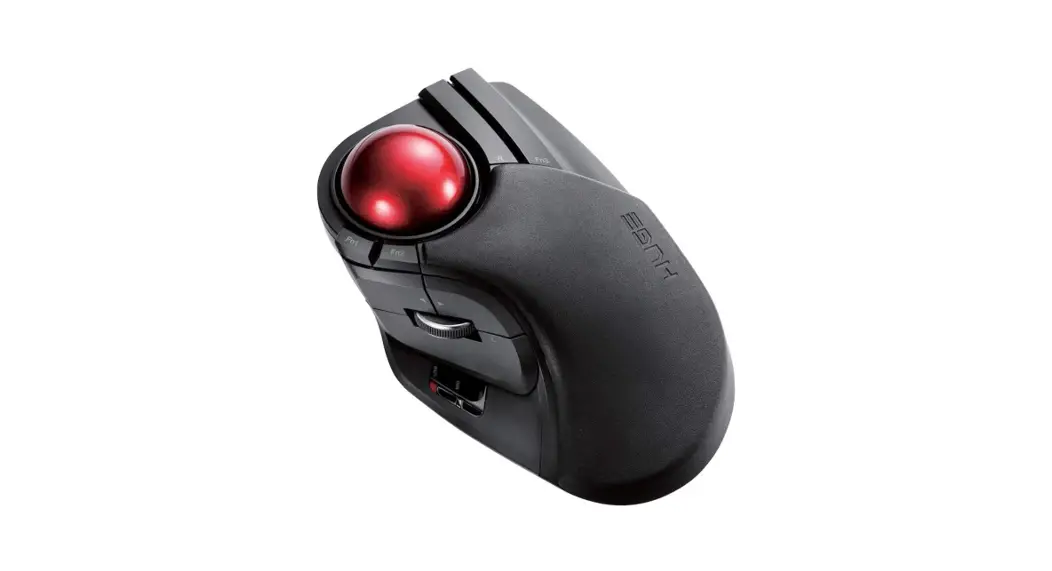
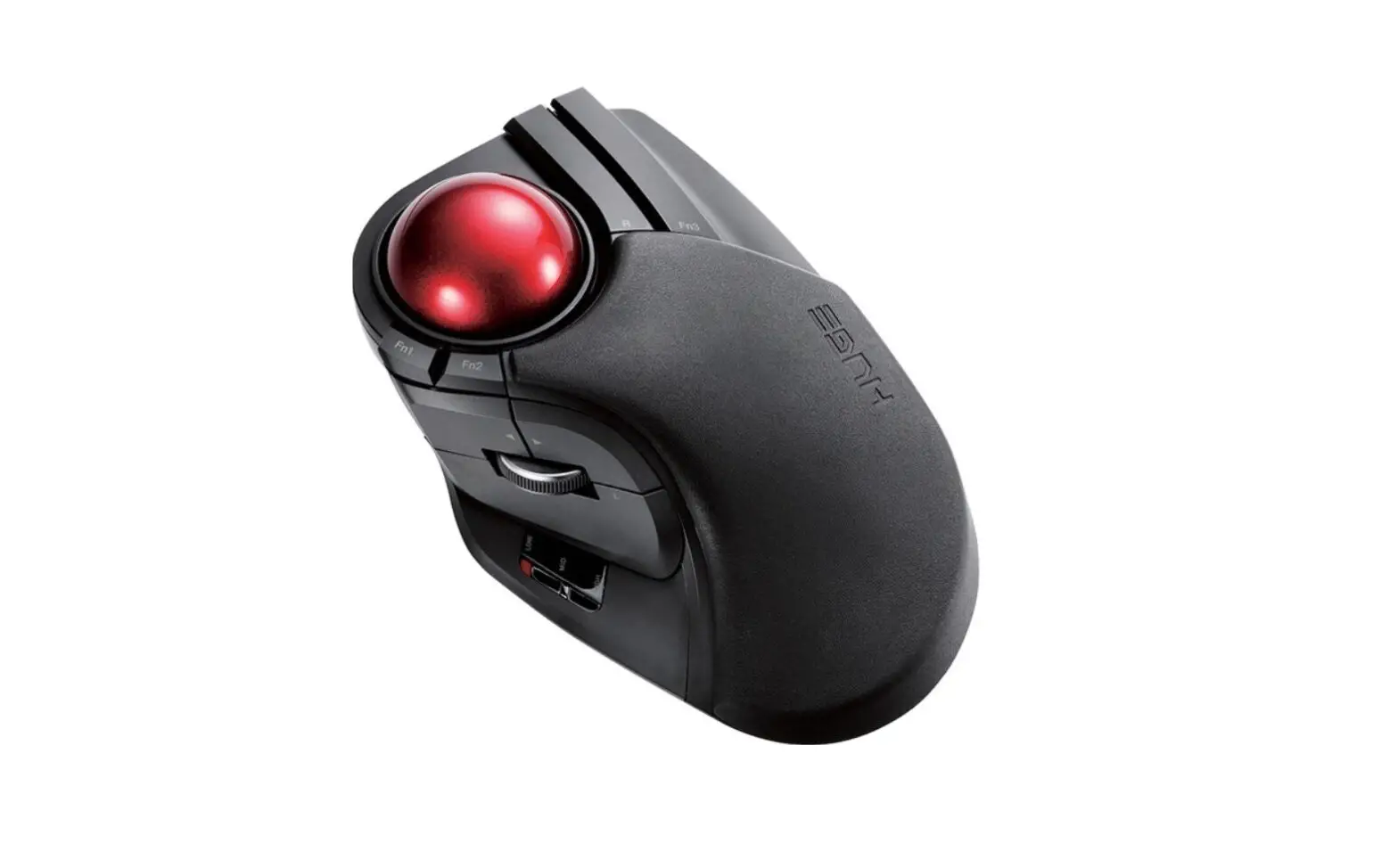
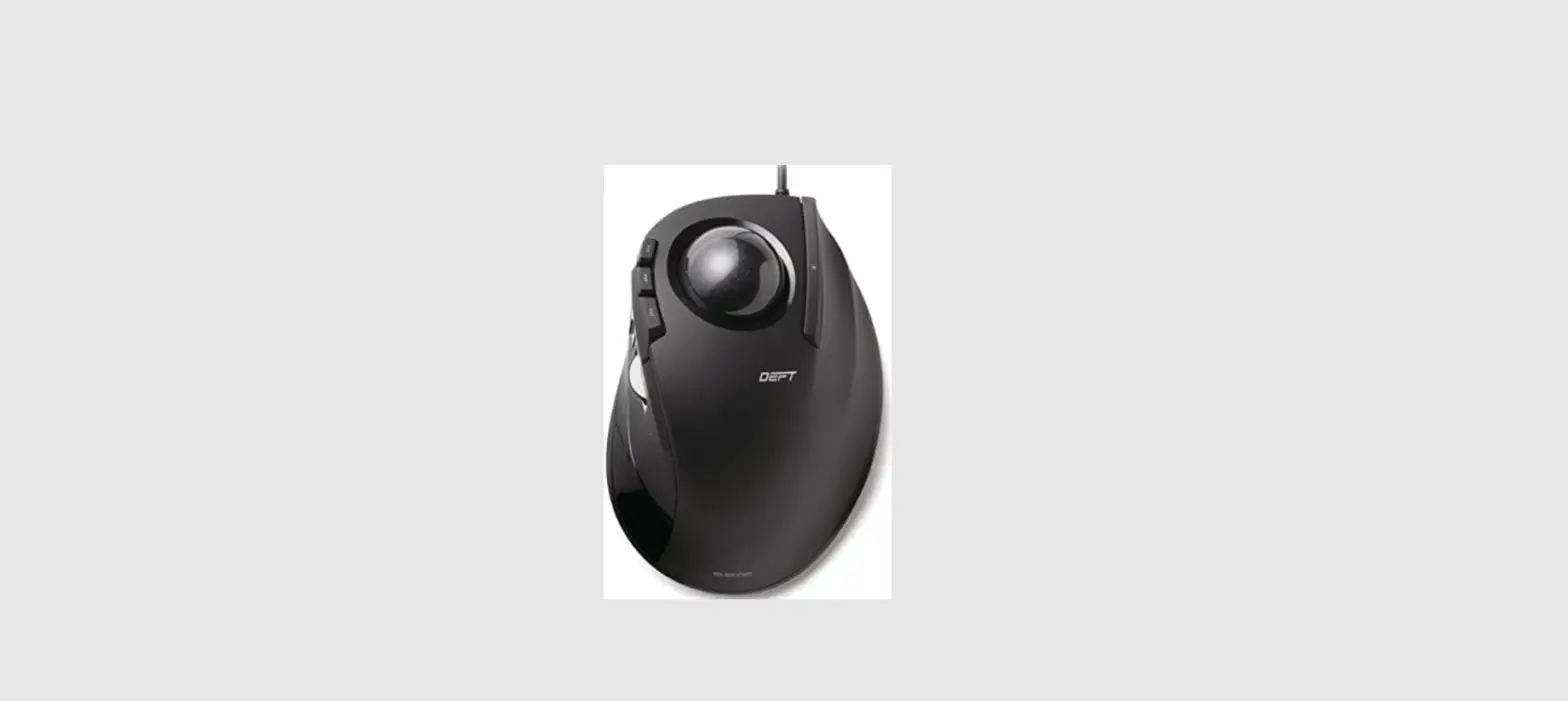
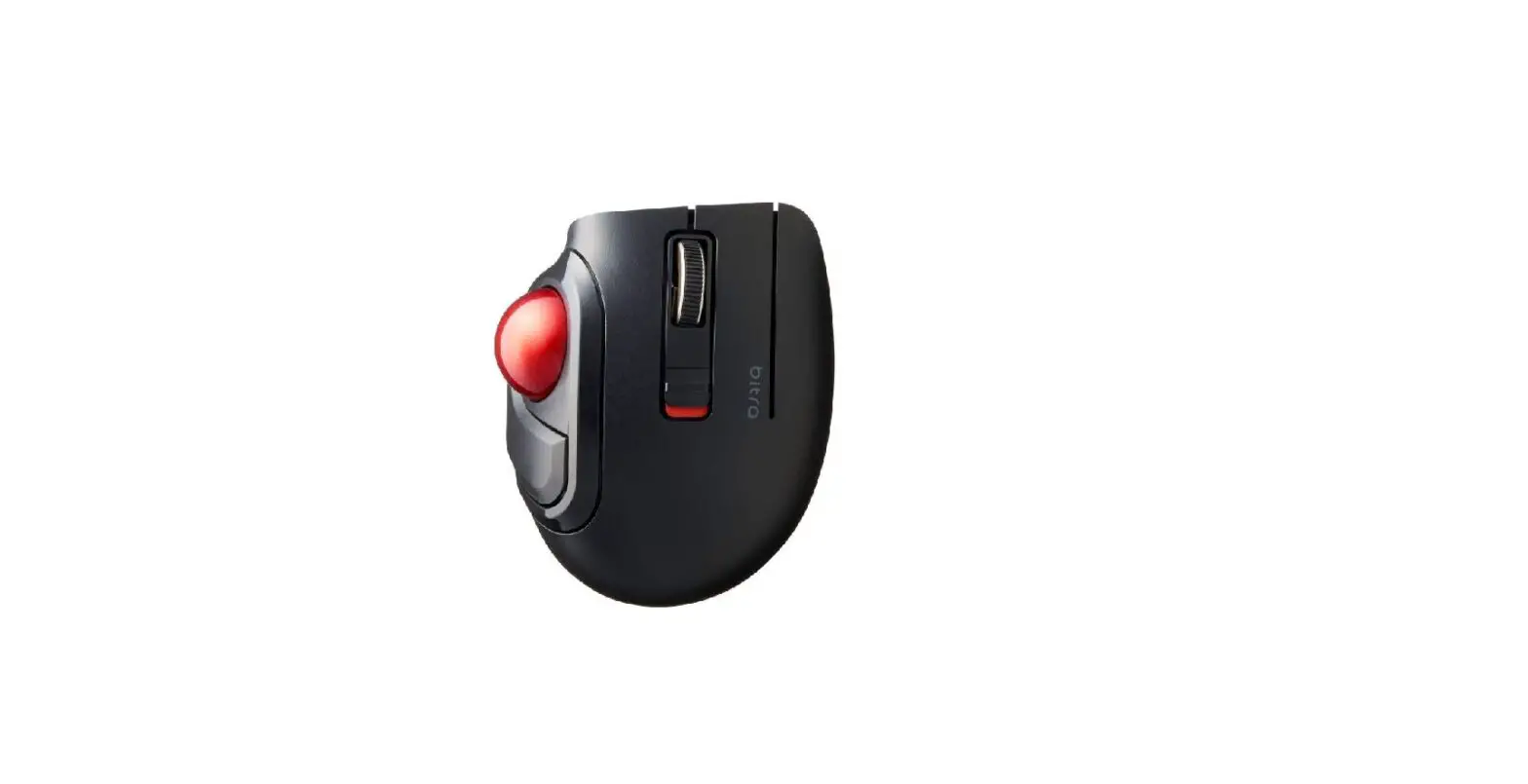
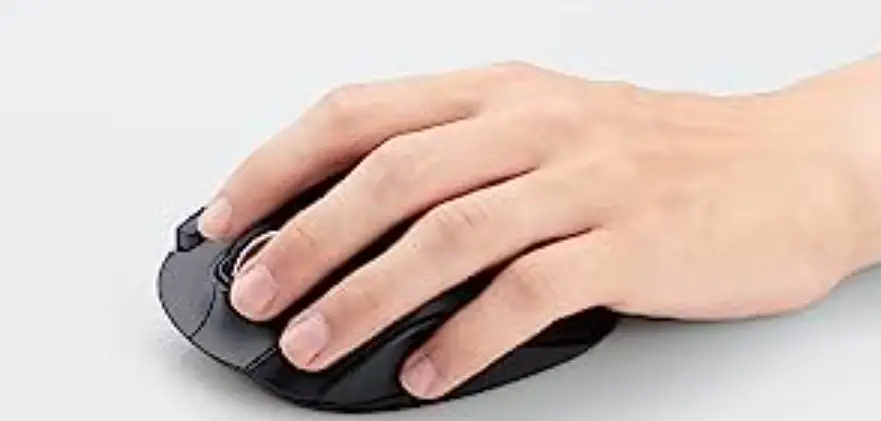
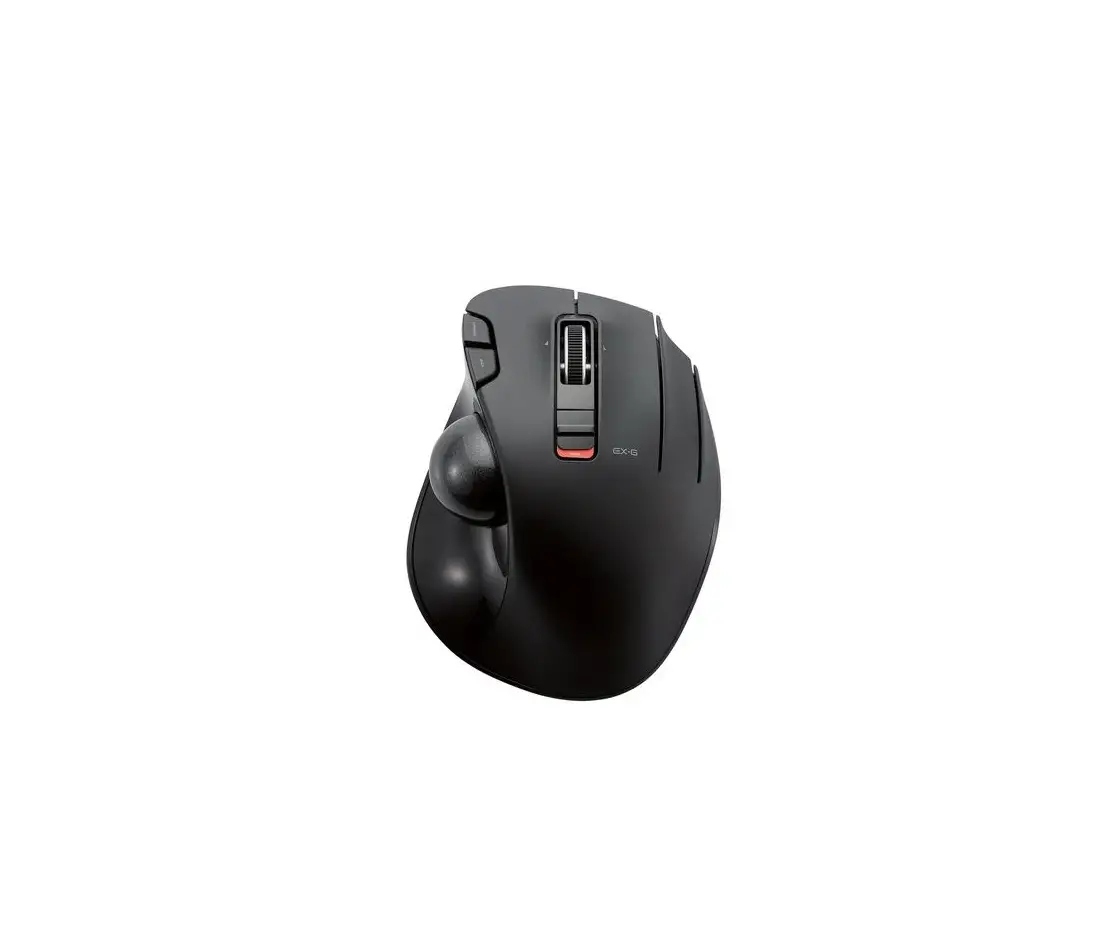
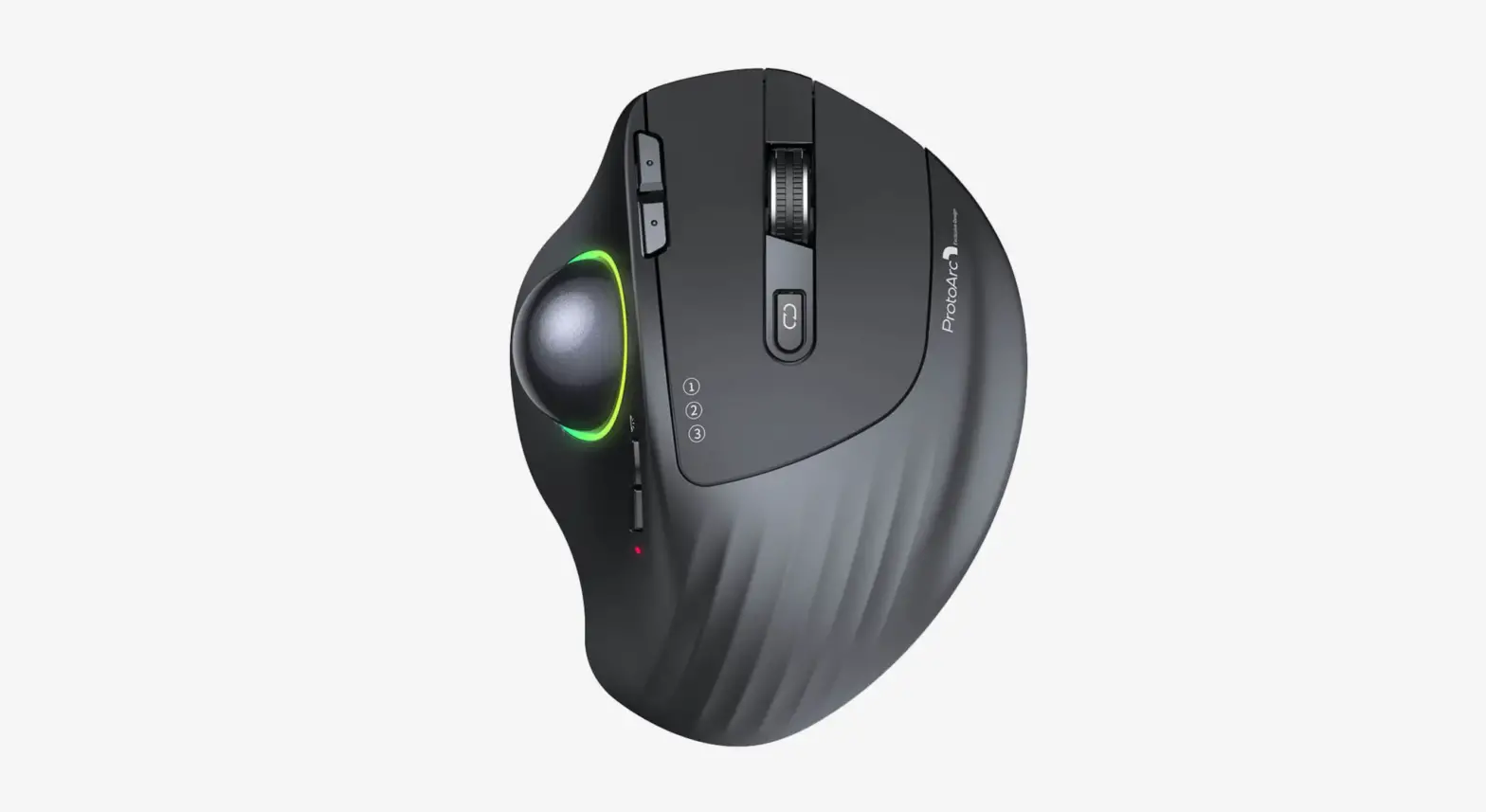
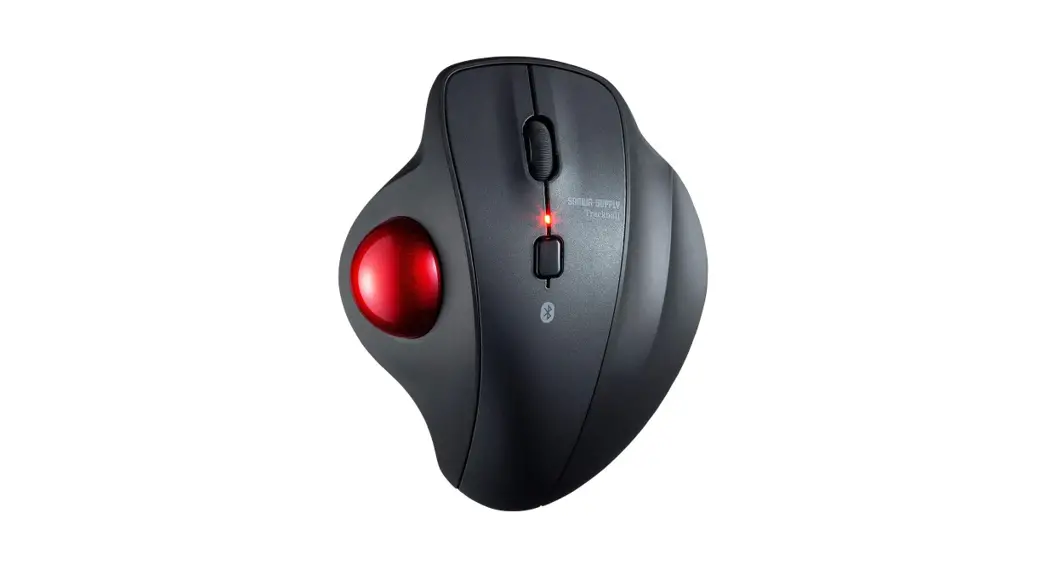
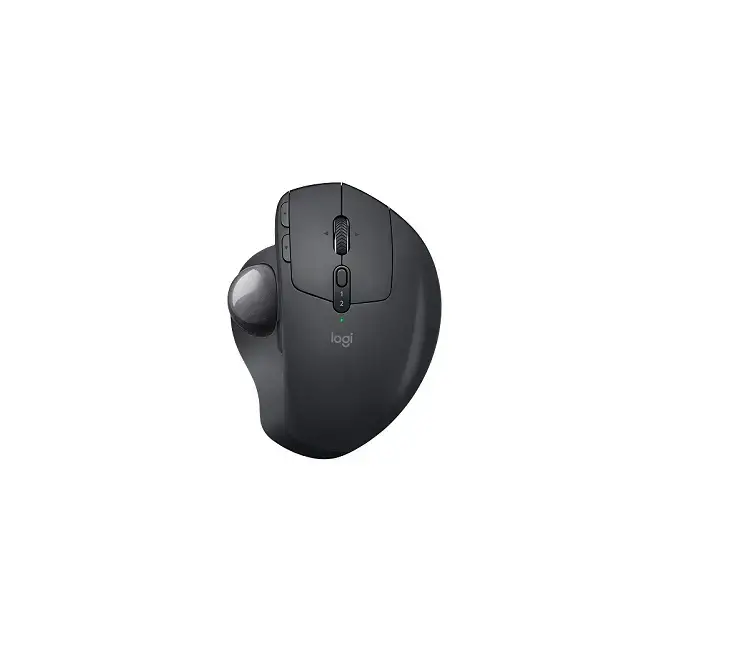
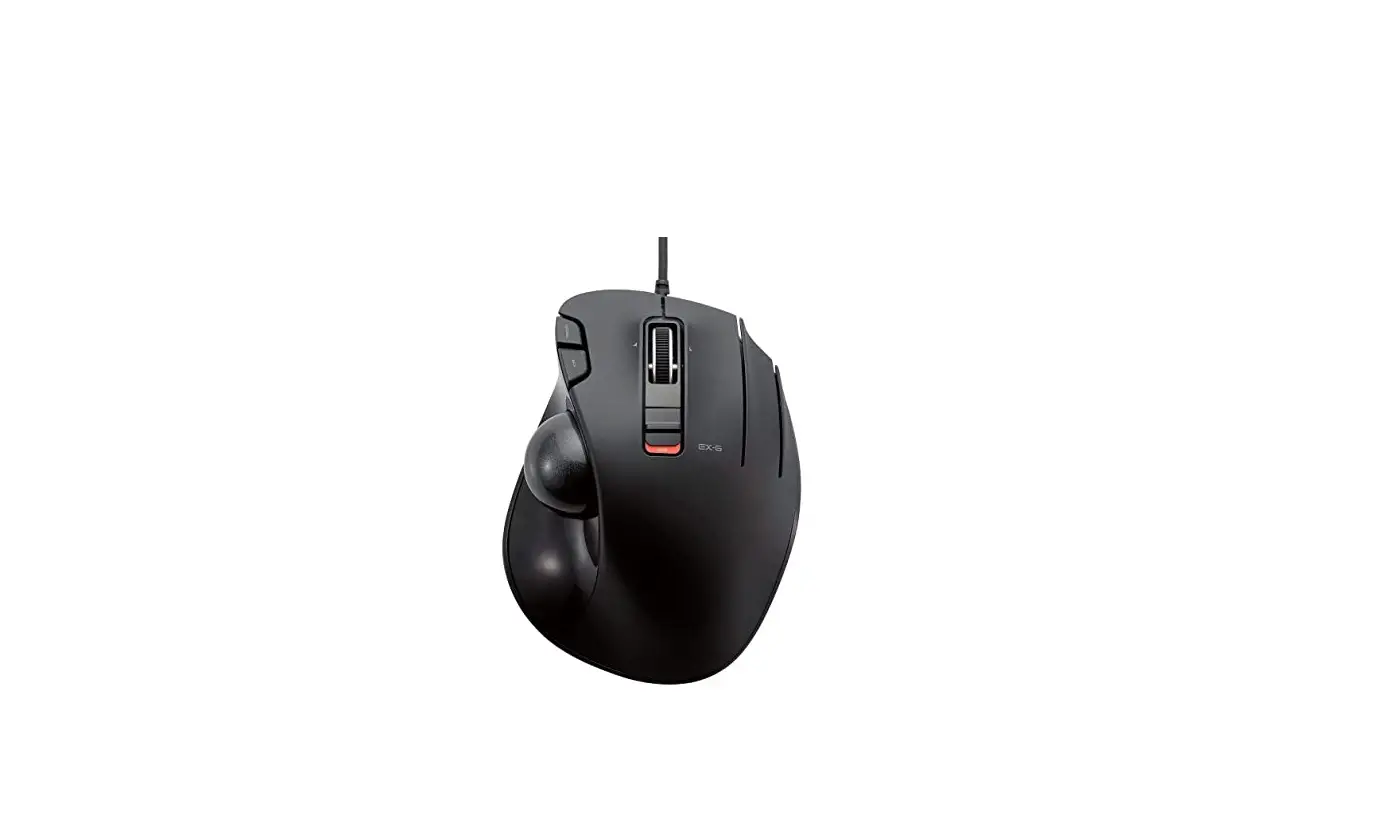
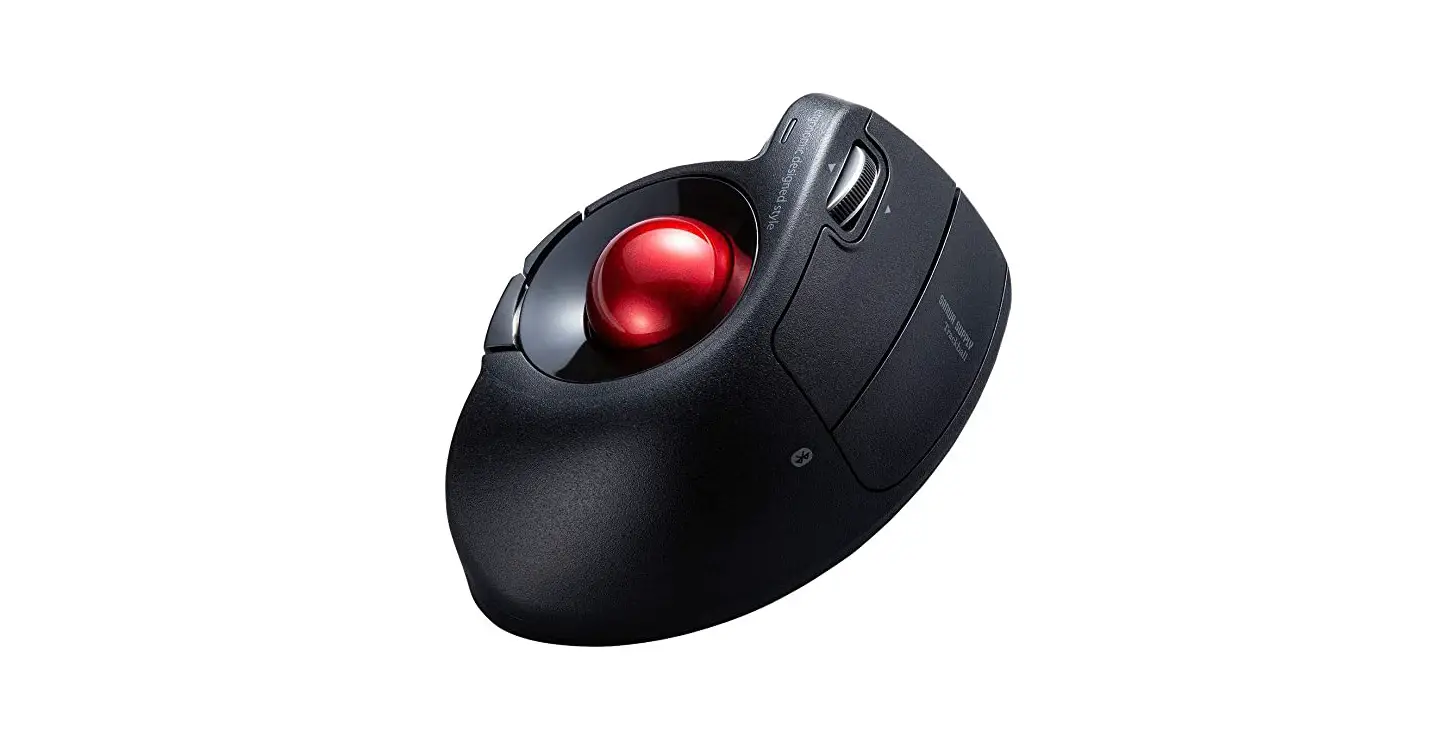
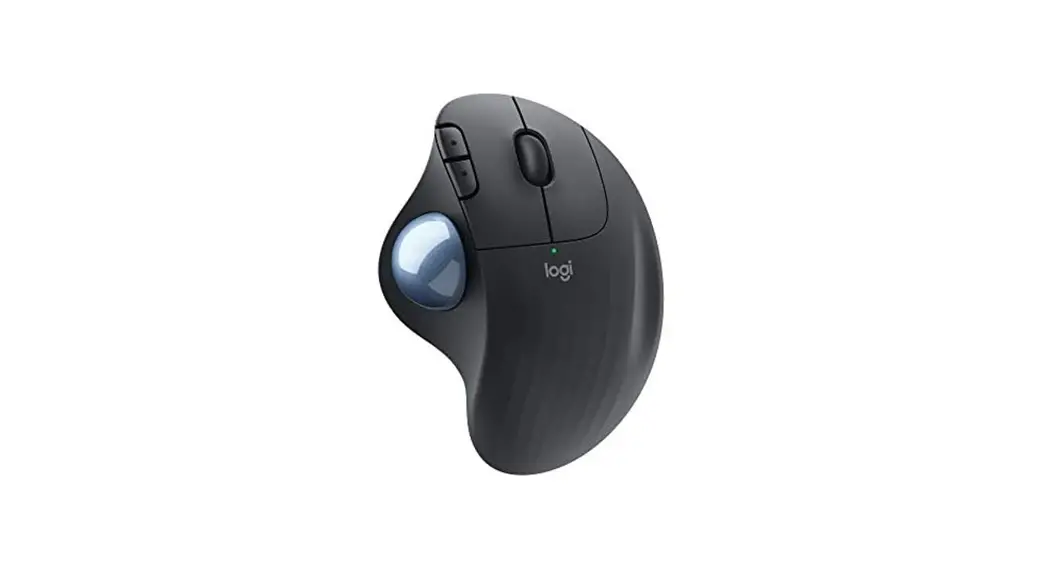
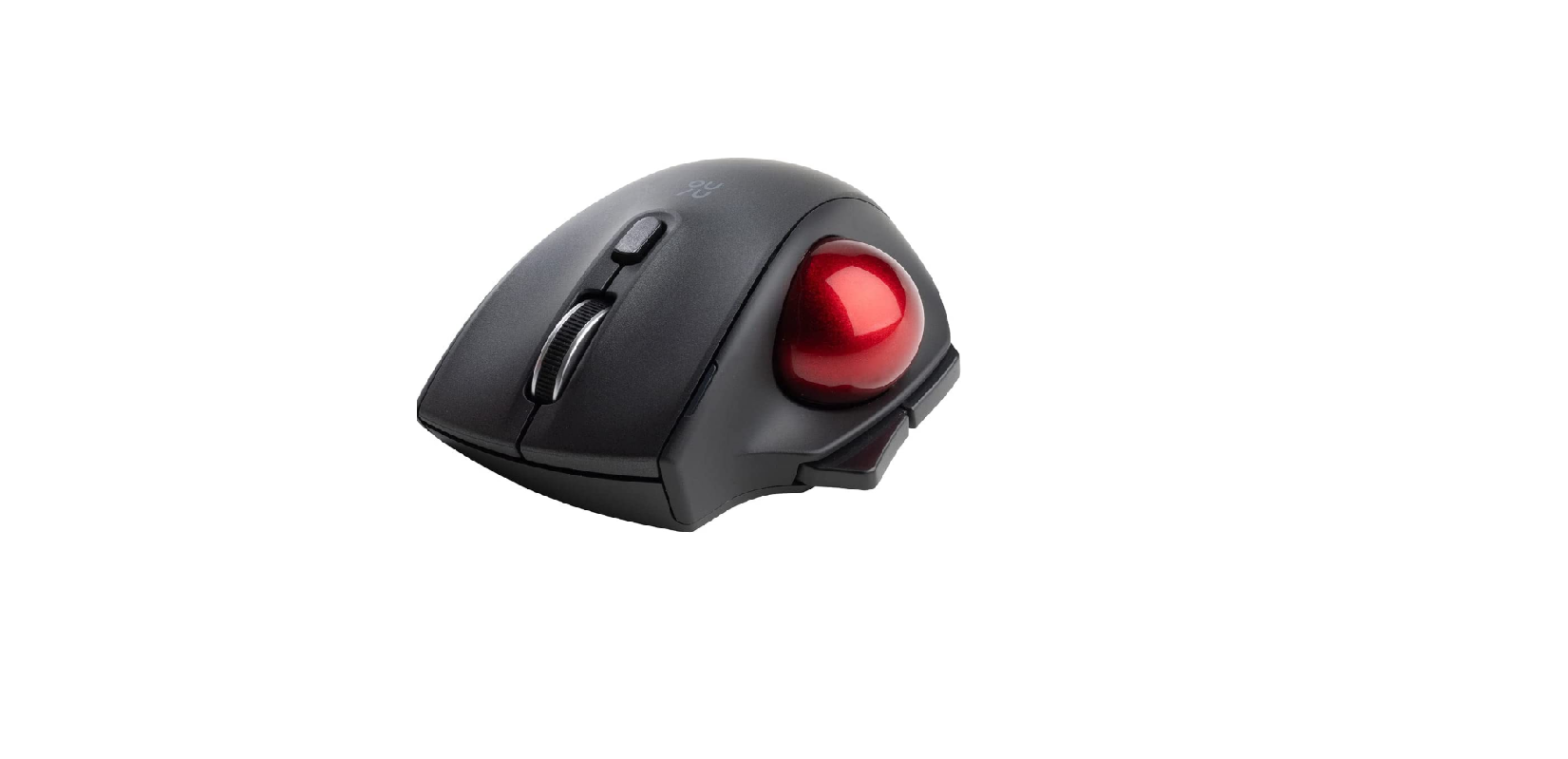
DT1DR Wireless Trackball Mouse
Product Information
| Model | DT1DR/DT2DR/ELECOM03 |
|---|---|
| Product Name | Wireless Trackball Mouse |
| Supported OS | Windows and Mac |
| Resolution | 750/1500 dpi (switchable) |
| Interface | USB |
| Radio Frequency | 2.4 GHz band |
| Radio Wave Method | GFSK modulation |
| Radio Wave Outreach | Approx. 10 m on non-magnetic surfaces (wooden desks, etc.), approx. 3 m on magnetic surfaces (steel desks, etc.) |
| Continuous Operating Time* | Not specified |
| Continuous Standby Time* | Not specified |
| Estimated Battery Life* | Not specified |
Product Usage Instructions
- Installing a battery:
- Remove the battery cover.
- Insert a battery, ensuring the correct positive and negative
polarity. - Attach the battery cover back in its original position.
- Turning on the trackball:
- Slide the operation mode selection switch to H (High Speed
Mode) or L (Low Power Mode). - When using the High Speed Mode, the tracking performance of
faster ball movement becomes better but the battery life gets
shorter. - The light behind the tilt wheel illuminates in red for a few
seconds. When the remaining battery capacity is low, it blinks in
red for a few seconds.
- Slide the operation mode selection switch to H (High Speed
- Connecting to a PC:
- Start the PC.
- Insert the USB connector of the product into a USB port on the
PC. - Ensure the correct orientation and insertion location of the
connector. Do not use excessive force when inserting to avoid
damage. - The driver will be automatically installed, and you will then
be able to use the trackball.
- Cleaning the trackball:
- Push out the ball from behind with your finger or a pen.
- Remove dust off the areas where the three red support balls
contact the trackball using a cotton swab. - Take care not to damage the optical sensor when cleaning the
area.
* Please note that the continuous operating time, continuous
standby time, and estimated battery life are not specified in the
user manual.
Model: DT1DR/DT2DR/ELECOM03
ENGLISH
Manual
Wireless Trackball Mouse
Name and function of each part
Mouse Assistant
Trackball mouse 2
8
10
7
9
11
12
13 15
6
5 1
Win https://www.elecom.co.jp/
r/132.html
Mac https://www.elecom.co.jp/
r/133.html
Download “ELECOM Mouse
Assistant” from the ELECOM
website to use its button
assignment and high-speed
14
scrolling functions.
34
16 Receiver unit
1 Left button 2 Right button
9 Pointer speed selector Sliding the selector left and
17
3 Tilt wheel/
right switches the resolution (pointer speed) between
pointer speed indicator light LOW and HIGH.
4 “Back” button You can perform the “Back”
The current resolution will be indicated by the blinking 11 Ball removal hole
operation in a web browser.
pointer speed indicator light. Remove the ball for
5 “Forward” button You can perform the “Forward”
Blinks once: 750 dpi Blinks twice: 1500 dpi
cleaning
operation in a web browser.
750 1500
6, Function buttons
7, A function can be assigned
8 to each button. No function
is assigned at the time of
purchase. Download
“ELECOM Mouse Assistant”
Blue indicator Red indicator
from the ELECOM website to 10 Trackball use its button assignment
12 Optical sensor (under the ball)
13 Operation mode switch (Power off)
function.
(Low Power Mode)
(High Speed Mode)
16 Battery compartment 14 Receiver unit storage 17 USB connector (male) 15 Battery cover
1 Installing a battery
Remove the battery cover. Insert a battery.
Insert the battery making sure the positive and negative polarity is correct.
At tach the battery cover back in its original position.
2 Turning on the trackball
Slide the operation mode selection switch to H (High Speed Mode) or L (Low Power Mode).
When using the High Speed Mode, the tracking performance of faster ball movement becomes better but the battery life gets shorter.
The light behind the tilt wheel illuminates in red for a few seconds. * When the remaining battery capacity is low, it blinks
in red for a few seconds.
3 Connecting to a PC
Start the PC.
Insert the USB connector of the product into a USB port on the PC.
Be sure to sufficiently check the connector orientation and the insertion location. If you feel a strong resistance when inserting the USB connector, check that the shape and orientation of the connector is correct. Using excessive force may damage the connector and cause injury. Do not directly touch the terminal area of the USB connector.
The driver will be automatically installed, and you will then be able to use the trackball.
Cleaning the trackball
Push out the ball from behind with your finger or a pen.
Remove dust off the areas where the three red support balls contact the trackball using a cotton swab.
Take care not to damage the optical sensor when cleaning the area.
Contact area
Specifications
Resolution Interface Radio frequency Radio wave method Radio wave outreach
Dimensions (W × D × H) Operating temperature/ humidity Storage temperature/ humidity Batteries
Continuous operating time * Continuous standby time * Estimated battery life *
Supported OS
750/1500 dpi (switchable) USB 2.4 GHz band GFSK modulation approx. 10 m on non-magnetic surfaces (wooden desks, etc.), approx. 3 m on magnetic surfaces (steel desks, etc.) * These values are based on our tests and are not for guaranteed
performance. Trackball mouse: approx. 95 × 125 × 48 mm Receiver unit: approx. 14 × 19 × 5 mm 5°C to 40°C/90%RH or less (without condensation)
-10°C to 60°C/90%RH or less (without condensation)
AA alkaline dry battery, AA manganese dry battery or AA nickel-metal hydride rechargeable battery Low Power Modeapprox. 125 hours High Speed Modeapprox. 76 hours Low Power Mode/High Speed Modeapprox. 694 days Low Power Modeapprox. 273 days High Speed Modeapprox. 176days Windows® 10, Windows® 8.1, Windows® RT8.1, Windows® 7, Windows Vista®, Macintosh OS X 10.10 (Updating the OS or installing a service pack may be necessary.) * Compatibility information was retrieved during operation confirmation
in our verification environment. There is no guarantee of complete compatibility with all devices, OS versions, and applications.
* When computer is used for 8 hours a day, with 5% of that time spent operating mouse using alkaline batteries.
:DT1DR/DT2DR/ELECOM03
2
11
8
10
7
9
Mouse Assistant
12 13 15
6
5 1
Win https://www.elecom.co.jp/ r/132.html
Mac https://www.elecom.co.jp/ r/133.html
Elecom Mouse Assistant
14 .
34
16
1
9
17
2
3 /
4 Web .
( )
LOW/HIGH 2
.
11
.
5 Web
1 750 2 1500
.
. 6,
750
1500
7, 8 .
.
12 ( )
13
10
.
( OFF ) ( )
( )
14
15
16
17 USB ()
1
. .
.
.
2
H( ) L( ) .
, .
. , .
3
. USB .
. . . USB .
, .
( ) . 3 .
.
( x x ) / /
OS
750/1500 ( ) USB 2.4GHz GFSK ( ): 10m ( ): 3m . : 95 × 125 × 48 mm : 14 × 19 × 5 mm 5 40 / 90% RH( , ) -10 60 / 90% RH( , ) AA , AA , AA 2 : 125 : 76 / : 694 : 273 : 176 Windows® 10, Windows® 8.1, Windows® RT8.1, Windows® 7, Windows Vista®, Windows® XP, Macintosh OS X 10.10, Macintosh OS X 10.11 ( OS .) * .
OS .
1 8 5%
: DT1DR/DT2DR/ELECOM03
2
11
8
10
7
9
Mouse Assistant
12 13 15
6
5 1
Win https://www.elecom.co.jp/ r/132.html
Mac https://www.elecom.co.jp/ r/133.html
“Elecom Mouse Assistant”
14
34
16
1
9
17
2
3 /
4″ ” ” ”
DPI
DPI
1 750 DPI
11
2 1500 DPI
5″ ” ” ”
750 1500
6,
7,
8
Elecom Mouse Assistant
10
12 13
14
15
16
17 USB
1
2
H L
3
USB
USB
3
750/1500 DPI
USB
2.4GHz
GFSK
10 m
3 m
× × : 95 × 125 × 48 mm
: 14 × 19 × 5 mm
/
5 40 90%
/
-10 60 90%
5 5 5
*
125
76
*
/ 694
*
273
176
Windows® 10Windows® 8.1Windows® RT8.1
Windows® 7Windows Vista® Windows® XP
Macintosh OS X 10.10Macintosh OS X 10.11
*
* 85%
: DT1DR/DT2DR/ELECOM03
2
8
10
7
9
Mouse Assistant
11
12
13 15
6
5 1
Win https://www.elecom.co.jp/ r/132.html
Mac https://www.elecom.co.jp/ r/133.html
Elecom Mouse Assistant
14
34
16
1
9
17
2
3 /
4
5
LOW /HIGH 2
count
DPI
11
1 750 DPI
6,
2 1500 DPI
7,
8
750 1500
Elecom Mouse Assistant
12
13
10
14
15
16
17 USB
1
2
H L
3
USB
USB
3
750/1500 dpi
USB
2.4GHz
GFSK
10m
3m
× × : 95 × 125 × 48 mm
: 14 × 19 × 5 mm
/
5 40 / 90%RH
/
-10 60 / 90%RH
*
125
76
*
/ 694
*
273
176
Windows® 10 Windows® 8.1 Windows® RT8.1
Windows® 7 Windows Vista® Windows® XP
Macintosh OS X 10.10 Macintosh OS X 10.11
OS
*
OS
* 185%
Model: DT1DR/DT2DR/ELECOM03
Bahasa Indonesia
Manual
Mouse Trackball Nirkabel
Nama dan fungsi dari setiap bagian
Trackball 2
8
10
7
9
11
12
13 15
Mouse Assistant
6
5 1 34
14 16
Win https://www.elecom.co.jp/ r/132.html
Mac https://www.elecom.co.jp/ r/133.html
Unduh “ELECOM Mouse Assistant” dari situs web ELECOM untuk menggunakan fungsi penugasan tombol dan gulir kecepatan tinggi.
Unit penerima
17
1 Tombol kiri
2 Tombol kanan 3 Lampu indikator kecepatan
roda miring/penunjuk
4 Tombol “kembali” Anda dapat melakukan pengoperasian “Kembali” dalam browser web.
5 Tombol “maju” Anda dapat melakukan pengoperasian “Maju” dalam browser web.
6, Tombol fungsi 7, Fungsi dapat ditetapkan ke 8 setiap tombol. Tidak ada fungsi
yang ditetapkan saat
9 Selektor kecepatan penunjuk
Menggeser selektor ke atas
dan ke bawah akan
mengalihkan resolusi
(kecepatan penunjuk) antara 11 Lubang untuk melepaskan bola
Resolusi saat ini akan diindikasikan oleh lampu
Lepaskan bola untuk dibersihkan
indikator kecepatan penunjuk
yang berkedip.
Berkedip sekali: 750 dpi
Berkedip dua kali: 1500 dpi
750
1500
12 Sensor optik (di bawah bola) 13 Sakelar modus pengoperasian
(Daya mati) (Modus Energi Rendah)
pembelian. Unduh “ELECOM Mouse Assistant” dari situs web
Indikator biru Indikator merah
ELECOM untuk menggunakan 10 Trackball
fungsi penetapan tombolnya.
(Modus Kecepatan Tinggi) 14 Kompartemen penyimpanan
unit penerima 15 Tutup baterai
16 Kompartemen penyimpanan
baterai
17 Konektor USB (jantan)
1 Menyisipkan baterai
Lepas tutup baterai. Sisipkan baterai.
Pa stikan bahwa baterai disisipkan dengan arah ujung positif dan negatif dengan benar.
Pa sang tutup baterai.
2 Nyalakan daya
Geser sakelar pemilihan modus operasi ke H (Modus Kecepatan Tinggi) atau L (Modus Energi Rendah).
Dalam Modus Kecepatan Tinggi, perpindahan bola kecepatan tinggi dijabarkan lebih akurat, namun baterai akan lebih cepat habis. Area di sekitar roda kemiringan akan menyala merah untuk jangka waktu tertentu. * Saat sisa pengisian baterai lemah, area ini akan berkedip merah untuk jangka waktu tertentu.
3 Menyambungkan ke PC
Nyalakan PC. Sisipkan unit penerima ke dalam port USB PC.
Pastikan untuk memeriksa arah konektor dan letak penyisipan. Jika Anda kesulitan memasukkan konektor USB, pastikan bahwa bentuk dan arah konektor sudah benar. Jika dipaksakan konektor dapat rusak dan menyebabkan cedera. Jangan sentuh area terminal konektor USB secara langsung.
Driver akan secara otomatis dipasang, anda akan dapat menggunakan trackball.
Membersihkan trackball
Dorong keluar bola dari belakang dengan jari atau pena. Hilangkan debu dari area tempat tiga bola penopang merah bersentuhan dengan trackball menggunakan korek kapas.
Ja ngan sampai merusak sensor optik saat membersihkan area tersebut.
Area kontak
Spesifikasi dasar
Resolusi
750/1500 dpi (dapat dialihkan)
Antar muka
USB
Frekuensi radio
Pita 2,4 GHz
Metode gelombang radio
Modulasi GFSK
Jangkauan gelombang radio sekitar 10 m pada permukaan yang tidak mengandung magnet (meja
kayu, dll.), sekitar 3 m pada permukaan magnetik (meja baja, dll.)
* Nilai ini didasarkan pada pengujian Elecom dan bukan untuk menjamin
performa.
Dimensi (P x L x T)
Mouse bola gulir : sekitar 95 × 125 × 48 mm Unit penerima : sekitar 14 × 19 × 5 mm
Suhu operasi/kelembapan
Suhu 5°C hingga 40°C/ 90% RH atau kurang (tanpa kondensasi)
Suhu/kelembapan penyimpana Suhu -10°C hingga + 60°C/ 90% RH atau kurang (tanpa kondensasi)
Baterai
Baterai kering alkaline AA, baterai kering mangan AA, atau baterai nikel logam hidrida isi ulang AA
Waktu pengoperasian berkelanjutan*
Modus Energi Rendah : sekitar 125 jam Modus Kecepatan Tinggi : sekitar 76 jam
Waktu siaga berkelanjutan*
Modus Energi Rendah/Modus Kecepatan Tinggi : sekitar 694 hari
Perkiraan masa pakai baterai* Modus Energi Rendah : sekitar 273 hari Modus Kecepatan Tinggi : sekitar 176 hari
Sistem Operasi yang kompatibel Windows® 10, Windows® 8.1, Windows® RT8.1, Windows® 7, Windows
Vista®, Windows® XP, Macintosh OS X 10.10, Macintosh OS X 10.11
(Mungkin perlu memperbarui OS atau memasang paket layanan.)
* Informasi kompatibilitas diperoleh saat konfirmasi pengoperasian
dalam lingkungan verifikasi. Kompatibilitas sempurna dengan semua
gawai, Sistem Operasi dan aplikasi tidak dijamin.
* Bila komputer digunakan selama 8 jam sehari, dengan 5% waktu tersebut dihabiskan untuk mengoperasikan mouse menggunakan baterai alkaline.
Safety Precautions
Prohibited action
Mandatory action
Situation that needs attention
WARNING
If a foreign object (water, metal chip, etc.) enters the product, immediately stop using the product, remove the receiver unit from the PC, and remove the battery from the product. If you continue to use the product under these conditions, it may cause a fire or electric shock. If the product is behaving abnormally, such as by generating heat, smoke, or a strange smell, immediately stop using the product, shut down the PC, and then sufficiently check whether the product is generating heat while being careful to avoid being burned. Then, remove the receiver unit from the PC and remove the battery from the product. After that, contact the retailer from whom you purchased the product. Continuing to use the product under these conditions may cause a fire or electric shock. Do not drop the product or otherwise subject it to impacts. If this product is damaged, immediately stop using it, remove the receiver unit from the PC, and remove the battery from the product. After that, contact the retailer from whom you purchased the product. Continuing to use the product while it is damaged may cause a fire or electric shock. Do not attempt to disassemble, modify or repair this product by yourself, as this may cause a fire, electric shock or product damage.
Do not put this product in fire, as the product may burst, resulting in a serious fire or injury.
Do not insert or remove the receiver unit with wet hands. Also, do not make alterations to or forcefully bend the receiver unit. Doing so may cause a fire or electric shock.
The receiver unit presents a swallowing hazard for children, so be sure to store the receiver unit in a place out of the reach of children.
CAUTION
Do not place this product in any of the following environments:
In a car exposed to sunlight, a place exposed to direct sunlight, or a place that becomes hot (around a heater, etc.) In a moist place or a place where condensation may occur In an uneven place or a place exposed to vibration In a place where a magnetic field is generated (near a magnet, etc.) In a dusty place
This product does not have a waterproof structure. Use and store this product in a place where the product body will not be splashed with water or other liquid. Rain, water mist, juice, coffee, steam or sweat may also cause product damage.
Only use this product with PCs and video game systems.
Do not use this product with any device that may significantly affect other equipment, in case the product malfunctions.
If this mouse isn’t going to be used for one month or longer, remove the receiver unit from the PC.
When you no longer need to use this product and the battery, be sure to dispose of it in accordance with the local ordinances and laws of your area.
Batteries
Use AA alkaline batteries, AA manganese batteries, or rechargeable AA nickel hydride batteries with this product.
If this product is not going to be used for a long period of time, remove the battery to avoid battery leakage and failure.
Cleaning the Trackball
If the product body becomes dirty, wipe it with a soft, dry cloth.
Use of a volatile liquid (paint thinner, benzene, alcohol, etc.) may affect the material quality and colour of the product.
Cautions for Wireless Equipment
This product is wireless equipment using the entire range of the 2.4 GHz band and it is possible to avoid the band of mobile object identification systems. GFSK is used for the radio wave method. The interference distance is 10 m. The 2.4 GHz band is also used by medical equipment, Bluetooth, and wireless LAN equipment conforming to the IEEE802.11b/11g /11n standard.
Before using this product, check that there are no other “radio stations”* operating nearby. If electromagnetic interference occurs between this product and other “radio stations”, move this product to another location or stop using this product. * Other “radio stations” refer to industrial, scientific and medical devices using the 2.4 GHz band, as this product does, other radio stations of this type, licensed radio station premises for a mobile object identification system that is used in factory production lines, certain non-licensed low power radio stations and amateur radio stations.
WARNING
Do not use this product with a device that may have a serious function or influence. There are rare cases where an external radio wave at the same frequency or the radio wave emitted from a mobile phone causes this product to malfunction, slow down, or fail to operate. Do not use this product in a hospital or other locations where the use of radio waves is prohibited. The radio waves of this product may affect electronic and medical devices (e.g. pacemakers). The use of a wireless mouse in an aircraft is prohibited by aviation law as its use may interfere with flight safety. Turn off the power of the mouse body before boarding an aircraft and do not use it in the aircraft. * ELECOM is not liable for any accident or any indirect or consequential damage incurred due to the failure of this product.
Limitation of Liability
In no event will ELECOM Co., Ltd be liable for any lost profits or special, consequential, indirect, punitive damages arising out of the use of this product.
ELECOM Co., Ltd will have no liability for any loss of data, damages, or any other problems that may occur to any devices connected to this product.
, . .
, , , . . , . .
, . , . , . . , , . , .
. .
. , . .
. .
. , , ,
. . , , , , , .
, .
.
1 .
.
AA , AA , AA 2 .
. .
. , , .
()
2.4GHz , . GFSK , 10m. 2.4GHz IEEE802.11b/11g/11n LAN .
. , . 2.4GHz , , , . .
. , . . ( ) . . , .
. .
, , , , . , .
5 5 5
2.4GHz GFSK 10m IEEE802.11b/11g/11n 2.4GHz
” ” ” ” ” ” 2.4GHz
ELECOM Co., Ltd.
ELECOM Co., Ltd.
2.4GHz GFSK10 2.4GHzIEEE802.11b/11g/11n
2.4GHz/ /
ELECOM Co., Ltd. ELECOM Co., Ltd.
Tindakan Pencegahan dan Keselamatan
Tindakan yang dilarang
Tindakan wajib
Situasi yang membutuhkan perhatian
PERINGATAN
Jika benda asing (air, keping logam, dll.) masuk ke dalam produk, segera hentikan penggunaan produk, lepaskan unit penerima dari PC, dan lepaskan baterai dari trackball. Jika Anda tetap menggunakan produk dalam kondisi tersebut. Ini dapat menimbulkan api atau sengatan listrik.
Jika produk tersebut tidak berfungsi normal, misalnya dengan menghasilkan panas, asap, atau bau aneh, segera hentikan penggunaan produk, matikan PC, kemudian periksa apakah produk tersebut menghasilkan panas sambil berhati-hati untuk menghindari terbakar. Kemudian, lepaskan unit penerima dari PC dan keluarkan baterai dari trackball. Setelah melakukannya, hubungi peritel di mana Anda membeli produk ini. Terus menggunakan produk di bawah kondisi ini dapat menyebabkan kebakaran atau sengatan listrik.
Jangan menjatuhkan produk atau akan berdampak pada produk ini. Jika produk ini rusak, segera hentikan penggunaan, lepaskan unit penerima dari PC, lalu lepas baterai dari trackball. Setelah melakukannya, hubungi peritel di mana Anda membeli produk ini. Terus menggunakan produk di bawah kondisi ini dapat menyebabkan kebakaran atau sengatan listrik. Jangan coba membongkar, memodifikasi atau memperbaiki produk ini sendiri, karena hal ini dapat menyebabkan kebakaran, sengatan listrik atau kerusakan produk.
Jangan meletakkan produk ini dalam api, karena produk bisa meledak, mengakibatkan kebakaran atau cedera.
Jangan menyisipkan atau melepaskan unit penerima dengan tangan basah. Juga, jangan membuat perubahan untuk atau memasksa menekuk unit penerima. Melakukannya dapat menyebabkan kebakaran atau sengatan listrik.
Unit penerima dapat berbahaya jika tertelan oleh anak-anak, jadi pastikan untuk menyimpan unit penerima di tempat yang jauh dari jangkauan anak-anak.
PERHATIAN
Jangan meletakkan produk ini di salah satu lingkungan berikut: Di dalam Mobil terkena sinar matahari, tempat yang terkena sinar matahari langsung, atau tempat yang dapat menghasilkan panas (sekitar pemanas, dll) Di tempat yang lembab atau tempat yang dapat terjadinya kondensasi Di tempat yang tidak rata atau tempat yang terkena getaran Di tempat yang menghasilkan medan magnet (dekat magnet, dll) Di tempat berdebu
Produk ini tidak memiliki struktur tahan air. Gunakan dan simpan produk ini di tempat di mana badan produk tidak akan tersiram air atau cairan lainnya. Hujan, kabut air, jus, kopi, uap atau keringat juga dapat menyebabkan kerusakan produk.
Hanya gunakan trackball dengan PC dan sistem permainan video.
Jangan gunakan produk ini dengan perangkat yang secara signifikan dapat mempengaruhi peralatan lainnya, jika terjadi malfungsi produk.
Jika trackball tidak akan digunakan selama satu bulan atau lebih, lepaskan unit penerima dari PC.
Bila Anda tidak lagi menggunakan produk dan baterai ini, pastikan untuk membuangnya sesuai dengan peraturan daerah dan hukum di wilayah Anda.
Baterai
Gunakan baterai alkaline AA, baterai mangan AA, atau baterai nikel hidrida AA isi ulang dengan produk ini.
Jika produk ini tidak akan digunakan untuk jangka waktu yang lama, lepaskan baterai untuk mencegah kebocoran dan kegagalan baterai.
Membersihkan Trackball
Jika badan produk kotor, bersihkan dengan kain yang lembut dan kering.
Penggunaan cairan yang mudah menguap (tiner, bensin, alkohol, dll) dapat memengaruhi kualitas bahan dan warna produk.
Peringat untuk Peralatan Nirkabel
Produk ini adalah peralatan nirkabel yang menggunakan seluruh rentang pita 2,4 GHz dan dapat menghindari pita dari sistem identifikasi objek bergerak. GFSK menggunakan untuk metode gelombang radio. Gangguan jarak 10 m. Pita 2,4 GHz juga digunakan oleh peralatan medis, Bluetooth, dan peralatan LAN nirkabel sesuai dengan standar IEEE802.11b/11g/11n.
Sebelum menggunakan produk ini, periksa apakah tidak ada “stasiun radio”* yang beroperasi di sekitar.
Gangguan elektromagnetik terjadi antara produk ini dan “stasiun radio” lainnya, pindahkan produk ini ke lokasi lainnya atau hentikan penggunaan produk ini.
* “Stasiun radio” lain merujuk pada perangkat industri, ilmiah dan medis yang menggunakan pita 2,4 GHz, seperti yang digunakan produk ini, stasiun radio lain berjenis ini, stasiun radio berlisensi lokal untuk sistem identifikasi objek bergerak yang digunakan dalam jalur produksi pabrik, stasiun radio berdaya rendah non-lisensi dan stasiun radio amatir.
PERINGATAN
Jangan menggunakan produk ini dengan perangkat yang mungkin memiliki fungsi atau pengaruh yang serius. Terdapat kasus yang jarang terjadi di mana gelombang radio eksternal pada frekuensi yang sama atau gelombang radio yang dipancarkan dari ponsel menyebabkan produk ini tidak berfungsi, melambat, atau gagal beroperasi. Jangan menggunakan produk ini di rumah sakit atau lokasi lain yang melarang penggunaan gelombang radio. Gelombang radio dari produk ini dapat memengaruhi perangkat elektronik dan medis (misalnya alat pacu jantung). Penggunaan trackball nirkabel di dalam pesawat terbang dilarang oleh hukum penerbangan karena hal itu dapat mengganggu keselamatan penerbangan. Matikan daya tubuh trackball sebelum naik ke pesawat udara dan jangan menggunakannya dalam pesawat.
* ELECOM tidak bertanggung jawab atas kecelakaan atau kerusakan tidak langsung atau konsekuensi yang ditimbulkan akibat kegagalan produk ini.
Batasan Tanggung Jawab
ELECOM Co., Ltd. tidak akan bertanggung jawab atas setiap kompensasi untuk kerusakan khusus, kerusakan konsekuinsal, kerusakan tidak langsung, ganti rugi kerusakan, atau kerugian yang timbul akibat dari penggunaan produk ini. ELECOM Co., Ltd. tidak memberikan jaminan atas kehilangan data, kesalahan, atau masalah lain yang mungkin terjadi pada perangkat yang terhubung ke produk ini.
AA .AA AA
)
(
2.4 GFSK 10 ( ) 2.4
.IEEE802.11b/11g /11n LAN *” ”
” ”
” ” * 2.4
( )
ELECOM *
ELECOM Co., Ltd
ELECOM Co., Ltd
(AR)
( )
( )
( )
Các bin pháp an toàn
Hành ng b nghiêm cm
Hành ng bt buc
Tình hung cn chú ý
CNH BÁO
Nu mt vt th l ( nc, mnh kim loi,v.v) xâm nhp vào sn phm thì ngay lp tc ngng s dng và tháo pin ra khi máy tính cá nhân. Nu tip tc s dng sn phm trong nhng tình hung ó thì có th gây cháy n hoc git in. Nu sn phm hot ng không bình thng, ví d nh to nhit, xì khói hoc có mùi l thì ngay lp tc ngng s dng sn phm, tt máy tính sau ó kim tra toàn b xem nu sn phm ang sinh nhit thì phi ht sc cn thn tránh b bng. Sau ó, tháo b thu nhn tín hiu ra khi máy tính và tháo pin ra khi bi xoay. Tip theo, hãy liên h vi nhà bán l ni bn ã mua sn phm. Nu tip tc s dng sn phm trong nhng tình hung ó thì có th gây cháy n hoc git in.
Không làm ri sn phm hay các vt khác è lên. Nu sn phm b hng thì ngay lp tc ngng s dng, tháo b phn thu nhn tín hiu ra khi máy tính và tháo pin ra khi bi xoay. Sau ó hãy liên lc vi nhà bán l ni bn ã mua sn phm. Nu tip tc s dng sn phm trong nhng tình hung ó thì có th gây cháy n hoc git in. Không c gng t tháo di, thay i hay sa cha sn phm vì iu này có th gây cháy n, git in hay làm hng sn phm.
Không c t sn phm gn la vì có th gây cháy dn ti ha hon và thng vong.
Không c lp hoc tháo g b phn tip nhn khi tay t. Cng không c thay i hay c gng b cong b thu nhn tín hiu. Làm nh vy s có th gây ra cháy n hoc git in.
B thu nhn tín hiu có th gây hi cho tr khi nut phi, vì vy hãy chc chn xa tm tay ca tr.
Chú ý v Thit b không dây
CNH BÁO
Không s dng sn phm này vi bt k thit b nào có chc nng và nh hng nghiêm trng. Có rt him trng hp sóng vô tuyn bên ngoài có cùng tn s hoc sóng vô tuyn phát ra t in thoi di ng làm hng sn phm hoc khin sn phm không hot ng. Không s dng sn phm này trong bnh vin hoc nhng ni cm s dng sóng vô tuyn. Các sóng vô tuyn ca sn phm có th nh hng ti các thit b in t và y t ( ví d: máy tr tim). Lut hàng không cm s dng bi xoay không dây trên máy bay vì iu này có th gây cn tr an toàn khi bay. Tt ngun ca bi xoay trc khi lên máy bay và không s dng trên máy bay. * ELECOM không chu bt c trách nhim nào cho bt k tai nn hay bt c thit hi gián tip hoc thit hi mang tính hu qu n hng hóc sn phm.
Gii hn trách nhim
Công ty ELECOM Co., Ltd. s không chu bt c trách nhim bi thng nào cho các tht thoát li nhun, thit hi c bit, thit hi mang tính hu qu, thit hi gián tip, thit hi mang tính trng pht phát sinh t vic s dng sn phm này.
Công ty ELECOM Co., Ltd. s không chu bt c trách nhim bi thng nào liên quan n vic mt d liu, h hng, hoc bt k vn nào khác có th xy ra trên các thit b kt ni vi sn phm này.
( )
( ) * ELECOM
ELECOM Co., Ltd. , , , ELECOM Co., Ltd.
Compliance status www.elecom.co.jp/global/certification/
FCC ID: YWO-DT1DR FCC ID: YWO-DT2DR FCC ID: YWO-ELECOM03
This device complies with Part 15 of the FCC Rules. Operation is subject to the following two conditions: (1) this device may not cause harmful interference, and (2) this device must accept any interference received, including interference that may cause undesired operation.
NOTE; This equipment has been tested and found to comply with the limits for a Class B Digital Device, pursuant to part 15 of the FCC Rules. These limits are designed to provide reasonable protection against harmful interference in a residential installation. This equipment generates, uses and can radiated radio frequency energy and, if not installed and used in accordance with the instruction, may cause harmful interference to radio communication. However, there is no grantee that interference will not occur in a particular installation. If this equipment does cause harmful interference to radio or television reception, which can be determined by tuning the equipment off and on, the user is encouraged to try to correct the interference by one or more of the following measures:
– Reorient or relocate the receiving antenna. – Increase the separation between the equipment and receiver. – Connect the equipment into an outlet on a circuit different from that to which the receiver is connected. – Consult the dealer or an experienced radio/TV technician for help.
NOTICE: The manufacture is not responsible for any radio or TV interference caused by unauthorized modifiation to this equipment. Such modifications could void the user’s authority to operate the equipment. In order to make improvements to this product, the design and specifications are subject to change without prior notice.
Responsible party ELECOM USA, Inc. 18575 Jamboree Road Suite 600, Irvine CA 92612 USA elecomusa.com
j
j
DT1DR
Equipment name
Type designation (Type)
Restricted substances and its chemical symbols
Unit
Lead
Mercury
Cadmium
Hexavalent chromium
Polybrominated
biphenyls
Polybrominated diphenyl ethers
1C
)H
$E
$S
1##
1#%&
´
´
´
´
´
´
´
´
´
´
´
´
´
´
´
´
´
´
64#
´
´
´
´
´
´
ª XU«ª XU«f Note 1 : “Exceeding 0.1 wt %” and “exceeding 0.01 wt %” indicate that the percentage content of the restricted substance exceeds the reference percentage value of presence
condition. ª´«f Note 2 :¨´©JOEJDBUFTUIBUUIFQFSDFOUBHFDPOUFOUPGUIFSFTUSJDUFETVCTUBODFEPFTOPUFYDFFEUIFQFSDFOUBHFPGSFGFSFODFWBMVFPGQSFTFODF
ªÑ«f Note 3 : The “-” indicates that the restricted substance corresponds to the exemption.
DT1DR: CCAHXXXXXXXXXX DT2DR: CCAHXXXXXXXXXX ELECOM03: CCAH21LP3580T9
dde e f idd fd f ef
DT1DR, DT2DR: R-R-ELJ-DT1DR ELECOM03: MSIP-CRM-ELJ-ELECOM03 : B052R1329-22001
.
Complies with IMDA standards
DA106058.
1C
c)H
c$E c$S 7*
c1## c1#%&
æ
¯
¯
¯
¯
¯
ç64#
¯
¯
¯
¯
¯
è
¯
¯
¯
¯
¯
¯
¯ 4+5 b
4+5 b
Xin tham kho theo hin trng tuân th RoHS:
www.elecom.co.jp/global/certification/
CE Authorised representative : Amazon Services Europe S.à r.l 38 avenue John F. Kennedy, L-1855 Luxembourg
WEEE Disposal and Recycling Information This symbol means that waste of electrical and electronic equipment (WEEE) should not be disposed as general household waste. WEEE should be treated separately to prevent possible harm to the environment or human health. Consult your retailer or local municipal office for collection, return, recycle or reuse of WEEE.
Trademark and name of the manufacturer:
ELECOM CO., LTD.
www.elecom.co.jp/global/ Fushimimachi 4-1-1, Chuo-ku, Osaka City
· Unauthorised copying and/or reproducing of all or part of this manual is prohibited. · The specifications and appearance of this product may be changed without prior notice for product improvement purposes. · When exporting this product, check the export regulations for the country of origin. · Windows, Windows Vista and the Windows logo are trademarks of the Microsoft group of companies. · Mac OS and Macintosh are trademarks of Apple Inc., registered in the U.S. and other countries. · Company names, product names, and other names in this manual are either trademarks or registered trademarks.
A customer who purchases outside Japan should contact the local retailer in the country of purchase for enquiries. In “ELECOM CO., LTD. (Japan)”, no customer support is available for enquiries about purchases or usage in/from any countries other than Japan. Also, no foreign language other than Japanese is available. Replacements will be made under stipulation of the Elecom warranty, but are not available from outside of Japan.
Wireless Trackball Mouse Manual, Safety precautions, and Compliance with regulations, 6th edition, June 12, 2023
©2023 ELECOM Co., Ltd. All Rights Reserved.
MSC-M-DT1DR_M-DT2DR-0802 ver.416
 ELECOM USA – ELECOM USA
 ELECOM GLOBAL