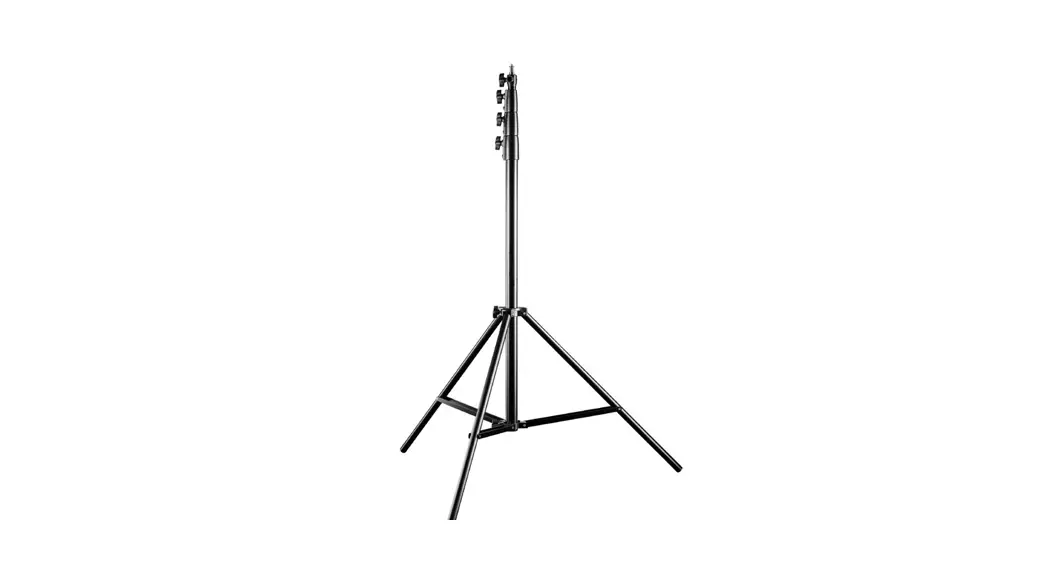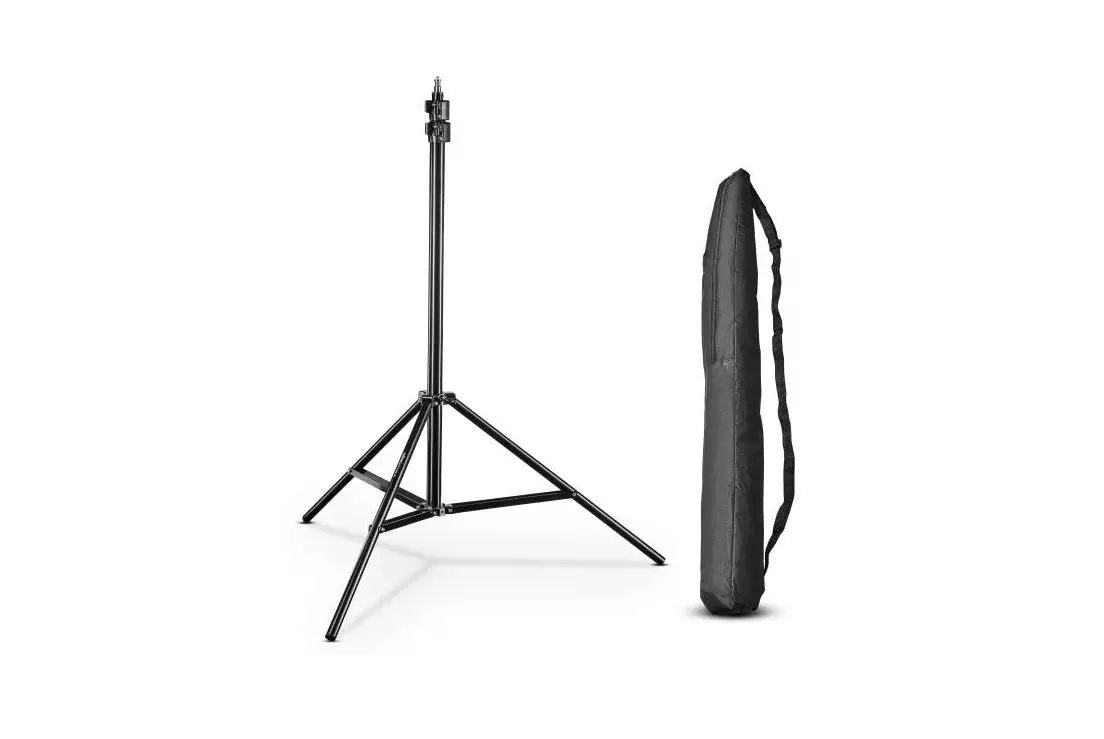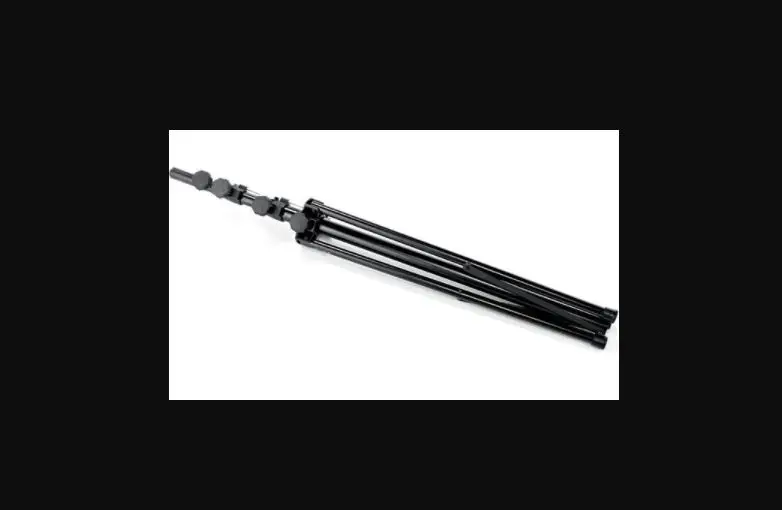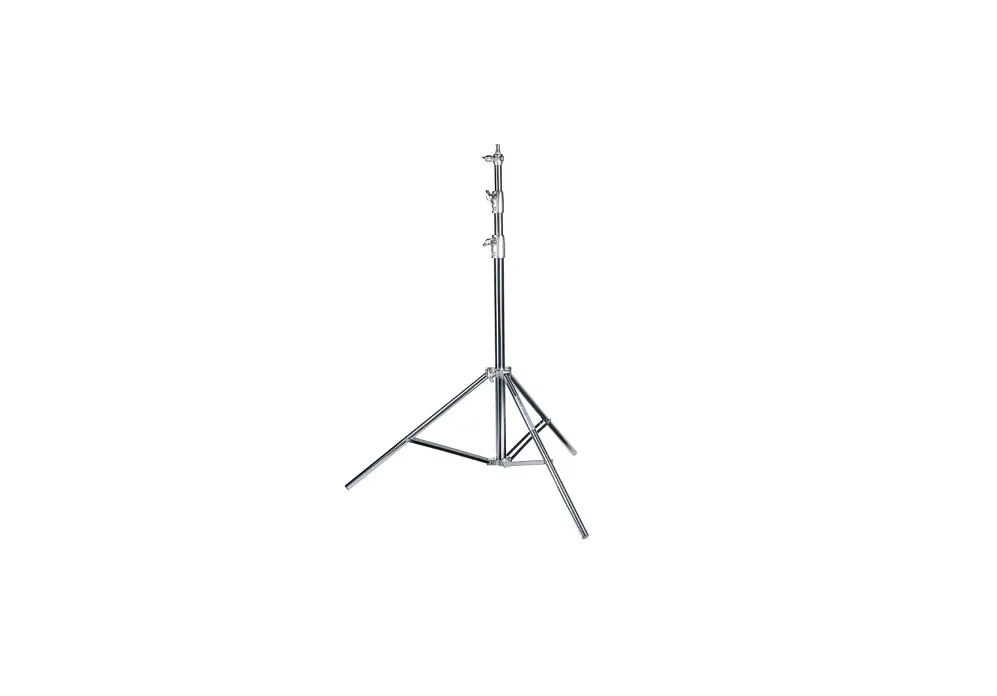
walimex pro 23269 Heavy Duty 270cm Lamp Stand User Guide

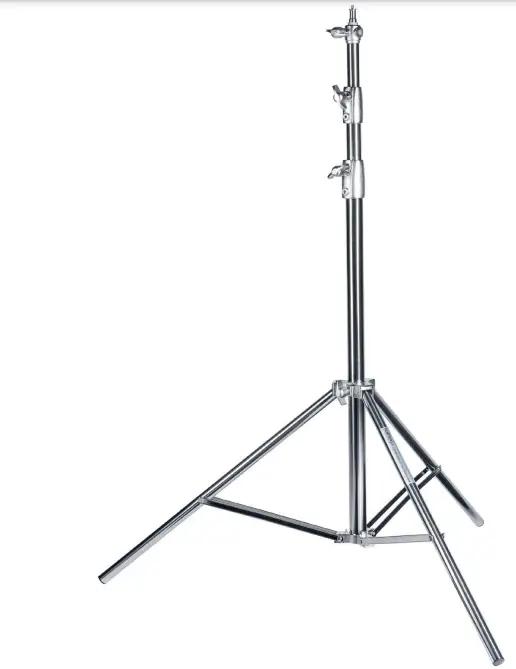
 By purchasing this product you have acquired a high-quality, versatile and practice-oriented lamp stand / studio stand with long-term quality.
We hope you enjoy using our product Your team from WALSER
Center column segments with preload!
When opening the tripod locks (4), make sure that you keep enough distance to the upper end of the stand and do not bend over. On delivery state, the springs in the segments of the center column stands under spring tension. To achieve the minimum packing size, the internally installed spring damping elements are slightly pushed together in the delivery state and then locked. This results in a pretension of the central co lumn segments. When the locking clamps are opened, the center column elements can shoot out up to 20 cm. This can lead to injuries!
Set up the lamp stand, opening of the center column segments and the tri-
pod legs
Open the tripod locks (4) on the center column locks by turning them counterclock- wise. Note the previous Note. Then loosen the locking screw of the tripod lock (5). Pull the tripod legs (8) outwards and press the tripod star (6) downwards. This spreads the legs. Set the desired angle of the tripod legs. Fix the tripod legs by tightening the tripod lock screw (5).
Proceed when folding the stand in the reverse order.
WARNING! Risk of squeezing fingers through the struts of the tripod legs (7). Height adjustment
The tripod is equipped with a telescopic center column that can be extended. The
locking clamps of the center column (3) are fixed by the tripod locks (4). To adjust the height of the tripod, loosen the tripod locks (4) by turning counterclockwise. Set to the desired height and tighten the screws again. Press the center column elements down to check that all locks are fixed correctly. The stand is now ready to use.
Installation of equipment on the tripod
Using the adapter on the top, you can attach devices such as studio flashes, LED lights, softboxes, poles etc. to this stand. Loosen the mounting screw of the bra- cket. Insert the holder of your device from above into the tripod adapter (1) and fix the holder screw.
On the upper end of the mounting adapter (1) a 1/4 inch thread can be used. You can also attach suitable equipment here.
A further adapter from 1/4 to 3/8 inch (11) is included with this stand. You can also attach suitable equipment here with the 3/8 inch thread.
Recommended accessories for increased stability
When using heavy equipment with large extension height, we recommend additional accessories for stabilization. For this we recommend the use of special sandbags or weights.
You will find suitable accessory articles in our webshop www.foto-walser.de
Art.-No. / Name
15537 walimex pro sand bag 15876 walimex stand weight 3 kg
13739 walimex weight for rods and boom stands 4,4 kg
Usage notes and maintenance of the tripod
- Note that lamp stands generally must be placed on a sufficiently strong, plan level surface to ensure maximum stability and maximum
- Note the maximum load capacity of your tripod model (see technical data)
- Note that the load values specified for centrally placed equipment on the stand
- Regular removal of sand, dust and other contaminants is If you notice a scratching or crunching sound when moving the center column segments, remove the impurities with a soft, damp cloth.
- If this does not help, you can use a 4mm hexagon socket wrench to loosen the screws of the locking clamps and take these segments Before opening the locking clamps, note the warnings to the spring damping of the center column elements at the beginning of this guide.
- Hold the center column segment with one hand during the release of the lockings before you loosen one adjustment clamp
- Do not move a stand with mounted equipment and extended center column. There is a strong leverage effect with a combination of heavy equipment and a large center column extension.
Technical specifications
| Lamp Stand 270 cm Heavy Duty | |
| Articel No. | 23269 |
| Stand type | Lamp stand |
| Max. working height | 273 cm |
| Min. working height | 108 cm |
| Min. packing size | 102 cm |
| Max. load capacity | 15 kg |
| Weight | 2,47 kg |
| Damping type center column segments | Spring |
| No. Segments center column | 3 |
| No. Segments center column extendable | 2 |
| No. Segments with damping | 2 |
| Type tripod lockings | Wing bolt |
| Ø tubes stand segments | 35, 30, 25 mm |
| Ø max. footprint | 97 cm |
| Connection adapter | 5/8“ spigot,1/4“ and 3/8“ thread |
| Additionally connection adapter included | 3/8“ thread adapter |
| Stand tubes | Steel |
| Locking clamps | Cast |
| Stand lockings | Cast |
| Stand feets | Rubber |
Scope of delivery
1 x walimex pro Lamp Stand 270 cm Heavy Duty, 1 x carrying bag, 1 x adapter 1/4 to 3/8 inch thread
We are here for you!
If you need help or a free, individual consultation from our trained specialist personnel, please contact our service team.
We are happy to help!
Your WALSER Team
Email/homepage [email protected] www.walser.de
Our postal address:
WALSER GmbH & Co. KG enefelderstrasse 23 86368 Gersthofen

Our warranty promise
WALSER is known for its high-quality workmanship, optimal functionality and customer-oriented service. To highlight our exceptional service level, we offer a 2 year warranty for this Walimex pro product. This warranty is only valid in combination with your purchase receipt.
If you would like to utilize our warranty, contact us by email at
[email protected].
Our comprehensive guarantee as well as its scope the can be found at
www.foto-walser.de/en/warranty.
Niclas Walser
Owner
 Fotostudio-Sets und Foto-Zubehör | Foto Walser
 WALSER FOTO & VIDEOZUBEHÖR | INDOOR & OUTDOOR