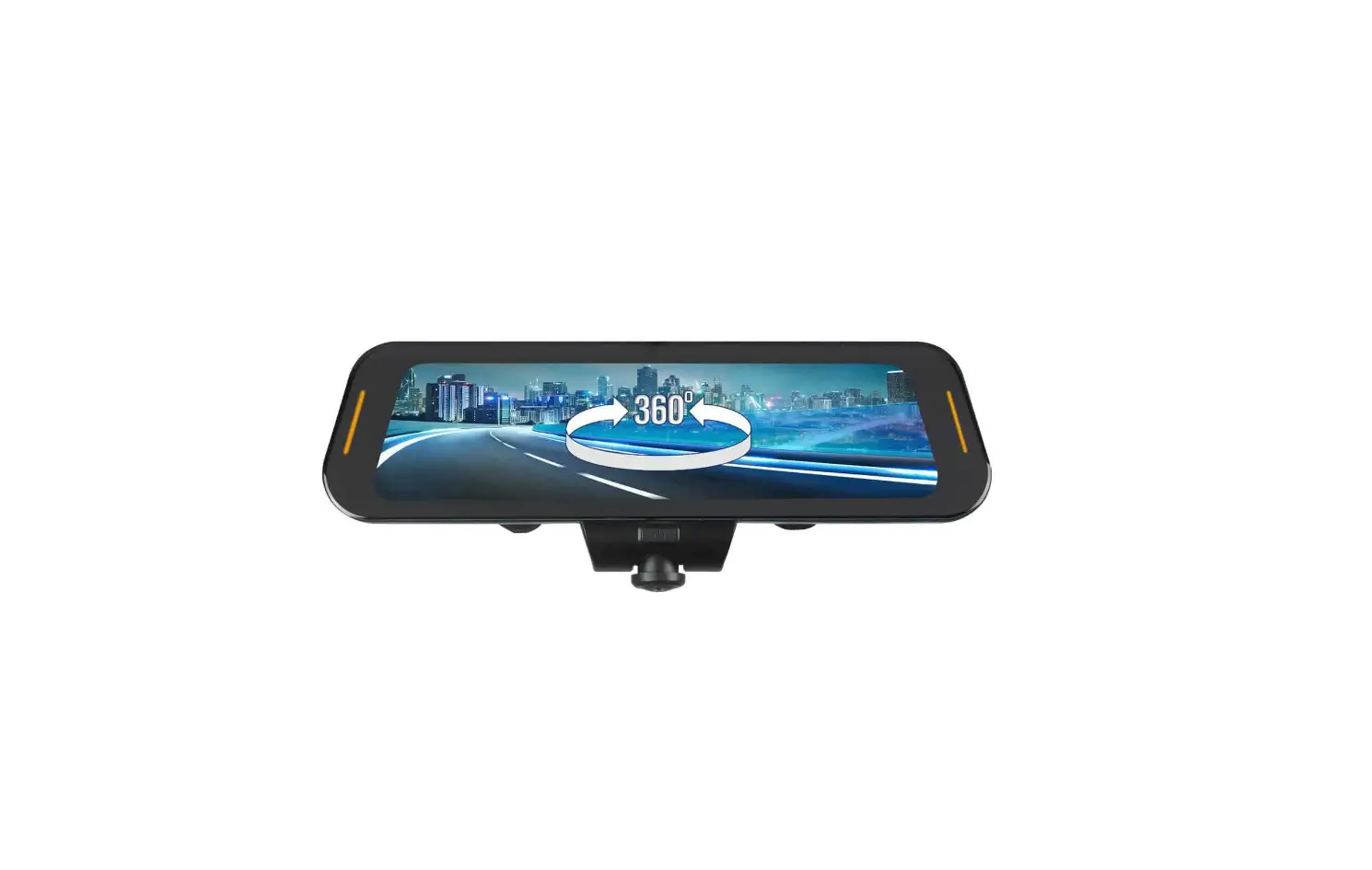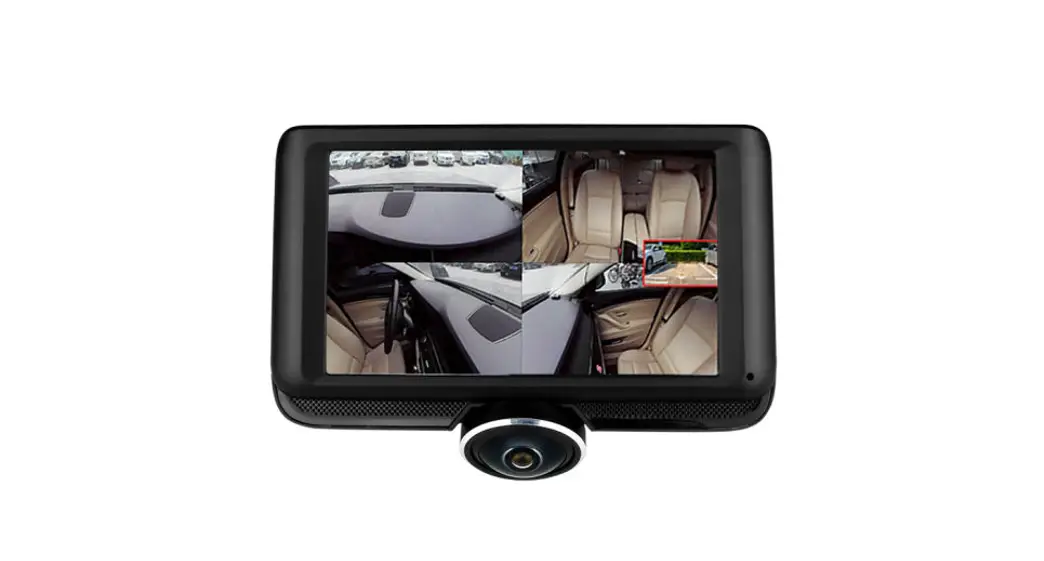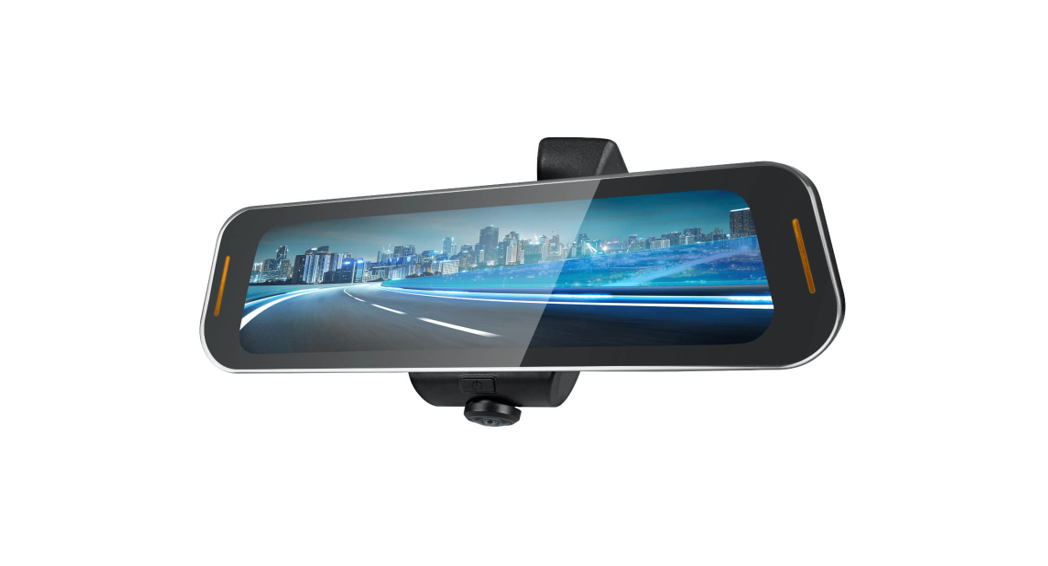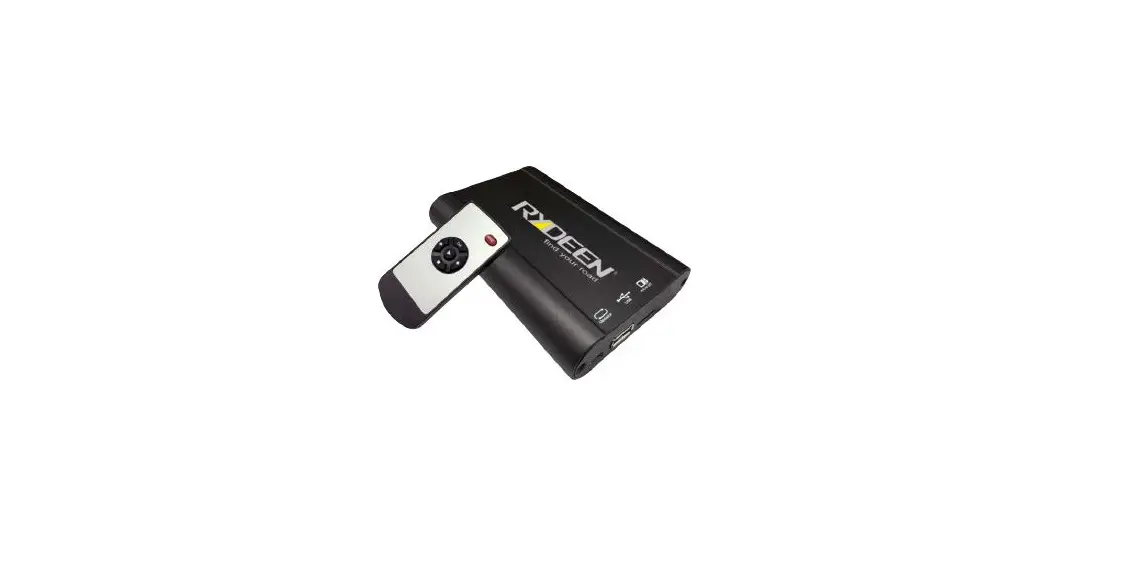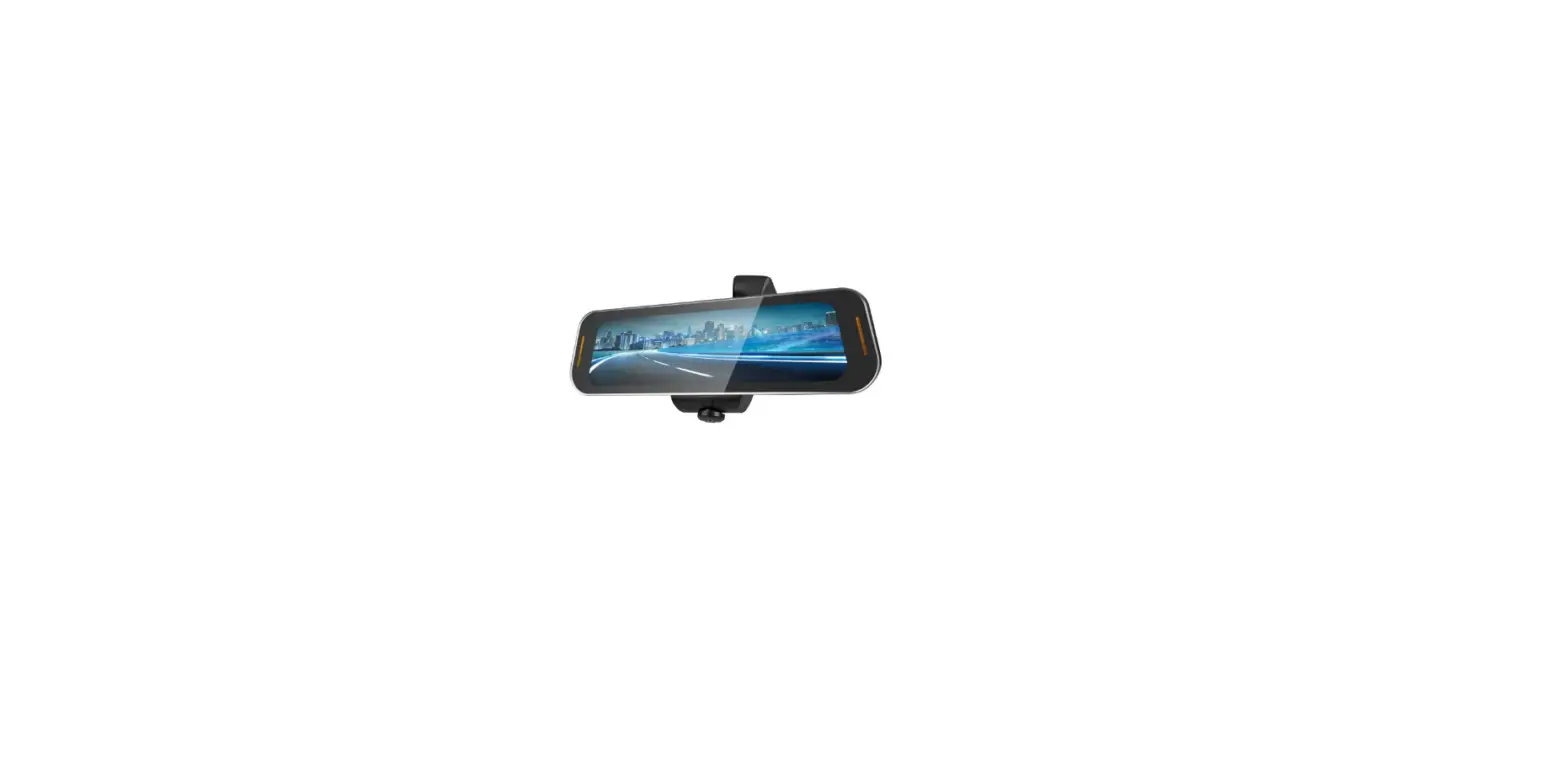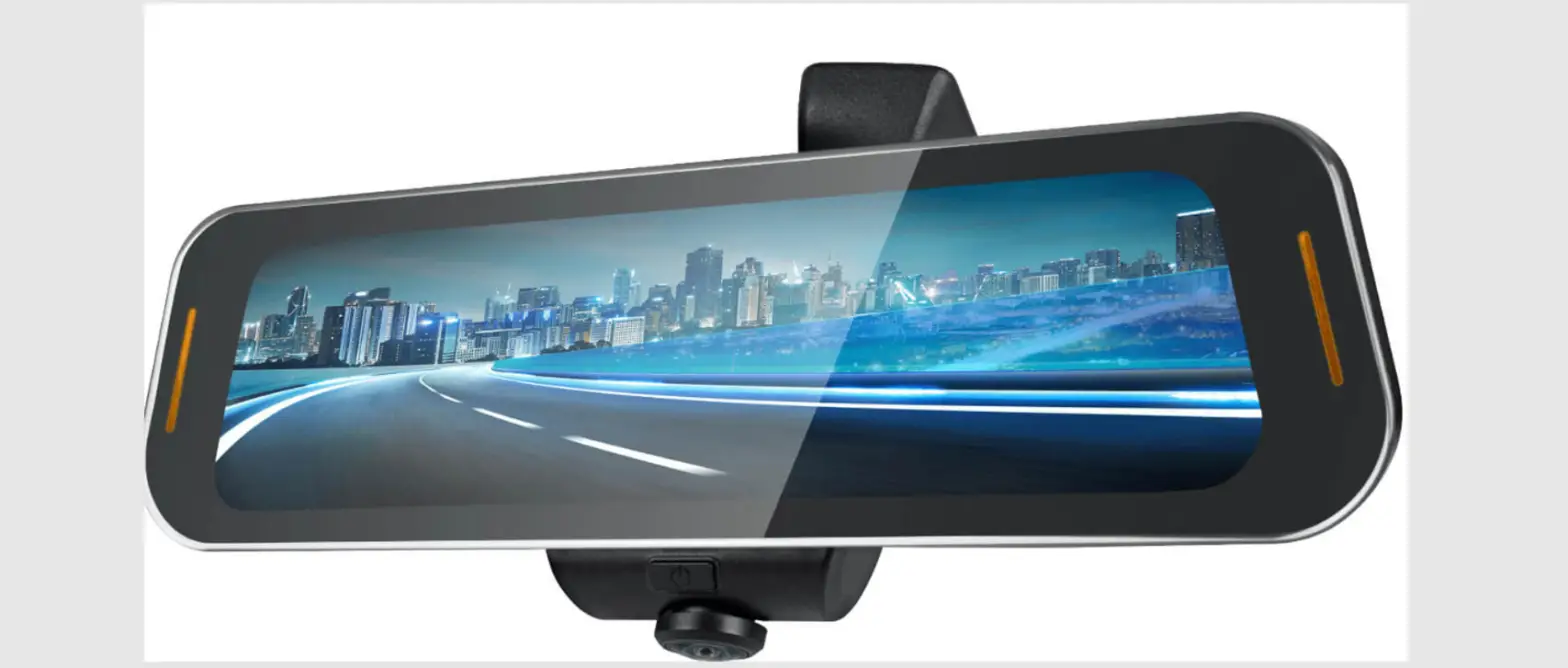

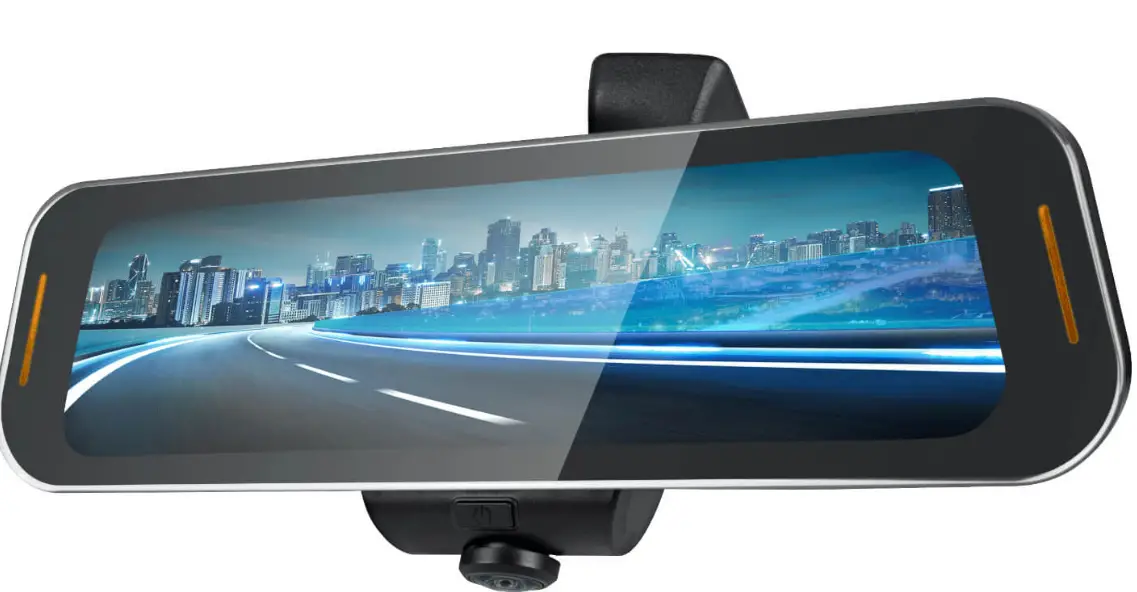
Rydeen Mobile TOMBO 360 ProKit 1 Surround View Dash Camera
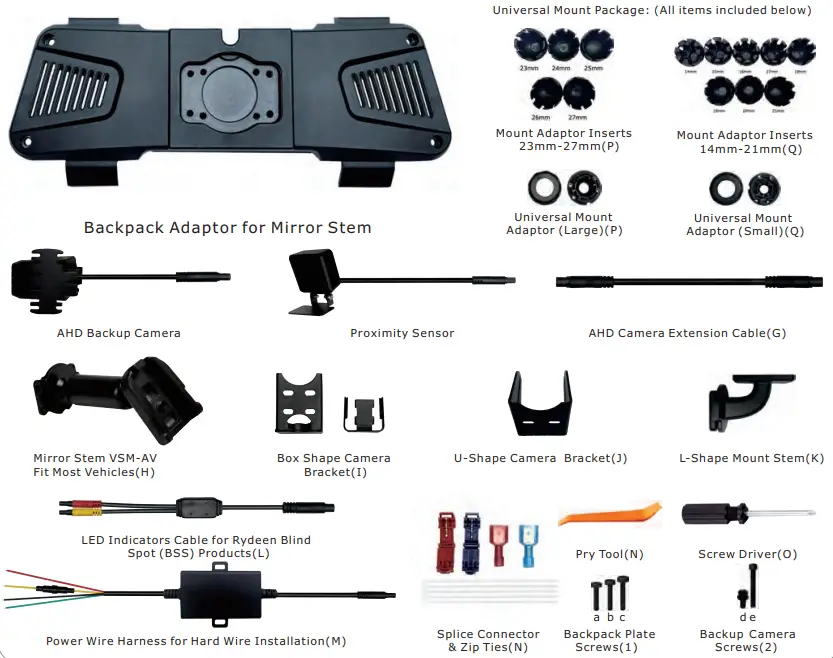
Included Items 
Getting Started
Mount the mirror onto vehicle
Remove the existing mirror and unplug the connector, if one exists. (Note: All vehicles use different mounting solutions. If necessary, consult your local automotive dealer or installation professional for specific instructions.)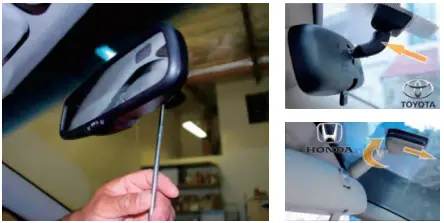
Note:
If your vehicle uses a universal D-Tab munt, do not remove the D-Tab and use the VSM-AV mount provided.
Screws size reference
- PM3*7mm b:PM2.5*8mm c:PM3*10mm d: PM3*5mm e: M3*15mm Insert Backpack Adaptor for Mirror Stem onto TOMBO 360 Main Unit.

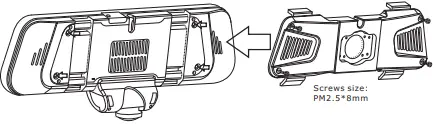
Method 1 Use VSM-AV Mount Stem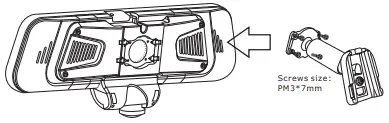
Note:
If Rydeen Mirror does not fit into factory windshield tab, please use the included universal mounting solution.
Method 2 Use Universal Mount Package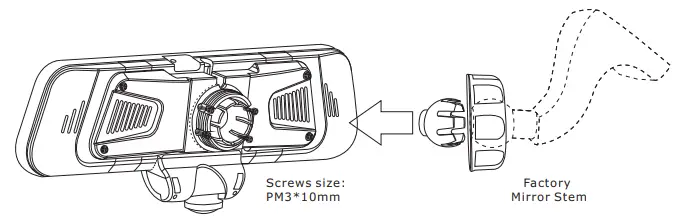
Note:
If the diameter of the factory joint mount in your vehicle is 22mm, then you do not require the use of any mount adaptor inserts.
Method 3 Use the L-shape mount stem and universal mount package for rooftop application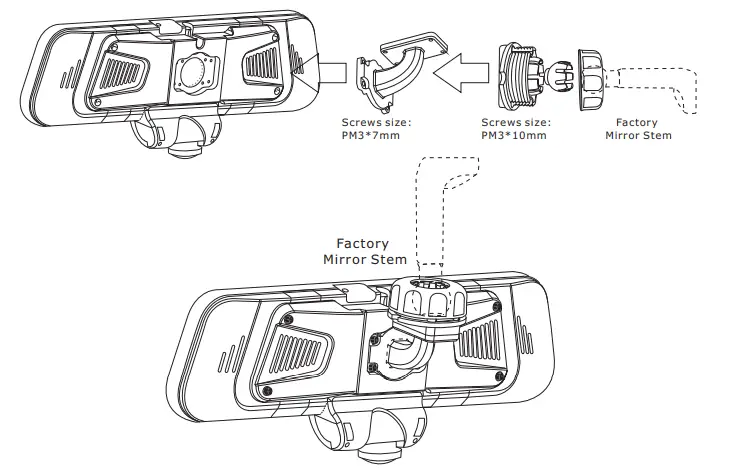
2. Install the accessories
For Cars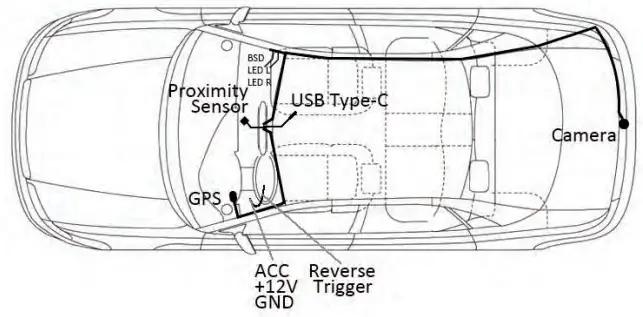
For Trucks
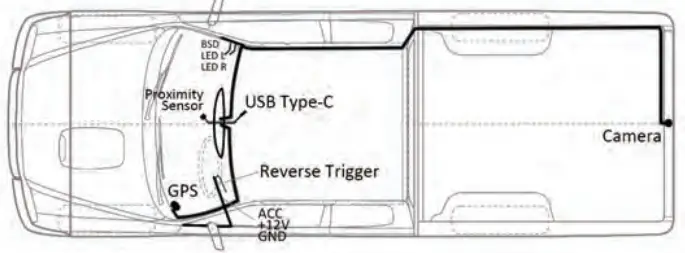
Inside View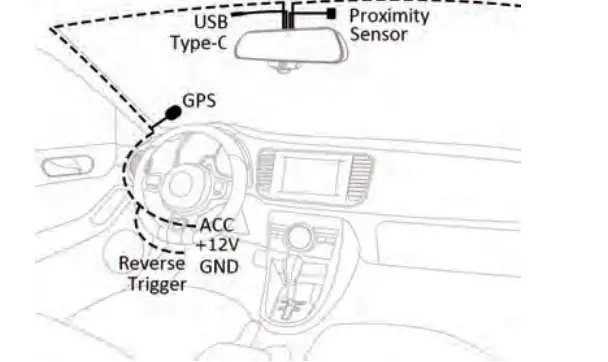
Install the backup camera bracket (remove wing mount first)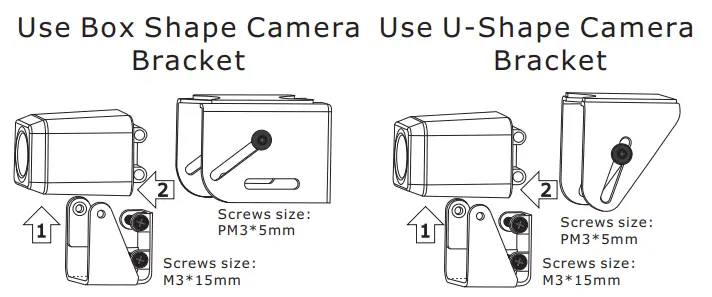
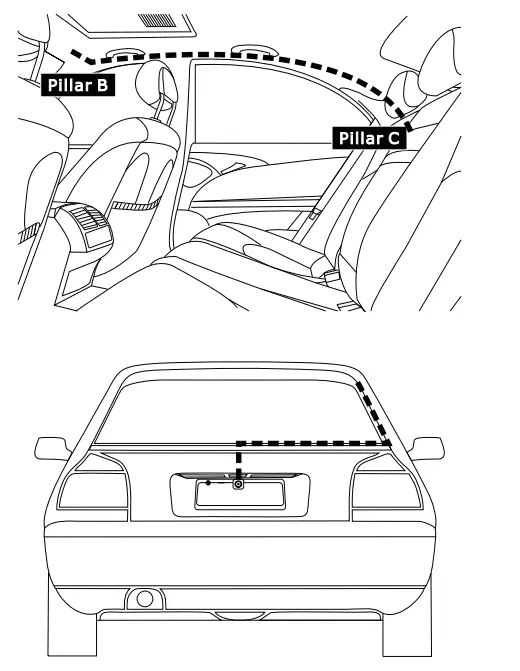
Backup camera installation position option diagram
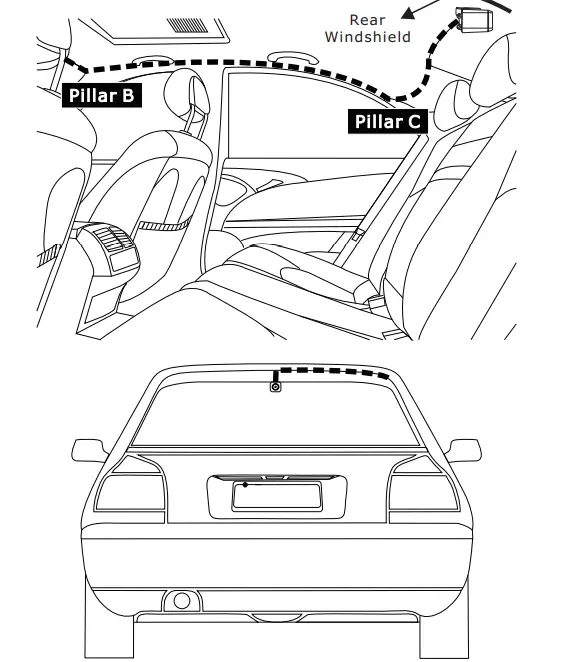
Above license plate mounting location (Exterior Mounted)
 Manual / Catalog Downloads » Rydeen Mobile Electronics