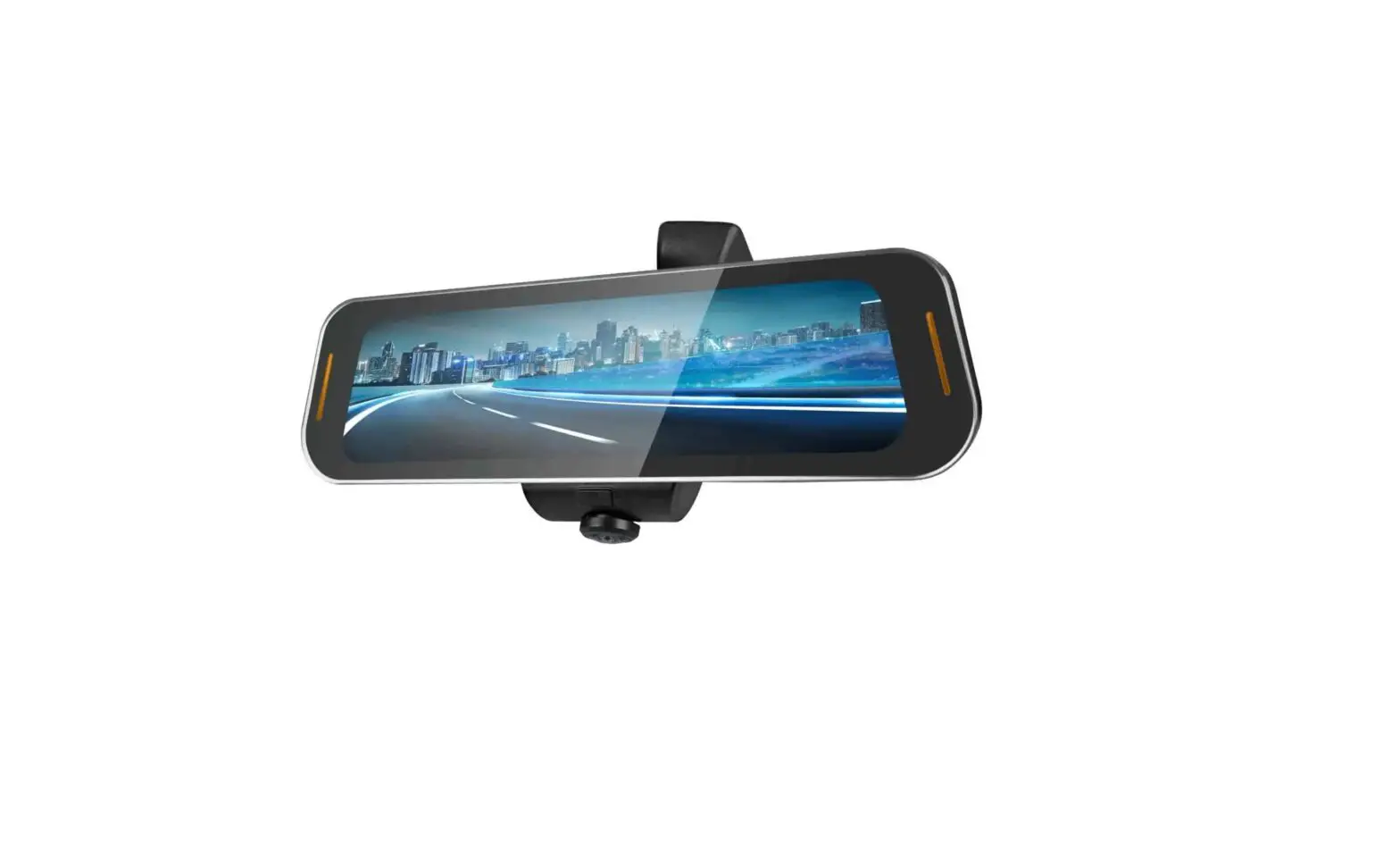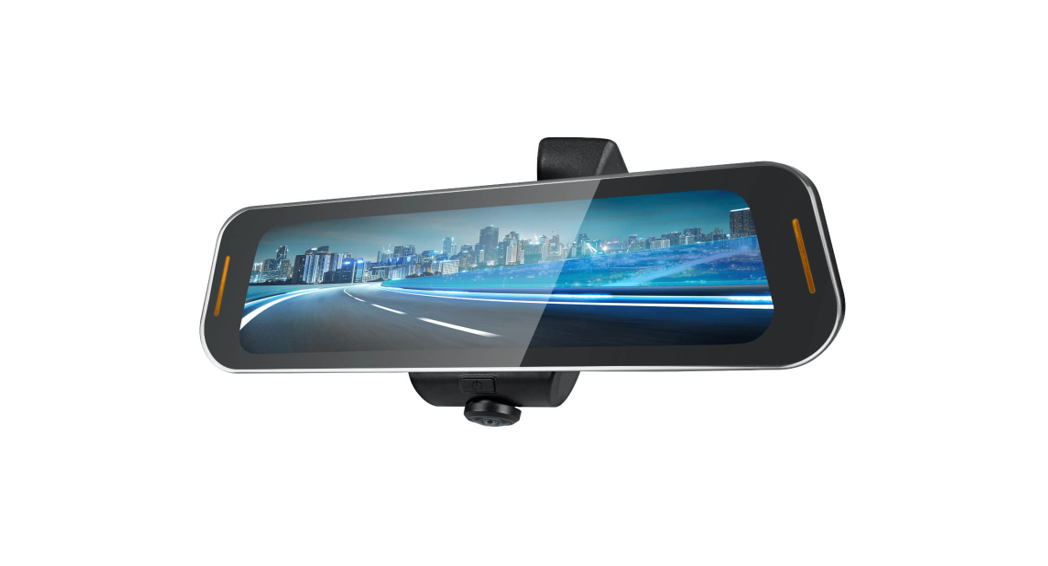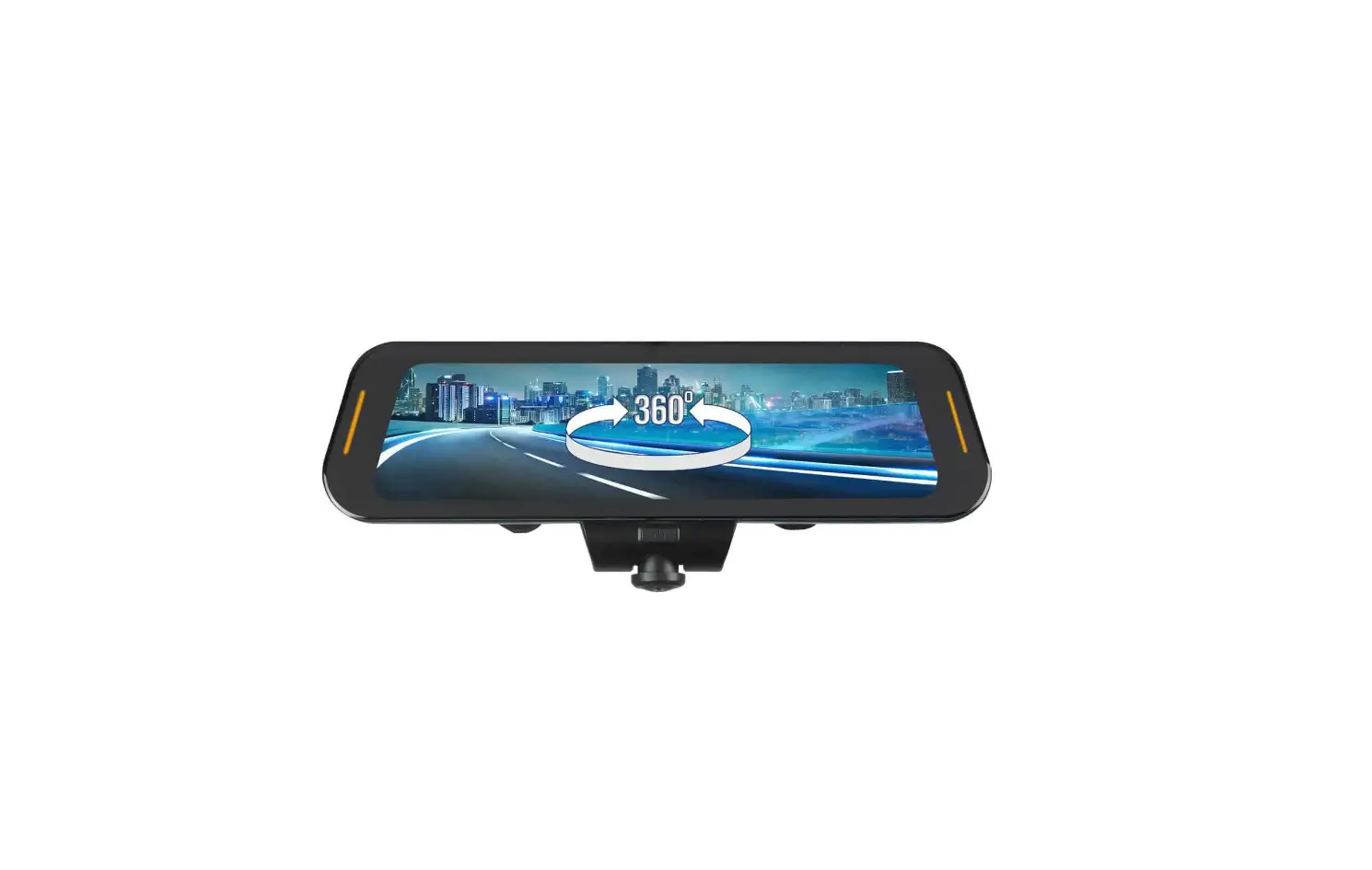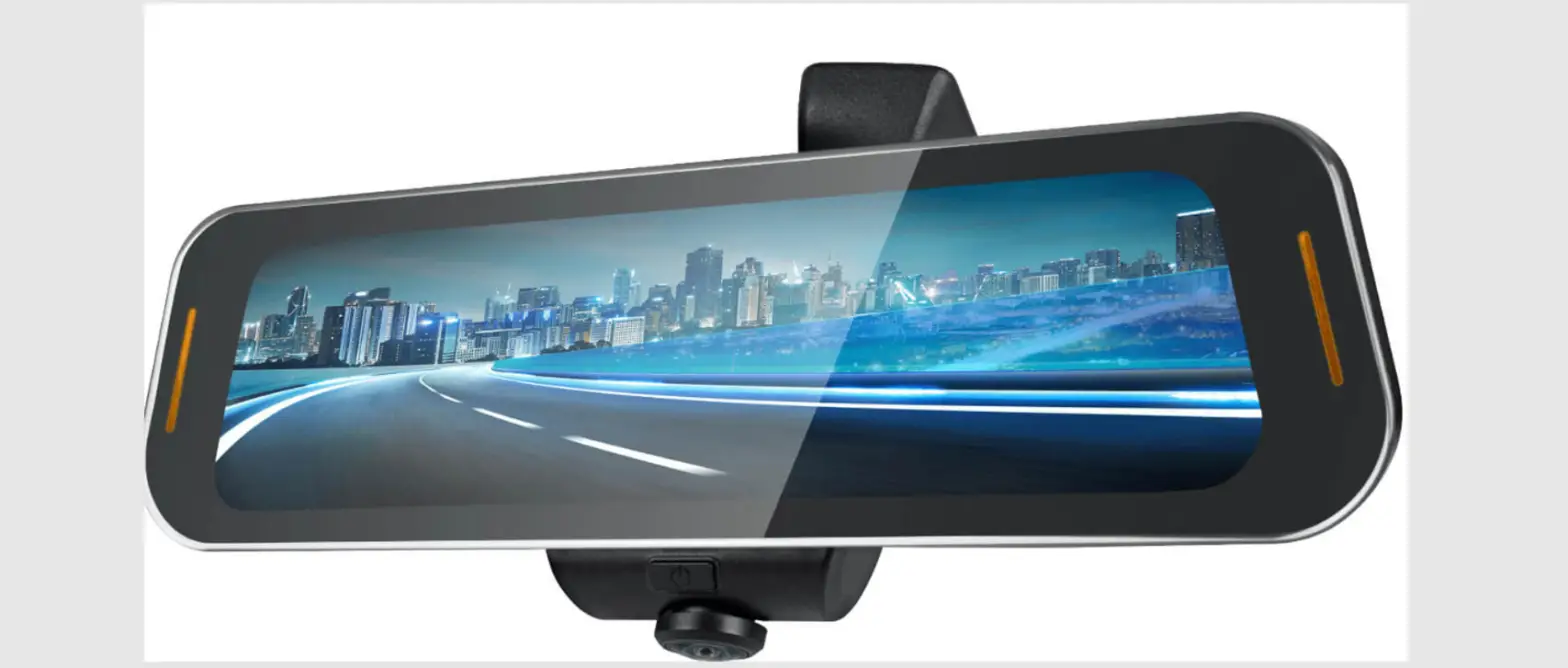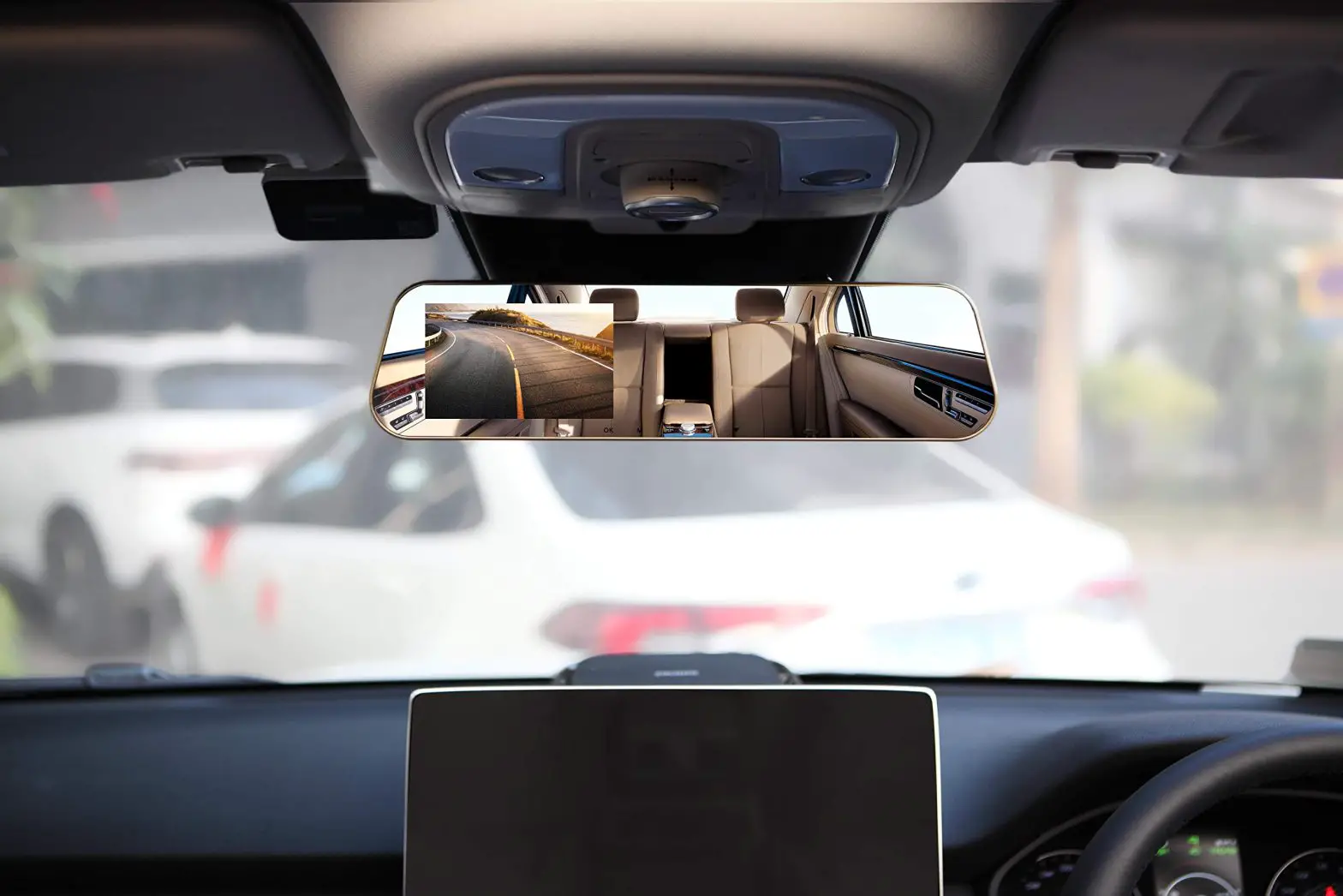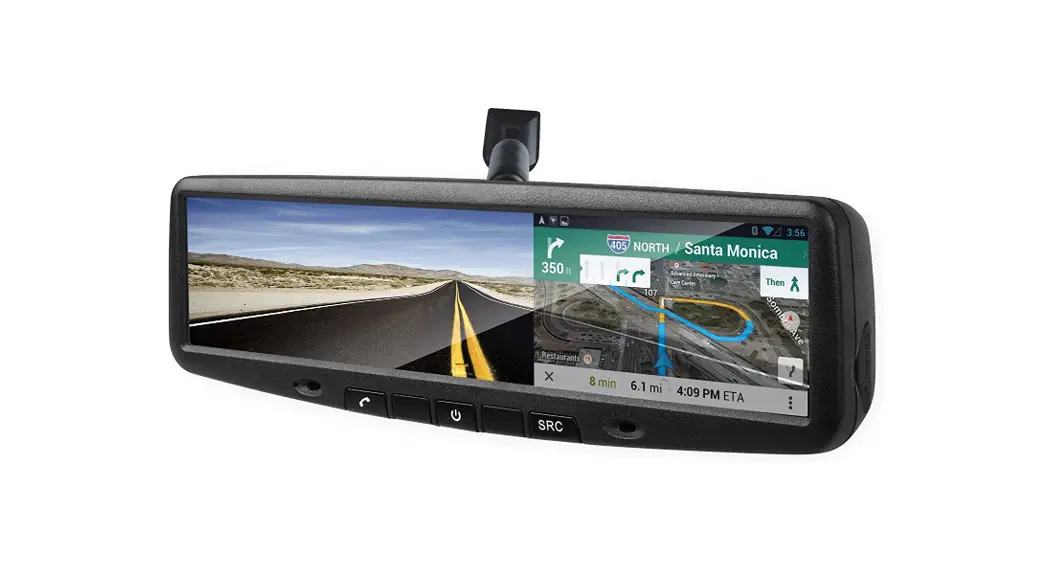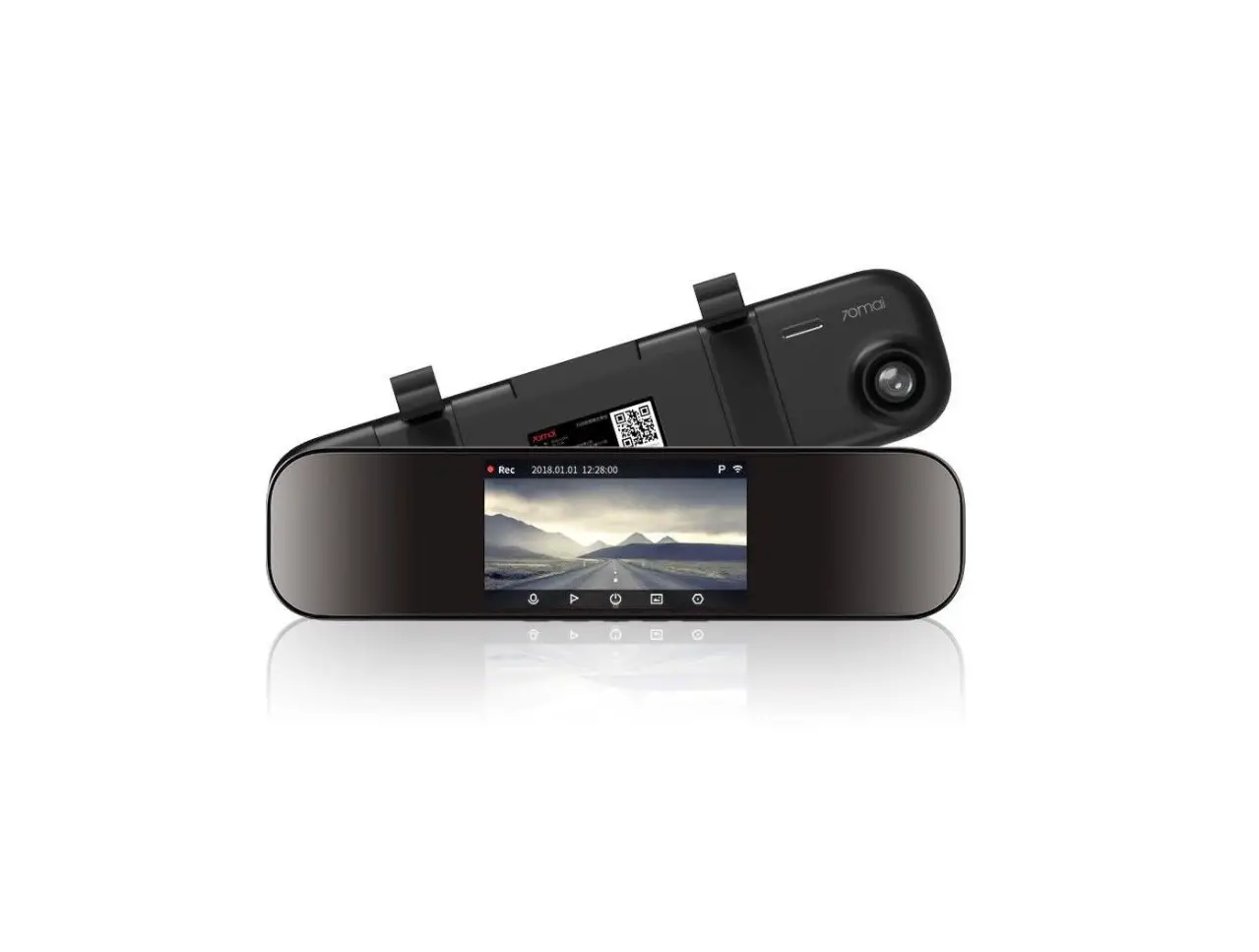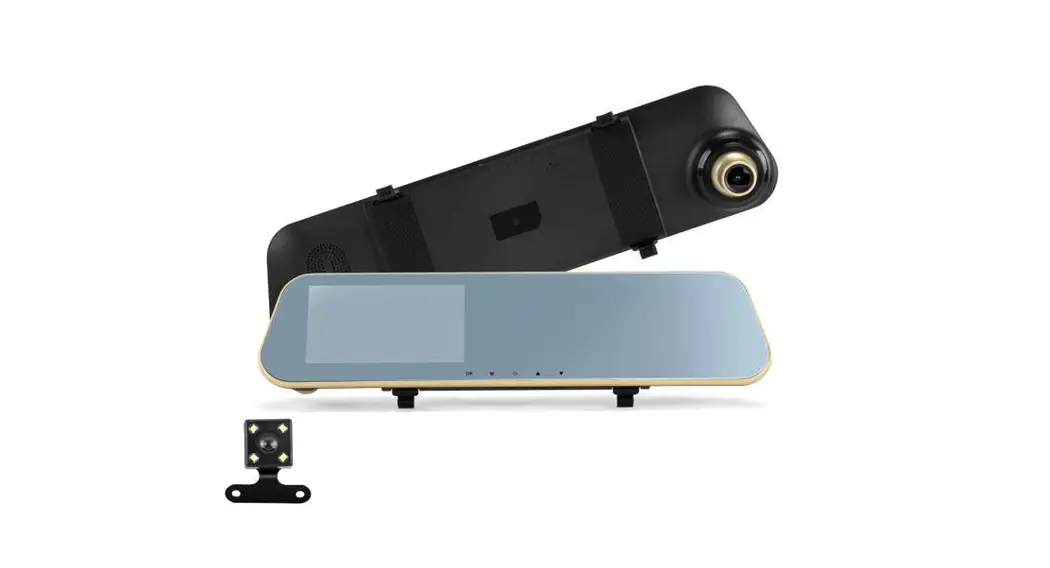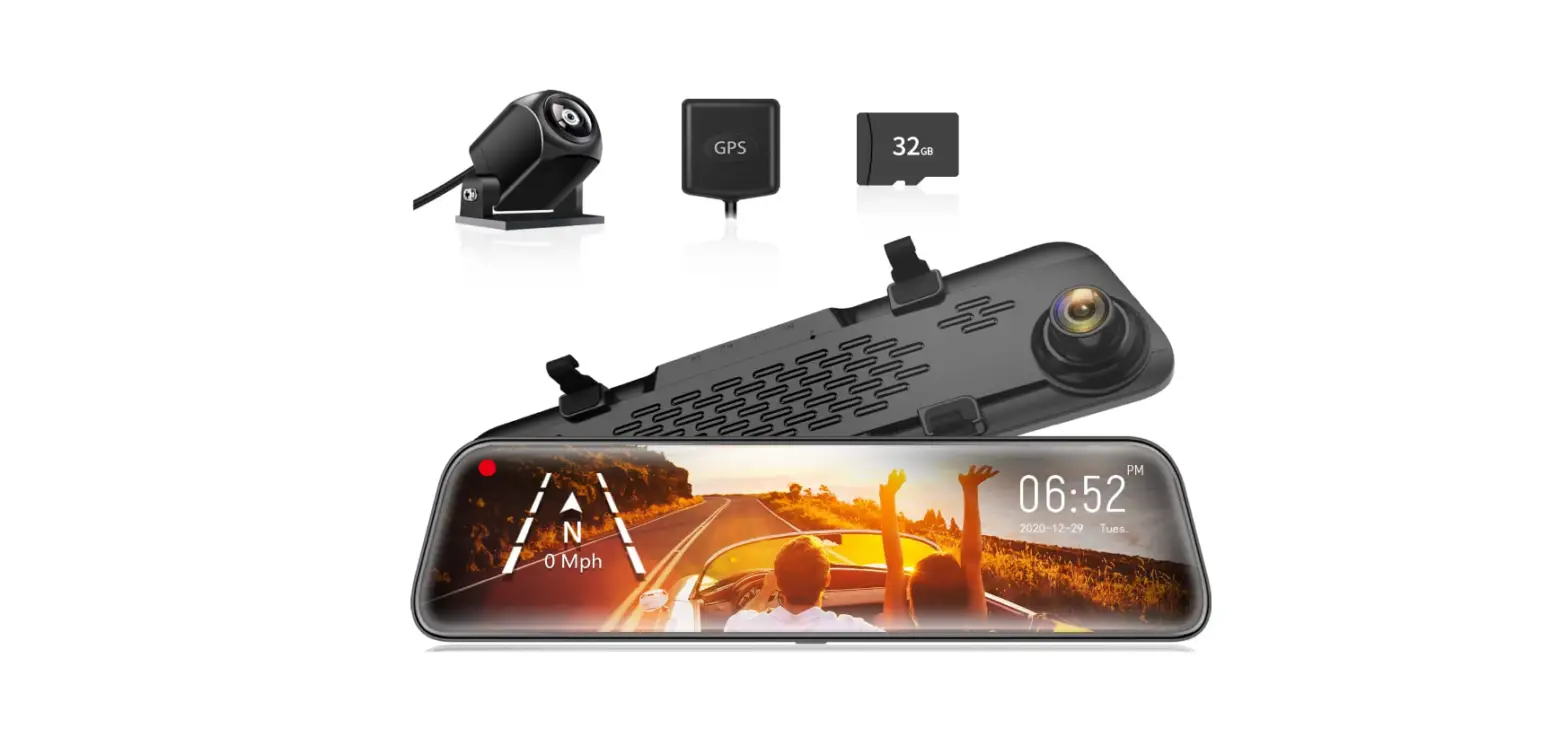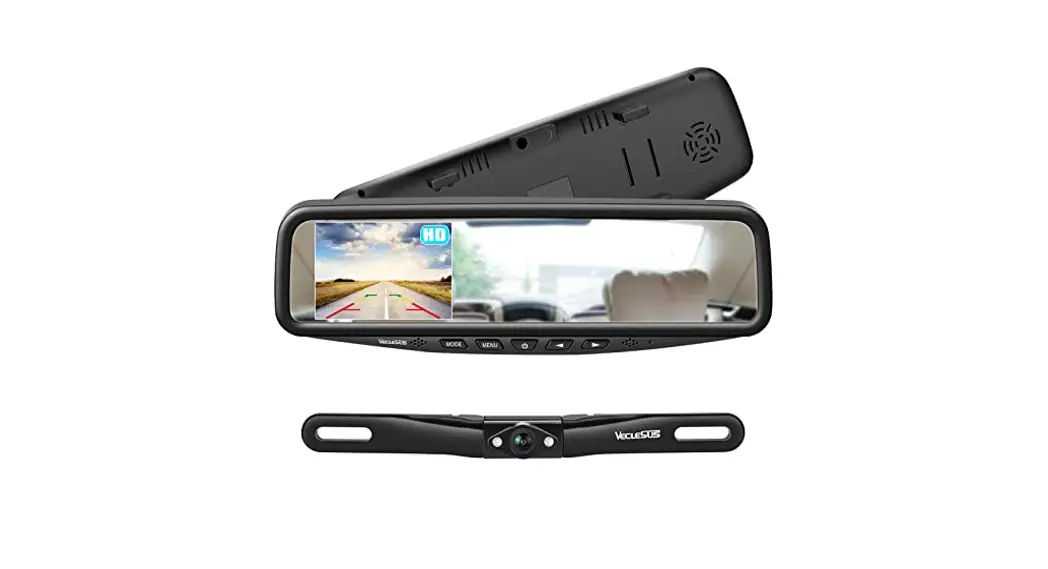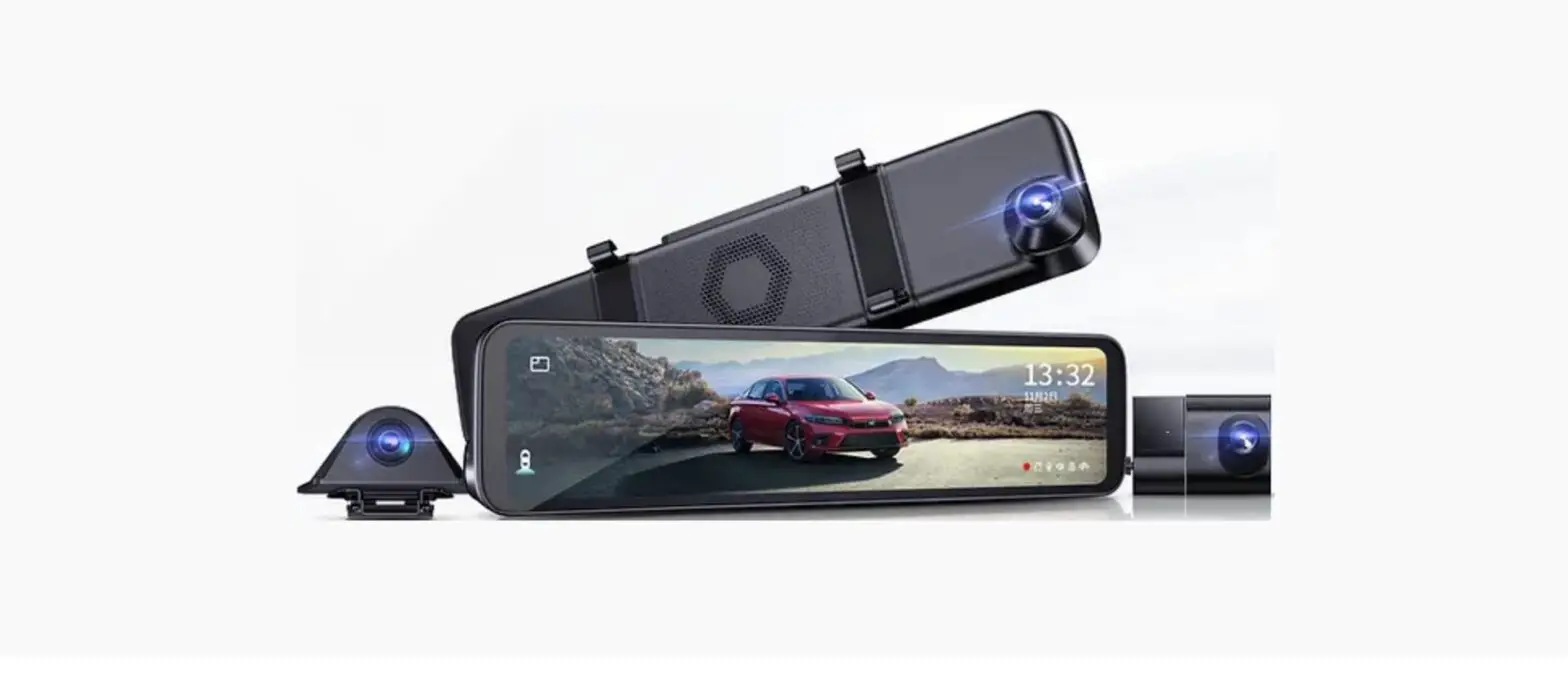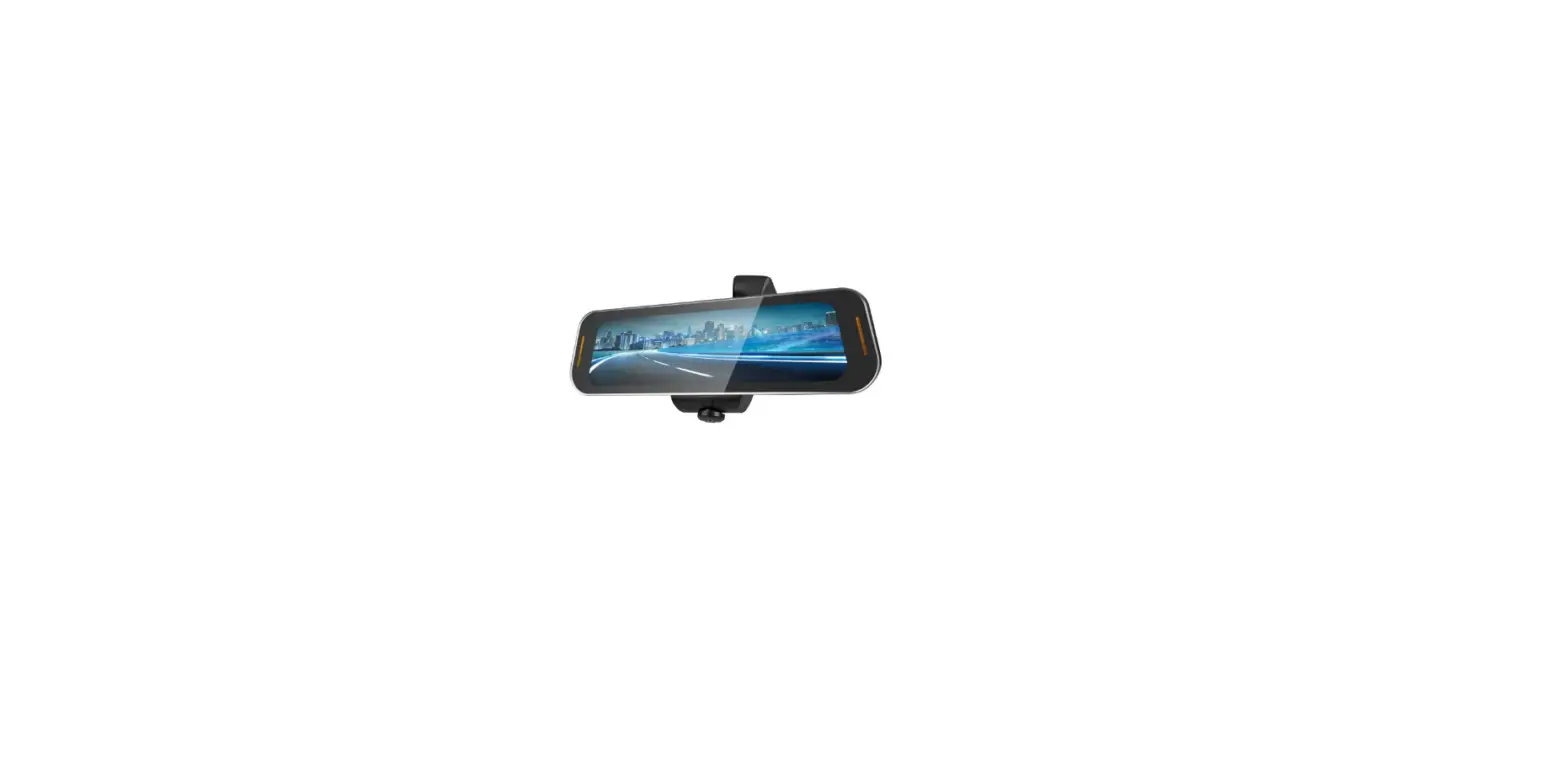

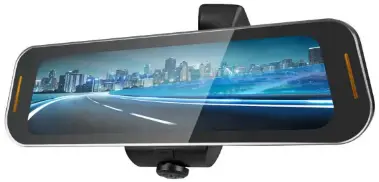
RYDEEN Tombo 360X 360 Surround View Frameless Rearview Mirror
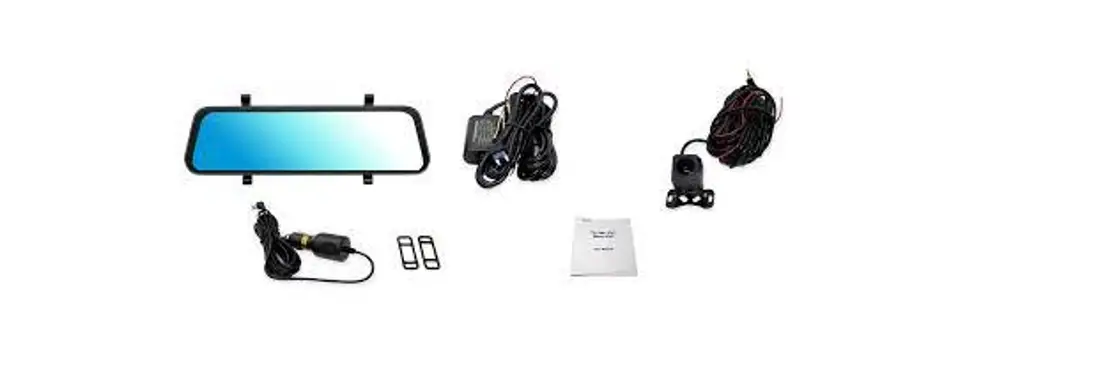
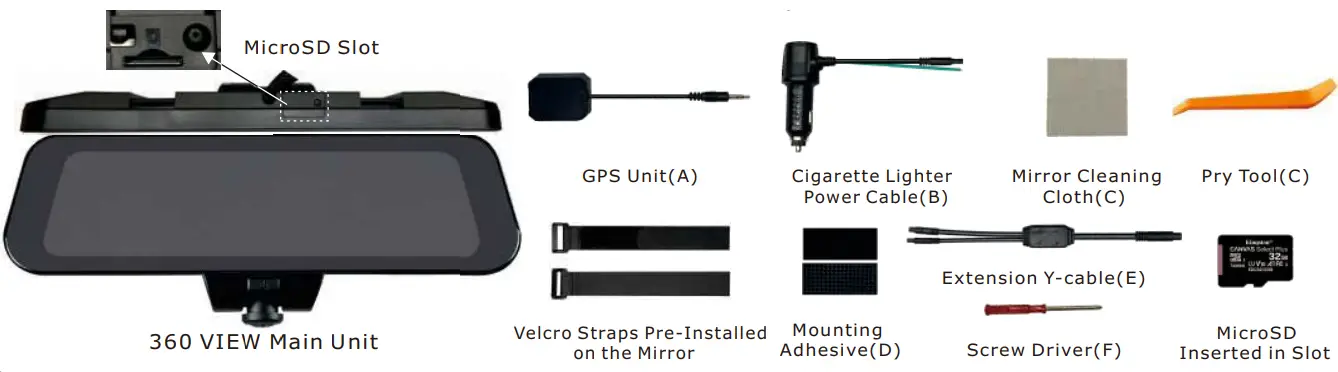
Included Items
Getting Started
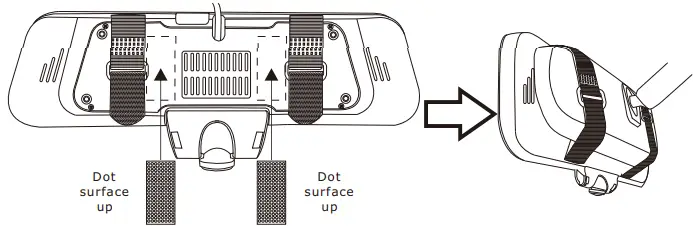
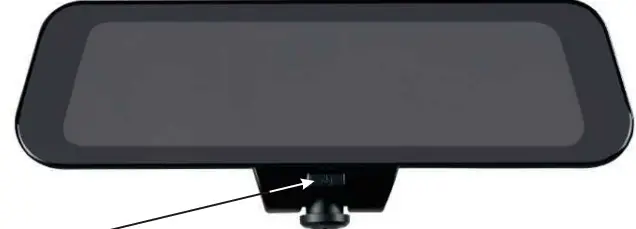
- Mount the 360 VIEW onto the mirror using provided Velcro straps Paste the adhesive provided in the position as shown in the picture below.

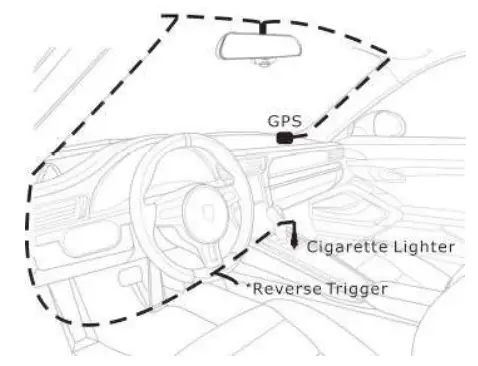
- Route GPS antenna and Plug power adaptor into the cigarette lighter.
*Reverse Trigger: Connect only if using the optional CM-AHD1 backup camera.
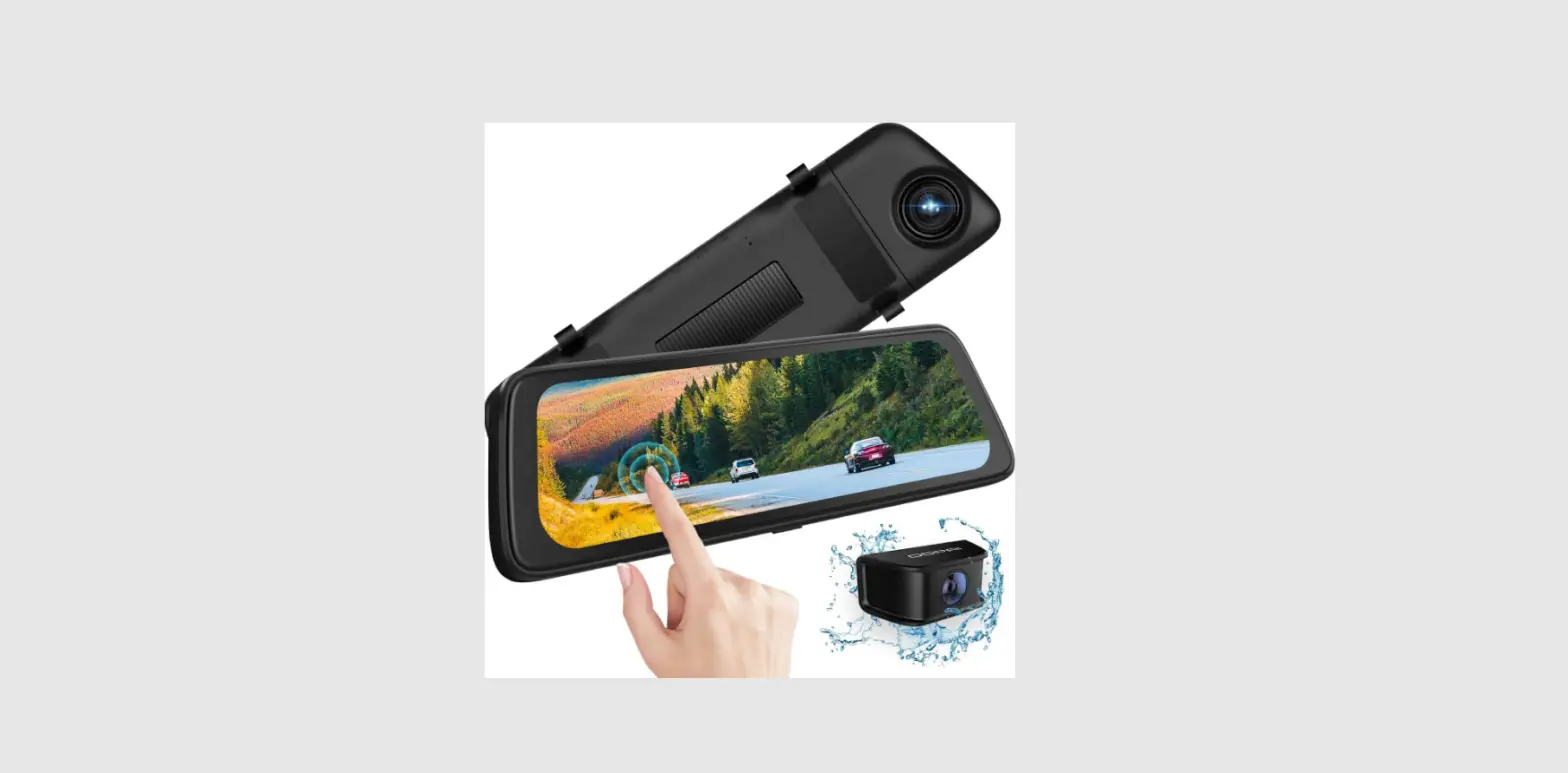
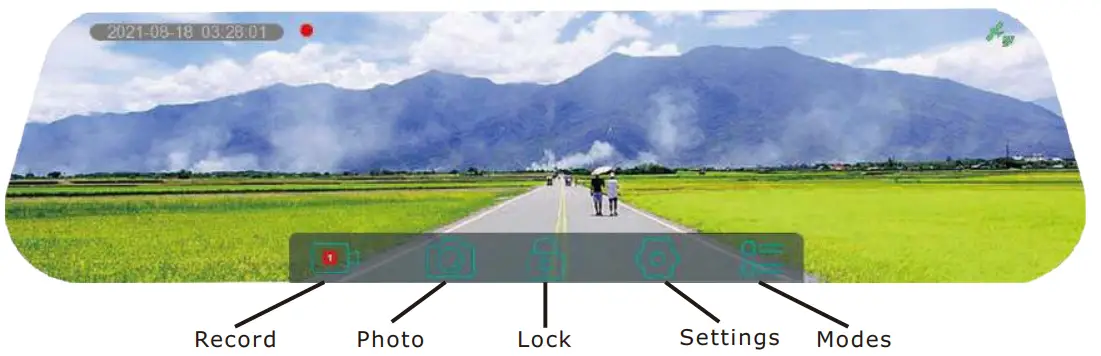
Touchscreen Operation - Main User interface

- Settings

Note:- To enter Settings, you must stop recording.
- When selecting “PiP Off” option, Reverse mode is disabled.
- When selecting “PiP ON” option, double-click on the image in the lower right corner to display the backup camera in full screen mode. Slide the screen up or down to adjust the viewing angle of the rear camera. Double-tap the touch screen to exit full-screen mode and return back to the main screen.
- These settings (Rear Cam Image, PiP On, PiP Off) only apply when using the optional CM-AHD1 backup camera.
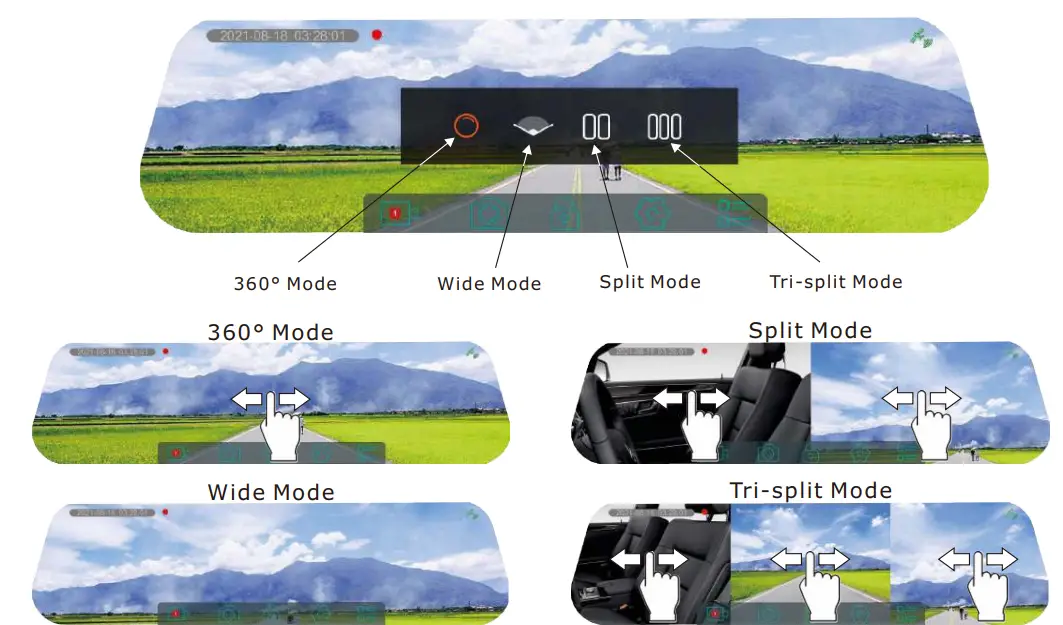
- Modes

Note:- In wide mode, the front camera should be facing forward to give you a super wide viewing angle. Viewing angle adjustment is not available within this mode.
- Dash camera defaults back to original view setting (Cigarette Lighter Power Cable).
- Dash camera will memorize last view setting when using optional (PWH-037) power cable.
Power Button Operation
- Short press to (turn On/Off) the LCD Monitor. Long press to Power On/Off.
Note: For vehicles in which the cigarette lighter retains power when the key is Off. Please refer to Pg.23 of the Owner’s Manual.
Technical Support Contact Info - For any questions about 360 VIEW, please contact your retailer or RYDEEN Technical Support:
- Phone: 1-877-777-8811 (within USA only) or 1-310-787-7880
- Email: [email protected]
- Web: https://rydeenmobile.com/contact-support/

For more detail instructions, please visit our website at www.rydeenmobile.com/manual-catalog-downloads/
 Manual / Catalog Downloads » Rydeen Mobile Electronics
 Contact Us » Rydeen Mobile Electronics