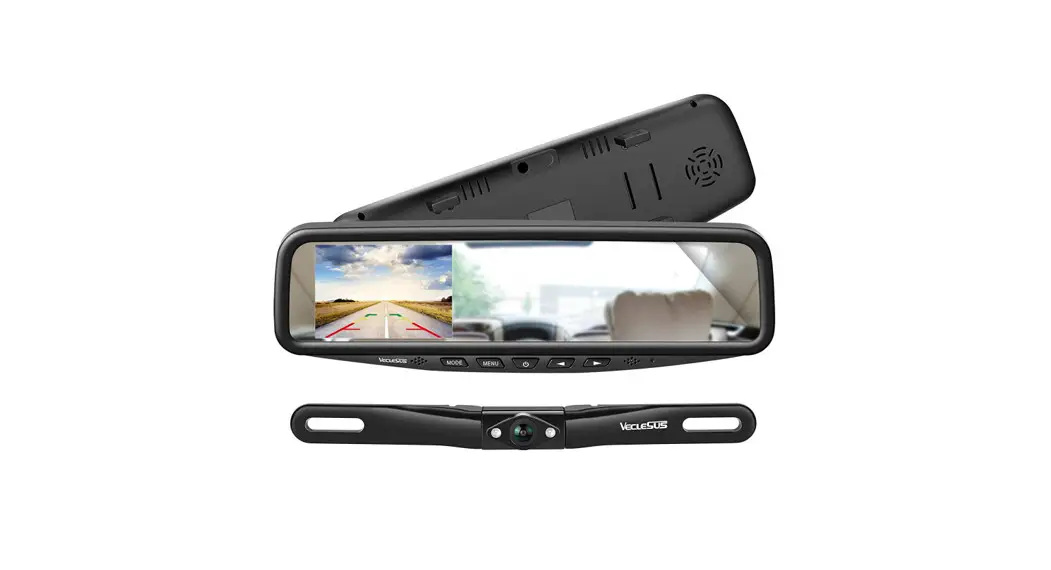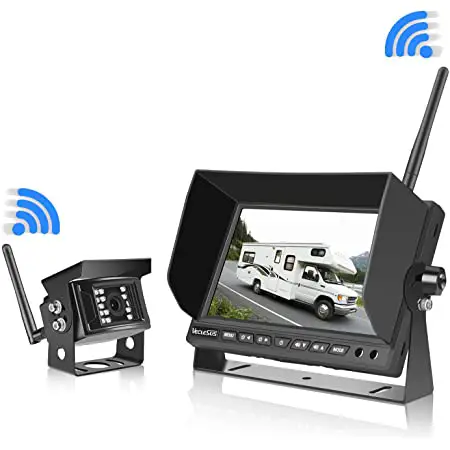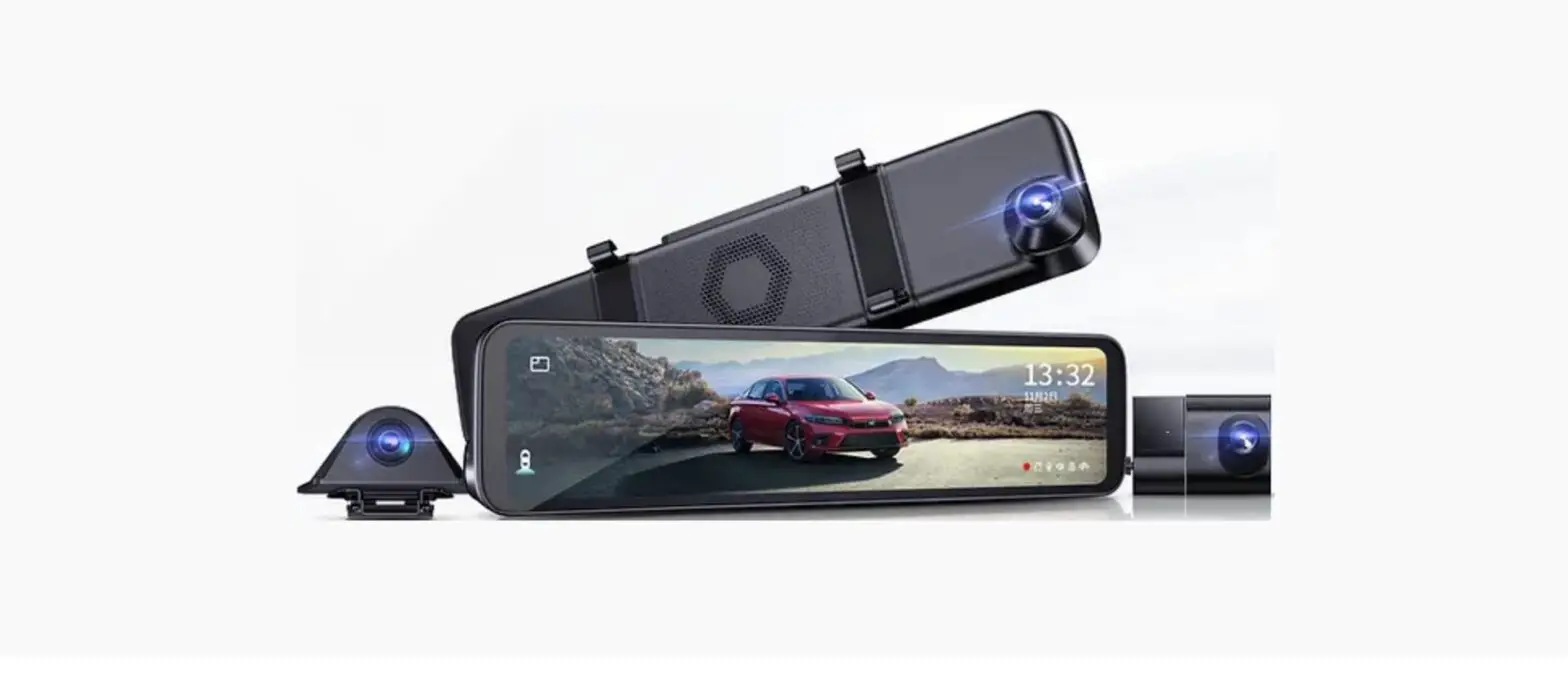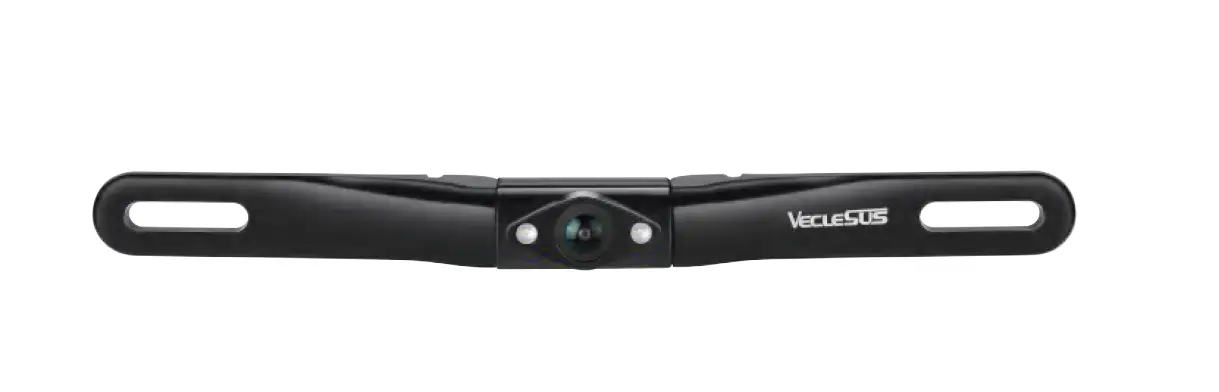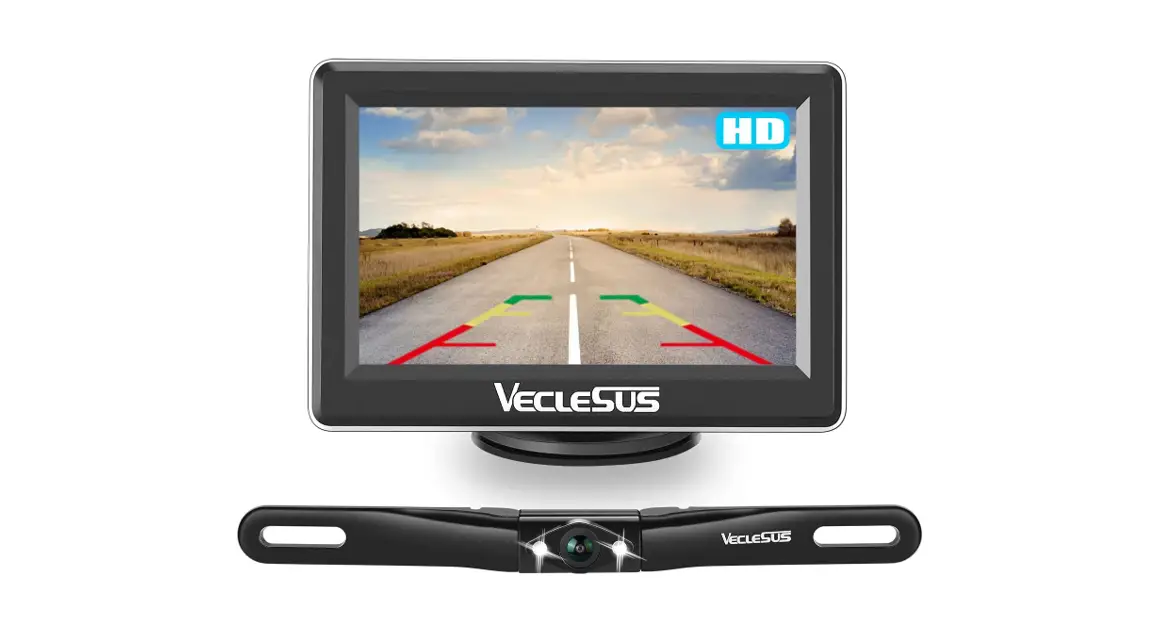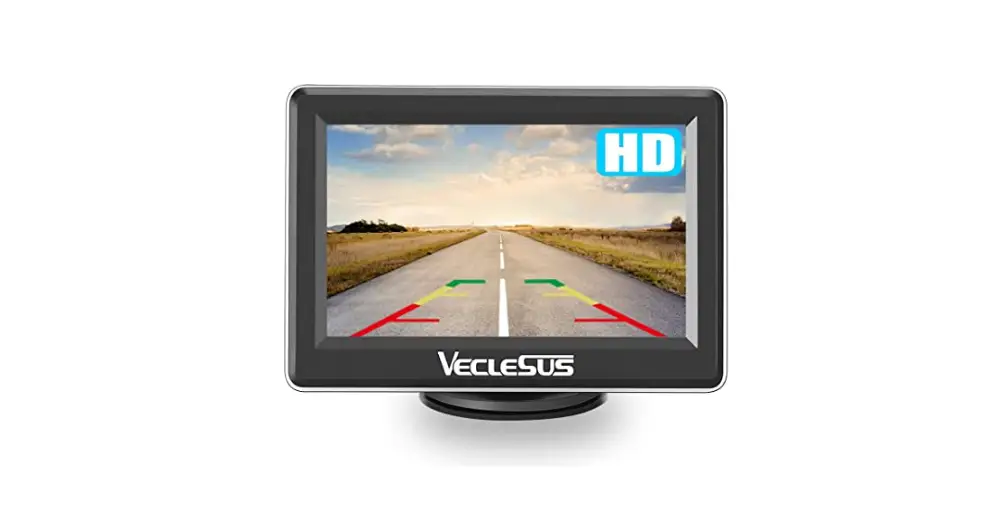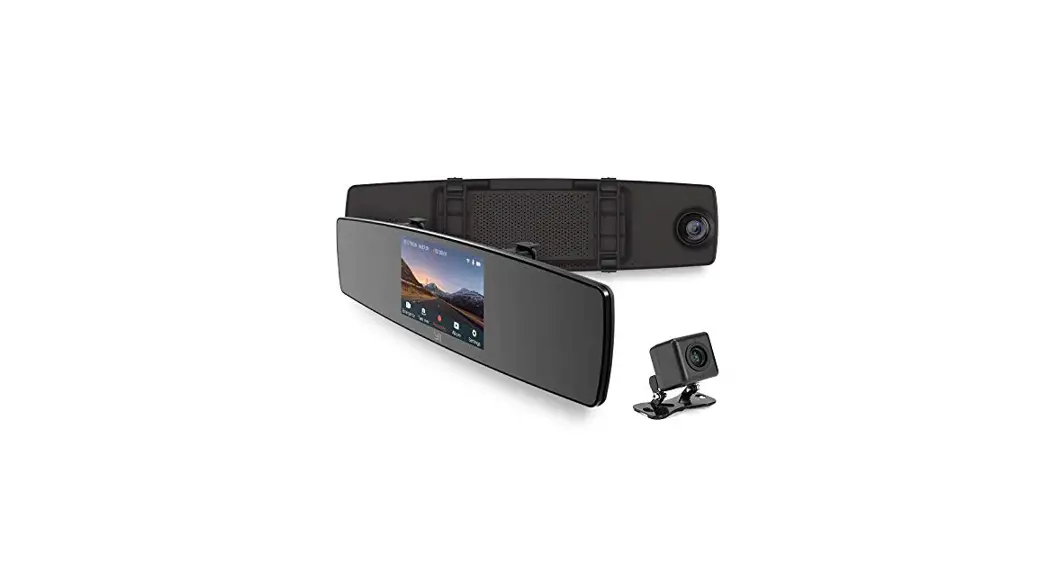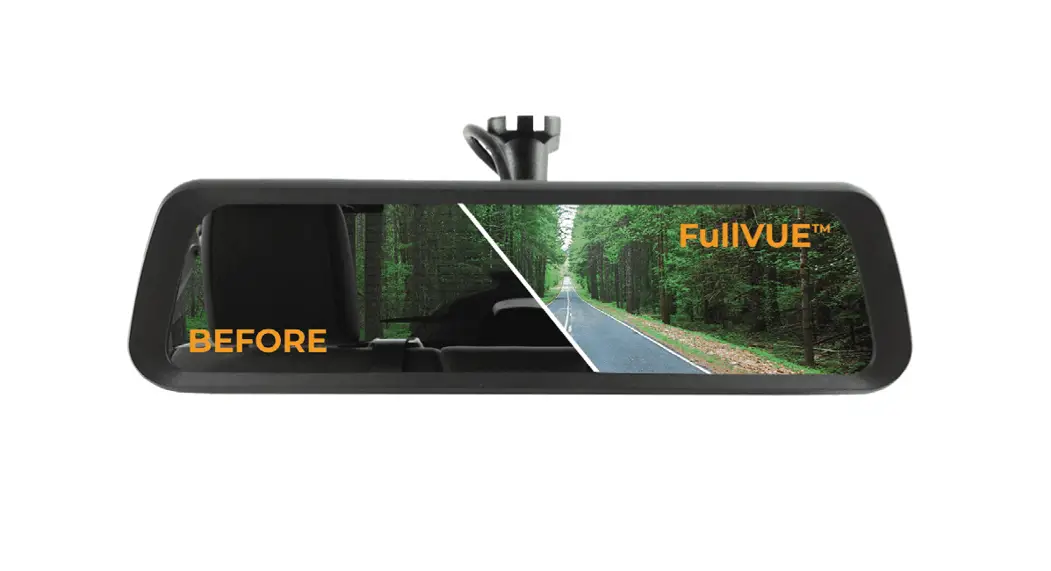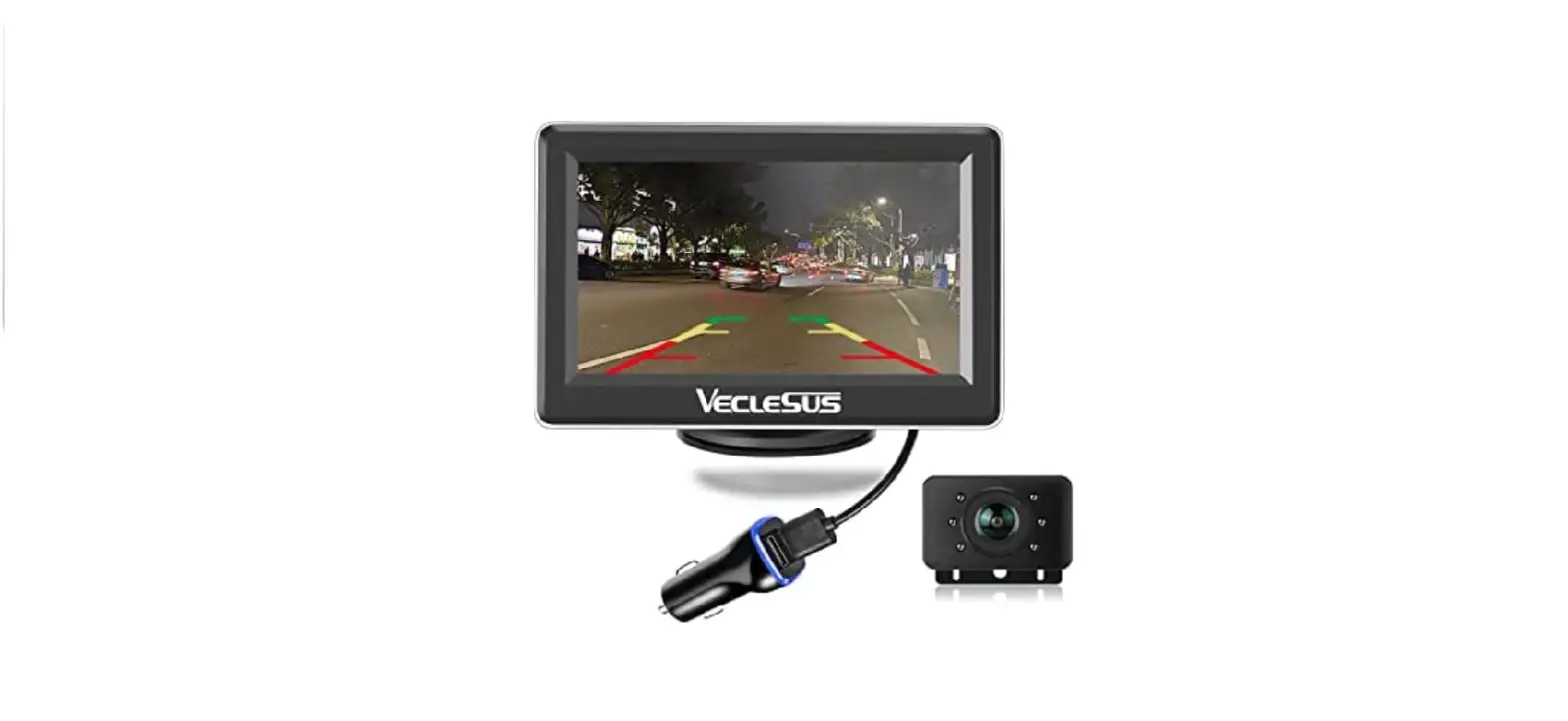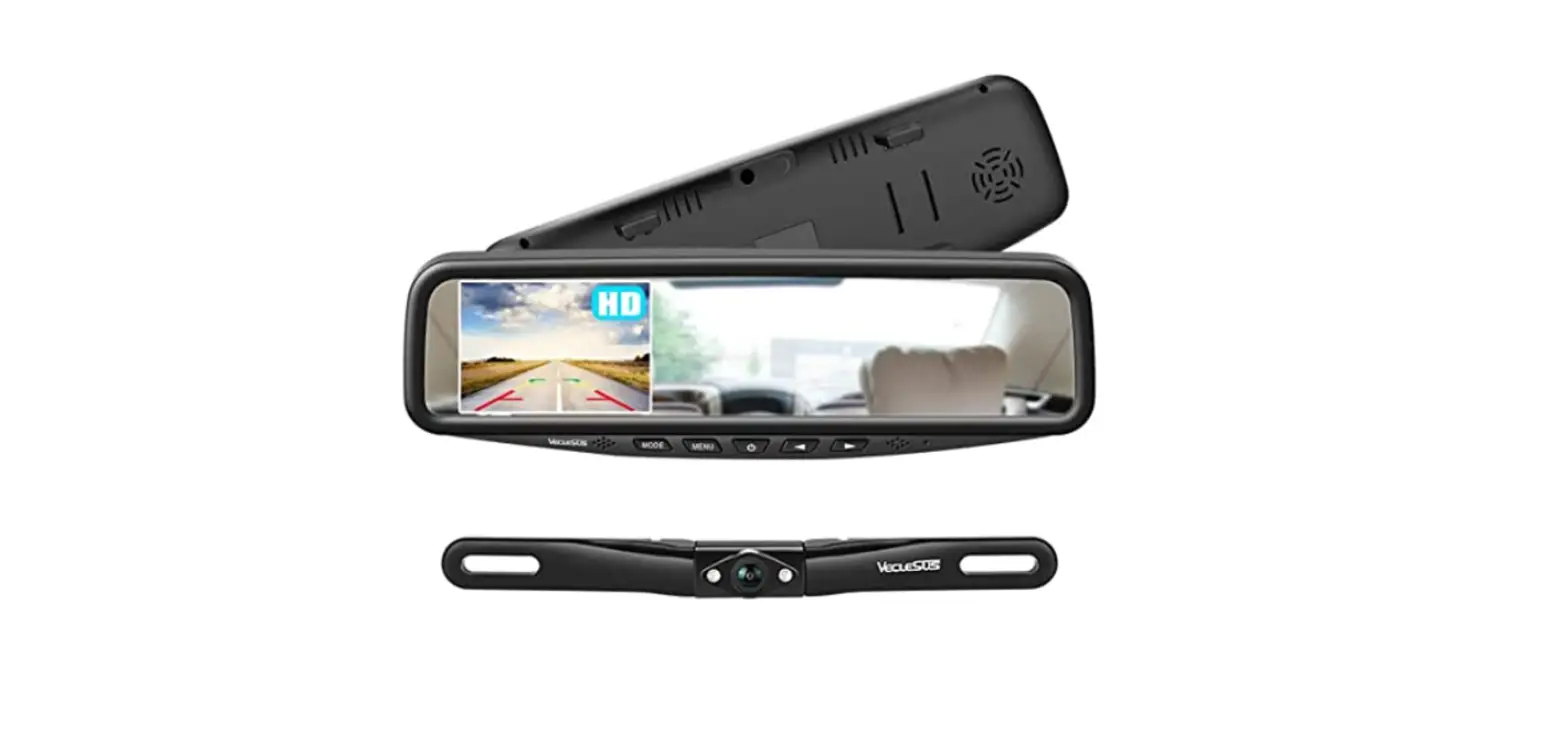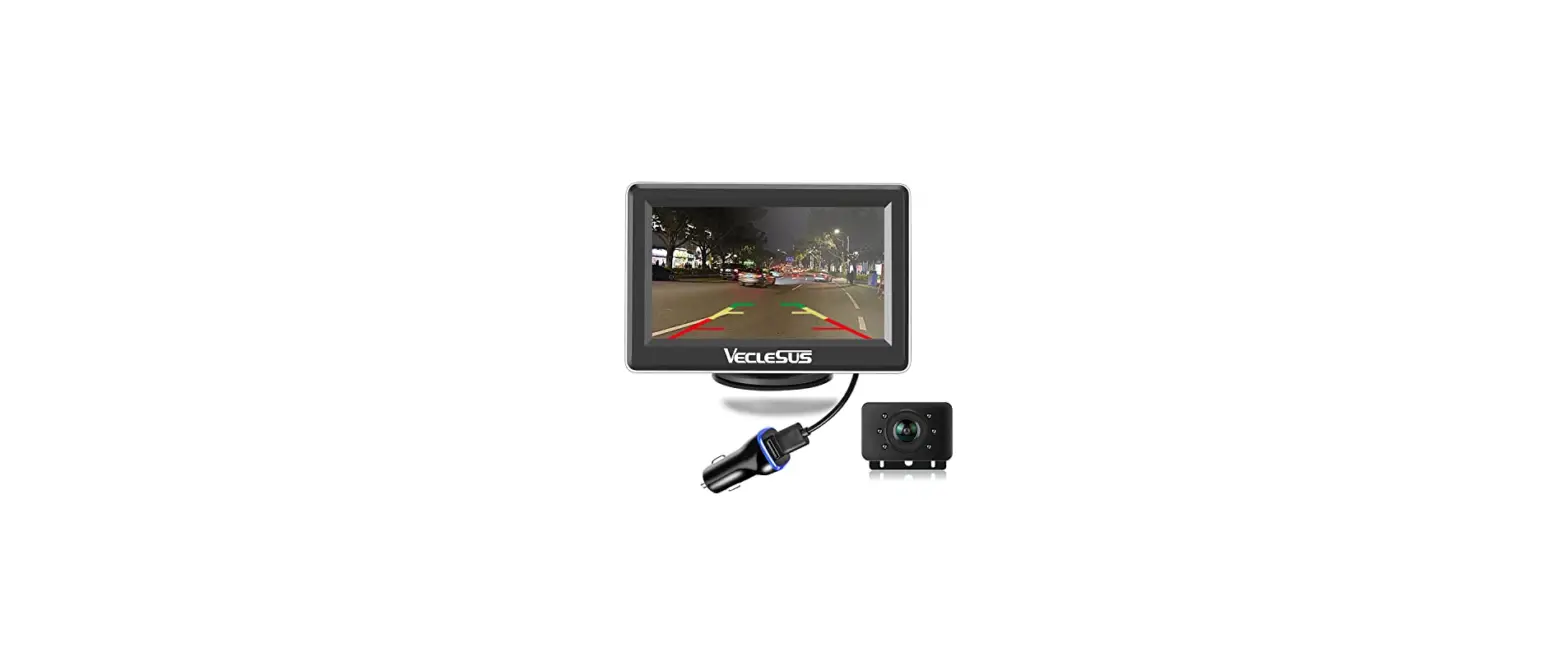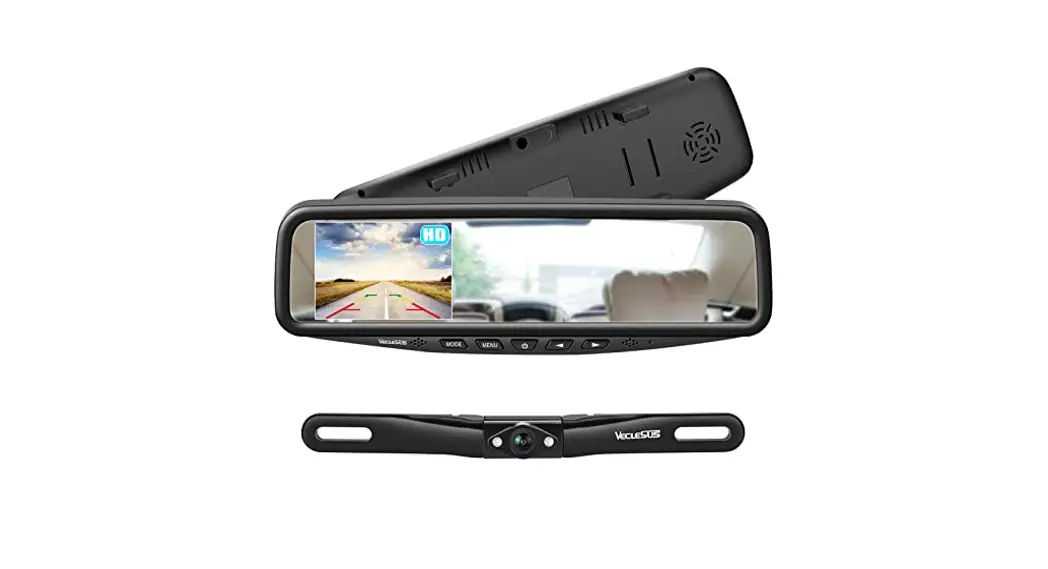
 VT1 HD Car Mirror Rear View Camera System
User Manual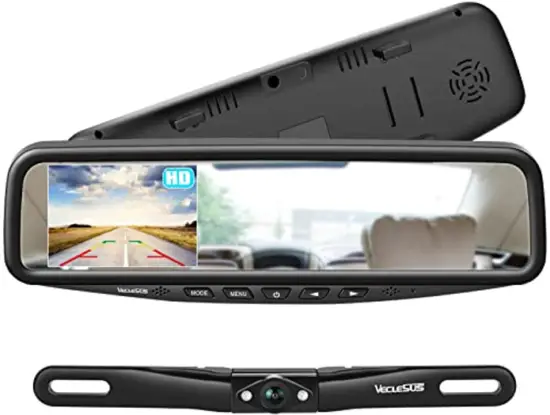 Car Mirror Rear View Camera System
Safety Information
For your safety, non-professionals are not allowed to disassemble products at will, if the product fails, please consult after-sales service [[email protected]] or send it to the local maintenance department.
- In the cold weather, a dark screen may appear when the product is started up. But when the product is powered on, it will heat up slowly, and the display will slowly return to normal as the temperature increases. It is possible to have a small number of “bright spots” on the LCD screen, which is acceptable in LCD technology.
- Do not press on the LCD monitor screen, which may cause image distortion or malfunction, the image may become blurred, and the screen may be damaged. Gently wipe the display with a soft damp cloth.
Connection Diagram
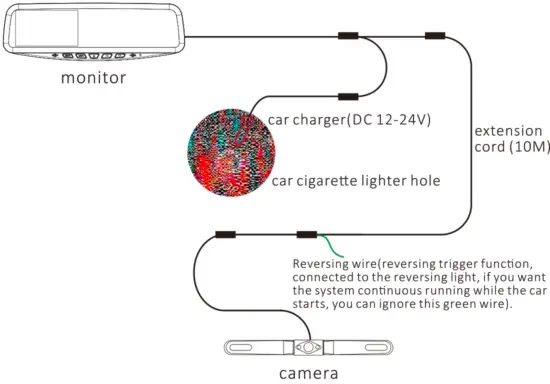
Testing
Before routing the video cable, please connect the monitor and put the car gear to reverse, and check if it works.
Wire Routing
After testing, route the video cable as in the picture below (two ways of routing are available).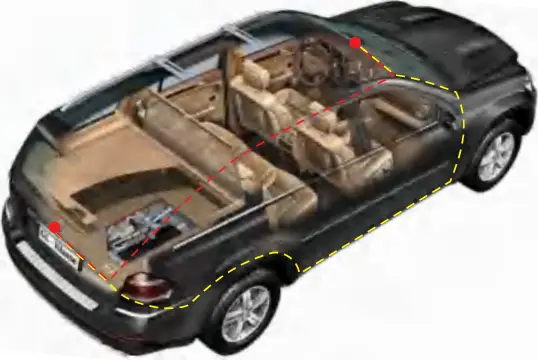
Camera Installation
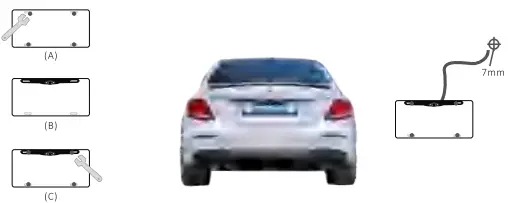
- First, we need to mount the camera to the car license plate. Proceed as follows:
(A) Loose the original screws on the number plate with a wrench.
(B) Thread camera cable through the space for the number plate light. If your car doesn’t feature this light, or a hole to thread this cable through, a discreet 7mm hole needs to be drilled to allow this cable into the rear part of the car trunk.
(C) Once the cable is secure inside the car, Then tighten the screws to put the camera on the license plate, and put the license plate back into the vehicle. If necessary, use a cross screwdriver to loosen the screw beside the camera head, till up or down the vertical angle of the lens, which may improve the view of the camera lens.
- Find out the wire hole reserved for the reversing camera above the license plate, then put the camera wire through this hole. For vehicles without the wire hole reserved, you may need to drill a hole of about 7mm to layout the camera’s wire.
- Next, connect the tail wire of the camera to the extension cord, and then follow the wiring diagram to connect the other end of the extension cord to the monitor. At this time, the camera and the monitor have been successfully connected.
- Power Connection: The system is powered by the car charger, so it only needs to connect the car charger to the tail wire of the monitor, and then the car charger can power through the hole of the cigarette lighter to make the system work normally.
- About the parking guideline. Only when the green reverse trigger line of the camera is connected to the reverse light can the parking guideline function be activated . Of course, you can ignore this green wire if you want the system to continue working while the car is started.
Mirror Installation
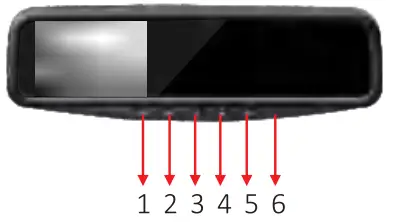
- Button Functions

1- Mode switch 4- Decrease 2- Menu key 5- Increase 3- Power key 6- Red LED light - Mounting Mirror Monitor
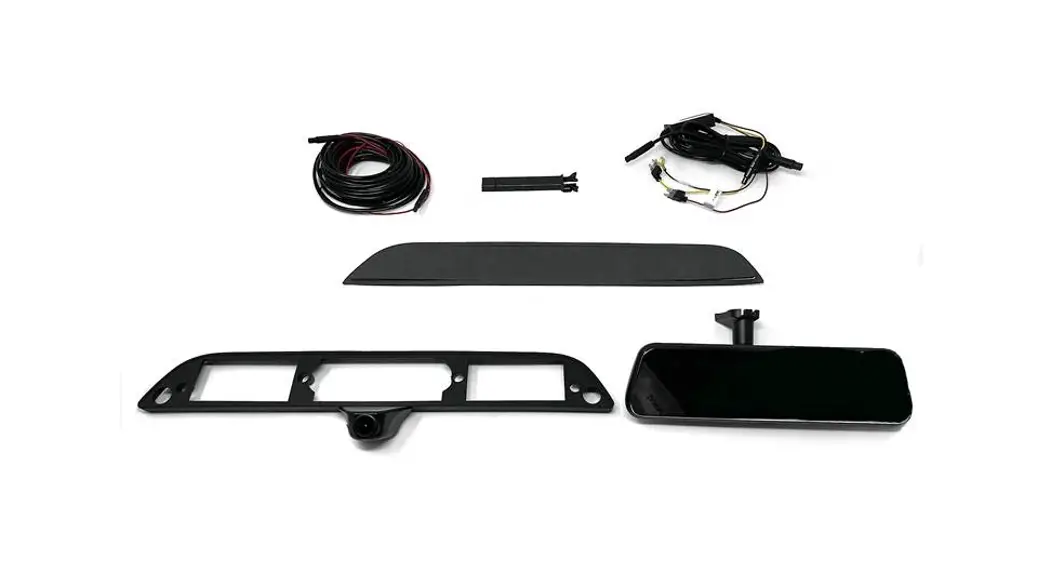
The back cover of the mirror monitor is designed with a spring clip, which can be directly attached to the original rearview mirror on the car.
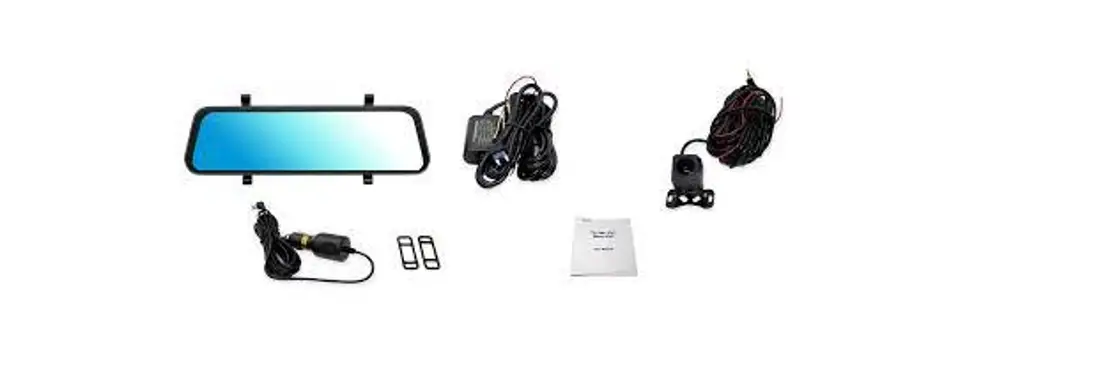
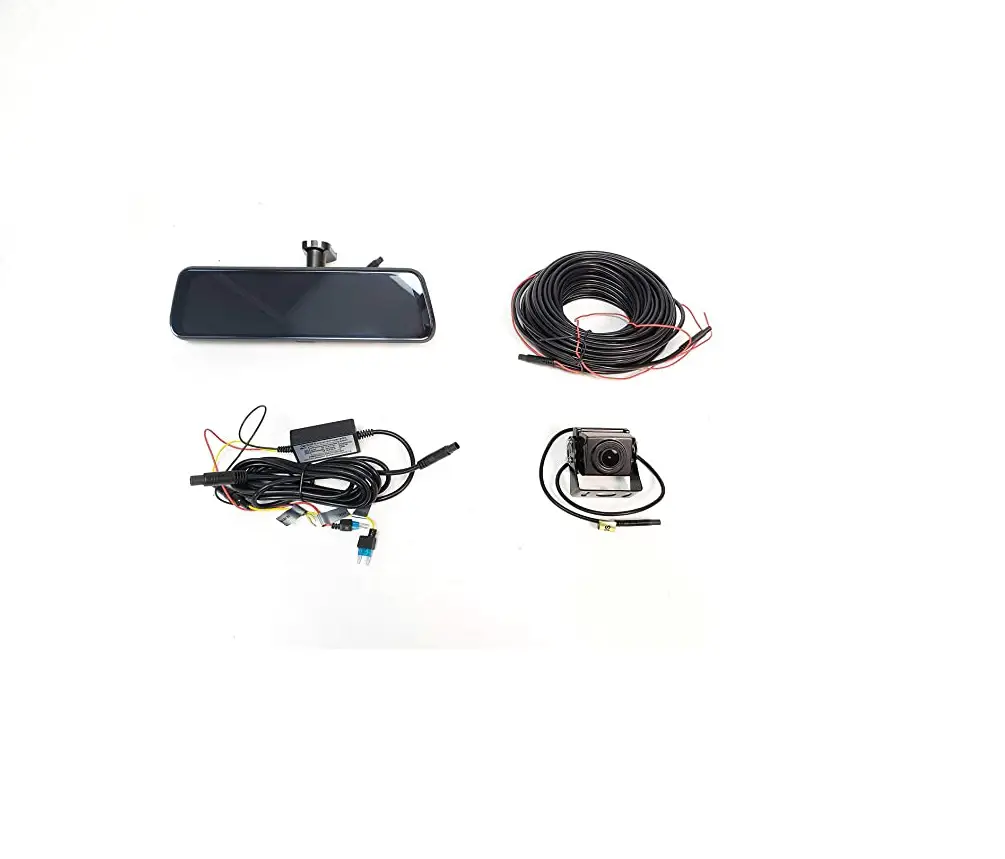
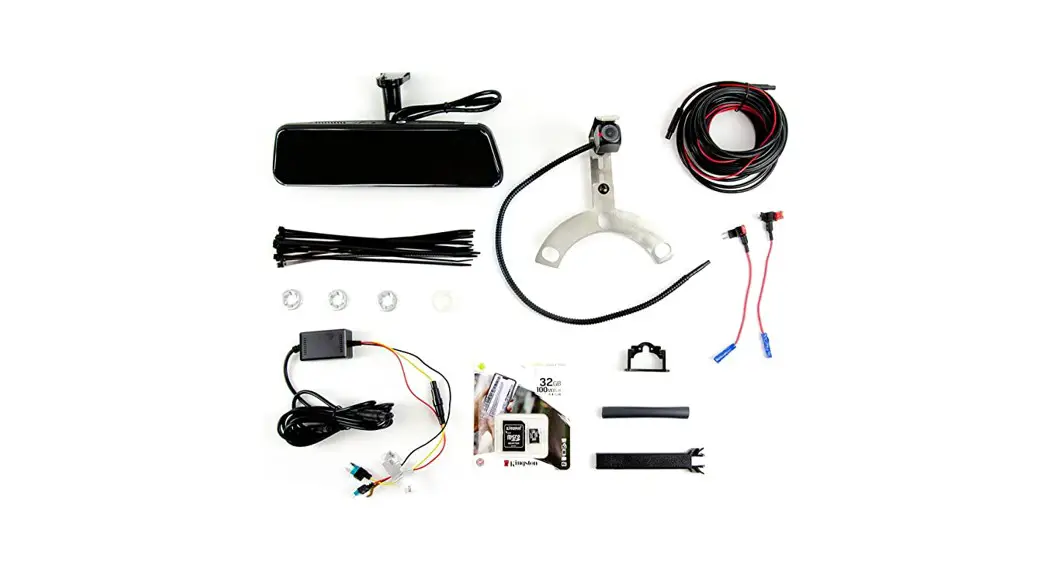
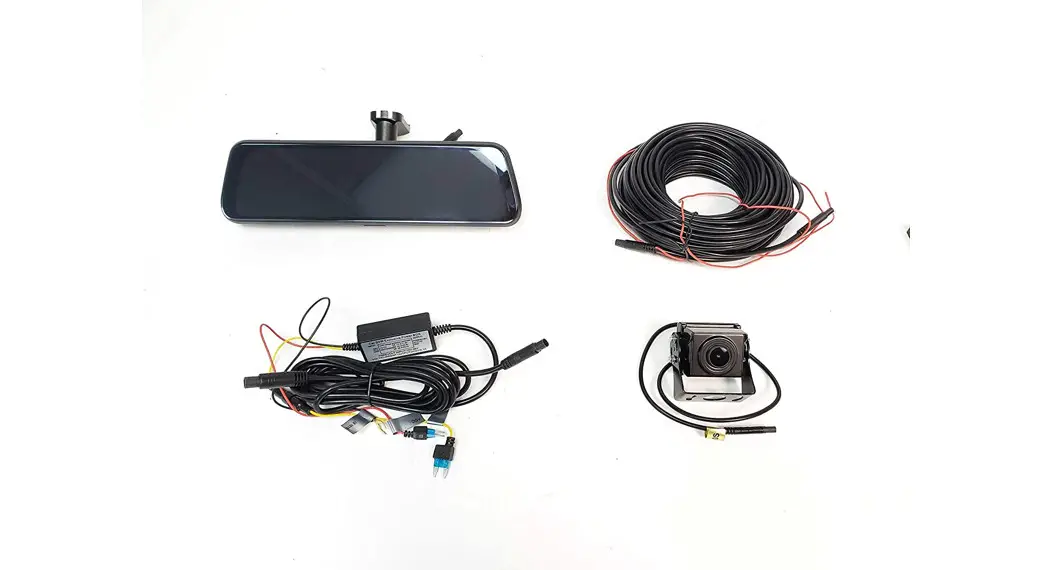
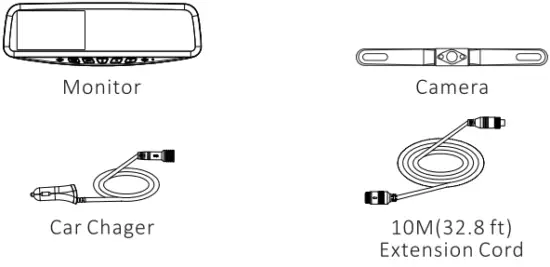
Package Contents
Tecnical Spacification
Monitor:
| Screen Size | 4.3″ | Power | <2W<2W |
| Power Supply | DC 12-24V | Aspect Ratio | 16:9 Widescreen |
| Operating Temperature | -4°F-158°F RH95% MAX | Storage Temperature | -22°F-176°F RH95% MAX |
| Video-Input | Mini 4-Pin | Brightness | 250cd/m2 |
Backup Camera:
| Sensor | CMOS | Water-proof | IP68 |
| Power Supply | DC 12-24V | Night Vision | YES |
| Operating Temperature | -4°F-158°F RH95% MAX | Resolution | 1080P |
| Storage Temperature | -22°F-176°F RH95% MAX | TV System | PAL( ) NTSC( V ) |
| Video Out | 4 Pin adapter | Effective Pixel | 1920*1080 |
| S/N Ratio | >48dB | Vertical Sync Fre | 60Hz |
Trouble Shooting
| Problems | Solutions |
| Grainy image | 1. Check if the connector of the wire is in poor contact. |
| Black Screen | 1. Check the monitor connector- if it is defective. 2. Check the 4-pin cable is secured to the video cable, and ensure the video and power cables are connected well. 3. Whether the power button in the middle of the monitor has been turned on and presents blue light. 4. Contact support team:[email protected] |
Warranty
This product is covered by a 365-day warranty, during the warranty period, if the product was used under normal conditions, you will be entitled to the repair of the product and replacement of parts free of charge arising from defects in the materials and workmanship.
Veclesus reserves the right to amend the warranty content without prior notice.
Ver 3.0
2112.22