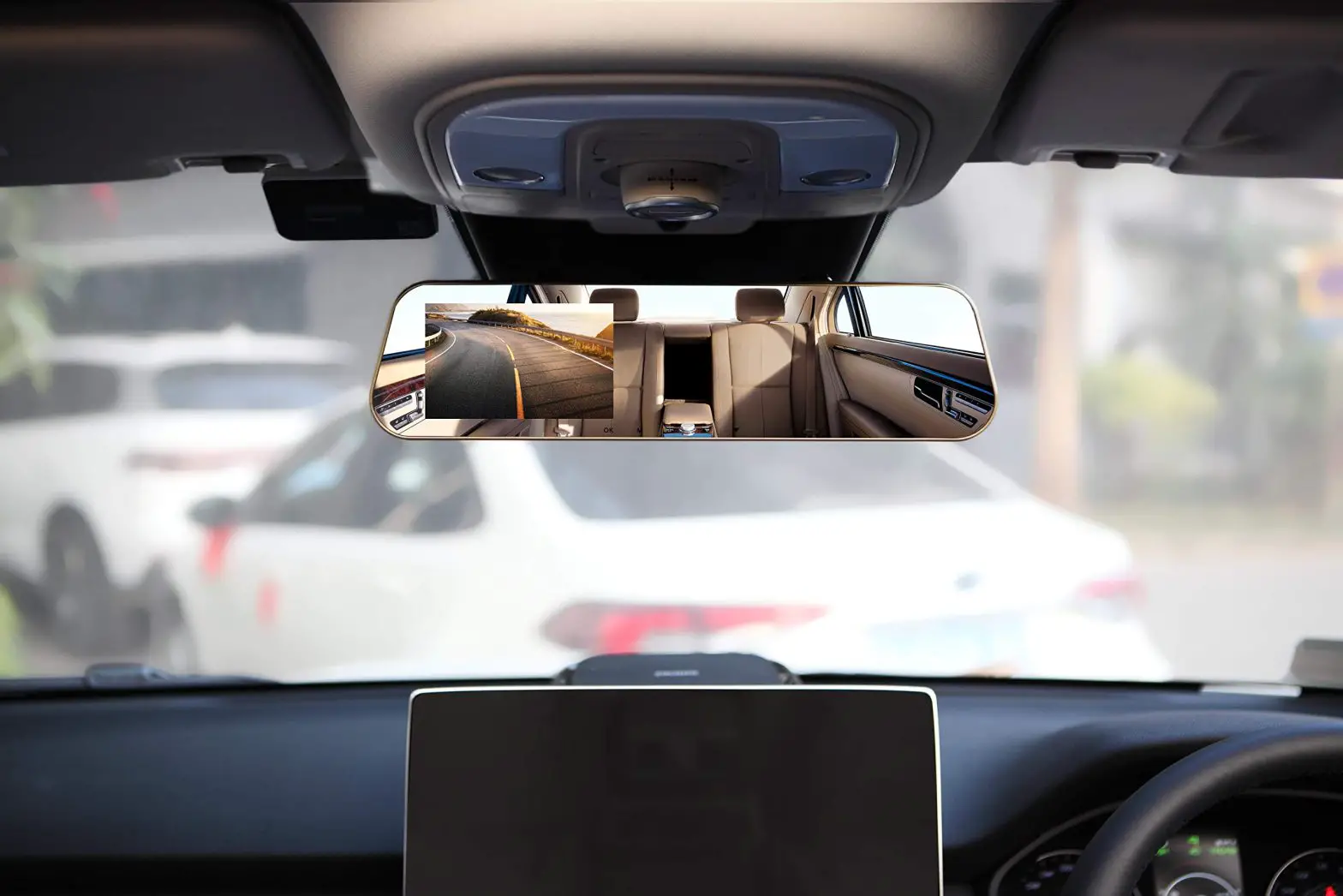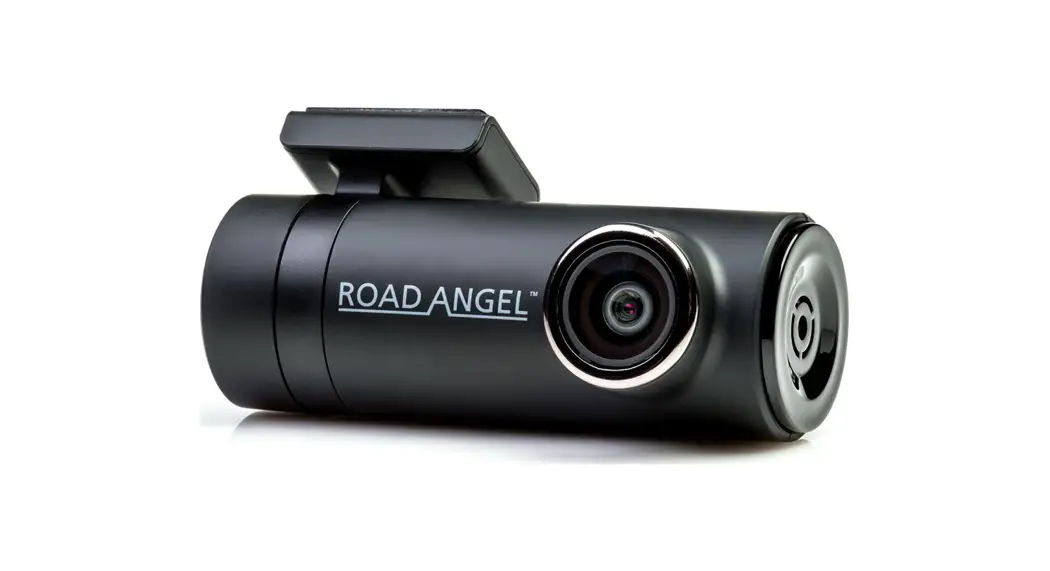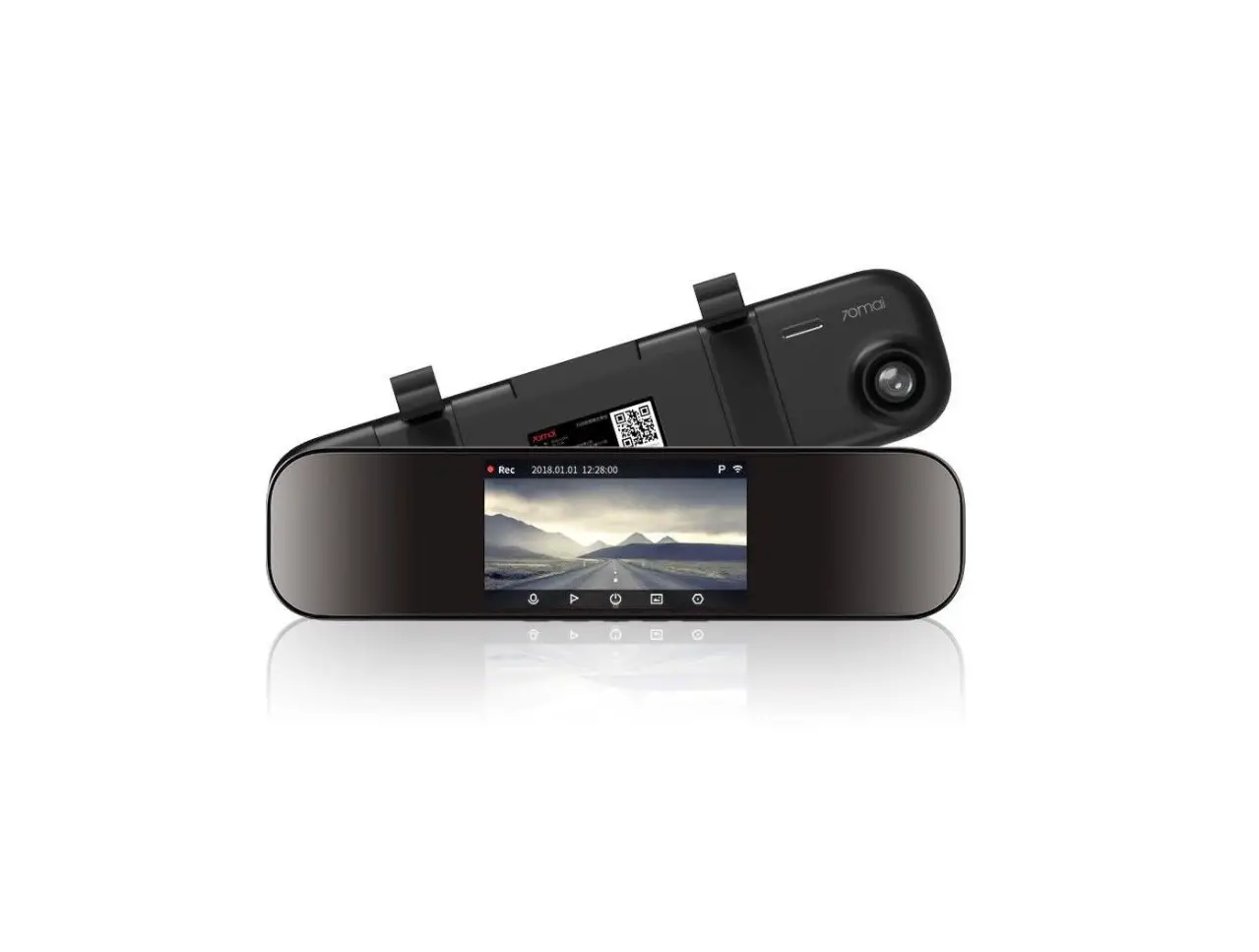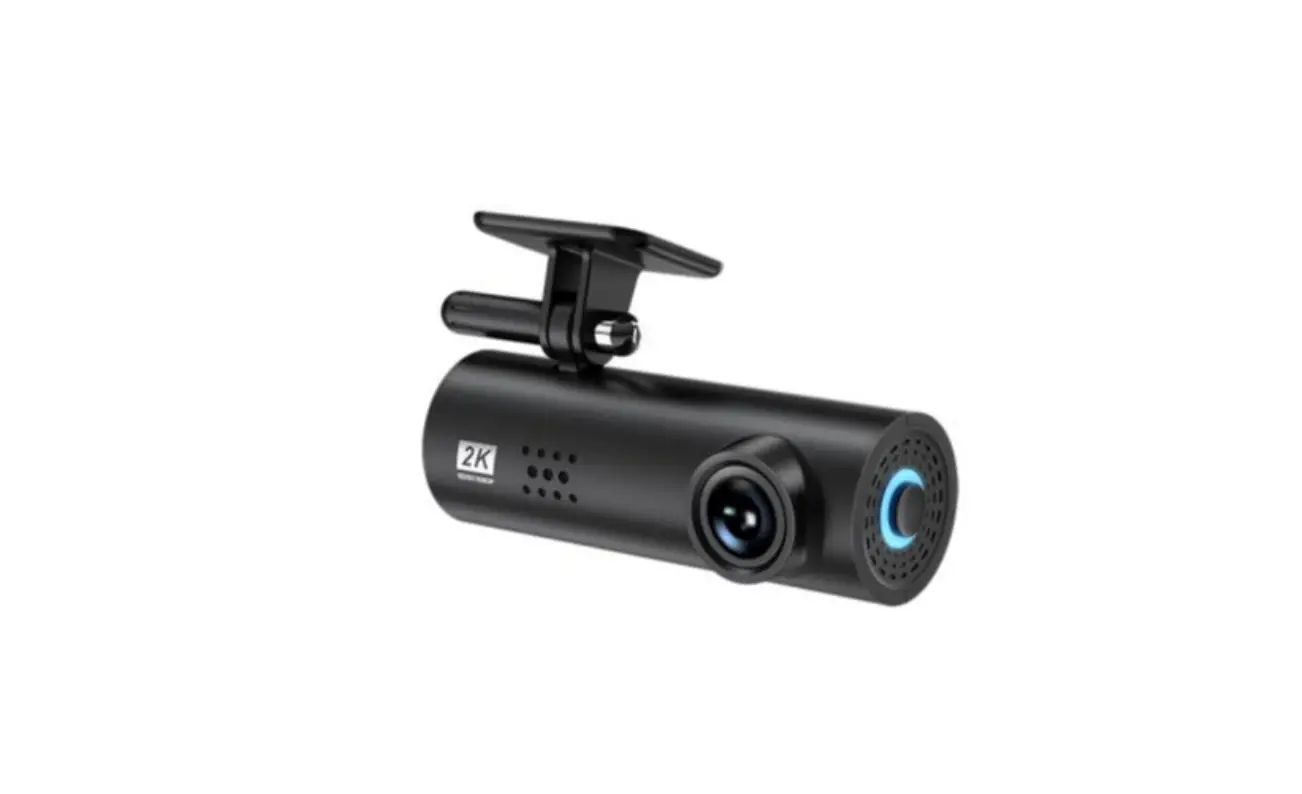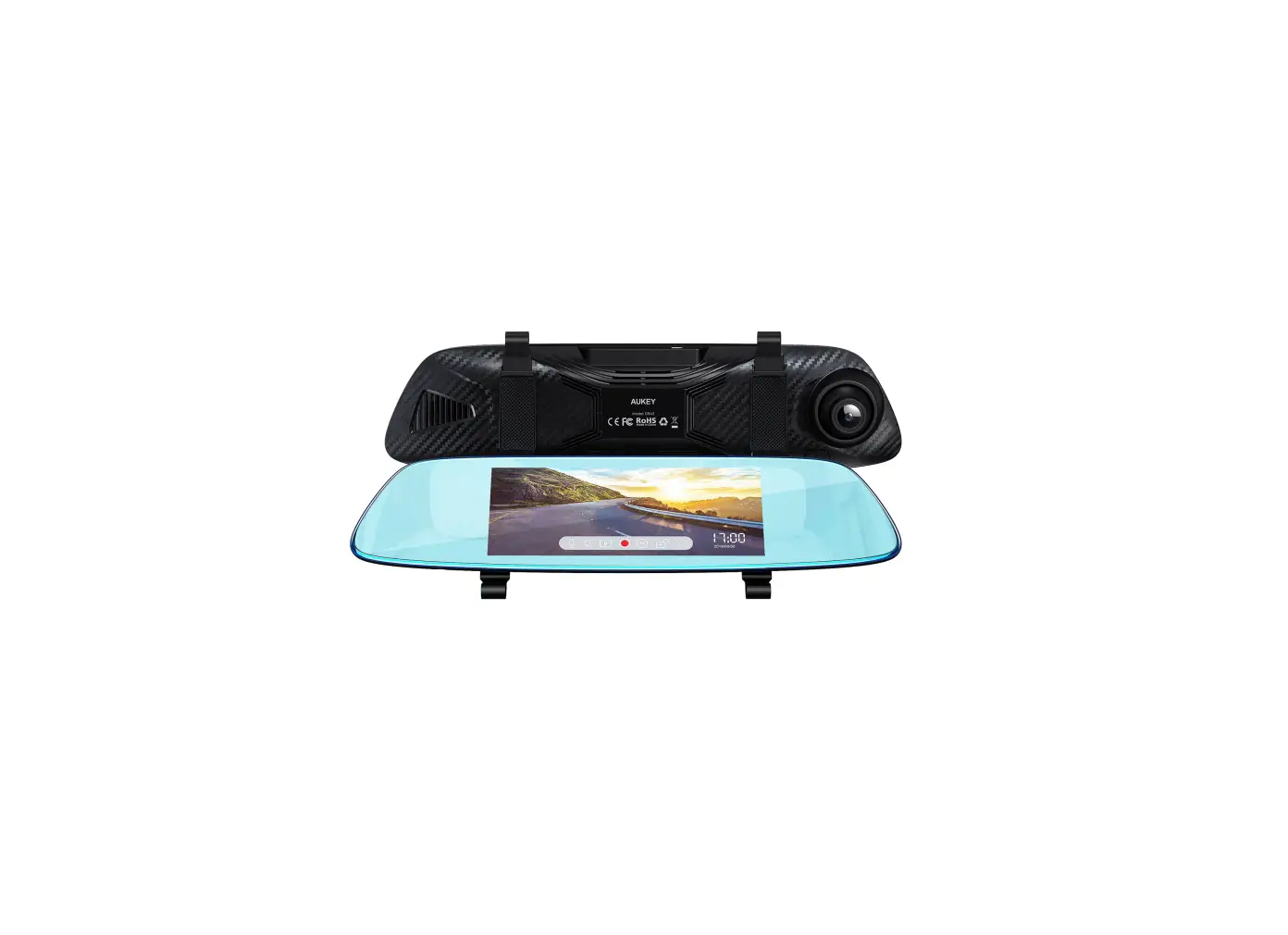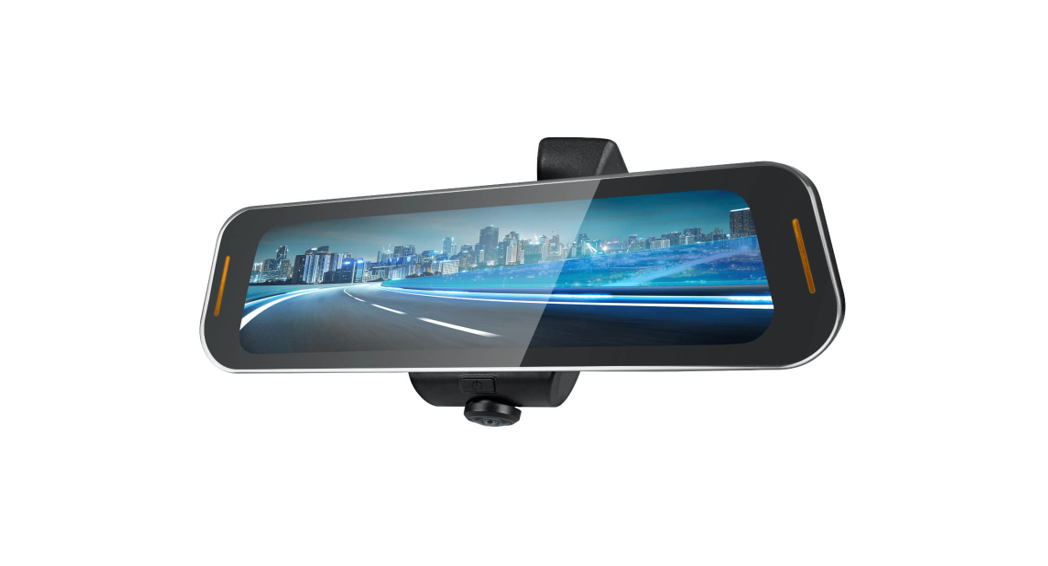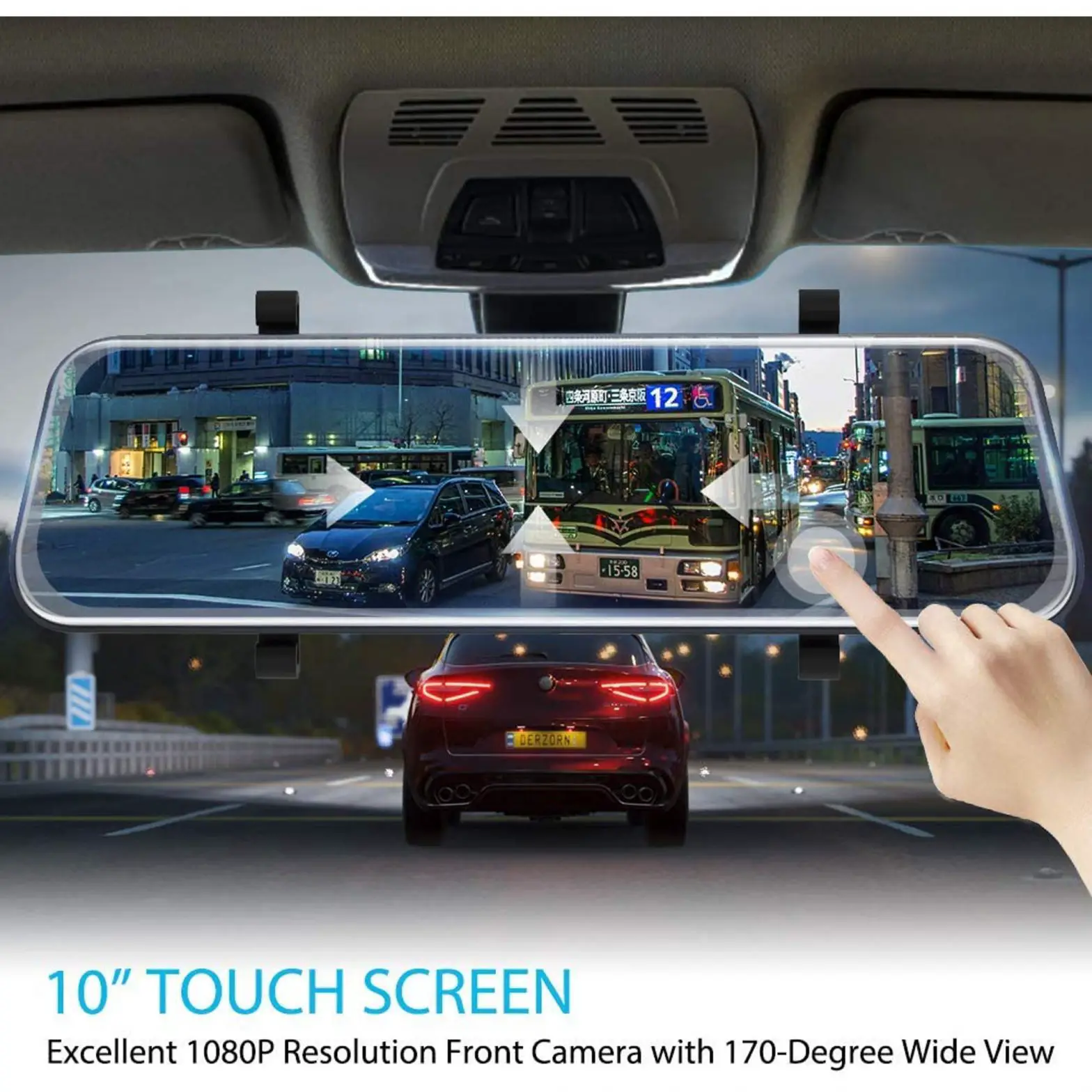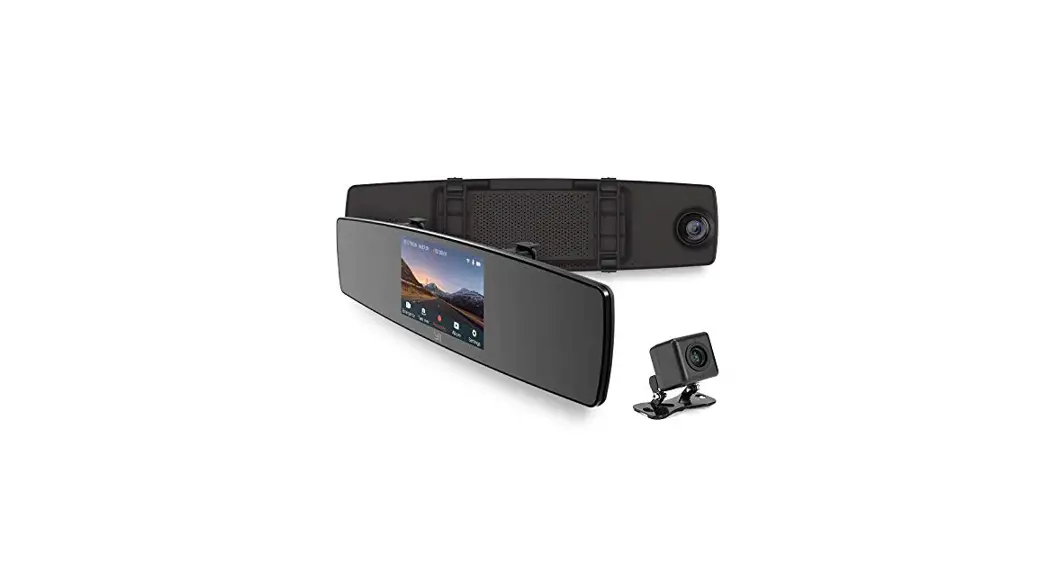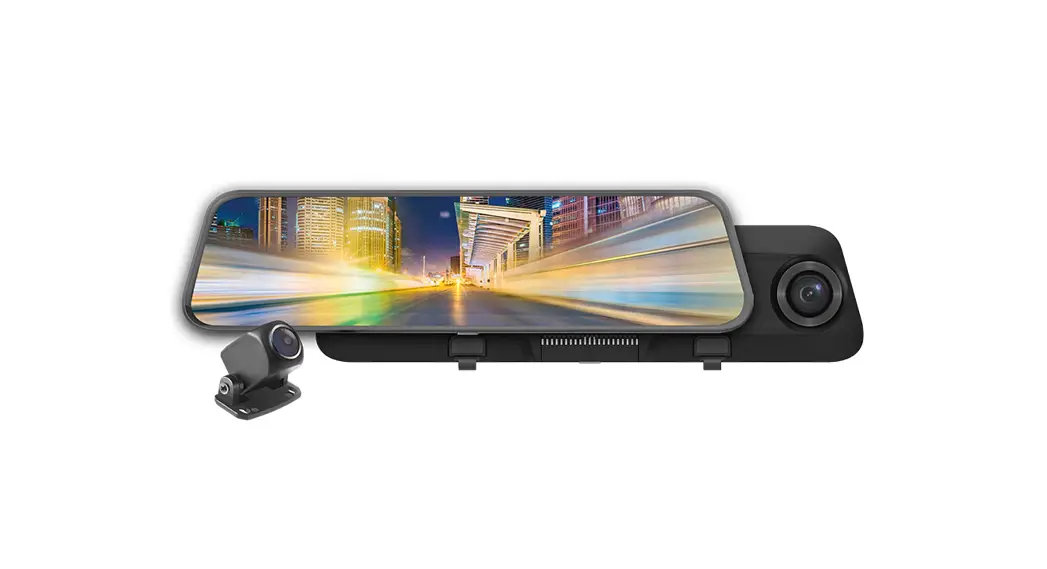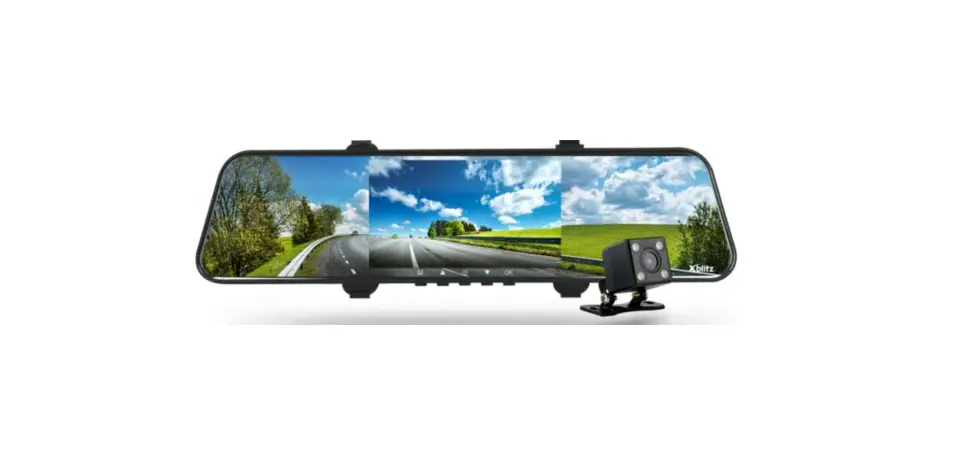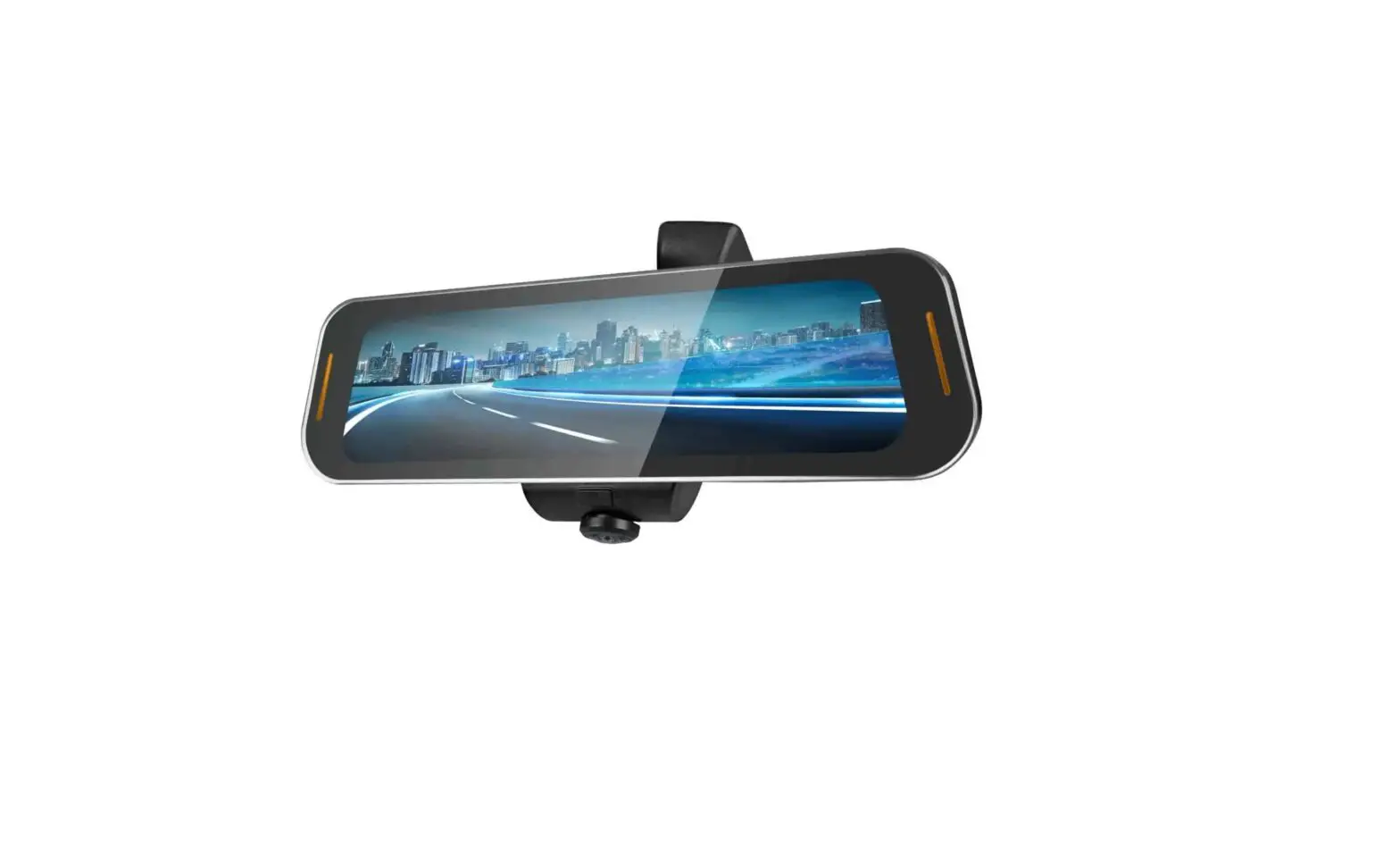
 REARVIEW MIRROR WITH
DASH AND REVERSE CAMERA
KARVMWDNRCA
USER GUIDE
OVERVIEW
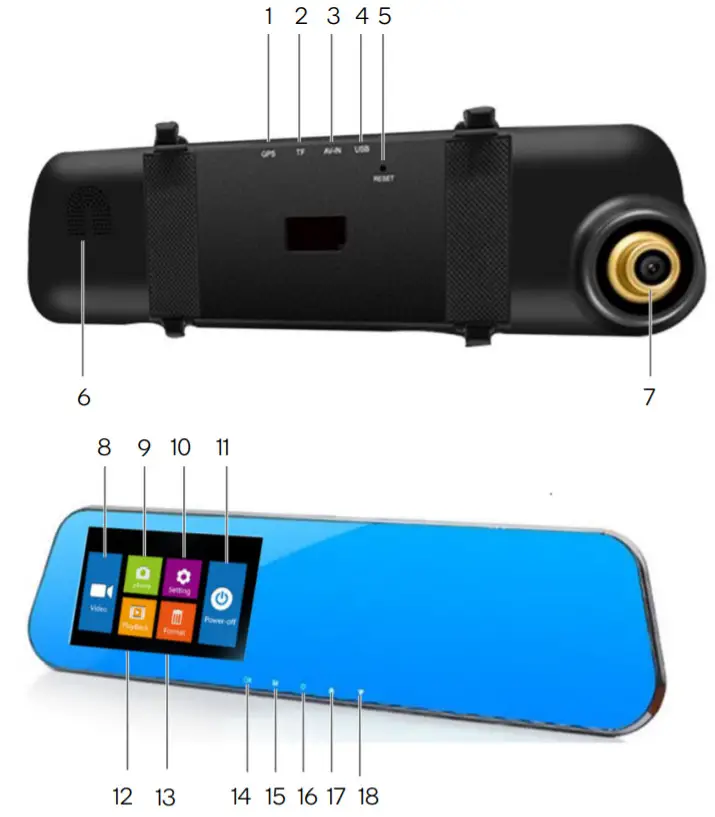
| No. | Description | No. | Description |
| 1 | GPS (optional) | 10 | Setting |
| 2 | SD card slot | 11 | Power off |
| 3 | Camera interface | 12 | Playback |
| 4 | USB power | 13 | Format |
| 5 | Reset | 14 | Okay |
| 6 | Speaker | 15 | Main menu |
| 7 | Lens | 16 | Power switch |
| 8 | Video | 17 | Previous |
| 9 | Photo | 18 | Next |
OPERATION
Basic Operation
Press the power button for 3 seconds to start up and press the power button again to shut down.
Note:
When the battery is low, the camera will prompt “low battery” and shut down automatically.
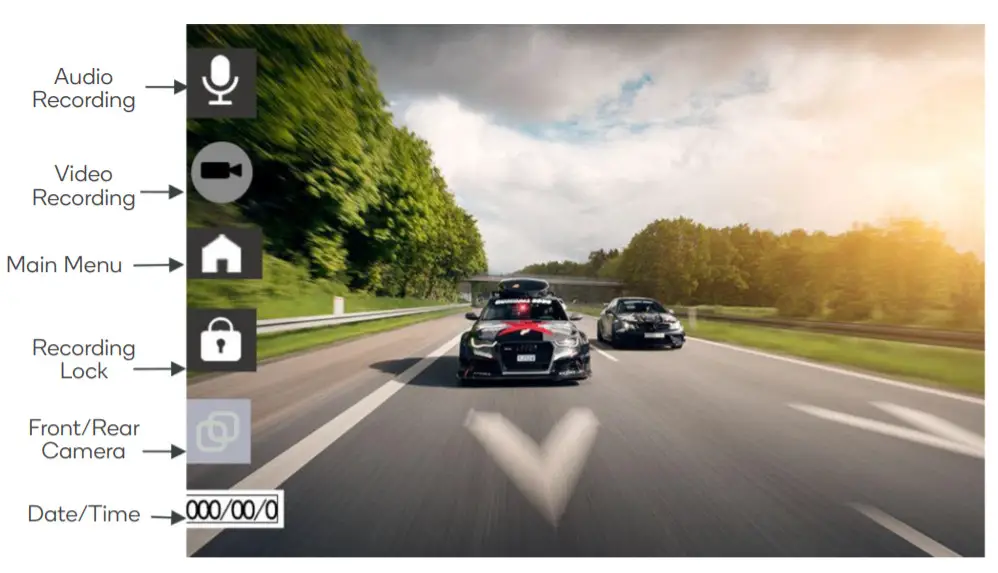
Video Recording
Press the recording button to start recording. The recording icon will appear on the top-left corner.
Photo Capture
Press the camera button to capture a single image.
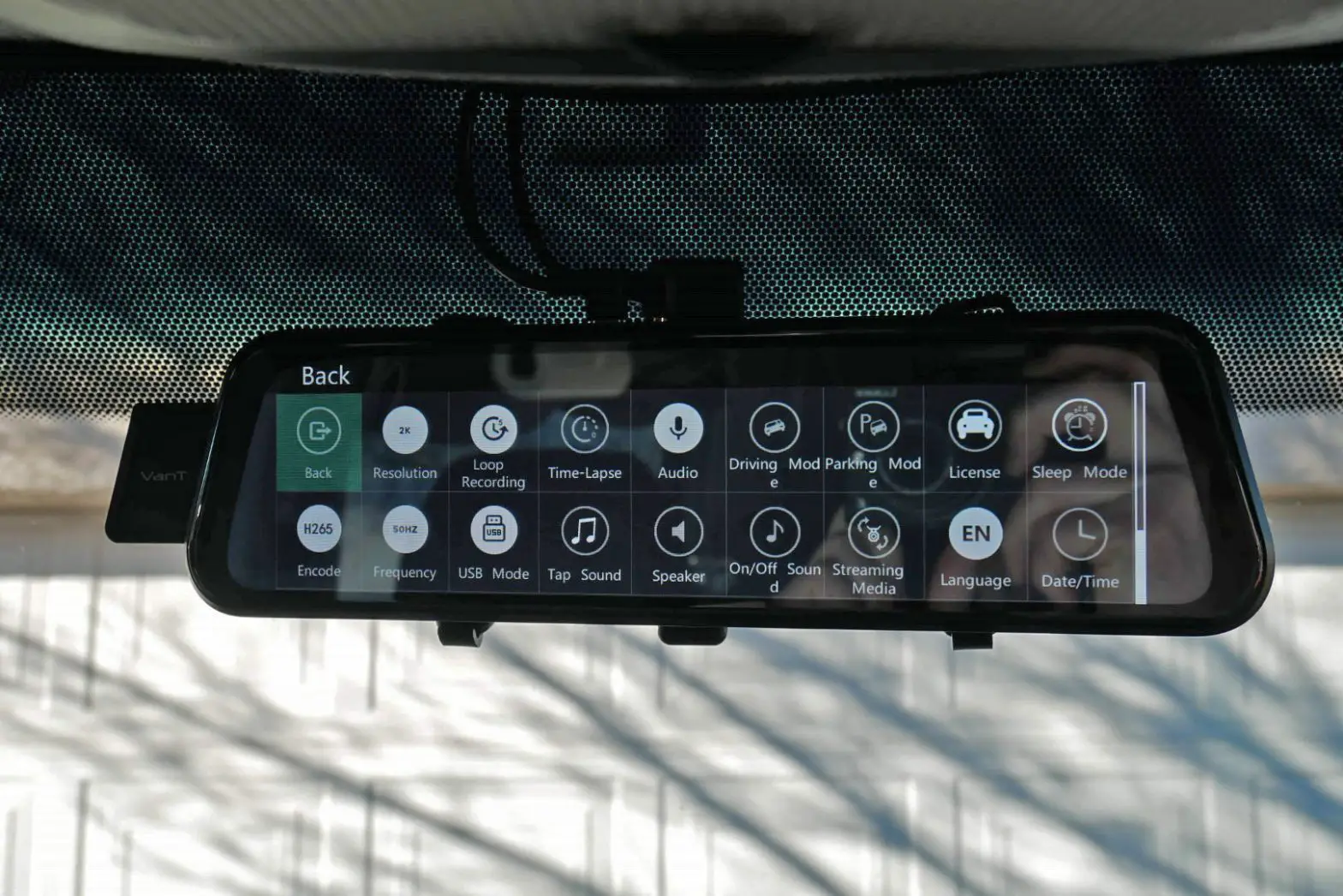
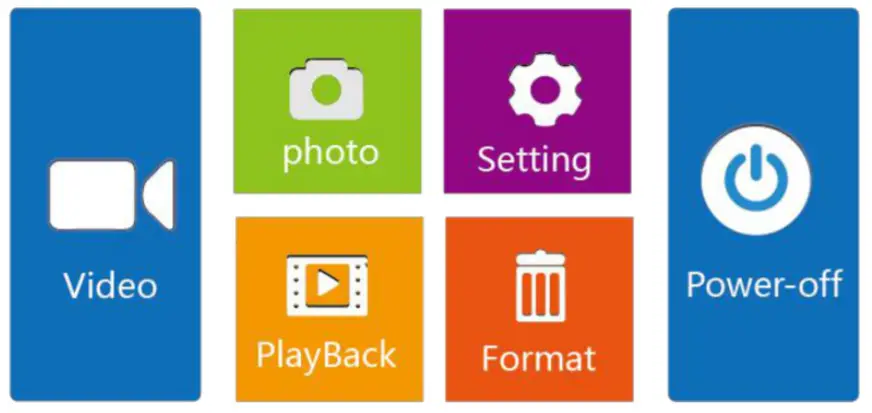
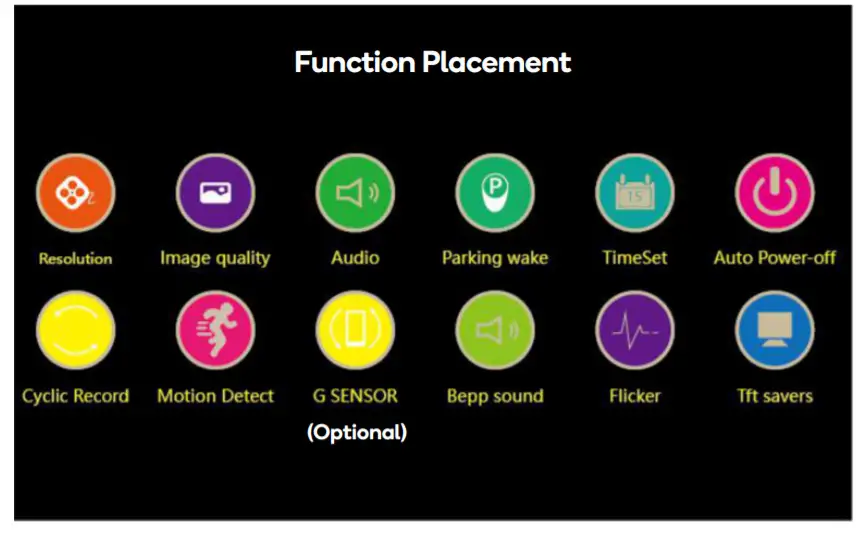
Main Menu (Full-Screen Touch)
Playback
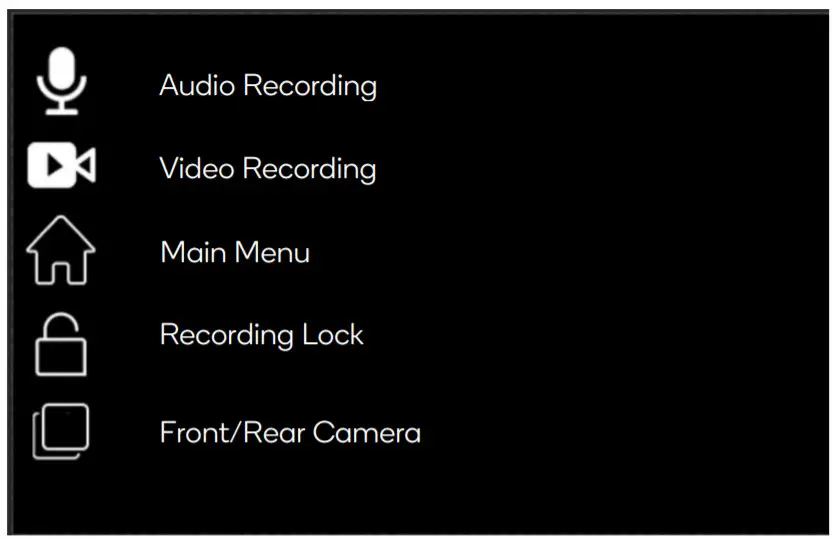 Playback Mode
Short press the home icon to enter the menu and select playback. Use the arrow icons to select a file to replay and press the play icon to begin playback. Press the home icon again to return to the main menu.
Reversing Camera
Firstly, the car charger must be connected to the recording unit and the red power line of the rear camera must be internally wired to the reversing light indicator – this should be carried out by a qualified mechanic.
When the reverse gear is engaged, the display will show the feed from the rear camera and switch off when the car is no longer in reverse.
Parking Monitoring
After connecting the supplied hardwire kit, the parking monitoring function can be enabled. If vibration is detected while the camera is off (sensitivity can be set), the recorder will turn on and record automatically before switching off.
Motion Detect
After connecting the supplied hardwire kit, the motion detection function can be enabled. If movement is detected in the shooting area while the camera is off, the recorder will turn on and record automatically before switching off.
Charging the Battery
- Car charger
The charging time is approximately 180 minutes. The charging symbol will illuminate while charging and turn off automatically when charging is complete.
SPECIFICATIONS
| File format | M-JPEG |
| Video resolution | Maximum 1080p |
| Video format | AVI |
| Frequency | 50Hz/60Hz |
| Power interface | 5V1A |
| Battery | Built-in |
TROUBLESHOOTING
- Cannot record
Ensure there is free space and the SD card is not locked. - Recording automatically stops
This may be due to the high bandwidth requirements of HD video. Use a highspeed SD card compatible with SDHC. - “File Error” message upon playback
Recorded data is corrupt. Reformat the SD card. - Footage is blurry
Ensure the lens is clean. - Sky, water, etc. are very dark in captured footage
Scenes with large contrast will affect the camera’s automatic exposure function. Modify the “EV” value. - Colors are incorrect on cloudy days or indoor lighting
Ensure “White Balance” is set to automatic. - Distortion with horizontal stripes on recorded footage
Change from 60Hz to 50Hz or vice versa. - Camera crashes
Short press the reset button to restart.
Need more information?
We hope that this user guide has given you the assistance needed for a simple setup. For the most up-to-date guide for your product, as well as any additional assistance you may require, head online to help.kogan.com.