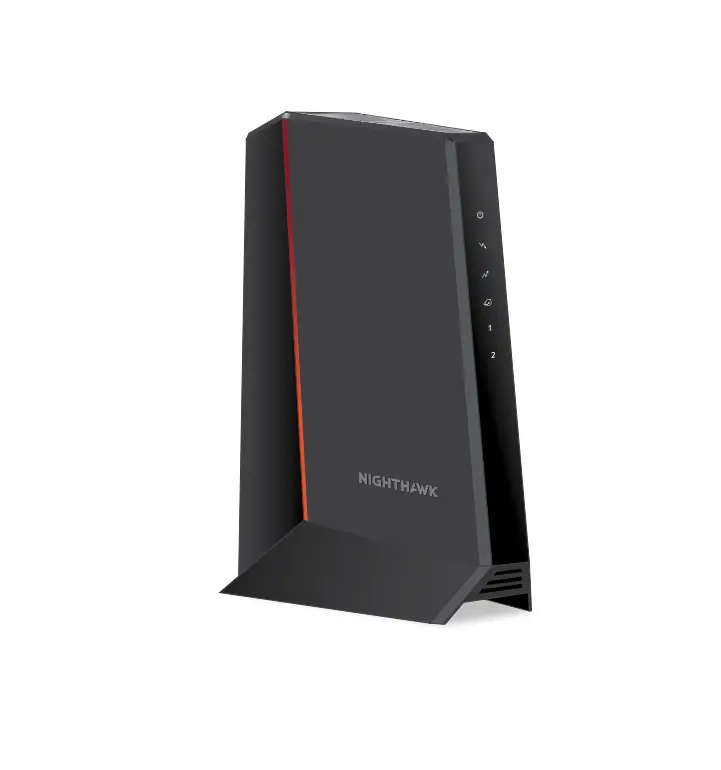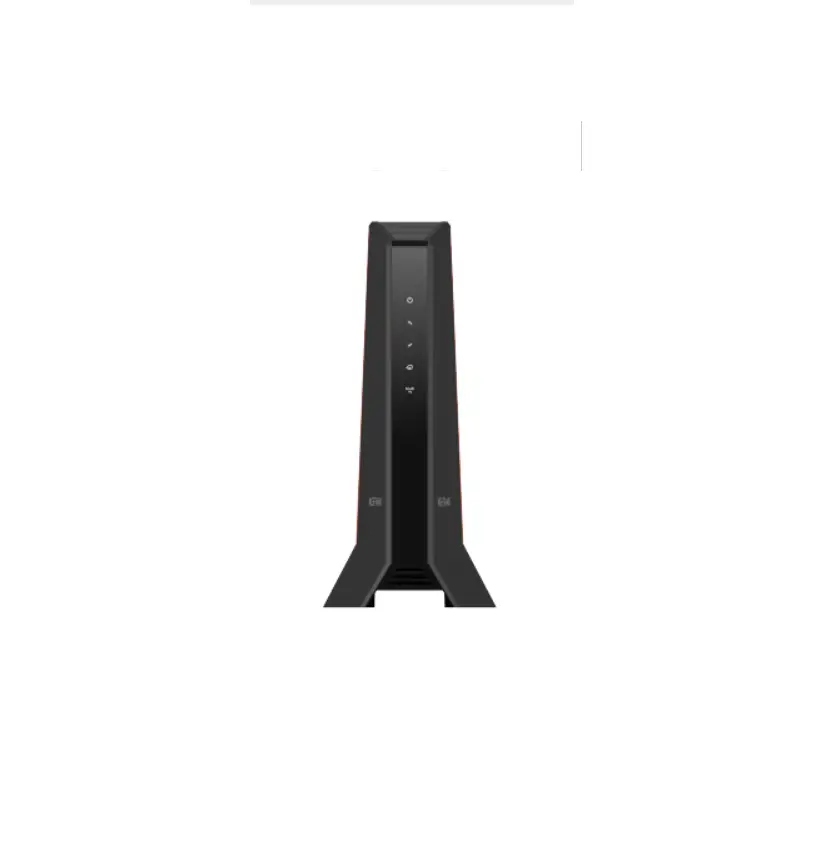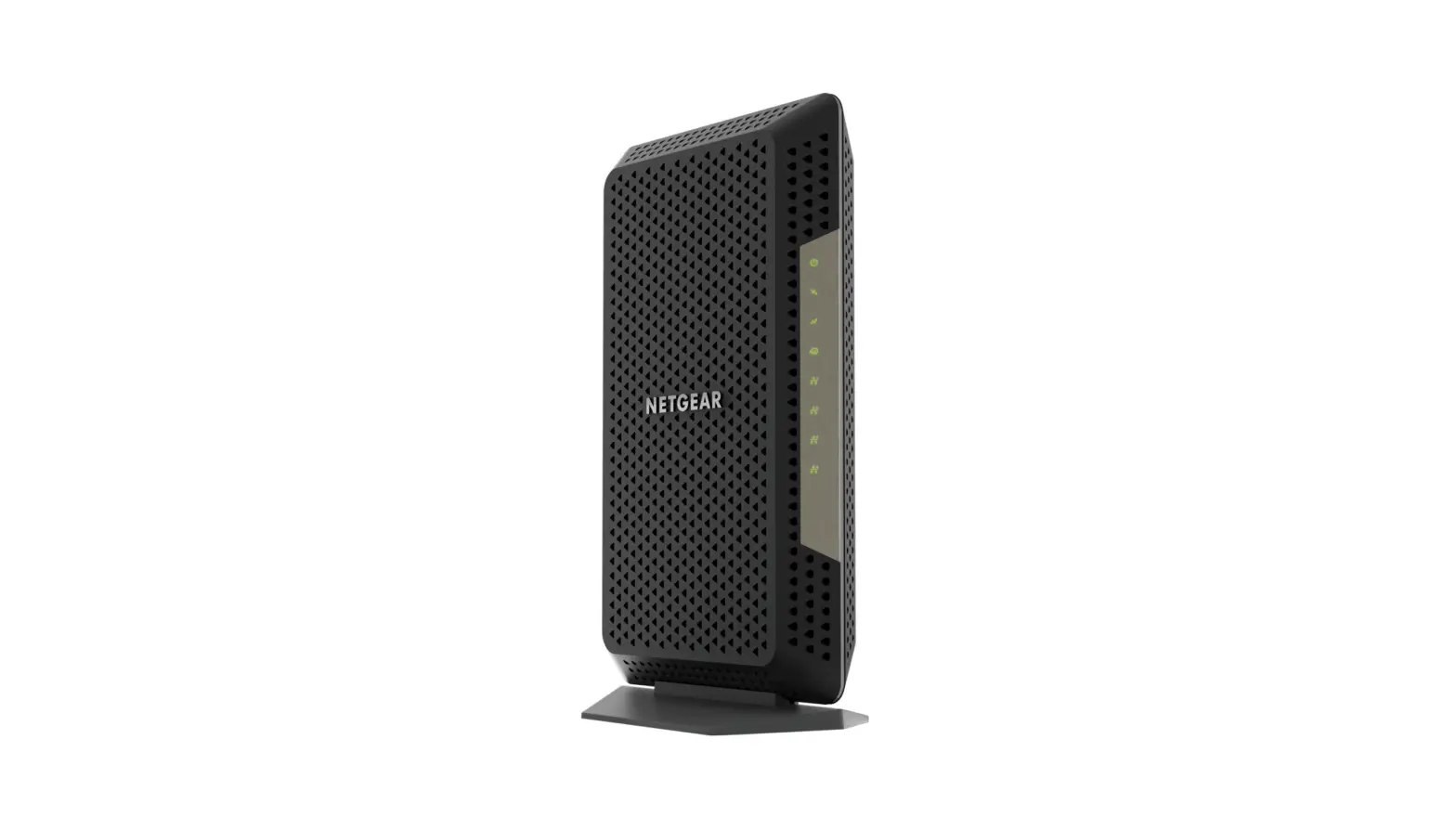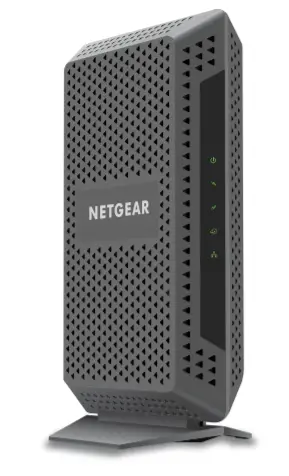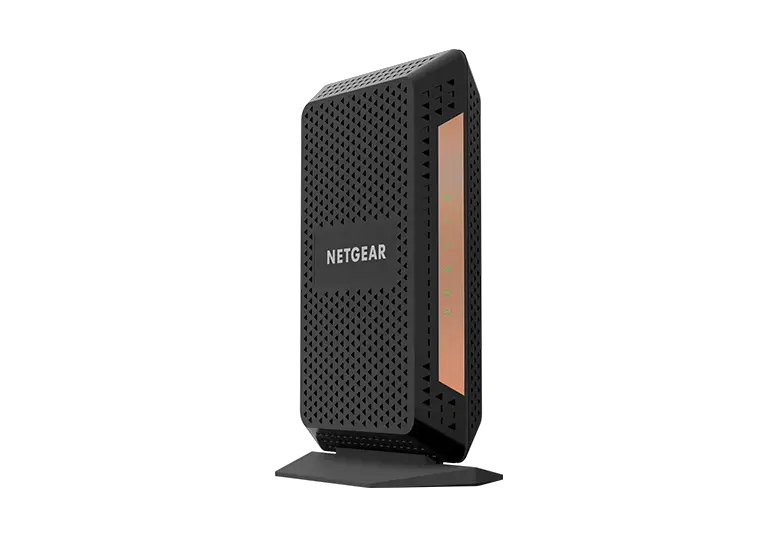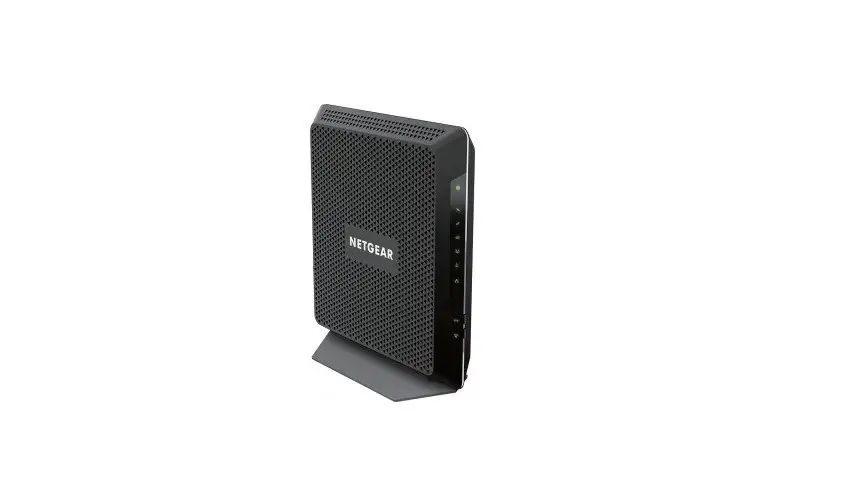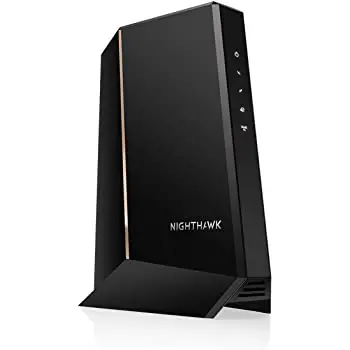
Netgear CMD31T Nighthawk Cable Modem
Modem InformationDOCSIS 3.0 Cable Modem 4×4 channel bonding with speeds of up to 50 Mbps on a wired connection Cox recommends a DOCSIS 3.0 16×4 or higher modem DOCSIS 3.0 modems with 4×4 channel bonding have a maximum speed of 50 Mbps on the Cox network. | Highest Service LevelEssential |
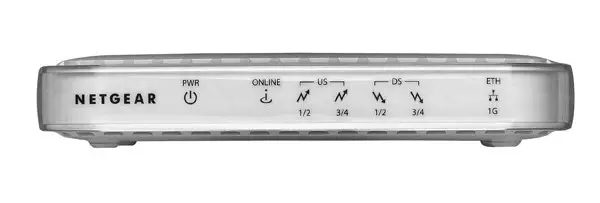
Front View
| After the cable modem successfully registers on the network, the Power, Upstream, Downstream, and Internet indicators illuminate continuously to indicate that the cable modem is online and fully operational. | |
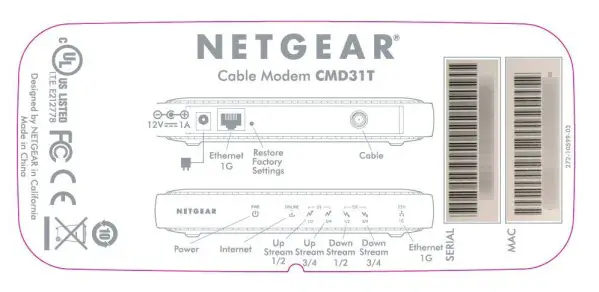
Back View
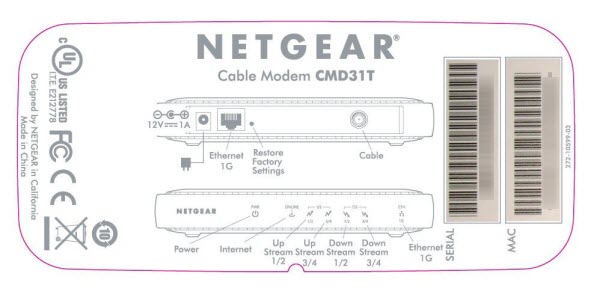
| The modem includes the following connection ports:
| |
MAC Address
| The information below is usually found on a sticker located on the bottom of the modem.
|

Troubleshooting
The modem lights indicate the current status of your modem. To troubleshoot connection problems, use the table below.
| Modem Light | Status | Problem |
|---|---|---|
| POWER | Solid Green | Operational |
| Off | No power. Verify power supply connections and electrical outlet. | |
| ONLINE (Cable Link) | Blinking Green | Modem is online and operational. |
| Off | Cable modem offline. Verify all cable connections and try resetting the modem. | |
| US (Upstream) | 1/2 solid amber | Upstream channel 1 in use. |
| 1/2 solid green | Upstream channel 1 and 2 in use. | |
| 3/4 solid amber | Upstream channel 1, 2, and 3 in use. | |
| 3/4 solid green | Upstream channel 1, 2, 3, and 4 in use. | |
| Off | No Upstream channel in use. | |
| DS (Downstream) | 1/2 solid amber | Upstream channel 1 in use. |
| 1/2 solid green | Upstream channel 1 and 2 in use. | |
| 3/4 solid amber | Upstream channel 1, 2, and 3 in use. | |
| 3/4 solid green | Upstream channel 1, 2, 3, and 4 in use. | |
| Off | No upstream channel in use. | |
| ETHERNET | Solid Green | A device is connected and detected on the 1-Gbps Ethernet Port. |
| Blinking Green | Data traffic on the 1 Gbps Ethernet port. | |
| Off | No devices detected on the Ethernet port. Verify all cable connections and try resetting the modem. |
Manufacturer Resources
For more detailed technical information on the Netgear CMD31T, use the resources below from Cisco.