 WD442 Issue 9 Installation Guide
UHS5
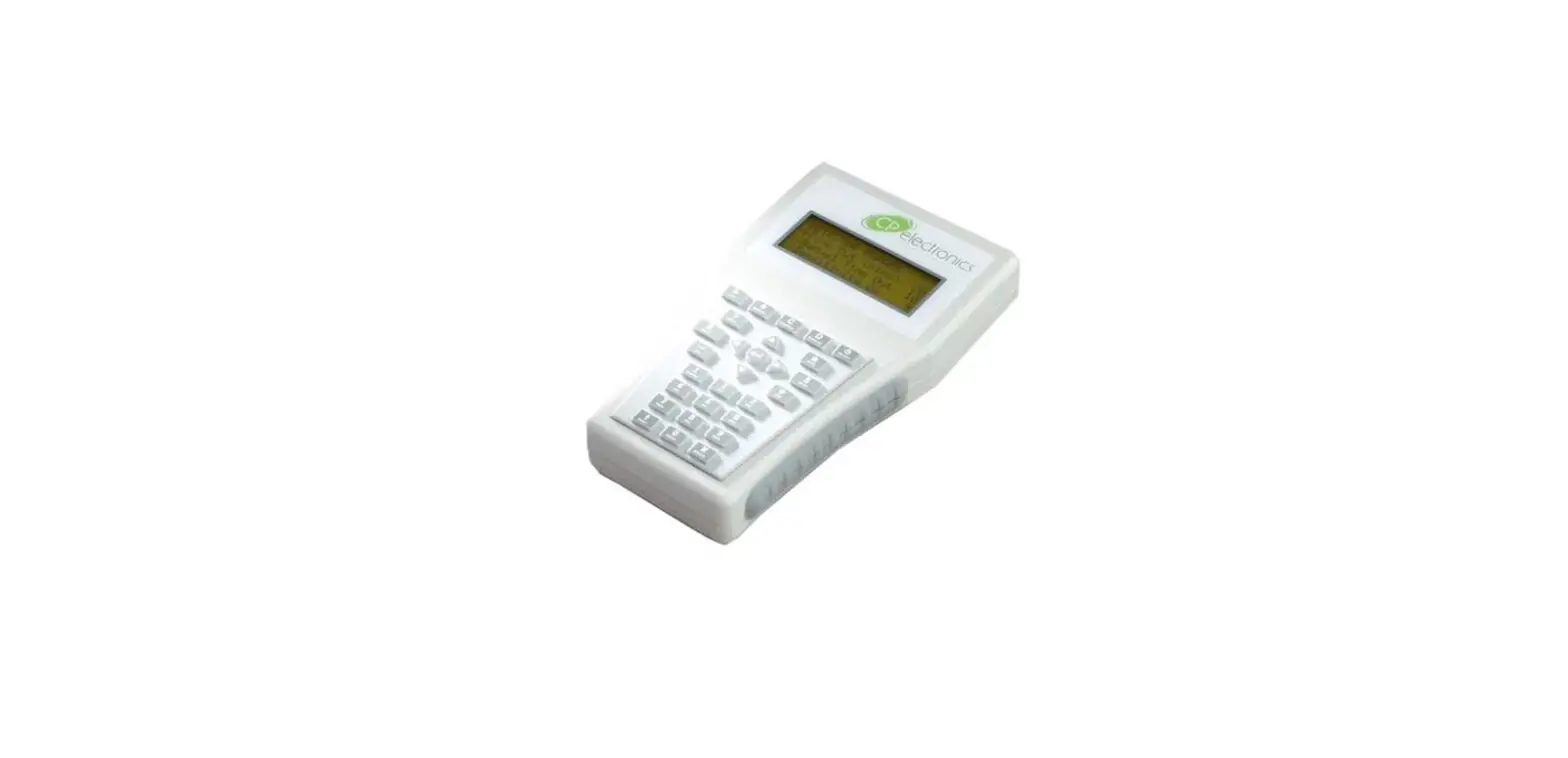
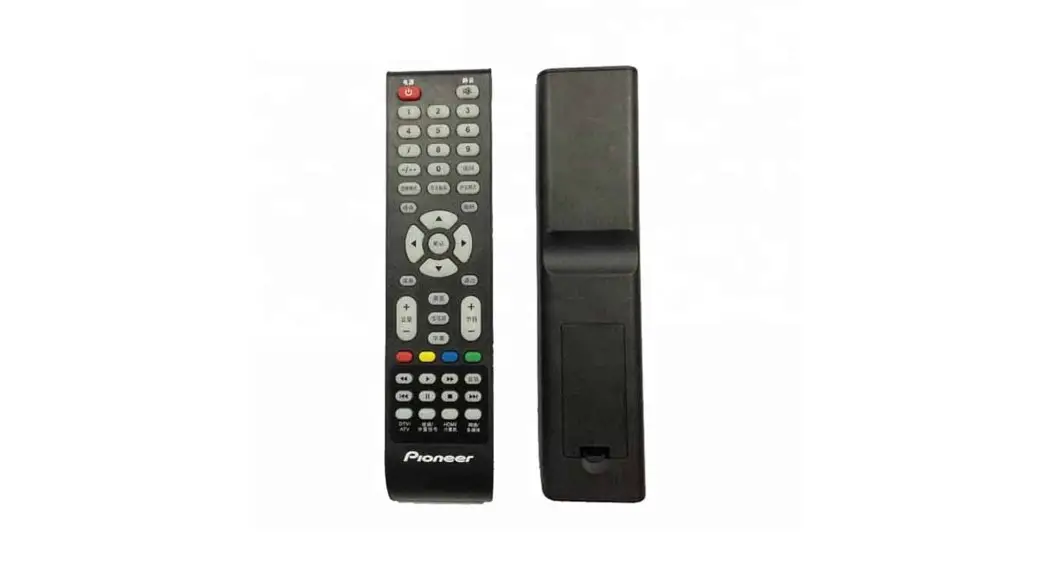
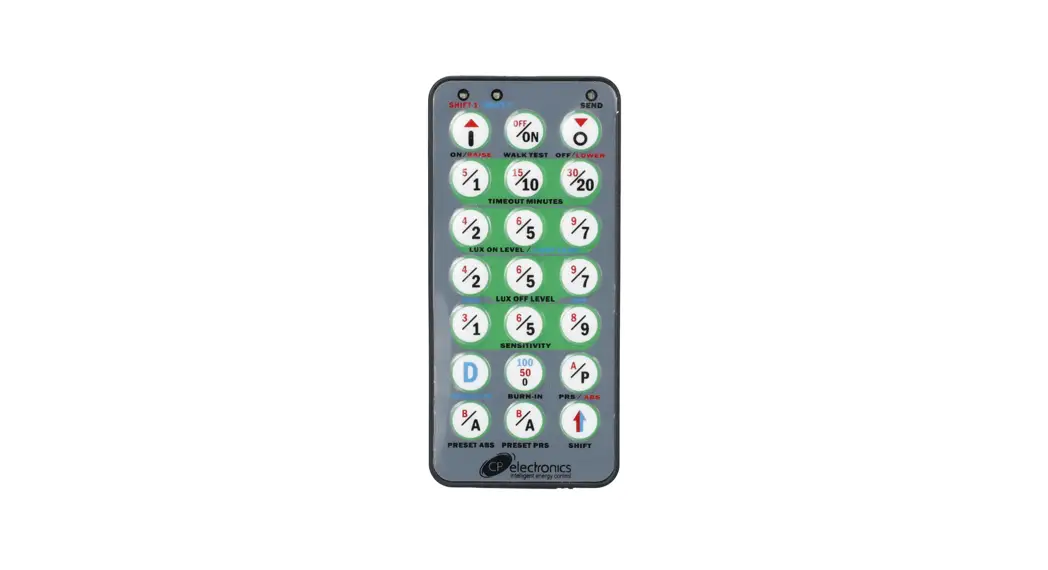
Compact, programming/commissioning handset
Instruction Manual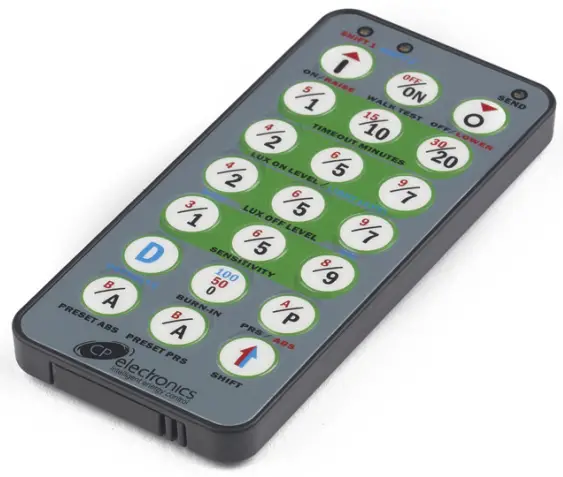
UHS5 Compact Infra Red Commissioning Handset
 Warnung
 If this symbol is on the product or battery, you must dispose of the product or battery in the correct manner and must not treat it as household or general waste.
Care and maintenance
Clean the exterior of the handset using a damp cloth.
Stubborn marks can be removed by using a mild detergent
Important notes
For most basic programming operations the UHS5 handset can be used and the following procedures are based on using this device. Point the handset at the Sensor and send the required programming commands to the unit as shown opposite.
Valid commands will be indicated by a red LED flash.
Basic Programming
Number of shift  presses presses | |||||||
| Parameter Name | Default Value | 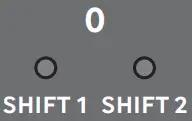 | 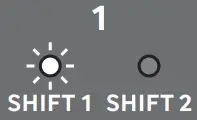 | 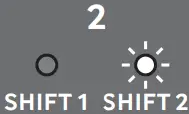 | 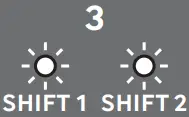 | UHS5 Handset Graphics | Description |
| On / Raise | On | Raise | Cancel overide on |  | Turn lights on or to raise lights. | ||
| Off / Lower | Off | Lower | Cancel overide off |  | Turn lights off or to lower lights. | ||
| Walk test | Off | On | Off | 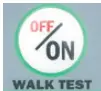 | When set to On this causes a red LED to flash on the sensor when it detects movement. Use this feature to check for adequate sensitivity levels. | ||
| Timeout (Time adjustment) | 20 mins | 1, 10, 20 (1, 10, 20 minutes) | 5, 15, 30 (5, 15, 30 minutes) | 1 (10 seconds) | 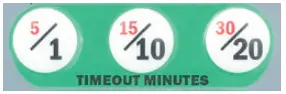 | Once the detector is turned on, this value sets how long the lights will stay on once movement has ceased. | |
| Lux on level (Switch level on) | 9 | 2, 5 & 7 | 4, 6 & 9 | 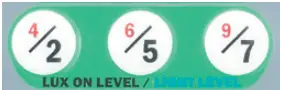 | Lux level setting to prevent the luminaires being switched on if the ambient light level is sufficient (adjustable between 1 and 9). The luminaires will always be switched on at level 9. | ||
| Light Level | 6 (600) | 2 (200) 5 (500) 7 (700) | 4 (400) 6 (600) 9 (999) | 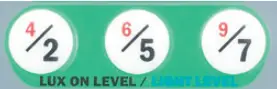 | Sets a target light level to be maintained by the lighting system. 9 (999) = disabled. | ||
| Lux off level (Switch level off) | 9 | 2, 5 & 7 | 4, 6 & 9 | 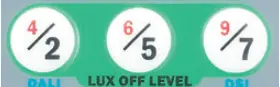 | Lux level setting switches the luminaires off during occupancy if the ambient light level goes above the setting (adjustable between 1 and 9). Level 9 will always keep the lights on. This setting can be used for “window row switching”. Note: the Lux Off Level value must always be greater than the Lux On Level value. | ||
| Load type | DALI | 2 (Dali) 7 (DSI) | 2 (D-ON) | 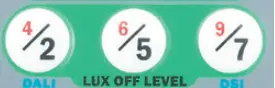 | Sets the ballast control protocol to be used by the output channel. | ||
| Sensitivity | 9 | 1, 5 & 9 | 3, 6 & 8 |  | Sensitivity level for detecting movement. 1 = low sensitivity 9 = high sensitivity | ||
| Defaults | D |  | Returns the unit to the default settings. | ||||
| Burn-in (Hours) | 0 | 0 | 50 | 100 |  | Determines how long the output will be at 100% so that lamps ‘burn-in’. The ’burn-in’ time is not affected by power supply interruptions. | |
| Presence/Absence | Presence | Presence | Absence |  | Presence mode allows the output to turn on when movement is detected and off when movement ceases. Absence mode allows the output to turn off when movement ceases, but must be manually turned on first. | ||
| Shift |  | Use this button to select the settings in red and blue signified by the ‘Shift 1’ and ‘Shift 2’ LEDs | |||||
Technical Data
| Part code | UHS5 |
| Dimensions | 86mm x 4mm x 67mm |
| Weight | 0.017kg |
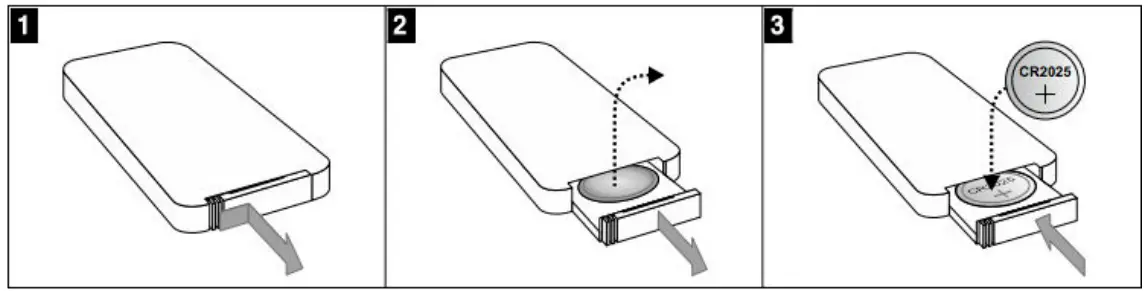
| Battery | 3Vdc lithium battery CR2025 (supplied with unit) |
| Infrared Range | 7 |
| Working temperature range | 0 to 35ºC |
| Humidity | 5 to 95% noncondensing |
Compliance  | EMC-2014/30/EU |
| CP Electronics Brent Crescent, London NW10 7XR t. +44 (0)333 900 0671 [email protected] |  |
| www.cpelectronics.co.uk | connect with us  |
Due to our policy of continual product improvement CP Electronics reserves the right to alter the specification of this product without prior notice.
WD442 Issue 9 Installation Guide, UHS5
Downloads and Videos cpelectronics.co.uk/cp/442
 Technical Guides | Support Library | CP Electronics
 Presence Detectors and Energy Efficient Lighting Control Systems | CP Electronics