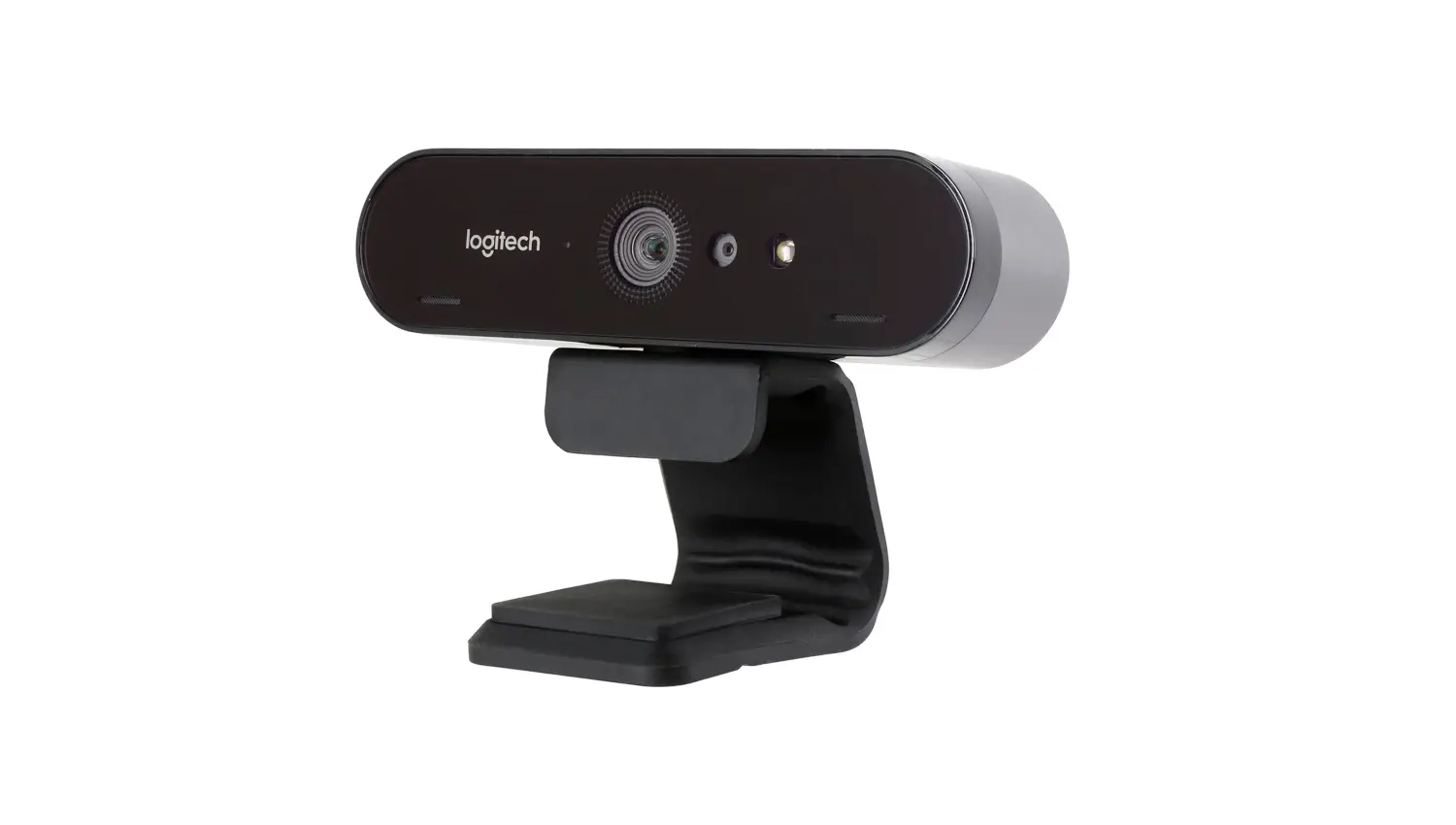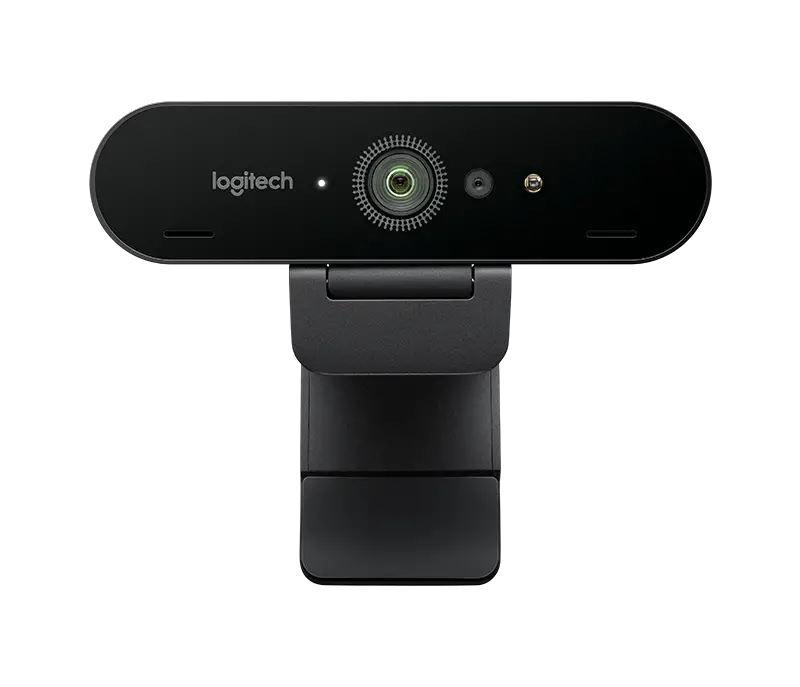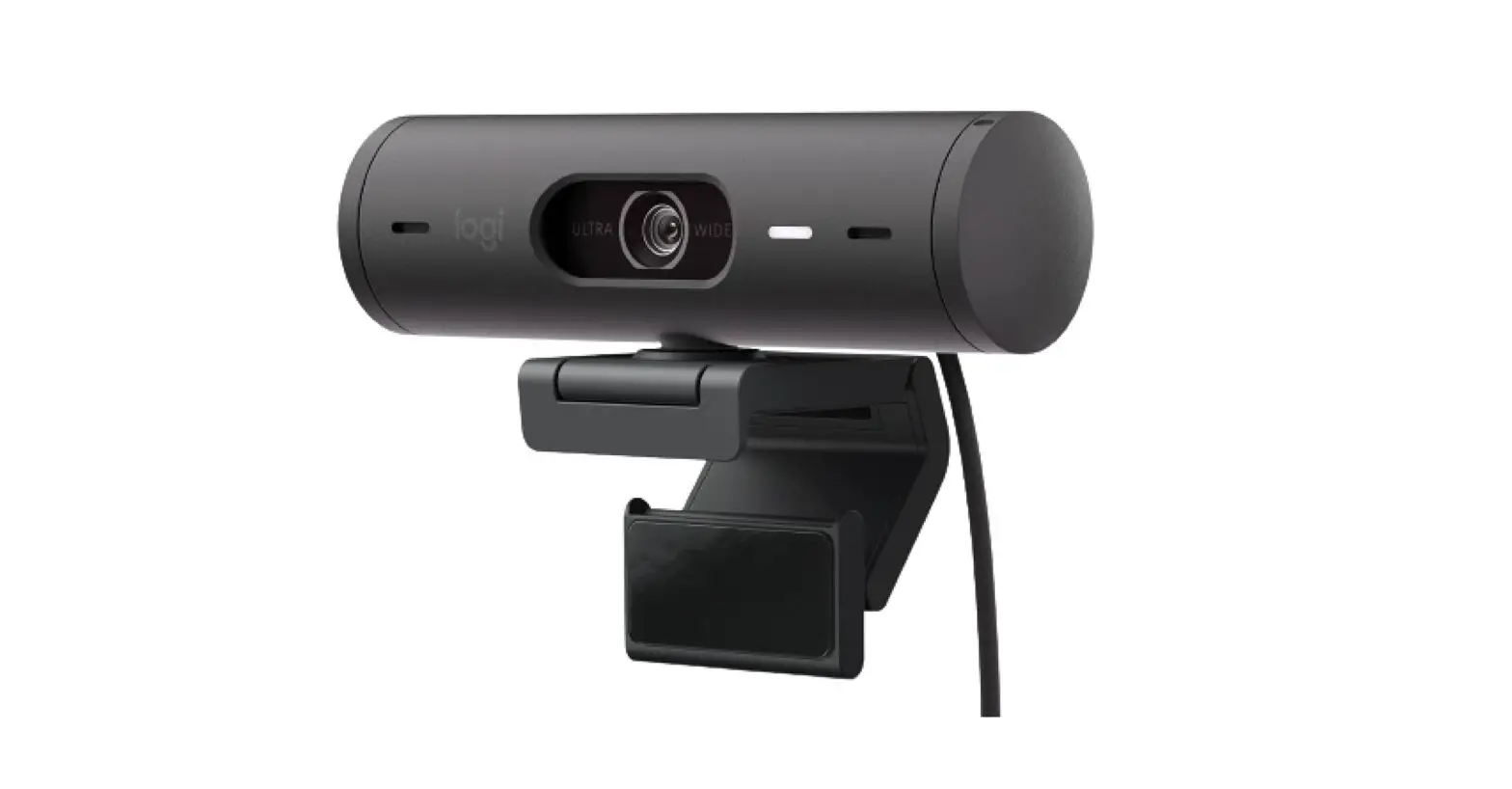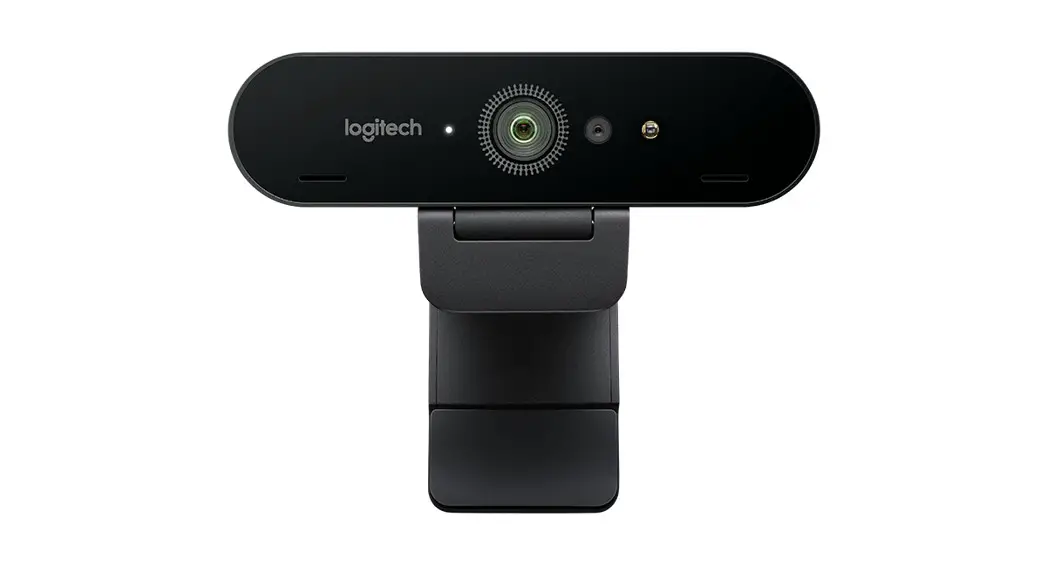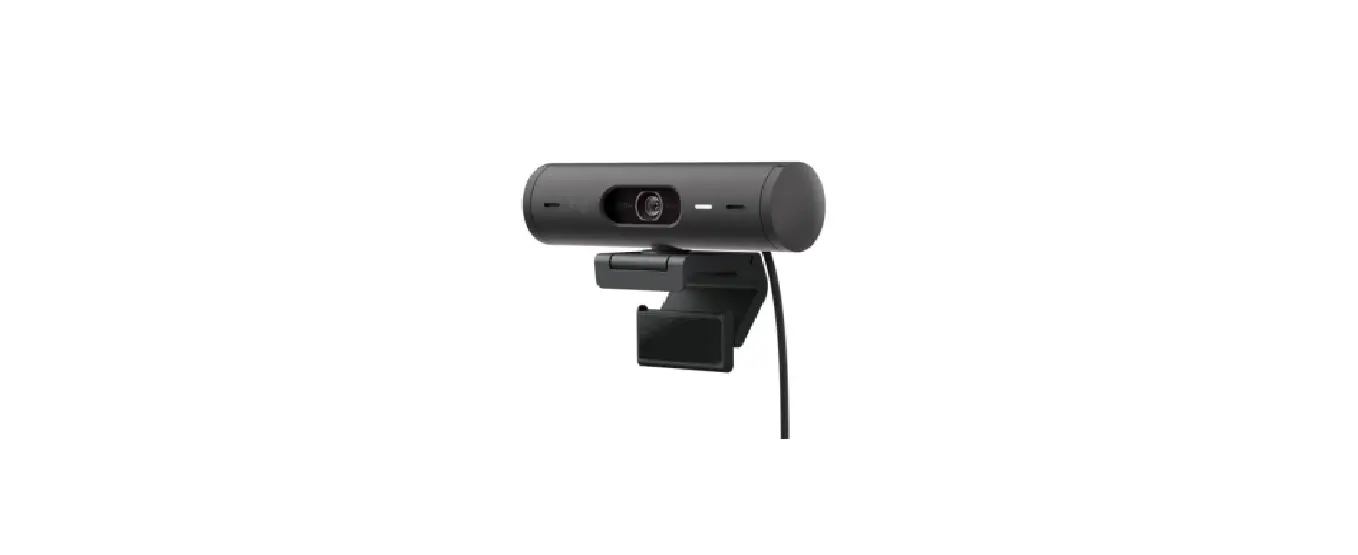
 logitech Brio 500 1080p HDR Webcam
 logitech Brio 500 1080p HDR Webcam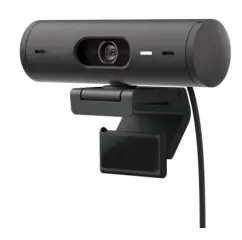
Full HD 1080p image quality
Look and sound like you every meeting with Brio 500. RightLight auto light correction helps you look clear in any lighting. RightSight auto-framing (1) (3) centers the camera while you present, and Show Mode(1) lets you quickly share work on your desk. Experience authentic meetings and be your best self on every video call.
WHAT’S IN THE BOX
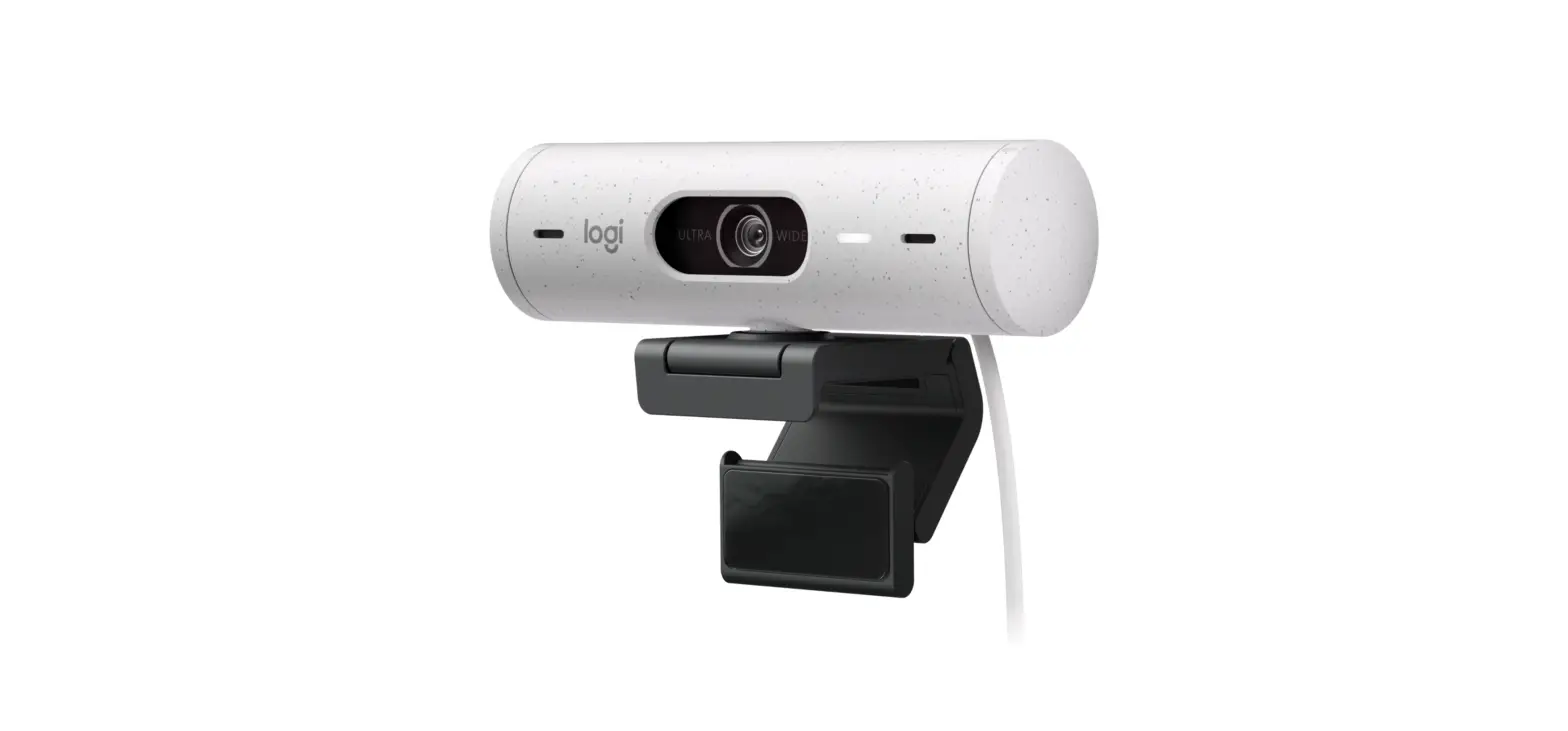
- Brio 500 with attached USB-C cable
- Mount clip with a removable mount adapter
- User documentation
FEATURES
- Full HD 1080p image quality
- Auto light correction
- 90° field of view
- Show Mode(1)
- Auto-framing(1)(3)
- Dual noise-reducing mics
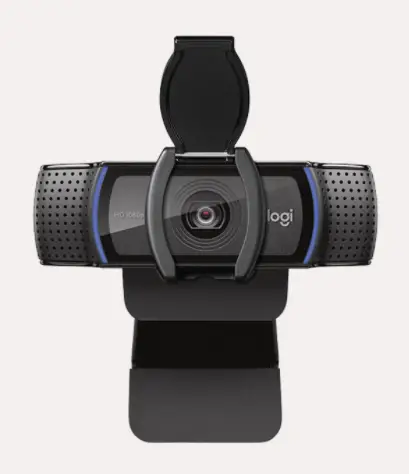
- Integrated privacy shutter
- This feature requires Logi Tune. Logi Tune is not available for Chrome OS.
- RightSight availability and support may vary by the operating system. See Logitech’s support page for the latest information.
- Logi Tune is not available for Chrome OS.
PACKAGE SPECIFICATIONS
| Primary pack | Master shipper carton | |
| Part # | 960-001493 | N/A |
| Bar code | 097855180452 (EAN-13) | 10097855180459 (SCC-14) |
| Weight gr | 197 | 1967 |
| Length cm | 13 | 28.2 |
| Width cm | 5.65 | 19 |
| Height/depth cm | 8.45 | 14 |
| Volume | 0.62 dm3 | 0.01m3 |
| 1 primary pack | 1 | N/A |
| 1 master shipper carton | 8 | 1 |
| 1 pallet EURO | 1408 | 176 |
| 1 container 20 ft | 31232 | 3904 |
| 1 container 40 ft | 64512 | 8064 |
| 1 container 40 ft HQ | 72576 | 9072 |
SYSTEM REQUIREMENTS
Required: Available USB-C port
Works with
Windows, macOS, or Chrome OS* and virtually any popular video calling platform.
- Logi Tune is not available for Chrome OS.
- RightSight is currently available only for Windows
Certified for
Microsoft Teams, Zoom, Google Meet, Works With Chromebook.
(2GB RAM or more is needed for 1080p video streaming and 1GB RAM is typically needed for streaming 720p)
TECHNICAL SPECS
- 1080p/30fps (1920x1080pixels)
- 720p/60fps (1280×720 pixels)
- Camera megapixel: 4MP
- Focus type: Autofocus
- Lens type: Glass
Built-in Microphone type
- Stereo microphone
- Mic range: Up to 4 ft (1.22 m)
- The diagonal field of view (dFoV): 90°/78°/65°
Hardware zoom: 4x Digital zoom
Integrated privacy shutter
USB connectivity: USB-C plug-and-play
Detachable universal mounting clip fits laptops, LCD displays, or monitors
RightLight 4 with HDR for clear images in various lighting environments ranging from low light to direct sunlight.
Access to image controls
DIMENSIONS
WEBCAM:
Height x Width x Depth:
1.2 in (31.5 mm) x 4.3 in (110 mm) x 1.2 in (31.5 mm)
Height x Width x Depth (incl. mount clip):
2 in (51.5 mm) x 4.3 in (110 mm) x 1.8 in (45 mm) Weight: 4.2 oz (121 g), incl. mount clip & cable
Attached Cable length: 5 ft (1.5 m)
MOUNTING CLIP:
Height x Width x Depth:
1 in (25 mm) x 1.8 in (45.8 mm) x 2.6 in (65.1 mm)
Weight:
1.4 oz (40 g), incl. Removable mount adapter.
© 2022 Logitech. Logitech, Logi, Streamlabs, RightSight, RightLight, and their logos are trademarks or registered trademarks of Logitech Europe S.A. or its affiliates in the U.S. and/or other countries. All other trademarks are the property of their respective owners. This product has been certified to meet Google’s compatibility standards. Chrome, Chromebook, Google Meet, and the Works With Chromebook badge are trademarks of Google LLC. Microsoft Teams, the “Certified for Microsoft Teams” badge, Zoom, the “Zoom Certified” badge, Windows, macOS, USB-C.