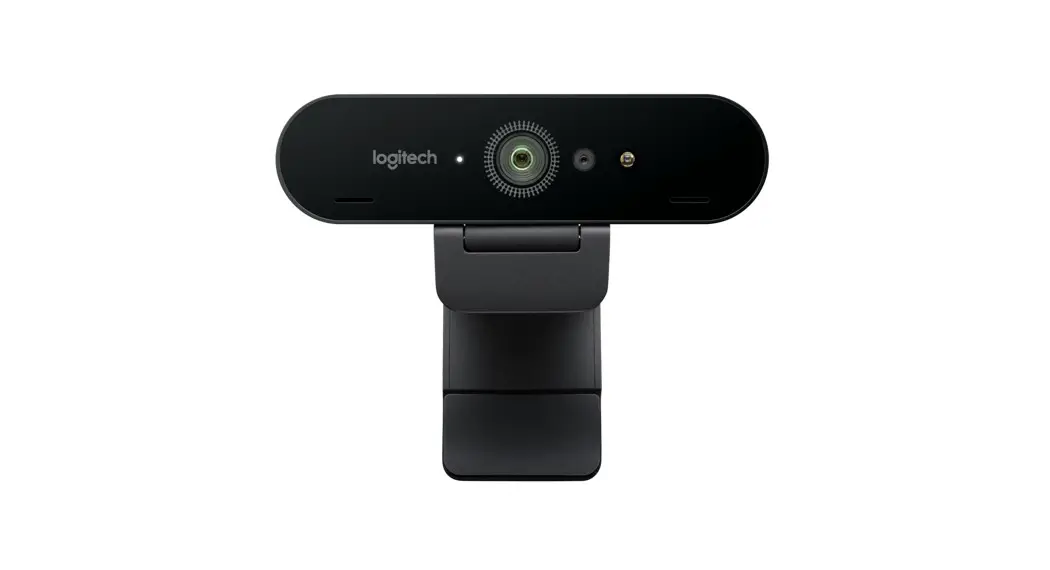

BRIO ULTRA HD PRO
BUSINESS WEBCAM
Complete Setup Guide
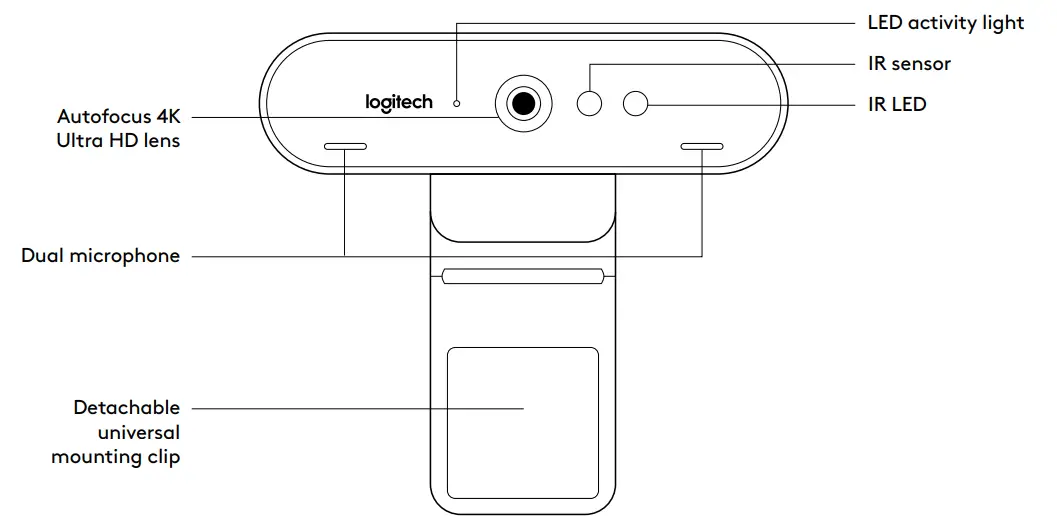
KNOW YOUR PRODUCT

WHAT’S IN THE BOX
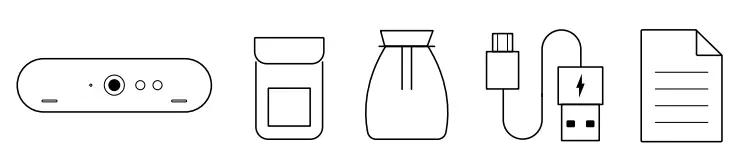
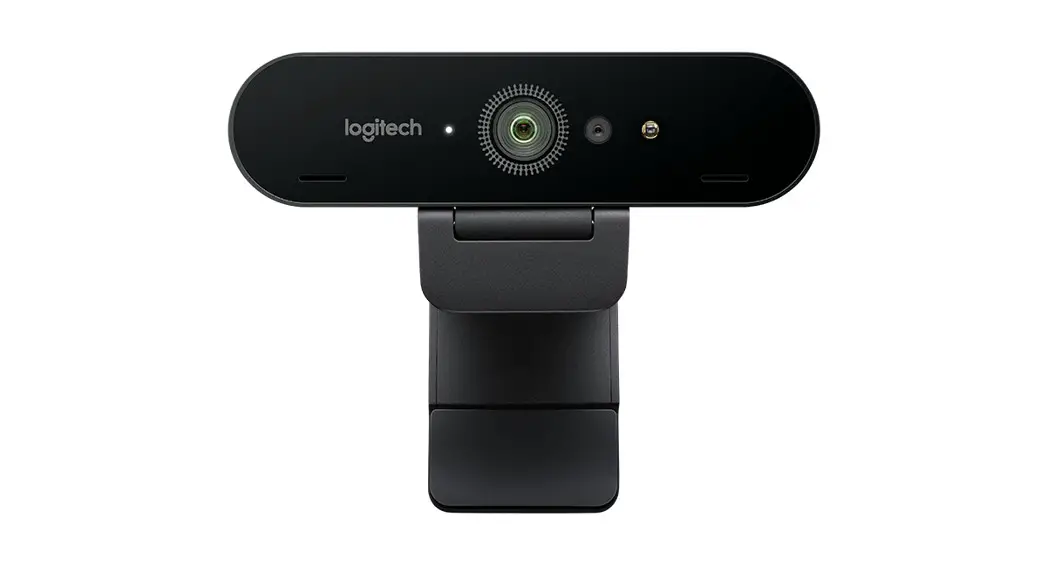
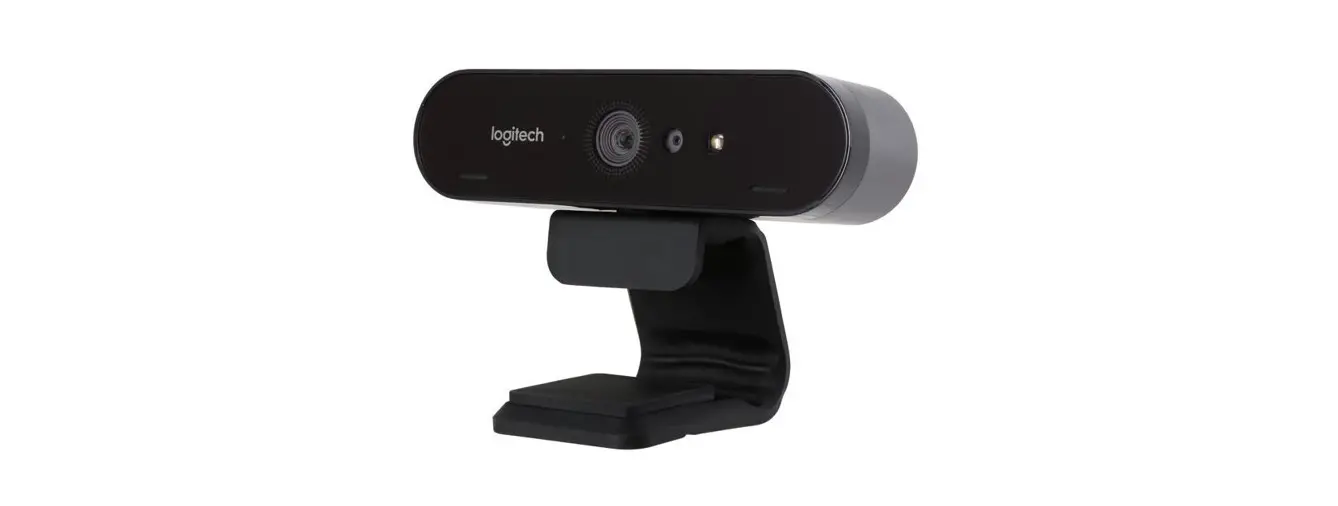
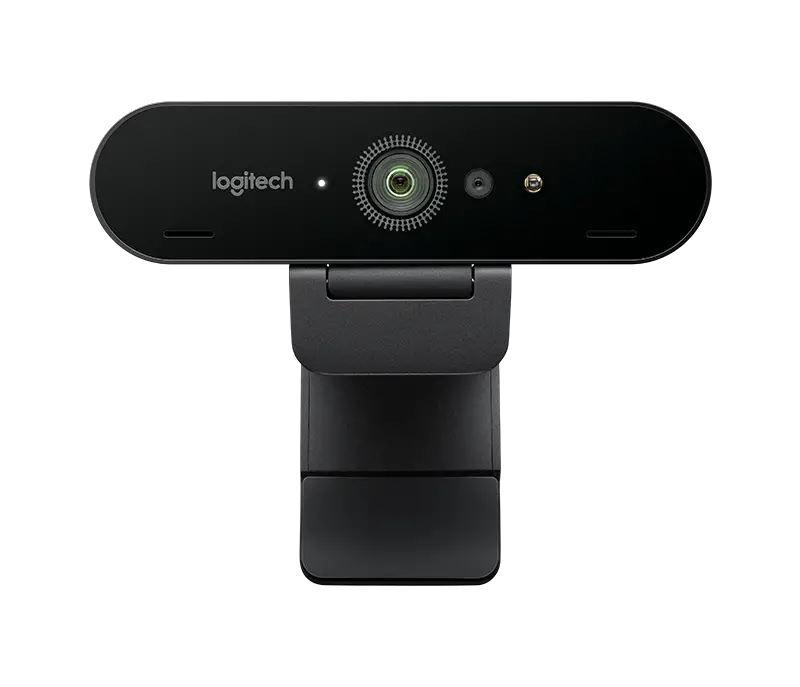
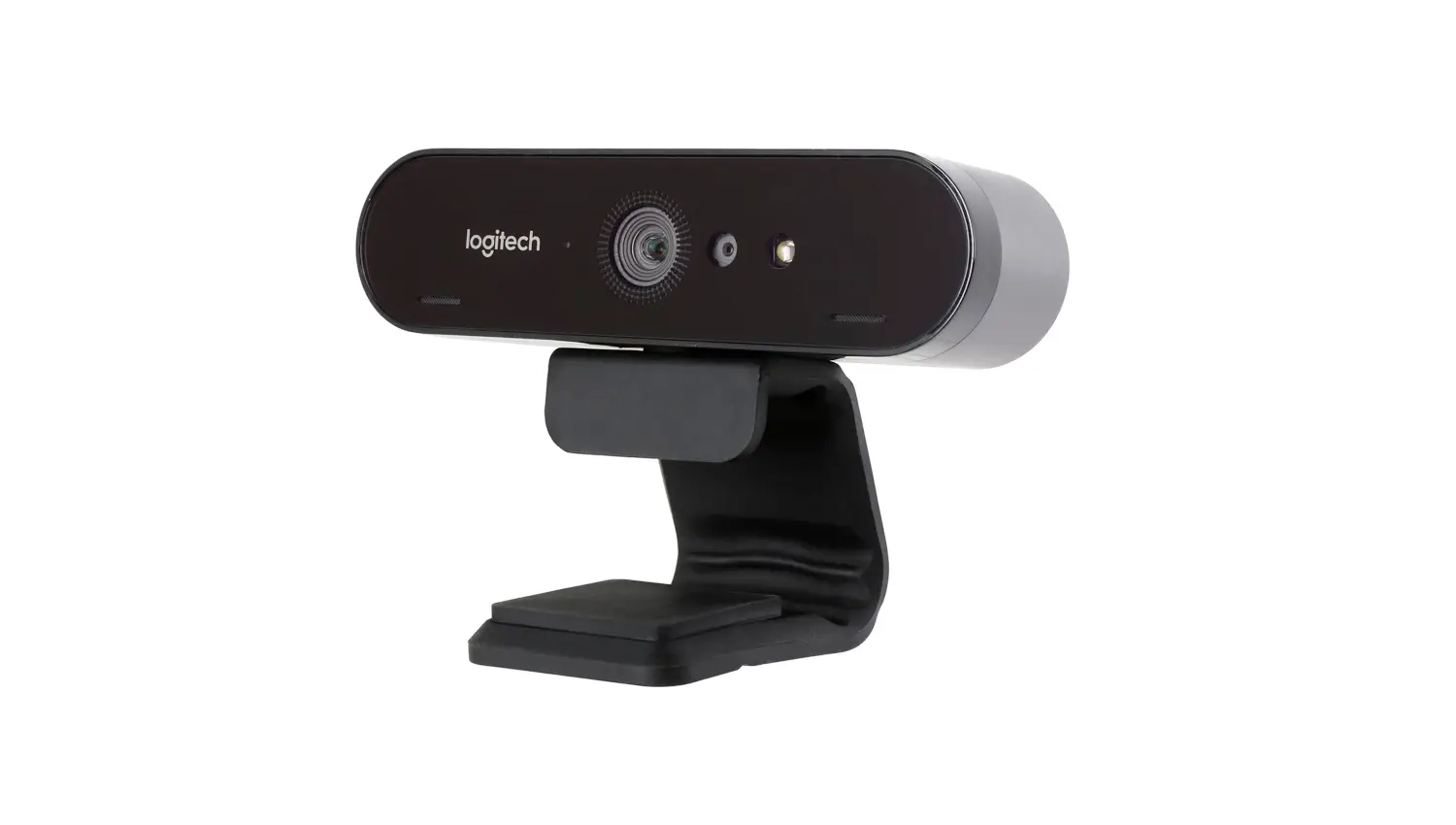
- Webcam with detachable universal mounting clip (on webcam)
- External privacy shutter
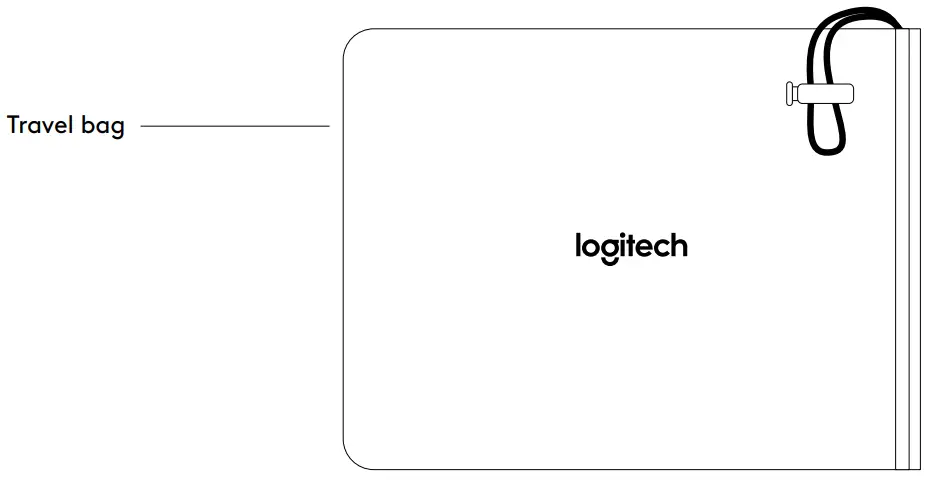
- Carrying case
- 7.2 ft (2 2 m) USB-A to USB-C cable (USB 2 0 or 3 0)
- User documentation
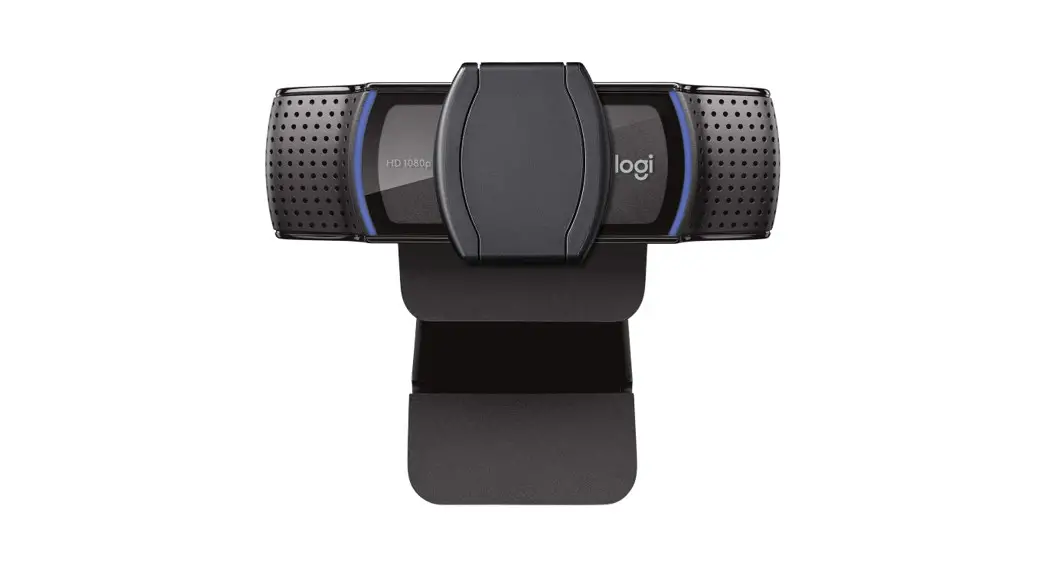
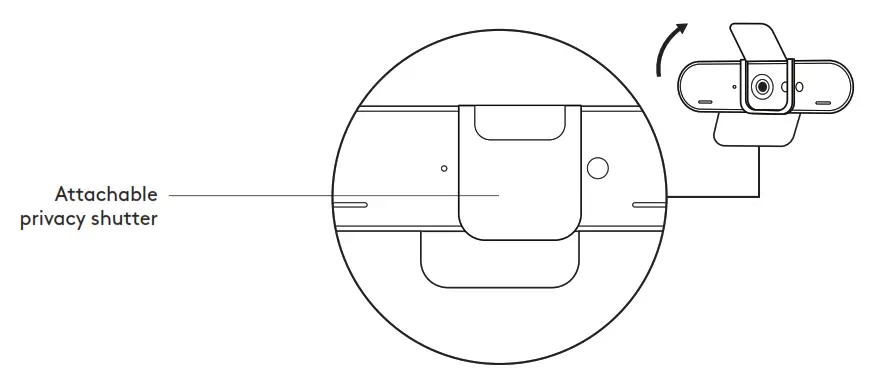
ATTACH THE PRIVACY SHUTTER
- Attach the privacy shutter over the lens on the webcam as shown.
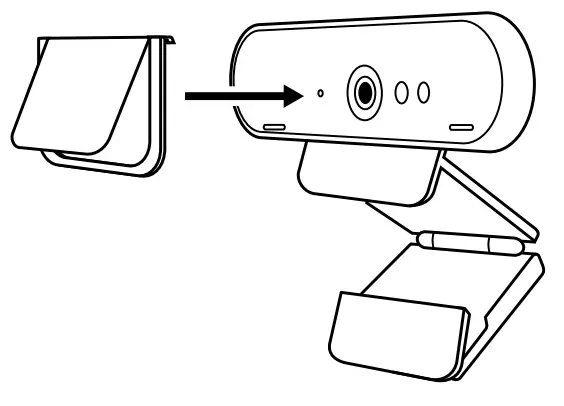
- Snap it onto the front of the webcam, directly over the center.
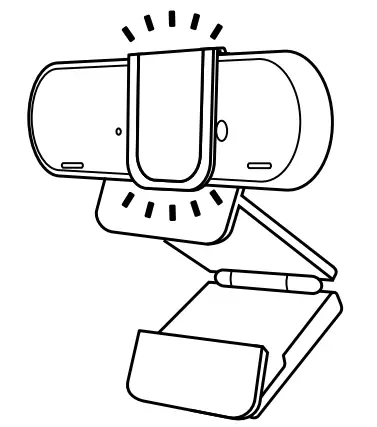
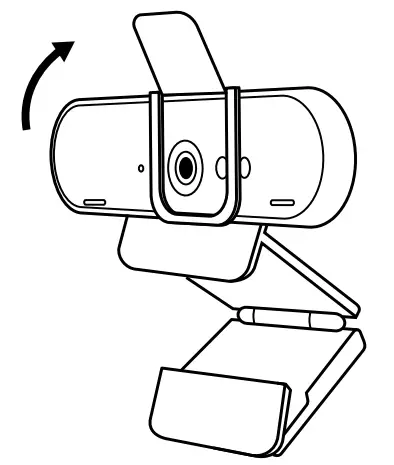
- Manually adjust the privacy shutter to open or close as desired.
SETTING UP THE WEBCAM
For placement on a monitor
- Place your webcam on a computer, laptop, or monitor at a position or angle, you desire.
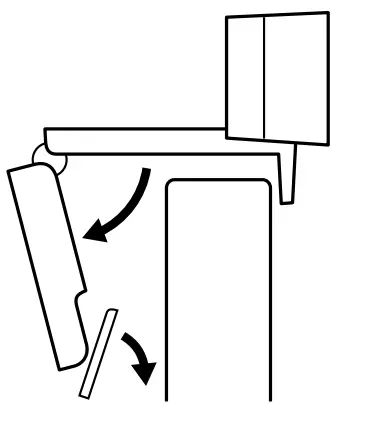
- Adjust the webcam to make sure the foot on the universal mounting clip is flush with the back of your device.
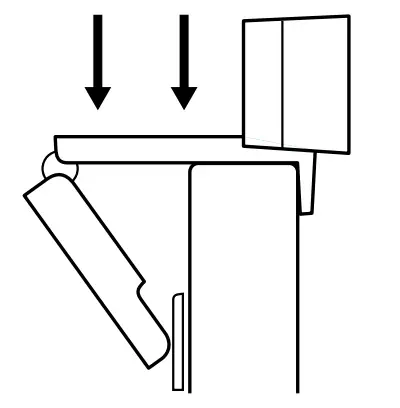
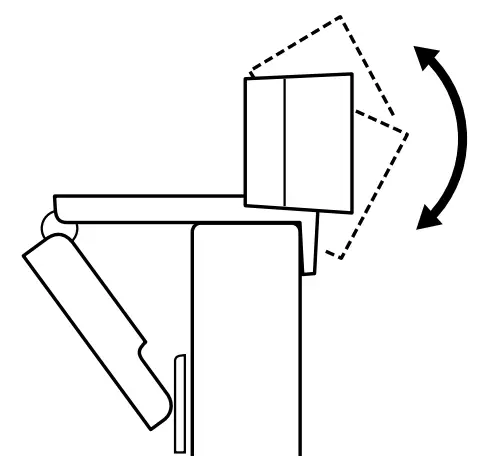
- Manually adjust the webcam up/down to the best position to frame yourself.
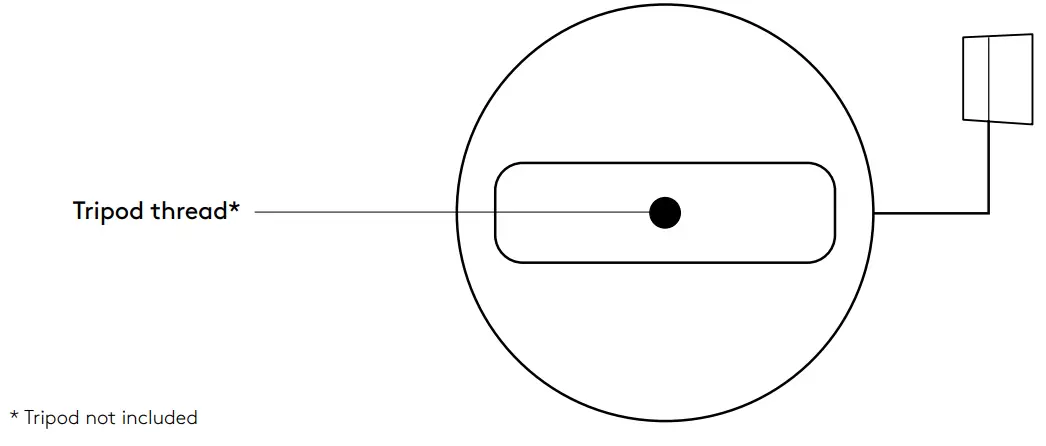
For placement on a tripod*
- Remove the detachable universal mounting clip from the webcam.
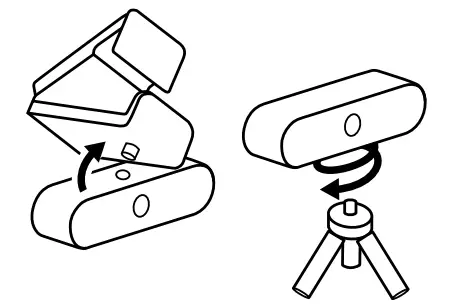
- Locate the ¼ inch tripod thread on the bottom of the webcam.
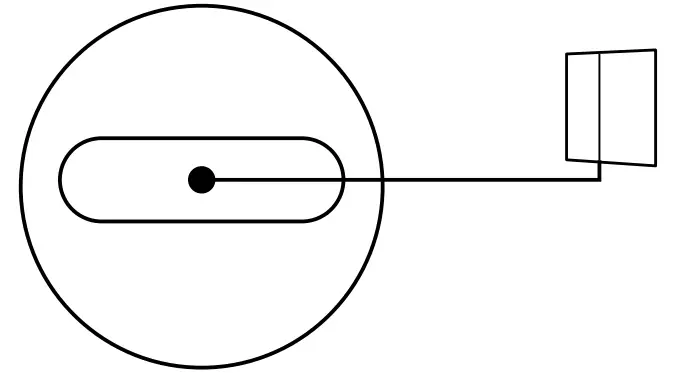
- Secure the webcam on your tripod by twisting it into the ¼ inch thread
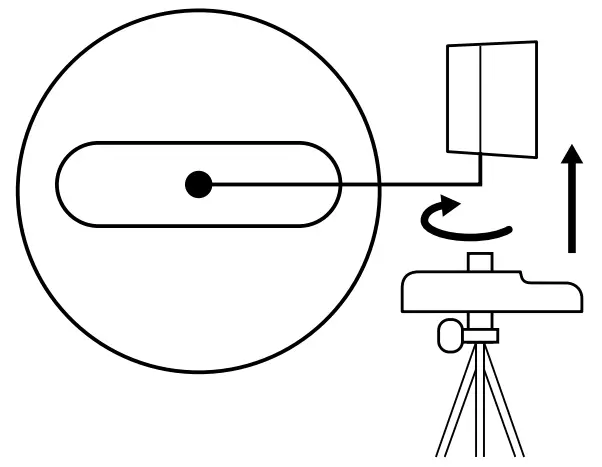
- Place your webcam with the tripod anywhere you desire to the best position to frame yourself.
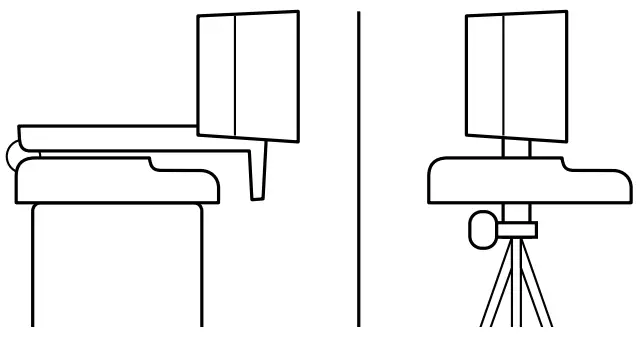 * Tripod not included
CONNECTING THE WEBCAM VIA USB-A
Plug the USB-C end into the webcam and the USB-A connector into the USB-A port on your computer.
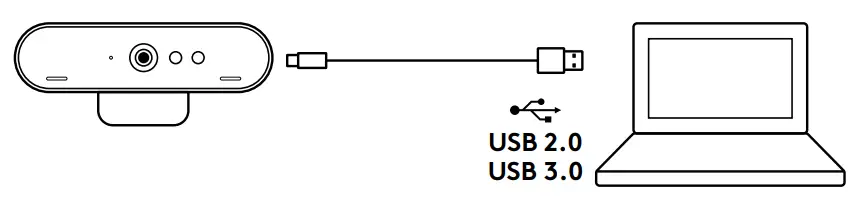
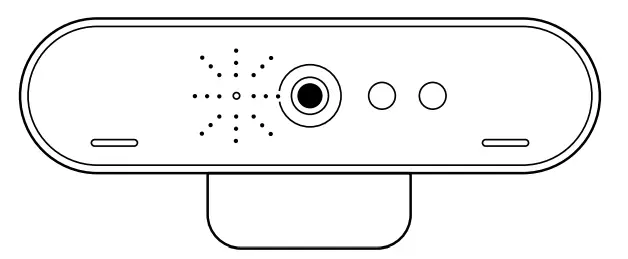
SUCCESSFUL CONNECTION
LED activity light will light up when the webcam is in use by an application
 DIMENSIONS
WEBCAM:
Height x Width x Depth: 1 06 in (27 mm) x 4 02 in (102 mm) x 1 04 in (27 mm)
Cable Length: 7 2 ft (2 2 m)
Weight: 2 22 oz (63 g)
ATTACHABLE MOUNTING CLIP:
Height x Width x Depth: 0 75 in (19 mm) x 1 42 in (36 mm) x 2 48 in (63 mm)
Weight: 1 55 oz (44 g)
www.logitech.com/support/brio
© 2020 Logitech and the Logitech Logo are trademarks or registered trademarks of Logitech Europe S A and/or its affiliates in the US and other countries Logitech assumes no responsibility for any errors that may appear in this manual Information contained herein is subject to change without notice.
 Logitech Support + Download