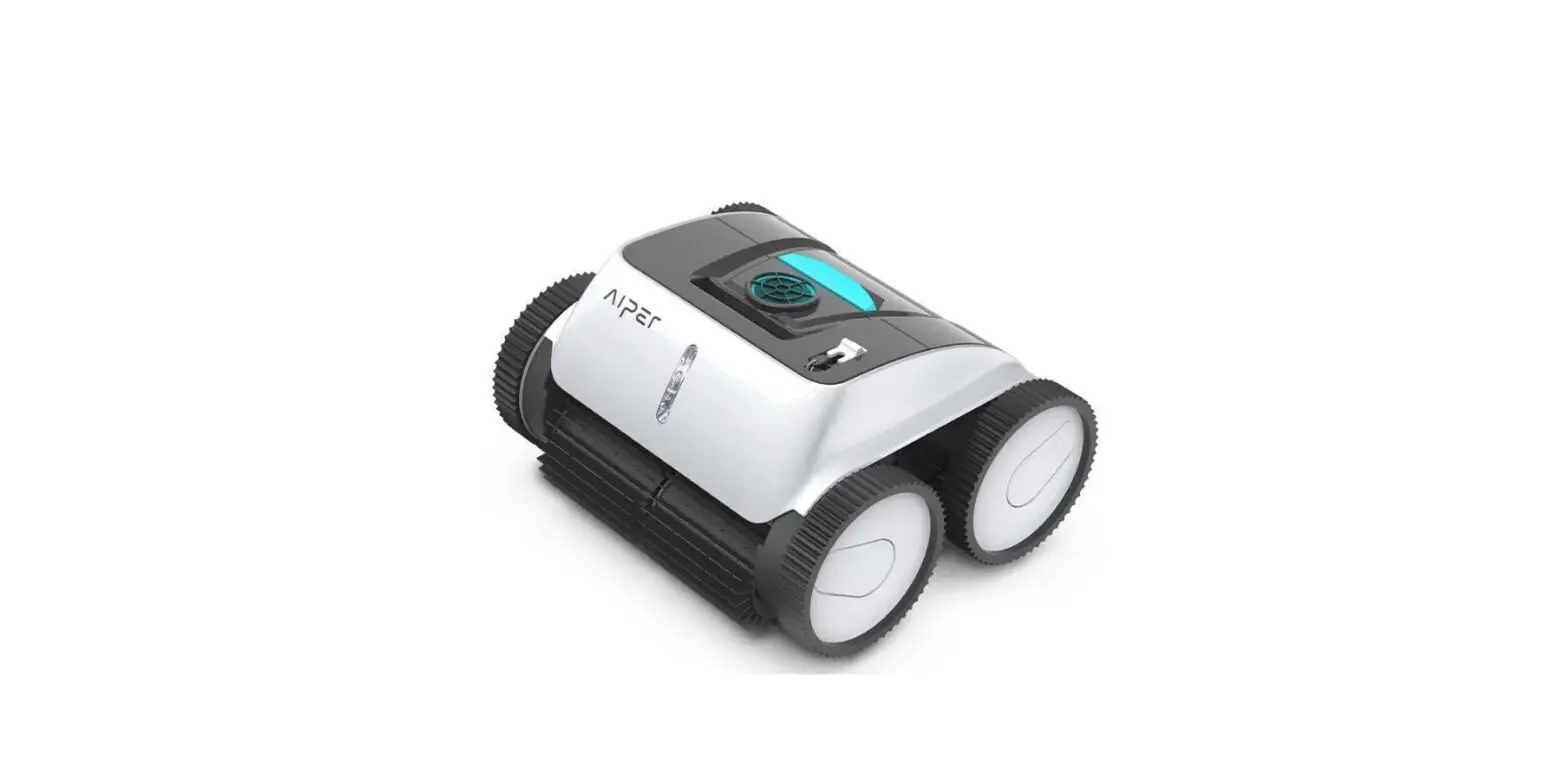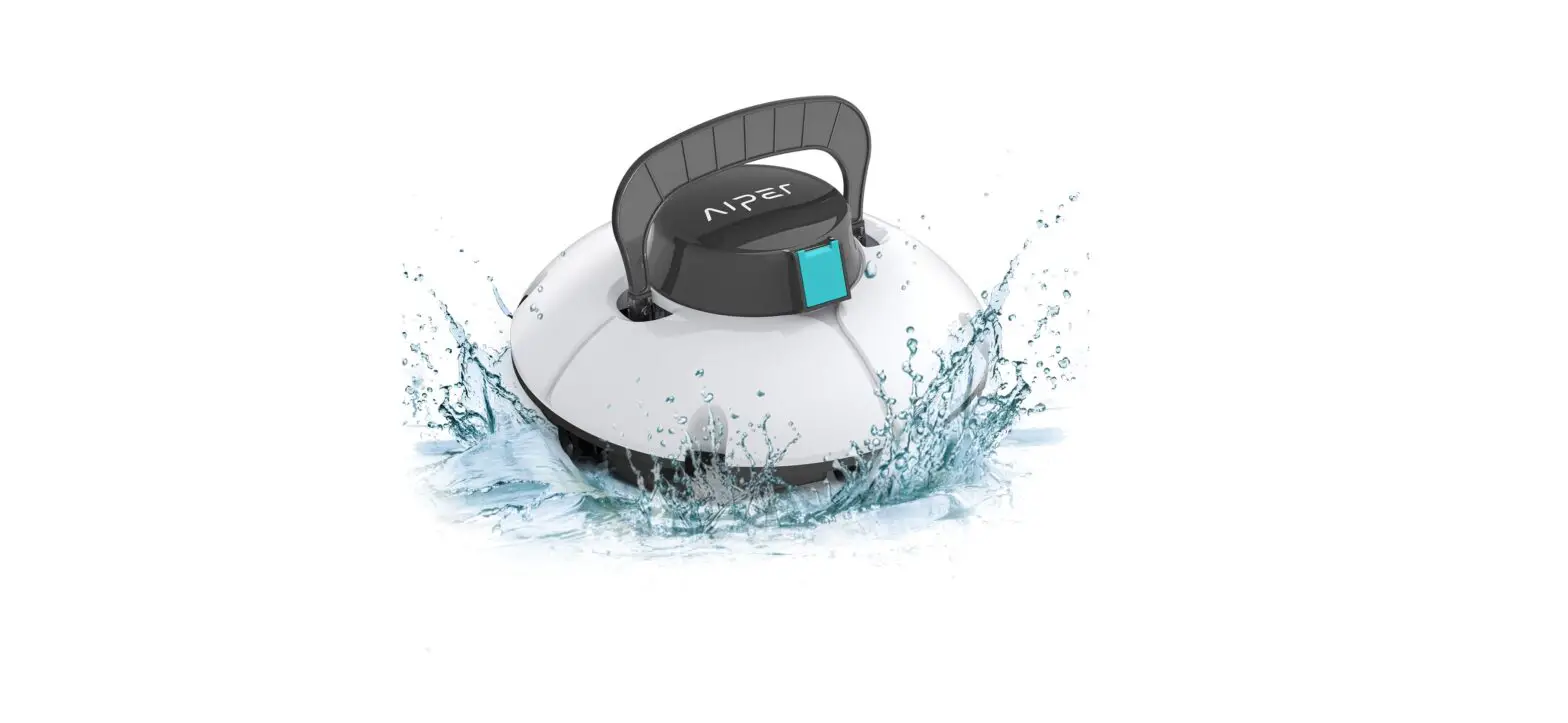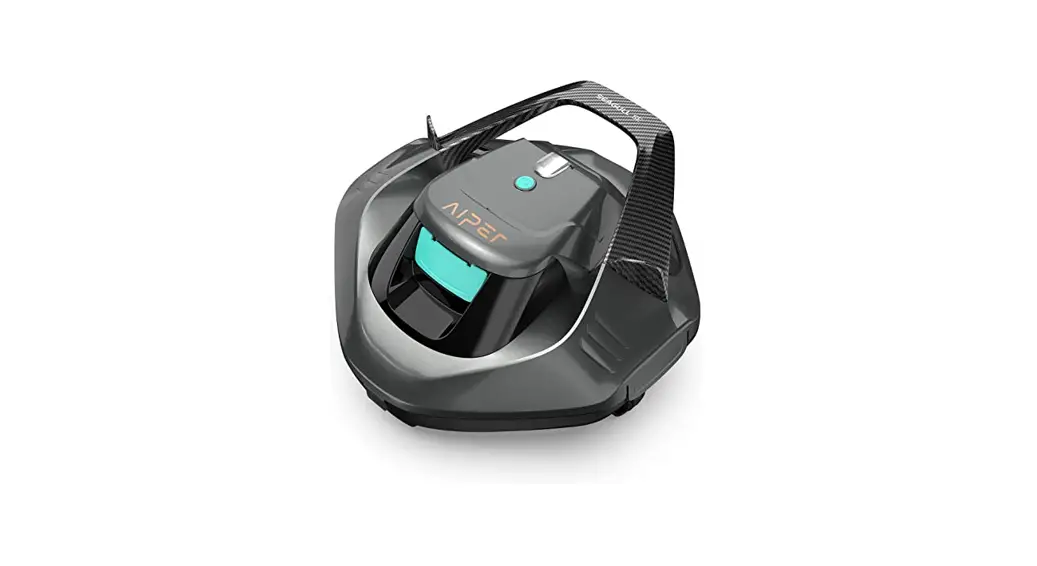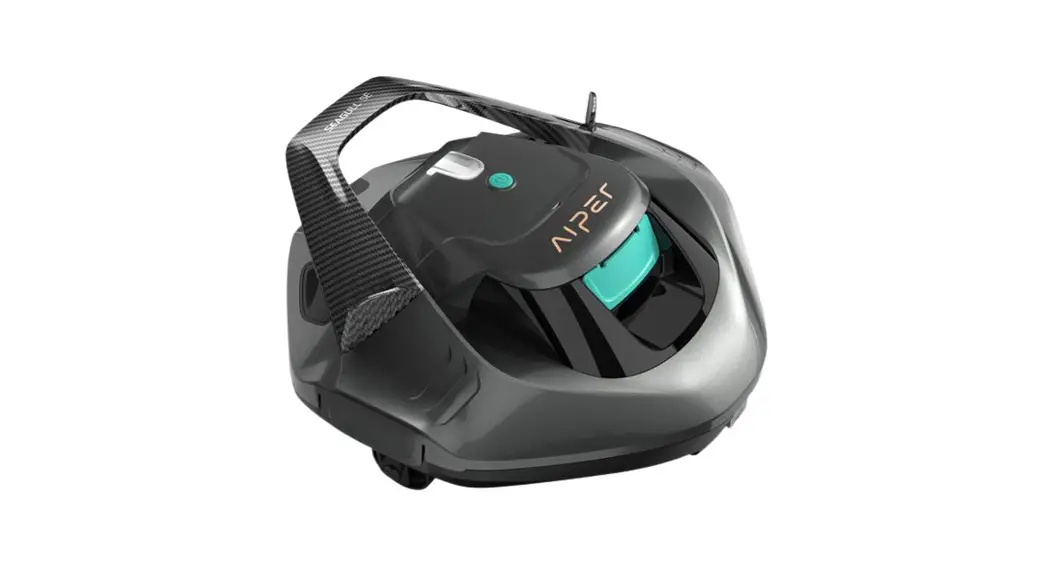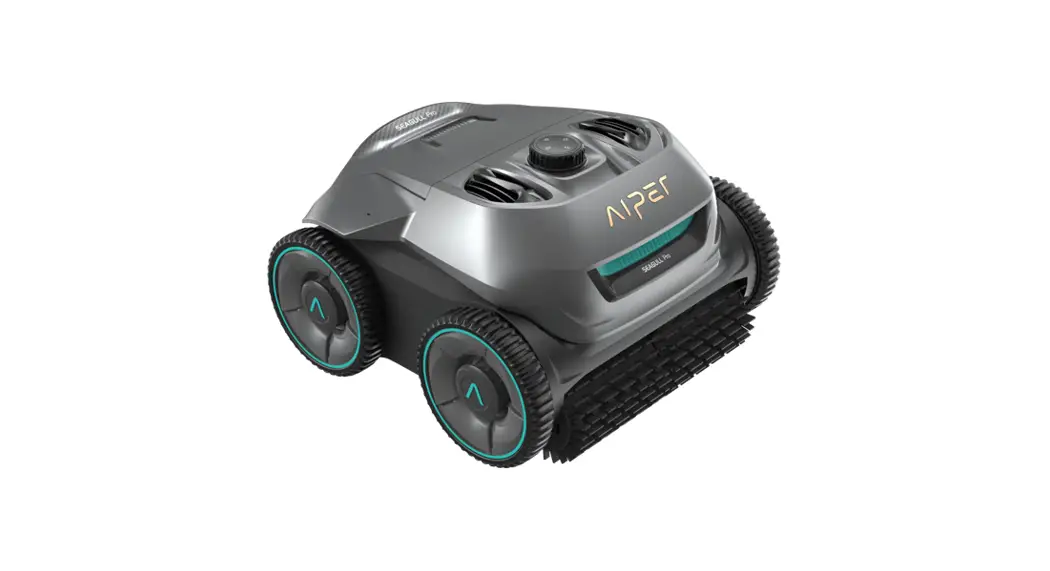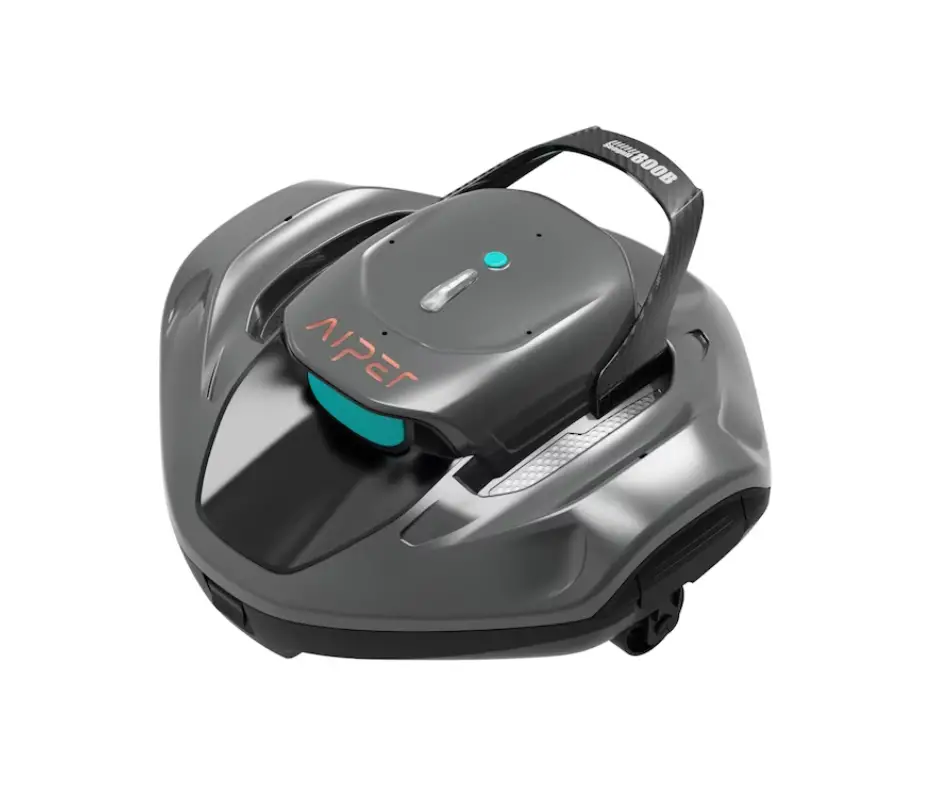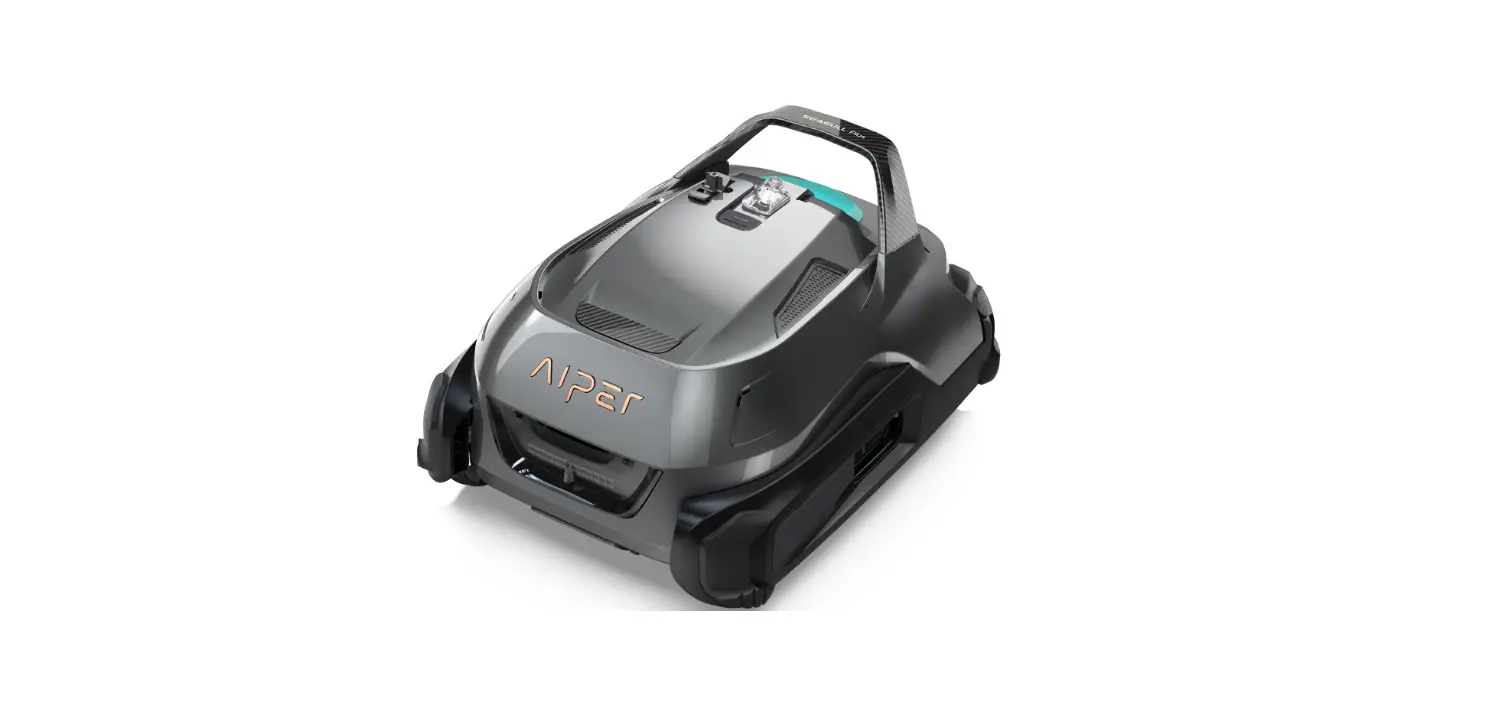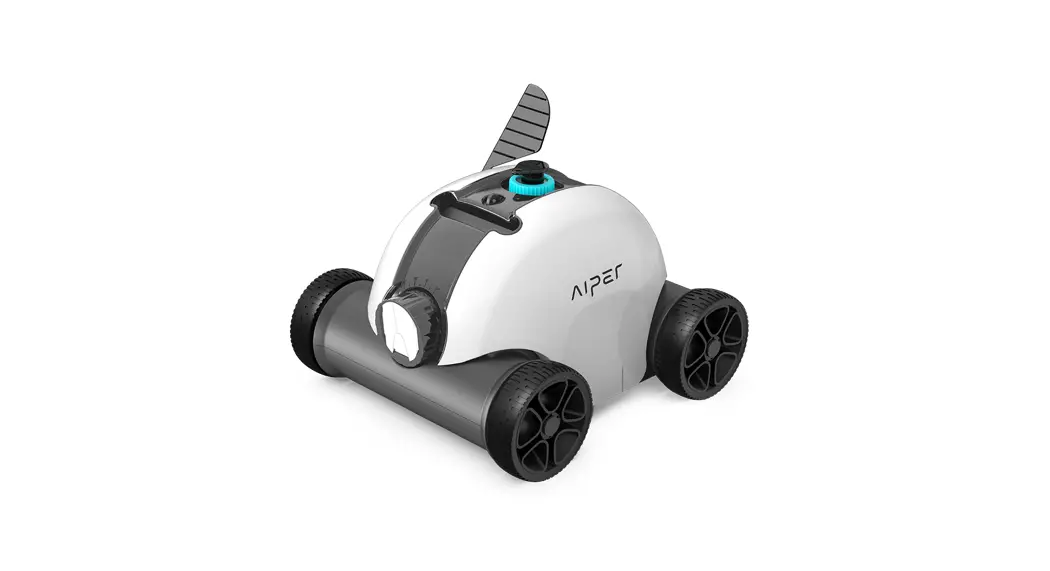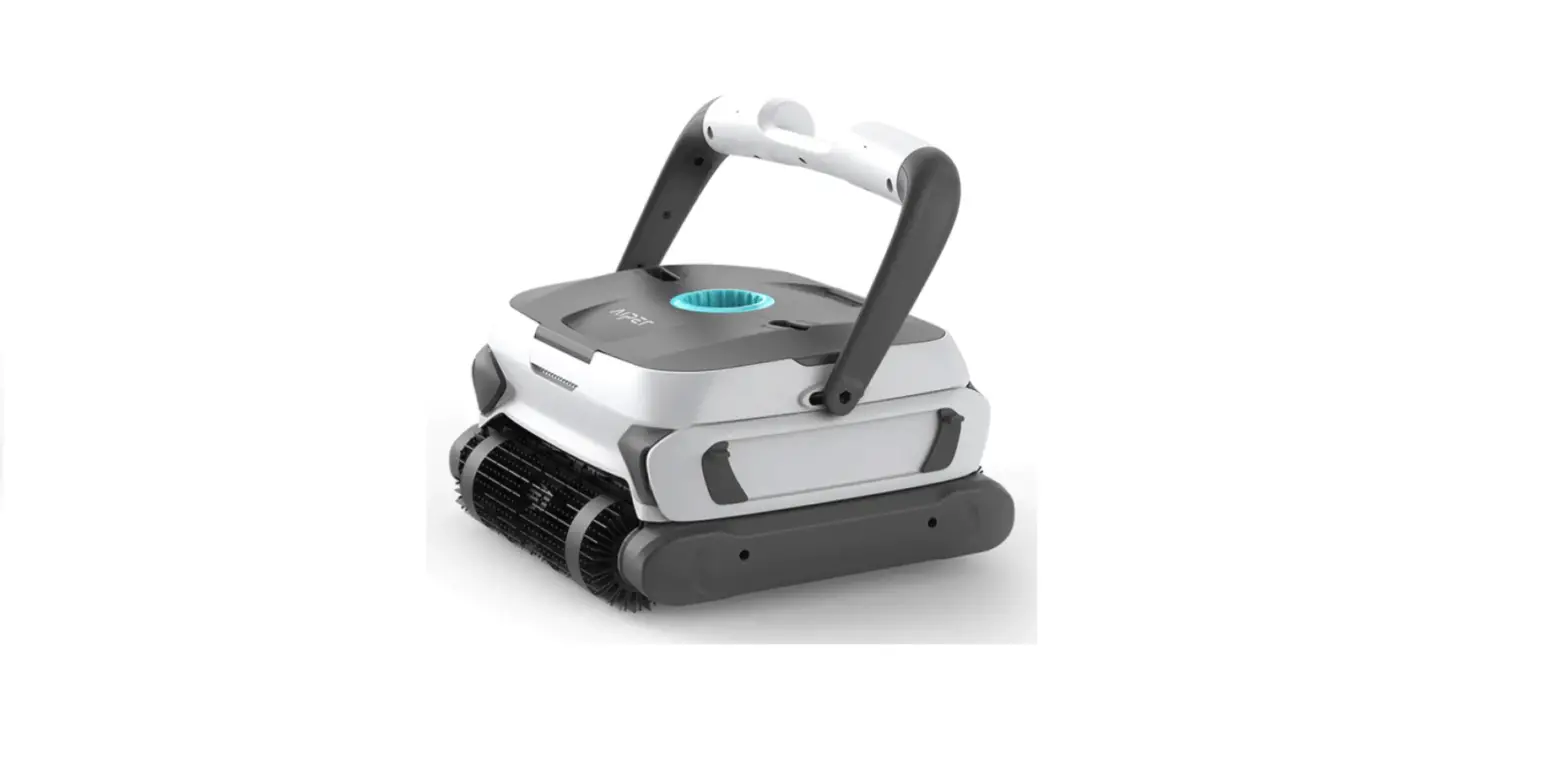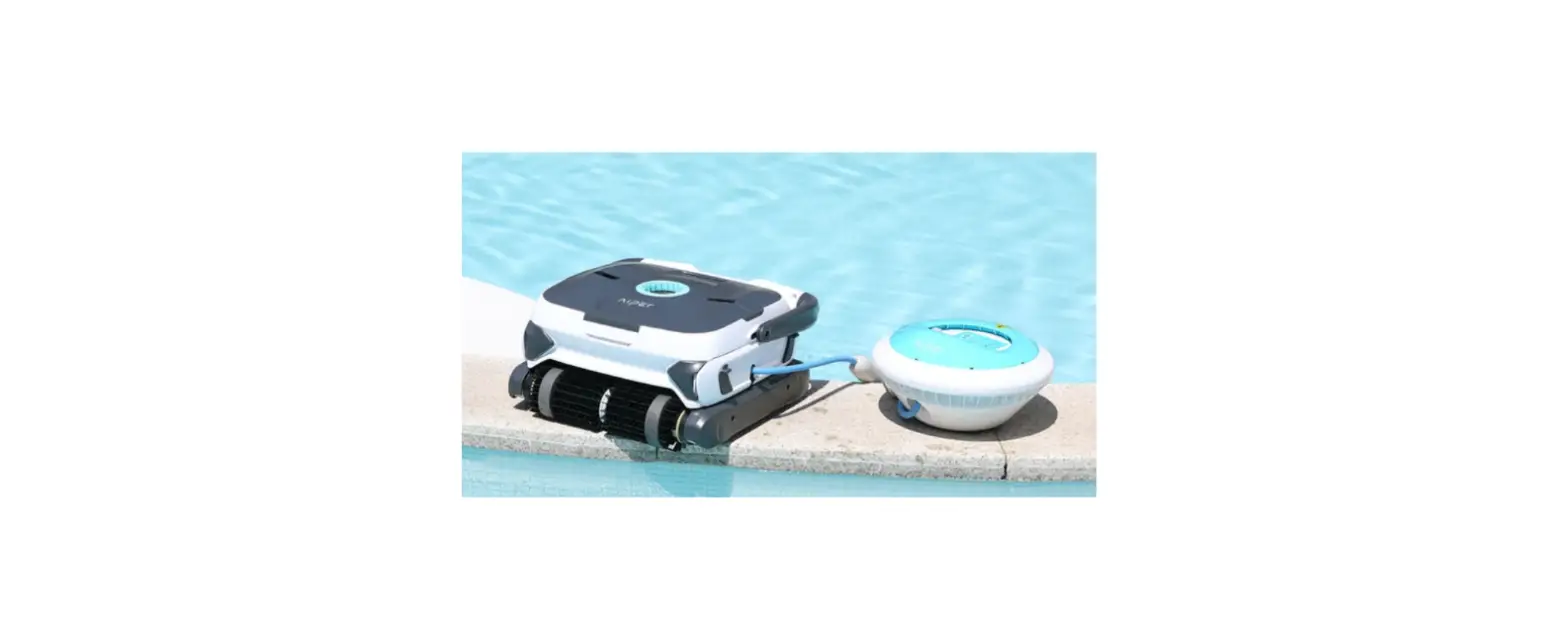

aiper Seagull 3000 Robotic Pool Cleaner
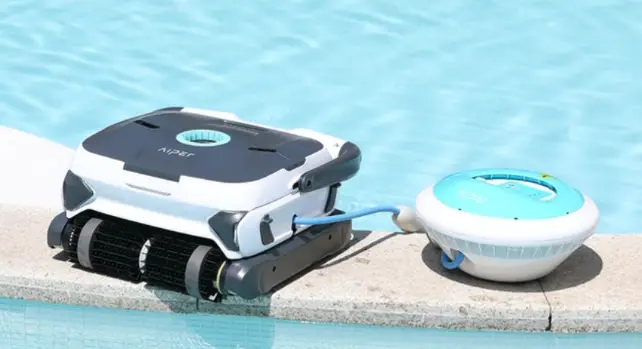
ROBOTIC POOL CLEANER
Thank you for choosing Aiper robotic pool cleaner. You have joined millions of people to enjoy the convenience of robotic pool cleaning. This user manual helps you to keep your robot performing at its best. Please take a few moments to read through it. If you have any questions, please contact our customer service for assistance or visit www.aiper.com for more information.
Aiper Customer Service:
- US Toll Free: 1-866-850-0666
- Email: [email protected]
- Facebook: @AiperOfficial
Important Precautions
- Read the manual carefully, and use the cleaner according to the manual. We are not liable for any losses or injuries caused by improper use.
- Only use the accessories recommended or sold by the manufacturer.
- Do not allow children to ride on the cleaner or play with it.
- Use the original and authorized power adapter only.
- The adapter cord should only be replaced by a qualified electrician.
- Do not turn on the cleaner when it is out of water.
- The charging adapter must be connected to a leakage protected and earthed socket when charging.
- Do not operate the cleaner when people or animals are in the pool.
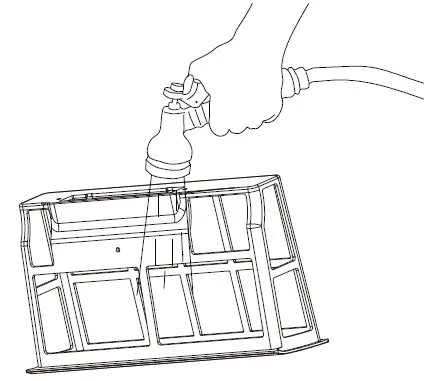
- Always clean and wash the filter tray after using.
- Turn off the cleaner when maintaining, cleaning or when it is not in use.
- The cleaner should be stored in a cool and ventilated place, away from direct sunshine.
- While charging, the cleaner should be kept in a cool place, and not covered with anything to prevent the damage of internal electrical components caused by overheating.
- Only certified professionals can disassemble the sealed driving kit of the cleaner.
- Do not operate the cleaner while pool filter is running.
- Oil sealing for motor contains grease, which may cause water pollution if grease leaks.
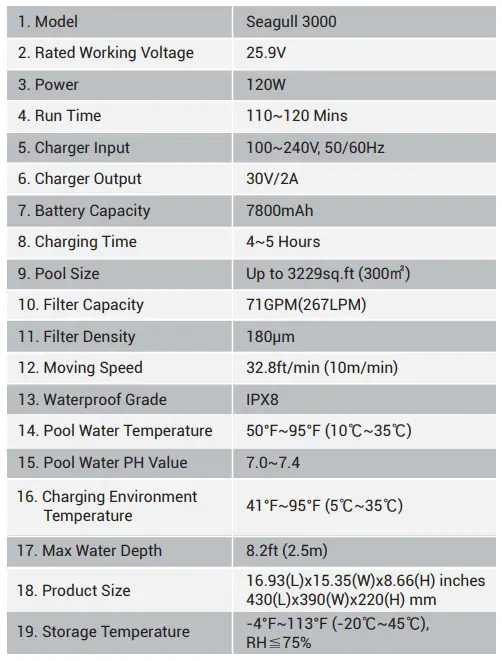
- Due to the limitation of battery capacity, the cleaner is only suitable for swimming pools with size up to 3229 sq.ft (300㎡); otherwise the clean ing effect will be affected.
- If the cleaner needs to be stored for a long period of time, it should be charged every three months to maintain battery life between 40%-60%. Please use the original and authorized power adapter only. If the cleaner is not charged for a long time, the battery voltage will be lower than the overdischarge protection voltage due to the self-discharge of the battery, which may cause fatal damage.
- Do not use or store the cleaner near any heat source.
- Do not pierce the shell of the cleaner with nails or other sharp objects. Do not hammer, impact, or throw the cleaner.
- Make sure the charging socket is dried before charging.
Introduction
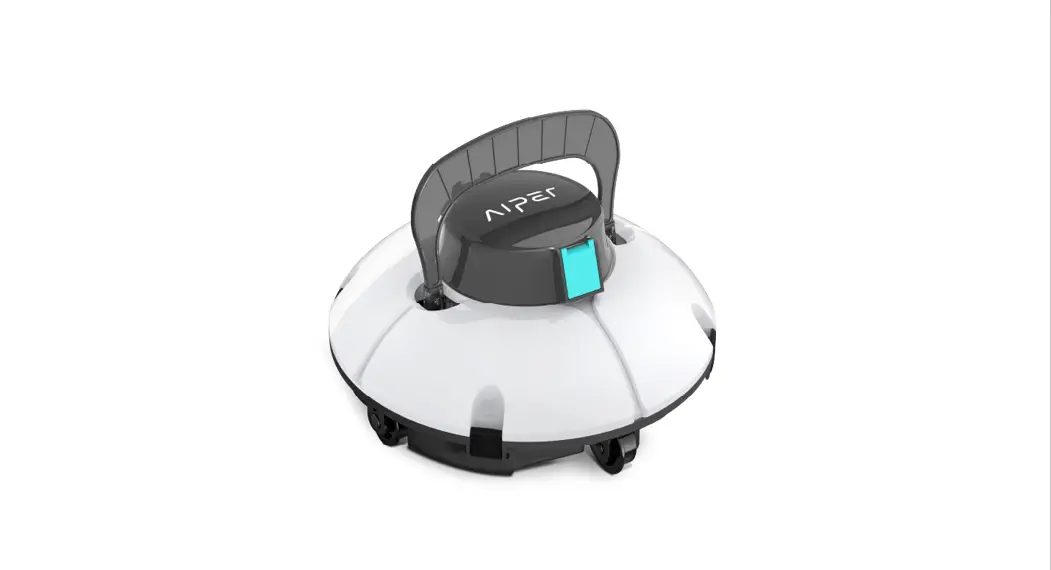
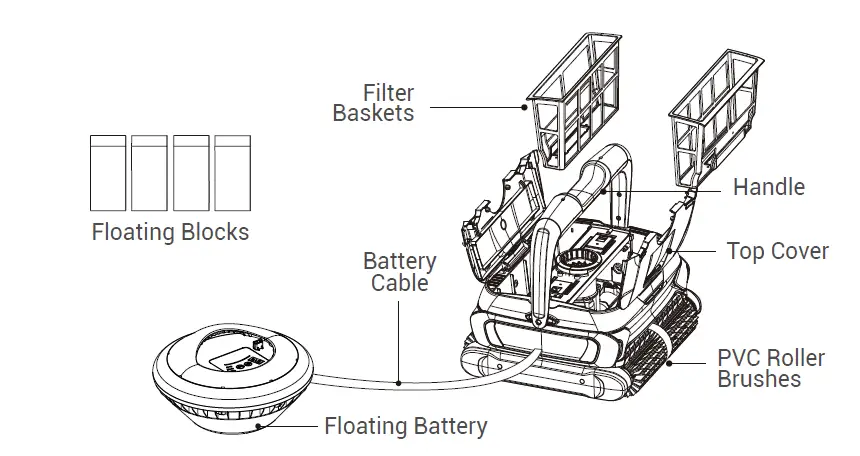
The robotic pool cleaner Seagull 3000 is a new type of highly efficient and energy-saving swimming pool cleaning robot. It cleans the pool walls and floor automatically without replacing the pool water. It’s totally environment-friendly.
Read this user manual carefully before use.
Structure
Specifications
Operations
Important Notes:
- Put the cleaner into or lift it out of the pool with the bottom towards the wall to avoid any possible scratches to the pool. Hold the top handle for putting it into the pool, then power on the cleaner (Make sure that the trapped air inside is emptied till no more air bubbles come out before powering on).

- The cleaner will automatically sub-stop alongside the pool wall once the battery is low or completing a working cycle. Hold the top handle for removing it from the pool for charging. NEVER pull the cable.

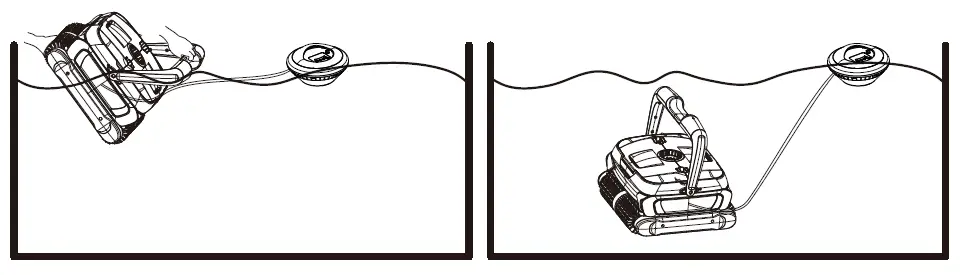
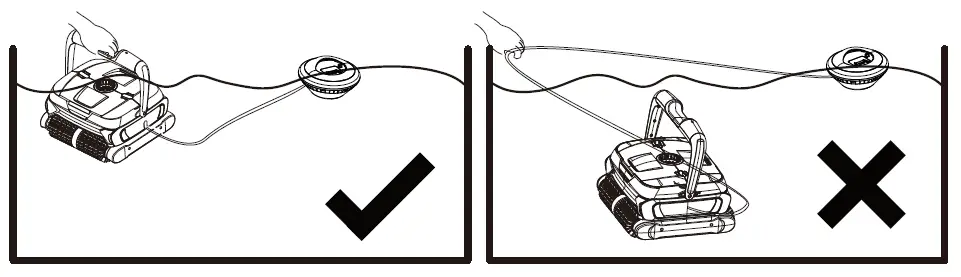
Notes:
- The cleaner will not climb walls if the battery level is under 15%;
- It is better to take out the filter trays first and then remove the cleaner from the pool.
Operation Panel Instructions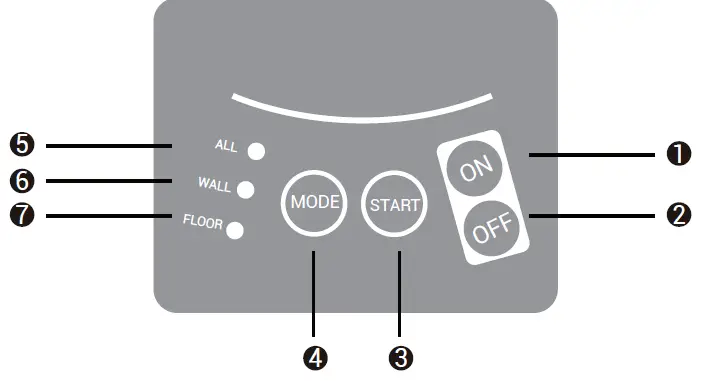
Instructions for Buttons and Indicators
| Item | Sign | Instruction | Description |
| 1 | ON | Power ON | Press ON button, the cleaner is powered on. |
| 2 | OFF | Power OFF | Press OFF button, the cleaner is powered off. |
|
3 |
START |
Start to Work | Press this button, the cleaner will start to work automatically according to the selected cleaning mode, and the corresponding mode indicator will start to flash with the frequency of once per second. |
|
4 |
MODE | Cleaning Mode Selection | The user can select the corresponding cleaning mode as required. |
| ALL | To clean pool floor, walls and water line (once floor once wall) | ||
| WALL | To clean the pool walls only | ||
| FLOOR | To clean the pool floor only | ||
| ALL+FLOOR | To clean the pool floor three times and pool wall once |
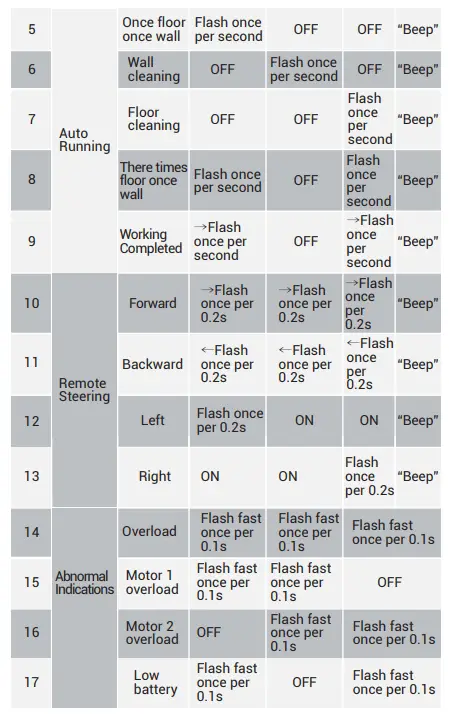
Panel Light Indicators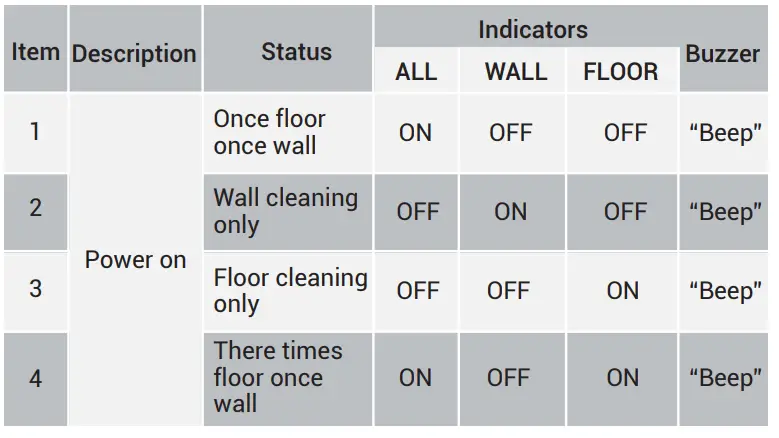

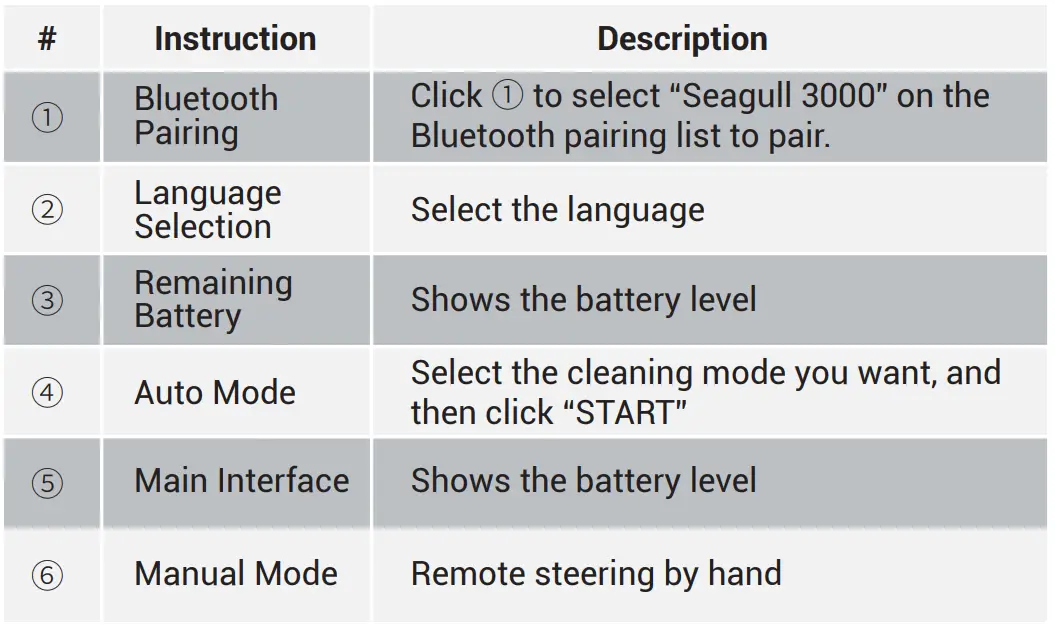
App
DOWNLOAD THE APP: Please search “AIPER” on App Store or Google Play to download the App.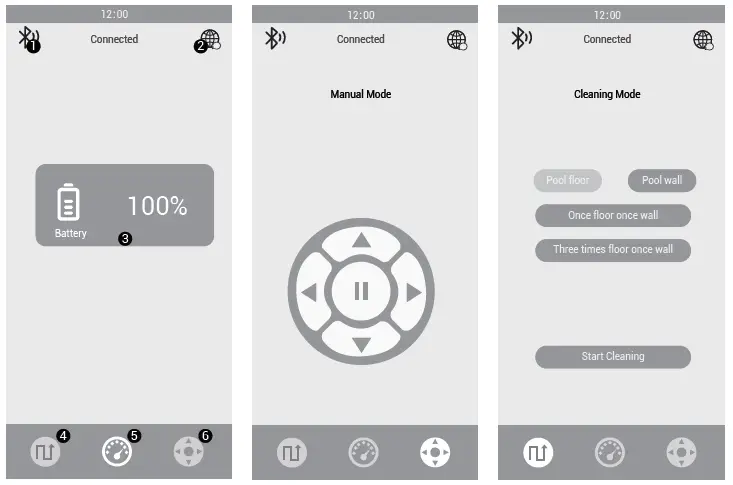
Notes
- If the Bluetooth is disconnected, please do the Bluetooth pairing again by hand;
- During App operation, if you need to change the cleaning mode, please pause the current working status first and select the new mode, then start it. Otherwise, the cleaning mode won’t change;
- During App operation, if the Bluetooth is disconnected, the cleaner will follow the last cleaning direction till low battery warning.
- During App operation, if the cleaner is taken out of the water and back to the pool, click the pause icon on the App to re-activate the machine (The cleaner is under power-on status).
- During App operation, if the cleaning mode changes, the cleaning mode LED light will change as well.
Charging
Please turn off the cleaner till no indicators flash and charge it out of the pool. Please charge it indoors.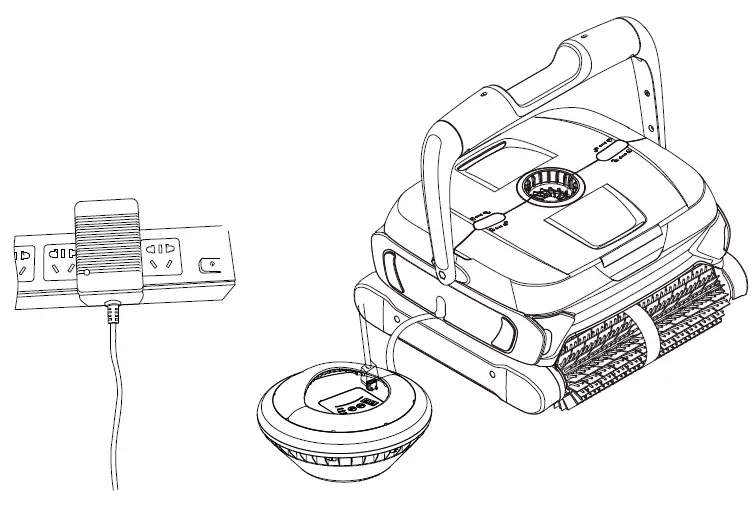
IMPORTANT NOTE: After each use, wipe and dry the charging pin with a paper towel or cotton swab. Wait for a few minutes to let the moisture dry out before charging.
Charger Indicators
Red light stays on: the battery is being charged. Green light stays on:
- The charger is not plugged to the cleaner;
- The charging is completed.
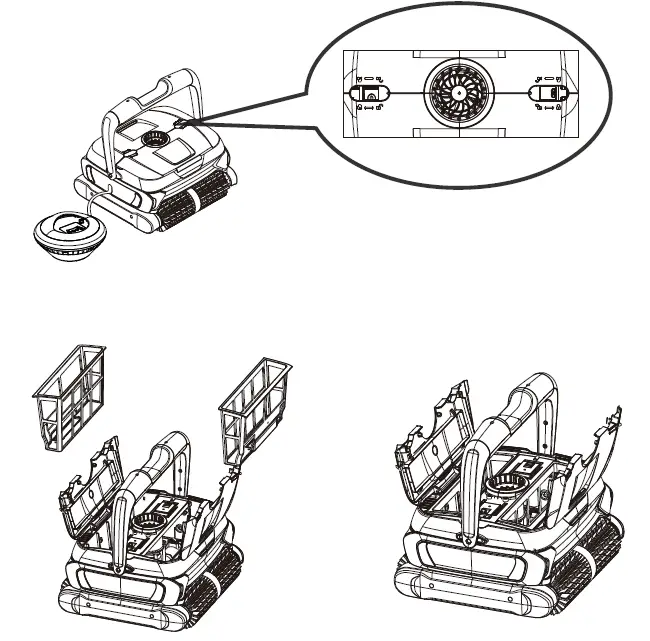
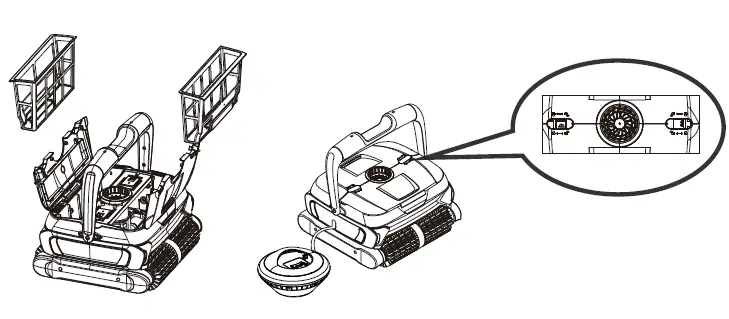
- Slide the two clips according to the indications on the top cover to open it and take out the filters.

- Re-install the filters, pay attention to the right position and slide the two clips to close the top cover.

Installation of Foam Floating Blocks
Attention: If your robot is performing well, please ignore these instructions.
The following illustration is limited to the use of white foam blocks to increase coverage when the cleaning machine cannot completely clean and cover the pool area and climb walls well. Stick the two foams on the internal surface of the top cover (see the picture below). Make sure the two foams are in the middle part of the top cover.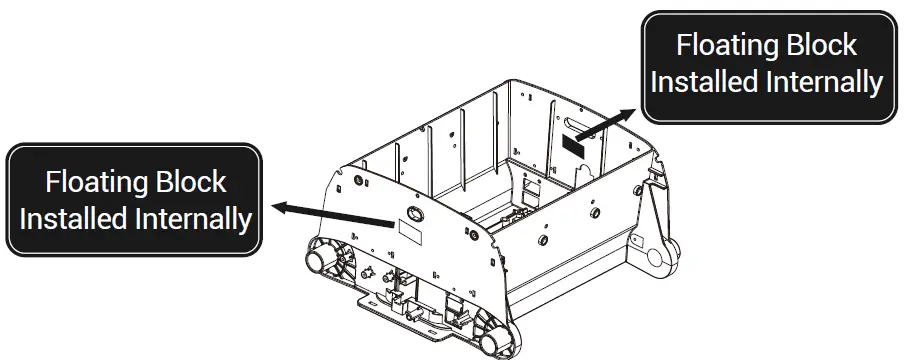
Trouble Shooting
Remark: The pool water condition must be within the following parameters:
- PH: 7.0 —7.4
- Salt: Max 5,000 ppm
- Temperature: 10°C(50°F) to 35°C(95°F)
- Chlorine: Max 2 ppm
Issues Possible Causes Solutions There is algae on the pool Before using the cleaner, floor and it can’t be please clean the algae on cleaned since it floats the floor or walls in case easily after the machine it floats when the machine passes by passes by The robot does not reach all pool areas The pool shape is not regular
The ideal pool shapes are ROUND, OVAL, RECTANGULAR, KIDNEY-LIKE. Please place the robot on the area that
needs specific cleaning The pool filter system Turn off the pool filter and pump are running system and pump The robot does not climb walls
The filter baskets need to be cleaned
Clean and wash the filter baskets
The PVC rollers are worn or consumed too much Replace new rollers The pool wall radian is too big or the surface is too slippy. It doesn’t work for too curved or slippy walls. The robot does not work
The battery is low Recharge the battery The robot is damaged during transportation Contact the customer service Electric Fault Contact the customer service The cleaner gets blocked Contact the customer service It just sits at the bottom of the pool and won’t move after several passes
1.The battery is low; 2.There is a blockage
in the filter baskets;
3.The belt is broken;
If the belt is fine, there should be wrong with the motor, please contact the customer service.
1. Recharge the battery; 2. Clean up the filter baskets and restart the machine; Replace the belts. (Note: Please don’t use the cleaner immediately after spraying pool chemicals, otherwise it will break belts easily)
It spends all its time in the deep area without visiting the shallow area The pool shape is not regular like ROUND/ OVAL/RECTANGULAR
Paste the included floating blocks on the shell surface (refer to 4.6 on the manual) to widen the cleaning coverage
The cleaner can’t be connected with the App The Bluetooth function is not enabled on the phone.
Enable the Bluetooth permission and location permission once the app is turned on
Packing List
| Item | Description | Name | Model | QTY (pc) | |
| 1 | Cleaner | Seagull 3000 | 1 | ||
| 2 | Charger | 1 | |||
| Cordless | |||||
| 3 | Robotic Pool | User Manual | 1 | ||
| Cleaner | |||||
| 4 | Floating Battery with 9.84ft(3m) | 1 | |||
| Cable | |||||
| 5 | Floating Blocks | 4 |
Warranty
This product has passed all quality control and safety tests, conducted by the technical department of the factory.
Warranty Information
- The warranty is covered for 24 months (only for battery and motor) from the date of its original purchase.
- This warranty is voided if the product has been altered, misused, or has been repaired by unauthorized personnels.
- The warranty extends only to manufacturing defects and does not cover any damage resulting from mishandling of the product by the owner.
- The order number or record must be presented for any claim or repair during the warranty period.
Aiper Customer Service:
- US Toll Free: 1-866-850-0666
- Email: [email protected]
- Facebook: @AiperOfficial
 Aiper | The World's Best Cordless Robotic Pool Cleaner