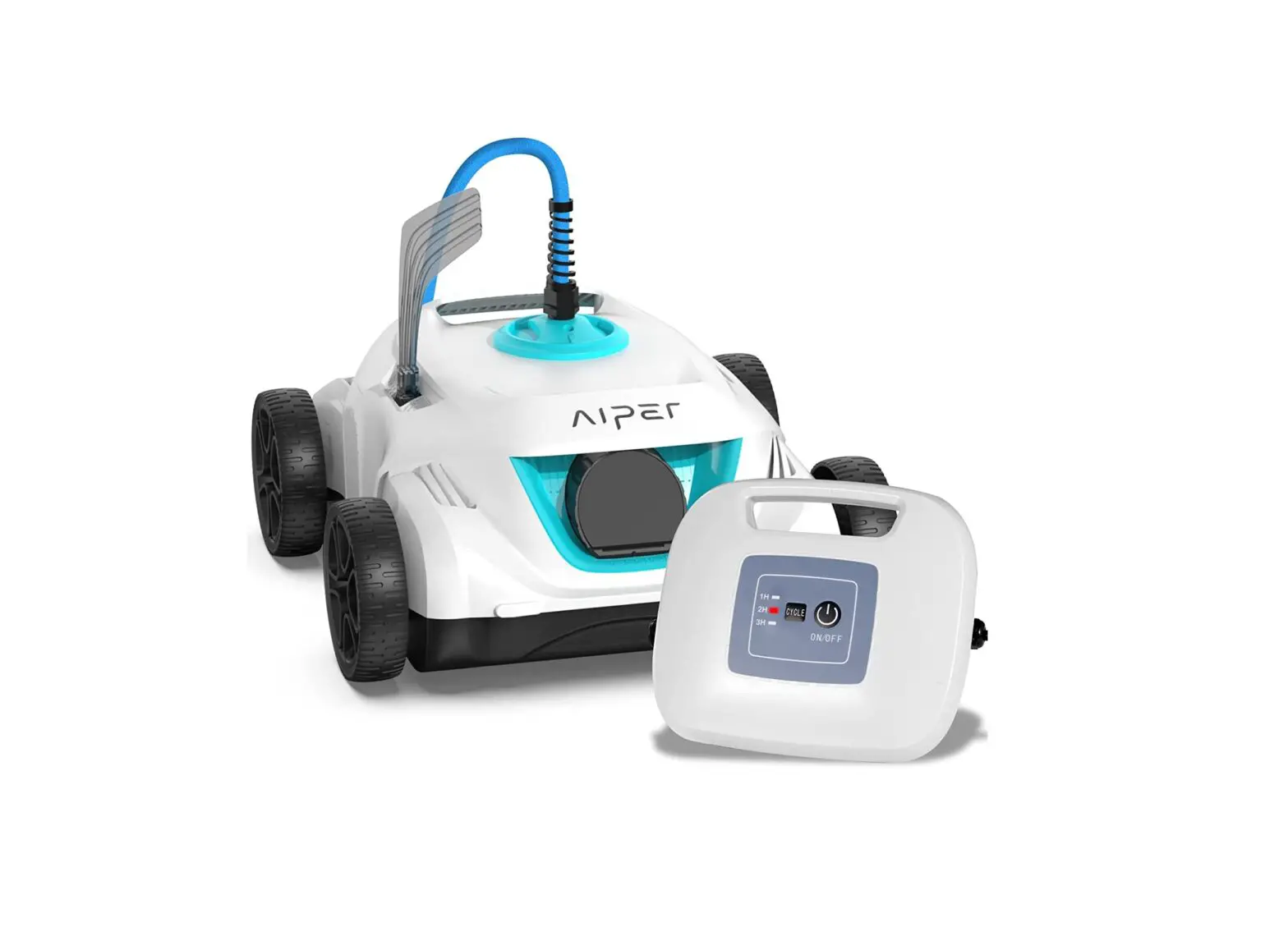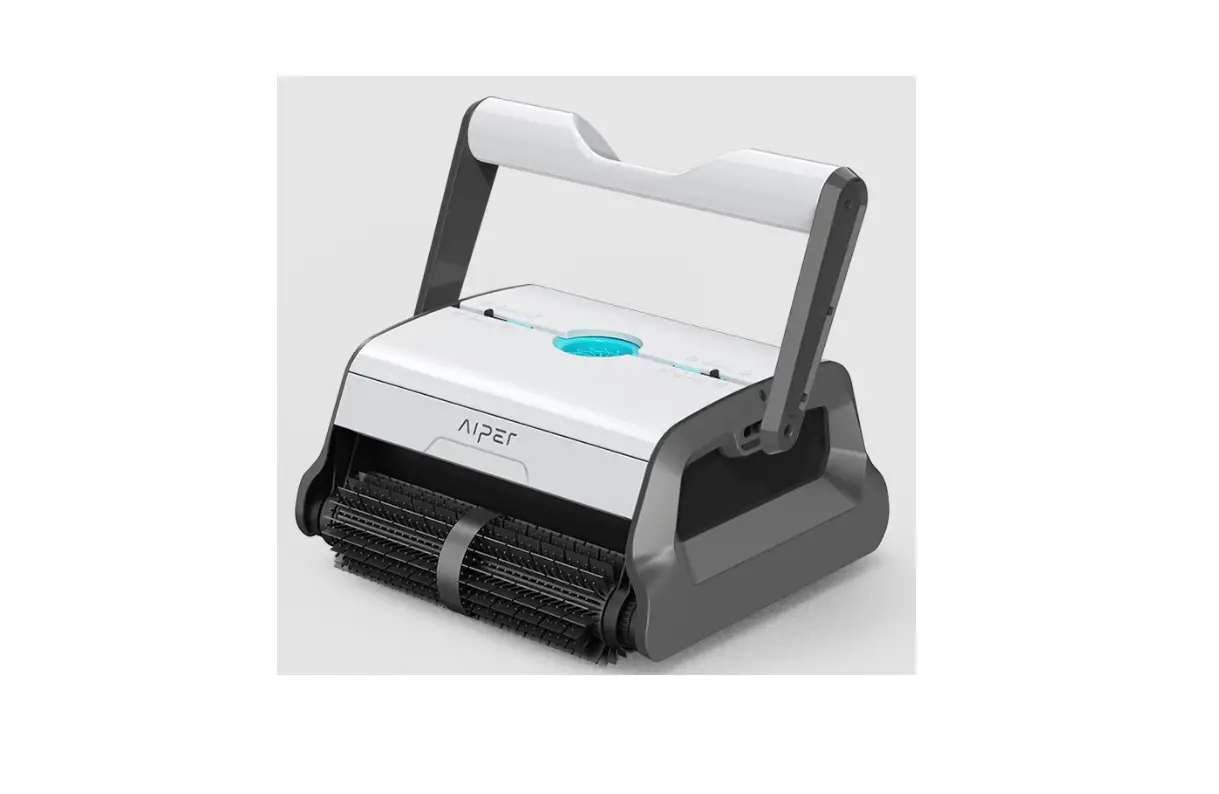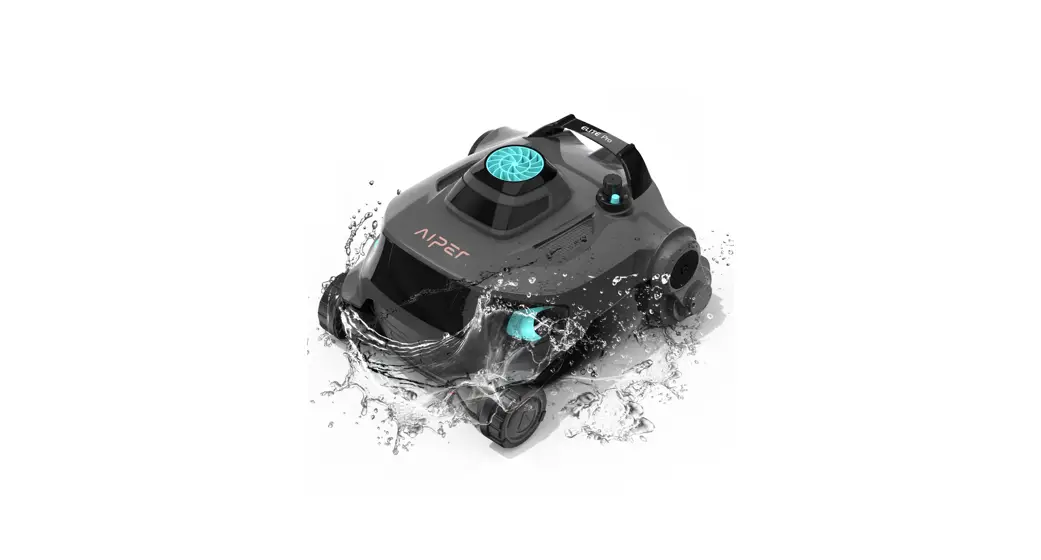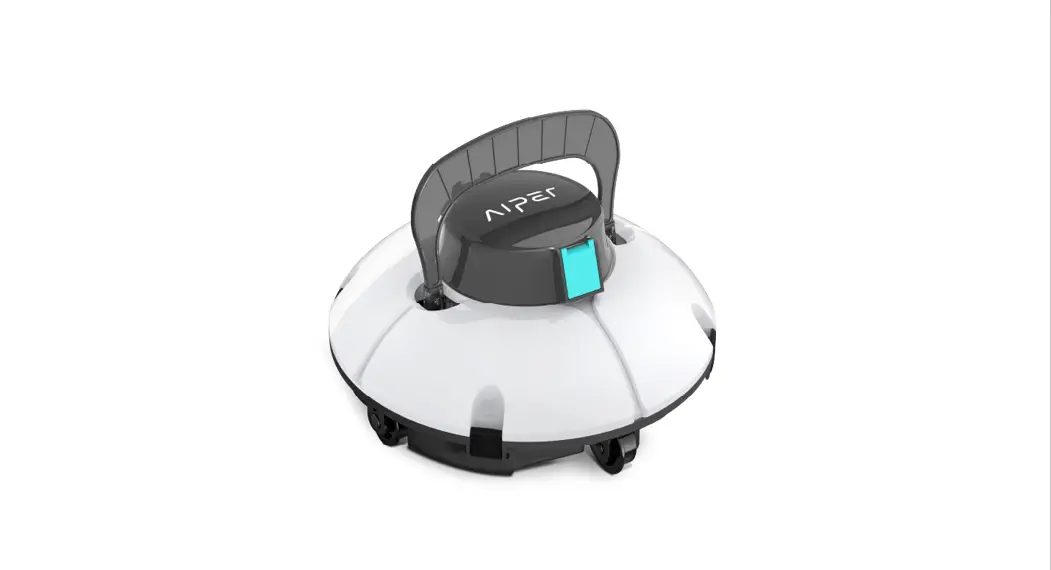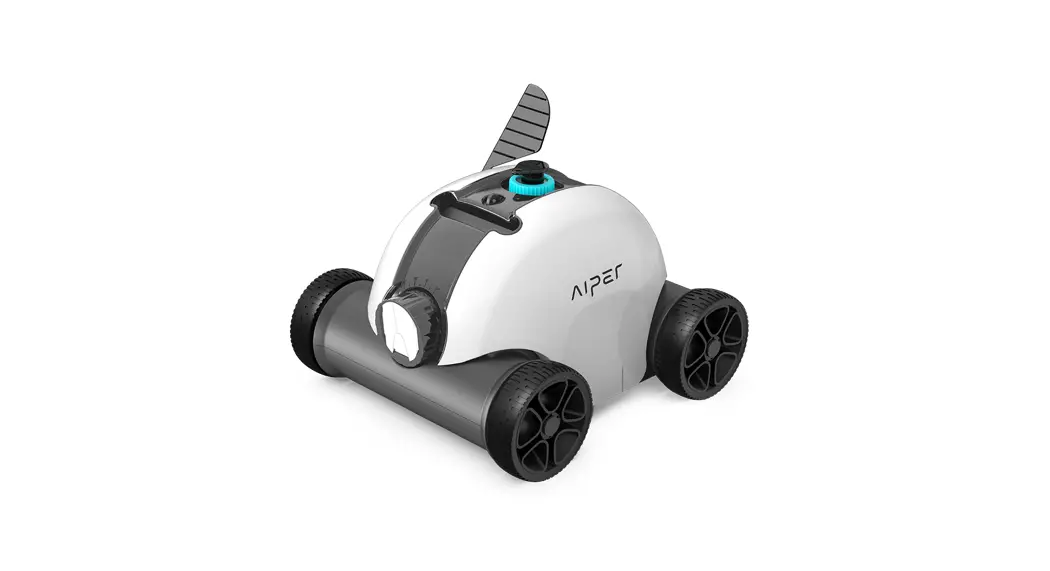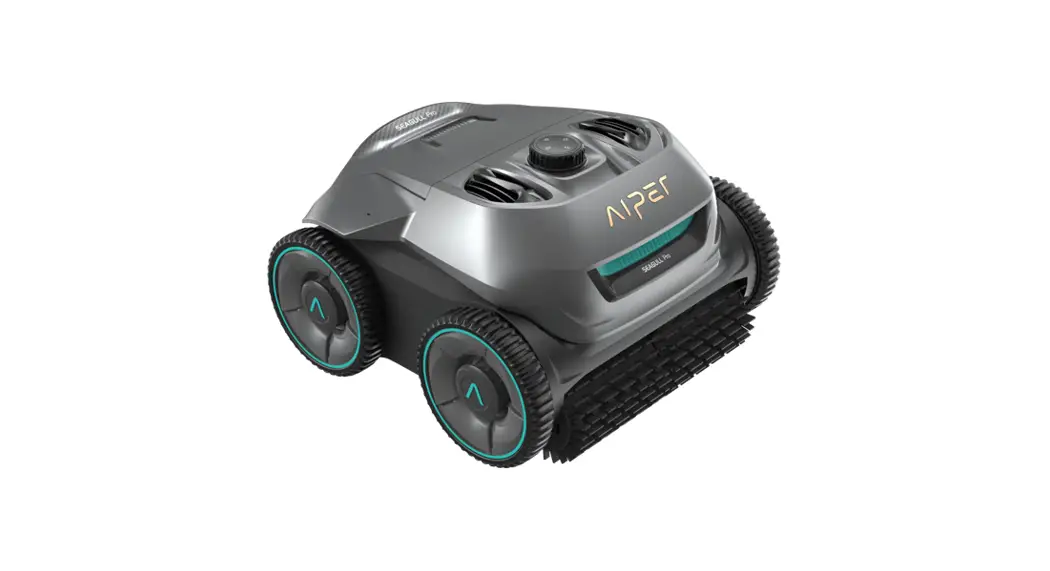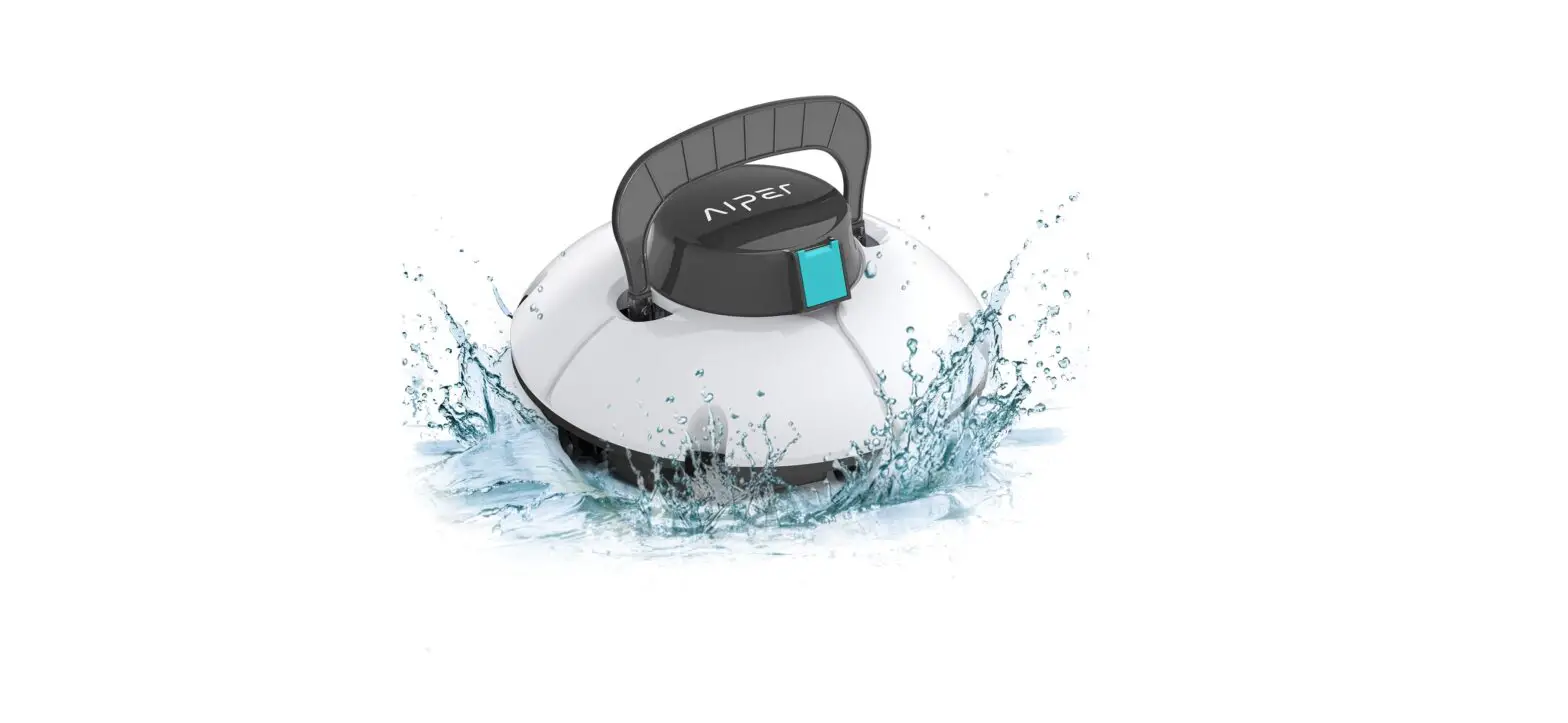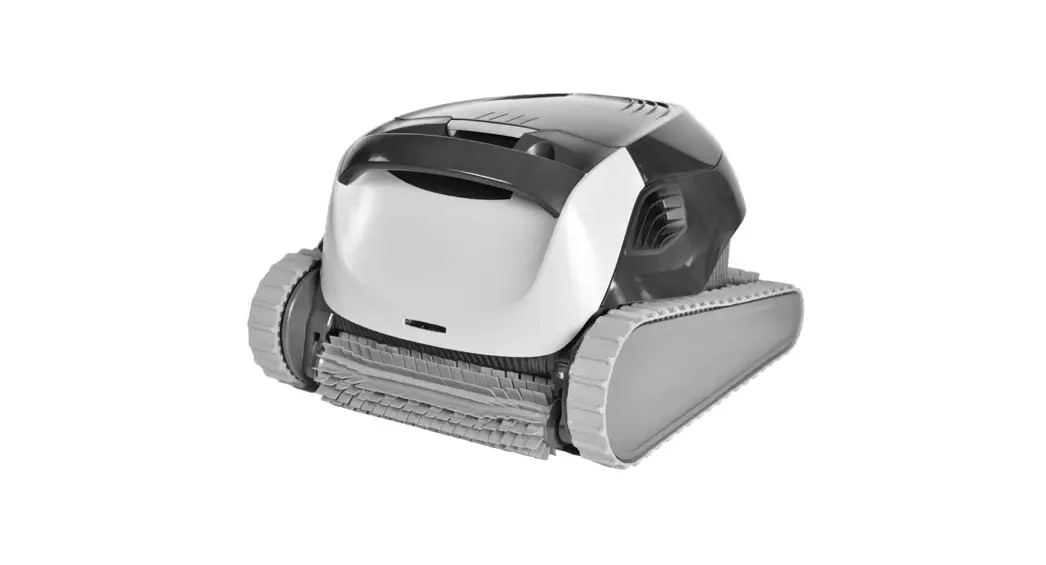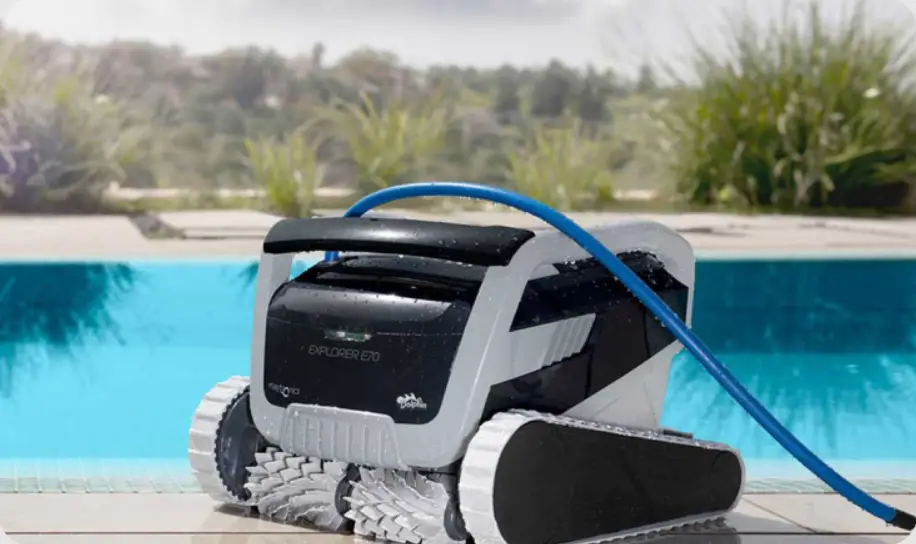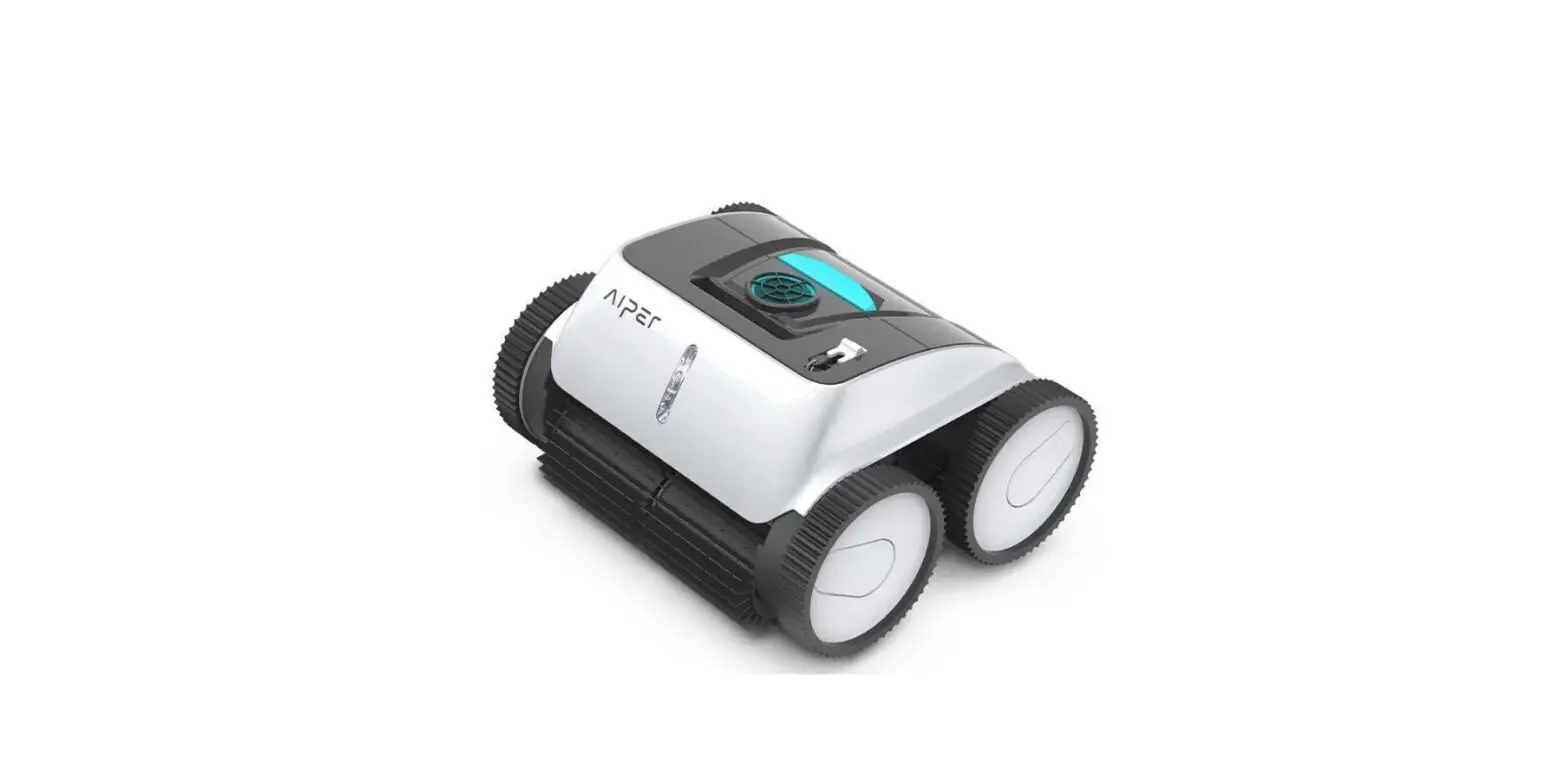

AIPER Orca 1200 Pro Robotic Pool Cleaner
Preface
Thank you for choosing Aiper robotic pool cleaner.
You have joined millions of people to enjoy the convenience of robotic pool cleaning.
This user manual helps you to keep your robot performing at its best. Please take a few moments to read through it.
If you have any questions, please contact our customer service for assistance or visit www.aiper.com for more information.
Aiper Customer Service
Customer Service Number: US Toll Free: 1-866-850-0666
Email: [email protected]
Facebook: @AiperOfficial
Important Precautions
- Read the manual carefully, and use the cleaner according to the manual. We are not liable for any losses or injuries caused by improper use.
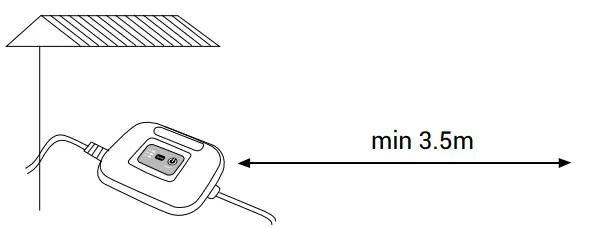
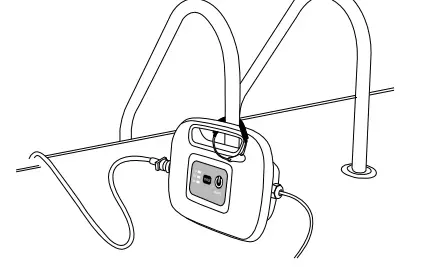
- To avoid any accidents/damages, it is strongly recommended to fix the power supply unit 11.5ft (3.5m) away from the swimming pool by using the included safety rope.
- To prevent severe damages to the cleaner, never power on the unit when it is outside of the swimming pool.
- The power cord must be connected to an appropriate earthed socket and the power connector must be plugged in tightly.
- Hold the top handle when putting the cleaner into water or lifting out of the water, do not pull the cable. Before powering on, make sure to empty the trapped air inside the cleaner (no more air bubbles come from the cleaner and the cleaner is fully submersed on the pool floor).
- Before powering on, make sure the filter baskets are assembled in position and the cord is fully released to avoid any winding, which could affect the cleaner’s performance or cause damages.
- Please clean and wash the filter baskets every time after use.
- The cleaner should be stored in a cool and ventilated place, away from direct sunlight when it’s not in use.
- The power supply unit should be placed at a shaded area during working. To avoid overheating and potential damages of components, never cover the power supply unit during working.
- Only authorized after-sales service personnels can open the cleaner’s power supply unit and motor assembly, otherwise the warranty will be invalidated.
- Do not use the cleaner beyond the working environment/conditions stated in this manual.
- Make sure the PH value of the pool water is between 7.0~7.4.
- This machine is to clean the pool only not for other purposes.
- Do not use the cleaner immediately after spraying the pool chemicals and do not use the cleaner as a dosing machine, which will damage and corrode the belts.
- Do not operate the cleaner when there are people or animals in the pool.
- Take the cleaner out of the swimming pool after use. If the cleaner is immersed in the water for a long time, there will be micro organisms produced.
- The cord should be untwisted and wrapped properly after use.
- Use the original adapter only for the control box kit.
- Do not operate the cleaner while pool filter is running.
- Do not allow children to ride on the cleaner or play with it.
Introduction
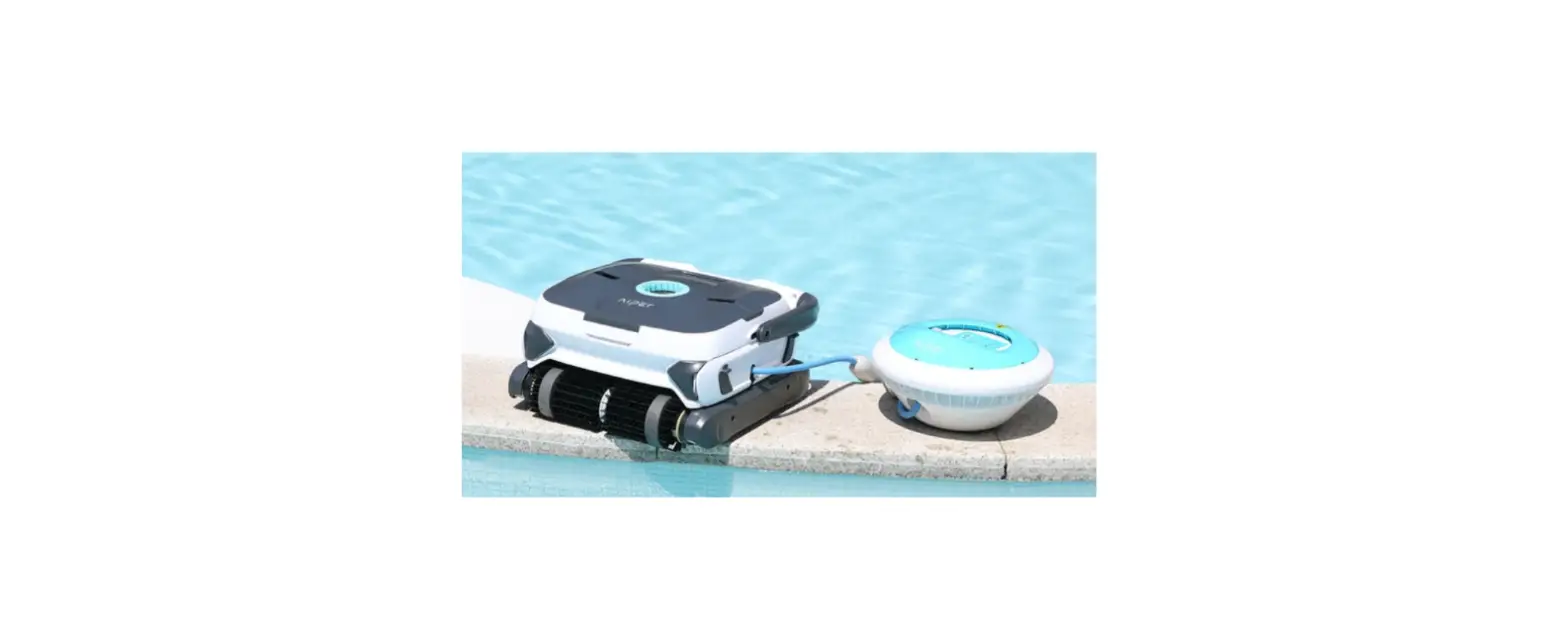
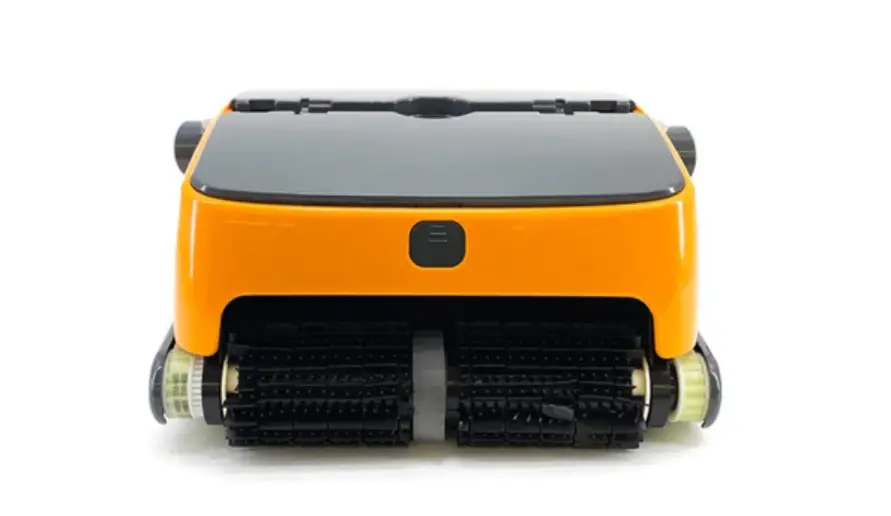
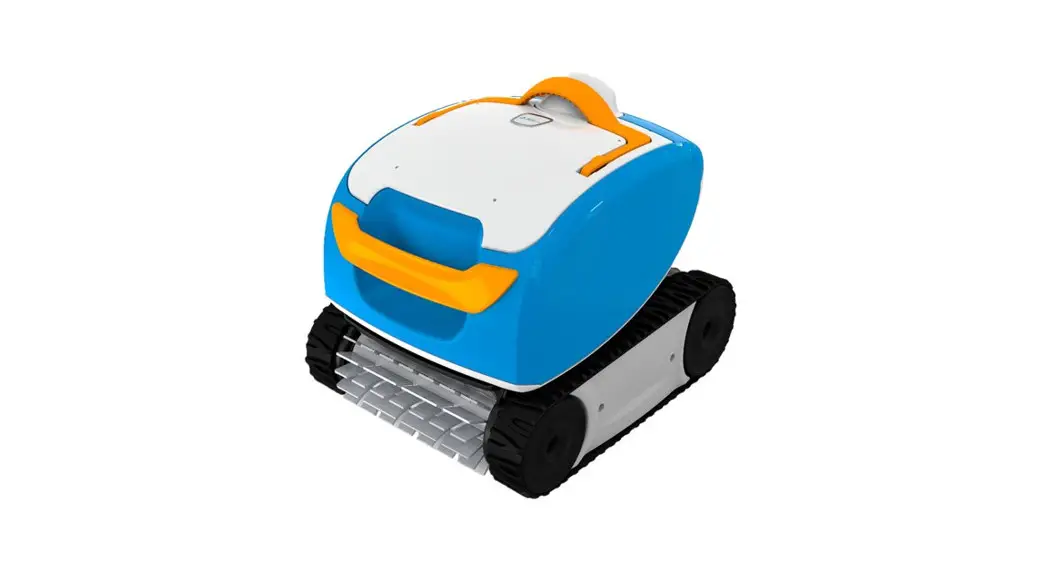
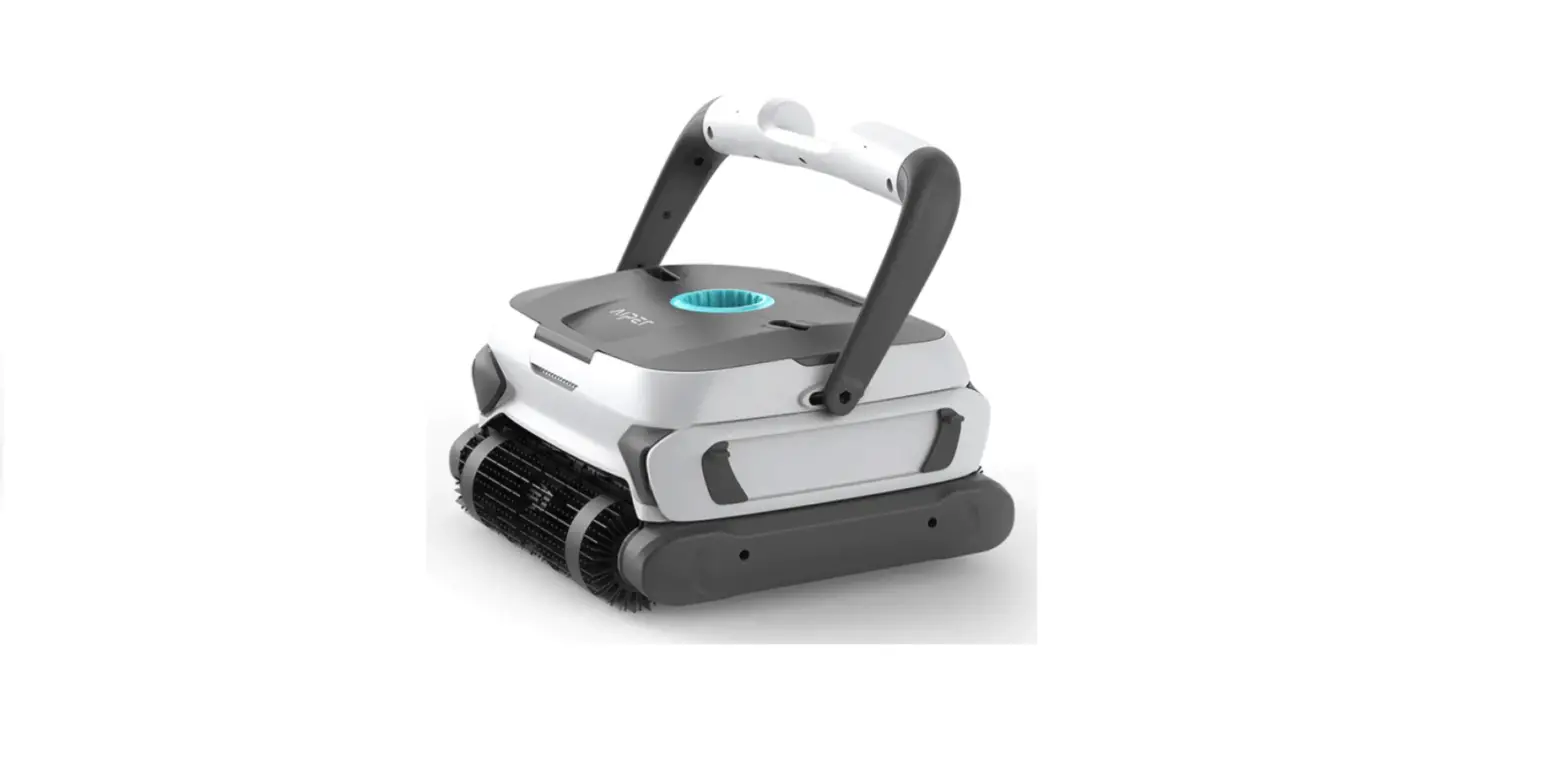
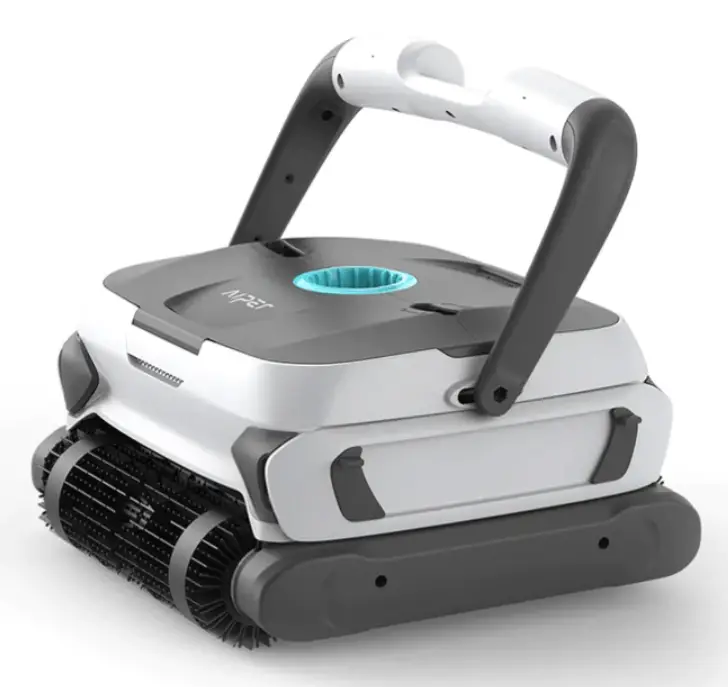
The robotic pool cleaner Orca 1200 Pro is a new type of highly efficient and energy-saving swimming pool cleaning robot. Through its advanced computer-controlled program, it can clean the pool walls and floor automatically. With triple motors, it can automatically swerve for wider cleaning coverage. At the same time, it filters the pool water and gets rid of suspended particles without replacing the pool water. It’s totally environmental-friendly.
Read the user manual carefully before use.
Structure
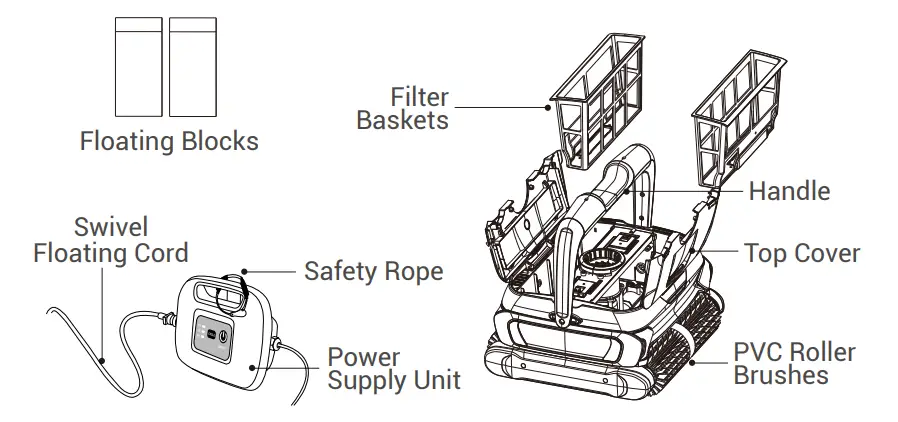
Specifications
| 1. Model | Orca 1200 Pro |
| 2. Rated Input Voltage | 110V~120V, 60Hz |
| 3. Rated Working Voltage | DC 28V |
| 4. Power | 150W |
| 5. Optional Working Cycles | 1H/2H/3H |
| 6. Pool Size | Up to 50ft (15m) |
| 7. Filter Capacity | 71GPM(267LPM) |
| 8. Filter Density | 180μm |
| 9. Moving Speed | 32.8ft/min (10m/min) |
| 10. Waterproof Grade | IPX8 for the cleaner; IPX5 for the power supply unit |
| 11. Pool Water Temperature | 50°F~95°F (10℃~35℃) |
| 12. Pool Water PH Value | 7.0~7.4 |
| 13. Max Water Depth | 8.2ft (2.5m) |
| 14. Product Size | 16.93(L)x15.35(W)x8.66(H) inches 430(L)x390(W)x220(H) mm |
| 15. Storage Temperature | -4°F~113°F (-20℃~45℃), RH≦75% |
Operations
Attentions:
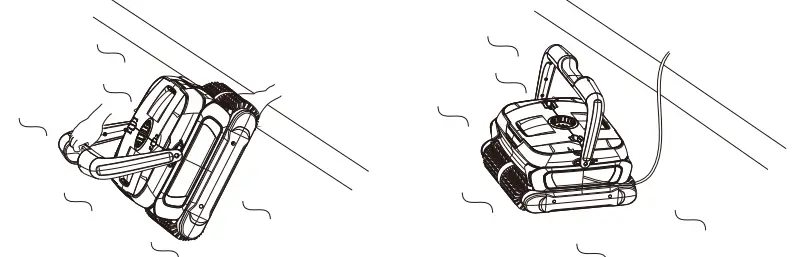
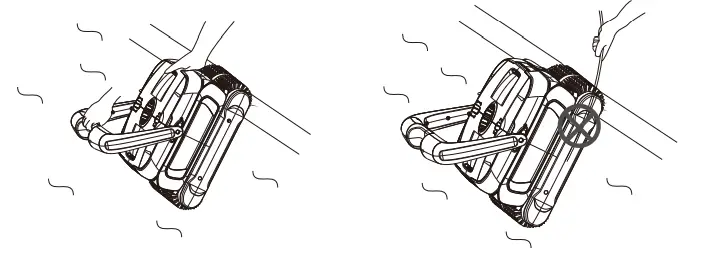
- When putting the cleaner into the water, please hold the top handle and make sure to empty the trapped air inside. Now, the cleaner can be immersed to the pool floor.

- When pulling the cleaner out of the water, suspend the cleaner on the water for about 10-15 seconds to empty the water inside. Please hold the top handle only; never pull the cable.

- The power supply unit has to be placed in a proper position to reach the distal end of the pool, at least 11.5ft (3.5m) away from the pool edge.

- Please use the included safety rope to fix the power supply unit in case it drops into the pool.

Control Panel and Indicator Instructions
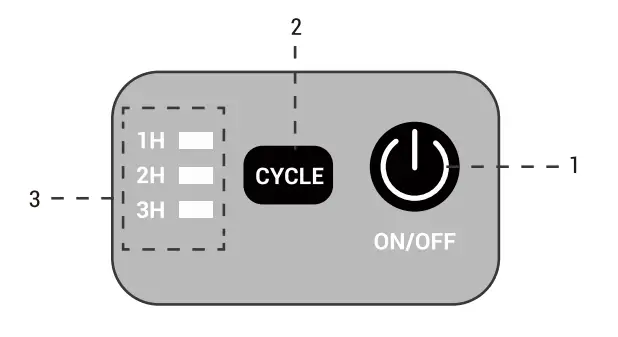
| No. | Sign | Instruction | Function description | ||
|
1 |
ON/OFF |
Power on/off | Press this button, the cleaner is power-on. | ||
| Press a second time, the cleaner is off. | |||||
|
2 |
CYCLE | 1H | The cleaner runs for 1 hour | ||
| 2H | The cleaner runs for 2 hours | ||||
| 3H | The cleaner runs for 3 hours | ||||
|
3 |
Indicator | Indicates the working cycle and fault warning | |||
|
Working status | 1H, 2H and 3H flash together | Working cycle completed | |||
| “1H” flashes slowly | Cleaner running for 1 hour | ||||
| “2H” flashes slowly | Cleaner running for 2 hours | ||||
| “3H” flashes slowly | Cleaner running for 3 hours | ||||
| Status | Cause | Suggestion | |||
| Stop the | |||||
| 3 | Indicator | Abnormal Indication | 1H and 3H flash together with a warning sound | Power Supply Overloading | cleaner and check if anything is blocked in the impeller or in the transmission |
| system |
FiIter Cleaning
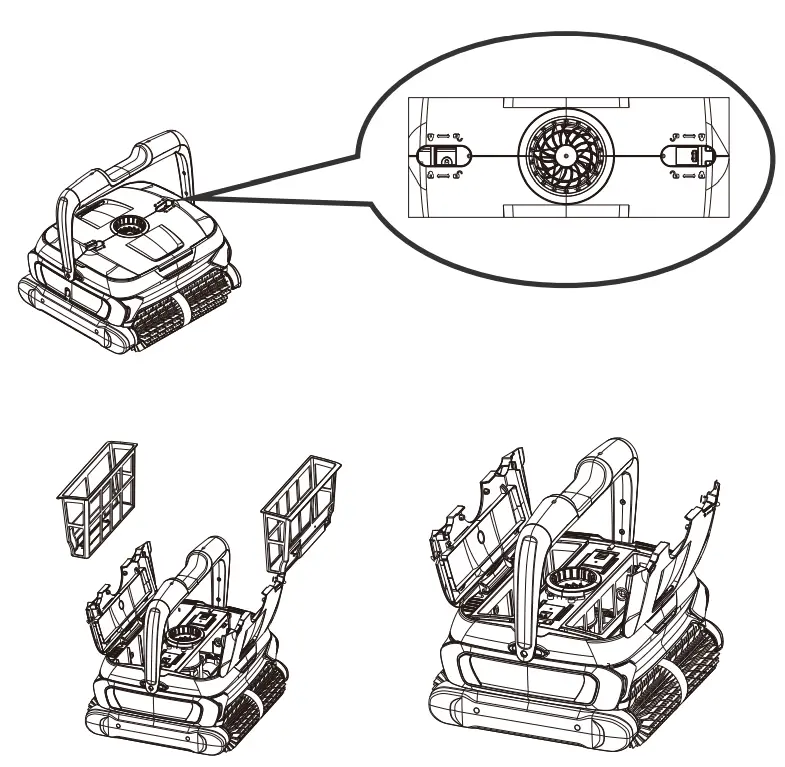
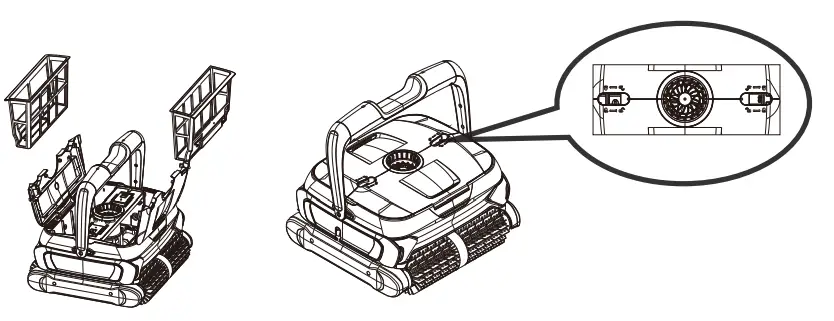
- A. Slide the two clips according to the indications on the top cover to open it and take out the filters.

- B. Clean and wash the filter baskets.

- Re-install the filters, pay attention to the right position and slide the two clips to close the top cover.

Installation of Foam Floating Blocks
Attention: If your robot is performing well, please ignore these instructions.
The following illustration is limited to the use of white foam blocks to increase coverage when the cleaning machine cannot completely clean and cover the pool area.
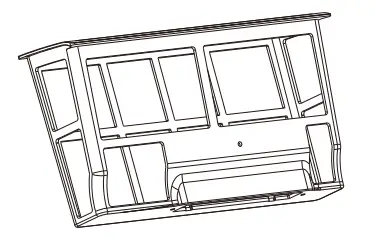
Stick the two foams on the internal surface of the top cover (see the picture below). Make sure the two foams are in the middle part of the top cover.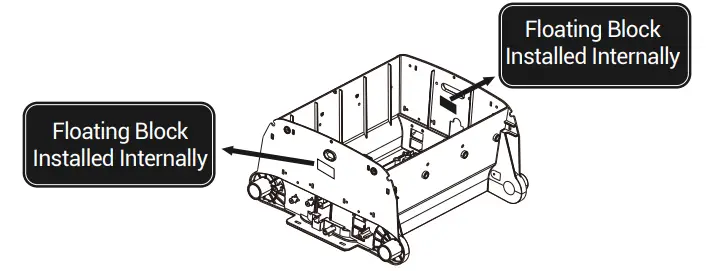
Trouble Shooting
Remark: The pool water condition must be within the following parameters:
- PH: 7.0 —7.4
- Temperature: 10°C(50°F) to 35°C(95°F)
- Salt: Max 5,000 ppm
- Chlorine: Max 2 ppm
| Issues | Possible Causes | Solutions |
|
The cable twists or coils up | The cable is not fully released | Unplug the power cord and fully release the cable |
| Obstruction in the pool | Remove the obstruction | |
| Stuck on main drain outlet | Turn off the pool filter system | |
| Overtime working | Release the cable manually | |
|
The robot does not reach all pool areas | The power supply unit is improperly positioned | Place the power supply unit at a proper position to reach all pool areas |
| There is algae on the pool floor and it can’t be cleaned since it floats easily after the machine passes by | Before using the cleaner, please clean the algae on the floor or walls in case it floats when the machine passes by | |
|
The pool shape is not regular | The ideal pool shapes are ROUND, OVAL, RECTANGULAR, KIDNEY- LIKE. Please place the robot on the area that needs specific cleaning |
| The robot does not reach all pool areas | The pool filter system and pump are running | Turn off the pool filter system and pump | |
| The cable is not long enough in the pool | Release the cable | ||
| The robot does not climb walls | The filter baskets need to be cleaned | Clean and wash the filter baskets | |
| The PVC rollers are worn or consumed too much | Replace new rollers | ||
|
The robot does not work | The power cord is not plugged well | Plug the power cord tightly | |
| The robot is damaged during transportation | Contact the customer service | ||
| The cleaner does not match the local rated voltage | Contact the customer service | ||
| Electric Fault | Contact the customer service | ||
| The cleaner gets blocked | Contact the customer service | ||
|
It just sits at the bottom of the pool and won’t move after several passes | 1. Check if the LED indicators on the power supply unit flash. If yes, it’s probably because it has completed the scheduled 1H working cycle (default time); 2. There is a blockage in the filter baskets; 3. The belt is broken;If the belt is fine, there should be wrong with the motor, please contact the customer service. | 1. Reset the cleaning time to 1H/2H/3H; 2. Clean up the filter baskets and restart the machine; Replace the belts. (Note: Please don’t use the cleaner immediately after spraying pool chemicals, otherwise it will break belts easily) | |
| It spends all its time in the deep area without visiting the shallow area | The pool shape is not regular like ROUND/ OVAL/RECTANGULAR | Paste the included floating blocks on the shell surface (refer to 4.3 on the manual) to widen the cleaning coverage | |
Packing List
| Item | Name | Quantity (PC) | |
| Cleaner with 50ft Cable | 1 | ||
| Orca | Power Supply Unit | 1 | |
| User Manual | 1 | ||
| 1200 | |||
| Pro | Safety Rope | 1 | |
| Floating Blocks | 2 |
Warranty
- This product is covered by Aiper warranty for 24 months ( only for driving kit and control box kit) from the date of purchase. Consumable parts are beyond warranty including Belts/Filter baskets/Rollers/ Side covers.
- This warranty is voided if the product has been altered, misused, or has been repaired by unauthorized personnels.
- The warranty extends only to manufacturing defects and does not cover any damage resulting from mishandling of the product by the owner.
- The order number or record must be presented for any claim or repair during the warranty period.
Aiper Customer Service:
US Toll Free: 1-866-850-0666
Email: [email protected]
Facebook: @AiperOfficial