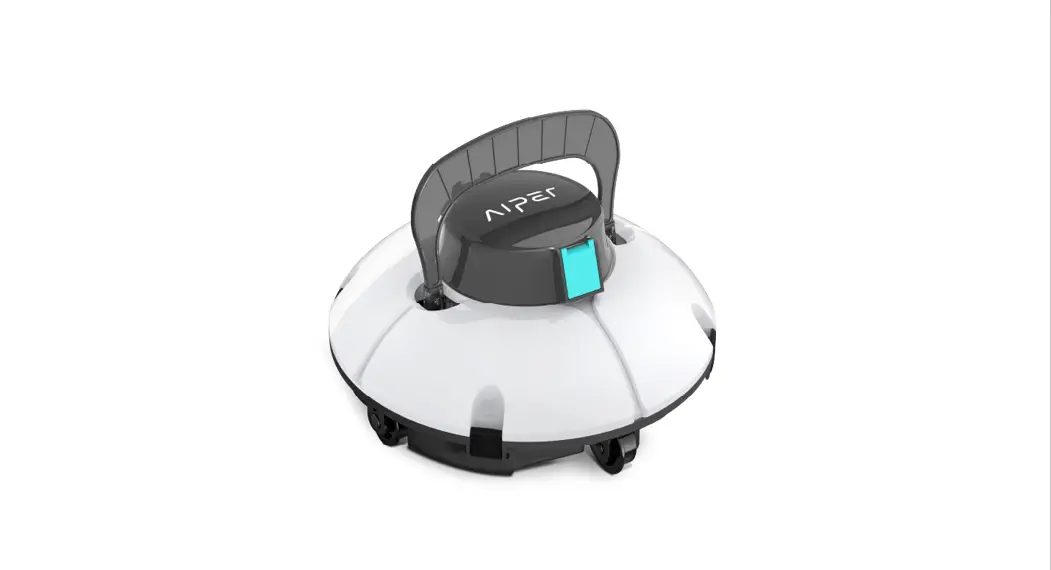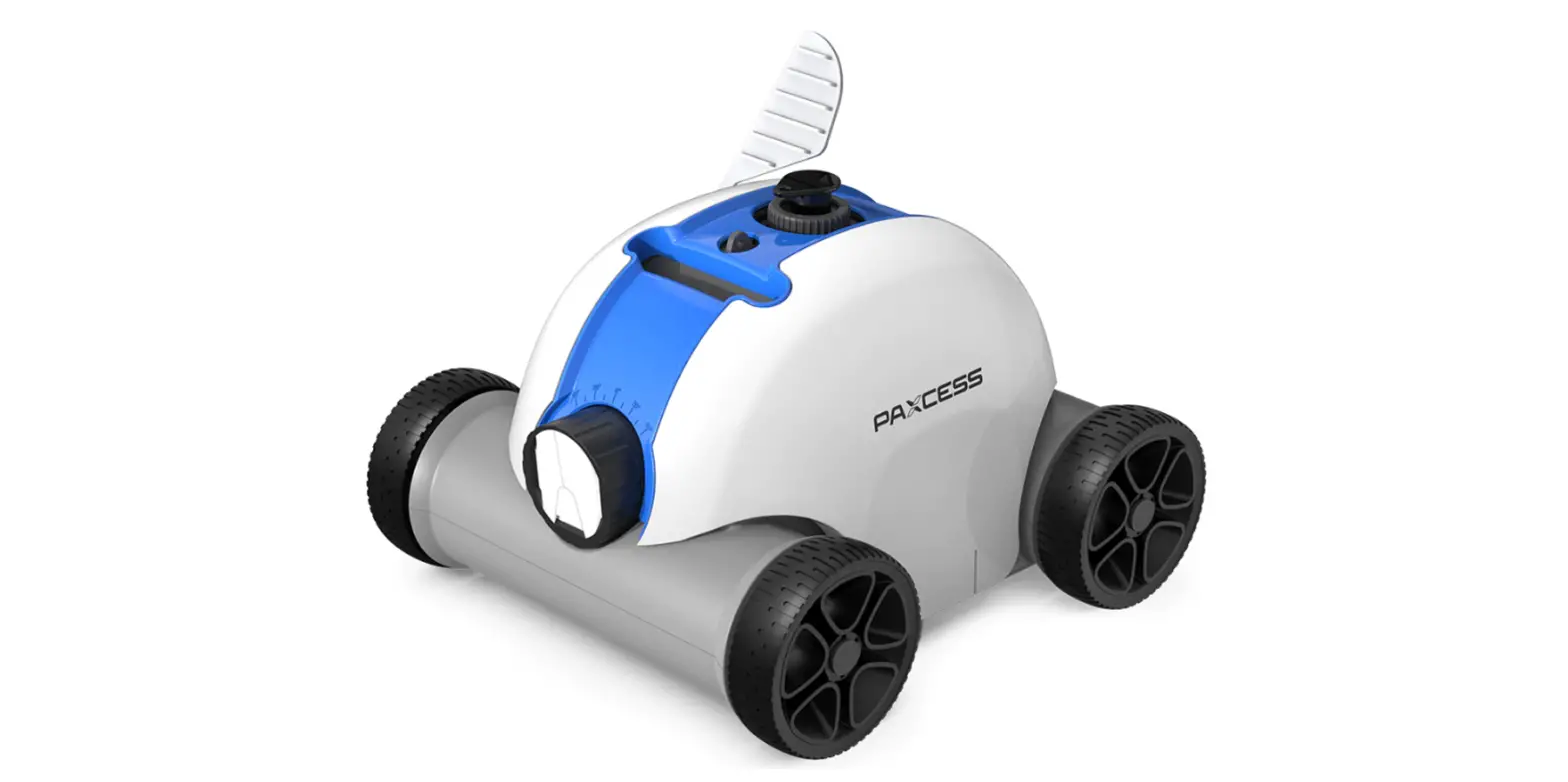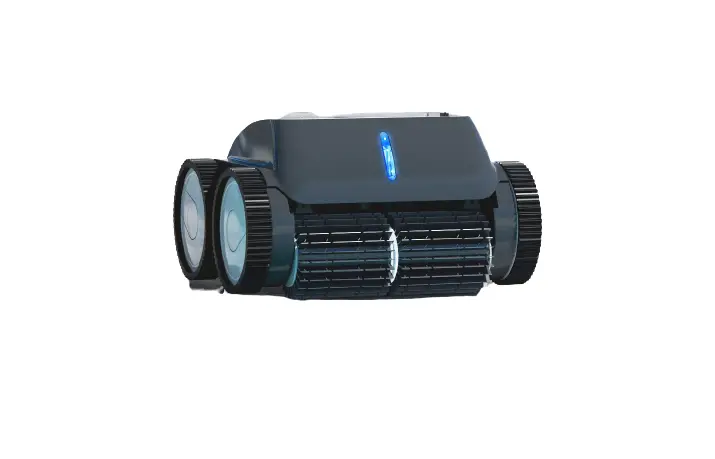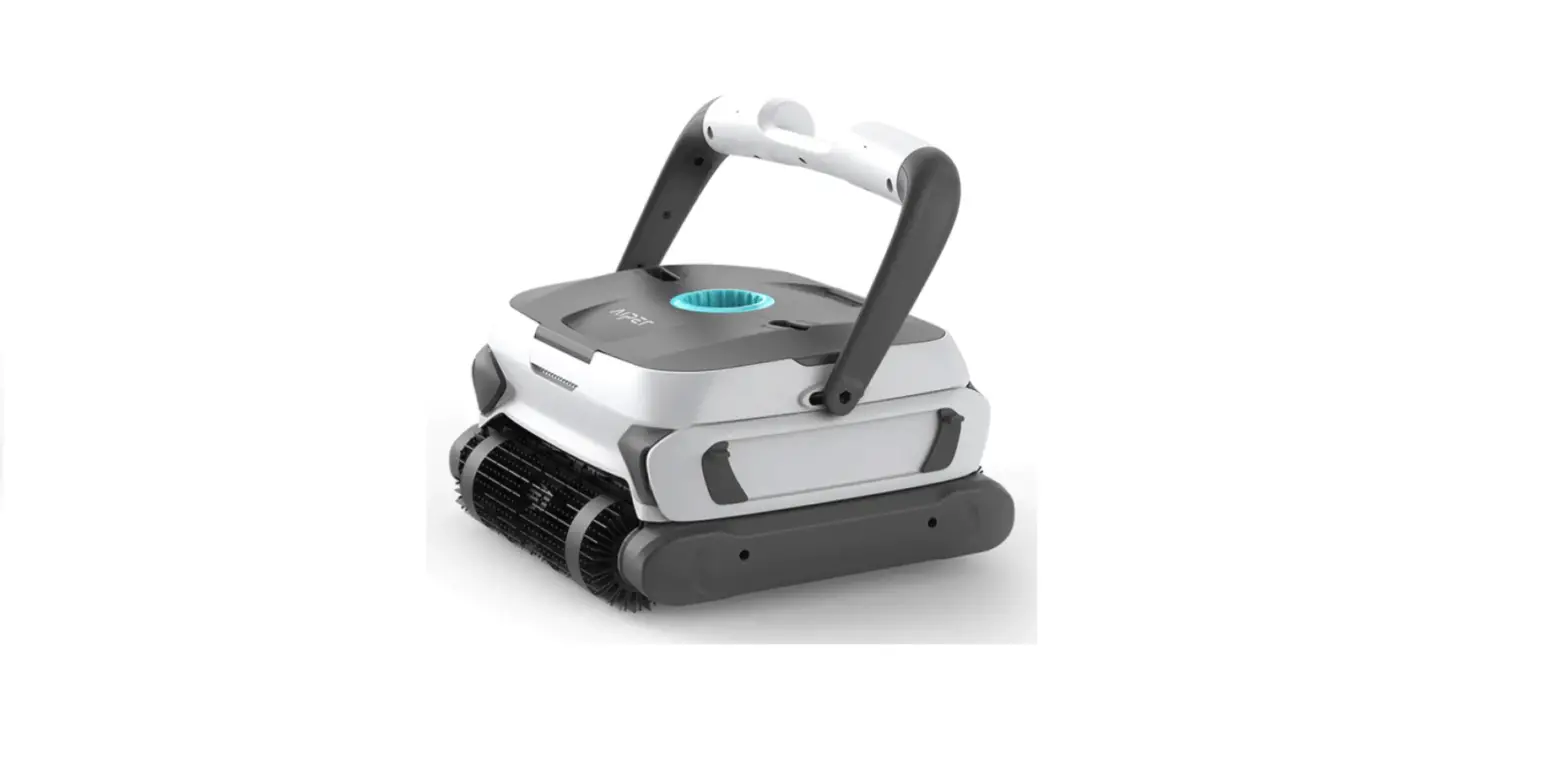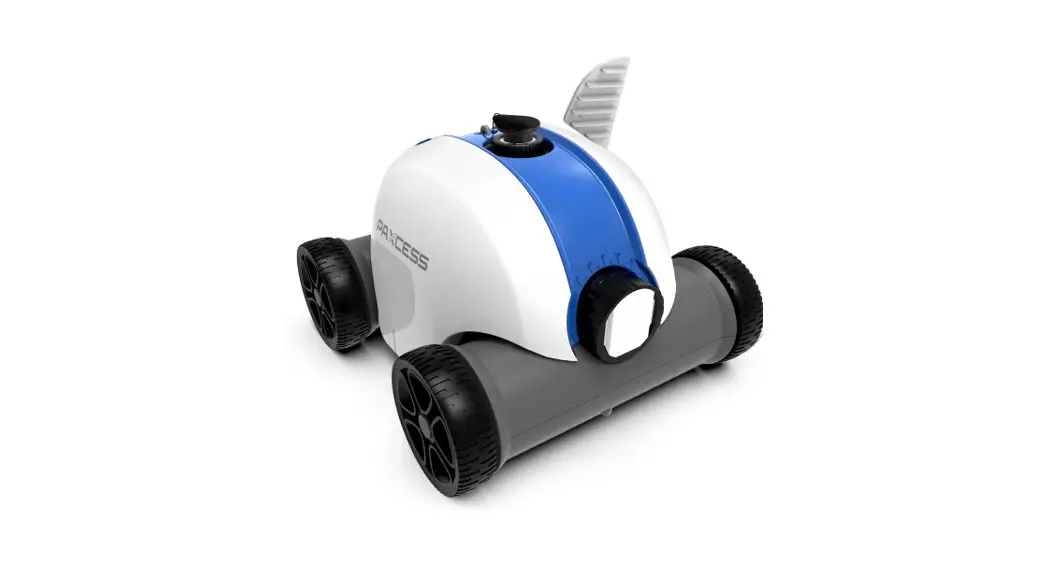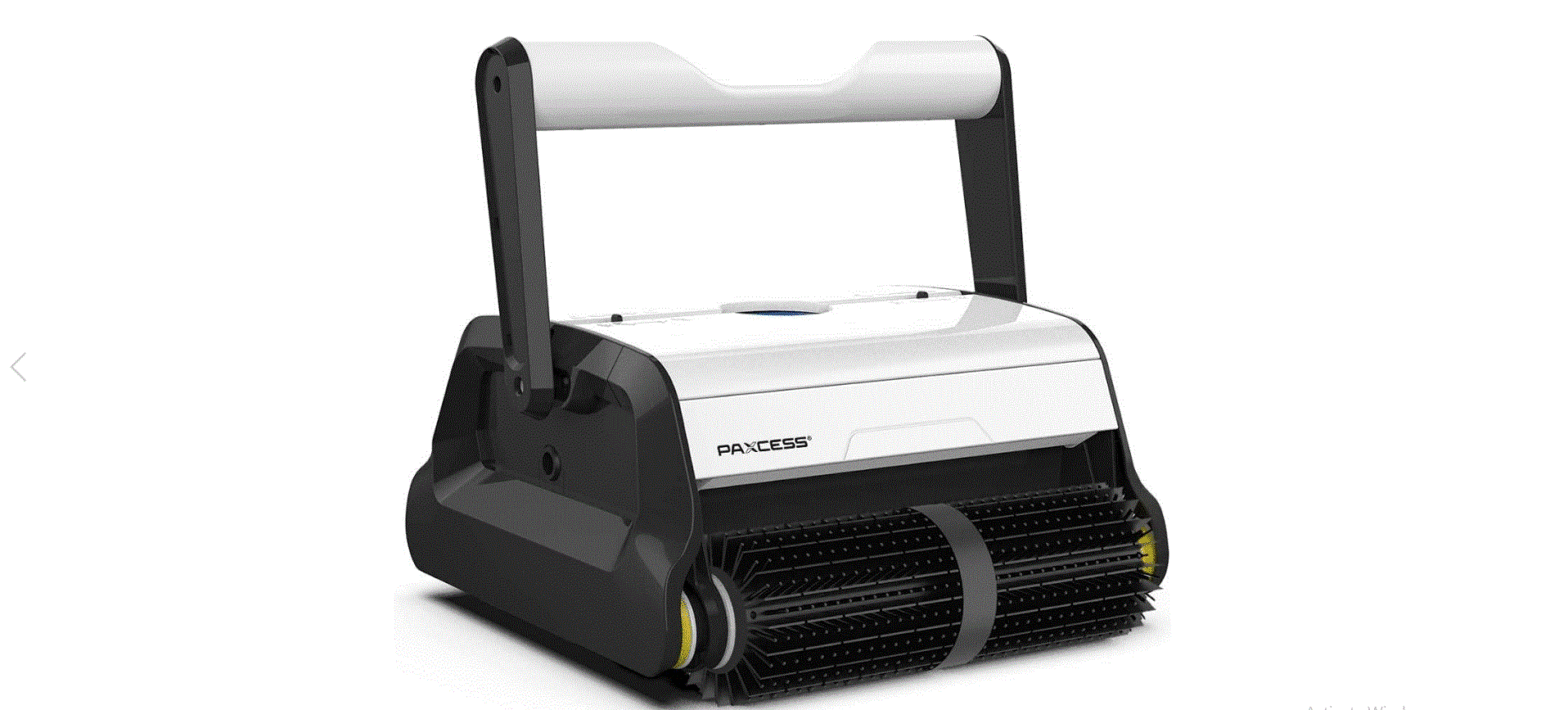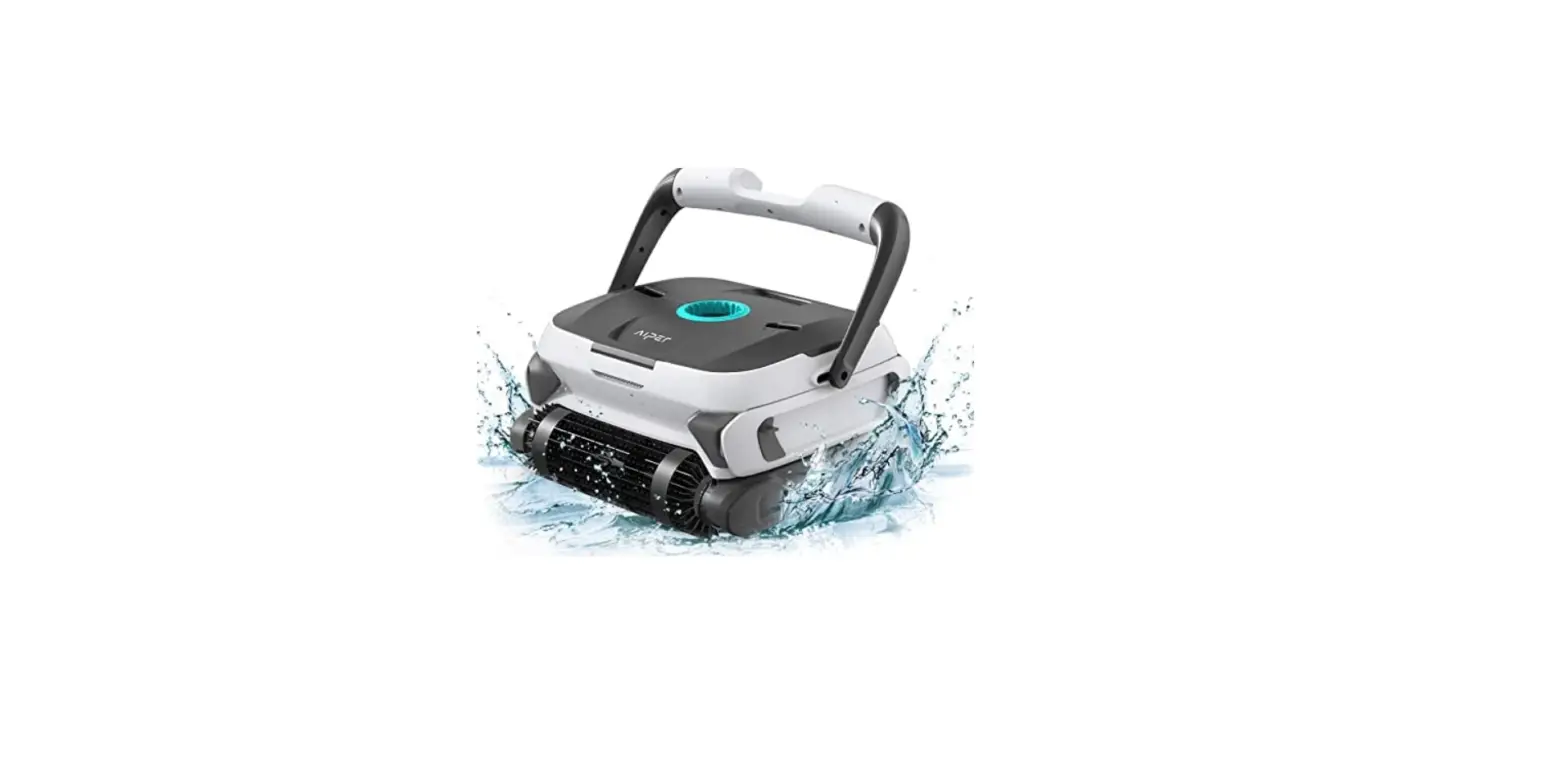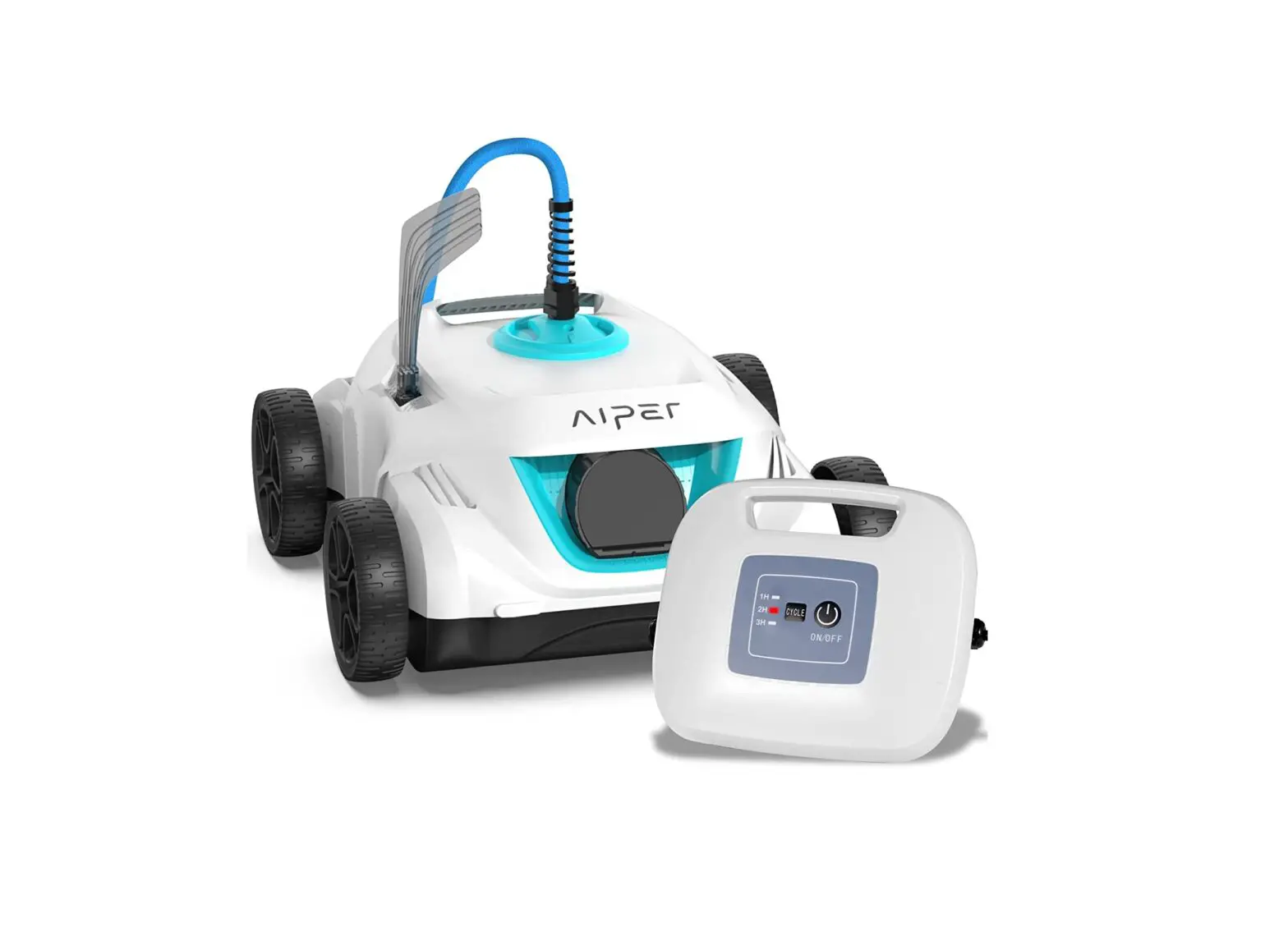

Smart HJ1103J ROBOTIC POOL CLEANER
User Manual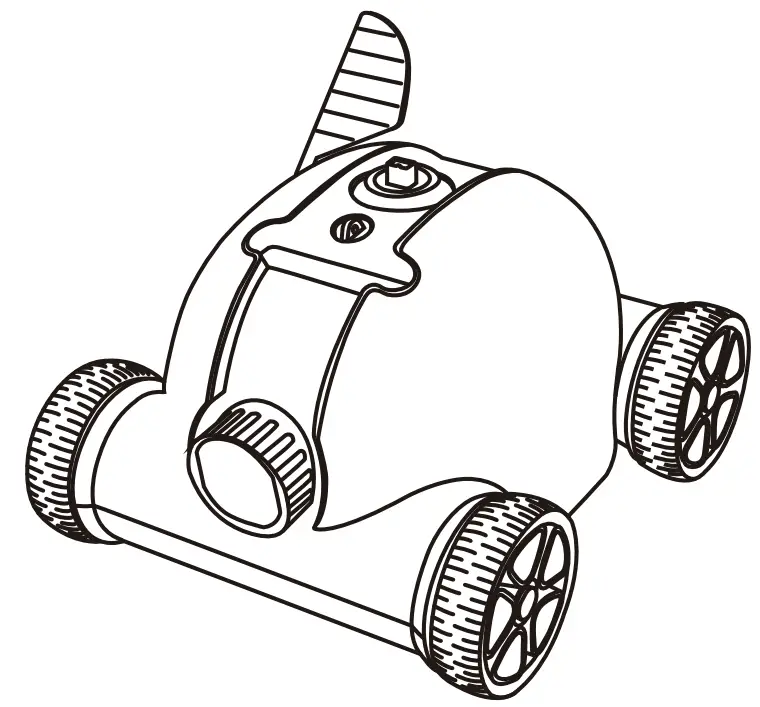
Thank you for choosing Piper Smart robotic pool cleaner. You’ve joined millions of people to enjoy the convenience of robotic pool cleaning. This user manual helps you to keep your robot performing at its best. Please take a few moments to read through it. If you have any questions, please contact our customer service for assistance or visit www.aipersmart.com for more information.
Piper Smart Customer Service
Customer Service Number: Toll-Free Call: (877)-756-8666
Email:[email protected]
Facebook: @AiperSmart
Important Precautions
- Strictly prohibit using the cleaner beyond its operating conditions. Please read the manual carefully, and use it according to the manual. We have no responsibility for any loss or injury caused by improper use.
- Use the accessories recommended or sold by the manufacturer only.
- This model mainly applies to swim pools with a flat floor.
- The cleaner should not be used by children under the age of 8 or people with mental disorders. Please do so under the supervision of the guardian if necessary. Please do not allow children to ride on it or play as a toy.
- Use the original and authorized adapter only.
- It must be replaced by after-sale professionals if the power line is damaged.
- Do not power on the cleaner when it is outside of the water.
- The power line must be connected to a leakage protective and earthed socket when charging.
- Do not operate the cleaner when there are people in the pool.
- Always clean and wash the filter tray after use.
- Power off the cleaner when maintaining, cleaning, or not using it.
- The cleaner should be stored in a cool and ventilated place, away from direct sunshine.
- Charge the battery under the permitted condition. The cleaner should be stored in a cool place when charging, meanwhile, do not place or be covered with anything to prevent the damage to internal electrical components caused by overheating of the power unit.
- Only professionals can disassemble the sealing drive assembly of the cleaner.
- Close the pool filtration system before use.
- Slightly water pollution might occur in case of grease in motor oil seal leaks.
- The cleaner is only suitable for small pools limited by battery capacity; otherwise,it will affect the cleaning effect.
- Charge the battery before completely discharged. Always stop robot operation and charge the battery when you notice less power. Never recharge a fully charged battery. Overcharging shortens the battery service life. Charge the battery at room temperature at 10 °C – 40 °C (50 °F – 104 °F). Let a hot battery cool down before charging it. Charge the battery if you do not use it for a long period (more than six months).
- Prohibit charging the battery under the condition of fire or extreme heat. Do not use or store the cleaner near the heat source.
- Prohibit piercing the cleaner shell with nails or other sharp objects, and prohibit hammering, impacting and throwing the cleaner.
Introduction
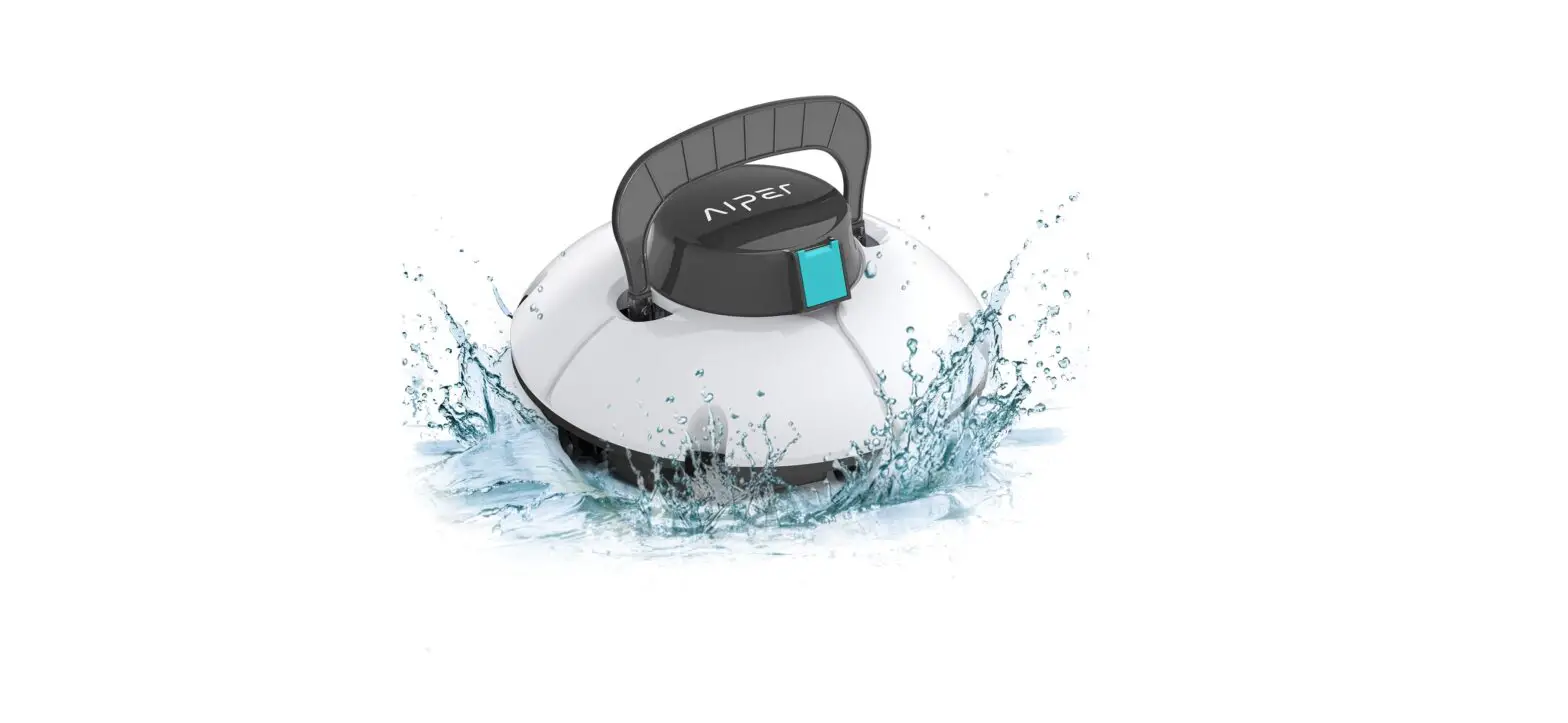
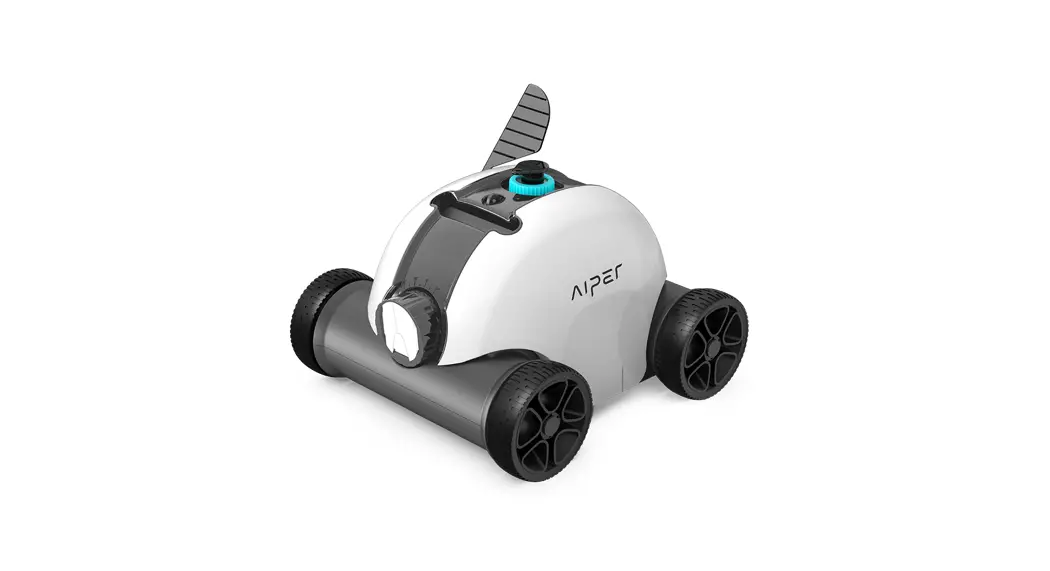
The robotic pool cleaner HJ1103J is a new type of rechargeable automatic cleaning equipment for pools with the function of automatic beaching.
Please read the manual carefully before use so that you can use it correctly.
Product Part
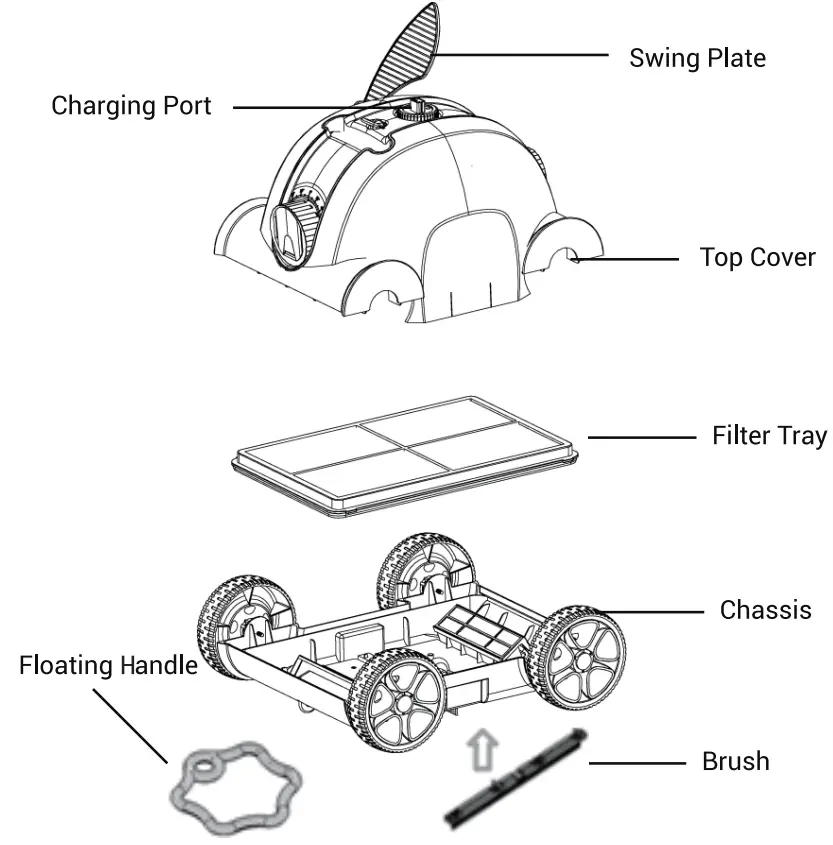
Specifications
| 1 | Input voltage | 100-110v |
| 2 | Working voltage | 12.6V |
| 3 | Power | 50W |
| 4 | Battery Duration(one cycle) Max. | 90min |
| 5 | Rated input voltage of an adapter | 100Vac-240Vac |
| 6 | Input power of the adapter | 47Hz-63Hz |
| 7 | The rated output current of the adapter | 1.8A |
| 8 | Charging time | 5-6h |
| 9 | Battery capacity | 5000mAh |
| 10 | Max cleaning surface | 100 mi(1076sq ft) |
| 11 | Filter capacity | 10m3/h |
| 12 | Filter capability | 180pm |
| 13 | Pool water temperature | 10 t (50 ‘F )-35 C(957) |
| 14 | Moving speed | appr. 16m/min |
| 15 | IP grade | IPX8 |
| 16 | Charging environment temperature | 0 t (32 7 )-45C (113 7) |
| 17 | Max water depth | 2.0m(78.7inch) |
| 18 | Product size | 15.7*14.2*10.6 inch |
| 19 | Weight | 5.5kg(121b) |
| 20 | Storage condition | |
| Short term(less than 1 month) Medium-term(less than 3 months) Long term (more than 3 months) | -20 C(-4’F)-60 C (140 P), s75%RH -20 C (-4 )-45 C (113 P), s75%RH -20 (4 17)-20 C (68 ), s75%RH | |
| 21 | Swimming pool slope | max 15° |
Operation Instruction
1. Precautions
a. Put into or lift out from the pool with the cleaner bottom toward the wall to avoid any possible scratch to the pool.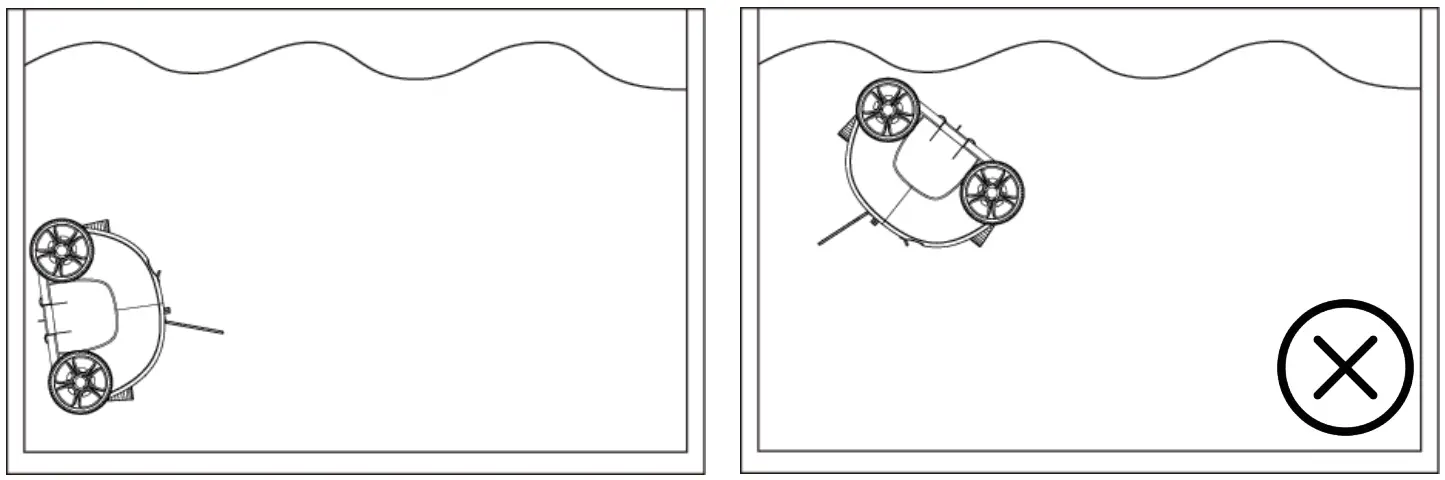 b. Install the brush before use to avoid possible dirt leaks.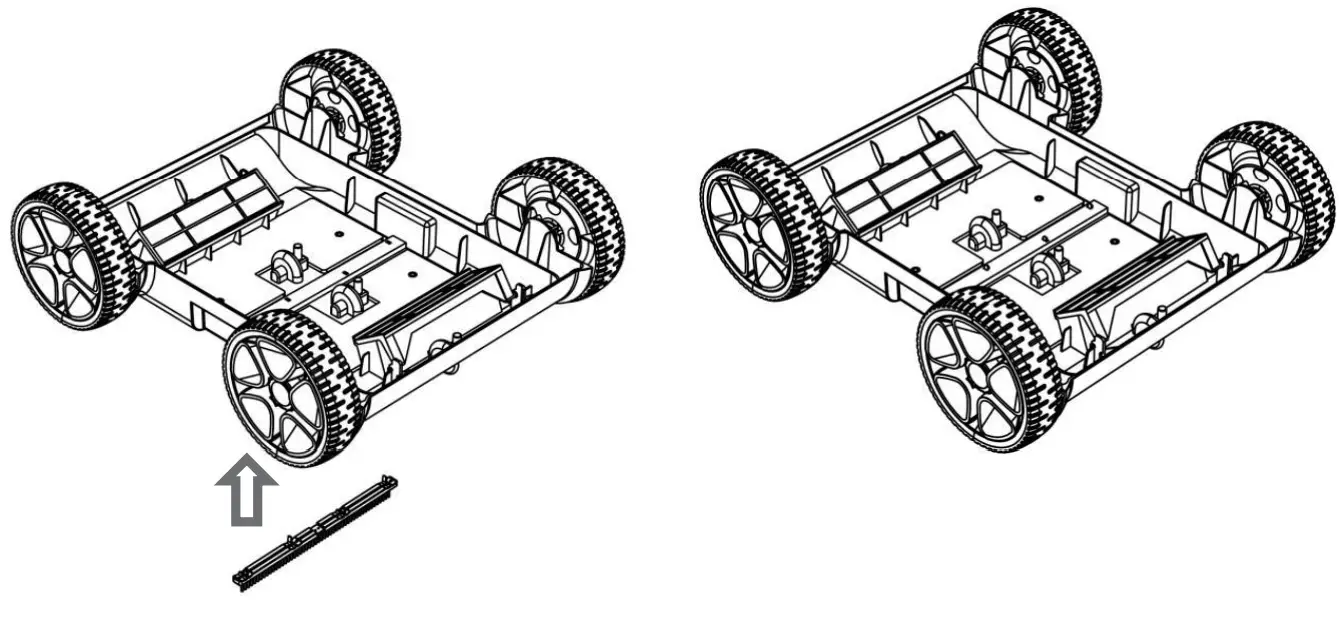
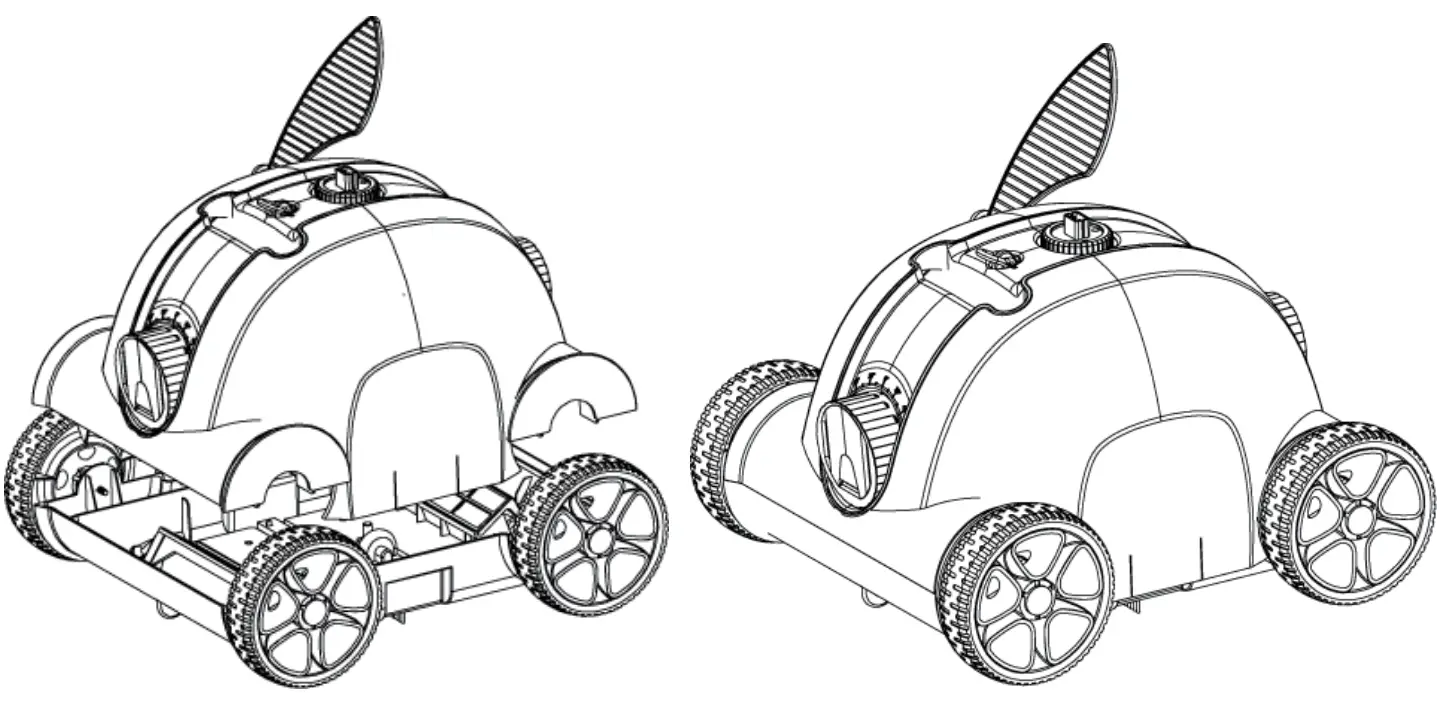
Quick operation
a. Install the floating handle
*Adjust the tow rope according to the swimming pool depth.
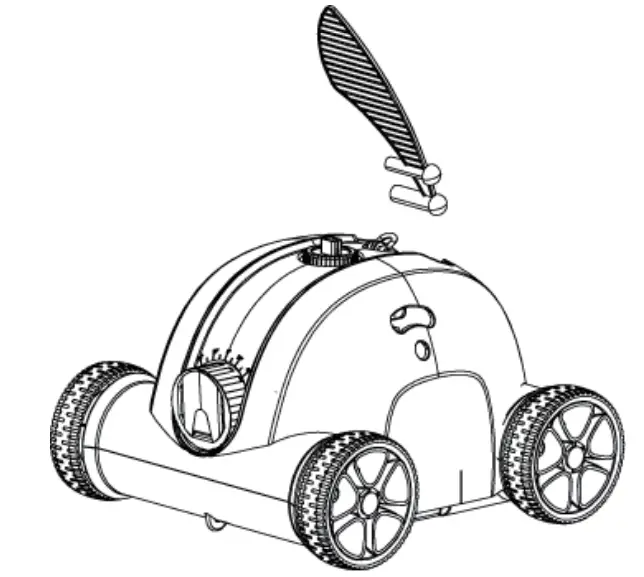
*Tie the floating handle to the cleaner In the place indicated in the fig.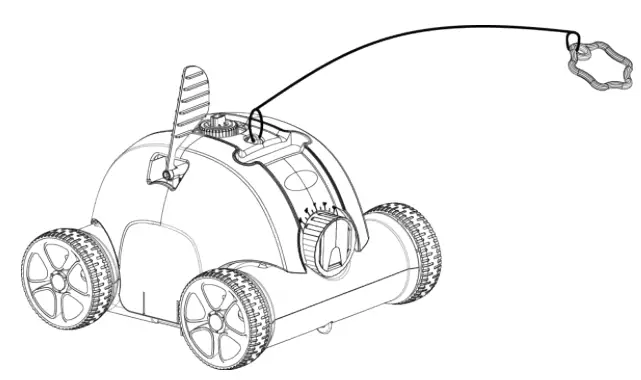 b. Install the swing plate Insert the swing plate in the place Indicated in the fig.
 c. Connect the cleaner and home power with an adapter and charging line to charge the battery.
- Clean the charging port before charging.
- The red charging indicator light indicates the battery is charging.
- The green charging indicator light indicates charging is finished.
- Turn the switch knob to OFF before charging.
| Adaptor indicator | Status |
| Red | Charging |
| Green | Charging finished |
d. Turn the switch knob to ON after putting it into water then the cleaner is power-on and the indicator light is steady blue. The clean-er begins to work about 15 seconds later while the blue light flashes. 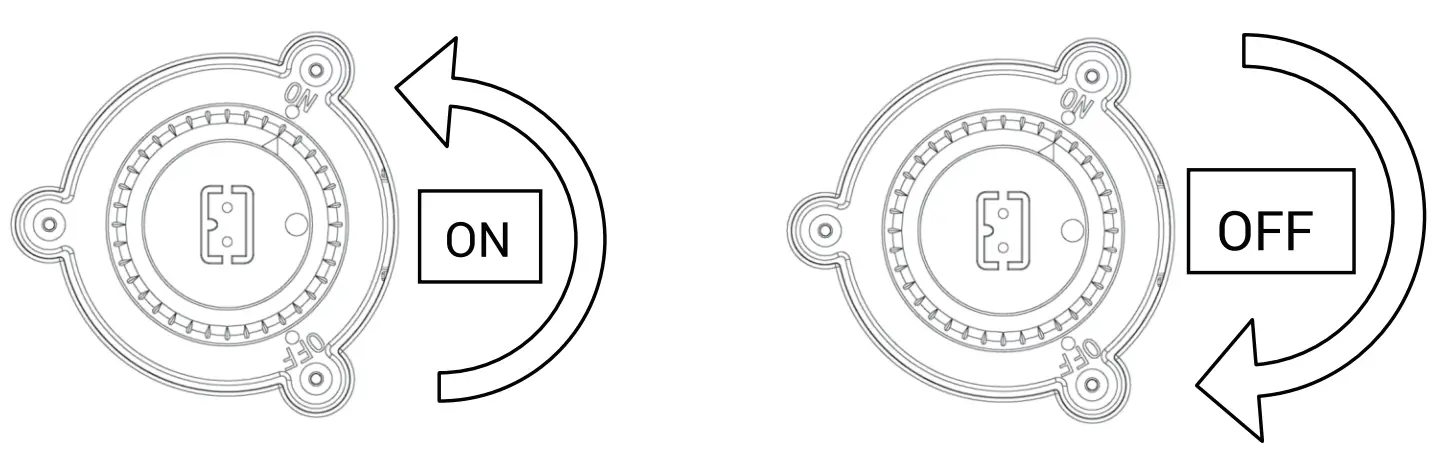
e. The blue light flashes three times after completing the working cycle and then the cleaner stops to run about 2 minutes later while the indicator light is steady blue.
| Status | Cleaner indicator |
| Working | Indicator blue flashes |
| Work finished | Indicator blue steady |
| Fault | Indicator blue flashes quickly |
f. Power-off operation: turn the switch knob to OFF and the blue light turns off, while the cleaner is power-off. Please timely clean the filter tray after use.
3. Functions and adjustment of nozzles
There are two nozzles on the cleaner, one of them opens once the other closes. Water flows out through the open nozzle to thrust the cleaner to move forward. Adjust the nozzle by turning it to control the moving route.
a. Settings of nozzle angle and moving route Sketch: the nozzles of the cleaner are marked with angles (0°-40°). The cleaner moves in an approximately straight line when the nozzle angle is 0°.
The cleaner moves in a more curved line at a larger angle from 0°-40°.
b. Recommended three cycles and nozzle settings
Setting One: default setting: 0°–20°, for most of the pools.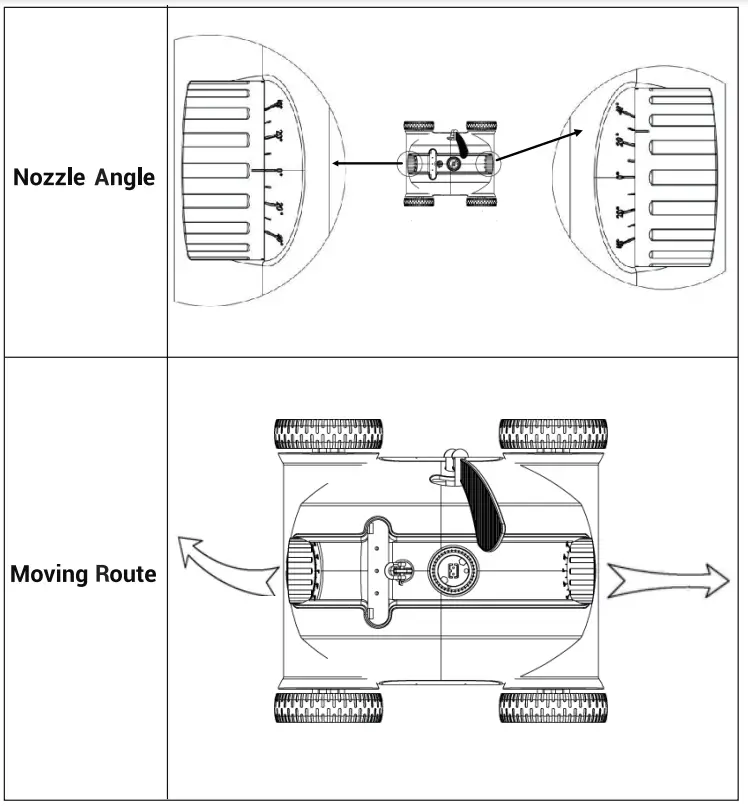 Setting Two: 00–40°, when the cleaner does not have full coverage of the pool.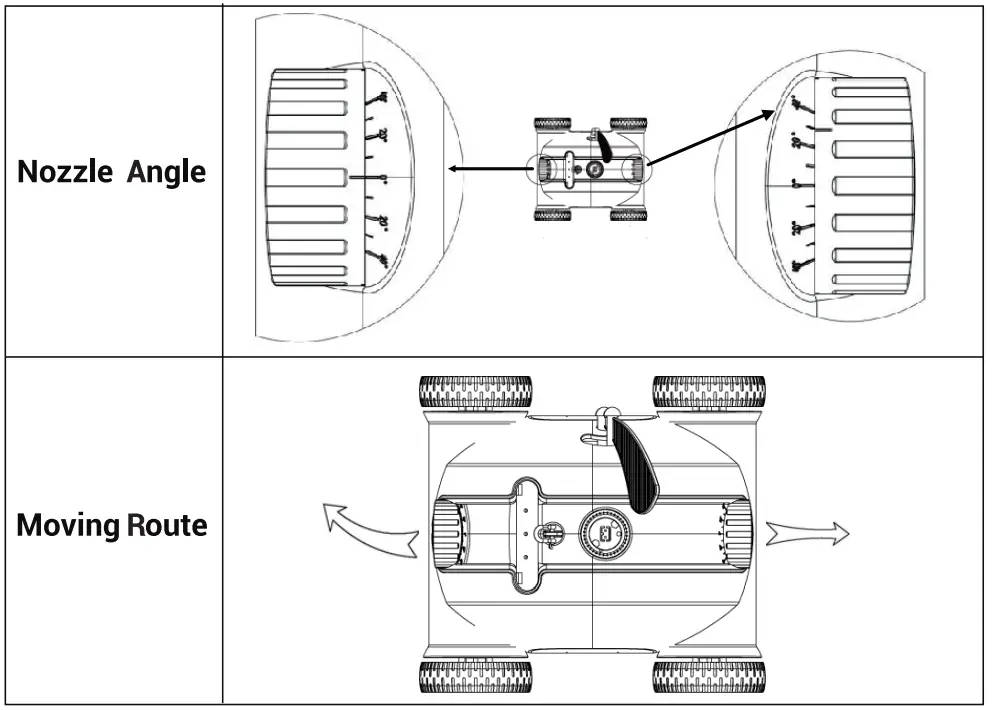
Setting Three: 20°–20°, for round pools.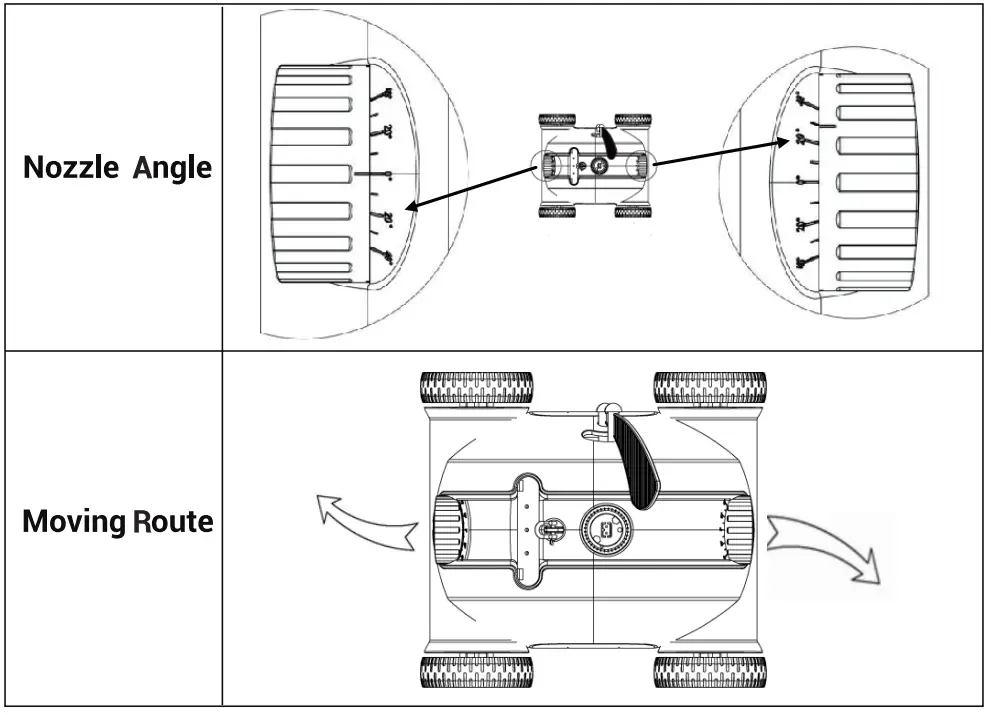
Note: About are recommended settings and different settings might apply to specific pools. So the operator can set according to the principle of nozzle settings and the actual situation of the pool.
4. Clean the filter tray
a. Open the cleaner by clips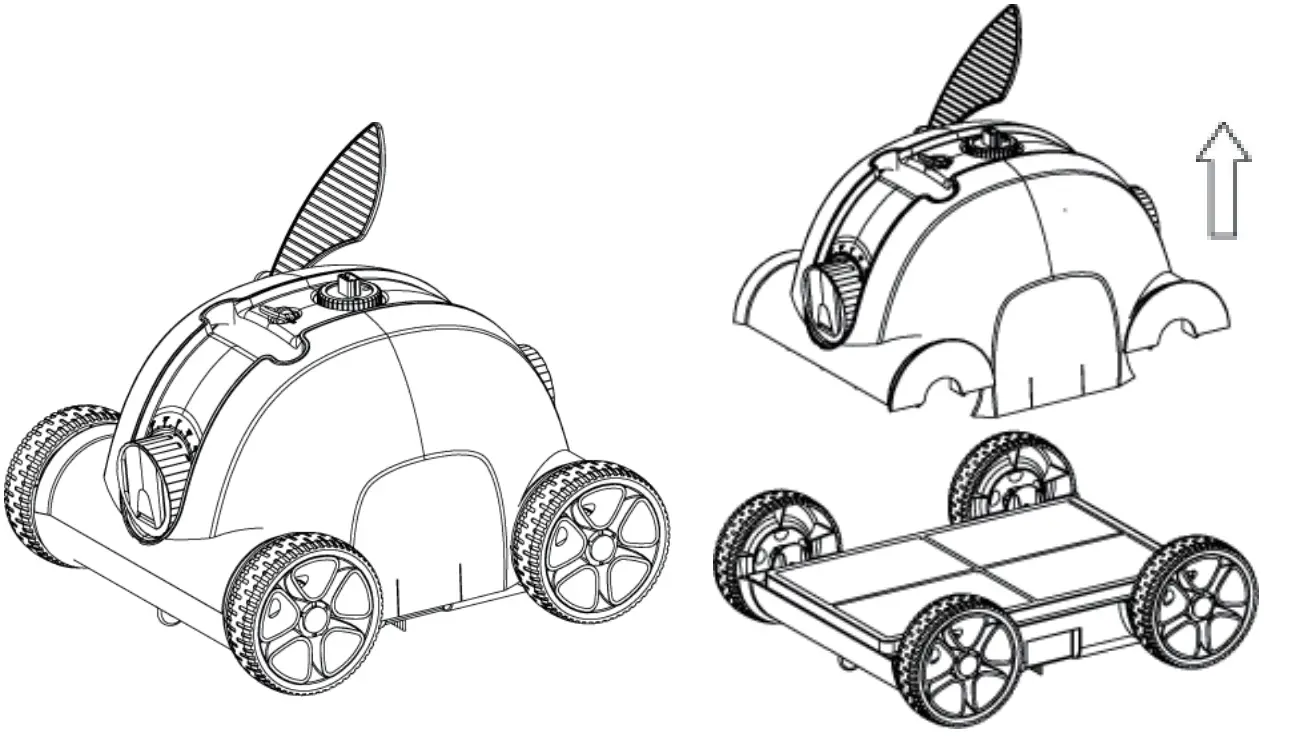
b. Take off the filter tray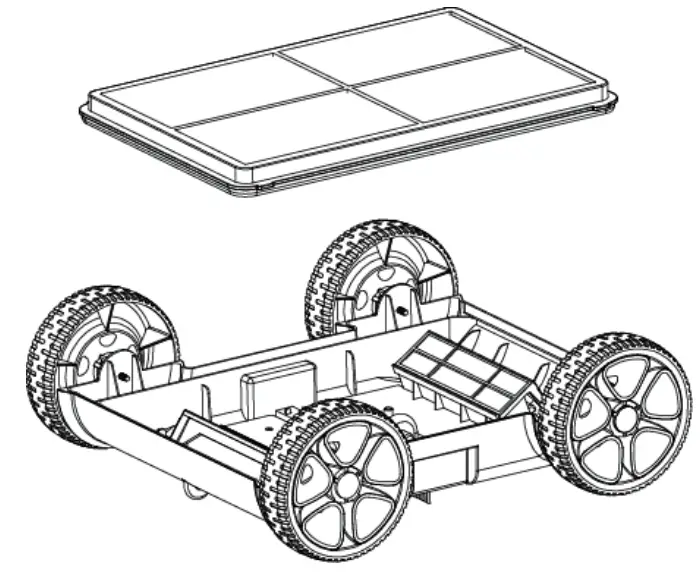 c. Clean the filter tray and chassis
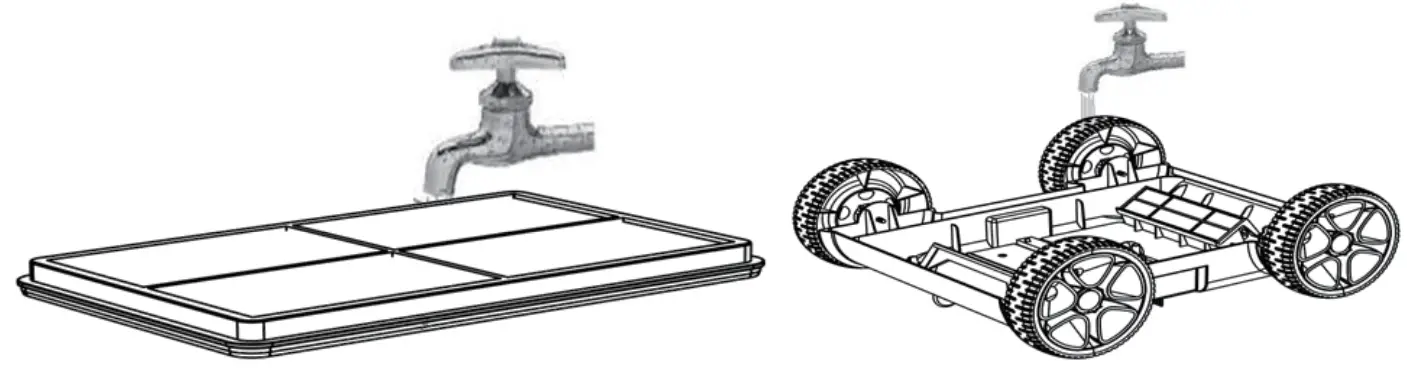 d. Reassemble the cleaner
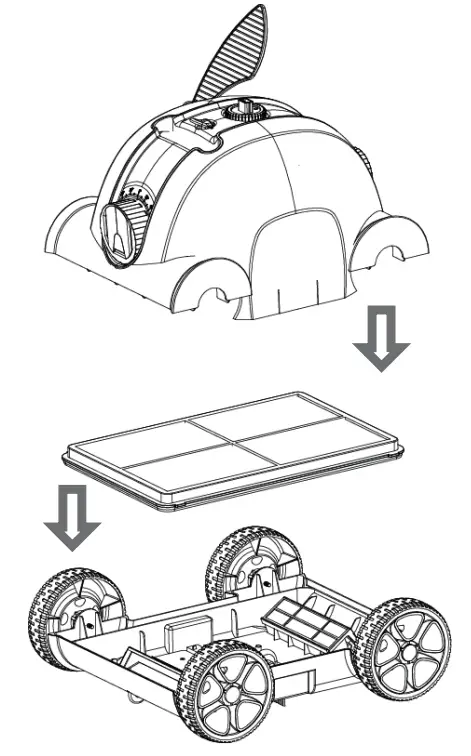 e. Push the clips on
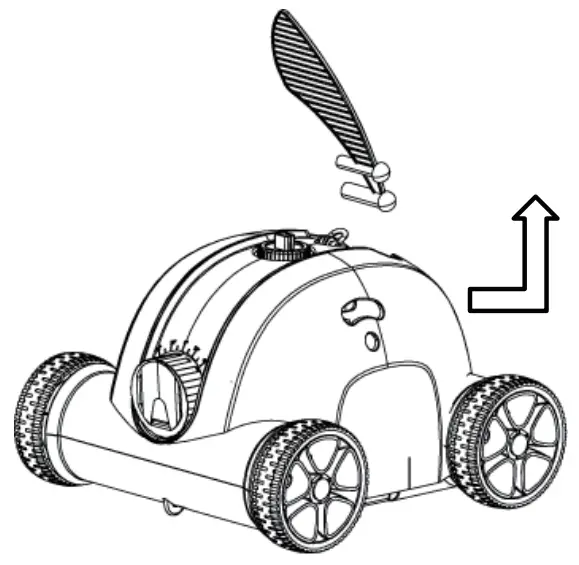
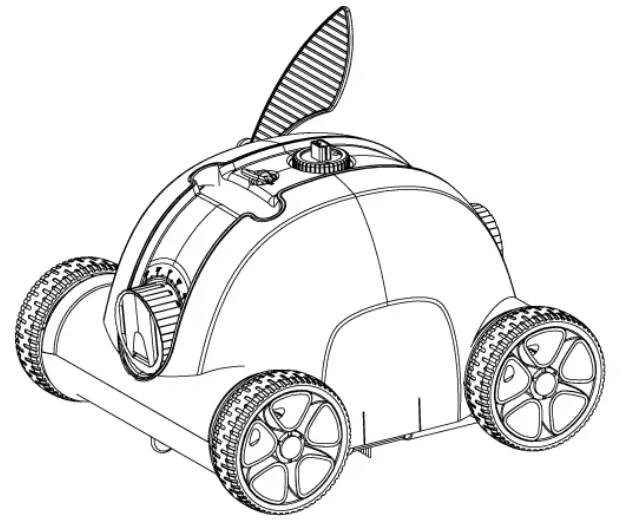 5. Installation and removal of the swing plate
The swing plate can be removed by poking the base buckle upwards and installed by inserting it into the base.
 6. Protective cap for charging port
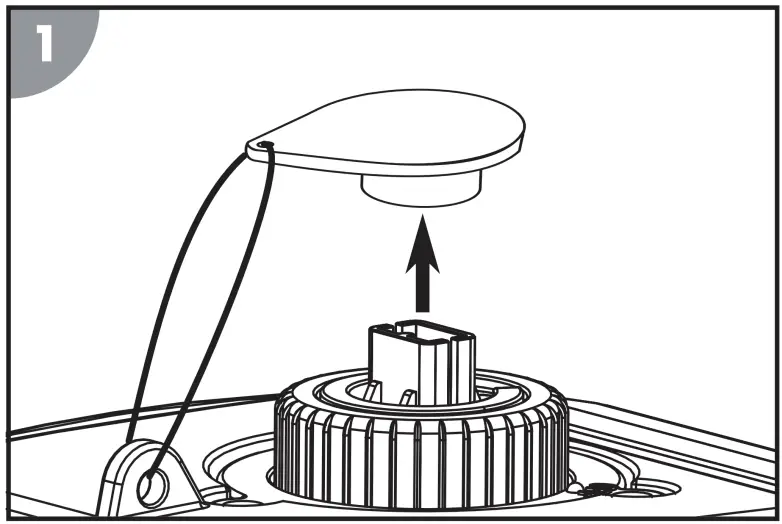 Take the protective cap off to charge
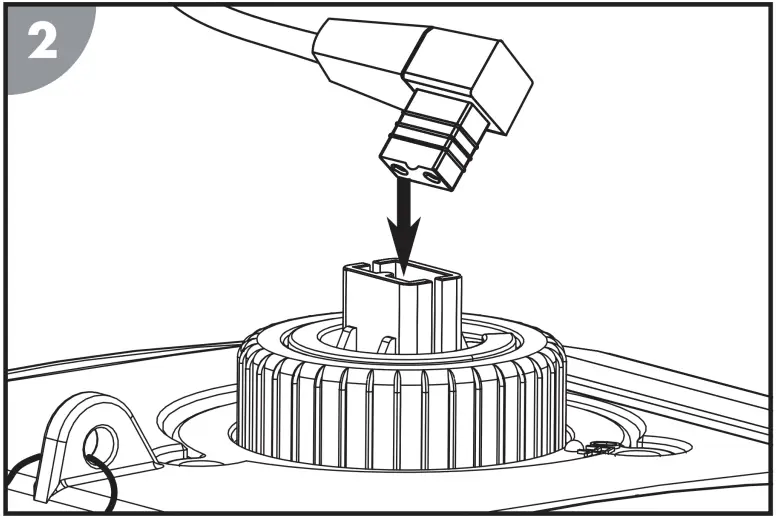
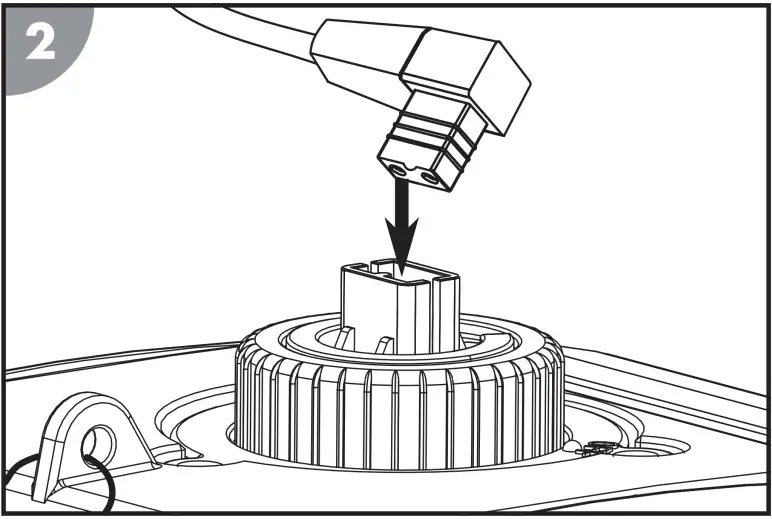 Connect the charger to the device
 Attach the protective cap to the charging plug
Note:Keep the charging port dry after use
Troubleshooting
| Symptom | Possible reason | Solution |
| The cleaner does not work and the indicator light slowly flashes | Low remaining battery capacity | Charge the battery |
| The cleaner does not work and the indicator light rapidly flashes | Internal fault | Contact after-sale service |
| The cleaner does not work and the indicator light does not work | Battery protection | Charge the battery and power on the cleaner to watch whether the indicator light is on. If not, contact after-sale service |
| The adapter indicator light does not work | Adapter damage | Contact after-sale service |
| The cleaner does not have full coverage of the pool | Unsuitable nozzle angle | Adjust nozzle angle |
| Special pool shape | Adjust nozzle to increase the angle of deflection | |
| The pool water filtration system is open | Turn off the water filtration system |
Packing List
| Item | Name | Model | QTY(pc) | Remark |
| 1 | Cleaner body | HJ1103J | 1 | In carton |
| 2 | Adapter | XSG1261800 | 1 | In carton |
| 3 | User manual | 1 | In plastic bag | |
| 4 | Brush | 1 | In plastic bag | |
| 5 | Tow rope | 1 | In plastic bag | |
| 6 | Floating handle | 1 | In plastic bag |
Warranty
The warranty is covered for 12 months (only for battery and motor) from the date of its original purchase.
Email:[email protected]
Free Call:(US)(877)-756-8666
Service Time: Mon.- Fri.: 9:00-17:00PST
Facebook: @AiperSmart
The following are excluded from the Piper Smart warranty cover.
- Device purchased as secondhand, used, or from unauthorized sellers.
- Damage resulted from misuse and abusive actions.
- Damage resulted from chemical, fire, radioactive substance, poison,or liquid
- Damage resulted from a natural disaster.
- Damage caused to any third party, person, object, and beyond.
Statement
We can only provide after-sale services for products that are sold by Piper Smart, if you have purchased your unit from a different place, please contact the seller for return and warranty issues.