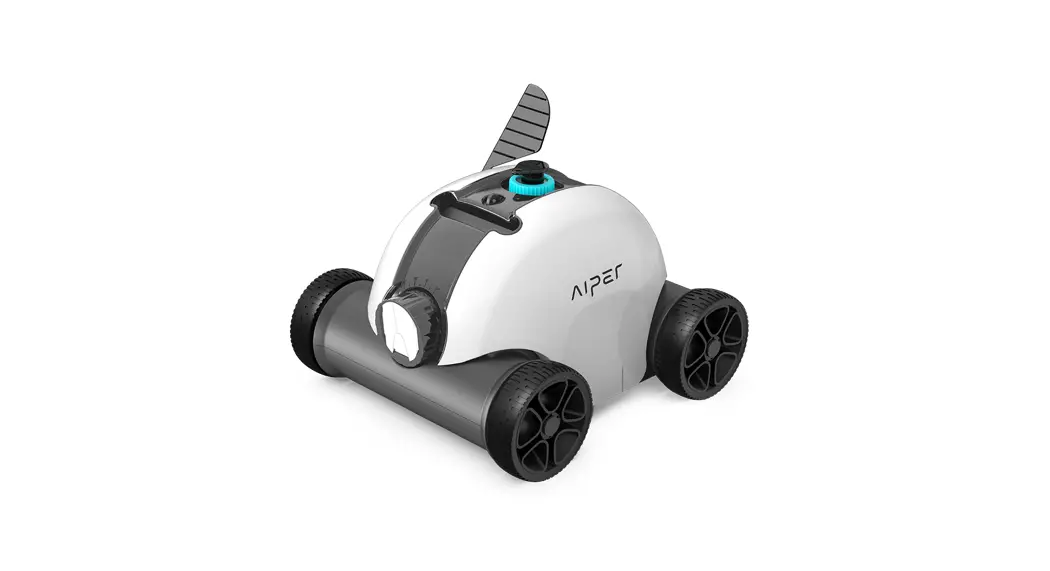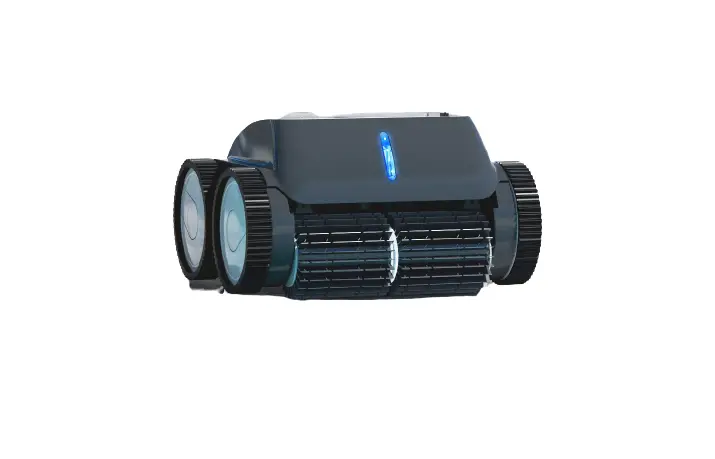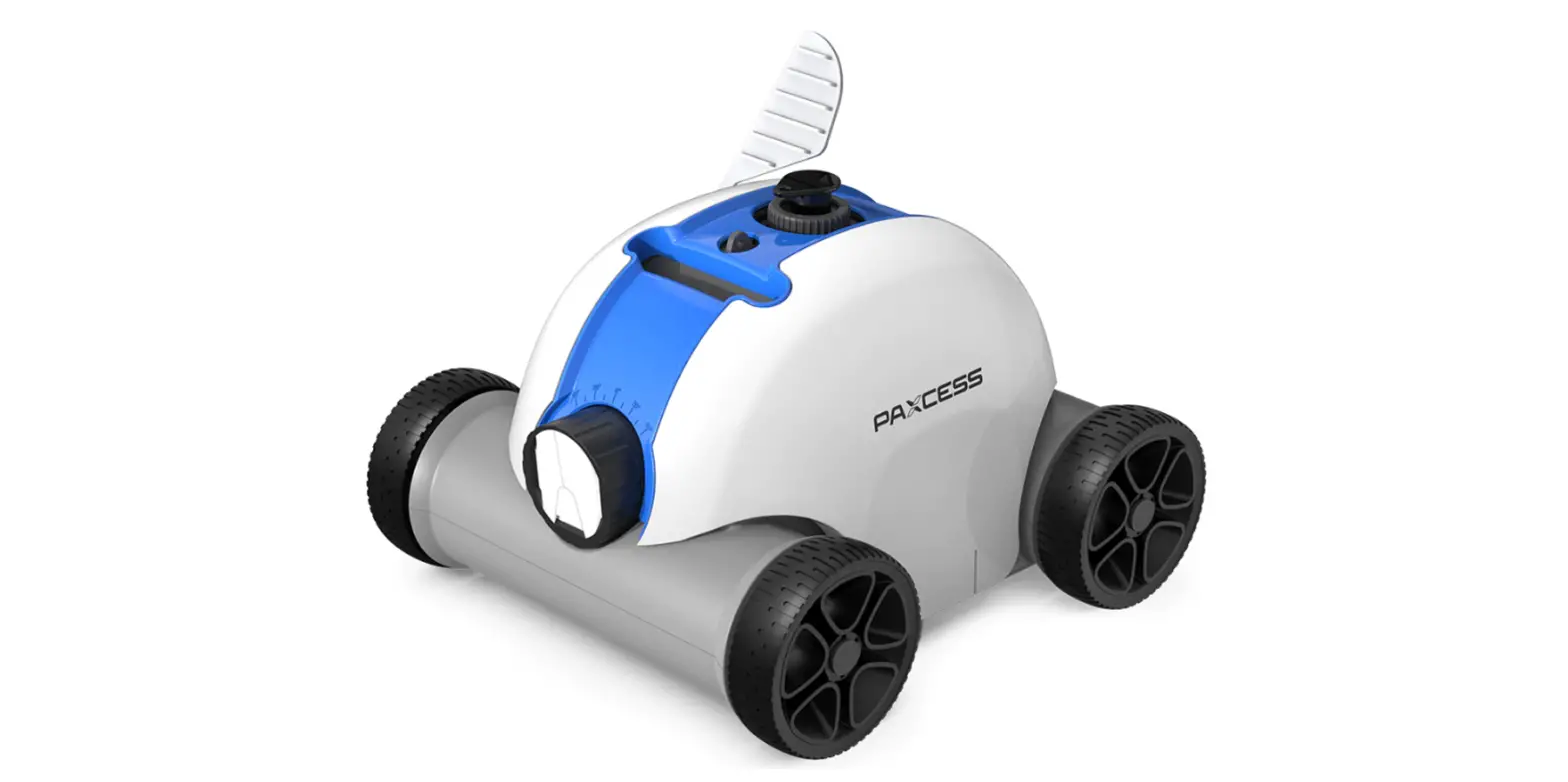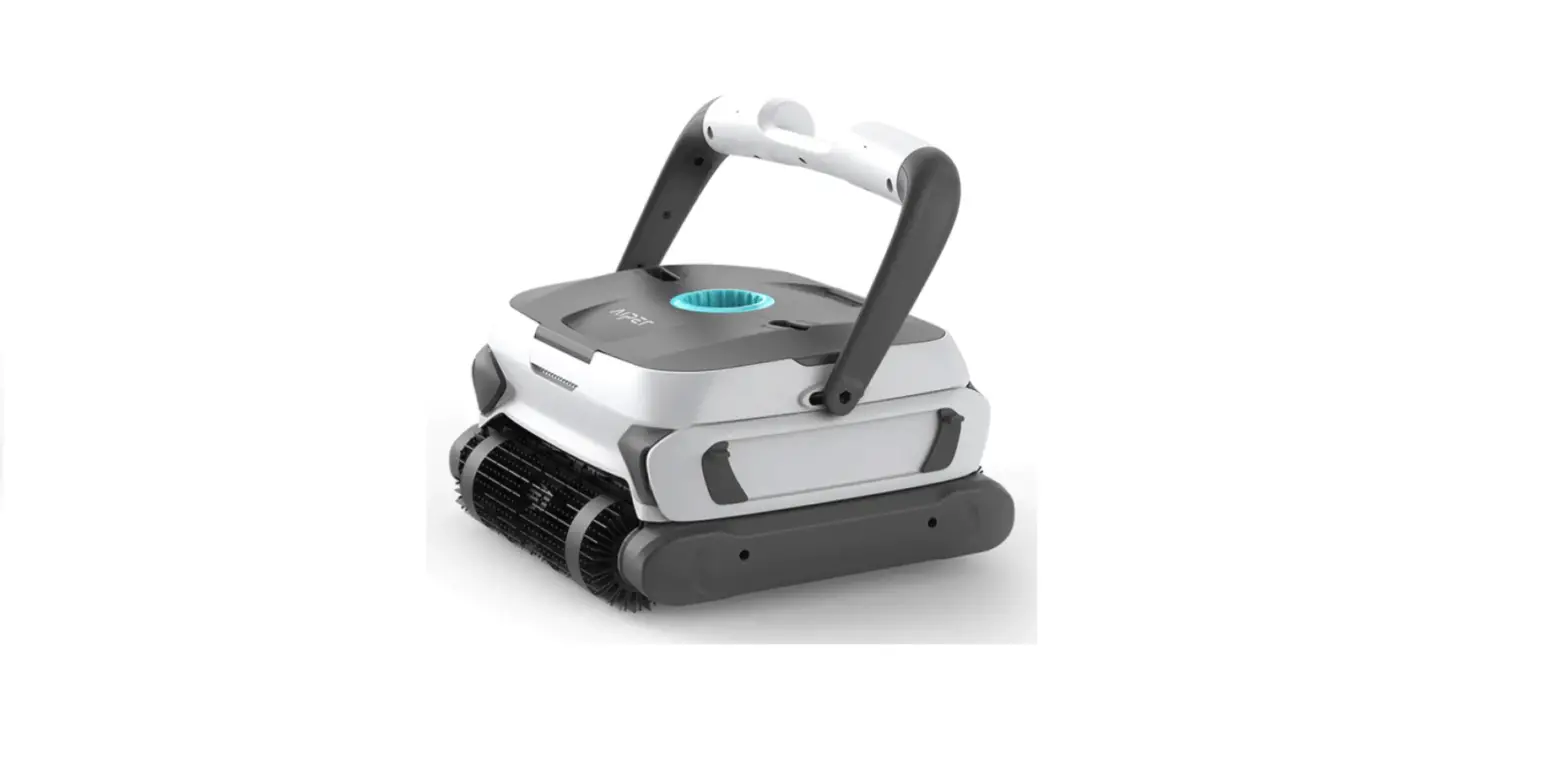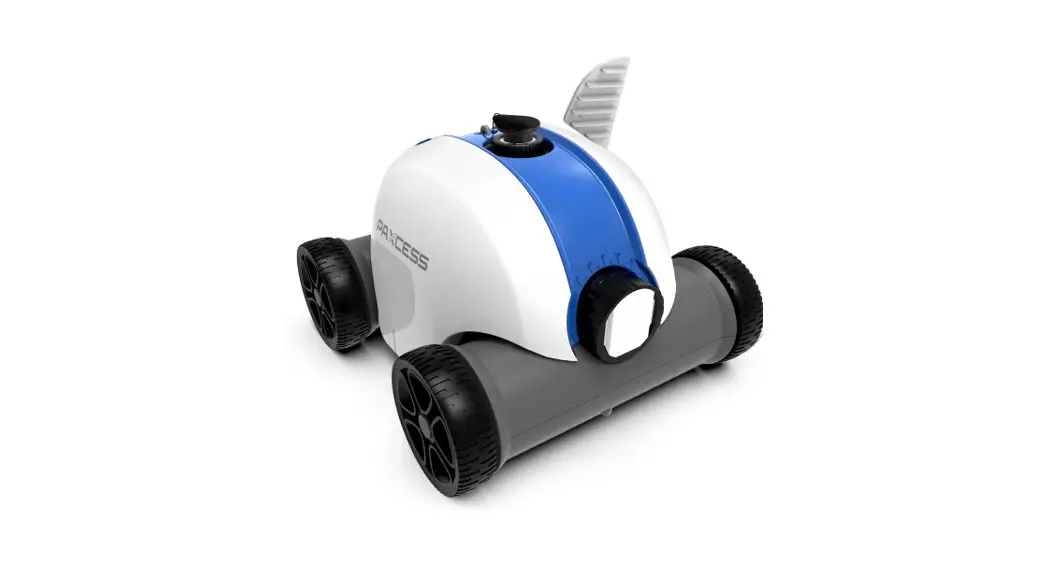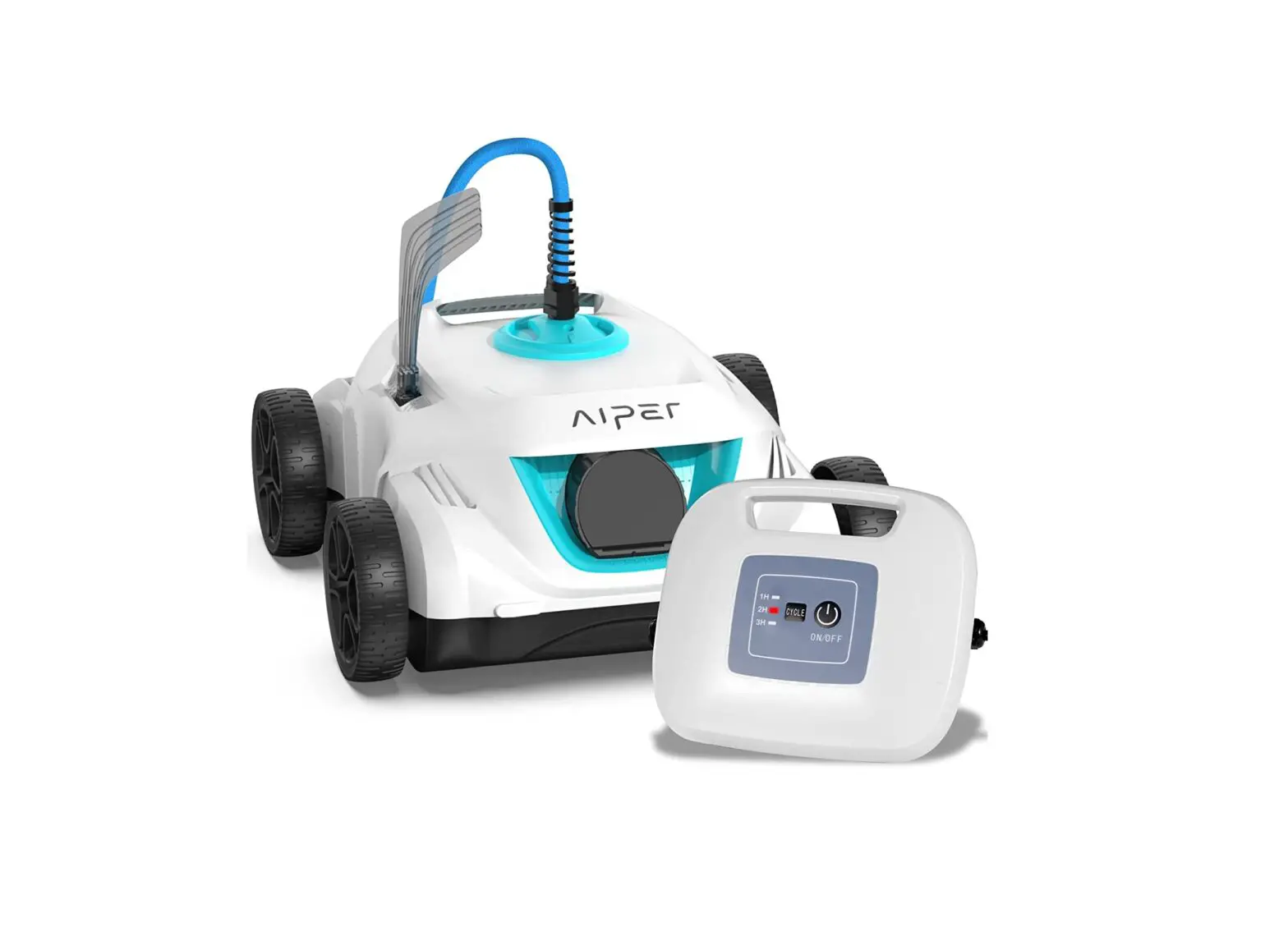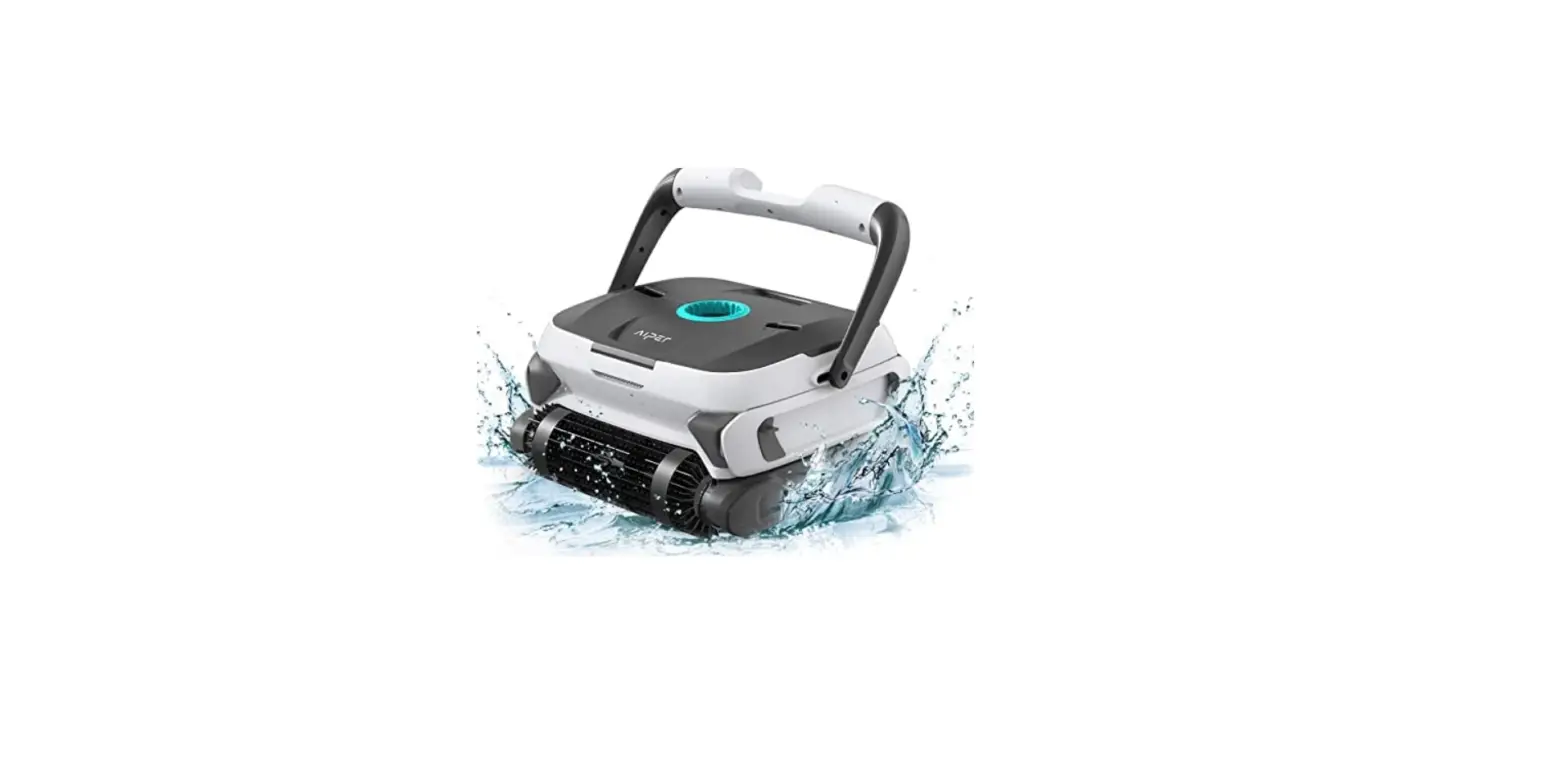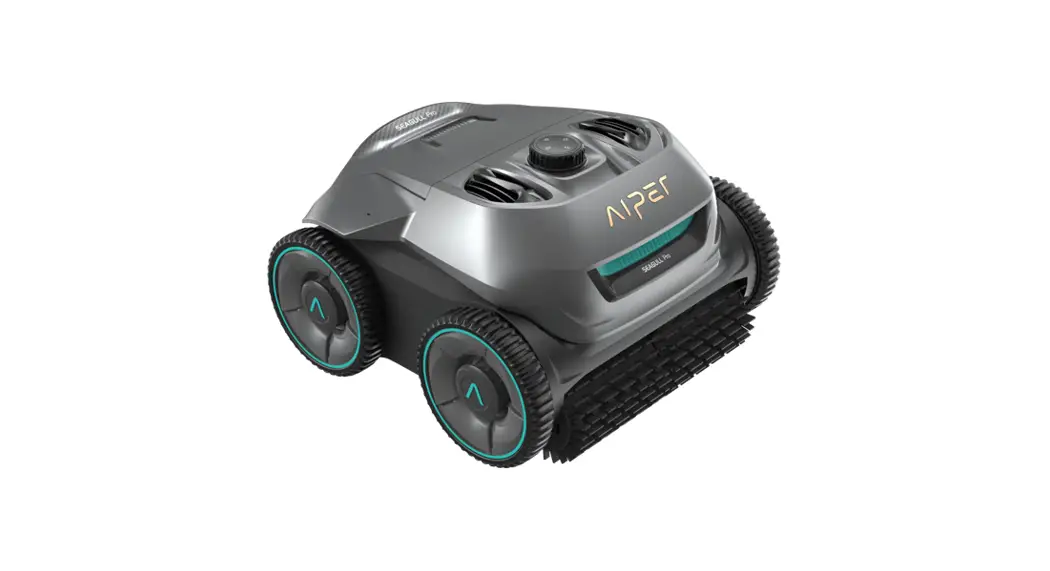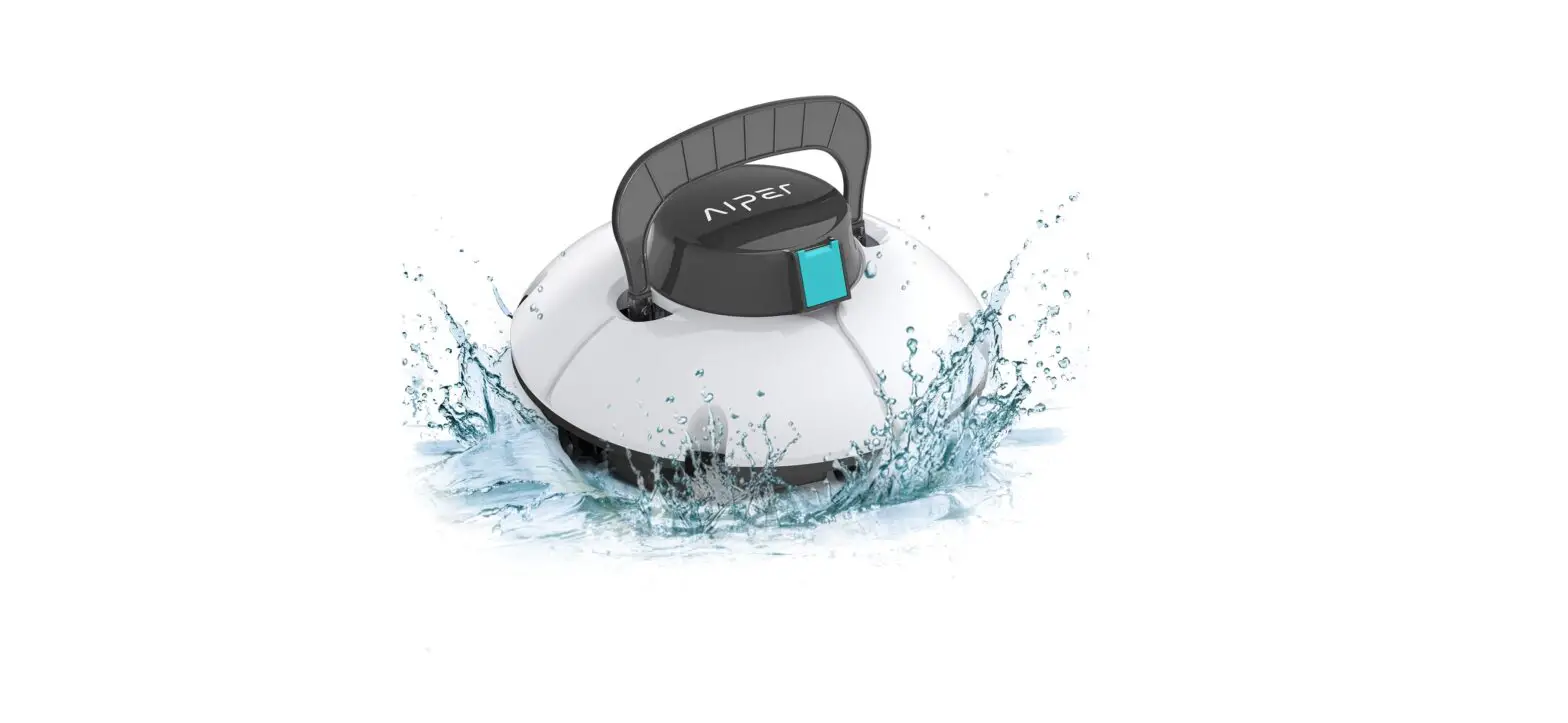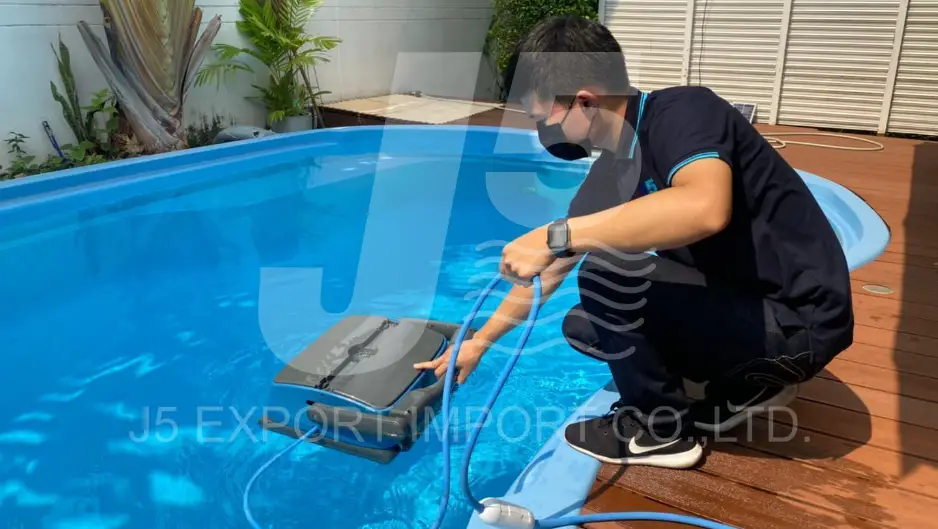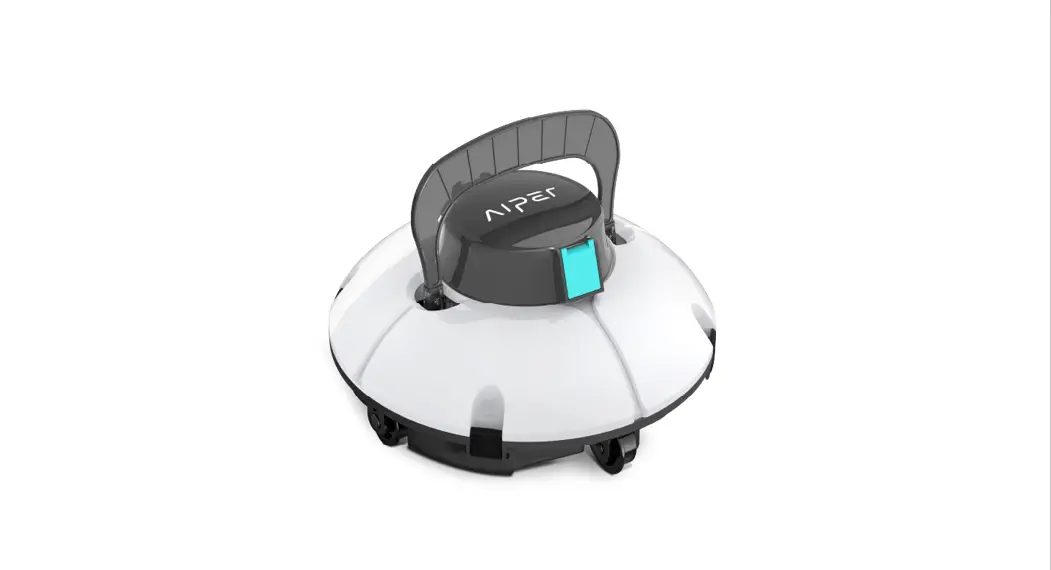

HJ1102 Robotic Pool Cleaner
User Manual
Thank you for choosing Piper Smart robotic pool cleaner.
You’ve joined millions of people to enjoy the convenience of robotic pool cleaning.
This user manual helps you to keep your robot performing at its best.
Please take a few moments to read through it.
If you have any questions, please contact our customer service for assistance or visit www.aipersmart.com for more information.Piper Smart Customer Service
Customer Service Number: Toll-Free Call: (877)-756-8666
[email protected]
Facebook: @AiperSmart
Important Precautions
- Read the manual carefully, and use the cleaner according to the manual. We are not liable for any losses or injuries caused by improper use.
- Only use the accessories recommended or sold by the manufacturer.
- This model only applies to swim pools with a flat floor.
- Do not allow children to ride on the cleaner or play with it as a toy.
- Use the original and authorized power adapter only.
- The adapter cord should only be required/replaced by a qualified electrician.
- Do not turn on the cleaner when it is out of water.
- The charging adapter must be connected to a leakage-protected and earthed socket when charging.
- Do not operate the cleaner when there are people in the pool.
- Always clean and wash the filter tray after using.
- Turn off the cleaner when maintaining, cleaning or when it is not in use.
- The cleaner should be stored in a cool and ventilated place, away from direct sunshine.
- While charging, the cleaner should be kept in a cool place, and not covered with anything to prevent the damage of internal electrical components caused by overheating.
- Only certified professionals can disassemble the sealed driving kit of the cleaner.
- Do not operate the cleaner while the pool filter is running.
- Oil seals for motors contain grease, which may cause water pollution if grease leaks occur.
- Due to the limitation of battery capacity, the cleaner is only suitable for swimming pools with sizes up to 500 ft’ (50m’), otherwise, the cleaning effect will be affected.
- When the cleaner is stored for a long period of time, it should be changed every three months to maintain battery life between 40%-60%. Please use the original and authorized power adapter only. If the cleaner is not charged for a long time, the battery voltage will be lower than the over-discharge protection voltage due to the self-discharge of the battery, which may cause fatal damage.
- Do not use or store the cleaner near any heat source.
- Do not pierce the shell of the cleaner with nails or other sharp objects. Do not hammer, impact, or throw the cleaner.
- Make sure the charging socket is dried before charging.
Introduction
The environmentally-friendly robotic pool cleaner is a new type of rechargeable automatic cleaner that filters the pool water without replacing the pool water.
please read this user manual carefully before using
Structure
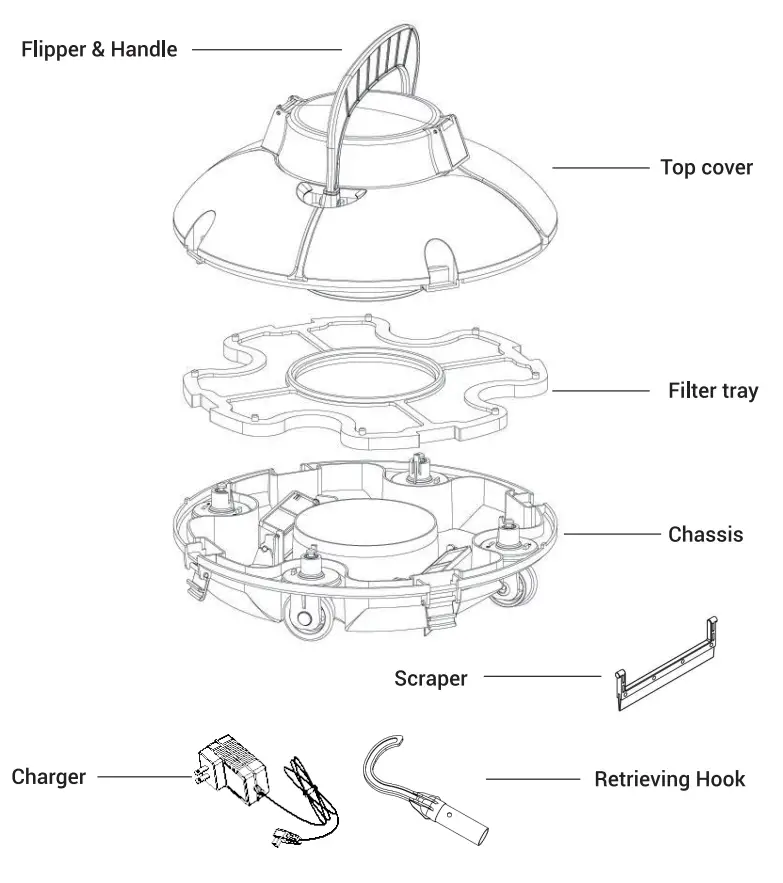
Specifications
| 1. Model: HJ1102 2. Rated working voltage: 11.1V 3. Power 30W 4. Working cycle: Around 50min 5. Rated input voltage of charger 100-240V 6. Rated input frequency of charger 50/60Hz 7. The rated output voltage of the adapter is 12.6V 8. The rated output current of charger 1 A 9. Battery capacity. 2600mAh 10. Charging time: 3-4h 11. Max. cleaning surface: 500 ft2 (50m2) | 12. Filter capability appr. 42L/min 13. Filter density 180pm 14. Moving speed: appr. 16m/min 15. IP Grade: IPX8 16. Pool water temperature: 10°C -35°C 17. Charging environment temperature: 5°C -35°C 18. Max. water depth: 2m 19. Size: 330 (L) * 330 (W) * 230 (H) mm 2 0. Weight: 3.3kg 21. Storage temperature: 5°C-35°C |
0peration instructions
4.1. Precautions
a. Put into or lift out of the pool with the cleaner bottom towards the wall to avoid any possible scratches to the pool.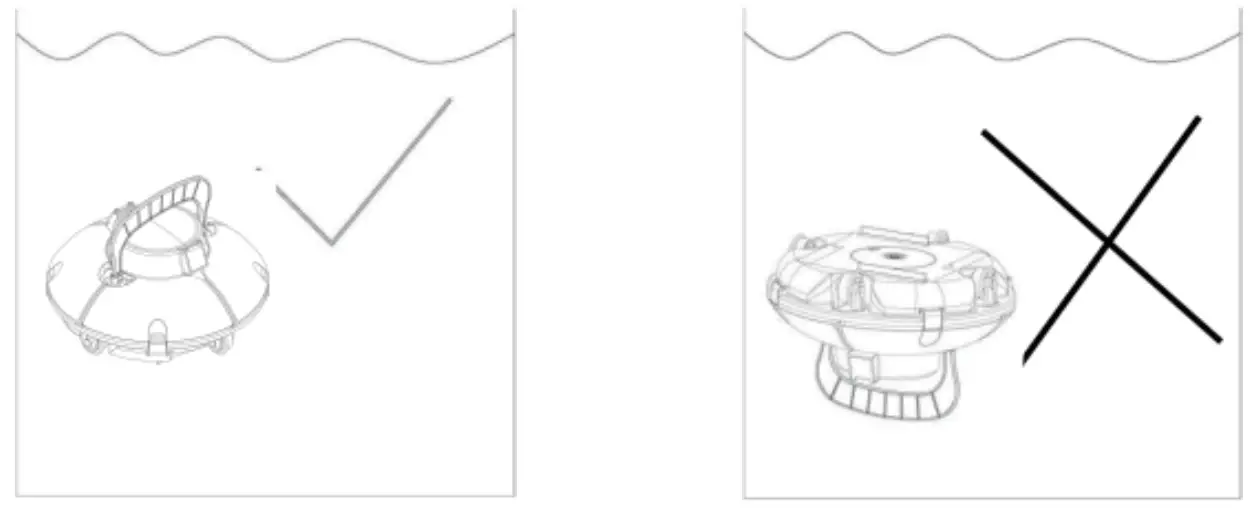 b. Install the swing plate and floating handle before using.
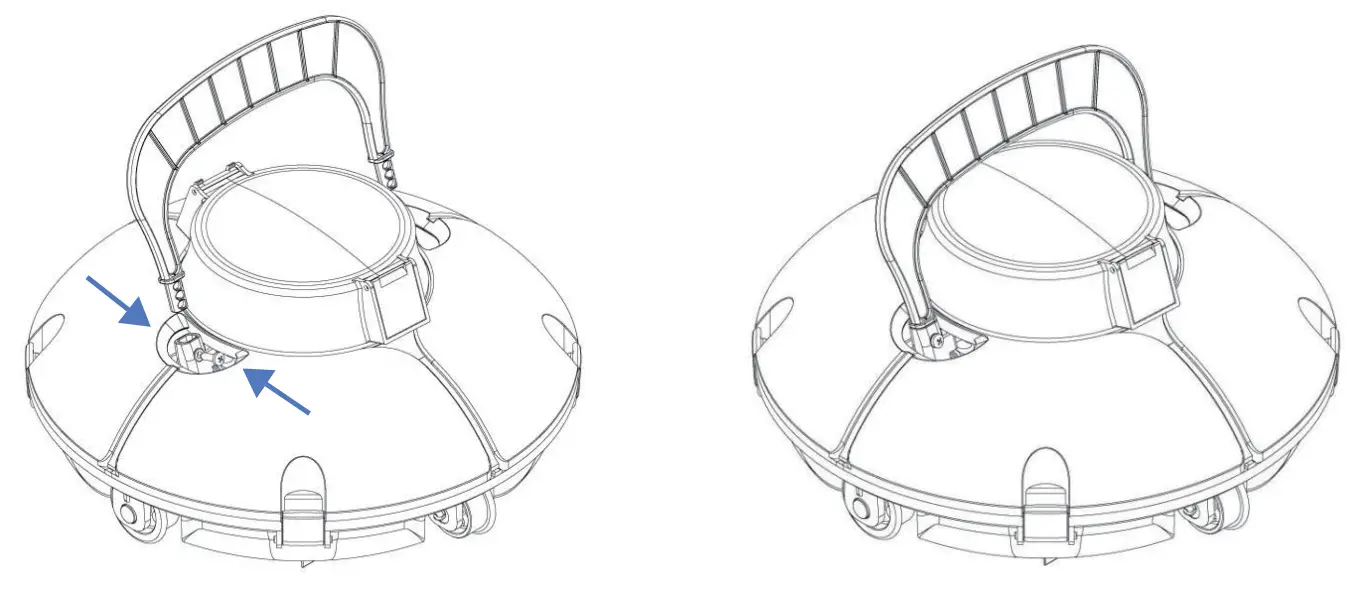 c. Install the scrapers to enhance the suction effect.
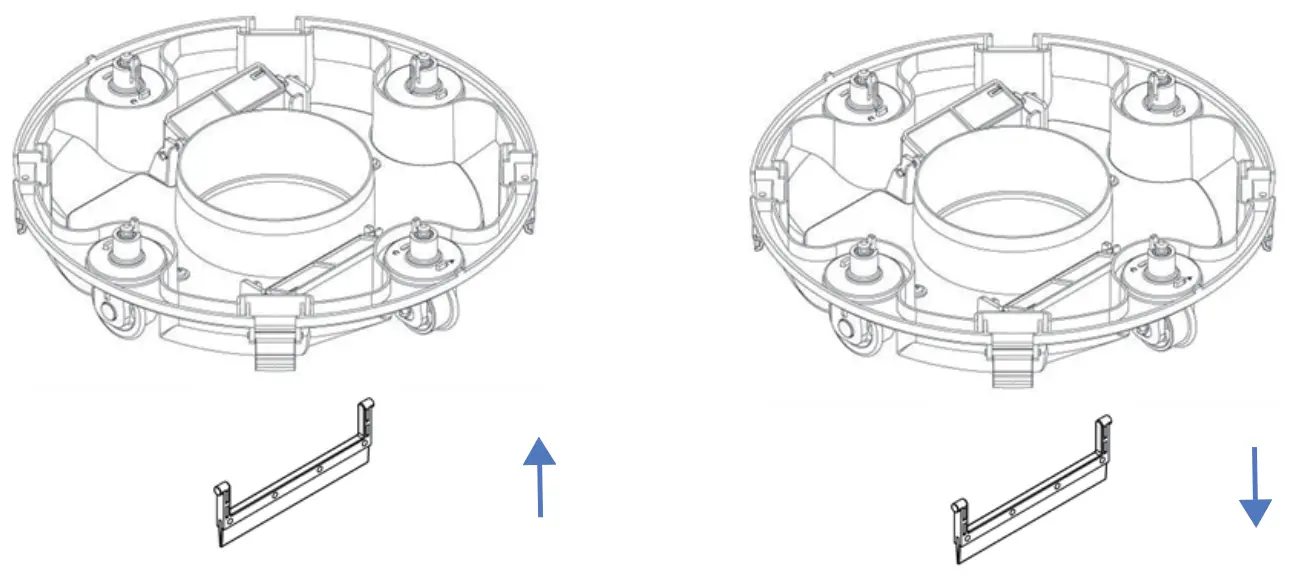 d. Please ensure that the top cover of the cleaner is tightly assembled to its chassis.
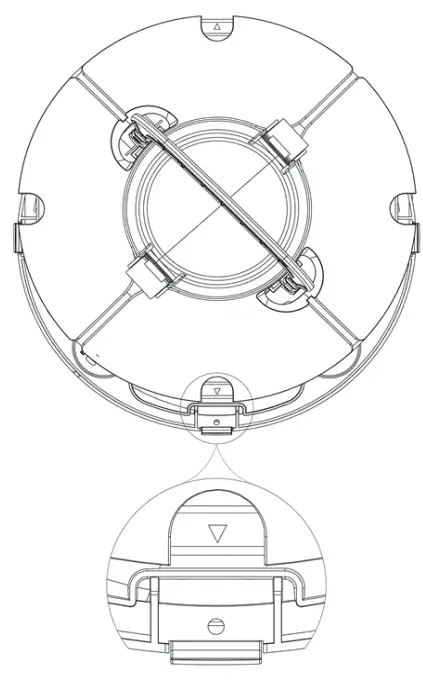
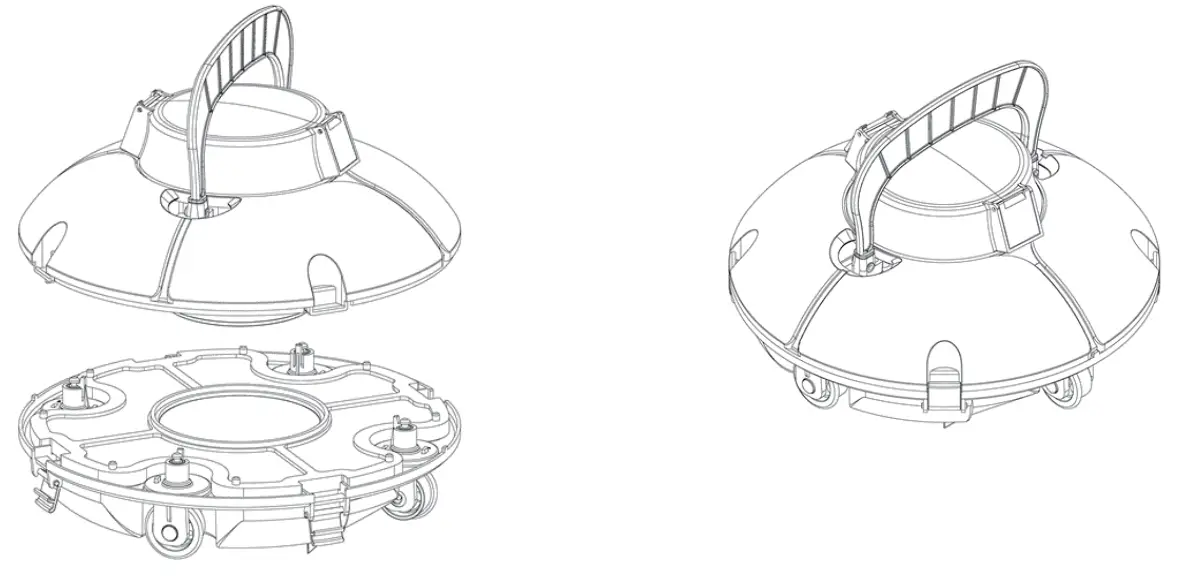 e. When fastening the top cover and chassis, please focus more on the installation direction as shown in the below figure: the arrow position near the cover buckle should be aligned with the hole position near the chassis buckle.
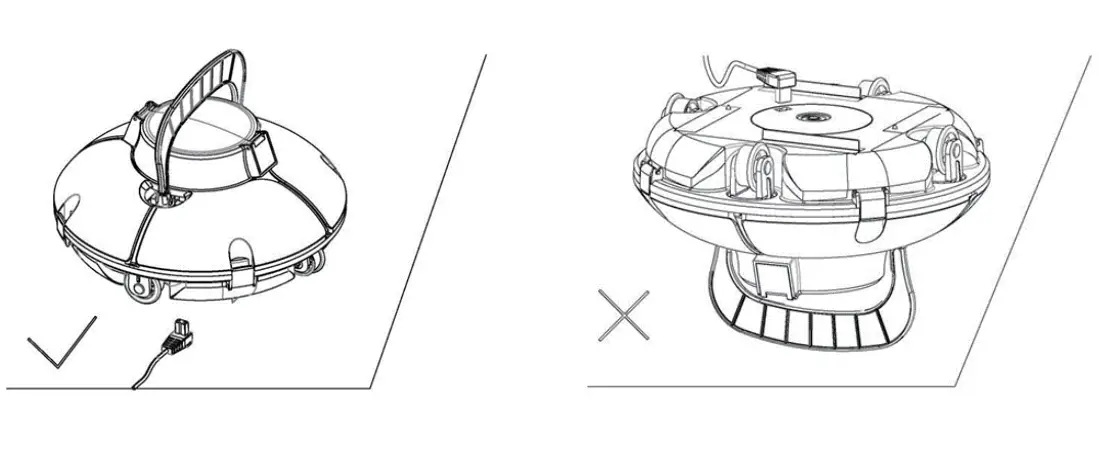
 f. When charging, it is strictly forbidden to face the bottom up to prevent the swing plate from being crushed.
 g. Power off the cleaner after using.
h. Do not touch the wall to avoid scratching the wall or damaging the cleaner when putting it into or lifting out of the pool.
i. Hold the cleaner on the water surface for 10-15 seconds until it empties before removing it from the pool.
g. Grab the floating handle and pull at the rope for lifting it on the water surface, and then grasp its handle to remove it from the pool.
4.2 Quick operation
a. Charge the battery with the supplied charger.
* Power off the cleaner before charging.
* Clean the charging port before charging.
* Red charging indicator indicates the battery is charging.
* Green charging indicator indicates charging is finished.
b. Put the cleaner into the water and empty the inside air according to
4.1.a. Press the switch to power on the cleaner.
c. It will automatically reverse when it touches the wall.
d. The cleaner will stop running after completing the working cycle. The floating handle can be hooked by a pole, and the cleaner will be pulled to the water surface near the edge of the pool.
e. Power-off operation: the buzzer will be alarming when lifting out of the pool. Press the switch to OFF and the cleaner will be shut down. Always clean the filter tray after using.
4.3 Functions and adjustments of wheels
There are 4 wheels on the cleaner, of which the left and right wheels are fixed. The front and back wheels can be selectively adjusted according to different conditions to adjust the running path of the cleaner. 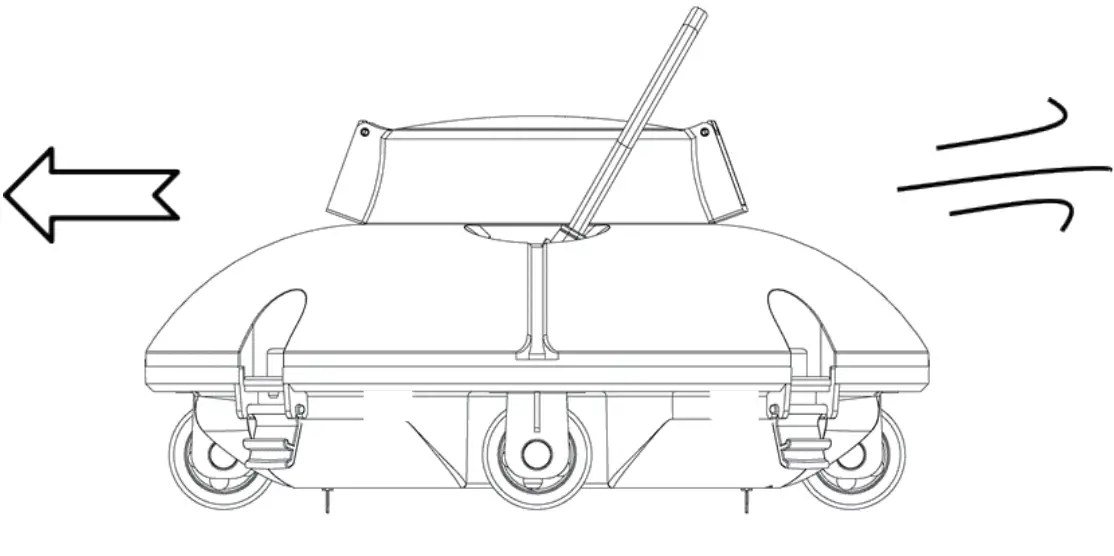
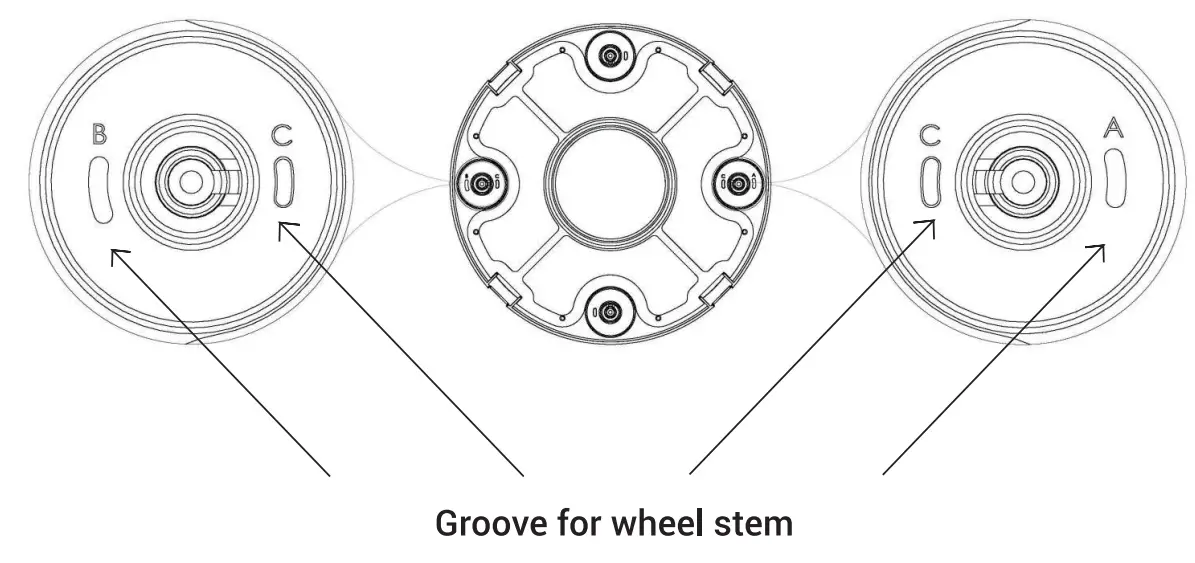
A, B, C are printed on the groove of the wheel limit pile of the chas-sis. Wheel limit piles will be installed by default on C (left) and A (right).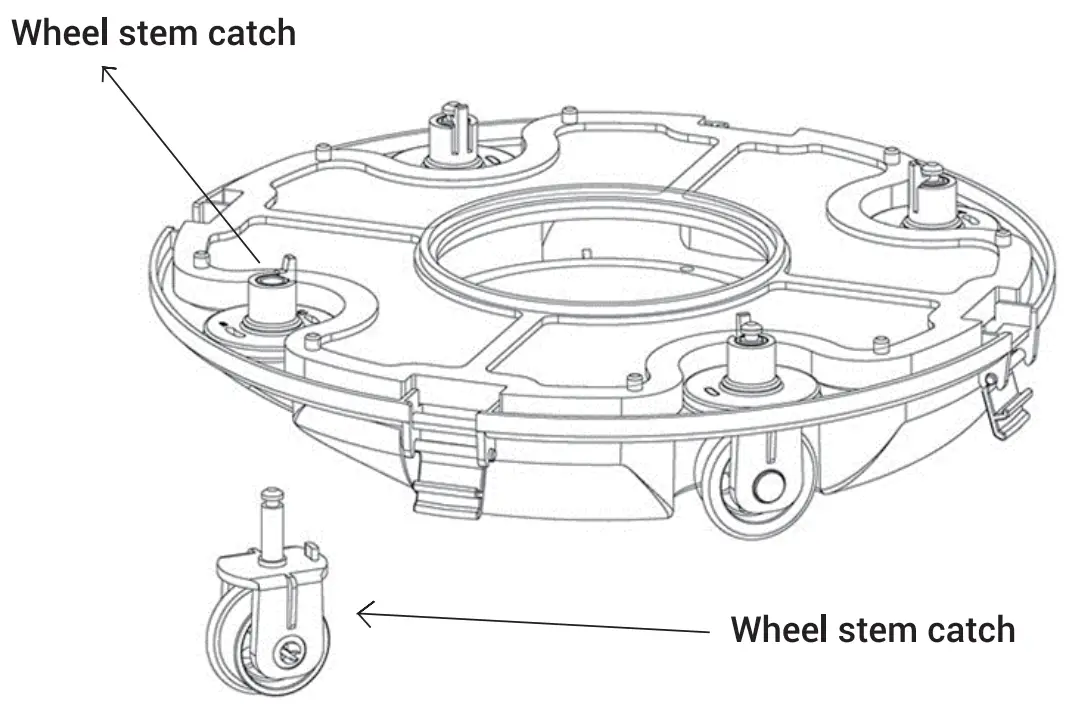 As shown in the figure, push the wheel buckle, pull down the wheel, and remove it. Then re-install the limit pile into the chassis to realize the different running paths.
b. Four settings for wheels are recommended:
B — A Maximum maneuvering (Factory setting, ideal for round above-ground pool)
B — C Smaller rebounding angle than B — A
C — A Smaller rebounding angle than B — C
C — C Minimum maneuvering (For rectangular or longer pool)
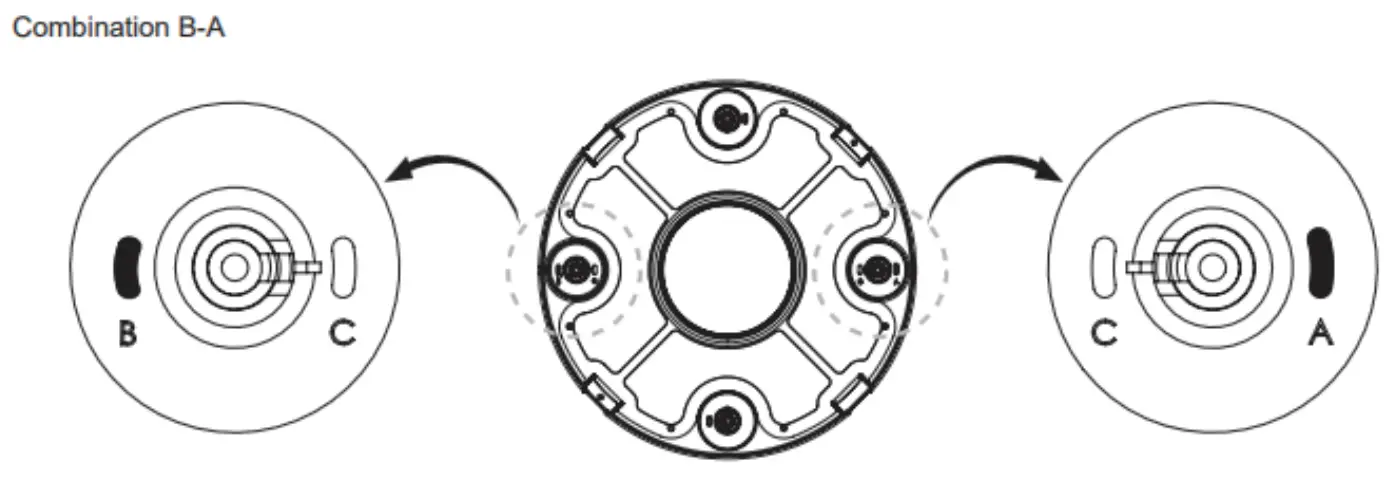 4.4 Filter cleaning
a. Open the cleaner by the clips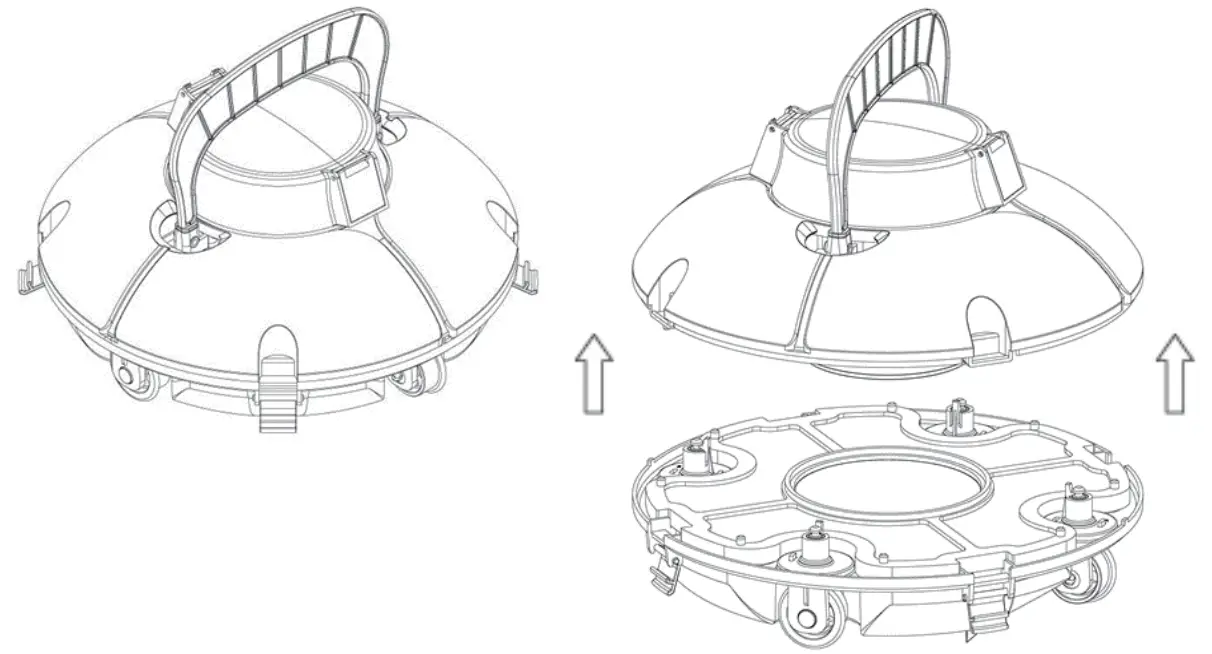 b. Take off the filter tray
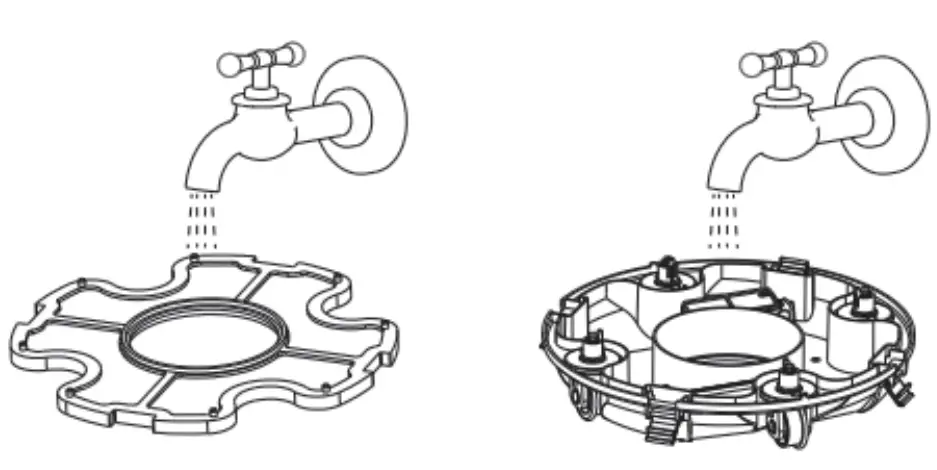
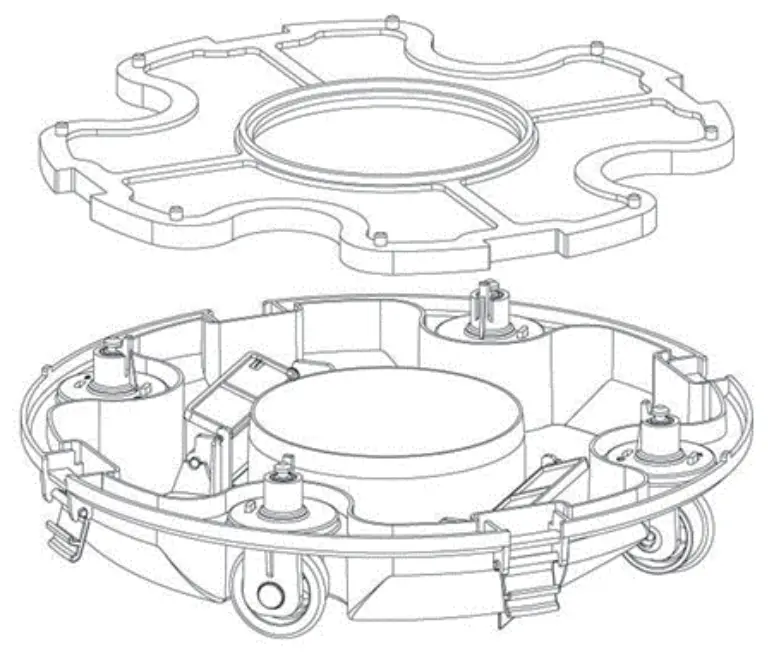 c. Clean the filter tray and chassis
 d. Reassemble the cleaner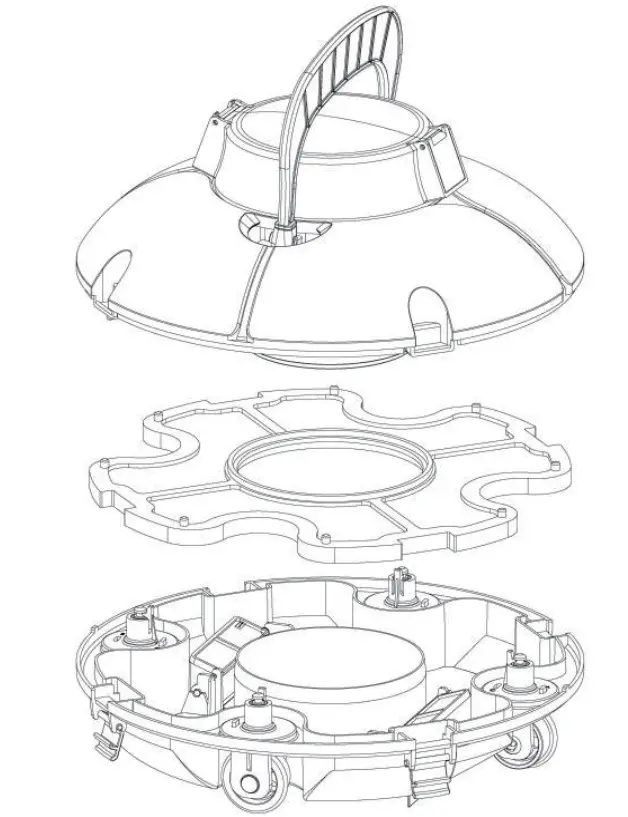
e. Clap on the clips
Troubleshooting
| Symptom | Possible reason | Solution |
| Buzzer silent or impeller not rotating after power on | Low battery | Recharge the battery |
| Internal fault | Contact after-sales service | |
| The buzzer still alarms or the impeller does not rotate after the cleaner is fully immersed in the water | Internal fault | Contact after-sales service |
| The swing plate cannot stand when the cleaner touches the wall | the plate is The swing p stuck | Remove the cleaner from the pool and try to manually rotate the swing plate or contact the after-sales service. |
| The swing plate can stand when the cleaner touching the wall, but the cleaner cannot reverse | The water channel is stuck | Try to manually overcome the stuck condition |
| The charger indicator does not work | The charger is damaged | Contact after-sales service |
| The cleaner does not have full coverage for the floor | Improper wheel angel | Adjust wheel position (see 4.3 Functions and adjustments of wheels) |
| Special pool shape | Adjust wheel position (see 4.3 Functions and adjustments of wheels) | |
| The swimming pool water circulation system is on | Shut down the system |
Buzzer notes
| Status | Status |
| Power on | Buzz before not fully immersed in the water; Stop buzzing after fully immersed in the water. |
| Power off | Stopping buzzing |
Packing List
| Item | Name | Model | QTY (pc) | Application | Remark |
| 1 | Cleaner | HJ1102 | 1 | In carton | |
| 2 | Charger | 1 | In carton | ||
| 3 | Flipper & handle | 1 | In carton | ||
| 4 | Retrieving hook | 1 | In carton | ||
| 5 | Screws | 2 | In plastic bag | ||
| 6 | User manual | 1 | In plastic bag |
This product has passed all quality control and safety tests, conducted by the technical department of the factory.
Warranty information:
- The warranty is covered for 12 months (only for battery and motor) from the date of its original purchase.
- This warranty is voided if the product has been altered, misused, or has been repaired by unauthorized personnel.
- The warranty extends only to manufacturing defects and does not cover any damage resulting from mishandling of the product by the owner.
- The sales invoice must be presented for any claim or repair during the warranty period.
Please contact our customer service for any warranty issues.