H0701B 7 In 1 USB Type-C Hub
Product Information
| Product Description | This product is an HDMI hub that allows you to connect multiple devices to your computer or TV. |
|---|---|
| Features and Specifications |
|
Product Usage Instructions
- Ensure that your computer or TV is powered off.
- Connect the USB-C Male port of the HDMI hub to the USB-C port
on your computer or TV. - Connect your desired devices to the available ports on the HDMI
hub, such as HDMI devices, USB devices, an Ethernet cable, an SD
card, or a Micro SD card. - If you need to charge your device using the HDMI hub, connect a
USB-C cable to the USB-C Female port labeled “100W PD charging”.
Connect the other end of the USB-C cable to a power source. - Ensure that all connections are secure.
- Power on your computer or TV.
- Switch the input source on your computer or TV to the HDMI port
connected to the HDMI hub. - You should now be able to use the connected devices through the
HDMI hub.
7-in-1 USB Type-C® Hub
User Manual
HDMI
Micro SD/SD USB Type-A USB Type-C® Ethernet
7-in-1 USB Type-C® Slimline Hub
Thank you for purchasing this TeleAdapt 7-in-1 USB TypeC® Slimline Hub. Please read this User Manual carefully before using the hub and then keep the manual in a safe place for future reference.
Product Description
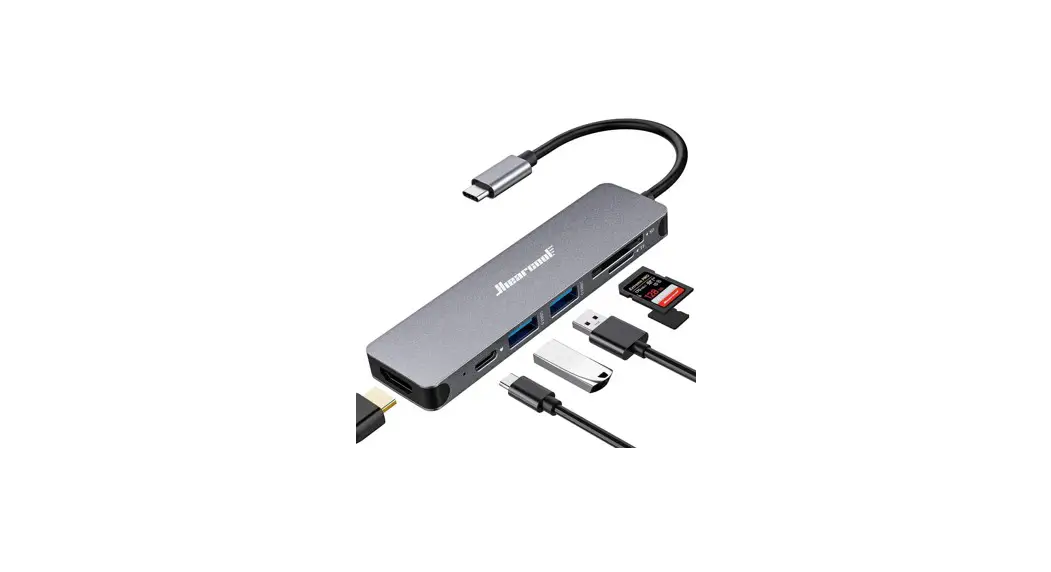
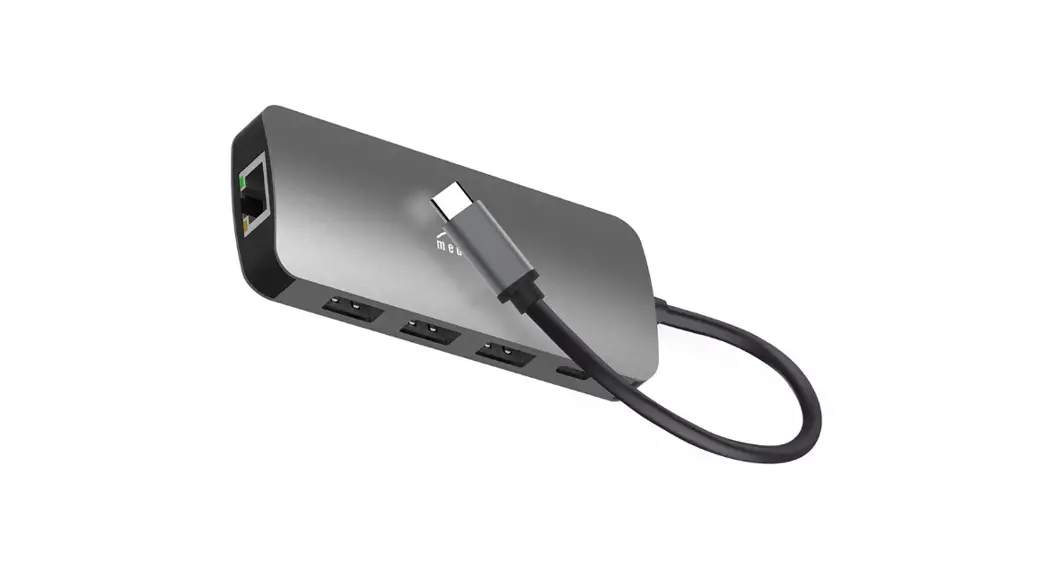
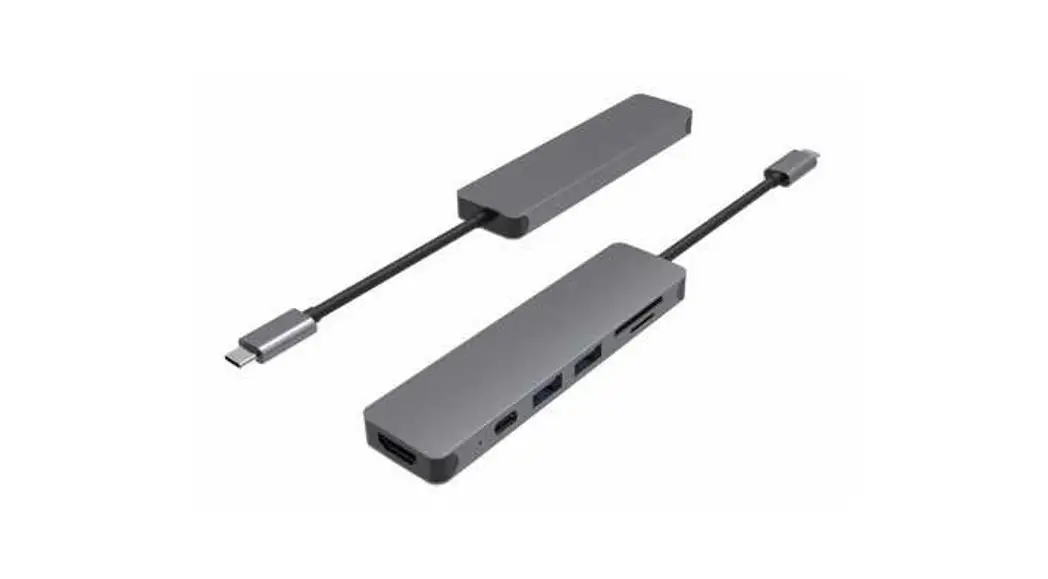
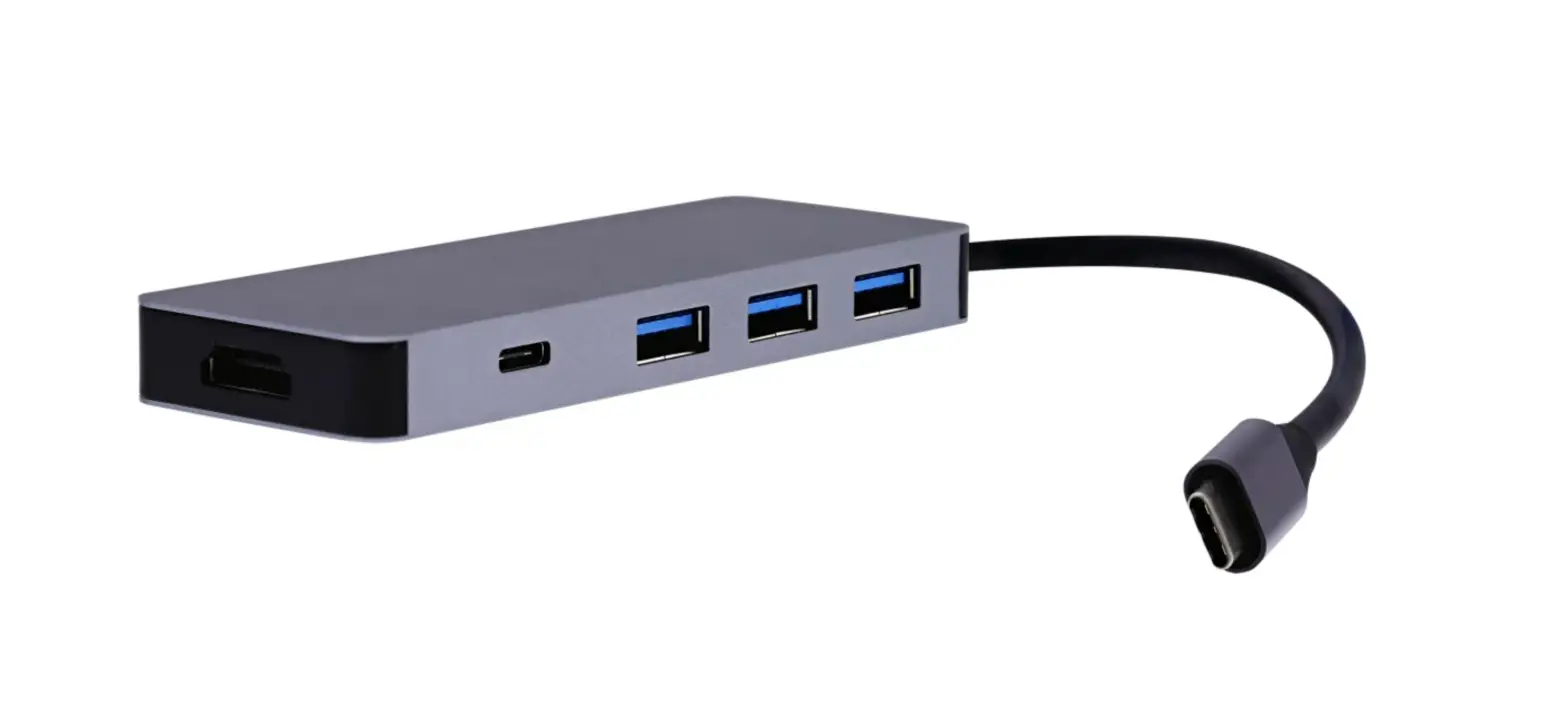
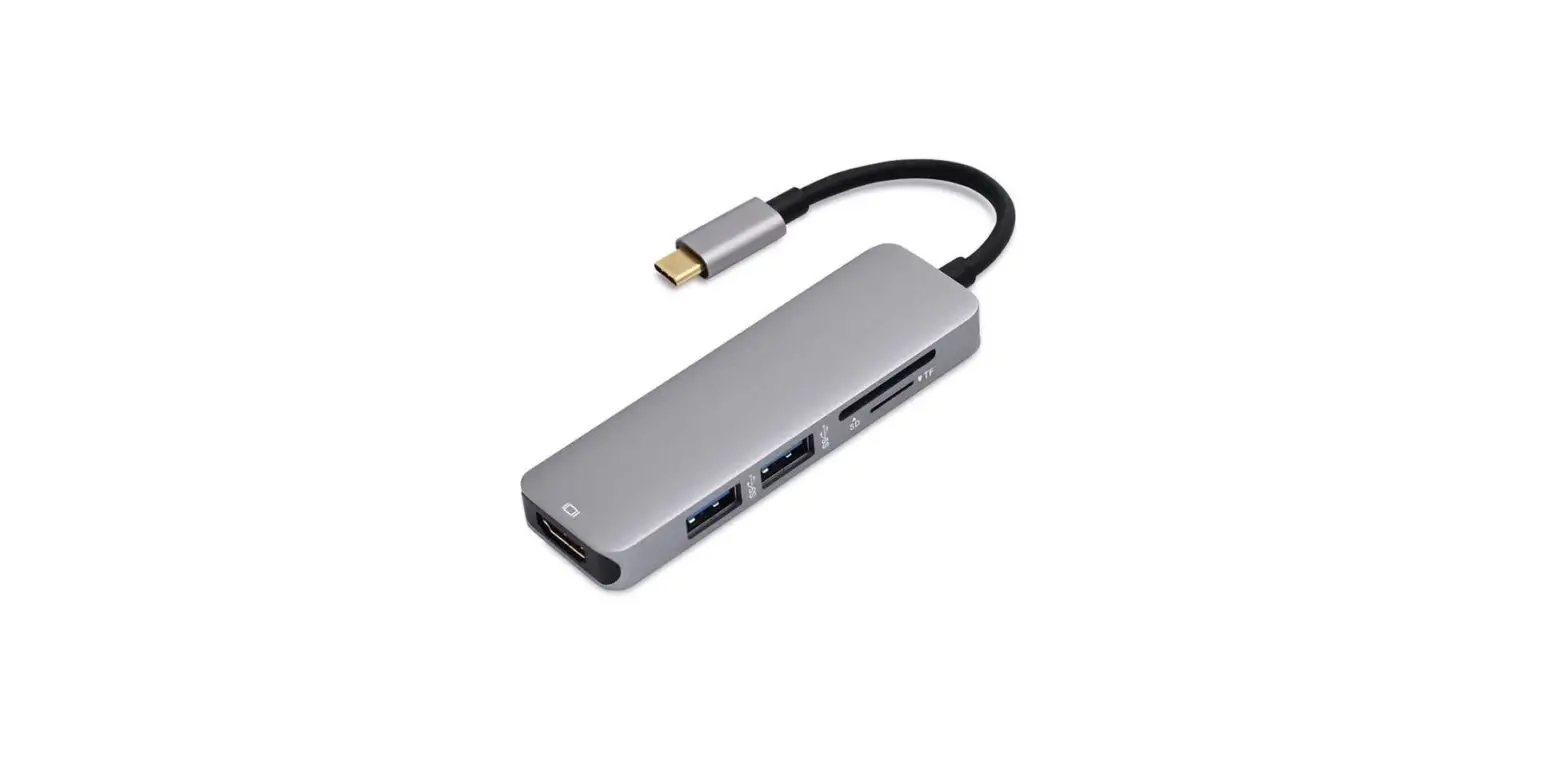
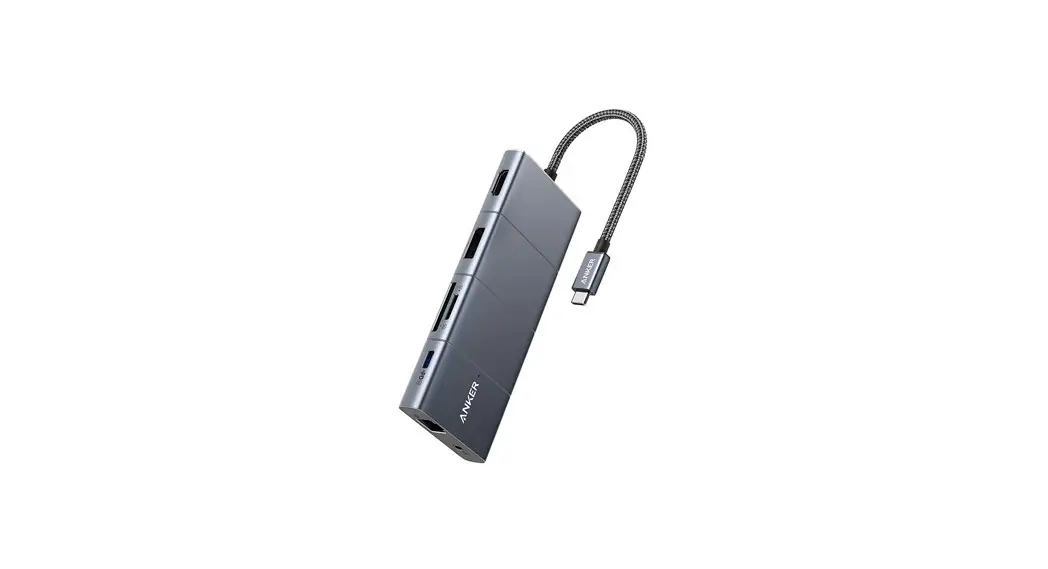
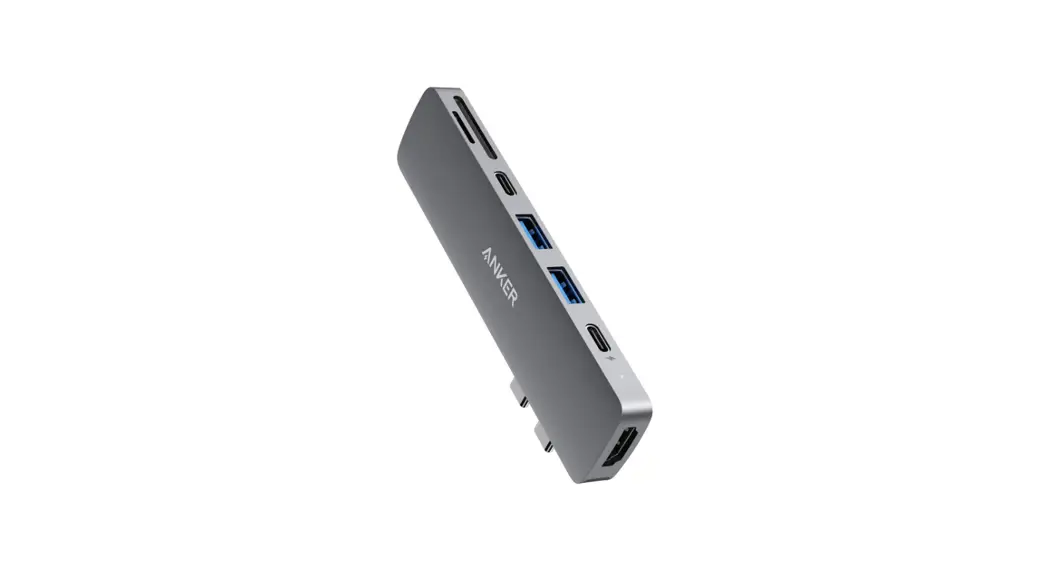
This USB Type-C® Slimline Hub is an integrated solution for power, data, video, SD card reader and Ethernet. It works with any USB Type-C® or Thunderbolt host PC that supports DP Alt Mode and allows you to connect it to:
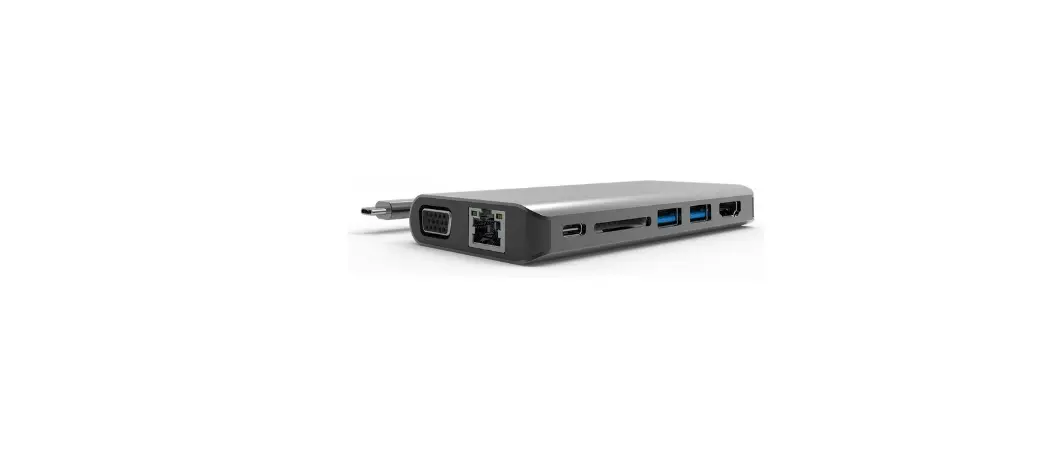
· an HDMI display for video, · USB Type-A devices for data transmission, · Gigabit Ethernet through the RJ45 port, · SD/MMC and Micro SD cards.
In addition the USB Type-C® female port supports charging for the host PC and additional power for the hub.
Features and Specifications
· Slim and compact aluminum housing. · Compatible with USB Type-C® and Thunderbolt host
PC, laptop, tablet or smartphone with DP Alt Mode. · Host
· DP 1.4 Alt Mode, HBR3 max. 32.4Gbps (8.1Gbps/ lane for video and data transfer).
· HDMI · 4K@60Hz (4K/30Hz if DP Alt Mode 1.2 host). · HDR. · RGB 8/10/12 bps; YCbCr4:2:2/YCbCr4:2:0 8/10/12 bpc. · HDCP 2.3 and 1.4.
· Ethernet · 10/100/1000Mbps.
· USB Type A (x2) · USB 3.0, max. 5Gbps data transfer. · Total combined output max 8W, single port output max (7.5W, 5V/1.5A).
9NN9..H
· USB Type-C® · Fast Role Swap. · 8W dedicated to hub, remaining power (max. 92W) available to host. · PD Charging 100W (20V/5A).
· SD/Micro SD · Secure Digital v3.0 UHS-I · SDR12 (12.5Mbyte/s)/SDR25(25Mbyte/s)/ SDR50(50Mbyte/s)/DDR50(50Mbyte/s)/ SDR104(104Mbyte/s) · SD/Micro SD can work simultaneously.
Ports Upstream (host) Downstream
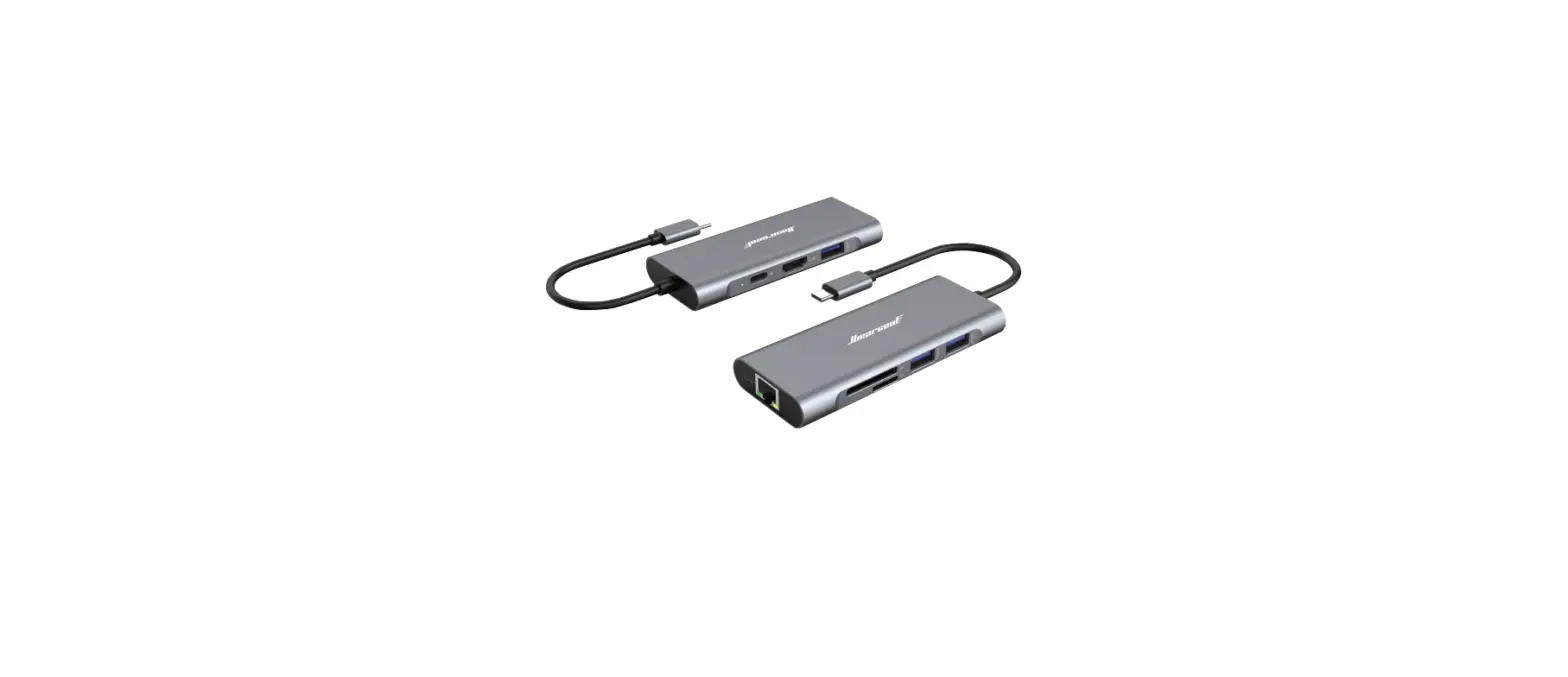
1 x USB-C Male 1 x HDMI Female 2 x USB A Female 1 x RJ45 1 x SD card slot 1 x Micro SD card slot 1 x USB-C Female (100W PD
charging)
Physical Weight Size
88.2g 136.1 x 34 x 14 mm
Warranty Limited
1 Year
Environmental Operating Temp. Operating Humidity
Storage Temp. Storage Humidity
0°C to +45°C 10% to 90 % RH (non-condensing) -10°C to +70°C 10% to 90 % RH (non-condensing)
Power USB-C PD Charging
100W(20V/5A)
Regulatory Certifications
FCC, CE
Connections
USB Type-C® (to Host PC)
Flying lead (0.17m)
HDMI
Micro SD/SD
Ethernet
2 x USB A
USB Type-C® PD Charging
© 2022 TeleAdapt Inc. All rights reserved. All trademarks are acknowledged. V1.2.