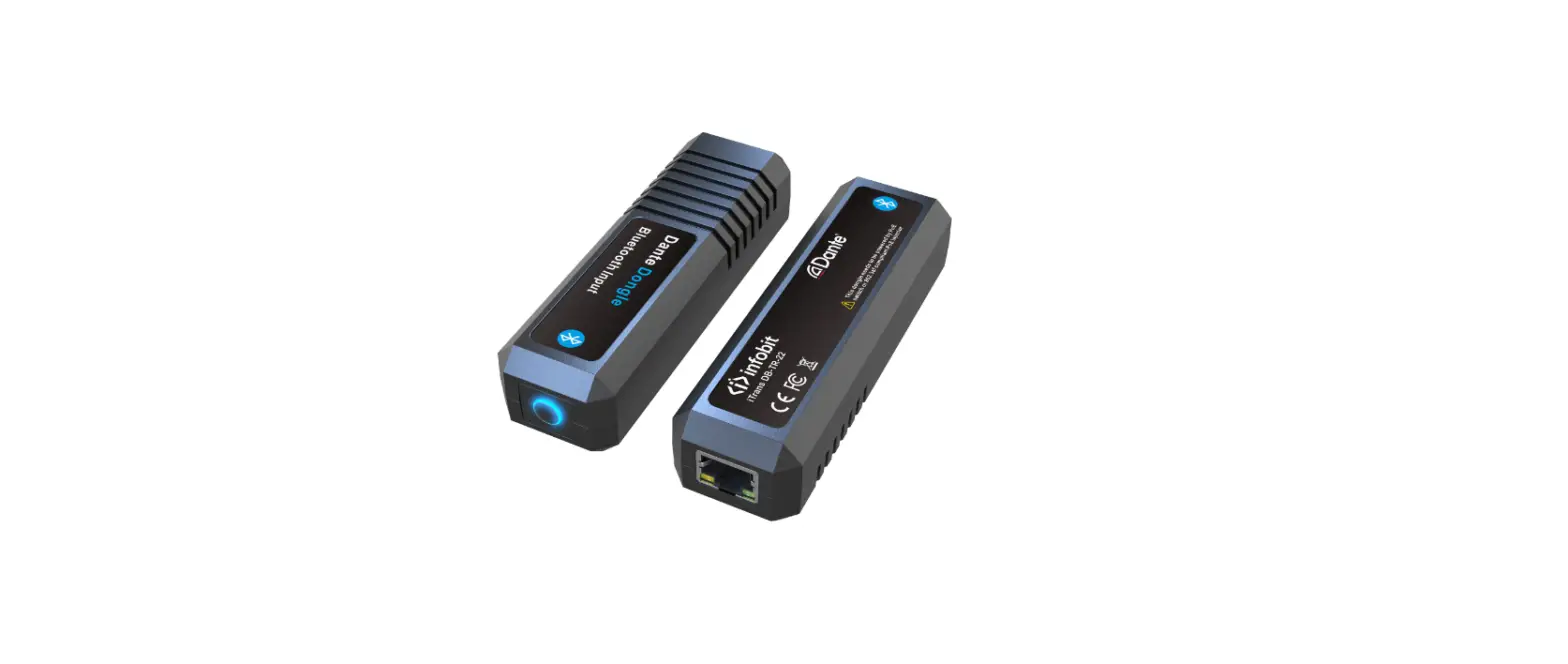
DX-T-22 iTrans 2CH XLR Dante Analog Transmitter
Product Information
Product Name: iTrans DX-T-22
Product Type: Audio signal adapter
Function: Convert analog audio signal to Dante
network audio signal output
Hardware Interfaces:
- Two XLR ports for analog audio signal input
- One RJ45 port for Dante network audio signal output
Technical Parameters:
- Model No.: iTrans DX-T-22
- Analog Audio Interface: XLR (3 pin)
- Dante Interface: RJ45
- Frequency Response: 20Hz to 20kHz
(-/+0.5dB) - Maximum Signal Level (Balanced): +18dBu /
+4dBu / 0dBu - Dynamic Range: > 100dB
- SNR (Signal to Noise Ratio): > 100dB
- THD (Total Harmonic Distortion): <
0.01%+4dBu - Power Consumption: Not specified
- Operating Temperature: Not specified
- Size (LxWxH): Not specified
- Weight: Not specified
Product Usage Instructions
- Connect the analog audio source to the iTrans DX-T-22 using two
XLR cables. Plug one end of each XLR cable into the analog audio
source and the other end into the XLR ports on the iTrans
DX-T-22. - Connect the iTrans DX-T-22 to a Dante network using an Ethernet
switch. Plug one end of an Ethernet cable into the RJ45 port on the
iTrans DX-T-22 and the other end into the Ethernet switch. - Ensure that the power supply for the iTrans DX-T-22 is provided
through the Ethernet (PoE) switch. - Once all connections are made, power on the analog audio source
and the Dante network. - The iTrans DX-T-22 will convert the received analog audio
signals to Dante network audio signals, which can be used in a
Dante audio system.
iTrans DX-T-22
Quick Guide
1. Product Introduction This product is applied to the audio system field to convert the analog audio signal to Dante audio signal. Power supply Ethernet (PoE) switch.
2. Product Feature
1. Function Introduction: Convert the received analog audio signals to Dante network audio signals.
2. Input & Output : Support two analog audio signal inputs, two Dante outputs.
3. Hardware interface type: Two XLR are used to input analog audio signals; One RJ45 port is used to output Dante network audio signal.
4. Technical Parameters
Model No.
iTrans DX-T-22
Product Type
Audio signal adapter
Function
Convert analog audio signal to Dante network audio signal output
3 pin XLR F/M
2
RJ45 Port
1
Analog audio interface
XLR
Dante
RJ45
Frequency response
20Hz to 20kHz (-/+0.5dB)
Maximum signal level (balanced)
+18dBu / +4dBu / 0dBu
Dynamic range
> 100dB
SNR (Signal to Noise Ratio)
> 100dB
THD (Total Harmonic Distortion) < 0.01%+4dBu
Power consumption
Operating temperature
Size (LxWxH) Weight
<1W 0-40 652mm x 32mm x 22mm 0.2kg
4. Product Overview
5. Product Connect
1. Download and install the Dante Controller from Audinate website (www.audinate.com ).
2. Connect the device to the switch using Dante network audio system with network cable.
3. The analog audio transmission device is connected through the XLR interface.
4. Search for devices in Dante Controller software, Select and open the devices to be configured. On the Routing page, match the input row with the output column with a custom check.
5. Once set up and configured the audio routing between audio device, the audio device will remember and save the settings.
6. Do not spill any corrosive chemicals or liquids on or near the equipment.
Contact US www.infobitav.com [email protected]
7. Packing List
DX-T-22 1Set
Quick Guide 1Pcs
8. Notes:
In order to ensure the reliable use of equipment and the safety of personnel, please follow below details when installing, using and maintaining:
1. When the equipment is installed, ensure that the ground wire in the power line is well grounded and the connection point of the chassis is well grounded.
2. Keep the working environment well ventilated, so that the heat generated by the equipment can be discharged in time, so as not to damage the equipment due to high temperature.
3. If the equipment is not used for a long time or in a wet condensation environment, the main power supply should be turned off.
4. Be sure to unplug the ac power cord of the equipment from the power supply socket before the following operations:
A. Remove or reload any part of the equipment.
B. Disconnect or reconnect any electrical plug or
connection to the device. 5. Non-professionals without permission, do not
dismantle the equipment without authorization, so as to avoid the risk of electric shock. Do not repair, so as not to increase the damage of the equipment.
References
 Audinate - Maker of Dante, Pro AV's Leading Networking Technology
-
Audinate - Maker of Dante, Pro AV's Leading Networking Technology
 infobit AV- 4K Matrix Switchers, Wireless Presentation, Active Optical Cable and Conference Camera- Meeting Room Solutions
-
infobit AV- 4K Matrix Switchers, Wireless Presentation, Active Optical Cable and Conference Camera- Meeting Room Solutions
 Audinate - Maker of Dante, Pro AV's Leading Networking Technology
 infobit AV- 4K Matrix Switchers, Wireless Presentation, Active Optical Cable and Conference Camera- Meeting Room Solutions