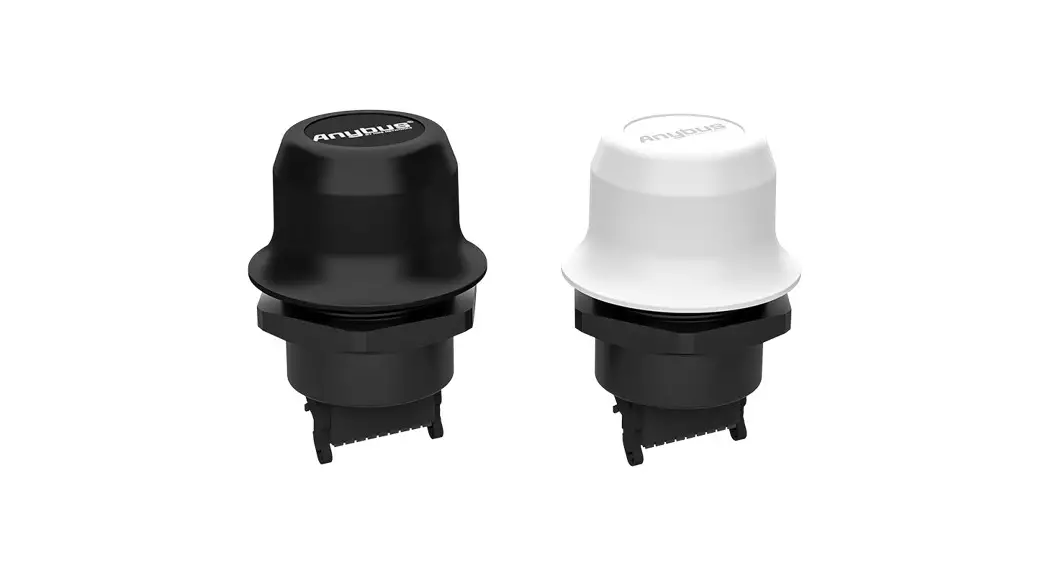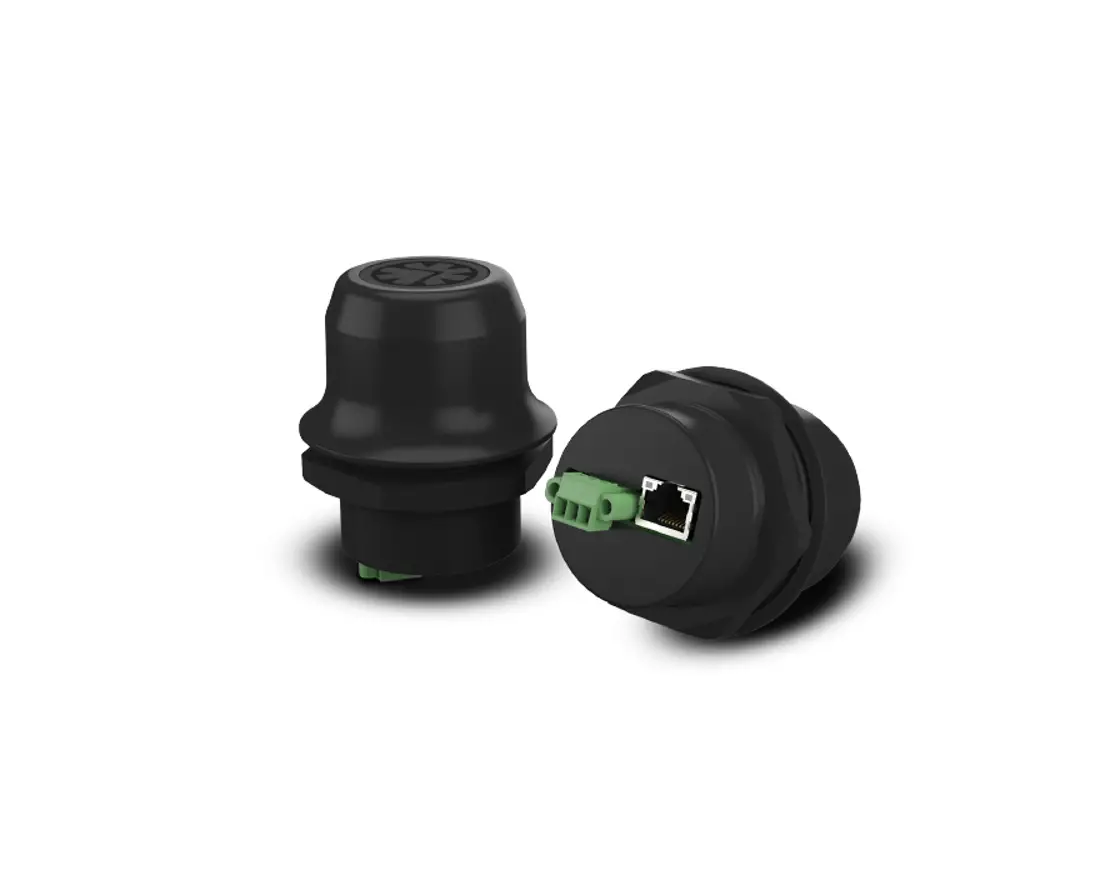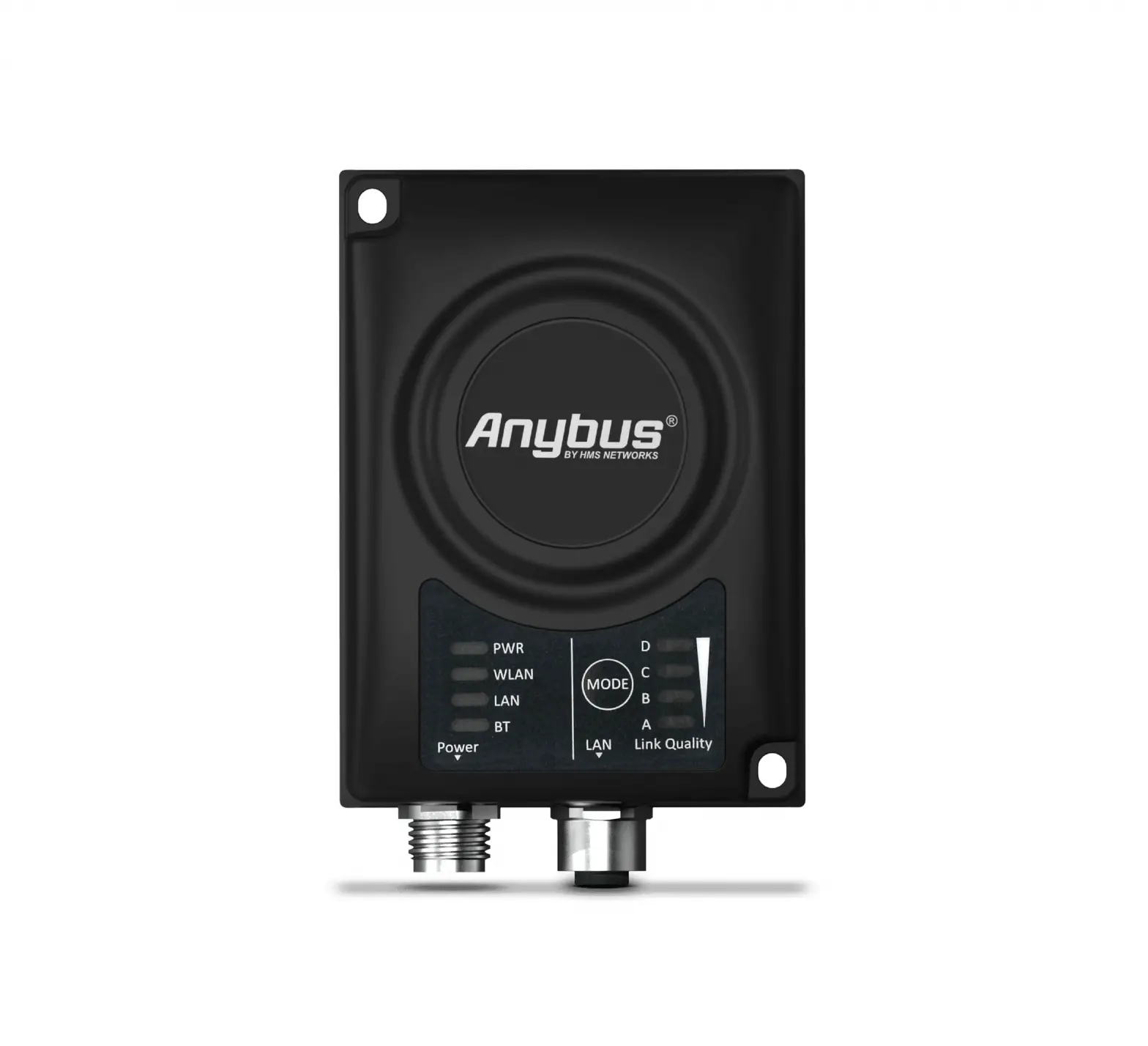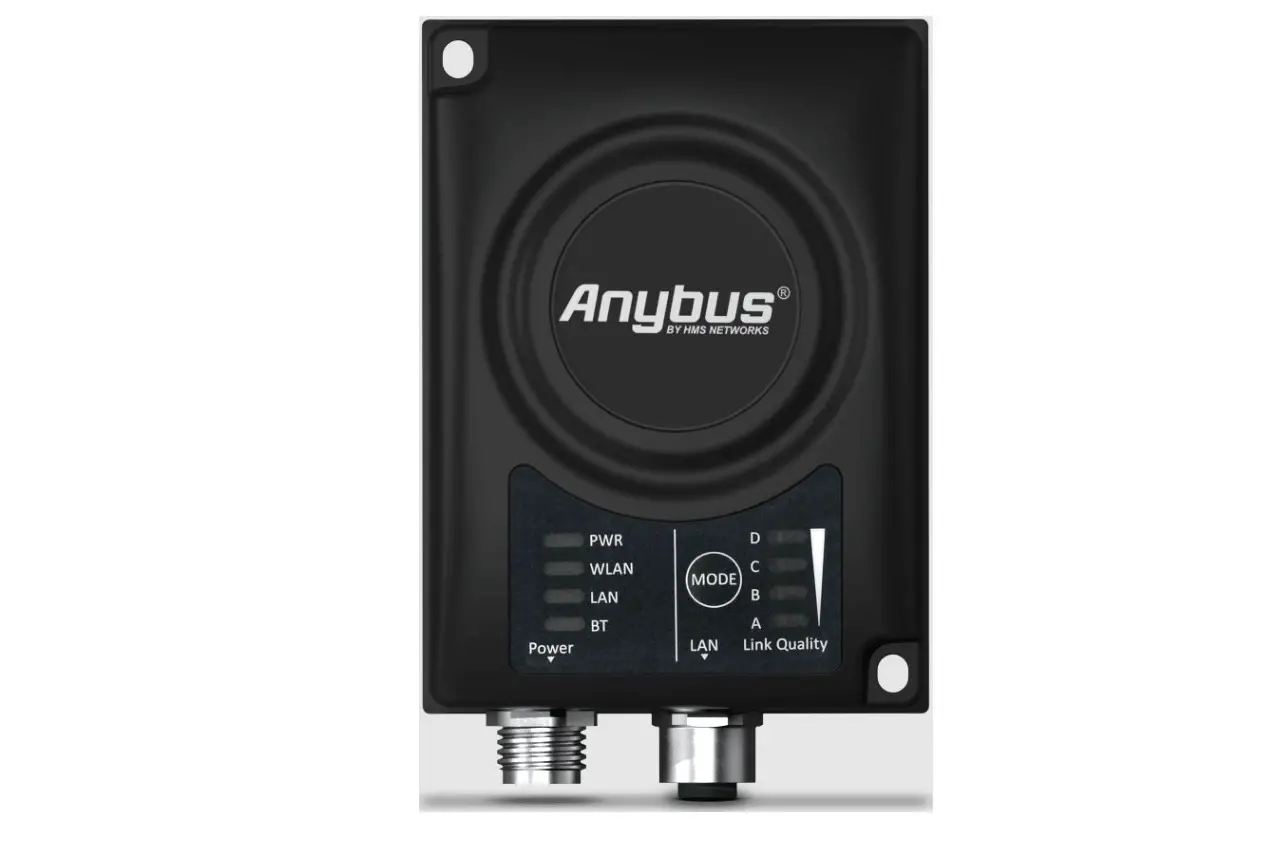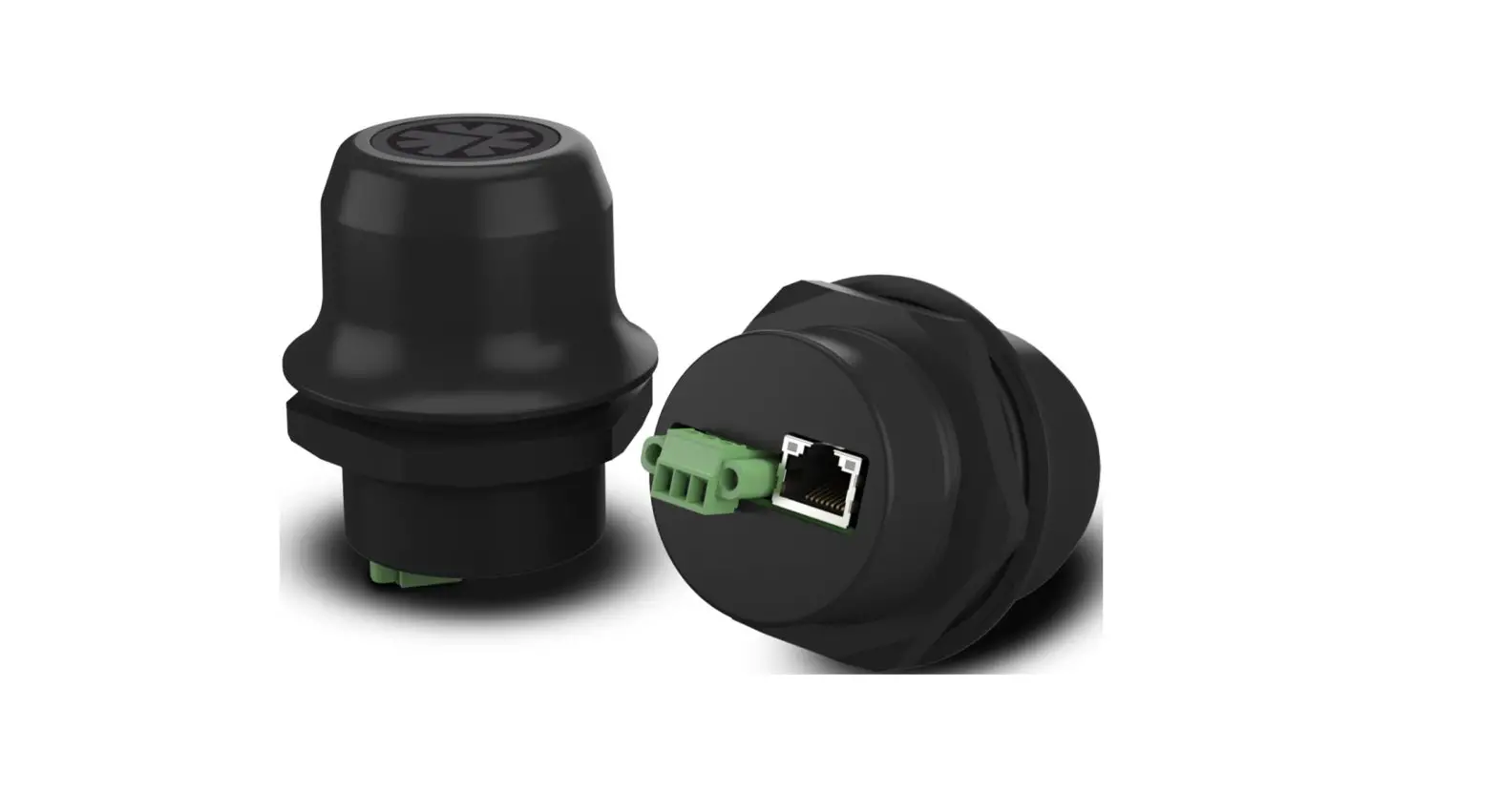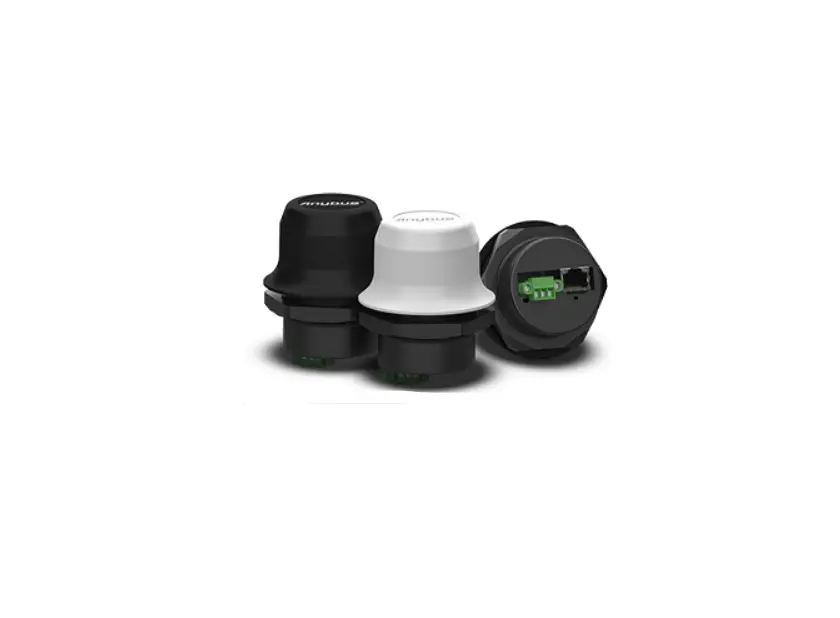
Anybus Wireless Bolt IoT User Guide

Important User Information
Disclaimer
The information in this document is for informational purposes only. Please inform HMS Industrial Networks of any inaccuracies or omissions found in this document. HMS Industrial Networks disclaims any responsibility or liability for any errors that may appear in this document. HMS Industrial Networks reserves the right to modify its products in line with its policy of continuous product development. The information in this document shall therefore not be construed as a commitment on the part of HMS Industrial Networks and is subject to change without notice. HMS Industrial Networks makes no commitment to update or keep current the information in this document. The data, examples and illustrations found in this document are included for illustrative purposes and are only intended to help improve understanding of the functionality and handling of the product. In view of the wide range of possible applications of the product, and because of the many variables and requirements associated with any particular implementation, HMS Industrial Networks cannot assume responsibility or liability for actual use based on the data, examples or illustrations included in this document nor for any damages incurred during installation of the product. Those responsible for the use of the product must acquire sufficient knowledge in order to ensure that the product is used correctly in their specific application and that the application meets all performance and safety requirements including any applicable laws, regulations, codes and standards. Further, HMS Industrial Networks will under no circumstances assume liability or responsibility for any problems that may arise as a result from the use of
undocumented features or functional side effects found outside the documented scope of the product. The effects caused by any direct or indirect use of such aspects of the product are undefined and may include e.g. compatibility issues and stability issues.
1 Preface
1.1 About This Document
This document describes the available REST commands for Wireless Bolt IoT. The reader of this document is expected to be familiar with the product and have a good knowledge of wireless communication and network technology. For additional related documentation, file downloads and technical support, please visit the
Anybus support website at www.anybus.com/support.
1.2 Trademarks
Anybus® is a registered trademark of HMS Industrial Networks. All other trademarks mentioned
in this document are the property of their respective holders.
2 Authentication
All http requests to the REST API need to be authenticated using the “Basic HTTP Authentication Scheme” (RFC7617). Basic auth is done by adding a header-parameter to the HTTP-request: Authorization: Basic <Base64 encoding of user-id:password> The user-id is always “admin” and the password is the web password currently in use, either the default password shipped with the product, or if it has been changed, the new password.
Example:
User-id: admin
Password: abc123
String to Base64-encode: admin:abc123
Completed header parameter:
Authorization: Basic YWRtaW46YWJjMTIz
3 Public REST Commands
3.1 Read Configuration
Read information from a configuration tree and present as JSON data
3.1.1 Syntax
GET <target_ip>/cgi-bin/readconfigtree.cgi?path=<tree_path>
3.1.2 Query Parameters
| Name | Description |
| target_ip | IP address of the Bolt IoT device, e.g. 192.168.0.98 |
| tree_path | A path to the configuration tree or node to read |
3.1.3 Return Values
A JSON structure with the requested data.
3.1.4 Examples
Read a single configuration node:
Query:
GET http://192.168.0.98/cgi-bin/readconfigtree.cgi?path=web:/
settings/lock
Response:
{“name”:”lock”,”type”:”bool”,”value”:true}
Read a configuration tree:
Query:
GET http://192.168.0.98/cgi-bin/readconfigtree.cgi?path=web:
Response:
{“name”:””,”type”:”tree”,”children”:
[{“name”:”settings”,”type”:”stem”,”children”:
[{“name”:”lock”,”type”:”bool”,”value”:true}]}]}
3.2 Write Configuration
Write information to a configuration tree.
3.2.1 Syntax
GET <target_ip>/cgi-bin/writeconfigtree.cgi?path=<tree_
path>&value=<new_value>&type=<type>
3.2.2 Query Parameters
Name | Description |
| target_ip | IP address of the Bolt IoT device, e.g. 192.168.0.98 |
| tree_path | A path to the tree and node to operate on |
| new_value | A value to write to the config tree |
| type | Must be one of bool, int, float, or string |
Note: if type is bool, then new_value must be either true or false.
3.2.3 Configuration Paths
The following configuration paths can be modified by the user:
Path | Type | Description |
| router:/settings/ipAddr | string | IP address |
| router:/settings/netMask | string | Subnet mask |
| router:/settings/dhcpEnable | bool | Enable internal DHCP server: true or false |
| router:/settings/auth | bool | Enable APN authenticaion: true or false |
| router:/settings/authUser | string | APN authenticaion: user |
| router:/settings/authPass | string | APN authenticaion: password |
| router:/settings/dhcpRangeStart | string | DHCP start address: 1..254 |
| router:/settings/dhcpRangeStop | string | DHCP stop address: dhcpRangeStart..254 |
| router:/settings/apn | string | Access Point Name (APN) |
| router:/settings/rat | string | Radio Access Technology (RAT): auto, lte-m1, lte-nb1 or gsm |
| web:/settings/lock | bool | Configuration lock: true or false |
| web:/settings/password | string | Web and REST API password (valid characters a-z, A-Z, 0-9, – and _ ) |
3.2.4 Return Values
{“success”:<value>}
| Value | Description |
| true | Request completed successfully |
| false | Request failed or validation error or config locked. |
3.2.5 Example
Query:
GET http://192.168.0.98/cgi-bin/writeconfigtree.cgi?path=router:/
settings/apn&value=my_apn.company.com&type=string
Response:
{“success”:true}
3.3 Backup Configuration
Create and return a file with a backup of all settings in the device.
3.3.1 Syntax
GET <target_ip>/cgi-bin/backup.cgi
3.3.2 Query Parameters
None
3.3.3 Examples
Query:
GET http://192.168.0.98/cgi-bin/backup.cgi
Response:
<octet stream containing the backup>
3.4 Restore Configuration
Restore all settings in the device from a file.
3.4.1 Syntax
POST <target_ip>/cgi-bin/restore.cgi
3.4.2 Query Parameters
None
3.4.3 Post Data
The backup file contents.
3.4.4 Return Values
{“success”:<value>}
Value | Description |
| true | Request completed successfully. |
| false | Request failed or config locked. |
3.5.4 Examples
Query:
GET http://192.168.0.98/cgi-bin/factoryreset.cgi
Response:
{“success”:true}
3.6 Info
Get runtime information.
3.6.1 Syntax
GET <target_ip>/cgi-bin/info.cgi
3.6.2 Query Parameters
None
3.6.3 Return Values
A JSON structure with the following information
Value | Description |
| uptime | Device uptime in seconds |
| time | System time (UTC) |
| radio_power | Radio module power state |
| 0: Off | |
| 1: On | |
| sim | SIM card status |
| signal_quality | Signal quality (0..5) |
| signal_strength | Signal strength (dBm) |
| cell_id | Serving Cell Identifier |
| lac | Location Area Code of the serving cell |
| tac | Tracking Area Code of the serving cell (LTE only) |
| rat | Currently used Radio Access Technology |
| 0: Unknown | |
| 1: GSM |
Public REST Commands
| Value | Description |
| 4: LTE | |
| Currently used operator | |
| status | Network registration status |
| 0: Not registered and not searching | |
| 1: Registered to home network | |
| 2: Searching for new operator | |
| 3: Registration denied | |
| 4: Registered to roaming network | |
| 5: Unknown state | |
| amplifier_temp | Amplifier temperature in degrees Celcius |
| controller_temp | Controller temperature in degrees Celcius |
| connection_state | Data session state |
| 0: Disconnected | |
| 1: Authenticating | |
| 2: Connected | |
| 3: Suspending | |
| 4: Incoming (MT-PDP context request) | |
| voltage | Voltage (mV) |
| iotbolt_version | Bolt IoT version |
| modem_version | Modem FW version |
| pri | Carrier name and version |
| apn | Currently used APN |
| rat_specific | Access technology of the serving cell |
| 0: GSM | |
| 7: CAT-M1 | |
| 9: NB-IoT | |
| imsi | International Mobile Subscriber Identity |
| imei | International Mobile Equipment Identity |
3.6.4 Examples
Query:
GET http://192.168.0.98/cgi-bin/info.cgi
Response:
{“uptime”:”4287″,”time”:”2019-11-19 13:35:48″,”radio_
power”:”1″,”sim”:”2″,”signal_quality”:”1″,”signal_strength”:”-
109″,”cell_
id”:”26269452″,”lac”:”4294967295″,”tac”:”0x85″,”rat”:”4″,”operator”:”
TELIA S”,”status”:”4″,”amplifier_temp”:”35″,”controller_
temp”:”35″,”connection_state”:”2″,”voltage”:”3807″,”iotbolt_
version”:”1.00.20-dev”,”modem_version”:”SWI9X06Y_
02.16.06.00″,”pri”:”GENERIC_001.028_001″,”apn”:””,”rat_
specific”:”9″,”imsi”:”238208700452254″,”imei”:”352653090129735″}
3.7 Log
Get system log.
3.7.1 Syntax
GET <target_ip>/cgi-bin/log.cgi
3.7.2 Query Parameters
None
3.7.3 Return Values
Plain text log file.
3.7.4 Examples
Query:
GET http://192.168.0.98/cgi-bin/log.cgi
Response:
Oct 9 10:03:18 Legato: INFO | Version: 1.00.18-dev
Oct 9 10:03:18 Legato: INFO | Boot reason: Power-on
Jan 6 00:00:23 Legato: INFO | eth0 IP address: 192.168.0.98 – netmask:
255.255.254.0
Jan 6 00:00:23 Legato: INFO | eth0 DHCP server: on
Jan 6 00:00:23 Legato: INFO | APN auth is: off
Jan 6 00:00:23 Legato: INFO | DHCP range start – stop: 192.168.0.100 –
192.168.0.200
Jan 6 00:00:24 Legato: INFO | IP address/netmask set to: 192.168.0.98/
255.255.254.0
Jan 6 00:00:24 Legato: INFO | Setting no auth for APN
Jan 6 00:00:24 Legato: INFO | Setting configured RAT: “gsm”: 0x01
Jan 6 00:00:24 Legato: INFO | Data connection requested
Oct 17 12:02:43 Legato: INFO | Data connected, interface ‘rmnet_data0’
Oct 17 12:02:43 Legato: INFO | Restarting DHCP/DNS services
3.8 SysLogInfo
Create and return an archive of all system logs.
3.8.1 Syntax
GET <target_ip>/cgi-bin/sysloginfo.cgi
3.8.2 Query Parameters
None
3.8.3 Examples
Query:
GET http://192.168.0.98/cgi-bin/sysloginfo.cgi
Response:
<octet stream containing the archive>
3.9 Reboot
Reboot the device.
3.9.1 Syntax
GET <target_ip>/cgi-bin/reboot.cgi
3.9.2 Query Parameters
None
3.9.3 Return Values
{“success”:<value>}
| Value | Description |
| true | Request completed successfully. |
| false | Request failed |
3.9.4 Examples
Query:
GET http://192.168.0.98/cgi-bin/reboot.cgi
Response:
{“success”:true}
3.10 Ultra Low Power Mode
Put the device in Ultra Low Power Mode for a specified duration.
3.10.1 Syntax
GET <target_ip>/cgi-bin/ulpm.cgi?duration=<time in seconds>
3.10.2 Query Parameters
Name | Description |
| duration | Number of seconds (60-86400) to remain in ULPM before waking up again |
3.10.3 Return Values
{“success”:<value>,”message”:”<additional info>”}
| Value | Description |
| true | Request completed successfully. |
| false | Request failed or validation error |
3.10.4 Examples
Enter ULPM and sleep for 300 seconds (5 minutes)
Query:
GET http://192.168.0.98/cgi-bin/ulpm.cgi?duration=300
Response:
{“success”:true,”message”:”sleeping for 300 s”}
3.11 Firmware Update
Update the device firmware.
3.11.1 Syntax
POST <target_ip>/cgi-bin/update.cgi
3.11.2 Query Parameters
None
3.11.3 Post Data
The contents of a firmware (.fws) file.
3.11.4 Return Values
Raw HTML output of the firmware update process. Searching this for the strings “SUCCESS” or
“FAILED” will give the result.
3.11.5 Examples
Query:
POST http://192.168.0.98/cgi-bin/update.cgi
Response:
Trying to update…
Unpacking: 0%
FAILED: error code 2
3.12 DHCP Leases
Return a list of active DHCP leases.
3.12.1 Syntax
GET <target_ip>/cgi-bin/dhcpleases.cgi
3.12.2 Query Parameters
None
3.13 Return Values
Raw text output with DHCP leases in dnsmasq.leases format.
3.13.1 Examples
Query:
GET http://192.168.0.98/cgi-bin/dhcpleases.cgi
Response:
1573275080 00:e0:4c:34:92:e9 192.168.0.168 LT-5Q1XWT2 01:00:
e0:4c:34:92:e9
 Home | Company.com
 Anybus technical support | Anybus