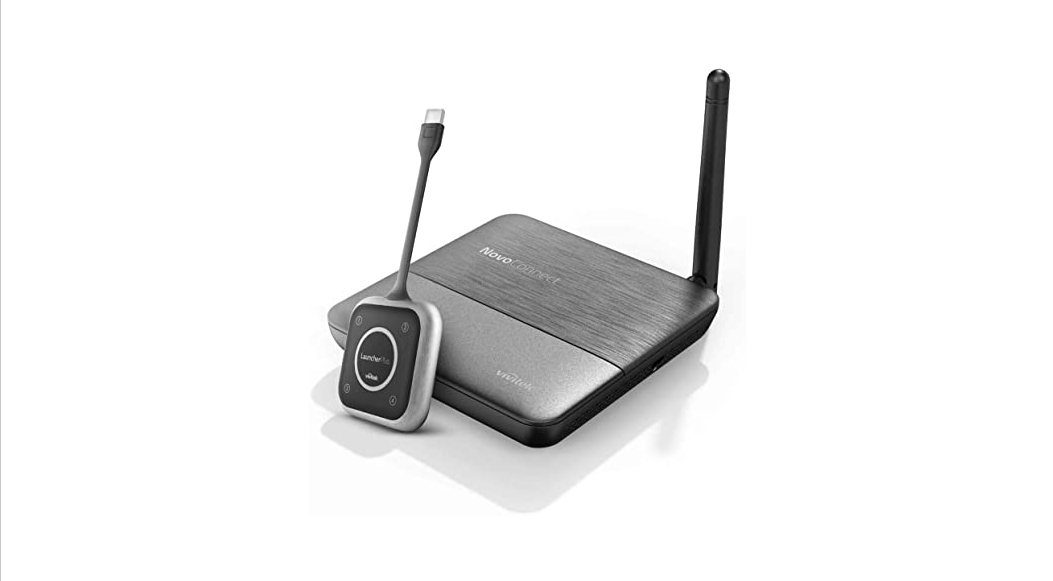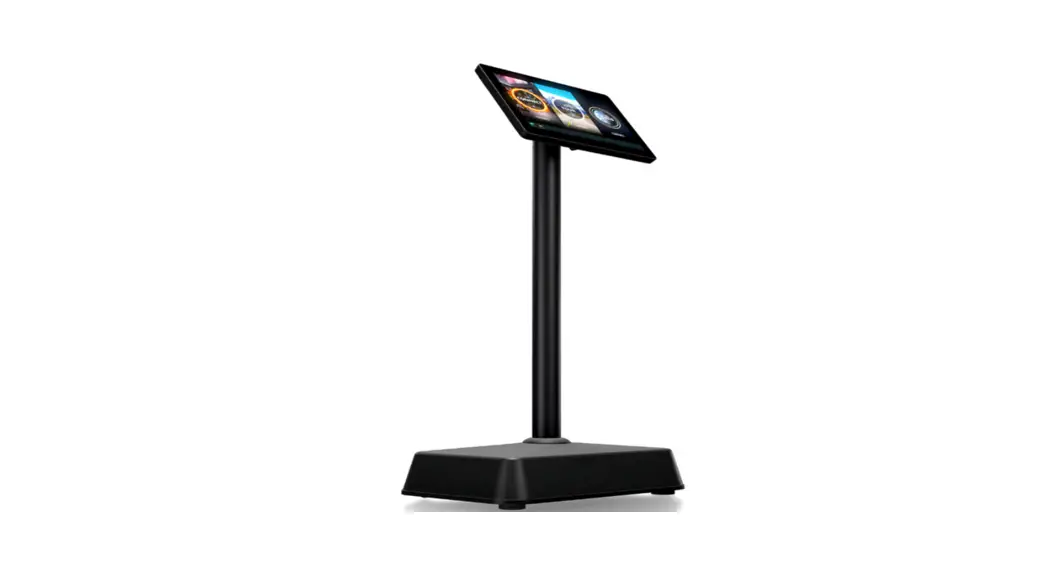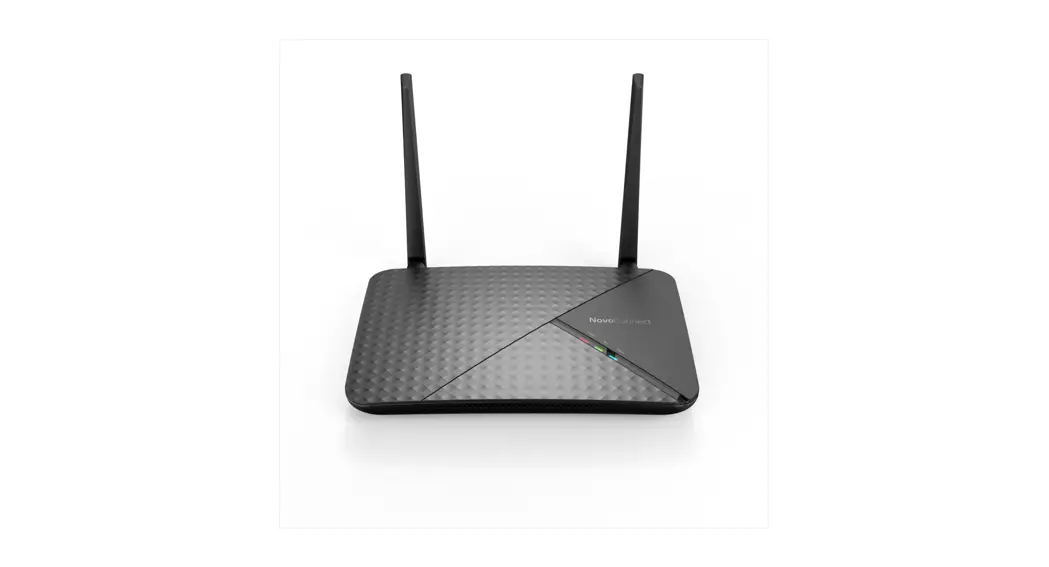
NC-X700 & NC-X900
User’s Manual
Get to Know Your Device
Installation and Setup
Basic Operations
- Home Screen
- Presentation: Using Native Mirroring
- Presentation: Using LaunchNovo.com
- Presentation: Using NovoConnect software
- Presentation: Using NovoConnect App
- Presentation: Using LauncherPlus
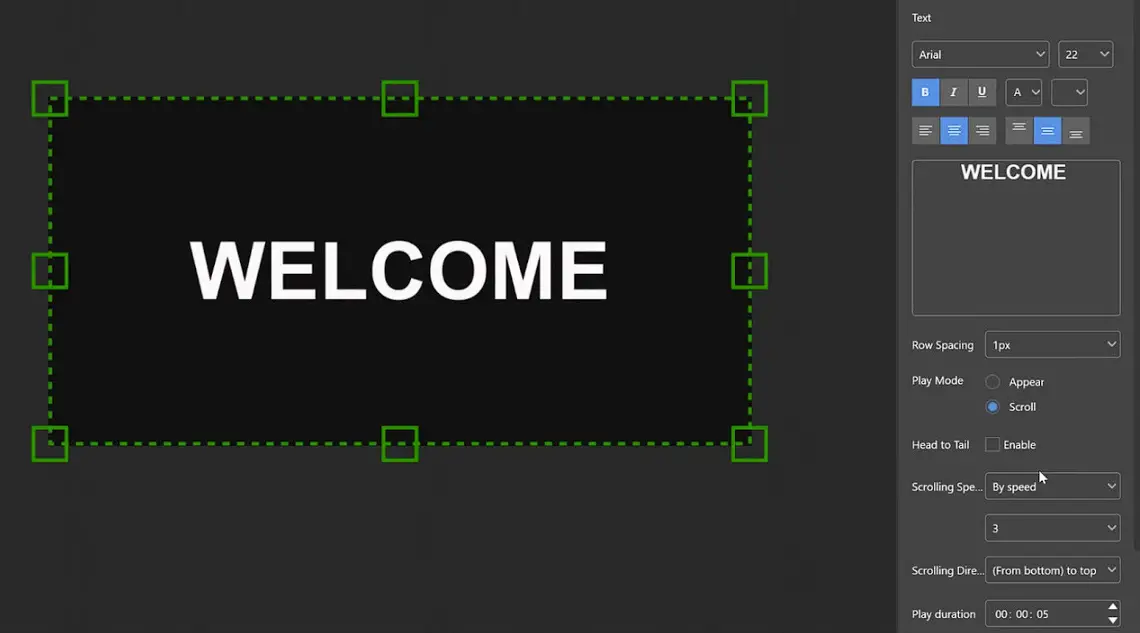
- Signage
BYOM
Advanced Features
More of NovoConnect Software
- Screen Extension
- Audio On/Off and Mirroring Mode
- Video and YouTube
- AirNote
- Touch-back and On-Screen Annotation
- Sharing Files and Webpages
- Voting/Polling
Digital Signage – NovoDS
FAQs and Troubleshooting
 |  |
References
 Launch Novo NovoConnect Software Win/Mac/Ubuntu
 NovoConnect – Novo Support
-
1.1 What are X700 & X900 – Novo Support
-
1.2 Product Features – Novo Support
-
1.3 Companion Software – Novo Support
-
1.4 Accessories – Novo Support
-
2.1 Hardware Installation – Novo Support
-
2.4 Firmware Update – Novo Support
-
3.6 Signage – Novo Support
-
4.1 NT Settings – Novo Support
-
4.2 NT LiveScreen, LiveReceiver & Live Hub – Novo Support
-
Video Streaming – Novo Support
-
5.6 Sharing File and Webpage (URL) – Novo Support
-
5.7 Voting / Polling – Novo Support
-
5.2 Audio On/Off and Mirroring Modes – Novo Support
-
BYOM – Download and Installation – Novo Support
-
6.1 How to Capture Log – Novo Support
-
5.1 How to extend your screen? (Windows) – Novo Support
-
6.2 How to Rename Hotspot SSID and Encryption – Novo Support
-
How to use BYOM – Novo Support
-
How to verify network connectivity – Novo Support
-
5.4 AirNote – Novo Support
-
NovoDS Studio User’s Manual – Novo Support
-
5.5 Touch-back and On-Screen Annotation – Novo Support
-
Presentation: Using LauncherPlus – Novo Support
-
3.3 Presentation: Using LaunchNovo.com – Novo Support
-
3.2 Presentation: Using Native Mirroring – Novo Support
-
Presentation: Using NovoConnect App – Novo Support
-
Presentation: Using NovoConnect Software – Novo Support
-
Using Remote Manager for Large Deployment – Novo Support
-
What is NovoConnect BYOM – Novo Support
-
NC-X700 & NC-X900 User’s Manual – Novo Support
-
2.2 Network Configuration – Novo Support
-
3.1 Home Screen – Novo Support
 Launch Novo NovoConnect Software Win/Mac/Ubuntu
 NovoConnect – Novo Support