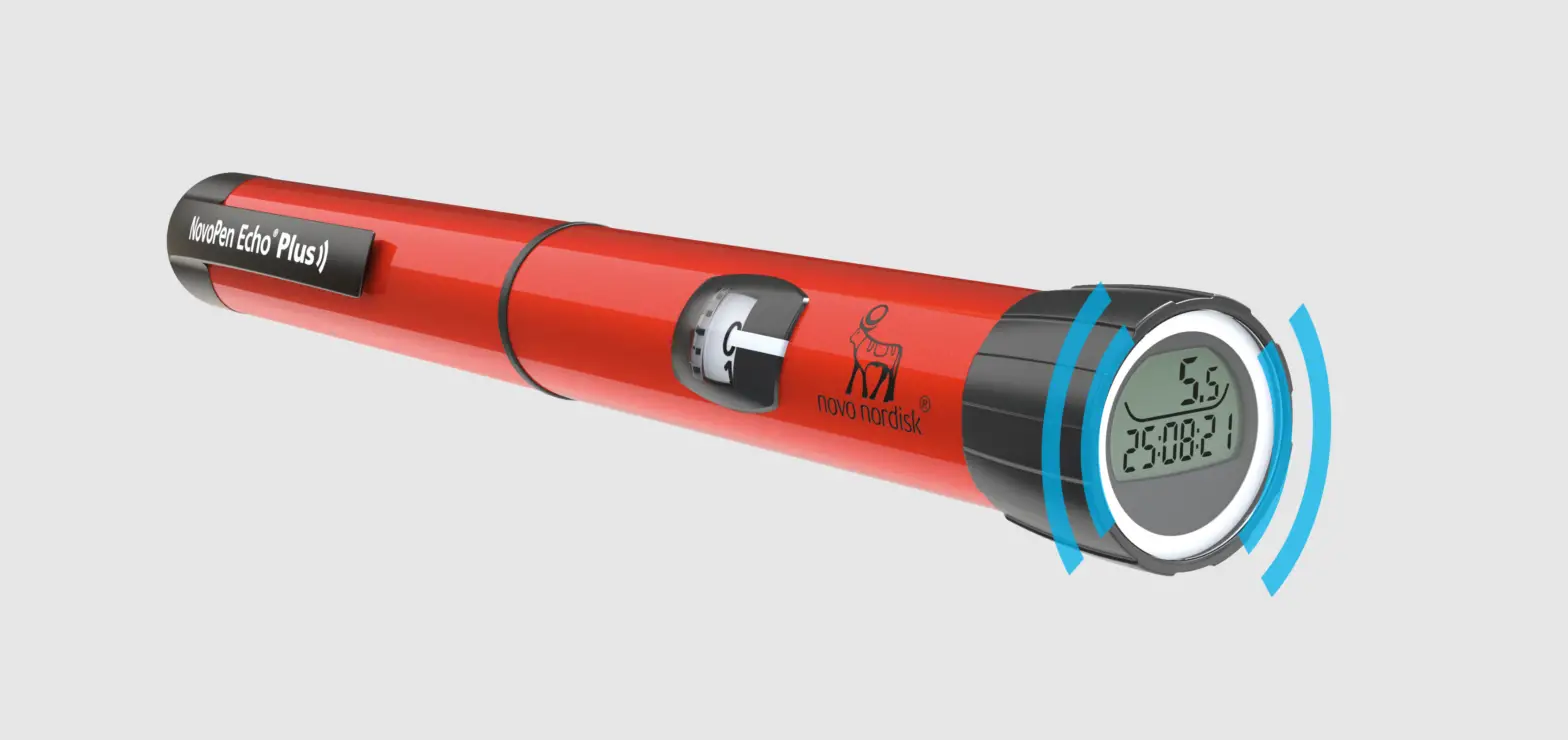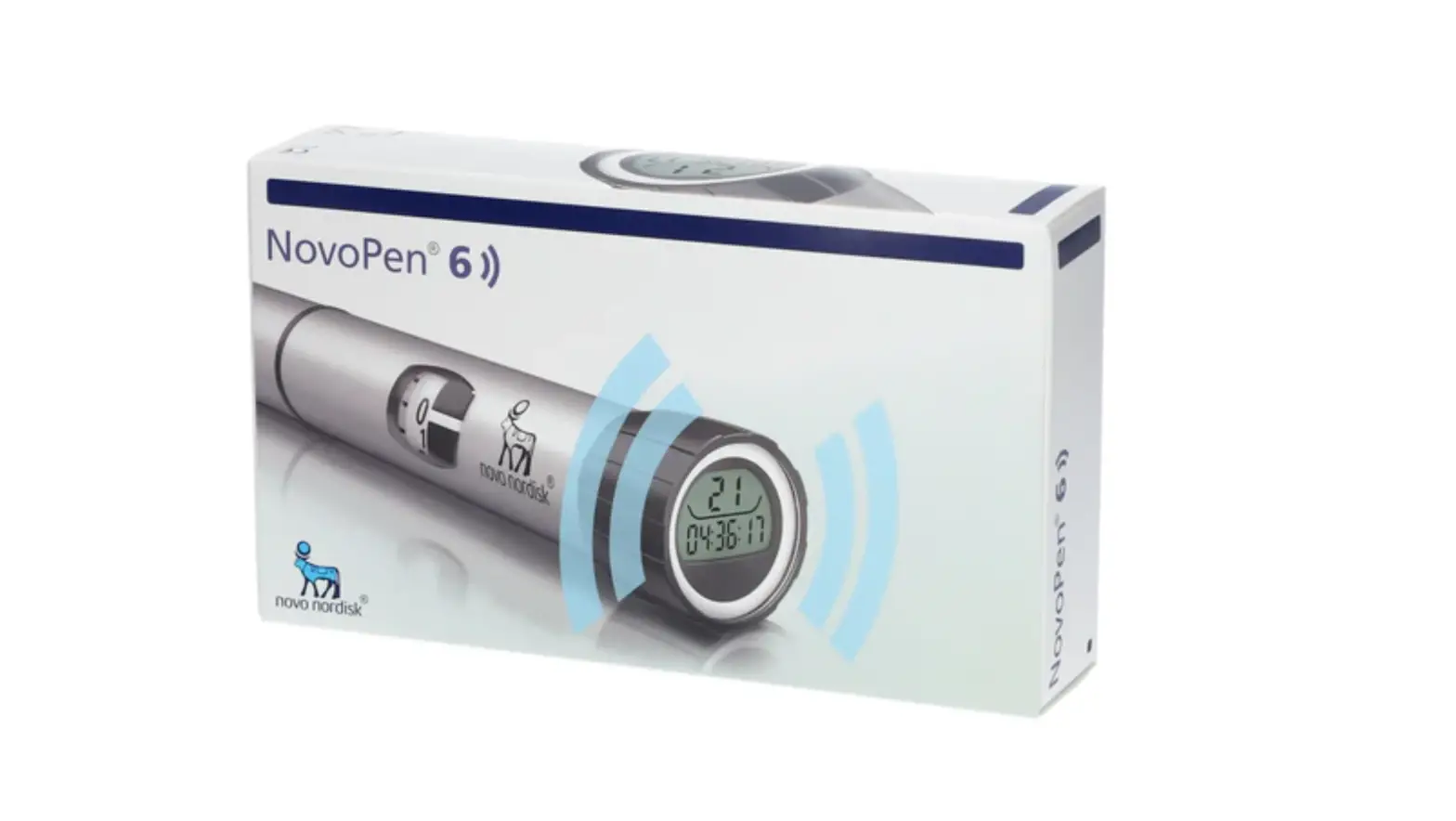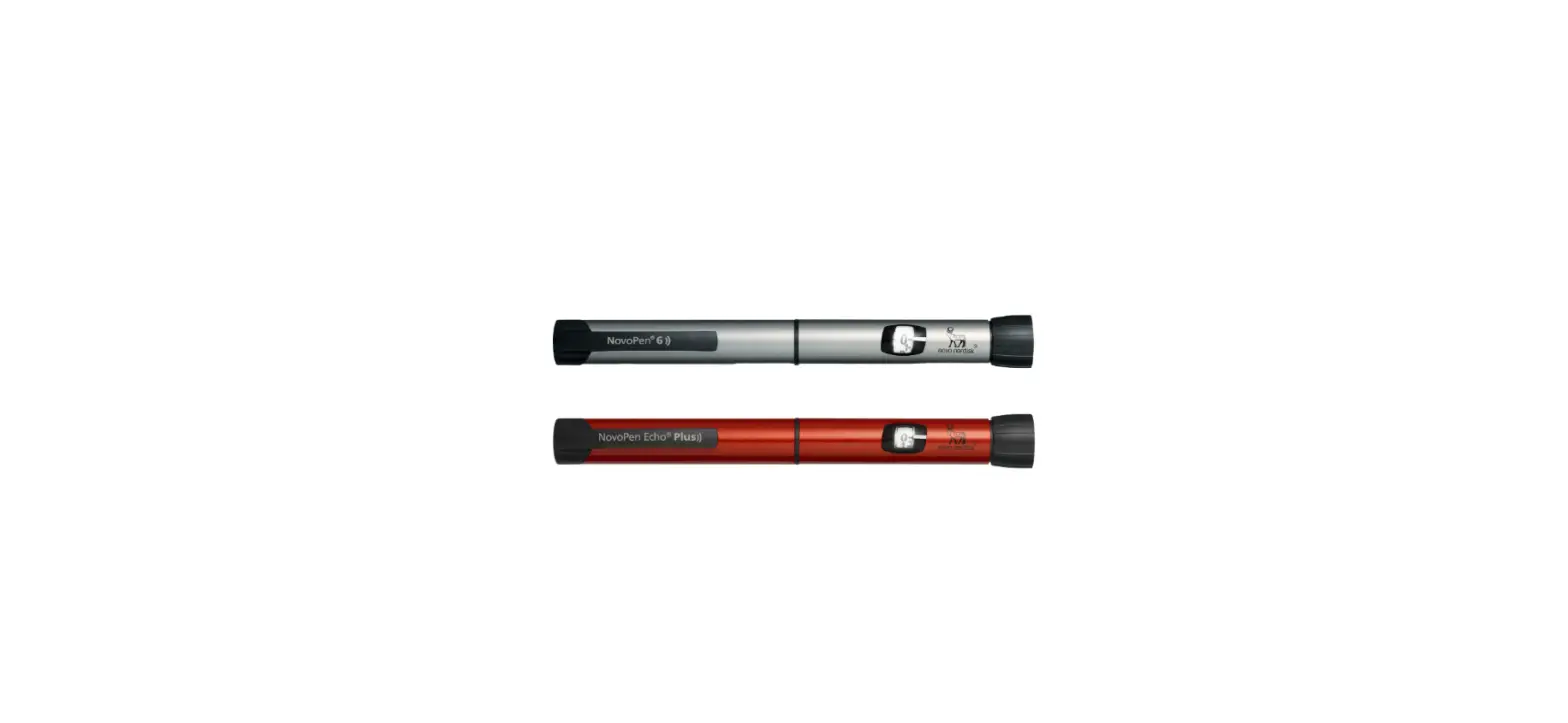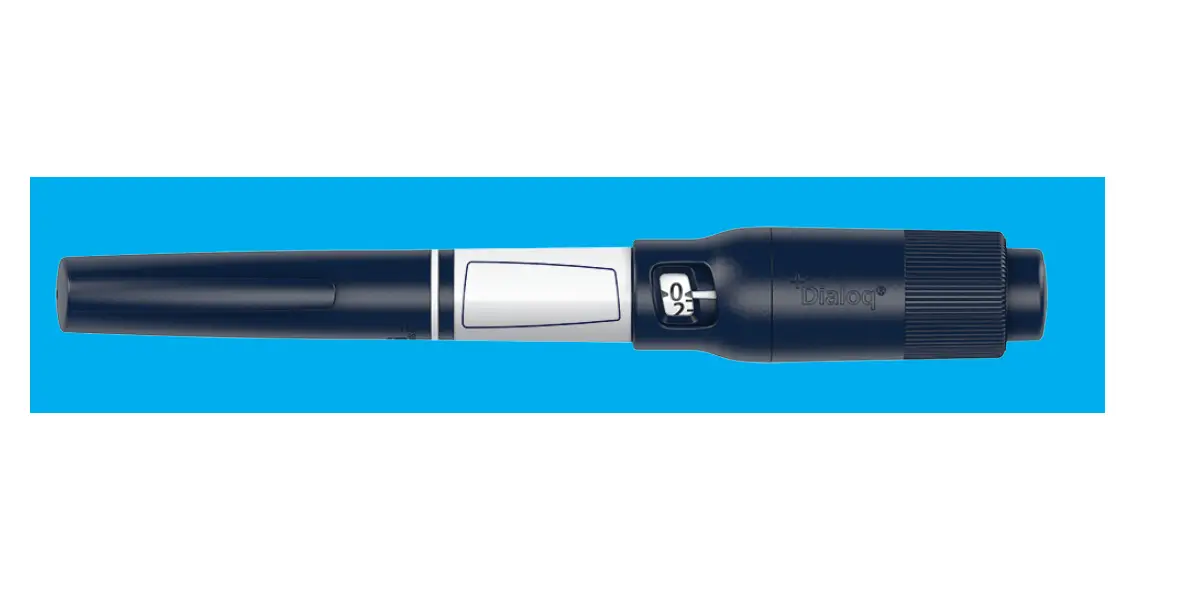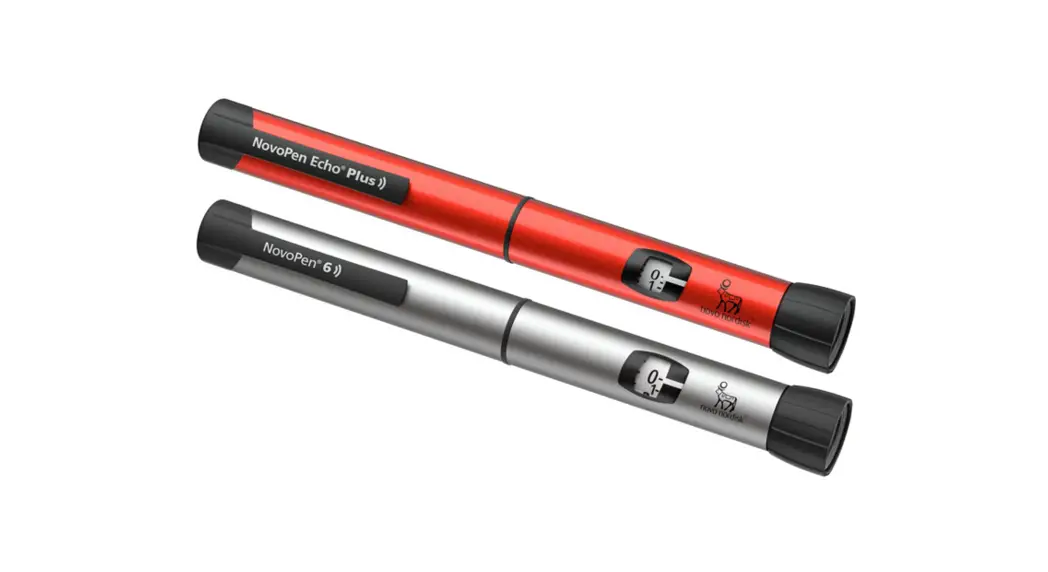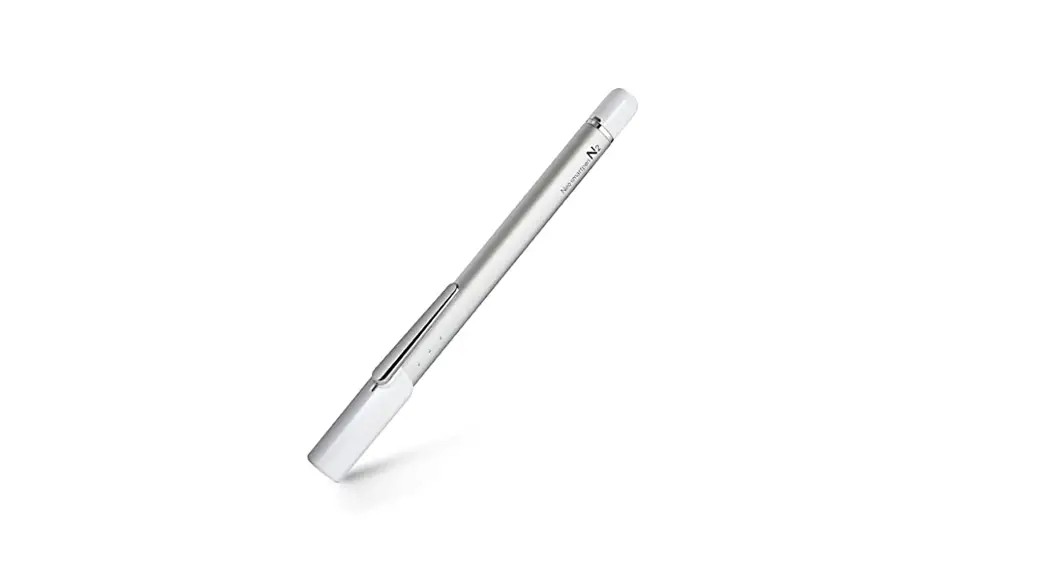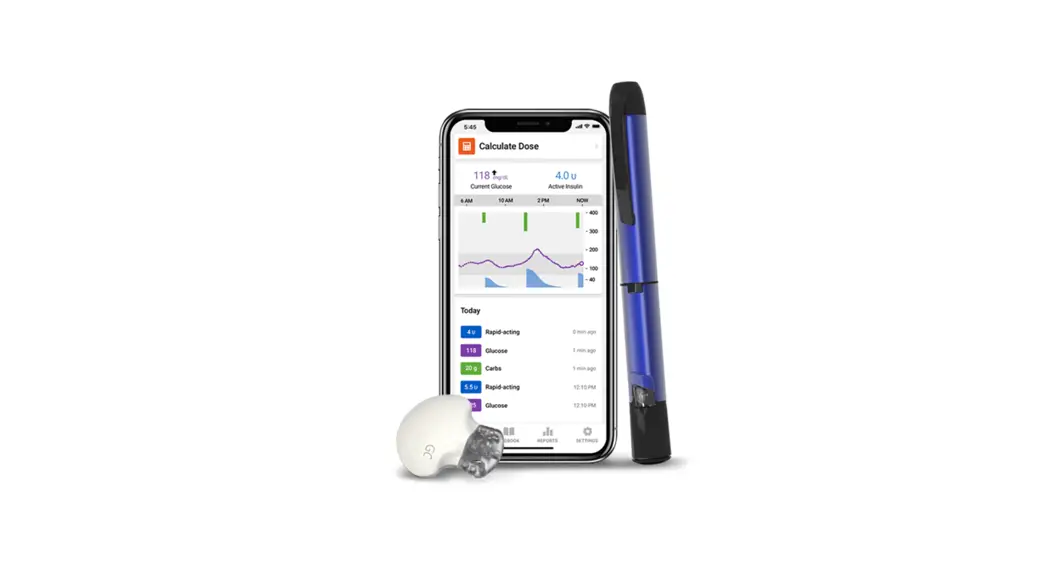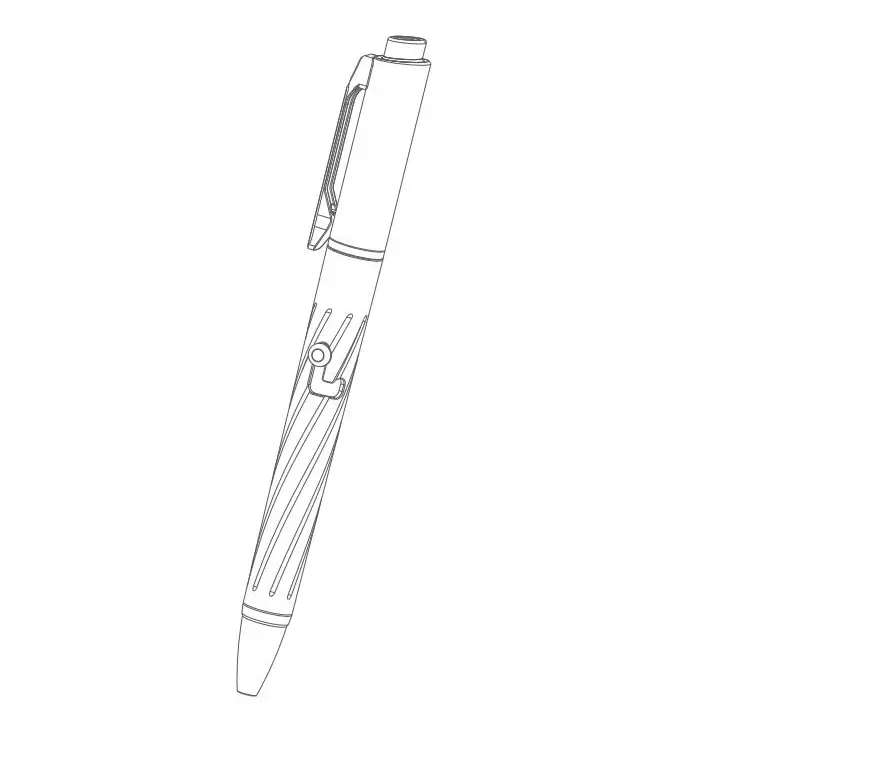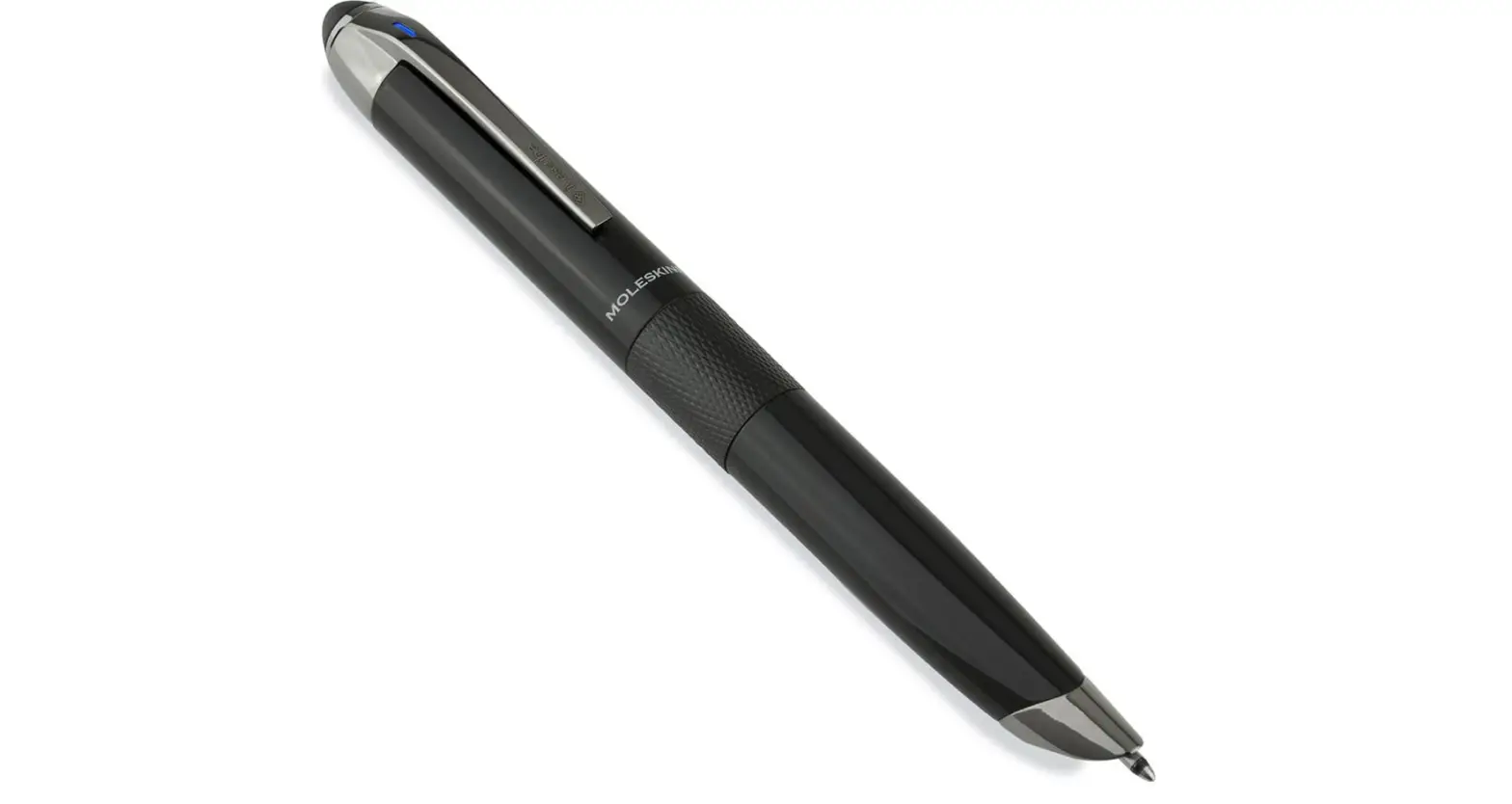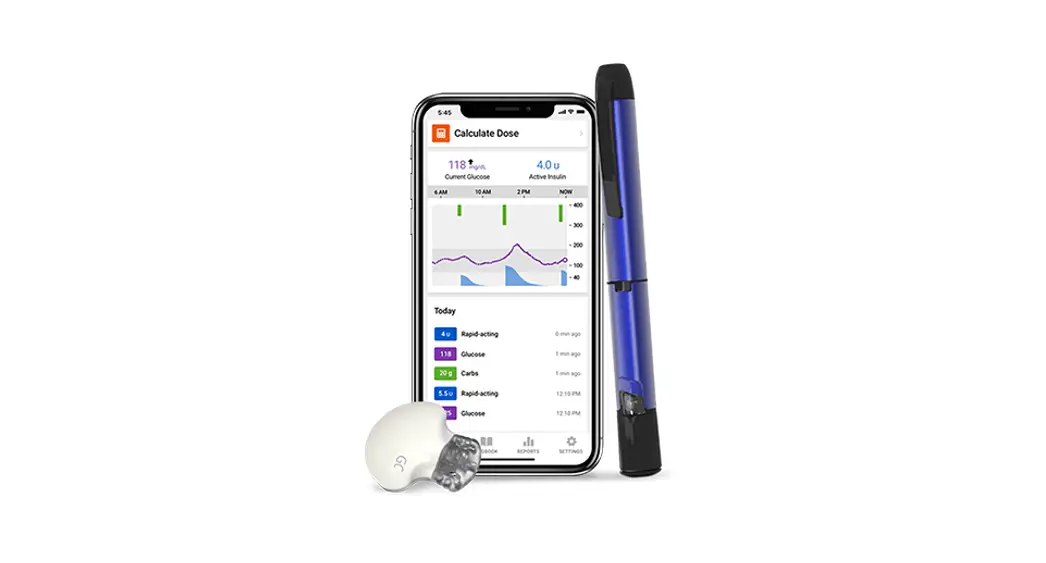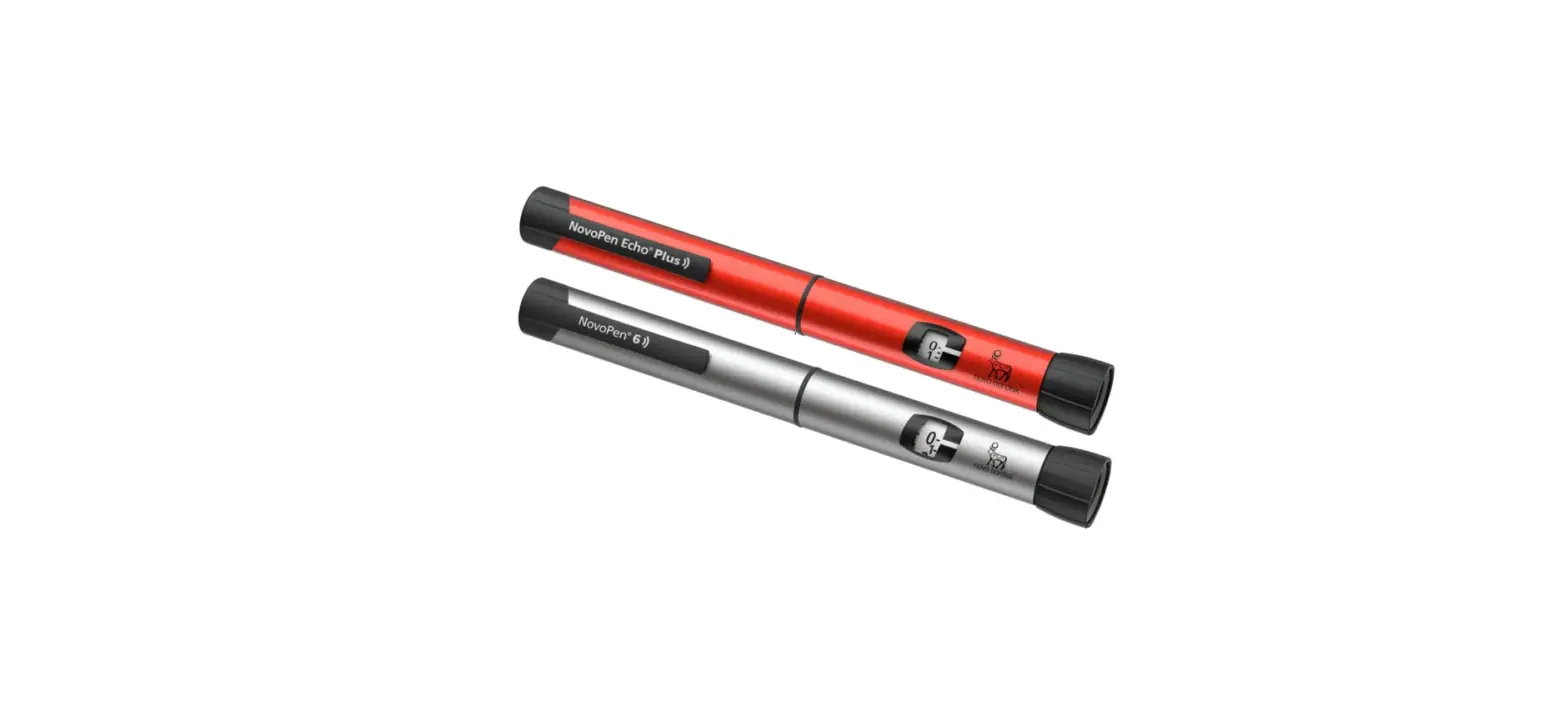
Novo Nordisk NovoPen Echo PLUS Smart Pen
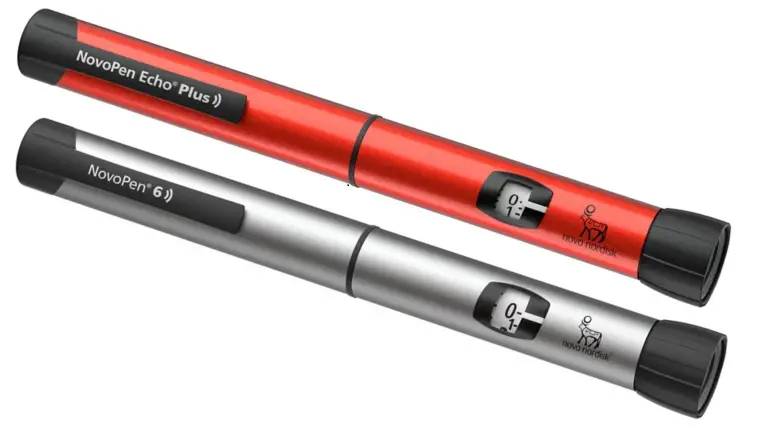
This is a quick guide. Please see the Instructions for Use that come with NovoPen® 6 or NovoPen Echo® Plus for full information
Prepare your NovoPen® 6 or NovoPen Echo® Plus
Insert an insulin cartridge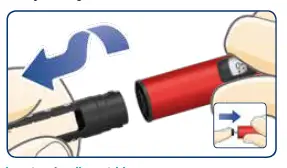
Pull off the pen cap. Twist off the cartridge holder. The piston rod may stick out of your pen. If so, push it in until it stops.
Slide a new insulin cartridge into the cartridge holder with the threaded end first. Twist the cartridge holder back on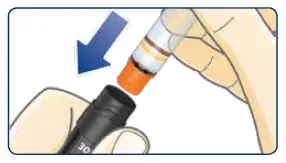
Pull out the dose button. Make sure the dose counter shows “0” before you start. Turn the dose button to select the dose you need.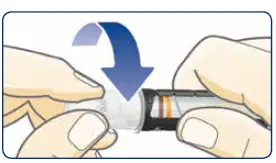
Give your injection
ALWAYS test the insulin flow Select 2 units and press the dose button until the dose counter shows “0”. The insulin flow test is complete when you see insulin squirt and there is no longer a gap between the piston rod head and the piston.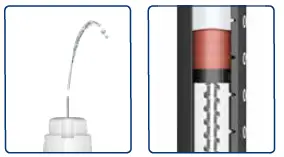 Select your dose
Pull out the dose button. Make sure the dose counter shows “0” before you start. Turn the dose button to select the dose you need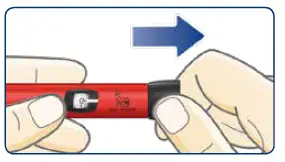
Inject your dose
Insert the needle. Press the dose button until the dose counter shows “0”. Count slowly to 6 before you remove the needle from your skin. Safely remove and throw away the needle. Put the pen cap back on.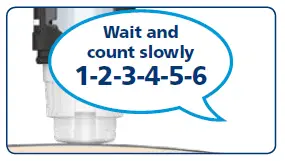
How to check your last dose
Pull out the dose button Make sure the dose counter shows “0” before you start.
Push the dose button back in
The dose memory will now show the details of your last dose.
Read your dose memory
The example above shows 12 units injected 1 hour, 52 minutes and 3 seconds ago.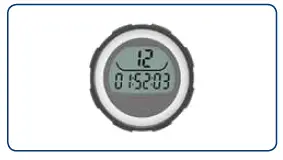
Keep a personal injection log
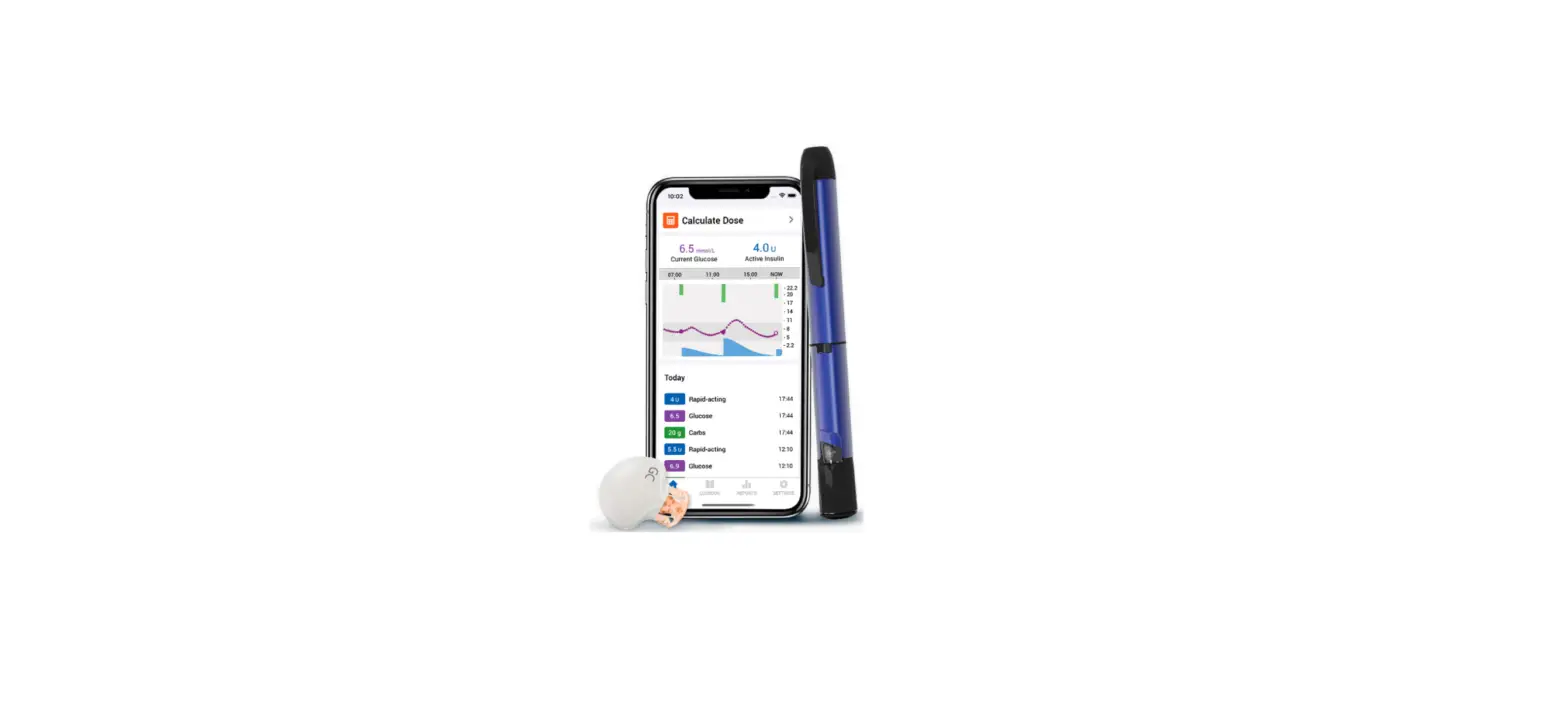
If you have a smartphone, tablet, personal computer, blood glucose monitor or another device that supports Near Field Communication (NFC), you can easily transfer your insulin dosing information from your pen to your device. Just make sure to download a compatible app or other software that can read and display this information.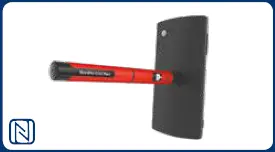
NovoPen® 6 & NovoPen Echo® Plus are intended for patients who have been prescribed Novo Nordisk insulin in cartrige. NovoPen® 6 offers a 60-unit maximum dose in 1-unit dose increments. NovoPen Echo® Plus offers a 30-unit maximum dose in 0.5-unit dose increments.
NovoPen® 6 and NovoPen Echo® Plus are registered trademarks of Novo Nordisk A/S. © Novo Nordisk Allé, DK-2880 Bagsværd, Denmark. The N Mark is a trademark or registered trademark of NFC Forum, Inc. in the United States and in other countries. HQ19NP600012; Approval date: October 2019.