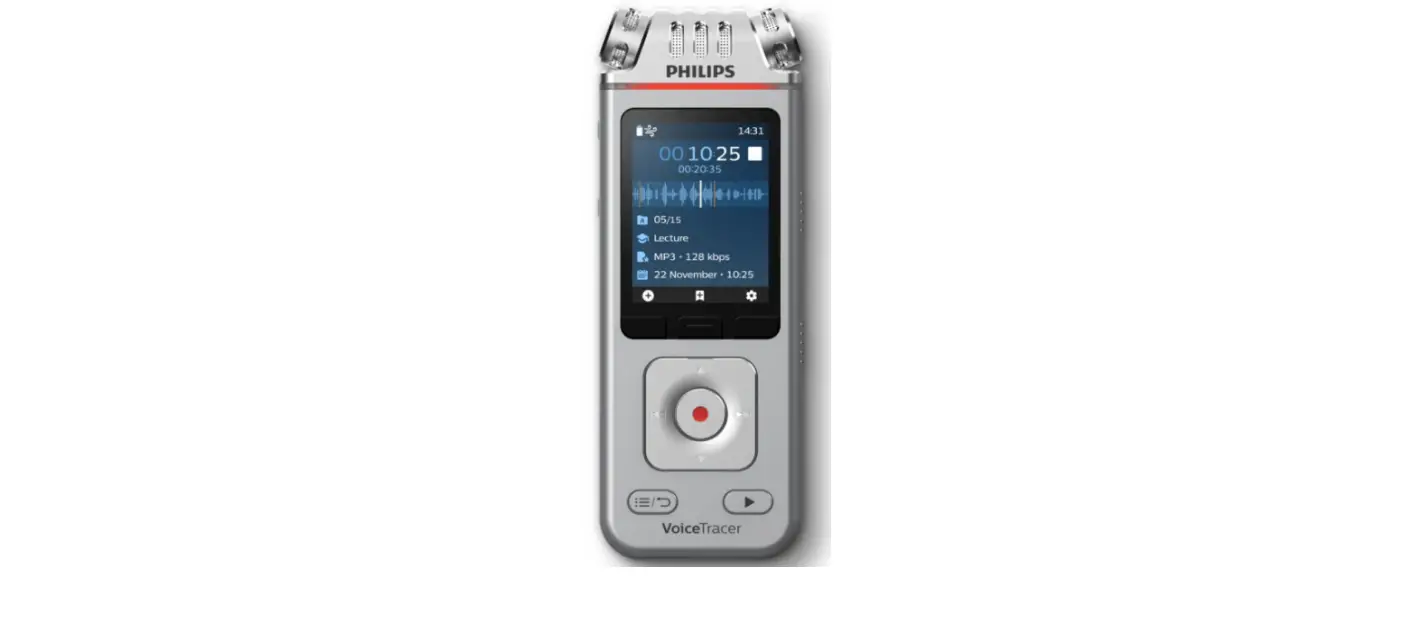
VoiceTracer
DVT1600
Quick start guide
 For product information and support, visit
help.voicetracer.com/dvt1600
 Power on/off and Record
1
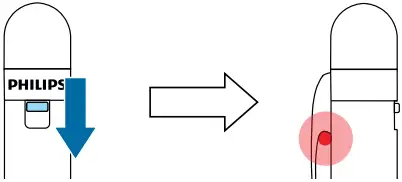
Slide the on/off switch down to turn the device on and start recording
2

Slide the on/off switch up to turn the device off and stop recording





 Charging the battery, Connect to a PC
1

Remove cover
2
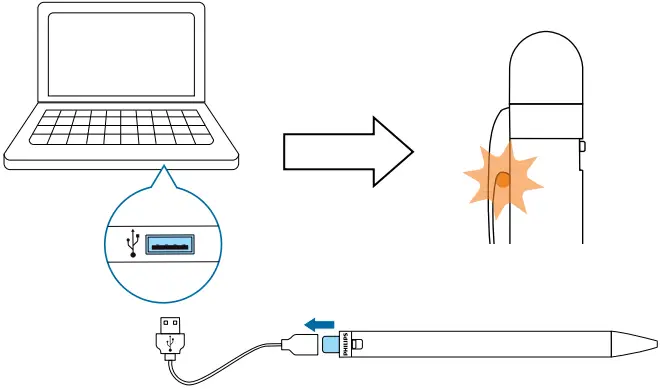
Connect the device to a computer to charge it or copy files to the computer
 What’s in the box


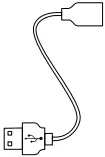

 Exchange refills
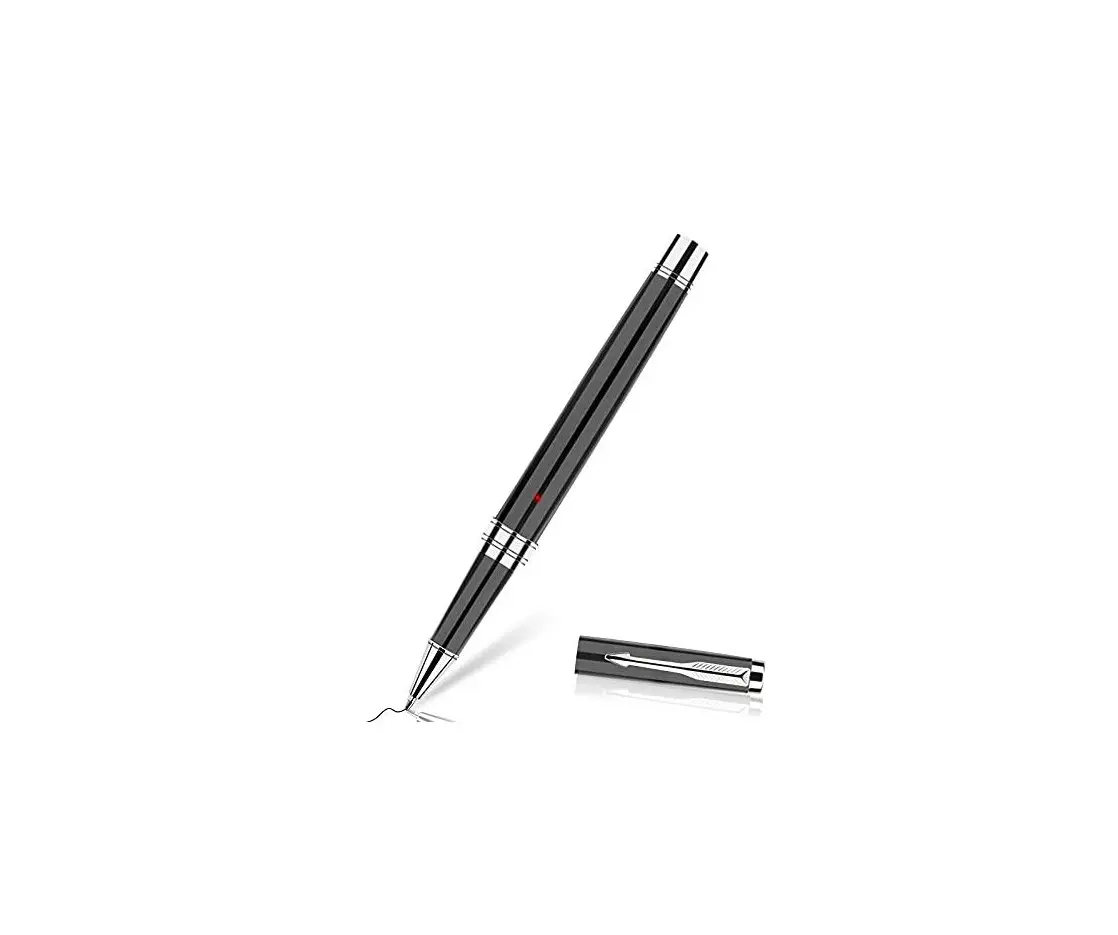
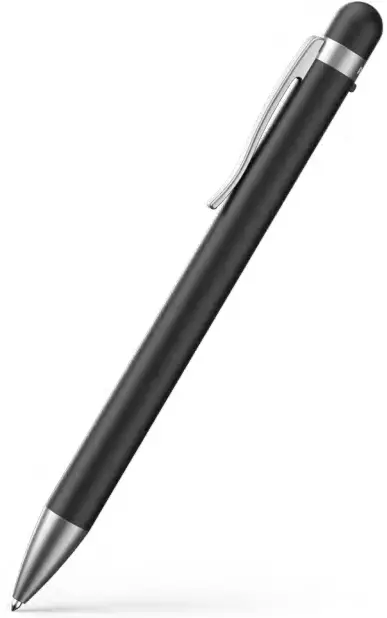
1

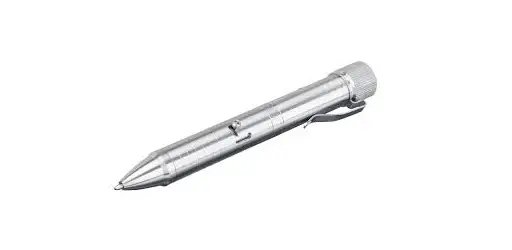
Rotate the bottom part of the pen counter clockwise
2

Rotate the refill and pull it out to exchange it with a new one
 © Speech Processing Solutions GmbH. All rights reserved.
Specifications are subject to change without notice.
Philips and the Philips shield emblem are registered trademarks of Koninklijke Philips N.V. and are used under license.
 Audio & video recorders | Philips