How to pair Launcher manually
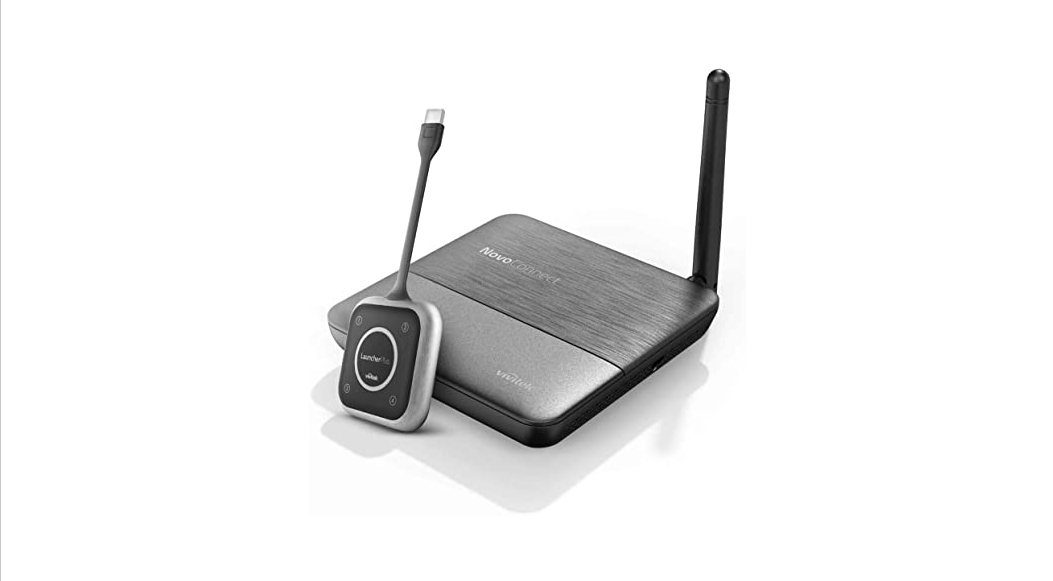
Model name: NovoConnect series (NC-X900, NC-X700, NC-X300, NovoEnterprise, NovoPro, NovoCast), NovoStage, NovoTouch series and NovoDisplay series.
This article is about how to set up Launcher to connect Novoseries product or WiFi router.
Step1. Plug LauncherPlus into a laptop to launch LauncherPlus. Browse the LauncherPlus USB storage > double click Launch Novo.exe (only for the first time set up).
Step2. Select the options menu or click Configure > Edit to select which WiFi router you intend to connect for the LauncherPlus.
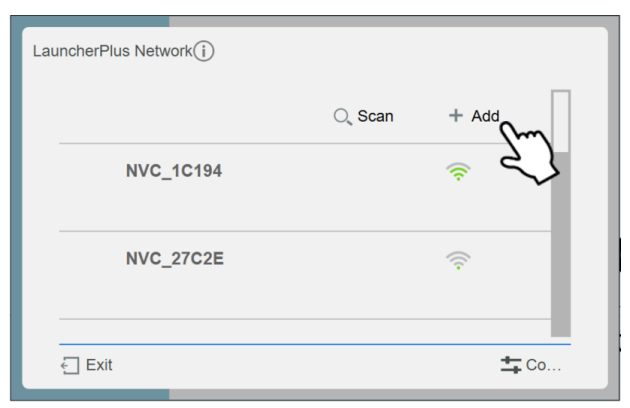
Step3. Select the SSID of the access point to which your Novoseries product is connected from the list. A prompt will appear asking for the Wi-Fi password. Enter the Wi-Fi password.
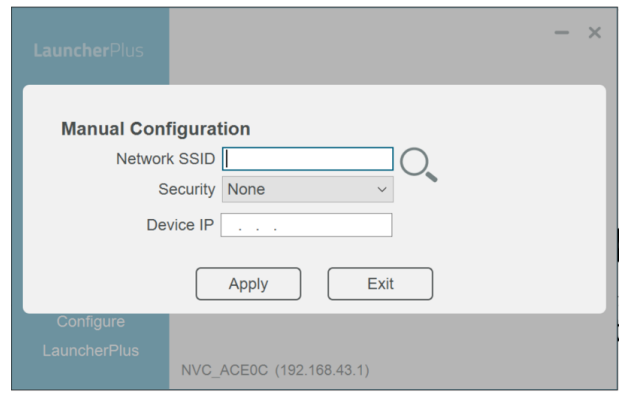
For access hidden SSID, please go to +Add > enter SSID and password
Step4. Enter the IP address corresponding to the Novo-series product and press apply

 How to pair Launcher manually – Novo Support