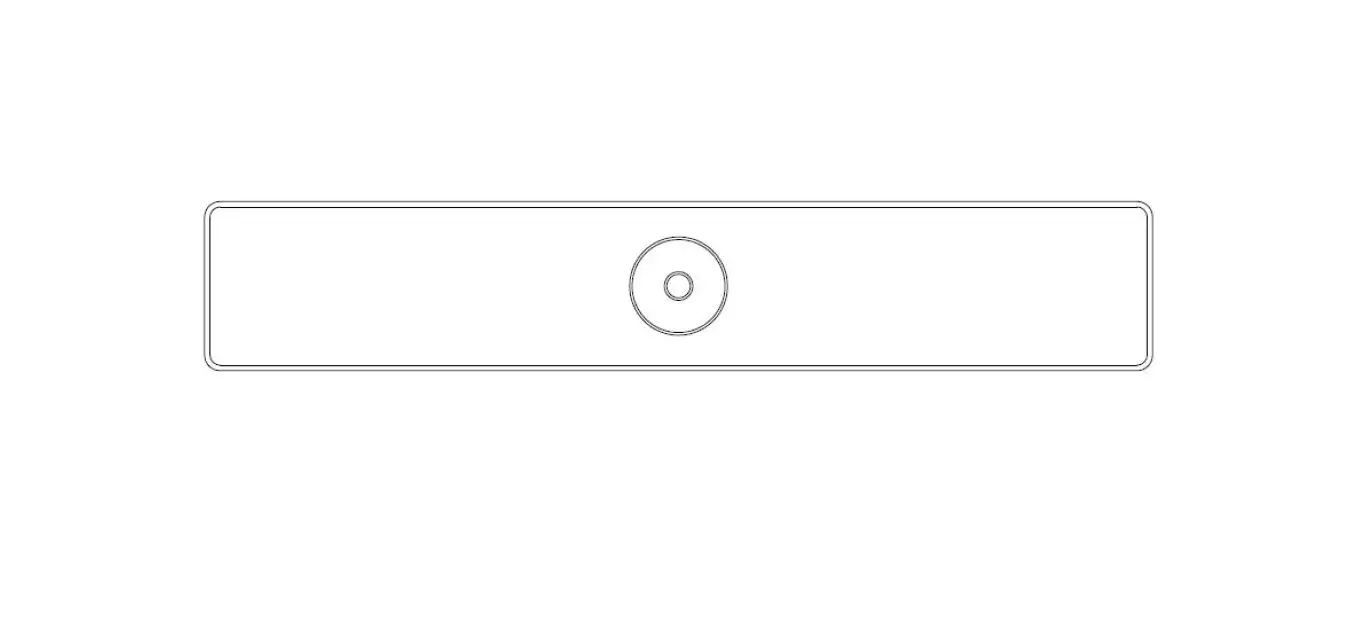

Laia Myteam B&h The All-in-one For Small And Medium Rooms Installation Guide

Laia Myteam B&h The All-in-one For Small And Medium Rooms Installation Guide

laia MyTeam B&H The all-in-One for Small and Medium Rooms LOGO

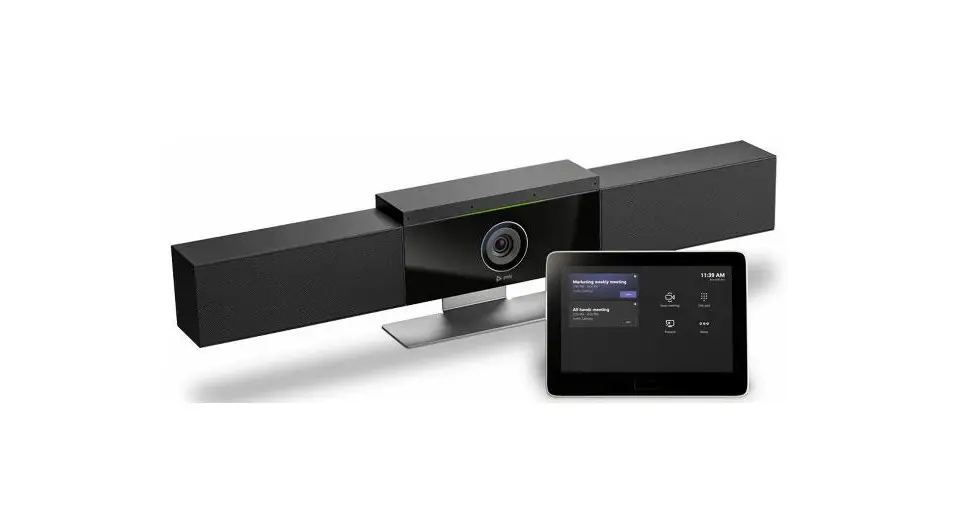
laia MyTeam B&H The all-in-One for Small and Medium Rooms

laia MyTeam B&H The all-in-One for Small and Medium Rooms PRO

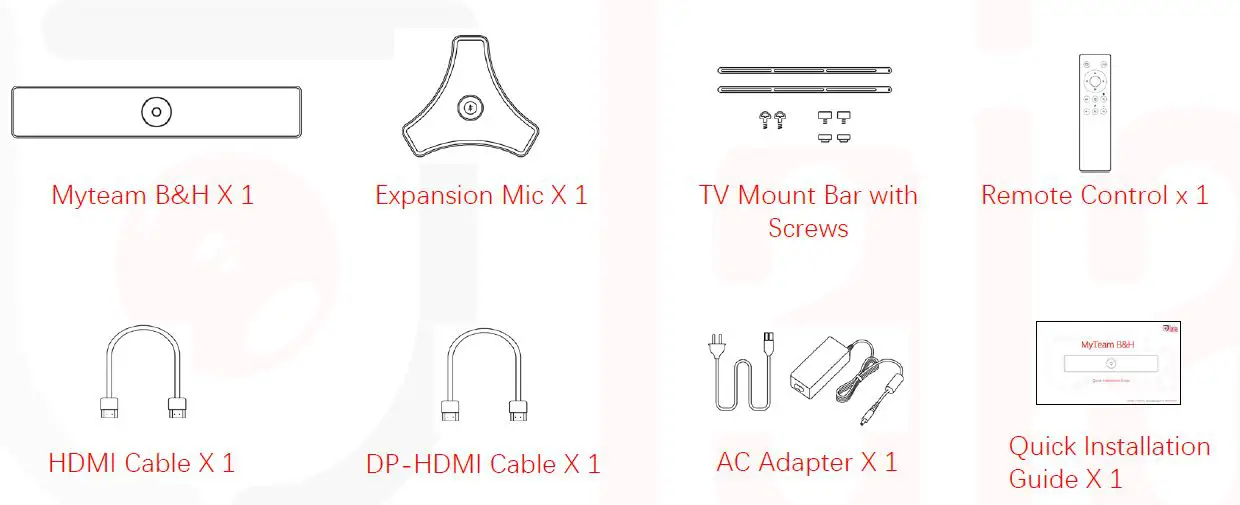
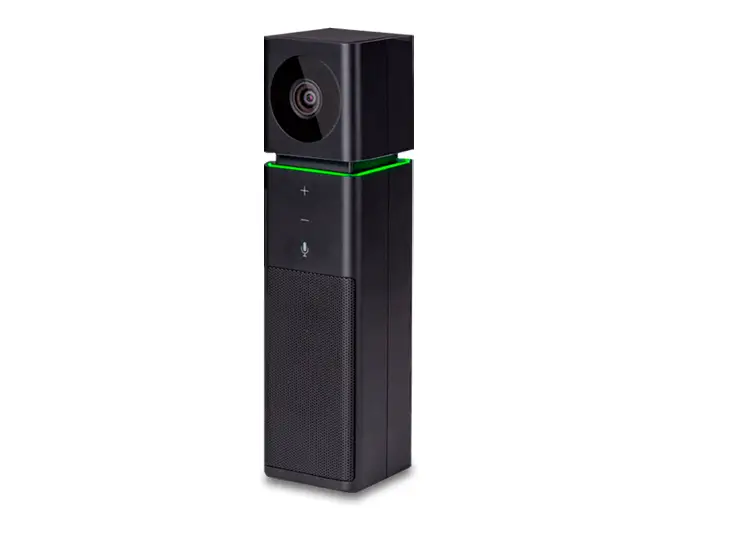
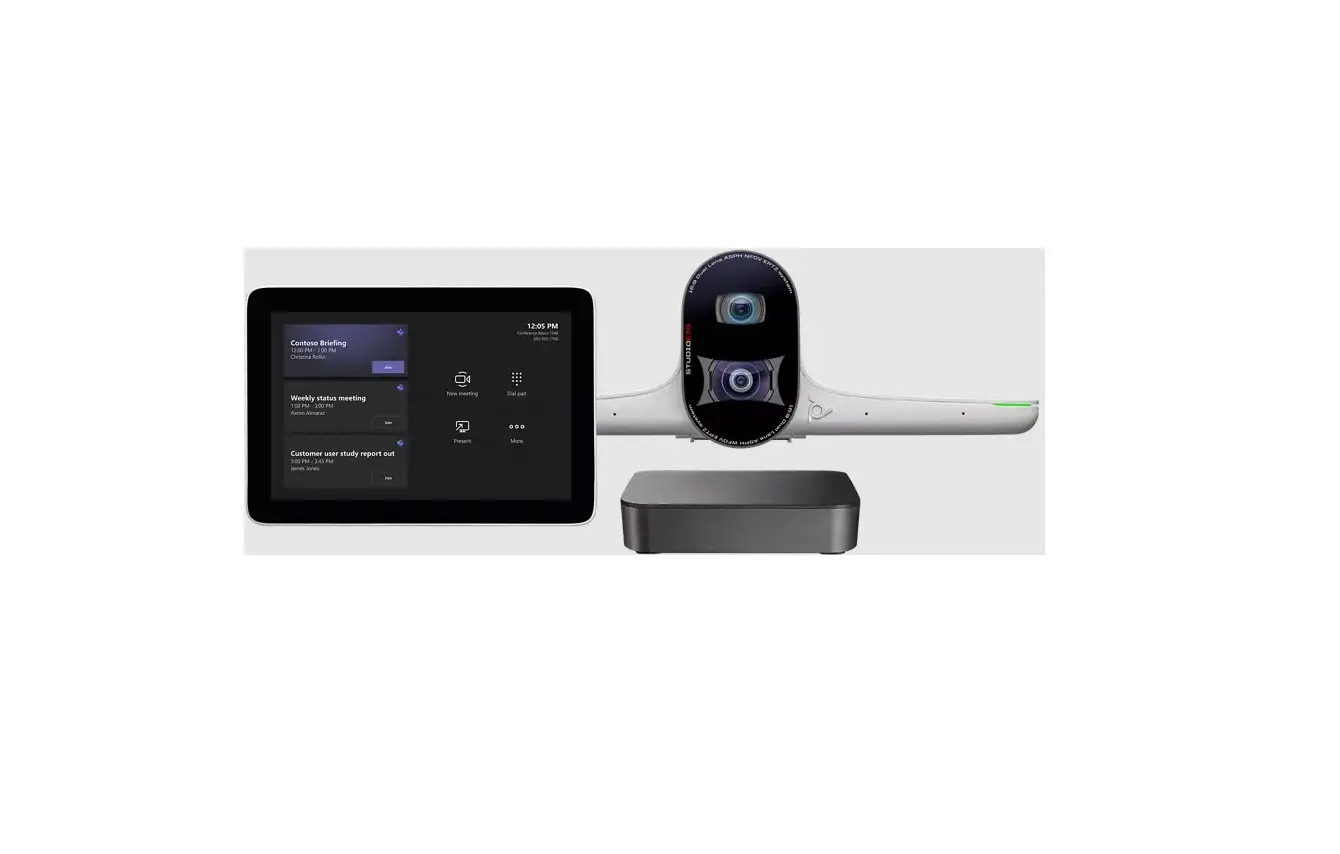
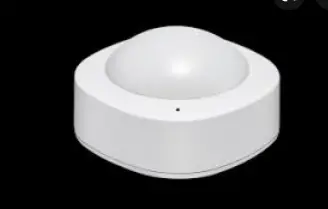
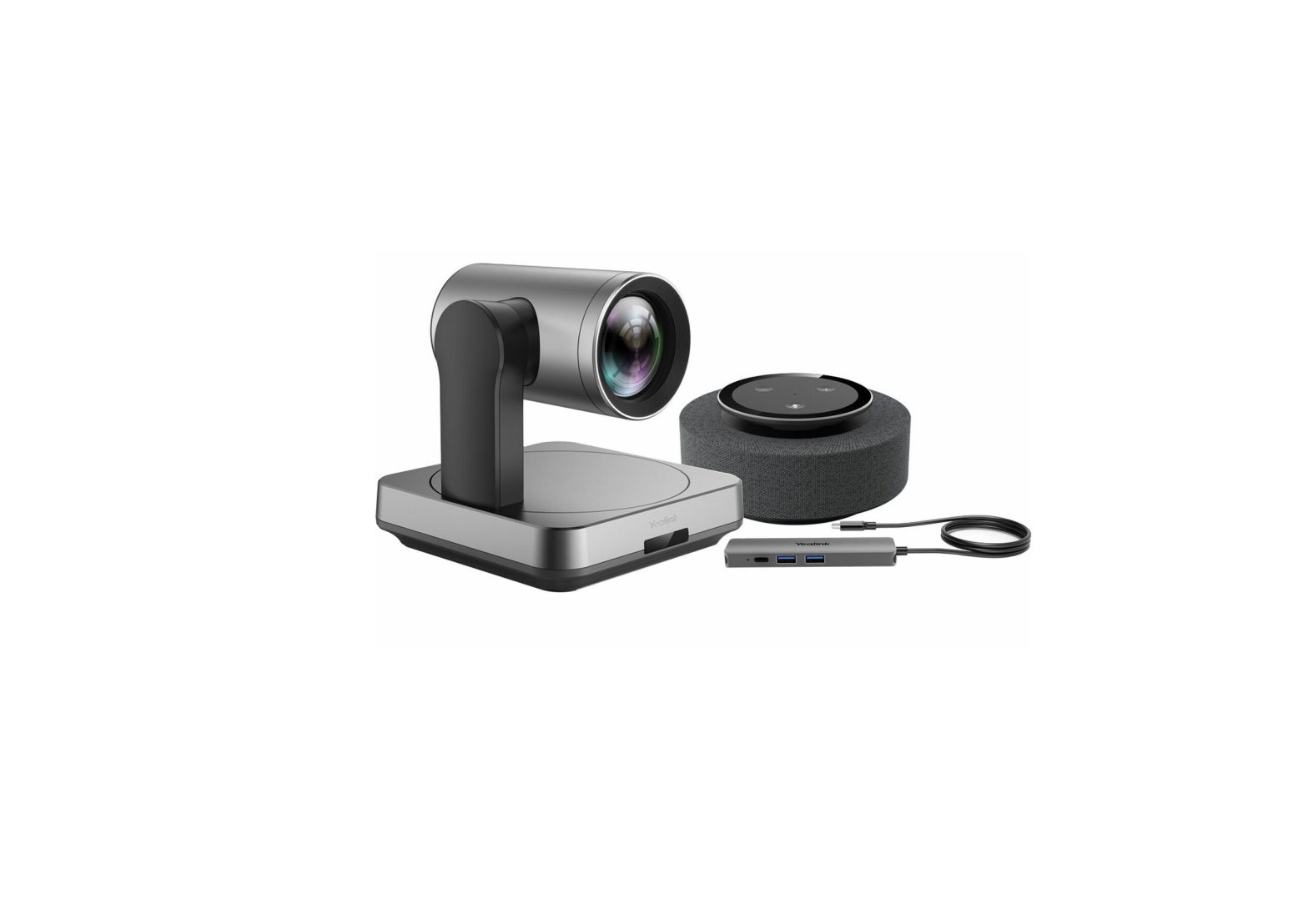
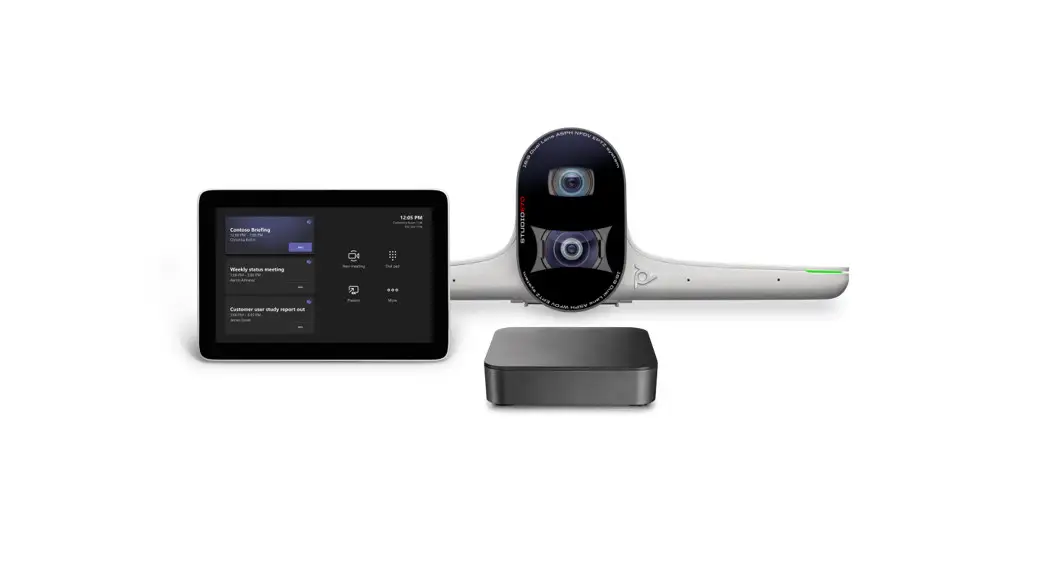
What’s in the box

laia MyTeam B&H The all-in-One for Small and Medium Rooms 1

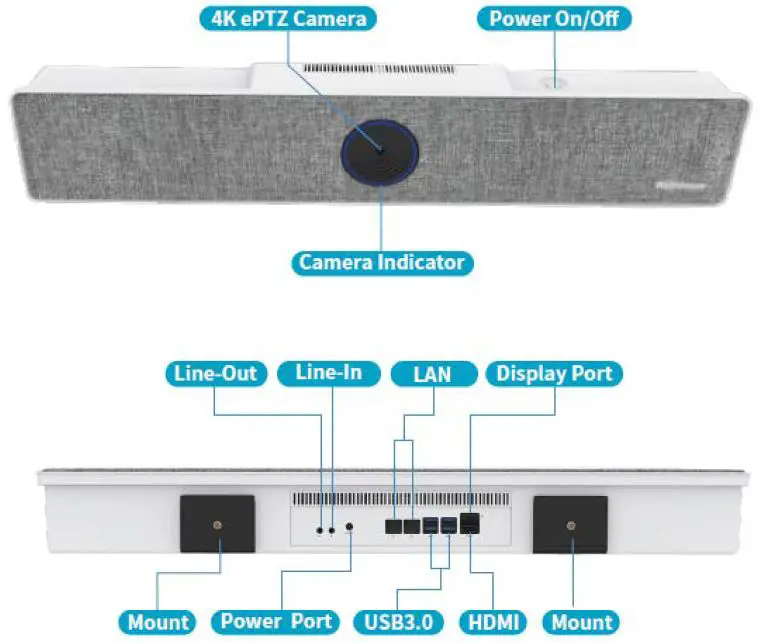
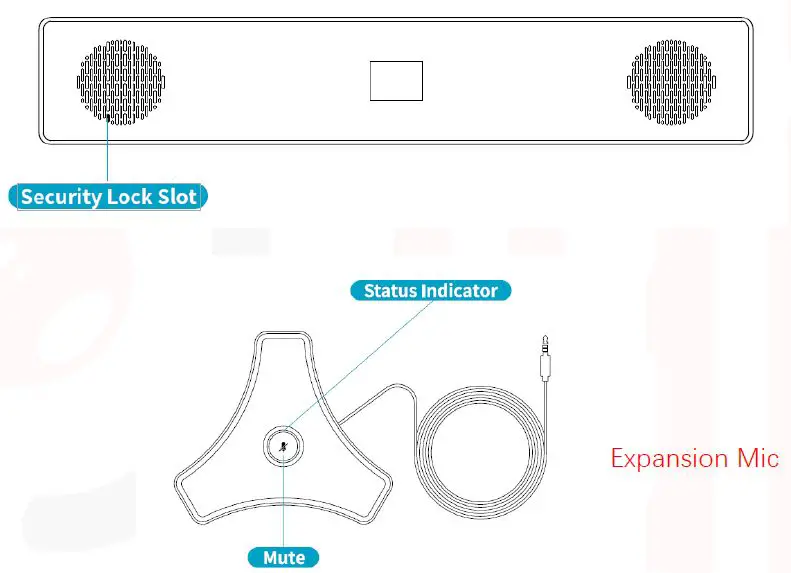
Overview

laia MyTeam B&H The all-in-One for Small and Medium Rooms 2laia MyTeam B&H The all-in-One for Small and Medium Rooms 3

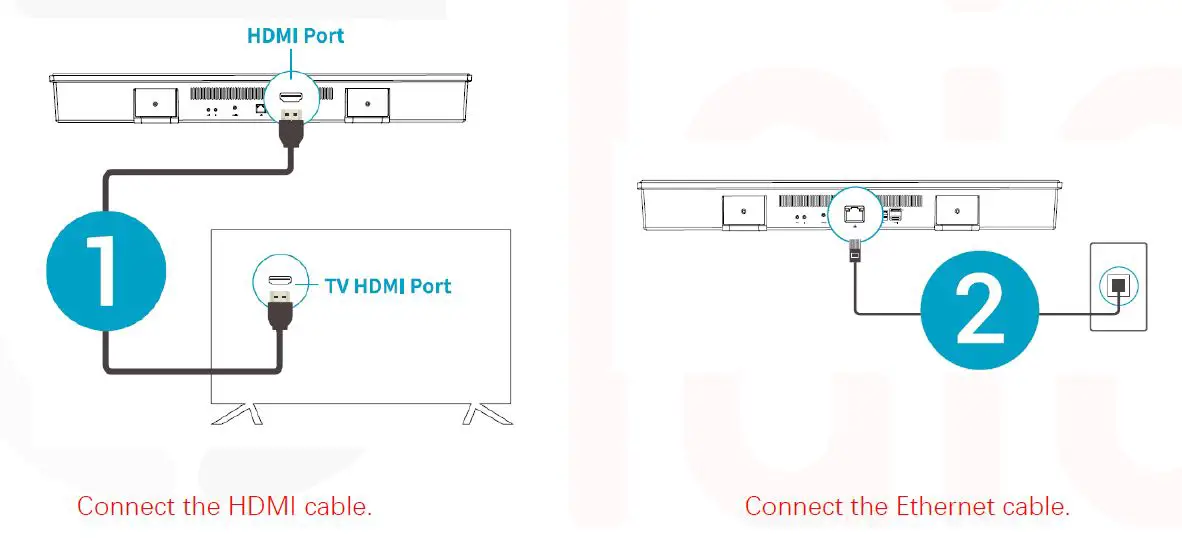
Easy Set Up

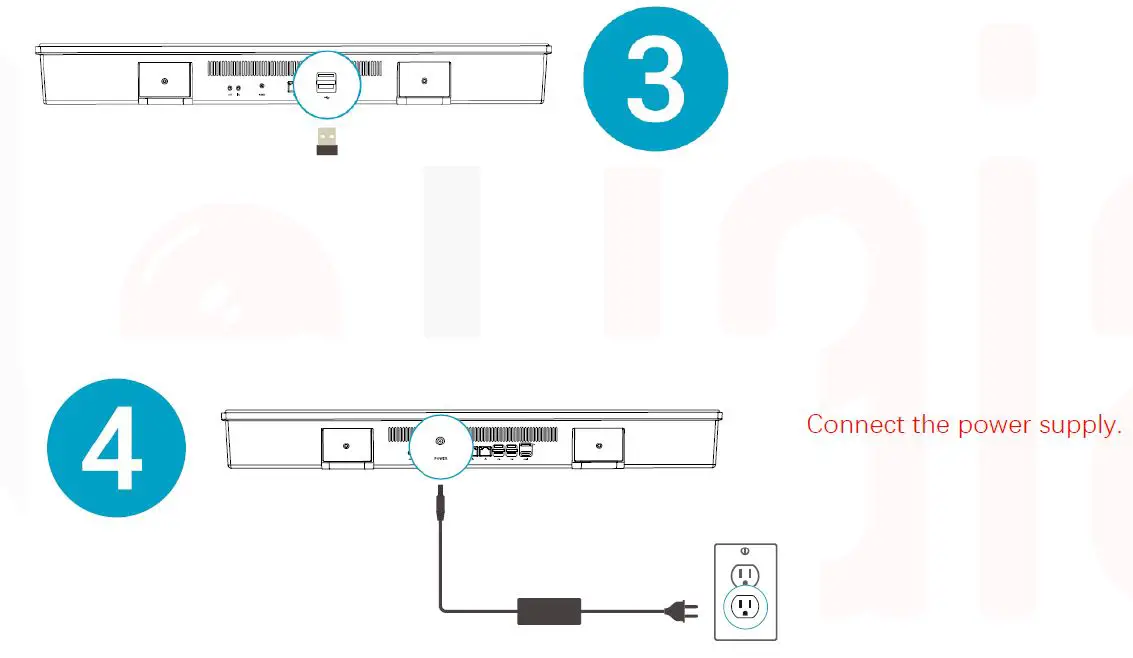
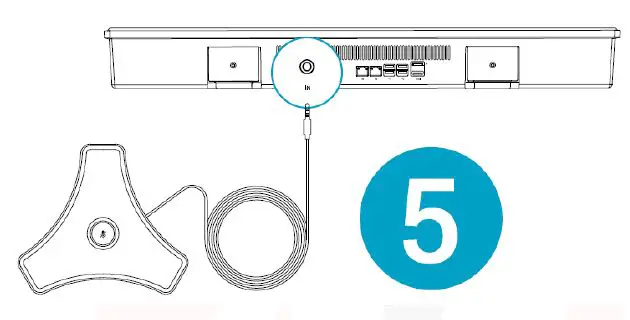
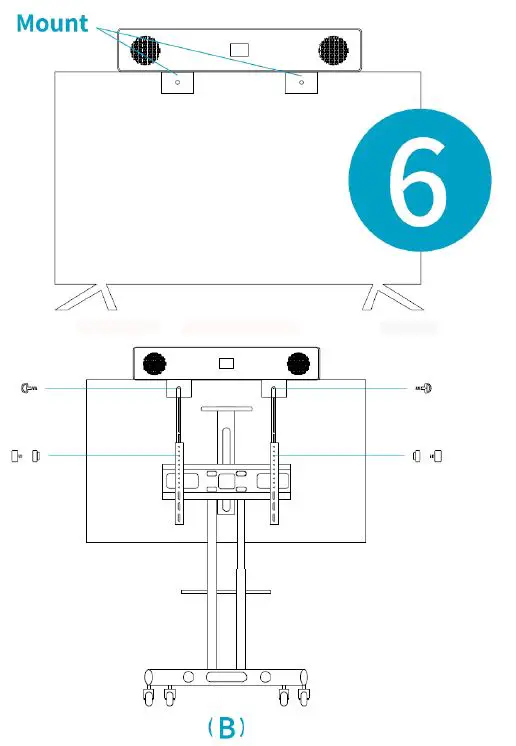
laia MyTeam B&H The all-in-One for Small and Medium Rooms 4laia MyTeam B&H The all-in-One for Small and Medium Rooms 5laia MyTeam B&H The all-in-One for Small and Medium Rooms 6laia MyTeam B&H The all-in-One for Small and Medium Rooms 7

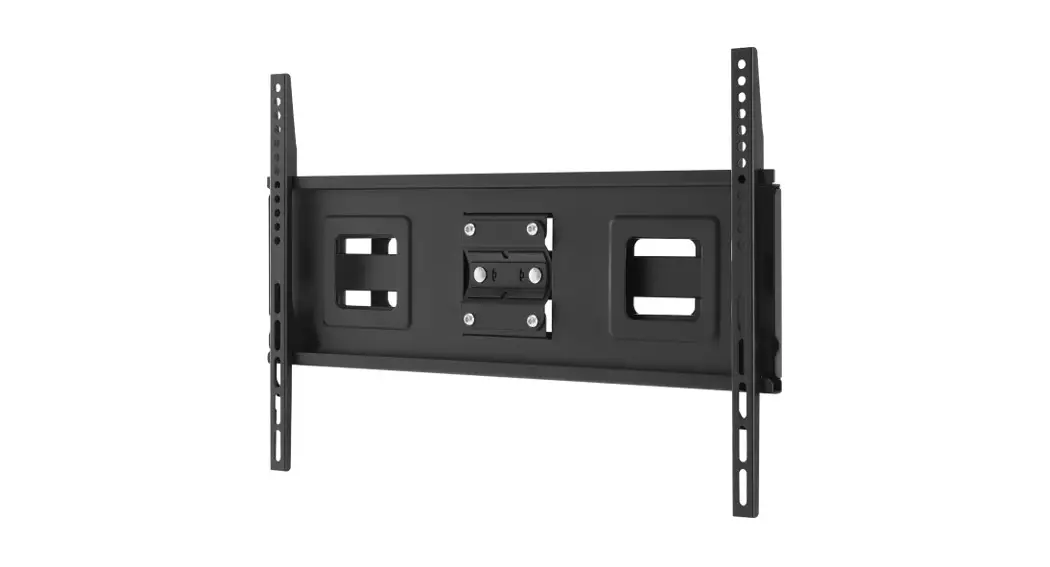
  1. If your TV has no mounting bracket, please fix the mount bars with screw holes on the back of your TV.
  2. If your TV has a mounting bracket, please fix the mount bars with screw holes on the mounting bracket.
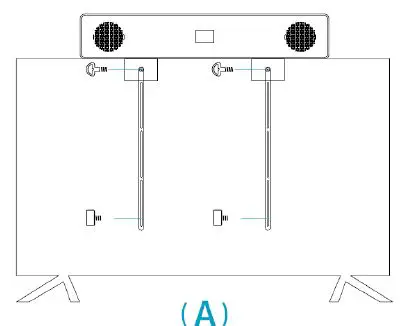
laia MyTeam B&H The all-in-One for Small and Medium Rooms 8

Press the power button to power on the Room Kit.
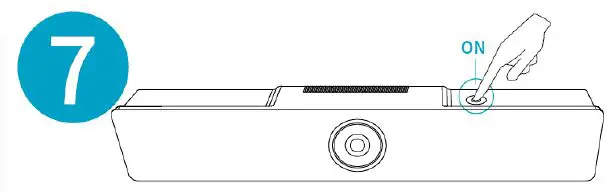
laia MyTeam B&H The all-in-One for Small and Medium Rooms 9

Select “Input Source” on your TV to receive the output of Room Kit and follow the prompts.
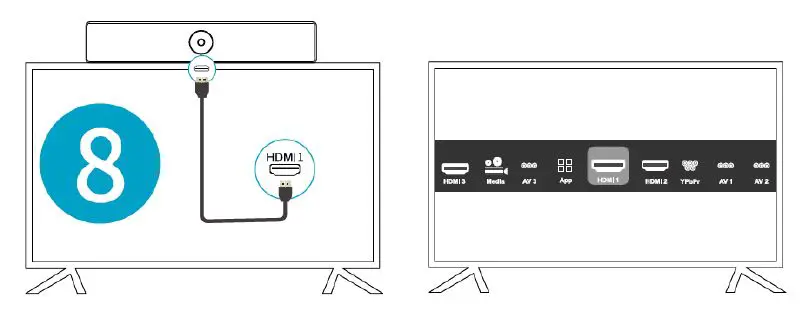
laia MyTeam B&H The all-in-One for Small and Medium Rooms 10

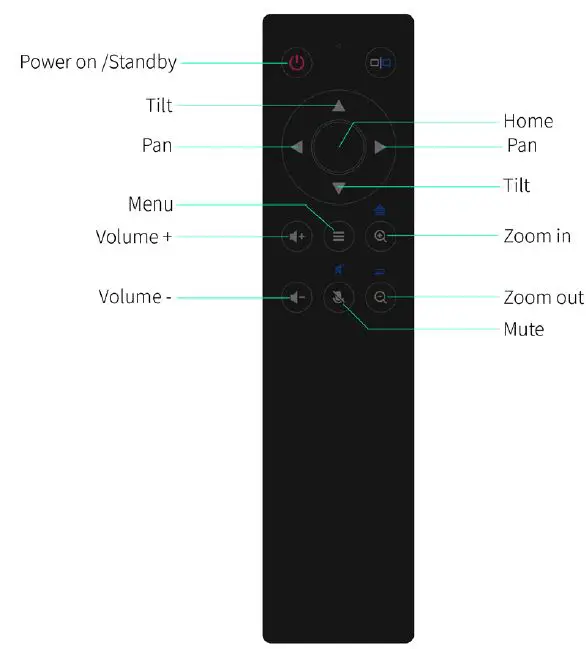
Remote Control

laia MyTeam B&H The all-in-One for Small and Medium Rooms 11

Copyright © 2021 Laia · www.laiatech.com All rights reserved
Documents / Resouces

Download manual
Here you can download full pdf version of manual, it may contain additional safety instructions, warranty information, FCC rules, etc.


Related Manuals