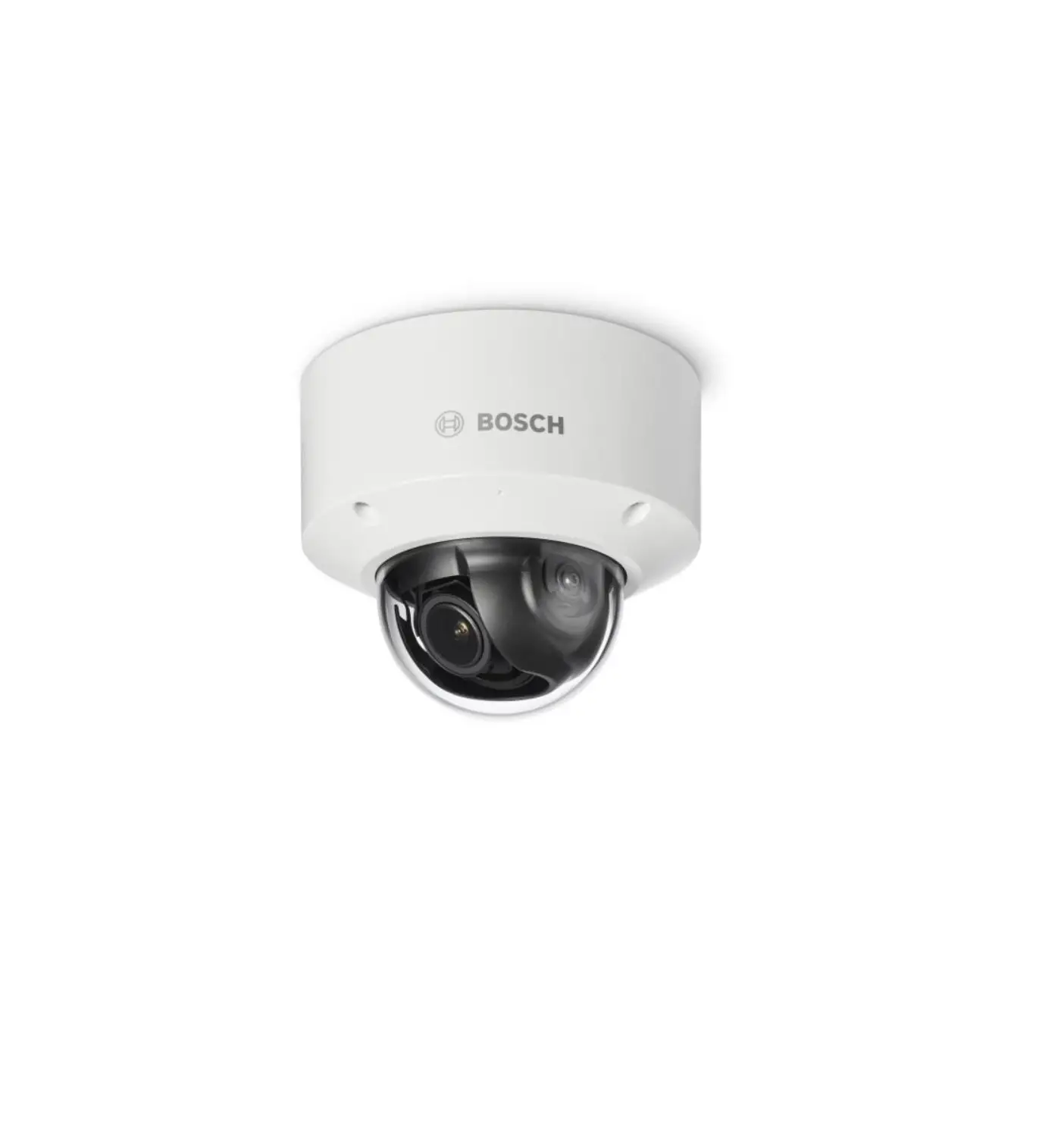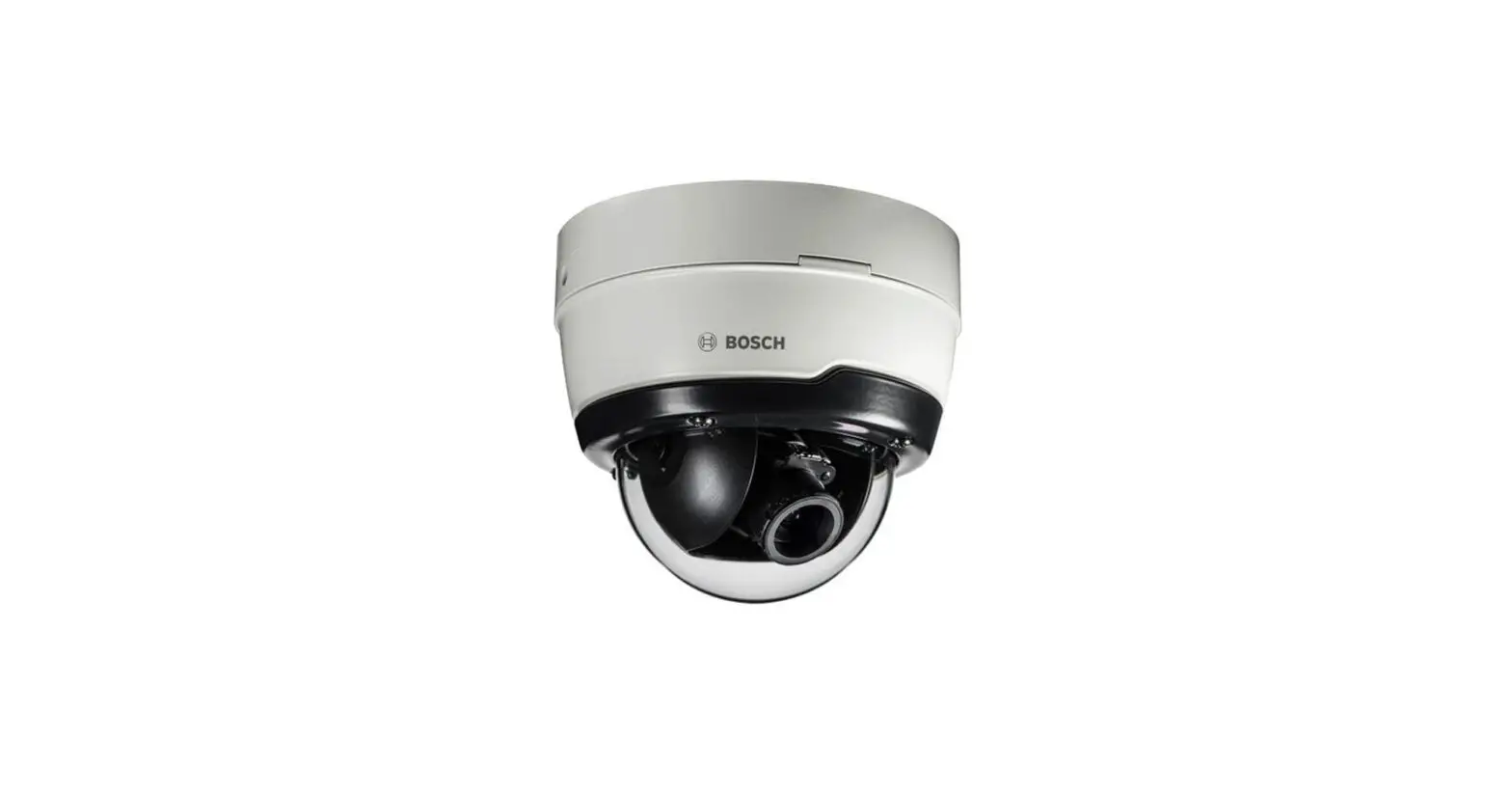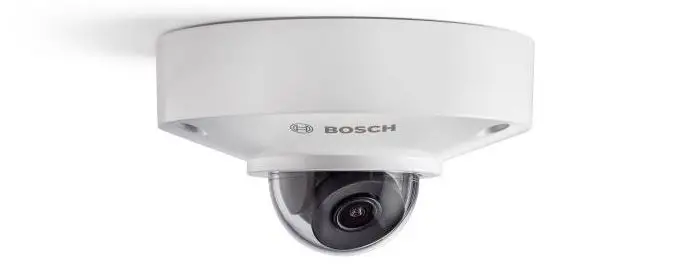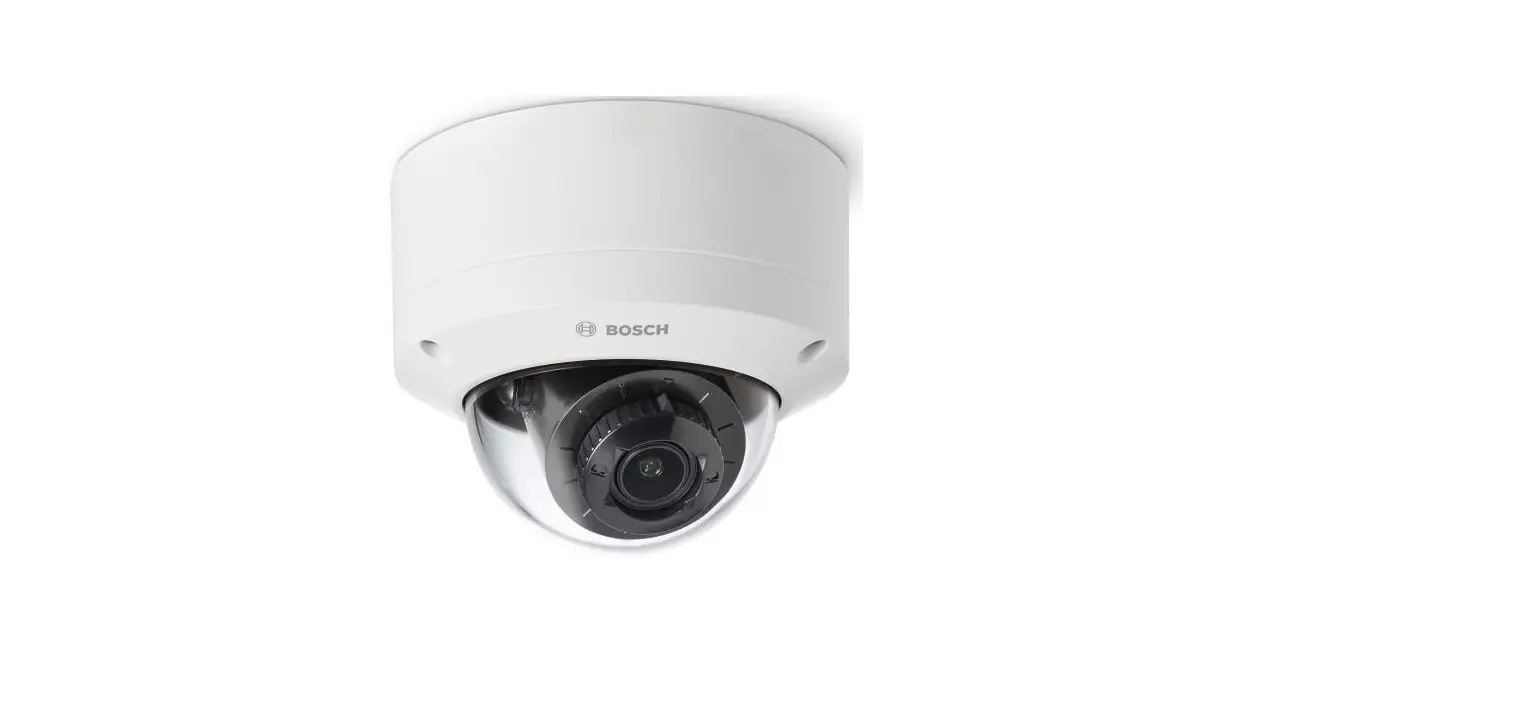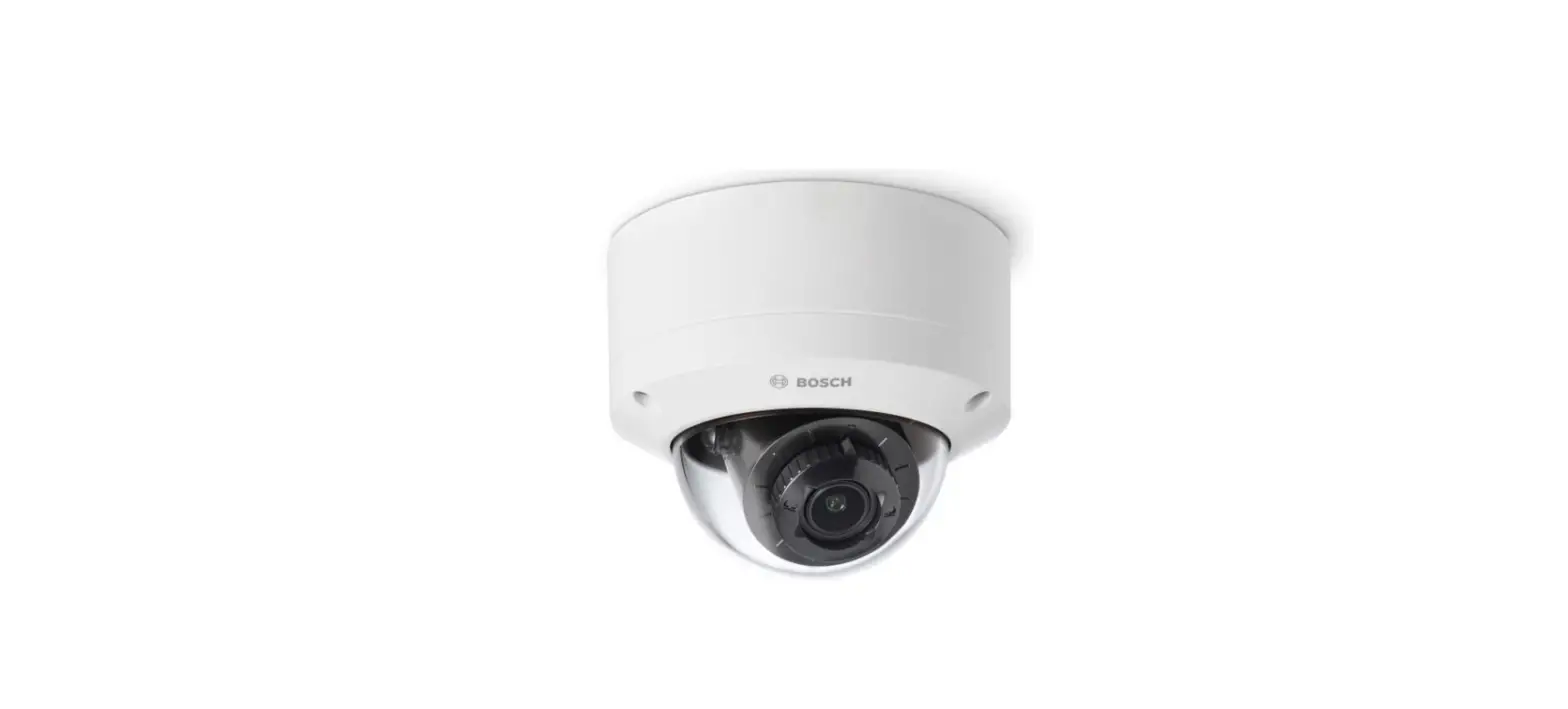

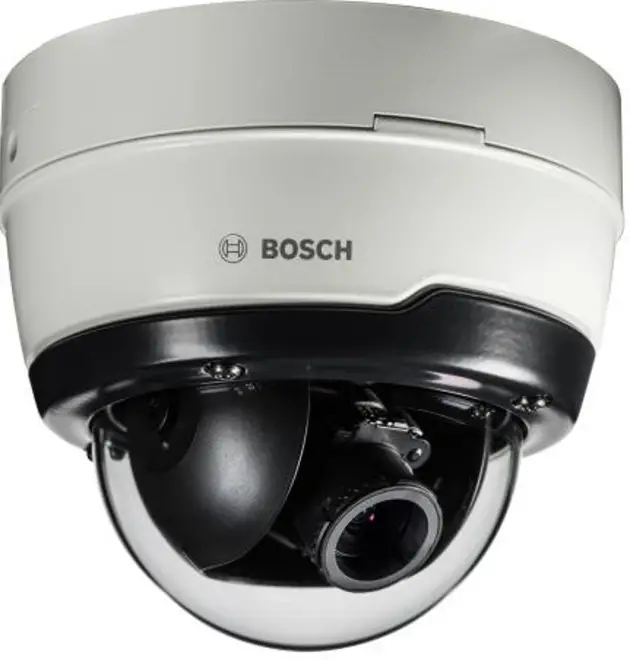
BOSCH NDE-4512-A Megapixel Network Outdoor Dome Camera
Product Information
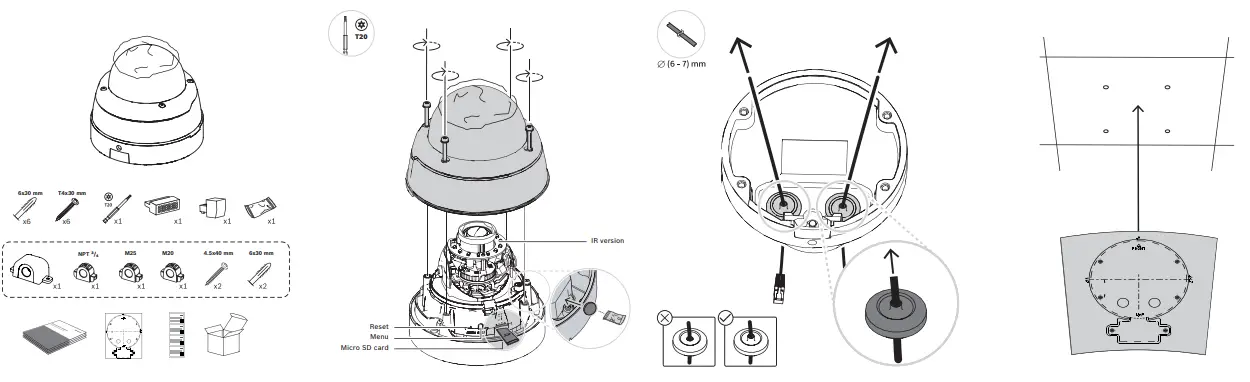
- T20 – Unknown
- 6×30 mm – Size of a screw
- T4x30 mm – Size of a screw
- x6 – Quantity of screws
- NPT / M25 – Thread type for cable connection
- M20 – Thread type for cable connection
- 4.5×40 mm – Size of a screw
- Reset Menu Micro SD card – Location of the reset button
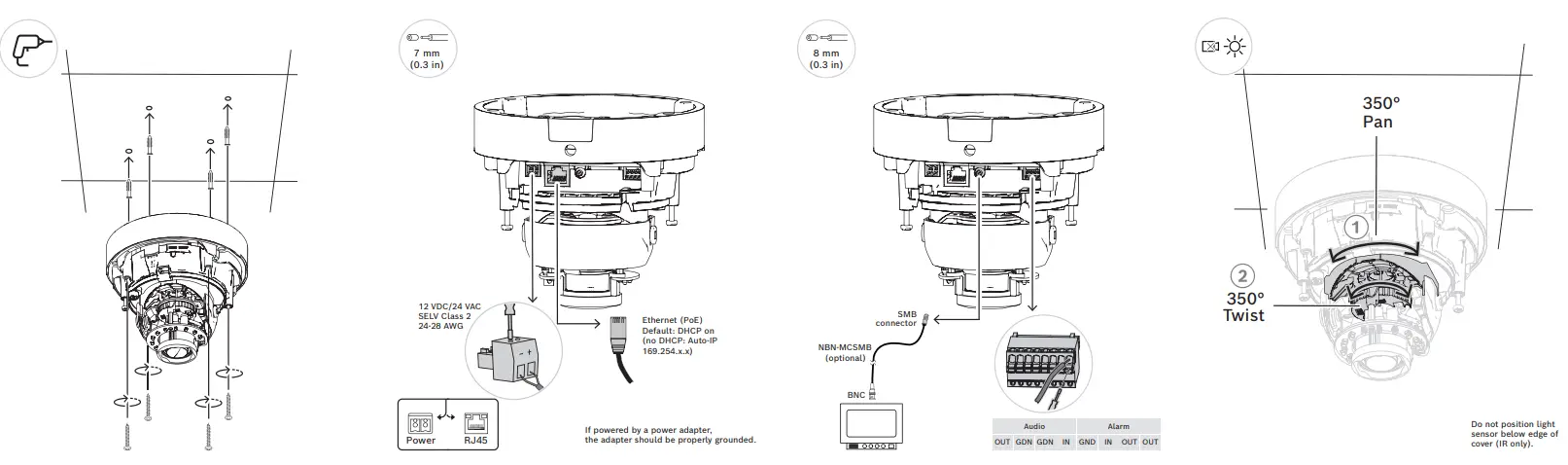
- 7 mm (0.3 in) – Size of a component
- IR version – Infrared version available
- 8 mm (0.3 in) – Size of a component
- 12 VDC/24 VAC SELV Class 2 24-28 AWG – Power supply specifications
- RJ45 – Ethernet connection type
- Ethernet (PoE) Default: DHCP on (no DHCP: Auto-IP 169.254.x.x)
- Default network settings
- If powered by a power adapter, the adapter should be properly grounded. – Safety precaution when using a power adapter
- SMB connector – Type of connector used for optional accessory
(NBN-MCSMB) BNC – Type of connector used for video output (CVBS) - Audio – Audio output available (IN/OUT/GDN)
- Alarm – Alarm output available (IN/OUT/GDN)
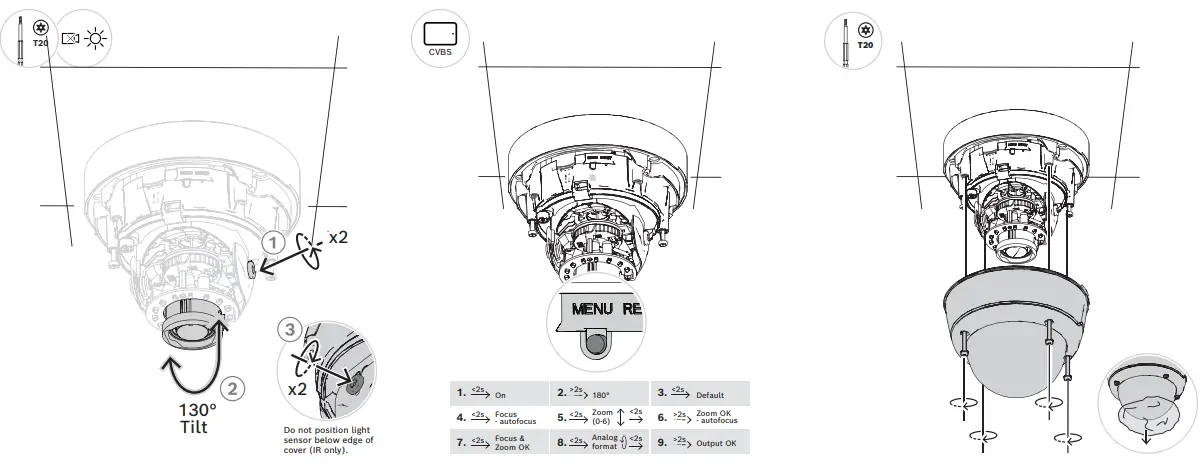
- Do not position light sensor below edge of cover (IR only). –
Instruction for proper installation of IR version - x2 – Quantity of components
Product Usage Instructions
- Use the appropriate size and quantity of screws (6×30 mm, T4x30 mm, 4.5×40 mm) to mount the product.
- Connect the cables using the appropriate thread type (NPT/M25 or M20) and SMB connector if using the optional accessory (NBN-MCSMB).
- If using the IR version, ensure the light sensor is not positioned below the edge of the cover during installation.
- If using a power adapter, ensure it is properly grounded to prevent electrical hazards.
- To reset the product, locate the reset button on the micro SD card and press it.
- If using the Ethernet connection, plug in an Ethernet cable to the RJ45 port. Default network settings are DHCP on (no DHCP: Auto-IP 169.254.x.x).
- If using the CVBS output, connect a BNC cable to the appropriate port.
- If using the audio output, connect wires to the IN/OUT/GDN ports.
- If using the alarm output, connect wires to the IN/OUT/GDN ports.
Installation
Project Assistant App + Configuration Manager + Video Security Client
Windows | iOS | android
https://downloadstore.boschsecurity.com/A
Contact
- address: Bosch Security Systems B.V. Torenallee 49 5617 BA Eindhoven Netherlands
- www.boschsecurity.com
- © Bosch Security Systems B.V., 2022
Building solutions for a better life.
2022.02 | V09 | F.01U.329.066 | 202202181254
 Home | Bosch Security and Safety Systems I Global