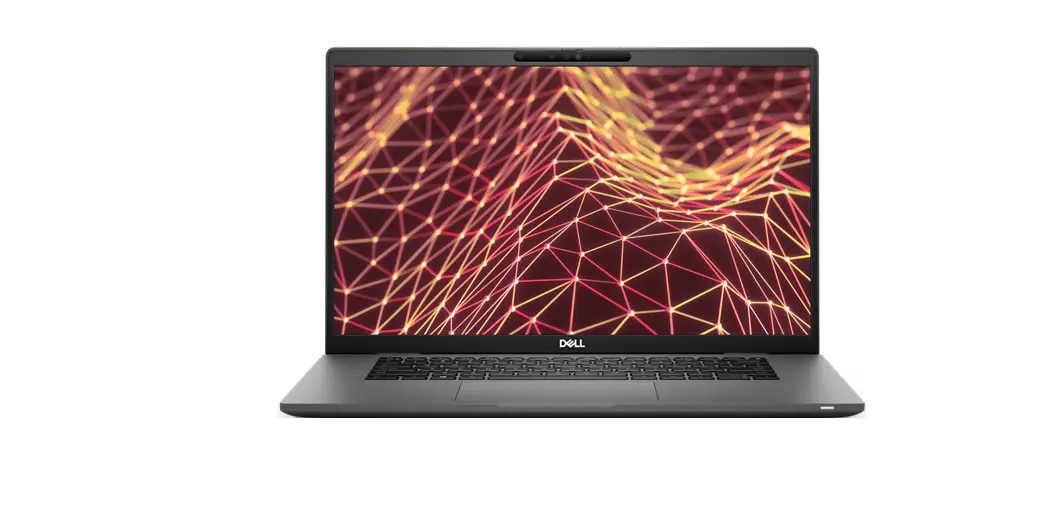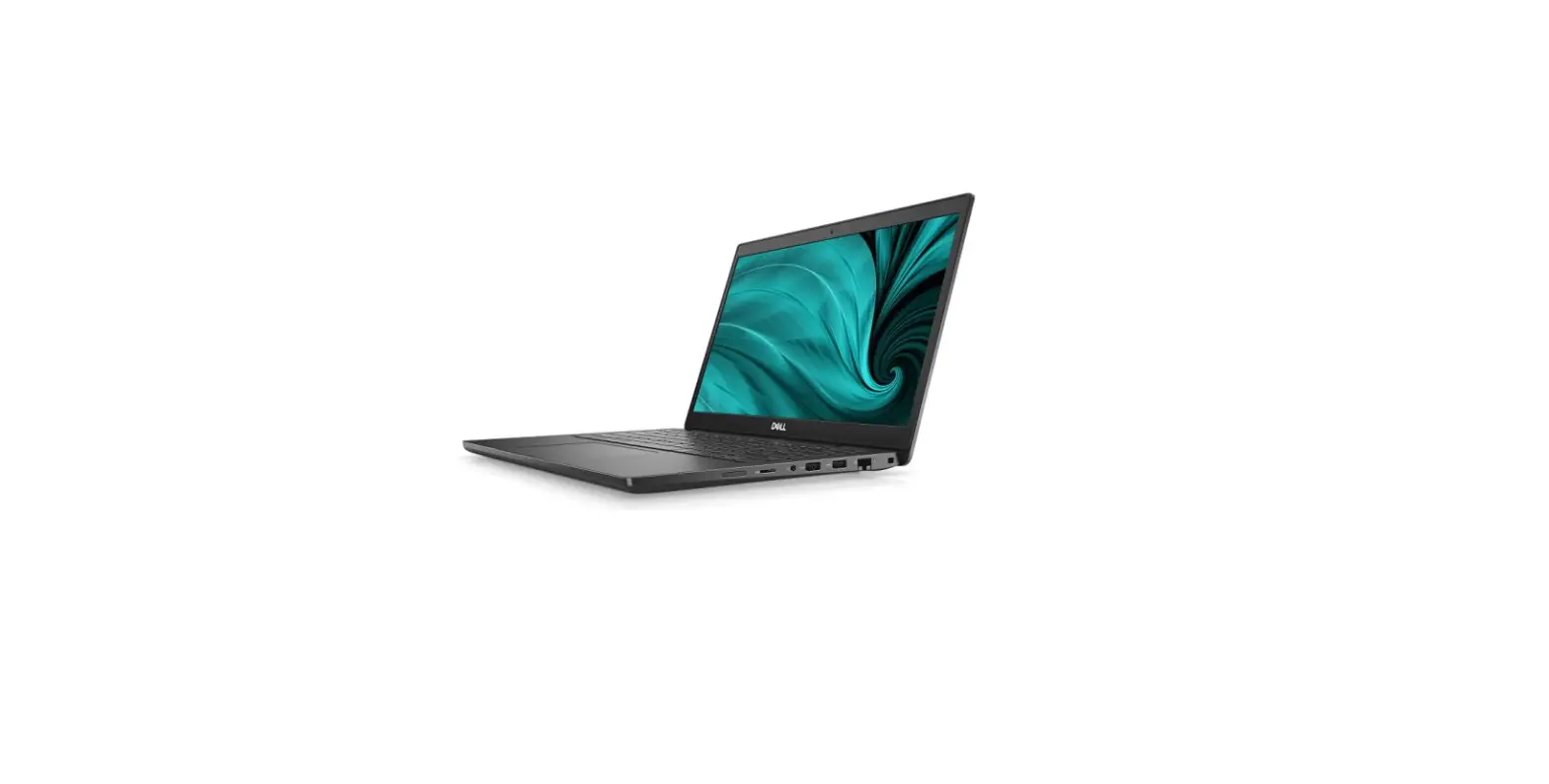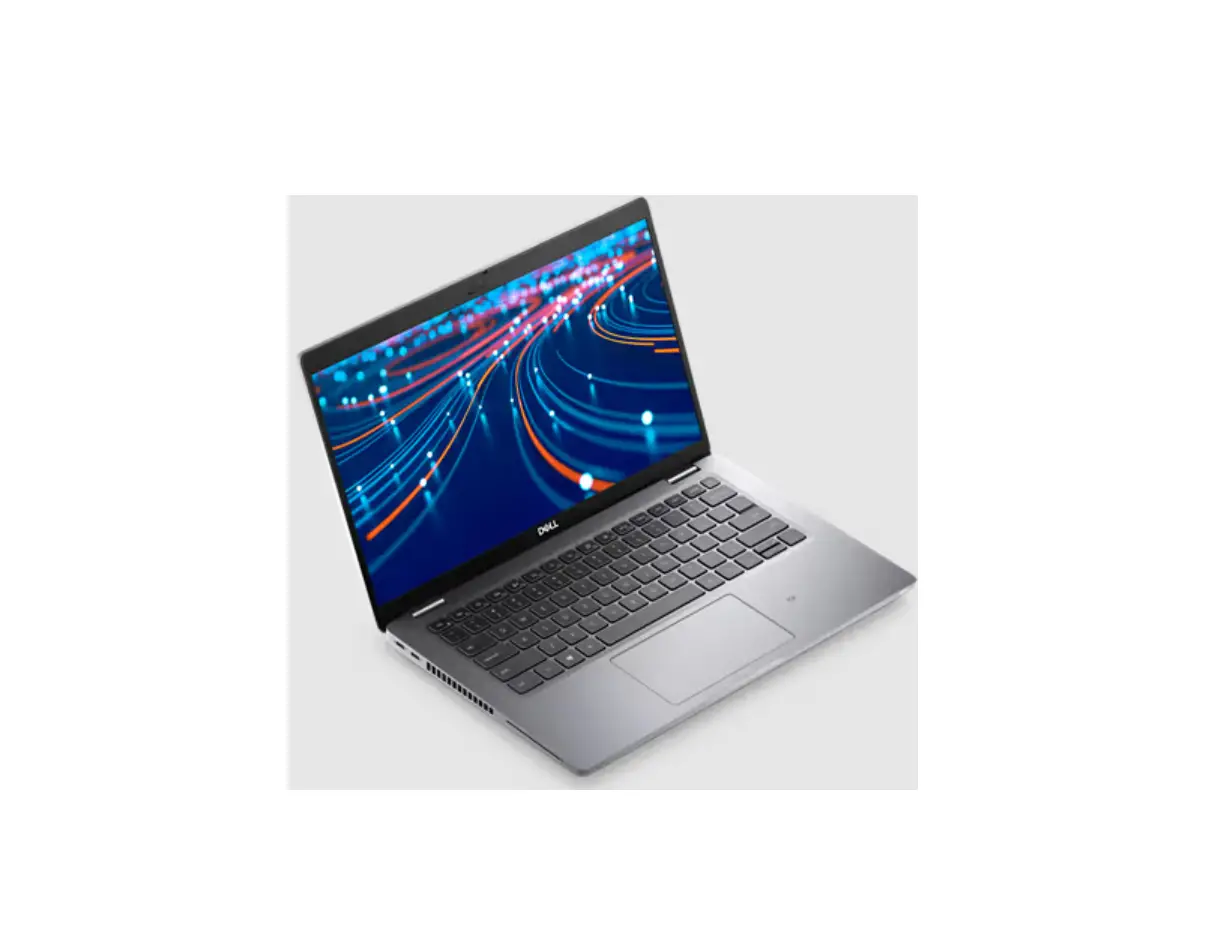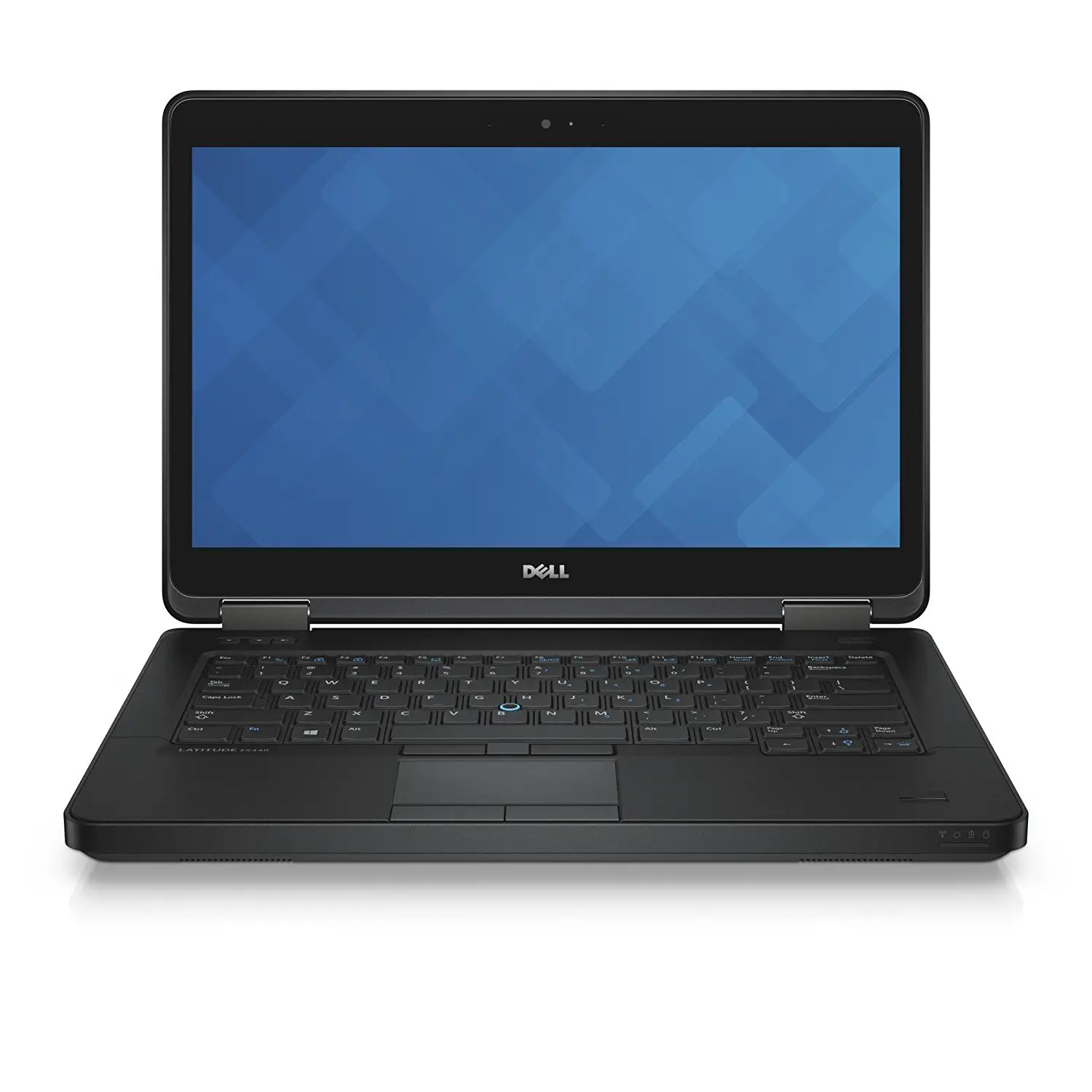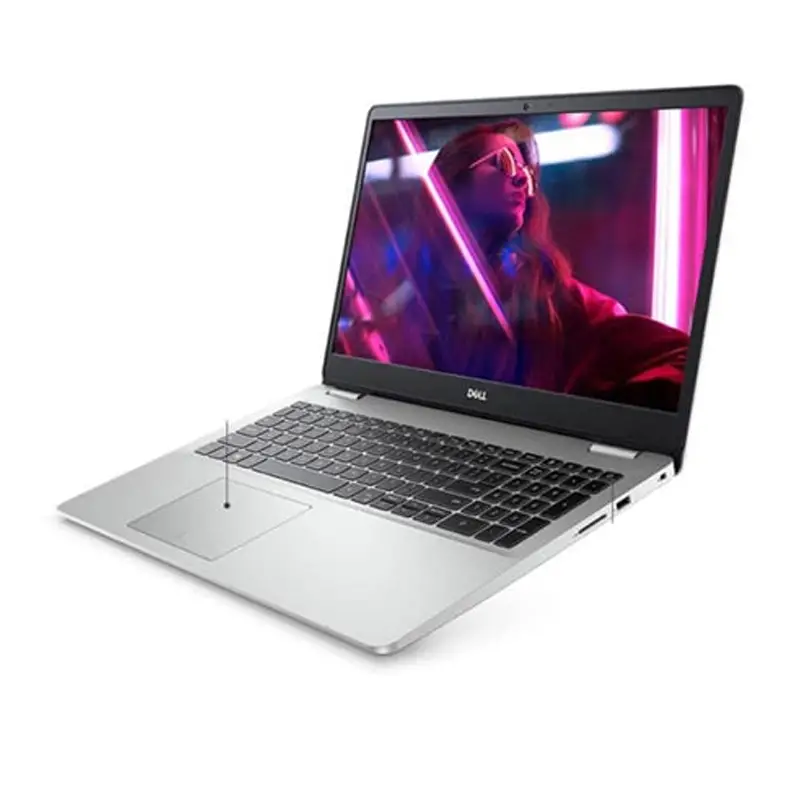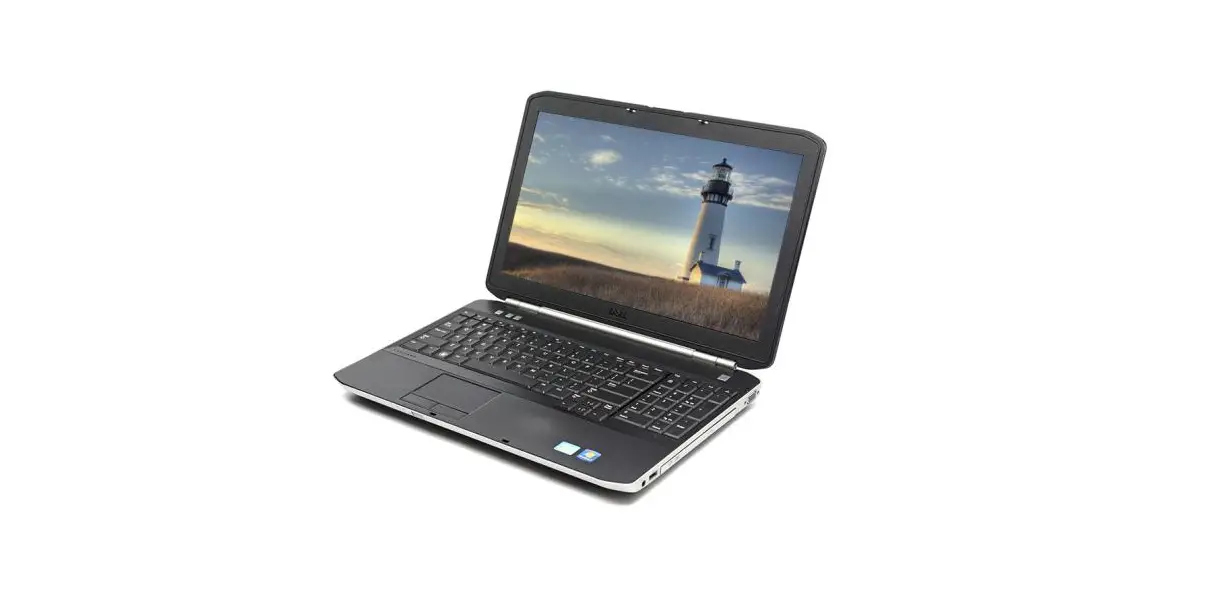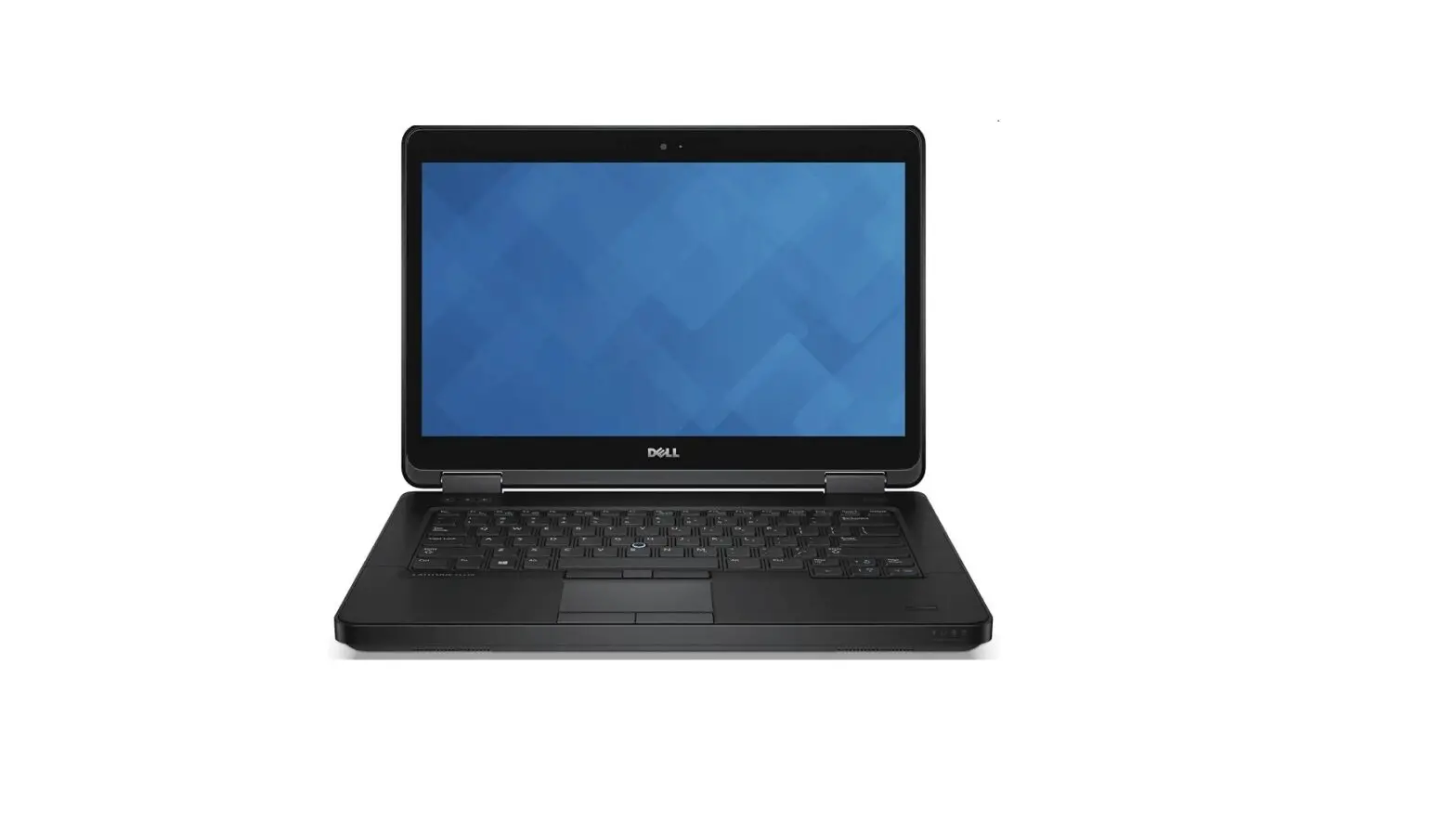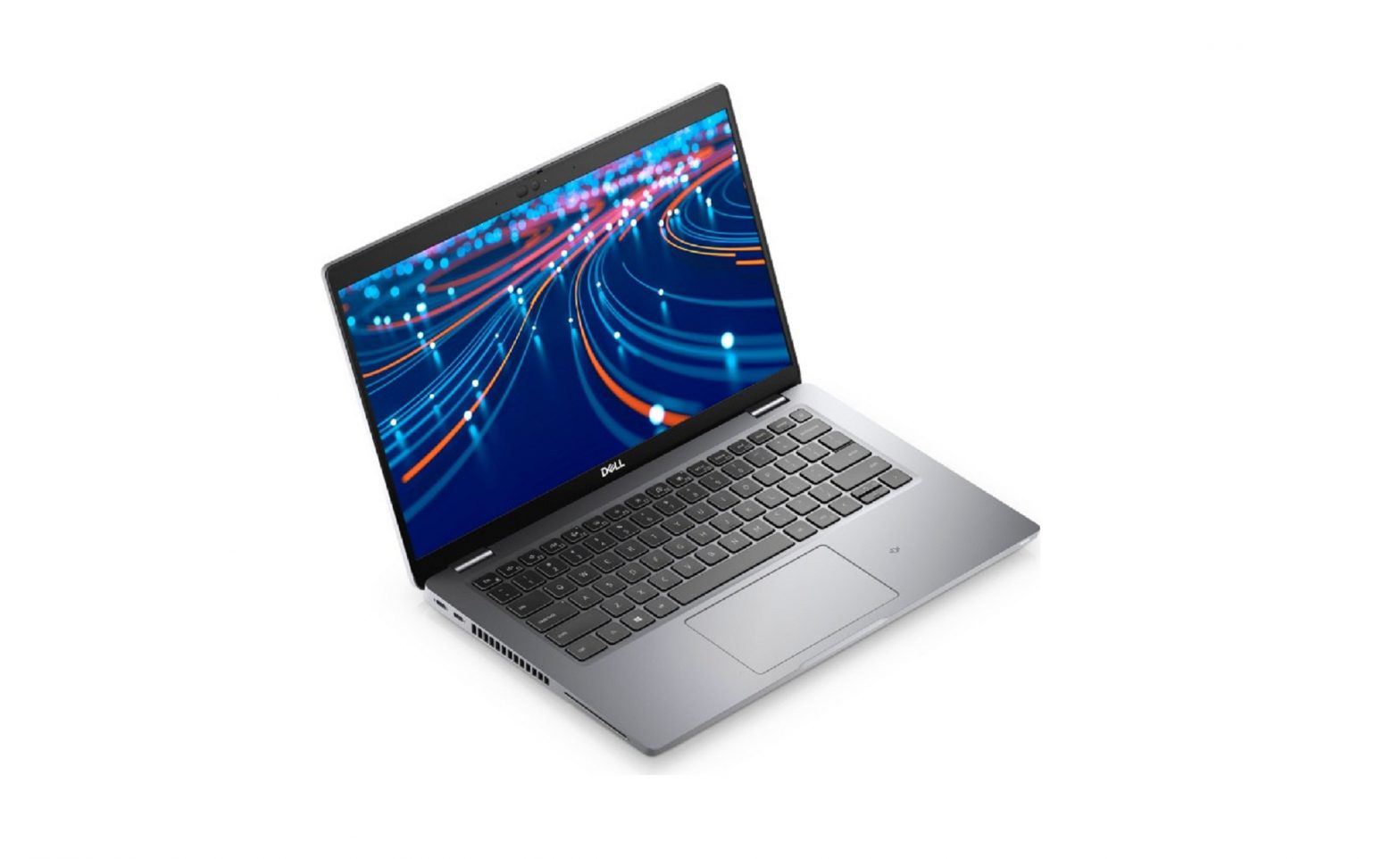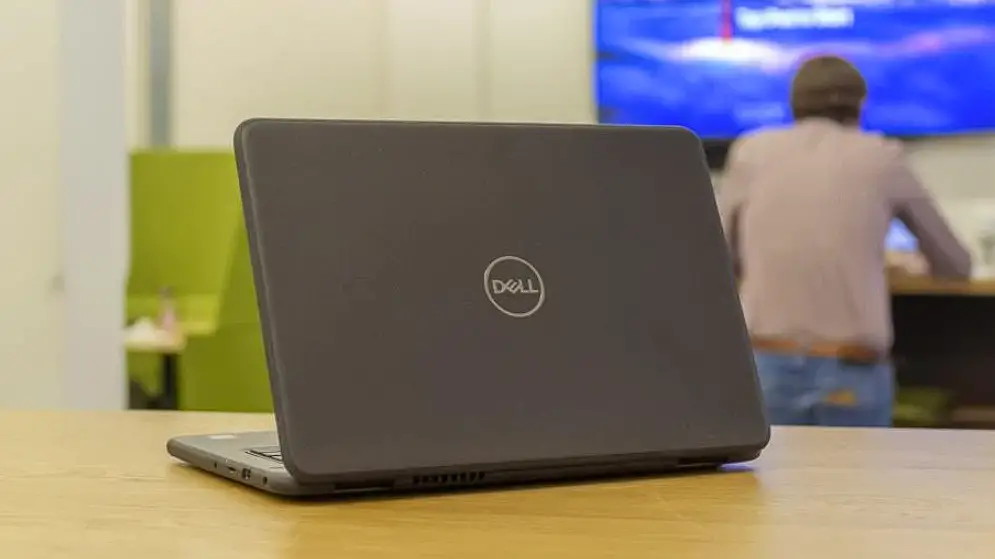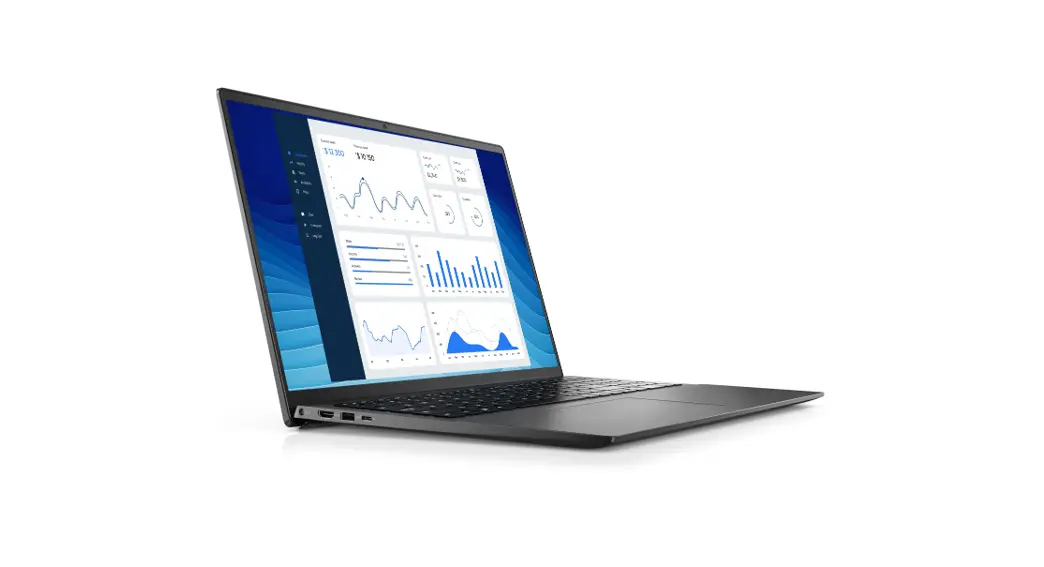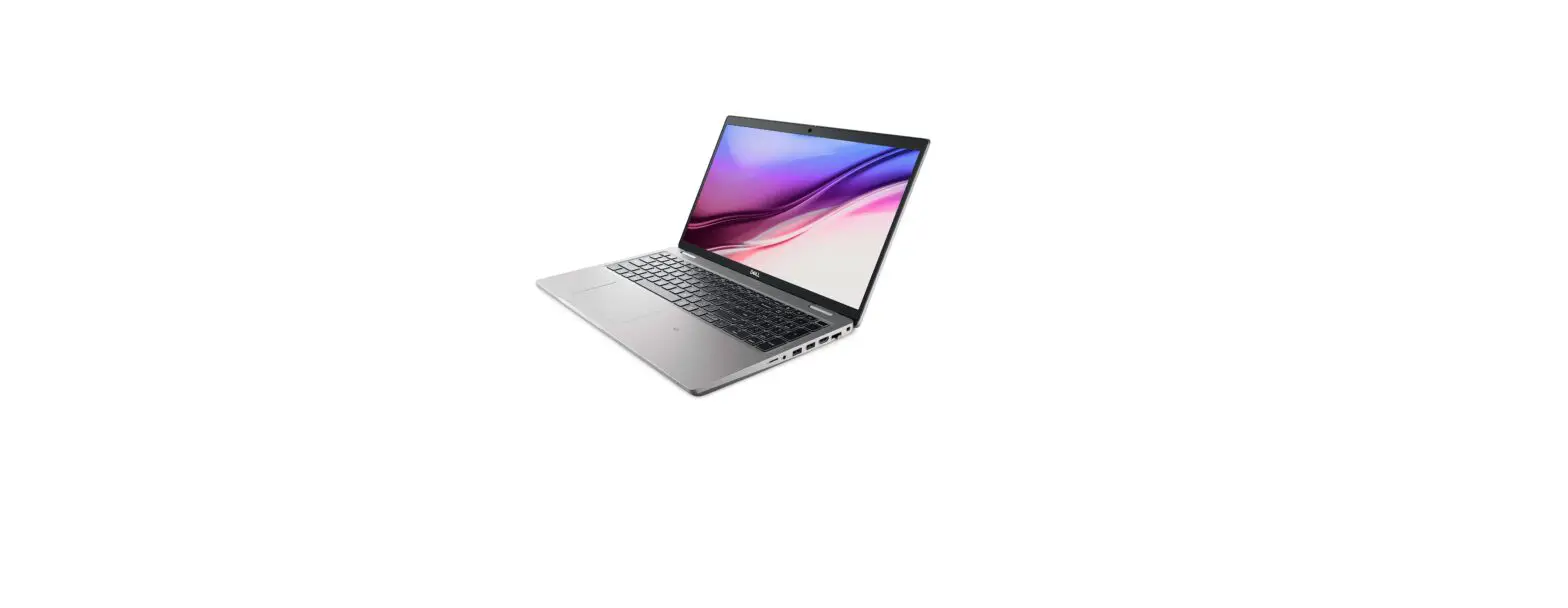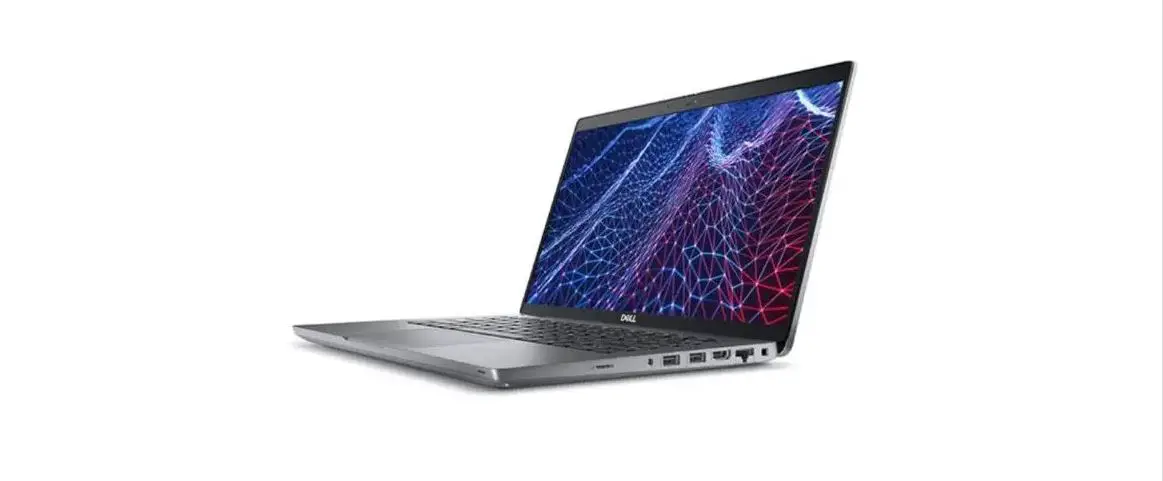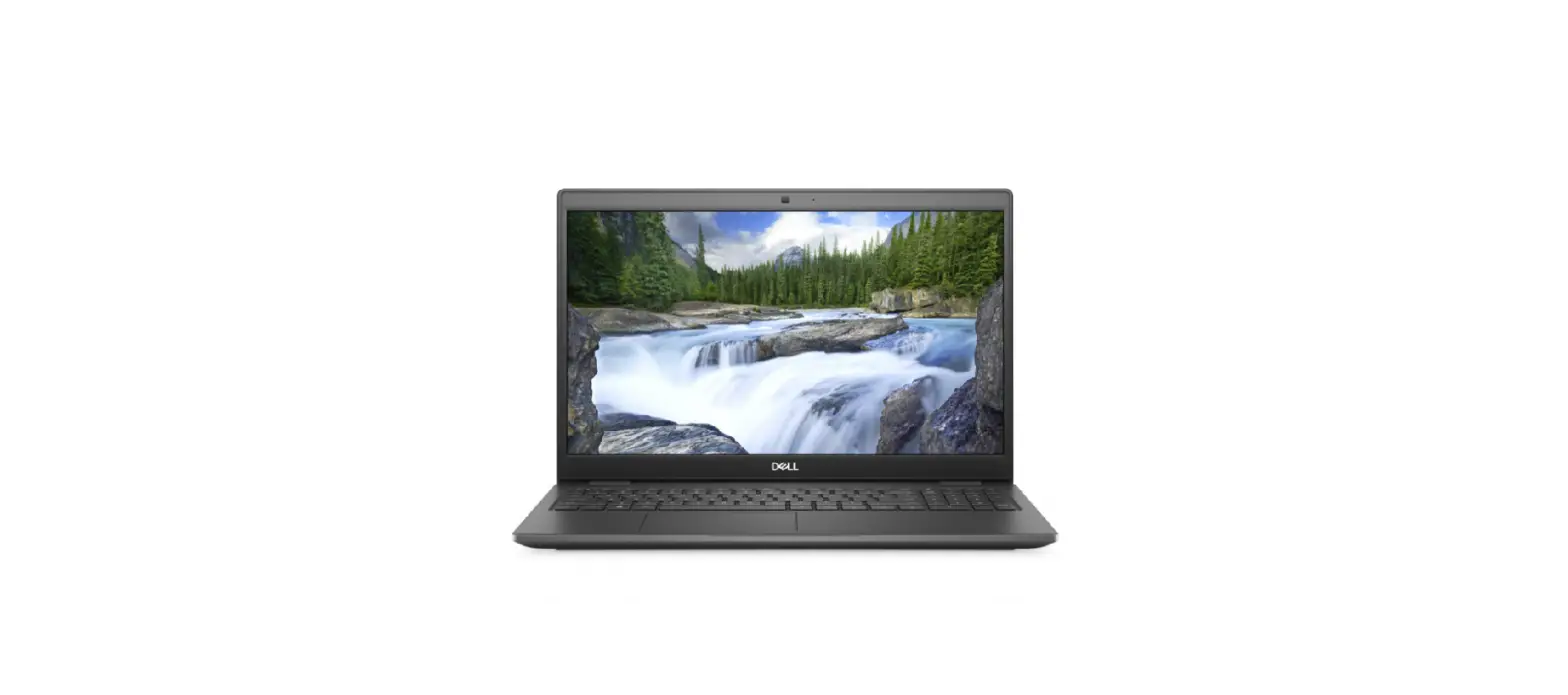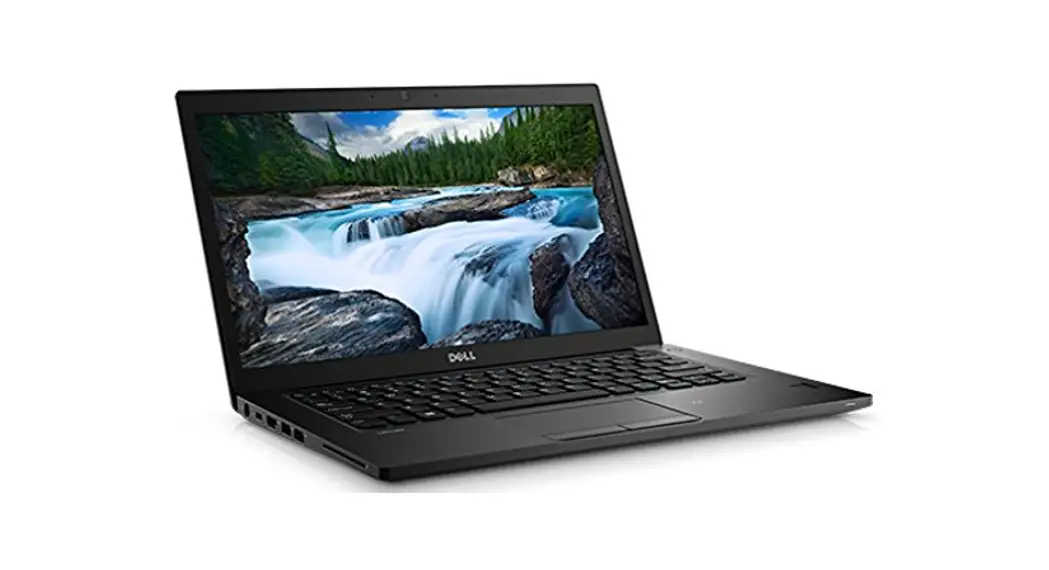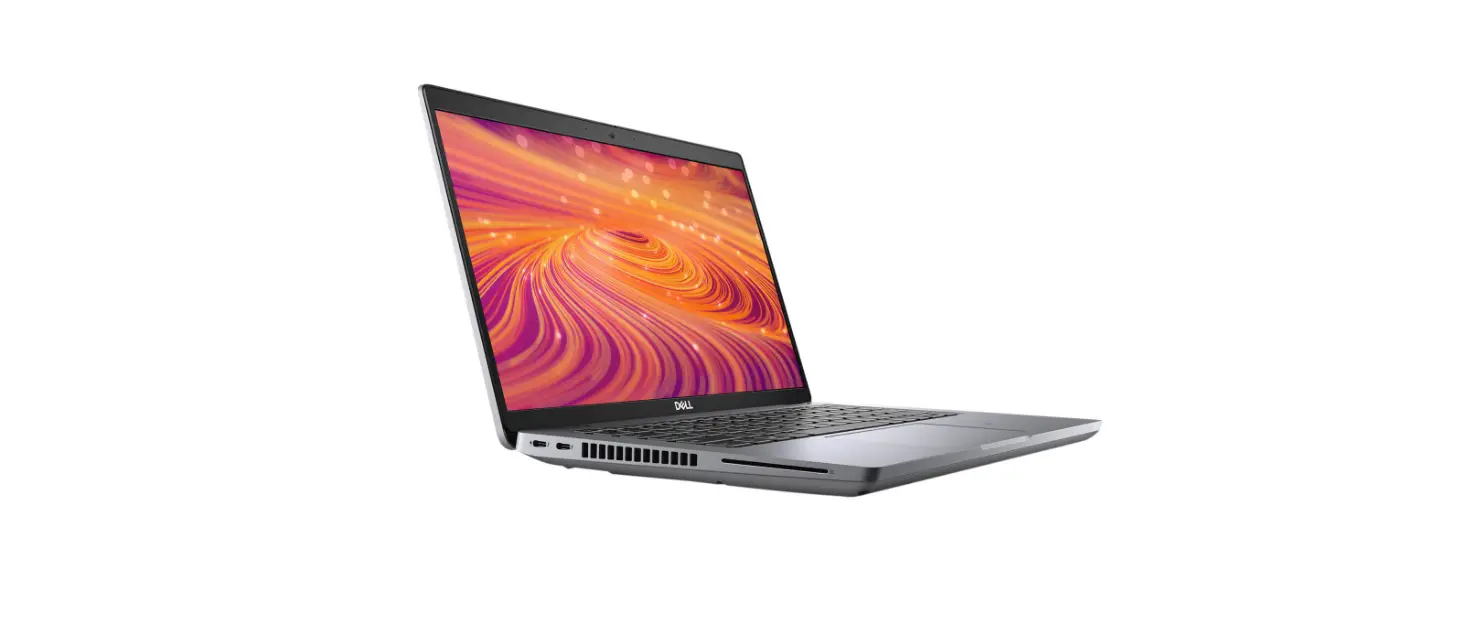

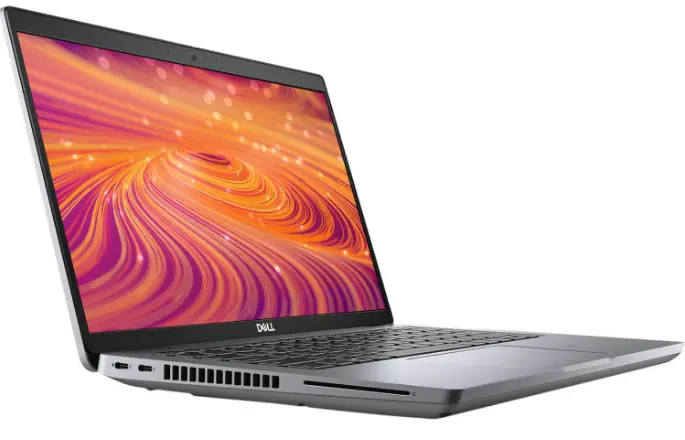
DELL Latitude 5421 Laptop
Notes, cautions, and warnings
- NOTE: A NOTE indicates important information that helps you make better use of your product.
- CAUTION: A CAUTION indicates either potential damage to hardware or loss of data and tells you how to avoid the problem.
- WARNING: A WARNING indicates a potential for property damage, personal injury, or death.
© 2021 Dell Inc. or its subsidiaries. All rights reserved. Dell, EMC, and other trademarks are trademarks of Dell Inc. or its subsidiaries. Other trademarks may be trademarks of their respective owners.
Regulatory Model: P137G
Regulatory Type: P137G003/P137G004 July 2021 Rev. A01
Set up your Latitude 5421
NOTE: The images in this document may differ from your computer depending on the configuration you ordered.
- Connect the power adapter and press the power button.
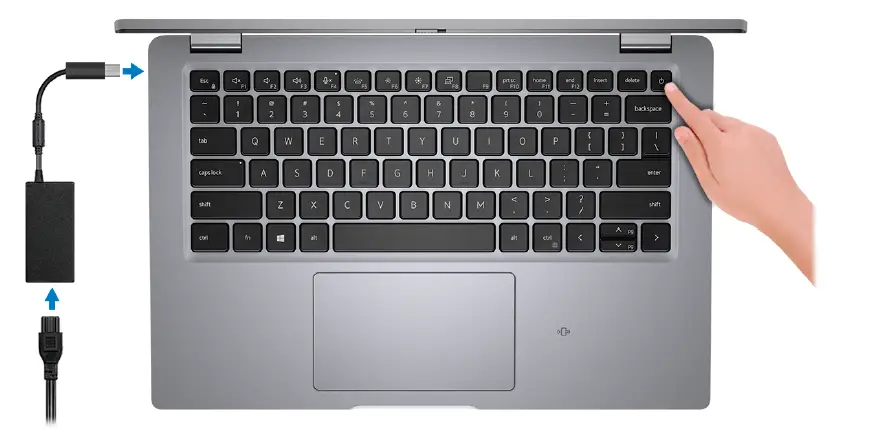
NOTE: To conserve battery power, the battery might enter power saving mode. Connect the power adapter and press the power button to turn on the computer. - Finish operating system setup.
- For Ubuntu:
- Follow the on-screen instructions to complete the setup. For more information about installing and configuring Ubuntu, see the knowledge base articles SLN151664 and SLN151748 at www.dell.com/support.
- For Windows:
- Follow the on-screen instructions to complete the setup. When setting up, Dell recommends that you:
- Connect to a network for Windows updates.
NOTE: If connecting to a secured wireless network, enter the password for the wireless network access when prompted. - If connected to the internet, sign-in with or create a Microsoft account. If not connected to the internet, create an offline account.
- n the Support and Protection screen, enter your contact details.
- For Ubuntu:
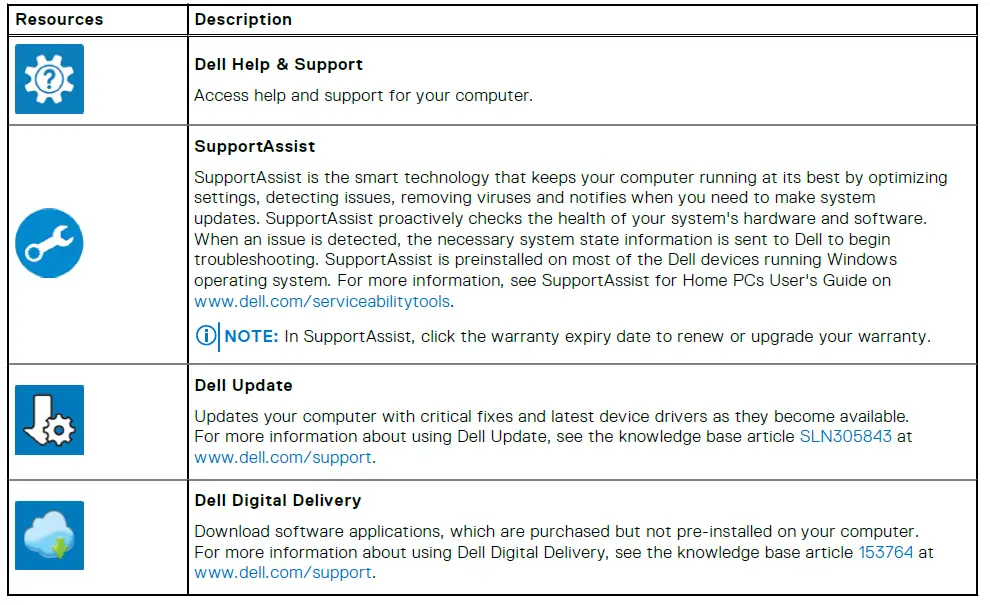
- Locate and use Dell apps from the Windows Start menu—Recommended.
Table 1. Locate Dell apps
| Resources | Description |
 | Dell Product Registration Register your computer with Dell. |
Views of Latitude 5421
Topics
- Right
- Left
- Front
- Base
- Top
- Rear
- Battery charge and status LED
Right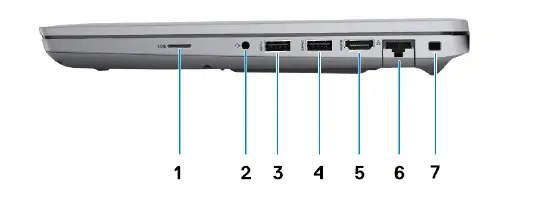
- microSD-card slot
- Universal audio jack
- USB 3.2 Gen 1 port
- USB 3.2 Gen 1 port with PowerShare
- HDMI 2.0 port
- RJ-45 Ethernet port
- Wedge-shaped lock slot
Left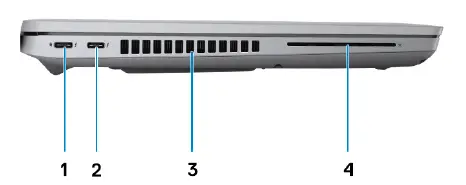
- Thunderbolt 4 port with DisplayPort Alt Mode/USB4/Power Delivery
- Thunderbolt 4 port with DisplayPort Alt Mode/USB4/Power Delivery
- Thermal vents
- Smart card reader slot (optional)
Front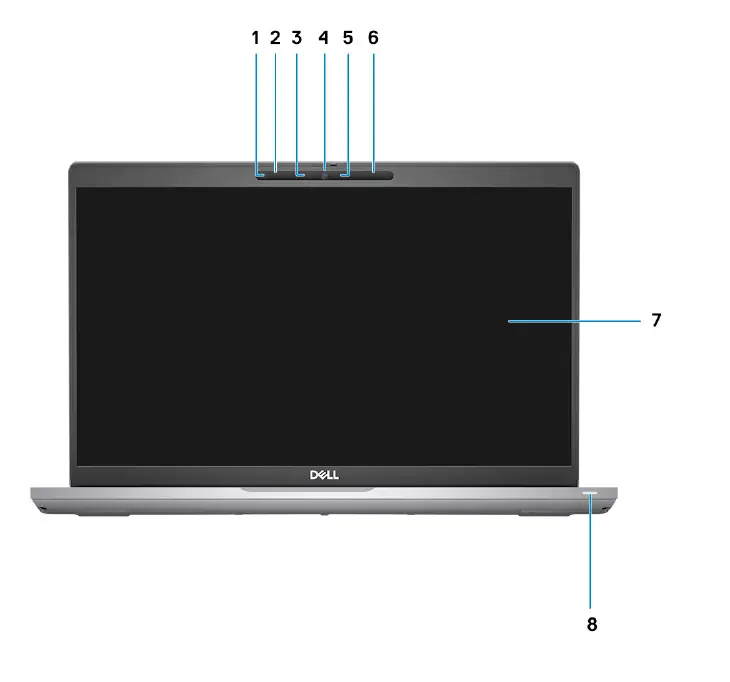
- Proximity sensor (optional)
- Microphone
- IR LED (optional)
- RGB camera/ RGB IR camera (optional)
- Camera indicator LED (optional)
- Microphone
- LCD panel
- Battery indicator LED/diagnostic LED
Base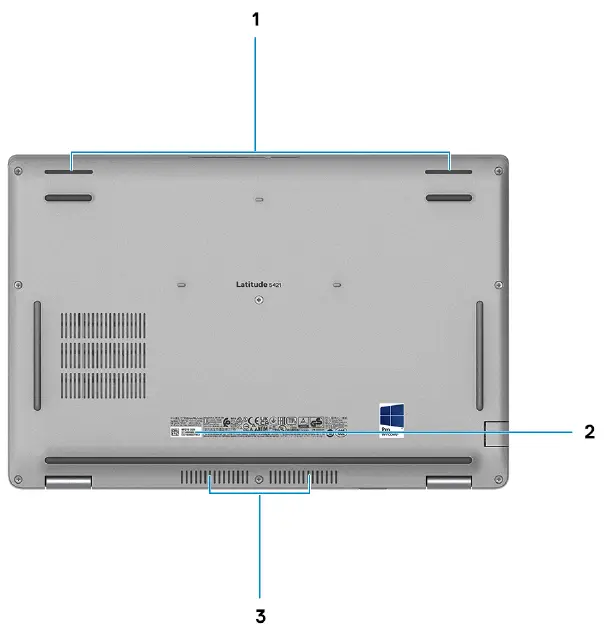
- Speakers
- Service Tag label
- Thermal vent
Top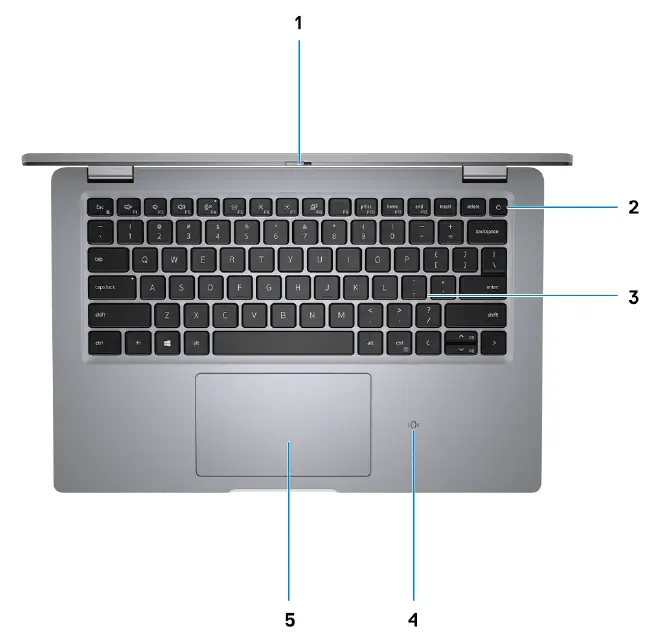
- Privacy shutter
- Power button with fingerprint reader (optional)
- Keyboard
- NFC/contactless card (optional)
- Clickpad
Rear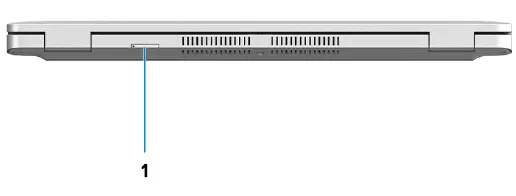
- microSIM-card tray (optional)
Battery charge and status LED
Table 2. Battery charge and status LED Indicator
| Power Source | LED Behavior | computer Power State | Battery Charge Level |
| AC Adapter | Off | S0 – S5 | Fully Charged |
| AC Adapter | Solid White | S0 – S5 | < Fully Charged |
| Battery | Off | S0 – S5 | 11-100% |
| Battery | Solid Amber (590+/-3 nm) | S0 – S5 | < 10% |
- S0 (ON) – Computer is turned on.
- S4 (Hibernate) – The computer consumes the least power compared to all other sleep states. The computer is almost at an OFF state, expect for a trickle power. The context data is written to hard drive.
- S5 (OFF) – The computer is in a shutdown state.
Specifications of Latitude 5421
Topics:
- Dimensions and weight
- Processor
- Chipset
- Operating system
- Memory
- External ports
- Internal slots
- Ethernet
- Wireless module
- WWAN module
- Audio
- Storage
- Media-card reader
- Keyboard
- Camera
- Clickpad
- Power adapter
- Battery
- Display
- Fingerprint reader (optional)
- GPU—Integrated
- GPU—Discrete
- Operating and storage environment
- Sensor and control
Dimensions and weight
The following table lists the height, width, depth, and weight of your Latitude 5421.
Table 3. Dimensions and weight
| Description | Values | |
| Height: | ||
| Front height | 20.95 mm (0.82 in) | |
| Rear height | 23.60 mm (0.92 in) | |
| Width | 321.35 mm (12.65 in) | |
| Depth | 212 mm (8.34 in) | |
| Weight (minimum) | 1.49 kg (3.30 lb) NOTE: The weight of your computer depends on the configuration ordered and manufacturing variability. | |
Processor
The following table lists the details of the processors supported by your Latitude 5421.
Table 4. Processor
| Description | Option one | Option two | Option three |
| Processor type | 11th Generation Intel Core i5-11400H | 11th Generation Intel Core i5-11500H | 11th Generation Intel Core i7-11850H |
| Processor wattage | 37.5 W | 37.5 W | 37.5 W |
| Processor core count | 6 | 6 | 8 |
| Processor thread count | 12 | 12 | 16 |
| Processor speed | 2.70 GHz to 4.50 GHz | 2.90 GHz to 4.60 GHz | 2.50 GHz to 4.80 GHz |
| Processor cache | 12 MB | 12 MB | 24 MB |
| Integrated graphics | Intel UHD Graphics | Intel UHD Graphics | Intel UHD Graphics |
Chipset
The following table lists the details of the chipset supported by your Latitude 5421.
Table 5. Chipset
| Description | Values |
| Chipset | Intel PCH H WM590 |
| Processor | 11th Generation Intel Core i5/i7 |
| DRAM bus width | Dual channel, 64-bit |
| Flash EPROM | 32 MB |
| PCIe bus | Up to Gen 4 |
Operating system
Your Latitude 5421 supports the following operating systems:
- Windows 10 Home, 64-bit
- Windows 10 Pro, 64-bit
- Ubuntu Linux 20.04 LTS
Memory
The following table lists the memory specifications of your Latitude 5421.
Table 6. Memory specifications
| Description | Values |
| Memory slots | Two SO-DIMM slots |
| Memory type | DDR4 |
| Memory speed | 3200 MHz |
| Maximum memory configuration | 64 GB |
| Minimum memory configuration | 8 GB |
| Memory size per slot | 8 GB, 16 GB, 32 GB |
| Memory configurations supported | ● 8 GB, 1 x 8 GB, DDR4 ● 8 GB, 2 x 4 GB, DDR4, dual-channel ● 16 GB, 1 x 16 GB, DDR4 ● 16 GB, 2 x 8 GB, DDR4, dual-channel ● 32 GB, 1 x 32 GB, DDR4 ● 32 GB, 2 x 16 GB, DDR4, dual-channel ● 64 GB, 2 x 32 GB, DDR4, dual-channel |
External ports
The following table lists the external ports of your Latitude 5421.
Table 7. External ports
| Description | Values |
| Network port | One RJ-45 Ethernet port |
| USB ports | ● One USB 3.2 Gen 1 port ● One USB 3.2 Gen 1 port with PowerShare ● Two Thunderbolt 4 ports with DisplayPort Alt Mode/ USB4/Power Delivery |
| Audio port | One Universal audio jack |
| Video port | One HDMI 2.0 port |
| Media-card reader | ● One microSD-card slot ● One microSIM-card tray (optional) ● One smart card reader (optional) |
| Power-adapter port | DC-in USB Type-C |
| Security-cable slot | One wedge-shaped lock slot |
Internal slots
The following table lists the internal slots of your Latitude 5421.
Table 8. Internal slots
| Description | Values |
| M.2 | ● One M.2 2230 slot for WiFi and Bluetooth combo card ● One M.2 2230/2280 slot for solid-state drive ● One M.2 3042 slot for upsell WWAN card NOTE: To learn more about the features of different types of M.2 cards, see the knowledge base article 000144170 at www.dell.com/support. |
Ethernet
The following table lists the wired Ethernet Local Area Network (LAN) specifications of your Latitude 5421.
Table 9. Ethernet specifications
| Description | Values |
| Model number | Gigabit RJ-45 |
| Transfer rate | 10/100/1000 Mbps |
Wireless module
The following table lists the Wireless Local Area Network (WLAN) module specifications of your Latitude 5421.
Table 10. Wireless module specifications
| Description | Option one | Option two | Option three |
| Model number | Qualcomm QCA61x4A | Intel AX201 | Intel AX210 |
| Transfer rate | Up to 867 Mbps | Up to 2.40 Gbps | Up to 2.40 Gbps |
| Frequency bands supported | 2.4 GHz/5 GHz | 2.4 GHz/5 GHz | 2.4 GHz/5 GHz/6 GHz |
| Wireless standards | ● Wi-Fi 802.11a/b/g ● WiFi 802.11n ● WiFi 802.11ac | ● Wi-Fi 802.11a/b/g ● Wi-Fi 4 (WiFi 802.11n) ● Wi-Fi 5 (WiFi 802.11ac) ● Wi-Fi 6 (WiFi 802.11ax) | ● Wi-Fi 802.11a/b/g ● Wi-Fi 4 (WiFi 802.11n) ● Wi-Fi 5 (WiFi 802.11ac) ● Wi-Fi 6 (WiFi 802.11ax) |
| Encryption | ● 64-bit and 128-bit WEP ● 128-bit AES-CCMP ● TKIP | ● 64-bit and 128-bit WEP ● 128-bit AES-CCMP ● TKIP | ● 64-bit and 128-bit WEP ● 128-bit AES-CCMP ● TKIP |
| Bluetooth | 5.0 | 5.2 | 5.2 |
WWAN module
The following table lists the Wireless Wide Area Network (WWAN) module supported on your Latitude 5421.
Table 11. WWAN module specifications
| Description | Values |
| Model number | Intel 7360 (DW5820e) |
| Transfer rate | Up to 450 Mbps DL/50 Mbps UL (Cat 9) |
| Data rate | ● LTE FDD: 450 Mbps DL/50 Mbps UL (Cat 9) ● LTE TDD: 347 Mbps DL/30 Mbps UL (Cat 9) ● UMTS/HSPA+: UMTS 384 kbps DL/384 kbps UL |
| Frequency bands supported | (1, 2, 3, 4, 5, 7, 8, 11, 12, 13, 17, 18, 19, 20, 21, 26, 28, 29, 30, 38, 39, 40, 41, 66), HSPA+ (1, 2, 4, 5, 8) |
| Wireless standards | ● LTE Category 16 ● UMTS/HSPA+ |
| Encryption | Not supported |
| Global Navigation Satellite System (GNSS) | Supports GPS, BDS, and GLONASS |
| NOTE: For instructions on how to find your computer’s IMEI (International Mobile Station Equipment Identity) number, see the knowledge base article 000143678 at www.dell.com/support. | |
Audio
The following table lists the audio specifications of your Latitude 5421.
Table 12. Audio specifications
| Description | Values | |
| Audio controller | Realtek ALC3204 | |
| Stereo conversion | Supported | |
| Internal audio interface | High definition audio | |
| External audio interface | Universal audio jack | |
| Number of speakers | 2 | |
| Internal-speaker amplifier | Supported (audio codec integrated) | |
| External volume controls | Keyboard shortcut controls | |
| Speaker output: | ||
| Average speaker output | 2 W | |
| Peak speaker output | 2.5 W | |
| Subwoofer output | Not supported | |
| Description | Values |
| Microphone | Dual-array microphones |
Storage
This section lists the storage options on your Latitude 5421. Your computer supports one of the following configurations:
- M.2 drive x1
The primary drive of your computer varies with the storage configuration.
Table 13. Storage specifications
| Storage type | Interface type | Capacity |
| M.2 2230, Class 35 solid-state drive | PCIe NVMe Gen3 x4 | 128 GB/256 GB/512 GB |
| M.2 2280, Class 40 solid-state drive | PCIe NVMe Gen3 x4 | 256 GB/512 GB/1 TB |
| M.2 2280, Class 40, solid-state drive | PCIe NVMe Gen4 x4 | 512 GB/1 TB/2 TB |
| M.2 2280, Class 40 solid-state drive, self-encrypting | PCIe NVMe Gen3 x4 | 256 GB/512 GB |
Media-card reader
The following table lists the media cards supported by your Latitude 5421.
Table 14. Media-card reader specifications
| Description | Values |
| Media-card type | One microSD-card slot |
| Media-cards supported | ● micro-Secure Digital (mSD) ● micro-Secure Digital High Capacity (mSDHC) ● micro-Secure Digital Extended Capacity (mSDXC) |
| NOTE: The maximum capacity supported by the media-card reader varies depending on the standard of the media card installed in your computer. | |
Keyboard
The following table lists the keyboard specifications of your Latitude 5421.
Table 15. Keyboard specifications
| Description | Values |
| Keyboard type | ● Standard backlit keyboard ● Standard non-backlit keyboard |
| Keyboard layout | QWERTY |
| Number of keys | ● United States and Canada: 79 keys |
| Description | Values |
| ● United Kingdom: 80 keys ● Japan: 83 keys | |
| Keyboard size | X=19.05 mm key pitch Y=18.05 mm key pitch |
| Keyboard shortcuts | Some keys on your keyboard have two symbols on them. These keys can be used to type alternate characters or to perform secondary functions. To type the alternate character, press Shift and the desired key. To perform secondary functions, press Fn and the desired key. NOTE: You can define the primary behavior of the function keys (F1–F12) changing Function Key Behavior in BIOS setup program. Keyboard shortcuts |
Camera
The following table lists the camera specifications of your Latitude 5421.
Table 16. Camera specifications
| Description | Option 1 | Option 2 | Option 3 | |
| Number of cameras | One | One | One | |
| Camera type | HD RGB camera | HD RGB + Ir camera | FHD RGB + Ir camera, proximity sensor/express sign- in | |
| Camera location | Front Camera | Front camera | Front camera | |
| Camera sensor type | CMOS sensor technology | CMOS sensor technology | CMOS sensor technology | |
| Camera resolution: | ||||
| Still image | 0.92 megapixel | 0.92 megapixel | 2.07 megapixels | |
| Video | 1280 x 720 (HD) at 30 fps | 1280 x 720 (HD) at 30 fps | 1920 x 1080 (FHD) at 30 fps | |
| Infrared camera resolution: | ||||
| Still image | NA | 0.23 | 0.23 | |
| Video | NA | 640 x 360 at 15 fps | 640 x 360 at 15 fps | |
| Diagonal viewing angle: | ||||
| Camera | 78.60 degrees | 87 degrees | 87.60 degrees | |
| Infrared camera | NA | 87 degrees | 87.60 degrees | |
Clickpad
The following table lists the Clickpad specifications of your Latitude 5421.
Table 17. Clickpad specifications
| Description | Clickpad (Cirque) | Clickpad (Synaptics) | |
| Clickpad resolution: | |||
| Horizontal | 3339 | 1337 | |
| Vertical | 1994 | 761 | |
| Clickpad dimensions: | |||
| Horizontal | 115 mm (4.53 in.) | 115 mm (4.53 in.) | |
| Vertical | 65 mm (2.55 in.) | 65 mm (2.55 in.) | |
| Clickpad gestures | For more information about Clickpad gestures available on Windows 10, see the Microsoft knowledge base article 4027871 at support.microsoft.com. | ||
Power adapter
The following table lists the power adapter specifications of your Latitude 5421.
Table 18. Power adapter specifications
| Description | Option one | Option two | |
| Type | 90 W AC adapter, USB-C NOTE: 90 W is supported only in UMA configuration. | 130 W AC adapter, USB-C | |
| Input voltage | 100 VAC x 240 VAC | 100 VAC x 240 VAC | |
| Input frequency | 50 Hz x 60 Hz | 50 Hz x 60 Hz | |
| Input current (maximum) | 1.50 A | 1.80 A | |
| Output current (continuous) | ● 20 V/4.50 A ● 15 V/3 A ● 9 V/3 A ● 5 V/3 A | ● 20 V/6.50 A ● 5 V/1 A | |
| Rated output voltage | 20 VDC/15 VDC/9 VDC/5 VDC | 20 VDC/5 VDC | |
| Weight | 0.64 lbs (0.29 kg) | 0.77 lbs (0.35 kg) | |
| Dimensions (inches) | 0.87 x 2.60 x 5.12 | 0.87 x 2.60 x 5.63 | |
| Dimensions (mm) | 22 x 66 x 130 | 22 x 66 x 143 | |
| Temperature range: | |||
| Operating | 0°C to 40°C (32°F to 104°F) | 0°C to 40°C (32°F to 104°F) | |
| Storage | -40°C to 70°C (-40°F to 158°F) | -40°C to 70°C (-40°F to 158°F) | |
| Description | Option one | Option two | |
| CAUTION: Operating and storage temperature ranges may differ among components, so operating or storing the device outside these ranges may impact the performance of specific components. | |||
Battery
The following table lists the battery specifications of your Latitude 5421.
Table 19. Battery specifications
| Description | Option one | Option two | |
| Battery type | 4-cell 64 WHr, Polymer, Long Cycle Life | 4-cell 64 WHr, Polymer, non-Long Cycle Life | |
| Battery voltage | 15.20 V | 15.20 V | |
| Battery weight (maximum) | TBD | TBD | |
| Battery dimensions: | |||
| Height | 7.60 mm | 7.60 mm | |
| Width | 226.60 mm | 226.60 mm | |
| Depth | 81.40 mm | 81.40 mm | |
| Temperature range: | |||
| Operating | ● Charge: 0°C to 45°C, 32°F to 113°F ● Discharge: 0°C to 70°C, 32°F to 158°F | ● Charge: 0°C to 45°C, 32°F to 113°F ● Discharge: 0°C to 70°C, 32°F to 158°F | |
| Storage | -20°C (-4°F ) to 65°C (149°F) | -20°C (-4°F ) to 65°C (149°F) | |
| Battery operating time | Varies depending on operating conditions and can significantly reduce under certain power-intensive conditions. | Varies depending on operating conditions and can significantly reduce under certain power-intensive conditions. | |
| Battery charging time (approximate) | 2 hours (when the computer is off) NOTE: Control the charging time, duration, start and end time, and so on using the Dell Power Manager application. For more information on the Dell Power Manager see, Me and My Dell on www.dell.com/ | 2 hours (when the computer is off) NOTE: Control the charging time, duration, start and end time, and so on using the Dell Power Manager application. For more information on the Dell Power Manager see, Me and My Dell on www.dell.com/ | |
| NOTE: ● 0°C-15°C: 4 hours ● 16°C-45°C: 2 hours ● 46°C-60°C: 3 hours | |||
| Approximate life span (discharge/charge cycles) | ● Standard pack : 1 year warranty ● LCL pack : 3 years warranty | ||
| Coin-cell battery | CR2032 | CR2032 | |
| Description | Option one | Option two |
| NOTE: It is recommended that you use a Dell coin-cell battery for your computer. Dell does not provide warranty coverage for problems caused by using accessories, parts, or components not supplied by Dell. | ||
| ExpressCharge | Supported | Supported |
| NOTE: Dell recommends that you charge the battery regularly for optimal power consumption. If your battery charge is completely depleted, connect the power adapter, turn on your computer, and then restart your computer to reduce the power consumption. CAUTION: Operating and storage temperature ranges may differ among components, so operating or storing the device outside these ranges may impact the performance of specific components. | ||
Display
The following table lists the display specifications of your Latitude 5421.
Table 20. Display specifications
| Description | Option one | Option two | Option three | Option four | Option five | |
| Display type | High Definition (HD) | Full High Definition (FHD) | Full High Definition (FHD), Super Low Power (SLP), ComfortView Plus | Full High Definition (FHD) | Full High Definition (FHD), Privacy | |
| Display-panel technology | Twisted Nematic (TN) | Wide-Viewing Angle (WVA) | Wide-Viewing Angle (WVA) | Wide-Viewing Angle (WVA) | Wide-Viewing Angle ( WVA) | |
| Display-panel dimensions (active area): | ||||||
| Height | 173.95 mm (6.84 in.) | 173.99 mm (6.84 in.) | 173.95 mm (6.85 in.) | 173.95 mm (6.84 in.) | 173.95 mm (6.84 in.) | |
| Width | 309.40 (12.18 in.) | 309.35 (12.18 in.) | 309.40 (12.18 in.) | 309.40 (12.18 in.) | 309.40 (12.18 in.) | |
| Diagonal | 355.60 mm (14 in.) | 355.6 mm (14 in.) | 355.6 mm (14 in.) | 355.60 mm (14 in.) | 355.60 mm (14 in.) | |
| Display-panel native resolution | 1366 x 768 | 1920 x 1080 | 1920 x 1080 | 1920 x 1080 | 1920×1080 | |
| Luminance (typical) | 220 nits | 250 nits | 400 nits | 300 nits | 300 nits | |
| Megapixels | 1.05 | 2.07 | 2.07 | 2.07 | 2.07 | |
| Color gamut | NTSC 45% typical | NTSC 45% typical | sRGB 100% typical | NTSC 72% typical | sRGB 100% | |
| Pixels Per Inch (PPI) | 112 | 157 | 157 | 157 | 157 | |
| Description | Option one | Option two | Option three | Option four | Option five |
| Contrast ratio (typ) | 300:1 | 600:1 | 1000:1 | 600:1 | 600:1 |
| Response time (min) | 25 ms | 35 ms | 35 ms | 35 ms | 35 ms |
| Refresh rate | 60 Hz | 60 Hz | 60 Hz | 60 Hz | 60 Hz |
| Horizontal view angle | 40 minimum | 80 minimum | 80 minimum | 80 minimum | 80 minimum |
| Vertical view angle | 10/30 (Top/ Bottom) min | 80 minimum | 80 minimum | 80 minimum | 80 minimum |
| Pixel pitch | 0.2265 mm x 0.2265 mm | 0.161 mm x 0.161 mm | 0.161 mm x 0.161 mm | 0.161 mm x 0.161 mm | 0.161 x 0.161 |
| Power consumption (maximum) | 2.40 W | 3.60 W | 2.50 W | 4.10 W | 3.50 W |
| Anti-glare vs glossy finish | Anti-glare | Anti-glare | Anti-glare | Anti-glare | Anti-glare |
| Touch options | No | No | No | Yes | Yes |
Fingerprint reader (optional)
The following table lists the specifications of the optional fingerprint-reader of your Latitude 5421.
Table 21. Fingerprint reader specifications
| Description | Values |
| Fingerprint-reader sensor technology | Capacitive |
| Fingerprint-reader sensor resolution | 500 dpi |
| Fingerprint-reader sensor pixel size | 108 x 88 |
GPU—Integrated
The following table lists the specifications of the integrated Graphics Processing Unit (GPU) supported by your Latitude 5421.
Table 22. GPU—Integrated
| Controller | External display support | Memory size | Processor |
| Intel UHD Graphics | One HDMI 2.0 port | Shared system memory | 11th Generation Intel Core i5/i7 |
GPU—Discrete
The following table lists the specifications of the discrete Graphics Processing Unit (GPU) supported by your Latitude 5421.
Table 23. GPU—Discrete
| Controller | External display support | Memory size | Memory type |
| NVIDIA GeForce MX450 | One HDMI 2.0 port | 2 GB | GDDR6 |
Operating and storage environment
This table lists the operating and storage specifications of your Latitude 5421. Airborne contaminant level: G1 as defined by ISA-S71.04-1985
Table 24. Computer environment
| Description | Operating | Storage |
| Temperature range | 0°C to 40°C (32°F to 104°F) | -40°C to 65°C (-40°F to 149°F) |
| Relative humidity (maximum) | 10% to 90% (non-condensing) | 0% to 95% (non-condensing) |
| Vibration (maximum)* | 0.66 GRMS | Not tested |
| Shock (maximum) | 140 G† | Not tested |
| Altitude range | 0 m to 3048 m (32 ft to 5518.4 ft) | 0 m to 10668 m (32 ft to 19234.4 ft) |
| CAUTION: Operating and storage temperature ranges may differ among components, so operating or storing the device outside these ranges may impact the performance of specific components. | ||
Measured using a random vibration spectrum that simulates user environment.
Measured using a 2 ms half-sine pulse when the hard drive is in use.
Sensor and control
Table 25. Sensor and control
| Sensor support | |
| Sensor | Windows Adaptive Color |
| Accelerometer (G sensor): One on the base (system board) and another on the hinge-up (optional) | |
Keyboard shortcuts
NOTE: Keyboard characters may differ depending on the keyboard language configuration. Keys that are used for shortcuts remain the same across all language configurations.
Table 26. List of keyboard shortcuts
| Keys | Primary Behavior | Secondary Behavior (fn + Key) |
| fn + Esc | Escape | Toggle fn-key lock |
| fn + F1 | Mute audio | F1 behavior |
| fn + F2 | Decrease volume | F2 behavior |
| fn + F3 | Increase volume | F3 behavior |
| fn + F4 | Mic Mute | F4 behavior |
| fn + F5 | Keyboard backlight NOTE: Not applicable for non- backlight keyboard. | F5 behavior |
| fn + F6 | Decrease screen brightness | F6 behavior |
| fn + F7 | Increase screen brightness | F7 behavior |
| fn + F8 | Switch to external display | F8 behavior |
| fn + F10 | Print Screen | F10 behavior |
| fn + F11 | Home | F11 behavior |
| fn + F12 | End | F12 behavior |
| fn + ctrl | Open application menu | Control |
| fn + page up | Scroll up | Page up |
| fn + page down | Scroll down | Page down |
| fn + P | SafeScreen (e-Privacy) |
Getting help
Topics:
- Contacting Dell
Contacting Dell
NOTE: If you do not have an active Internet connection, you can find contact information on your purchase invoice, packing
slip, bill, or Dell product catalog.
Dell provides several online and telephone-based support and service options. Availability varies by country and product, and some services may not be available in your area. To contact Dell for sales, technical support, or customer service issues:
- Go to Dell.com/support.
- Select your support category.
- Verify your country or region in the Choose a Country/Region drop-down list at the bottom of the page.
- Select the appropriate service or support link based on your need.
References
 Support | Dell US
 Microsoft Support
-
Computers, Monitors & Technology Solutions | Dell USA
-
Support | Dell US
-
Support | Dell US
-
ANDPRO.RU - интернет магазин компьютерной и офисной техники с выгодными ценами и доставкой
-
Microsoft Support
-
Touch gestures for Windows - Microsoft Support
-
Computers, Monitors & Technology Solutions | Dell USA
-
Support | Dell US
-
Support | Dell US
-
How to Install Ubuntu Linux on your Dell Computer | Dell US
-
How to configure Ubuntu Linux after it's first installed on your Dell PC | Dell US
-
What is Dell Digital Delivery? | Dell US
-
How to distinguish the differences between M.2 cards | Dell US
-
Dell Update and Alienware Update - Overview and common questions | Dell US
-
Support for SupportAssist for Home PCs | Documentation | Dell US
-
How to Find the International Mobile Equipment Identity (IMEI) Number in Windows | Dell US
-
How to distinguish the differences between M.2 cards | Dell US
 Support | Dell US
 Microsoft Support
 Computers, Monitors & Technology Solutions | Dell USA
 ANDPRO.RU - интернет магазин компьютерной и офисной техники с выгодными ценами и доставкой