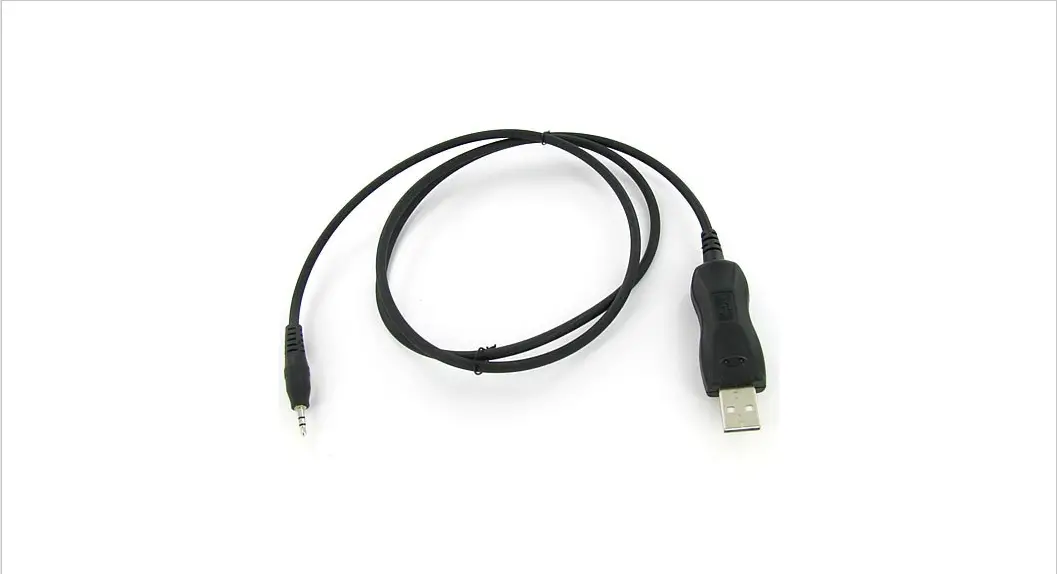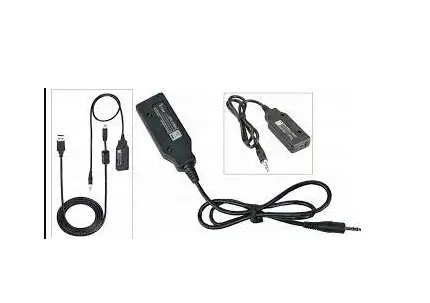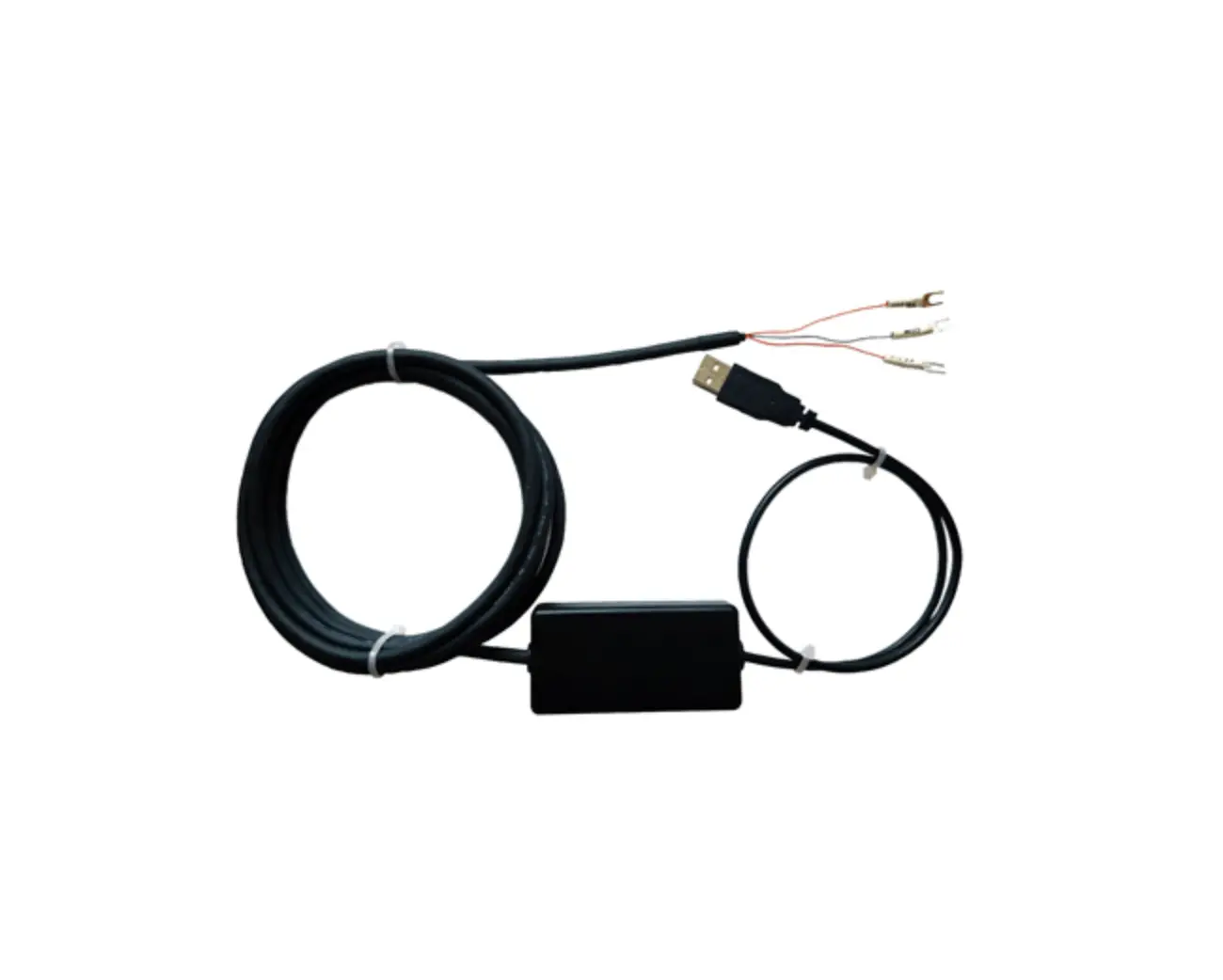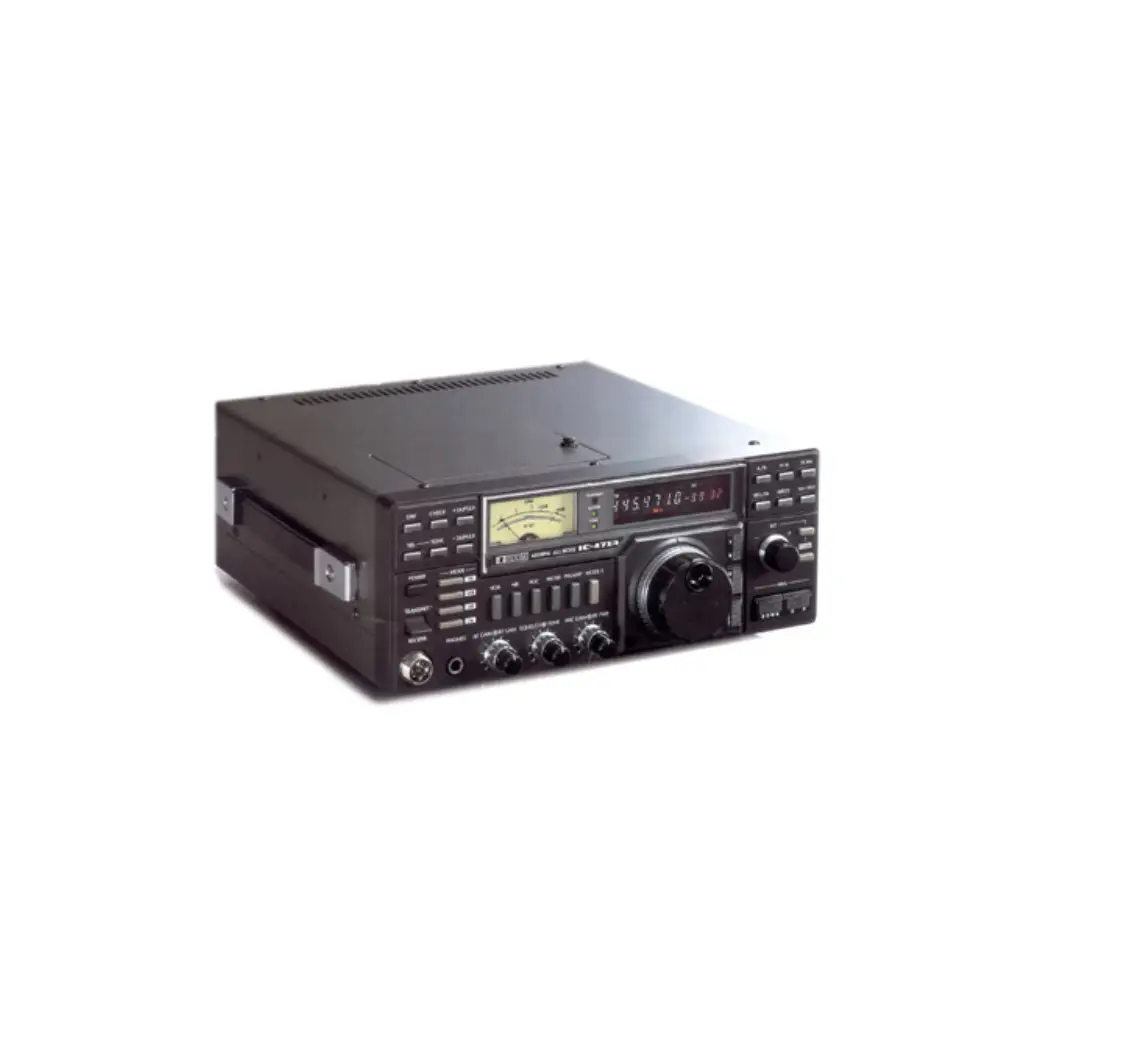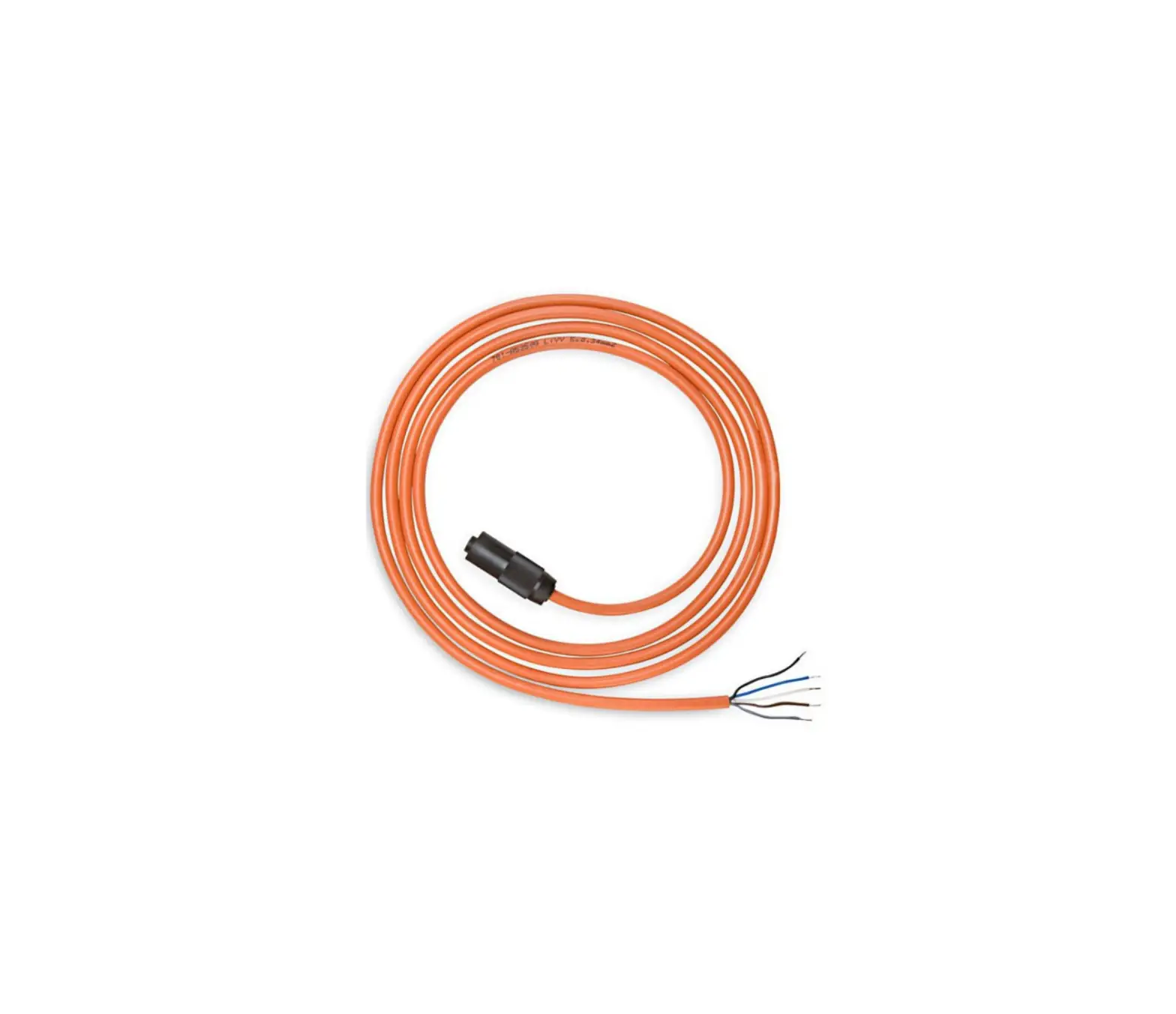

iCOM OPC-2389 Connection Cable
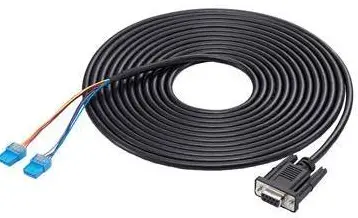
CONNECTING THE OPC-2389
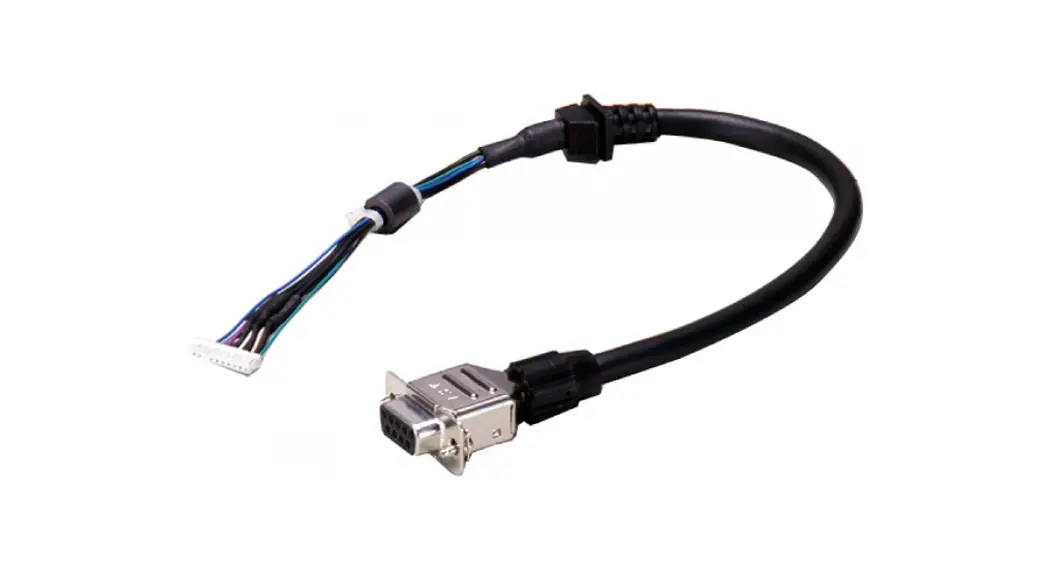
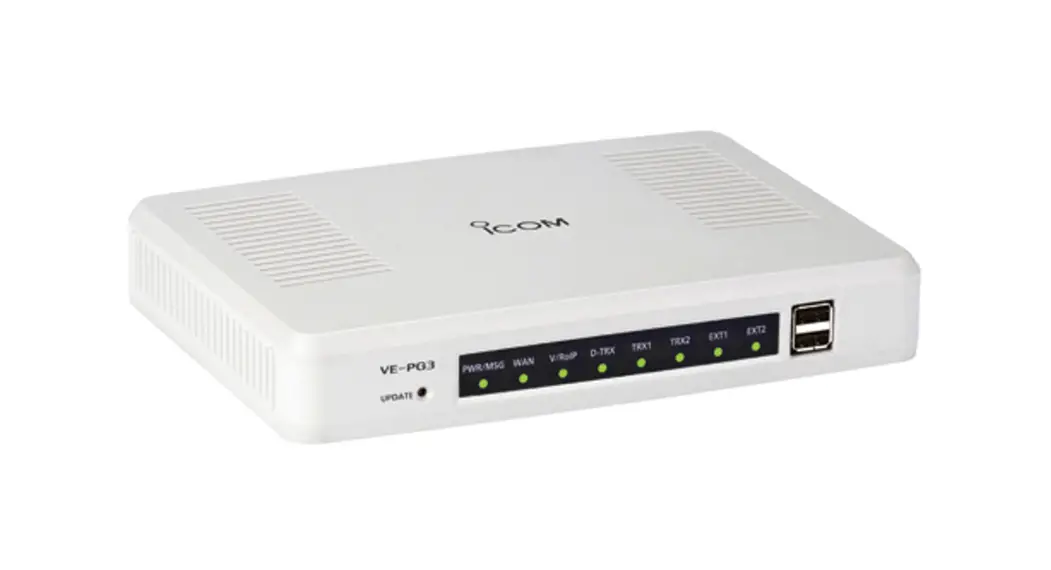
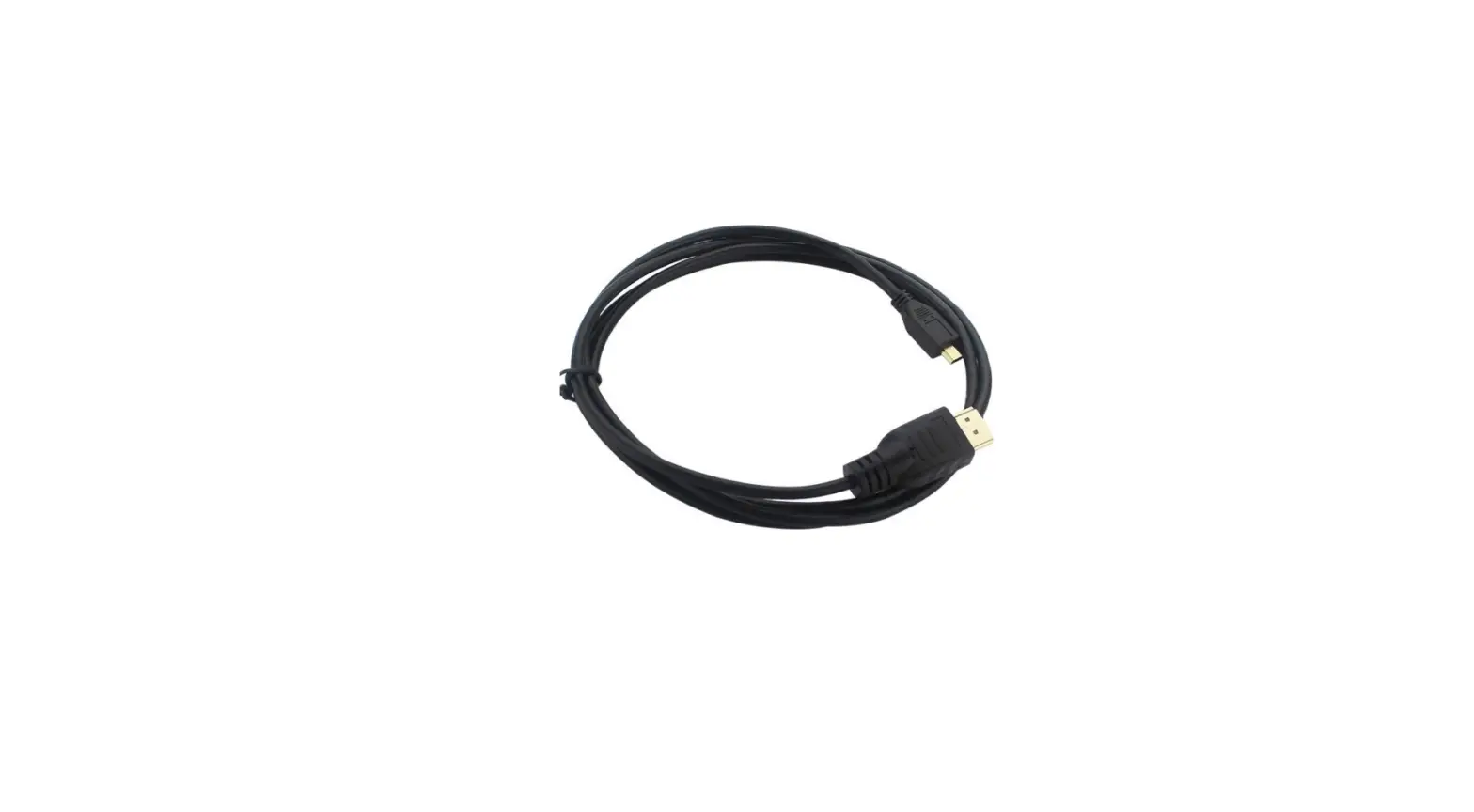
Turn OFF all devices that are connected to the VE-PG3 or VE-PG4, and then connect the OPC-2389, as shown below.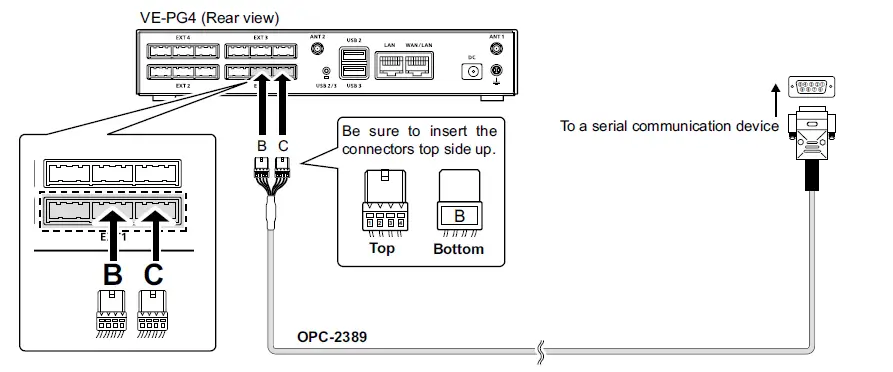
This is an example of connecting a serial communication device to the [EXT1] port.
CAUTION
- Verify that both the repeater and the VE-PG3 or VE-PG4 are turned OFF when connecting or disconnecting the cable.
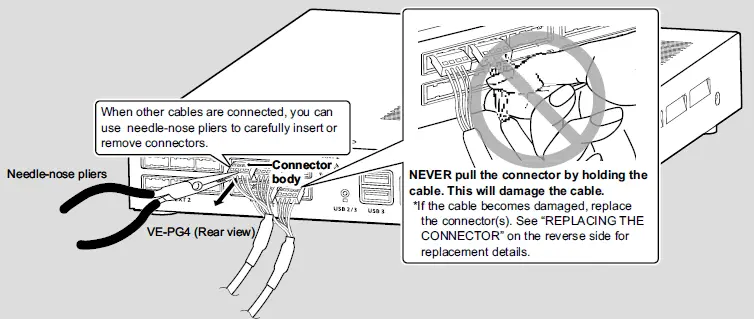
- Hold the connector body when connecting or disconnecting them.

- Never bend or pinch the cable.
- Never place a heavy object on the cable.
- Never touch the cable with wet hands.
- Always connect the cable correctly. An incorrect connection could damage the VE-PG3 or VE-PG4 and/or the connected device.
- Never add a pulling tension to the cable.
- Never use the OPC-2389 with any device other than VE-PG3 and VE-PG4. Some serial communication devices may not be used.
REPLACING THE CONNECTOR
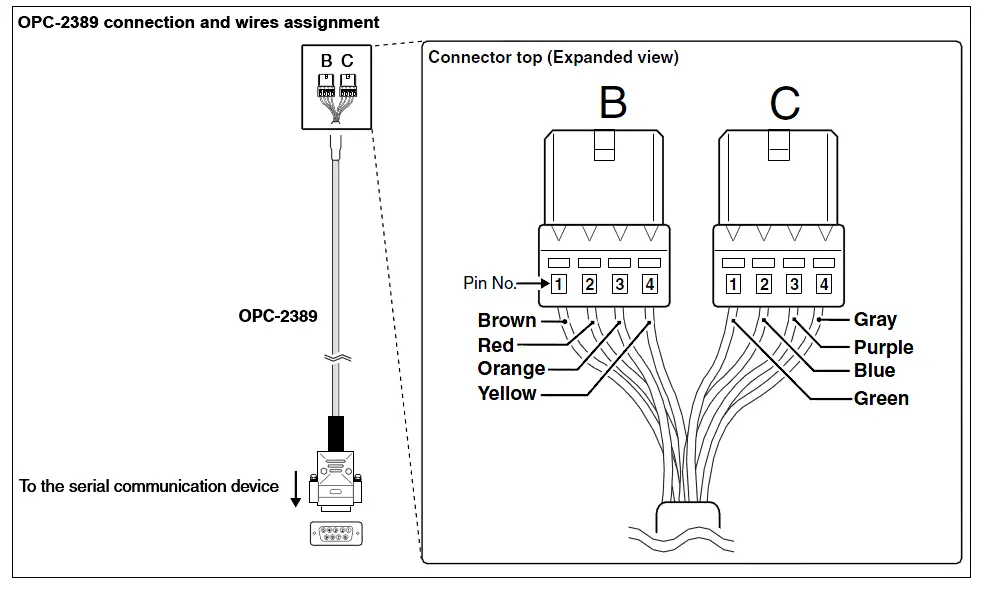
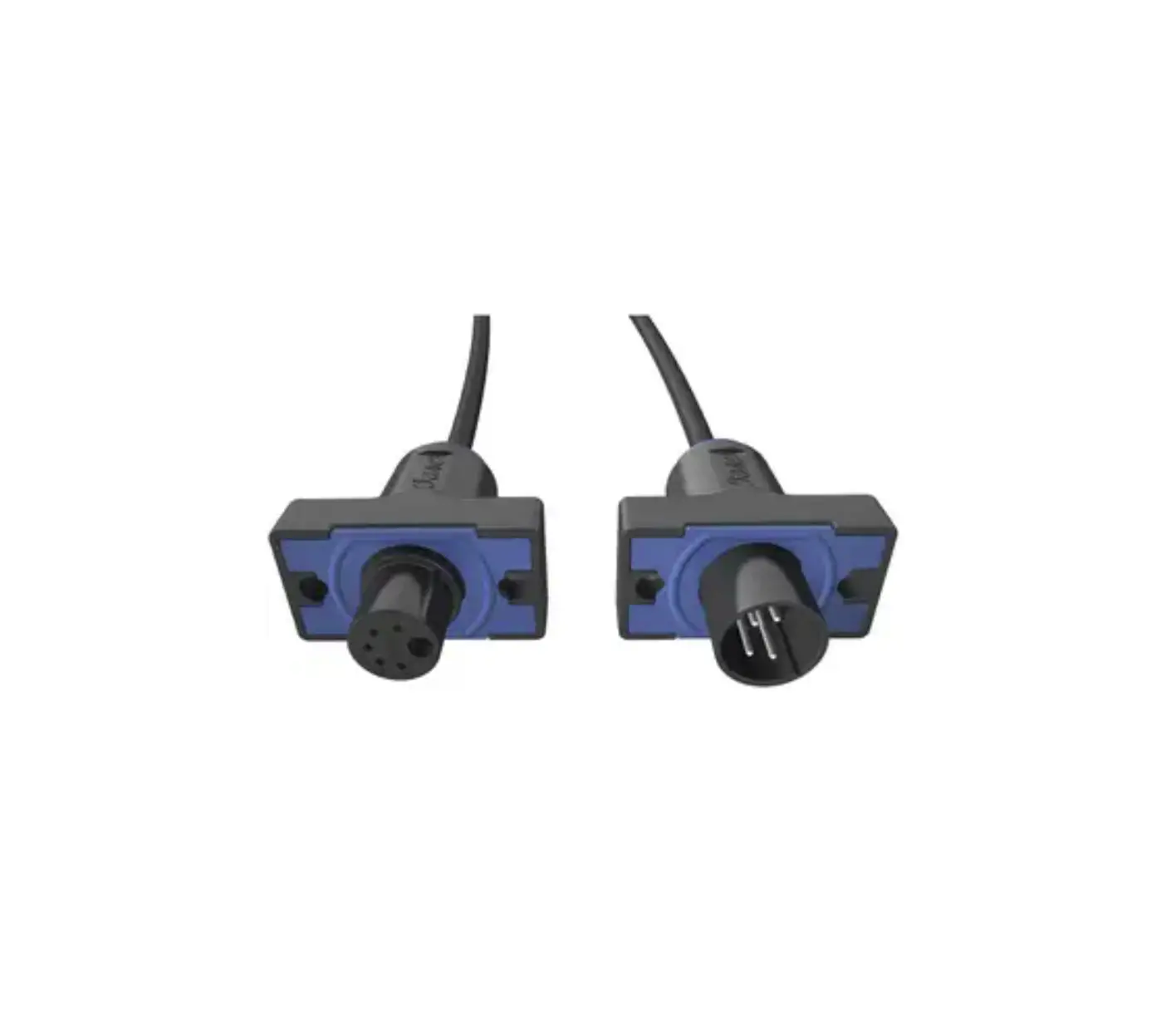
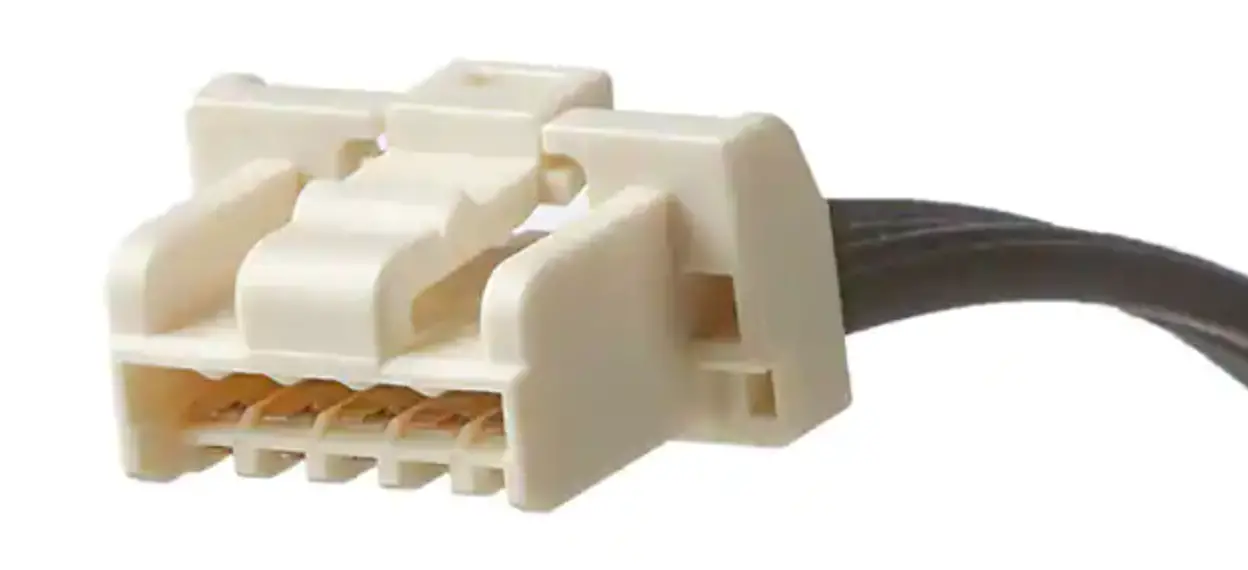
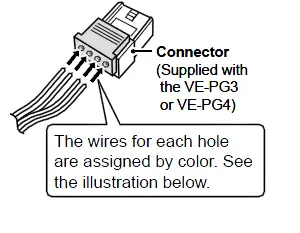
If the cable becomes damaged, replace the connector(s). Make wire connections as described below.
Spare connectors*1 are supplied with the VE-PG3 or VE-PG4.
Manufacturer: DDK.
Name: 232D-04S1B-DA5-FA
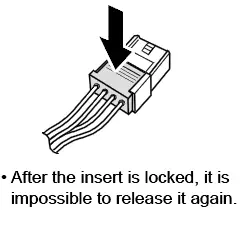
The connector has two parts: a black base and a clear insert. DO NOT lock the connector parts before inserting all wires.
- Insert the wires into the holes according to the assigned pin numbers.

- Press the clear insert down until it locks in place.

RECOMMENDATION
If reconnecting is repeated about 30 times, cut the wires*2 *3 near the connector and re-place the connector.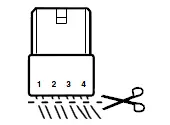
- 2 Remove the cable from the VE-PG3 or VE-PG4, before cutting the wires.
- *3 DO NOT cut the wires too short. Otherwise it will be difficult to reconnect them to the VE-PG3 or VE-PG4.