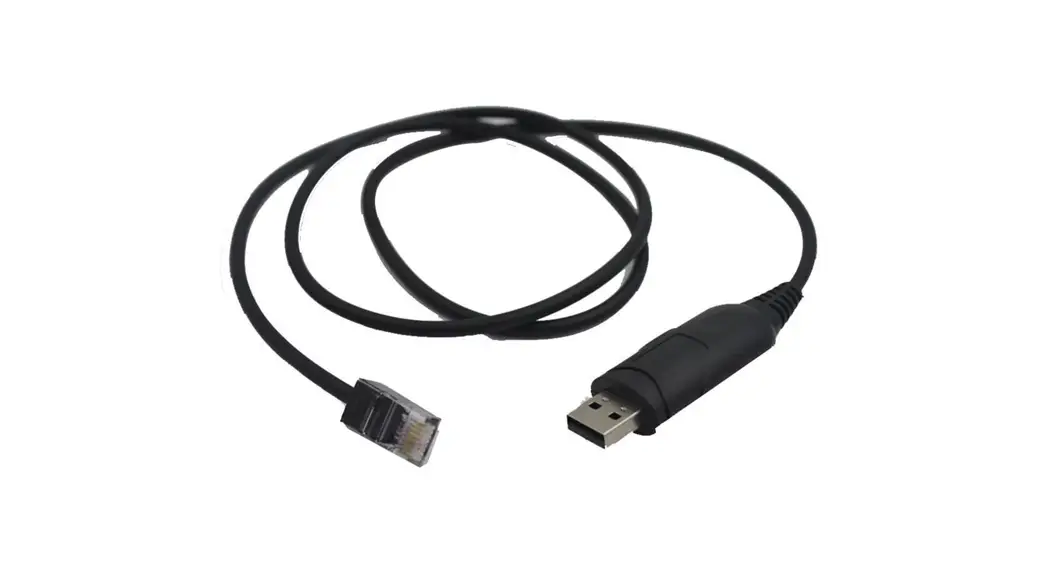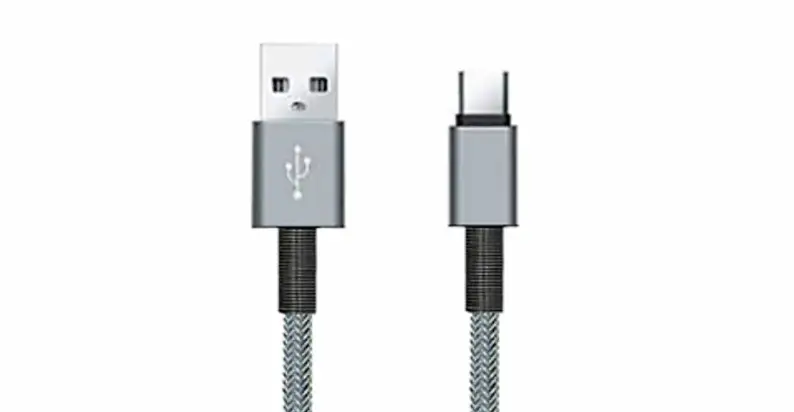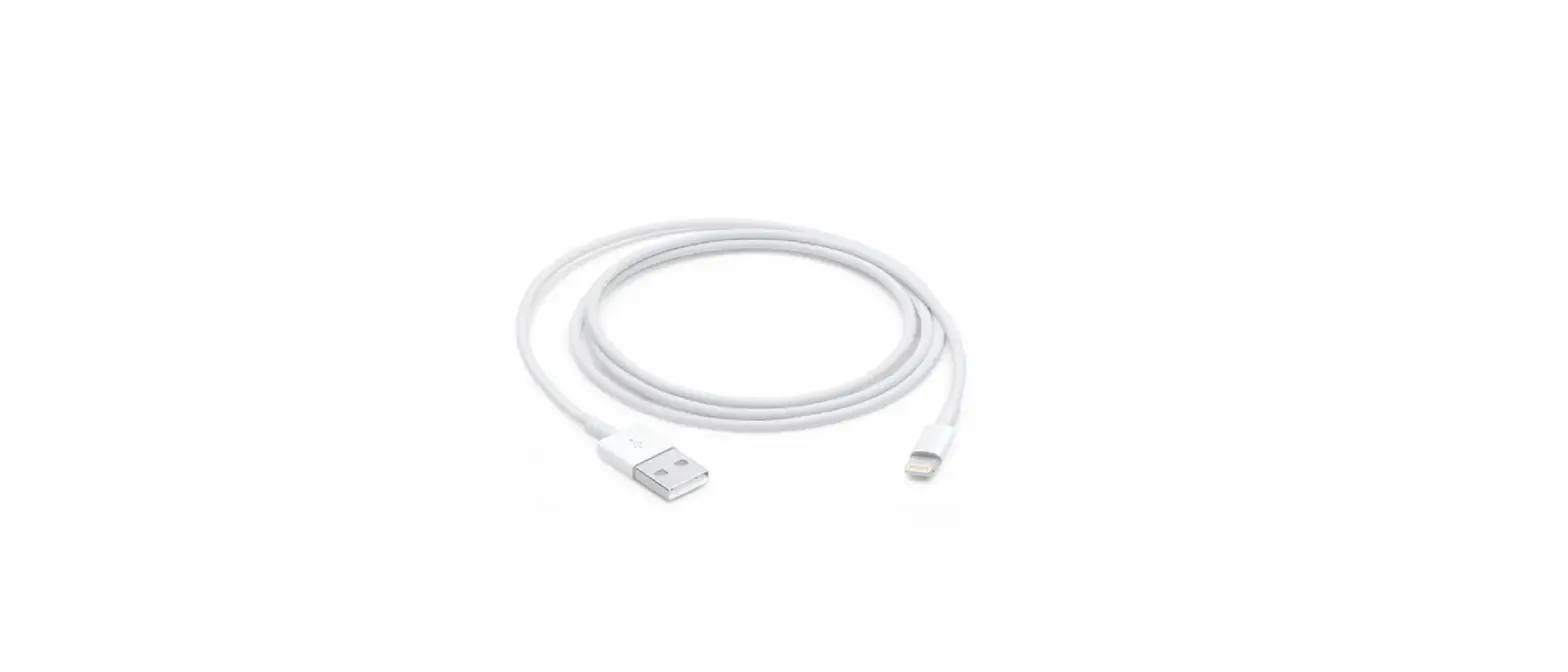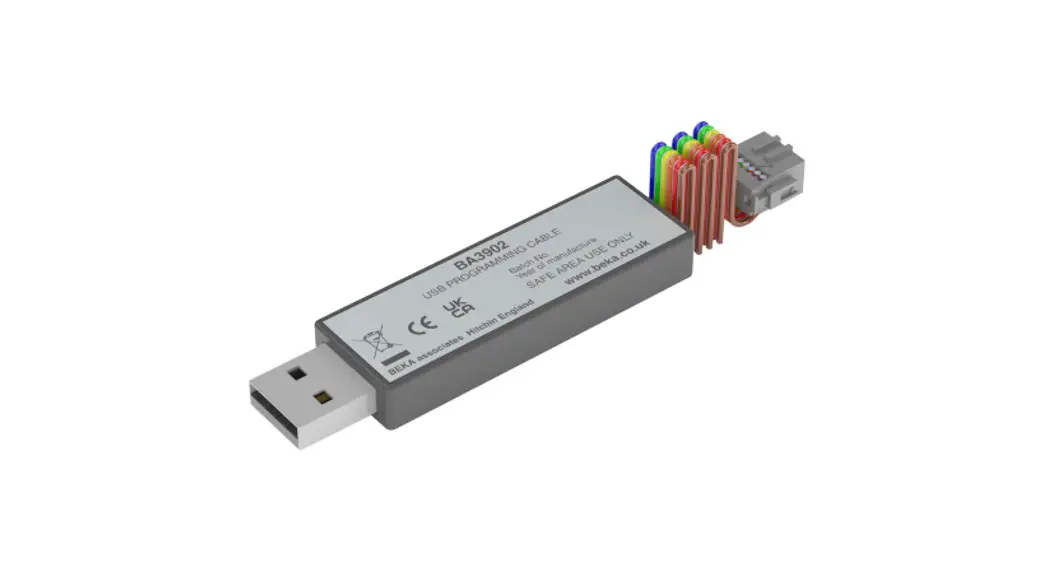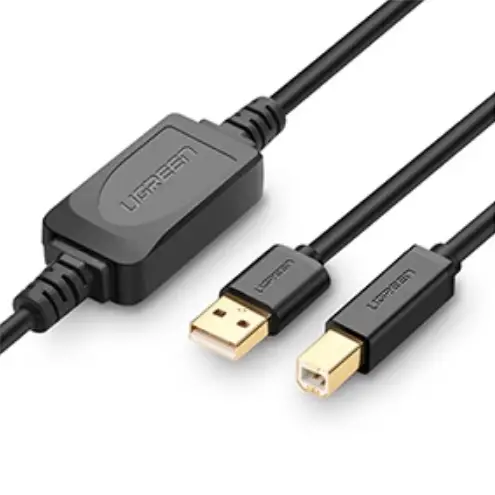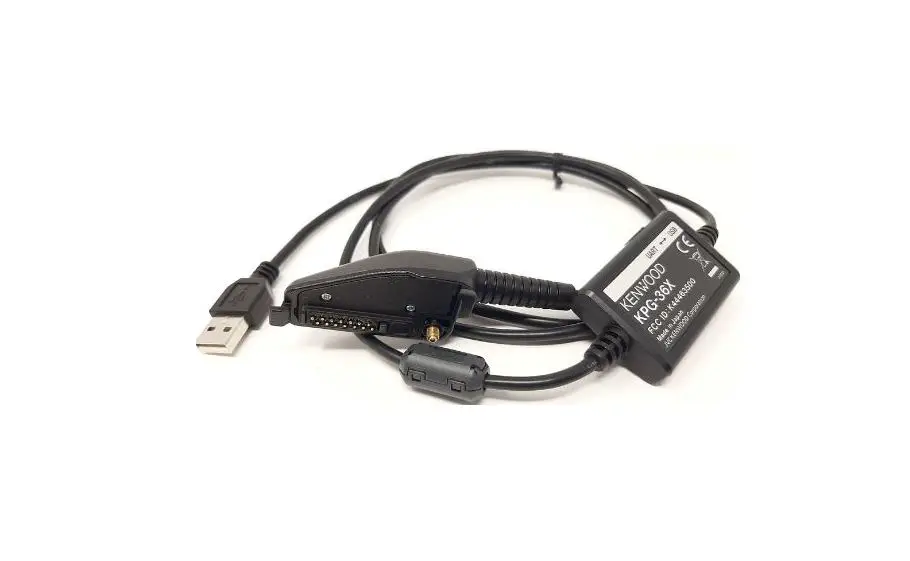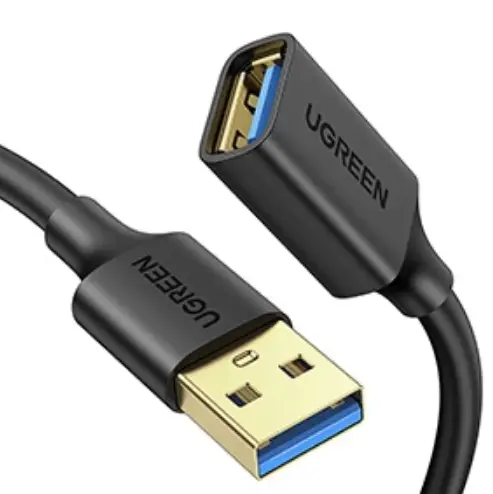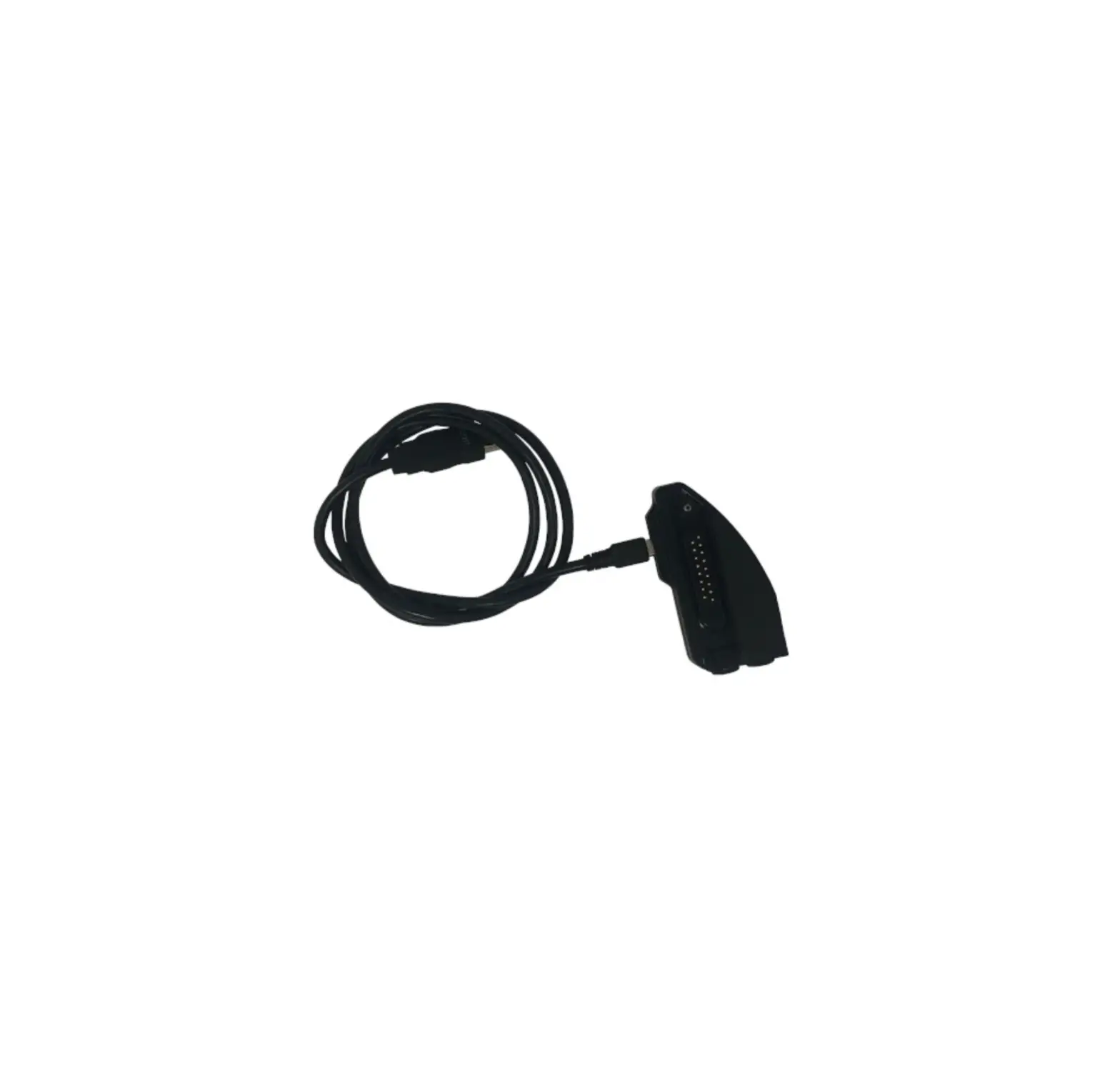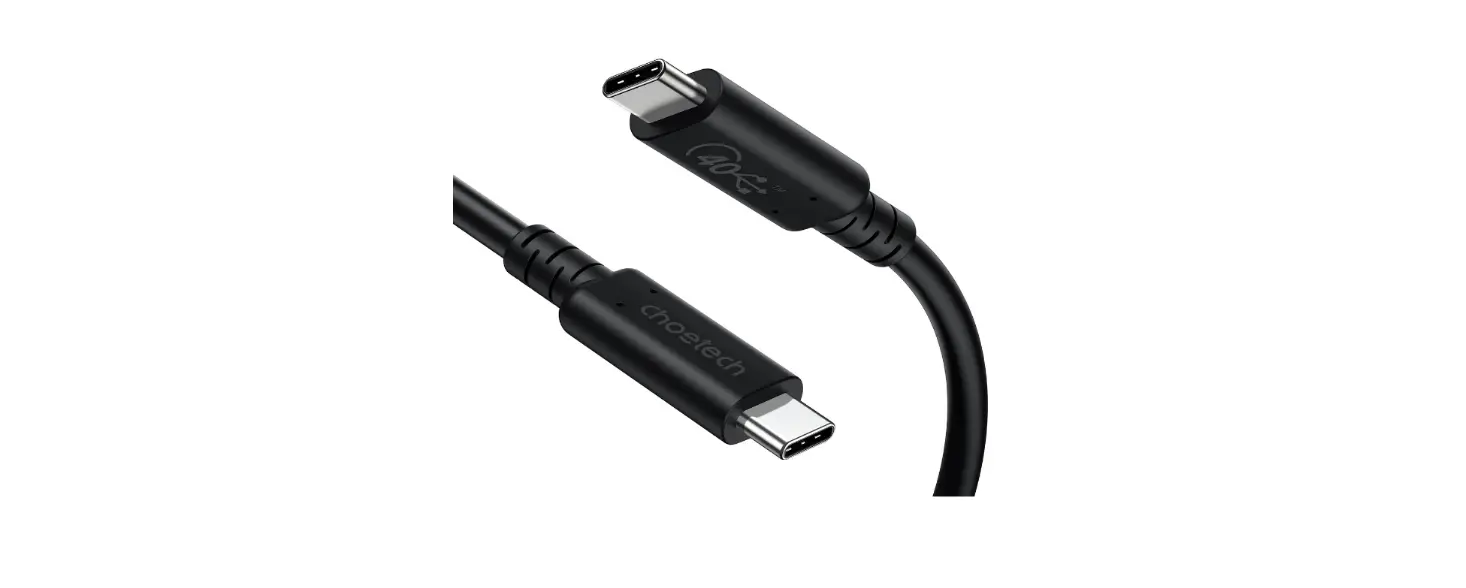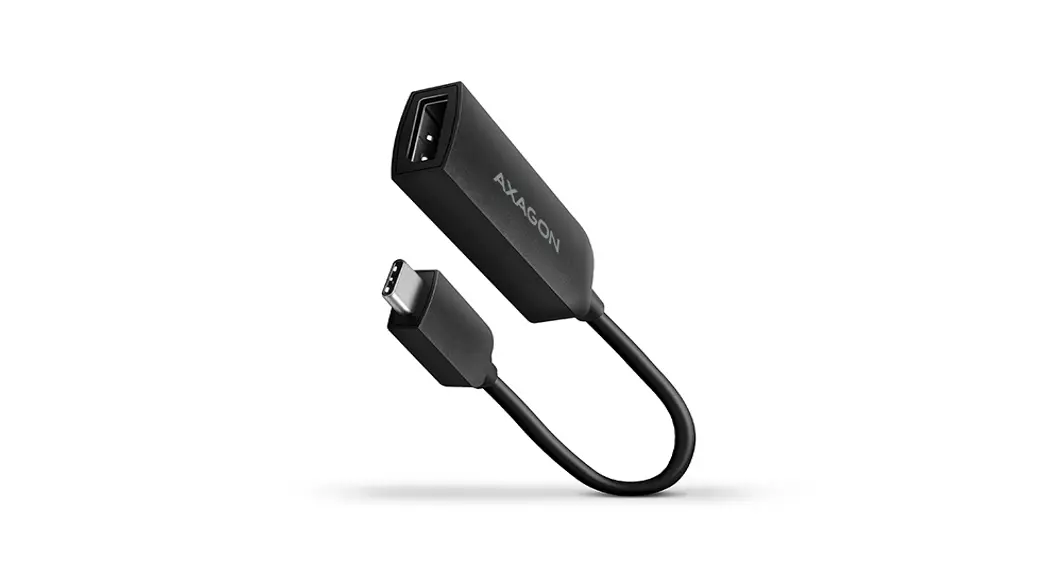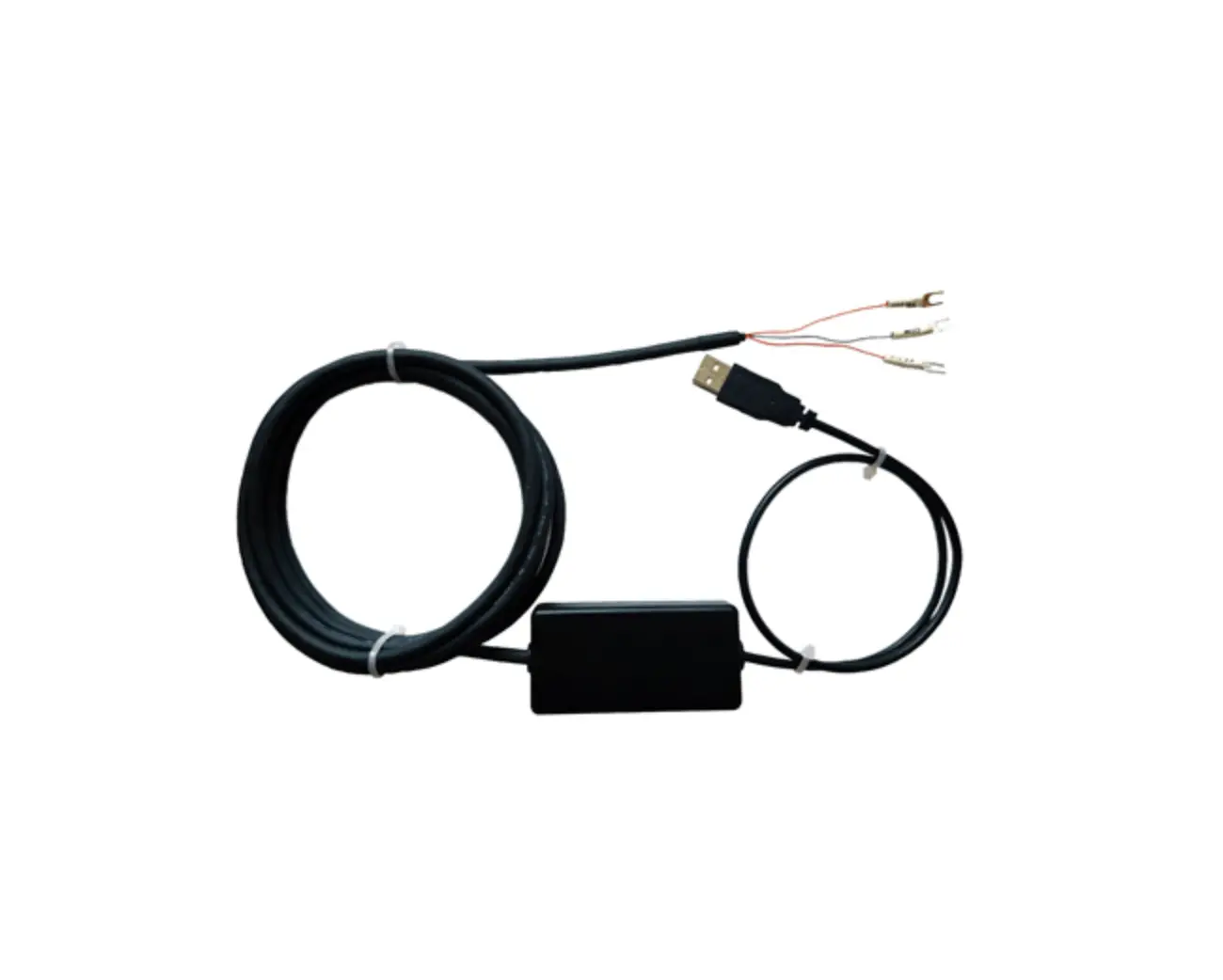
Shinko CMC-001 USB Communication Cable
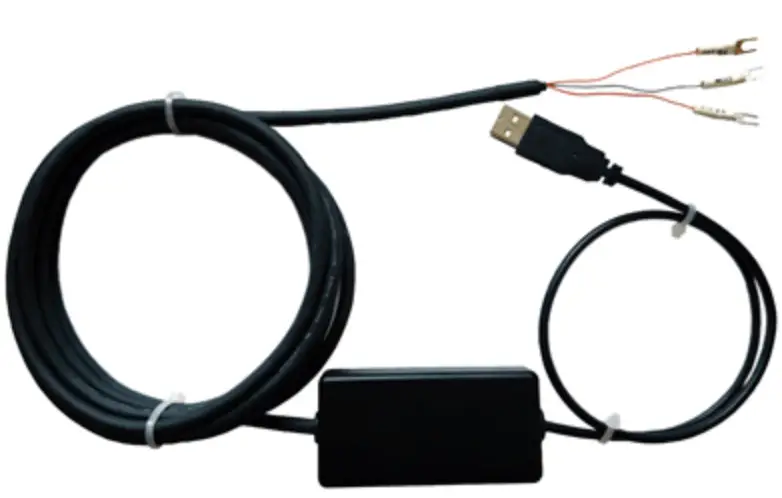
No. CMCJE4 2021.05 This manual contains instructions for functions and usage of the USB communication cable (CMC-001). To ensure safe and correct use, thoroughly read and understand this manual before using this cable. To prevent accidents arising from the misuse of this cable, please ensure the operator receives this manual.
Safety Precautions
(Be sure to read these precautions before using this cable.)
 Caution Indicates procedures which may lead to dangerous conditions and cause superficial to medium injury or physical damage or may degrade or damage the product, if not carried out properly.
Safety Precautions
|
Precautions
Caution
|
Model
Model
| CMC-001 | – | |
| Controller side connector | 1 | Y-type terminal |
| 2 | Ferrules | |
| 3 | Modular connector RJ-11 | |
| 4 | Modular connector RJ-45 |
How to Read the Model Label
The model label is attached to the case.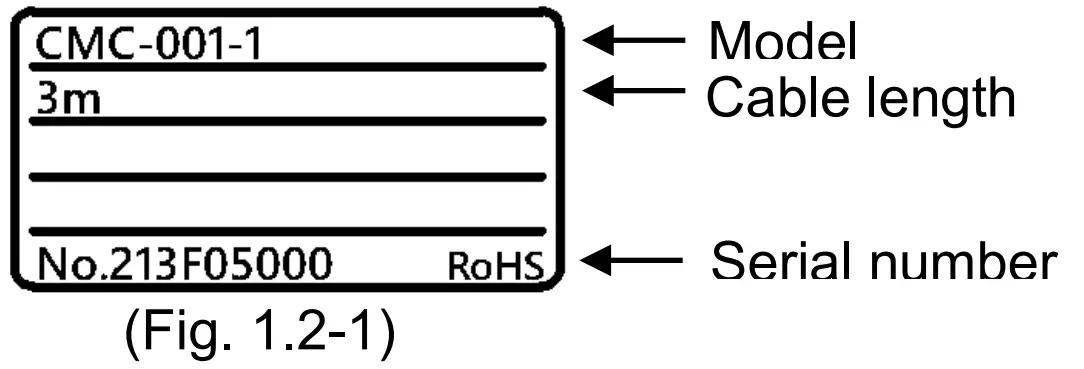
Plug Types and Dimensions (Scale: mm)
CMC-001-1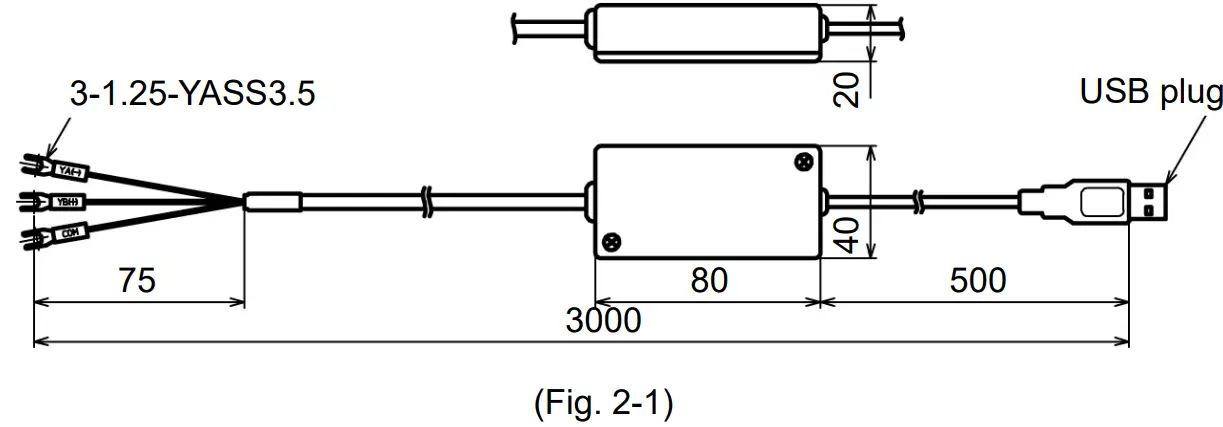
CMC-001-2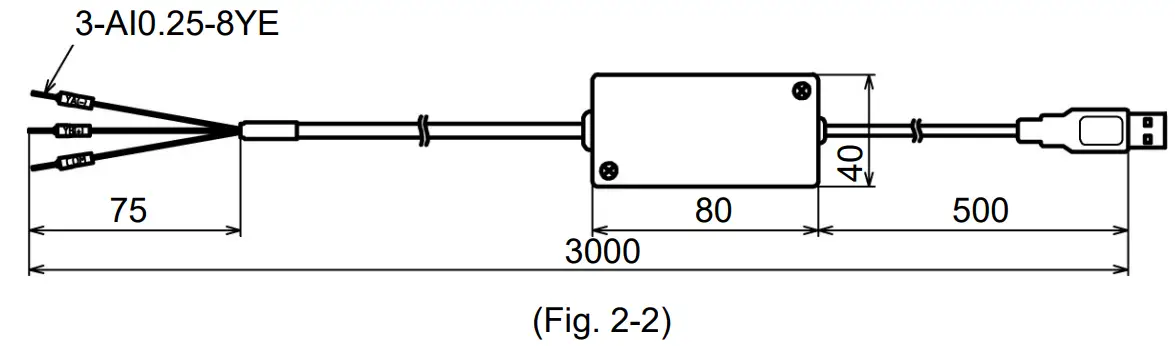
CMC-001-3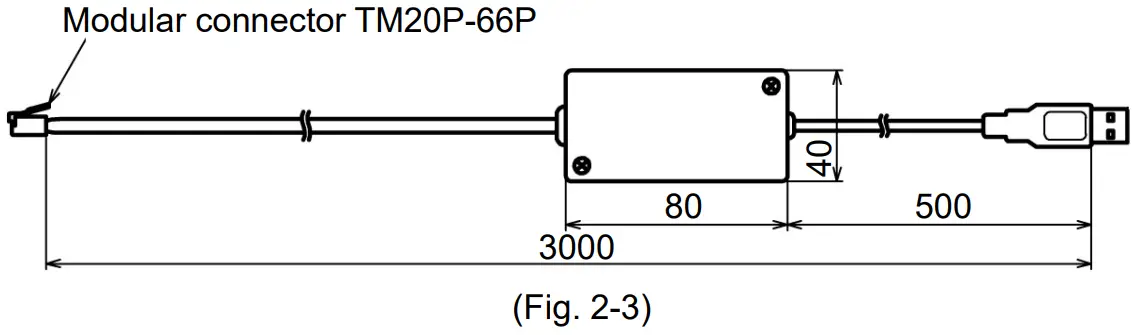
CMC-001-4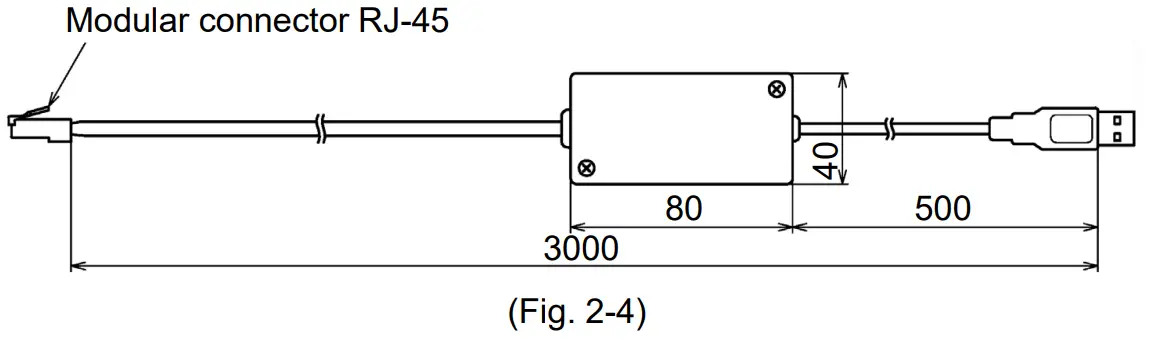
Pin Arrangement
CMC-001-3
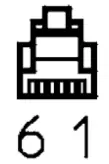 | Pin No. | |
| 1 | COM | |
| 2 | – | |
| 3 | YB(+) | |
| 4 | YA(-) | |
| 5 | – | |
| 6 | COM |
CMC-001-4
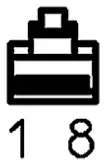 | Pin No. | |
| 1 | – | |
| 2 | COM | |
| 3 | – | |
| 4 | YA(-) | |
| 5 | YB(+) | |
| 6 | – | |
| 7 | COM | |
| 8 | – |
Usage
- Turn the power supply to the PC ON, and start Windows.
- Connect the cable.
Check that the power supply to the instrument is turned OFF.
Connect the USB port of the PC to the instrument, using this cable.
Connection example of CMC-001-1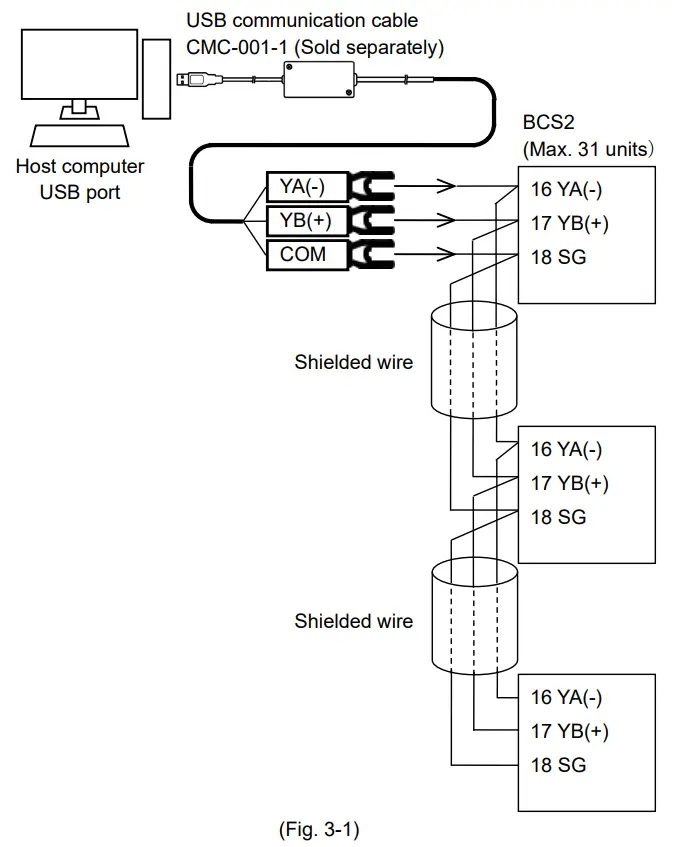
Connection example of CMC-001-2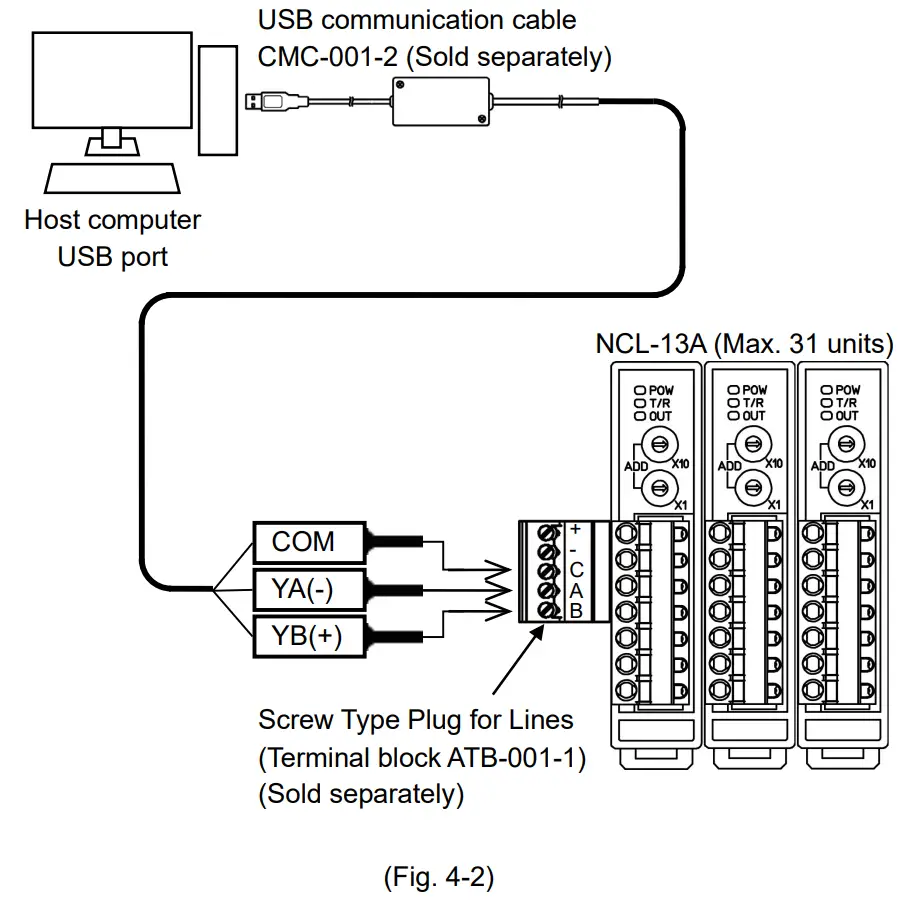
Connection example of CMC-001-3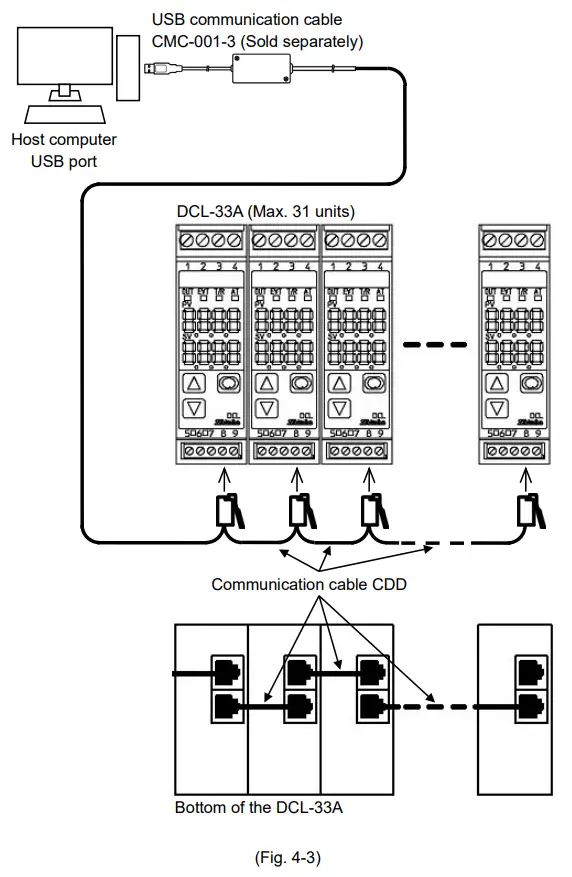
Connection example of CMC-001-4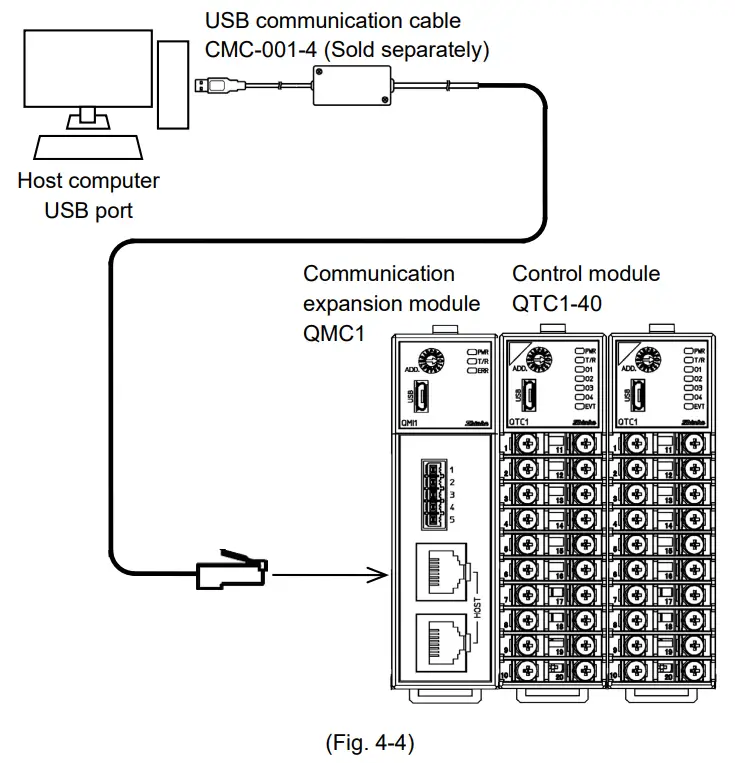
3) Confirm the COM port number.
① Right-click “Start” – Click “Device Manager” from menu.
② Click [Ports (COM & LPT)].
If [USB Serial Port (COM3)] appears, COM port has been allotted No.3.
(e.g.)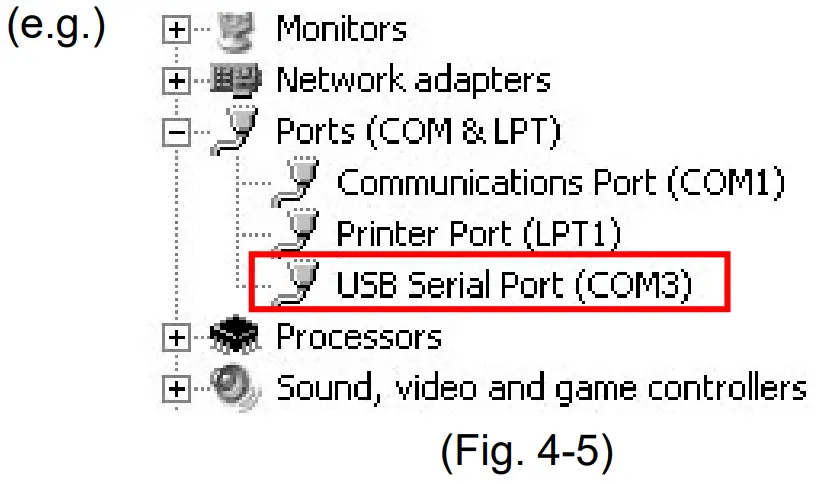
③ Close the [Device Manager] displays.
(4) Turn the power supply to the instrument ON.
(5) Confirm communication between PC and the instrument.
Simplified versions of communication software and various monitoring software are available. Monitoring software can be downloaded from our website.
(https://shinko-technos.co.jp/e/)
Select the COM port number confirmed at step (3), and start communication.
Specifications
Rating
| USB I/F standard | Corresponds to USB Specification 2.0. |
| DTE (PC side) speed | 9600 bps [For instruments with Serial communication (C5 option), 9600/19200/38400 bps, Selectable] |
| Connector spec | PC side: USB plug (Type A) Instrument side: RS-485 (Y-type terminal, Ferrules, Modular connector) |
Operating Environment
| Operating system | Windows 7/8/10 (Japanese/English) |
| Personal computer | OS certified PC (Intel Pentium processor or compatible microprocessor), USB port |
General Structure
| Case (Material, Color) | ABS, Black |
| Cable (Length, Color) | 3 m (can be extended by 1 m fixed length units), Black |
Other
| Power source | Bus power (Supplied from PC via USB.) |
| Supply voltage | 5 V DC |
| Current consumption | 150 mA Max. |
| Ambient temperature | 0 to 50 (32 to 122 ) (No icing) |
| Ambient humidity | 35 to 85 %RH (Non-condensing) |
| Weight | Approx. 130 g |
| Environmental spec | Conforms to RoHS directive. |
| Accessories | Instruction manual: 1 copy |
SHINKO TECHNOS CO., LTD.
OVERSEAS DIVISION
Head Office: 2-5-1, Senbahigashi, Minoo, Osaka, 562-0035, Japan
URL: https://shinko-technos.co.jp/e/ TEL: +81-72-727-6100
E-mail: [email protected] FAX: +81-72-727-7006
 テクノス株式会社|金庫・貸金庫設備の販売・施工・保守
 Shinko Technos for temperature and humidity control