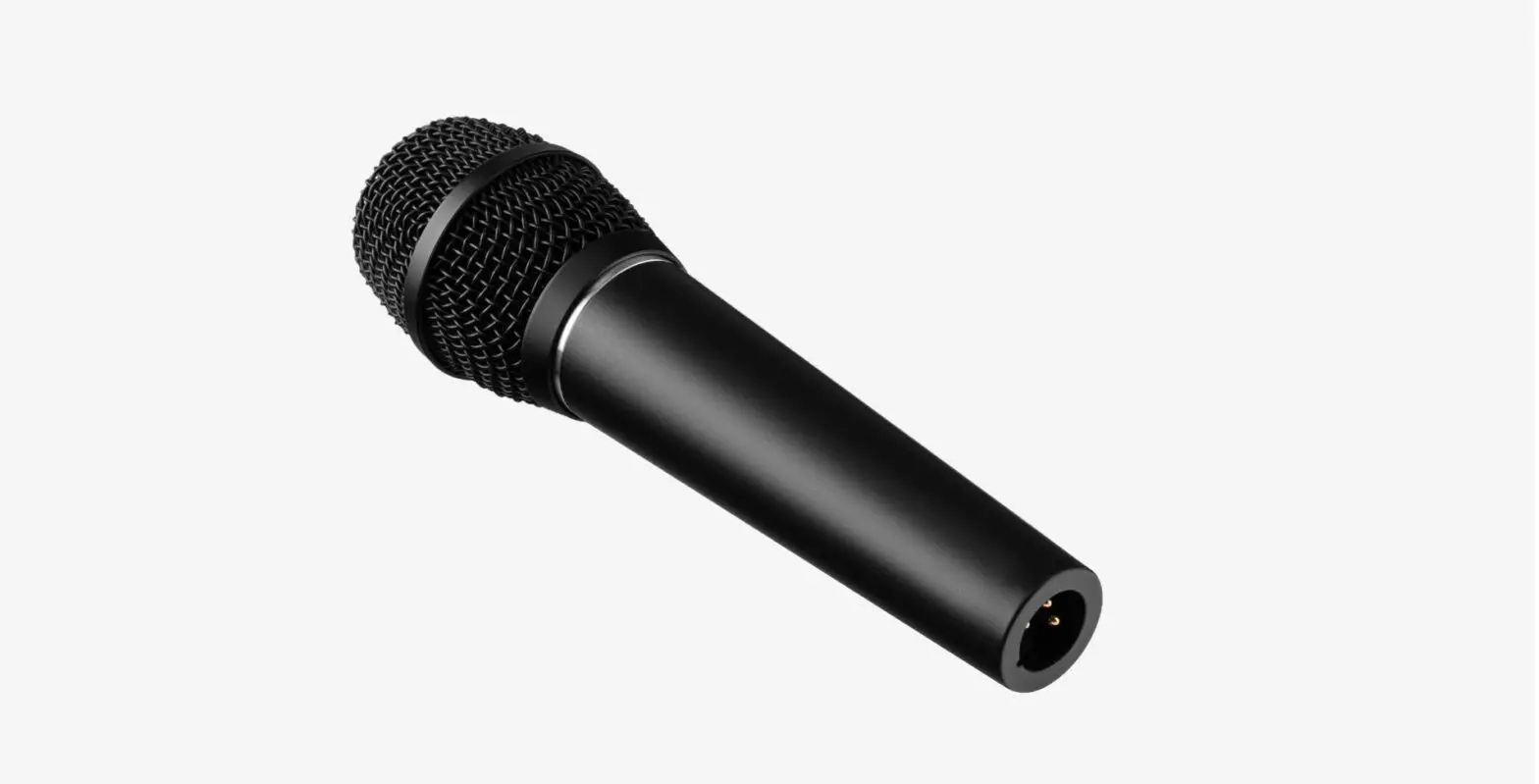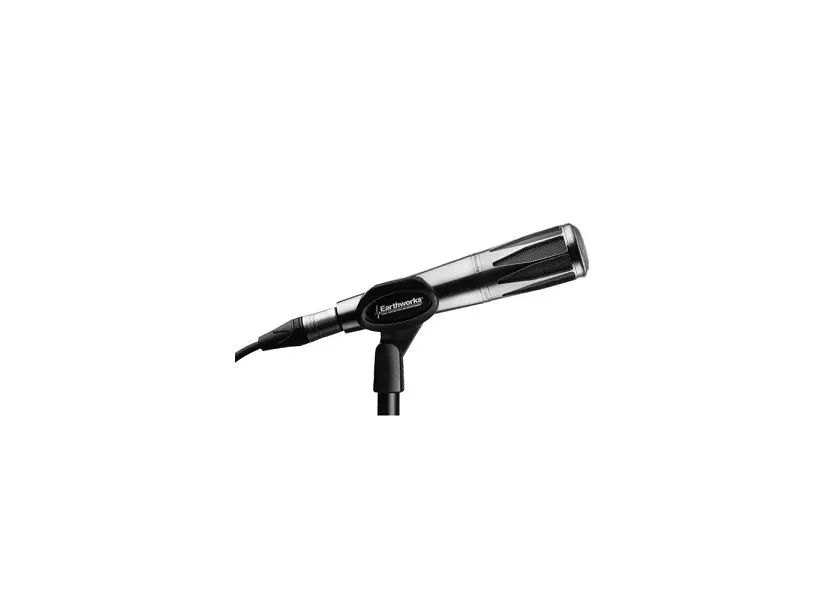
EARTHWORKS AUDIO SR314 Handheld Condenser Vocal Microphone User Guide

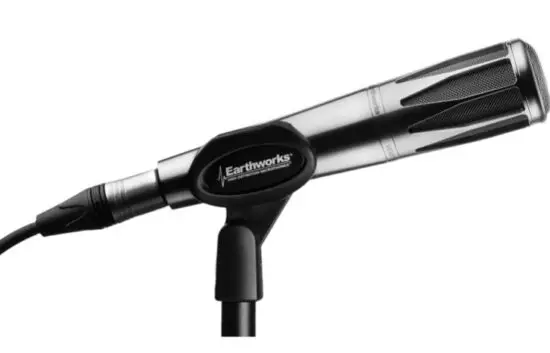
Thank you for purchasing the
Earthworks SR314 Handheld Vocal Microphone!
YOUR PURCHASE INCLUDES
1 SR314 Microphone
1 Microphone Clip
1 Protective Fabric Bag
GETTING STARTED
Before setting up the microphone, pull back all existing settings and EQ. By doing this, you will have a baseline understanding of how our microphones sound, and will then be able to adjust accordingly.
Begin by removing all included components from the packaging. Make sure to mute any incoming signal to speakers or headphones to avoid any loud “pops” when connecting.
Connect the microphone to an audio interface supplying 24-48V phantom power using a standard
XLR cable. Because of the microphone’s larger capsule size, please allow one minute for the microphone to settle. (Plugging in the microphone while phantom power is turned on will not damage the microphone, and will actually settle the microphone faster.)
PROPER
MAINTENANCE
To guarantee your microphone provides years of performance, follow these guidelines:
- Never attempt to disassemble the lower half of the microphone.
- Avoid extreme heat and condensing humidity. Allow the microphone to warm up when bringing itin from the cold.
- Rough handling may damage the microphone even if no markings are visible
- When not in use, keep the microphone in their bags.
- The stainless dual windscreen can be removed if it requires cleaning. See details below.
CLEANING THE SR314
All cleaning should be done with either alcohol wipes, or with a small amount of alcohol on a soft cloth.
Make sure any cleaned elements are completely dry before reassembling.
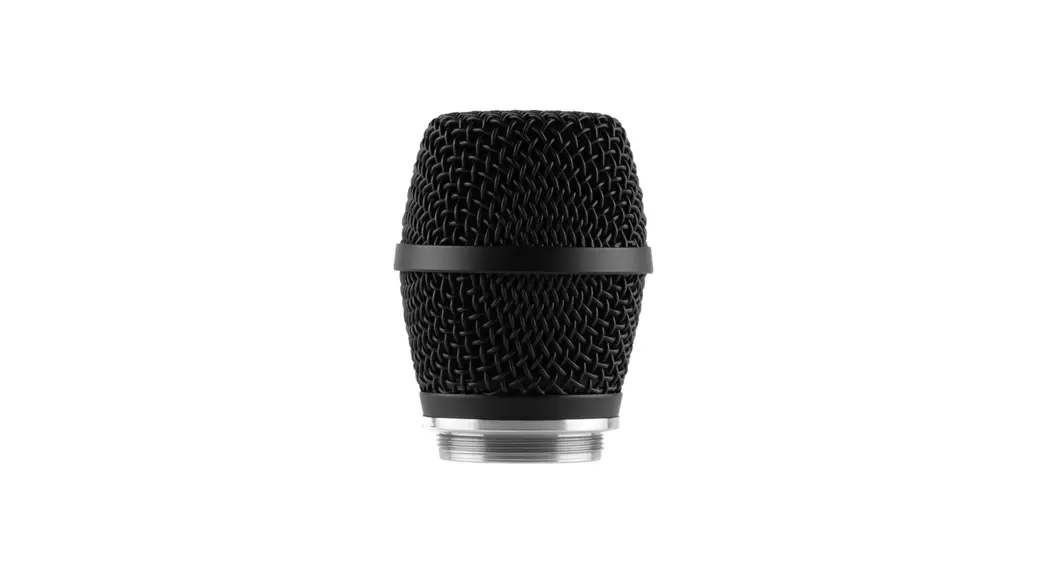
- First unscrew the top half of the microphone (the basket).
- Cleaning the External Stainless Screen – unscrew the external stainless screen.
- Cleaning the Dual Stainless Pop Filter – both sides can be cleaned, but most of the dirt will be on the side facing the external screen.
- Internal Stainless Windscreen – it would be extremely rare if the internal windscreen should ever need cleaning, but it may be cleaned if the need arises. As this windscreen is very close to the microphone element, be extra careful that the windscreen is dry before reassembly.
TROUBLESHOOTING
If you encounter issues while using your Earthworks Audio microphone, please make sure that:
- Your microphone is connected to an active power supply.
- Phantom power is being supplied to the microphone.
- Your microphone and XLR cable are well connected.
- The microphone is positioned at an appropriate distance from the sound source.
- External noise in your recording environment is kept to a minimum.
- Your recording space is at room temperature and free of dust.
If your issue persists after checking, please contact us via our website.
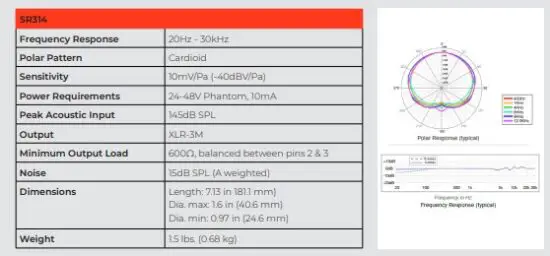
SPECIFICATIONS
WARRANTY
All Earthworks® products carry a limited warranty (parts and labor). Please register your warranty at: earthworksaudio.com/register. If you have any problems with your Earthworks products, please contact our warranty/repair department by email at: [email protected].
NOTE: This warranty only applies to Earthworks microphones purchased brand new. For microphones purchased/ received second-hand, please contact us via our website.
WE’RE HERE
TO HELP
For anything else, we’re a phone call or email away. Please feel free to contact us by email at
[email protected], or by phone at (603)-654-2433.
37 Wilton Rd. Milford, NH 03055
(603) 654-2433
[email protected]
earthworksaudio.com
© 2021 Earthworks, Inc
 Earthworks Audio — Home
 Earthworks Audio — Home