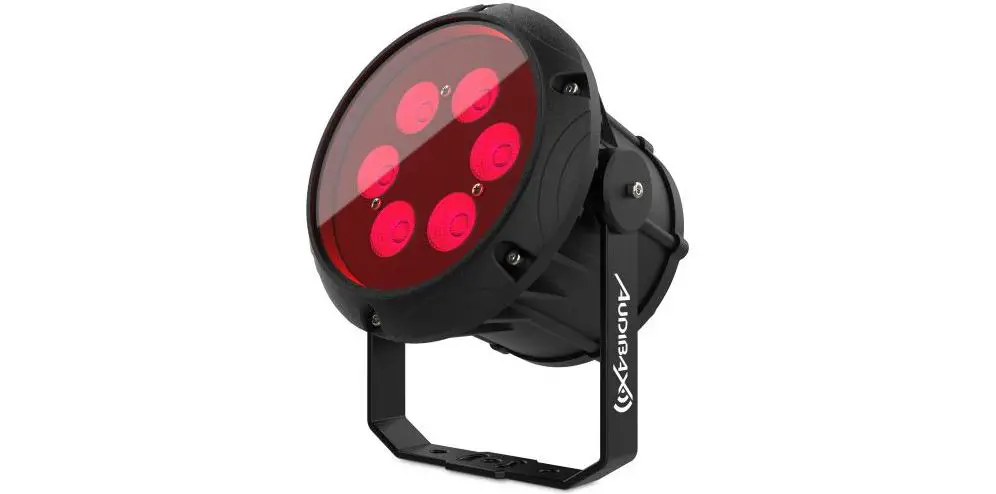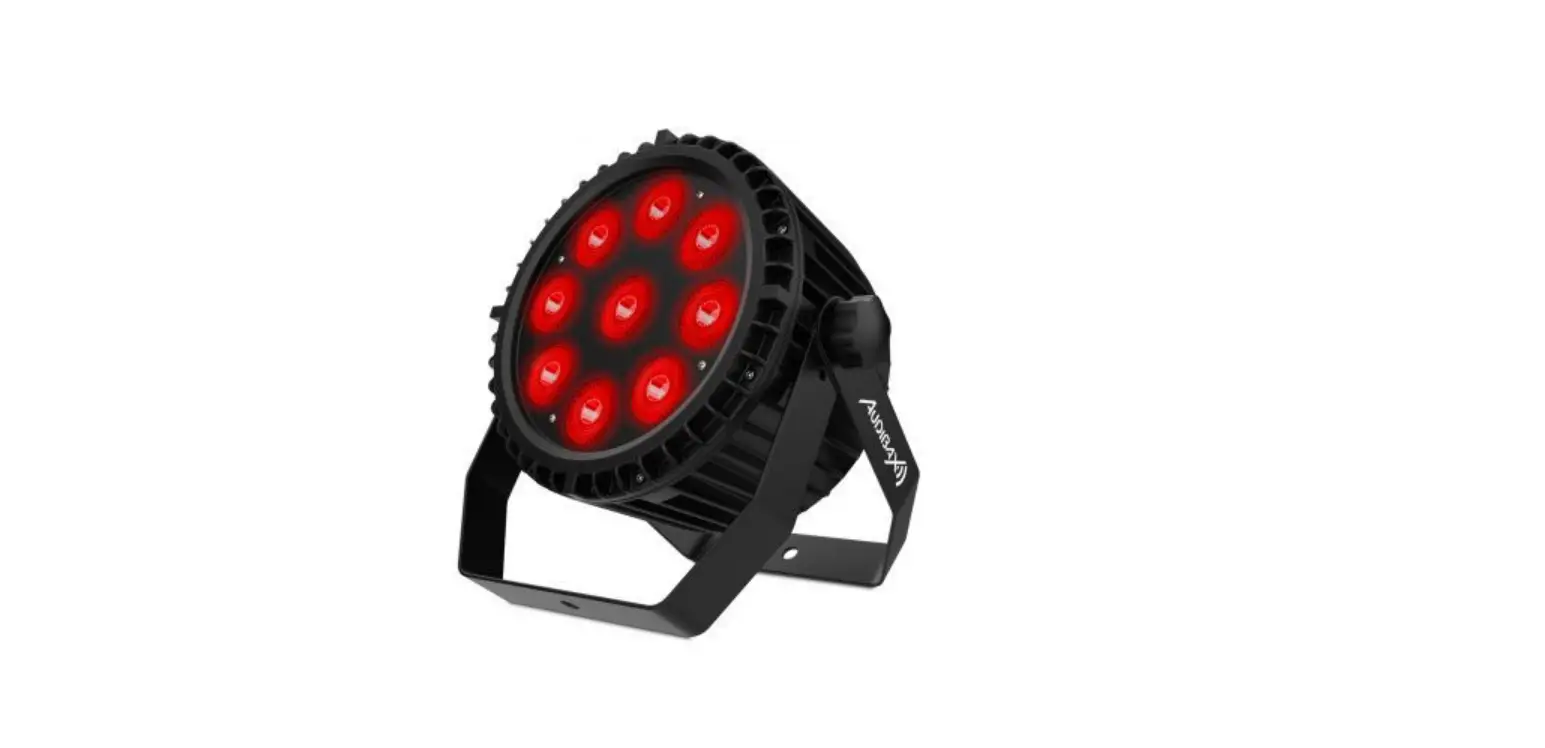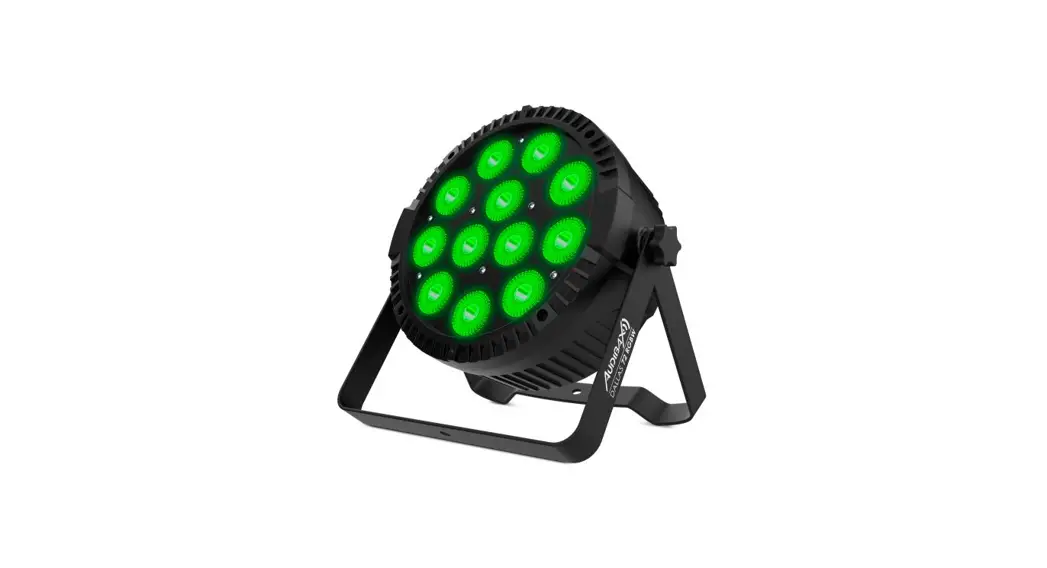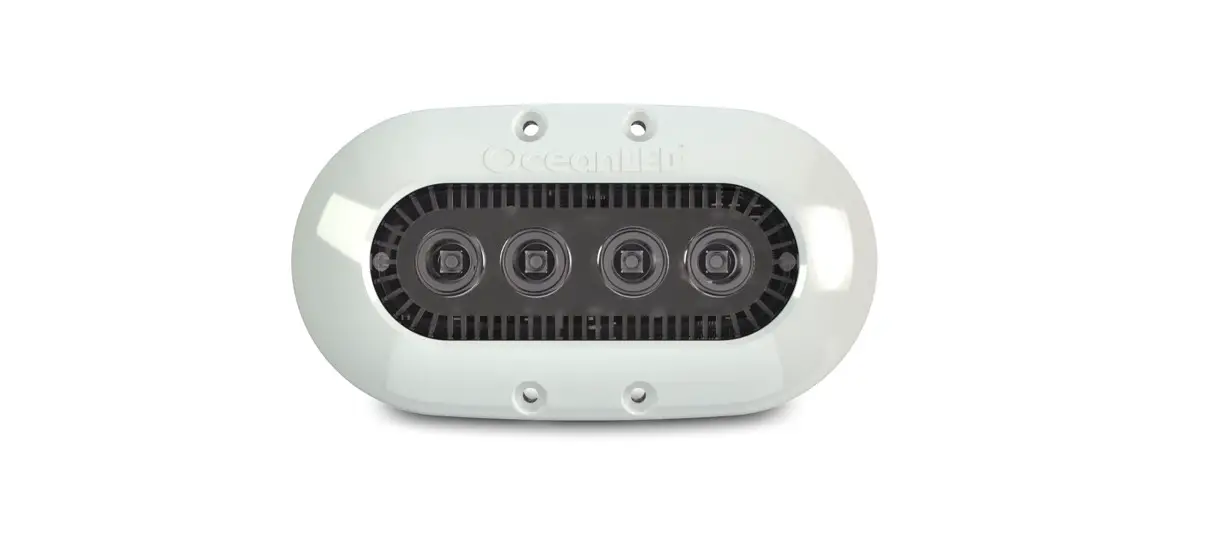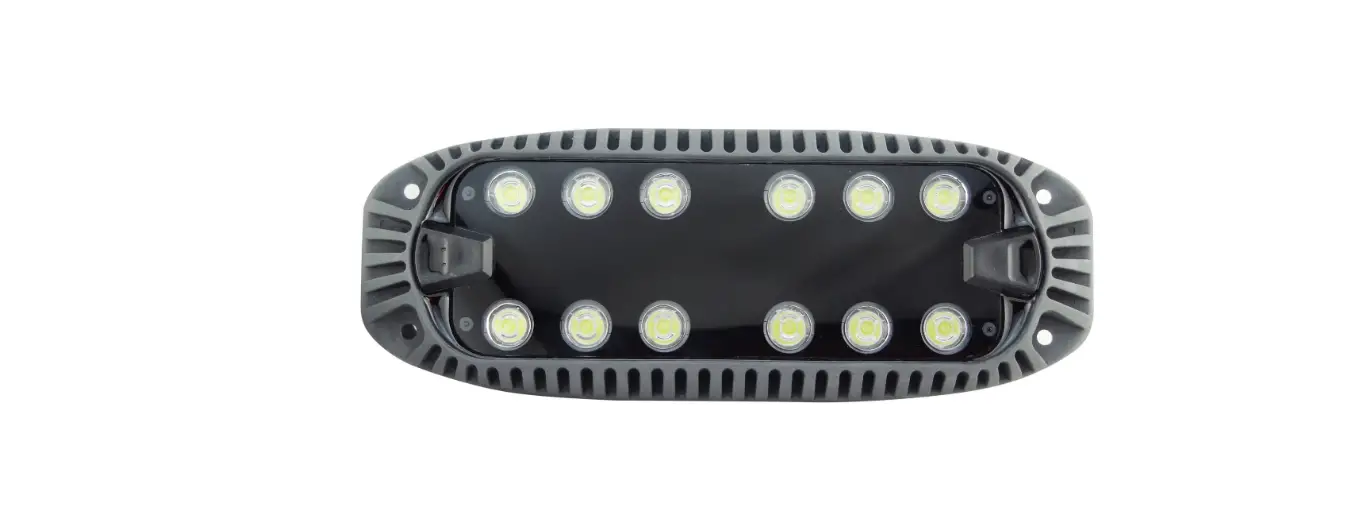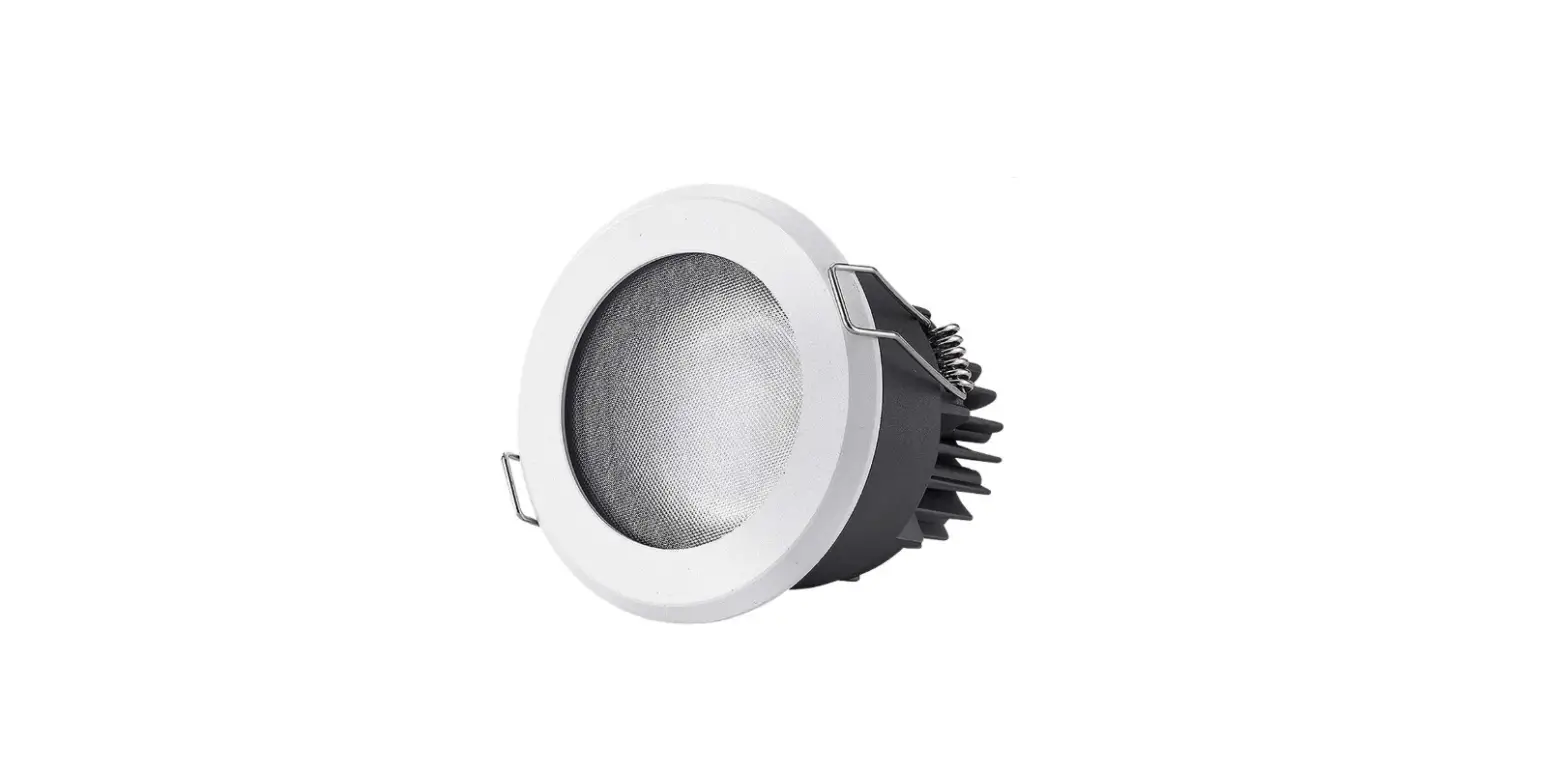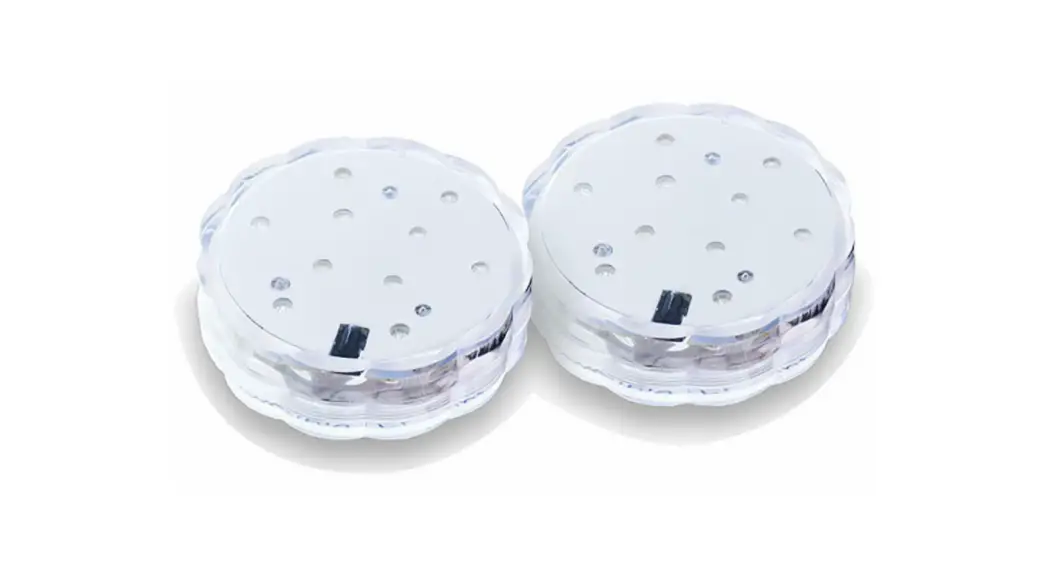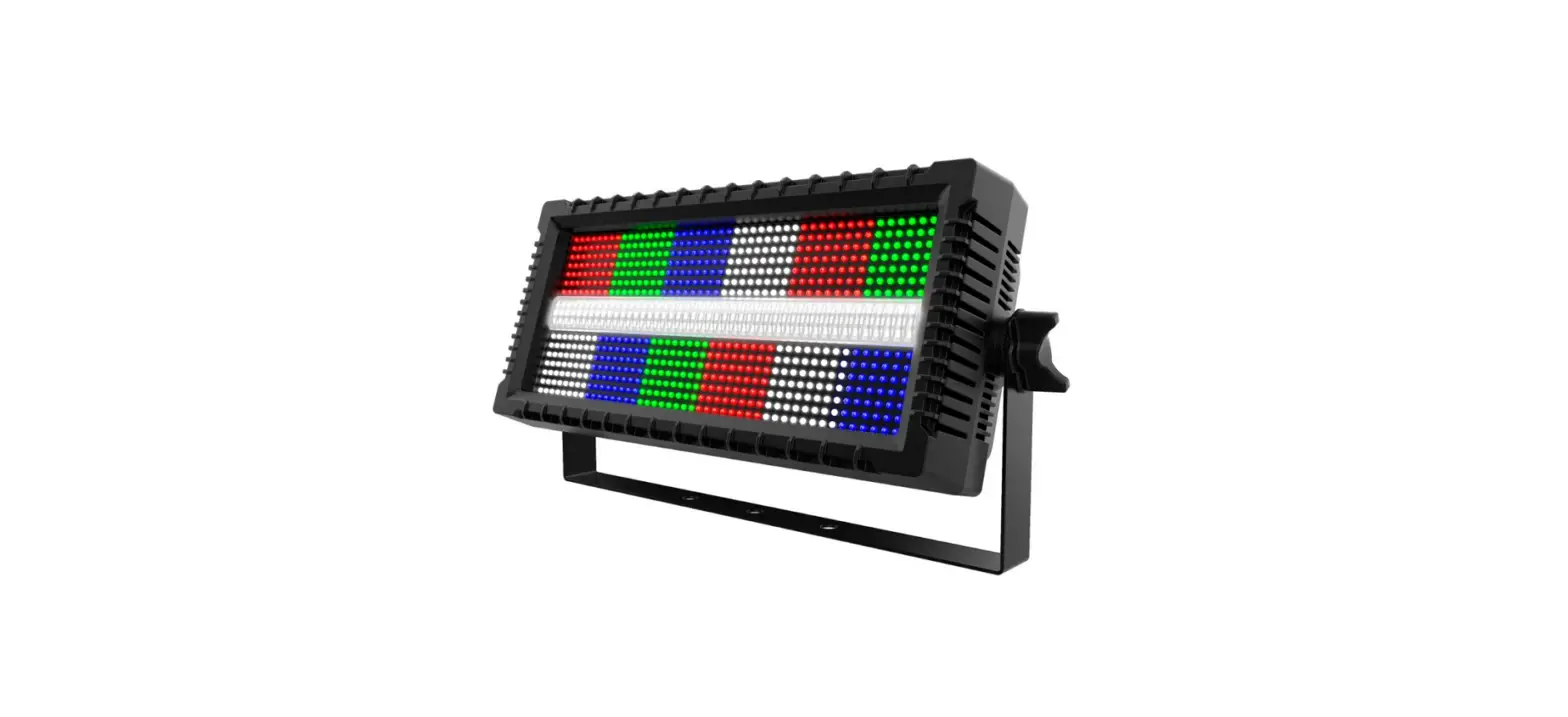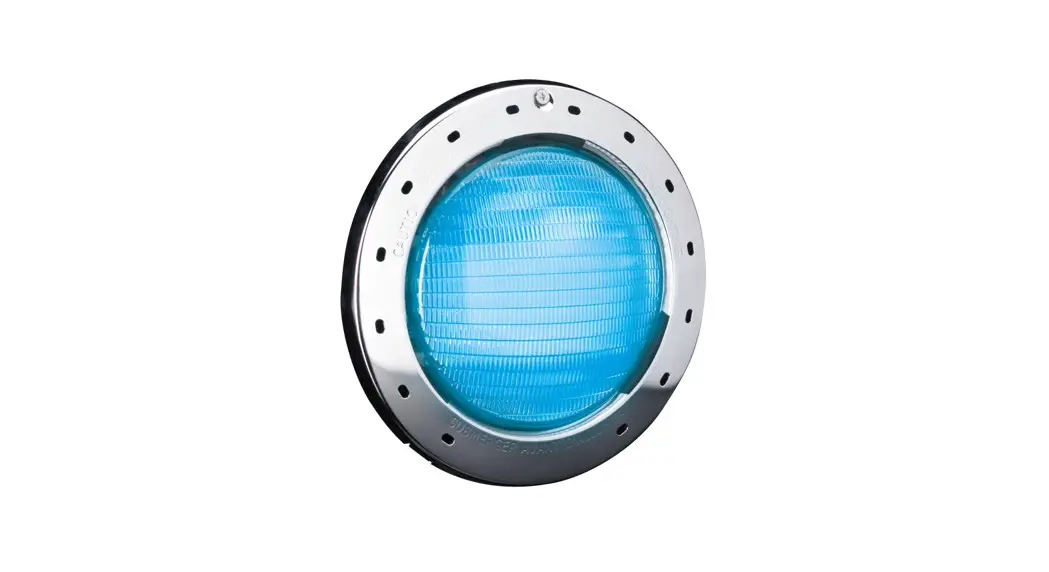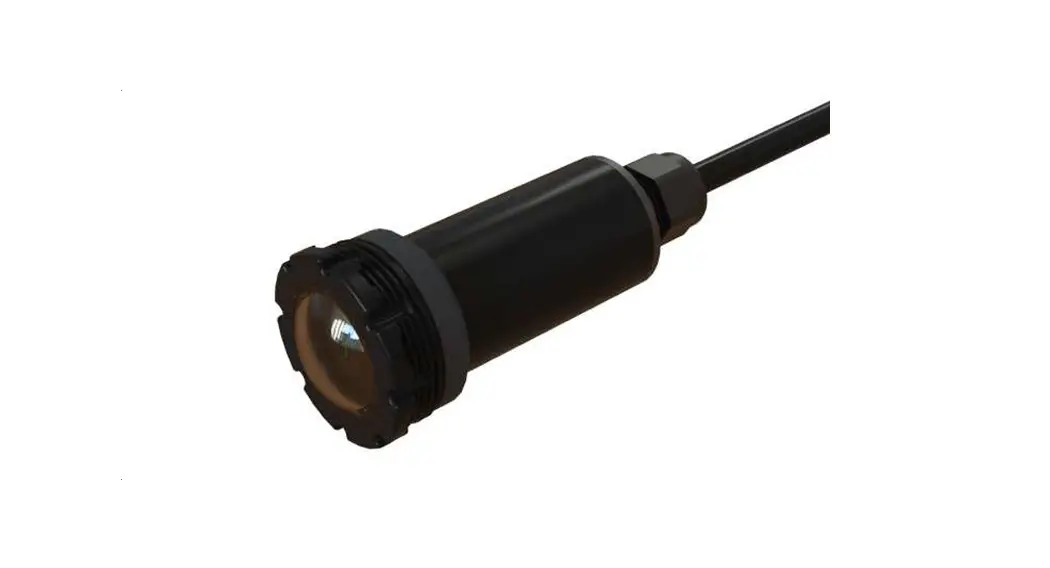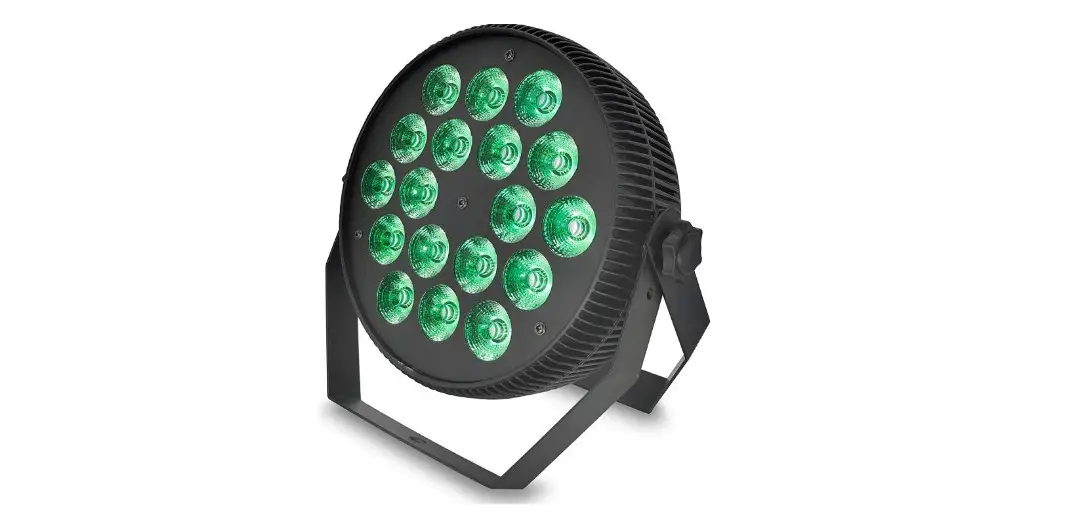
Audibax Water 180 RGBW 4-in-1 LED RGBw Spotlight User Manual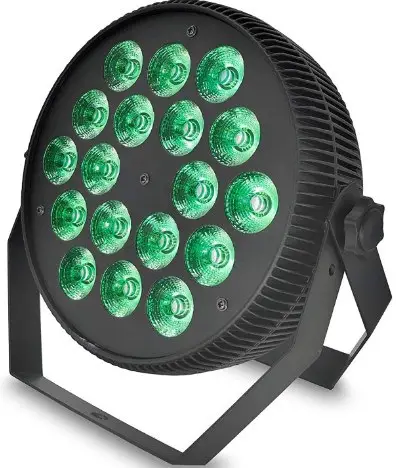
MENU MODE FUNCTION
| Nº | Show | Function | Instruction |
| 1 | d001 | DMX Address (001-512) | DMX-512 address set, 4 Channels mode |
| 2 | A001 | DMX Address (001-512) | DMX-512 address set, 8Channels mode |
| 3 | r255 | Red (000)-(512) | UP, DOWN Change brightness |
| 4 | G255 | Green (000)-(512) | UP, DOWN Change brightness |
| 5 | b255 | Blue (000)-(512) | UP, DOWN Change brightness |
| 6 | u255 | White (000)-(512) | UP, DOWN Change brightness |
| 7 | FH99 | Strobe flash (01-99) | UP, DOWN Change speed |
| 8 | CL01 | Different Colors Output (01-08) | UP, DOWN Change brightness |
| 9 | CC99 | Colors Jump Change (01-99) | UP, DOWN Change speed |
| 10 | DE99 | Colors Gradate (01-99) | UP, DOWN Change speed |
| 11 | CP99 | Colors Pulse Change (01-99) | UP, DOWN Change speed |
| 12 | SU01 | Colors sound-Active (01-09) | UP, DOWN Change the effects |
SAFETY WARNINGS ANDGUIDELINES
Please read this entire manual before using this device, paying extra attention to these safety warnings and guidelines. Please keep this manual in a safe place for future reference.
- Prior to operation, check the unit and power cord for physical damage. Do not use if physical damage has occurred.
- Before plugging the unit into a power outlet, ensure that the outlet provides the same type and level of power required by the device.
- This device uses a grounded power cord and requires a ground connection for safe operation. Ensure that the power source has a proper ground connection. Do not modify the plug or use a “cheater” plug to bypass the ground connection.
- This device has no user serviceable parts. Do not attempt to open, service, or modify this device.
- Do not look directly into the light source.
- Keep the original packaging material for use when transporting the device.
- If the device will not be used for any lengthy period of time, it should be unplugged from the wall.
- When installing this device, ensure that the mount is sufficiently robust to support the weight of the unit and to prevent unwanted movement.
INTRODUCTION
This light features: flat house for water-proof item, smart size convenient for customer carry. 18pcs led as high brightness, color is RGBW 4IN1 mixed very good. Have several built-in programs for dimming and strobe effects, including a Strobe Follow mode, which allows multiple lights to strobe in sequence, rather than all at the same time. It also supports standard DMX-512 control signals for use as part of a larger light product.
CONTROLES Y PANTALLA DE MENÚ
The4-digit LED display indicates the mode and the value for the selected function
- Press the MENU button to cycle through the various modes and functions.
- Press the UP button to increase the value of the selected function or mode. Press and hold the button to rapidly increase the displayed value. The list will cycle back to the beginning after the maximum value is reached.
- Press the DOWN button to decrease the value of the selected function or mode. Press and hold the button to rapidly decrease the
displayed value. The list will cycle back to the end after the minimum value is reached. - Once the desired value is displayed, press the ENTER button to set that value for the displayed function or mode and allow for selection of another function or mode.
- If you want to discard any changes made to the value of the selected function or mode, simply press the MENU button to cycle to the next function or mode in the list.
DMX512Control: 4Channel Mode (D001)
| Channel | Function | Instruction |
| CH1 | R Dimmer | Dimmer – Dark to Bright |
| CH2 | G Dimmer | Dimmer – Dark to Bright |
| CH3 | B Dimmer | Dimmer – Dark to Bright |
| CH4 | W Dimmer | Dimmer – Dark to Bright |