 Quick-Start Guide
USB-C™ Quad-4K Docking Station – DisplayPort and HDMI – 100W PD
Product Diagram (DK31C4DPPD and DK31C4DPPDUE)
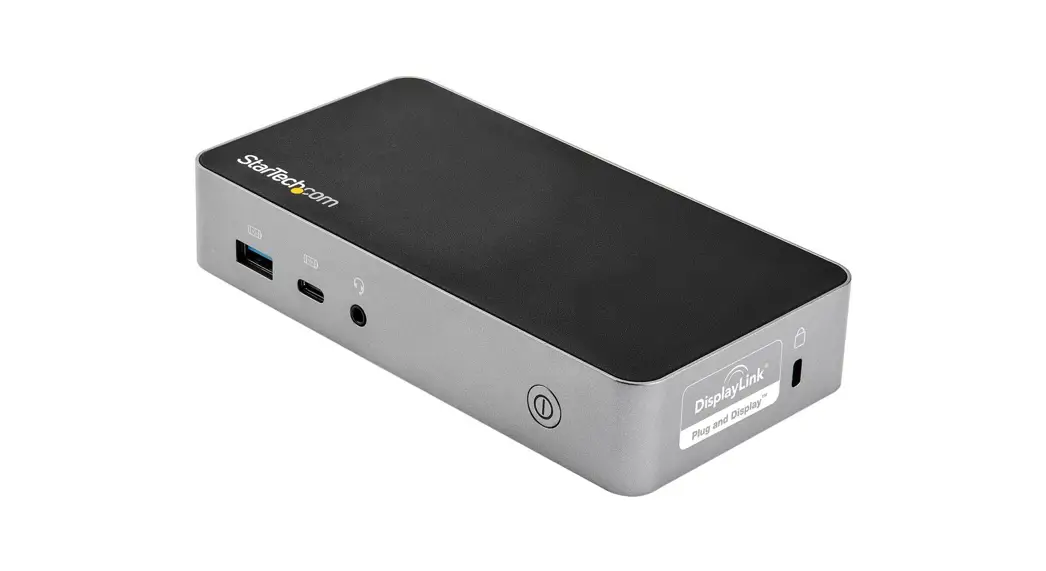
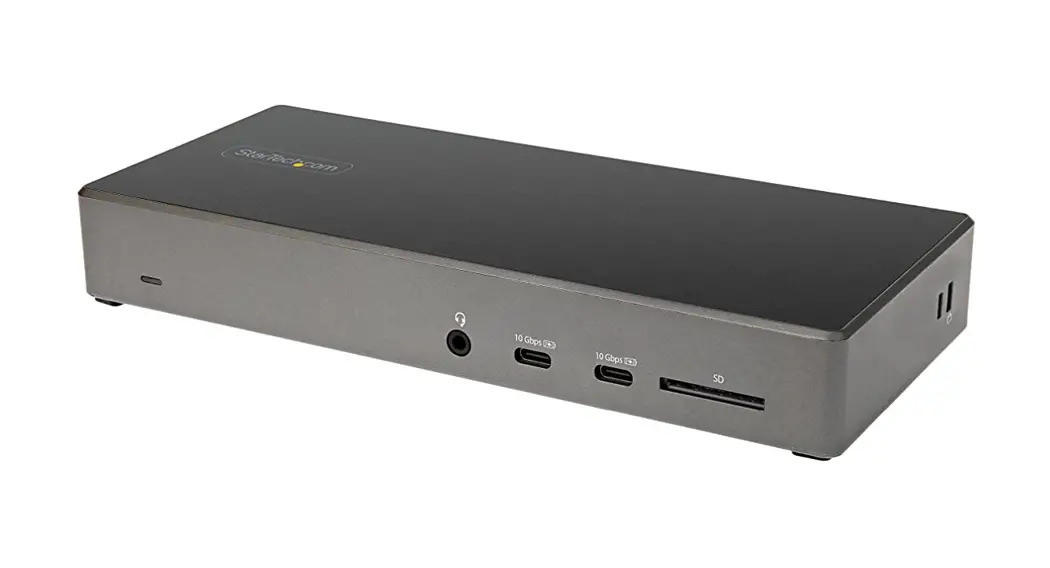
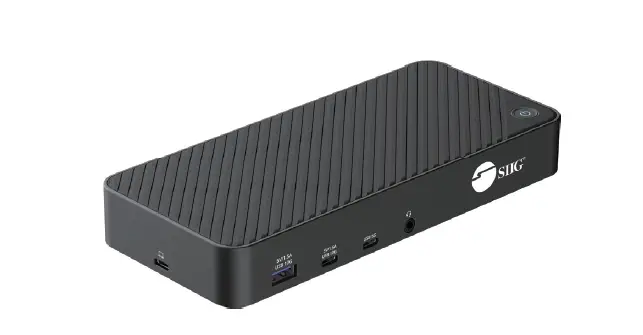
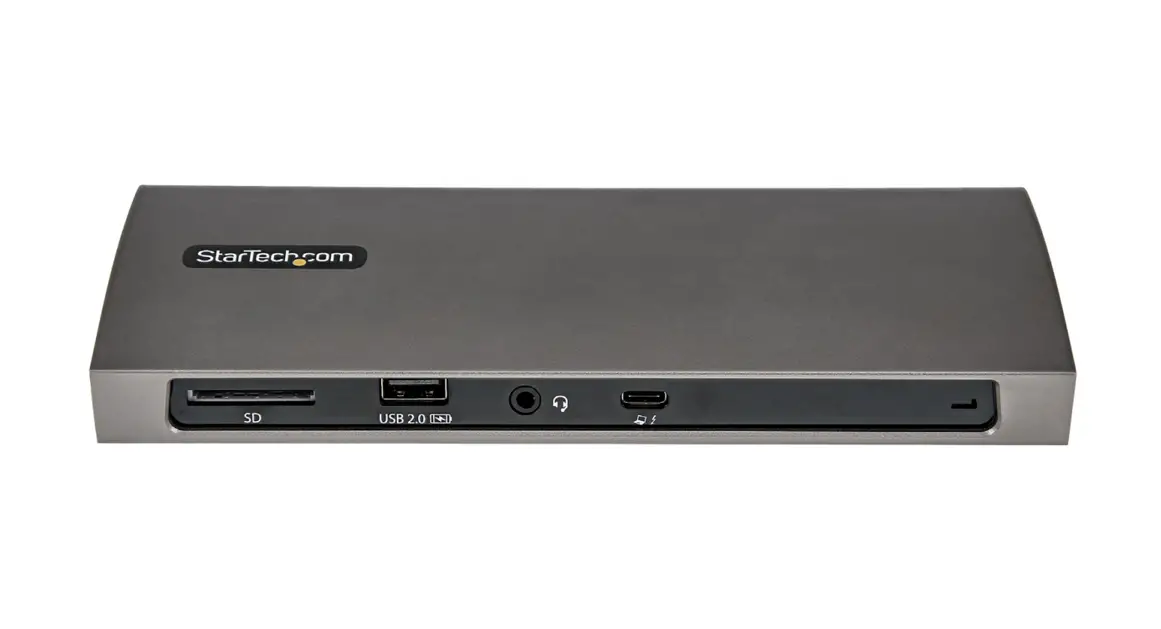
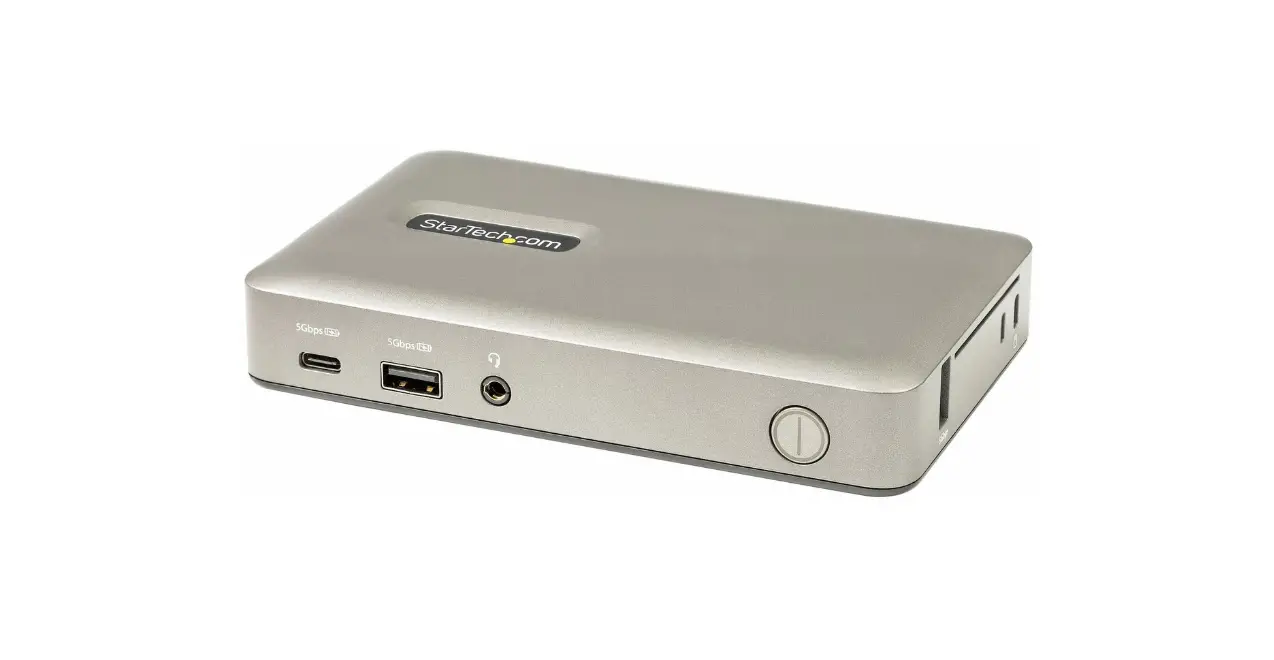
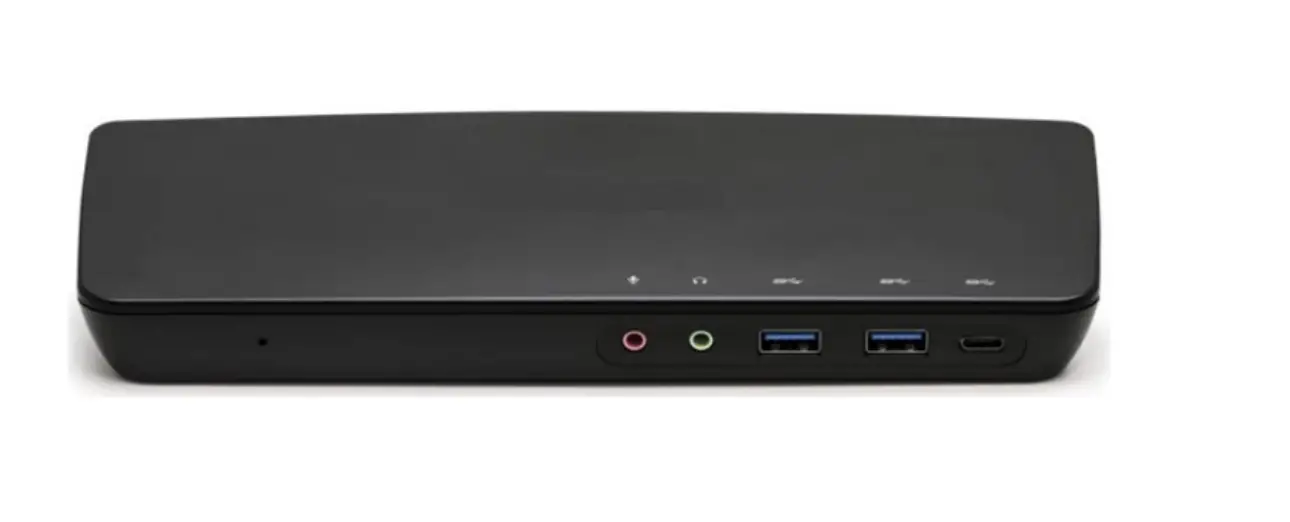
Front View
*Actual product may vary from photos
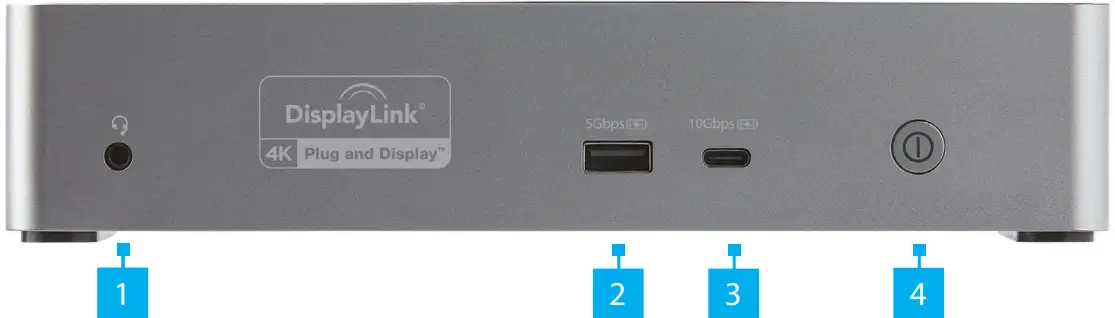
| Port | Specifications and Installation | |
| 1 | 3.5mm Audio Port | • Connect an Audio Device • 4 Position Audio Jack for Headset use |
| 2 | USB-A Charging Port | • SuperSpeed USB 5Gbps (USB 3.2 Gen 1) • Supports USB BC 1.2 • Supports Apple Charging of up to 2.4A • Connect the Docking Station to a SuperSpeed USB 5Gbps Peripheral or Storage Device (e.g. flash drive), using a SuperSpeed USB 5Gbps (USB 3.2 Gen 1) Cable |
| 3 | USB-C Charging Port | • SuperSpeed USB 10Gbps (USB 3.2 Gen 2) • Supports charging of up to 3A 5V • Connect the Docking Station to a SuperSpeed USB 10Gbps Peripheral or Storage Device (e.g. flash drive), using a SuperSpeed USB-C 10Gbps (USB 3.2 Gen 2) Cable |
| 4 | Power Button | • Powered ON by default • Solid White LED indicates the Docking Station is receiving power and is powered ON • Press and release the Power Button to power ON the Docking Station |
Side View
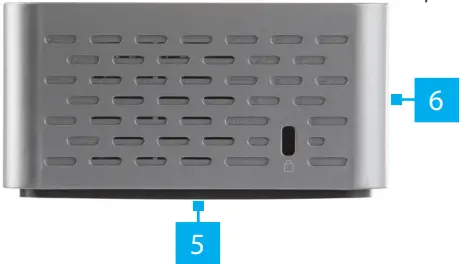
| Port | Specifications and Installation | |
| 5 | Mounting Holes | • (Optional) Mount the Docking Station, using appropriately sized Mounting Plate Assembly (sold separately) |
| 6 | Lock Slot | • Secure the Docking Station to a stationary object |
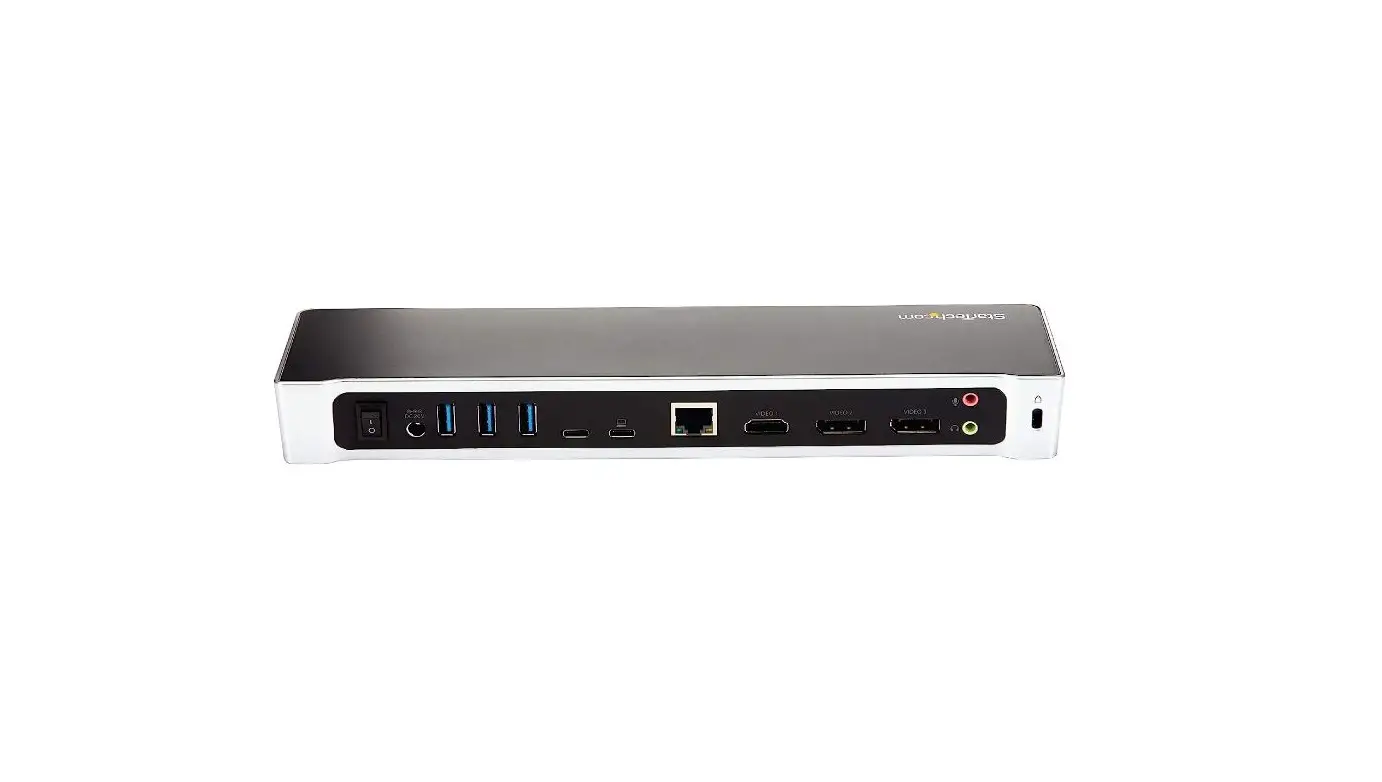
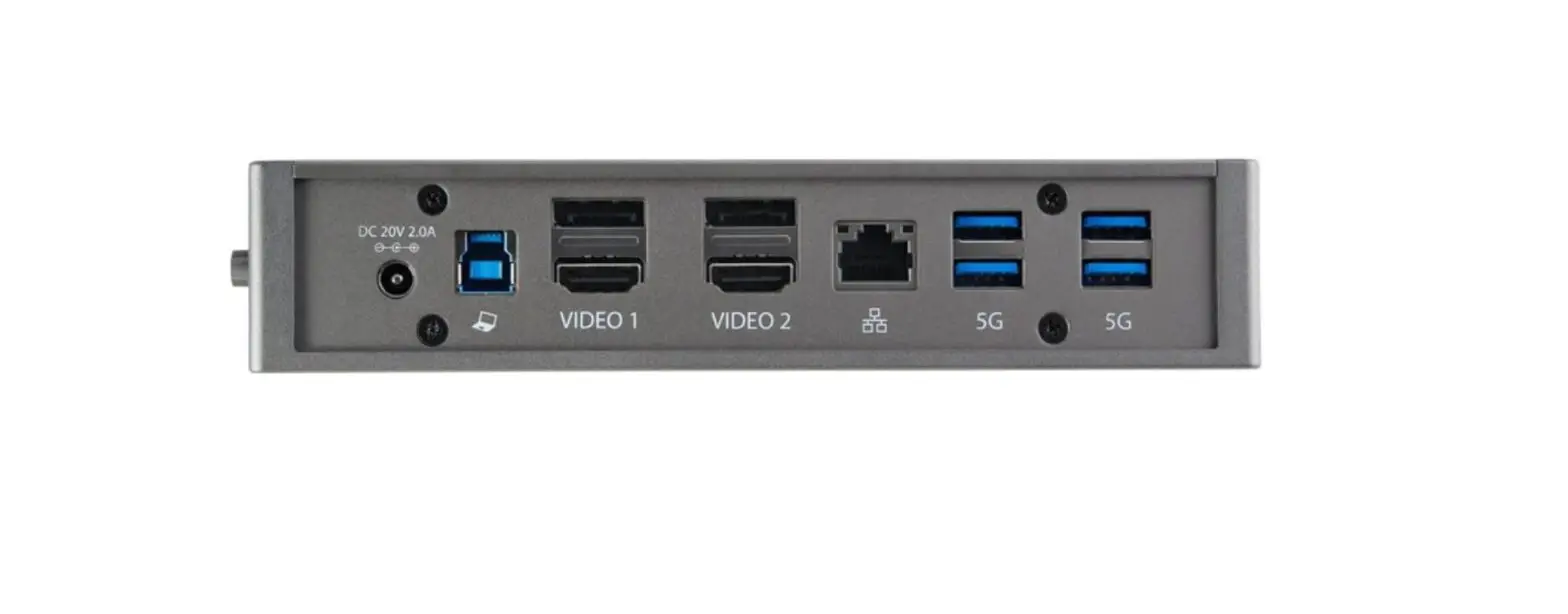
Rear View
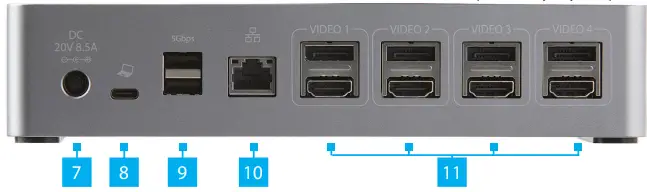
| Port | Specifications and Installation | |
| 7 | DC 20V Port | • Connect the Docking Station to a Power Source, using the Universal Power Adapter |
| 8 | USB-C Host Port | • SuperSpeed USB 10Gbps (USB 3.2 Gen 2) • Charge the Host Device while using the Docking Station • USB Power Delivery (PD) 5/9/12/15/20V • Connect the Docking Station to a Laptop, using the SuperSpeed USB-C 10Gbps (USB 3.2 Gen 2) Host Cable |
| 9 | USB-A Device Ports | • SuperSpeed USB 5Gbps (USB 3.2 Gen 1) • Maximum 0.9A for downstream charging • Connect the Docking Station to two SuperSpeed USB 5Gbps Peripherals and/or Storage Devices (e.g. flash drives), using a SuperSpeed USB 5Gbps (USB 3.2 Gen 1) Cable |
| 10 | RJ45 Port | • 10/100/1000 Mbps • Connect the Docking Station to a Network Device, using a Network Cable |
| 11 | Video 1-4 DisplayPort Port/HDMI Ports | DisplayPort Ports: • Connect the Docking Station to a DisplayPort Enabled Display Device, using a DisplayPort Cable – or HDMI Ports: •Connect the Docking Station to an HDMI Enabled Display Device, using an HDMI Cable |
Package Contents
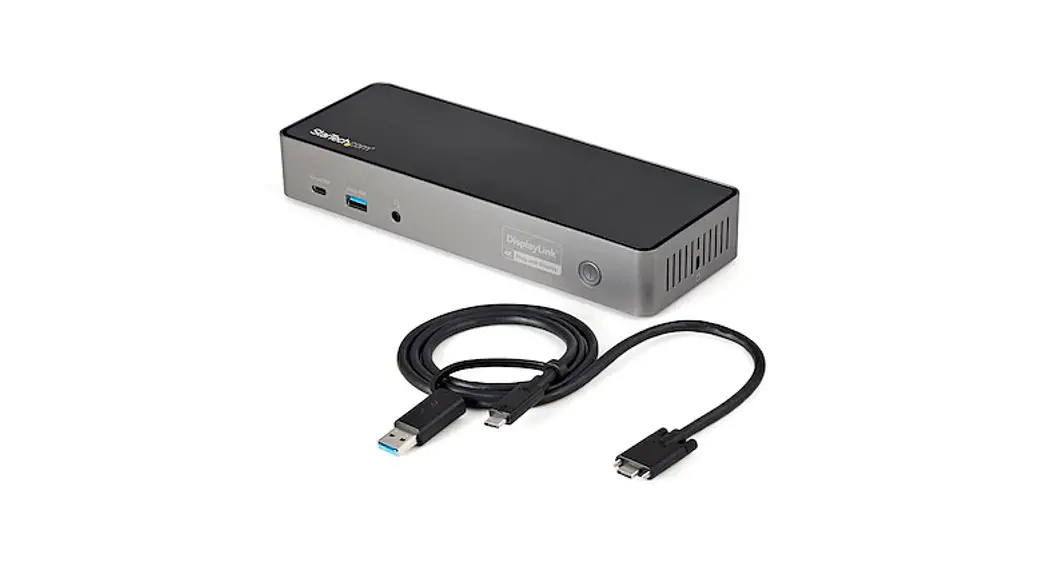
- Docking Station x 1
- Host Cable x 1
- Universal Power Adapter x 1
- Power Adapter Cords (NA/JP) x 1
- Quick-Start Guide x 1
Requirements
For the latest requirements, please visit:
www.startech.com/DK31C4DPPD or www.startech.com/DK31C4DPPDUE
- Host Laptop with USB-C port
- USB PD Support
Installation
Notes: Installation is automatic for all modern Operating Systems. If the drivers do not auto-install, please visit www.startech.com/DK31C4DPPD to locate the latest drivers.
Operation
RJ45 Port LED Indicators
| LED Color | Status | Indication |
| Green | Solid | •Link speed is either 1000Mbps (1 GbE), 100Mbps, or 10Mbps |
| Off | •No connection established | |
| Amber | Flashing | •Network traffic detected |
| Off | •No link established |
FCC Compliance Statement
This equipment has been tested and found to comply with the limits for a Class B digital device, pursuant to part 15 of the FCC Rules. These limits are designed to provide reasonable protection against harmful interference in a residential installation.
This equipment generates, uses, and can radiate radio frequency energy and, if not installed and used in accordance with the instructions, may cause harmful interference to radio communications. However, there is no guarantee that interference will not occur in a particular installation. If this equipment does cause harmful interference to radio or television reception, which can be determined by turning the equipment off and on, the user is encouraged to try to correct the interference by one or more of the following measures:
- Connect the equipment into an outlet on a circuit different from that to which the receiver is connected.
- Consult the dealer or an experienced radio/TV technician for help
This device complies with part 15 of the FCC Rules. Operation is subject to the following two conditions:
(1) This device may not cause harmful interference, and (2) this device must accept any interference received, including
interference that may cause undesired operation. Changes or modifications not expressly approved by StarTech.com could void
the user’s authority to operate the equipment.
Industry Canada Statement
This Class B digital apparatus complies with Canadian ICES-003.
Cet appareil numérique de la classe [B] est conforme à la norme NMB-003 du Canada.
CAN ICES-3 (B)/NMB-3(B)
This device complies with Industry Canada licence-exempt RSS standard(s). Operation is subject to the following two conditions:
(1) This device may not cause interference, and (2) This device must accept any interference, including interference that may
cause undesired operation of the device.
Use of Trademarks, Registered Trademarks, and other Protected Names and Symbols
This manual may make reference to trademarks, registered trademarks, and other protected names and/or symbols of third-party companies not related in any way to StarTech.com. Where they occur these references are for illustrative purposes only and do not represent an endorsement of a product or service by StarTech.com, or an endorsement of the product(s) to which this manual applies by the third-party company in question. StarTech.com hereby acknowledges that all trademarks, registered trademarks, service marks, and other protected names and/or symbols contained in this manual and related documents are the property of their respective holders.
Warranty Information
This product is backed by a three-year warranty.
For further information on product warranty terms and conditions, please refer to www.startech.com/warranty.
Limitation of Liability
In no event shall the liability of StarTech.com Ltd. and StarTech.com USA LLP (or their officers, directors, employees or agents) for any damages (whether direct or indirect, special, punitive, incidental, consequential, or otherwise), loss of profits, loss of business, or any pecuniary loss, arising out of or related to the use of the product exceeds the actual price paid for the product. Some states do not allow the exclusion or limitation of incidental or consequential damages. If such laws apply, the limitations or exclusions contained in this statement may not apply to you.
Safety Measures
- If the product has an exposed circuit board, do not touch the product under power.
| StarTech.com Ltd. 45 Artisans Cres London, Ontario N5V 5E9 Canada | StarTech.com LLP 4490 South Hamilton Road Groveport, Ohio 43125 The U.S.A. | StarTech.com Ltd. Unit B, Pinnacle 15 Gowerton Rd, Brackmills Northampton NN4 7BW United Kingdom |
To view manuals, FAQs, videos, drivers, downloads, technical drawings, and more, visit www.startech.com/support.
 holders.fr
 StarTech.com | IT Pro's Trusted Source for Connectivity Accessories
 USB-C Dock - 4K Quad Monitor - 100W PD - Laptop Docking Stations