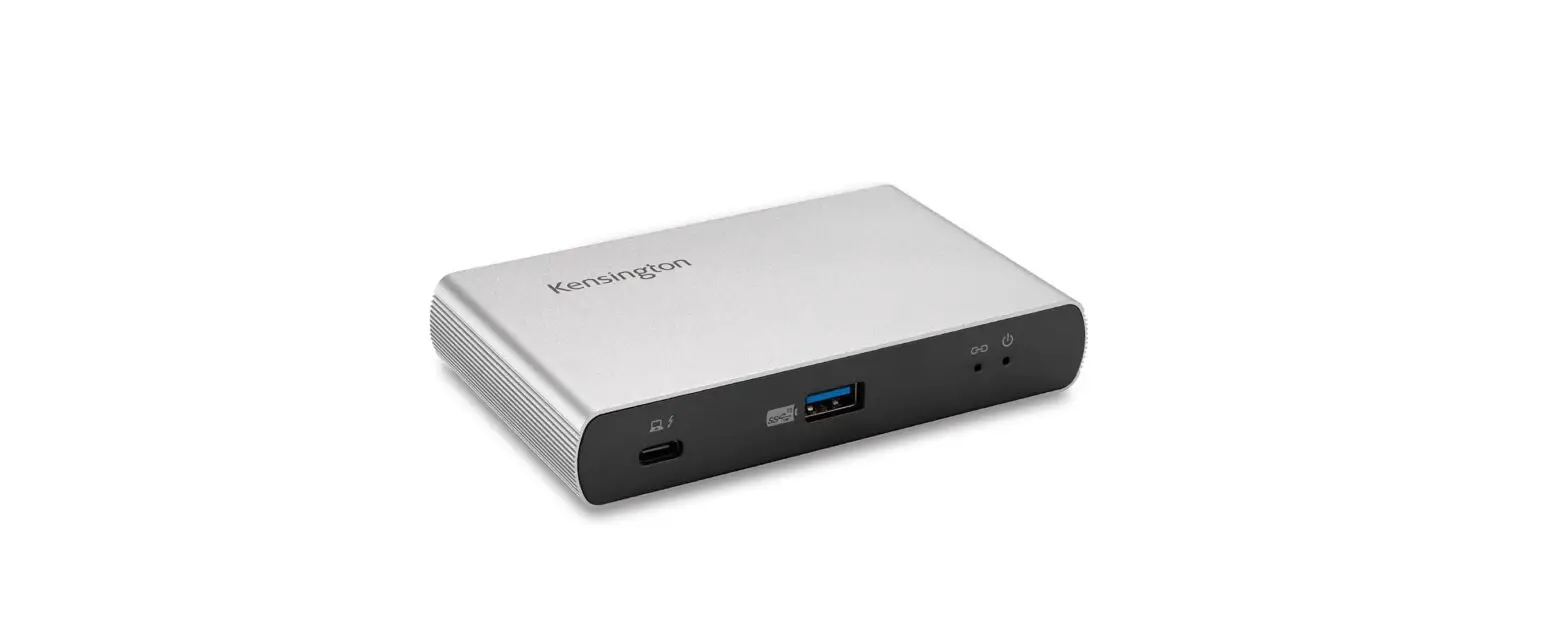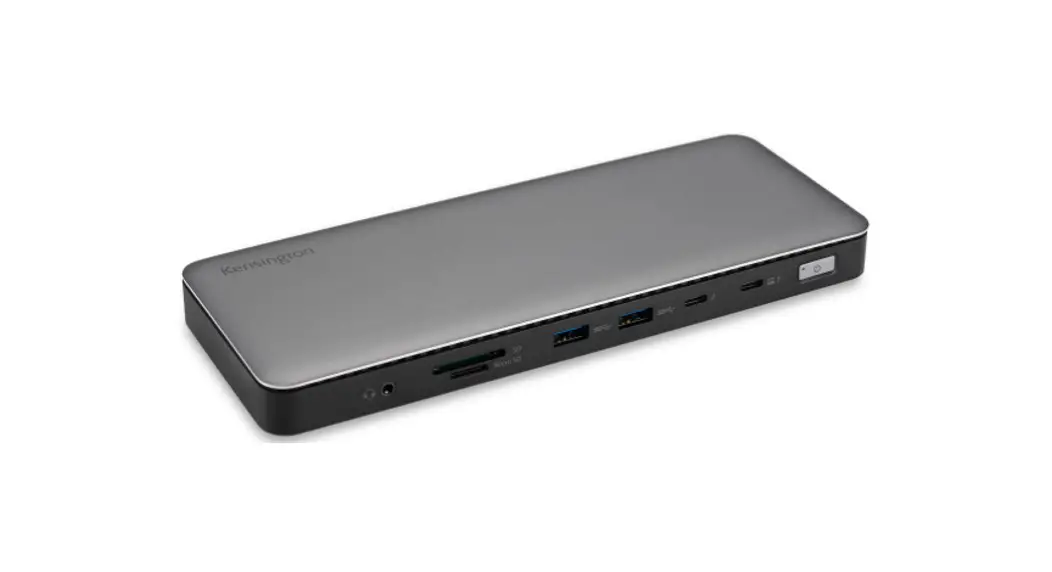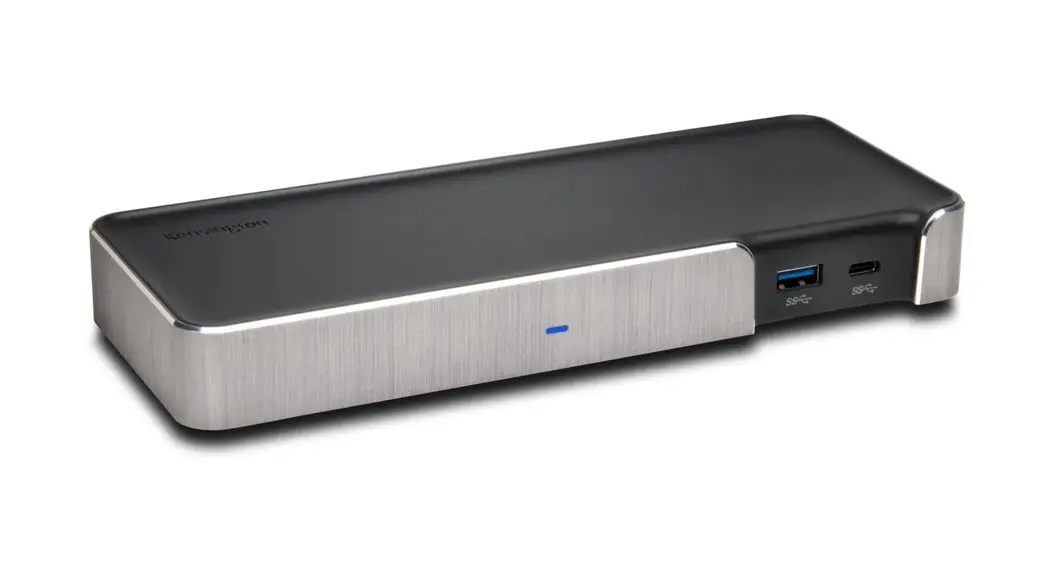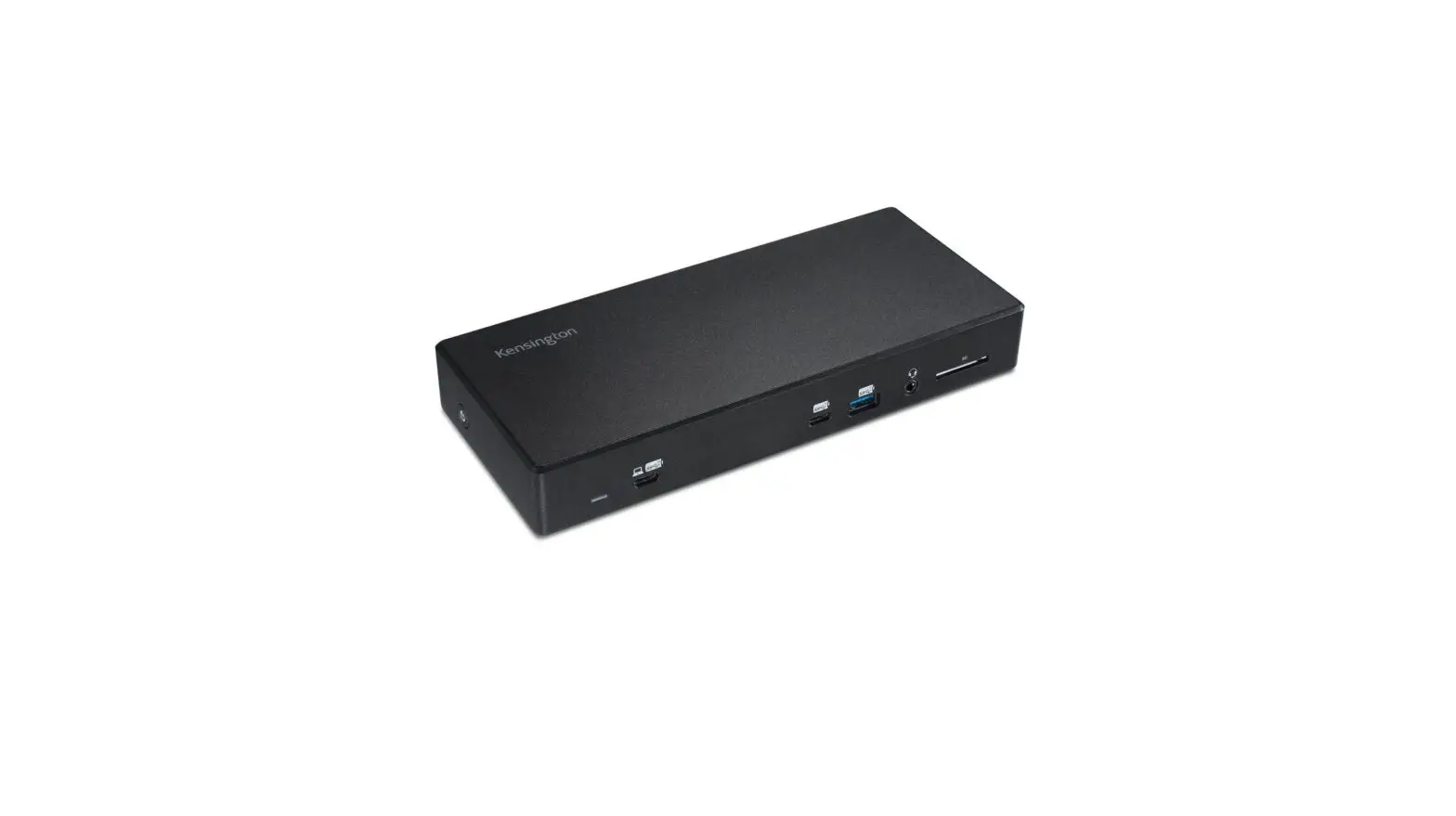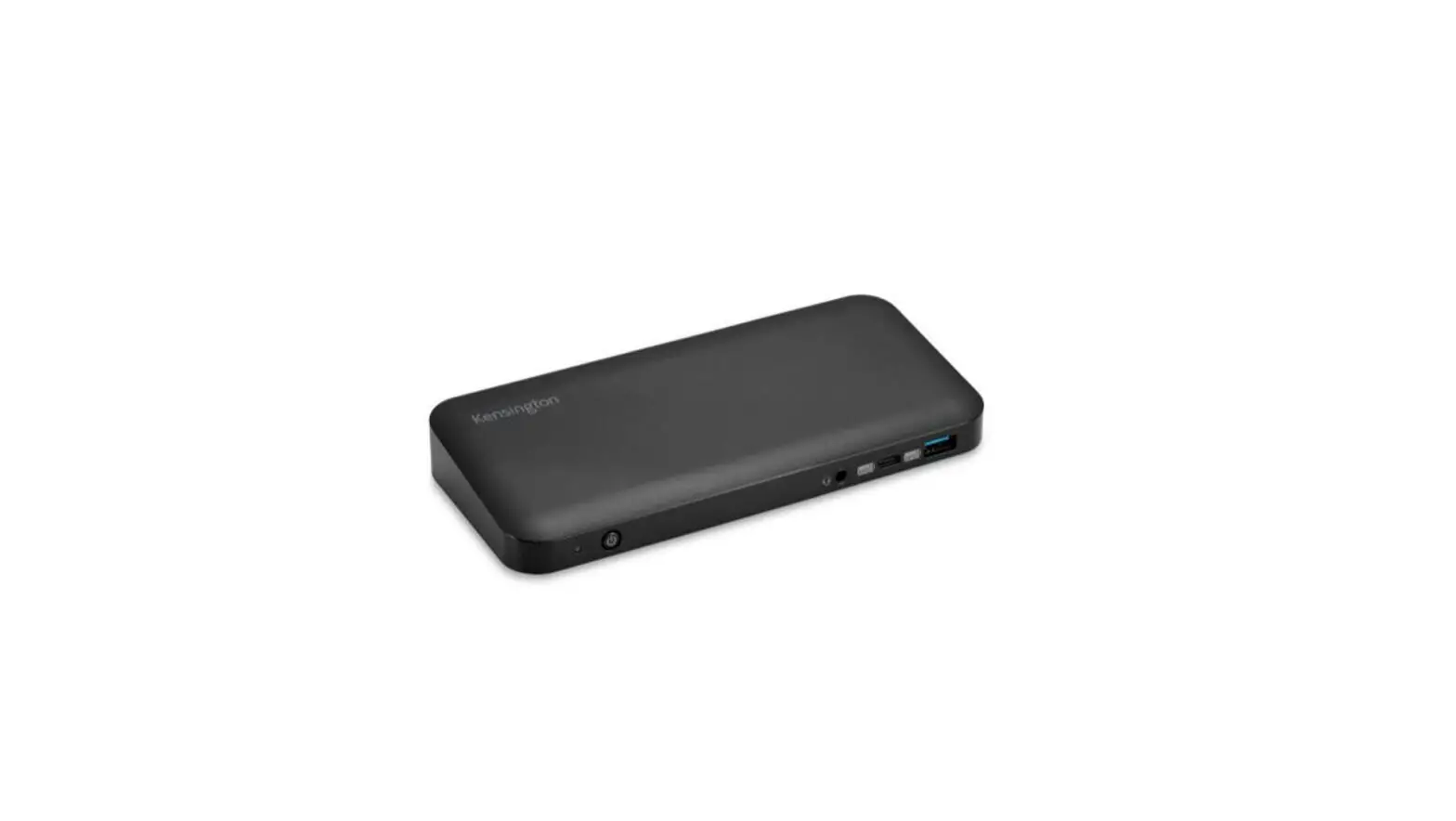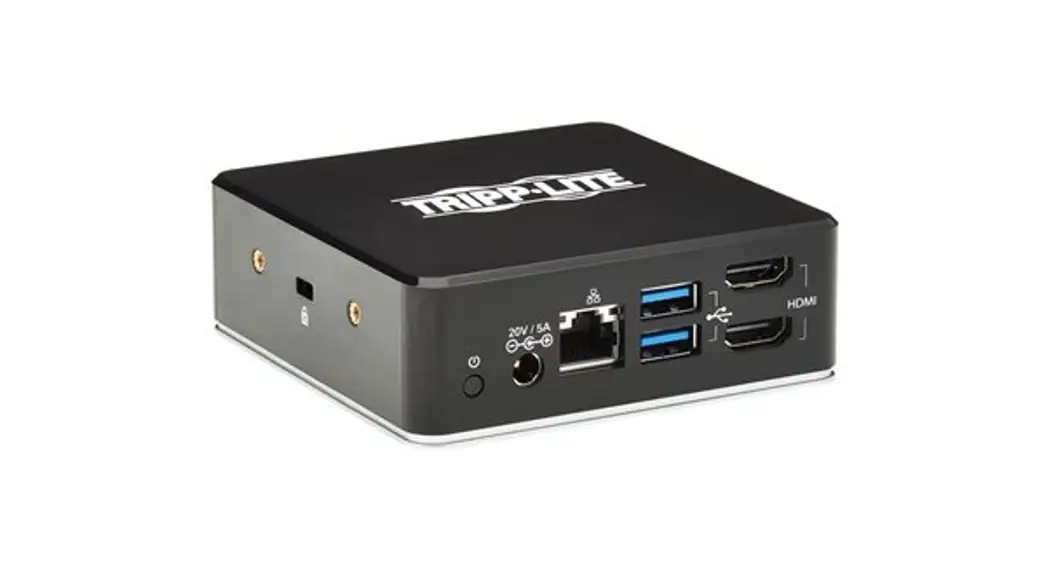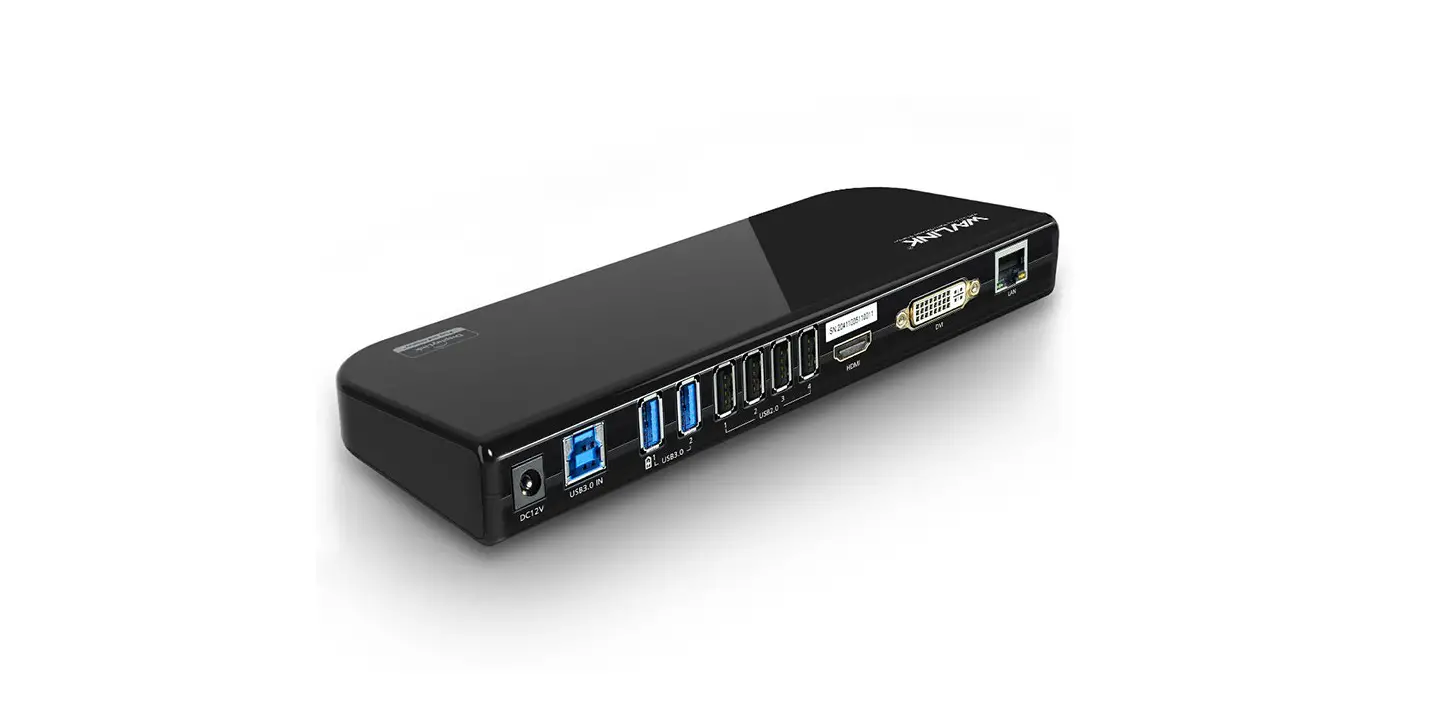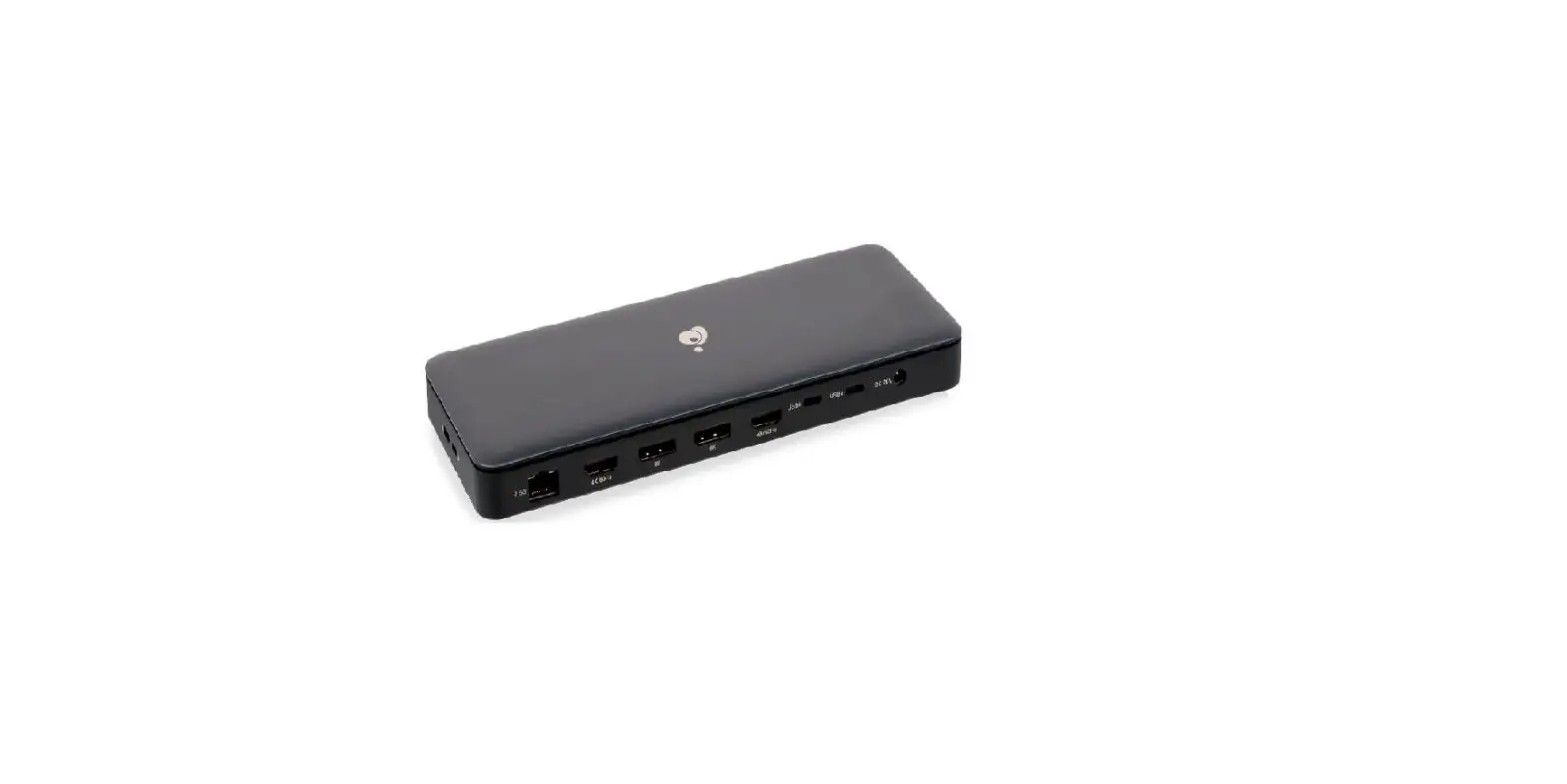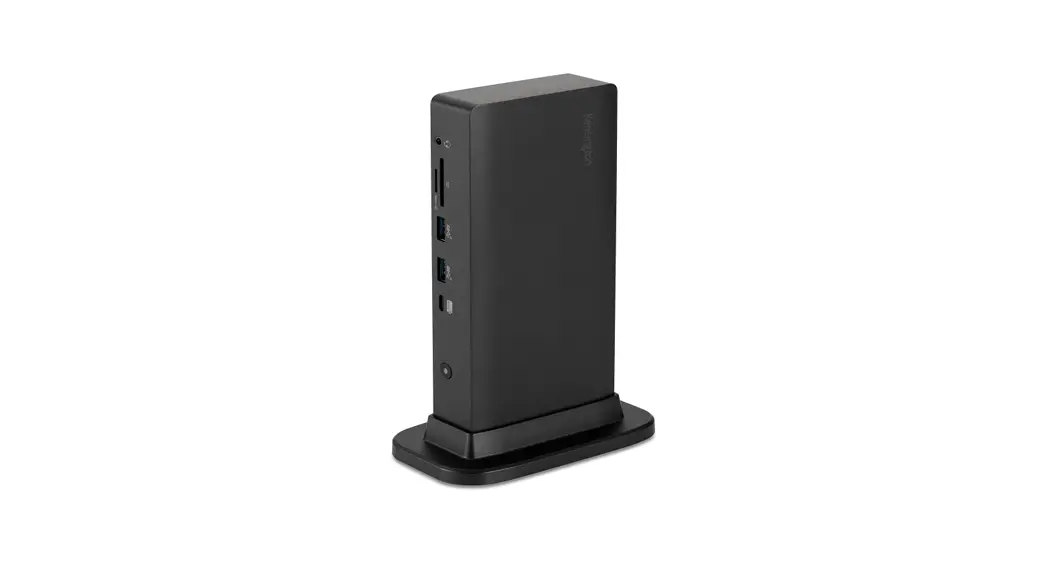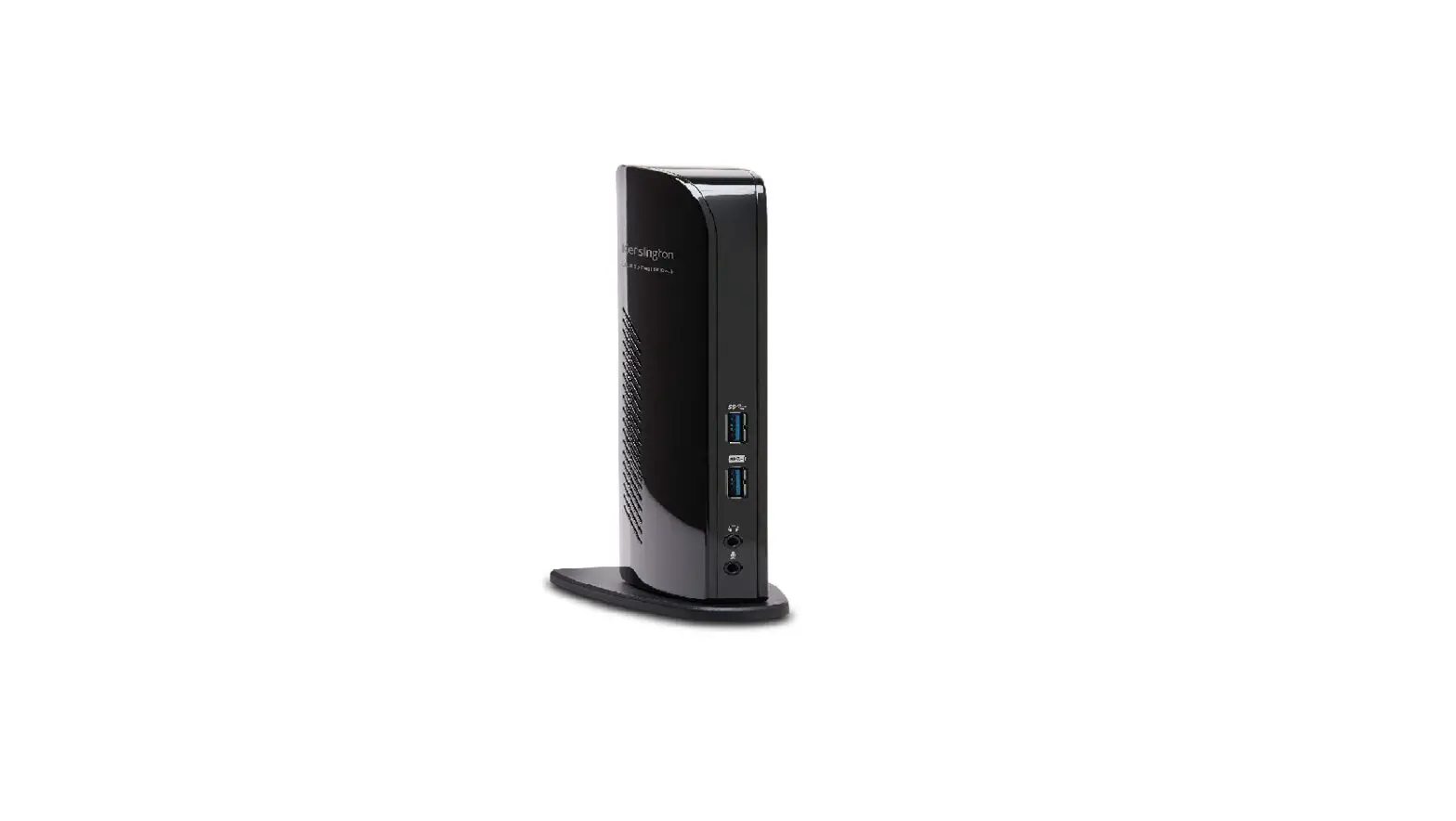

Kensington Sd4100v Usb 3.0 Dual 4k Docking Station User Guide

Kensington Sd4100v Usb 3.0 Dual 4k Docking Station User Guide

Kensington-Logo

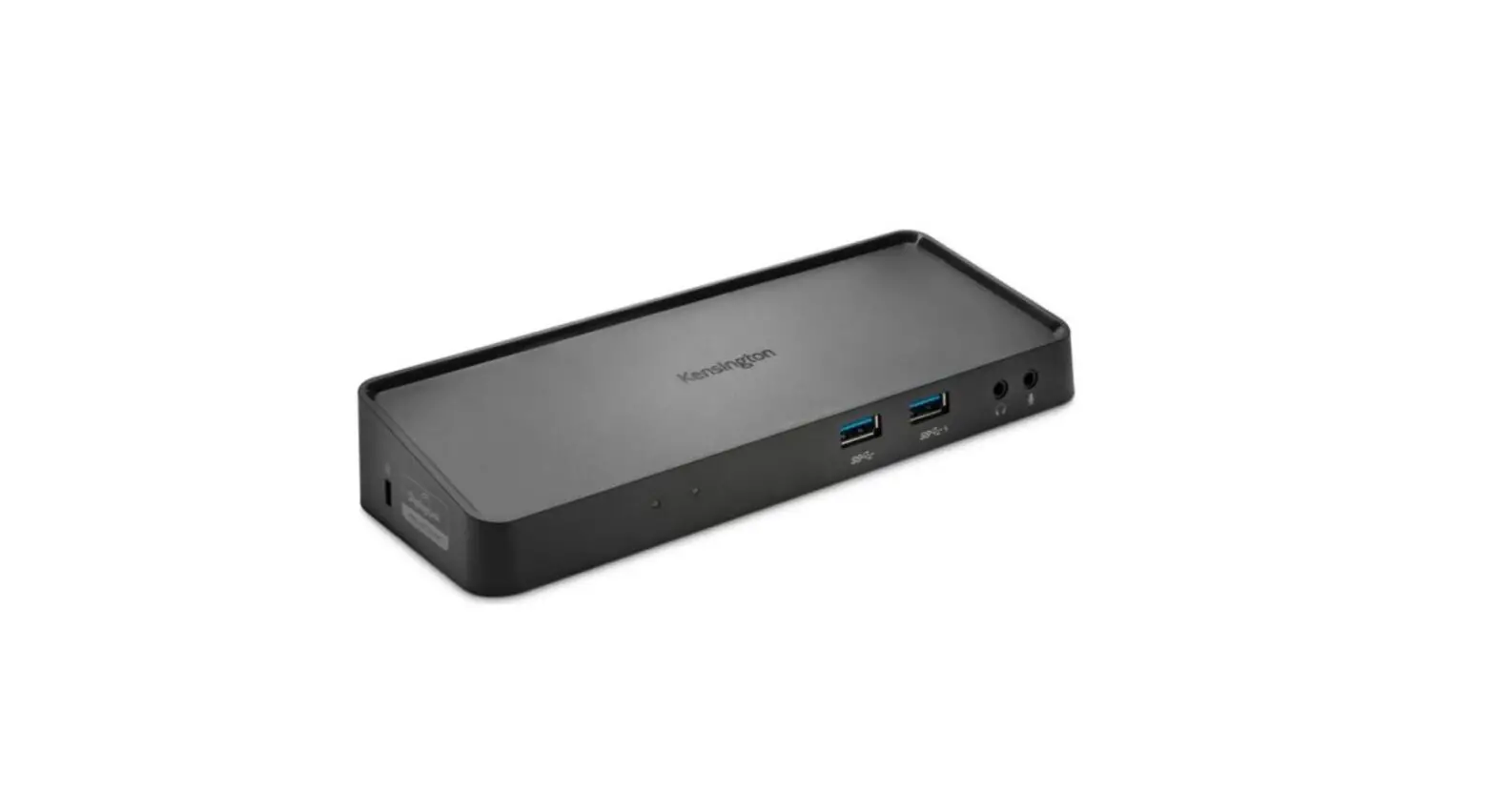
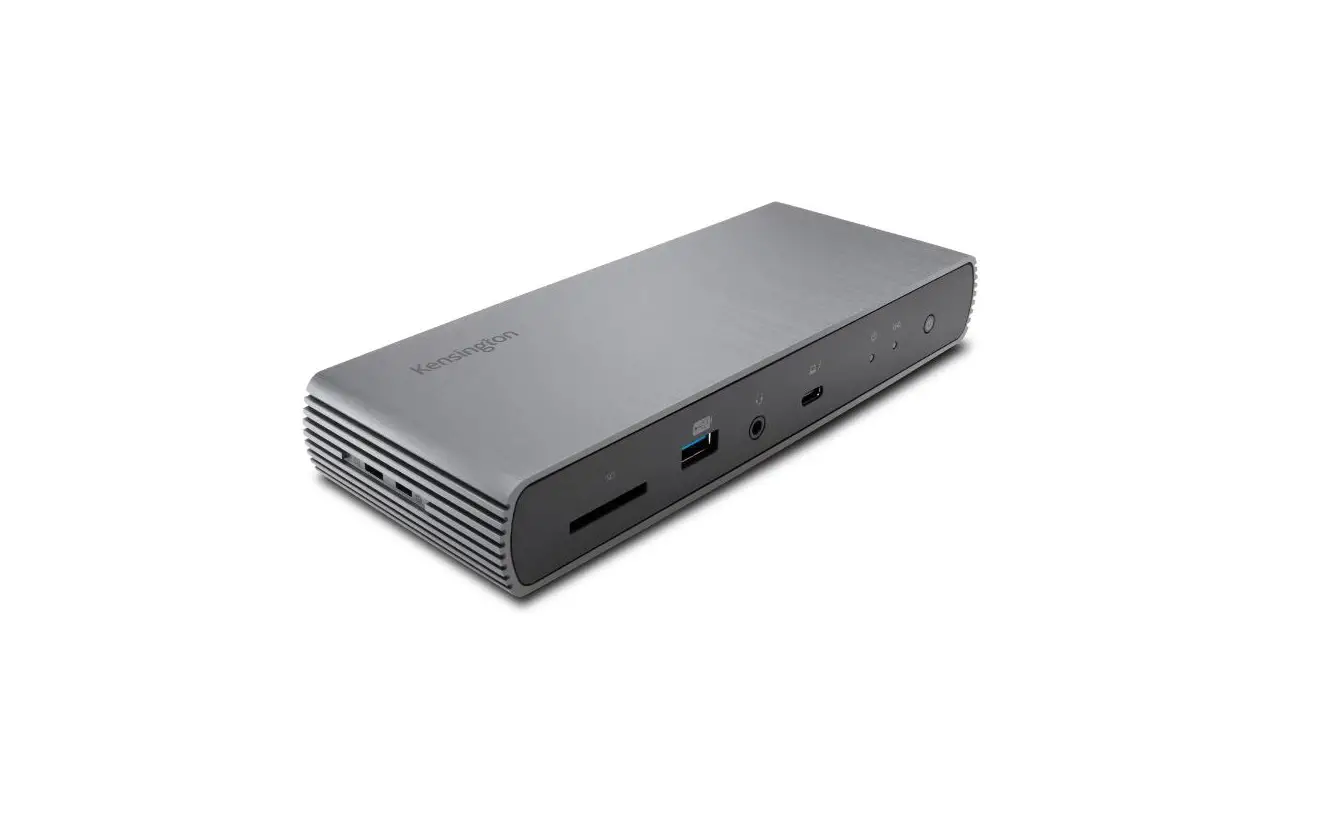
Kensington SD4100v USB 3.0 Dual 4K Docking Station
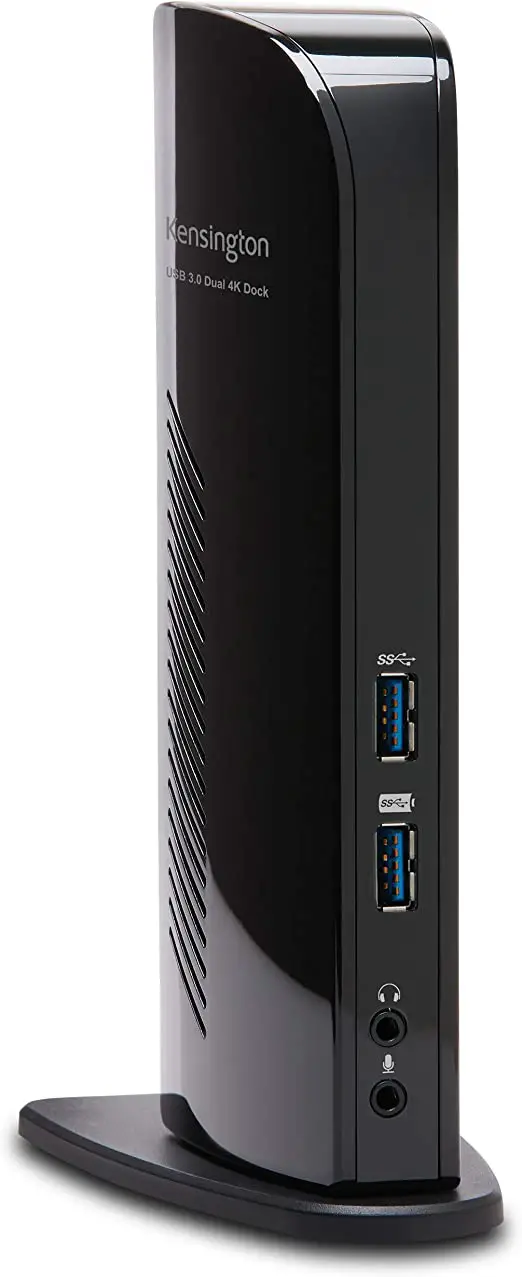
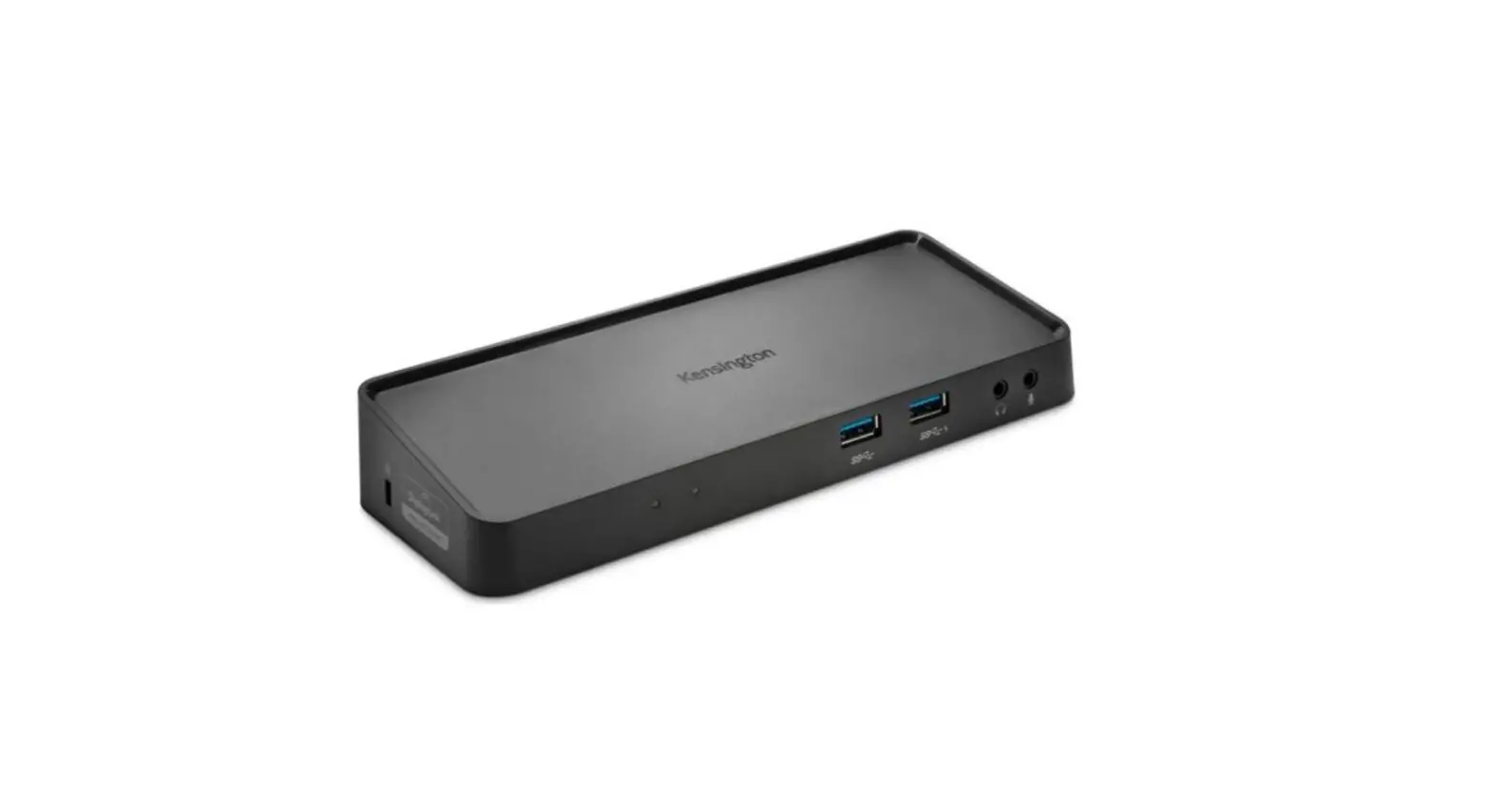
Kensington-SD4100v-USB-3.0-Dual-4K-Docking-Station-Product-Image

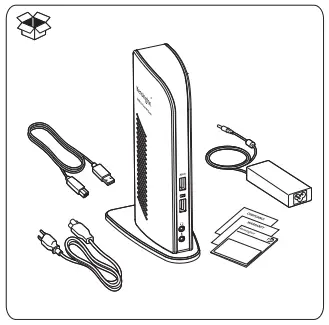
What’s in the box?

Kensington-SD4100v-USB-3.0-Dual-4K-Docking-Station-Fig-01

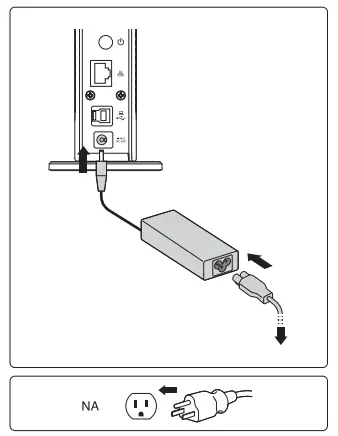
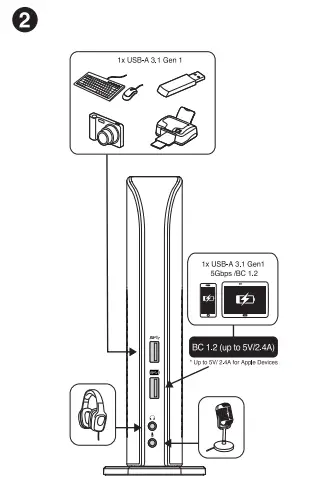
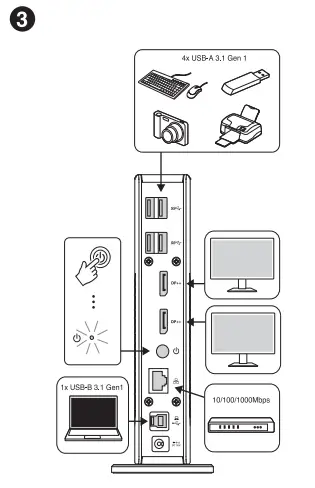
Installation

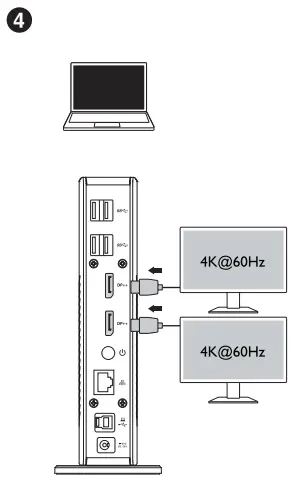
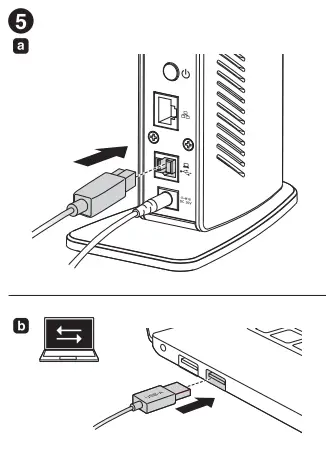
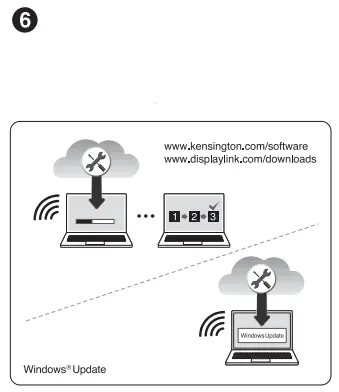
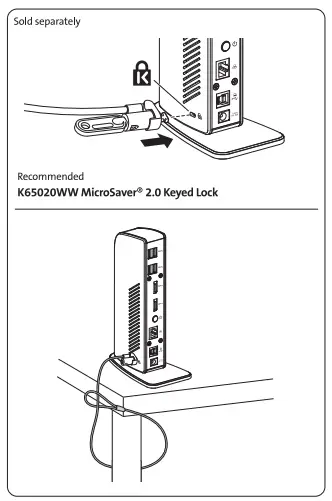
Kensington-SD4100v-USB-3.0-Dual-4K-Docking-Station-Fig-02Kensington-SD4100v-USB-3.0-Dual-4K-Docking-Station-Fig-03Kensington-SD4100v-USB-3.0-Dual-4K-Docking-Station-Fig-04Kensington-SD4100v-USB-3.0-Dual-4K-Docking-Station-Fig-05Kensington-SD4100v-USB-3.0-Dual-4K-Docking-Station-Fig-06Kensington-SD4100v-USB-3.0-Dual-4K-Docking-Station-Fig-07

Windows 10/macOS/ Chrome OS

www.kensington.com/support

Kensington-SD4100v-USB-3.0-Dual-4K-Docking-Station-Fig-08

Kensington and the ACCO name and design are registered trademarks of ACCO Brands. All other registered and unregistered trademarks are the property of their respective owners. 2019 Kensington Computer Products Group, a division of ACCO Brands. Any unauthorized copying, duplicating, or other reproduction of the contents hereof is prohibited without written consent from Kensington Computer Products Group. All rights reserved. 10/19

Kensington Computer Products Group
A Division of ACCO Brands
|1500 Fashion Island Blvd., 3rd Floor
San Mateo, CA 94404
Documents / Resouces

Download manual
Here you can download full pdf version of manual, it may contain additional safety instructions, warranty information, FCC rules, etc.


Related Manuals