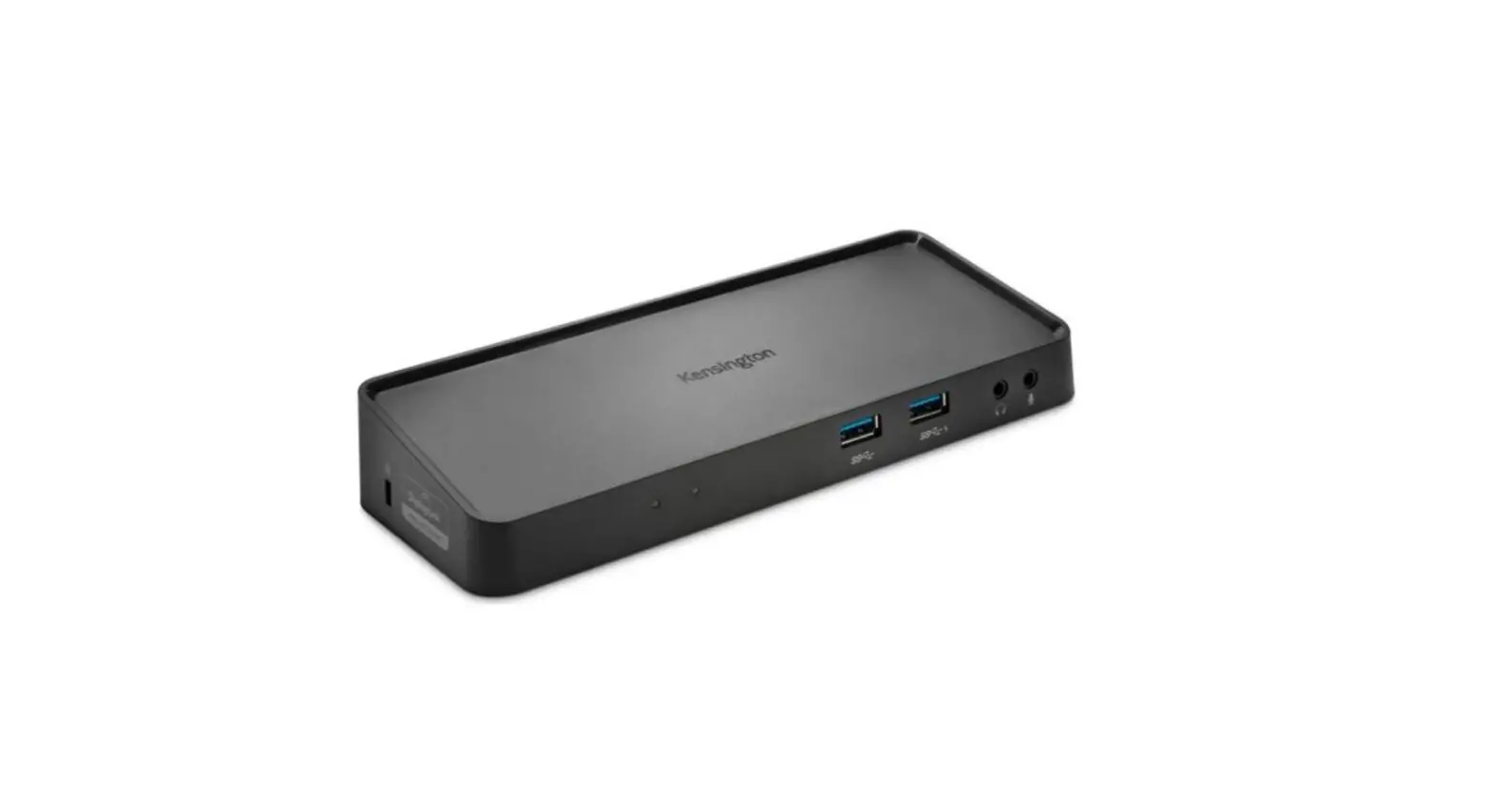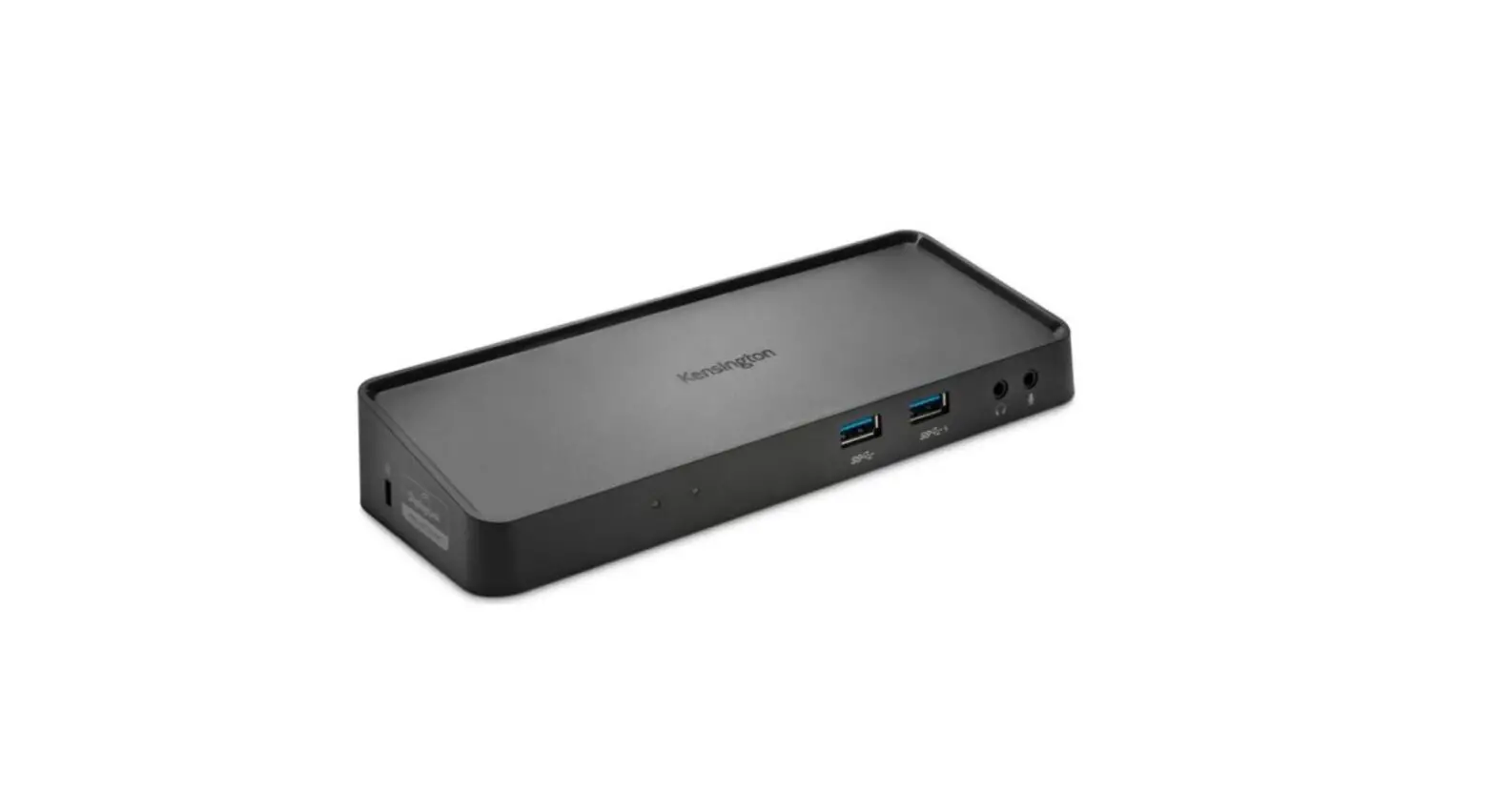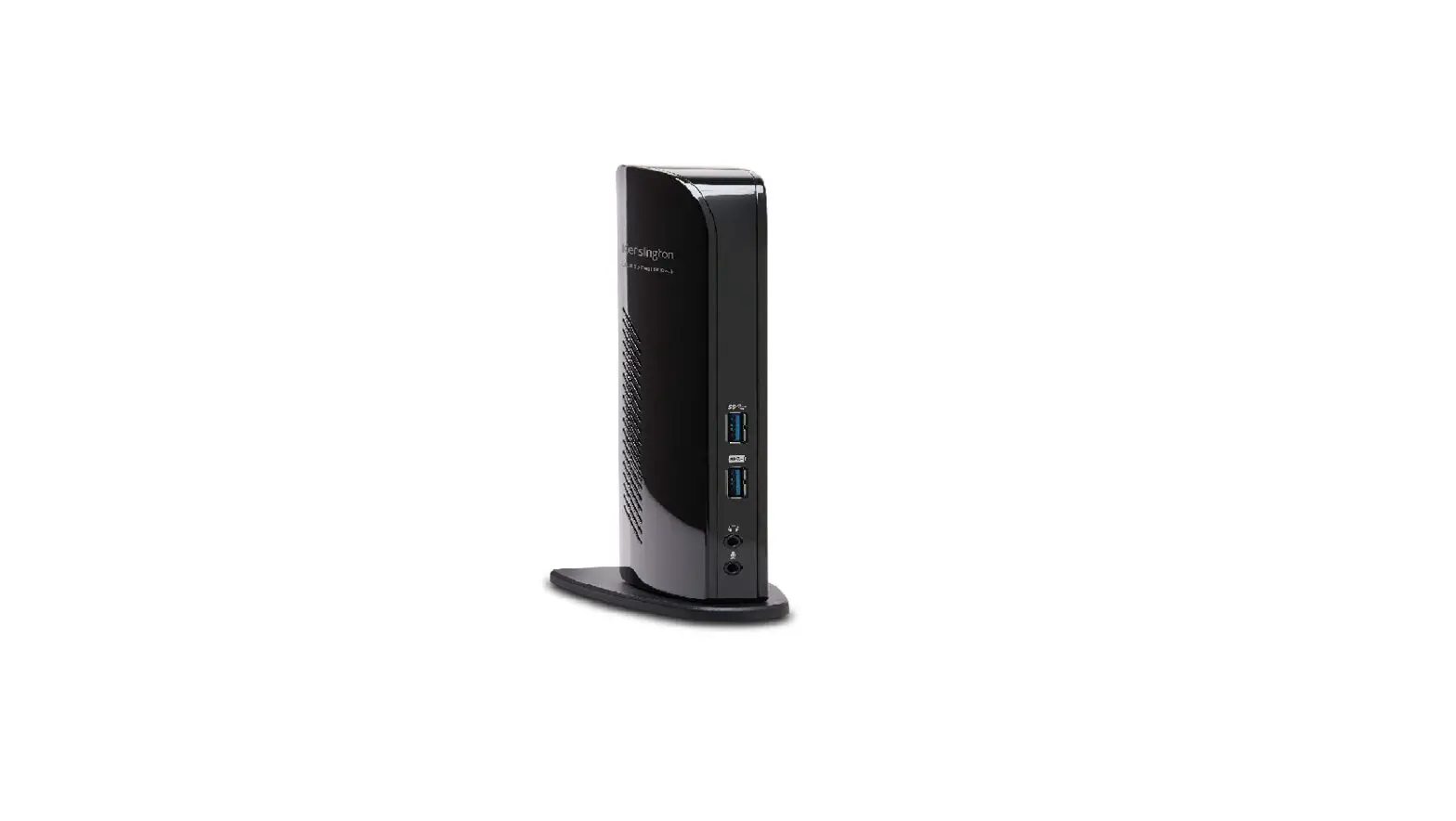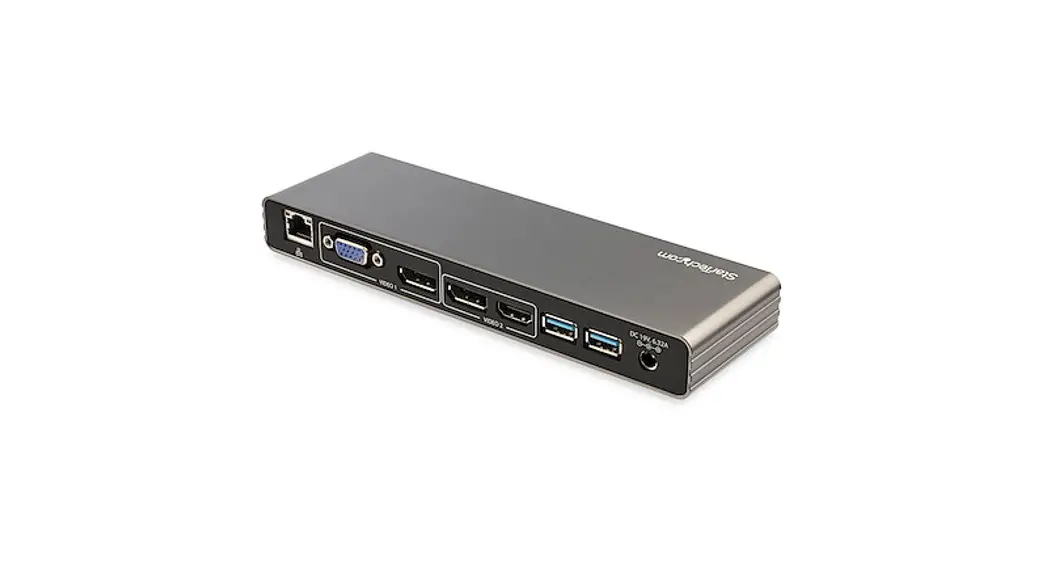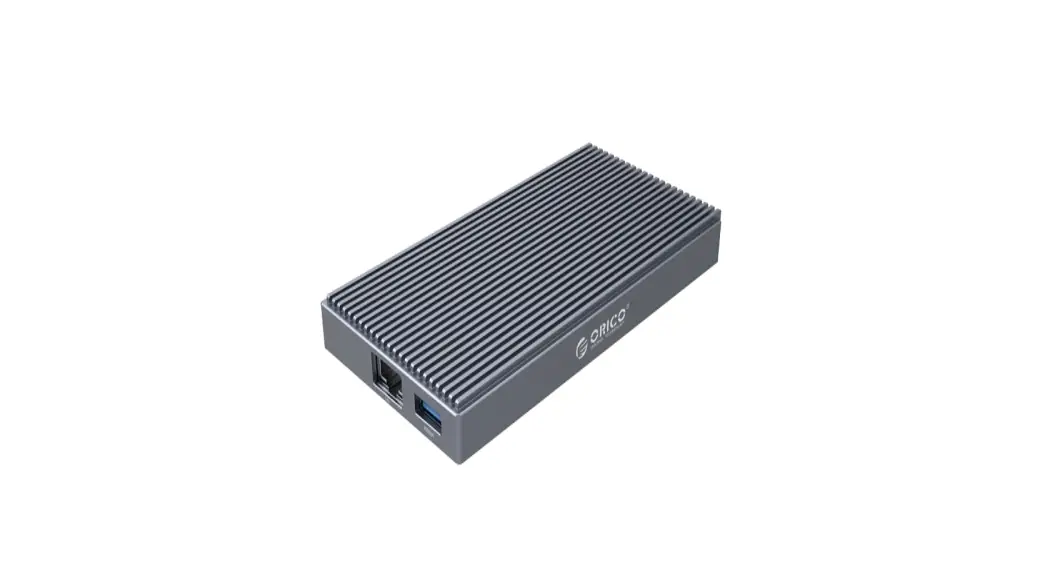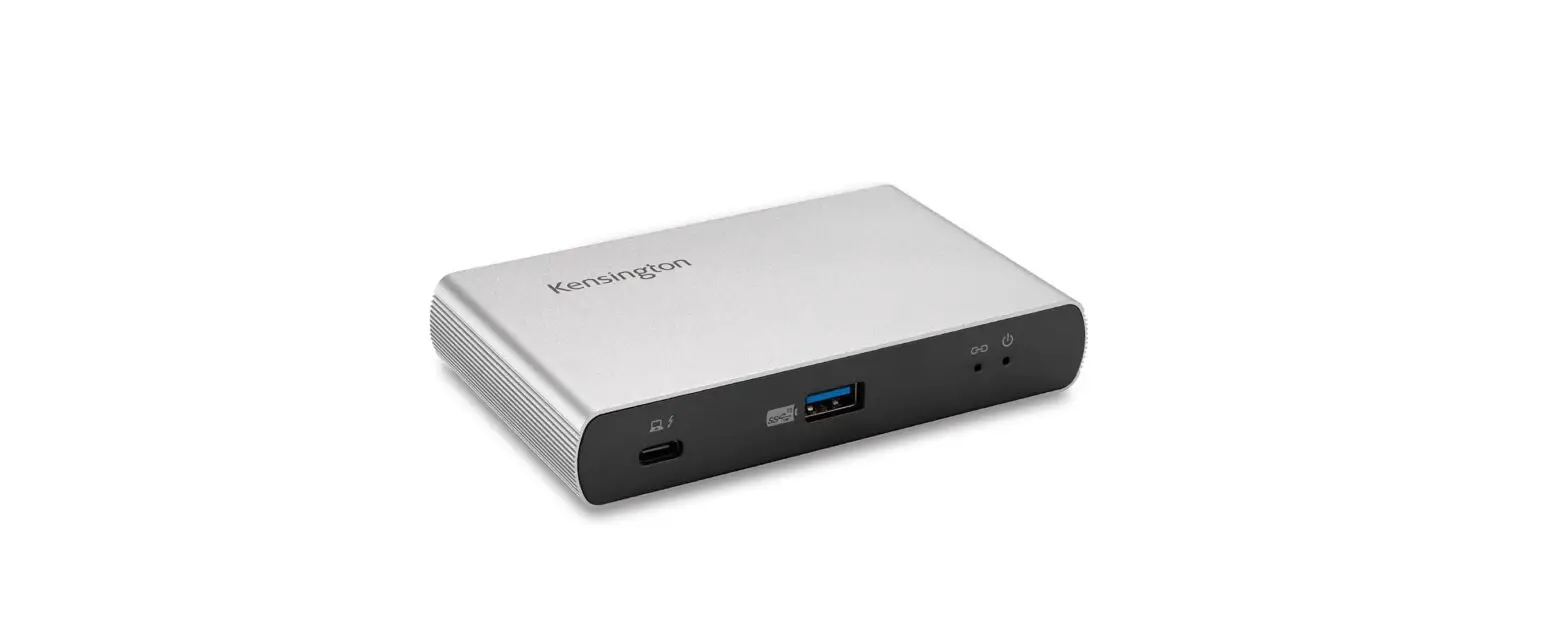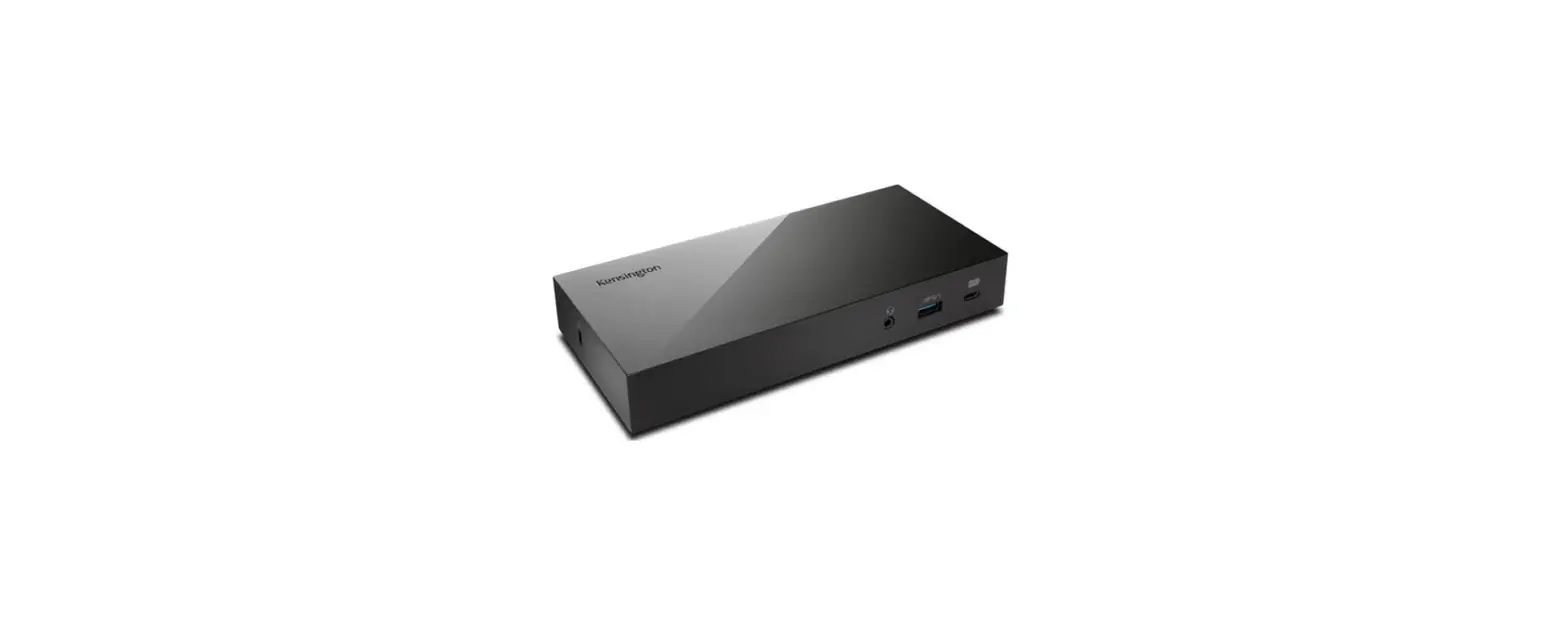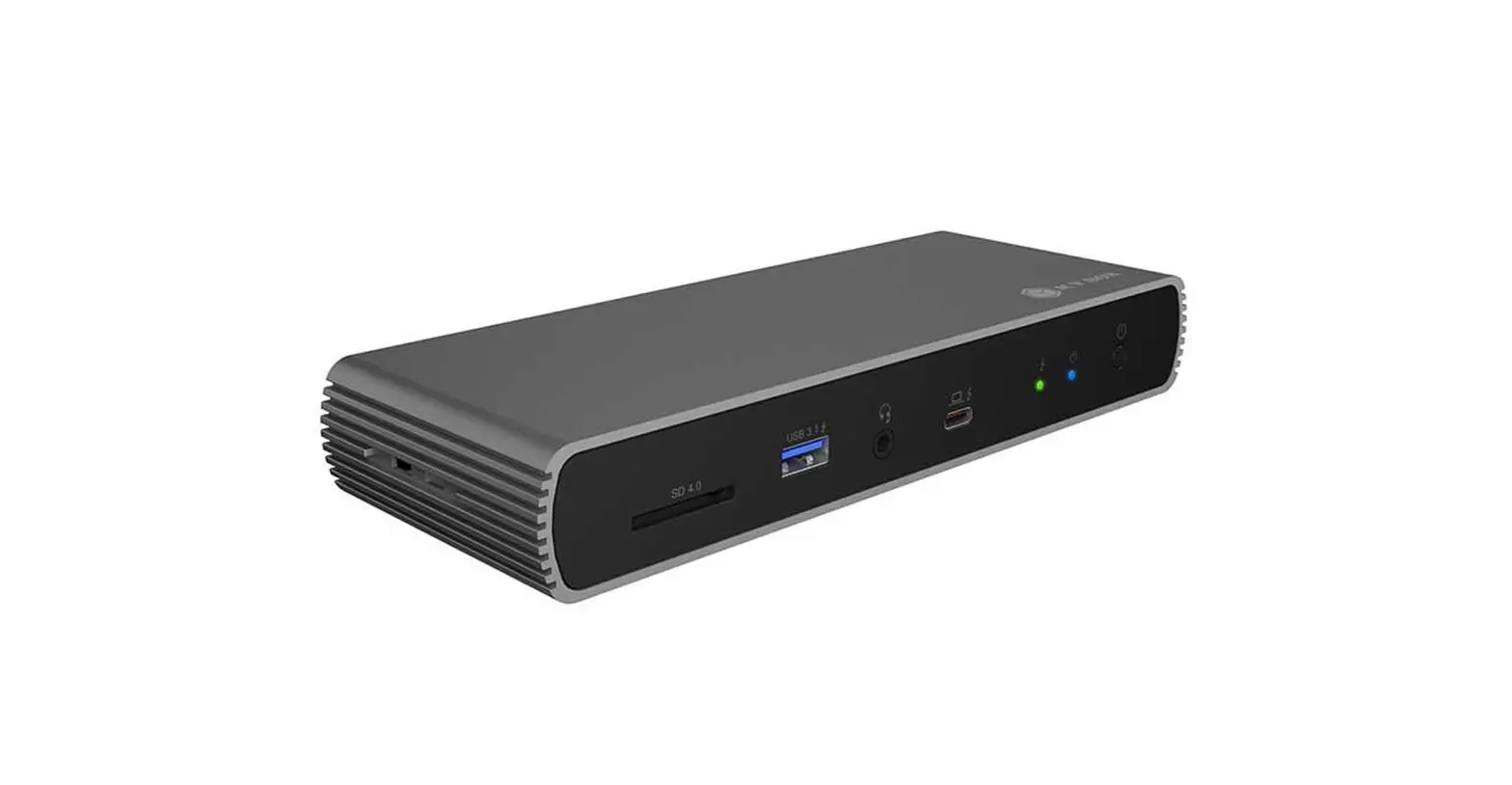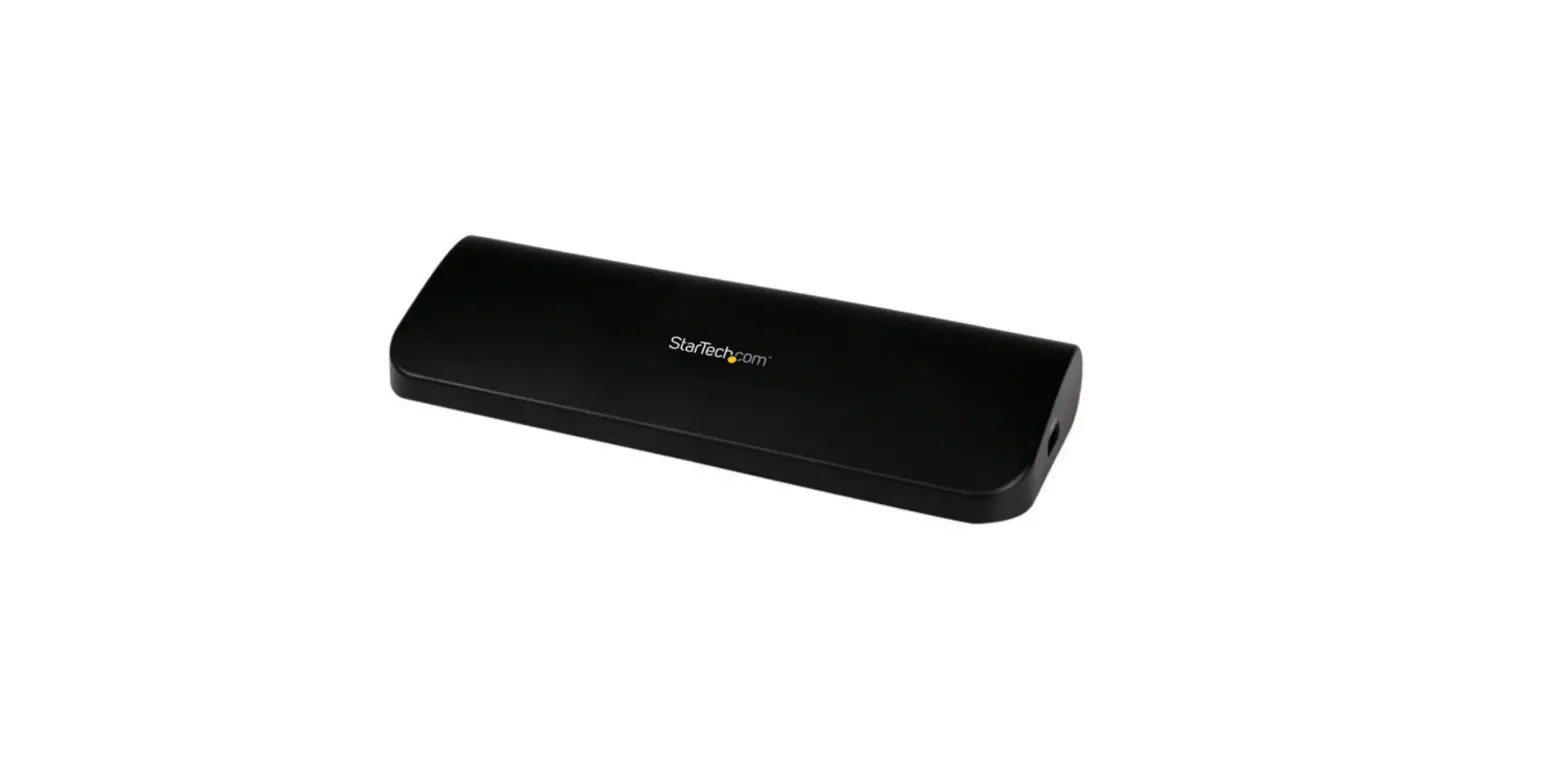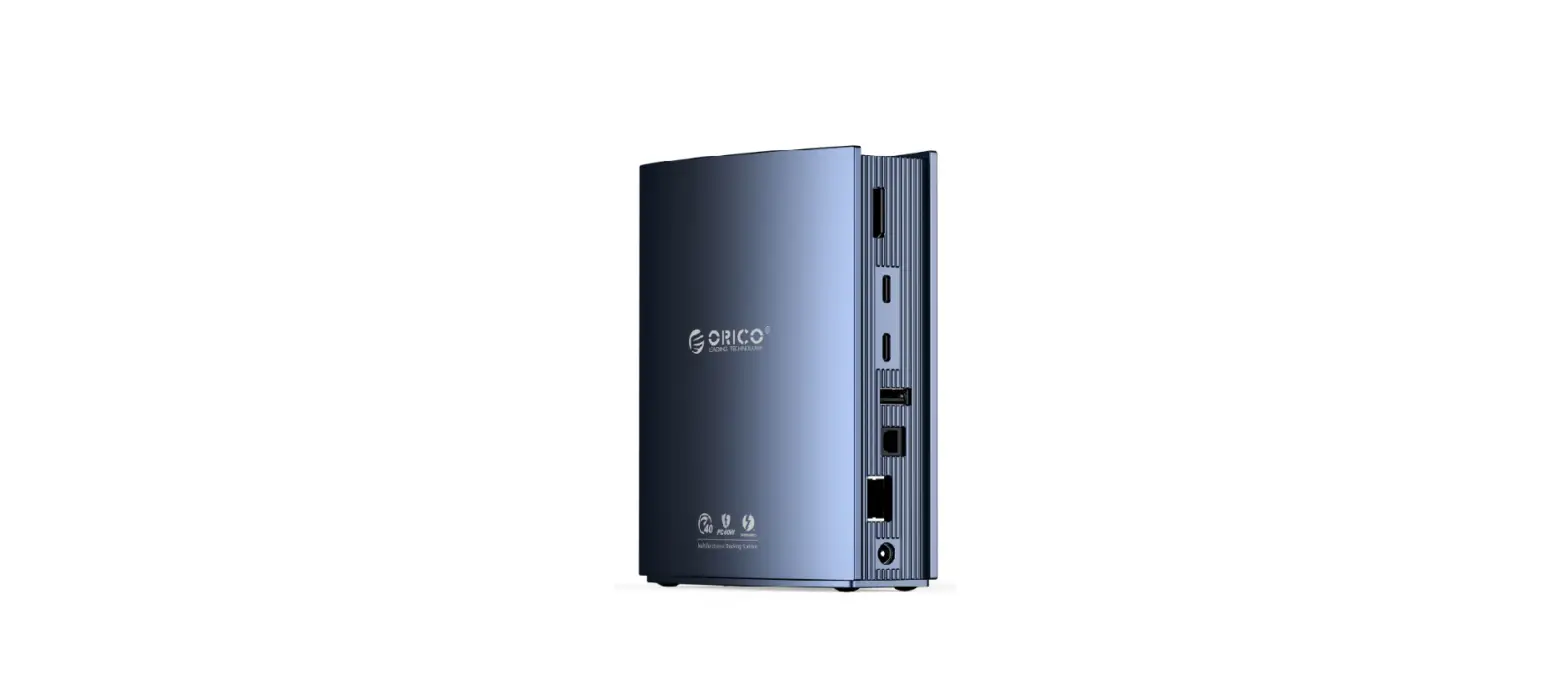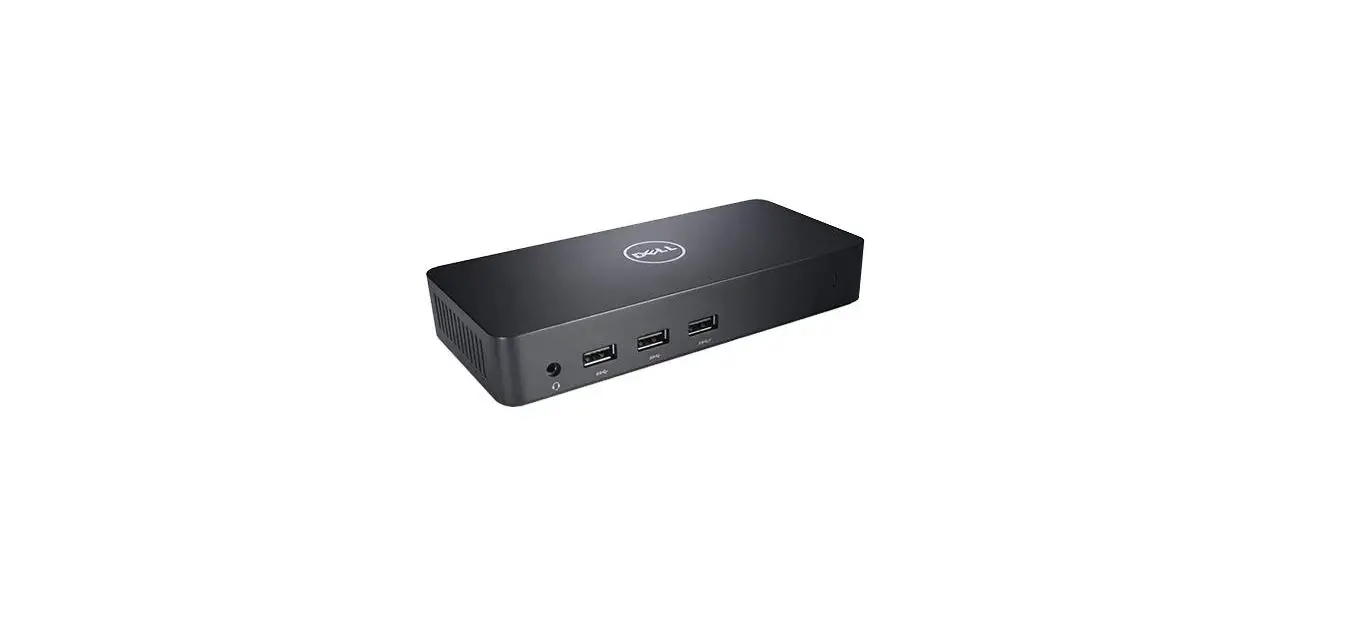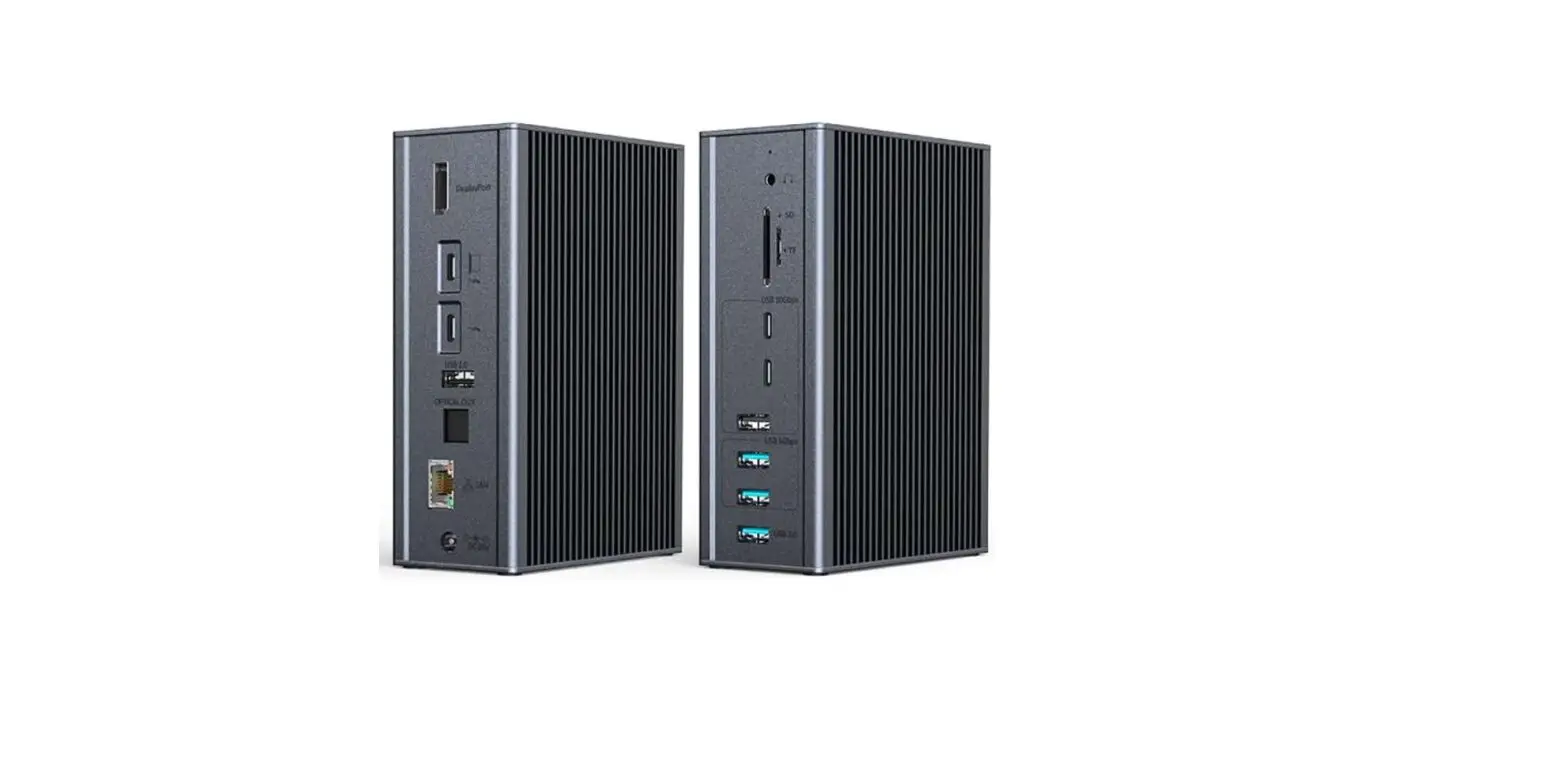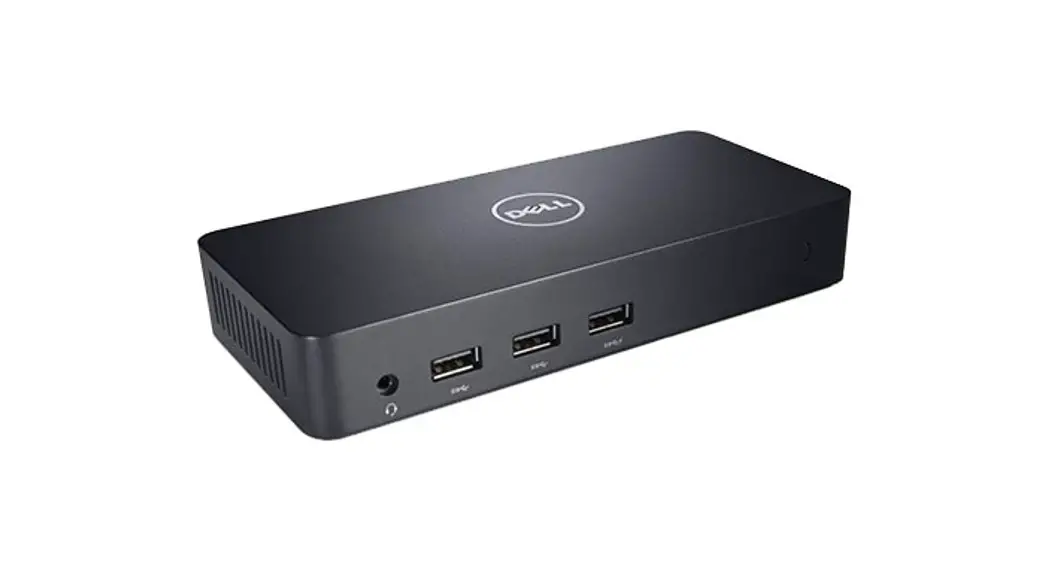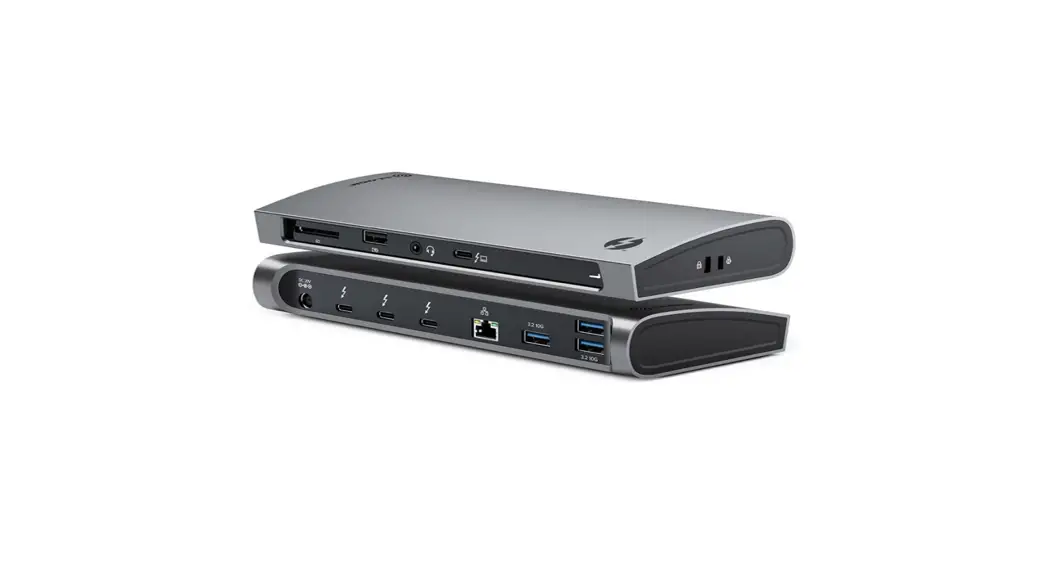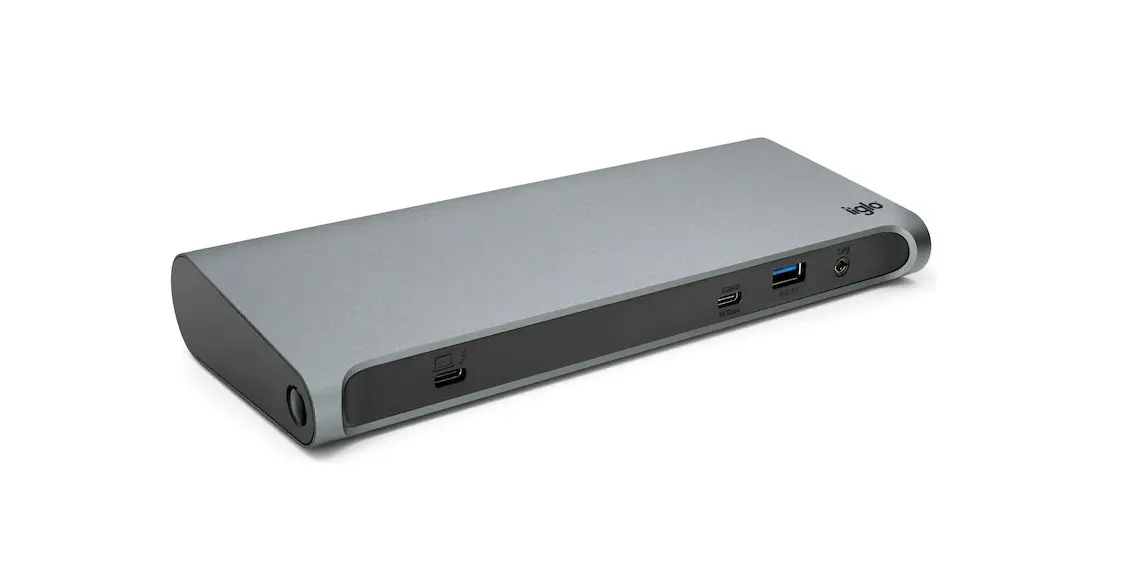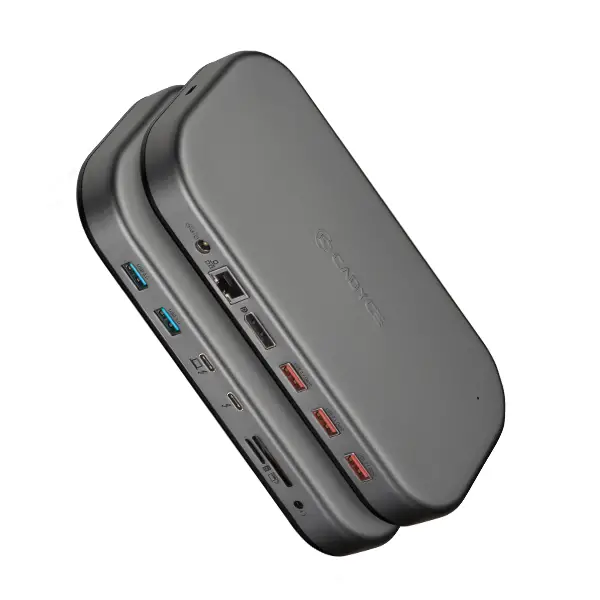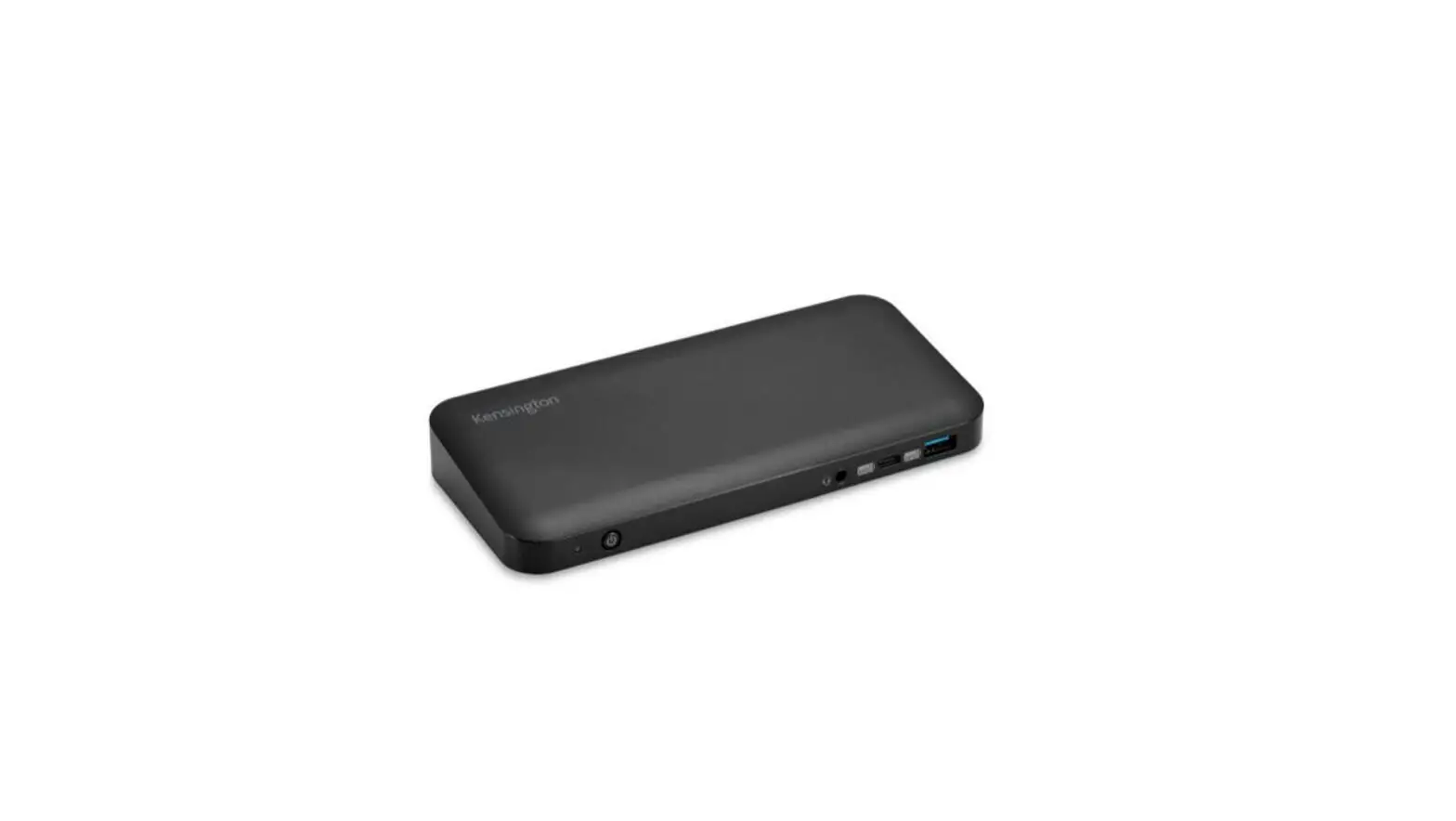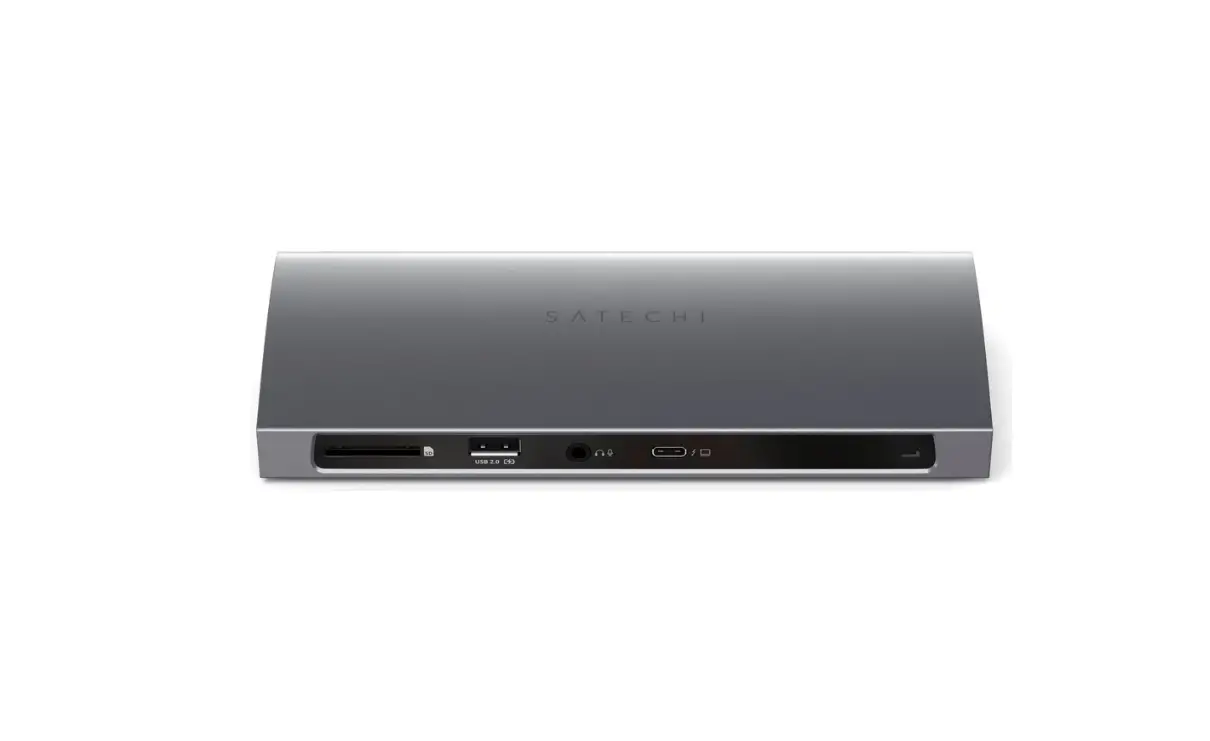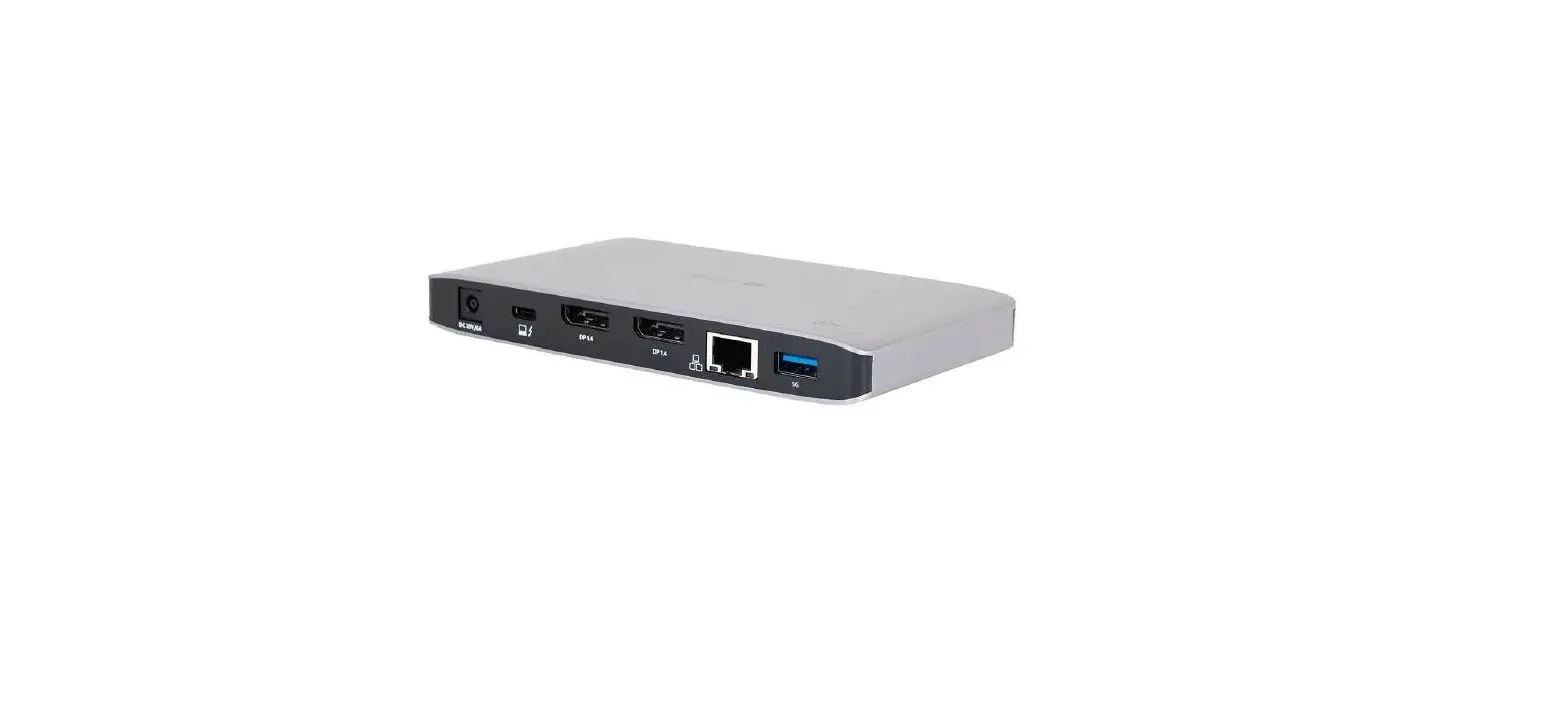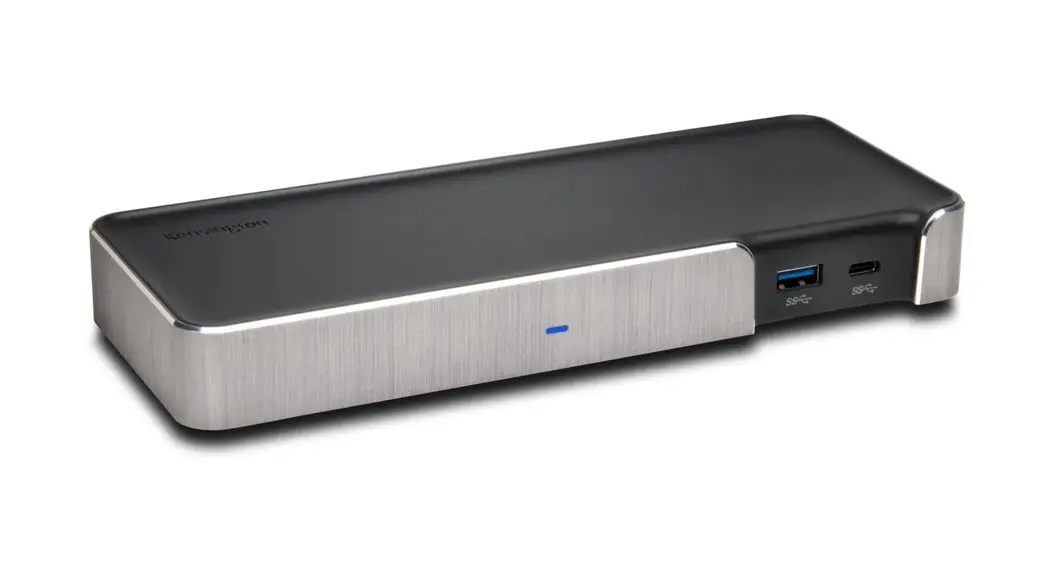
 SD5200T Thunderbolt™ 3 Dock
QUICK START GUIDE
Register Now!
www.kensington.com/register
1
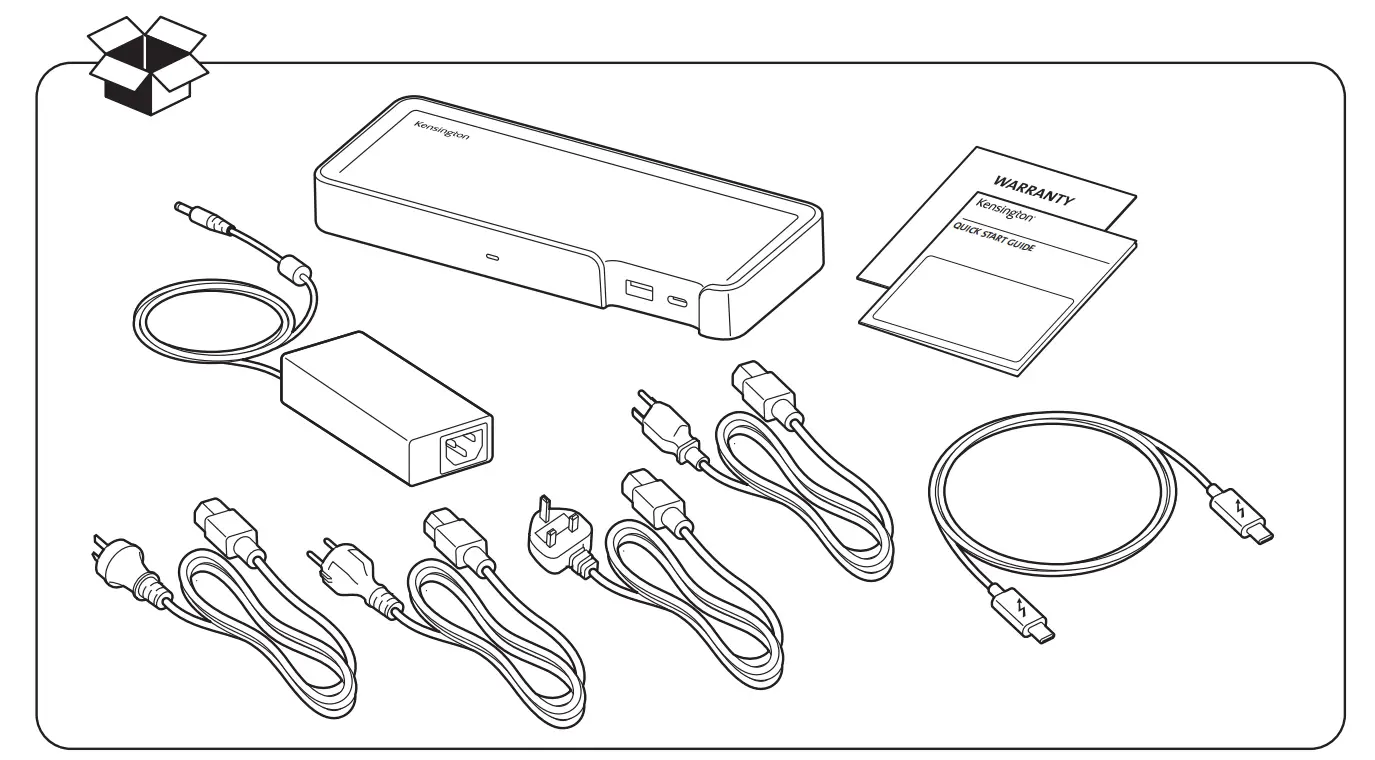
| 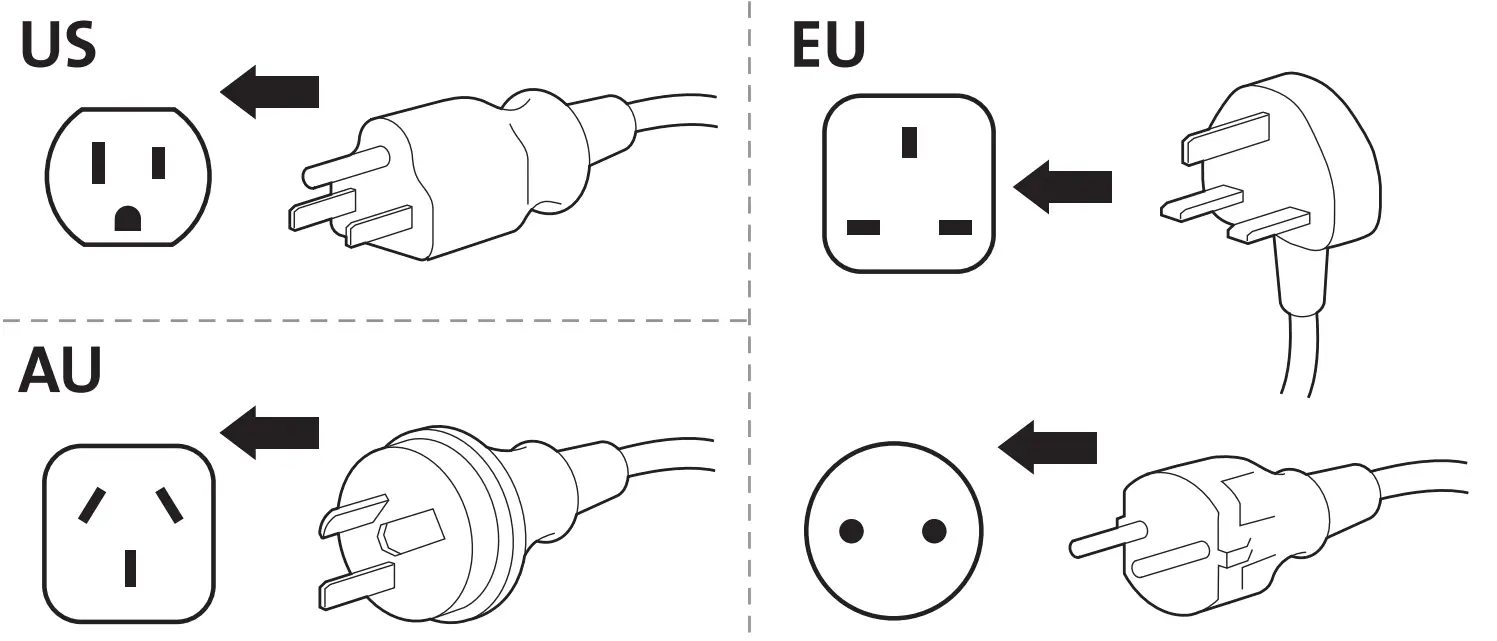 |
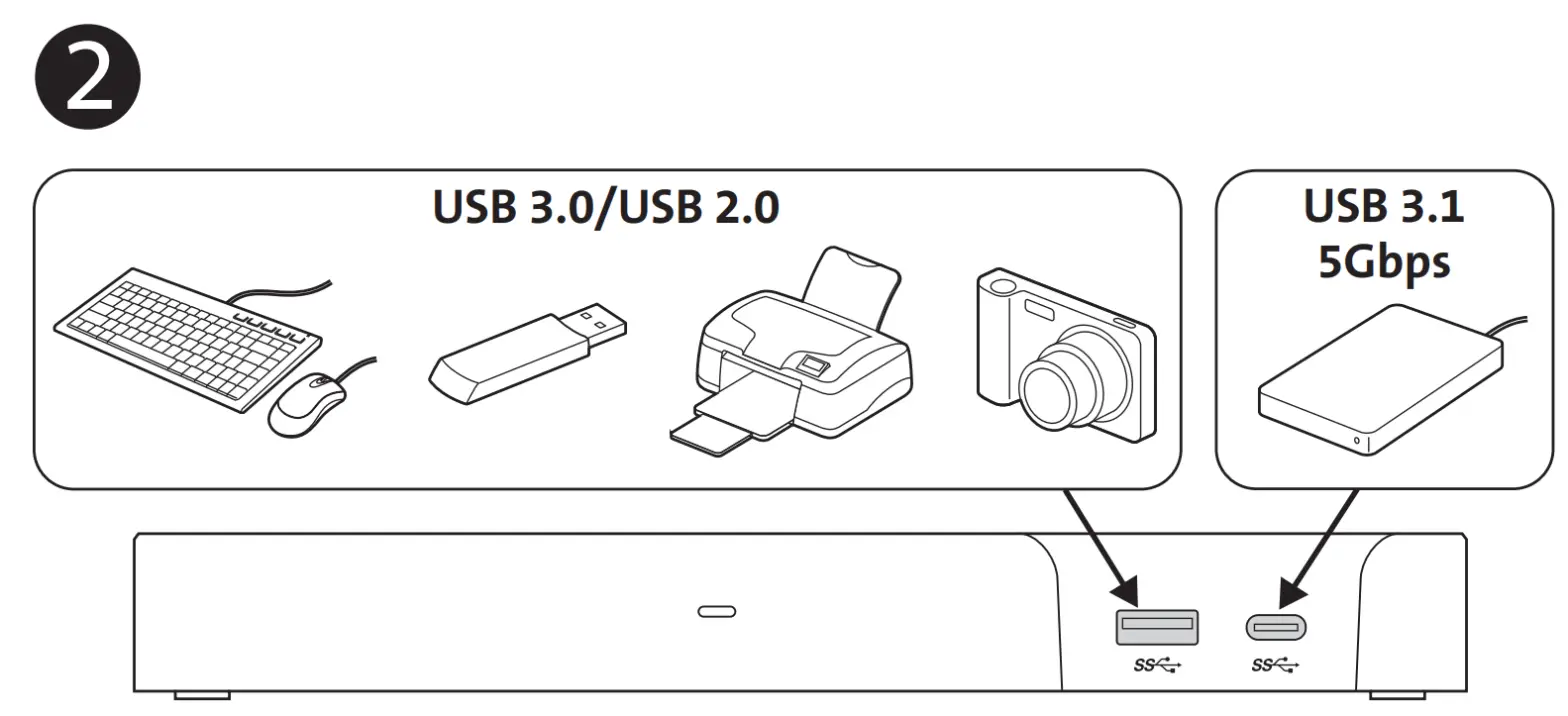 |  |
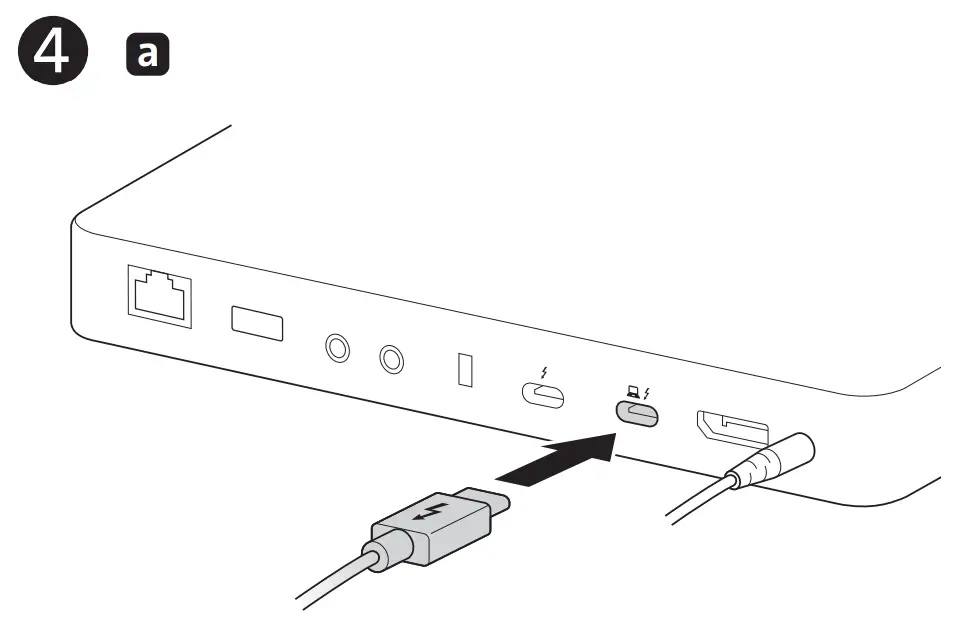
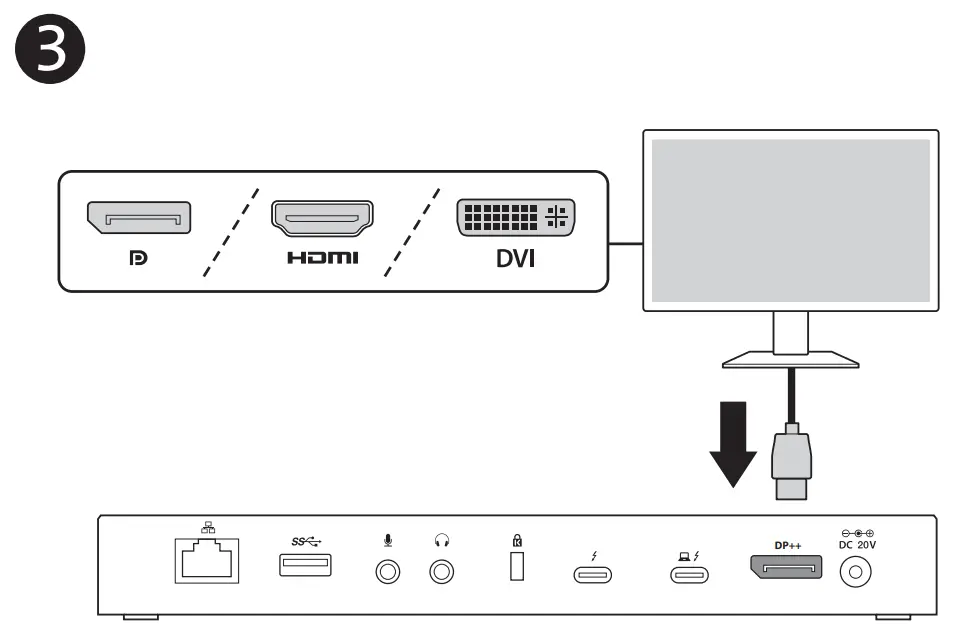 | 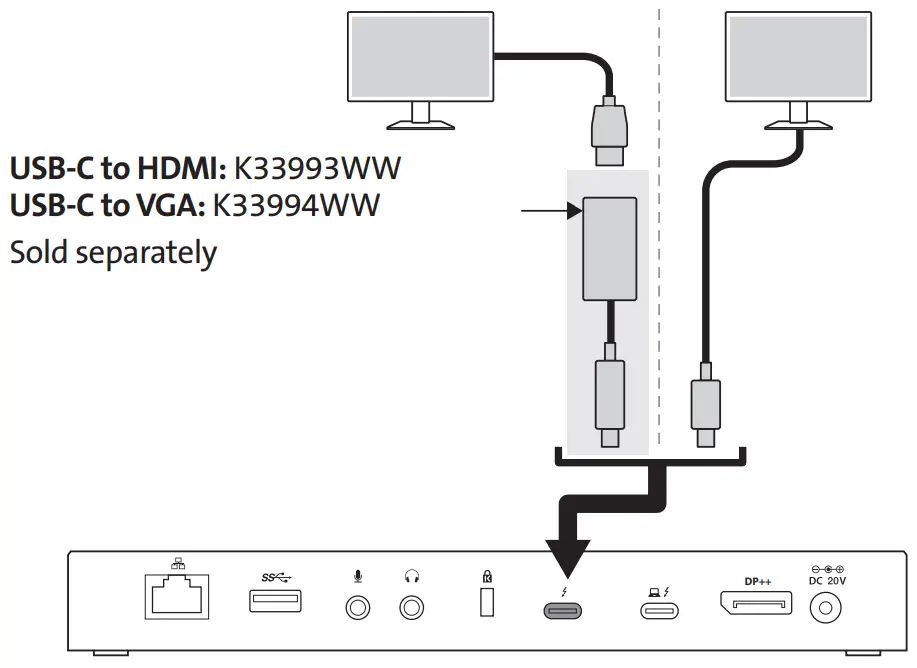 |
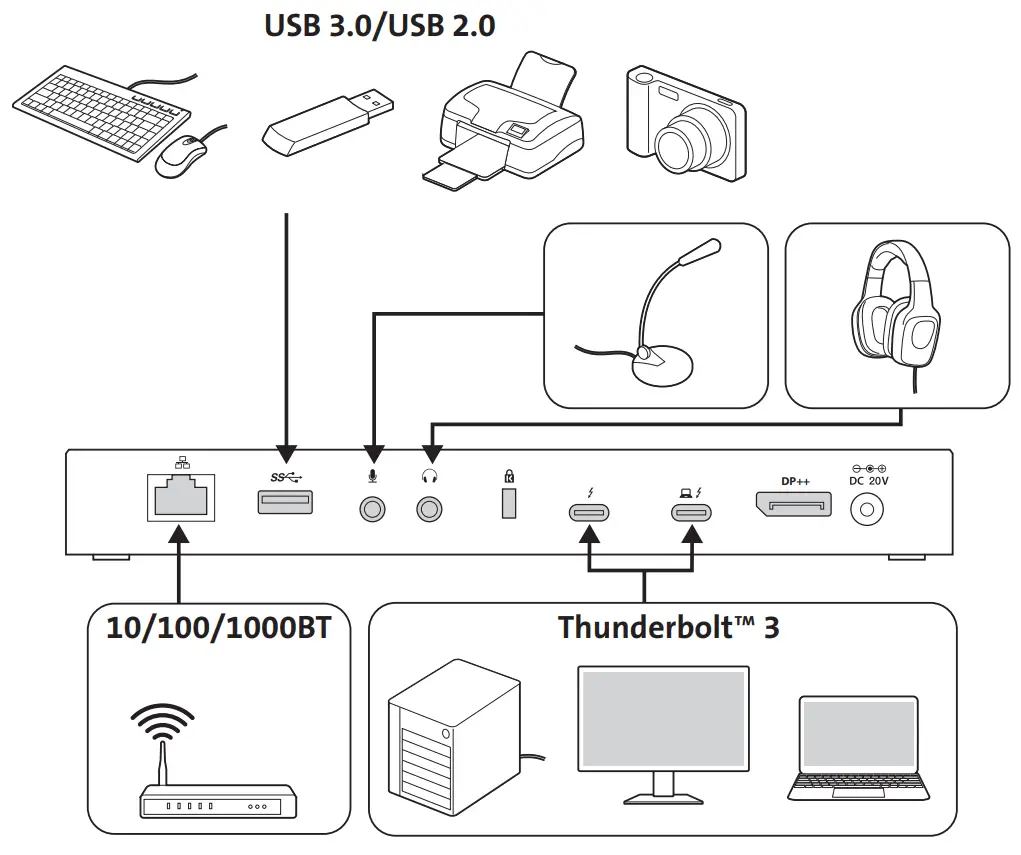
 | |
Sold separately | 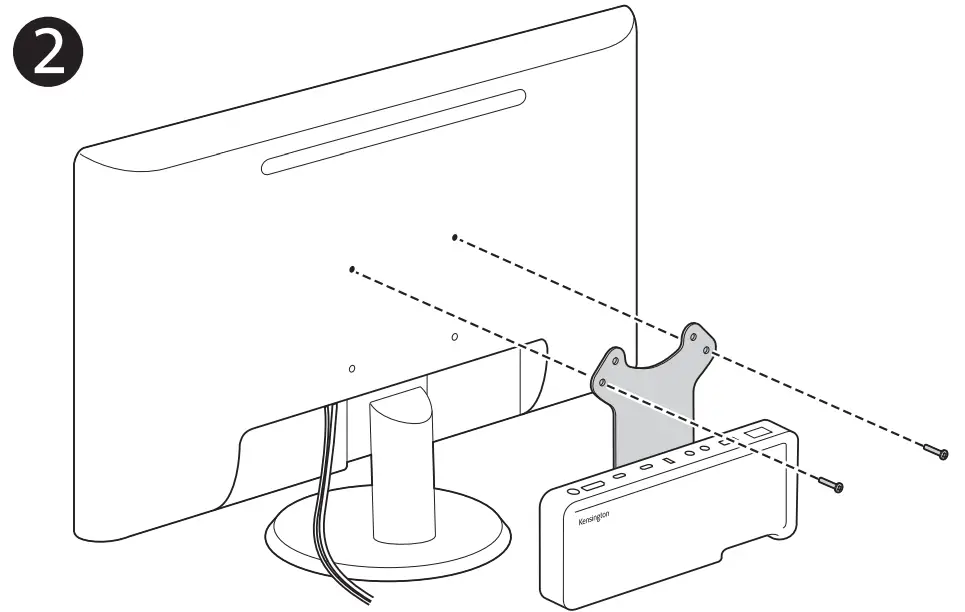 |
Sold separately Recommended |  |

FEDERAL COMMUNICATION COMMISSION INTERFERENCE STATEMENT
Note: This equipment has been tested and found to comply with the limits for a Class B digital device, pursuant to Part 15 of the FCC Rules. These limits are designed to provide reasonable protection against harmful interference in a residential installation. This equipment generates, uses, and can radiate radio frequency energy and, if not installed and used in accordance with the instructions, may cause harmful interference to radio communications. However, there is no guarantee that interference will not occur in a particular installation.
If this equipment does cause harmful interference to radio or television reception, which can be determined by turning the equipment off and on, the user is encouraged to try to correct the interference by one or more of the following measures:
- Reorient or relocate the receiving antenna
- Increase the separation between the equipment and receiver
- Connect the equipment into an outlet on a circuit different from that to which the receiver is connected
- Consult the dealer or an experienced radio/TV technician for help
MODIFICATIONS: Any changes or modifications not expressly approved by Kensington could void the user’s authority to operate the equipment.
FCC DECLARATION OF CONFORMITY COMPLIANCE STATEMENT
This product complies with Part 15 of the FCC Rules. Operation is subject to two conditions:
- This device may not cause harmful interference, and
- this device must accept any interference received, including interference that may cause undesired operation. As defined in Section 2.909 of the FCC Rules, the responsible party for this device is Kensington Computer Products Group, 1500 Fashion Island Blvd, 3rd Floor, San Mateo, CA 94404, USA.
INDUSTRY CANADA CONFORMITY
This Class [B] digital apparatus complies with Canadian ICES-003.
CE DECLARATION OF CONFORMITY
Kensington declares that this product is in compliance with the essential requirements and other relevant provisions of applicable EC directives. For Europe, a copy of the Declaration of Conformity for this product may be obtained by clicking on the ‘Compliance Documentation’ link at www.support.kensington.com.
INFORMATION FOR EU MEMBER-STATES ONLY: The use of the symbol indicates that this product may not be treated as household waste. By ensuring this product is disposed of correctly, you will help prevent potential negative consequences for the environment and human health, which could otherwise be caused by inappropriate waste handling of this product. For more detailed information about recycling of this product, please contact your local city office, your household waste disposal service, or the shop where you purchased the product.
ErP COMPLIANCE STATEMENT
The USB-C dock meets 2013 ErP Lot 6/26 Standby Power Regulations. The power consumption is less than 0.5W in standby mode.
Standby mode of USB-C dock: the USB-C dock will go into standby mode in one minute after unplugging all the devices.
Technical Support
| Australia | 1300 881 931 | Japan | +81 04-7129-2135 |
| Brasil | 14 3235-4003 | México | 55 15 00 57 00 |
| Canada | 1 800 268 3447 | Nederland | 010 713 1882 |
| China | 400 0684 219 | New Zealand | 0800 539 26273 |
| Denmark | 80 250966 | Norway 80017520 | 80017520 |
| Finland | 0800 9 15697 | Portugal 800855802 | 800855802 |
| France | 01 7671 0404 | Russia | 007 495 933 5163 |
| Hong Kong | 00852 2823 5130 | Sweden | 08 5033 6577 |
| Hungary | 06 20 9430 612 | United Kingdom | 0203 364 5390 |
| Ireland | 01 431 1395 | United States | 1 800 535 4242 |
| Suisse | 044 580 6667 | International Toll | +31 53 484 9135 |
Kensington and the ACCO name and design are registered trademarks of ACCO Brands. All other registered and unregistered trademarks are the property of their respective owners.
©2018 Kensington Computer Products Group, a division of ACCO Brands. Any unauthorized copying, duplicating, or other reproduction of the contents hereof is prohibited without written consent from Kensington Computer Products Group. All rights reserved. 01/18
 Kensington Computer Products Group
A Division of ACCO Brands
1500 Fashion Island Blvd, 3rd Floor
San Mateo, CA 94404
ACCO Brands Europe
A Division of ACCO Brands Europe Oxford House, Oxford Road
Aylesbury, Buckinghamshire, HP21 8SZ United Kingdom
ACCO Brands Canada Inc
7381 Bramalea Rd Mississauga,
ON L5S 1C4 Canada
ACCO Brands Australia – Kensington
2 Coronation Avenue Kings Park NSW 2148
Australia
Importado por ACCO Mexicana
S.A. de C.V.
Circuito de la Industria Norte # 6, Corredor Industrial Toluca Lerma, Lerma México Cp. 52004
R.F.C. AME640229-1W3
Acco Brands Chile S.A.,
Avda. Presidente Riesco # 5711, Oficina 201
Las Condes, Santiago, Chile C.P. 7561114
Importado e Distribuído por:
TILIBRA PRODUTOS DE PAPELARIA LTDA.
CNPJ: 44.990.901/0001-43
Rua Aymorés, 6-9 – Bauru/SP – Brasil
CEP 17013-900
ACCO Brands Asia Pte Ltd
5A Toh Guan Road East #06-03, Singapore 608830
K38300
901-9542-02
References
 Re-direct | Kensington Chevron Icon Chevron Icon Icon/Chevron Shape Chevron Icon Icon/Social/Twitter Icon/Social/Facebook YouTube Icon/Social/LinkedIn Instagram icon Spiceworks_48px_grey Pinterest icon
 ACCO Brands – ACCO Brands
-
Product Registration - Kensington
-
kensington.com/support
-
Product Support - Support - Kensington
 Re-direct | Kensington Chevron Icon Chevron Icon Icon/Chevron Shape Chevron Icon Icon/Social/Twitter Icon/Social/Facebook YouTube Icon/Social/LinkedIn Instagram icon Spiceworks_48px_grey Pinterest icon
 ACCO Brands – ACCO Brands
 Product Registration - Kensington
 Product Support - Support - Kensington