 EA19
EA19
EARPIECE MICROPHONE WITH IN-LINE PTT
Quick Start User Guide
V1.3
Thank you for purchasing the Entel earpiece microphone. With care, this product should provide years of trouble free use.
FITTING
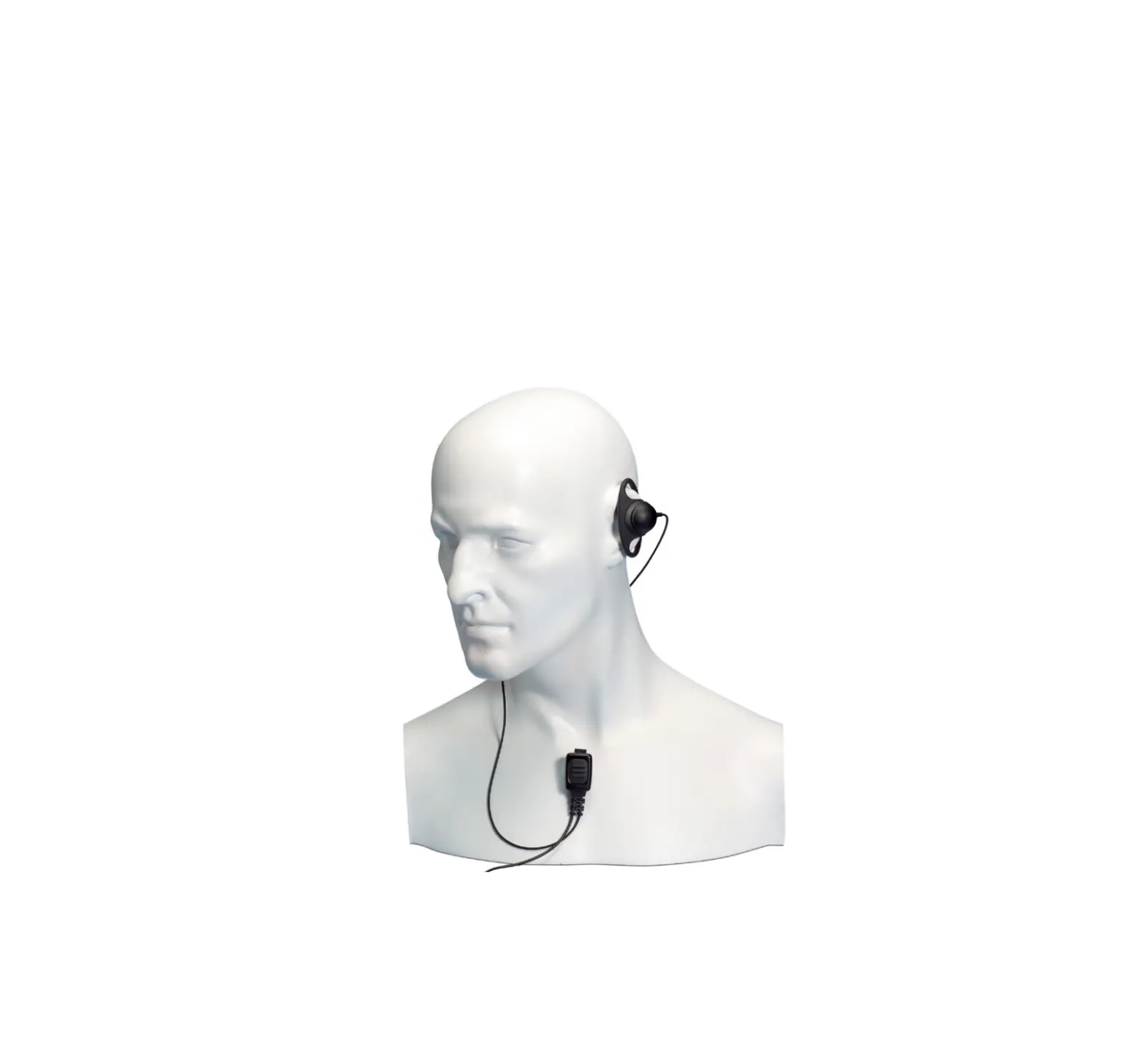
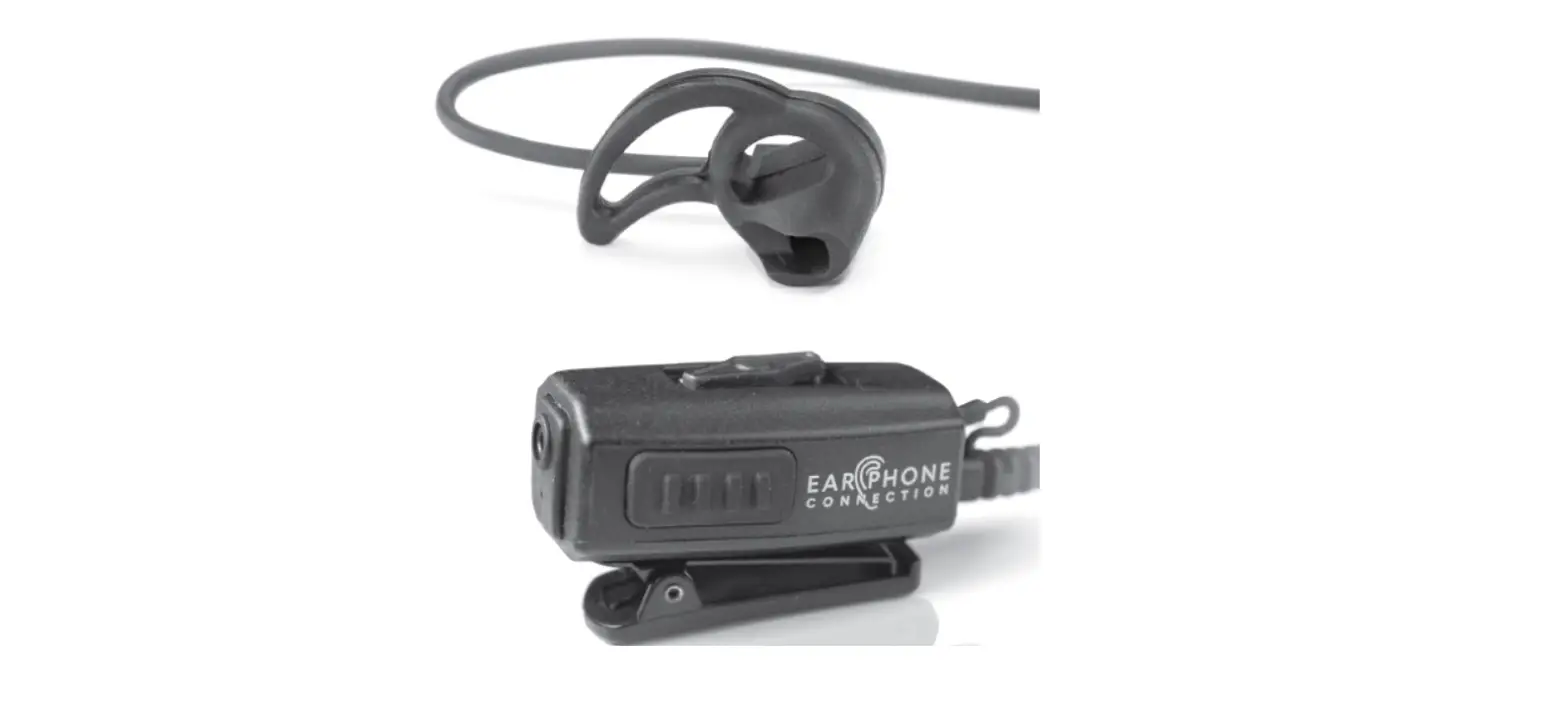
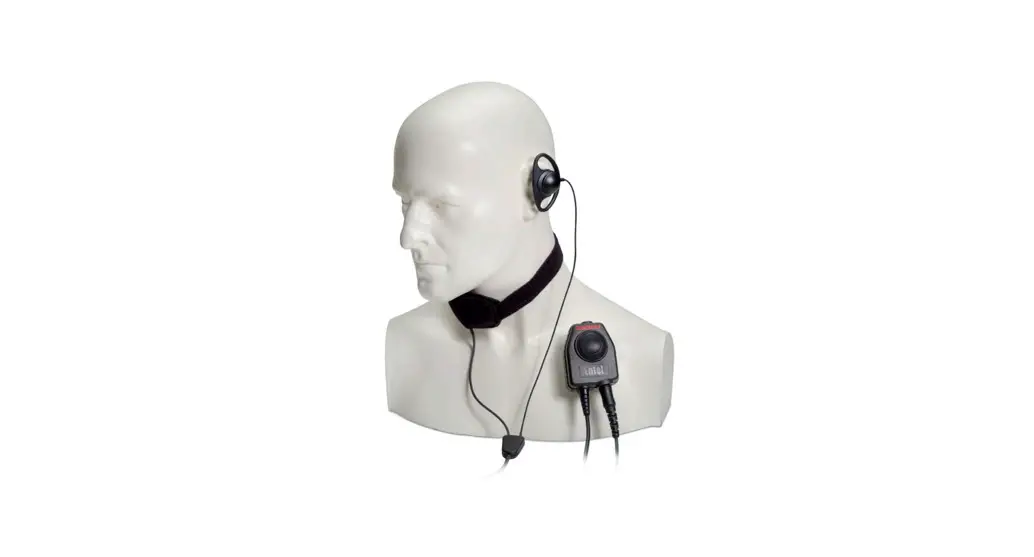
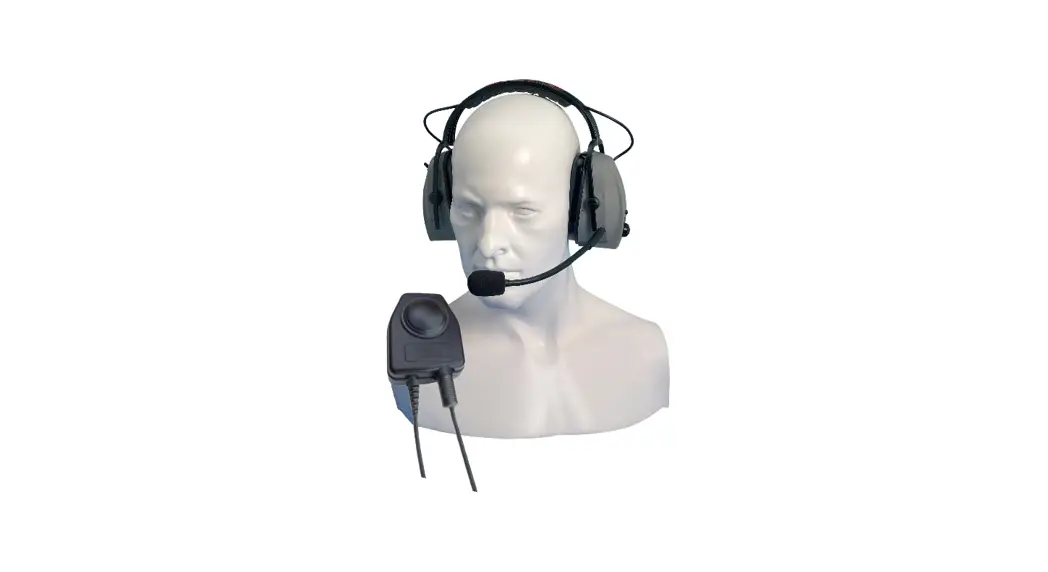
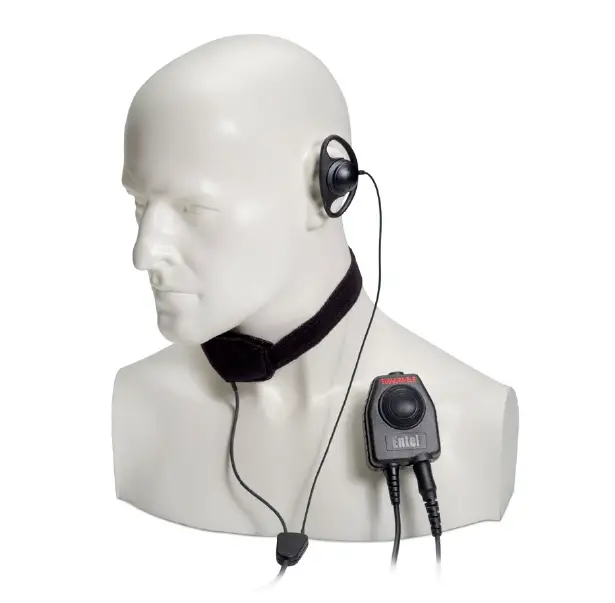
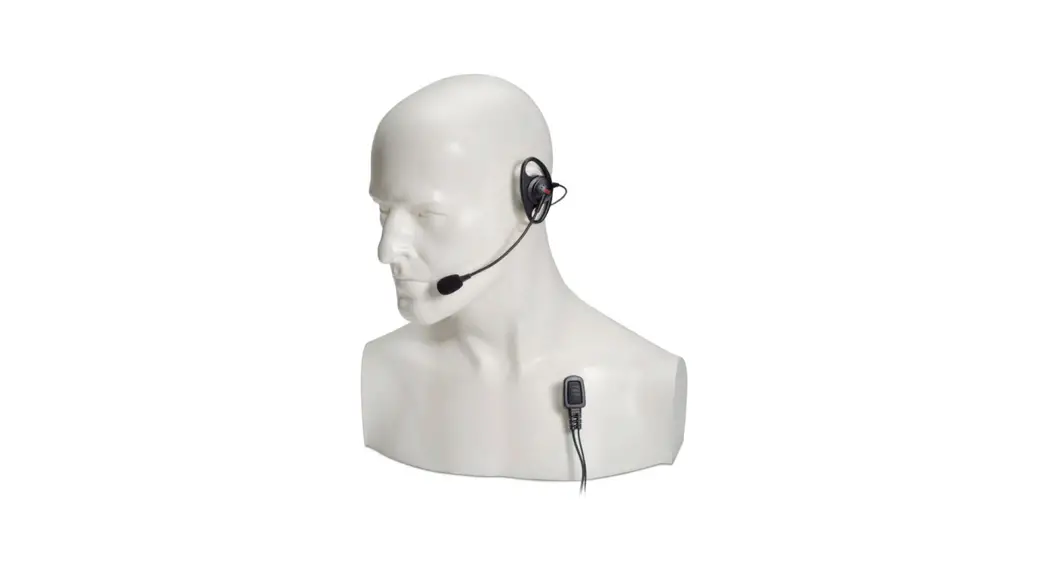
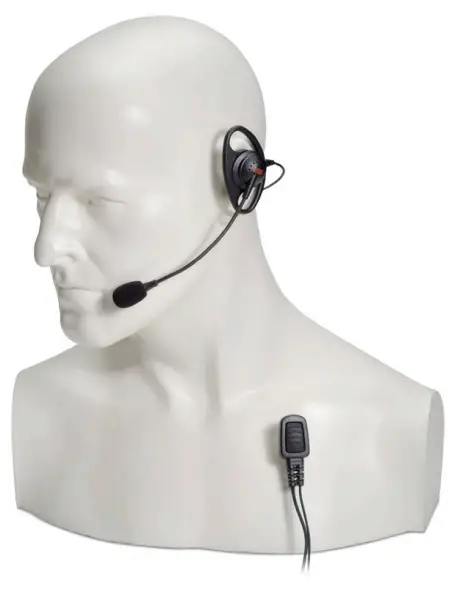
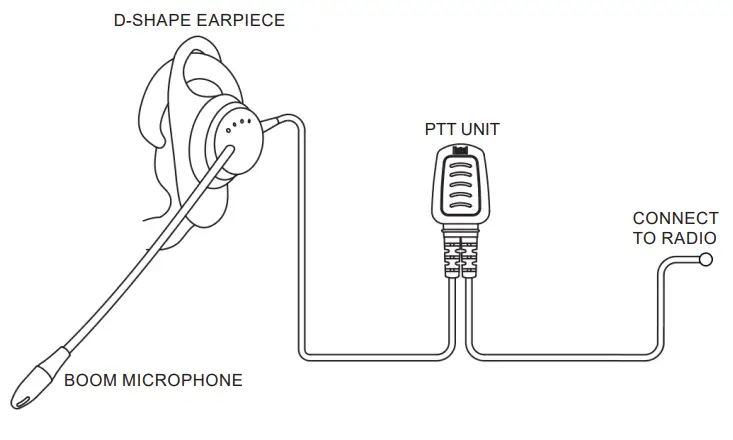
Place the D-shaped shell earpiece comfortably and securely over either ear, with the boom microphone positioned directly in front of your mouth. Clip the PTT button at lapel height, about 10 cm away from your mouth.
OPERATING INSTRUCTIONS
• Press the PTT button to transmit and release to receive.
• Speak normally, do not shout directly into the microphone.
IMPORTANT
Always switch the radio off before attaching an audio accessory. Models that are certified to ATEX & IECEx have been clearly labelled. Should, in the course of use, any labels be removed or become illegible please return the accessory to Entel for relabelling.
SPECIFICATIONS
EARPIECE MICROPHONE
| Mic. element | Electret condenser |
| Speaker impedance | 16 ohm |
| Output sound level pressure | <85 dBA |
| Weight | 60g |
Only use Entel original accessories, use of non-approved 3rd party accessories will invalidate your intrinsically safe approval.

Above approvals apply to specific models only
| Model | Series | Intrinsically safe cert. no. | Approval |
| EA19/950 | HT500 HT800, HT900 | IECEx SIR 10.0097X Sira 10ATEX2066X | IECEx ATEX |
| EA19/750 | HT700 | None | None |
| EA19/DX | DX, DN | None | None |

Contact
For more information about our products please contact us:
 +44 (0)20 8236 0032
 [email protected]
 entel.co.uk
All Rights Reserved. Copyright Entel UK Ltd.
 Entel – Manufacturers of professional two-way radio equipment