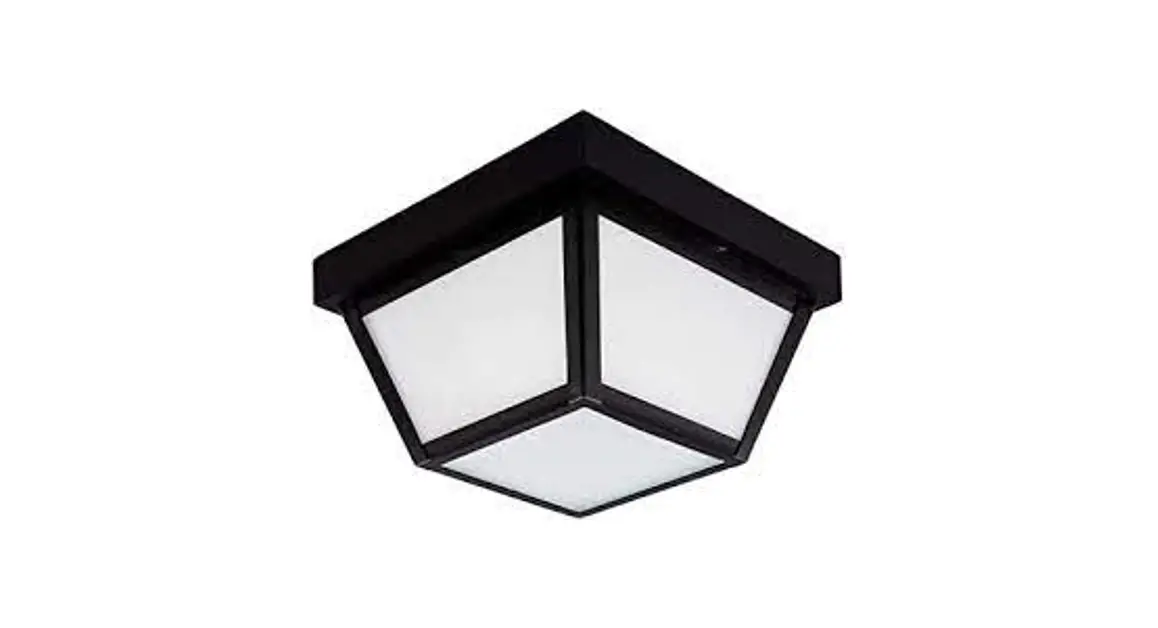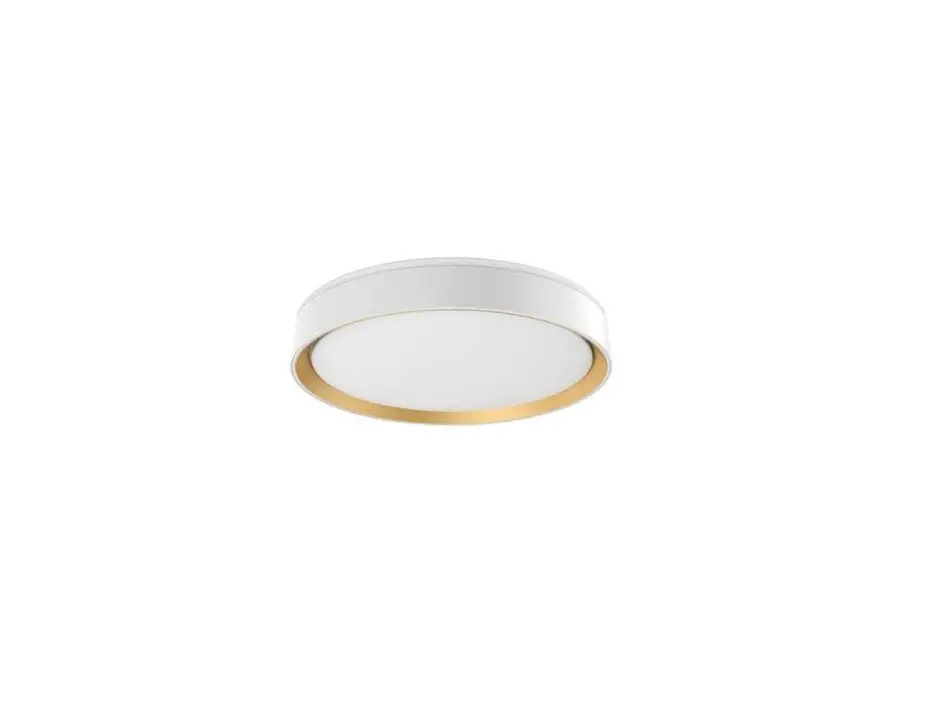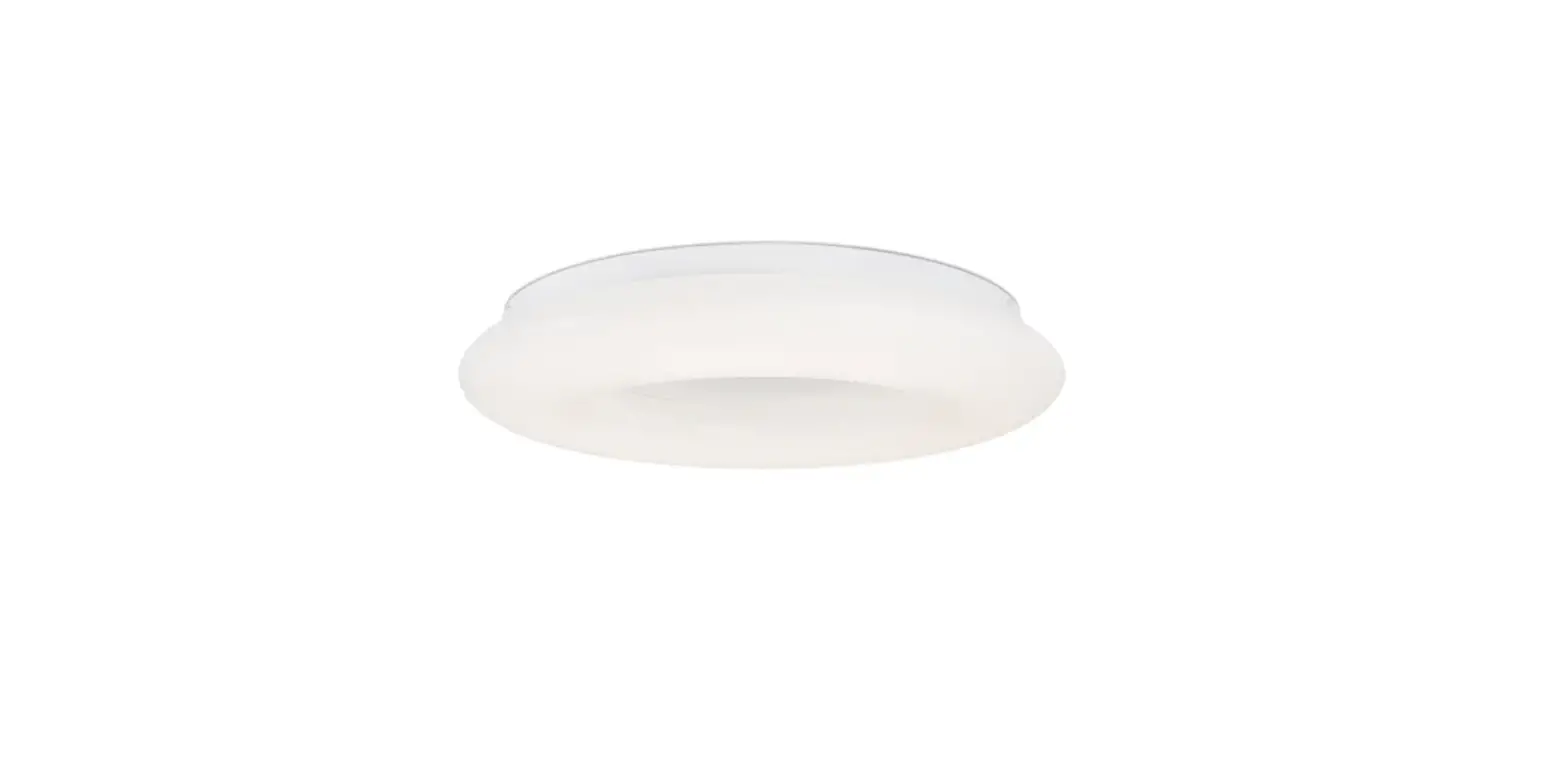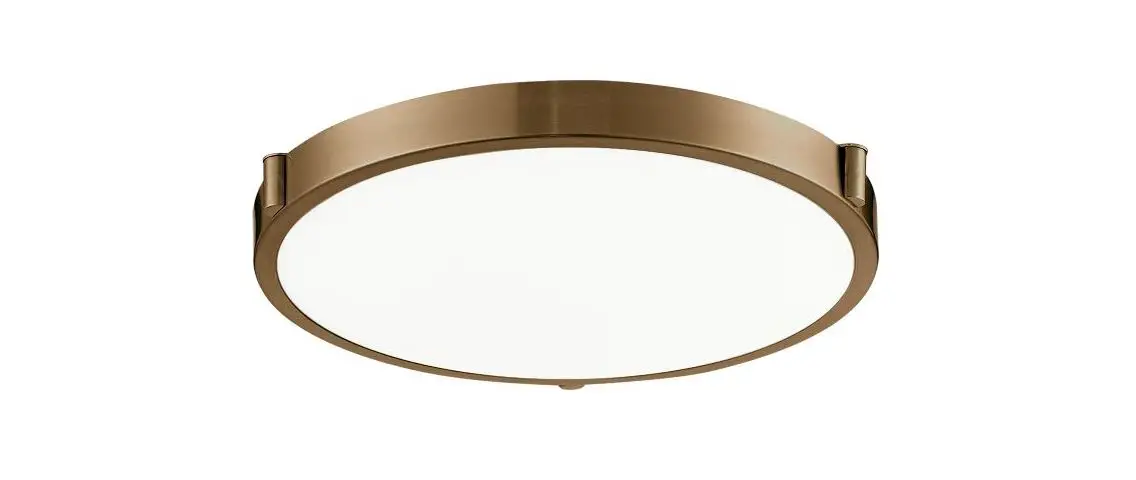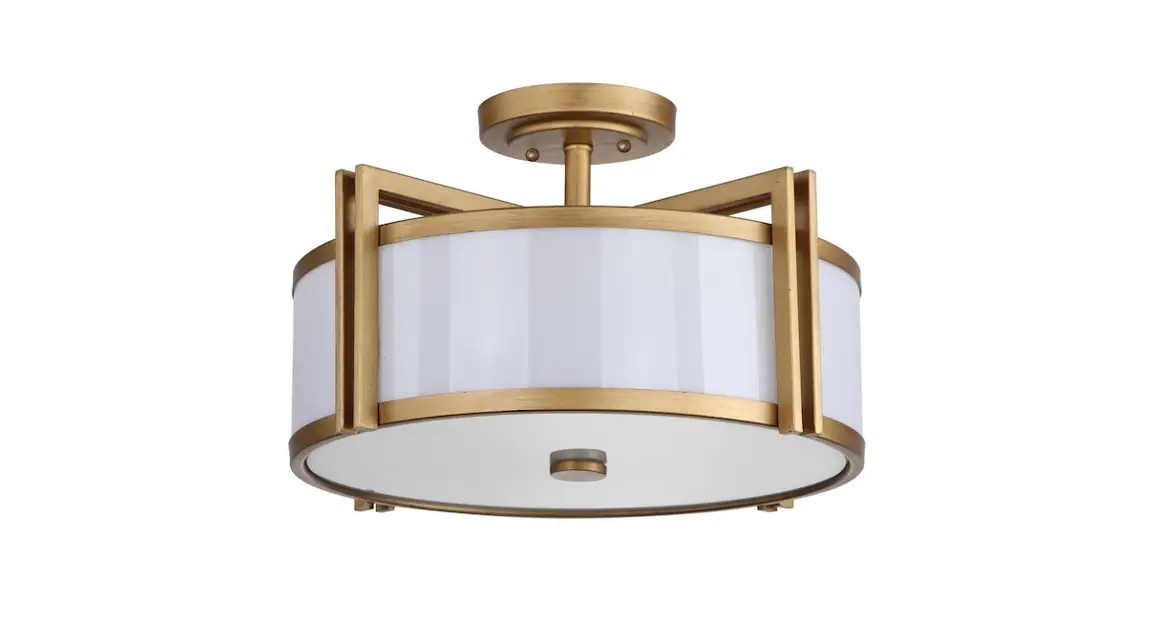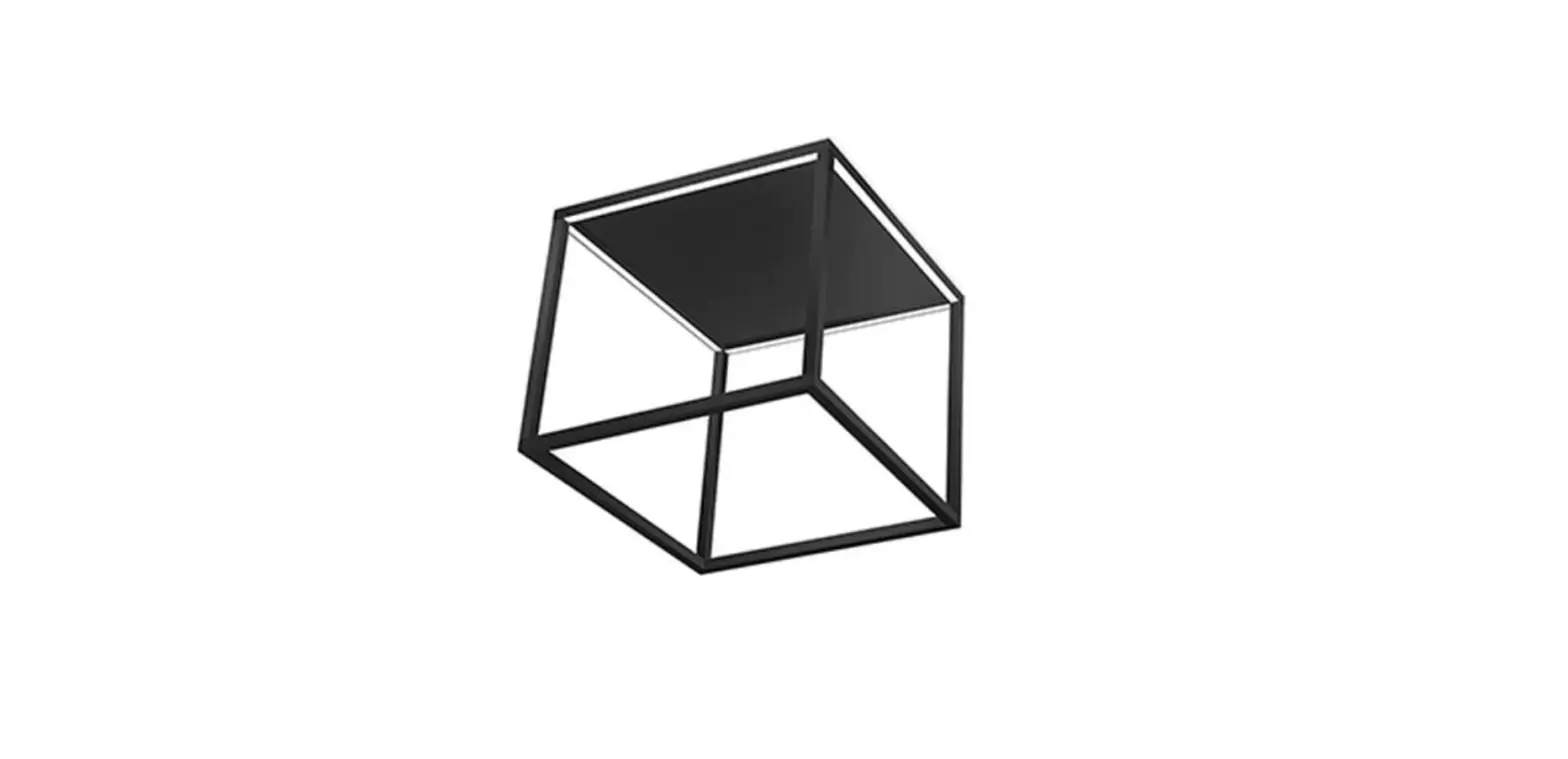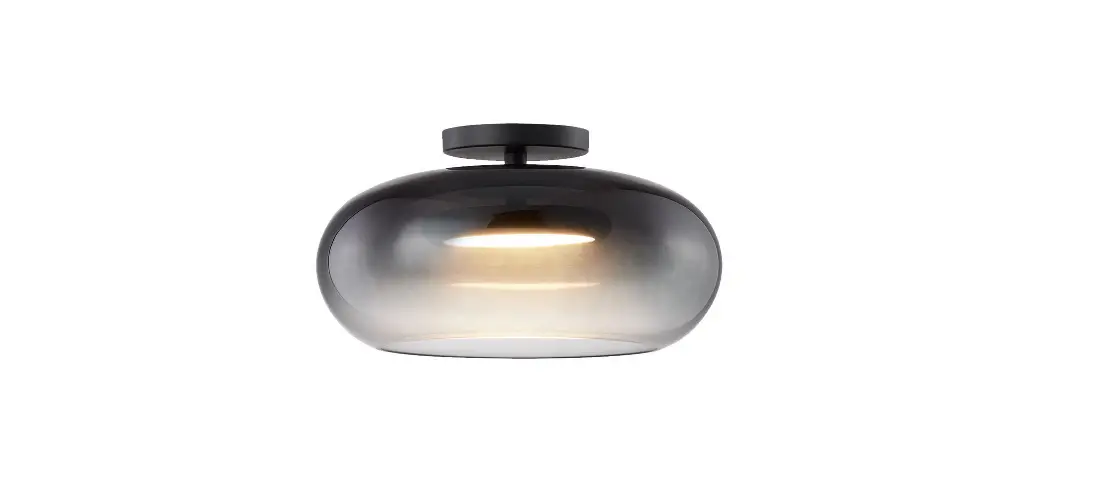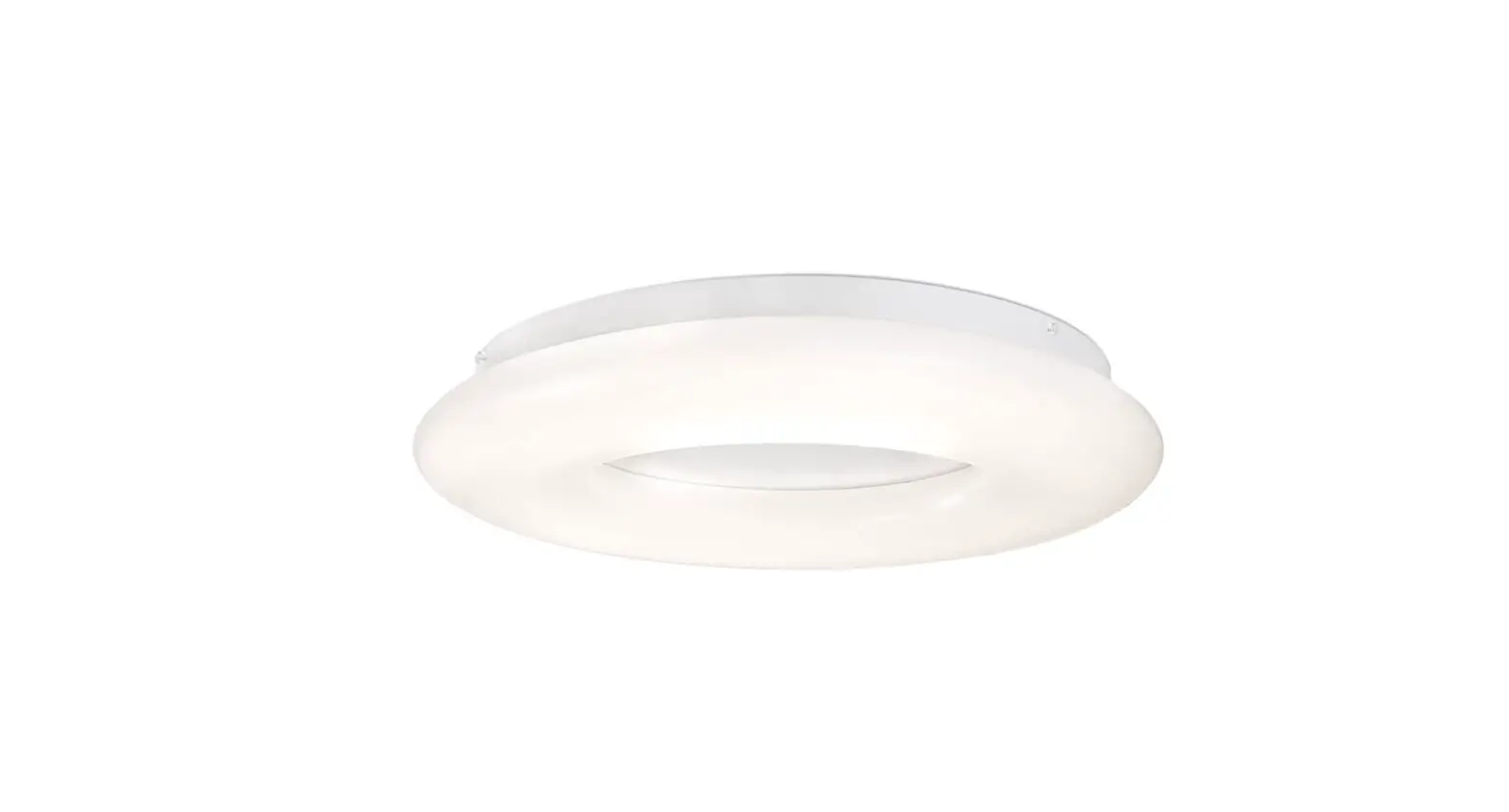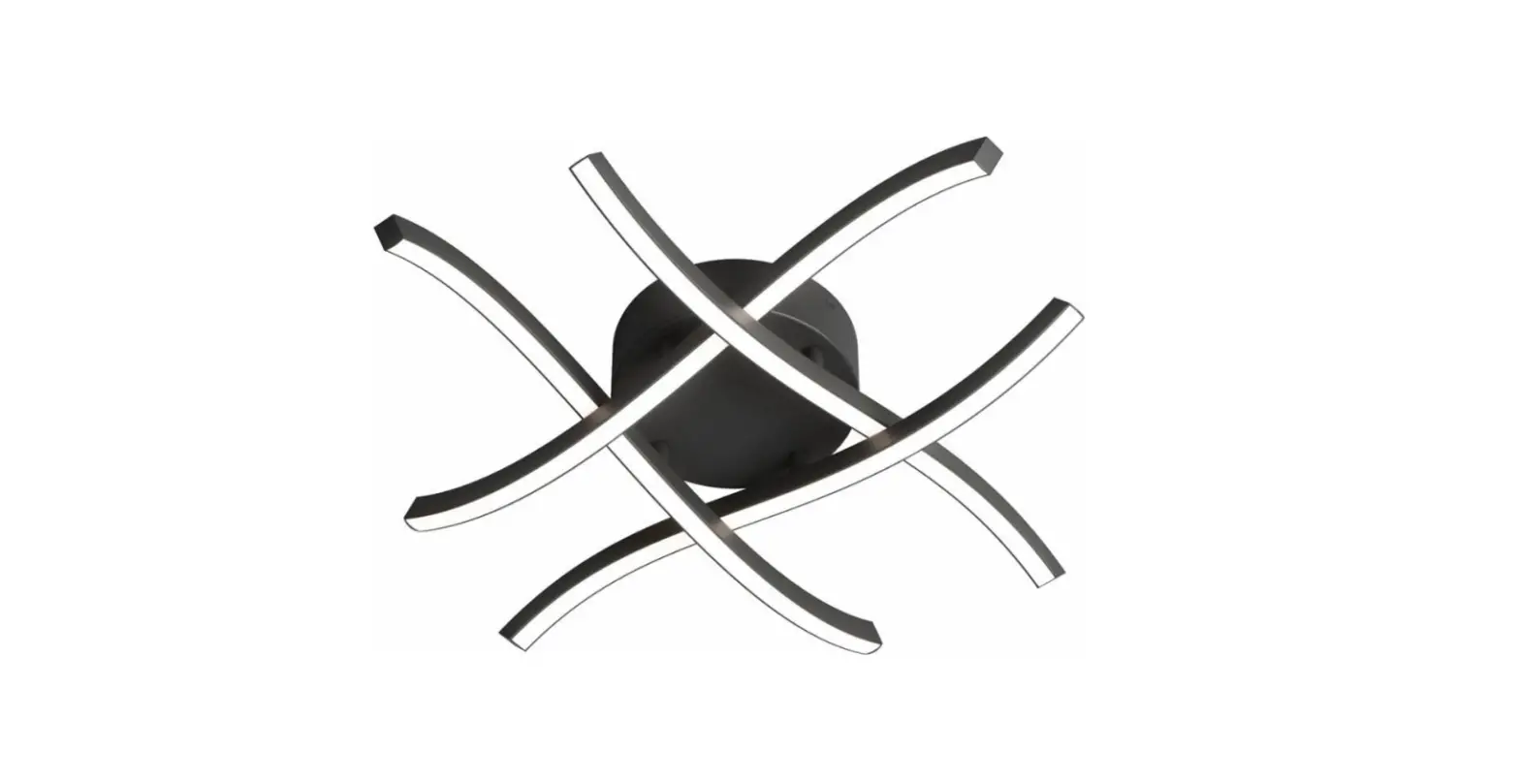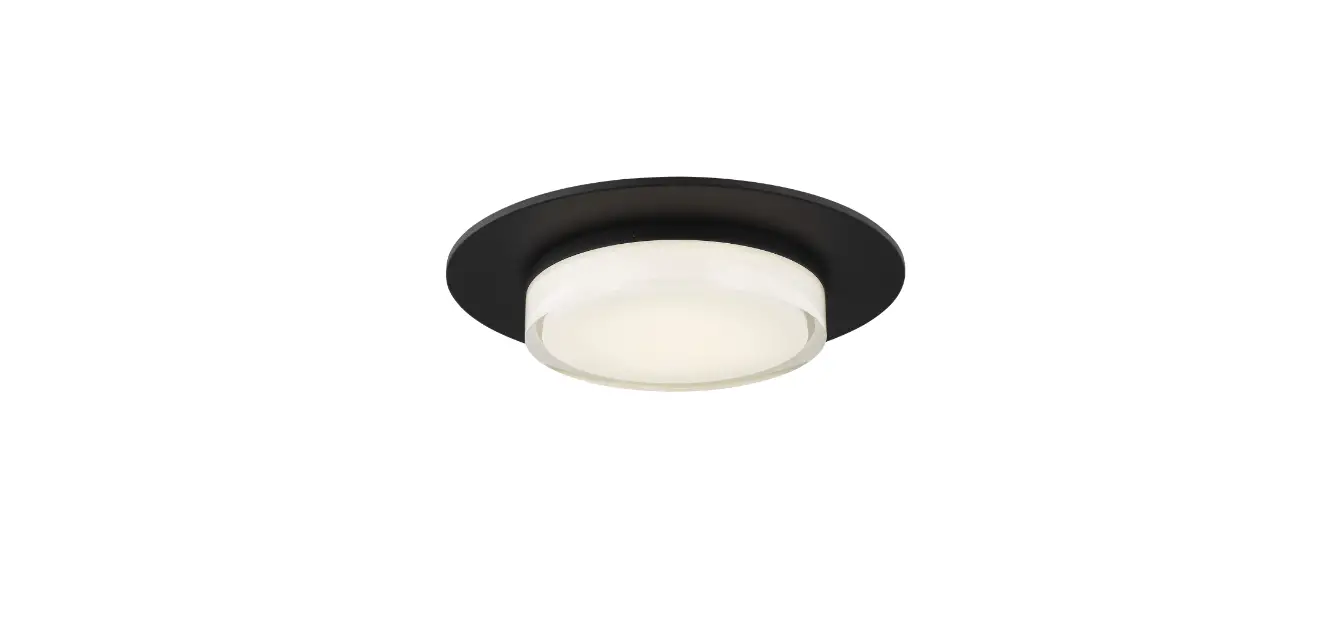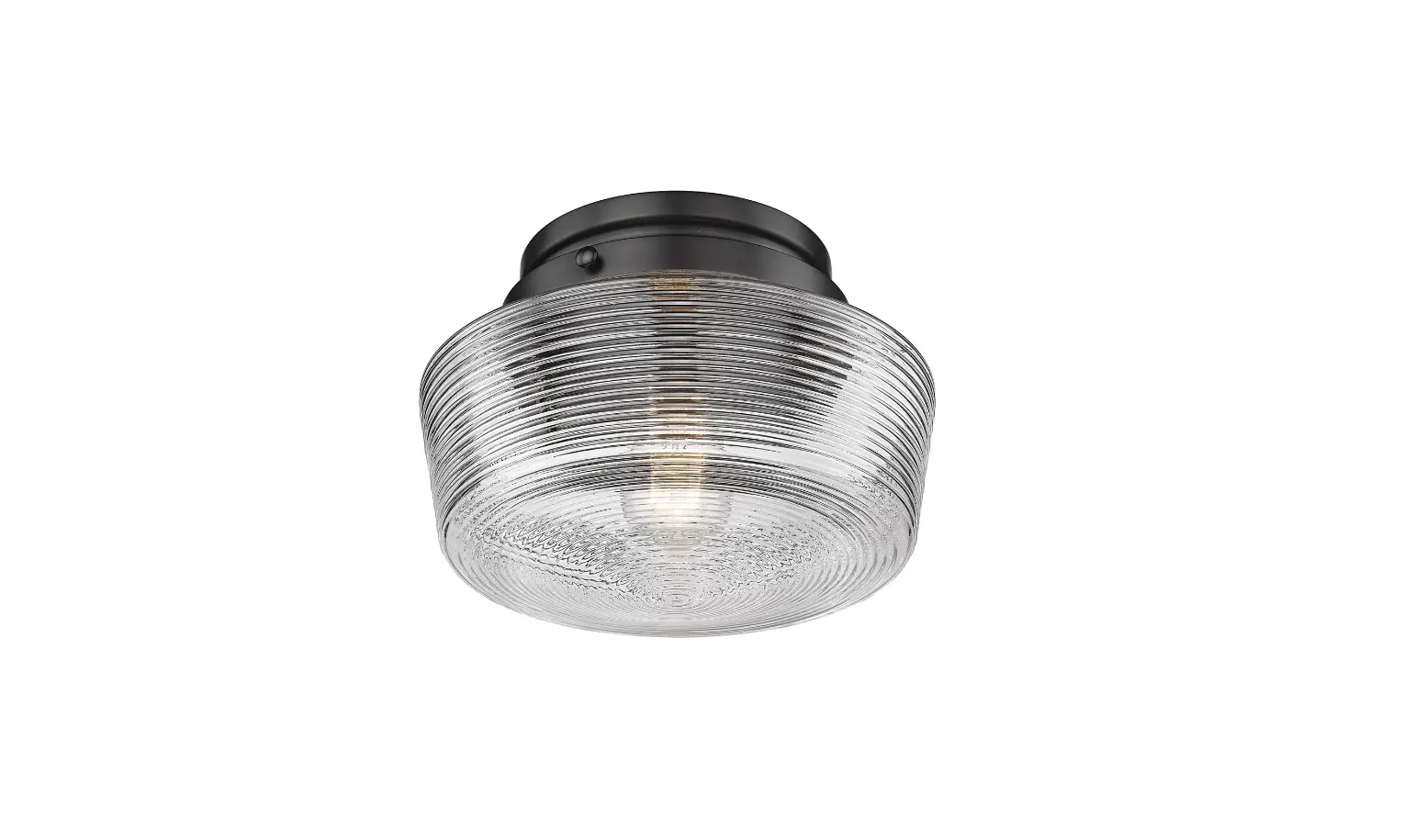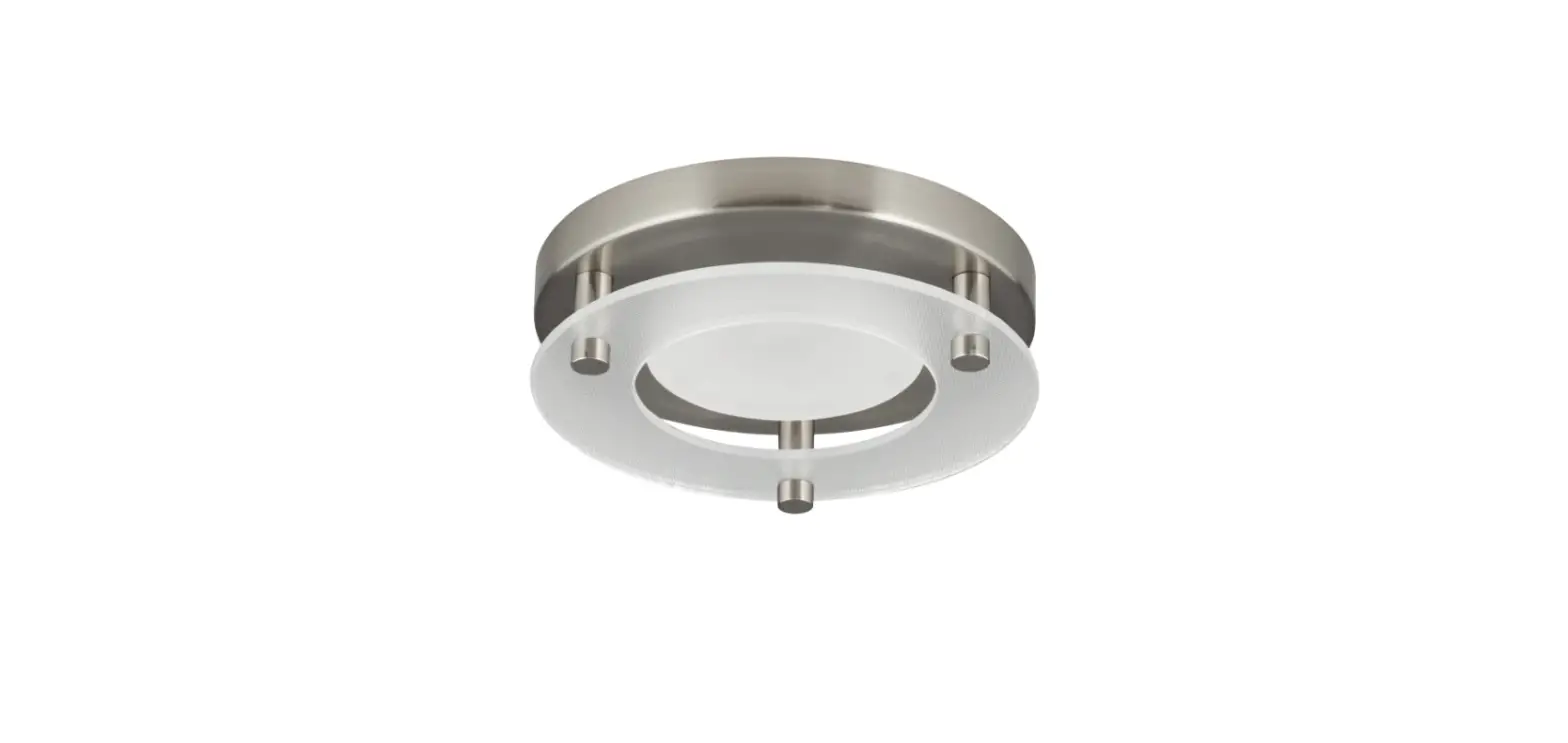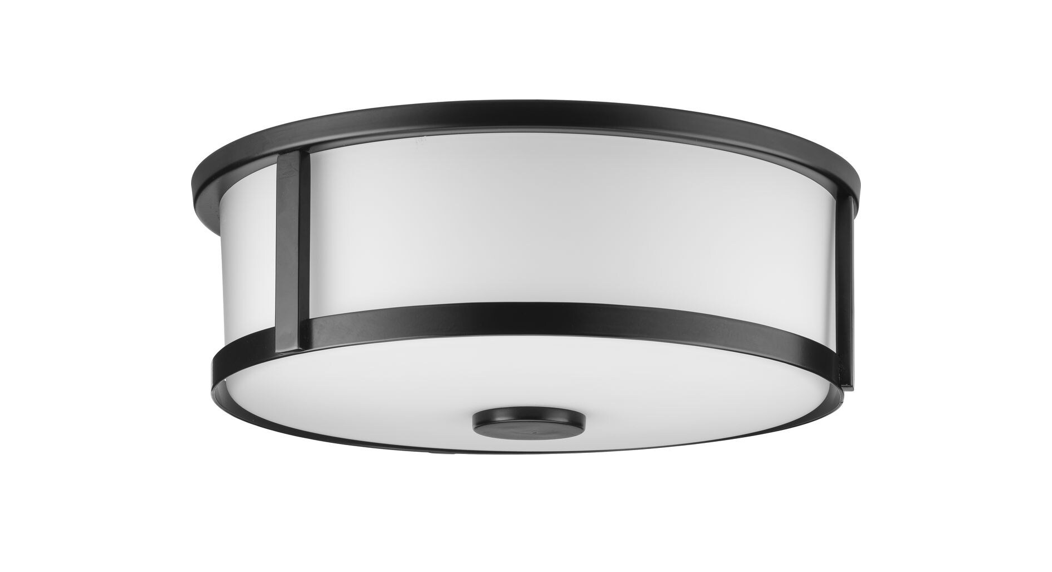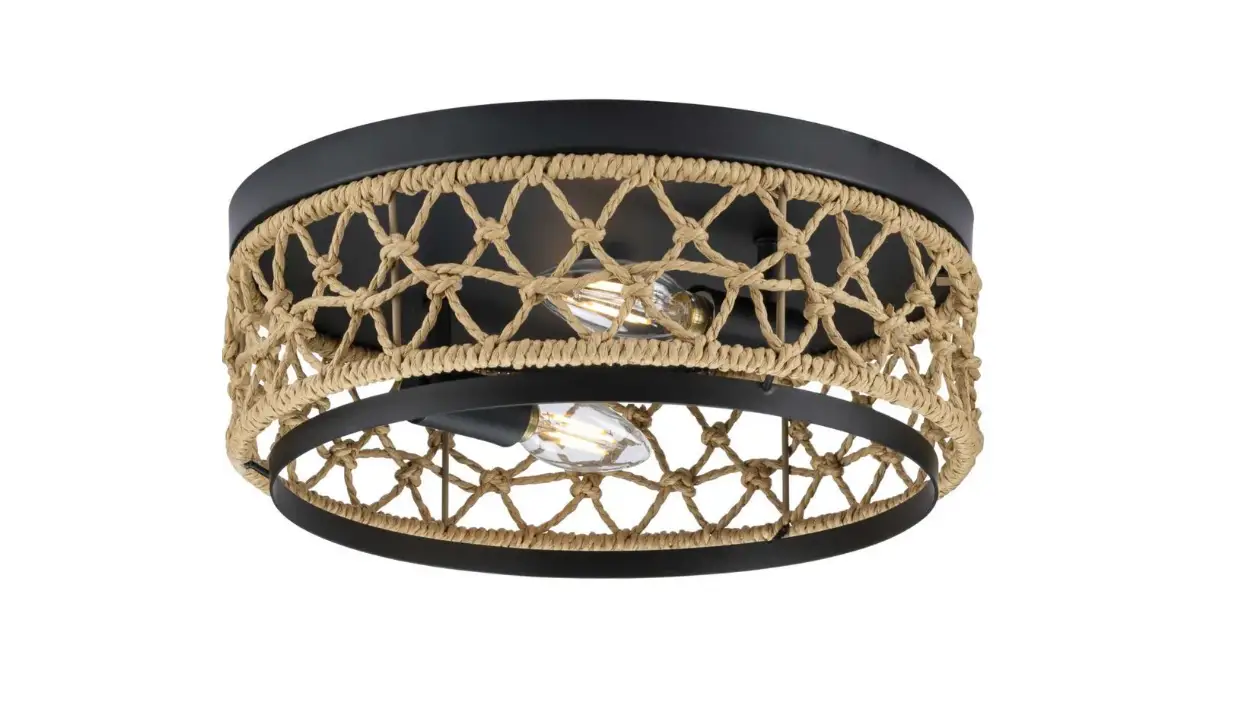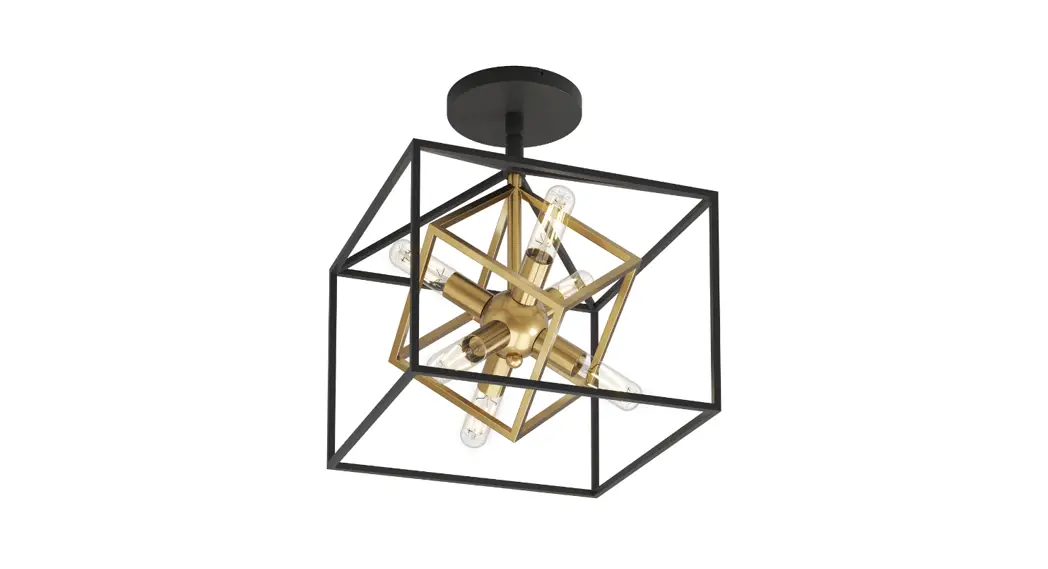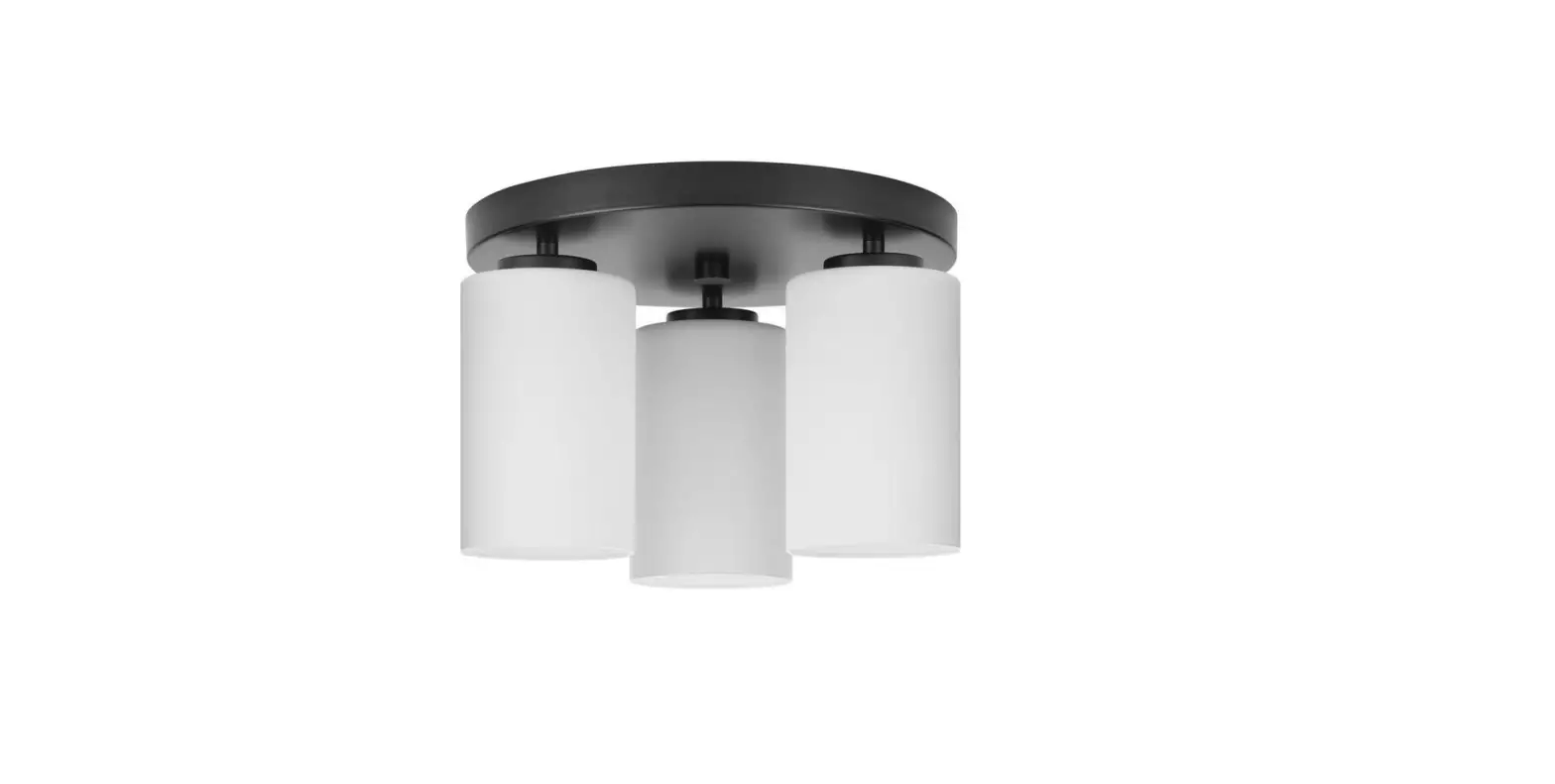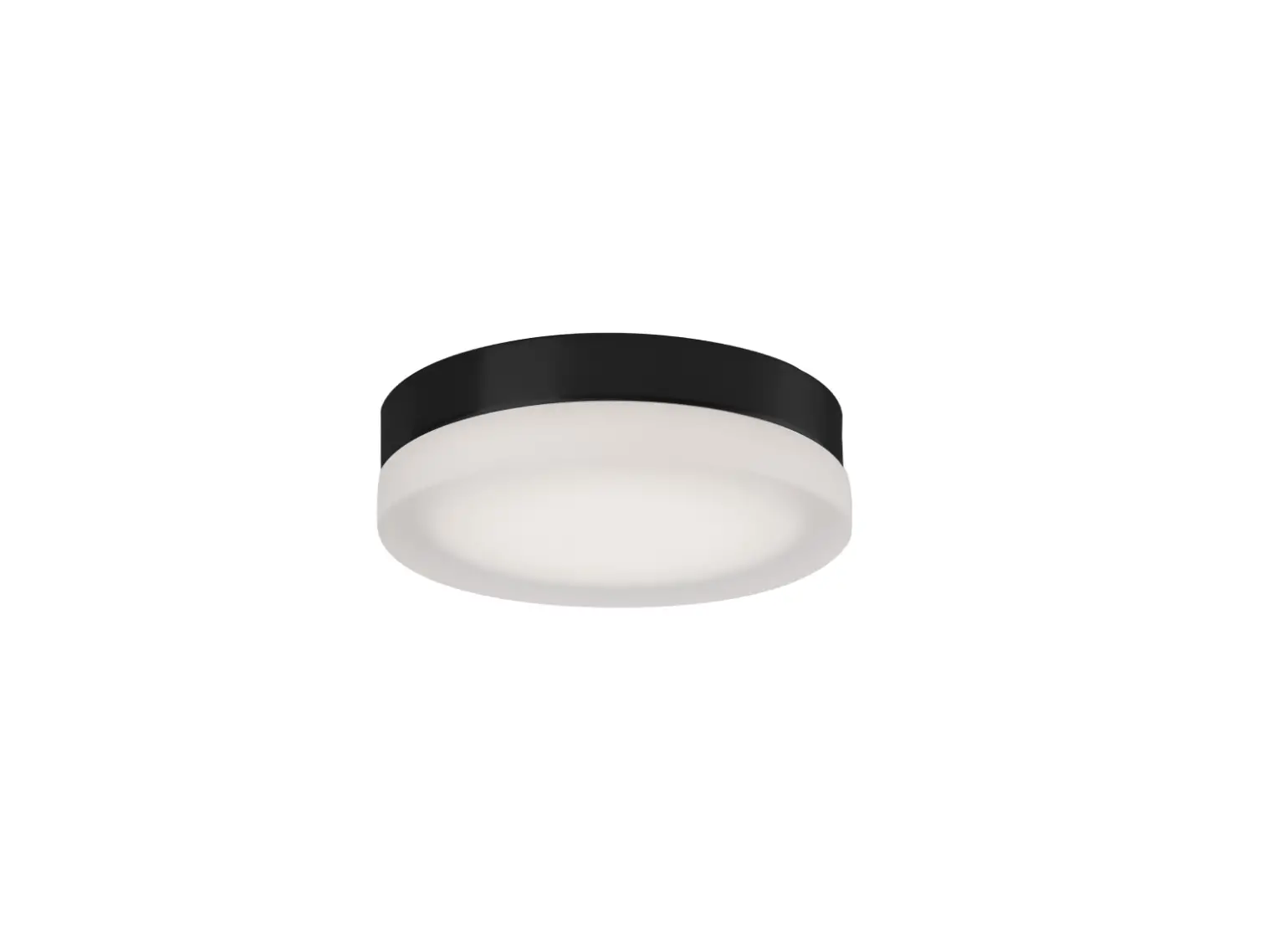
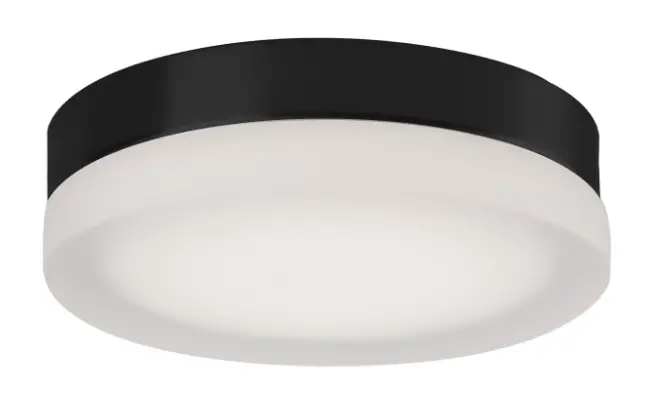
Kuzco Lighting FM3511 LED Flush Mount
START FROM HERE
- Make sure POWER is COMPLETELY OFF at the fuse box
- Have your fixture installed by a qualified licensed electrician
- Prepare everything in a clear area
- Wear gloves at all time during this installation
- Read instructions carefully before you start assembly
- Keep this installation sheet for future reference
Technical Support: 1-855-855-8926
Please Note:
- All Kuzco LED fixtures come with pre-wired LED module(s).
- Unless instructed to do so, please do not touch any part of the LED module(s) as any unnecessary contact with the module could cause permanent damage.
- For dimming, an ELV (Electronic Low Voltage) type of dimmer is required.
MOUNTING INSTRUCTION
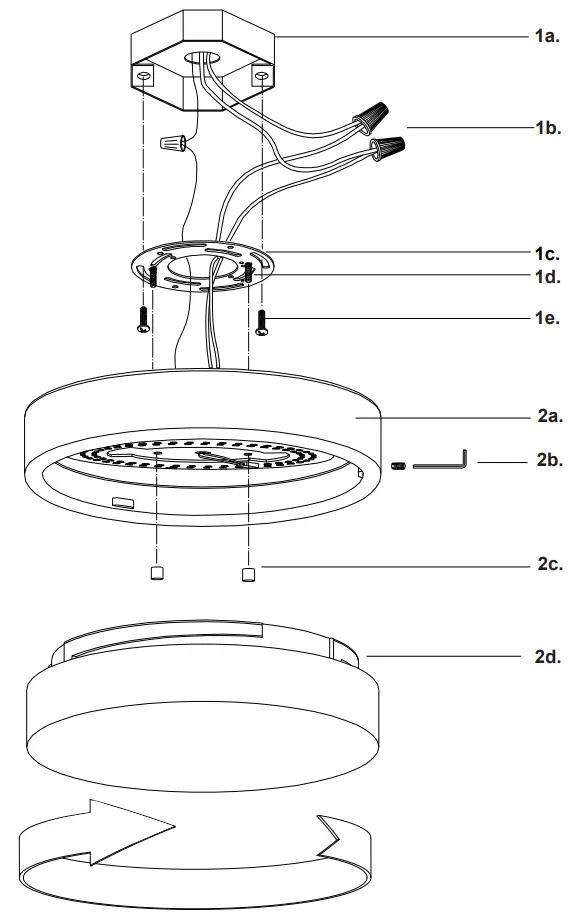
- Remove the fixture from its original packaging. Next, remove the mounting bar (1c) from within the canopy (2a) by loosening the set screw (2b). Then remove the glass (2d) and nuts (2c). Attach the mounting bar to the electrical junction box on the ceiling using the two screws (1e) provided in the hardware package.
- You are now ready to mount the canopy (2a) to the mounting bar (1c). First connect all wires correctly black to black “L”, white to white “N” and the ground wire with provided marettes (1b) from the hardware package. Align the holes in the canopy (2a) to the threaded studs (1d) and push the canopy (2a) up towards the mounting bar (1c). Next, screw in the two nuts (2c) onto the threaded studs (1d), this will secure the canopy (2a) to the mounting bar (1c).
- Attach the glass cover (2d) onto the canopy (2a) by threading the glass clockwise. Secure the glass cover (2d) using the set screw (2b) with the allen key provided.
- You have now completed the installation of your fixture, enjoy.
19054 28th Avenue Surrey, BC Canada V3Z 6M3
T: 604 538 7162
TF: 1-855 85 KUZCO
F: 604 538 7196
W: kuzcolighting.com

 Kuzco Lighting – Modern Contemporary Lighting.