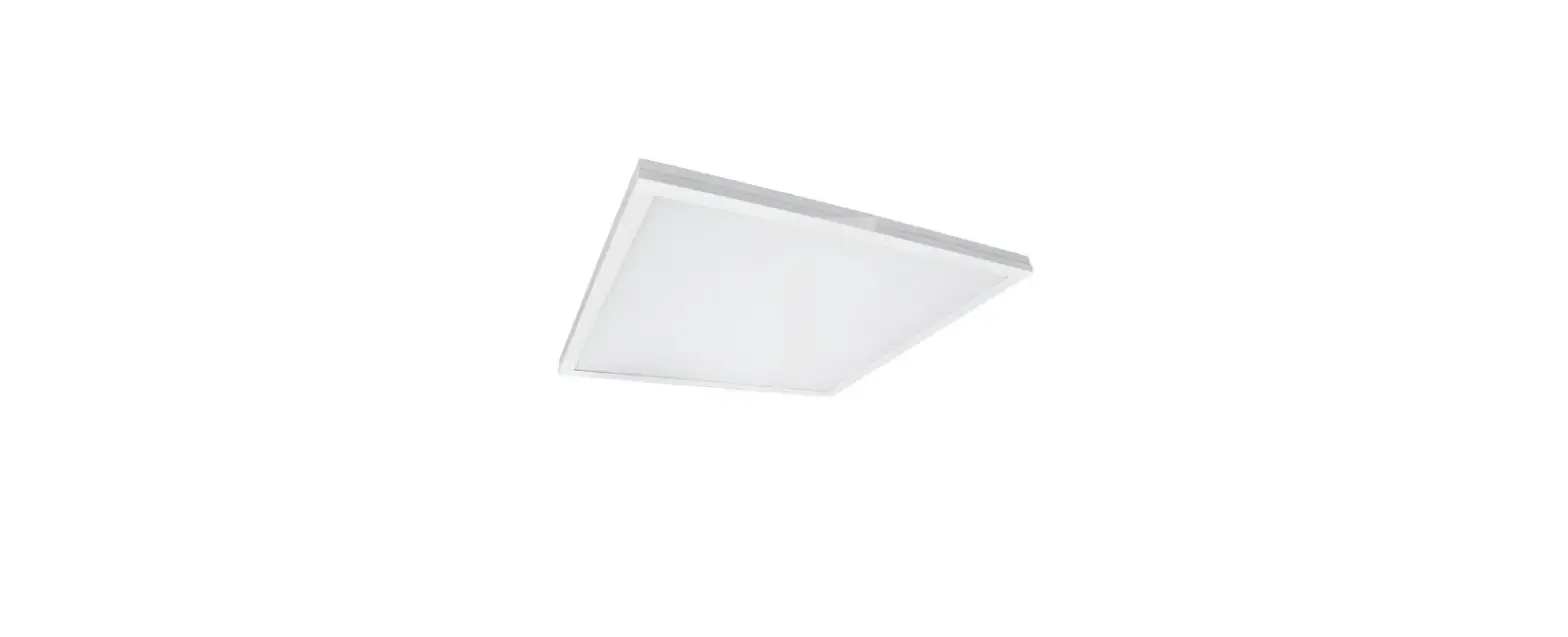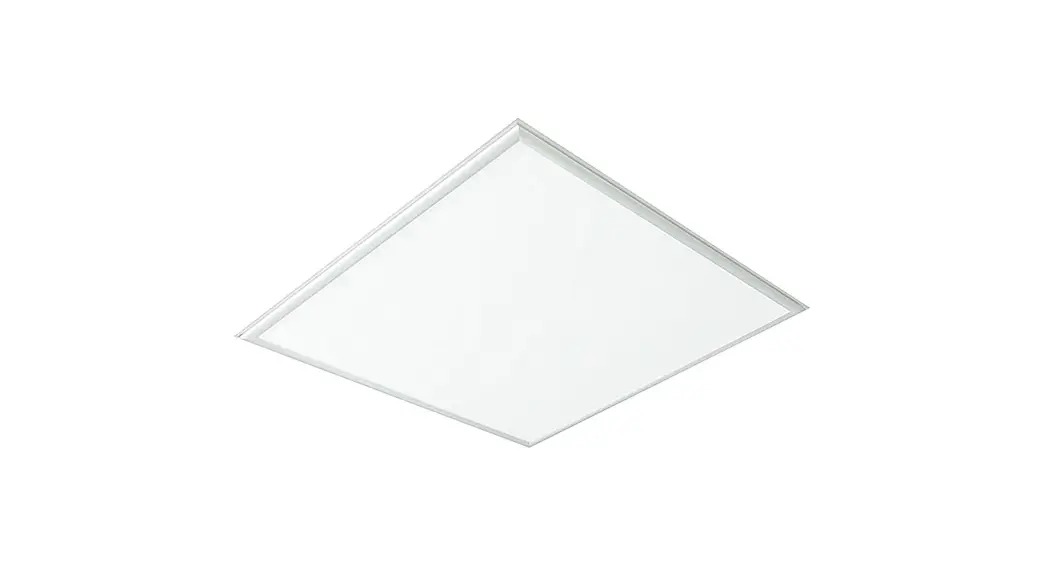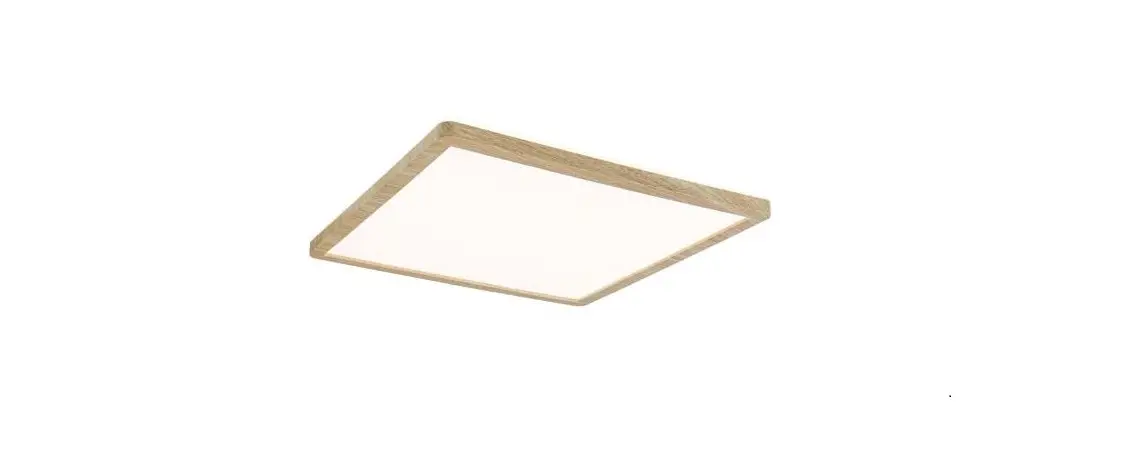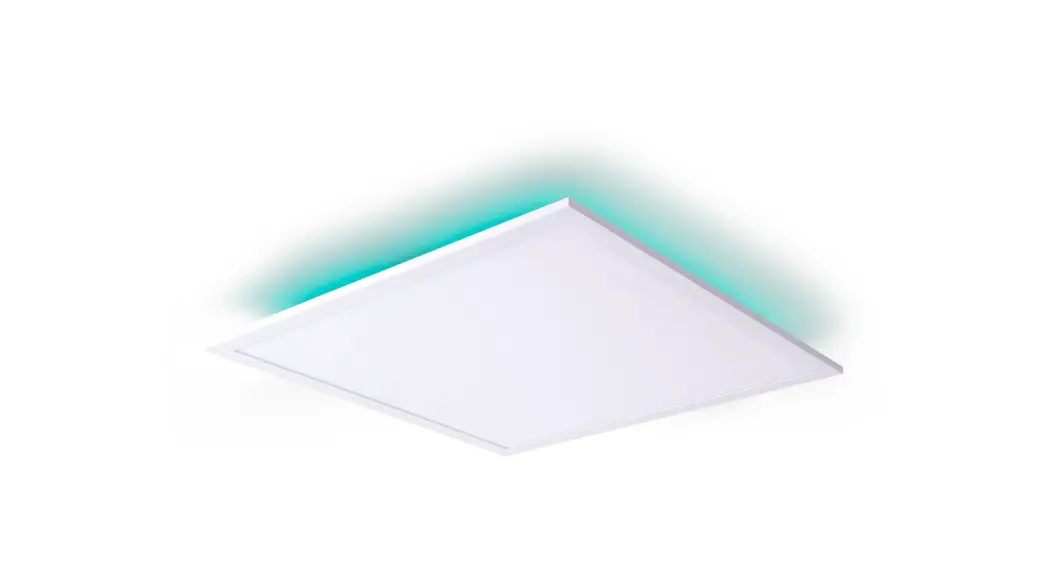
 Smart Home LED Backlight Panel
Art-Nr. 1382261
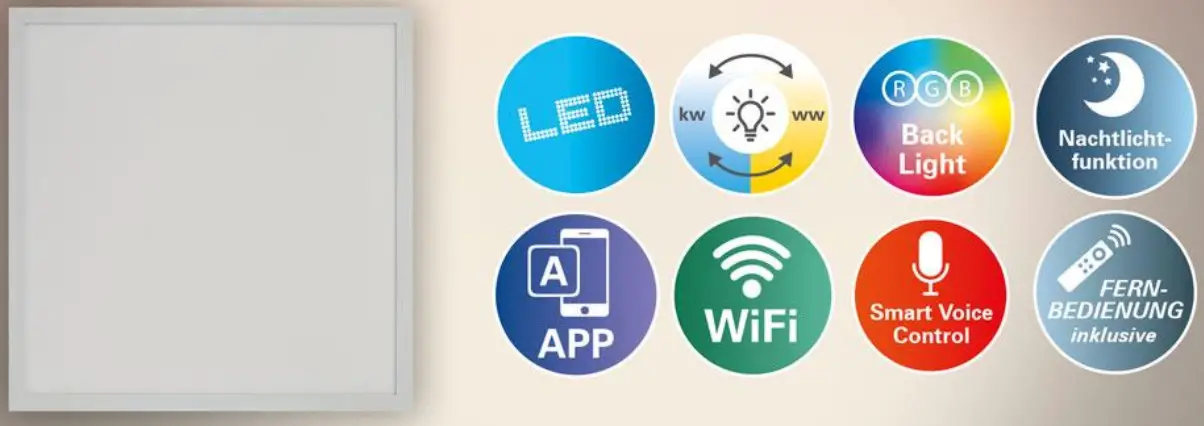
Instruction Manual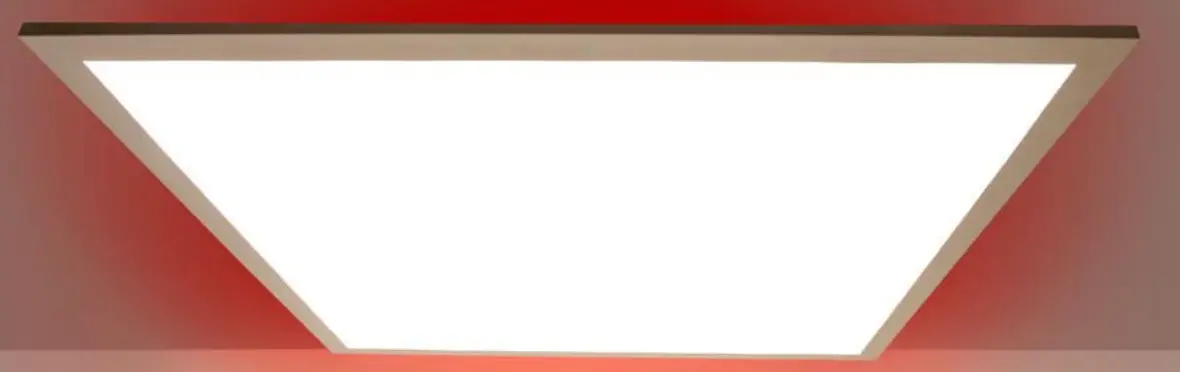
1382261 Smart Home LED Backlight Panel
 http://smartapp.tuya.com/tuyasmart
 https://smartapp.tuya.com/tuyasmart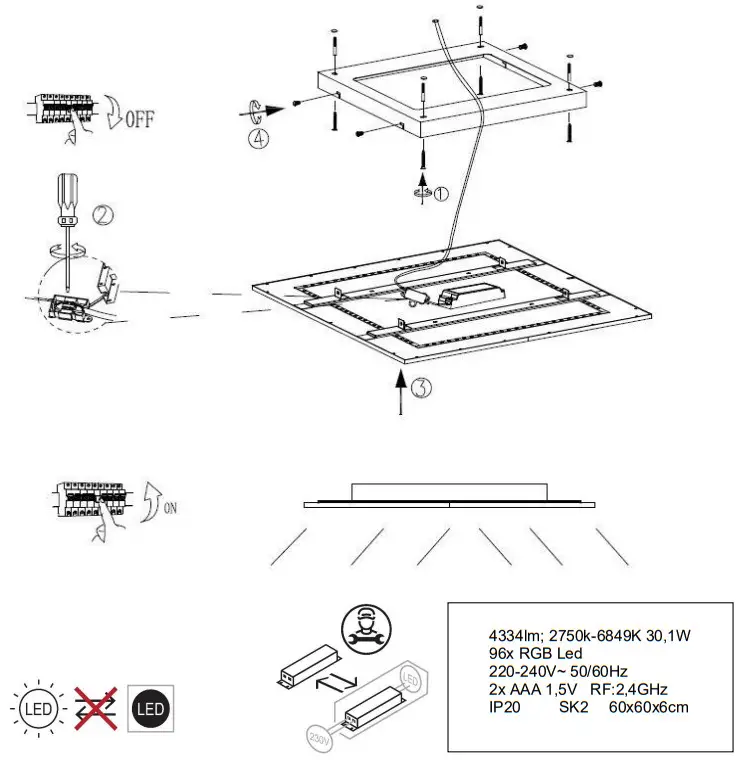
This product contains light sources of energy efficiency class “D”
Safety instructions
Electrical connections may only be carried out by expert staff.
The manufacturers do not accept responsibility for injuries or defects caused by improper use of a luminaire. The lamp is only for indoor use.
Attention! Before beginning any work on the lamp, disconnect it from the mains power line by removing the fuse or unplugging the power plug. This also applies to cleaning and maintenance. Prior to starting installation work, de-energize the power line – remove the fuse and/or set the switch to “OFF. Lamps with transformers may be operated only with the original transformer.
Lamps are not toys! Children frequently do not recognize the dangers associated with electric appliances or their packaging. Therefore, you should keep them away from children. If you give this lamp to someone else, always include these instructions. If the lamp is damaged, in particular the cord or lamp socket, discontinue the use of the lamp immediately. In the event of a malfunction, always have the lamp repaired by a qualified electrician. Never attempt to repair the lamp yourself. Improper repairs can endanger the safety of the user.
Protection class II  . This luminaire is particularly isolated and must not be connected to a protective earth- terminal.
Pay attention to the fact that electric lines are not damaged during installation.
Risk of eye injury! Look never directly into the LED diodes of this light. The LEDs cannot be replaced in the luminaire. The given mains voltage may not be exceeded.
Plug and connection elements must be free of train and trick strengths. Environmental protection
Dispose of the lamp at the collection points designated for electronic waste.
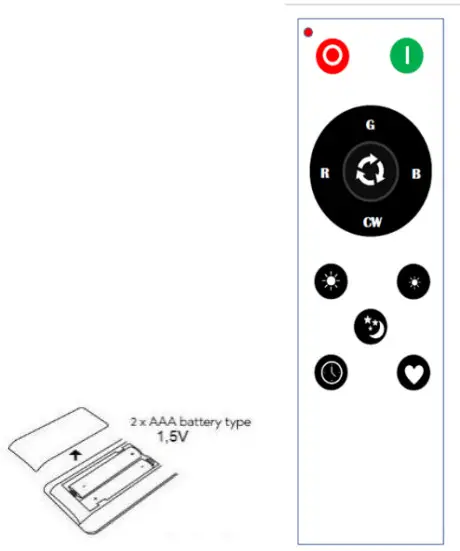
| Button | Funktion / Smart Home / Internet | ||
 | Turn on | Short press | 1.) First-time use, short press the 3 times ON button within 5 seconds, if the light flashes 3 times, the remote control is connected successfully. 2.) Short press to turn on the light. |
 | Turn off | Short press | 1.) short press to turn off the light. 2.) short press the 3 times ON button within 5 seconds, if the light flash 3 times, remote control. Dis-connected successful |
 | Red color | Long press | Red Color |
 | Blue color | Long press | Blue Color |
 | Green color | Long press | Green Color |
 | CW+WW | Long press | 6500K~2700K smooth change and recycle |
 | Lumen up | Long press | smooth lumen up to 100% light |
 | Lumen down | Long press | smooth lumen down to 5% light |
 | Night light | Short press | the short press turns to night light mode, 10% Lumen 2700K. |
 | Delay turn off | Short press | short press, light flash one time and turn off after 1min. In this mode, press any other button, and the light won’t delay turning off. |
 | RGB smooth change | Short press | Press another button, RGB change will stop. |
 | preferences | Long press/ short press | after setting your favorite mode, long press 2 secs, the light will memory this mode, and next time press this button directly to this mode. |
| Remarks | 1.) Light could get controlled by Max.8 remote control. When the 9th remote control is connected, the first one will be disconnected. 2.) Remote control could work with any quantity of light after being connected successfully. 3.) Remote control signal: RF 2.4G 4.) remote control working distance: Max.12m 5.) working temperature.:-20℃~60℃ 6.) Stand by the current after turning off the light:<10uA 7.) Light working current:1~30mA | ||
1382261_Manual_2021.08_V1.docx
Nave Leuchten GmbH
• AustraSe 5
• D – 74670 Forchtenberg
www.naeve-leuchten.de