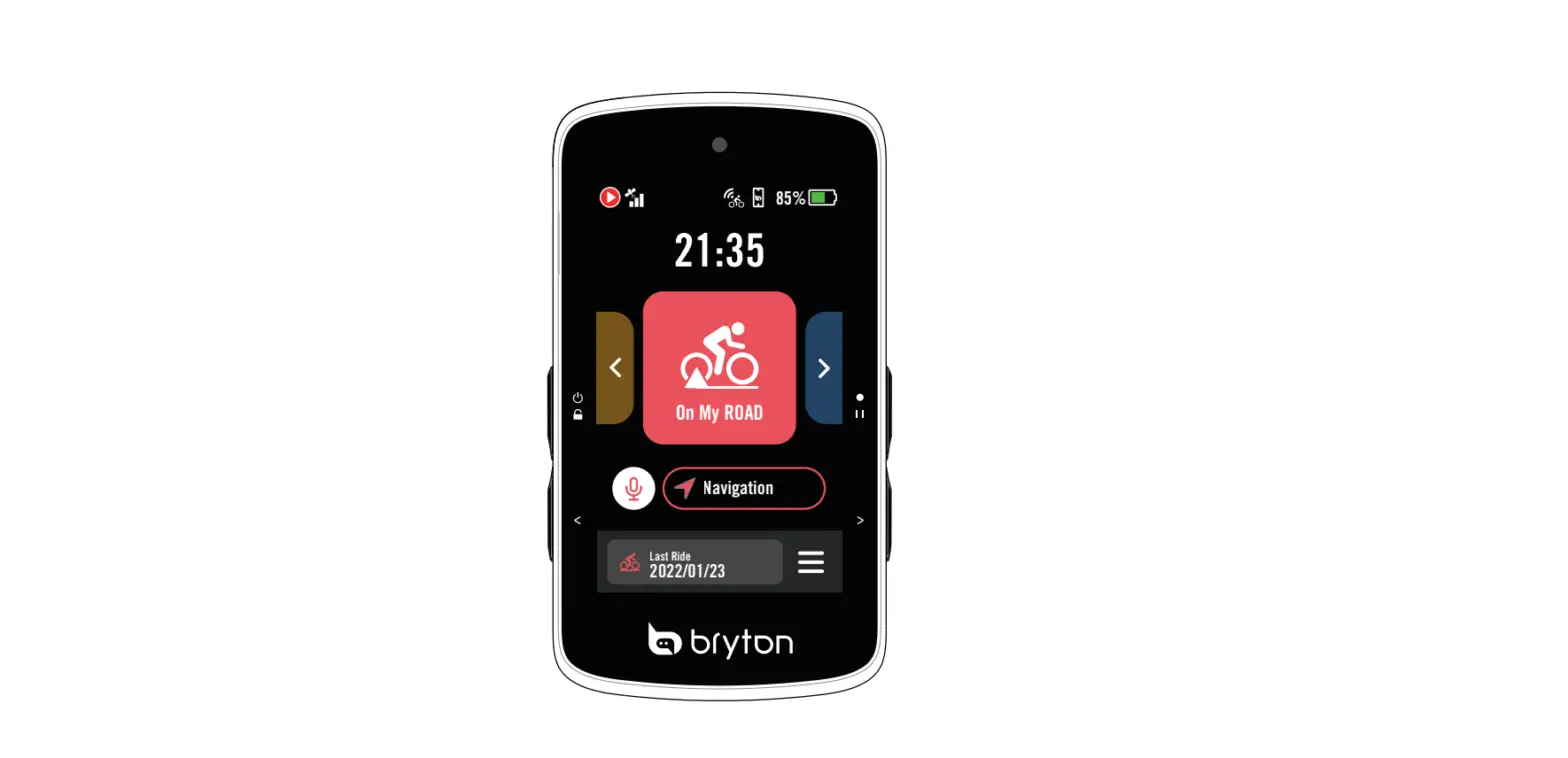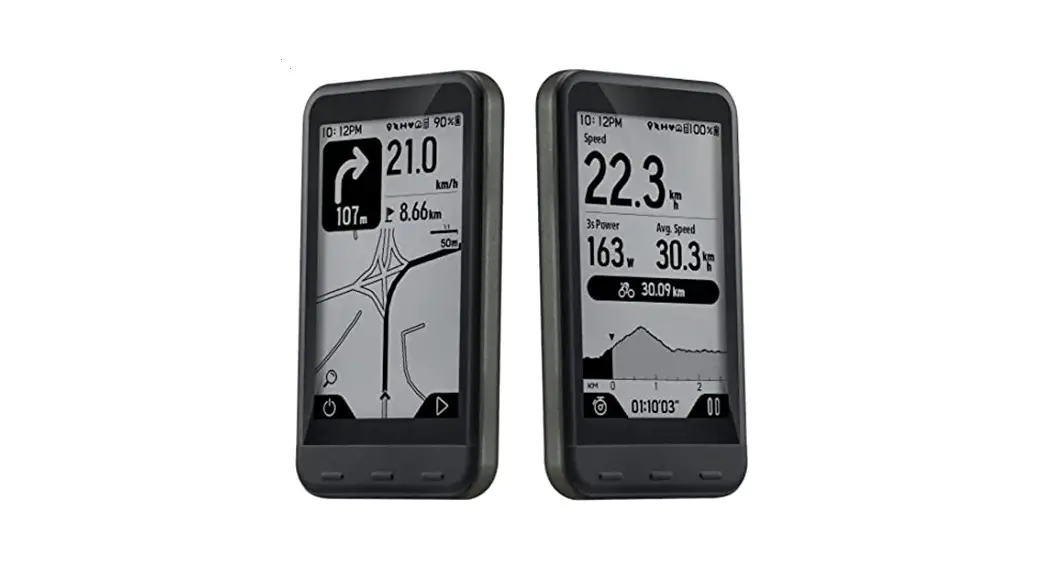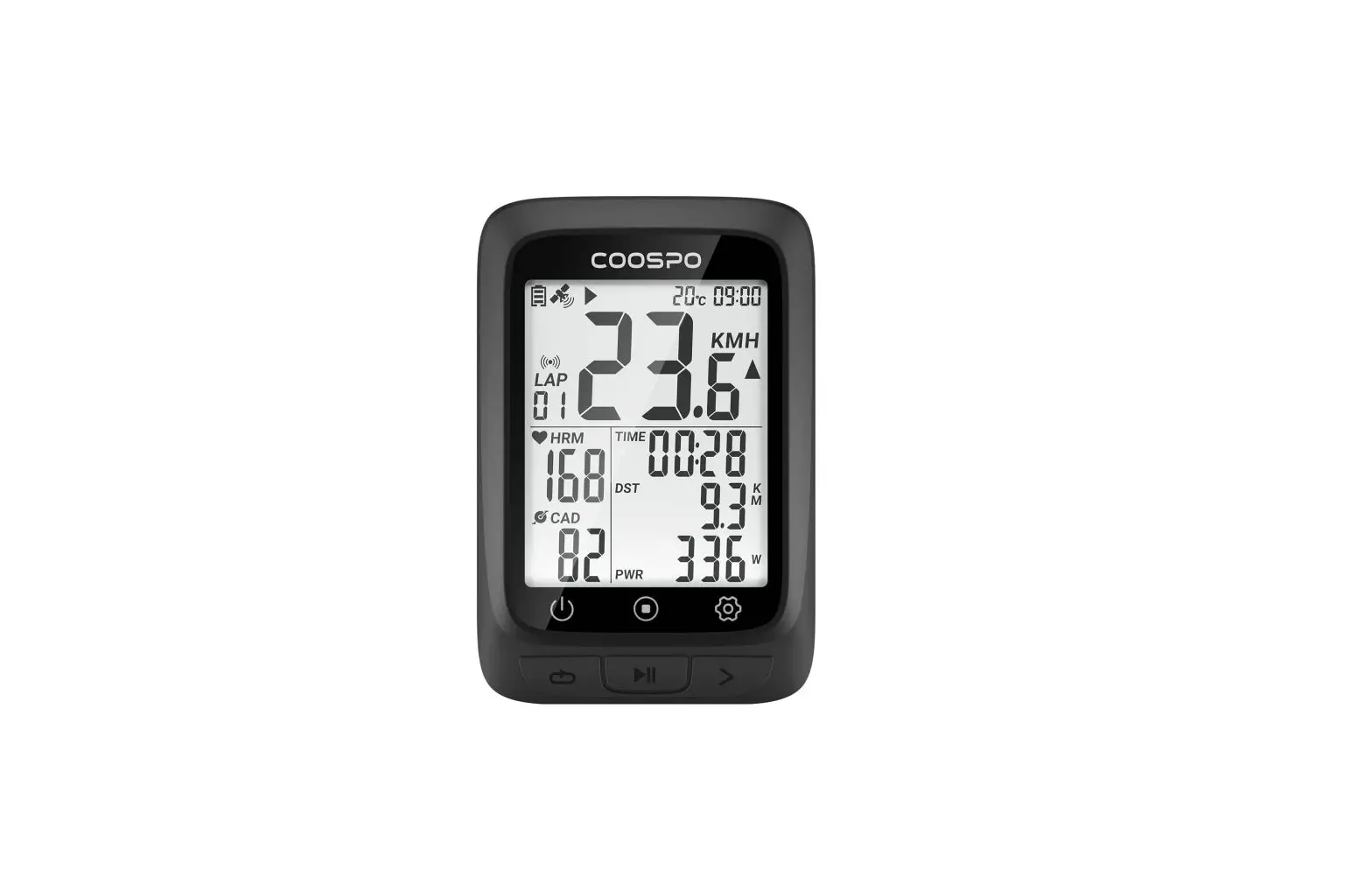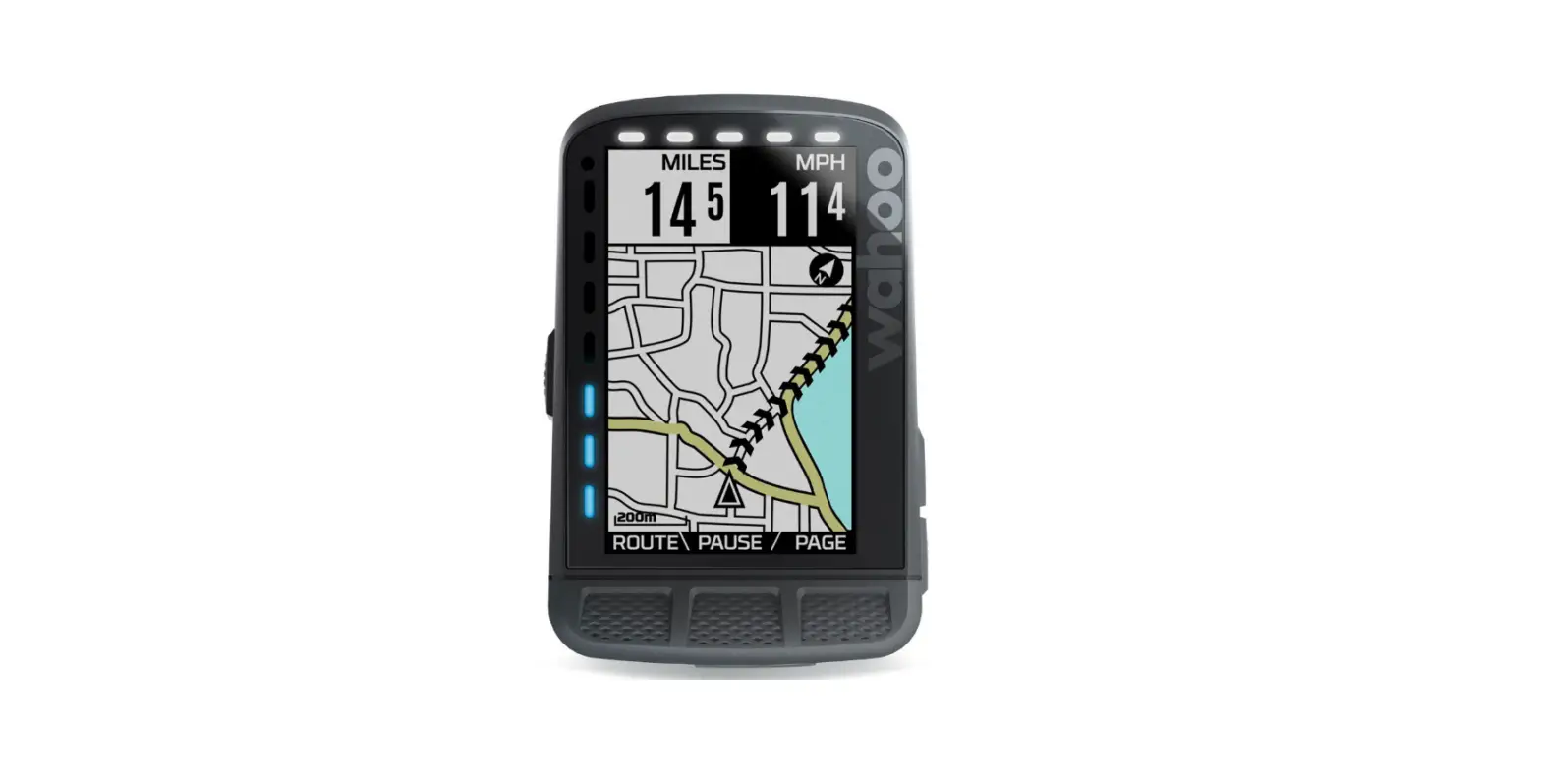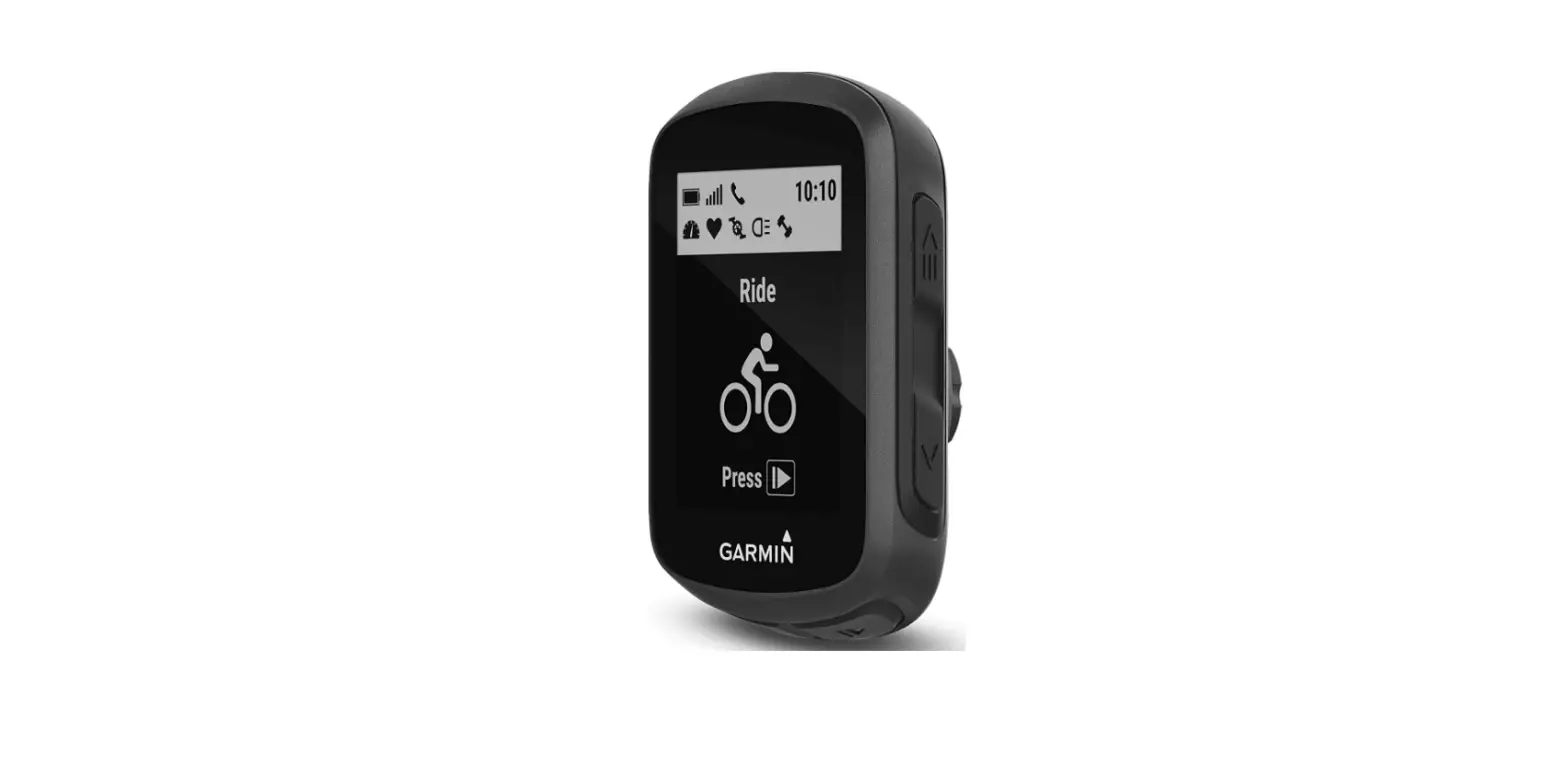
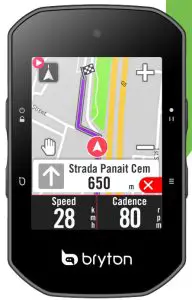
 Rider S500 GPS Enabled Cycling Computer
User Guide
Download User Manual
 https://www.brytonsport.com/#/supportResult?tag=Manual
Download Bryton Active App

http://download.brytonsport.com/inst.html
Key Functions
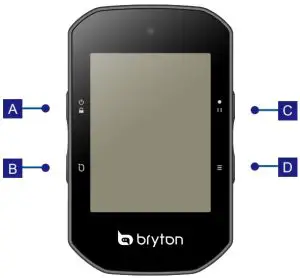
A. POWER/LOCK ( /
/ ):
):
- Press to turn the device ON/lock the screen.
- Long Press to turn the device OFF.
B. LAP ( ): When recording, press to mark the lap.
C. RECORD ( ):
):
- In Cycling mode, press to start recording.
- When recording, press to pause the recording and enter the Menu.
D. PAGE (  ):
):
In Cycling mode, press to switch meter screen pages.
Reboot Rider
Press (  ) at the same time to reboot the device.
Getting Started
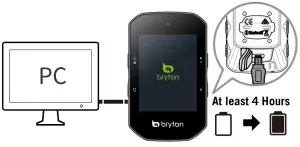
Please charge your device for at least 4 hours.
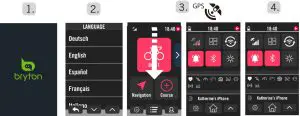
- Press
 to turn on the device.
 - Select the display language.
- Select the units of measurement.
- The device will automatically search for satellite signals. Swipe down for Quick Settings to view the GPS status.
- After the GPS signal is fixed *,(
 ) just ride on and enjoy your workout in freecycling mode.
 - To record, press
 to start recording.
 ) just ride on and enjoy your workout in freecycling mode.
*Check and update your device’s firmware version via Bryton Active.
*To acquire GPS, allow the device access to an open sky, outdoor environment.
Data Sync
Sync Data to/from Bryton Active App
With access to the internet, your Rider computer can upload recorded tracks, and check for available firmware updates by selecting Data Sync. It is required to add your device to your Bryton Active account before syncing data for the first time.
To add. 1. Scan the QR code printed on the cover page of the Quick Start Guide with your smartphone to download the Bryton Active App. 2. Sign up / log in to your Bryton Active App account. 3. In the App, go to “Settings”> “Device Manager” > “+”. 4. Select your device and tap “Yes” to add your device to your Bryton Active account. 5. Your device is now successfully paired with the Bryton Active App.
Icon Description
 | Profile |  | Dual Sensor Active |  | Voice Search |
 | Result | D12 | Di2 Active |  | Route |
 | Settings |  | Electronic Shifting Active |  | History |
 | GPS Off/No Signal(not fixed) |  | Power Meter Active |  | Favorite |
 | Weak Signal (fixed)/Strong Signal (fixed) |  | Radar Active |  | Zoom in/Zoom out |
 | Power Status |  | Smart Bike Trainer Active |  | Locate Current Position |
 | Heart Rate Sensor Active |  | Electric Bike Active |  | Search |
 | Cadence Sensor Active |  | Recording Paused |  | Add a PIN |
 | Speed Sensor Active |  | Recording Stopped |  | Move the Map |
Note:
- For Video Instructions, please go to www.brytonsport.com>
 (Menu) > Support > Tutorial.
 - For User Manual, please go to www.brytonsport.com> (Menu) > Support > Download > Manual > User Manuals.
 (Menu) > Support > Tutorial.
Rider S500 Specifications
| Item | Description |
| Display | ‘2.4″ color TFT 240×320 capacitive touch screen |
| Physical Size | 83.9 X 51 X 17.4 mm |
| Weight | 87g |
| Operating Temperature | -10°C — 60°C |
| Battery Charging Temperature | 0°C — 40°C |
| Battery | Li-polymer rechargeable battery |
| Battery Life | 35 hours with an open sky |
| ANTI-TM | Featuring certified wireless ANT+T” connectivity. Visit www.thisisant.com/directory for compatible products. |
| GNSS | Integrated high-sensitivity GNSS receiver with embedded antenna |
| BLE Smart | Bluetooth Smart wireless technology with embedded antenna; 2.4GHz band dBm |
| Water-Resistant | Water-resistant to a depth of 1 meter for up to 30 minutes. |
| Barometer | Equipped with barometer |
Install Rider S500
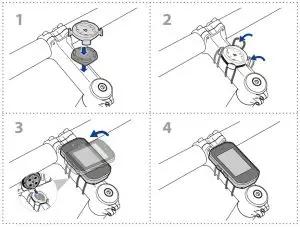
Federal Communication Commission Interference Statement
This equipment has been tested and found to comply with the limits for a Class B digital device, pursuant to Part 15 of the FCC Rules. These limits are designed to provide reasonable protection against harmful interference in a residential installation.
This equipment generates, uses, and can radiate radio frequency energy and, if not installed and used in accordance with the instructions, may cause harmful interference to radio communications. However, there is no guarantee that interference will not occur in a particular installation. If this equipment does cause harmful interference to radio or television reception, which can be determined by turning the equipment off and on, the user is encouraged to try to correct the interference by one of the following measures:
- Reorient or relocate the receiving antenna.
- Increase the separation between the equipment and receiver.
- Connect the equipment into an outlet on a circuit different from that to which the receiver is connected.
- Consult the dealer or an experienced radio/TV technician for help.
FCC Caution: To assure continued compliance, any changes or modifications not expressly approved by the party responsible for compliance could void the ser’s authority to operate this equipment. (Example – use only shielded interface cables when connecting to computer or peripheral devices).
FCC Radiation Exposure Statement
This equipment complies with FCC RF radiation exposure limits set forth for an uncontrolled environment. This equipment should be installed and operated with a minimum distance of 0.5 centimeters between the radiator and your body.
This transmitter must not be co-located or operating in conjunction with any other antenna or transmitter.
The antennas used for this transmitter must be installed to provide a separation distance of at least 0.5 cm from all persons and must not be co-located or operating in conjunction with any other antenna or transmitter.
This device complies with Part 15 of the FCC Rules. Operation is subject to the following two conditions:
- This device may not cause harmful interference, and (2) This device must accept any interference received, including interference that may cause undesired operation.