
Model NO. T1O6M1S3TT/A01
TIER 1 ADVANCED POWER STRIP
Current Sensing Power Strip
INSTALLATION INSTRUCTIONS
1) CONTROL OUTLET (1)
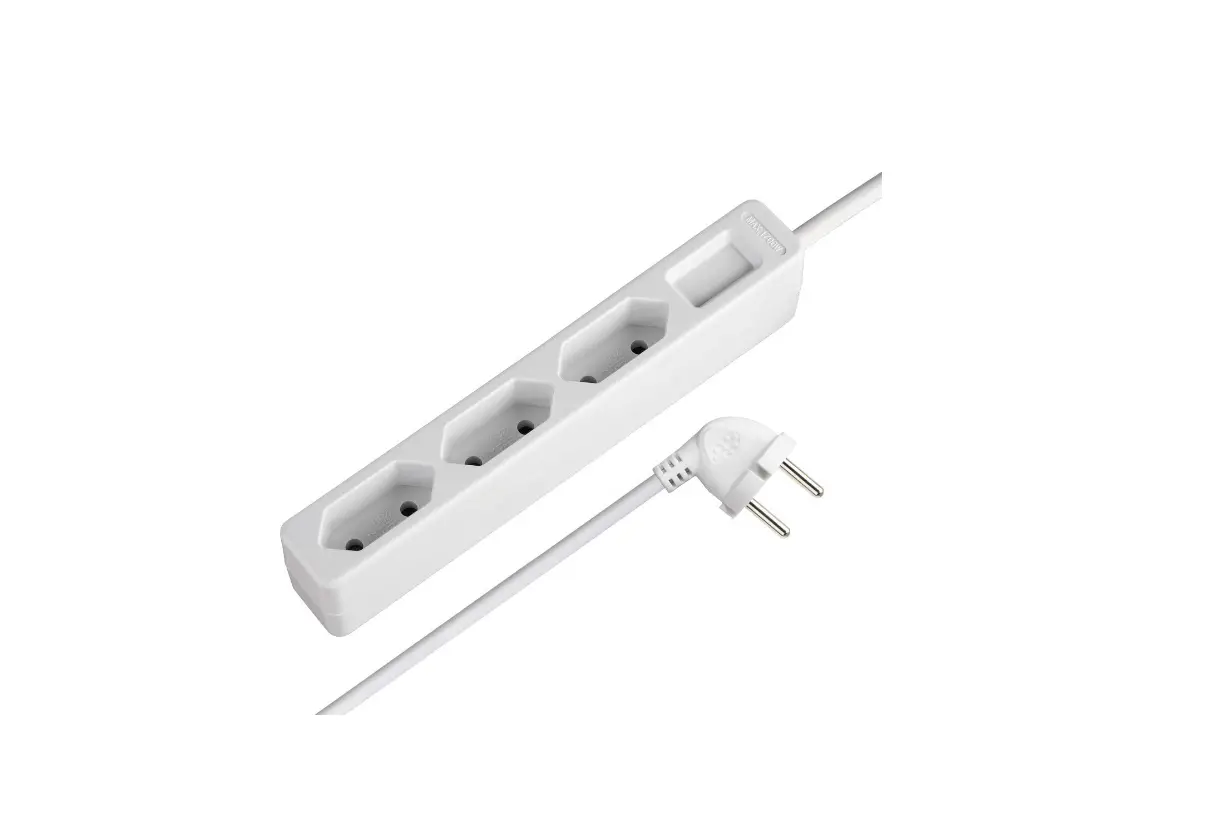
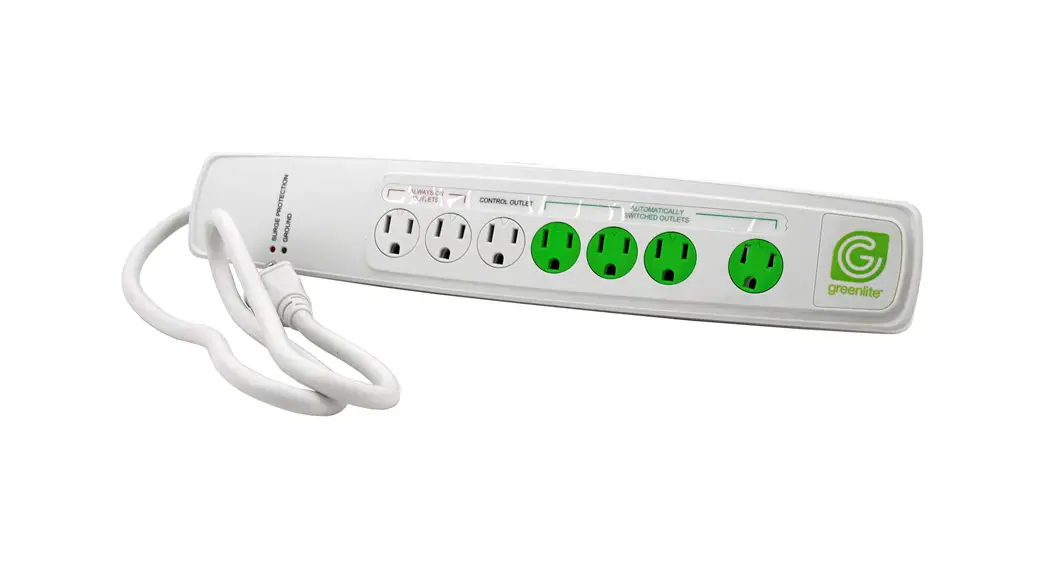
Plug the main device (Computer, TV, etc.) into this outlet. When the main controlling device is set to off, sleep, or standby mode, the Current Sensing Power Strip will automatically turn off any devices plugged into the AUTOMATICALLY SWITCHED OUTLETS.
2) AUTOMATICALLY SWITCHED OUTLETS (3)
Plug the peripheral devices (Printer, DVD Player, etc.) into these outlets. These peripheral devices will be automatically controlled by the main device plugged into the CONTROL OUTLET.
3) ALWAYS ON OUTLETS (2)
Plug the devices (Fax machine, cordless phone, cable or satellite receiver) that you do not want to be turned off into these outlets.
4) Plug the Advanced Power Strip power cord into a properly grounded wall outlet and then press the red RESET/OFF switch to the RESET (on) position. The SURGE lights should be illuminated, indicating that the circuit is functioning properly.
ADJUSTABLE THRESHOLD:
Although the preset for Greenlite’s Advanced Power Strip works with most popular electronics, you may need to adjust the sensitivity level for your connected devices. (Use a screwdriver to adjust the sensitivity level)
If the peripheral device(s) plugged into the AUTOMATICALLY SWITCHED OUTLETS do not turn on:
– Make sure the device plugged into the CONTROL OUTLET is in the “on” position.
– Turn the ADJUSTABLE THRESHOLD dial clockwise to adjust the sensitivity level until the peripheral devices that are plugged into the AUTOMATICALLY SWITCHED OUTLETS are powered on.
– Turn off the device plugged into the CONTROL OUTLET. If the AUTOMATICALLY SWITCHED OUTLETS also turn off, then your Advanced Power Strip is working correctly. If not, please follow the steps below.
If the AUTOMATICALLY SWITCHED OUTLETS do not turn off:
a. Make sure the device plugged into the CONTROL OUTLET is in the “off” position.
b. Turn the ADJUSTABLE THRESHOLD dial counter-clockwise until the peripheral devices plugged into the AUTOMATICALLY SWITCHED OUTLETS are turned off. Important note: do not force the ADJUSTABLE THRESHOLD dial.
LIMITED WARRANTY: This product is warranted to be free from defects in workmanship and material for 2 years. If it fails to do so Greenlite™ will send you, at its election, a replacement product upon receipt of the returned product and proof of purchase. This limited warranty does not cover products subject to accident, neglect, abuse, misuse, or acts of God. Replacement or refund is your sole remedy.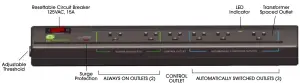
PRODUCT FEATURES:
SURGE INDICATOR LIGHT
The illuminated LED light shows the unit is working properly. If the light is not illuminated, the component providing surge protection has exceeded its design capacity. To continue protecting your connected equipment, the surge protector should be replaced.
LED INDICATOR
When the LED is illuminated, it means the three AUTOMATICALLY SWITCHED OUTLETS have power output. When the LED is off it means the three AUTOMATICALLY SWITCHED OUTLETS have no power output.
CONTROL OUTLET
This outlet controls the AUTOMATICALLY SWITCHED OUTLETS. Plug the main device into this outlet, such as Computer or Television.
AUTOMATICALLY SWITCHED OUTLETS
These outlets are automatically controlled by the CONTROL OUTLET. Plugin peripheral devices such as a Monitor, Printer, and DVD player into these outlets.
ALWAYS ON OUTLETS
These outlets stay “on” and are controlled only by the power RESET/OFF switch. Plug devices that you do not want to be turned off, such as a Fax machine or Cordless phone into these outlets.
ADJUSTABLE THRESHOLD
The Adjustable Threshold adjusts the sensitivity level and determines whether the CONTROL OUTLET is ON or OFF. The Advanced Power Strip achieves this by sensing the current in the CONTROL OUTLET. For example, it will sense how much power the CONTROL OUTLET (TV or PC) is drawing and then determine whether it is ON or OFF, thereby enabling the control switched functionality. When a CONTROL OUTLET is ON, it uses more power than when it is OFF. The threshold is a current value that differentiates between the ON and OFF states of the CONTROL OUTLET.
RESET/OFF CIRCUIT BREAKER SWITCH
On/off power and resettable circuit breaker are conveniently combined into one switch. In case of overloading, the circuit breaker will safely shut off all power. To eliminate overload, unplug all equipment from the surge protector and press the “RESET” switch. Turn off the power on each piece of equipment. Re-plug and turn on equipment power one at a time into the surge protector. The combined load on all the outlets at any one time must not exceed 1875 watts.
CAUTIONS AND WARNINGS – For indoor use in dry locations. Not intended for use with aquarium equipment. The combined load used on all the outlets at any one time must not exceed 1875 Watts. In case of overloading, the circuit breaker will safely shut off all power. Eliminate overload, then reset by pressing the circuit breaker switch.
www.greenliteusa.com
V2-07022020