HT705GR Tier 2 Advanced Power Strip
Product Information: HT705GR Tier 2 APS
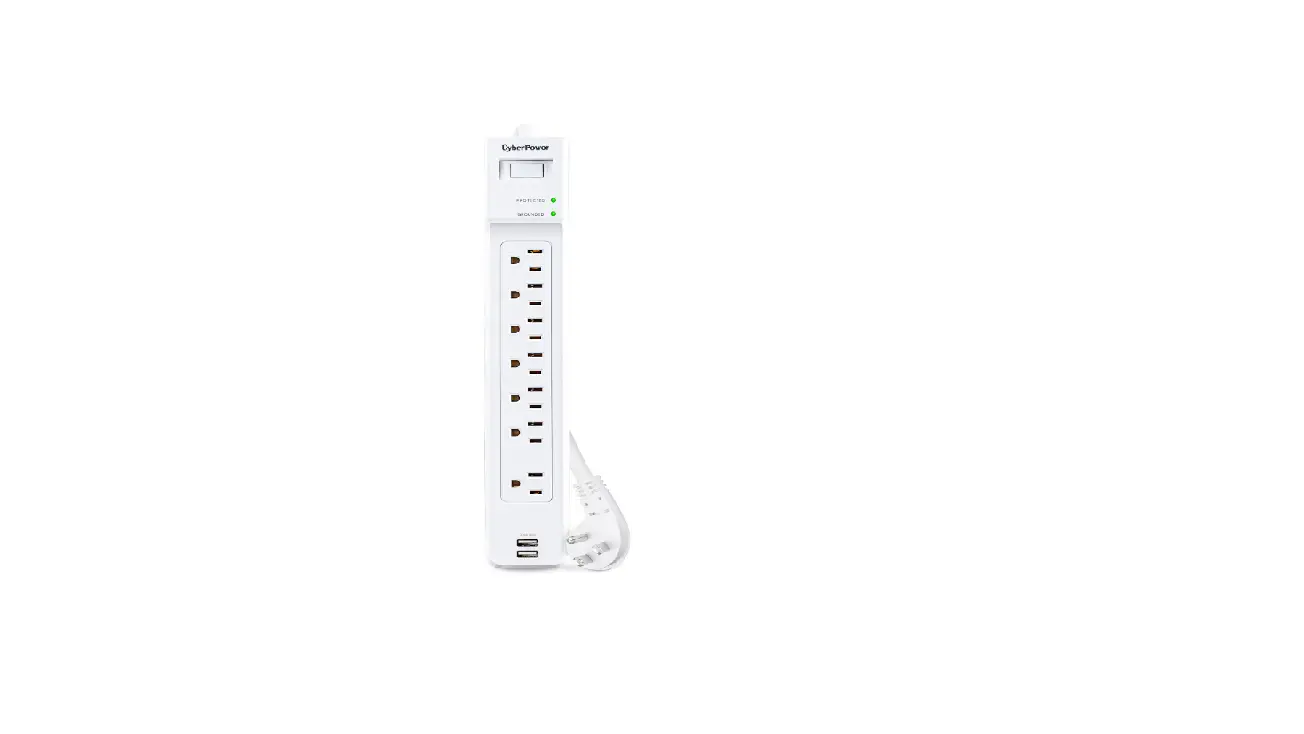
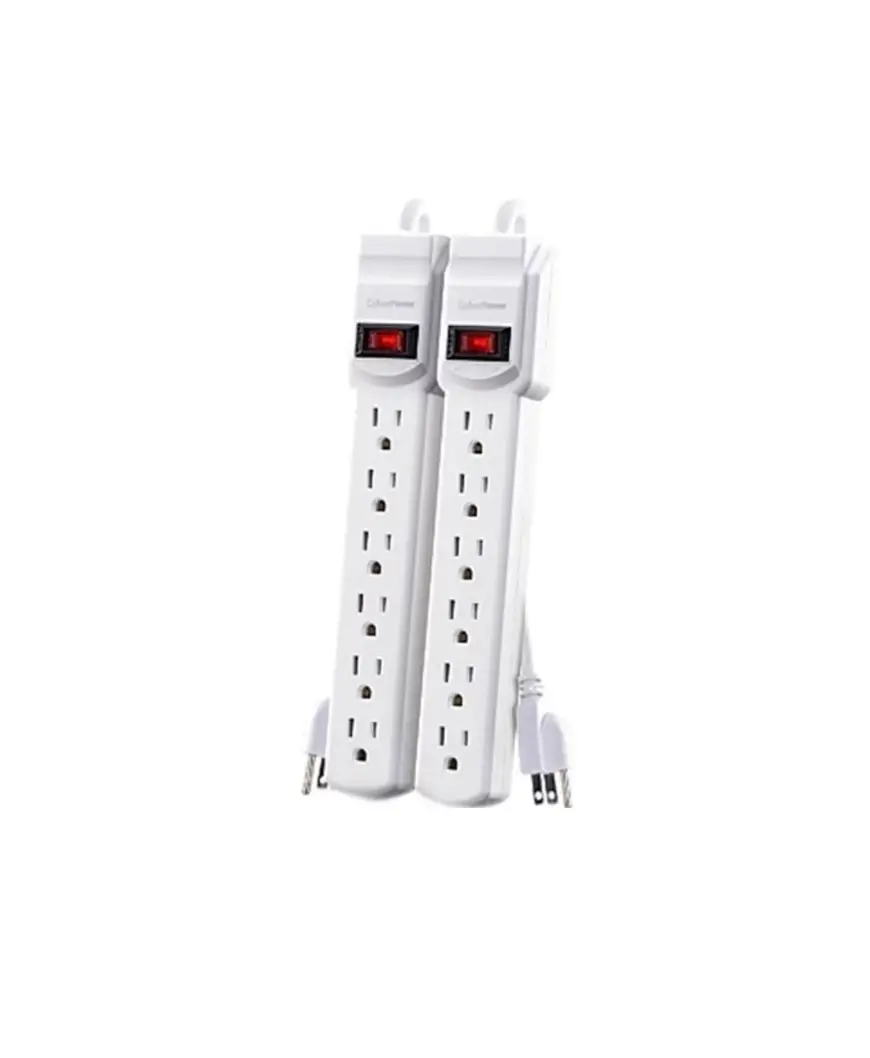
The HT705GR Tier 2 APS is a surge protector with an infra-red
(IR) sensor that can be used to control the power supply of
electronic devices such as gaming consoles, cable boxes/DVRs, TVs,
DVD players, and audio equipment. It has energy-saving features
that can be customized to turn off after one or two hours of
inactivity. The IR sensor is connected to the surge protector with
a small input jack and should be placed in the sightline of remotes
for optimal performance. The product also has a power switch that
can be turned on or off as required.
Product Usage Instructions
- Turn the power switch to OFF.
- Plug the surge protector into a wall outlet.
- Plug powered-down electronic devices into appropriate
outlets. - Connect the infra-red (IR) sensor to the surge protector with
the small input jack. - Place the glossy side of the IR sensor in the sightline of
remotes. - Turn the power switch to ON.
- Power on the TV and other electronic devices such as DVD
players, game consoles, and audio equipment. - The energy-saving timer’s default setting is one hour. The IR
sensor’s blue LED light will blink for 4.5 minutes after one hour
of the last click of remote. Click any button on a TV remote or the
volume button on a cable provider’s remote to restart the
energy-saving timer to zero. The blue LED light will stop blinking
for another hour. - Power OFF when done watching.
Changing Energy Saving Timer:
The energy-saving timer can be customized to turn off after one
or two hours of inactivity. Follow the steps below to change the
timer:
- One Hour:
- Hold the IR sensor button down for 7 seconds.
- The LED light will flash 3 times, release.
- Press IR sensor 1 time.
- The LED light will flash 1 time, and the timer will be set to 1
hour.
- Two Hours:
- Hold the IR sensor button down for 7 seconds.
- The LED light will flash 3 times, release.
- Press IR sensor 2 times, pausing in between.
- The LED light will flash 2 times, and the timer will be set to
2 hours.
Note: The IR sensor blinks for 1 minute after
TV powers off. The power strip will turn off energy-saving
outlets.
If you need additional help with installation, troubleshooting,
or general product questions, feel free to contact our Tech Support
department.
HT705GR Tier 2 APS
QUICK START GUIDE
1. Turn power switch to OFF.
SETUP:
2. Plug surge protector into wall.
3. Plug powered-down electronic devices in to appropriate outlets.
4. Connect infra-red (IR) sensor to surge protector with small input jack.
Gaming Console
with Hard Drive
Cable Box/DVR
TV
DVD Player
Gaming Console
without Hard Drive
5. Place glossy side of IR sensor in sightline of remotes.
Audio Equipment 6. Turn power switch to ON.
PEEL
1. Power TV ON.
OPERATION:
2. Power ON DVD player, game console, speakers, etc.
Cable Box
DVD Player
DVR
Gaming Console
Audio Equipment
3. Energy saving timer’s default setting is 1 hour. The IR sensor’s blue LED light will blink for 4.5 minutes after one hour of last click of remote. Click any button on a TV remote or the volume button on a cable provider’s remote to restart energy saving timer to zero. Blue LED light will
stop blinking for another hour.
4. Power OFF when done watching.
NOTE: IR sensor blinks for 1 minute after TV powers off. Power strip will turn off energy saving outlets.
CHANGING ENERGY SAVING TIMER
One Hour: 1. Hold the IR sensor button down
for 7 seconds. 2. LED light will flash 3 times, release. 3. Press IR sensor 1 time. 4. LED light will flash 1 time,
and timer will be 1 hour.
Two Hours: 1. Hold the IR sensor button down
for 7 seconds.
2. LED light will flash 3 times, release.
3. Press IR sensor 2 times, pausing in between.
4. LED light will flash 2 times, and timer will be 2 hours.
Need Additional Help? Feel free to contact our Tech Support department with installation, troubleshooting, or general product questions.
CyberPower Technical Support 1-877-297-6937 | [email protected] cyberpowersystems.com 4241 12th Avenue E, Suite 400, Shakopee, MN 55379, USA MondayFriday, 7am6pm (CST)
This document is believed to be accurate, but CyberPower reserves the right to change or correct the contents and does not assume any responsibility for omissions or errors. Entire contents copyright © 2023 Cyber Power Systems (USA), Inc. All rights reserved. Reproduction in whole or in part without permission is prohibited.
K01-0000700-01
 CyberPower UPS Systems, Battery Backup, PDUs, USB Surge Protectors