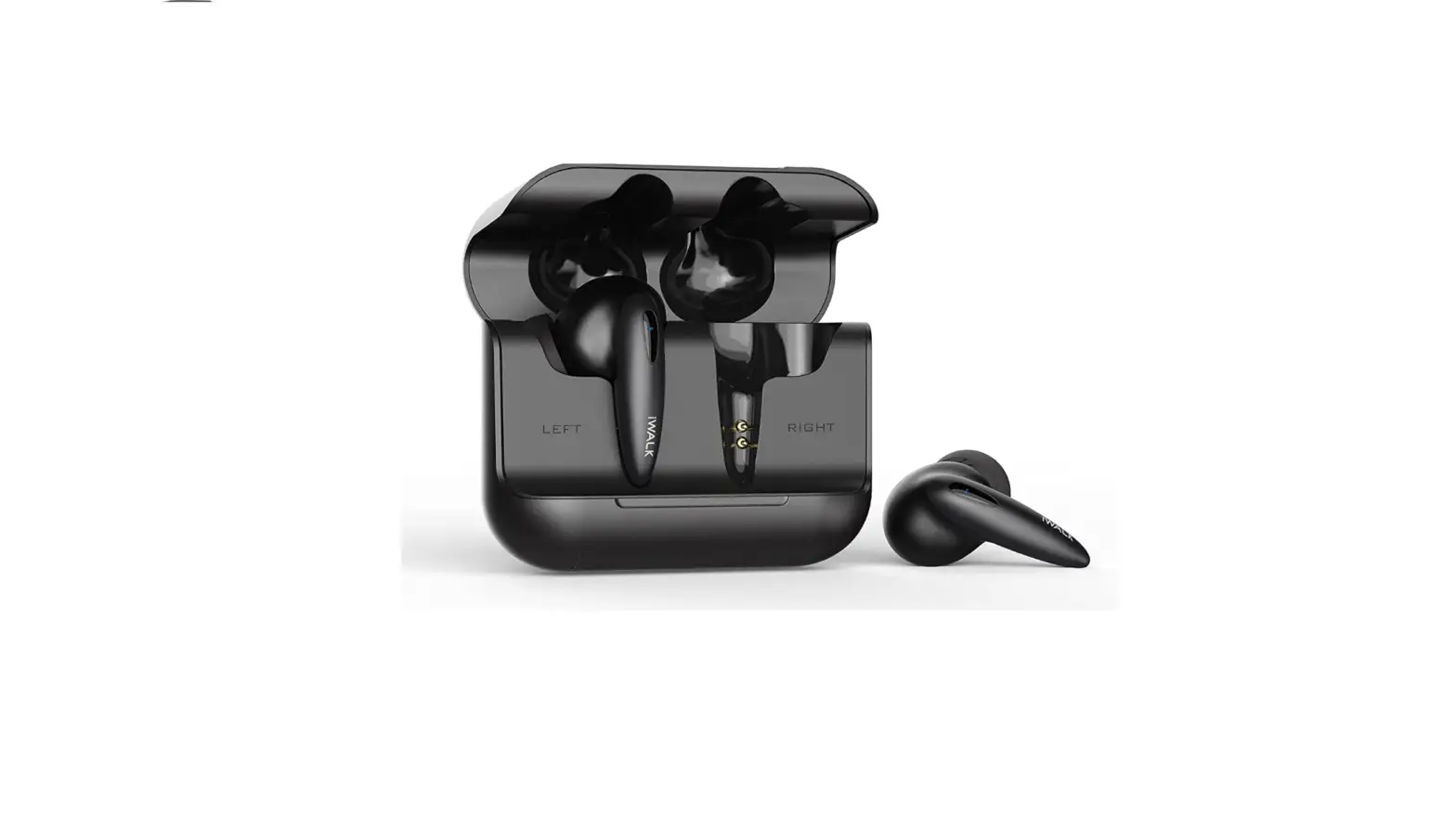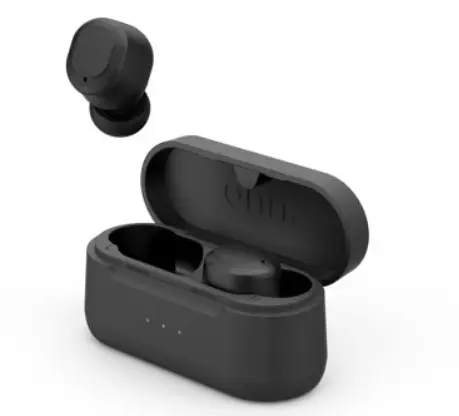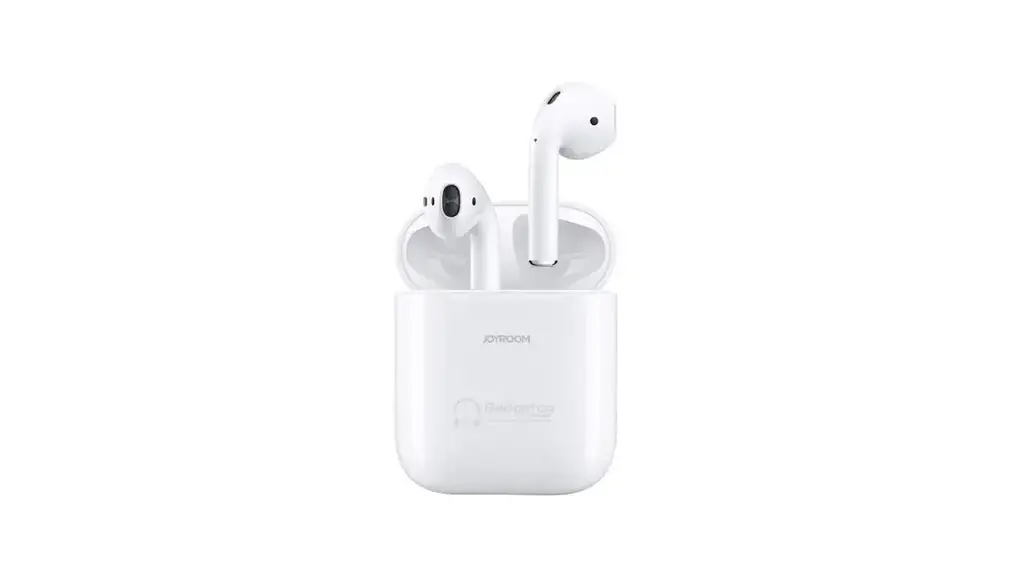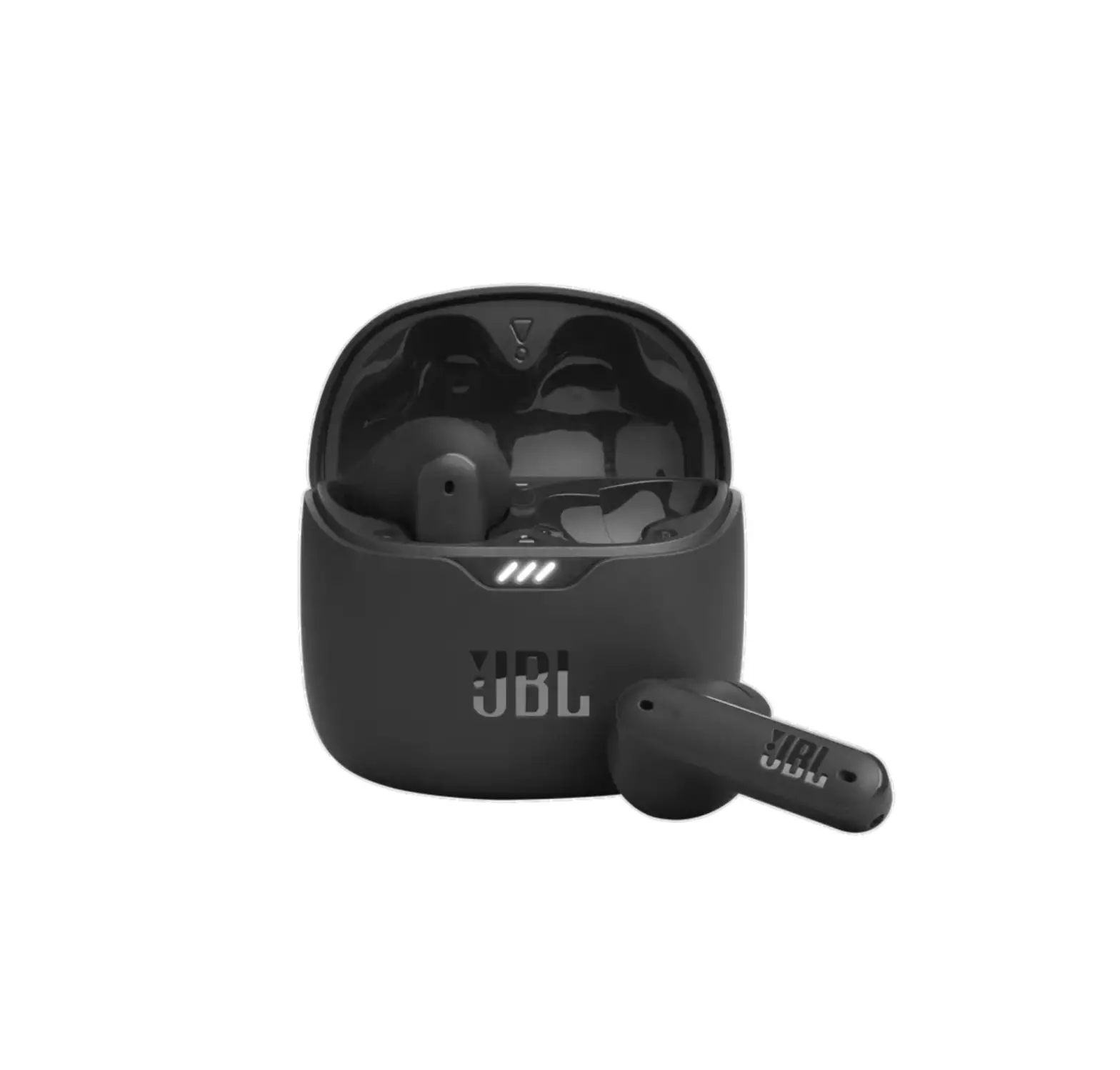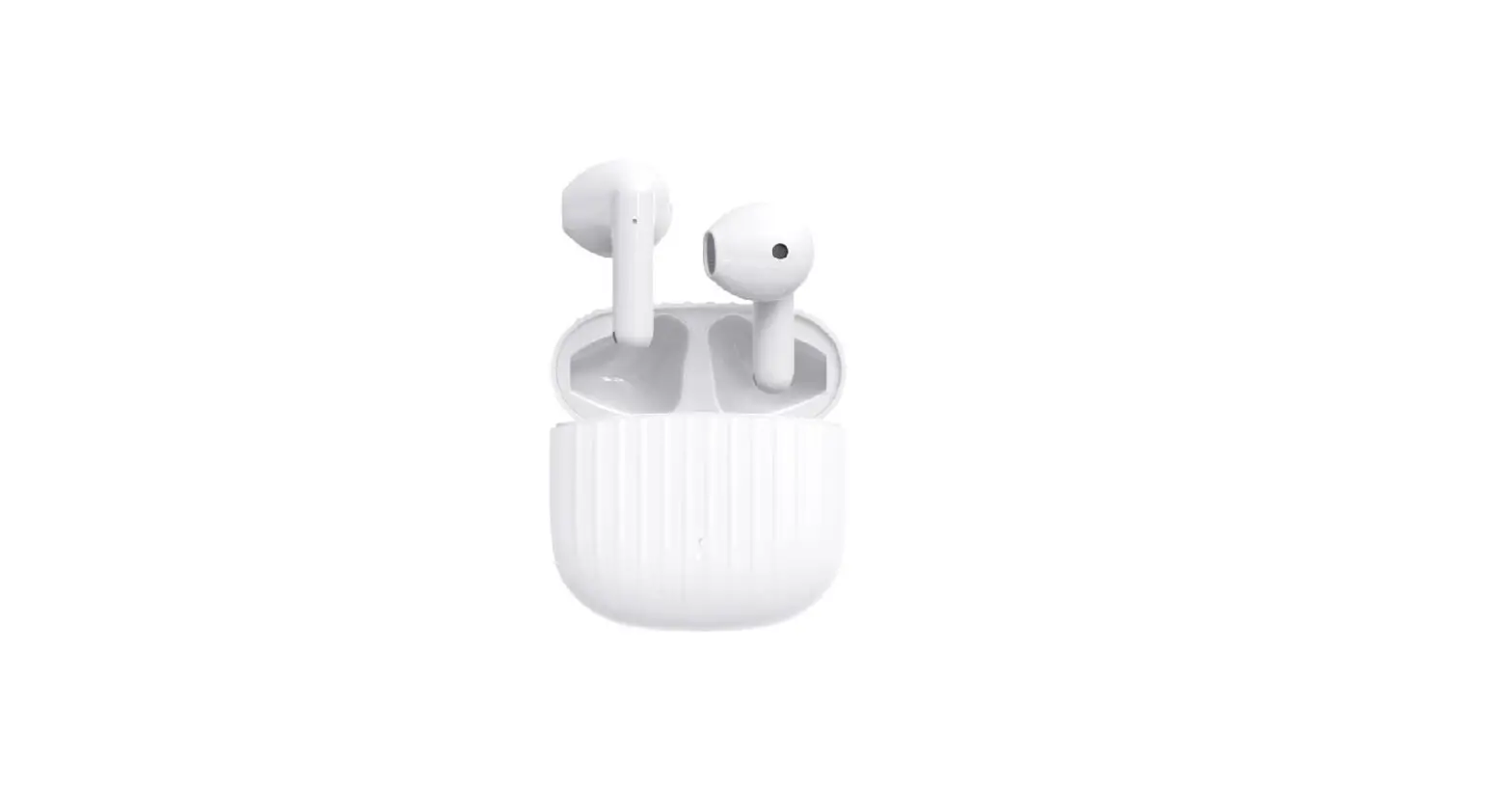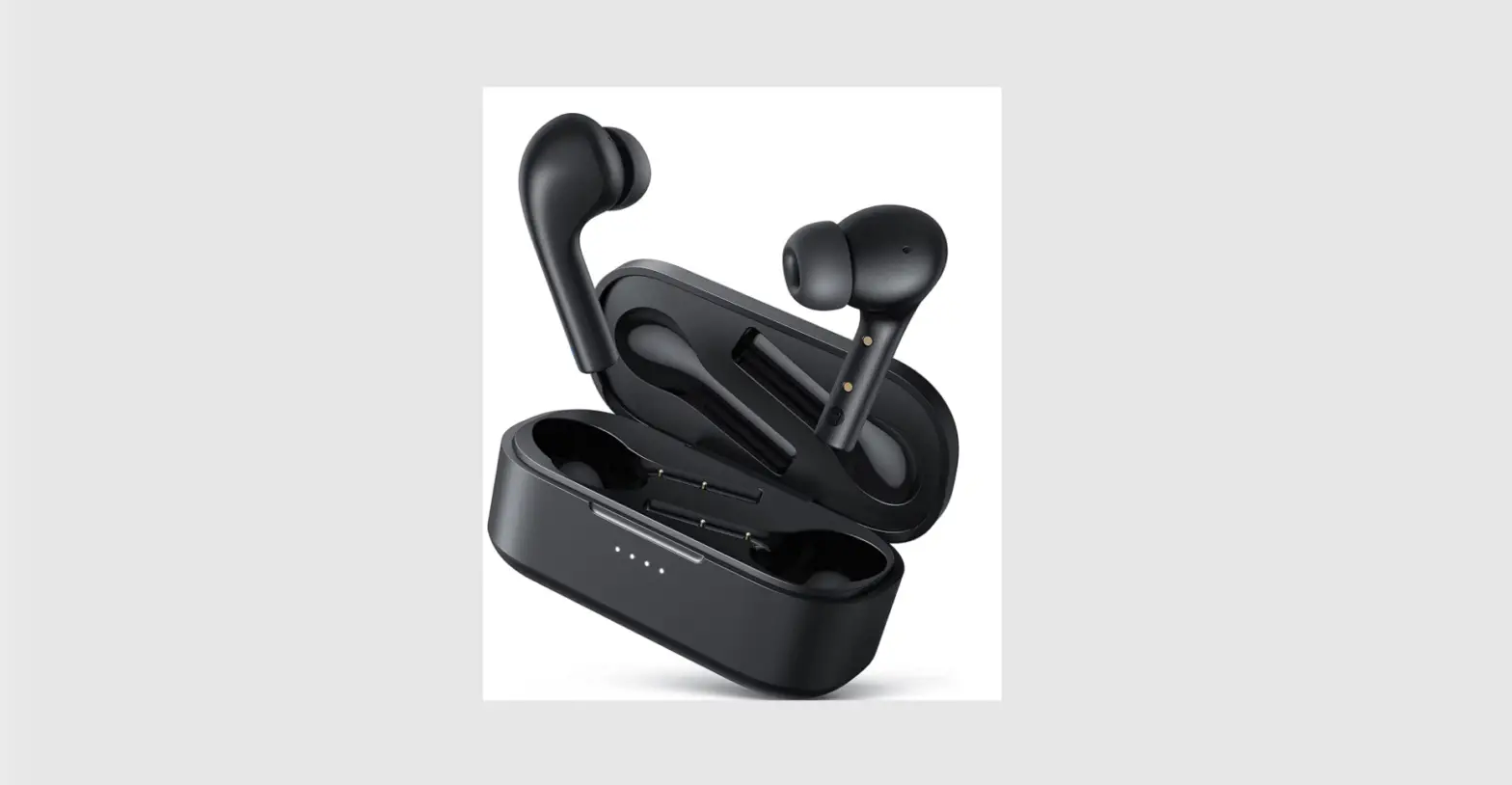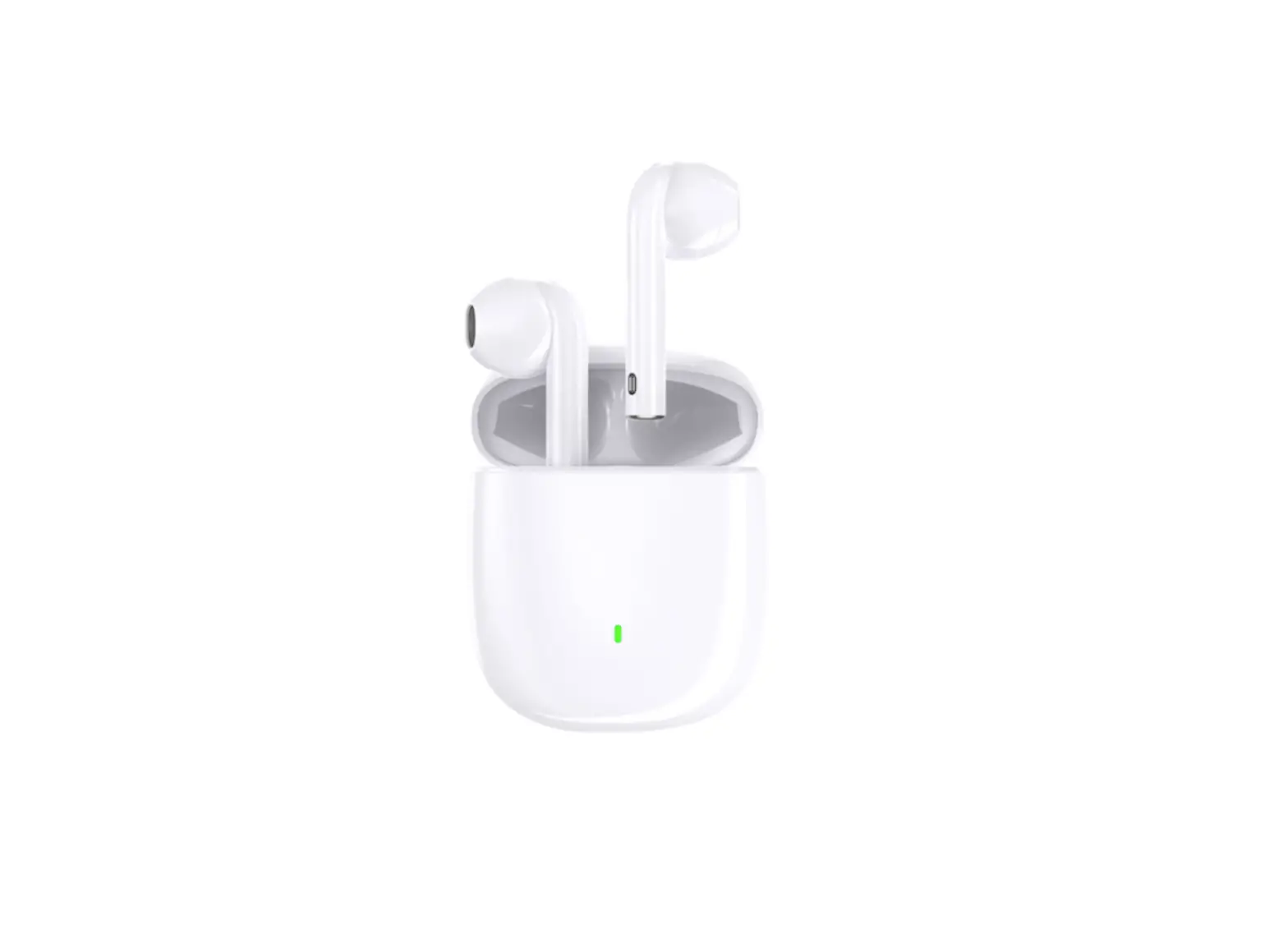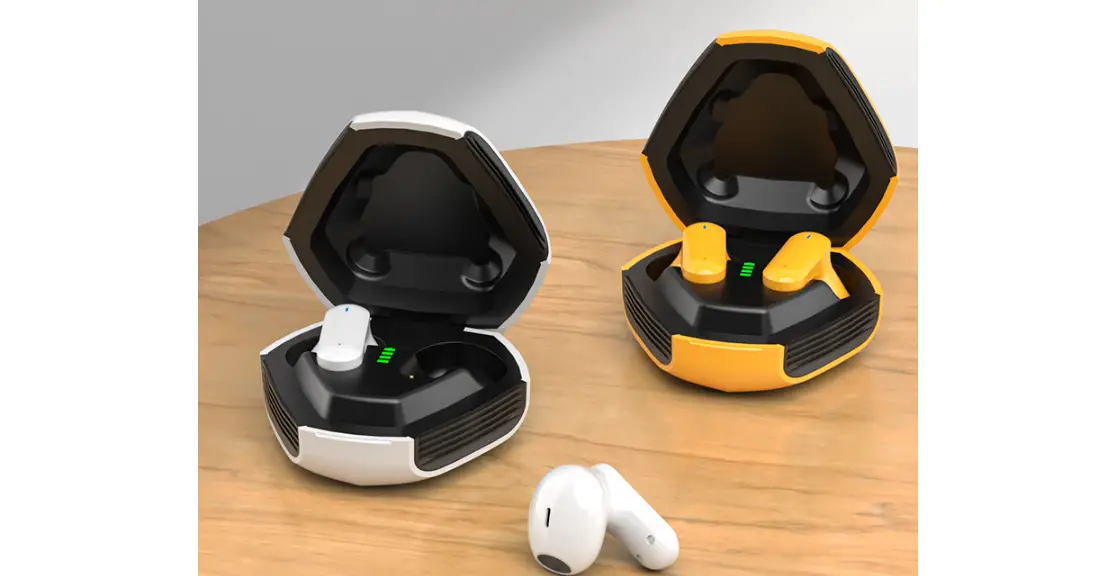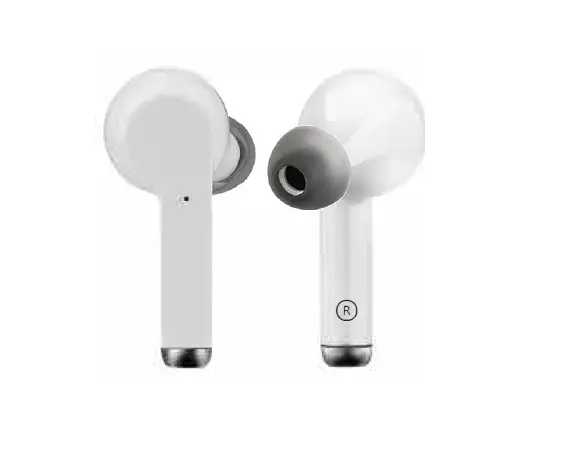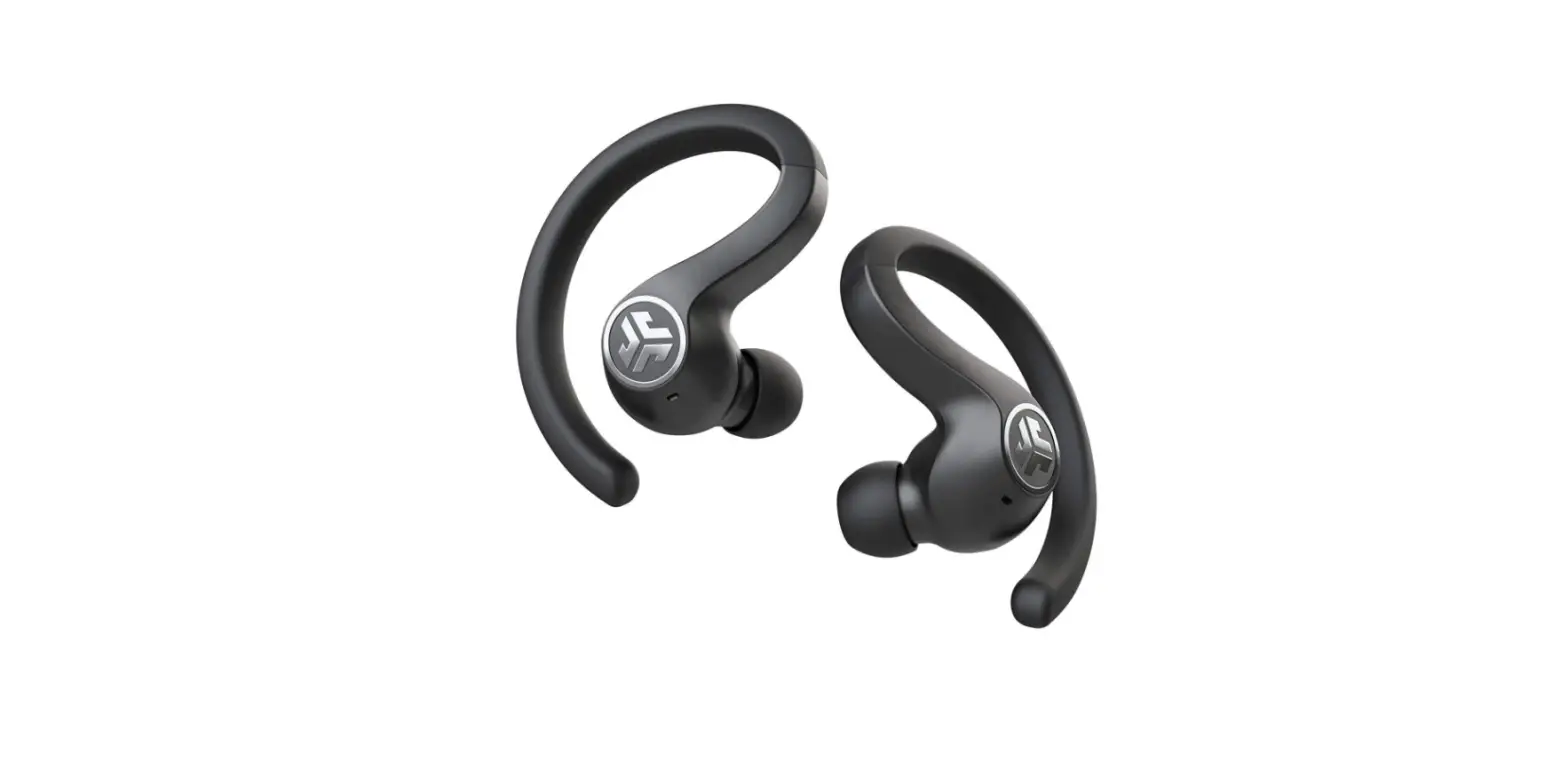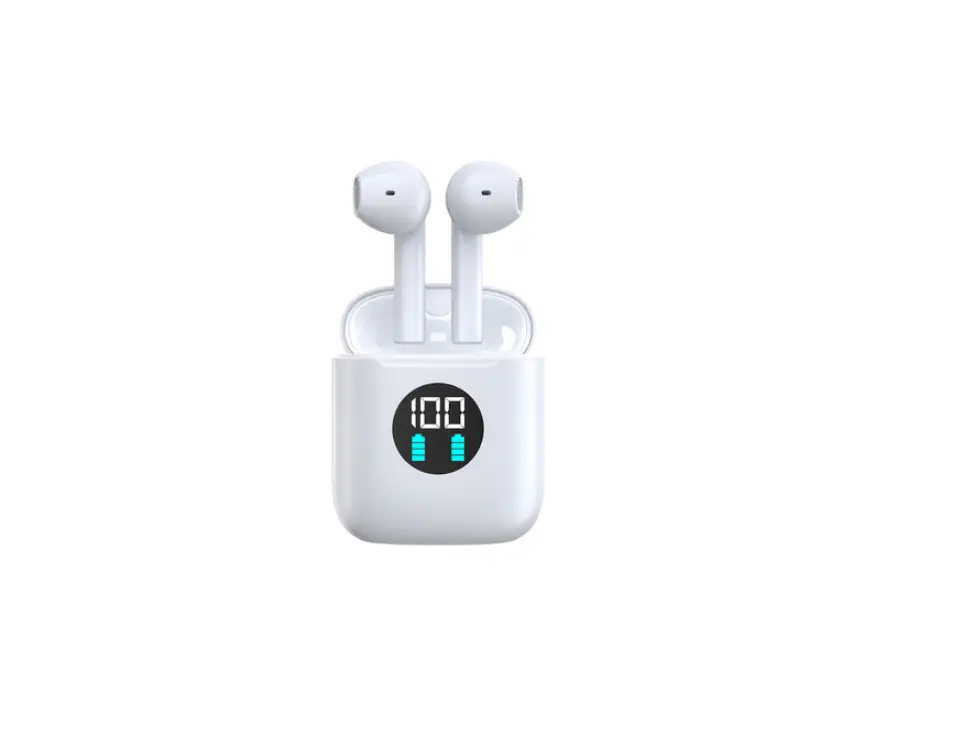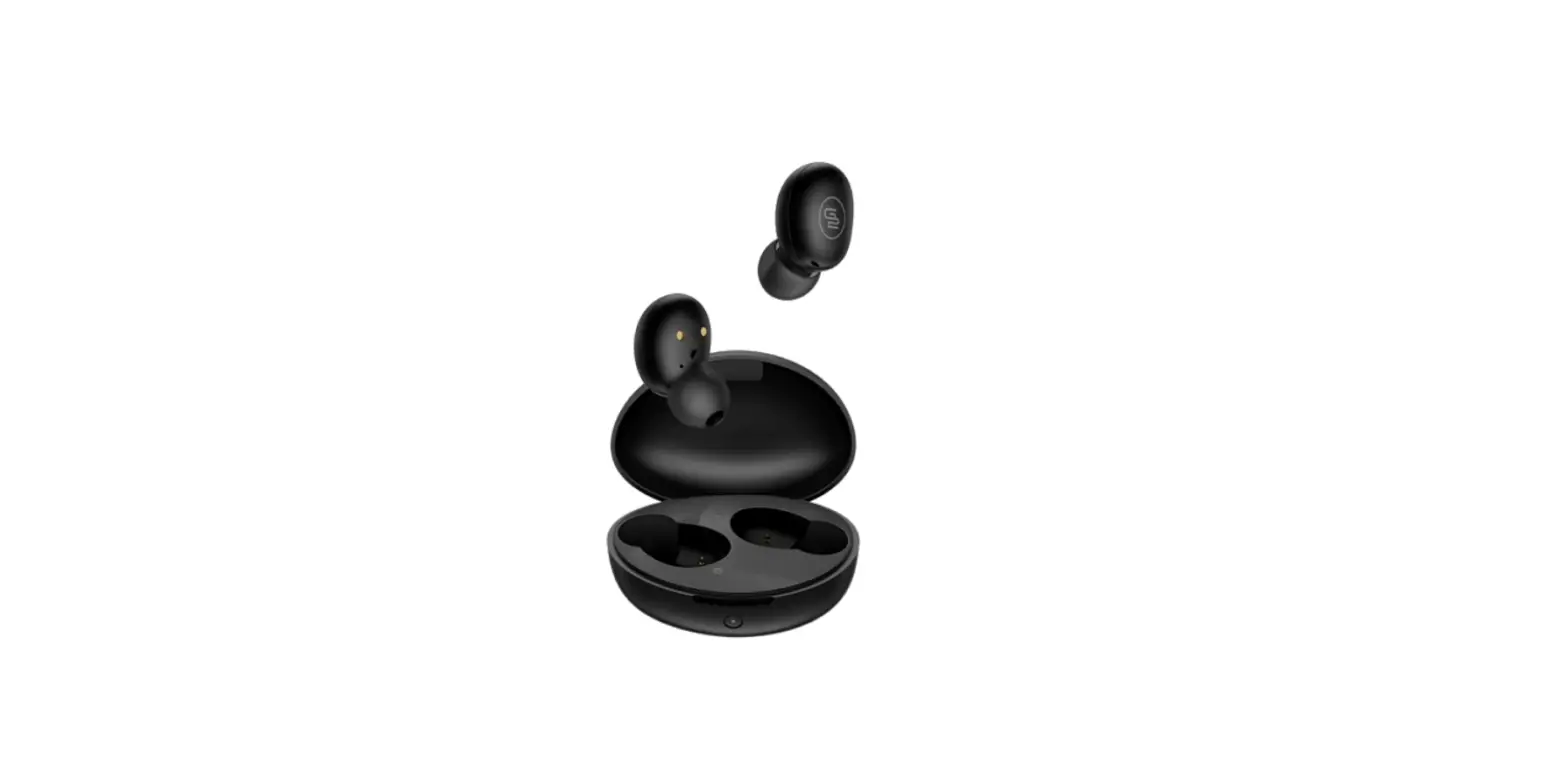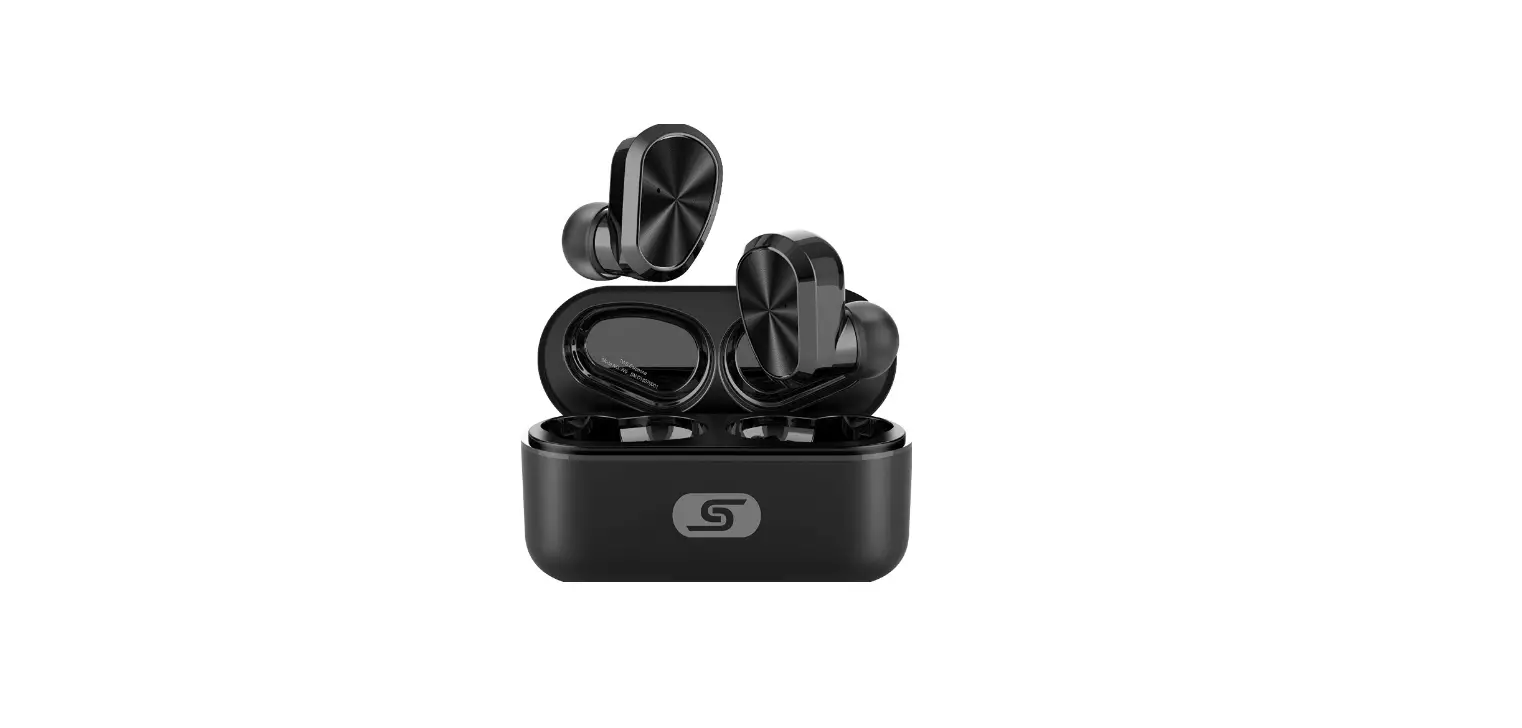

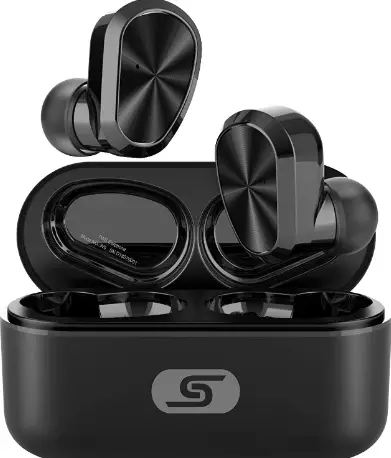
LITOSSA LV09JL Buds Bot Wireless Earbuds
Please refer to this user manual carefully to ensure safety and sat1sfadory us, ng &KJ)Qf1enoe, Please keep manual for 1819′ reference.
Specification
The data above are from the LITTOSA lab, real parameters may vary.
| Ea!’9Rrphoneaqte””””Idnbopuvocaxtltcap&alr9pacitya9ng9 e y -3 uency | 4DV0C09mSl/AJhL=•2500mA 20.7HVZ-20KHz |
| Charging time | Awox 1.5h |
| Approx 24h ( comes v.,th a | |
| GBaamlteorymodllfee | c-harg-ing box ) — – |
| Battery lrfe(rros.ic) | Approx 6.5h (70%V ) |
| Comectoo distance | Hfl180dMS&I / Handsfree / |
| Supported agreemenl | –Approx6h – A2DP I AVRCP |
| Data above are from the LI | TTOSA lab, real parameters may var |
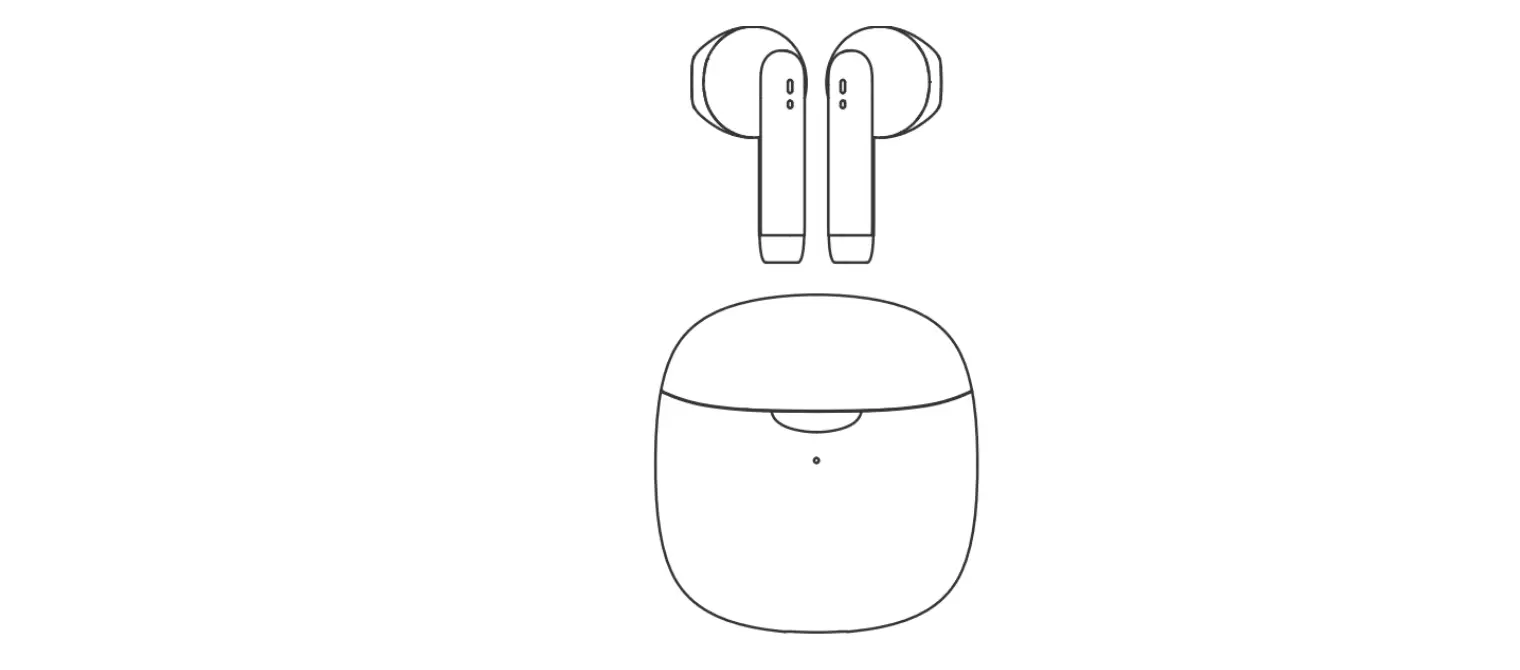
Product diagram

Earphone user manual
Power on & Connection
Method 1
Power, Open the HD ul) and earphones will tum on automatically.
Connection: Automatic connection, white will connect to the latest connected device when being taken out of the charging box : Single earphones will connect with the latest connected elev.Ge when being taken out of lhe charging box, If not conne<: ted, this earphone will ente< match”9 mode
Connect to L&R
Open the lid up and e.:irphones will enter matching mode automatically, Search ‘Buds Bot’ on your device and click ‘Connect’.Once connected, you will hear ‘Connected’.(Supports single earphone COf\OflCbon)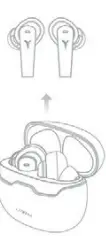
Method 2
1/vhen powered-off, press MFB for J secs and white indicator on for 2 sacs, then Iha 88f’phones are turned on. (Power-off: Automatic power-off when put earphones back to the charging box and closing up the lid.or press MFB for 5 secs when earphones are power-oo)
Bottom Operation
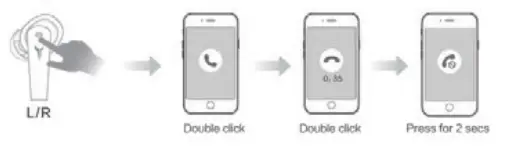
- Take/Reject calls
Take calls: Double click MFB on Lor R Hang up calls: Double dick MFB on Lor R Reject calls: Press MFB for 2 secs on Lor R
- Pause/Play
Pause/Play: W’hen audio is playing, double dick MFB on Lor R to pause or play. - Voice Assistant
When earphones are powered-on and not in calling mode ,diek MFB for 3 times to activate voiee assistant on your device (the device should be built wrth voice assistant) - Next song
Press MFB on R for 2 secs
- Last song
Press MFB on L for 2 secs
Lighting
- Power-on &Power-off lighting
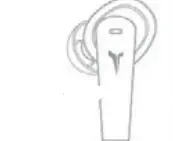
When it’s connected, tab UR for 4 times to activate lighting, tab 4 times again to stop lighting. - Game mode
1/vhen audK> ,splaying dd<. MFB on R for 3 times to switch to game mode, When the lighting IS tun”led on, blue light flashes gradually. - Music mode
Click MFB on R for 3 limes to switch to music mocle, When the lightirk) is turned on, white light flashes gradually. - Recharge the charging box
1/vhen recharging) the charger) box, red hght flashes gradually,’Nhen fully recharged, btue/whlte light up for 10 secs - Recharge earphones
Put the earphones back to the charging box and dose up the lid. Related IndicatIng lights tum blue and flash gradually .Lights tum off when fully recharged - Charging box battery level display
I close up the lid to show the current battery B<ery level (0%-15%) red lighl flaShes QUICkfy for 5 secs Baltery level {16%-50%) red lighl on for S sacs Baltery level {51%-100%) bkJ8 llghl on for 5 sacs
Reminder
- To avoid damaiJO to y<:u heard, ple;)SG keeps the volume at a normal level. Please avoid listening to the music at high VOiume for 100 IOoQ, !hit rnghl damage yOul’ he&nng.
- Plz, do !”IOI takes calls or use earphOneS who you need to pay attention (outdoors etc,)
- Audio 80d video rn.yht be out of sync somelurles.
- lf not freQuently using Buds space, please recharge the l)product at least once a month to ensure better battery life
- If your Eal’s)hOr”les 8(8 still OC>l’U’l8Cled 10 y0ur devlC@l when 11 has been put back to the charging box, or it is not being rll!d\arged, please clean the oontactor
- Ple&se ensure the voltage of the charger you use to recharge this product doos not exceed 5V/1A. if this product is damaged because of (1VfJ( VOitage. ii can’ t be warranted
Warning
- Pl&ase store or use this project In normal temperature
- Pleas& dO not expose this prOduel in rain or humid, &nwonment.
- Please do not allow this procllct for potential damage
- Please do not disassemble or reform the product.
- This product s built-in battery cannot be changed. Please do not discard this product, or expose It In fire or extremely high temperature, lh&r& ar& r!Sks.
- Please discard this product accordingly, follow local laws of d!scard1ng battertes. This product cannot be categorized as household wast&