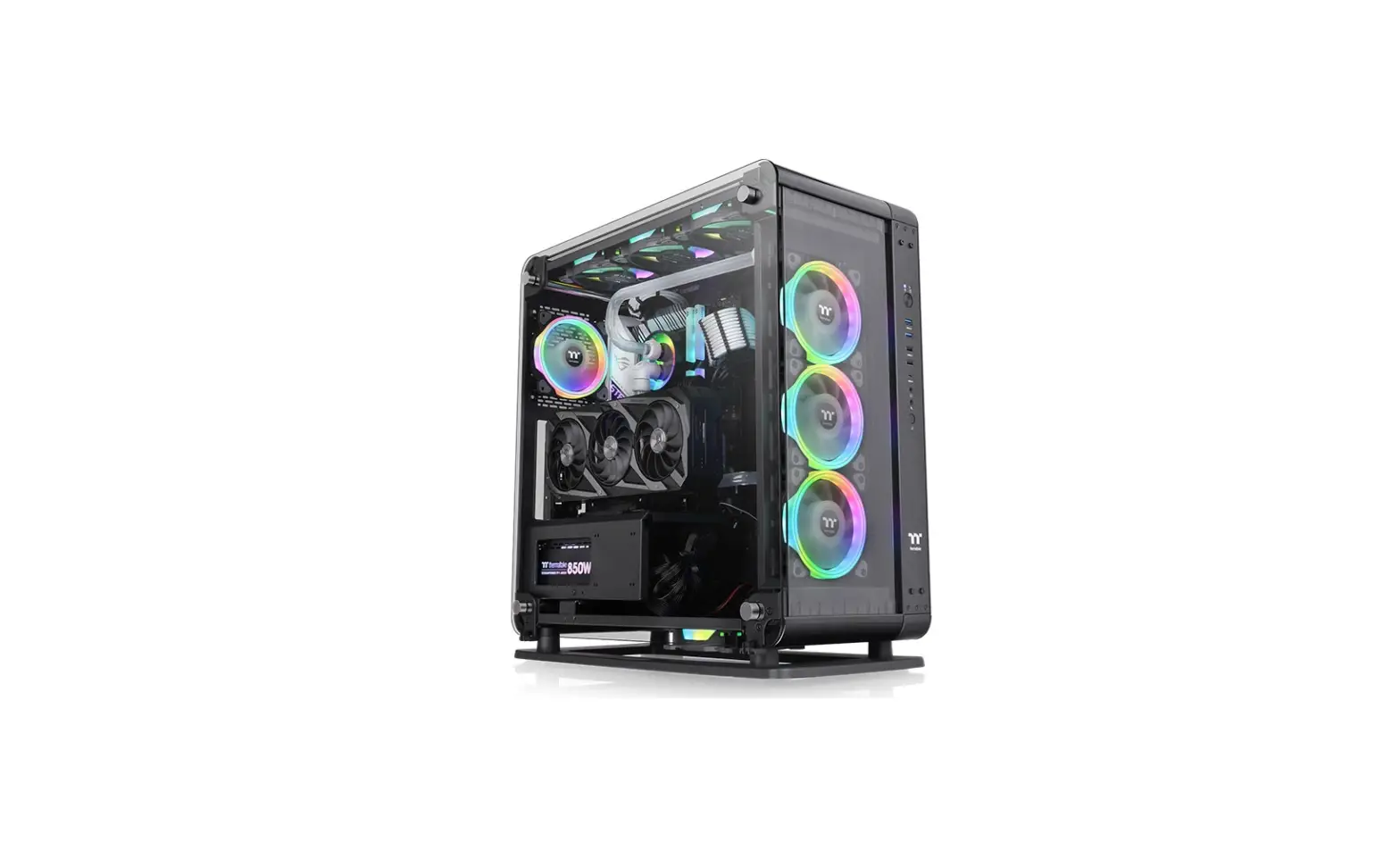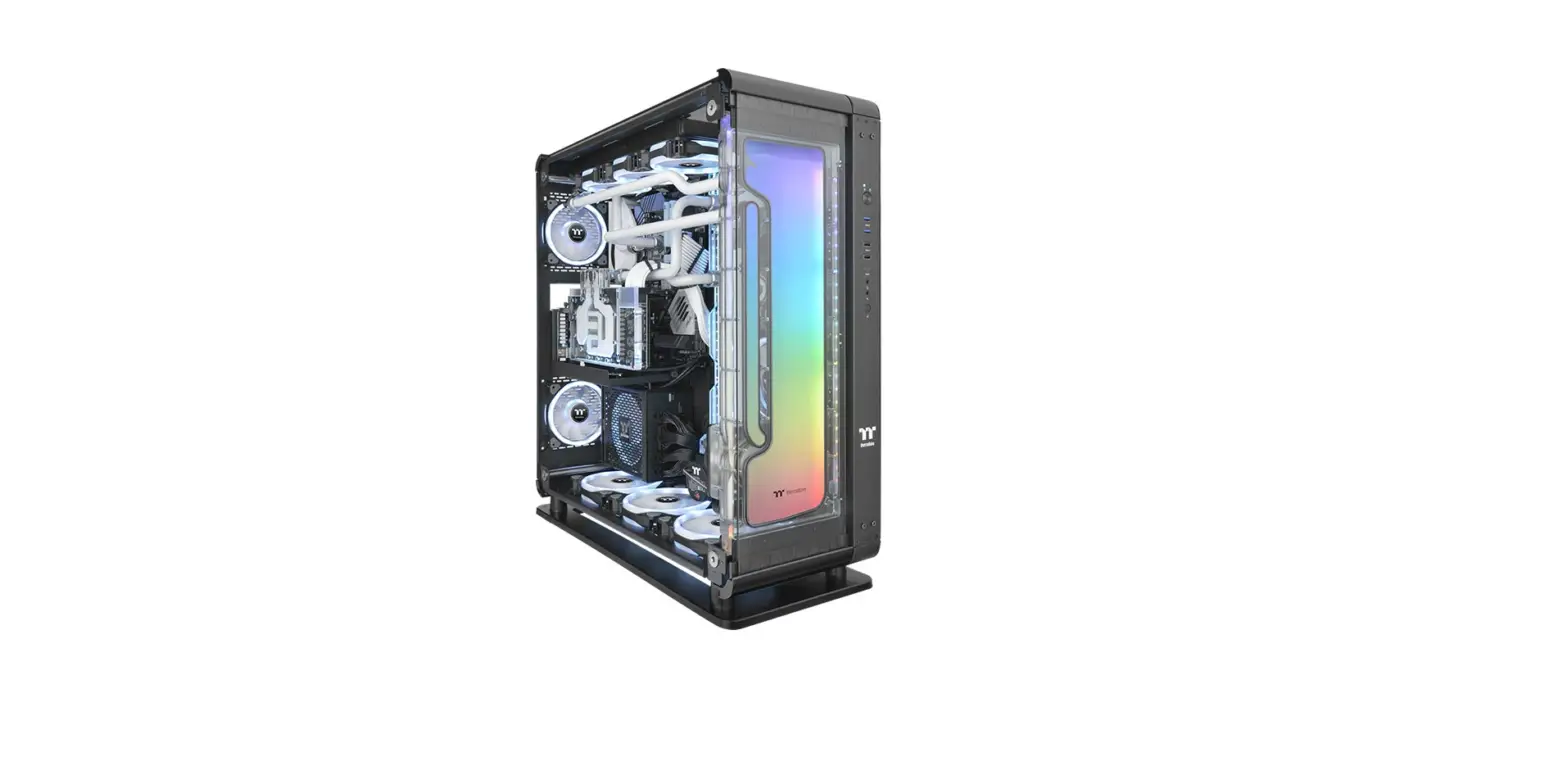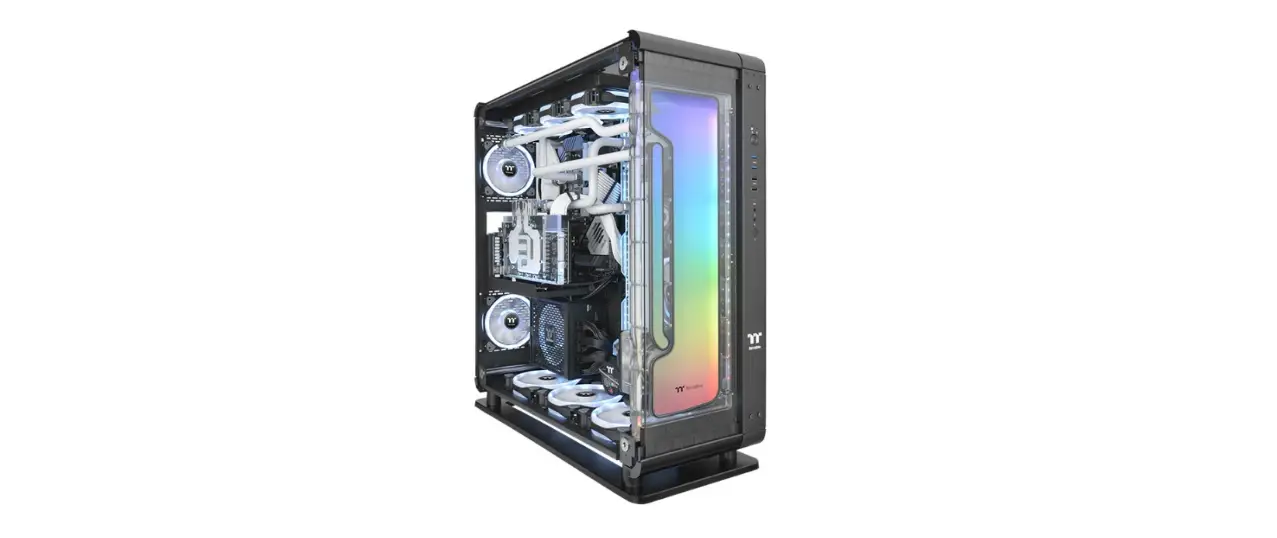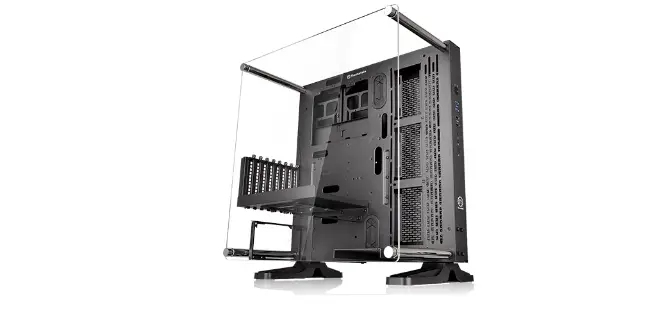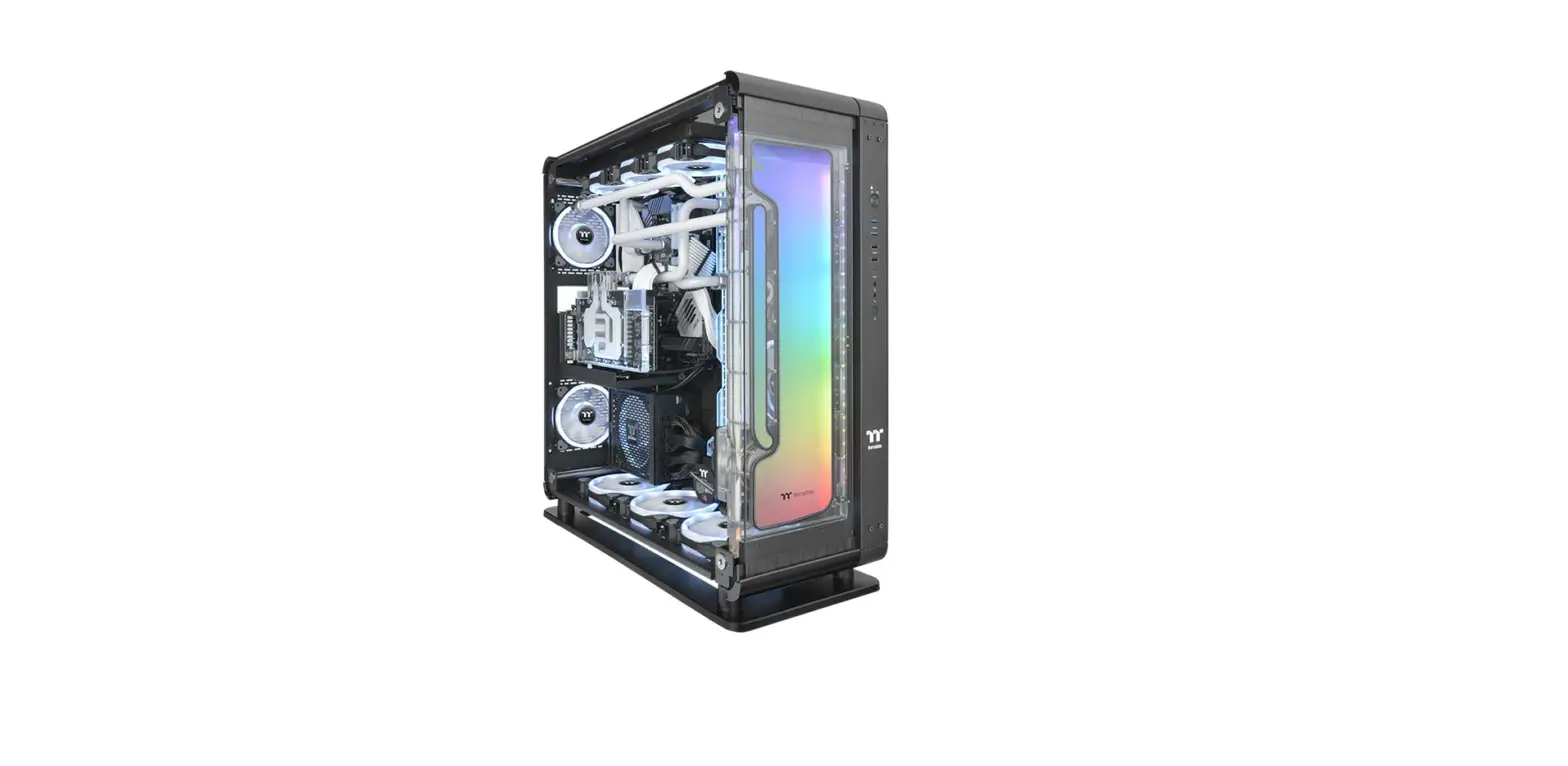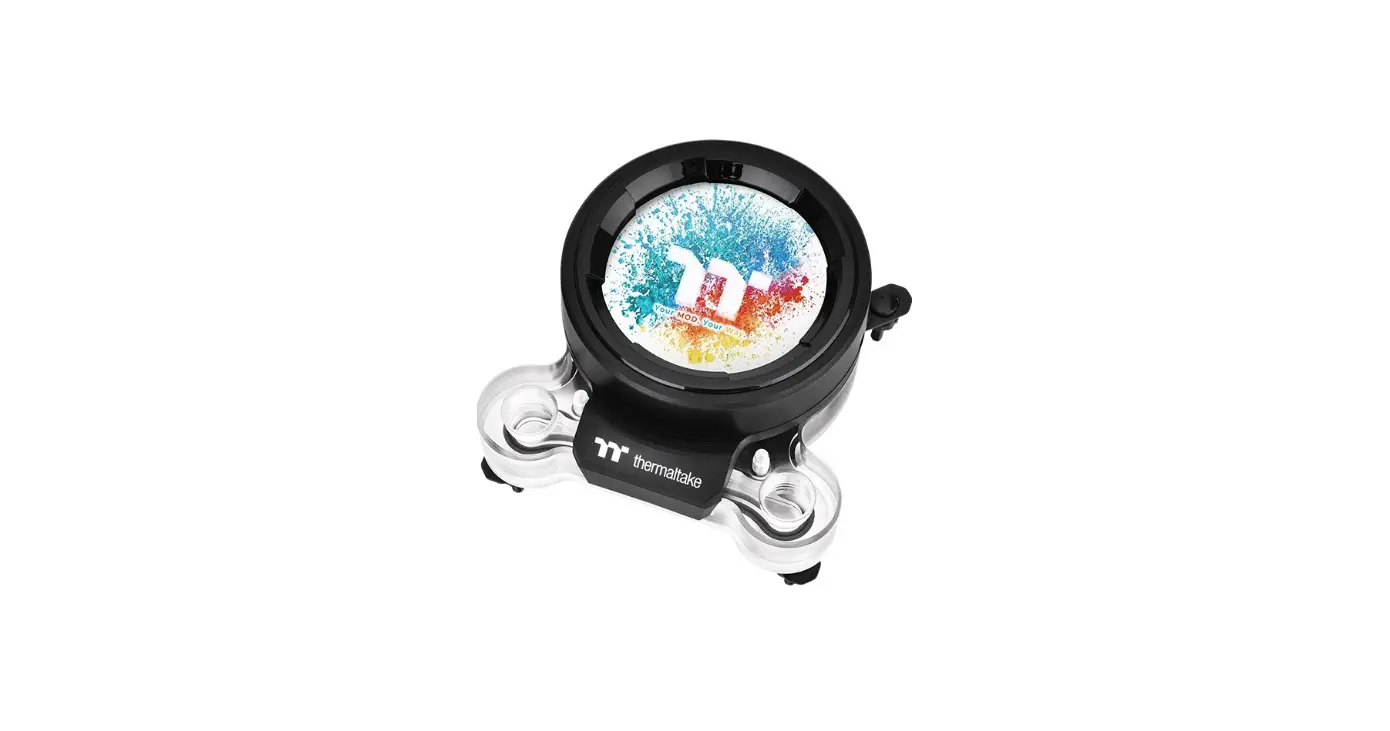

thermaltake Pacific Ultra Core P6 DP-D5 Plus
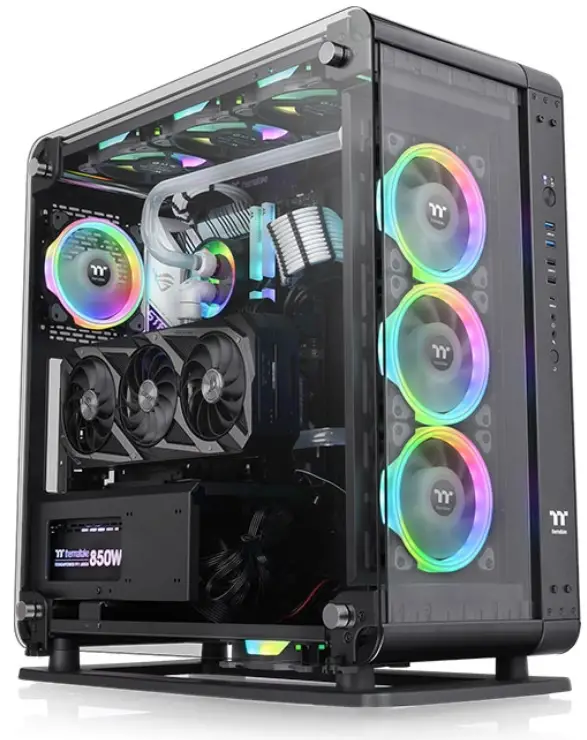
INTRODUCTION
This product is intended for installation only by expert users. Please consult with a qualified technician for installation. Improper installation may result in damage to your equipment.
- Please carefully read the manual before beginning the installation process.
- It is strongly recommended to use market proven pre-mix coolant, such as Thermaltake Coolant 1000..
- DO NOT USE any kind of alcohol or alcohol derivatives with this reservoir or the acrylic tube may crack and fail ! Do not clean it using alcohol either.
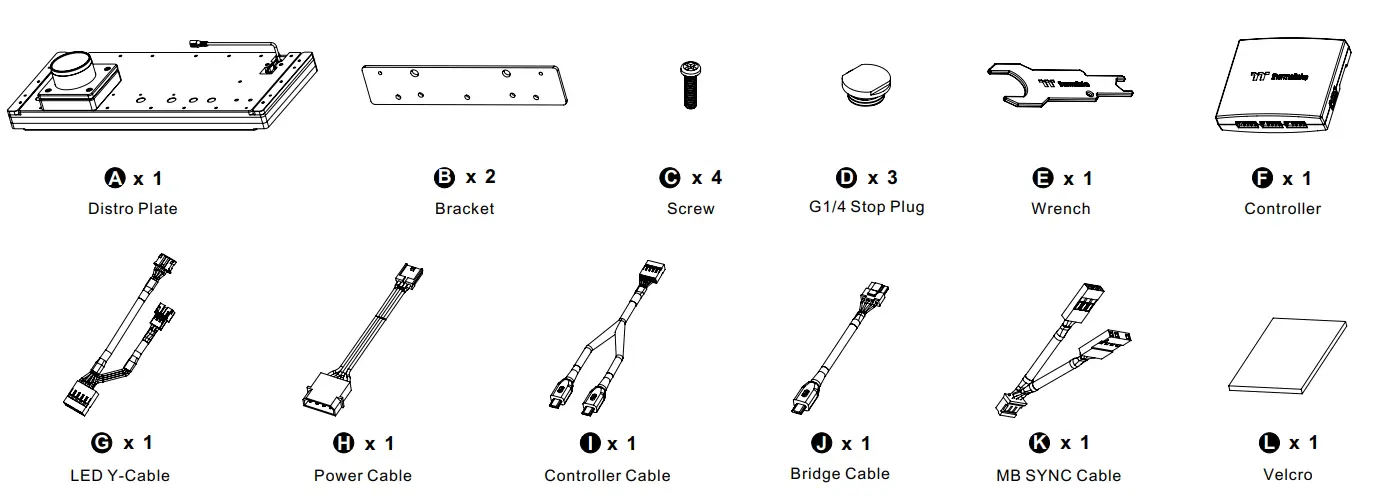
Parts List
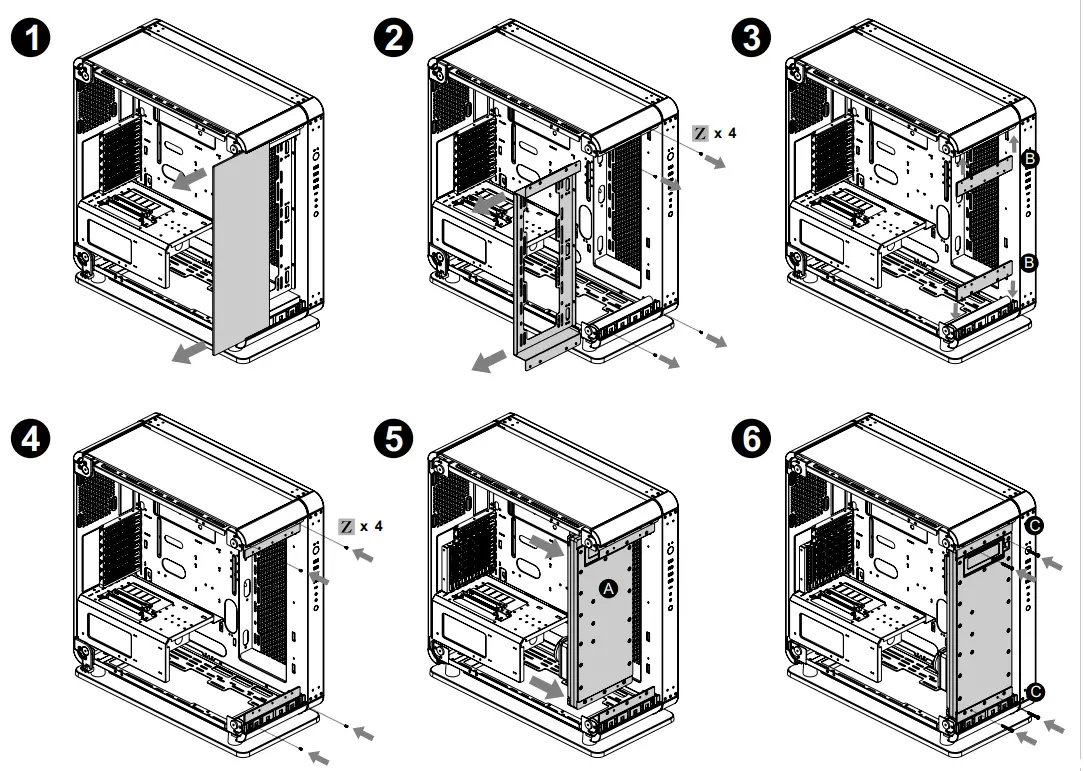
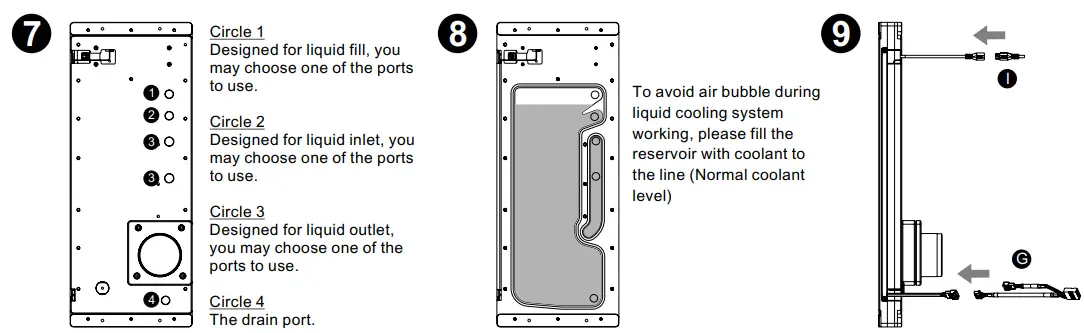
Installation
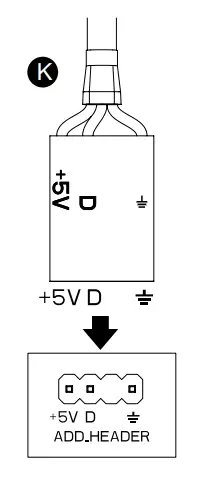
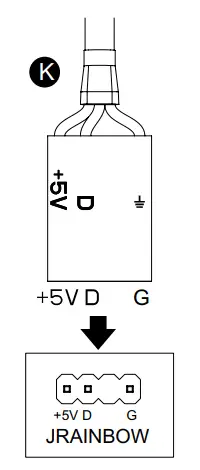
Mainboard SYNC installtation
CAUTION: Please power off the PC and check the Positive and Negative ends on the connector before connecting the cable to mainboard. Connecting the wrong end can damage the LEDs.
- ASUS

Aura Addressable Strip Header(s) - MSI

JRGB-strip Header(S) - ASROCK

Addressable RGB LED Header(s) - GIGABYTE

AOURS RGB Fusion with Digital LEDs
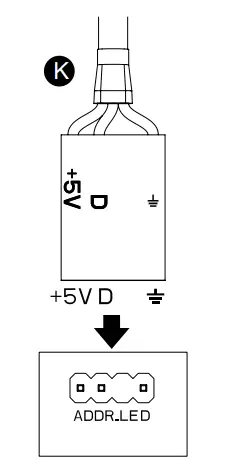
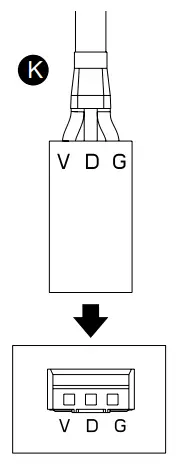
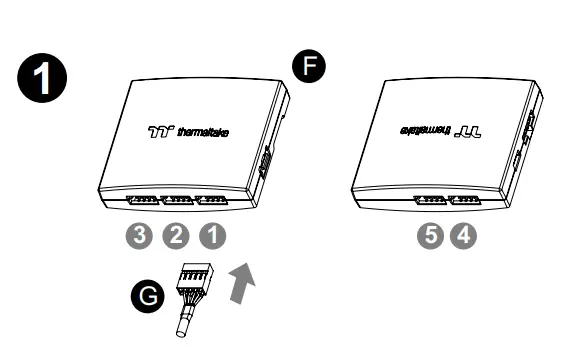
Controller Installation
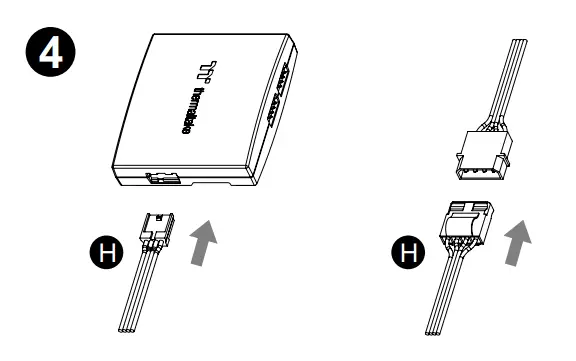
- Connect the reservoir cable onto the controller.

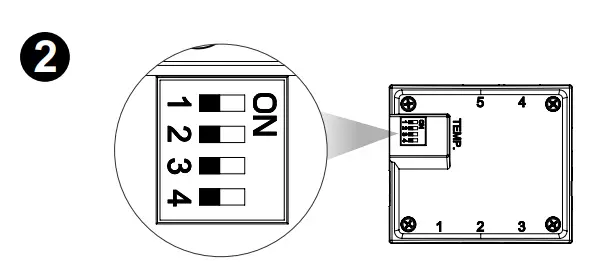
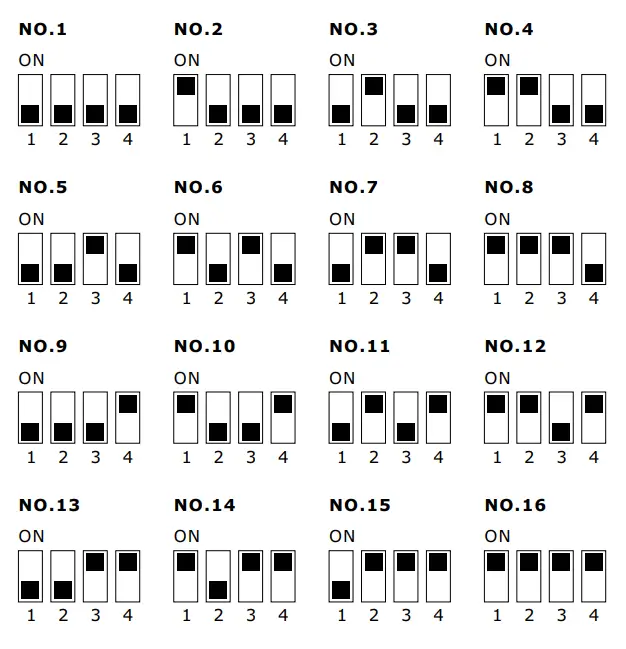
- Set the DIP switch on the back side of the controller to assign the number of the controller


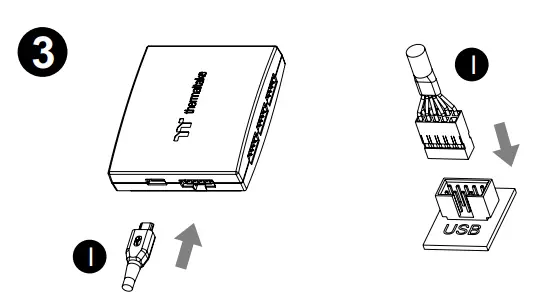
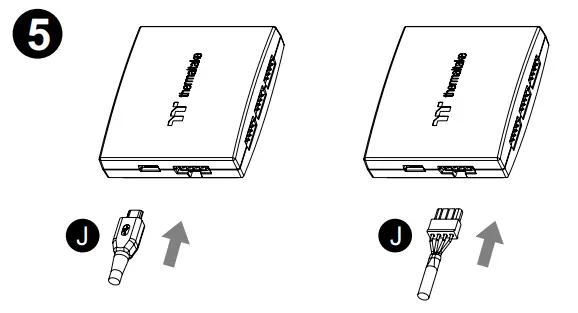
- Connect the controller cable onto the mainboard (USB 2.0 9 pin) and controller.

- Connect the power cable to the 4pin Molex connecter and controller.

- If you want to connect two or more connectors, you can use the bridge cable to connect the controllers.

Scan Here

 Thermaltake