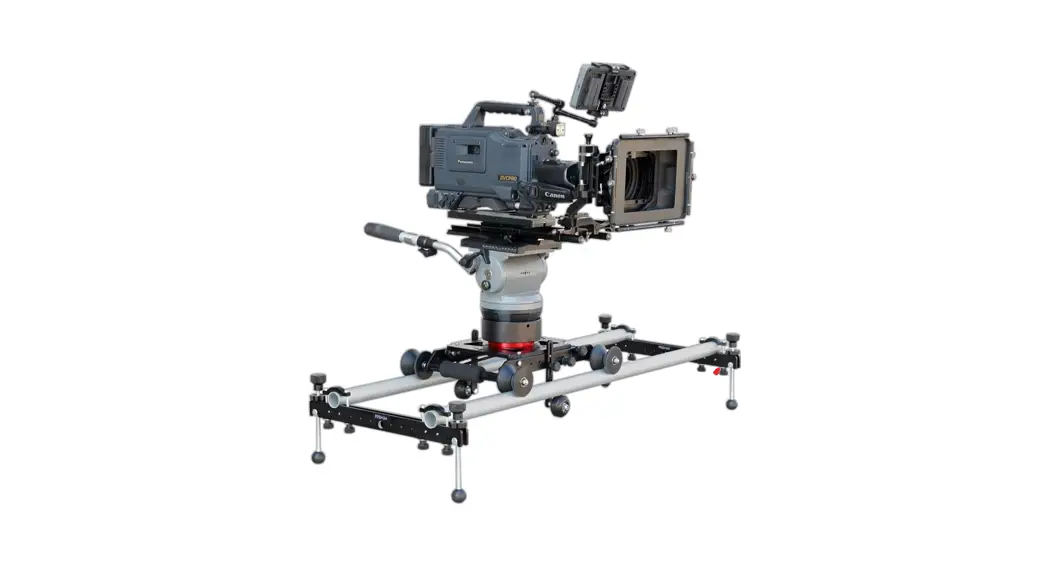
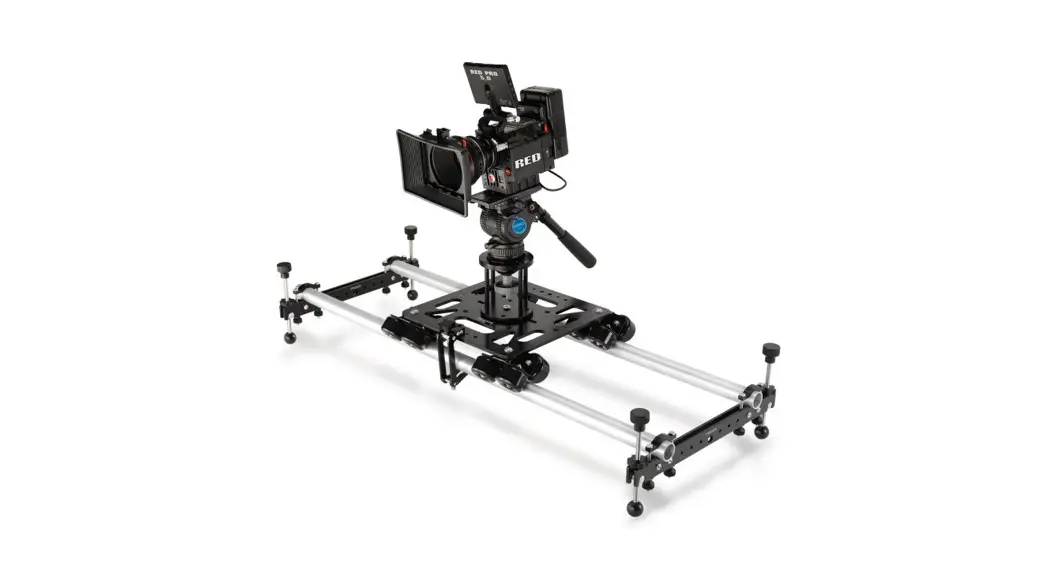
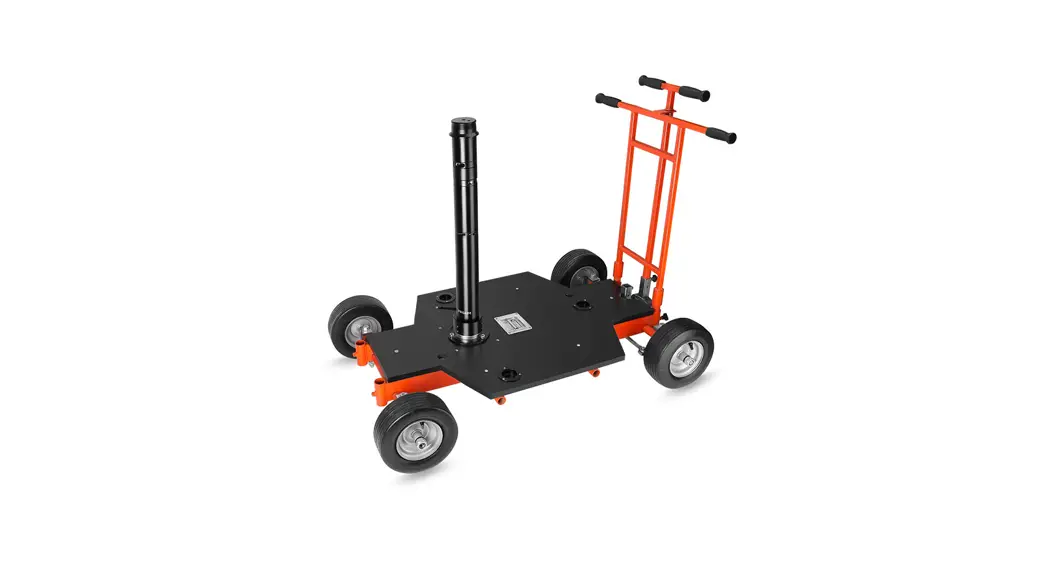
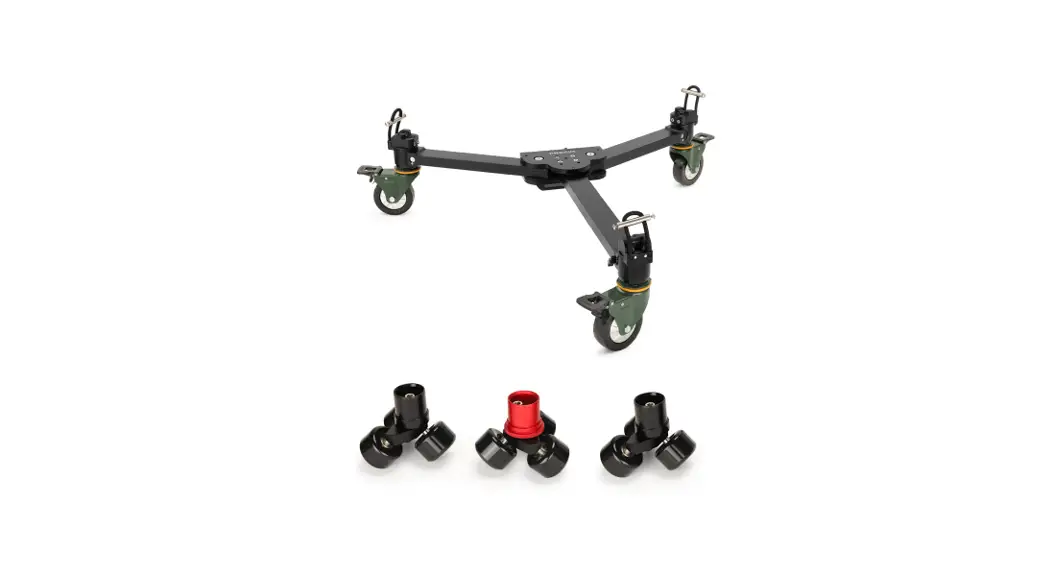
DL-CLBS-01 Video Camera Platform Dolly
Columbus Video Camera Platform Dolly (DL-CLBS-01) Assembly
Manual
What’s In The Box
Please inspect the contents of your shipped package to ensure
you have received everything that is listed below.
- Push Bar Handle
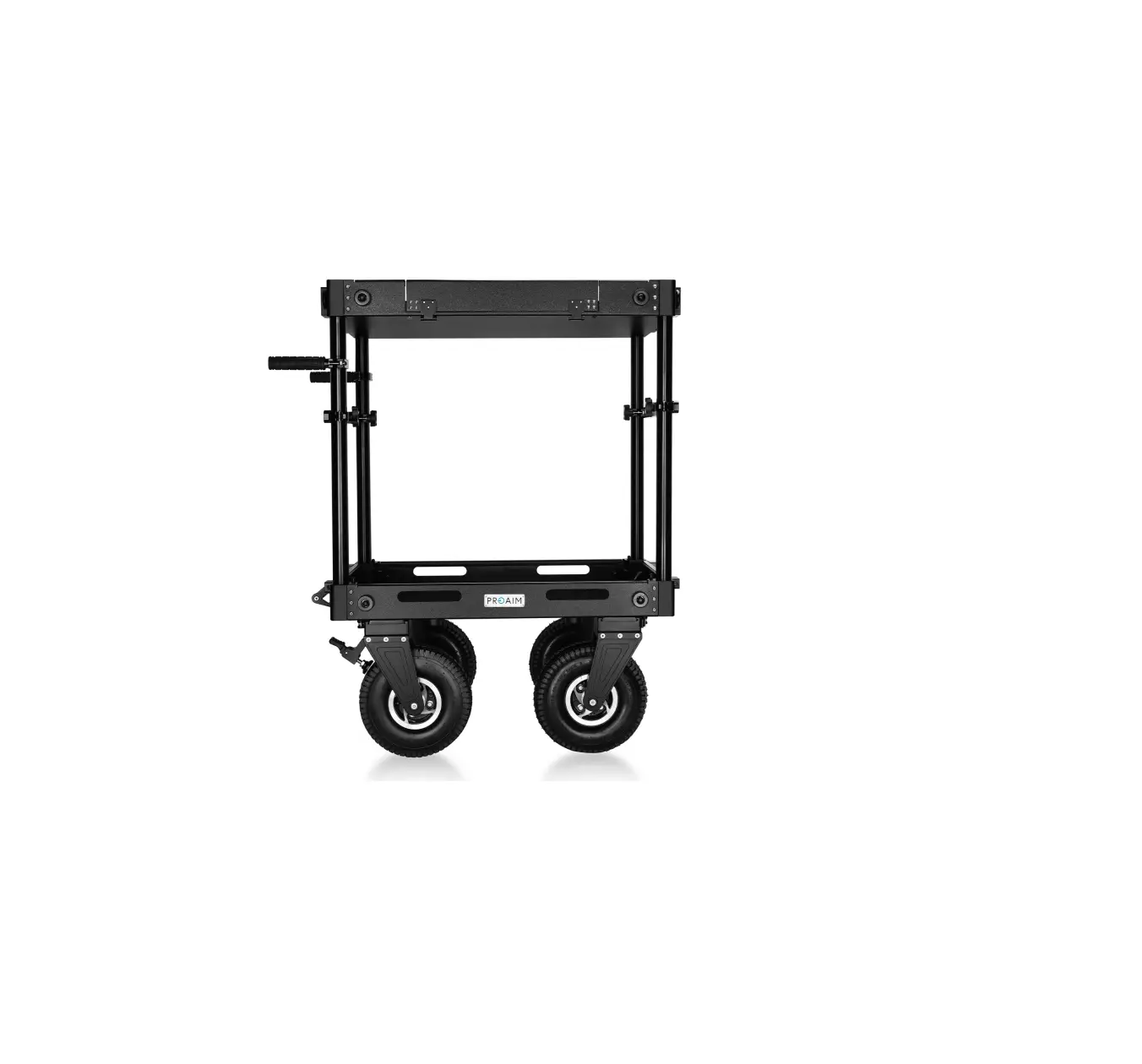
- Columbus Platform Dolly
- T-Type Allen Key (Size: 6mm)
All rights reserved. No part of this document may be reproduced,
stored in a retrieval system, or transmitted by any form or by any
means, electronic, mechanical, photo-copying, recording, or
otherwise, except as may be expressly permitted by the applicable
copyright statutes or in writing by the Publisher.
Columbus Dolly Setup
- Place the Columbus Dolly on the Velvet Steel Track (Not
Included), as shown in the image. - Now place the Columbus Dolly onto the Velvet Steel Track (Not
Included). Make sure all wheels are aligned correctly on the track
and dolly runs smoothly.
NOTE: It smoothly maneuvers on a curved or
conventional track with equipped 4 x 4 skateboard wheels that
assure flawless and smooth mobility without drift, noise, or
excessive rolling resistance. Adding to that, the wheel has a push
and pull mechanism that allows the wheels to be readily attached
and removed from the dolly at any given moment.
Assembling Push Bar Handel
- Attach the push Bar Handle to the side corner of the Columbus
Dolly by tightening both the knobs to properly secure it. - The push bar handle is properly attached to the Columbus
Dolly.
NOTE: The push-bar handle offers smooth dolly
operations; it can be attached to any four corners of the platform
of the dolly.
Assembling Euro Adapter Plate
- Place the Adapter Plate by matching it (Not Included) with the
center thread hole of the Dolly, and then insert the bolts. - After inserting the bolts in the Euro Adapter Plate (Not
Included), tighten the bolts with the help of the Allen Key.
Assembling Flexino Bazooka Set
- Loosen the Knob of the Flexino Bazooka (Not Included) and mount
it on the Euro Adapter Plate (Not Included), as shown in the
image. - After properly mounting the Flexino Bazooka (Not Included) onto
the Euro Adapter Plate (Not Included), securely re-tighten the
assembly with the ratchet knob. - Loosen the ratchet knob of Bowl Riser Adapter (Not Included),
and then attach it to the top of the Flexino Bazooka (Not
Included). - Then secure the assembly using the ratchet knob.
Assembling 75mm Fluid Head
- Remove the knob of 75mm Bowl Fluid Head (Not Included) and
mount it onto the Bowl Riser Adapter (Not Included). - Then, properly tighten the knob of the Fluid Head (Not
Included) from bottom. - Pull & release the knob of the Fluid Head, and then remove
the plate. Now, attach the plate to the bottom of the camera (Not
Included). - Secure the assembly using the screwdriver and mount the camera
(Not Included) on the Fluid Head, as shown in the image. - Now, pull the knob of the Fluid Head and properly tighten it to
secure the camera (Not Included).
Cranked Telescopic Bazooka Setup
- Loosen the knob of the Cranked Bazooka (Not Included) and mount
it on the Euro Adapter Plate (Not Included), as shown in the
image.
NOTE: Multiple 3/8-16 threaded holes on the
dolly platform offer incredible mounting flexibility for compatible
gear and accessories. That’s why you can change the position of
euro adapter and put it on the side.
Product Usage Instructions
- Inspect the contents of the package to ensure all components
are present. - Place the Columbus Dolly on a Velvet Steel Track and ensure all
wheels are aligned correctly for smooth movement. - Attach the push Bar Handle to any of the four corners of the
Columbus Dolly for smooth operations. - Attach the Euro Adapter Plate to the center thread hole of the
Dolly and tighten using bolts and an Allen Key. - Mount the Flexino Bazooka onto the Euro Adapter Plate and
securely tighten using the ratchet knob. - Attach the Bowl Riser Adapter to the top of the Flexino Bazooka
and secure using the ratchet knob. - Mount the 75mm Bowl Fluid Head onto the Bowl Riser Adapter and
secure using the knob from bottom. - Attach the camera to the Fluid Head using the plate and
screwdriver, and then secure it using the knob on top of the Fluid
Head. - Mount the Cranked Bazooka onto the Euro Adapter Plate for
incredible mounting flexibility.
1
Columbus Video Camera Platform Dolly (DL-CLBS-01)
Assembly Manual
What’s In The Box
Please inspect the contents of your shipped package to ensure you have received everything that is listed below.
Push Bar Handel
Columbus Platform Dolly
T-Type Allen Key (Size: 6mm)
All rights reserved.
No part of this document may be reproduced, stored in a retrieval system, or transmitted by any form or by any means, electronic, mechanical, photo-copying, recording, or otherwise, except as may be expressly permitted by the applicable copyright
statutes or in writing by the Publisher.
2
Columbus Dolly Setup
Place the Columbus Dolly on the Velvet Steel Track (Not Included), as shown in the image.
Now place the Columbus Dolly onto the Velvet Steel Track (Not Included). Make sure all wheels are aligned correctly on the track and dolly runs smoothly.
NOTE: It smoothly maneuvers on a curved or conventional track with equipped 4 x 4 skateboard wheels that assure flawless and smooth mobility without drift, noise, or excessive rolling resistance. NOTE: Adding to that, the wheel has a push and pull mechanism that allows the wheels to be readily attached and removed from the dolly at any given moment.
Assembling Push Bar Handel
Now, attach the push Bar Handle to the side corner of the Columbus Dolly by tightening both the knobs to properly secure it.
The push bar handle is properly attached to the Columbus Dolly.
NOTE: The push-bar handle offers smooth dolly operations; it can be attached to any four corners of the platform of the dolly.
3
Assembling Euro Adapter Plate
Place the Adapter Plate by matching it (Not Included) with the center thread hole of the Dolly, and then insert the bolts.
After inserting the bolts in the Euro Adapter Plate (Not Included), tighten the bolts with the help of the Allen Key.
Assembling Flexino Bazooka Set
Loosen the Knob of the Flexino Bazooka (Not Included) and mount it on the Euro Adapter Plate (Not Included), as shown in the image.
After properly mounting the Flexino Bazooka (Not Included) onto the Euro Adapter Plate (Not Included), securely re-tighten the assembly with the ratchet knob.
Loosen the ratchet knob of Bowl Riser Adapter (Not Included), and then attach it to the top of the Flexino Bazooka (Not Included).
Then secure the assembly using the ratchet knob.
4
Assembling 75mm Fluid Head
Remove the knob of 75mm Bowl Fluid Head (Not Included) and mount it onto the Bowl Riser Adapter (Not Included).
Then, properly tighten the knob of the Fluid Head (Not Included) from bottom.
Pull & release the knob of the Fluid Head, and then remove the plate. Now, attach the plate to the bottom of the camera (Not Included).
Secure the assembly using the screw driver and mount the camera (Not Included) on the Fluid Head, as shown in the image.
Now, pull the knob of the Fluid Head and properly tighten it to secure the camera (Not Included).
Cranked Telescopic Bazooka Setup
Loosen the knob of the Cranked Bazooka (Not Included) and mount it on the Euro Adapter Plate (Not Included), as shown in the image.
NOTE: Multiple 3/8″-16 threaded holes on the dolly platform offer incredible mounting flexibility for compatible gear and accessories. That’s why you can change the position of euro adapter and put it on the side.
5
After properly mounting the Cranked Bazooka (Not Included) on the Euro Adapter Plate (Not Included), secure the Bazooka with the ratchet knob by tightening it.
Assembling Offset Euro (100mm Bowl Adapter)
Loosen the ratchet knob of the offset (100mm Bowl Adapter) (Not Included) and mount it on the Cranked Bazooka (Not Included), as shown in the image.
After properly mounting the offset (Not Included) on the cranked Bazooka (Not Included), secure it by tightening the ratchet knob.
Mount the 100mm bowl Fluid Head (Not Included) on the offset (Not Included).
Assembling of Turnstile mount
Place the Turnstile at the center of the Columbus Dolly by matching the threads (Not Included).
Then, properly secure the Turnstile (Not Included) on the Columbus Dolly with the help of bolts.
6
Properly lock the assembly with the help of the provided locking brake of the Turnstile (Not Included).
Assembling of Seat arm
Loosen the knob of the seat arm (Not Included), and then place it on the baby pin of the Turnstile (Not Included).
Properly secure it by tightening the knob of the seat arm (Not Included).
Loosen the second knob (top seat mounting) of seat arm (Not Included) and insert the seat (Not Included) into the seat hole by matching the threads.
Now, properly secure the seat by tightening the seat arm (Not Included) knob.
Compatibility : Compatible with a Euro-adapter or turnstile mount, it lets you attach a bazooka, risers, seats, other compatible gears, and accessories.
7
YOUR PROAIM COLUMBUS VIDEO CAMERA PLATFORM DOLLY ALL DRESSED UP AND READY TO GO!
(SHOWN WITH OPTIONAL ACCESSORIES)
Warranty: We offer one year warranty for our products from date of purchase. Within this period of time, we will repair it without charge for labor or parts. Warranty doesn’t cover transportation costs nor does it cover a product subjected to misuse or accidental damage. Warranty repairs are subjected to inspection and evaluation by us. Liability: We are not liable for damage caused by products that we do not supply or from mishandling in transit, accident, misuse, neglect, lack of care of the product, or service by anyone other than our company. Contact Us: In case of any kind of dissatisfaction, please Contact us immediately and we promise our utmost support and care until you use our product.