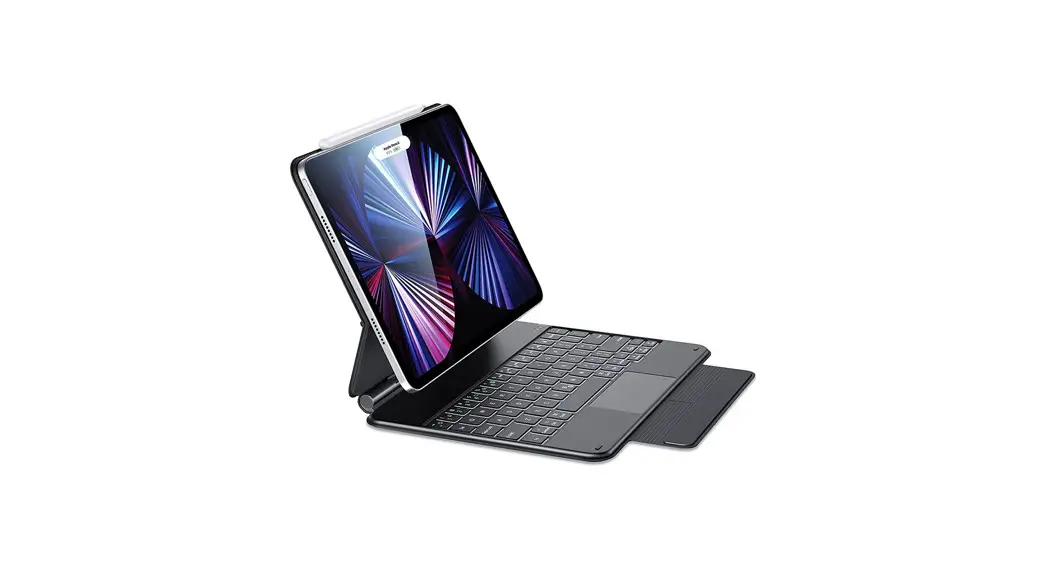
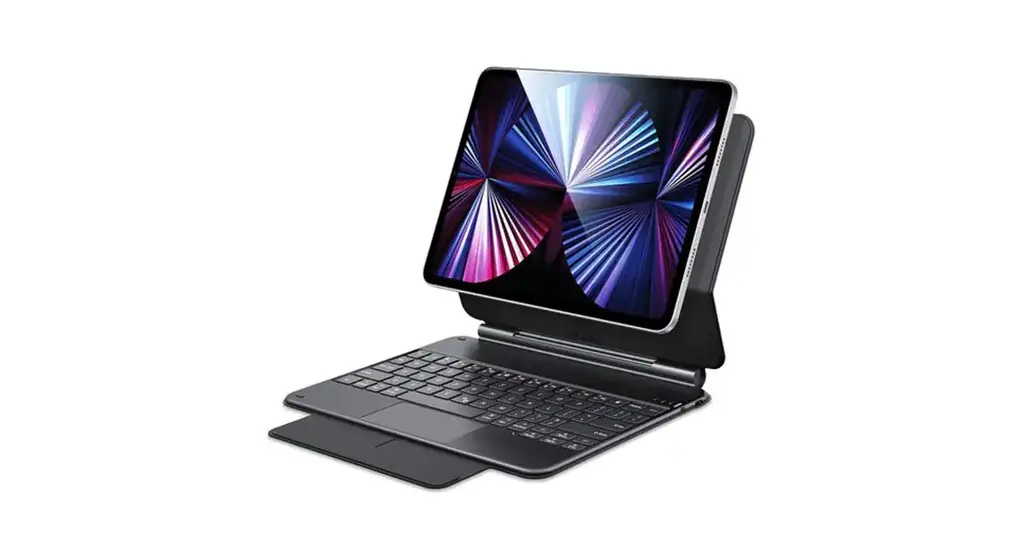
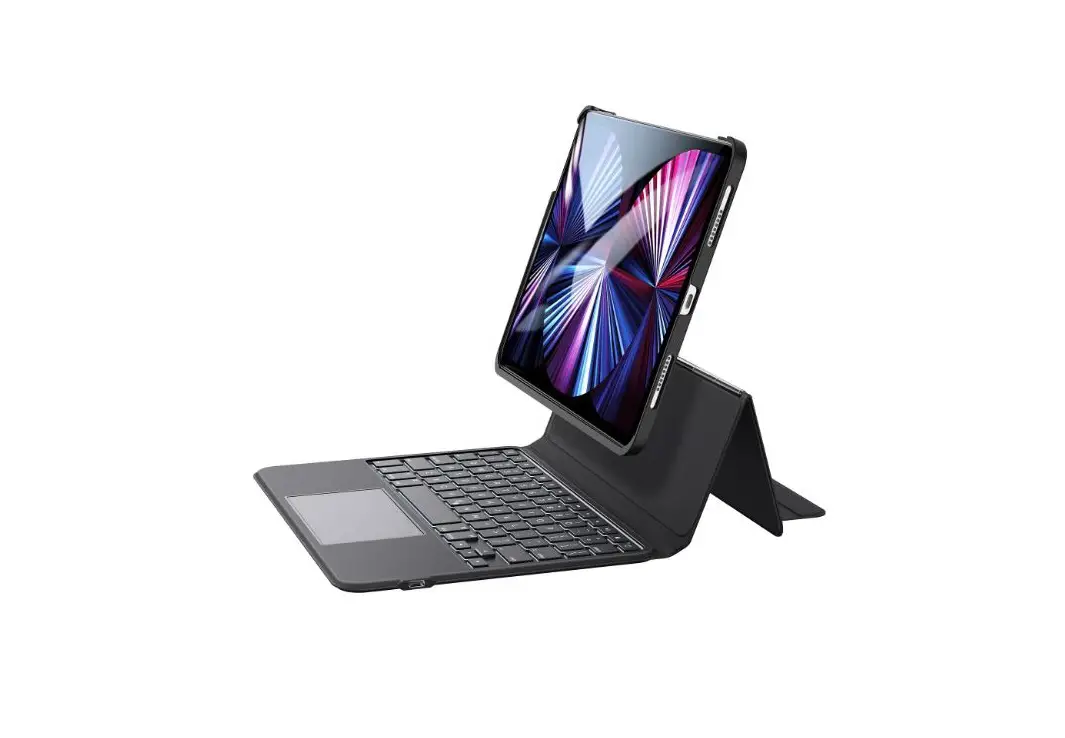
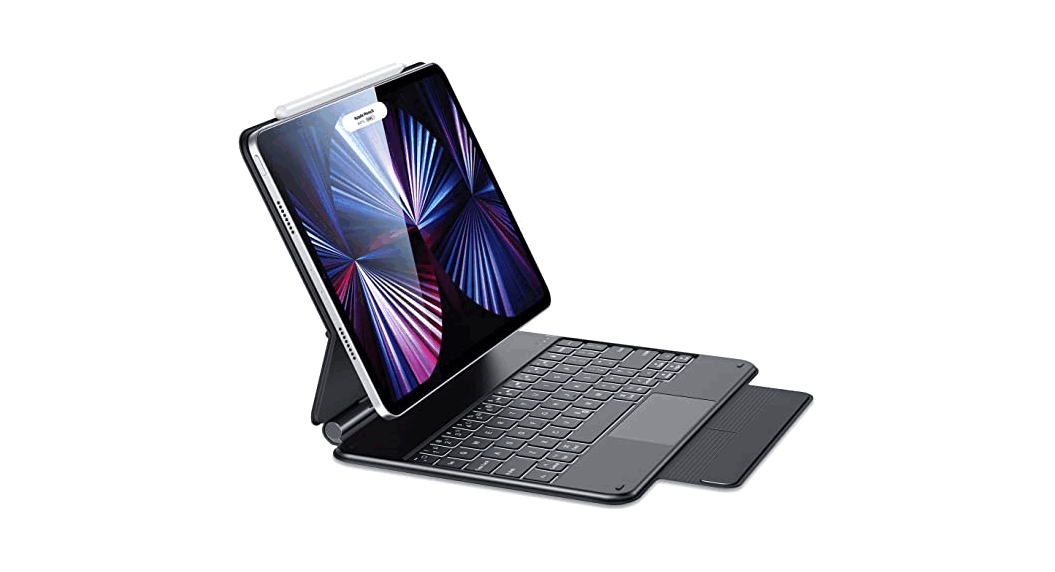
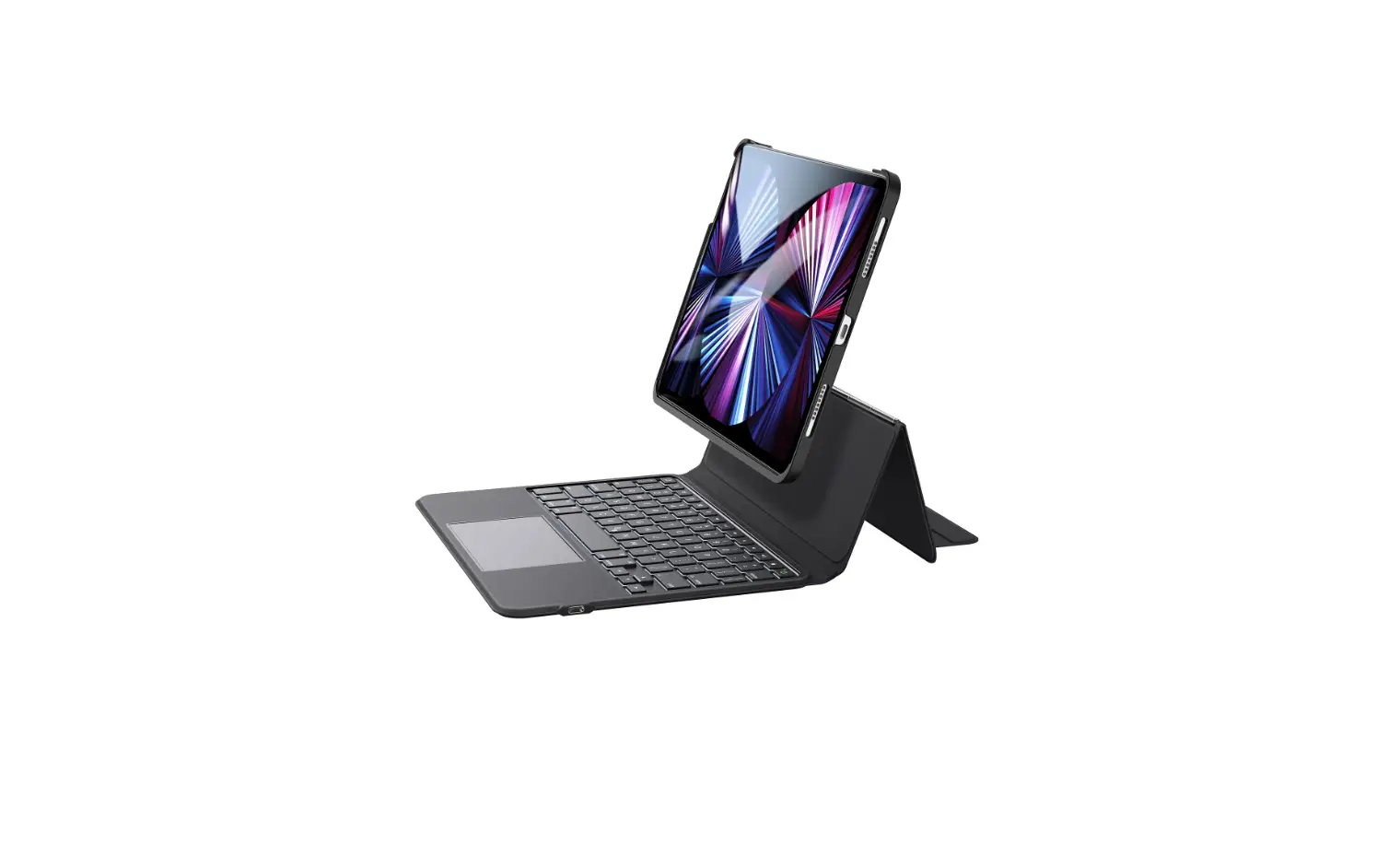
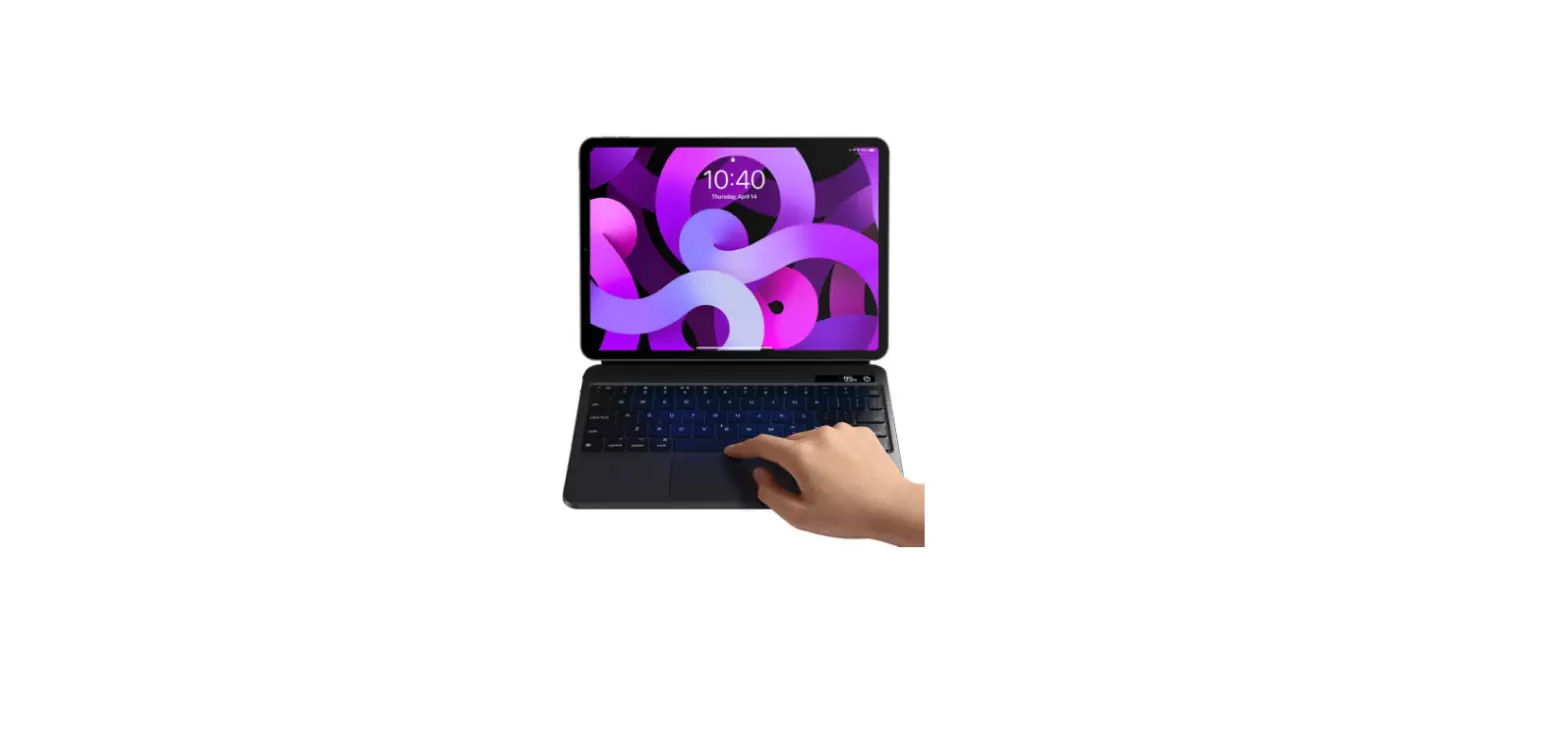
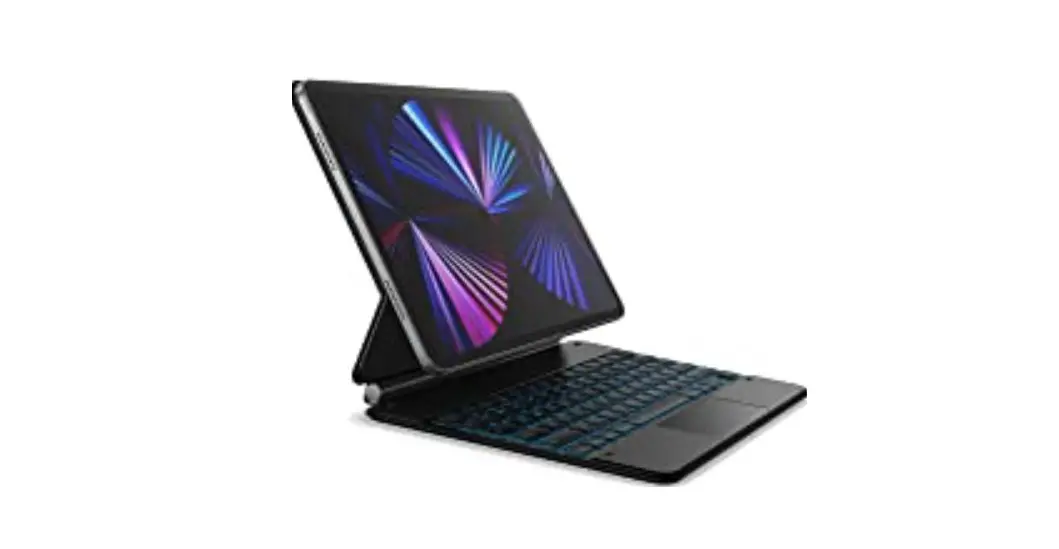
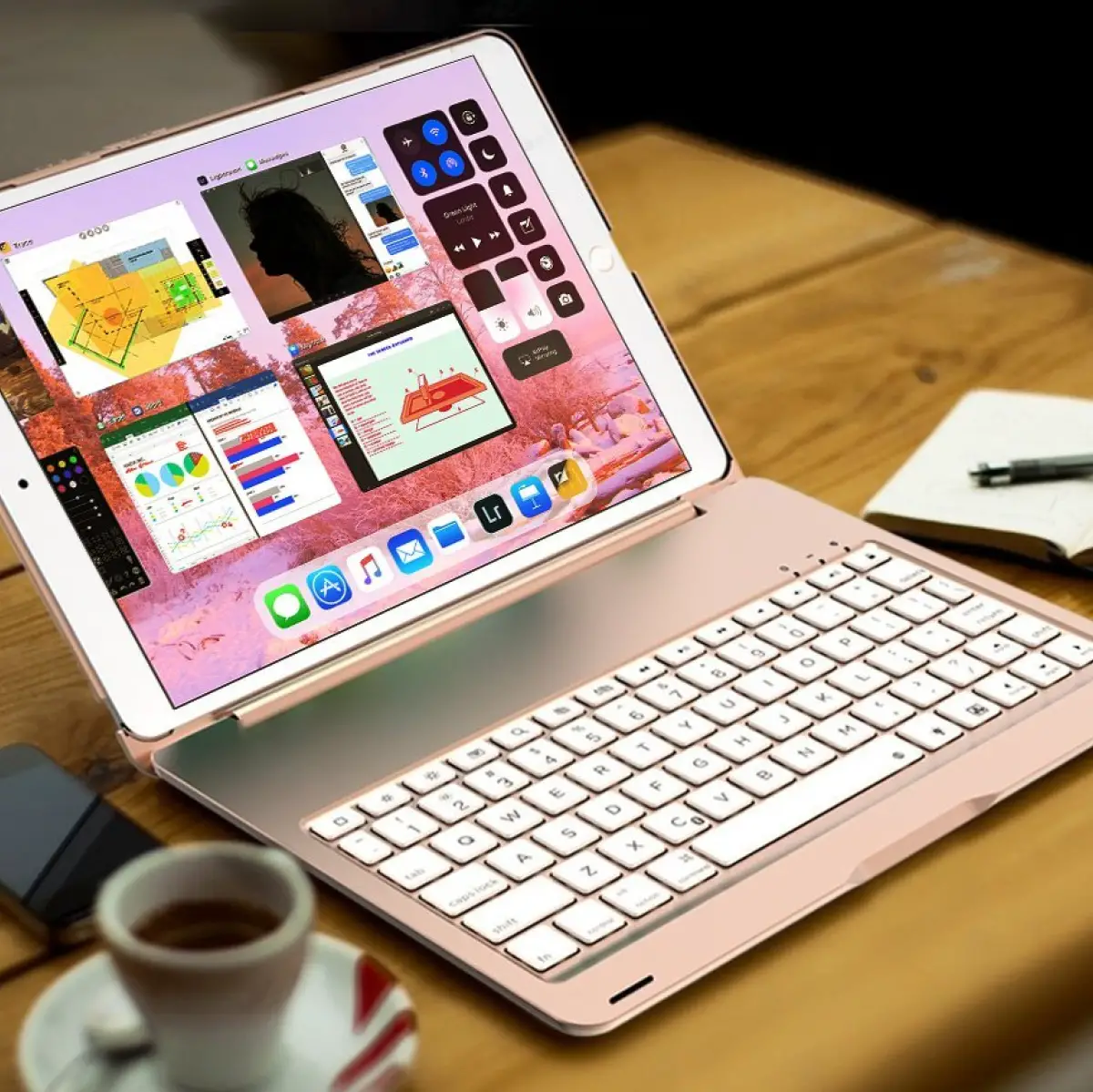
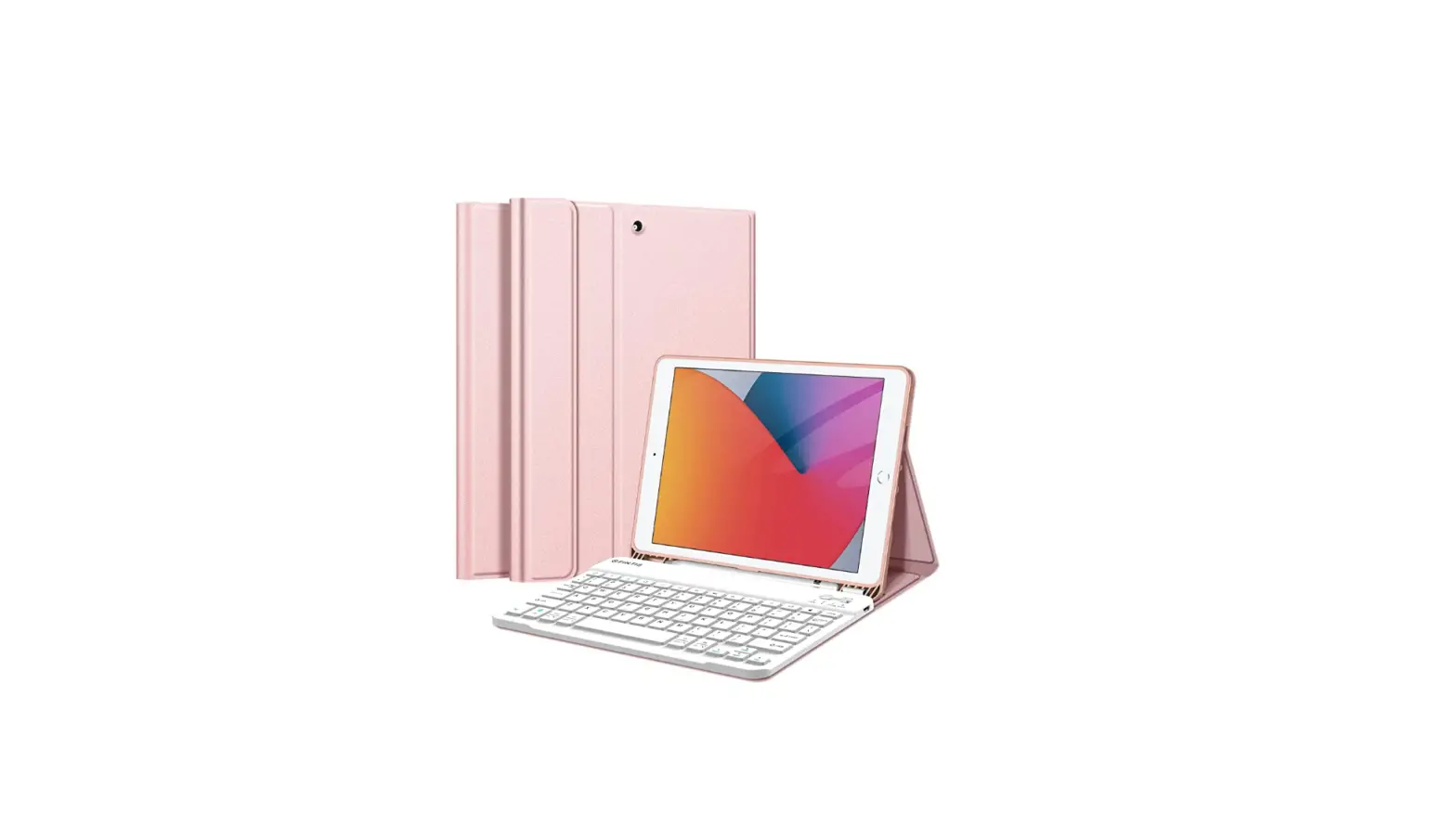
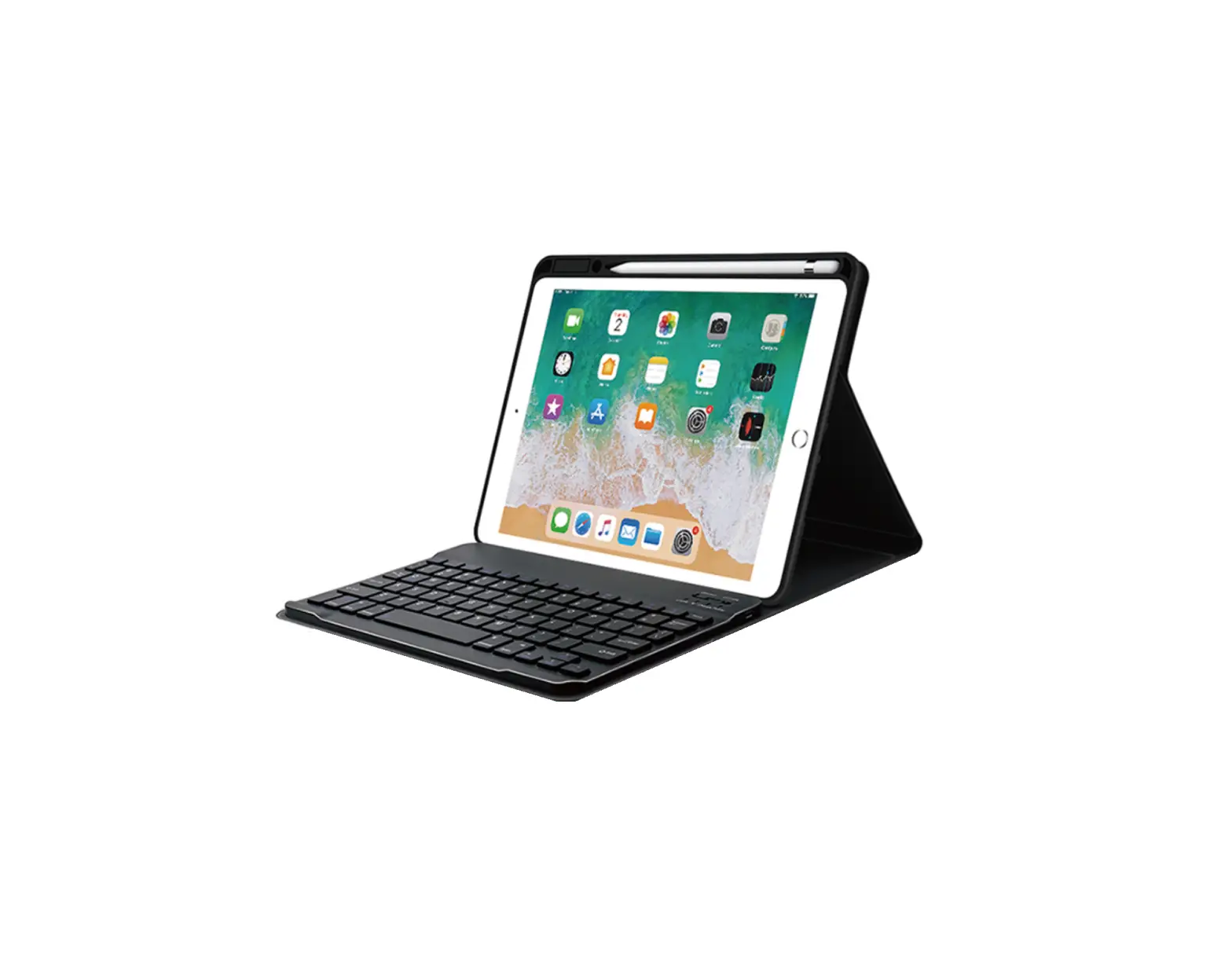
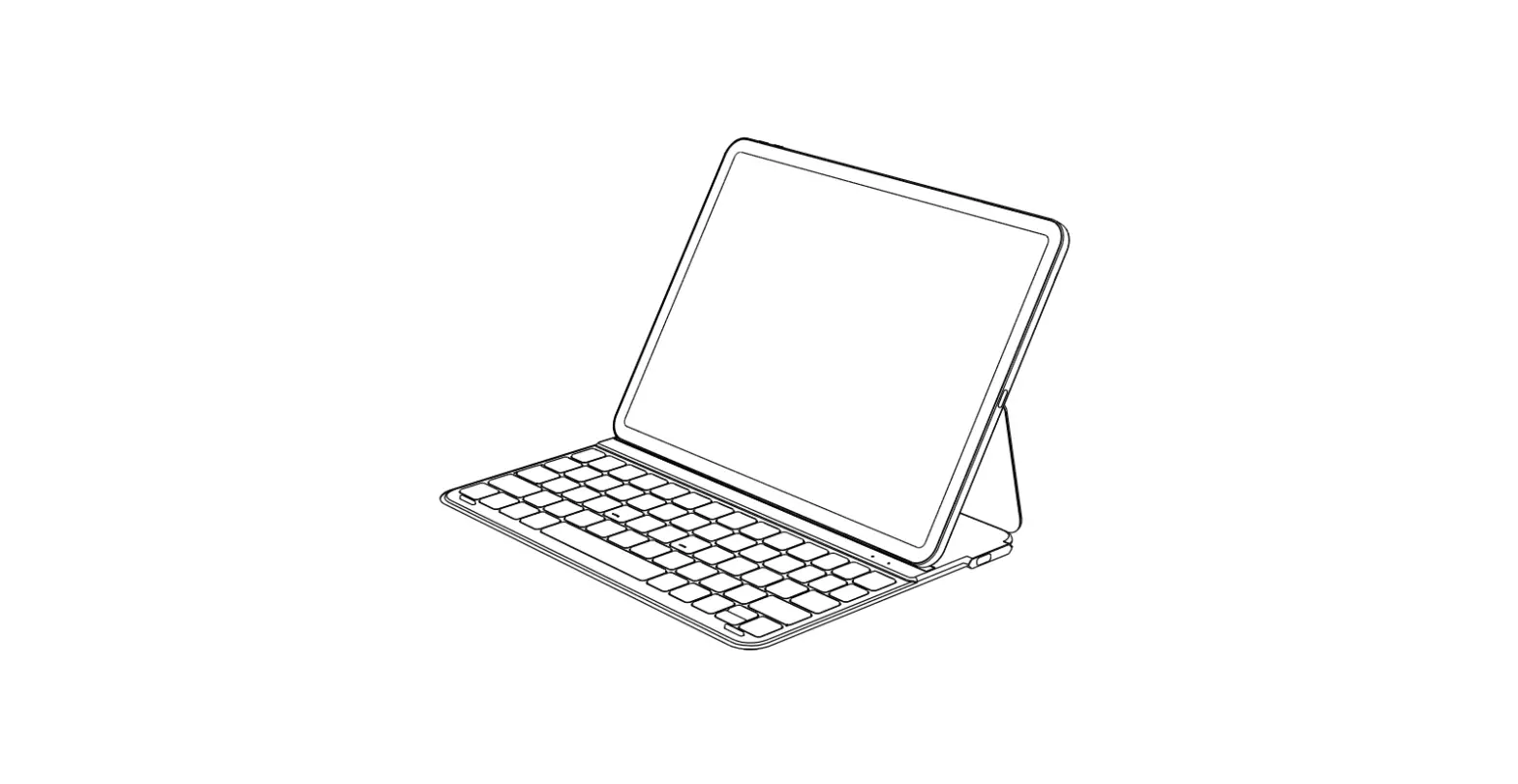
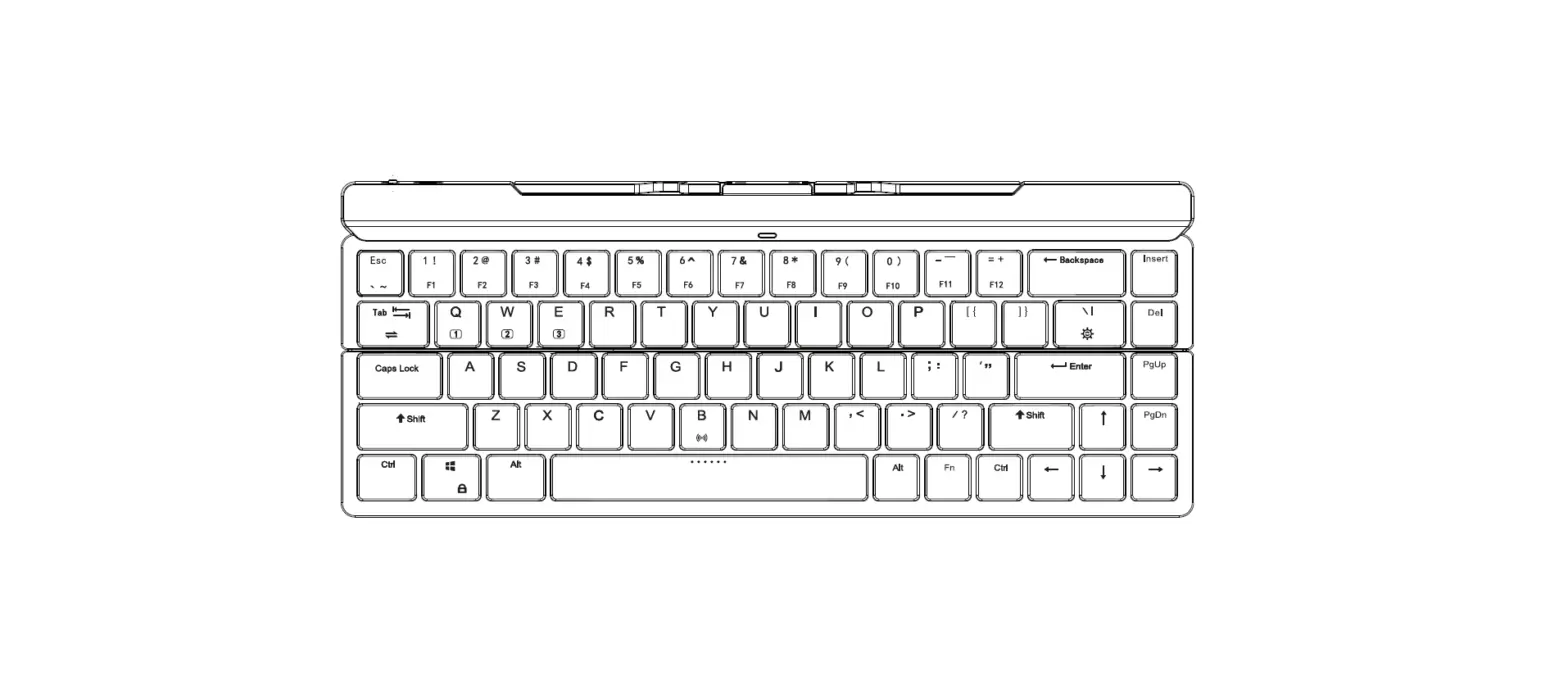
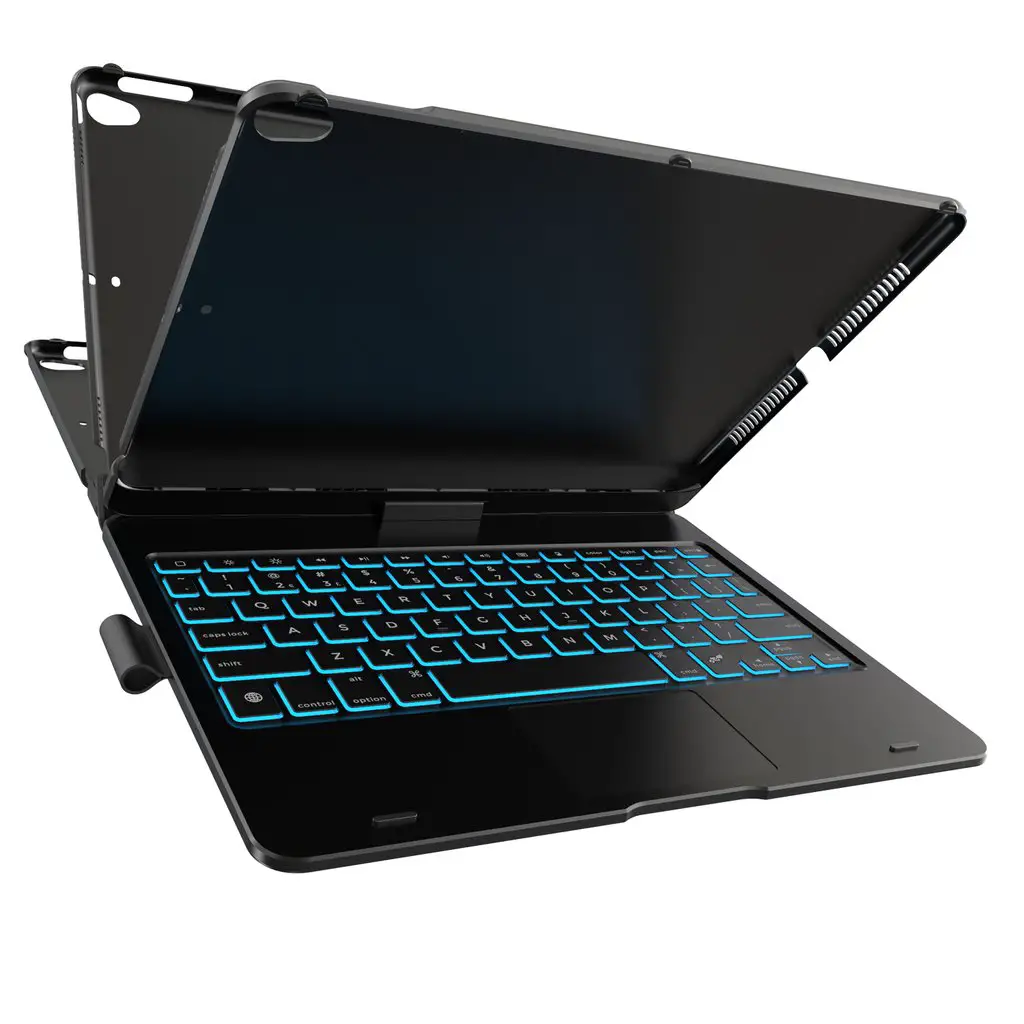
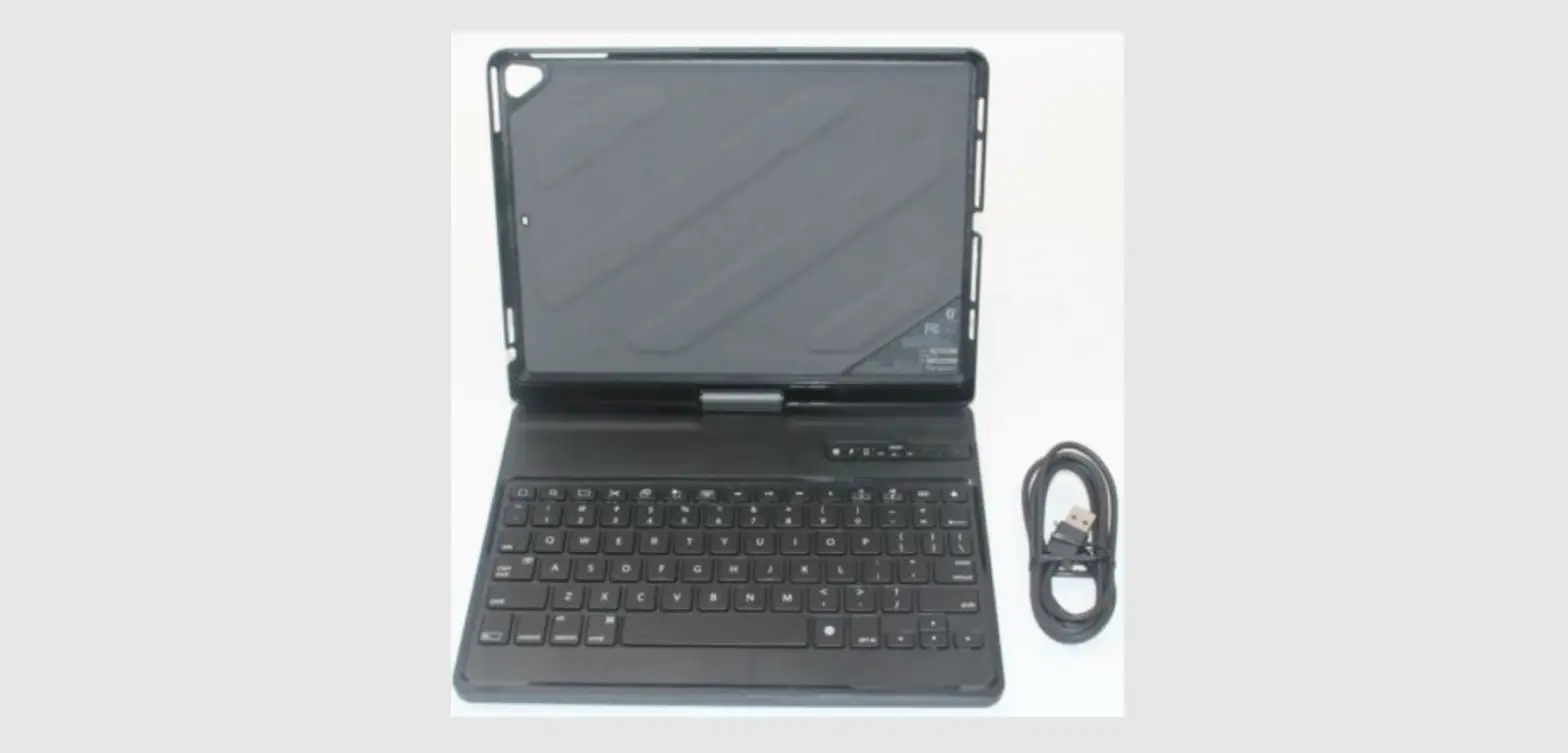
6B014 Rebound 360 Magnetic Suspension Keyboard Case
Product Information:
- Product Name: 100G_4C Keyboard
- Dimensions: 125x215mm
- Languages: English (EN), French (FR), Italian (IT), German
(DE), Spanish (ES), Portuguese (PT), Russian (RU), Polish (PL)
Product Usage Instructions:
Power On/Off:
To turn on the keyboard, open the stand. To turn off the
keyboard, close the stand.
Bluetooth Pairing:
To enter pairing mode, press the “+” button. The LED status bar
will flash quickly to indicate that the keyboard has entered
pairing mode. If the LED status bar flashes slowly, it means the
keyboard has not successfully entered pairing mode.
Standby Mode:
When the keyboard is not paired, the backlight will turn off and
the keyboard will enter standby mode after 5 minutes of inactivity
or if not connected after 1 minute. When paired, the backlight will
automatically turn off after 1 minute of inactivity. After 10
minutes of inactivity, the keyboard enters standby mode. Press any
key to wake the keyboard. Note that pressing or swiping the
trackpad does not wake the keyboard.
Auto Reconnect:
When turned on, the keyboard will automatically attempt to
reconnect with the last paired device for 5 seconds.
Charging:
When the keyboard is being charged, the LED status bar turns
white. It is recommended to charge the keyboard when the battery
level drops below 30%.
Backlight:
To turn the backlight on/off and adjust brightness level, press
the “+” button. There are three brightness levels: low, medium, and
high.
Caps Lock Factory Reset:
When caps lock is turned on, the LED status bar turns white. To
perform a factory reset, hold the “+” and “-” buttons for 5 seconds
while the device is powered on. The LED status bar will flash 6
times to indicate a successful factory reset.
Troubleshooting Guide:
If the keyboard stops working, please follow these steps:
- Ensure the keyboard has sufficient charge. If the battery is
below 30%, use the included cable to charge it. - If the connection is unstable, restart the keyboard and unpair
it by going to Settings > Bluetooth > Device List > ESR
Keyboard. Then follow the Bluetooth pairing instructions to
reconnect. - If the keyboard remains unresponsive, repeat the above steps.
If you still experience problems, contact customer service of the
website, app, or store from which you purchased the keyboard for
further assistance.
Reminder:
To prolong battery life when not using the keyboard for an
extended period of time, turn the keyboard off.
100G_4C 7 125x215mm
P1040107
Using Your Keyboard
Caps lock
EN
Charging status
FR Utilisation de votre clavier
Verrouillage des majuscules État de charge
IT Utilizzo della tastiera
Blocco delle maiuscole Stato di carica
Tastatur verwenden
Feststelltaste
DE
Ladestatus
ES Uso del teclado
Bloqueo de mayúsculas Estado de carga
Manual de instruções
o indicador no Status de letras maiúsculas
PT
o indicador de carregamento
RU
Instrukcja obslugi
Wskanik duych i malych liter
PL
Wskanik ladowania
Bluetooth status Battery level LED status bar
Power On/Off
Open stand to turn keyboard on, close to turn off.
Bluetooth Pairing
Press
+
to enter pairing mode.
flashes quickly to indicate that
keyboard has entered pairing mode.
*If
flashes slowly, keyboard has not successfully entered pairing mode.
Standby Mode
When not paired, after 5 minute of inactivity or if not connected after 1 minute, backlight turns off and keyboard enters standby mode.
When paired, backlight will automatically turn off after 1 minutes of inactivity. After 10 minutes of inactivity, keyboard enters standby mode. Press any key to wake keyboard.
*Pressing or swiping trackpad does not wake keyboard.
Auto Reconnect When turned on, keyboard automatically attempts to reconnect with last paired device for 5 seconds.
During Charging When keyboard is being charged,
turns white.
Low Power
Charging keyboard is recommended when battery level drops below 30%.
Backlight
Press
+
medium, high).
to turn backlight on/off and adjust brightness level (low,
Caps Lock Factory Reset
When caps lock is turned on,
turns white.
With device powered on, hold
+
+
keys for 5 secs (LED status
bar will flash 6 times to indicate factory reset is successful).
Troubleshooting Guide
If keyboard stops working, please check the following:
1. Ensure keyboard has sufficient charge. If battery is below 30%, use included cable to charge. 2. If connection is unstable, restart keyboard and unpair by going to Settings > Bluetooth >
Device List > “ESR Keyboard”. Then follow Bluetooth pairing instructions to reconnect.
If keyboard remains unresponsive, repeat above steps. If still experiencing problems, contact customer service of website, app, or store that keyboard was purchased from for further assistance.
Reminder
This Bluetooth keyboard has a rechargeable battery. When not using keyboard for an extended period of time, turn the keyboard off to prolong battery life.
État du Bluetooth Niveau de Voyants D’état LED batterie
Marche/Arrêt
Ouvrez le support pour allumer le clavier, fermez-le pour l’éteindre.
Appairage Bluetooth
Appuyez sur
+
pour entrer en mode d’appairage.
clignote
rapidement pour indiquer que le clavier est entré en mode d’appairage.
* Si clignote lentement, le clavier n’est pas entré avec succès en mode d’appairage.
Mode veille
Lorsqu’il n’est pas couplé, après 5 minute d’inactivité ou s’il n’est pas connecté après 1 minute, le rétroéclairage s’éteint et le clavier passe en mode veille.
Une fois jumelé, le rétroéclairage s’éteint automatiquement après 1 minute d’inactivité. Après 10 minutes d’inactivité, le clavier passe en mode veille. Appuyez sur n’importe quelle touche pour rallumer le clavier.
*Appuyer ou balayer le trackpad ne rallume pas le clavier.
Reconnexion automatique
Lorsqu’il est activé, le clavier tente automatiquement de se reconnecter au dernier appareil couplé pendant 5 secondes.
Pendant le chargement
Lorsque le clavier est en cours de chargement,
devient blanc.
Faible consommation
Le chargement du clavier est recommandé lorsque le niveau de la batterie descend en dessous de 30 %.
Rétroéclairage
Appuyez sur la touche
+
rétroéclairage pour activer/désactiver le
rétroéclairage et régler le niveau de luminosité (faible, moyen, élevé).
Verrouillage des majuscules
Réinitialisation d’usine
lorsque le
est activé, le verrouillage des majuscules devient blanc.
Avec l’appareil sous tension, maintenez les touches
+ + enfoncées
pendant 5 secondes (la barre d’état LED clignotera 6 fois pour indiquer une réinitialisation d’usine réussie).
Guide de dépannage
Si le clavier cesse de fonctionner, veuillez vérifier les points suivants :
1. Assurez-vous que le clavier est suffisamment chargé. Si la batterie est inférieure à 30 %, utilisez le câble fourni pour charger le clavier.
2. Si la connexion est instable, redémarrez le clavier et dissociez-le en accédant à Paramètres > Bluetooth > Liste des appareils > «ESR Keyboard ». Suivez ensuite les instructions de couplage Bluetooth pour vous reconnecter.
Si le clavier ne répond toujours pas, répétez les étapes ci-dessus. Si vous rencontrez toujours des problèmes, contactez le service clientèle du site Web, de l’application ou du magasin où le clavier a été acheté pour obtenir de l’aide.
Rappel
Ce clavier Bluetooth a une batterie rechargeable. Lorsque vous n’utilisez pas le clavier pendant une période prolongée, éteignez le clavier pour prolonger la durée de vie de la batterie.
Luce di stato del Bluetooth
Livello della Barra di stato a LED batteria
Accensione/ spegnimento
Aprire il supporto per accendere la tastiera, chiuderlo per spegnerla.
Abbinamento Bluetooth
Premere
+
per accedere alla modalità di accoppiamento.
lampeggerà per indicare che la tastiera è entrata in modalità di abbinamento.
*Se la
lampeggia lentamente, la tastiera non è entrata in modalità di
accoppiamento.
Modalità standby
Se non è abbinata o se non è collegata, dopo 5 minuto di inattività, la retroilluminazione si spegne e la tastiera entra in modalità standby.
Se abbinata, la retroilluminazione si spegne automaticamente dopo 1 minuti di inattività. Dopo 10 minuti di inattività, la tastiera entra in modalità standby. Premere un tasto qualsiasi per risvegliare la tastiera.
*La pressione o il passaggio del trackpad non risvegliano la tastiera.
Ricollegamento Quando è accesa, la tastiera tenta automaticamente di riconnettersi per 5 secondi
automatico
all’ultimo dispositivo abbinato.
Durante la carica Quando la tastiera è in carica, lo stato di carica diventa bianco.
Basso consumo Si consiglia di ricaricare la tastiera quando il livello della batteria scende sotto il 30%.
Retroilluminazione Premere
+
per attivare/disattivare la retroilluminazion e regolare il
livello di luminosità (basso, medio, alto).
Blocco maiuscole Quando sul sito
è attivo, la luce del blocco delle maiuscole diventa bianco.
Reset di fabbrica Con il dispositivo acceso, tenere premuti i tasti
+
+
per 5 secondi
(la barra di stato a LED lampeggerà 6 volte per indicare l’avvenuto reset di fabbrica).
Guida alla risoluzione dei problemi
Se la tastiera smette di funzionare, controllare quanto segue:
1. Assicurarsi che la tastiera sia sufficientemente carica. Se la carica della batteria è inferiore al 30%, utilizzare il cavo in dotazione per caricarla.
2. Se la connessione è instabile, riavviare la tastiera e disaccoppiarla accedendo a Impostazioni > Bluetooth > Elenco dispositivi > “Tastiera ESR”. Seguire quindi le istruzioni di abbinamento Bluetooth per riconnetterla.
Se la tastiera continua a non rispondere, ripetere i passaggi precedenti. Se il problema persiste, contattare il servizio clienti Web, dell’applicazione o del negozio in cui è stata acquistata la tastiera per ulteriore assistenza.
Promemoria
Questa tastiera Bluetooth è dotata di una batteria ricaricabile. Quando non si utilizza la tastiera per un periodo di tempo prolungato, spegnerla utilizzando l’interruttore di alimentazione per prolungare la durata della batteria.
Bluetooth-Status Batteriestand LED-Statusleiste
Ein-/Ausschalten Ständer öffnen, um die Tastatur einzuschalten, schließen, um sie auszuschalten.
BluetoothKopplung
Drücken Sie
+
, um den Kopplungsmodus aufzurufen. Der
blinkt
schnell, um anzuzeigen, dass die Tastatur in den Kopplungsmodus gewechselt ist.
*Wenn der
langsam blinkt, ist die Tastatur nicht erfolgreich in den
Kopplungsmodus gewechselt.
Standby-Modus
Wenn nicht gekoppelt, nach 5 Minute Inaktivität oder wenn nach 1Minute keine Verbindung besteht, schaltet sich die Hintergrundbeleuchtung aus und die Tastatur wechselt in den Standby-Modus.
Bei Kopplung schaltet sich die Hintergrundbeleuchtung nach 1 Minute Inaktivität automatisch aus. Nach 10 Minuten Inaktivität wechselt die Tastatur in den Standby-Modus. Drücke eine beliebige Taste, um die Tastatur zu aktivieren.
*Durch Drücken oder Wischen des Trackpads wird die Tastatur nicht aktiviert.
Automatische
Wenn eingeschaltet, versucht die Tastatur 5 Sekunden lang automatisch, sich
Wiederverbindung wieder mit dem zuletzt gekoppelten Gerät zu verbinden.
Während des Ladevorgangs
Wenn die Tastatur aufgeladen wird, wird der
weiß.
Geringer
Das Aufladen der Tastatur wird empfohlen, wenn der Akkustand unter 30 % fällt.
Stromverbrauch
Hintergrundbeleuchtung
Drücke
+
, um die Hintergrundbeleuchtung
ein-/auszuschalten und die Helligkeit einzustellen (niedrig, mittel, hoch).
Feststelltaste Werksreset
Wenn
aktiviert ist, wird die Feststelltaste weiß.
Halte bei eingeschaltetem Gerät die Tasten
+
+
5 Sekunden lang
gedrückt (die LED-Statusleiste blinkt 6 Mal, um das erfolgreiche Zurücksetzen auf die Werkseinstellungen anzuzeigen).
Leitfaden zur Fehlerbehebung
Wenn die Tastatur nicht mehr funktioniert, überprüfen Sie bitte Folgendes:
1. Stellen Sie sicher, dass die Tastatur eingeschaltet ist. 2. Wenn der Akku der Tastatur leer ist, laden Sie die Tastatur auf. 3. Wenn die Verbindung instabil ist, schalten Sie die Tastatur aus und warten Sie 10 Sekunden,
bevor Sie sie wieder einschalten. Wenn das Problem weiterhin besteht, trennen Sie die Tastatur, indem Sie zu Einstellungen > Bluetooth > Gekoppelte Geräte > ,,ESR Keyboard” gehen und auf tippen und dann ,,Dieses Gerät ignorieren” wählen. Befolgen Sie die Anweisungen zur Bluetooth Kopplung, um Ihre Tastatur erneut zu verbinden. Wenn die Tastatur weiterhin nicht reagiert, wiederholen Sie die obigen Schritte. Wenn weiterhin Probleme auftreten, wenden Sie sich an unseren Kundenservice unter esrgear.com/contact-us/
Hinweis
Diese Bluetooth-Tastatur verfügt über einen wiederaufladbaren Akku. Wenn Sie die Tastatur längere Zeit nicht verwenden, schalten Sie die Tastatur mit dem Netzschalter aus, um die Batterielebensdauer zu verlängern.
Luz de estado Nivel de batería Barra de estado LED de Bluetooth
Encender/apagar Abre el soporte para encender el teclado, ciérralo para apagarlo.
Emparejamiento Bluetooth
Presiona
+
para entrar al modo de emparejamiento. La luz de
parpadeará rápidamente para indicar que el teclado ha entrado en modo emparejamiento.
*Si la luz de
parpadea lentamente, el teclado no ha entrado correctamente
al modo de emparejamiento.
Modo de espera
Cuando no se empareja tras 5 minuto de inactividad o si no está conectado durante 1 minuto, la luz de fondo se apaga y el teclado entra en modo de espera.
Cuando se empareja, la luz de fondo se apagará automáticamente tras 1 minuto de inactividad. Después de 10 minutos de inactividad, el teclado entrará en modo de espera. Presiona cualquier tecla para activar el teclado.
*Presionar o deslizar el panel táctil no activa el teclado.
Reconexión automática
Cuando se enciende, el teclado intentará reconectarse automáticamente con el último dispositivo emparejado durante 5 segundos.
Durante la carga Cuando se carga el teclado,
se vuelve blanca.
Bajo consumo
Se recomienda cargar el teclado cuando el nivel de la batería baje del 30 %.
Retroiluminación Presiona
+
para encender o apagar la luz del fondo y ajustar el nivel
de brillo (bajo, medio, alto).
Bloqueo de mayúsculas
Cuando
está activado, la luz de bloqueo de mayúsculas se vuelve blanca.
Restablecimiento Con el dispositivo encendido, mantener presionadas las teclas
+ +
de fábrica
durante 5 s (la barra de estado LED parpadeará 6 veces para indicar un
restablecimiento de fábrica exitoso).
Guía de resolución de problemas
Si el teclado deja de funcionar, comprueba lo siguiente: 1. Asegúrate de que el teclado tenga suficiente carga. Si la batería está por debajo del 30%, usa
el cable incluido para cargar. 2.Si la conexión es inestable, reinicia el teclado y desconéctalo entrando en Configuración >
Bluetooth > Lista de dispositivos > “Teclado ESR”. Luego sigue las instrucciones de emparejamiento de Bluetooth para volver a conectarte. Si el teclado sigue sin responder, repite los pasos anteriores. Si aún tienes problemas, contacta con el servicio al cliente de la web, aplicación o tienda donde compraste el teclado para obtener más ayuda.
Recordatorio
Este teclado Bluetooth tiene una batería recargable. Cuando no vayas a utilizar el teclado durante un período de tiempo prolongado, apágalo para prolongar la duración de la batería.
o indicador de o indicador da Telão de LED bluetooth percentagem da bateria
Ligação/ Desligação
Liga automaticamente quando abrir o suporte e desliga quando fecha.
Status do
Pressione
+
,
pisca rapidamente para ativar o modo de emparelhamento.
emparelhamento *
pisca lentamente, significando que o status do emparelhamento não foi bem-
sucedido.
Modo de suspensão
Quando não estiver ligado o Bluetooth, se não houver operação ou ligação anormal por 5 minuto, o teclado entre o modo de emparelhamento, apaga a luz de fundo ou todos os indicadores, o teclado suspende automaticamente. Você precisa de fechar o suporte e reabri-lo para ativar.
Quando no modo de emparelhamento, sem executar a ação por 1 minuto, o modo será desligado automaticamente e entra em standby; sem executar a ação por 10 minutos, o teclado estará no estado de dormência, o bluetooth é desligado e estará suspenso; pressione qualquer tecla para voltar a “acordar” após suspensa, o Bluetooth liga automaticamente.
*O uso do trackpad não pode ativar o teclado.
Torna a ligar
Após o teclado for ligado, ele ligar-se-á automaticamente ao dispositivo emparelhado
automaticamente dentro de 5 segundos.
Aviso de carregamento
Quando está a carregar,
fica em branco.
Aviso da percentagem da bateria
Quando a percentagem da bateria estiver em 30% ou menos, é recomendável fazer o carregamento.
Modo de brilho Pressione
+
Alto, Médio, Baixo)
para ligar, desligar e alterar a luz do fundo (Níveis de brilho:
Indicação de Quando o teclado está no Status para digitar todas as letras maiúsculas, letras maiúsculas branco.
fica em
Restaure as configurações de fábrica
Pressione e segure
+ +
por 5 segundos, até que o telão de LED pisca 6
vezes e volta a restaurar as configurações originais de fábrica neste momento.
Solução de problemas
Se o teclado não puder ser usado, verifique:
1. A bateria do teclado está muito baixa (menos de 30%), por favor, use o cabo de carregamento original para carregar.
2.Quando a ligação do teclado está ligado anormal, ligue novamente o teclado, vá a Definições – Bluetooth – Lista de dispositivos no iPad, e esqueça o dispositivo de “ESR Keyboard” e ligue de acordo com o método de ligação inicial. Após seguir as soluções acima, e o produto ainda não funcionar, poderá repetir a operação mencionada.
Se o problema persistir após a sua tentativa, entre em contato com a equipa de atendimento ao cliente para obter assistência.
Observações
O teclado incorpora uma bateria recarregável de polímero embutida, pode ser usada normalmente por várias semanas. Se planear não utilizar a unidade por períodos longos, é recomendável desligar a chave de energia para evitar perda de energia e prolongar a vida útil da bateria.
Bluetooth
(LED)
/
, .
+
,
.
*
, , .
Bluetooth, 5 , , , , , .
Bluetooth, 1 , , . 10 , . .
* .
5 .
.
, 30%
.
/ (, ,
)
+
, .
+
+
5 , 6 , .
, :
1. ( 30%), , .
2. . , iPad-Bluetooth-, «ESR Keyboard» .
, , .
, .
Bluetooth .
, .
Wskanik Bluetooth Wskanik stanu Wywietlacz LED baterii
Uruchamianie i wylczanie Tryb parowania
Automatyczne przechodzenie w stan upienia
Podstawka klawiaturowa jest automatycznie wlczana po otwarciu i wylczana po zamkniciu.
Nacinij
+ ,
zacznie szybko miga i przejdzie w tryb parowania.
*Gdy wskanik Bluetooth zacznie miga powoli, oznacza to, e parowanie zostalo zakoczone z sukcesem.
Gdy Bluetooth nie zostaje podlczony, uplywa 5 minuta bez adnego dzialania lub wystpilo nieprawidlowe polczenie, klawiatura przestaje parowa, podwietlenie klawiatury i wszystkie wskaniki zostaj wylczone, a klawiatura automatycznie si hibernuje; zamkn podstawk klawiaturow i ponownie otworzy, aby aktywowa
Gdy po udanym polczeniu Bluetooth klawiatura nie jest uywana przez 1 minut, podwietlenie klawiatury zostaje automatycznie wylczone, a klawiatura przechodzi w tryb czuwania. Klawiatura automatycznie przechodzi w stan upienia po 10 minutach nieuywania. Nacisn dowolny klawisz, aby wybudzi klawiatur, a automatycznie polczy si ona z powrotem.
*Uycie gladzika nie powoduje wybudzenia klawiatury.
Automatyczne lczenie
Stan ladowania
Stan poziomu baterii
Klawiatura automatycznie polczy si z powrotem w cigu 5 sekund po ponownym uruchomieniu.
Podczas ladowania,
wieci na bialo.
Zaleca si ladowanie, gdy poziom baterii pokazuje poziom 30% lub niszy.
Funkcja podwietlenia
Nacinij
+
, aby wlczy/wylczy podwietlenie i dostosowa jego
jasno (niska, rednia, wysoka).
Wskanik duych Gdy na klawiaturze wprowadzane s due litery, i malych liter
wieci si na bialo.
Przywracanieust- Nacinij i przytrzymaj
+ +
przez 5 sekund, wywietlacz LED zamiga
awiefabrycznych 6 razy, a nastpnie przywrócone zostan ustawienia fabryczne.
Rozwizywanie problemów
Jeli klawiatura nie dziala, prosz najpierw sprawdzi:
1. Czy klawiatura ma zbyt nisk moc; prosz uy oryginalnego kabla do ladowania (przy poziomie 30% lub niszym), aby podlczy si do portu w celu naladowania.
2. Awaria polczenia z klawiatur. Zrestartuj klawiatur, przejd do Ustawie iPada – Bluetooth – Lista urzdze, usu ,,ESR Keyboard” i podlcz ponownie zgodnie z pocztkow metod lczenia.
Jeli po zastosowaniu powyszego rozwizania produkt nadal nie odpowiada, naley spróbowa powtórzy powysz operacj.Jeli problem nie zostanie rozwizany, naley zwróci si o pomoc do dzialu obslugi klienta.
Informacja
Klawiatura Bluetooth ma wbudowany akumulator polimerowy, który wystarczy na kilka tygodni normalnego uytkowania. Gdy urzdzenie nie jest uywane przez dluszy czas, zaleca si jego wylczenie tak, aby unikn utraty energii i przedluy ywotno baterii.
NL Gebruiksaanwijzing
Statusindicator van de zaak Oplaadindicator
KO
$BQTMPDL
JP
SC
TC
Bluetooth-indicator
Batterij-
LED-scherm
indicatorlampje
In- en uitschakelen De toetsenbordstandaard wordt automatisch ingeschakeld wanneer deze wordt geopend en uitgeschakeld wanneer deze wordt gesloten.
Koppelingsstatus
Druk op
+ , de
knippert snel om de koppelingsstatus in te voeren.
*
knippert langzaam om aan te geven dat het koppelen niet is gelukt.
Automatische slaapstand
Als de Bluetooth gedurende 5 minuut niet is aangesloten, geen bediening of abnormale verbinding, stopt het toetsenbord met koppelen, de achtergrondverlichting van het toetsenbord en alle indicatoren zijn uit, het toetsenbord gaat automatisch in slaapstand, u moet de toetsenbordhouder sluiten en weer openen voor activering.
Als het toetsenbord gedurende 1 minuut niet wordt gebruikt zonder Bluetooth-verbinding, gaat de achtergrondverlichting uit en gaat het toetsenbord in stand-by. 10 minuten zonder gebruik van het toetsenbord, gaat het toetsenbord automatisch in slaapstand. Als u op een willekeurige toets drukt, wordt het toetsenbord gewekt en wordt er automatisch weer verbinding gemaakt.
*Het toetsenbord kan niet worden gewekt door het touchpad te gebruiken.
Automatisch
Het toetsenbord zal binnen 5 seconden na het opnieuw opstarten automatisch
opnieuw verbinden opnieuw verbinding maken.
Oplaadtips
Tijdens
de oplaadindicator wit op.
Batterijniveau tips Het wordt aanbevolen om op te laden wanneer het batterijniveau 30% of minder bedraagt.
Achtergrondverlichting
Druk op +
om de achtergrondverlichting in of uit te schakelen en de
helderheid van de achtergrondverlichting aan te passen (laag, medium, hoog).
Aanduiding hoofdle- Wanneer het toetsenbord in hoofdletters staat, tters en kleine letters
wit op.
De fabrieksinstellingen herstellen
Houd
+ +
gedurende 5 seconden ingedrukt, de LED-display
knippert 6 keer en de fabrieksinstellingen worden hersteld.
Problemen oplossen
Als het toetsenbord niet werkt, controleer dan.
1. Als het vermogen van het toetsenbord te laag is (minder dan 30%), gebruik dan de originele oplaadkabel om het toetsenbord op te laden.
2. De verbinding van het toetsenbord is abnormaal. Start het toetsenbord opnieuw op, ga naar iPad Instellingen – Bluetooth – Apparatenlijst, verwijder “ESR Keyboard” en sluit het opnieuw aan volgens de oorspronkelijke verbindingsmethode.
Verwijder het en sluit het opnieuw aan volgens de oorspronkelijke verbindingsmethode.
Als het product nog steeds niet reageert na het volgen van de bovenstaande oplossing, probeer dan de bovenstaande handeling te herhalen. Als het product nog steeds niet reageert, probeer dan de bovenstaande handelingen te herhalen. Als het product na het proberen nog steeds niet reageert, neem dan contact op met de klantenservice van het kanaal waar u het hebt gekocht voor assistentie.
Warme Tips
Het Bluetooth-toetsenbord heeft een ingebouwde oplaadbare polymeerbatterij die bij normaal gebruik enkele weken meegaat. Wanneer u het lange tijd niet gebruikt, is het raadzaam de stroomschakelaar uit te schakelen om stroomverlies te voorkomen en de levensduur van de batterij te verlengen.
-&%
-&%
J1BE&43
#MVFUPPUI -&%
#MVFUPPUI
$BQT-PDL
$BQT-PDL
-&%
#MVFUPPUI&43 ,FZCPBSE#MVFUPPUI
#MVFUPPUI
LED
+
*
5
110
*
5
30%.
+
/
+ +
5LED6
1. 30% 2.iPad–“ESR Keyboard”
LED
+
*
5
110
*
5
30%
+
/
+ +
5LED6
1. 30% 2.iPad–ESR Keyboard
AR
. LED
.
. + . *
5
. 1 . . 10 . *
5
.
. % 30
/ +
( )
.
.
LED
+ + 5 . 6
: .1 . (% 30 ) ipad – – . .2 . ESR Keyboard”
. .
.
.
FCC ID: 2APEW-6B014 This device complies with part 15 of the FCC Rules. Operation is subject to the following two conditions: (1) This device may not cause harmful interference, and (2) this device must accept any interference received, including interference that may cause undesired operation. Warning: Changes or modifications to this unit not expressly approved by the party responsible for compliance could void the user’s authority to operate the equipment. NOTE: This equipment has been tested and found to comply with the limits for a Class B digital device, pursuant to Part 15 of the FCC Rules. These limits are designed to provide reasonable protection against harmful interference in a residential installation. This equipment generates, uses, and can radiate radio frequency energy and, if not installed and used in accordance with the instructions, may cause harmful interference to radio communications. However, there is no guarantee that interference will not occur in a particular installation. If this equipment does cause harmful interference to radio or television reception, which can be determined by turning the equipment off and on, the user is encouraged to try to correct the interference by one or more of the following measures: · Reorient or relocate the receiving antenna. · Increase the separation between the equipment and receiver. · Connect the equipment into an outlet on a circuit different from that to which the receiver is connected. · Consult the dealer or an experienced radio/TV technician for help. The device has been evaluated to meet general RF exposure requirement. The device can be used in portable exposure condition without restriction.
IC24790-6B014 This device complies with Industry Canada licence-exempt RSS standard( s). Operation is subject to the following two conditions: (1)this device may not cause interference, and (2)this device must accept any interference, including interference that may cause undesired operation of the device.” The device has been evaluated to meet general RF exposure requirement. The device can be used in portable exposure condition without restriction. Le présent appareil est conforme aux CNR d’Industrie Canada applicables aux appareils radio exempts de licence. L’exploitation est autorisée aux deux conditions suivantes : (1)l’appareil nedoit pas produire de brouillage, et (2)l’utilisateur de l’appareil doit accepter tout brouillage radioélectrique subi, même si le brouillage est susceptible d’en compromettre le fonctionnement.” L’appareil a été évalué pour répondre aux exigences générales d’exposition aux RF. L’appareil peut être utilisé dans des conditions d’exposition portable sans restriction.
This product complies with the radio interference requirements of the European Community. Max RF Output power(Only for EU): 4.70dBm
EN Declaration of Conformity This product is intended for use within Europe. Electronic Silk Road Corp. hereby declares that this product 6B014 is in compliance with the essential requirements and other relevant provisions of Directive 2014/53/EU,2014/35/EU,2014/30/EU. The Declaration of Conformity for the 6B014 is available from www.esrgear.com
FR Déclaration de Conformité
Ce produit est destiné à être utilisé en Europe. Electronic Silk Road Corp. déclare par la présente que ce produit 6B014 est conforme aux exigences essentielles et aux autres dispositions pertinentes de la directive 2014/53/UE,2014/35/UE,2014/30/UE. La déclaration de conformité pour le 6B014 est disponible sur www.esrgear.com
IT Dichiarazione di conformità
Questo prodotto è destinato all’uso in Europa. Electronic Silk Road Corp. dichiara che questo prodotto 6B014 è conforme ai requisiti essenziali e alle altre disposizioni pertinenti della direttiva 2014/53/UE,2014/35/UE,2014/30/UE. La dichiarazione di conformità per il 6B014 è disponibile su www.esrgear.com
ES Declaración de conformidad
Este producto está diseñado para su uso dentro de Europa. Electronic Silk Road Corp. declara por la presente que este producto 6B014 cumple con los requisitos esenciales y otras disposiciones relevantes de la Directiva 2014/53/EU, 2014/35/EU, 2014/30/EU. La Declaración de conformidad para el 6B014 está disponible en www.esrgear.com
DE Konformitätserklärung
Dieses Produkt ist für die Verwendung in Europa vorgesehen. Electronic Silk Road Corp. erklärt hiermit, dass dieses Produkt 6B014 die wesentlichen Anforderungen und andere relevante Bestimmungen der Richtlinie 2014/53/EU, 2014/35/EU, 2014/30/EU erfüllt. Die Konformitätserklärung für 6B014 ist unter www.esrgear.com erhältlich.
PL Deklaracja zgodnosci
Ten produkt jest przeznaczony do uzytku w Europie.Firma Electronic Silk Road Corp. niniejszym oswiadcza,ze ten produkt 6B014 jest zgodny z podstawowymi wymaganiami i innymi stosownymi postanowieniami dyrektyw 2014/53/UE,2014/35/UE,2014/30/UE Deklaracja zgodnosci 6B014 jest dostepna na stronie www.esrgear.com
This symbol indicates that this product shall not be treated as household waste. Instead it shall be handed over to the applicable collection point for the recycling of electrical and electronic equipment.
Manufacturer: Shenzhen City Kexin Huacheng Communication Technology Co.,Ltd Address: Plants 101 and 201 of Zhongkenuo Digital Technology Industrial Park, No. 7 Road, East Of Guangming High Tech Park, Tianliao Community, Yutang Street, Guangming District, Shenzhen
REBOUND 360
MAGNETIC SUSPENSION KEYBOARD CASE
MODEL: 6B014 & 6B015
P1040107 V2
 Contact Us - ESR
 ESR Official Home, Tech Made Easier