Installation Guide
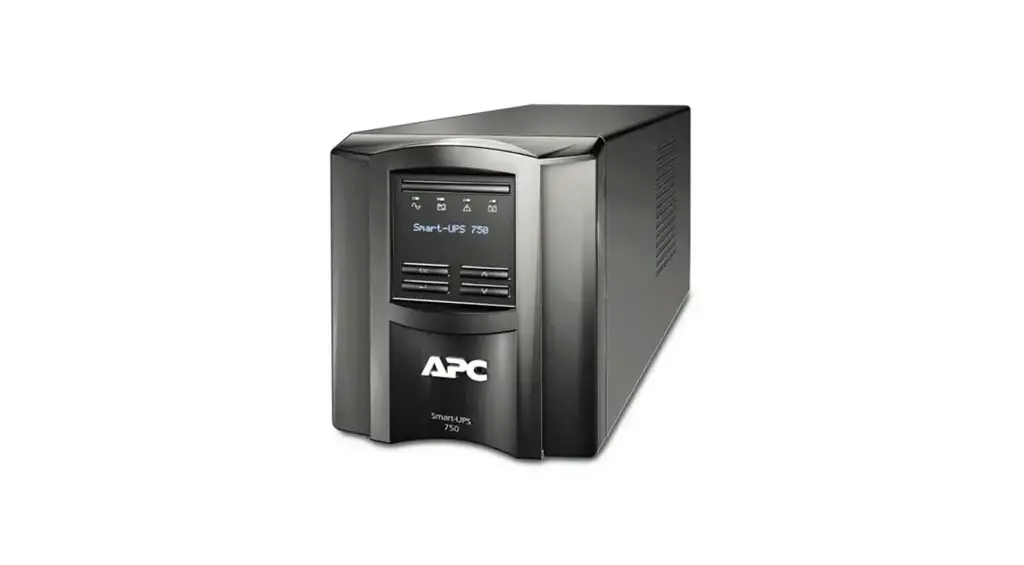
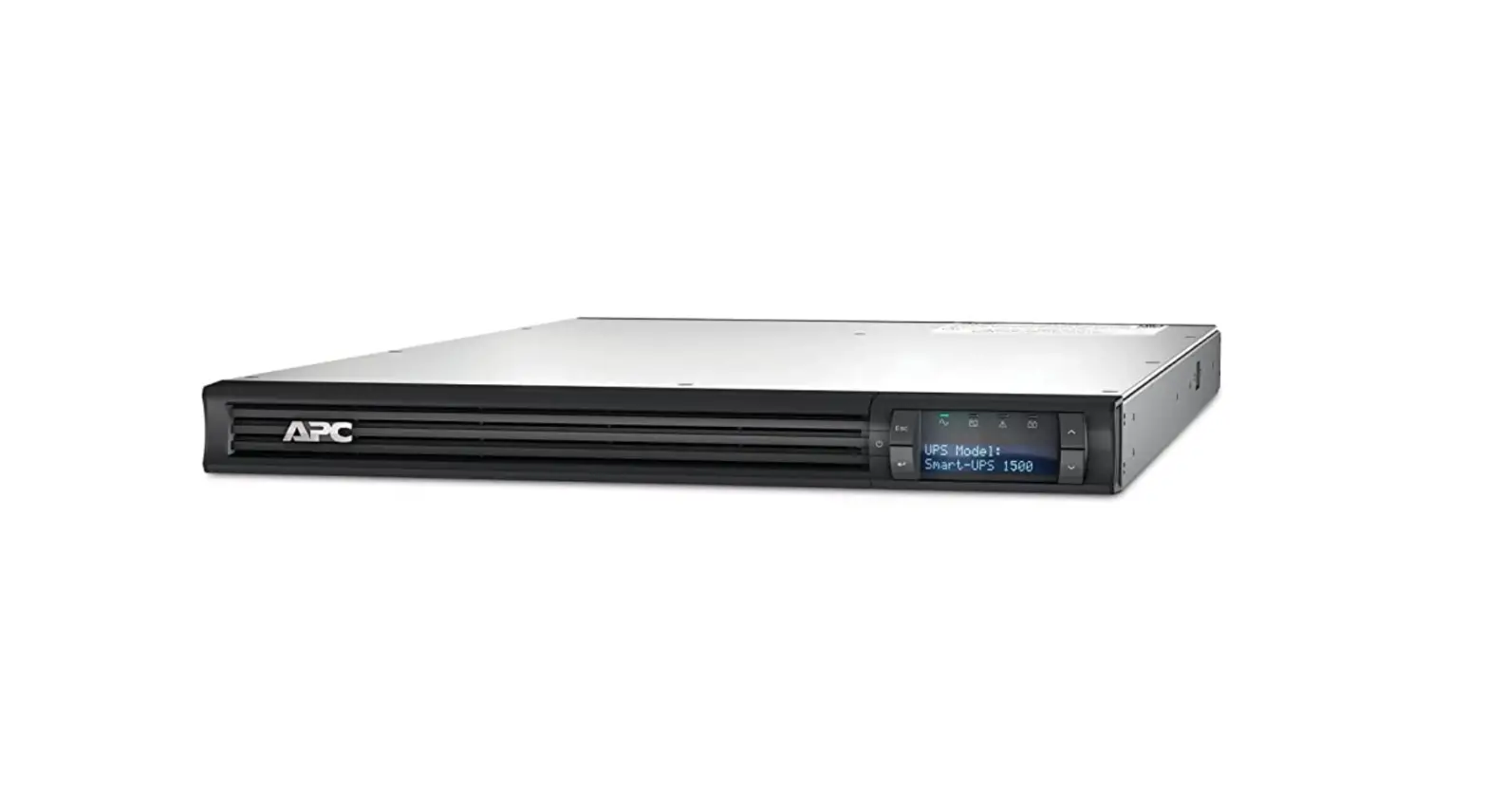
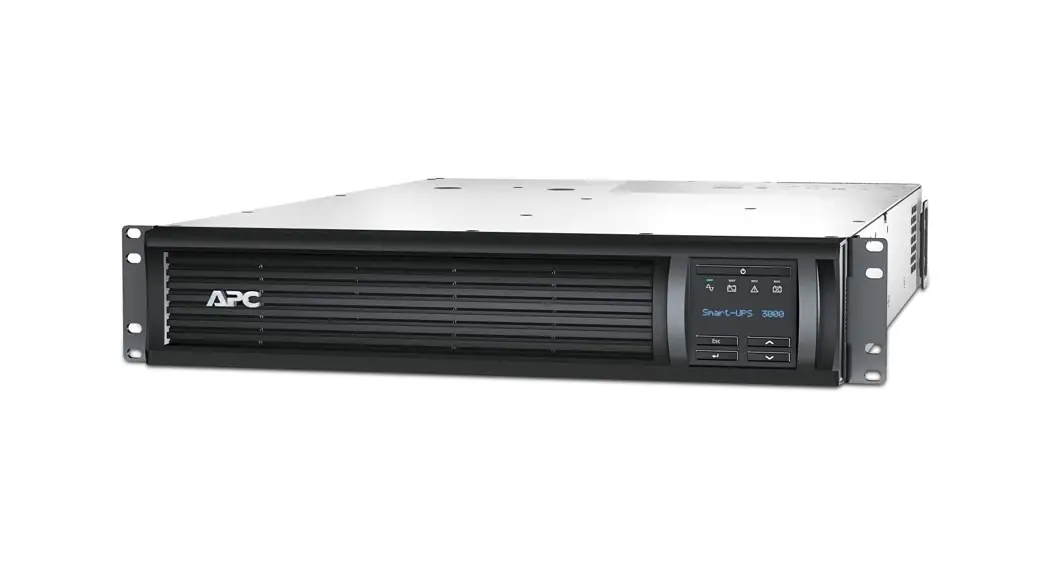
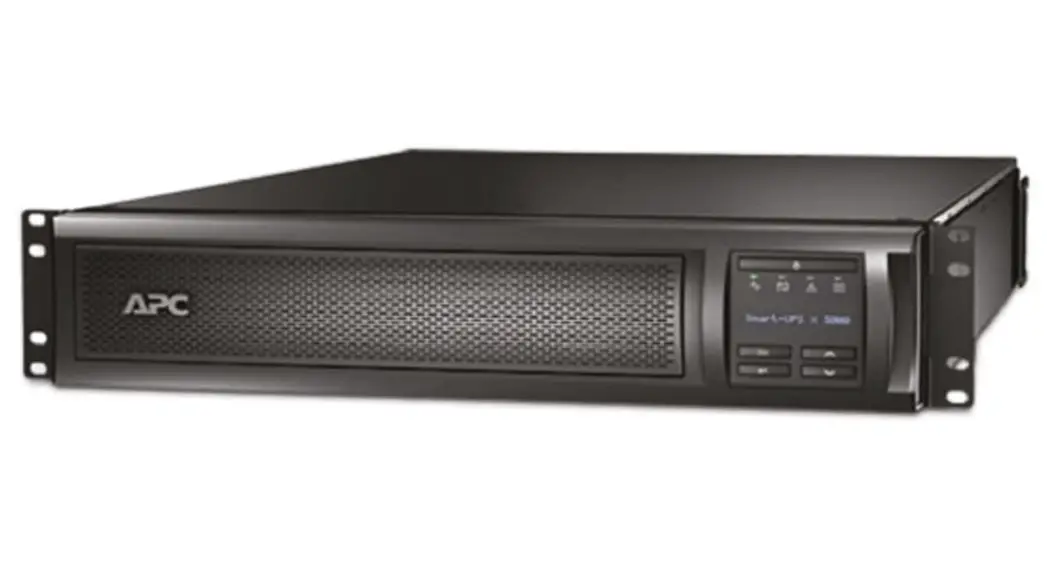
Smart-UPS SMT750/1000/1500/2200/3000RM2UC
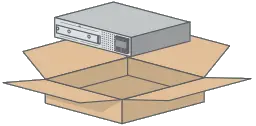 SMT75ORM2UC SMT75ORM2UC | 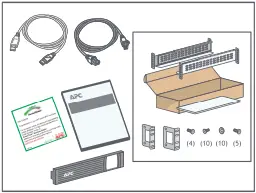 ⇓
⇓
| 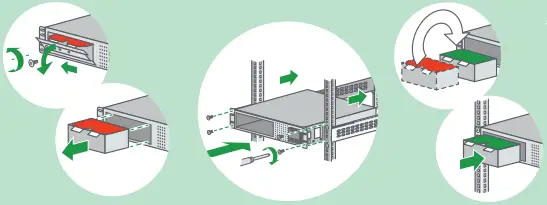 SMT75ORM2UC | 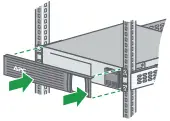 ⇓
⇓
⇓
|
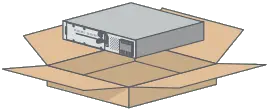 SMT1000/1500RM2UC SMT1000/1500RM2UC | 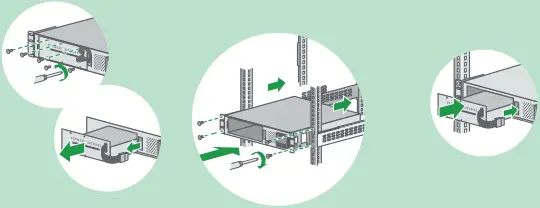 SMT1000/1500RM2UC | ||
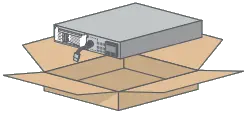 SMT2200/3000RM2UC SMT2200/3000RM2UC | 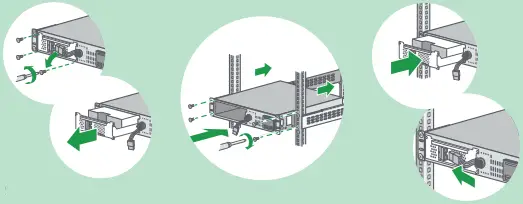 SMT2200/3000RM2UC |
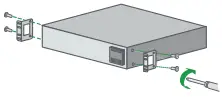
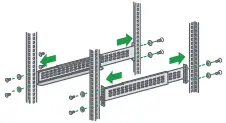
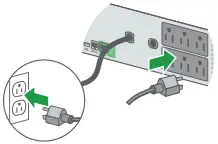
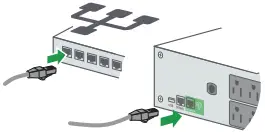
 ⇓
⇓SmartConnect.apc.com
• Free additional 1-year battery warranty
• Remote monitoring • Email notifications
• Remote firmware upgrade
Location of QR Code for User Documents
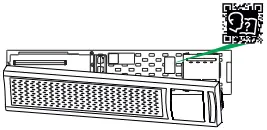
 User Documents
- Scan QR Code
- Click “Documentation”.
- Click “Asset Lifecycle Documents”
- Click on the required document
By connecting this product to the Internet using APC SmartConnect port, you are agreeing to APC SmartConnect Terms of Use, as found at smartconnect.apc.com Schneider Electric Data Privacy Policy can also be found at smartconnect.apc.com
990-9892D
02/2022
 Smart-UPS™ - Welcome