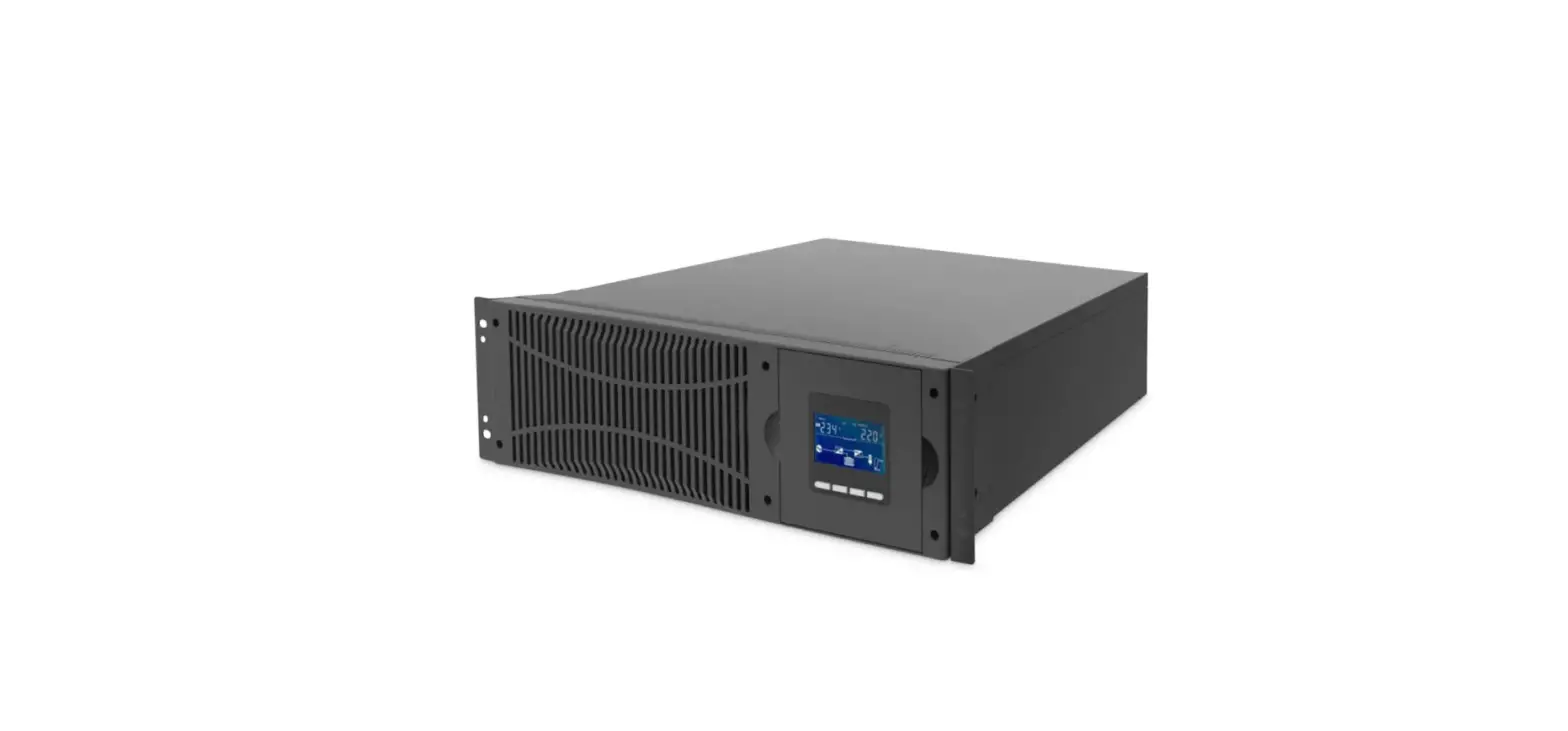
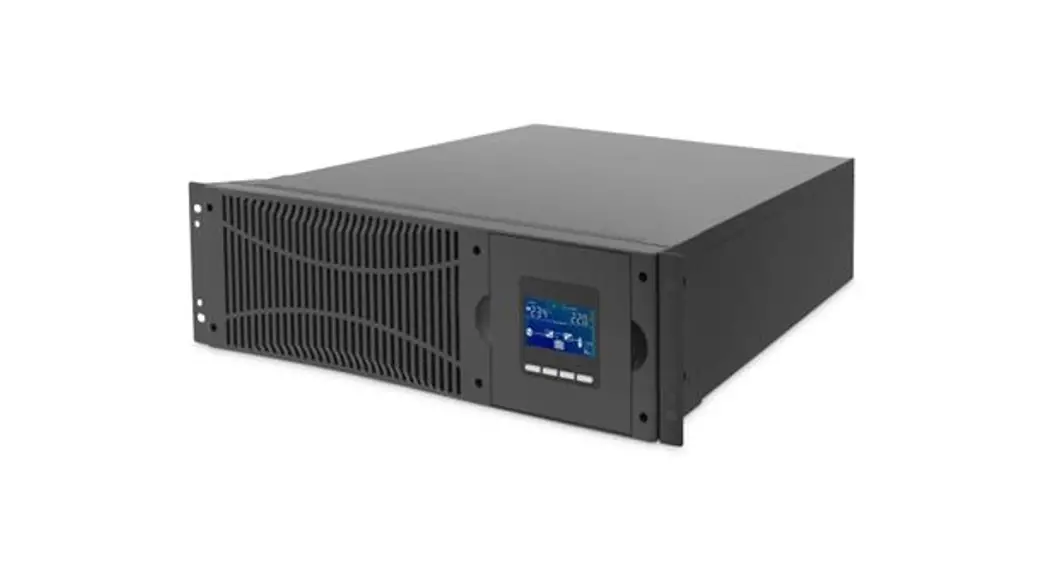
Line-Interactive 600-2000VA UPS Systems
Line-Interactive 600-2000VA UPS-Systems
Quick Installation Guide
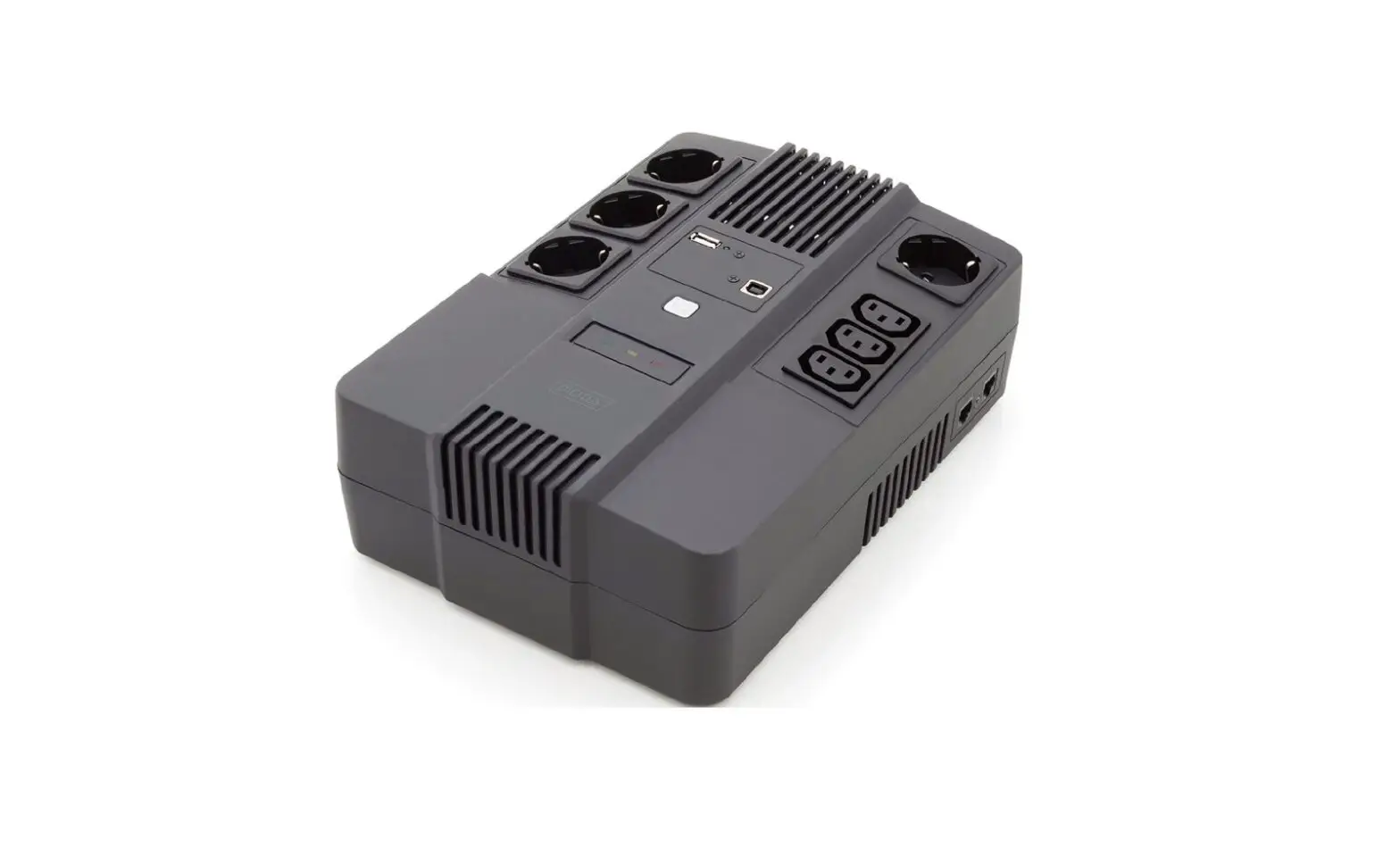
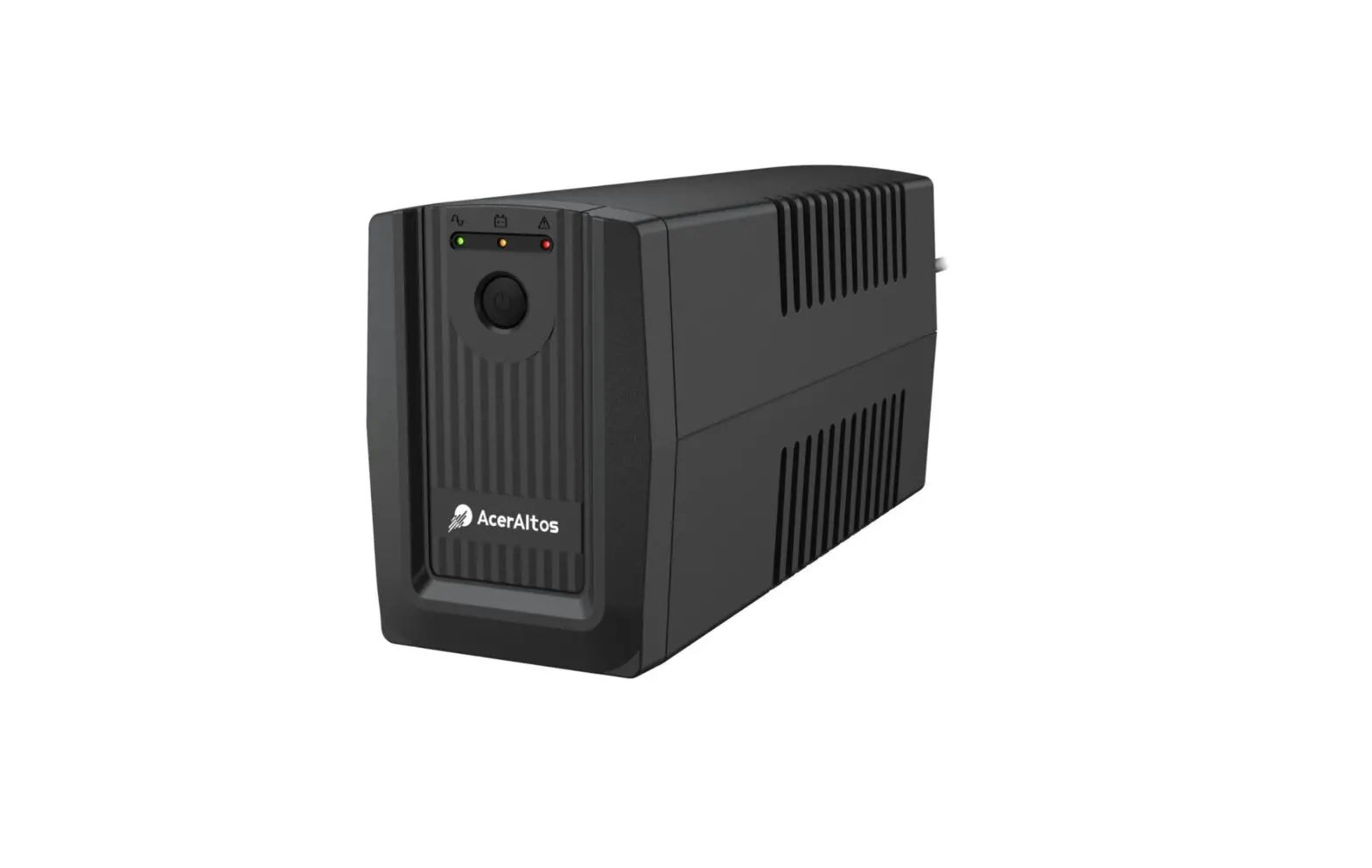
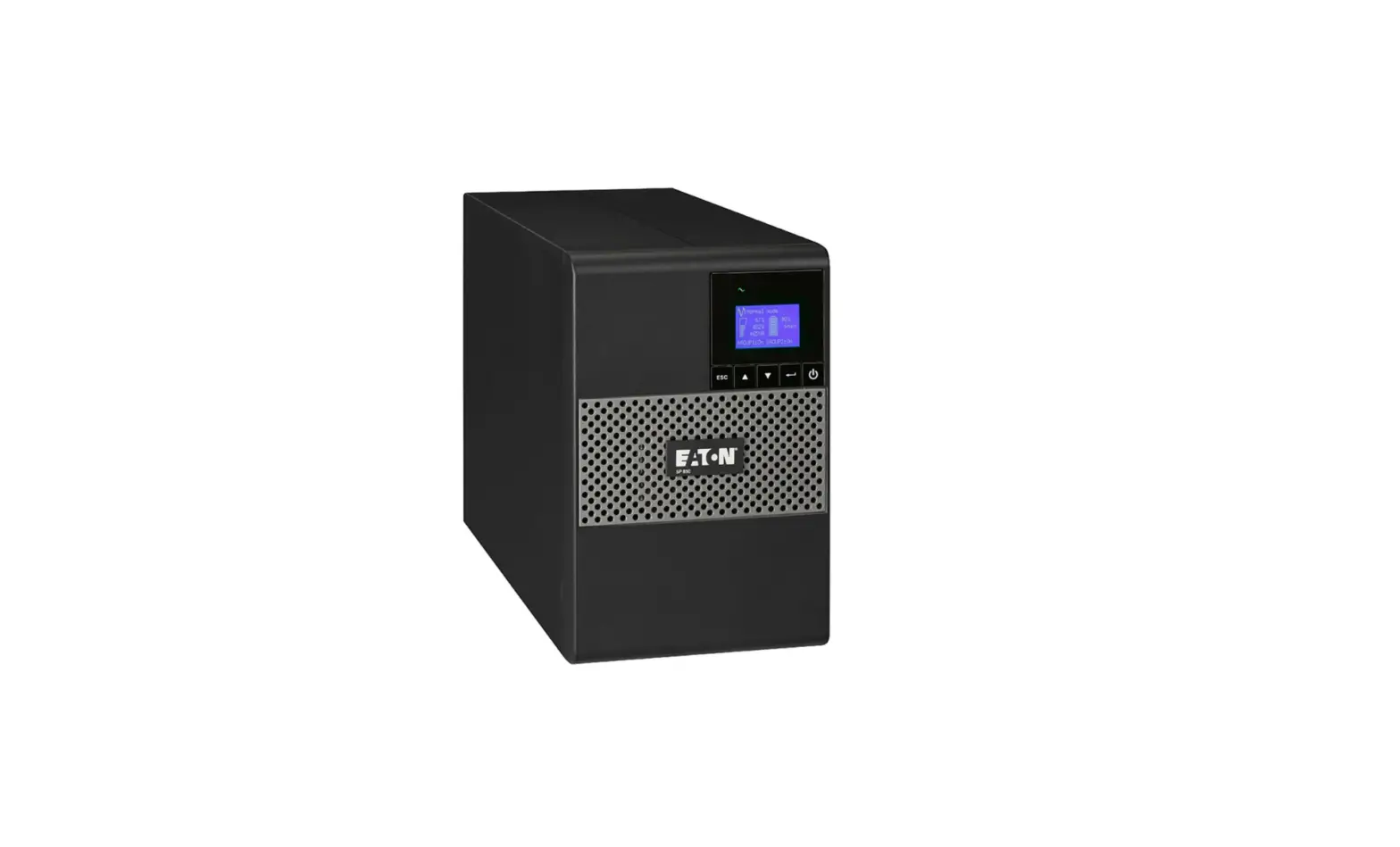
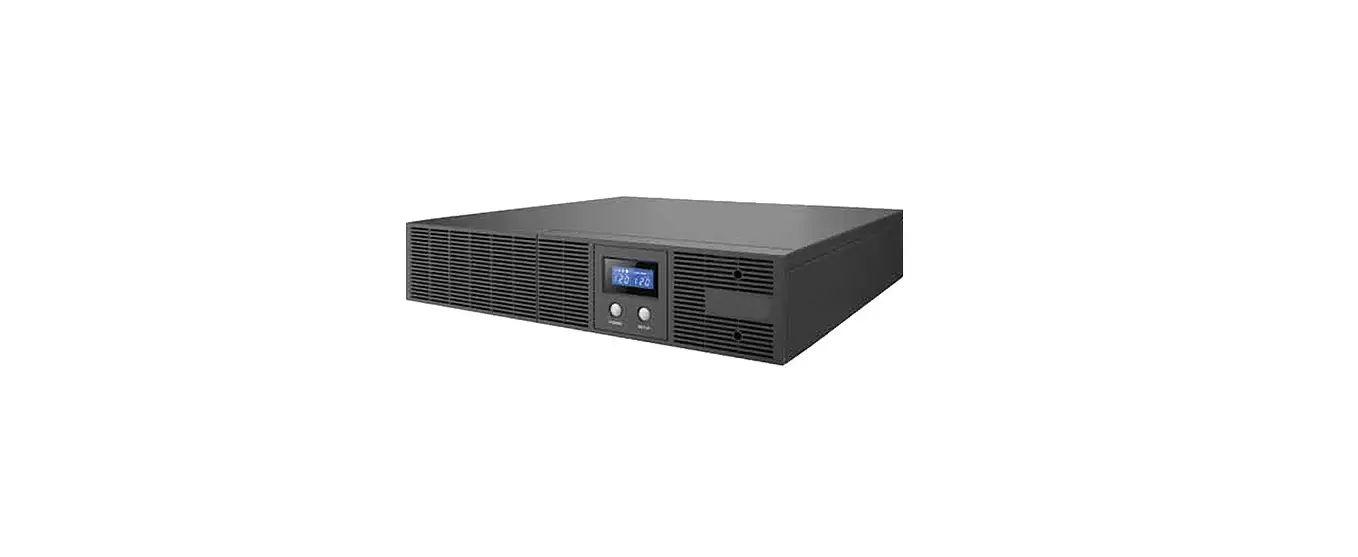
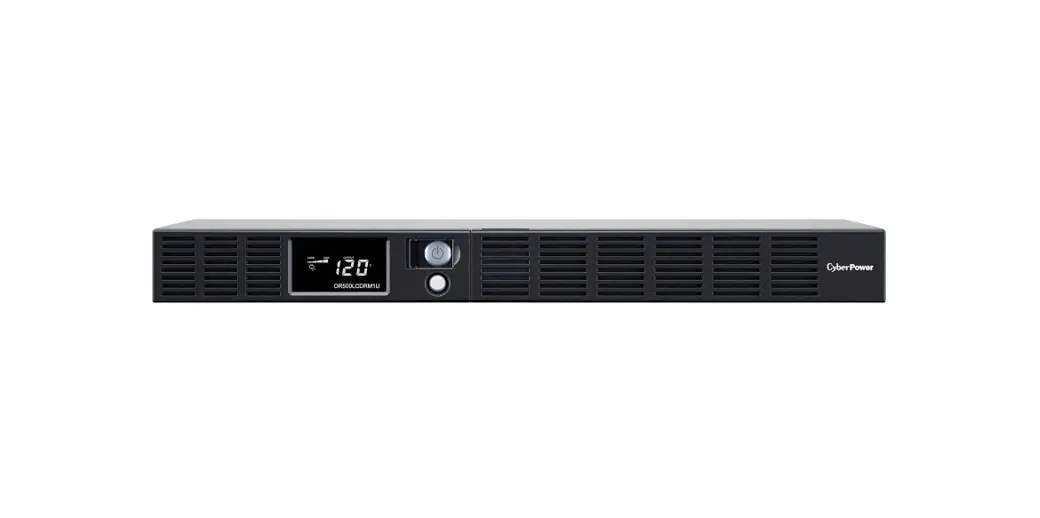
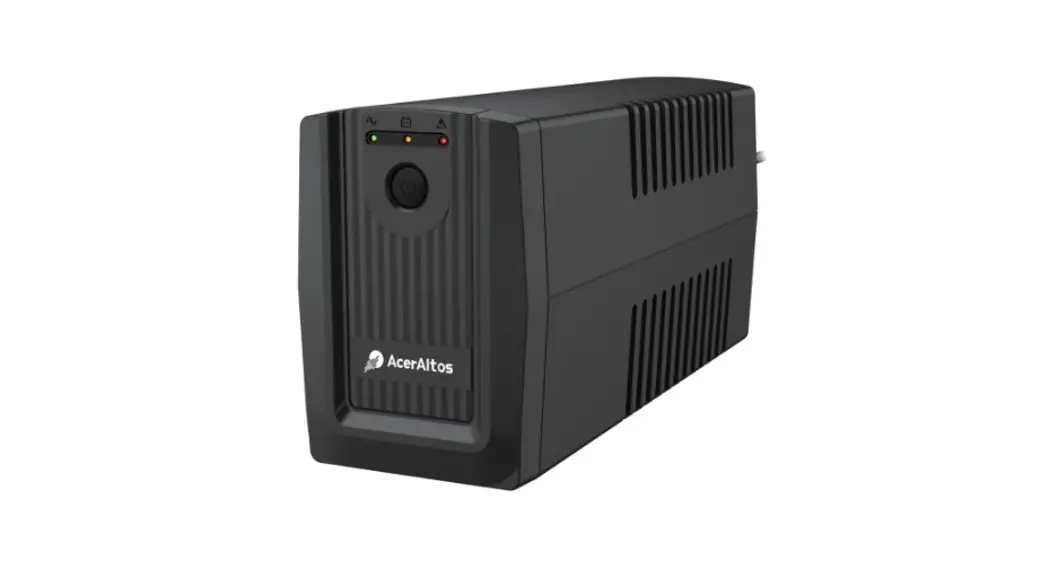
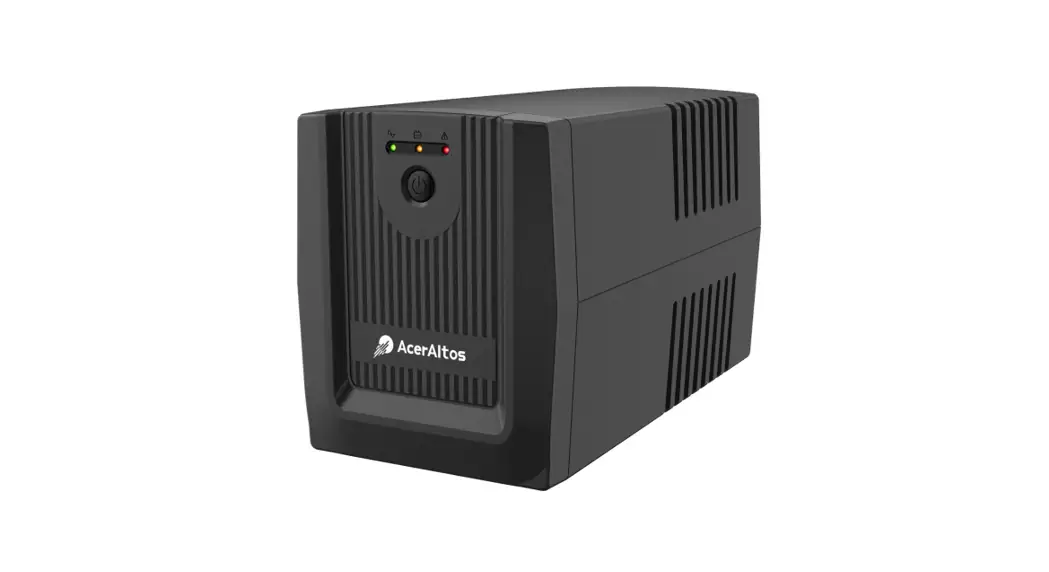
The Line-Interactive UPS-Systems are designed to provide
temporary power during power outages. The UPS-Systems come in
various sizes ranging from 600VA to 2000VA. The UPS-Systems have a
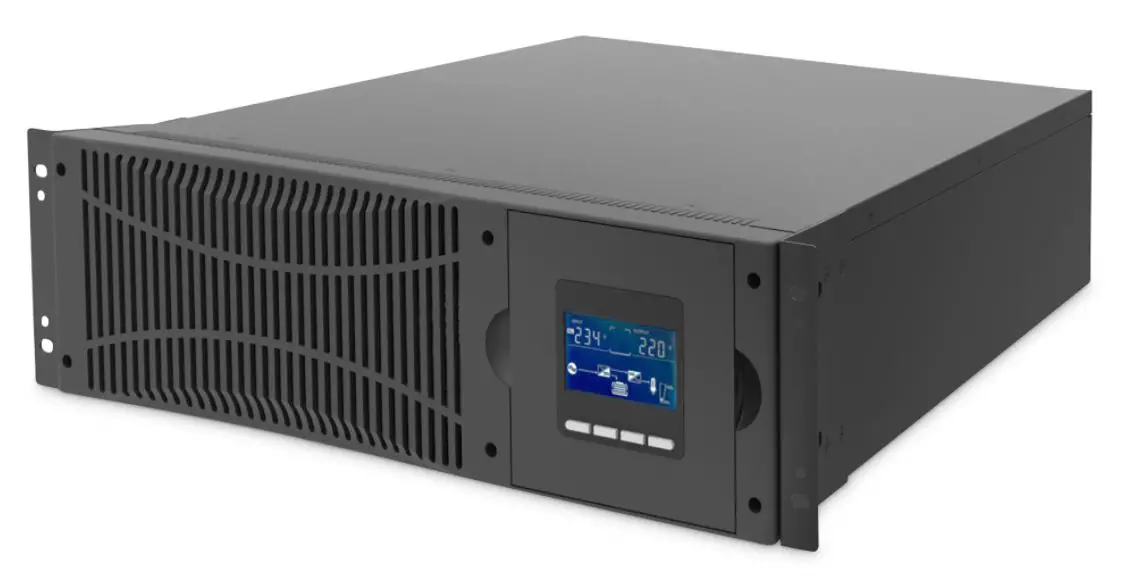
front panel with a power switch, LED indicators, and an LCD
display. The back panel has AC input, output receptacles, USB &
RJ11, USB & RS232, RJ45, and a circuit breaker. The UPS-Systems
come with a quick installation guide, software download license,
and a power cord for input and output.
Safety Warning
- The UPS utilizes voltages that may be hazardous. Do not attempt
to disassemble the unit. The unit contains no user serviceable
parts. Only factory service personnel may perform repairs. - Internal battery voltage is 12Vdc. sealed, lead-acid, 6 cells
battery. - Connection to any other type of receptacle other than a
two-pole. - A battery can present a risk of electrical shock and high short
circuit current. The following precautions should be observed when
working on batteries:- Remove watches, rings, or other metal objects from the
hands. - Use tools with insulted handles.
- Wear rubber gloves and boots.
- Do not lay tools or metal parts on the top of batteries.
- Disconnect charging source prior to connecting or disconnecting
batteries terminals.
- Remove watches, rings, or other metal objects from the
- Servicing of batteries should be performed or supervised by
personnel knowledgeable of batteries and the required precautions.
Keep unauthorized personnel away from batteries. - During the installation of this equipment, it should be assured
that the sum of the leakage currents of the UPS and the connected
loads does not exceed 3.5mA. - Beware of the possibility of electric shock when disconnecting
this unit from the mains, hazardous voltage still may be accessible
through supply from the battery. The battery supply should be,
therefore, disconnected from the plus and minus pole of the battery
when maintenance or service work inside the UPS is necessary.
Product Usage Instructions
- Inspect the UPS for any damages that may have occurred during
shipping. If any damage is found, repack the unit and return it to
the place of purchase. - Connect the AC input to a power outlet.
- Connect the output receptacles to the devices that need power
backup. - Turn on the power switch on the front panel to start using the
UPS-System. - The LED indicators on the front panel will indicate the mode of
operation of the UPS-System:- AC Mode: Green LED lighting (600VA – 1000VA)/ the left green
LED lighting & the 1st to 4th green LEDs gradually lighting
indicating load level (1500VA, 2000VA). - Battery Mode: Yellow LED flashing (600VA – 1000VA)/ the left
green LED flashing & the 1st to 4th green LEDs gradually
lighting indicating battery capacity (1500VA, 2000VA). - Fault Mode: Red LED lighting.
- AC Mode: Green LED lighting (600VA – 1000VA)/ the left green
- The LCD display on the front panel will show important
information about the UPS-System:- Input voltage
- Output voltage
- AC mode (UPS in AVR mode, this LCD symbol flashes)
- Battery mode (when AC input voltage is abnormal, this LCD
symbol lights) - Battery level (battery capability)
- Low battery (when battery voltage is low, this LCD symbol
flashes) - Load level (Load percent)
- Overload (when there is output overloading, this LCD symbol
flashes) - Fault mode (this LCD symbol lights when UPS in fault mode, such
as output shorted, overcharge, overload)
Line-Interactive 600-2000VA UPS-Systems
Quick Installation Guide
DN-170063 DN-170064 DN-170065 DN-170066 DN-170074 DN-170075 DN-170076
Safety Warning
1. The UPS utilizes voltages that may be hazardous. Do not attempt to disassemble the unit. The unit contains no user serviceable parts. Only factory service personnel may perform repairs.
2. Internal battery voltage is 12Vdc. sealed, lead-acid, 6 cells battery. 3. Connection to any other type of receptacle other than a two-pole,
three-wire grounded receptacle may result in shock hazard as well as violating to local electrical codes. 4. In the event of an emergency, press the OFF button and disconnect the power cord from the AC power supply to properly disable the UPS. 5. Do not allow liquids or any external objects to enter the UPS. Do not place beverages or any other liquid-containing vessels on or near the unit. 6. This unit is designed for installation in a controlled environment (temperature controlled, indoor are free of conductive contaminants). Avoid installing the UPS in locations where there is static or flowing water, or excessive humidity. 7. Do not plug the UPS input into its own output. 8. Do not attach a power strip or surge suppressor to the UPS. 9. Do not connect non-computer-related items, such as medical equipment, life-support equipment, microwave ovens, or vacuum cleaners to UPS. 10. To reduce the risk of overheating the UPS, do not cover the UPS cooling vents and avoid exposing the unit to direct sunlight or installing the unit near heat emitting appliance such as air heaters or furnaces. 11. Unplug the UPS prior to cleaning and do not use liquid or spray detergent. 12. Do not dispose the batteries into fire as they may explode. 13. Do not open or mutilate the battery or batteries. Released electrolyte is harmful to the skin and eyes. It may be toxic.
2
14. A battery can present a risk of electrical shock and high short circuit current. The following precautions should be observed when working on batteries: Remove watches, rings, or other metal objects from the hands. Use tools with insulted handles. Wear rubber gloves and boots. Do not lay tools or metal parts on the top of batteries. Disconnect charging source prior to connecting or disconnecting batteries terminals.
15. Servicing of batteries should be performed or supervised by personnel knowledgeable of batteries and the required precautions. Keep unauthorized personnel away from batteries.
16. When replacing batteries, replace with the same number and type of sealed lead-acid battery. The maximum ambient temperature rating is 40°C.
17. During the installation of this equipment it should be assured that the sum of the leakage currents of the UPS and the connected loads does not exceed 3.5mA.
18. Beware of possibility of electric shock when disconnecting of this unit from the mains, hazardous voltage still may be accessible through supply from battery. The battery supply should be therefore disconnected from the plus and minus pole of the battery when maintenance or service work inside the UPS is necessary.
1. PACKAGE CONTENT
Main unit: UPS UPS quick installation guide Software download license Power cord (Input and output)
3
2. SYSTEM DESCRIPTION
Front panel:
1. Power Switch 2. LED indicator – AC Mode: Green LED lighting (600VA – 1000VA)/ the left green LED
lighting & the 1st to 4th green LEDs gradually lighting indicating load level (1500VA, 2000VA). – Battery Mode: Yellow LED flashing (600VA – 1000VA)/ the left green LED flashing & the 1st to 4th green LEDs gradually lighting indicating batter capacity (1500VA, 2000VA). – Fault Mode: Red LED lighting.
600 VA/ 800 VA
DN-170063/ DN-170064 1000 VA
DN-170065/ DN-170074
4
1500 VA/ 2000 VA
3. LCD
DN-170066/ DN-170075/ DN-170076
1. Input voltage 2. Output voltage 3. AC mode (UPS in AVR mode, this LCD symbol flashes) 4. Battery mode (when AC input voltage is abnormal, this LCD symbol
lights) 5. Battery level (battery capability) 6. Low battery (when battery voltage is low, this LCD symbol flashes) 7. Load level (Load percent) 8. Over load (when there is output over loading, this LCD symbol
flashes) 9. Fault mode (this LCD symbol lights when UPS in fault mode, such
as output shorted, over charge, over load)
5
Back Panel:
600 VA/ 800 VA
1000 VA
1500 VA/ 2000 VA
DN-170063/-64
DN-170065/ -74
DN-170066/ -75/ -76
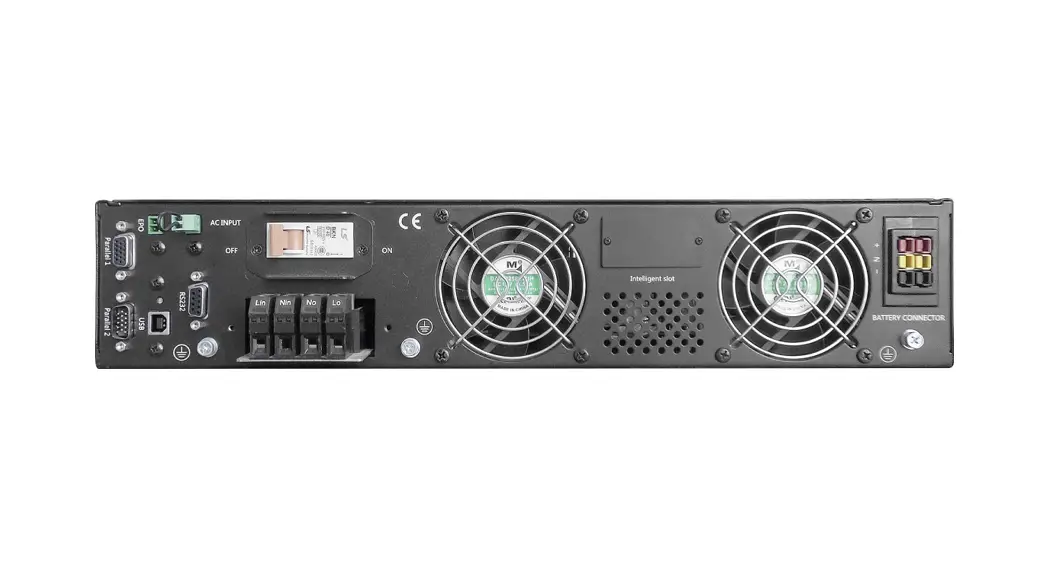
1. AC input 2. Output receptacles 3. USB & RJ11 (optional) 4. USB & RS232 (optional) 5. RJ45 (optional) 6. Circuit breaker
1. Inspection Remove the UPS from its packaging and inspect it for damage that may have occurred during shipping. If any damage is discovered, repack the unit and return it to the place of purchase.
2. Charging This unit is shipped from the factory with its internal battery fully charged. However, some charge may be lost during shipping and the battery should be recharged prior use. Turn on the UPS, plug the unit into an appropriate power supply and allow the UPS to charge fully by leaving it plugged in for at least 6 hours with no load (no electrical devices such as computers, monitors, etc.) connected.
6 hours 6
3. Placement Install the UPS unit in any protected environment that provides adequate airflow around the unit, and is free from excessive dust, corrosive fumes and conductive contaminants. Do not operate your UPS in an environment where the ambient temperature or humidity is high.
On the other hand, place the UPS away from the monitor at least 20cm to avoid interference.
20cm
4. Connection Plug the UPS into a grounded receptacle. Then connect one device into each of the power receptacles supplied on the back of the UPS.
5. Turn On/Off In order to turn on the UPS unit, press the power switch lightly. To turn off the UPS unit, press the power switch again
Power Switch
7
6. DC start All Series are equipped with DC Start. To start UPS when AC utility power is not available, simply press the power switch.
3. TROUBLE SHOOTING
Symptom
Possible Cause
Proposed Action
No LCD lighting (for LCD model), or no LED display (for LED model) on the front panel
1. Battery weak
2. Battery defect
3. Power switch is not pressed
1. Charge battery up to 8 hours
2. Replace with the same type of battery
3. Press the power switch again
Alarm buzzer beeps Overload of the UPS continuously when AC supply is normal
Verify that the load matches the UPS capability specified in the specs
When power failure, back-up time is shorten
1. Overload of the UPS
2. Battery voltage is too low
1. Remove some non-critical load
2. Charge battery 6-8 hours
3. Battery defect due to high temperature operation environment, or improper operation to battery
3. Replace with the same type of battery
Mains normal but Power cord is loose battery mode indicator lights (for LCD model), or yellow LED is flashing (for LED model)
Reconnect the power cord properly
The manual content may be changed. Please also refer to the latest version on the web shop.
8
This is a Class A product. In home environment, this product may cause radio interference. In this case, the user may be required to take appropriate measures. Hereby Assmann Electronic GmbH, declares that the Declaration of Conformity is part of the shipping content. If the Declaration of Conformity is missing, you can request it by post under the below mentioned manufacturer address. www.assmann.com Assmann Electronic GmbH Auf dem Schüffel 3 58513 Lüdenscheid Germany
9
 ASSMANN Electronic GmbH | Germany