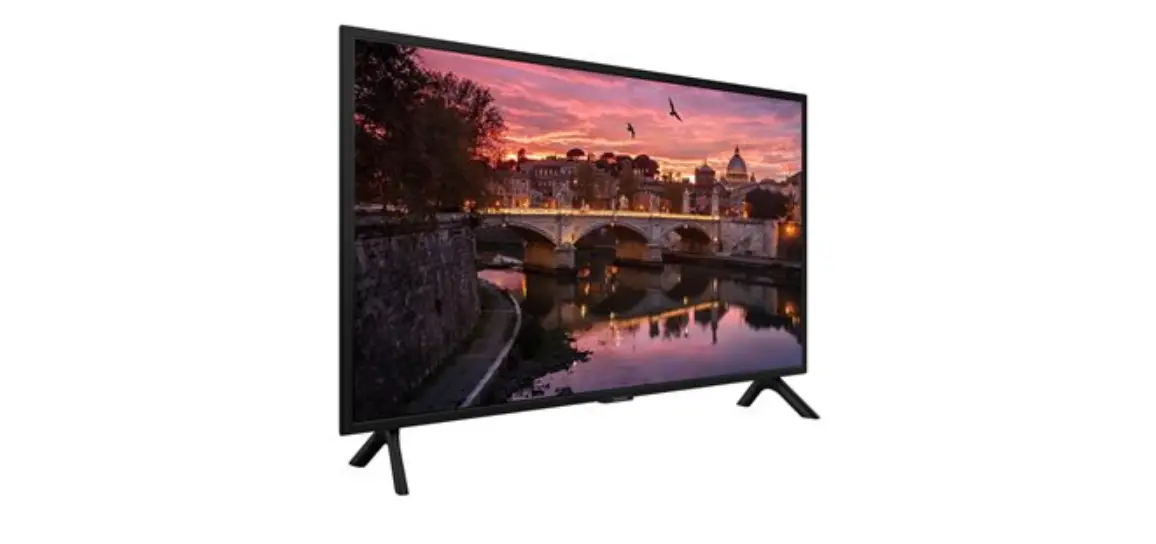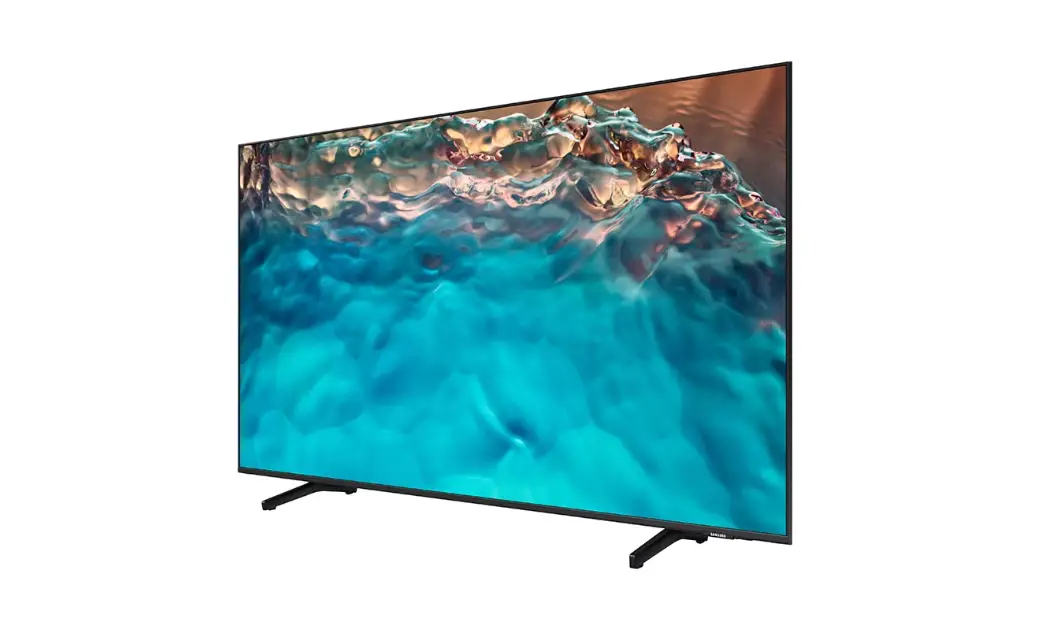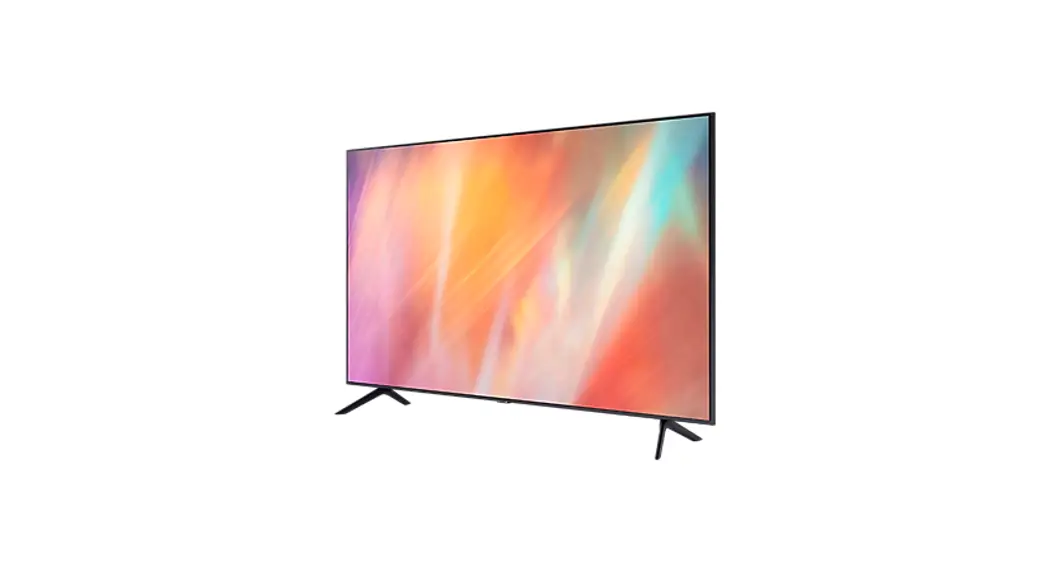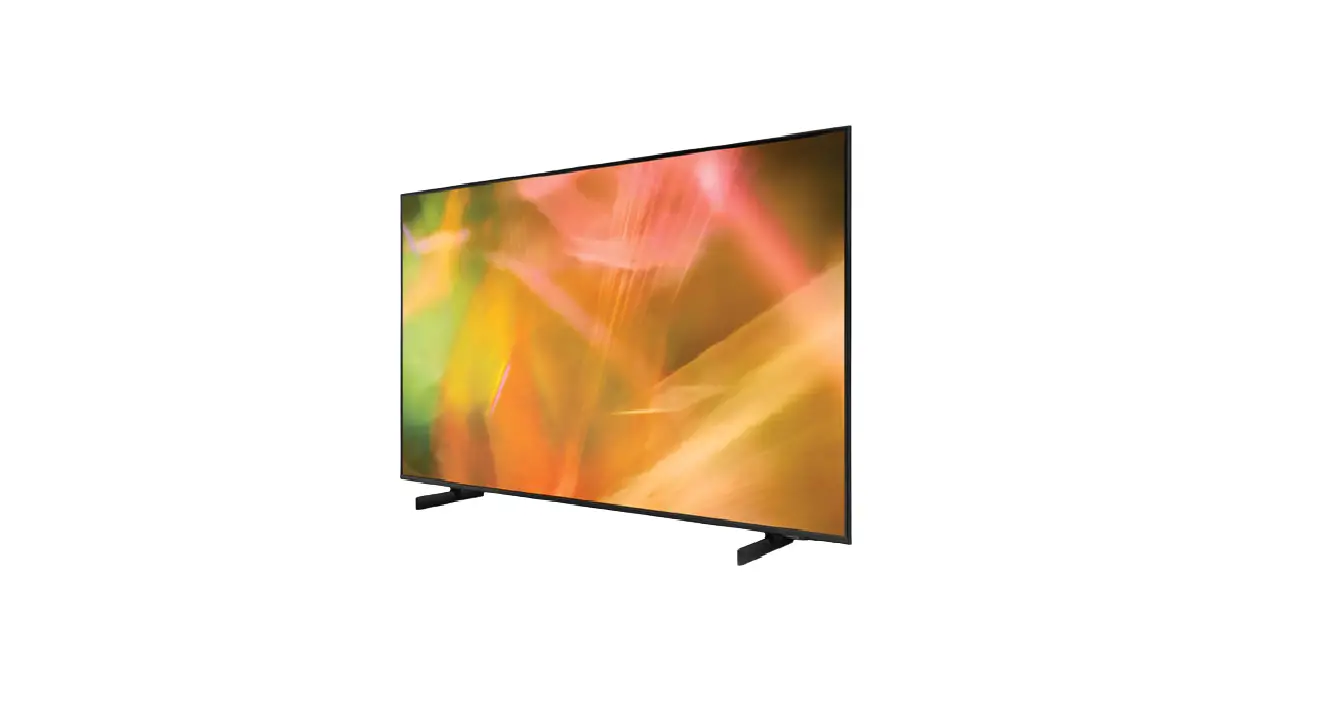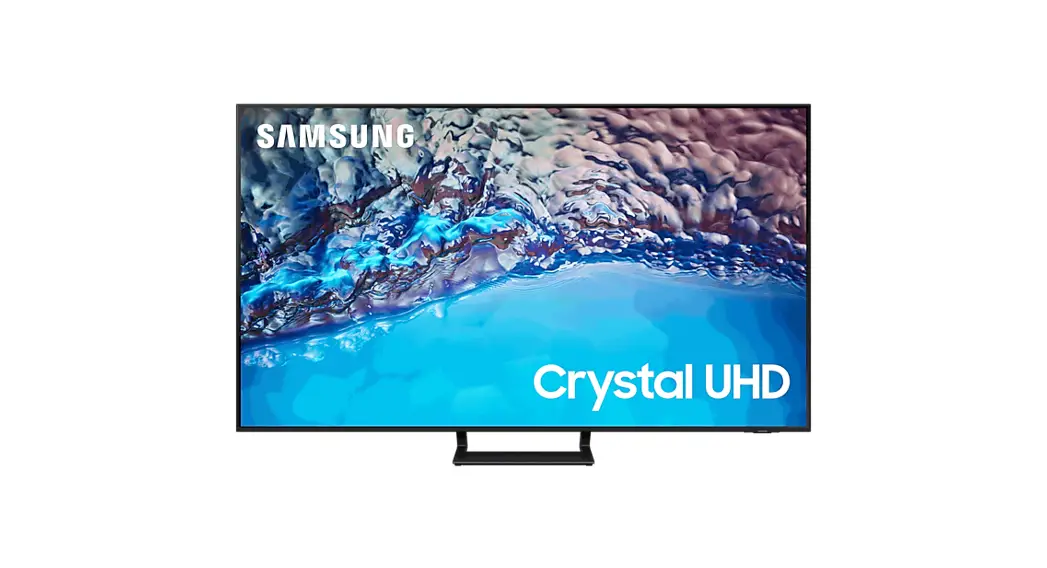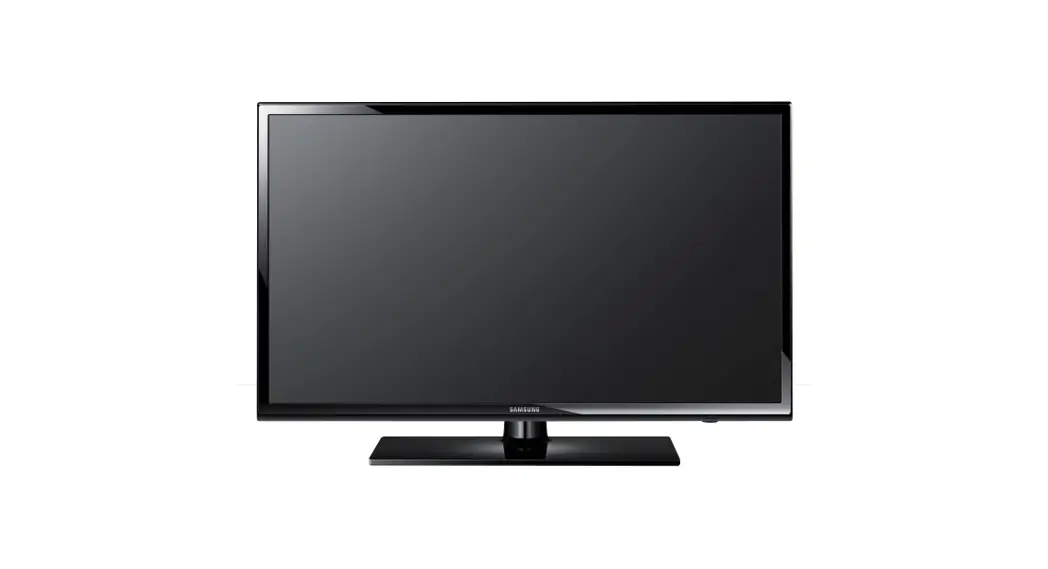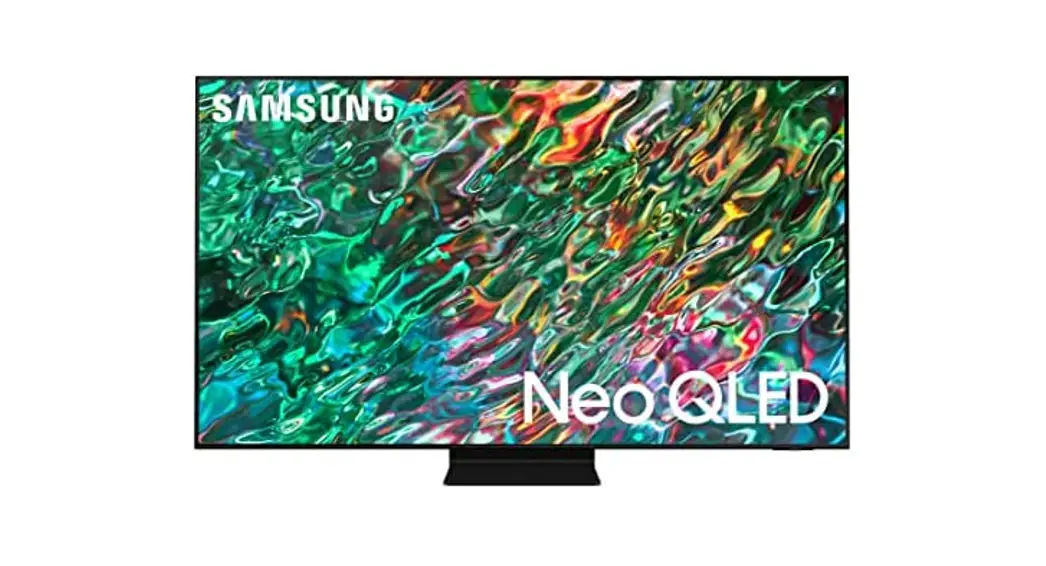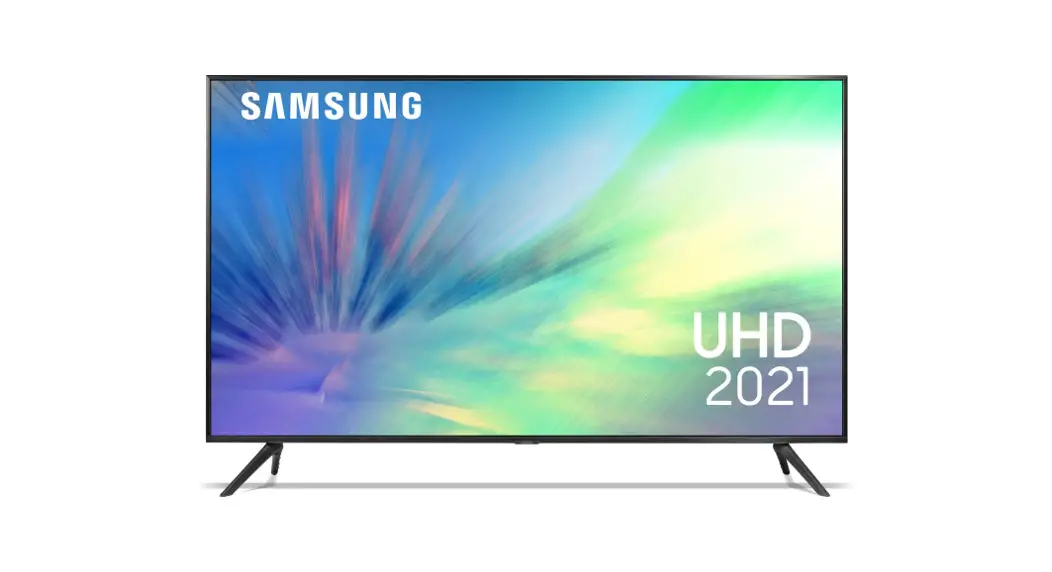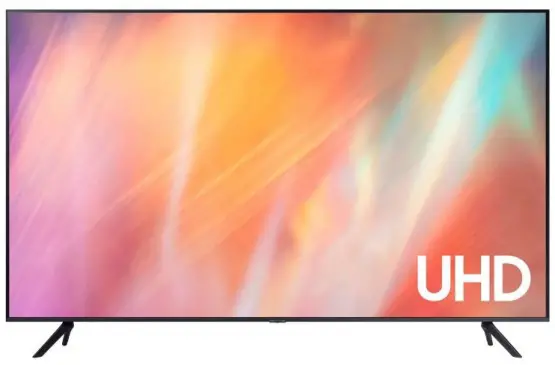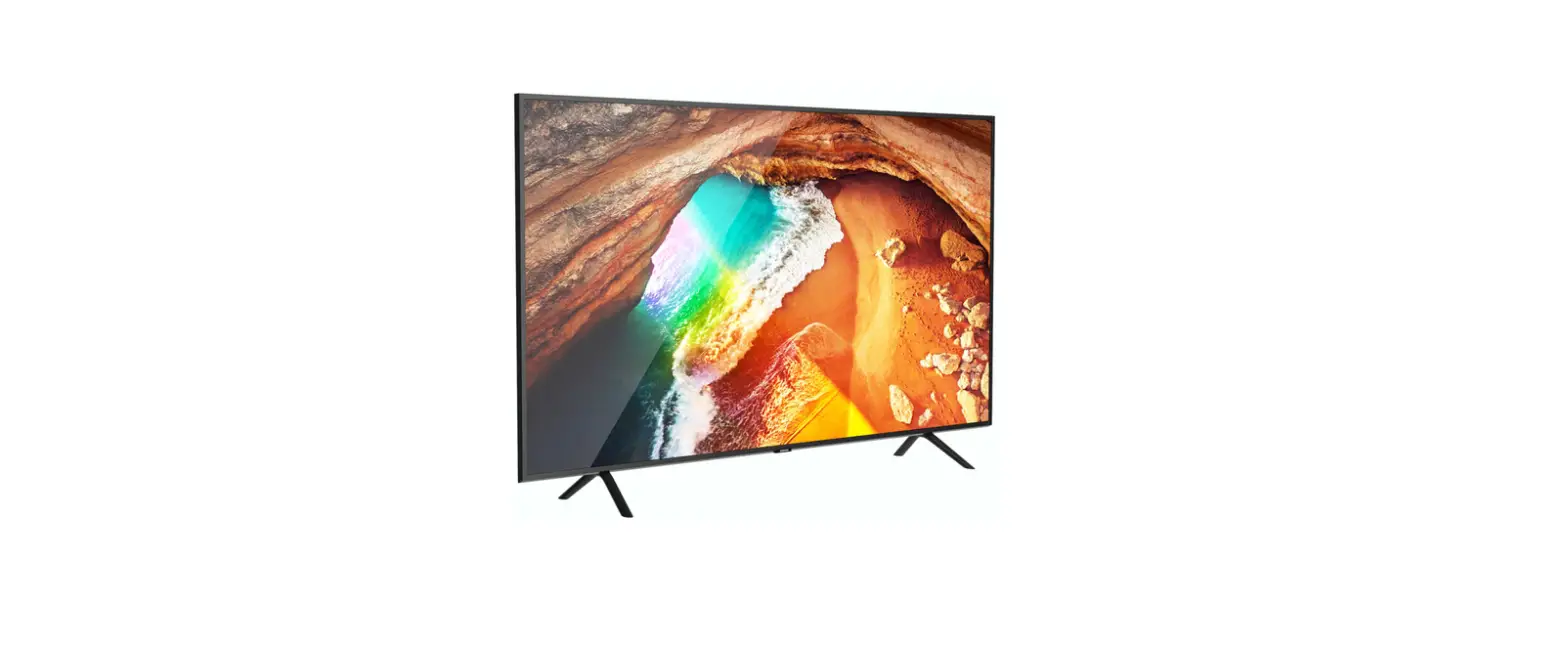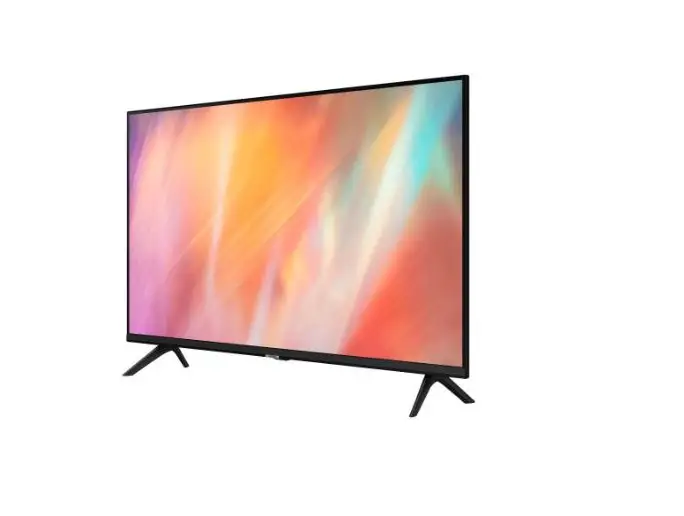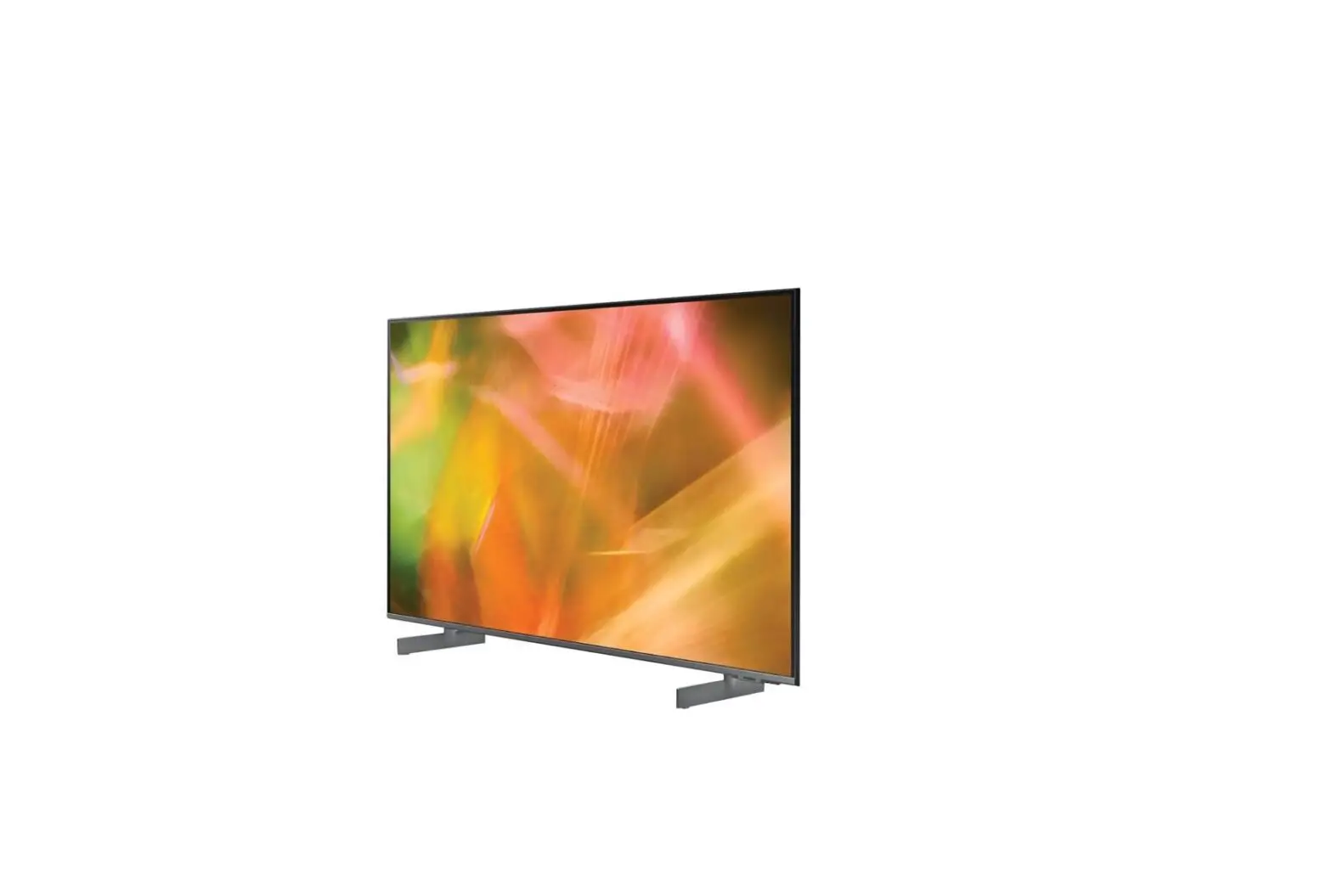

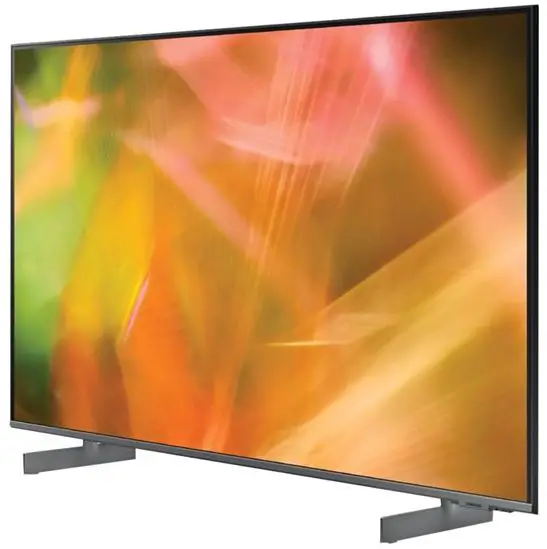
SAMSUNG HG65AU800NF Displays LED TVs
List of Parts
The provided accessories may vary depending on the model.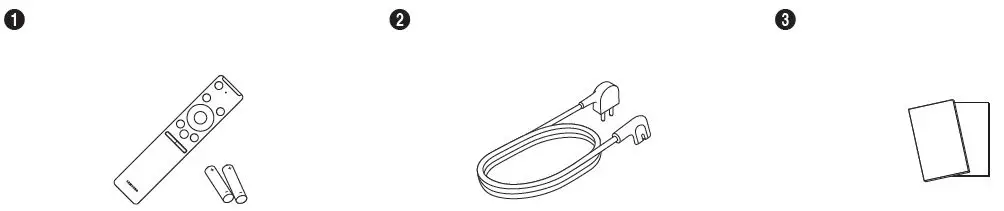
- Remote Control & Batteries (AA x 2)
- Power Cord
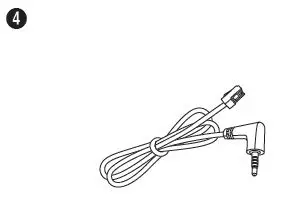
- Quick Setup Guide / Regulatory Guide
- Data Cable x 2
(Depending on the model)
The Remote Control
Installing batteries into the Remote Control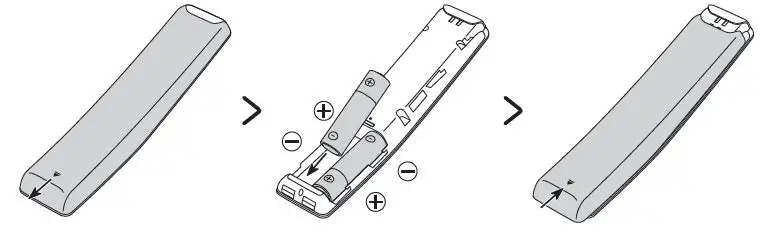
To install the batteries, push the rear cover open in the direction of the arrow at the bottom of the illustration, and then insert the batteries as shown in the figure. Make sure that the positive and negative ends are facing in the correct direction. Close the rear cover as shown.
- Alkaline batteries are recommended for longer battery life.
Installing the LED TV Stand
Assembling the Stand and Components
When installing the stand, use the provided components and parts.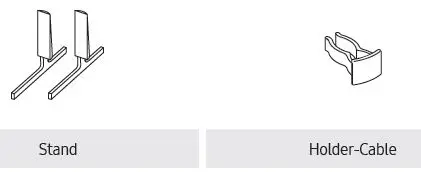
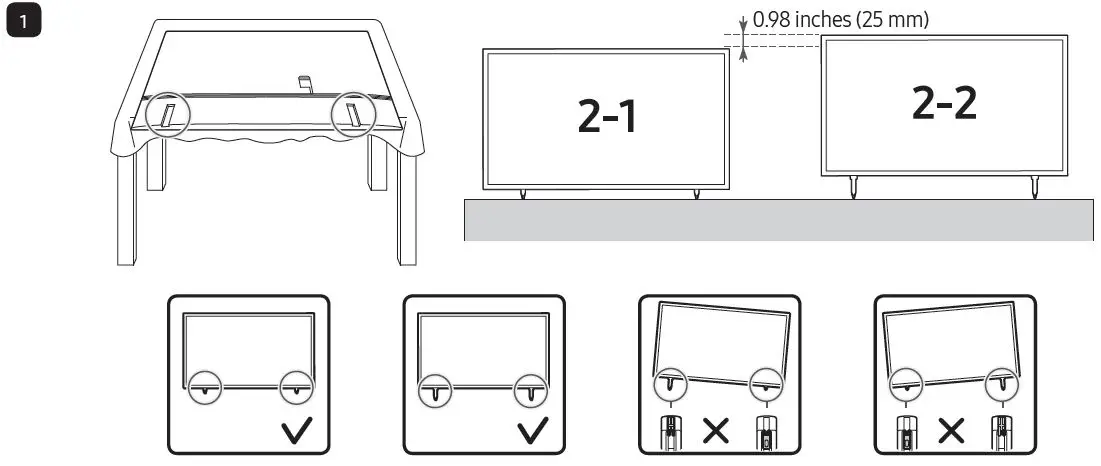
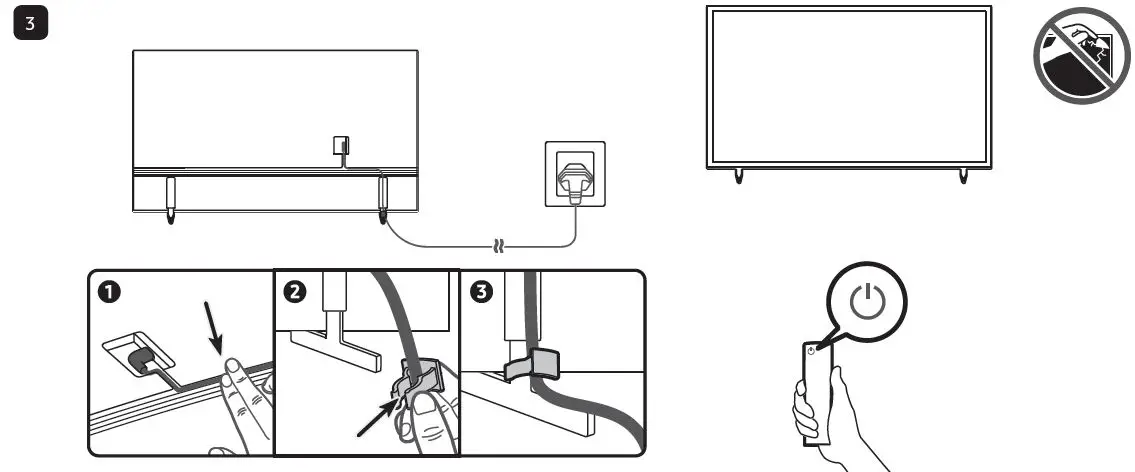
- Place a soft cloth over the table to protect the TV, and then place the TV so that its screen faces down toward the table surface.


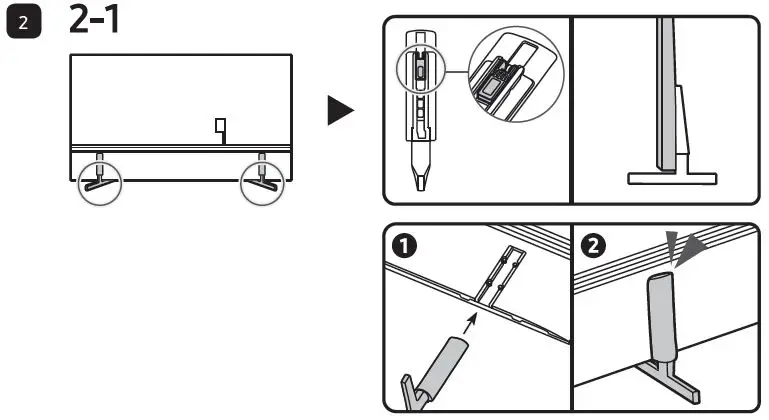
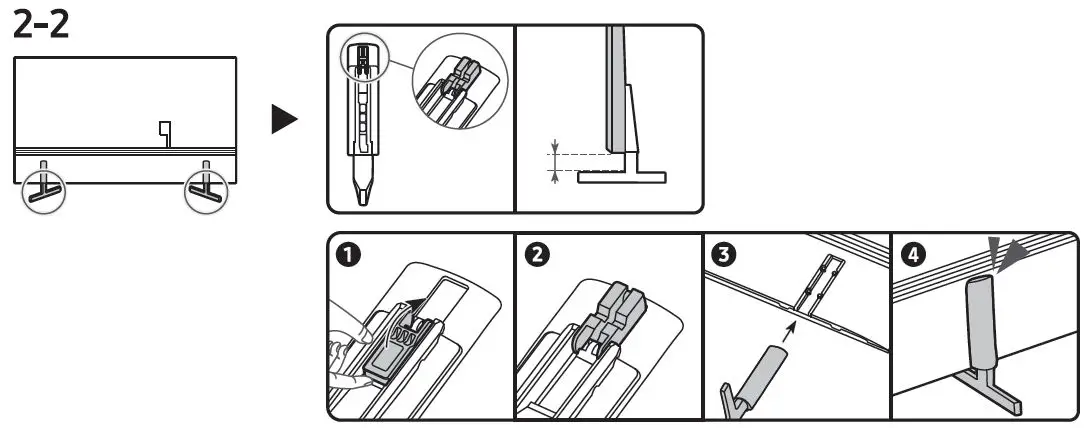
- Insert the Stands into the slot on the bottom of the TV.
- Slide and assemble it to the end line in the direction of arrow.

NOTE
- Make sure to distinguish between the front and back of each component when assembling them.
- Make sure that at least two persons lift and move the TV.
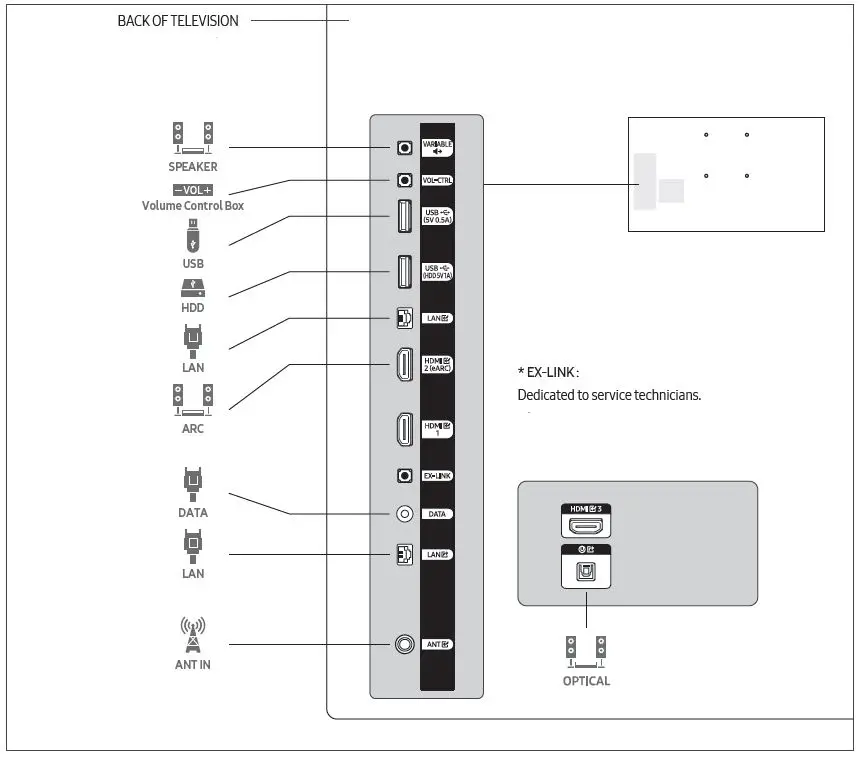
Viewing the Connection Panel
Wall Mount Kit Specifications (VESA)
Install your wall mount on a solid wall, perpendicular to the floor. When attaching to other building materials, please contact your nearest dealer. If installing on a ceiling or slanted wall, TV may fall and result in severe personal injury.
- Standard dimensions for wall mount kits are shown in the table below.
- Samsung wall mount kits contain a detailed installation manual. All parts necessary for assembly are provided.
Do not install your wall mount kit while your TV is turned on. This may result in personal injury from electric shock. - Do not use screws that are longer than the standard dimension or do not comply with the VESA standard screw specifications. Screws that are too long may cause damage to the inside of the TV set.
- For wall mounts that do not comply with the VESA standard screw specifications, the length of the screws may differ depending on the wall mount specifications.
- Do not fasten the screws too firmly. This may damage the product or cause the product to fall, leading to personal injury. Samsung is not liable for these kinds of accidents.
- Samsung is not liable for product damage or personal injury when a non-VESA or non-specified wall mount is used or when the consumer fails to follow the product installation instructions.
- Do not mount the TV at more than a 15 degree tilt.
- Always have two people mount the TV onto a wall.

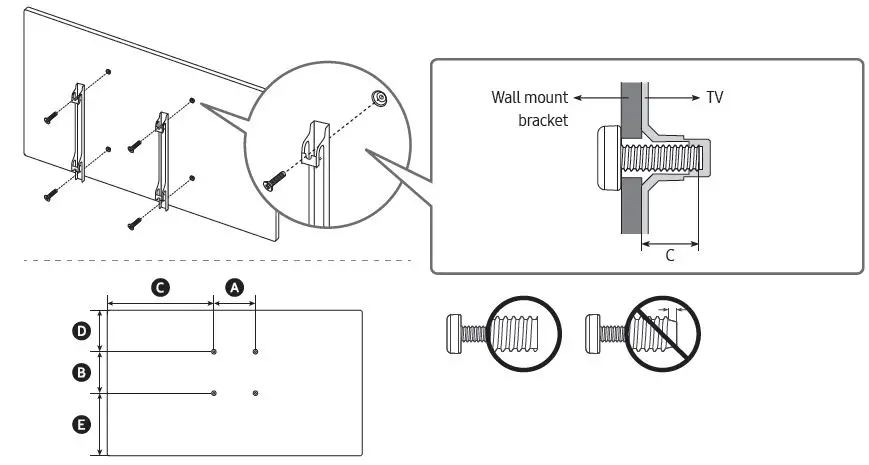
| TV size in inches | VESA screw hole specs ( * ) in millimeters | (inches) | (inches) | (inches) | C (mm) | Standard Screw | Quantity |
| 43 | 200 x 200 | 15.0 | 7.4 | 6.6 |
11-13 |
M8 |
4 |
| 50 | 18.0 | 8.1 | 9.3 | ||||
| 55 | 20.2 | 9.3 | 10.6 | ||||
| 65 | 400 x 300 | 20.6 | 10.3 | 10.5 | |||
| 75 | 400 x 400 | 25.0 | 10.1 | 11.8 |
Specifications
| Model Name | HG43AU800N | HG50AU800N | HG55AU800N | |
| Display Resolution | 3840 x 2160 | 3840 x 2160 | 3840 x 2160 | |
| Screen Size Diagonal Measured Diagonally | 43˝ Class 42.5 inches | 50˝ Class 49.5 inches | 55˝ Class 54.6 inches | |
| Sound (Output) | 20 W | 20 W | 20 W | |
| Dimensions (W x H x D) Body
With Stand | 38.0 x 22.0 x 1.0 inches (965.5 x 559.9 x 25.7 mm) 38.0 x 23.6 x 7.7 inches (965.5 x 600.1 x 195.1 mm) | 44.0 x 25.4 x 1.0 inches (1118.3 x 644.6 x 25.7 mm) 44.0 x 27.0 x 8.9 inches (1118.3 x 684.6 x 226.3 mm) | 48.5 x 27.9 x 1.0 inches (1232.1 x 708.8 x 25.7 mm) 48.5 x 29.5 x 8.9 inches (1232.1 x 748.8 x 226.3 mm) | |
| Weight Without Stand With Stand | 18.5 lbs (8.4 kg) 19.2 lbs (8.7 kg) | 25.4 lbs (11.5 kg) 26.0 lbs (11.8 kg) | 34.2 lbs (15.5 kg) 34.8 lbs (15.8 kg) | |
| Model Name | HG65AU800N | HG75AU800N | ||
| Display Resolution | 3840 x 2160 | 3840 x 2160 | ||
| Screen Size Diagonal Measured Diagonally | 65˝ Class 64.5 inches | 75˝ Class 74.5 inches | ||
| Sound (Output) | 20 W | 20 W | ||
| Dimensions (W x H x D) Body
With Stand | 57.1 x 32.8 x 1.0 inches (1450.9 x 831.9 x 25.7 mm) 57.1 x 34.4 x 11.0 inches (1450.9 x 874.3 x 279.4 mm) | 66.0 x 37.8 x 1.0 inches (1676.7 x 960.3 x 26.6 mm) 66.0 x 39.5 x 13.1 inches (1676.7 x 1003.4 x 331.9 mm) | ||
| Weight Without Stand With Stand | 46.1 lbs (20.9 kg) 47.2 lbs (21.4 kg) | 69.2 lbs (31.4 kg) 70.5 lbs (32.0 kg) | ||
Environmental Considerations
| Operating Temperature Operating Humidity Storage Temperature Storage Humidity | 50 °F to 104 °F (10 °C to 40 °C) 10 % to 80 %, non-condensing -4 °F to 113 °F (-20 °C to 45 °C) 5 % to 95 %, non-condensing |
- Design and specifications are subject to change without prior notice.
- This device is a Class B digital apparatus.
- For information about the power supply, and more information about power consumption, refer to the information on the label attached to the product.
- On most models, the label is attached to the back of the TV. (On some models, the label is inside the cover terminal.)
- Your TV and its accessories may look different than the product images presented in this manual, depending on the model.
- All drawings are not necessarily to scale. Some dimensions are subject to change without prior notice. Refer to the dimensions before installing your TV. Not responsible for typographical or printed errors.
State of California Proposition 65 Warning
- WARNING: Cancer and Reproductive Harm – www.P65Warnings.ca.gov
Licenses
The terms HDMI and HDMI High-Definition Multimedia Interface, and the HDMI Logo are trademarks or registered trademarks of HDMI Licensing Administrator, Inc. in the United States and other countries.
Open Source License Notice
Open Source used in this product can be found on the following webpage. (https://opensource.samsung.com)
 P65Warnings.ca.gov
 Samsung US | Mobile | TV | Home Electronics | Home Appliances | Samsung US
 Samsung Open Source