 LYCAN
LYCAN
QUICK GUIDE
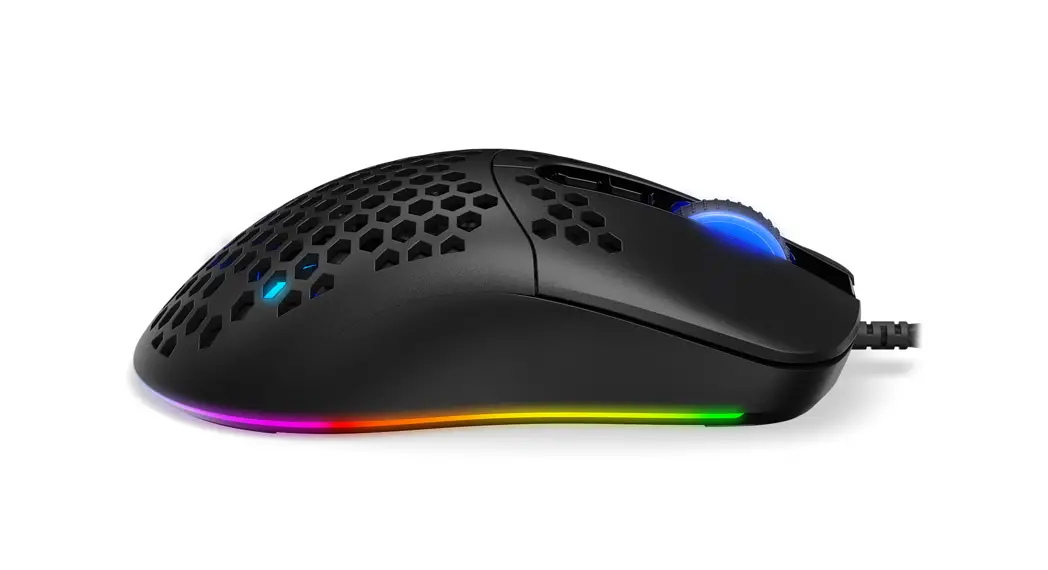
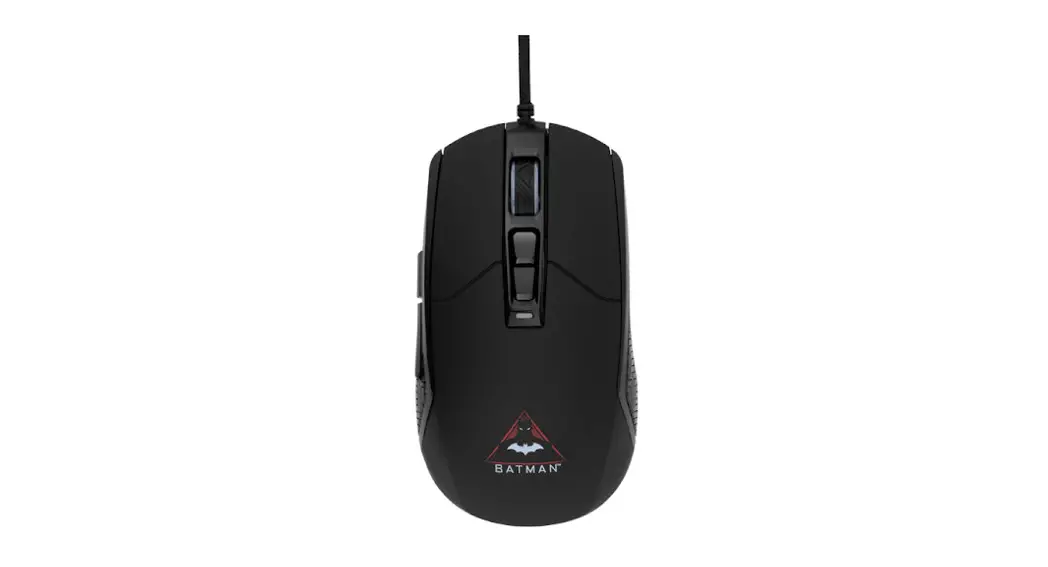
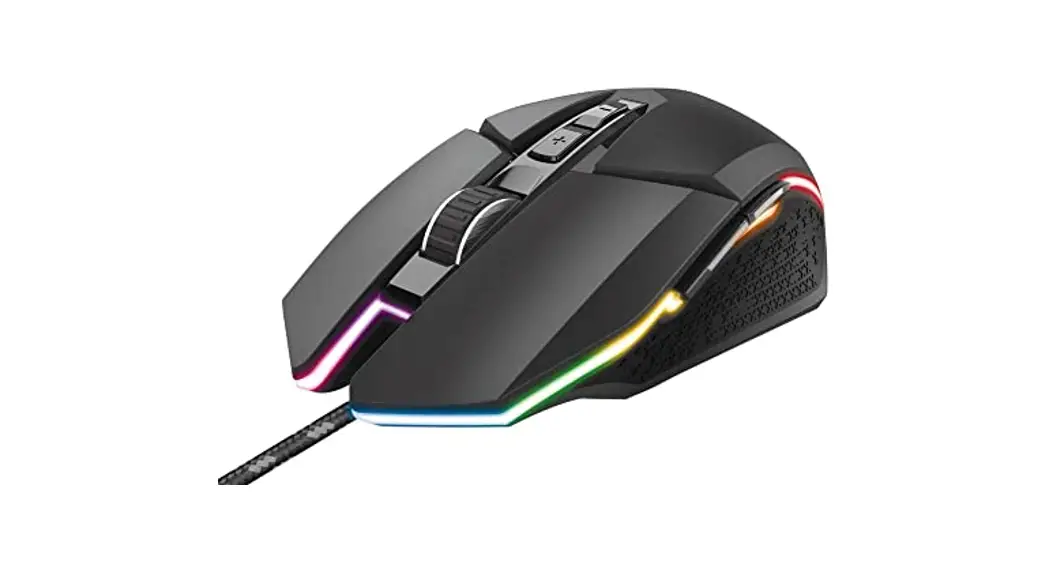
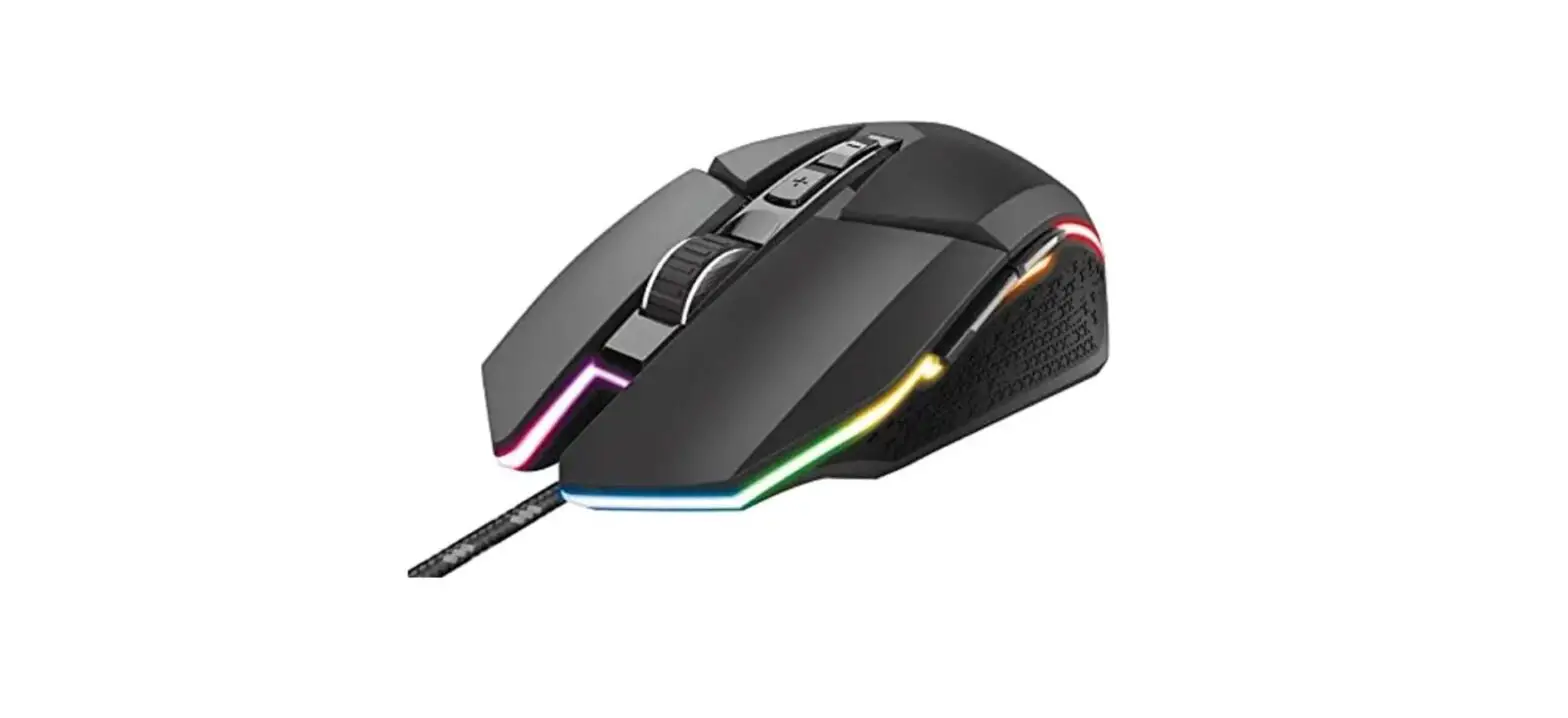
PROFESSIONAL RGB GAMING MOUSE
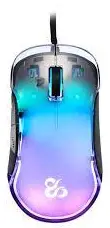

Description
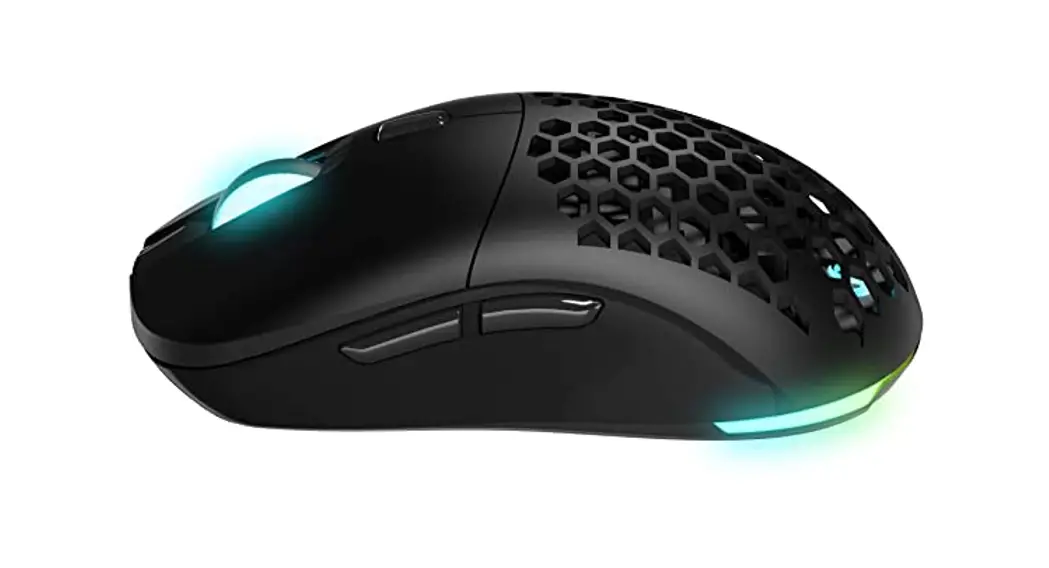
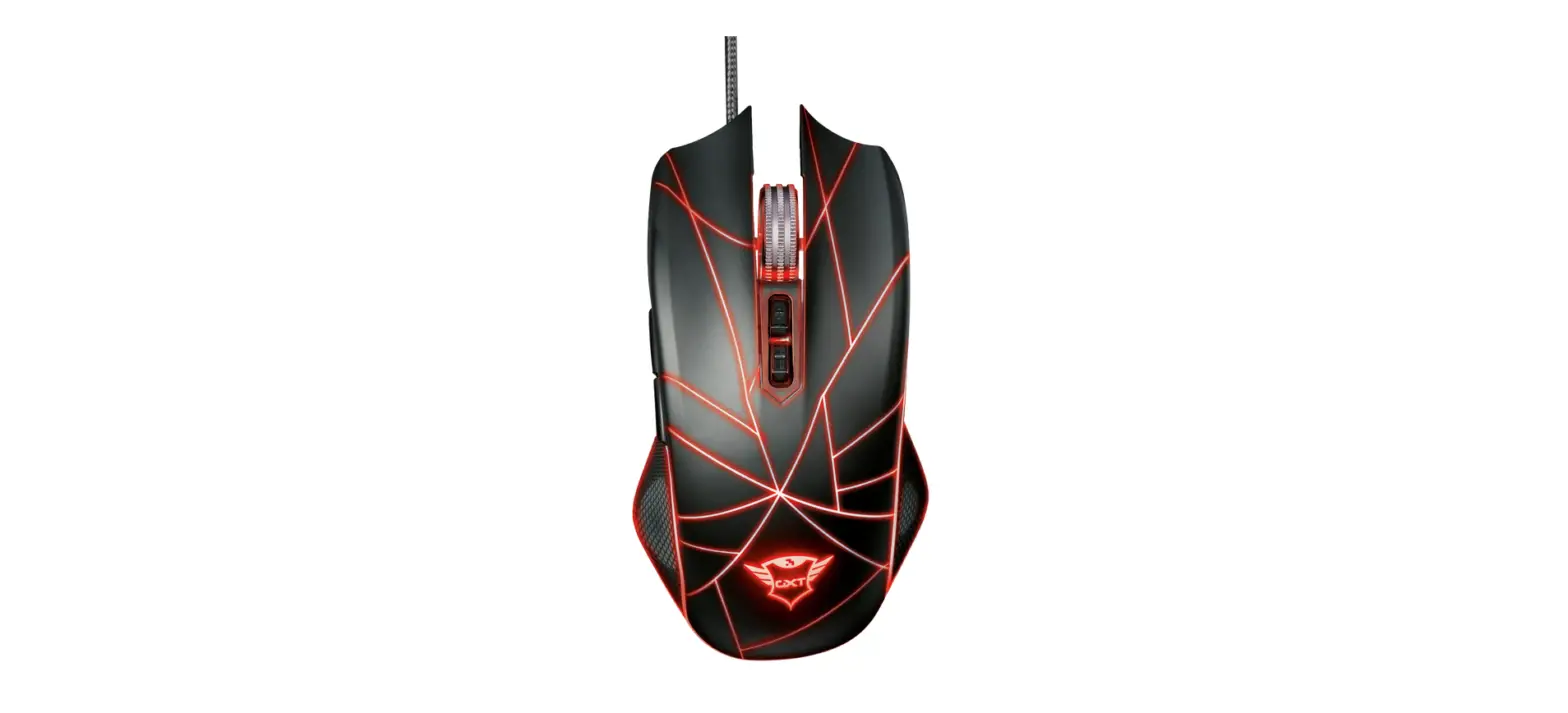
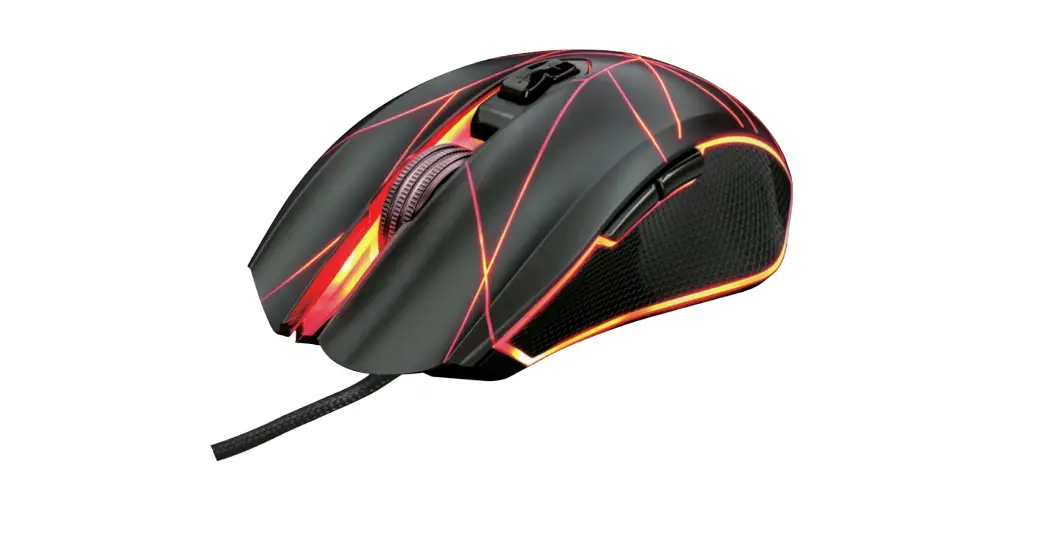
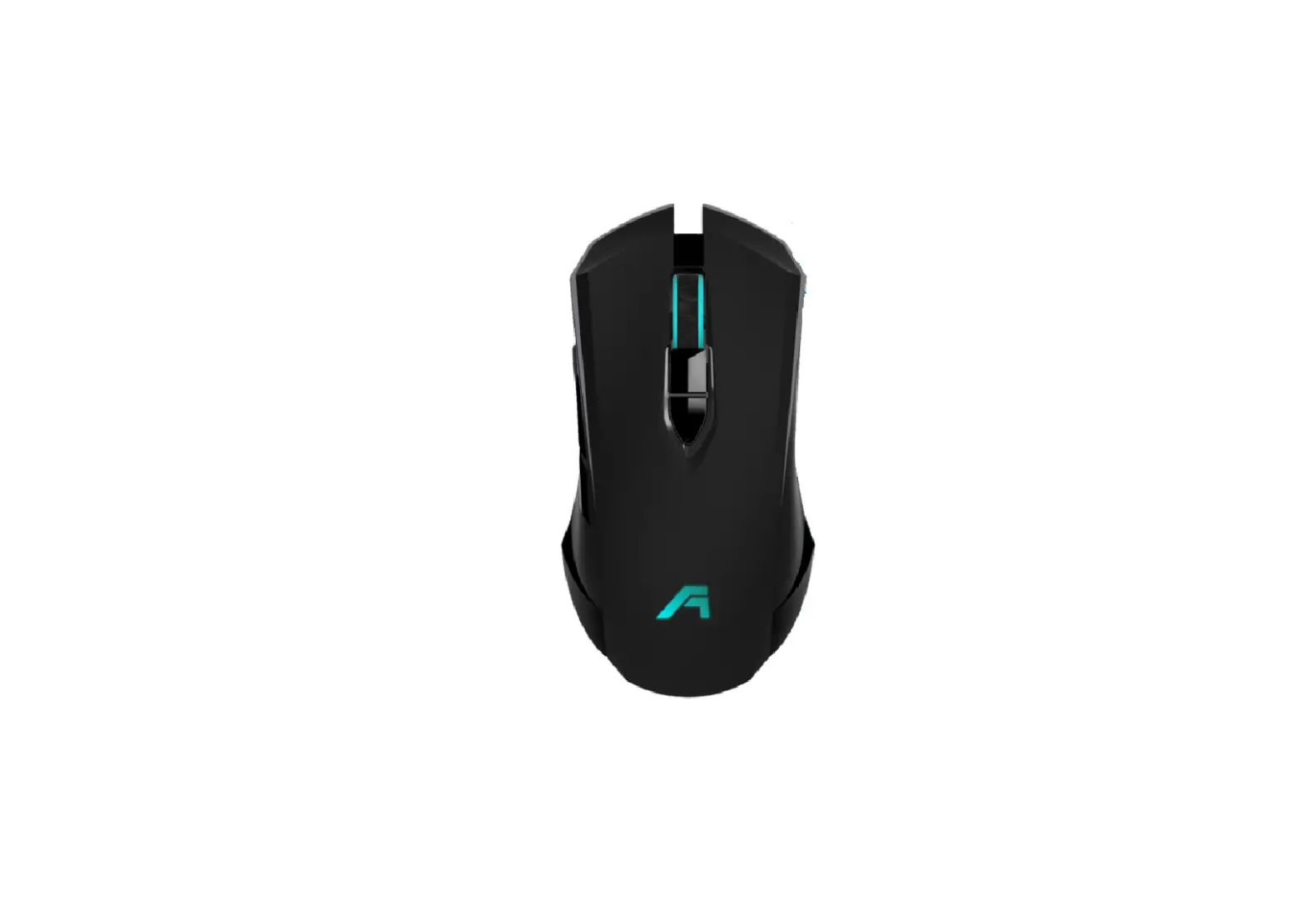
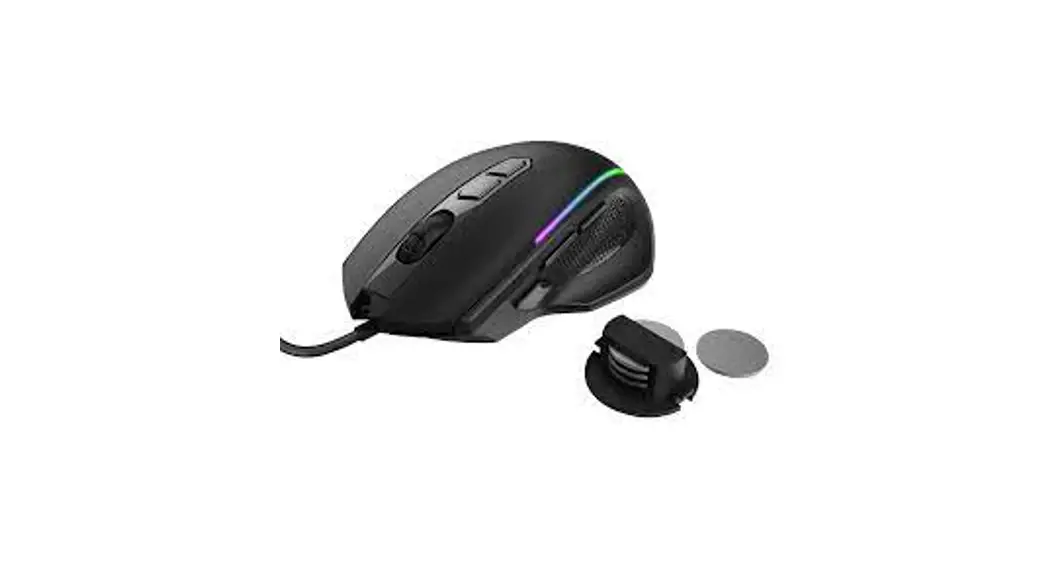
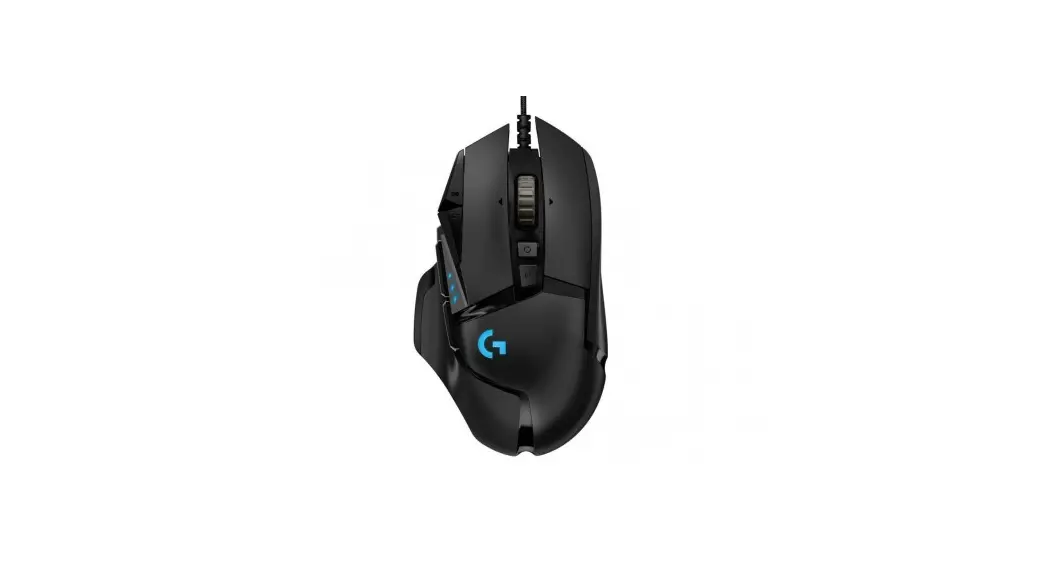
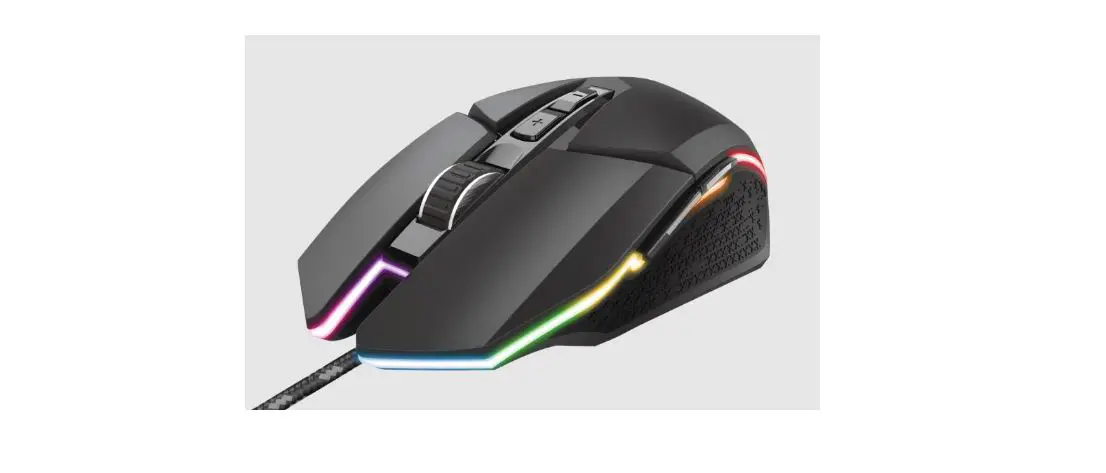
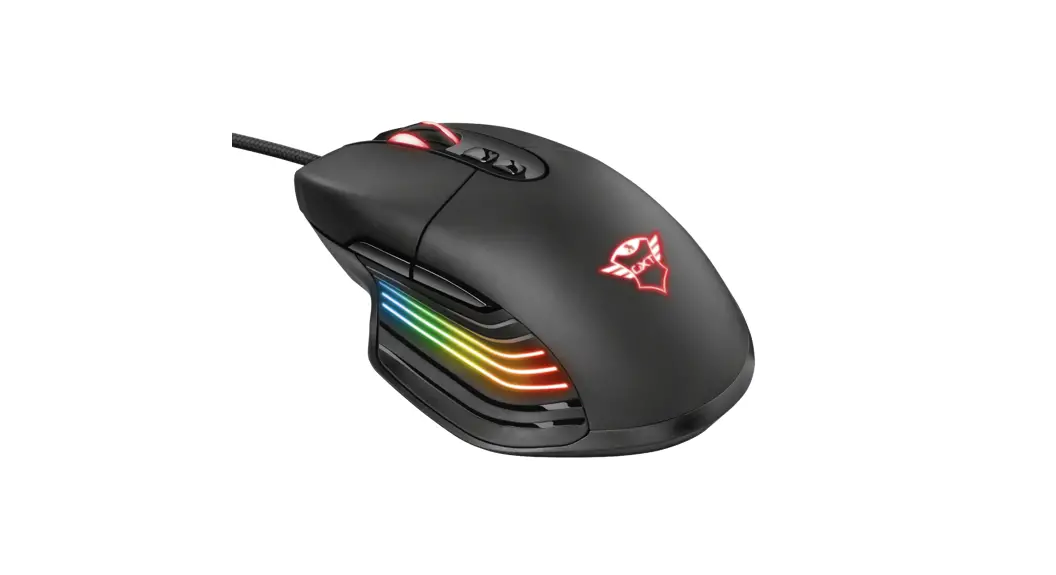
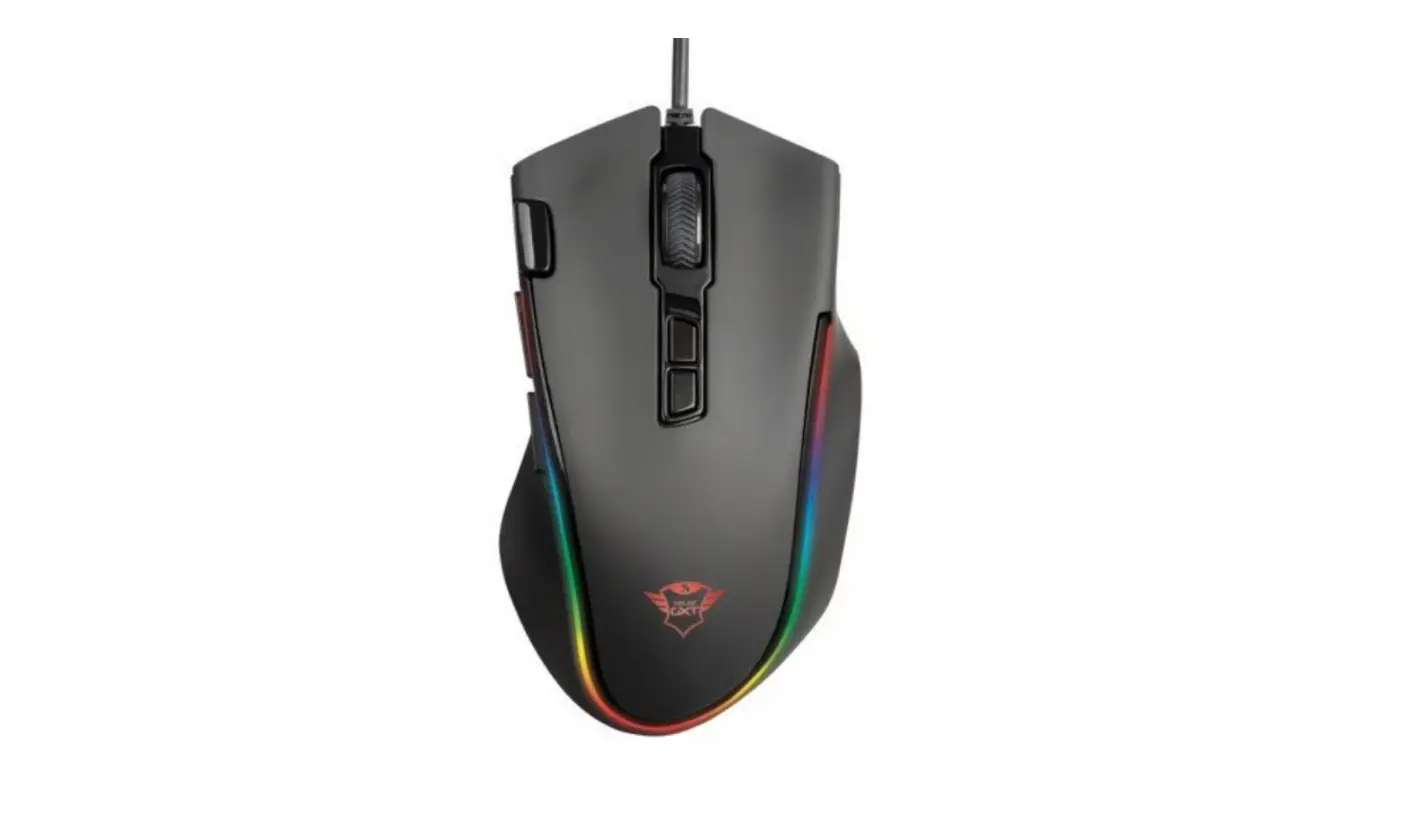
– 8 buttons
– Pixart 3389 chipset , up to 16.000DPI
– HUANO switches with 50millions life times
– Dedicated Switch on Bottom with DPI/Polling rate/ LED on /off
– 1,5m USB black PANACORD cable
– Acceleration: 50G
– Frame rate :400ips
– Size: 123mm x 66mm x 38mm / 86.5g
Keys Function (Default Settings)
Bottom buttons to adjust polling rate/DPI/ LED on off.
Polling rate ranges: 125(red) – 500(green) – 1000(blue) DPI ranges:
– 800 (red)
-1.600 (green)
– 2.400 (blue)
– 3.200 (yellow)
– 4.000 (light green)
– 6.000 (purple)
– 8.000(white).
Further setting on software, up to 16.000.
LED button: on/off
Change RGB light Effect:
Press the left and right buttons at the same time 3sec to change mode, up to 8 modes.
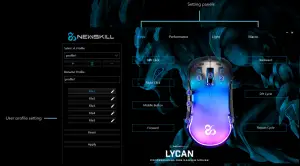
Macro Editor
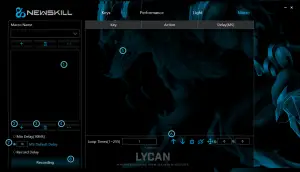
- Saved macro list
- New macro
- Delete the selected macro
- Additional options
- The key list of selected macro
- Edit the actions of selected macro
- Macro setting
- Record macro
RGB Lighting Setting
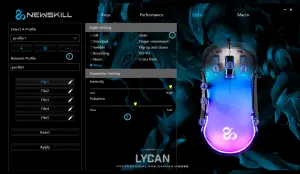
- Save/edit the lighting setting to profile
- Light setting
- Parameter setting
Performance
 Save/edit your setting to profile
- DPI and light setting
- Mouse speed setting
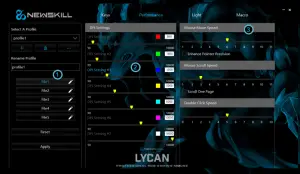 Save/edit your setting to profile
Key setting
 Save/edit your setting to profile
- The functions of the key button
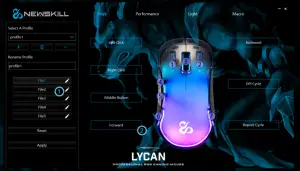 Save/edit your setting to profile
LYCAN
PROFESSIONAL RGB GAMING MOUSE